How do I use the Rainy Road Cinematic Collage template?
Choose the primary action to open PicX Studio with the available template settings. Review the model and format, personalize the creative direction, and generate when ready.
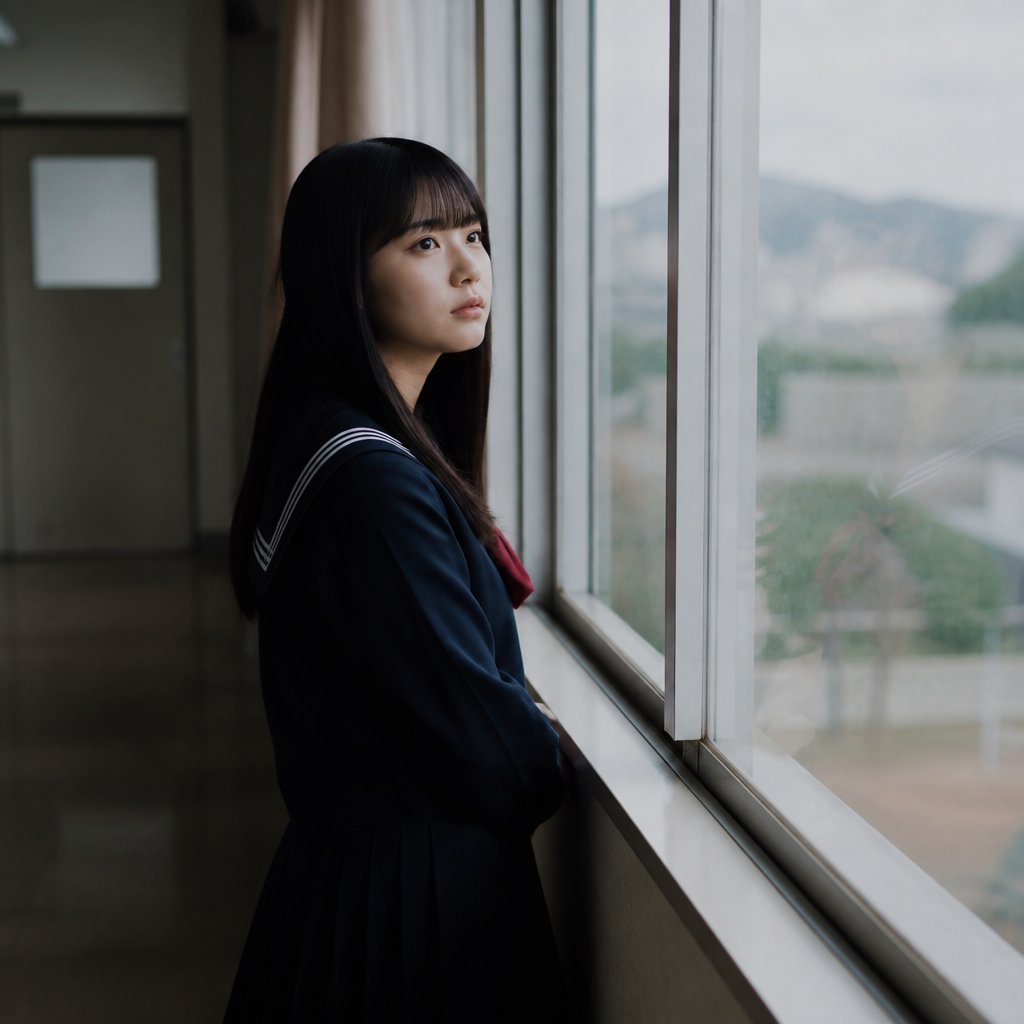
A multi-frame cinematic collage prompt for GPT-2 Image that creates an emotional scene on a wet road while preserving character consistency. Change the subject, setting, or lighting one variable at a time.
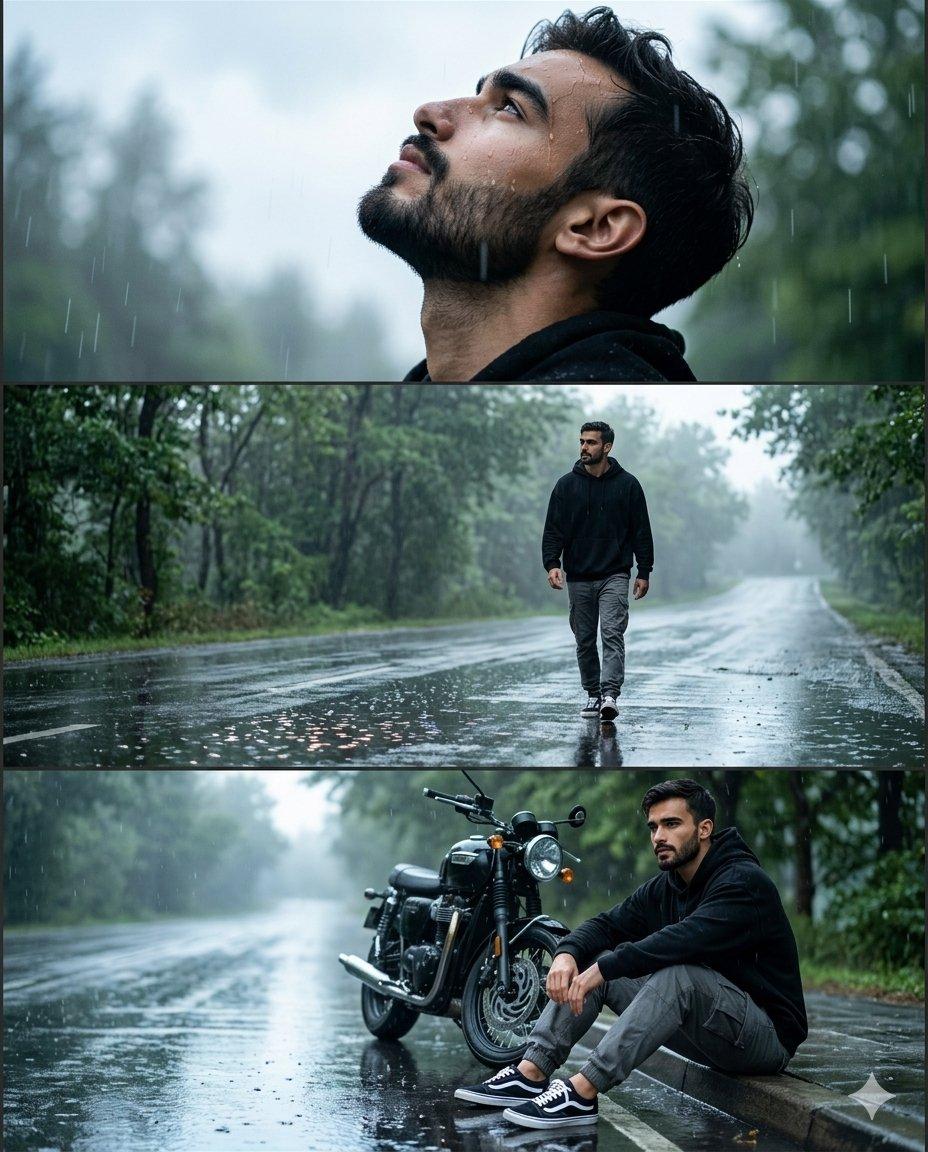
Use the {argument name="subject" default="person"} from the reference photo as the main subject. Keep their exact facial features, hairstyle, skin tone, and expression perfectly unchanged preserve all realism, emotional depth, and subtle facial lighting. Allow changes only in camera position, background motion, {argument name="outfit" default="outfit and atmosphere"}. brown skin, Create ultra-premium {argument name="background" default="rainy road"} cinematic collage in vertical 4:5 ratio with three emotional frames during bright overcast daylight after rain. Same exact face in all frames.Wear black oversized hoodie, grey cargo pants and sneakers. Top frame looking upward at sky with raindrops on face, middle frame walking alone on wet road, bottom frame sitting beside bike thoughtfully. Bright reflective wet road, green trees, foggy atmosphere, glowing road reflections, realistic rain particles, cinematic puddles,
Choose the primary action to open PicX Studio with the available template settings. Review the model and format, personalize the creative direction, and generate when ready.
Yes. You can change the subject, setting, lighting, mood, format, and available model controls before creating your image.
This template is free to open and customize. Generation usage is shown in PicX Studio before you create.
Start with GPT Image 2, which is the model associated with this template. You can compare another compatible model for a different finish.
© 2026 PicX Studio. All rights reserved.

Follow a topic to a crawlable collection of related PicX Studio templates.
43,474 public templates available. Verified via the PicX Studio public templates API; refreshed hourly.













![Rainy Afternoon Photo Collage — A candid photo-dump collage designed to feel like {argument name="subject" default="[HUMAN]"}'s phone gallery from one {argument](https://cms-assets.youmind.com/media/1783241308488_e0kpcy_HMZbP7gb0AAhqb3-300x400.jpg)








![Minimalist Flat Vector Travel Poster — Premium minimalist flat-vector travel poster for {argument name="city name" default="[CITY_NAME]"}, 3:4 vertical format.](https://cms-assets.youmind.com/media/1787917359711_3ug846_HQX205cbMAA6F6S-300x400.jpg)