
Watercolor Pixar Profile Card
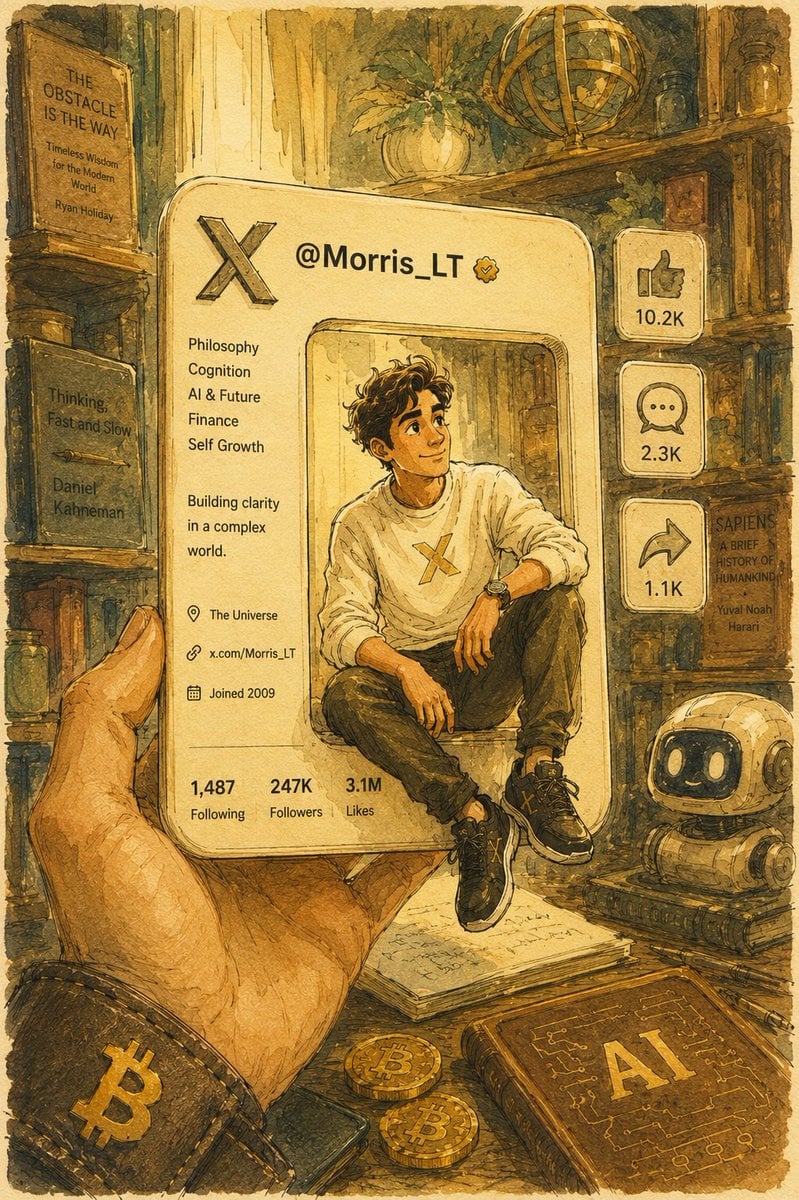
A creative prompt generating a hand-drawn watercolor illustration of a 3D social media profile card with a Pixar-style character sitting on it.
- Prompt included
- Model and format preset
- Free template
The prompt behind this image
Copy the exact prompt behind Watercolor Pixar Profile Card, or open it in the studio and make it yours.
Hand-drawn watercolor + ink-line illustration style, in a warm, nostalgic study scene, a hand holds a 3D X (similar to Twitter) profile card. The card is a rounded rectangle with a square cutout in the middle. A handsome young man wearing a white top sits casually on the edge of the cutout, relaxed and smiling with a slightly thoughtful expression; the character is rendered in a Pixar + semi-realistic style. The card interface is clean, showing the username {argument name="Username" default="@Morris_LT"}, with info including: philosophy, cognition, AI, finance, self-growth; bio "{argument name="Bio" default="在复杂世界中构建清晰认知"}"; location "宇宙"; a link; joined: 2009. Bottom stats: 1,487 Following / {argument name="Follower Count" default="247K"} Followers / 3.1M Likes. Around it are hand-drawn style like, comment, and share icons with a soft glow. The background is a cozy study: wooden bookshelves, philosophy books, a Bitcoin, a small AI robot, plants, etc. Overall warm tones (watercolor beige, brown, gold), soft sunlight, subtle shadows, paper texture, a quiet, contemplative atmosphere. Centered composition, refined feel, rich detail, 4K.
How to use Watercolor Pixar Profile Card in 3 steps
- 1
Open
The prompt is already in the box next to the preview, with the template's model and format selected.
- 2…a portrait of your subject in softgolden-hour light, 85mm…
Personalize
Edit the subject and creative details for your destination.
- 3Generate
Generate
Press Generate — your image is created in PicX Studio, so you can compare it with the original and refine one variable at a time.
More like this
Templates with the same subject, style or setup. Open one to see its prompt.
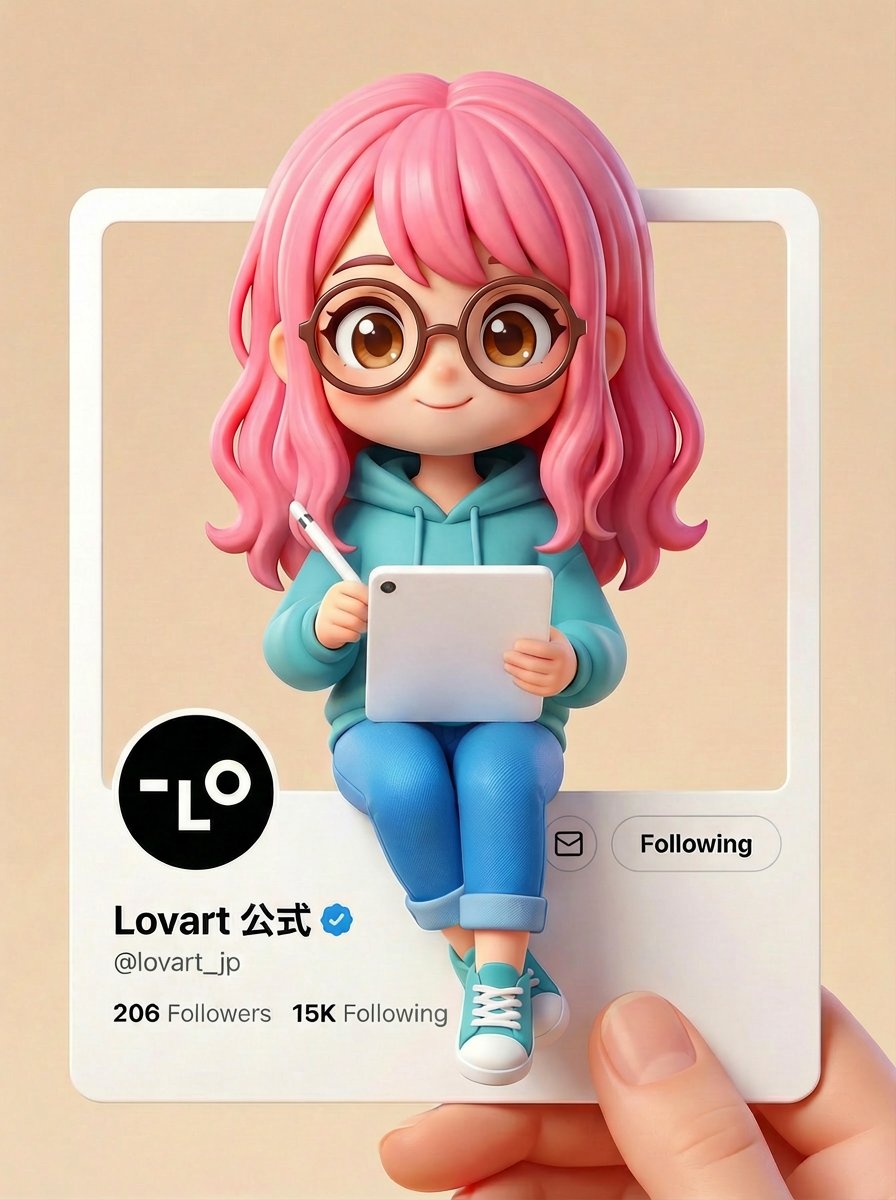
Pixar/Disney Style X (Twitter) Profile Card Prompt

Felt & Knit 3D Character — Photo-Exact Face, Pixar-Quality Plush Figurine

Watercolor Anim Finale Fireworks

Watercolor Anim Garden Maze

Watercolor Anim Rooftop Concert

Watercolor Anim Bicycle Coast

Watercolor Anim Castle Gate

Watercolor Anim Kitchen Chaos

Watercolor Anim Carnival Ride

Watercolor Anim Rainy Bus Stop

Watercolor Anim Space Dock

Watercolor Anim Cafe Morning
Make it yours
Watercolor Pixar Profile Card works as-is. These are the safest ways to change it without losing the look.
Change one field
Copy a single group, rewrite it, and generate again so you can see what that field is doing.
Keep the frame, change the subject
Hold the composition and light of Watercolor Pixar Profile Card, then swap wardrobe, props or the person for a new take.
| If the result… | Why | Fix |
|---|---|---|
| The result drifts from the preview | Too many fields changed at once. | Reuse Watercolor Pixar Profile Card as-is first, then change one group — subject, light, or setting. |
| The model over-stylizes the scene | The prose prompt leaves finish and camera underspecified. | Add one camera or lighting sentence and stay on GPT Image 2. |
More GPT Image 2 templates
Other prompts made for GPT Image 2.

Six VTuber Japanese Logo Sheet

Realistic Portrait of Woman and Deer

The Vista Modular Condo Poster

AI Model Routing Comparison Infographic

2.5D Anime Art Board

Isometric Productivity Desk Scene

New York Double Exposure Poster

Four-Panel AI Landscape Comparison

Japanese Tatami Lifestyle Magazine Cover

NESCAFÉ Coffee Map Poster
More image prompts
Fresh picks from across the catalog.

Character Stepping Out of a Sketchbook (Surreal Photo)
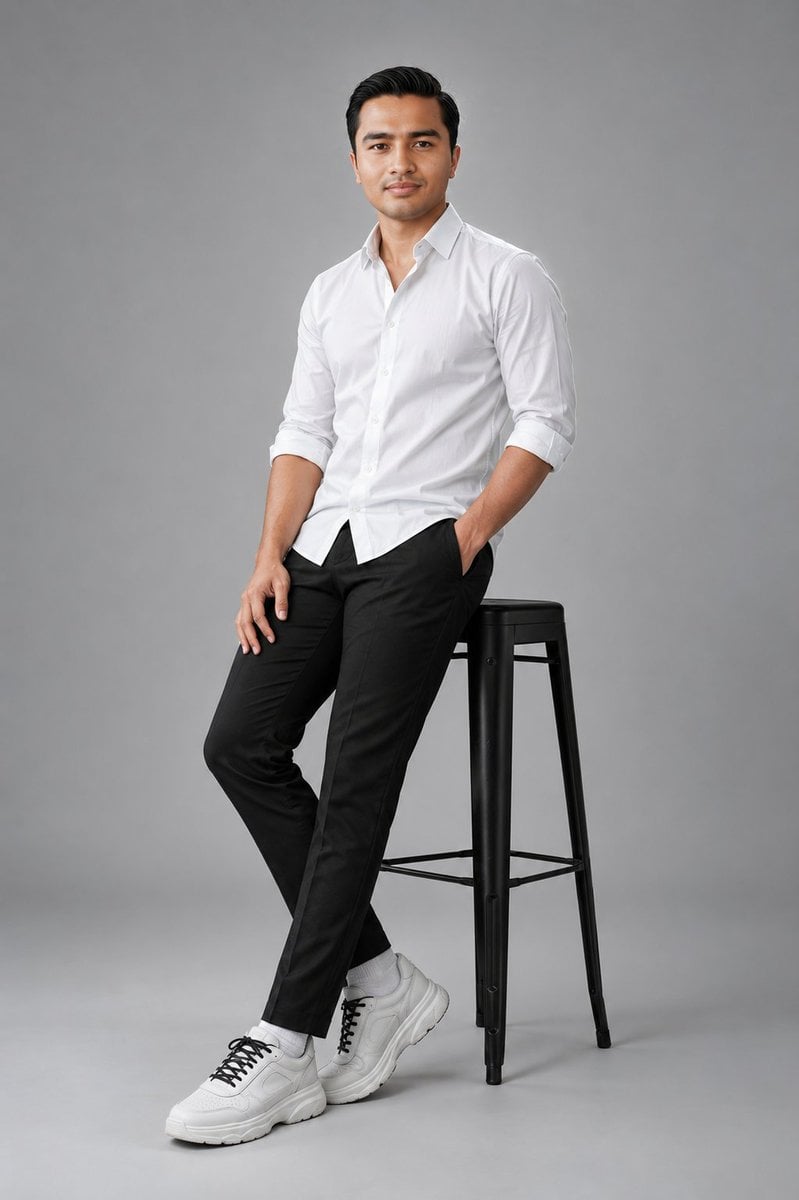
Clean Studio Fashion Portrait

Cozy Winter Travel Photo in Cappadocia with Hot Air Balloons
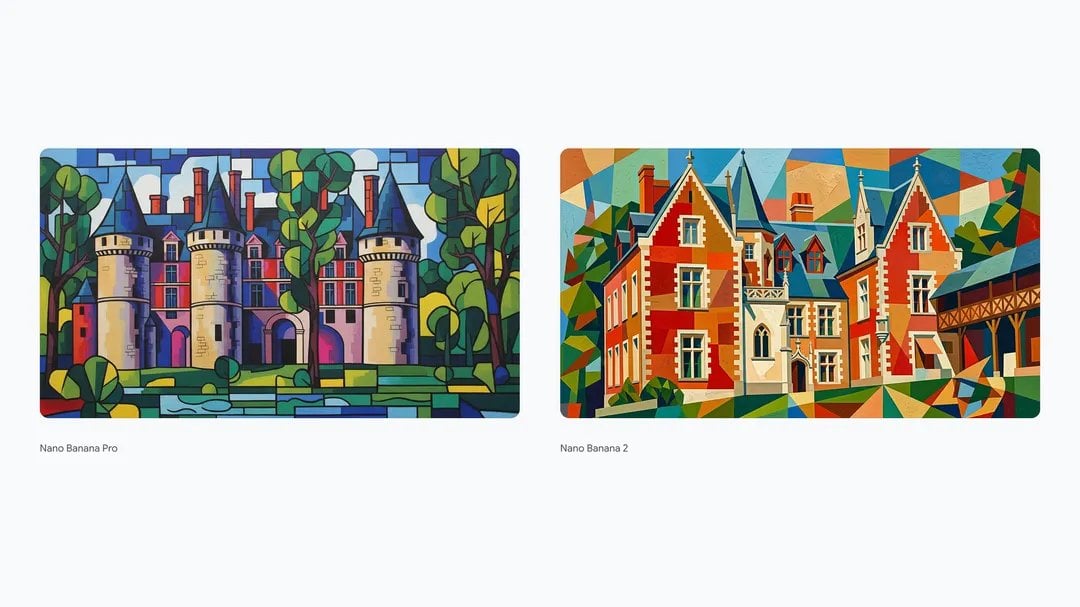
Synthetic Cubism of Clos Lucé Museum

Reference-Based Cinematic World Expansion
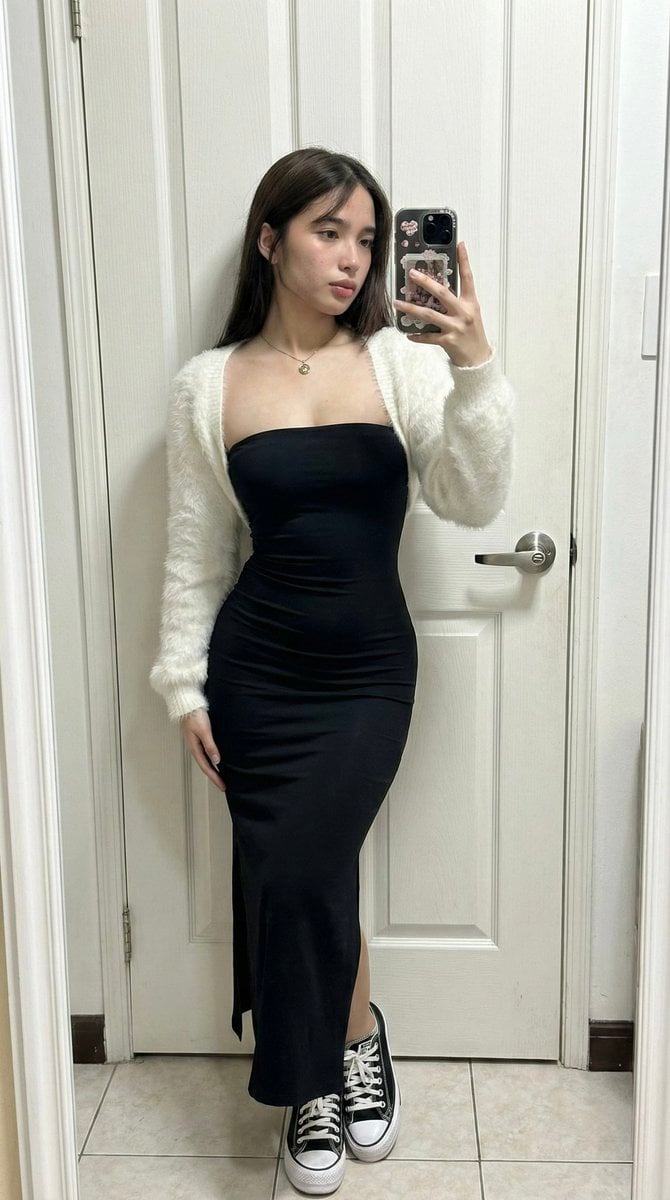
Ultra-Wide Candid Mirror Capture with Bio-Fidelity
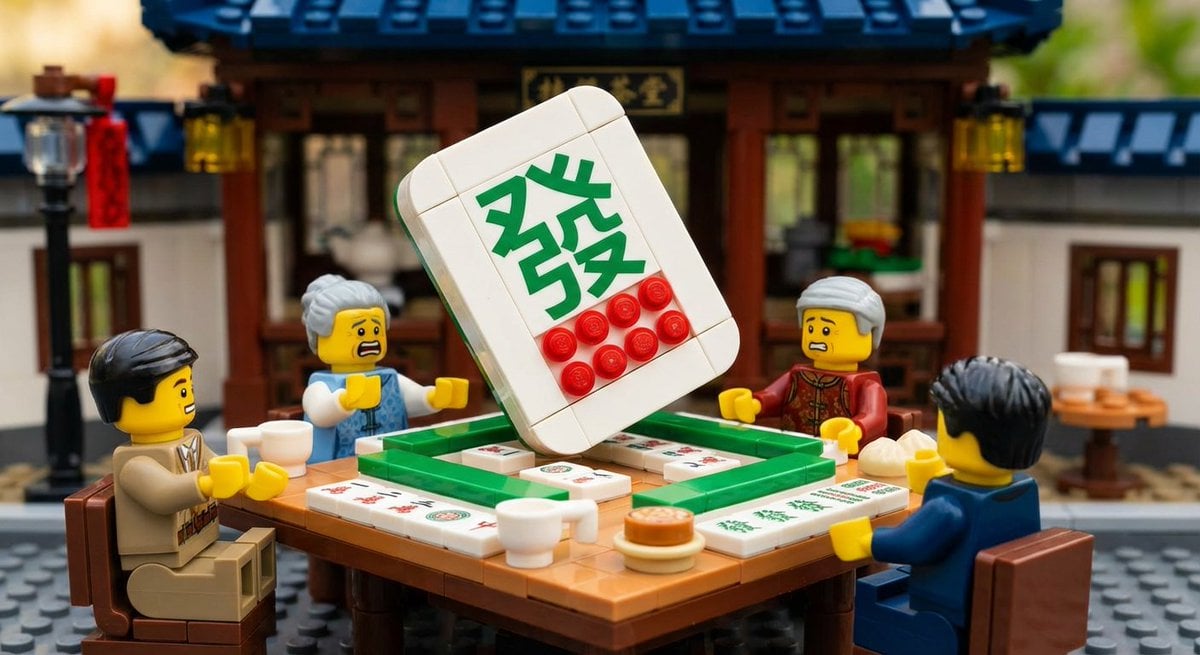
Nano Banana Pro-themed hero image (duplicate Chinese prompt 2)

Dreamy Dessert Advertisement Poster

Photorealistic Romantic Couple Portrait with Identity Preservation
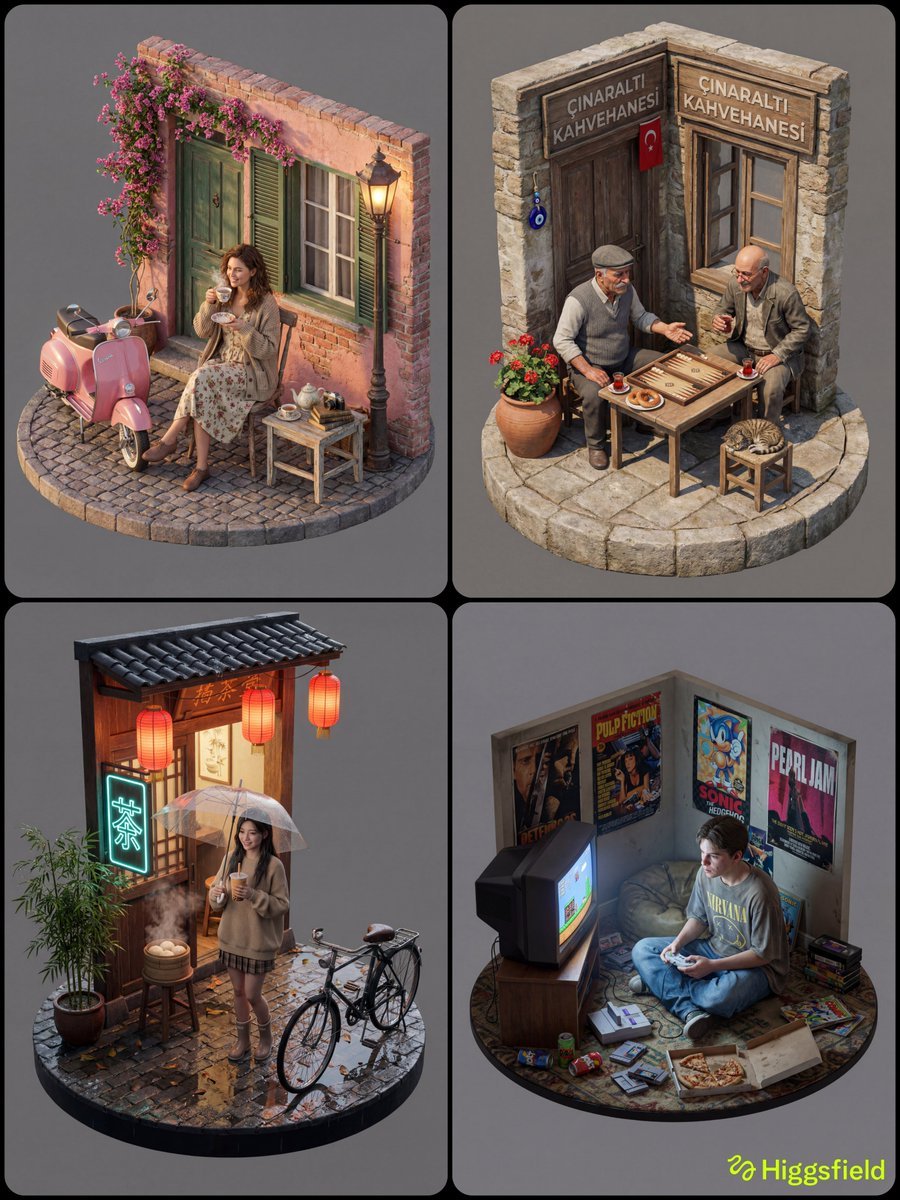
Isometric 3D Diorama with Living Human Texture
Browse template categories
Watercolor Pixar Profile Card questions
How do I use the Watercolor Pixar Profile Card template?
Add your photo if the template asks for one, edit the prompt if you like — the template's model and format are already selected — and press Generate. Your version opens in PicX Studio.
Can I customize the Watercolor Pixar Profile Card template?
Yes. You can change the subject, setting, lighting, mood, format, and available model controls before creating your image.
Is the Watercolor Pixar Profile Card template free?
Opening and editing this template is free. Generating uses credits, shown on the Generate button when you are signed in.
Which AI model should I use?
Start with GPT Image 2, which is the model associated with this template. You can compare another compatible model for a different finish.
Looking for something else? Browse all templates.

Your photo, any look
Thousands of ready templates for every top image and video model, from one credit balance.