
Character Stepping Out of a Sketchbook (Surreal Photo)
A highly detailed JSON prompt for generating a realistic photograph of a hand-drawn character physically stepping out of an open, spiral-bound notebook onto a rustic wooden desk.

- Prompt included
- Model and format preset
- Premium template
The prompt behind this image
Copy the exact prompt behind Character Stepping Out of a Sketchbook (Surreal Photo), or open it in the studio and make it yours.
- Image Prompt › Style
- Highly detailed, realistic photograph
- Image Prompt › Lighting
- Soft, natural light
- Image Prompt › Setting › Surface
- Rustic wooden workshop bench
- Image Prompt › Setting › Background
- Blurred bookshelf and window
- Image Prompt › Focal Point › Object
- Open, spiral-bound notebook
- Image Prompt › Focal Point › Paper Type
- Lined paper
- Image Prompt › Focal Point › Page Content
- Detailed hand-drawn pencil sketch of a character
- Image Prompt › Character › Action
- Physically stepping off the page and out onto the desk
- Image Prompt › Character › Appearance
- Dynamic, fully-realized figure matching the pose and form of the sketch
- Image Prompt › Character › Character Details
- {argument name="character details" default="[Placeholder: insert character details replacing 'or or']"}
- Image Prompt › Character › Facial Features
- [Instruction: use facial description from the uploaded photo]
- Image Prompt › Text Elements › Style
- Handwritten pencil notes
- Image Prompt › Text Elements › Top Left
- PROJECT:
- Image Prompt › Text Elements › Top Right
- Date:
- Image Prompt › Text Elements › Body
- Idea: Create a character with her own mind.
- Image Prompt › Props › Placement
- Scattered realistically across the wooden desk
- Image Prompt › Props › Items
- {argument name="craft tools and props" default="[Placeholder: various craft tools and props specific to the character and project (e.g., for the artist, sculptor, or architect)]"}
- Image Prompt › Raw Prompt
- A highly detailed, realistic photograph of an open, spiral-bound notebook resting on a rustic wooden workshop bench, with a blurred bookshelf and window in the background, all illuminated by soft, natural light. On the lined paper page, a detailed hand-drawn pencil sketch of a character is visible, matching the pose and form of a dynamic, fully-realized figure that is physically stepping off the page and out onto the desk. The figure is [insert character description]. The open notebook page contains handwritten pencil notes, including the title: 'PROJECT:' (top-left) and 'Date:' (top-right), with the recurring sentence: 'Idea: Create a character with her own mind.' written below it. Scattered realistically across the wooden desk are various craft tools and props specific to the character and project, such as [insert specific tools]. Note: use facial description from the uploaded photo.
Raw JSON
{
  "image_prompt": {
    "style": "Highly detailed, realistic photograph",
    "lighting": "Soft, natural light",
    "setting": {
      "surface": "Rustic wooden workshop bench",
      "background": "Blurred bookshelf and window"
    },
    "focal_point": {
      "object": "Open, spiral-bound notebook",
      "paper_type": "Lined paper",
      "page_content": "Detailed hand-drawn pencil sketch of a character"
    },
    "character": {
      "action": "Physically stepping off the page and out onto the desk",
      "appearance": "Dynamic, fully-realized figure matching the pose and form of the sketch",
      "character_details": "{argument name=\"character details\" default=\"[Placeholder: insert character details replacing 'or or']\"}",
      "facial_features": "[Instruction: use facial description from the uploaded photo]"
    },
    "text_elements": {
      "style": "Handwritten pencil notes",
      "top_left": "PROJECT:",
      "top_right": "Date:",
      "body": "Idea: Create a character with her own mind."
    },
    "props": {
      "placement": "Scattered realistically across the wooden desk",
      "items": "{argument name=\"craft tools and props\" default=\"[Placeholder: various craft tools and props specific to the character and project (e.g., for the artist, sculptor, or architect)]\"}"
    },
    "raw_prompt": "A highly detailed, realistic photograph of an open, spiral-bound notebook resting on a rustic wooden workshop bench, with a blurred bookshelf and window in the background, all illuminated by soft, natural light. On the lined paper page, a detailed hand-drawn pencil sketch of a character is visible, matching the pose and form of a dynamic, fully-realized figure that is physically stepping off the page and out onto the desk. The figure is [insert character description]. The open notebook page contains handwritten pencil notes, including the title: 'PROJECT:' (top-left) and 'Date:' (top-right), with the recurring sentence: 'Idea: Create a character with her own mind.' written below it. Scattered realistically across the wooden desk are various craft tools and props specific to the character and project, such as [insert specific tools]. Note: use facial description from the uploaded photo."
  }
}How to use Character Stepping Out of a Sketchbook (Surreal Photo) in 3 steps
- 1Upload ImagePNG, JPG or paste
Add your photo
Upload the photo the template builds on. The prompt, model and format are already set.
- 2…a portrait of your subject in softgolden-hour light, 85mm…
Personalize
Edit the subject and creative details for your destination.
- 3Generate
Generate
Press Generate — your image is created in PicX Studio, so you can compare it with the original and refine one variable at a time.
More like this
Templates with the same subject, style or setup. Open one to see its prompt.

Surreal Cat Astronaut — Humanoid Face Freefall

Notebook Page Emergence Illusion

Bold Red Contrast Fashion Editorial Newspaper Room

Stylized Fashion Portrait Bold Color Contrast Editorial
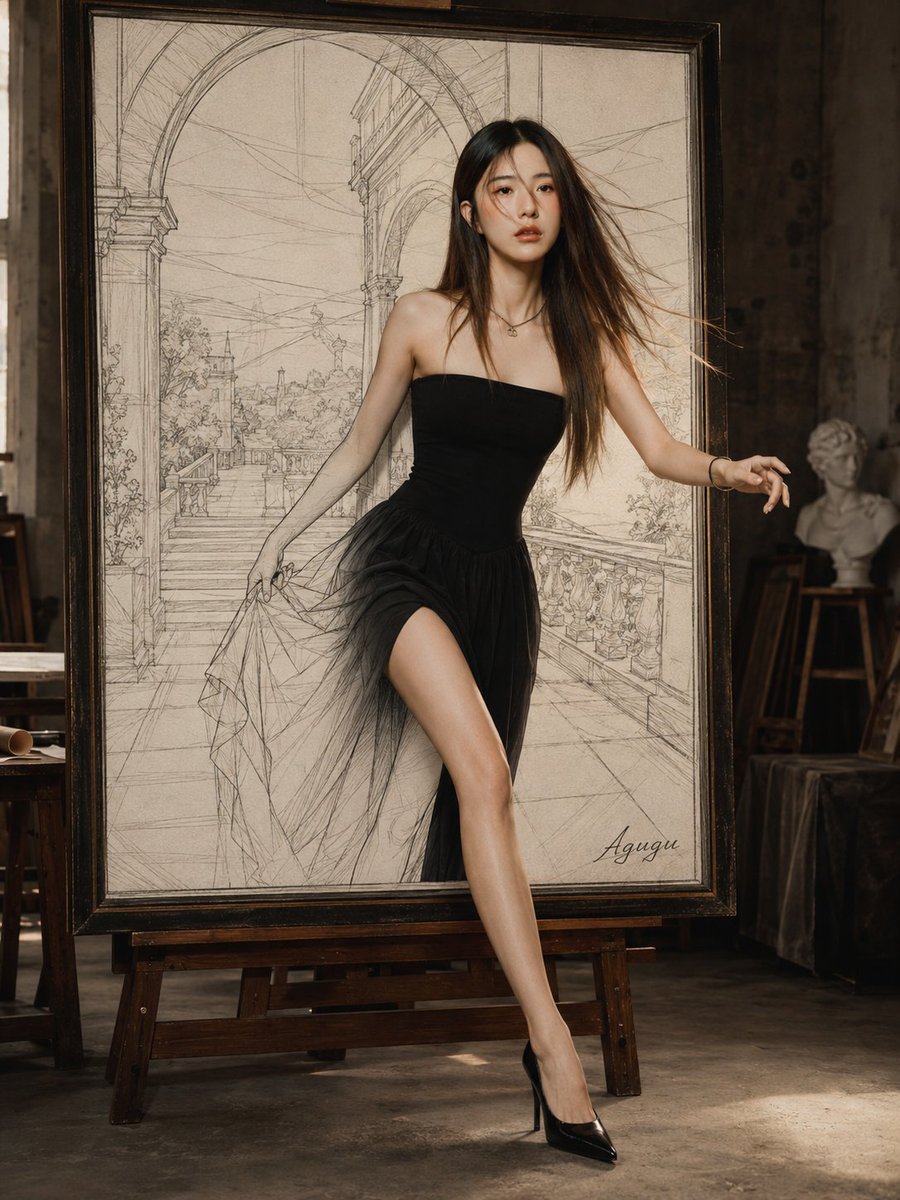
Woman Stepping Out of Sketch
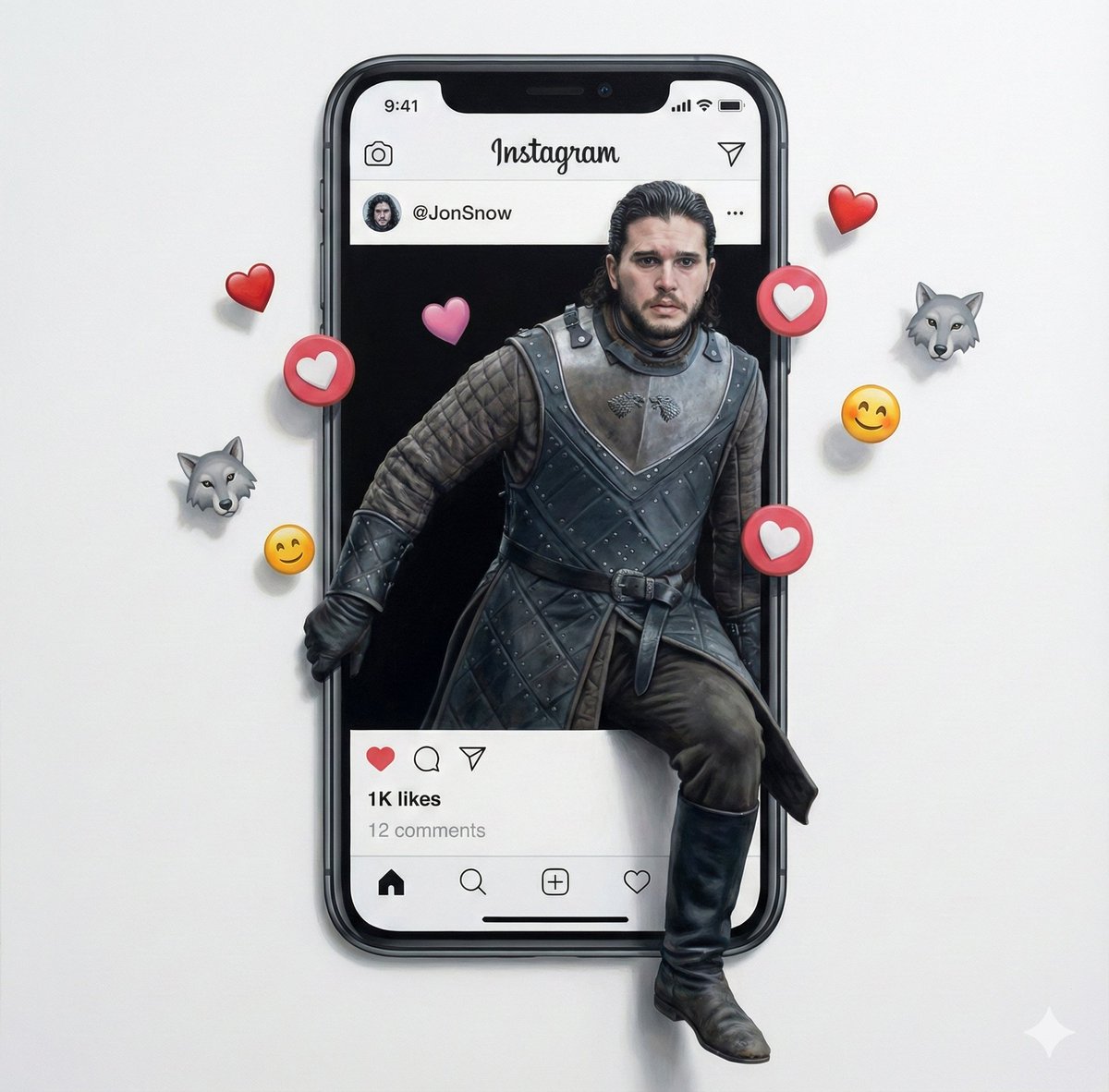
Trompe l'oeil subject stepping out of social media screen
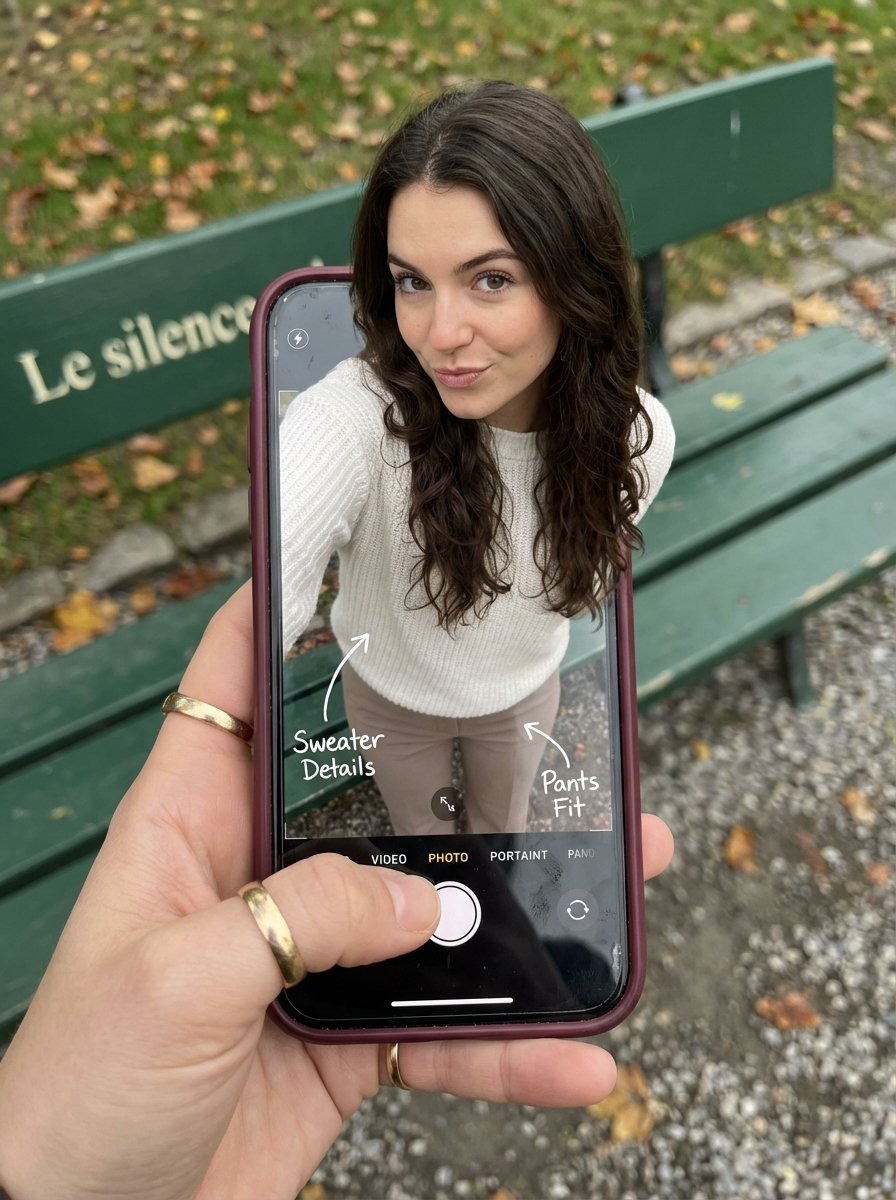
Optical Illusion: Stepping Out of a Smartphone Screen
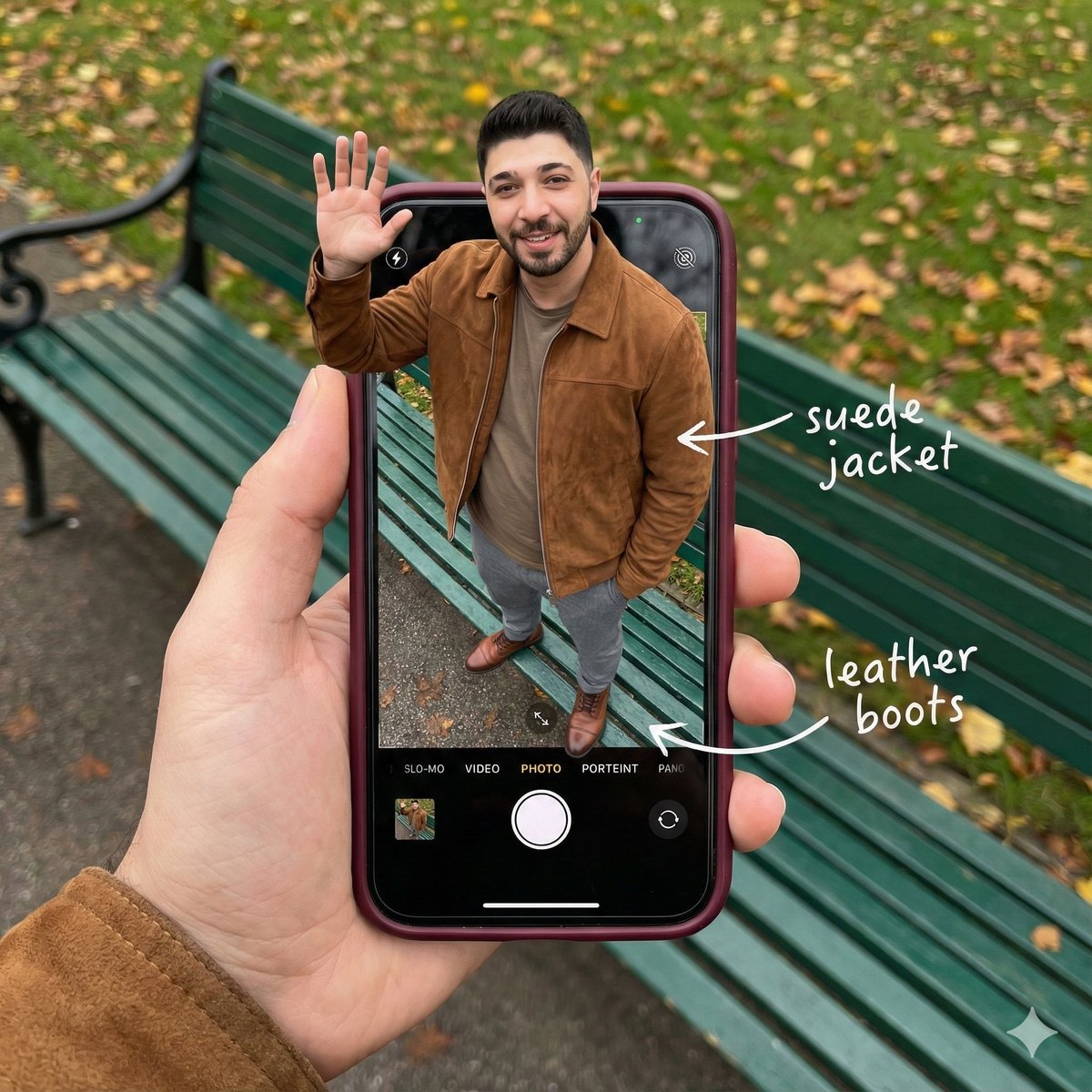
Smartphone Screen Stepping Out Optical Illusion Prompt
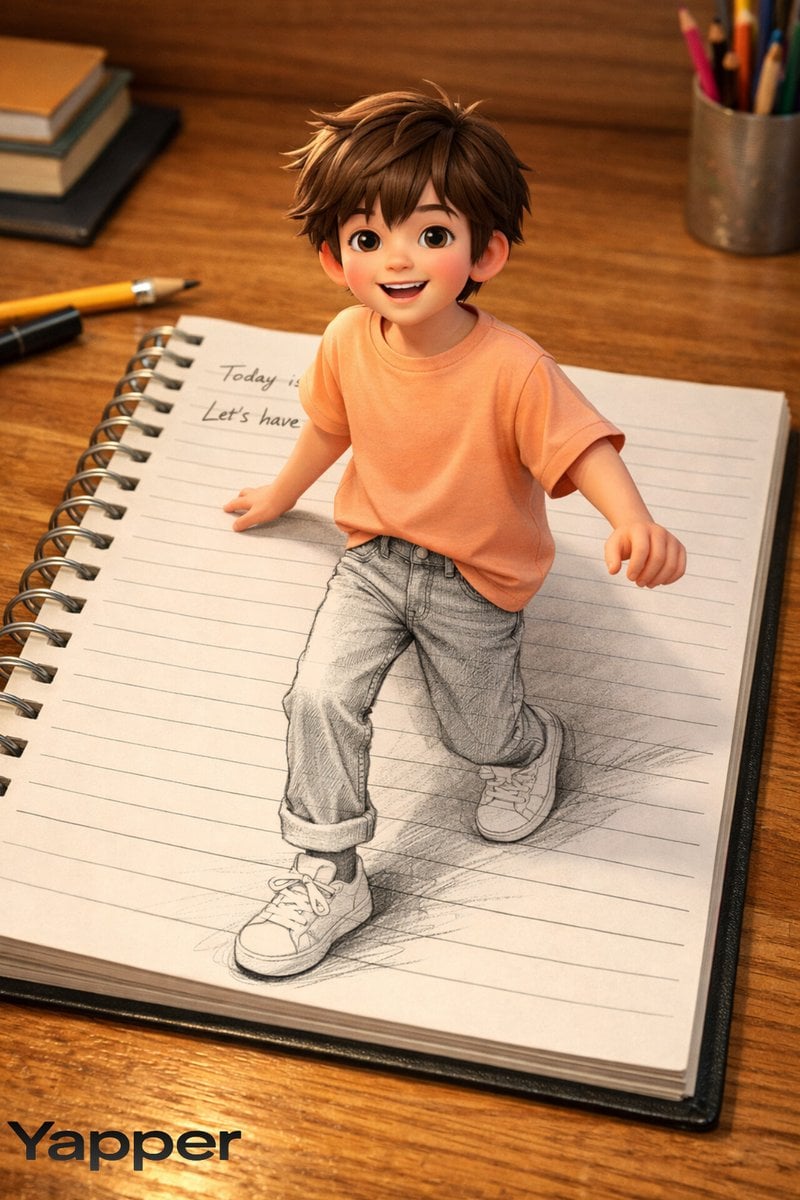
Creative 3D Illusion Artwork of a Boy Stepping Out of a Notebook
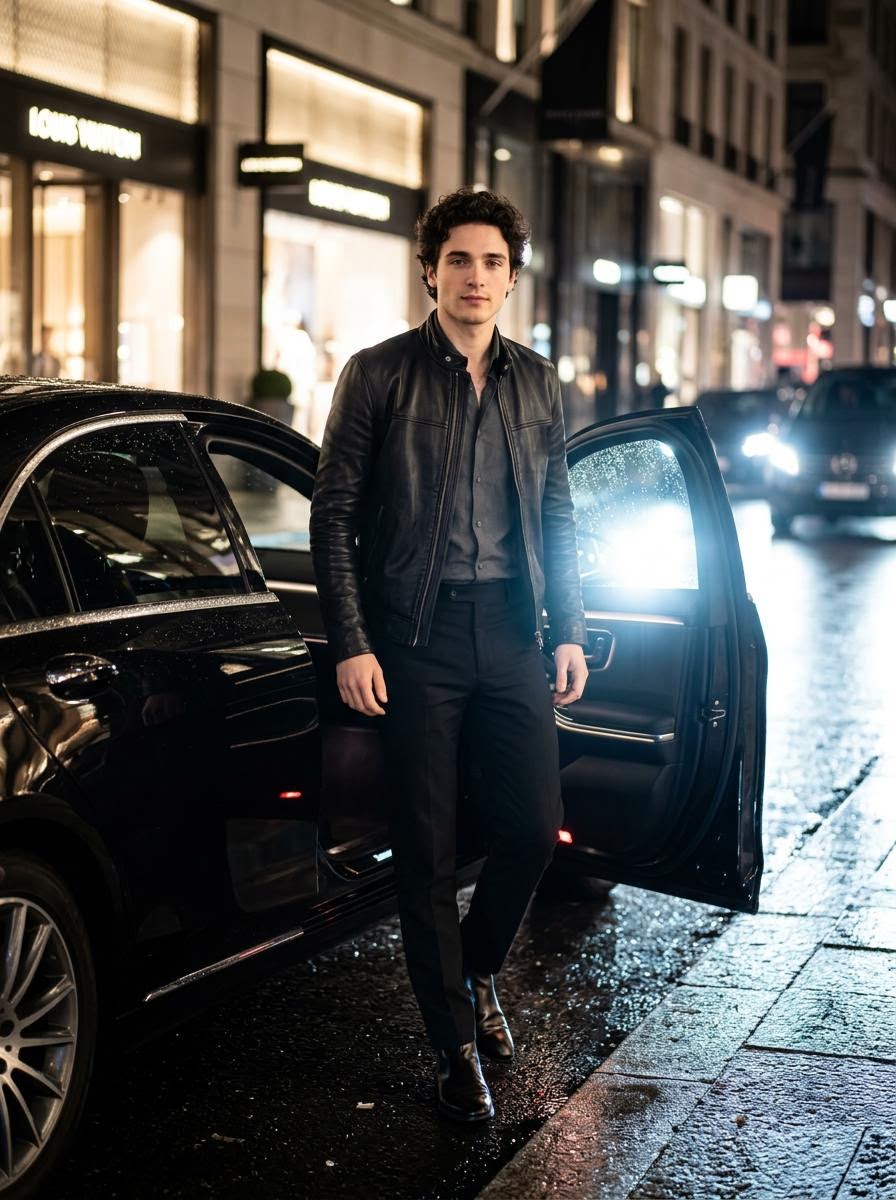
Cinematic Photo Stepping Out of a Luxury Car at Night

Azed Double Exposure

Firefly Pixar Spill — Nano Banana Pro
Make it yours
Character Stepping Out of a Sketchbook (Surreal Photo) works as-is. These are the safest ways to change it without losing the look.
Swap the setting
Keep the rest of the prompt and replace the location block. The current setting is “Rustic wooden workshop bench”.
Swap the light
One lighting change is enough to compare takes. Current light: “Soft, natural light”.
Change one field
Copy a single group, rewrite it, and generate again so you can see what that field is doing.
| If the result… | Why | Fix |
|---|---|---|
| The result drifts from the preview | Too many fields changed at once. | Reuse Character Stepping Out of a Sketchbook (Surreal Photo) as-is first, then change one group — subject, light, or setting. |
| Nano Banana 2 ignores part of the JSON | Some models flatten or skip nested keys. | Keep the same values and paste them as a short paragraph instead. |
More Nano Banana 2 templates
Other prompts made for Nano Banana 2.

Photorealistic Leaf Shaped Like a Dragon

K-Pop Idol Portrait Grid for Rapid Selection

Poetic Rain Forest Portrait During Golden Hour

Urban Street Portrait with Cartoon Inner Self Duo

Candid Nighttime Photo with Cat Prompt

High-Concept 3D Diorama Generation Prompt

Cinematic Futuristic Studio Portrait Template

Skincare Editorial Photography Collage Prompt

Hyper-Realistic Commercial Product Photography (Splash Effect)

Hyper-Realistic Nightclub Portrait Prompt
More image prompts
Fresh picks from across the catalog.
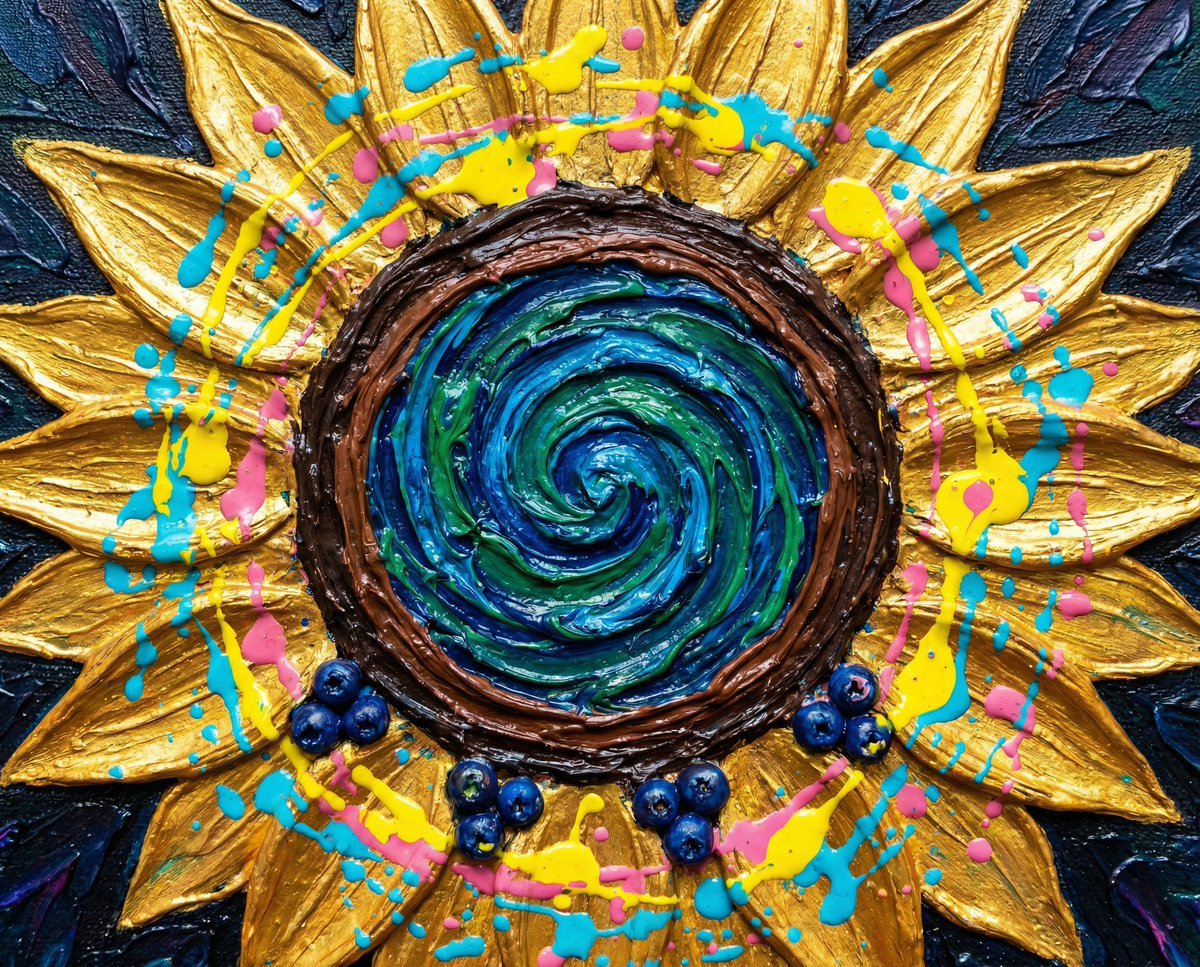
Psychedelic Impasto Sunflower Abstract
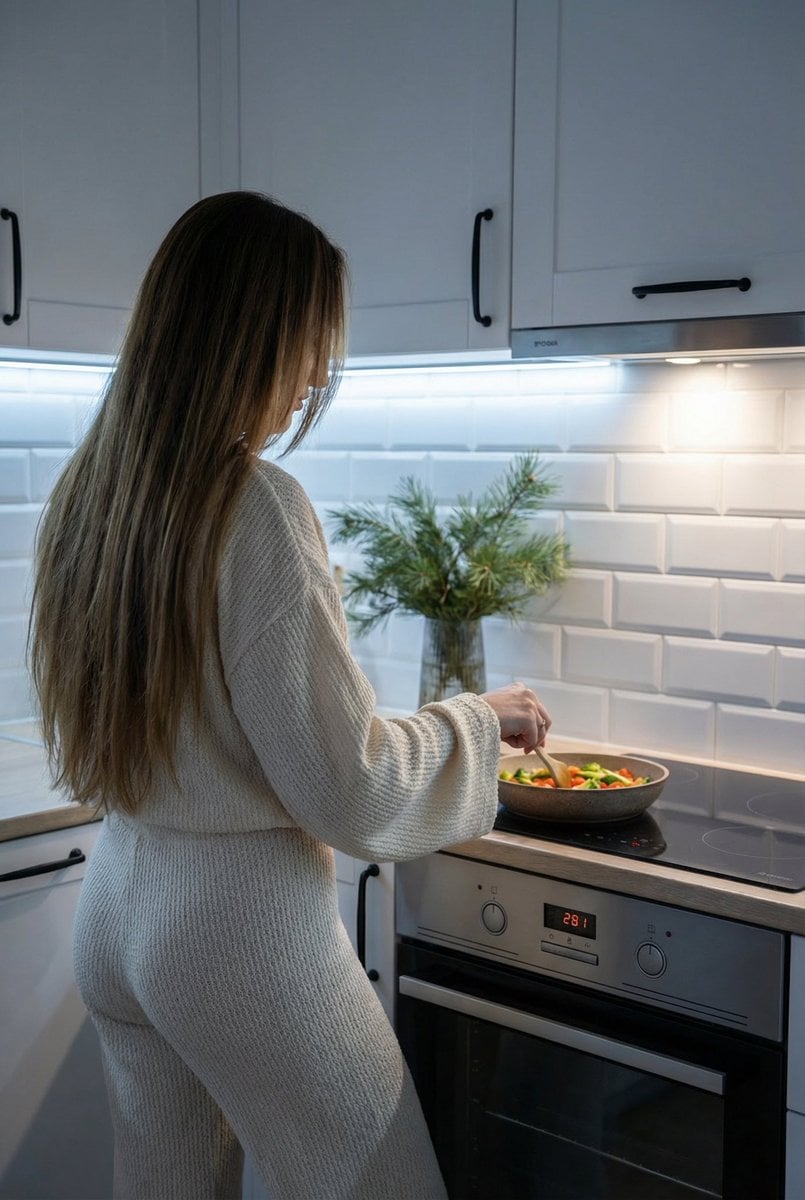
Candid Shot of Woman Cooking in Modern Kitchen
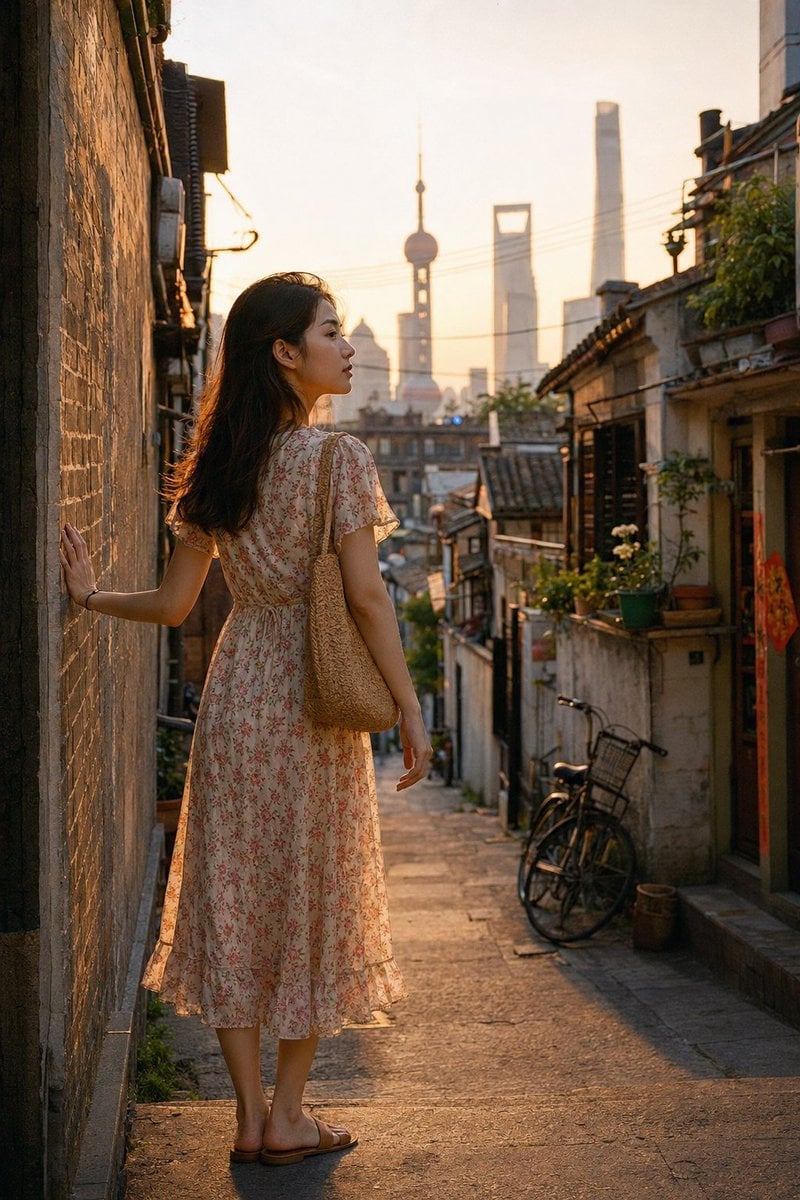
Shanghai Longtang Dusk Portrait
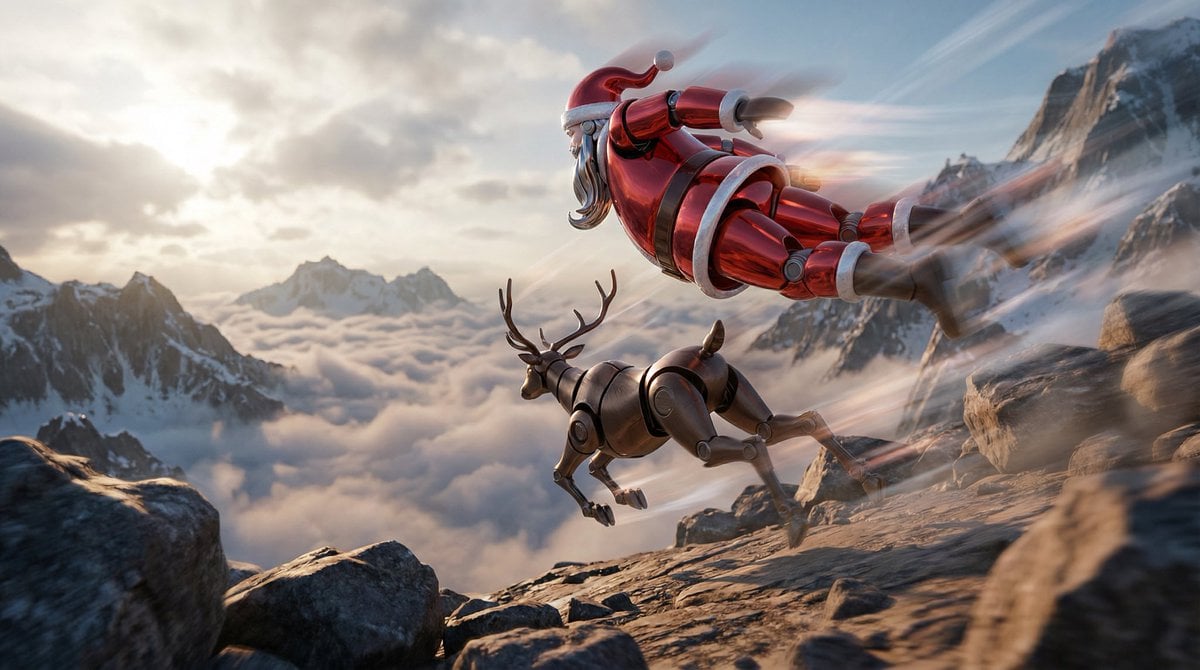
Semi-Realistic Dogfight between Santa and Reindeer Robots

Retro Deep-Sea Sci-Fi Anime Poster
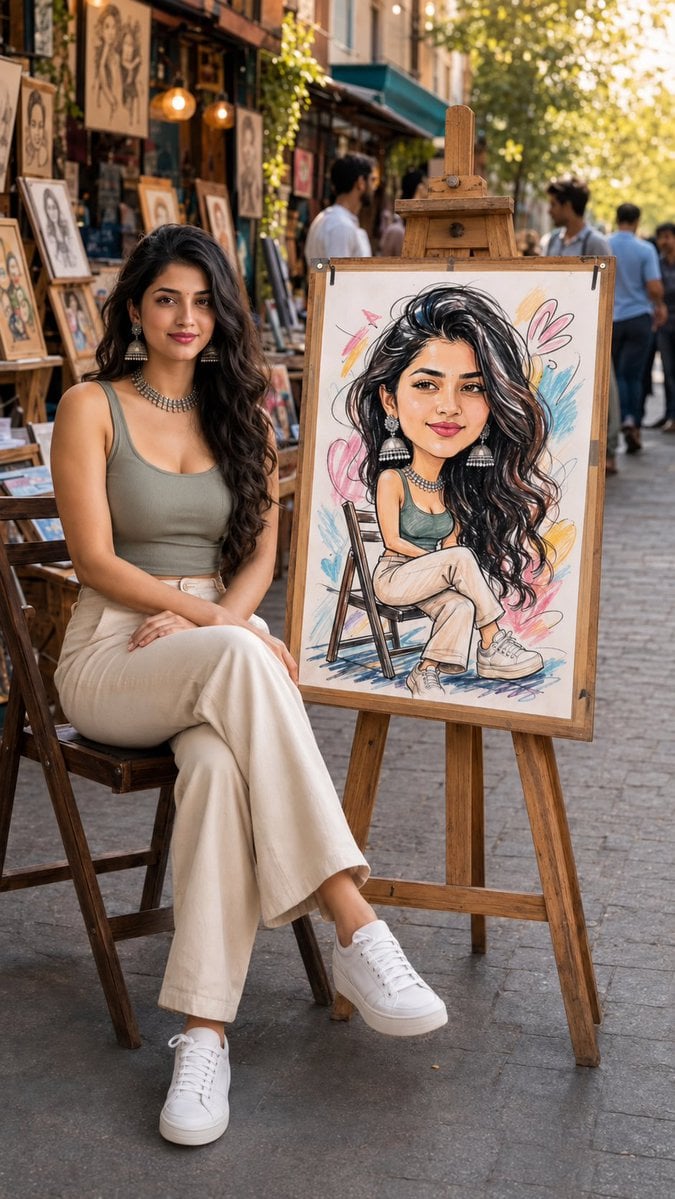
Art Street Market Caricature Portrait
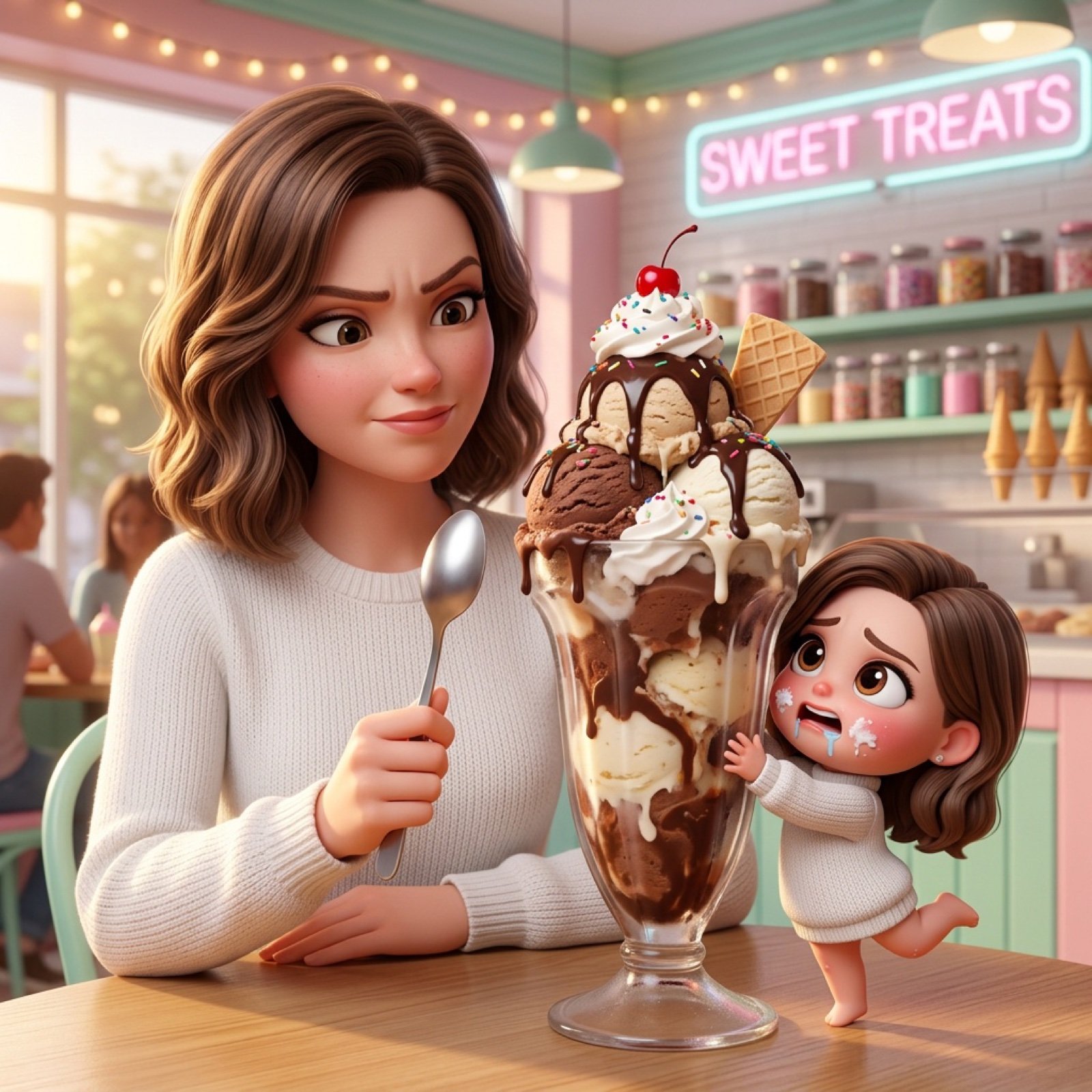
Ice Cream Heist Chibi Cartoon Prompt
Woman Under Indoor Fairy Lights
Hyper-Realistic Bugs Bunny Barber Scene
Cinematic Rainy Night Car Portrait Prompt
Browse template categories
Character Stepping Out of a Sketchbook (Surreal Photo) questions
How do I use the Character Stepping Out of a Sketchbook (Surreal Photo) template?
Add your photo if the template asks for one, edit the prompt if you like — the template's model and format are already selected — and press Generate. Your version opens in PicX Studio.
Can I customize the Character Stepping Out of a Sketchbook (Surreal Photo) template?
Yes. You can change the subject, setting, lighting, mood, format, and available model controls before creating your image.
Is the Character Stepping Out of a Sketchbook (Surreal Photo) template free?
Opening and editing this template is free. Generating uses credits, shown on the Generate button when you are signed in.
Which AI model should I use?
Start with Nano Banana 2, which is the model associated with this template. You can compare another compatible model for a different finish.
Looking for something else? Browse all templates.

Your photo, any look
Thousands of ready templates for every top image and video model, from one credit balance.