
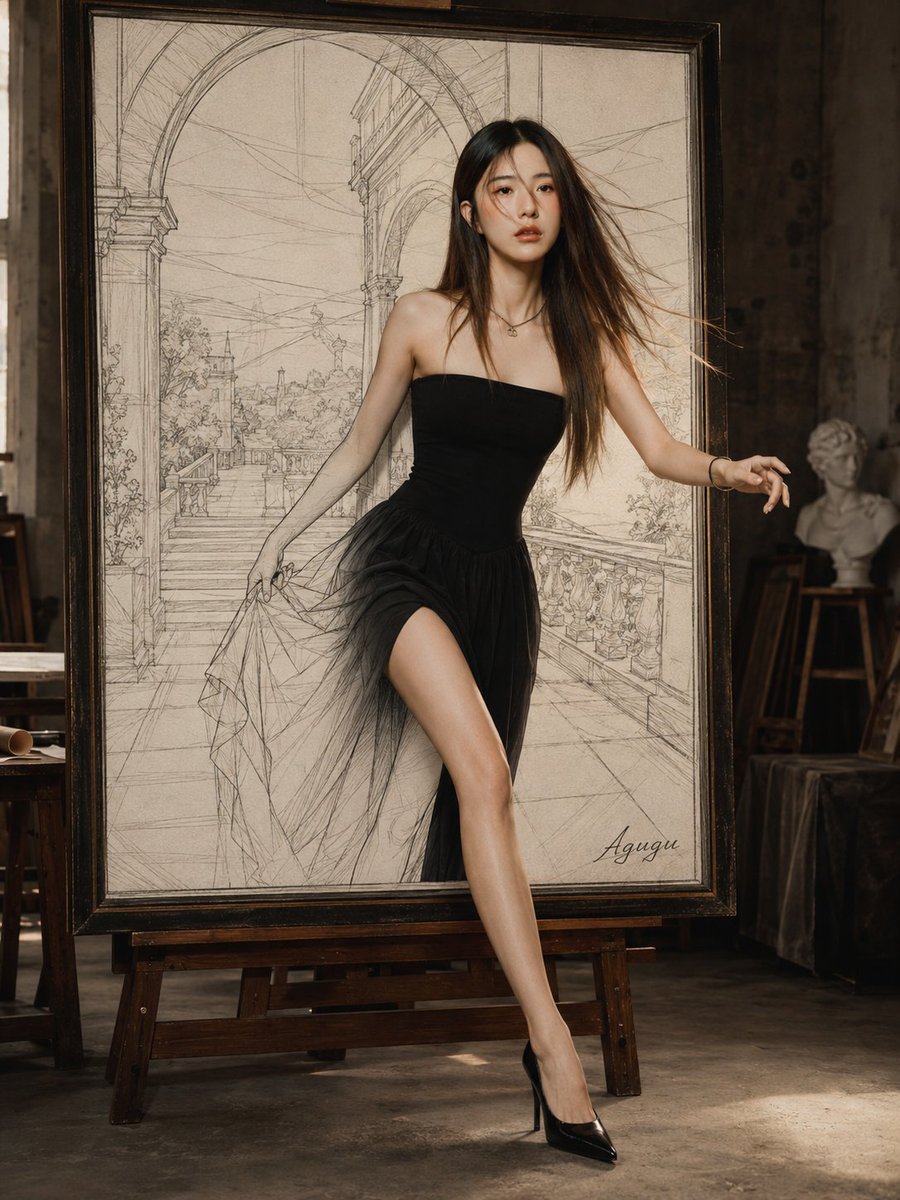
Woman Stepping Out of Sketch
A photorealistic surreal fashion scene showing a woman emerging from a framed architectural pencil drawing in an artist studio.
- Prompt included
- Model and format preset
- Free template
The prompt behind this image
Copy the exact prompt behind Woman Stepping Out of Sketch, or open it in the studio and make it yours.
Create a photorealistic fashion-fantasy scene of {argument name="character description" default="a beautiful young woman with long flowing brown hair"} stepping out of a huge framed pencil sketch as if leaving the artwork and entering the real world. The canvas is vertical 3:4. Place a large dark wooden picture frame on a sturdy easel in the center of a moody old artist studio with textured dark walls, concrete floor, warm natural side light, scattered studio furniture, rolled papers, a small classical bust on a stand at the right, and subtle background clutter. Inside the frame, show a sepia-toned architectural pencil drawing of an elegant European terrace with arches, stairs, columns, railings, plants, and loose construction lines; include a small cursive artist signature reading {argument name="signature text" default="Agugu"} near the lower right of the drawing. The woman is halfway out of the drawing: her upper body and one extended leg are fully photorealistic in front of the frame while the rest blends with the sketched background. She wears {argument name="dress style" default="a strapless black fitted bodice with a sheer layered tulle skirt and high slit"}, black pointed stiletto heels, a delicate necklace, and a bracelet. Pose her dynamically as if dancing or stepping forward, one hand lifting the gauzy skirt fabric, the other arm extended to the side with elegant fingers, one bare leg stretched down in front of the frame. Use realistic skin texture, cinematic studio lighting, shallow depth of field, rich contrast between the monochrome pencil drawing and the real black dress, fine hair strands blowing slightly, and convincing shadows on the floor. Keep the composition elegant, surreal, high-fashion, and museum-studio inspired; no extra text besides the signature.
How to use Woman Stepping Out of Sketch in 3 steps
- 1Upload ImagePNG, JPG or paste
Add your photo
Upload the photo the template builds on. The prompt, model and format are already set.
- 2…a portrait of your subject in softgolden-hour light, 85mm…
Personalize
Edit the subject and creative details for your destination.
- 3Generate
Generate
Press Generate — your image is created in PicX Studio, so you can compare it with the original and refine one variable at a time.
More like this
Templates with the same subject, style or setup. Open one to see its prompt.

Character Stepping Out of a Sketchbook (Surreal Photo)
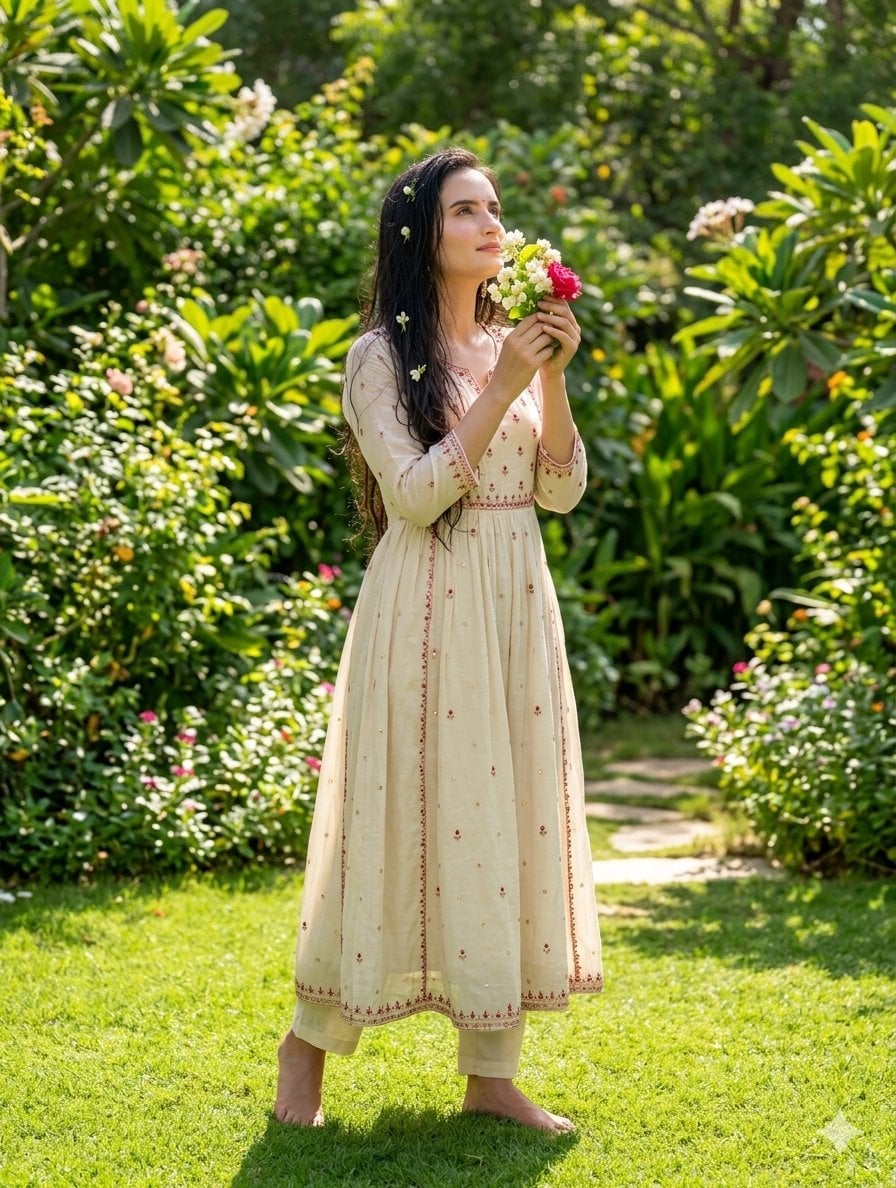
South Asian Woman in Garden Portrait
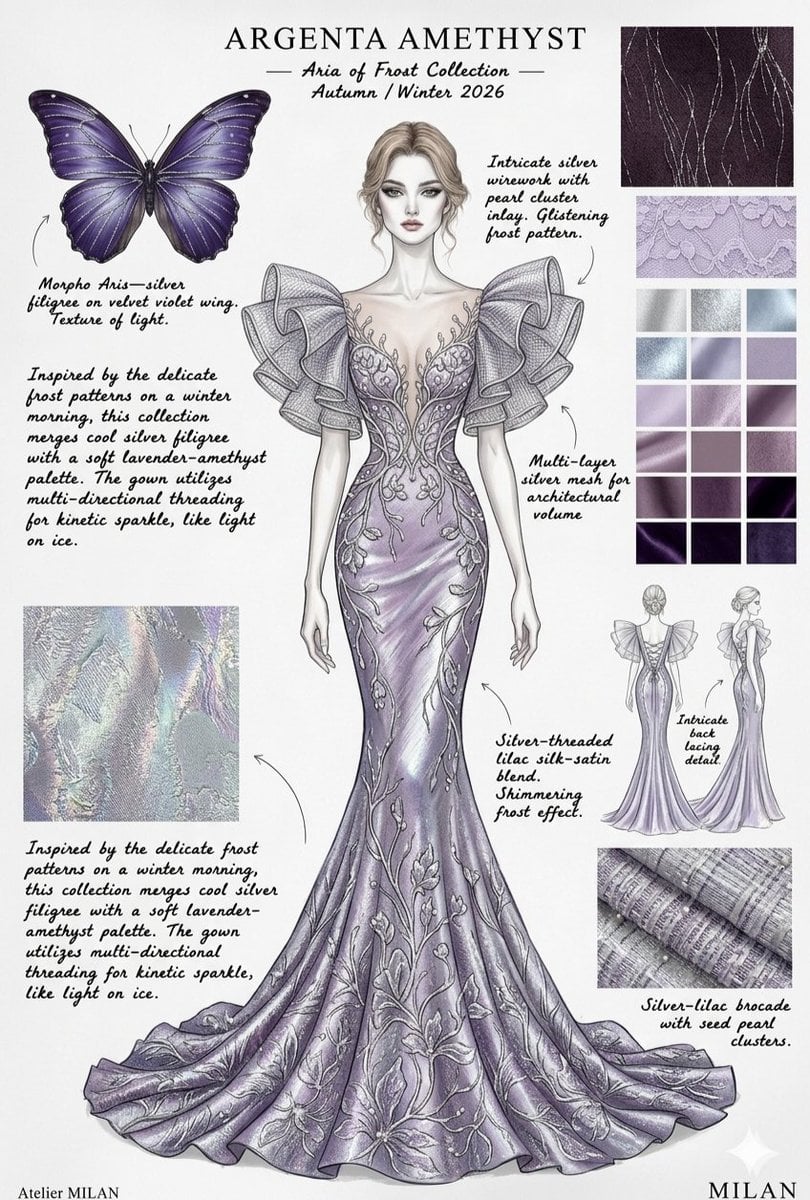
Ethereal Butterfly Couture Sketches

Japanese Café Sketch Duo Illustration

Delicate Japanese Café Lifestyle Illustration
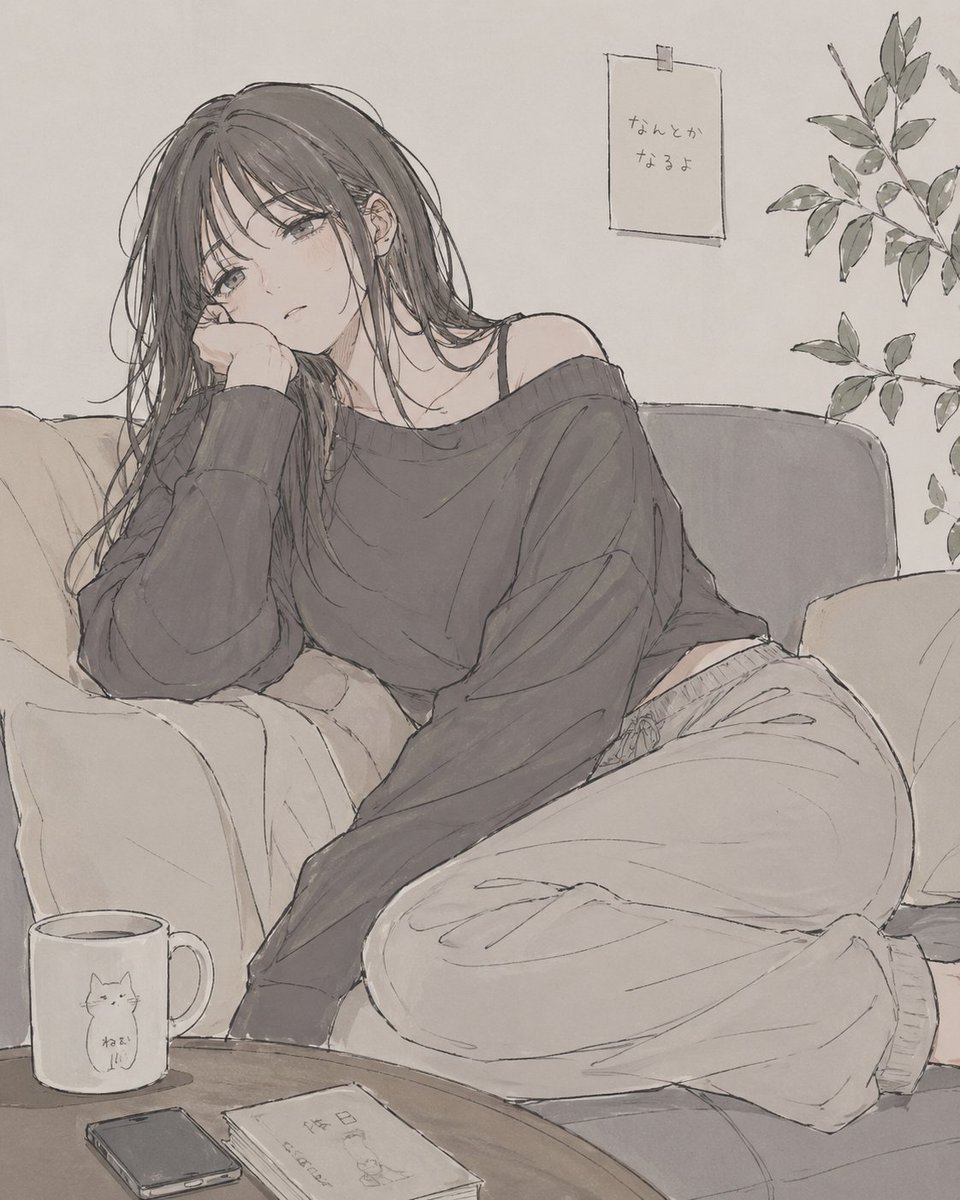
Relaxed Woman on Sofa Sketch

Woman in Mall with Chanel Bag - Heart Gesture

Floating Woman Above Cityscape with Notifications
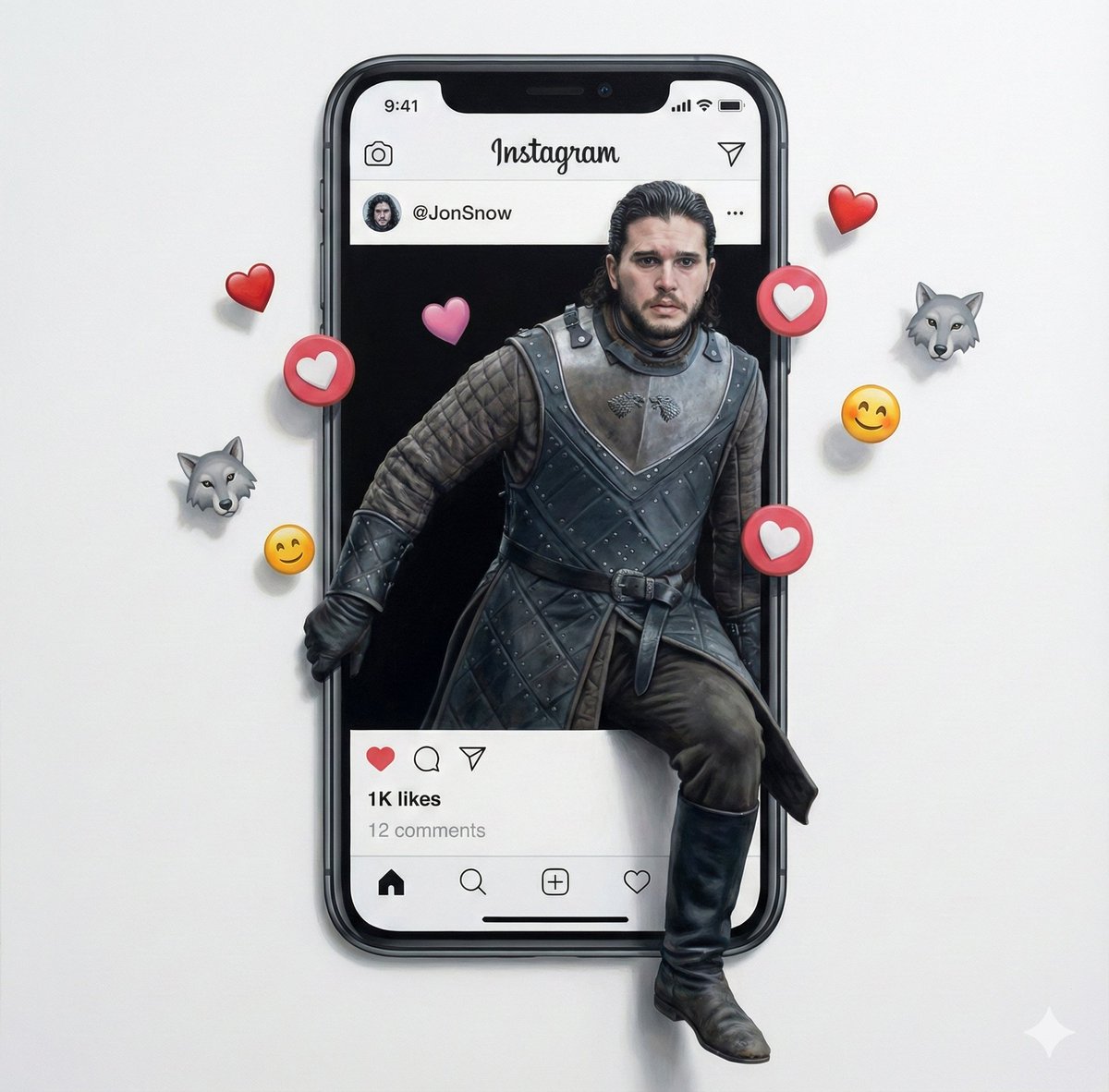
Trompe l'oeil subject stepping out of social media screen
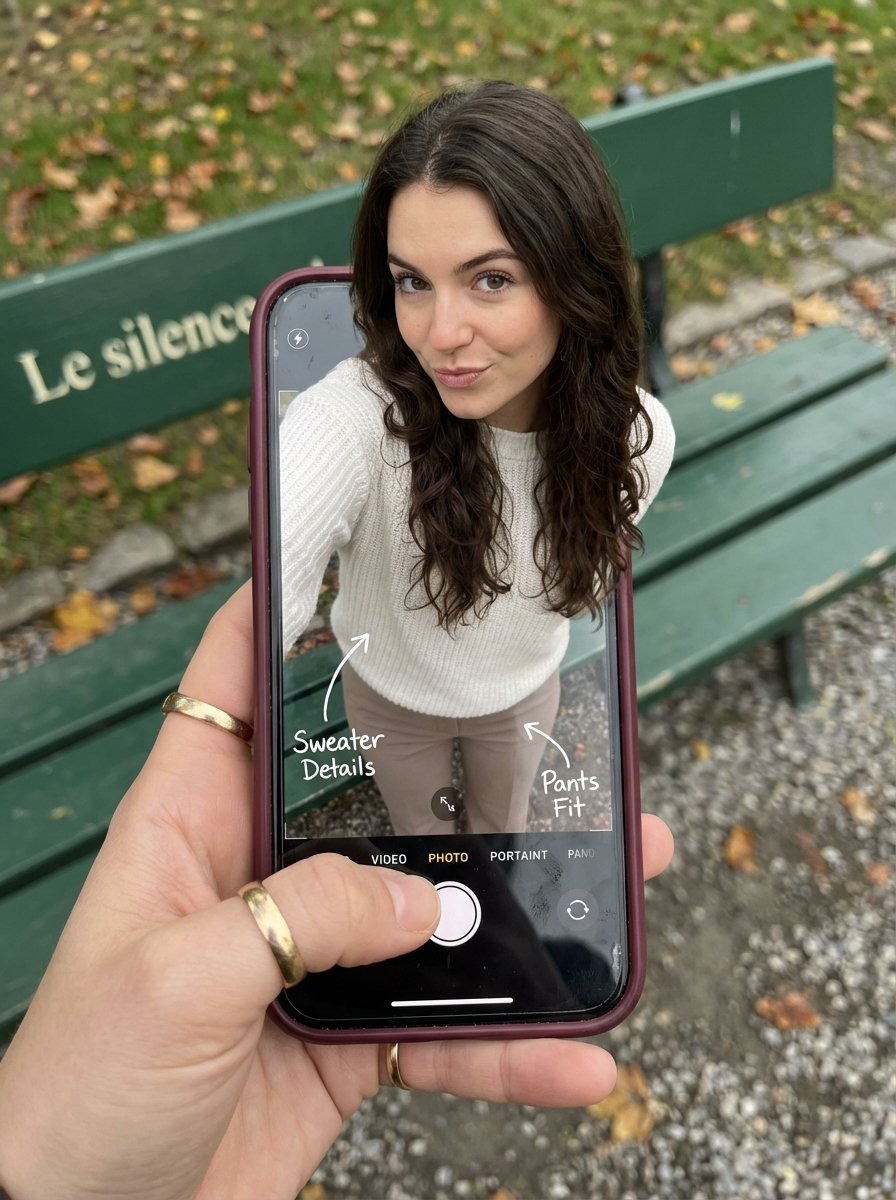
Optical Illusion: Stepping Out of a Smartphone Screen
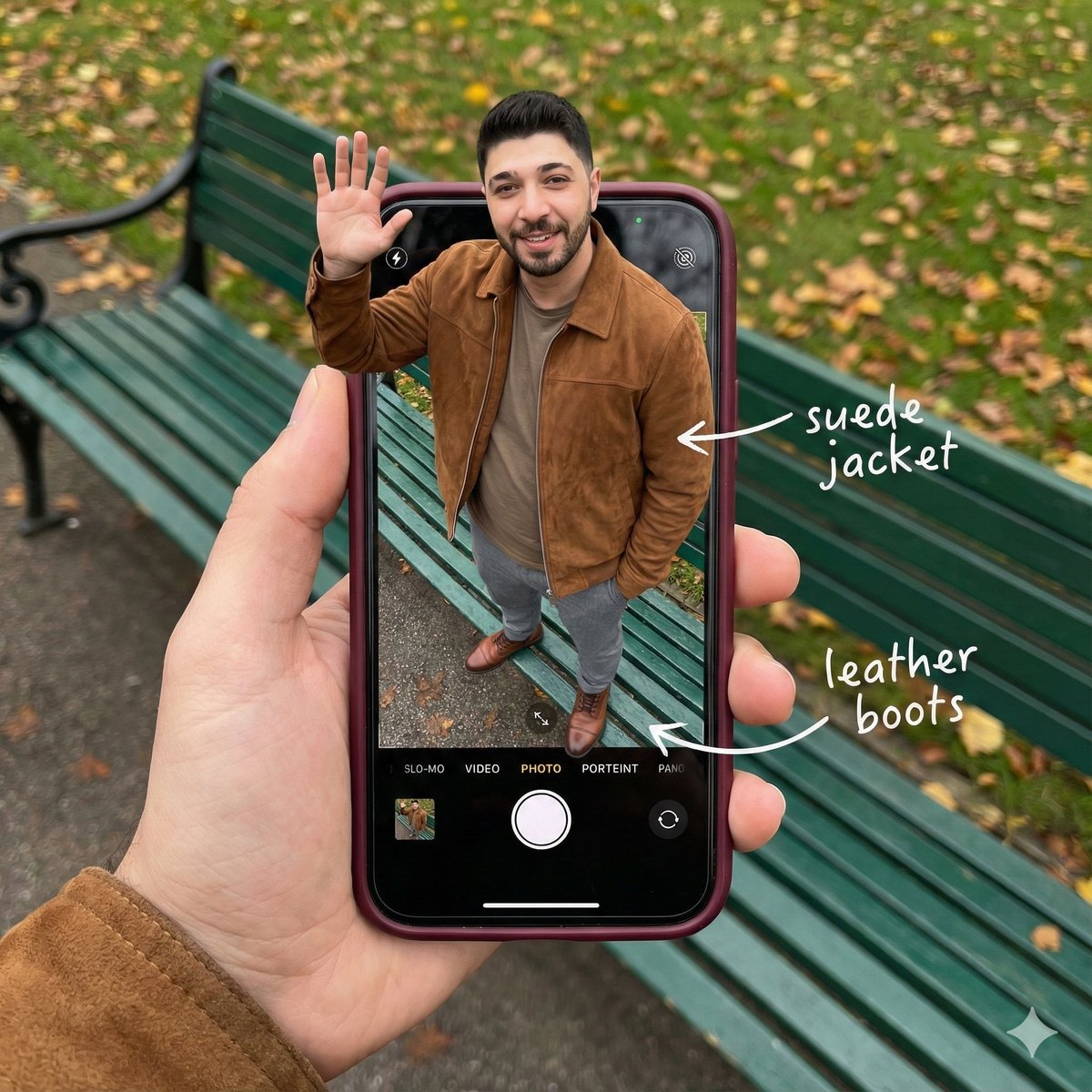
Smartphone Screen Stepping Out Optical Illusion Prompt
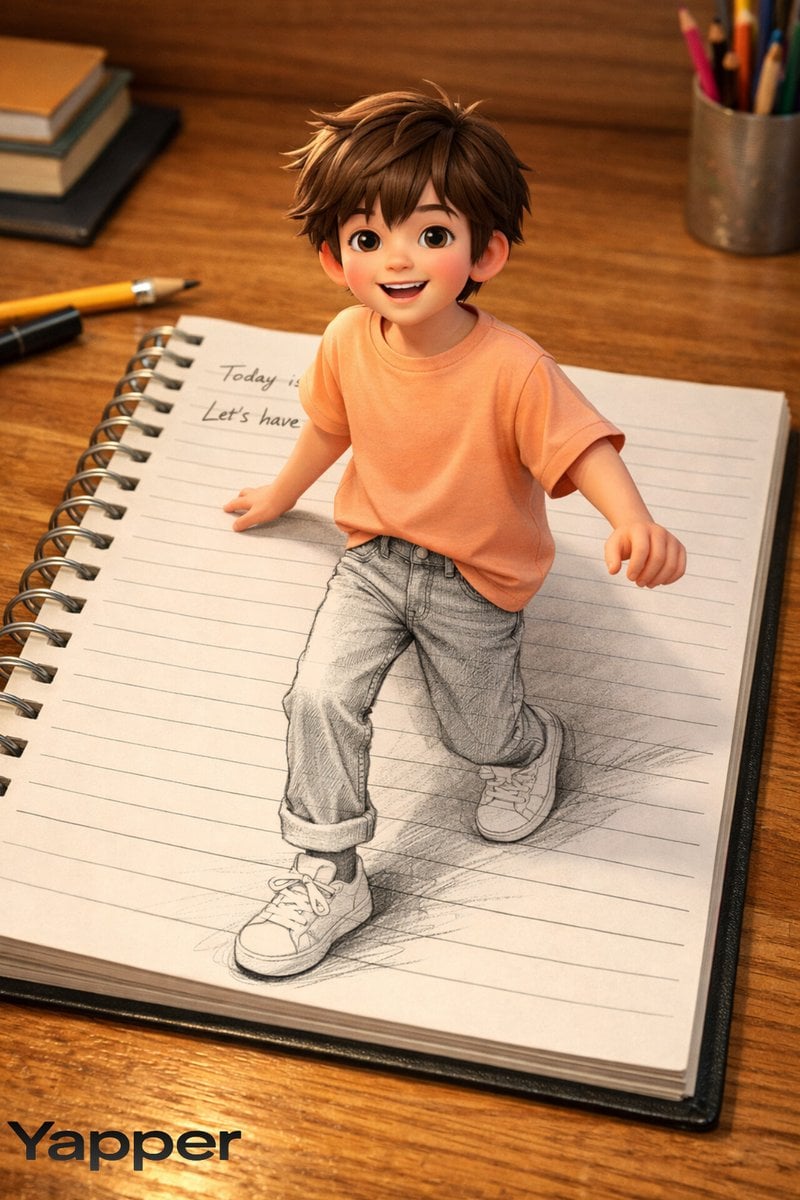
Creative 3D Illusion Artwork of a Boy Stepping Out of a Notebook
Make it yours
Woman Stepping Out of Sketch works as-is. These are the safest ways to change it without losing the look.
Change one field
Copy a single group, rewrite it, and generate again so you can see what that field is doing.
Keep the frame, change the subject
Hold the composition and light of Woman Stepping Out of Sketch, then swap wardrobe, props or the person for a new take.
| If the result… | Why | Fix |
|---|---|---|
| The result drifts from the preview | Too many fields changed at once. | Reuse Woman Stepping Out of Sketch as-is first, then change one group — subject, light, or setting. |
| The model over-stylizes the scene | The prose prompt leaves finish and camera underspecified. | Add one camera or lighting sentence and stay on GPT Image 2. |
More GPT Image 2 templates
Other prompts made for GPT Image 2.

Six VTuber Japanese Logo Sheet

The Vista Modular Condo Poster

AI Model Routing Comparison Infographic

2.5D Anime Art Board

Isometric Productivity Desk Scene

New York Double Exposure Poster

Four-Panel AI Landscape Comparison

Japanese Tatami Lifestyle Magazine Cover

NESCAFÉ Coffee Map Poster

Brutalist Cogito Chinese Typography Poster
More image prompts
Fresh picks from across the catalog.
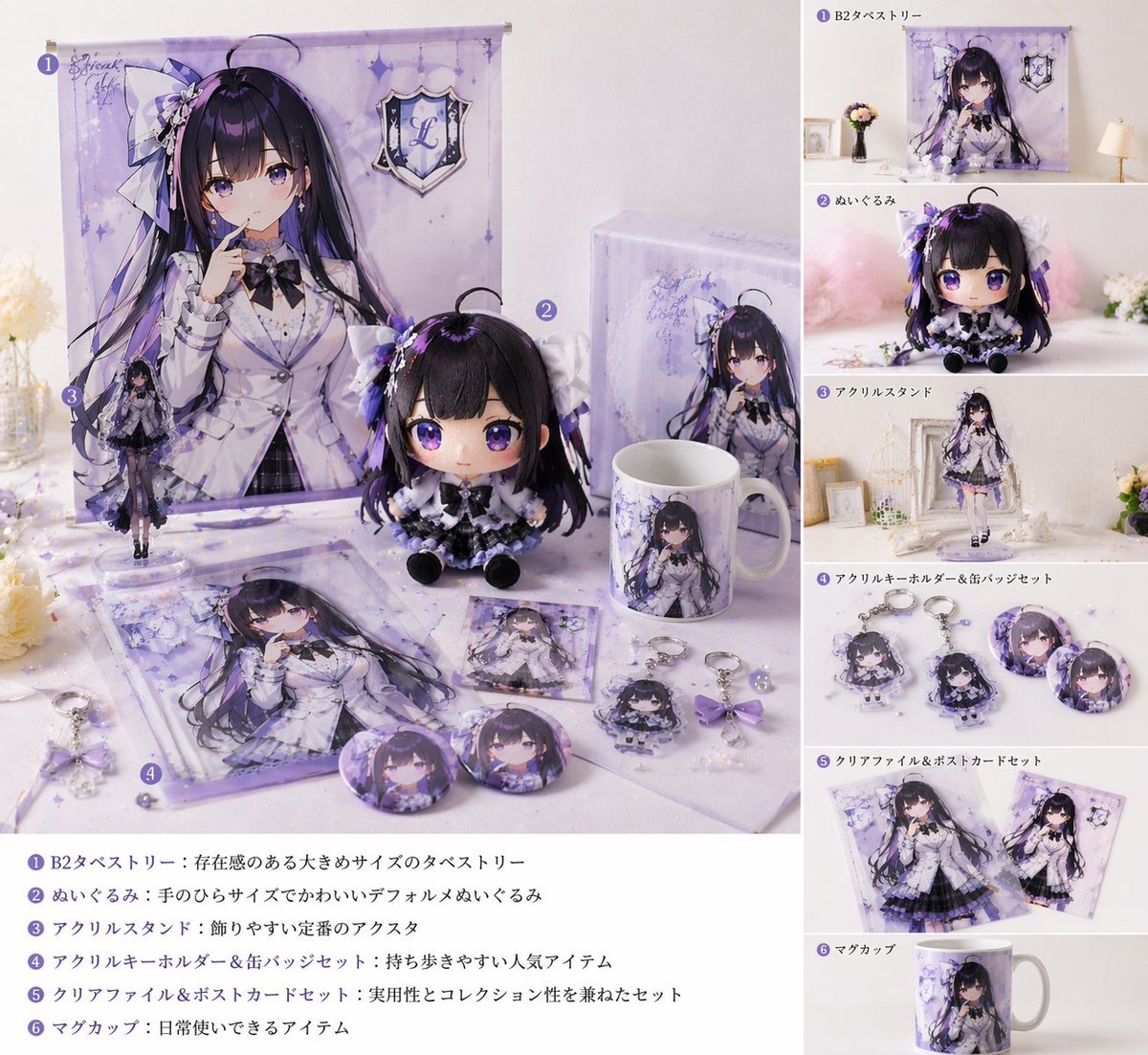
Realistic VTuber Merchandise Mockup
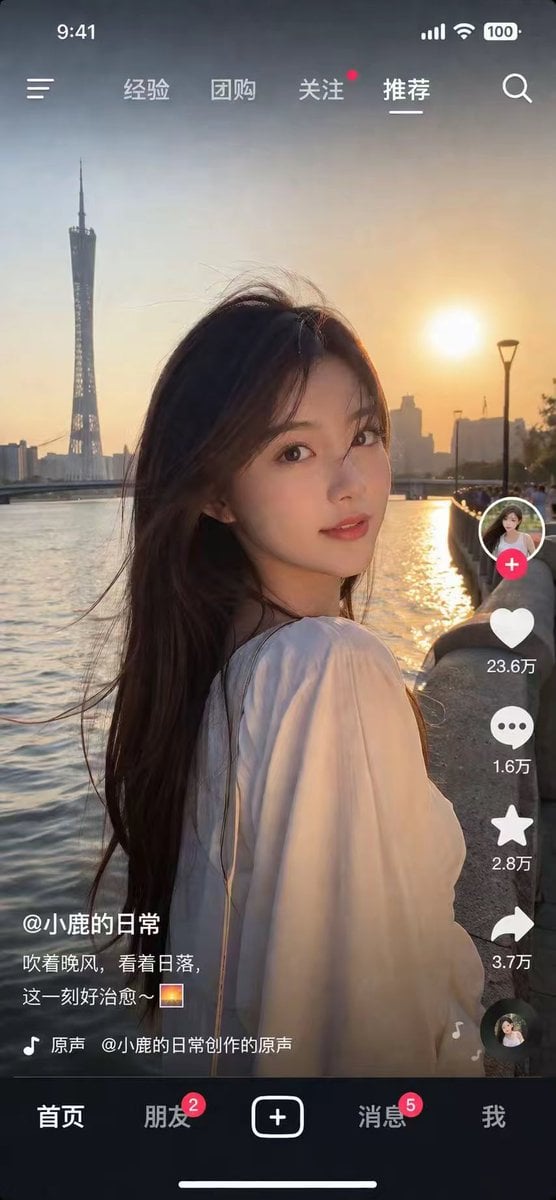
Photorealistic Short Video App Screenshot
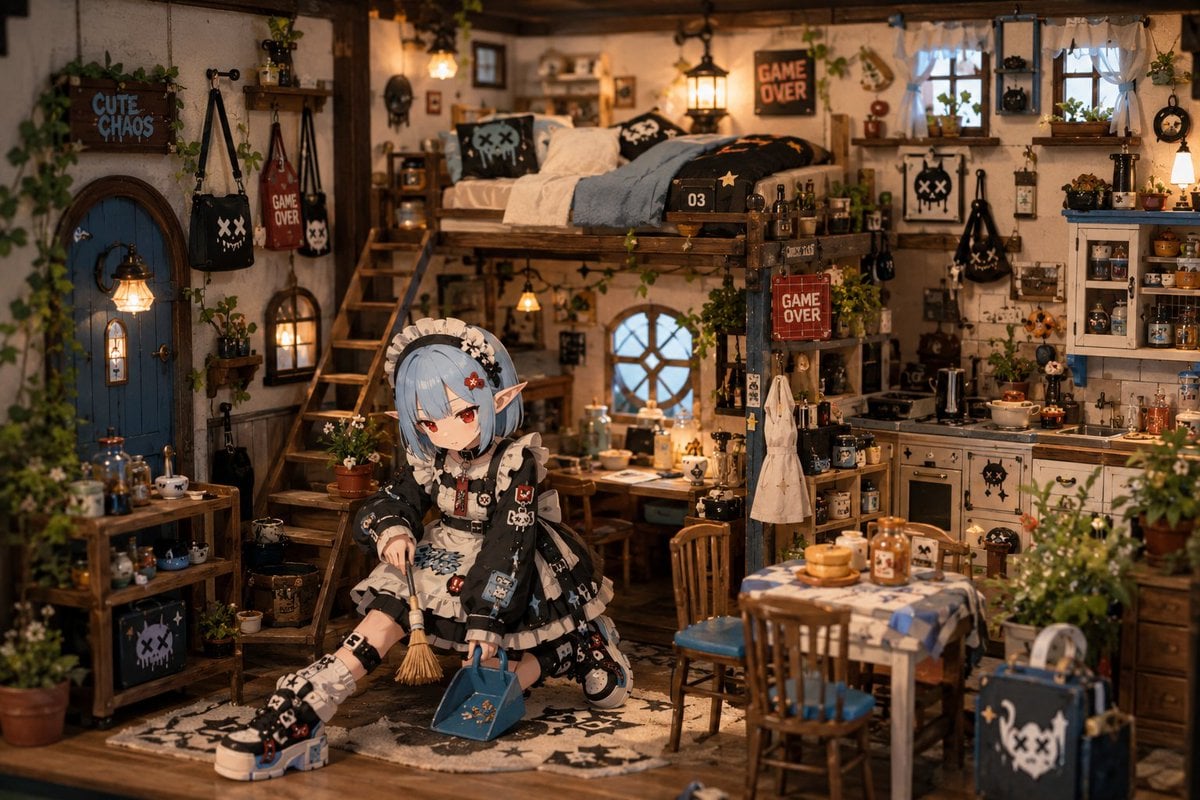
Miniature Diorama Character Living Space
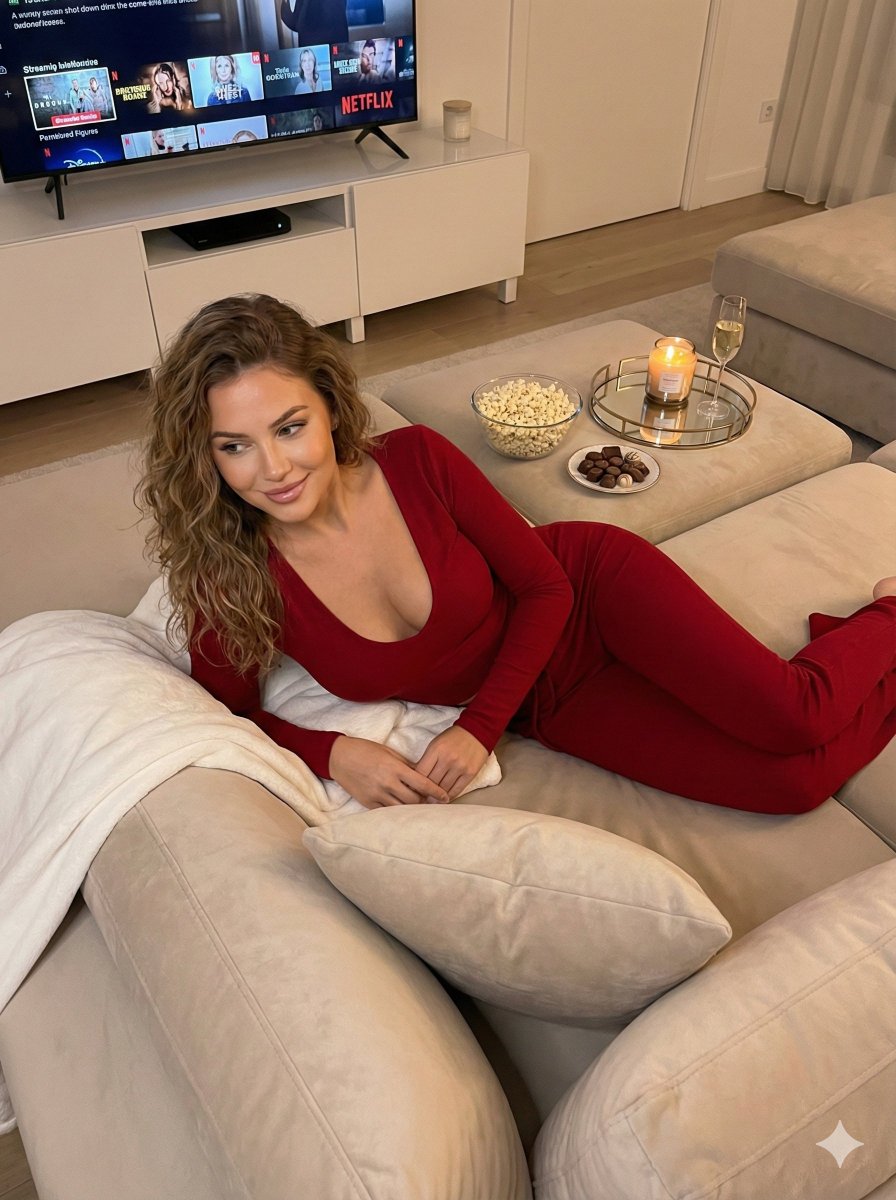
Cozy Evening Lifestyle Photography on Sofa
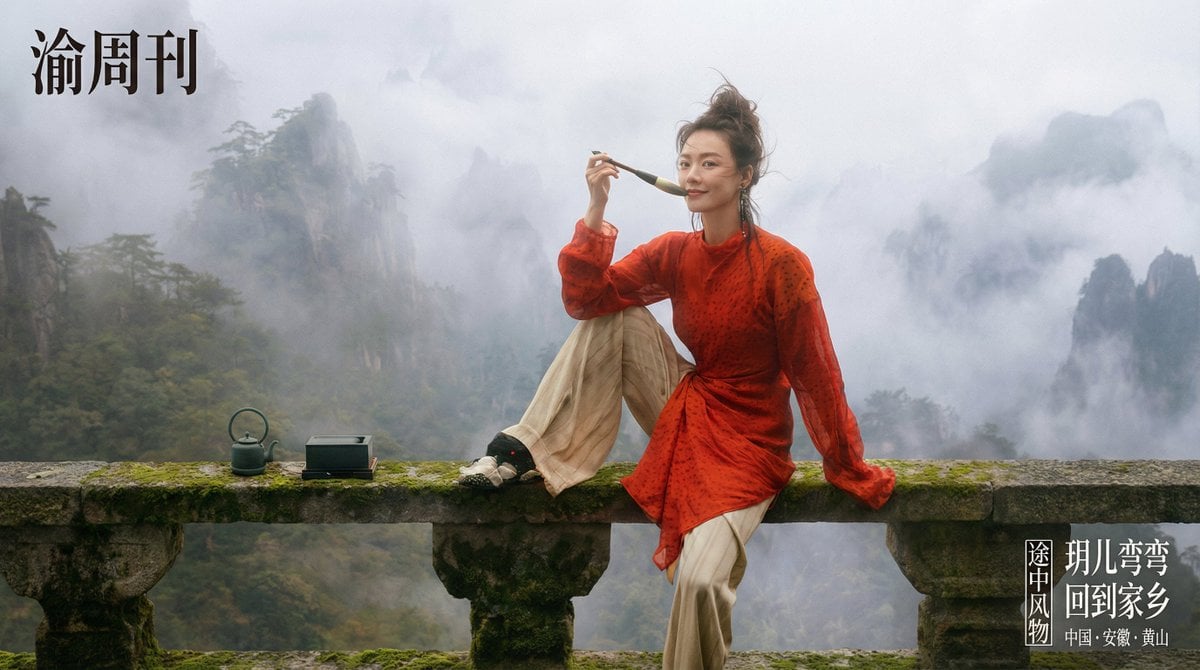
Cinematic Chinese Style Editorial Prompt (Ma Sichun Style)
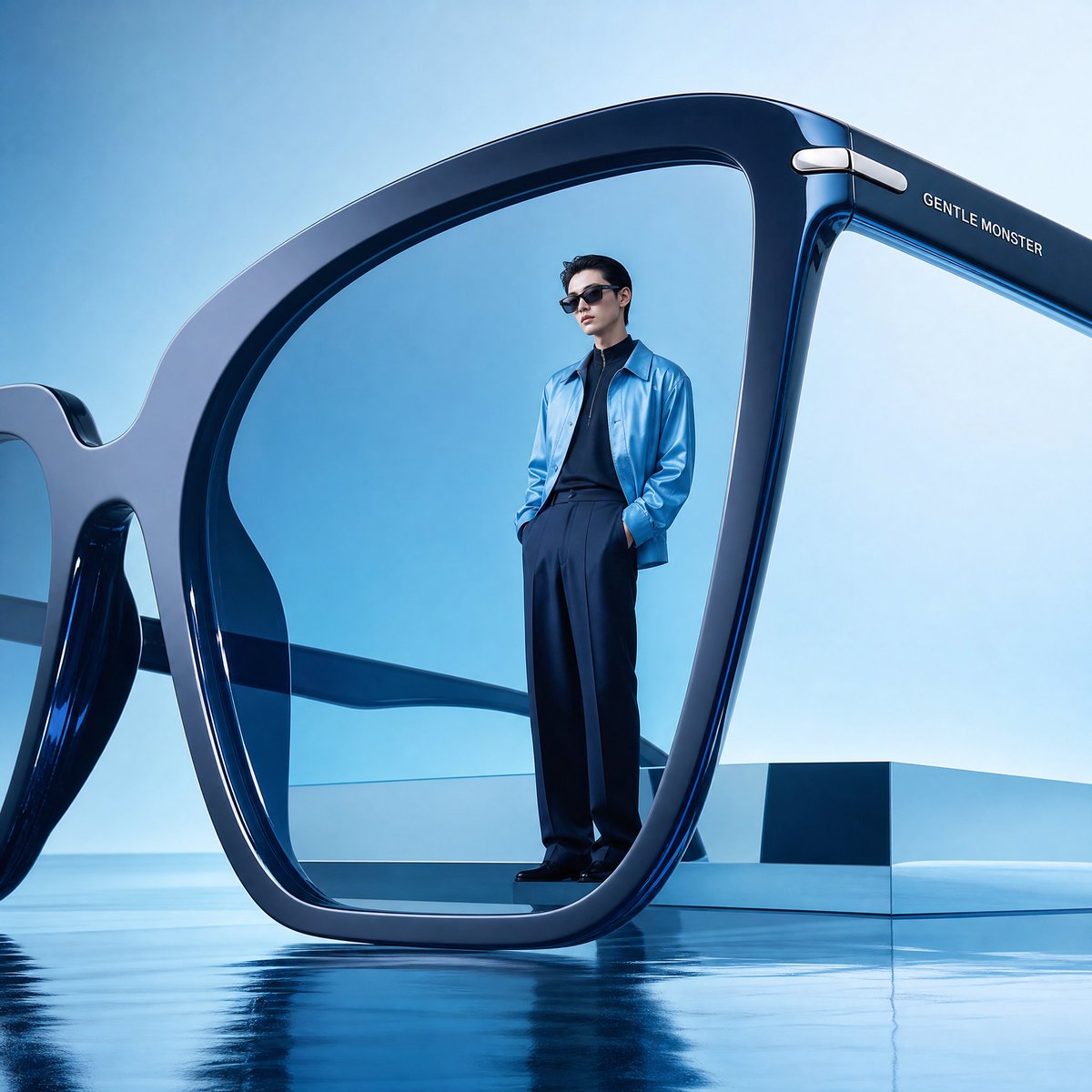
Futuristic Surreal Eyewear Advertisement
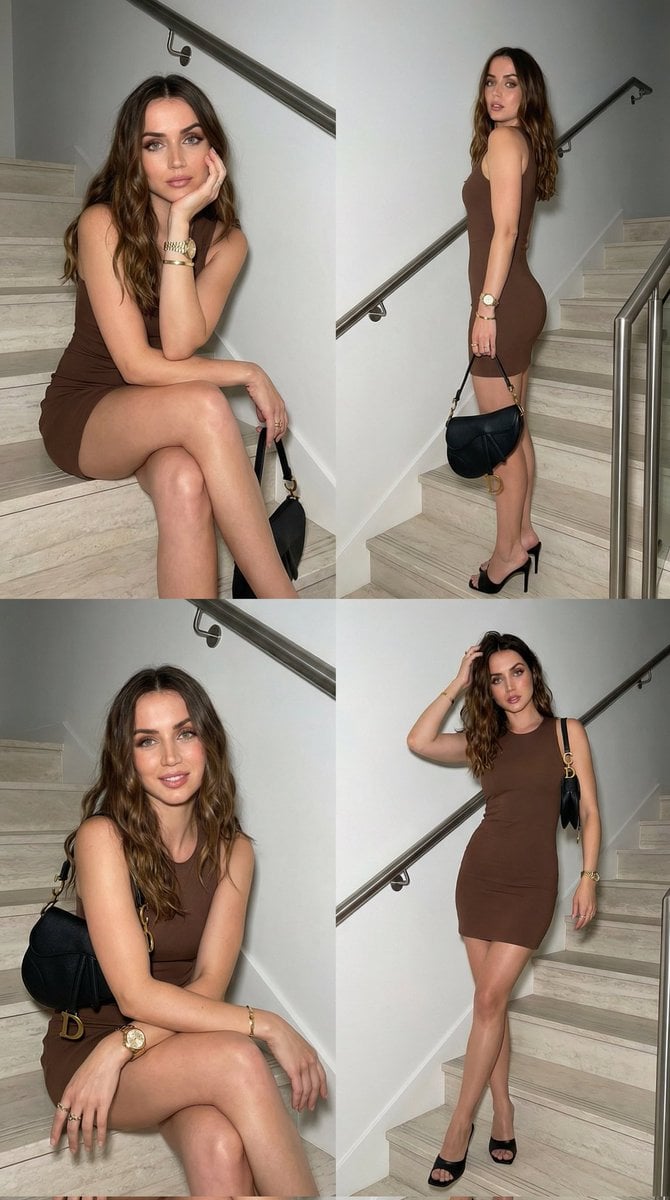
Luxury Fashion Editorial Collage on Modern Staircase
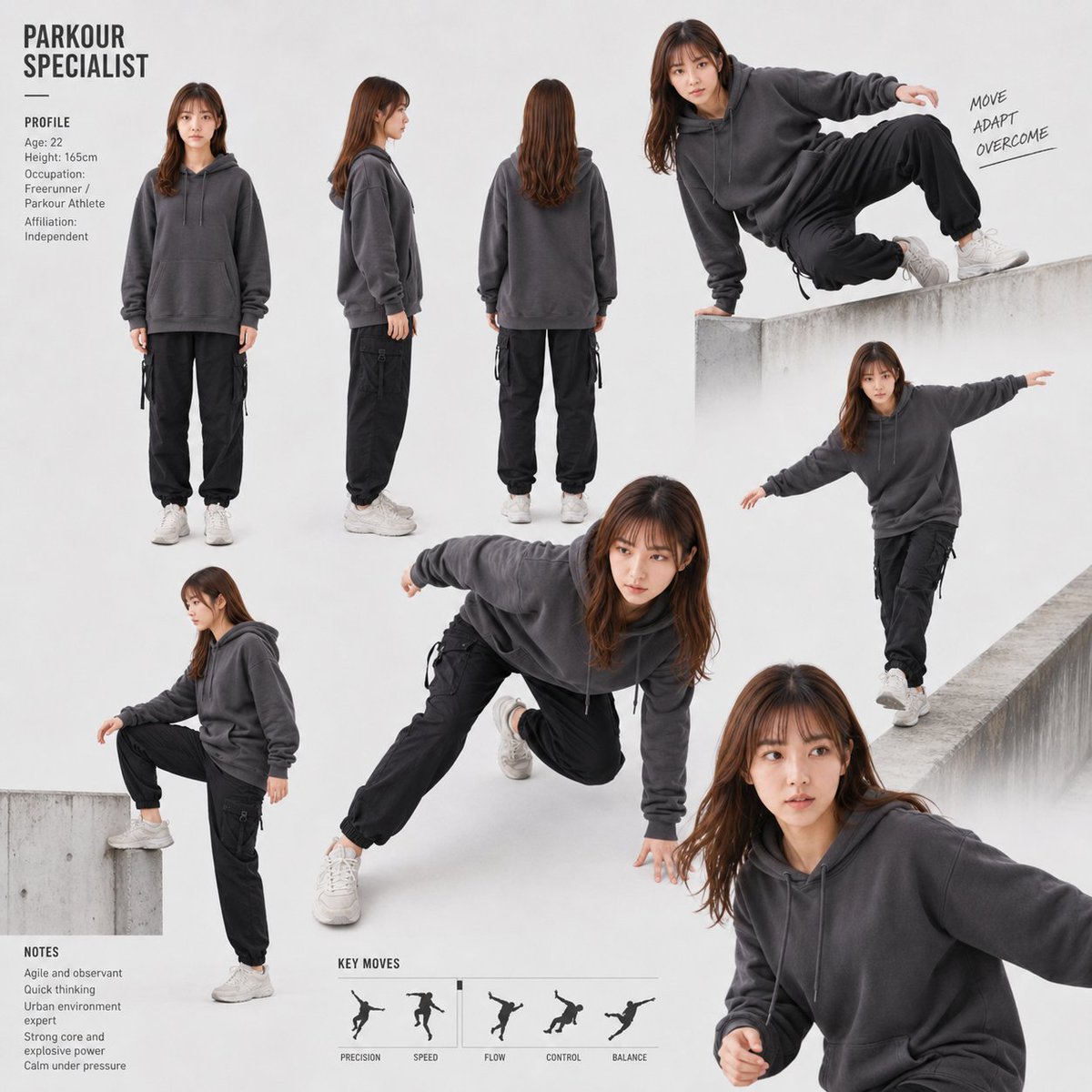
Parkour Specialist Montage Sheet

Octane-Rendered Floating Ecological Island
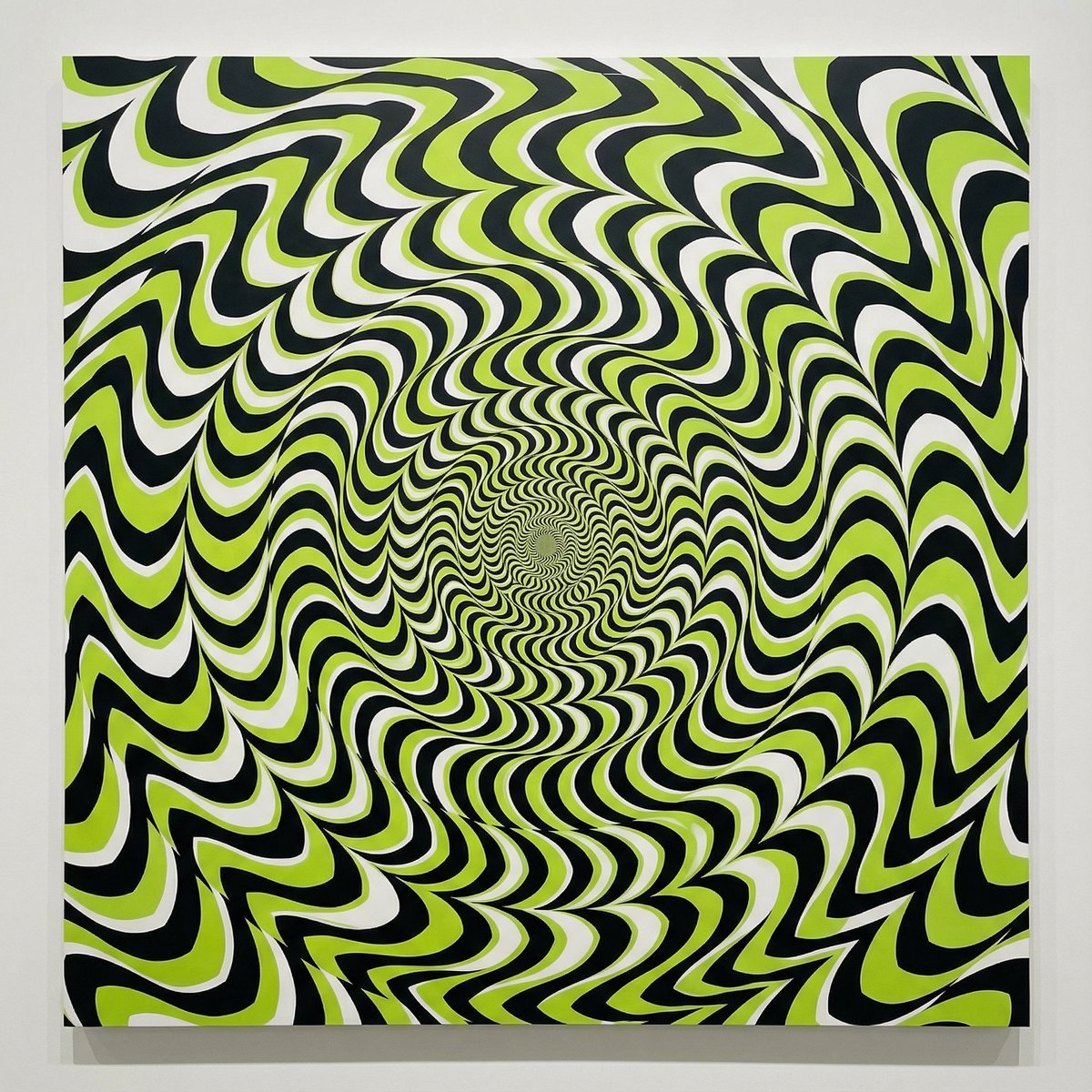
Optical Illusion of Illusory Motion
Browse template categories
Woman Stepping Out of Sketch questions
How do I use the Woman Stepping Out of Sketch template?
Add your photo if the template asks for one, edit the prompt if you like — the template's model and format are already selected — and press Generate. Your version opens in PicX Studio.
Can I customize the Woman Stepping Out of Sketch template?
Yes. You can change the subject, setting, lighting, mood, format, and available model controls before creating your image.
Is the Woman Stepping Out of Sketch template free?
Opening and editing this template is free. Generating uses credits, shown on the Generate button when you are signed in.
Which AI model should I use?
Start with GPT Image 2, which is the model associated with this template. You can compare another compatible model for a different finish.
Looking for something else? Browse all templates.

Your photo, any look
Thousands of ready templates for every top image and video model, from one credit balance.