
Parkour Specialist Montage Sheet
Generates a square editorial parkour character reference montage with profile text, notes, action poses, and key movement icons.
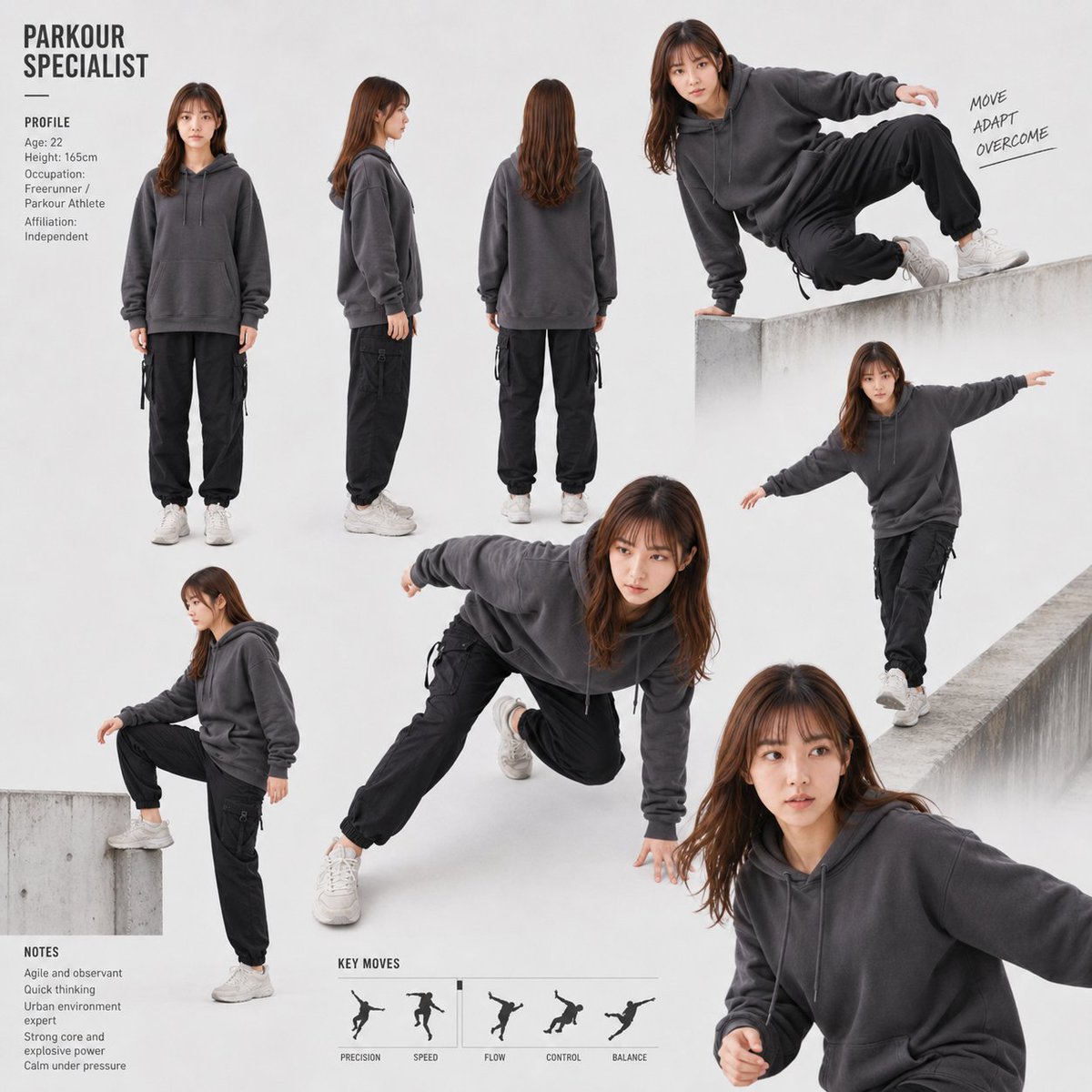
- Prompt included
- Model and format preset
- Free template
The prompt behind this image
Copy the exact prompt behind Parkour Specialist Montage Sheet, or open it in the studio and make it yours.
- Type
- editorial character concept montage / storyboard reference sheet
- Style
- clean high-key studio photography mixed with urban concrete parkour action shots, matte white and light gray background, realistic full-body model composites, magazine layout, documentary sportswear catalog aesthetic, soft diffused lighting, minimal shadows, crisp cutout collage edges, muted monochrome palette
- Subject › Role
- {argument name="specialist title" default="PARKOUR SPECIALIST"}
- Subject › Person
- young adult female freerunner, face intentionally anonymized with a soft square blur, medium height, athletic slim build
- Subject › Age
- {argument name="age" default="22"}
- Subject › Height
- {argument name="height" default="165cm"}
- Subject › Outfit
- oversized charcoal gray pullover hoodie with drawstrings, loose black cargo jogger pants with side straps, white athletic sneakers
- Subject › Hair
- {argument name="hair color and style" default="medium-length chestnut brown hair, loose and slightly tousled"}
- Layout › Canvas
- square 1:1 poster, lots of white space, asymmetric montage with strict typography on the left and action poses sweeping diagonally across the page
- Layout › Main Title › Text
- {argument name="headline text" default="PARKOUR SPECIALIST"}
- Layout › Main Title › Position
- top-left
- Layout › Main Title › Style
- bold condensed uppercase sans serif, dark gray, two lines, thin horizontal rule underneath
- Layout › Profile Section › Title
- PROFILE
- Layout › Profile Section › Position
- upper-left below title
- Layout › Profile Section › Count
- 6
- Layout › Profile Section › Fields
- Age: 22, Height: 165cm, Occupation: Freerunner / Parkour Athlete, Affiliation: Independent
- Layout › Notes Section › Title
- NOTES
- Layout › Notes Section › Position
- bottom-left
- Layout › Notes Section › Count
- 5
- Layout › Notes Section › Items
- Agile and observant, Quick thinking, Urban environment expert, Strong core and explosive power, Calm under pressure
- Layout › Pose Montage › Count
- 7
- Layout › Pose Montage › Poses › 0 › Description
- front-facing standing neutral full-body pose
- Layout › Pose Montage › Poses › 0 › Position
- upper-left center
- Layout › Pose Montage › Poses › 1 › Description
- left side profile standing neutral full-body pose
Raw JSON
{"type":"editorial character concept montage / storyboard reference sheet","style":"clean high-key studio photography mixed with urban concrete parkour action shots, matte white and light gray background, realistic full-body model composites, magazine layout, documentary sportswear catalog aesthetic, soft diffused lighting, minimal shadows, crisp cutout collage edges, muted monochrome palette","subject":{"role":"{argument name=\"specialist title\" default=\"PARKOUR SPECIALIST\"}","person":"young adult female freerunner, face intentionally anonymized with a soft square blur, medium height, athletic slim build","age":"{argument name=\"age\" default=\"22\"}","height":"{argument name=\"height\" default=\"165cm\"}","outfit":"oversized charcoal gray pullover hoodie with drawstrings, loose black cargo jogger pants with side straps, white athletic sneakers","hair":"{argument name=\"hair color and style\" default=\"medium-length chestnut brown hair, loose and slightly tousled\"}"},"layout":{"canvas":"square 1:1 poster, lots of white space, asymmetric montage with strict typography on the left and action poses sweeping diagonally across the page","main_title":{"text":"{argument name=\"headline text\" default=\"PARKOUR SPECIALIST\"}","position":"top-left","style":"bold condensed uppercase sans serif, dark gray, two lines, thin horizontal rule underneath"},"profile_section":{"title":"PROFILE","position":"upper-left below title","count":6,"fields":["Age: 22","Height: 165cm","Occupation: Freerunner / Parkour Athlete","Affiliation: Independent"]},"notes_section":{"title":"NOTES","position":"bottom-left","count":5,"items":["Agile and observant","Quick thinking","Urban environment expert","Strong core and explosive power","Calm under pressure"]},"pose_montage":{"count":7,"poses":[{"description":"front-facing standing neutral full-body pose","position":"upper-left center"},{"description":"left side profile standing neutral full-body pose","position":"upper-middle left"},{"description":"back view standing neutral full-body pose","position":"upper-middle"},{"description":"low crouch on a concrete block with one knee bent and one arm lowered for balance","position":"lower-left"},{"description":"large central dynamic crawl / landing pose, one hand near the floor, one knee tucked, body leaning forward","position":"center"},{"description":"top-right wall vault pose, one hand planted on a concrete ledge, knees lifted sideways, body suspended above the wall","position":"top-right"},{"description":"right-side balance run along a narrow concrete wall, arms extended like wings","position":"mid-right"},{"description":"large cropped close foreground running or leaning action pose, face blurred, right arm extended out of frame","position":"bottom-right"}]},"handwritten_motto":{"text":"MOVE / ADAPT / OVERCOME","position":"near upper-right action pose","style":"small rough handwritten uppercase notes with short underlines"},"key_moves_section":{"title":"KEY MOVES","position":"bottom center","count":5,"labels":["PRECISION","SPEED","FLOW","CONTROL","BALANCE"],"visuals":"five small black silhouette icons of parkour movements separated by thin vertical dividers"}},"composition_notes":"Create a non-linear montage that removes strict chronological order but preserves physical dynamism and spatial direction. Use concrete ledges as minimal environmental fragments, mainly on the right and lower-left. Keep all faces blurred/anonymized. Avoid bright colors; use charcoal, black, white, and pale concrete gray."}How to use Parkour Specialist Montage Sheet in 3 steps
- 1Upload ImagePNG, JPG or paste
Add your photo
Upload the photo the template builds on. The prompt, model and format are already set.
- 2…a portrait of your subject in softgolden-hour light, 85mm…
Personalize
Edit the subject and creative details for your destination.
- 3Generate
Generate
Press Generate — your image is created in PicX Studio, so you can compare it with the original and refine one variable at a time.
More like this
Templates with the same subject, style or setup. Open one to see its prompt.
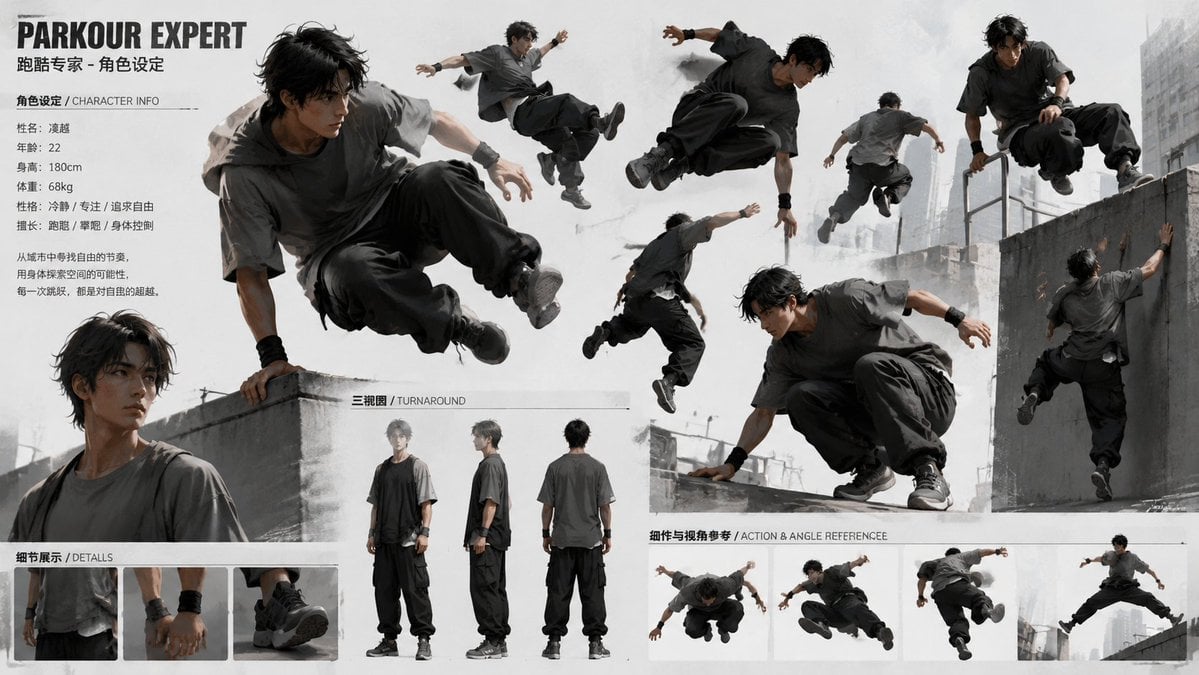
Parkour Character Montage Page

Dancer Character - Four View Reference Sheet

Movement Sheet - Dance Reference (Seedance 2.0)
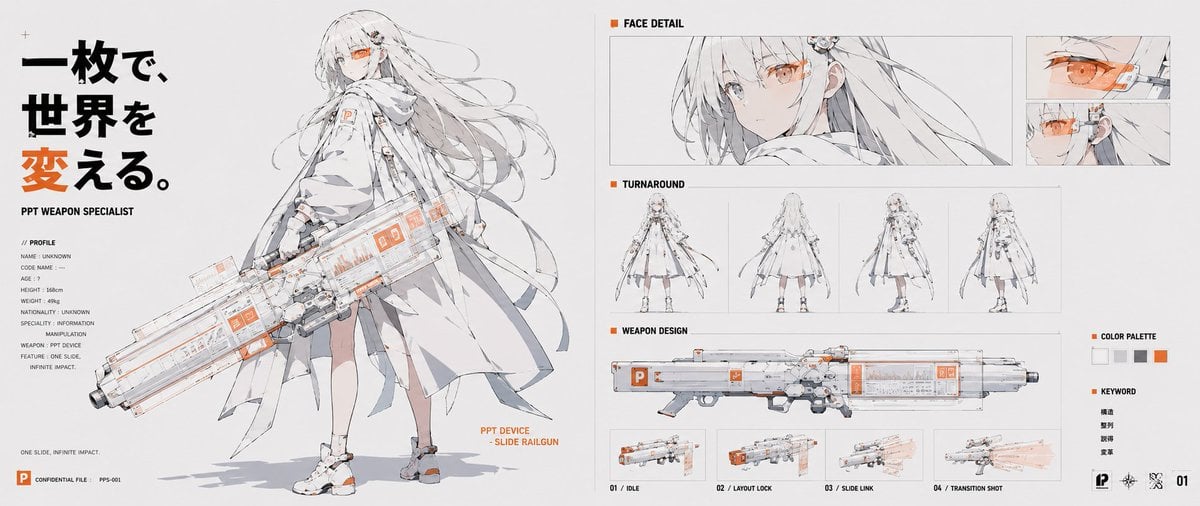
PPT Weapon Specialist Character Sheet
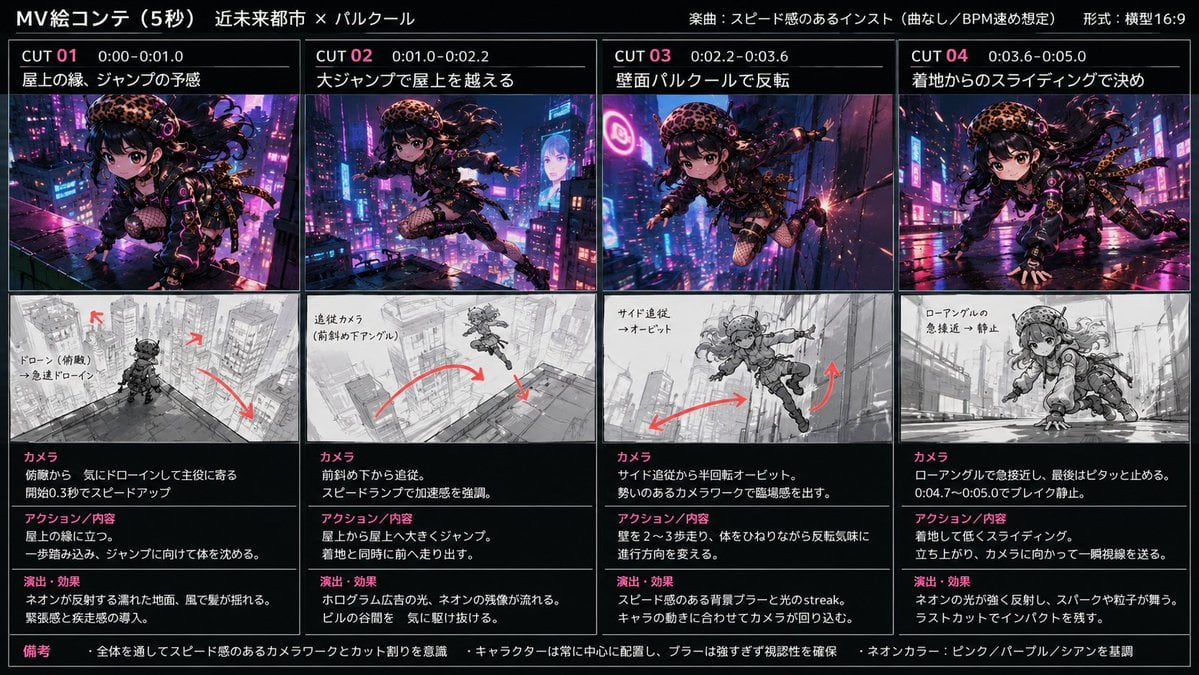
Cyberpunk City Parkour MV
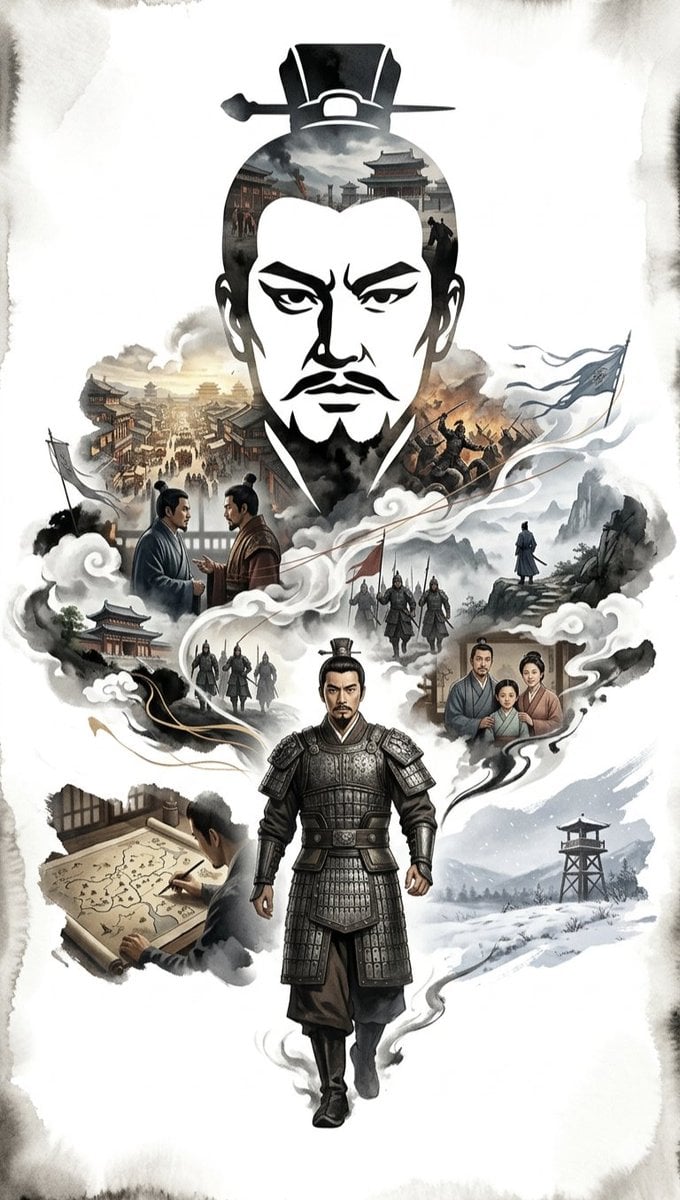
Ink-Wash Cinematic Montage Poster
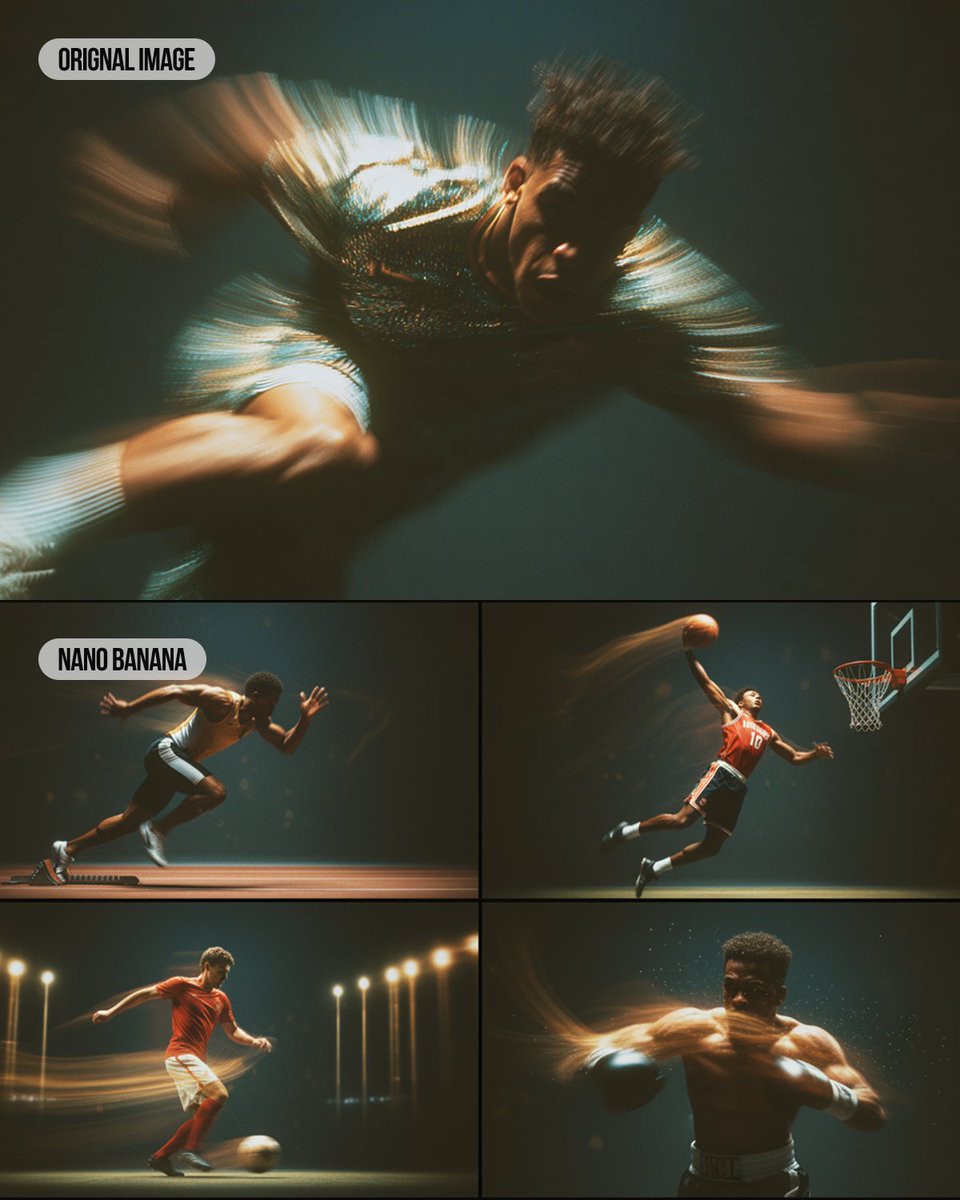
Multi-Panel Sports Montage with Style Reference
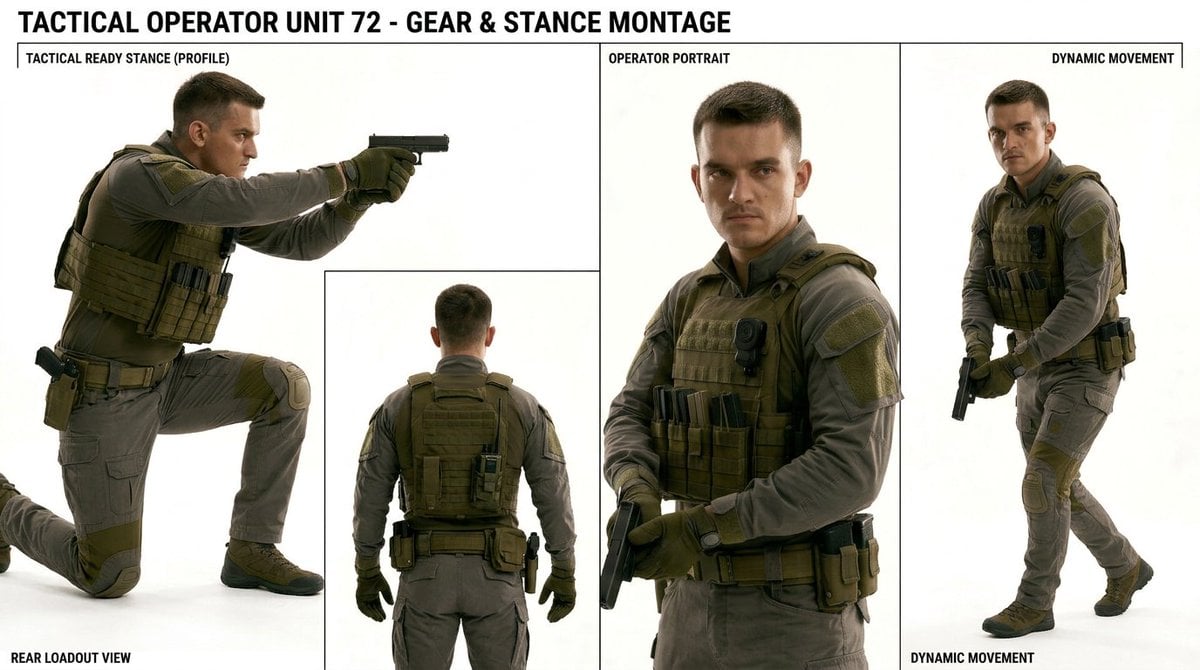
Tactical Operator Gear Montage
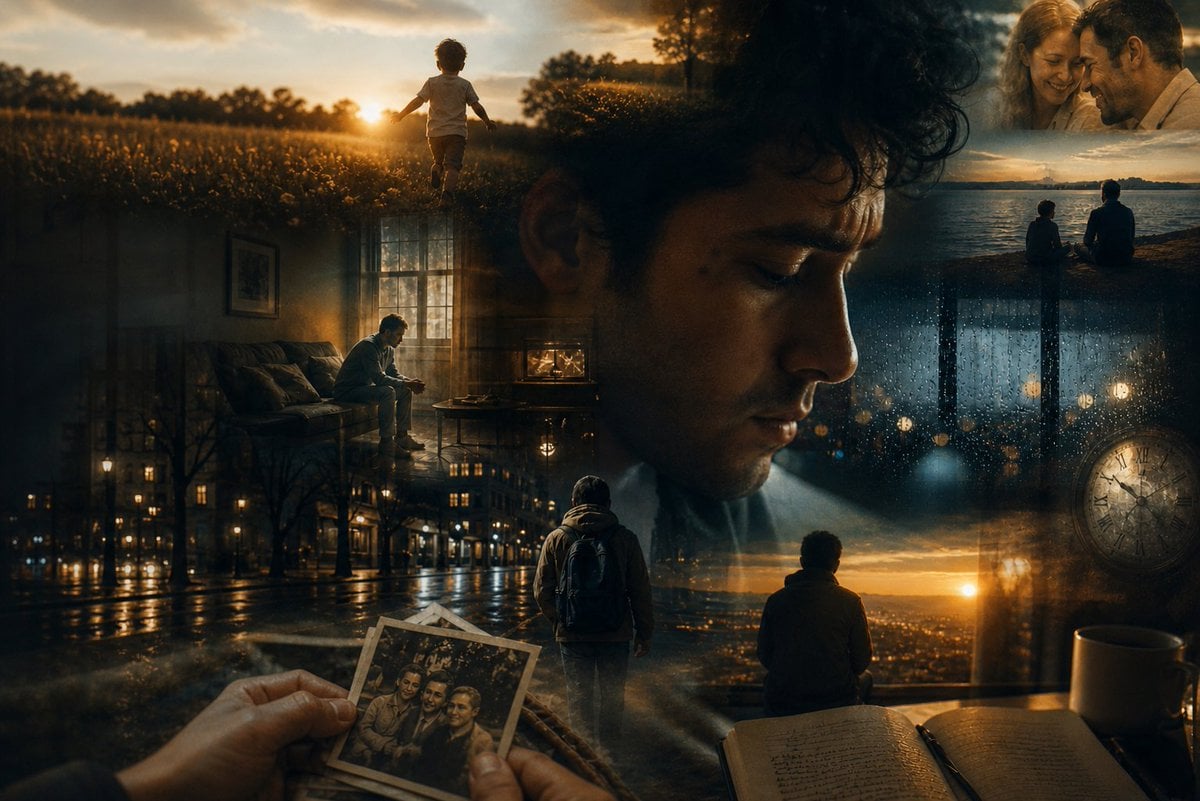
Dreamlike Double Exposure Montage
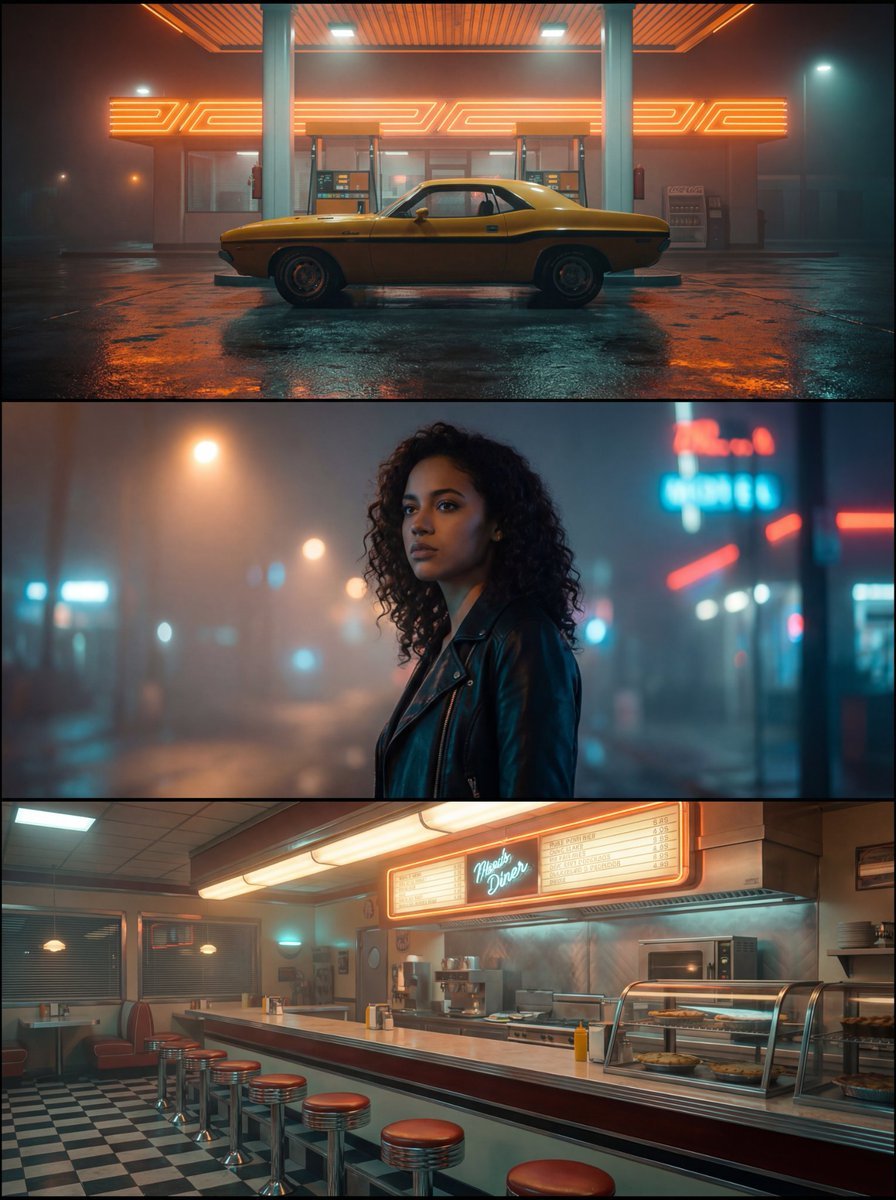
Neo-Noir Synthwave Triptych Montage

Six VTuber Japanese Logo Sheet

Retro Manga StackChan Concept Sheet
Make it yours
Parkour Specialist Montage Sheet works as-is. These are the safest ways to change it without losing the look.
Change one field
Copy a single group, rewrite it, and generate again so you can see what that field is doing.
Keep the frame, change the subject
Hold the composition and light of Parkour Specialist Montage Sheet, then swap wardrobe, props or the person for a new take.
| If the result… | Why | Fix |
|---|---|---|
| The result drifts from the preview | Too many fields changed at once. | Reuse Parkour Specialist Montage Sheet as-is first, then change one group — subject, light, or setting. |
| GPT Image 2 ignores part of the JSON | Some models flatten or skip nested keys. | Keep the same values and paste them as a short paragraph instead. |
More GPT Image 2 templates
Other prompts made for GPT Image 2.

Realistic Portrait of Woman and Deer

The Vista Modular Condo Poster

AI Model Routing Comparison Infographic

2.5D Anime Art Board

Isometric Productivity Desk Scene

New York Double Exposure Poster

Four-Panel AI Landscape Comparison

Japanese Tatami Lifestyle Magazine Cover

NESCAFÉ Coffee Map Poster

Brutalist Cogito Chinese Typography Poster
More image prompts
Fresh picks from across the catalog.
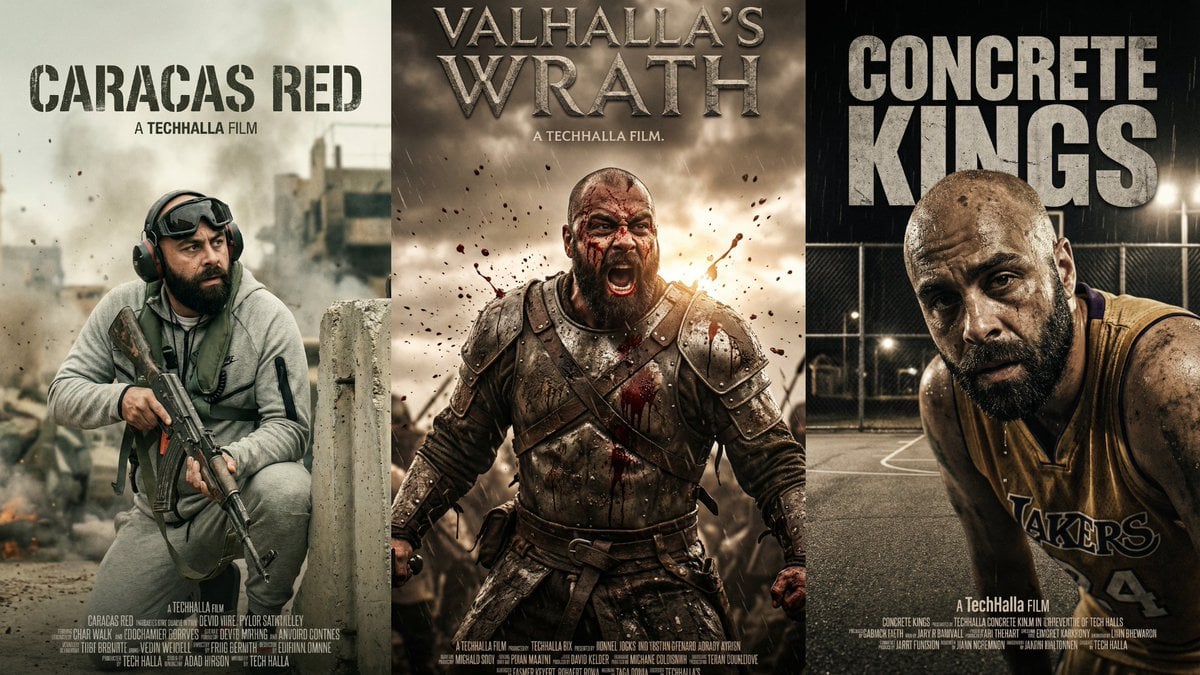
Parametrized Movie Poster Generation Prompt
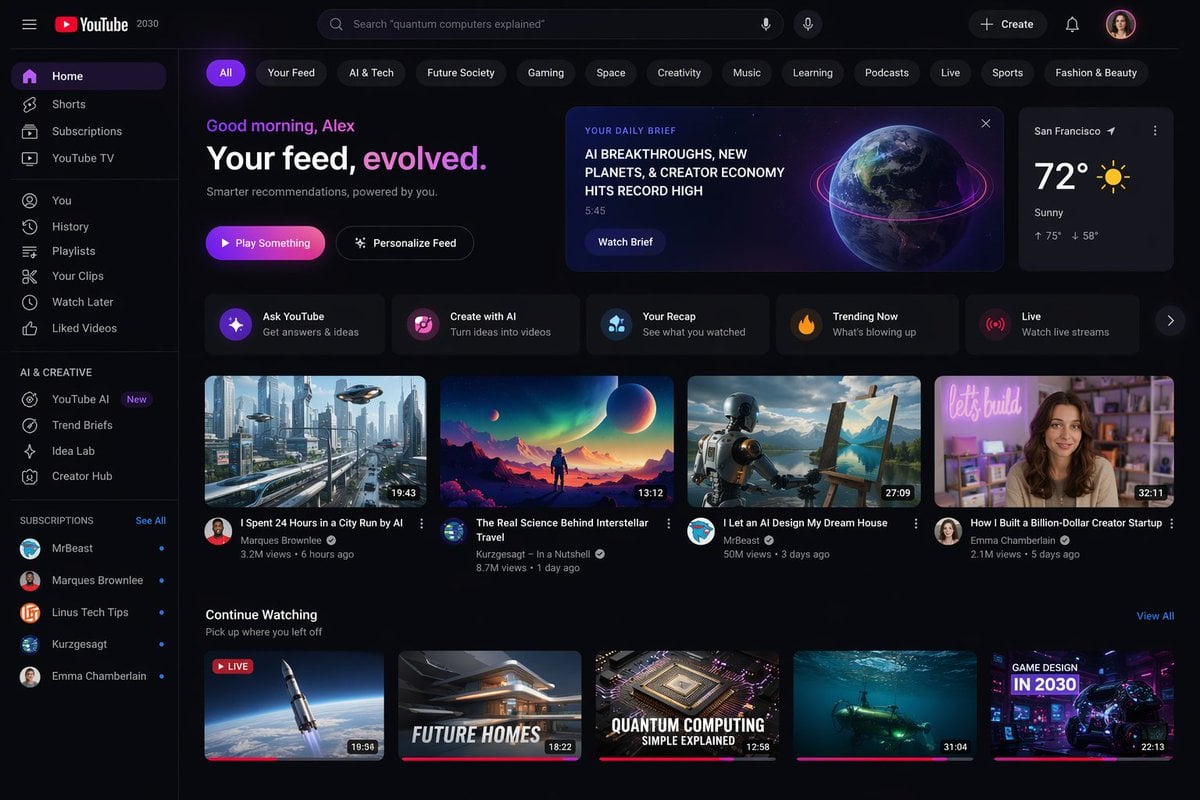
YouTube 2030 Interface
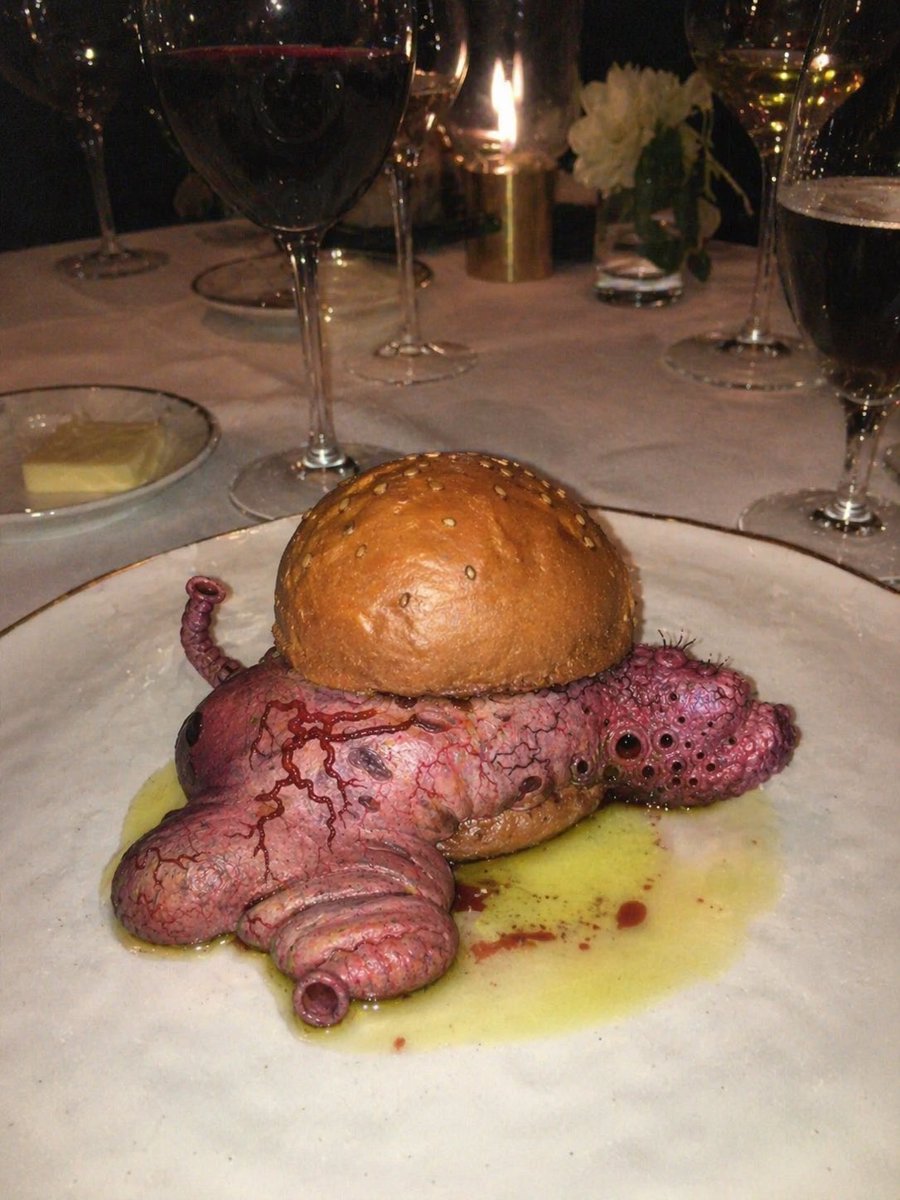
Surreal Octopus Burger Fine Dining Photo

Image Generation Prompt with Strong Light Effects and Neutral Expression (Japanese)
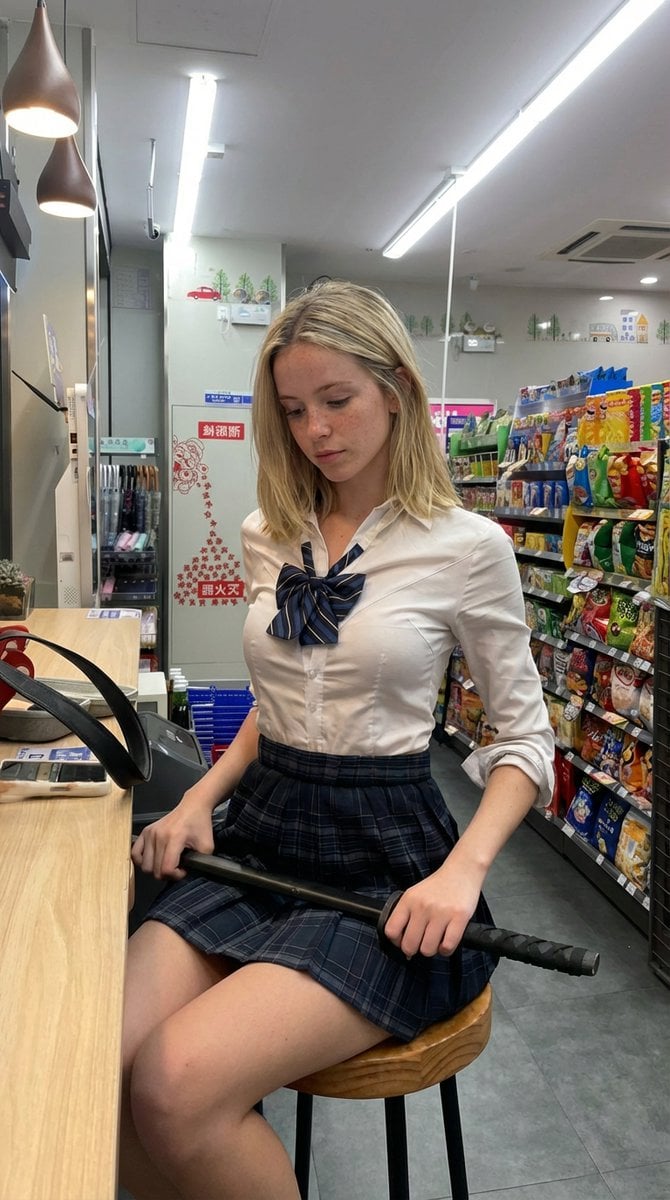
Detailed Image Prompt for Nano Banana Pro
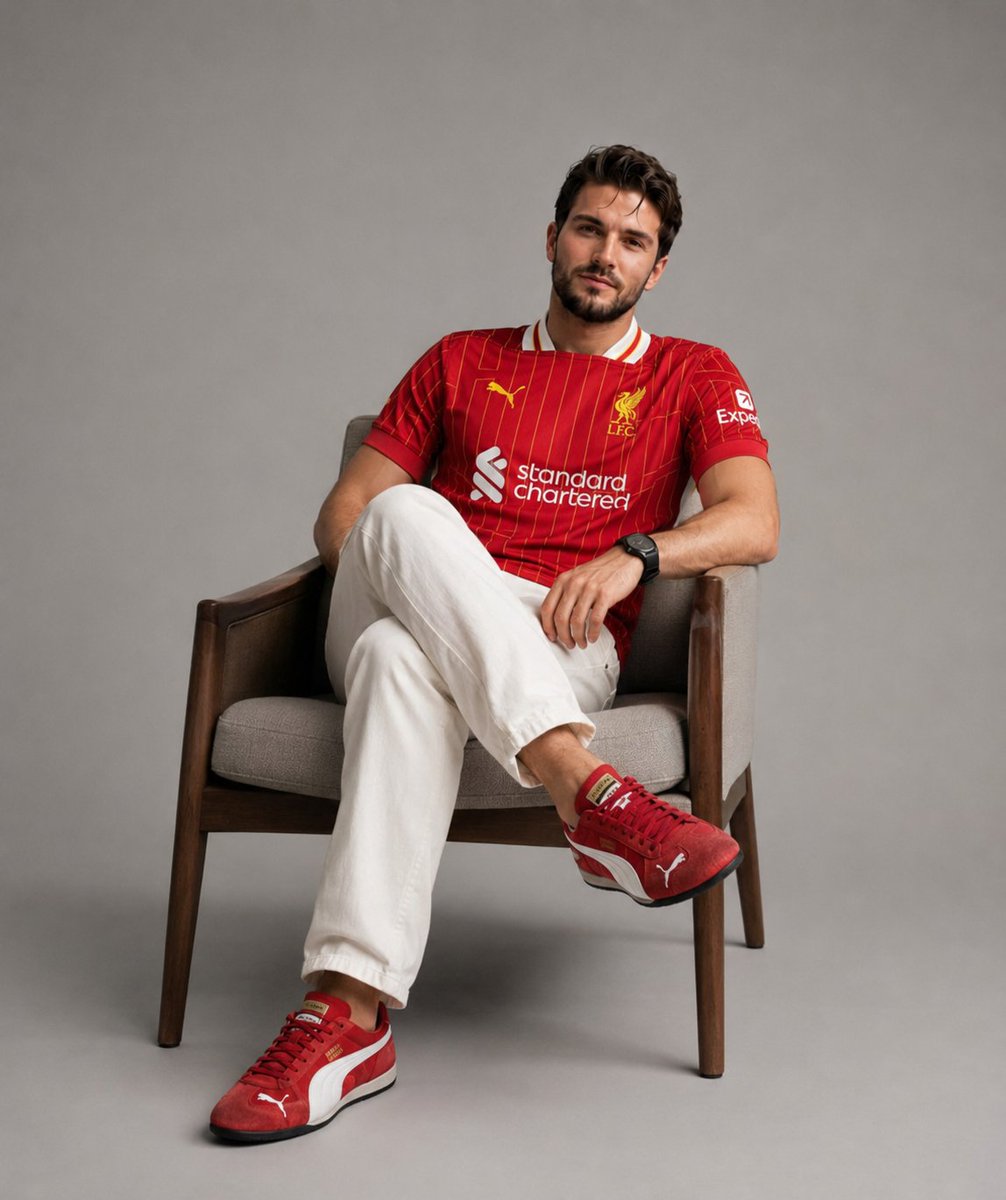
Professional Studio Fashion Portrait
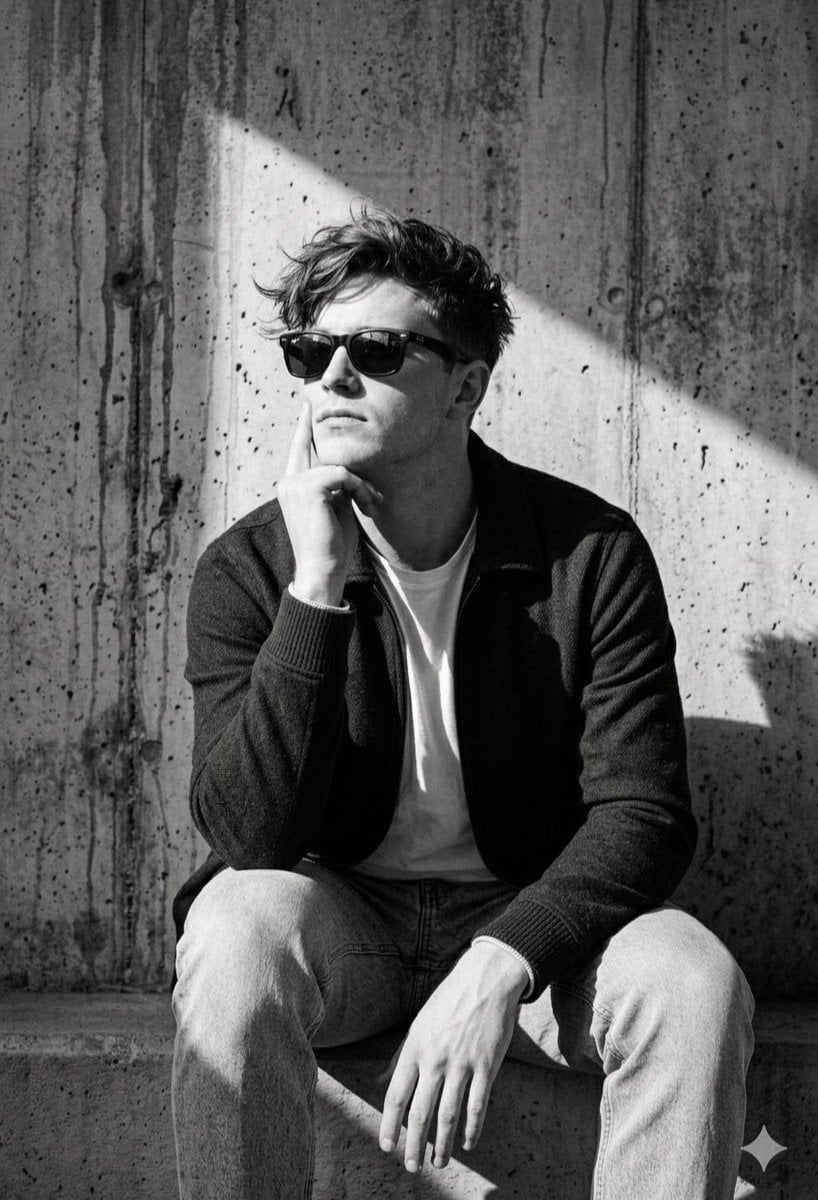
Industrial Concrete Portrait
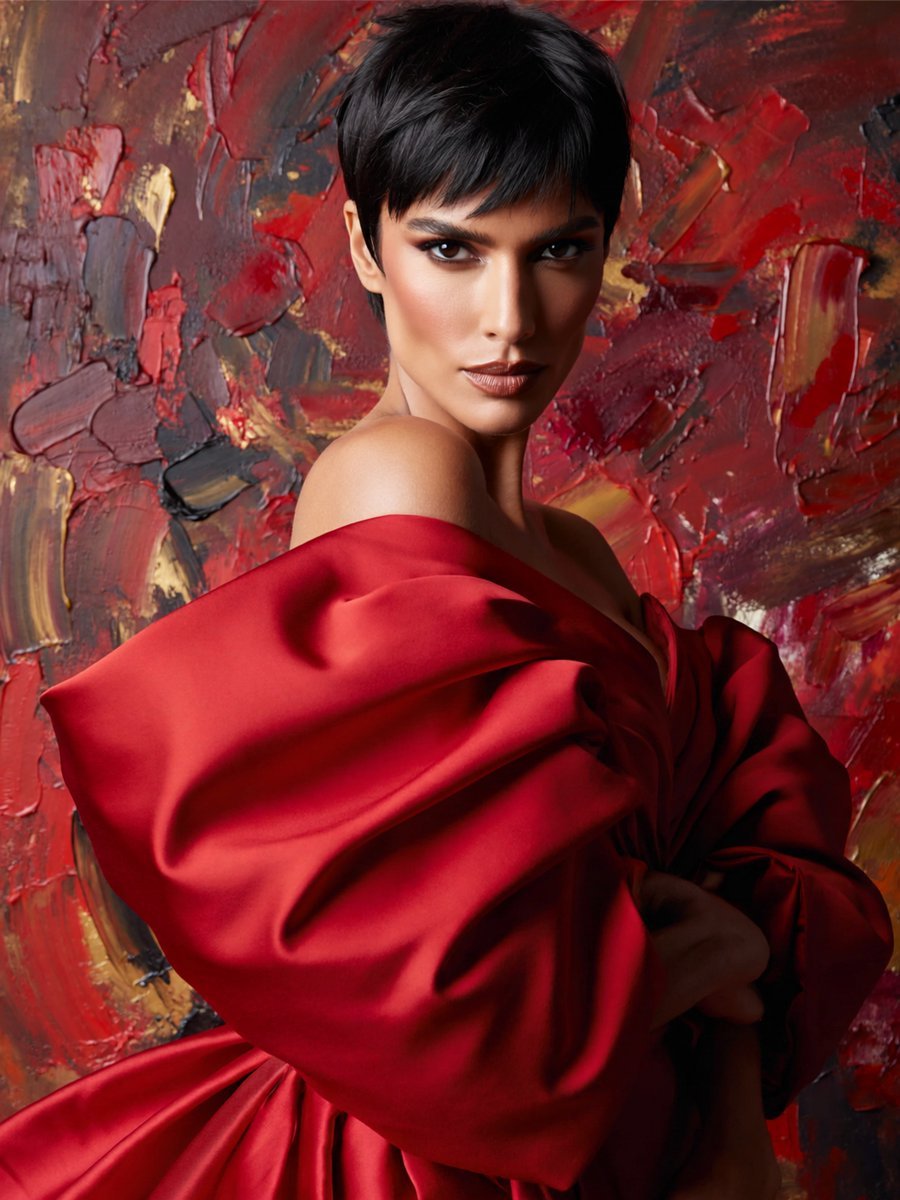
Anonymous Red Couture Portrait
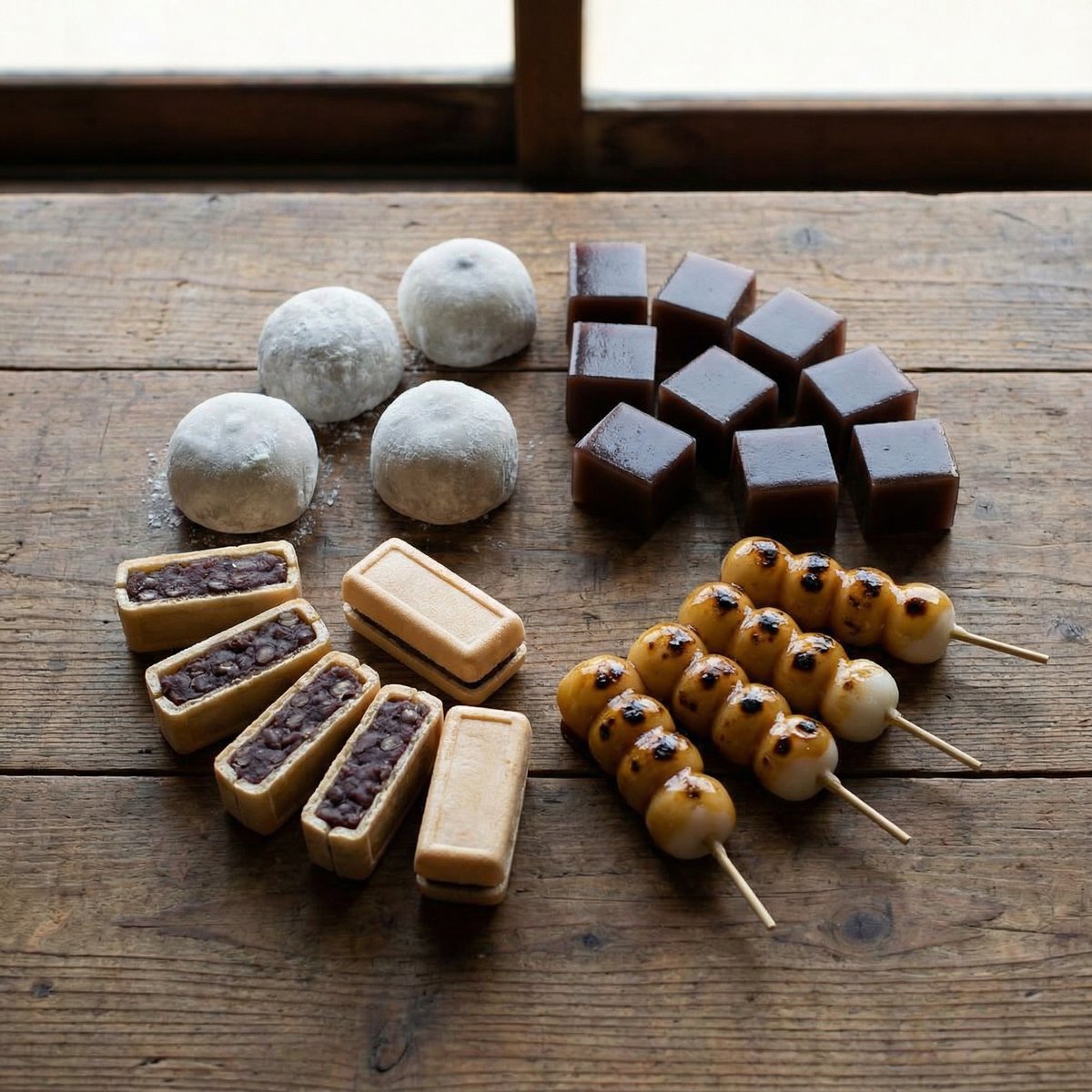
Perfectly Aligned Japanese Wagashi Sweets
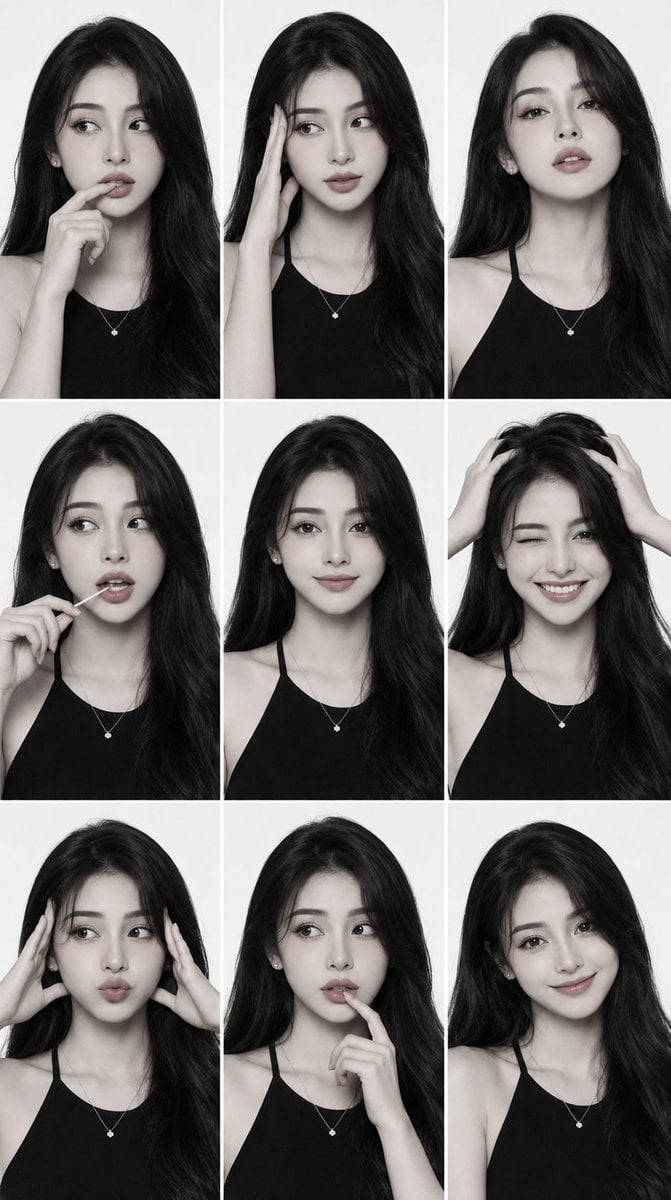
Monochrome Fashion Editorial Comp Card
Browse template categories
Parkour Specialist Montage Sheet questions
How do I use the Parkour Specialist Montage Sheet template?
Add your photo if the template asks for one, edit the prompt if you like — the template's model and format are already selected — and press Generate. Your version opens in PicX Studio.
Can I customize the Parkour Specialist Montage Sheet template?
Yes. You can change the subject, setting, lighting, mood, format, and available model controls before creating your image.
Is the Parkour Specialist Montage Sheet template free?
Opening and editing this template is free. Generating uses credits, shown on the Generate button when you are signed in.
Which AI model should I use?
Start with GPT Image 2, which is the model associated with this template. You can compare another compatible model for a different finish.
Looking for something else? Browse all templates.

Your photo, any look
Thousands of ready templates for every top image and video model, from one credit balance.