
Tactical Operator Gear Montage
Generates a photorealistic tactical operator character sheet with four labeled stance and gear-view panels for reference or concept design.
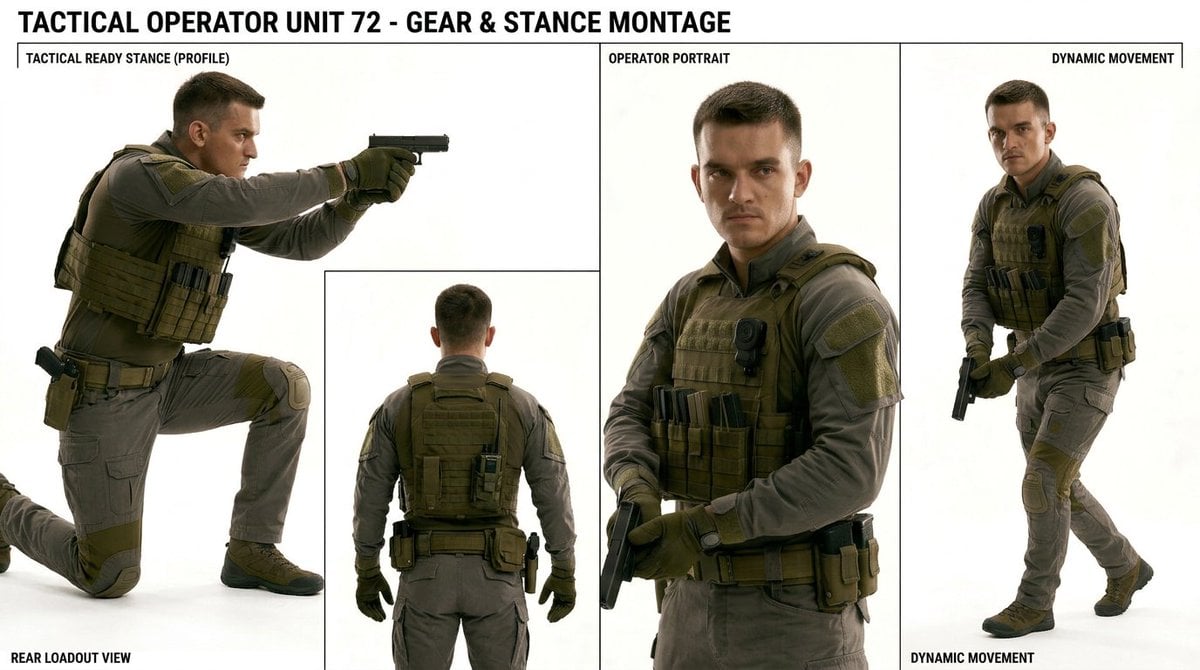
- Prompt included
- Model and format preset
- Free template
The prompt behind this image
Copy the exact prompt behind Tactical Operator Gear Montage, or open it in the studio and make it yours.
- Type
- photorealistic tactical character sheet montage
- Title Text
- {argument name="headline text" default="TACTICAL OPERATOR UNIT 72 - GEAR & STANCE MONTAGE"}
- Overall Style
- clean studio reference board on a white background, high-resolution realistic photography look, sharp black divider lines, bold condensed uppercase typography, muted military color palette, catalog-like gear and stance documentation
- Subject › Identity
- adult male tactical operator with short dark hair and anonymized blurred square over the face in every visible face view
- Subject › Build
- athletic average build
- Subject › Clothing
- gray long-sleeve tactical uniform shirt and matching gray tactical pants with reinforced knee pads and cargo pockets
- Subject › Gear
- olive drab plate carrier with MOLLE webbing, front magazine pouches, shoulder patches, black body camera or radio module on chest, tactical belt with holster and utility pouches, olive gloves, sturdy dark tactical boots, handgun used in stance and movement poses
- Subject › Colors
- gray fabric uniform, olive drab armor and gloves, black handgun and accessories, tan-green pouches
- Layout › Canvas
- wide horizontal sheet, approximately 16:9, white studio background with thin black panel borders
- Layout › Sections Count
- 4
- Layout › Sections › 0 › Title
- TACTICAL READY STANCE (PROFILE)
- Layout › Sections › 0 › Position
- large left panel occupying about half the width and upper-left area
- Layout › Sections › 0 › Description
- full-body side profile of the operator kneeling on one knee in a tactical ready stance, arms extended forward aiming a black pistol to the right, plate carrier and belt visible, face covered by a rectangular blur
- Layout › Sections › 0 › Pose Count
- 1
- Layout › Sections › 1 › Title
- REAR LOADOUT VIEW
- Layout › Sections › 1 › Position
- bottom center-left inset panel overlapping within the left half
- Layout › Sections › 1 › Description
- rear full-body view of the same operator standing upright, back facing camera, showing the rear plate carrier, backpack-like MOLLE panel, belt pouches, gloves at sides, holster and radio gear visible
- Layout › Sections › 1 › Pose Count
- 1
- Layout › Sections › 2 › Title
- OPERATOR PORTRAIT
- Layout › Sections › 2 › Position
- central tall panel
- Layout › Sections › 2 › Description
- waist-up front portrait of the operator holding a pistol low across the body, looking toward camera, face anonymized with a large blurred rectangle, tactical vest details and front magazine pouches emphasized
- Layout › Sections › 2 › Pose Count
- 1
- Layout › Sections › 3 › Title
- DYNAMIC MOVEMENT
- Layout › Sections › 3 › Position
- right tall panel
Raw JSON
{"type":"photorealistic tactical character sheet montage","title_text":"{argument name=\"headline text\" default=\"TACTICAL OPERATOR UNIT 72 - GEAR & STANCE MONTAGE\"}","overall_style":"clean studio reference board on a white background, high-resolution realistic photography look, sharp black divider lines, bold condensed uppercase typography, muted military color palette, catalog-like gear and stance documentation","subject":{"identity":"adult male tactical operator with short dark hair and anonymized blurred square over the face in every visible face view","build":"athletic average build","clothing":"gray long-sleeve tactical uniform shirt and matching gray tactical pants with reinforced knee pads and cargo pockets","gear":"olive drab plate carrier with MOLLE webbing, front magazine pouches, shoulder patches, black body camera or radio module on chest, tactical belt with holster and utility pouches, olive gloves, sturdy dark tactical boots, handgun used in stance and movement poses","colors":"gray fabric uniform, olive drab armor and gloves, black handgun and accessories, tan-green pouches"},"layout":{"canvas":"wide horizontal sheet, approximately 16:9, white studio background with thin black panel borders","sections_count":4,"sections":[{"title":"TACTICAL READY STANCE (PROFILE)","position":"large left panel occupying about half the width and upper-left area","description":"full-body side profile of the operator kneeling on one knee in a tactical ready stance, arms extended forward aiming a black pistol to the right, plate carrier and belt visible, face covered by a rectangular blur","pose_count":1},{"title":"REAR LOADOUT VIEW","position":"bottom center-left inset panel overlapping within the left half","description":"rear full-body view of the same operator standing upright, back facing camera, showing the rear plate carrier, backpack-like MOLLE panel, belt pouches, gloves at sides, holster and radio gear visible","pose_count":1},{"title":"OPERATOR PORTRAIT","position":"central tall panel","description":"waist-up front portrait of the operator holding a pistol low across the body, looking toward camera, face anonymized with a large blurred rectangle, tactical vest details and front magazine pouches emphasized","pose_count":1},{"title":"DYNAMIC MOVEMENT","position":"right tall panel","description":"full-body three-quarter view of the operator walking or advancing with knees bent, pistol held low in both gloved hands, tactical vest and belt gear visible, face anonymized with a blurred rectangle","pose_count":1}],"total_operator_figures":4,"visible_labels_count":5,"visible_labels":["TACTICAL OPERATOR UNIT 72 - GEAR & STANCE MONTAGE","TACTICAL READY STANCE (PROFILE)","REAR LOADOUT VIEW","OPERATOR PORTRAIT","DYNAMIC MOVEMENT"]},"camera_and_lighting":"studio product-reference lighting, soft shadows on white floor, realistic proportions, crisp gear detail, neutral documentary perspective","rendering_instructions":"create a single cohesive montage sheet with exactly 4 operator poses and 5 visible text labels, keep all panels separated by thin black lines, maintain consistent uniform and equipment across every pose, make the face intentionally obscured by a simple rectangular blur rather than showing facial features"}How to use Tactical Operator Gear Montage in 3 steps
- 1Upload ImagePNG, JPG or paste
Add your photo
Upload the photo the template builds on. The prompt, model and format are already set.
- 2…a portrait of your subject in softgolden-hour light, 85mm…
Personalize
Edit the subject and creative details for your destination.
- 3Generate
Generate
Press Generate — your image is created in PicX Studio, so you can compare it with the original and refine one variable at a time.
More like this
Templates with the same subject, style or setup. Open one to see its prompt.
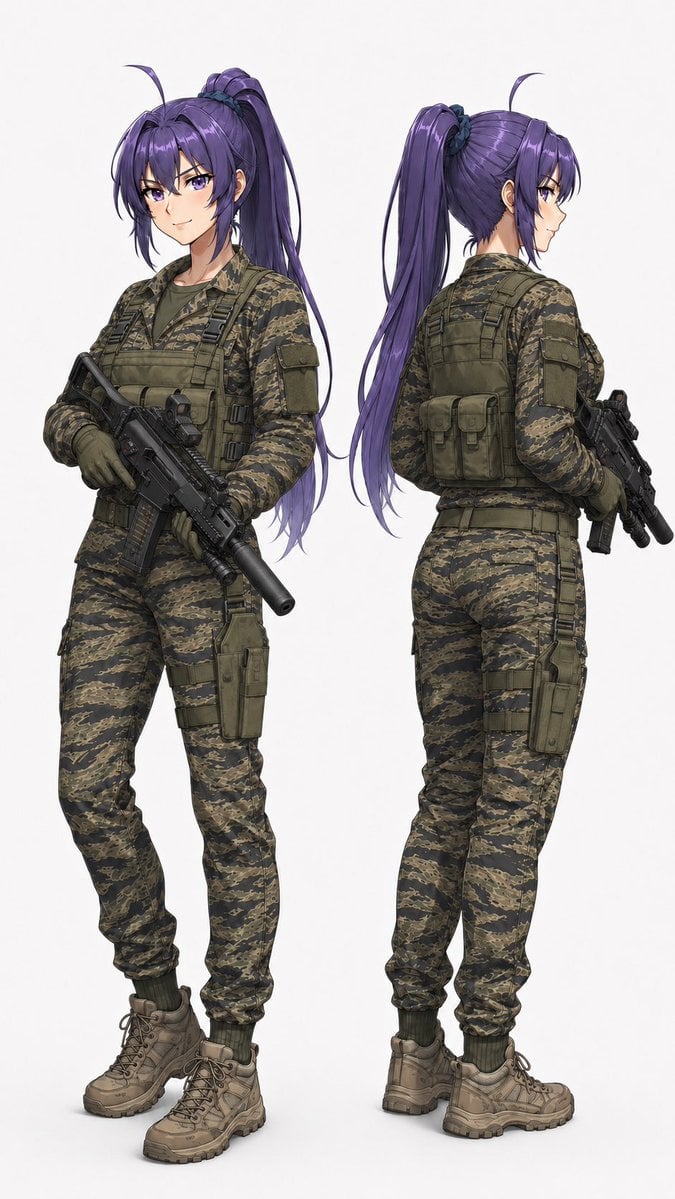
Anime Tactical Operator Character Sheet
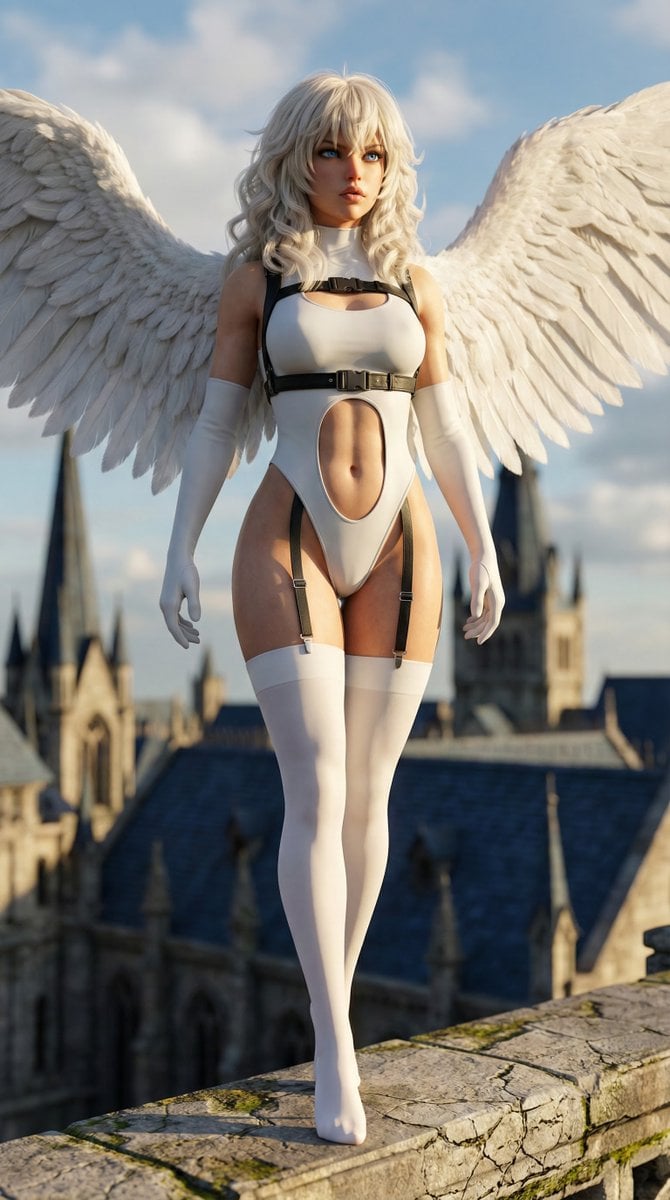
Hyper-realistic anime warrior portrait with tactical gear
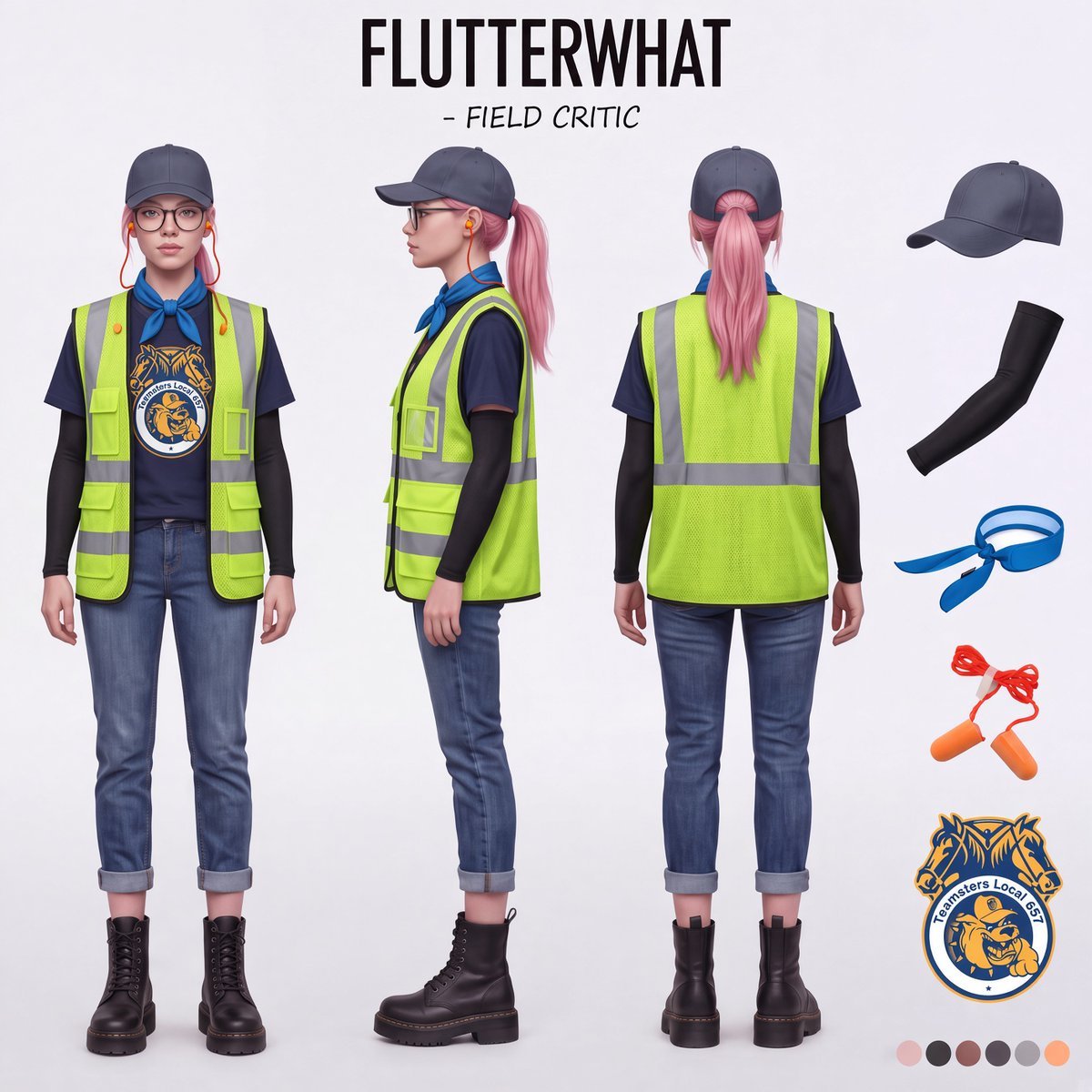
Airport Ready Cooling Gear Critic
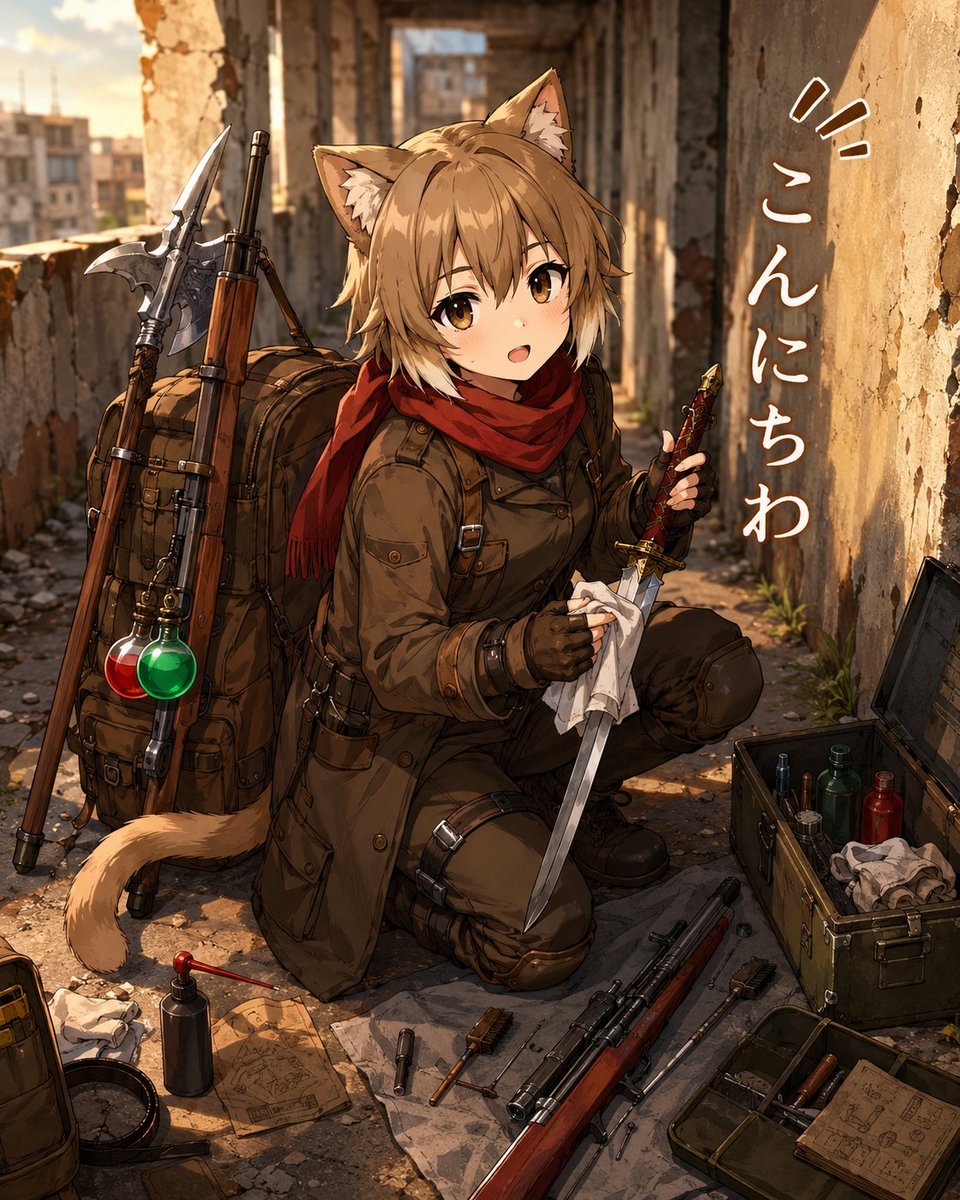
Cat-Eared Adventurer Gear Maintenance
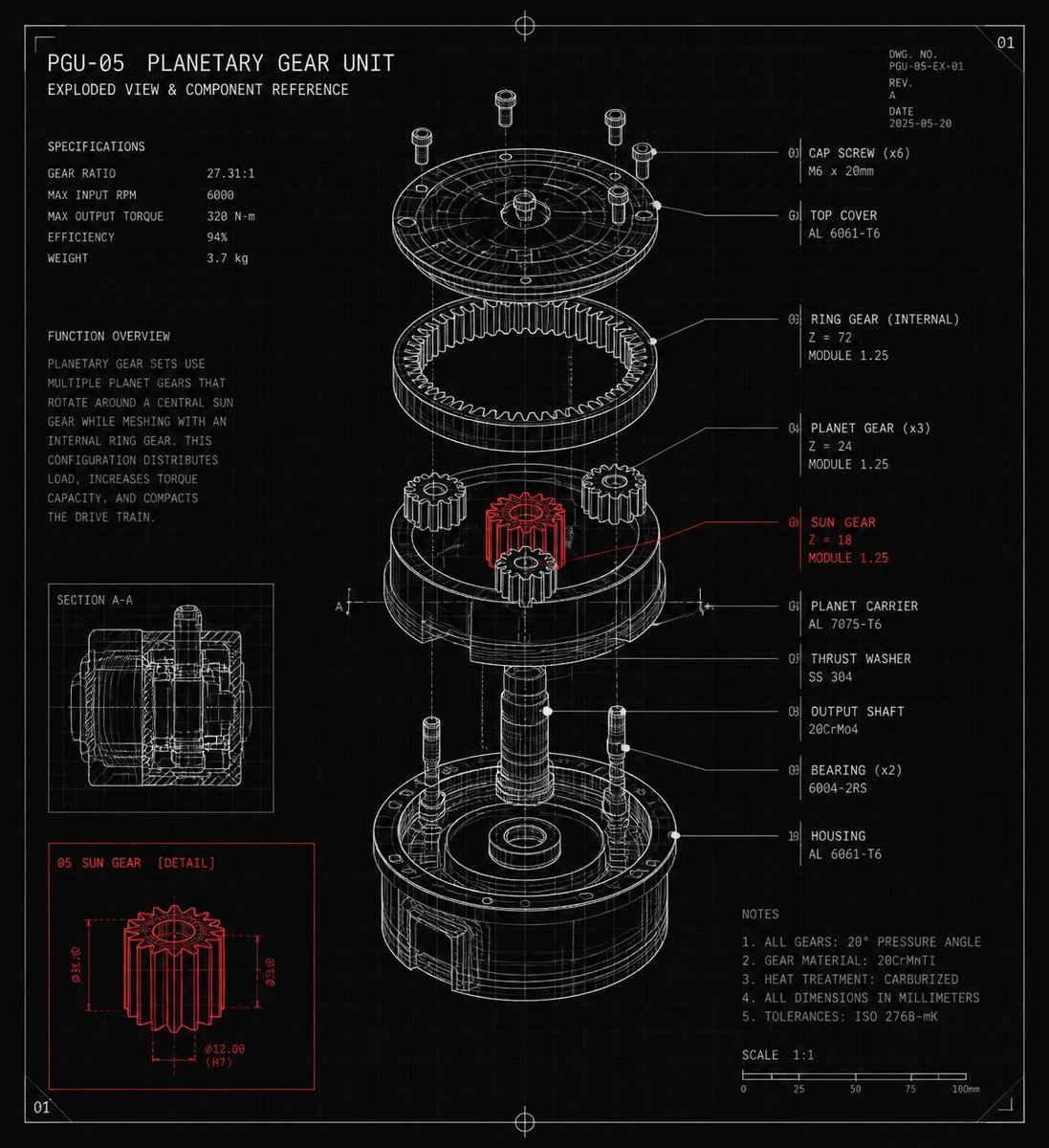
Planetary Gear Unit Blueprint
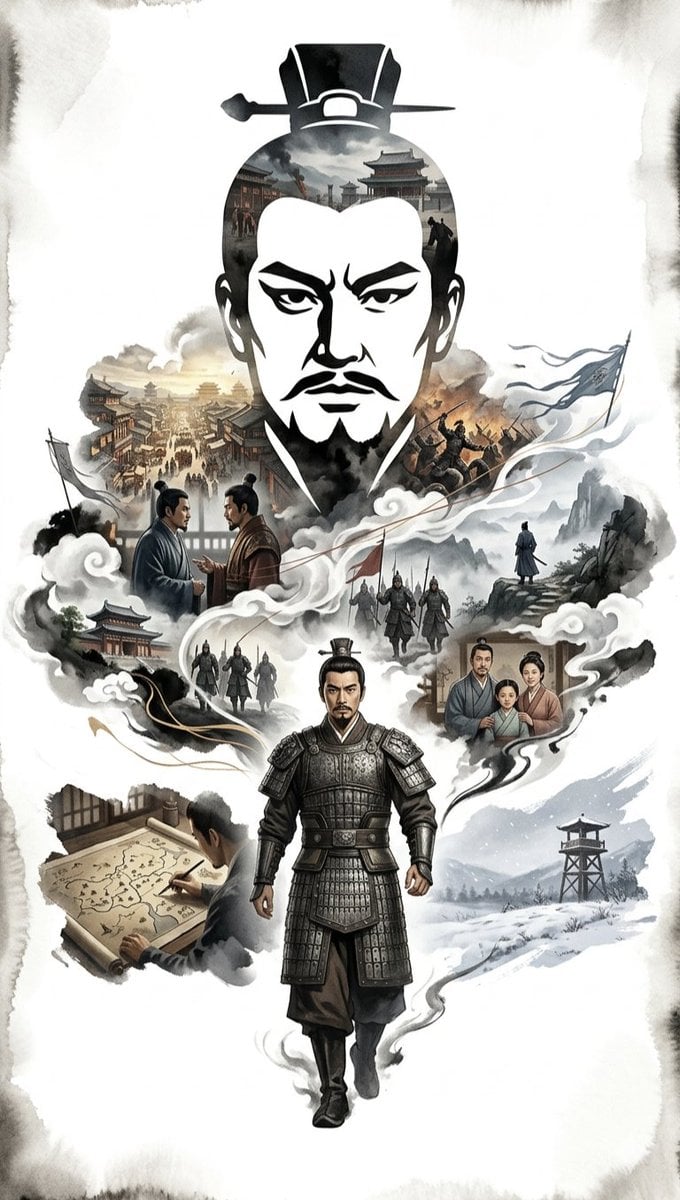
Ink-Wash Cinematic Montage Poster
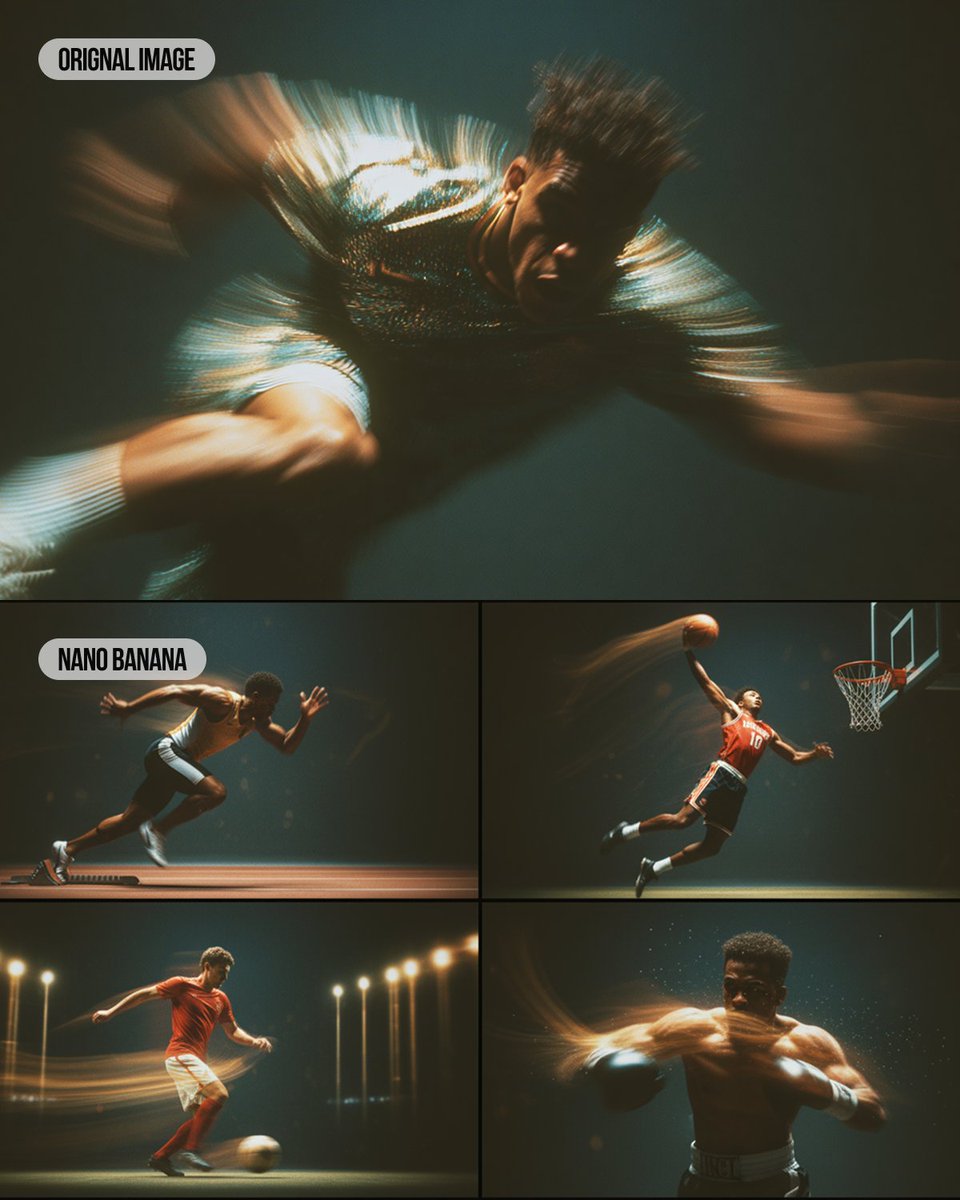
Multi-Panel Sports Montage with Style Reference
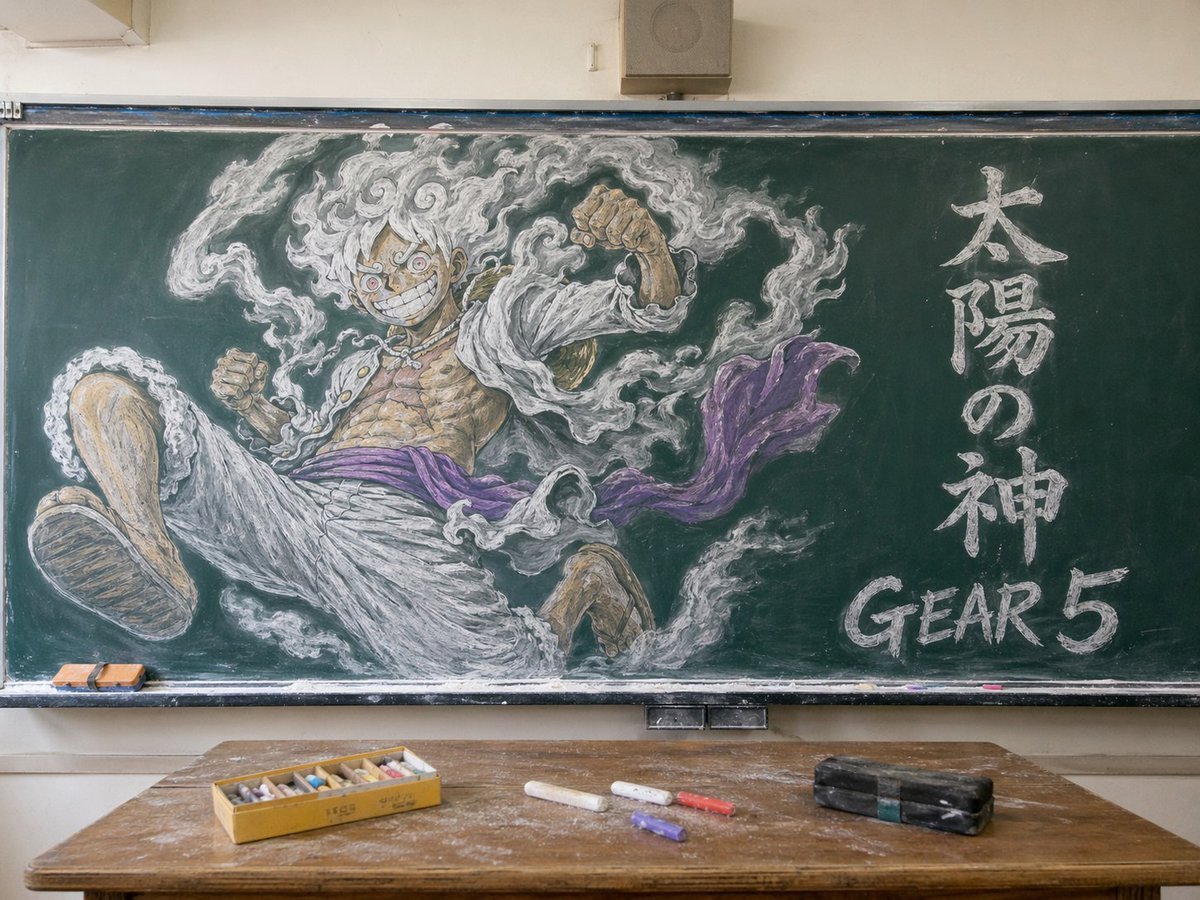
Gear 5 Chalkboard Classroom Mural
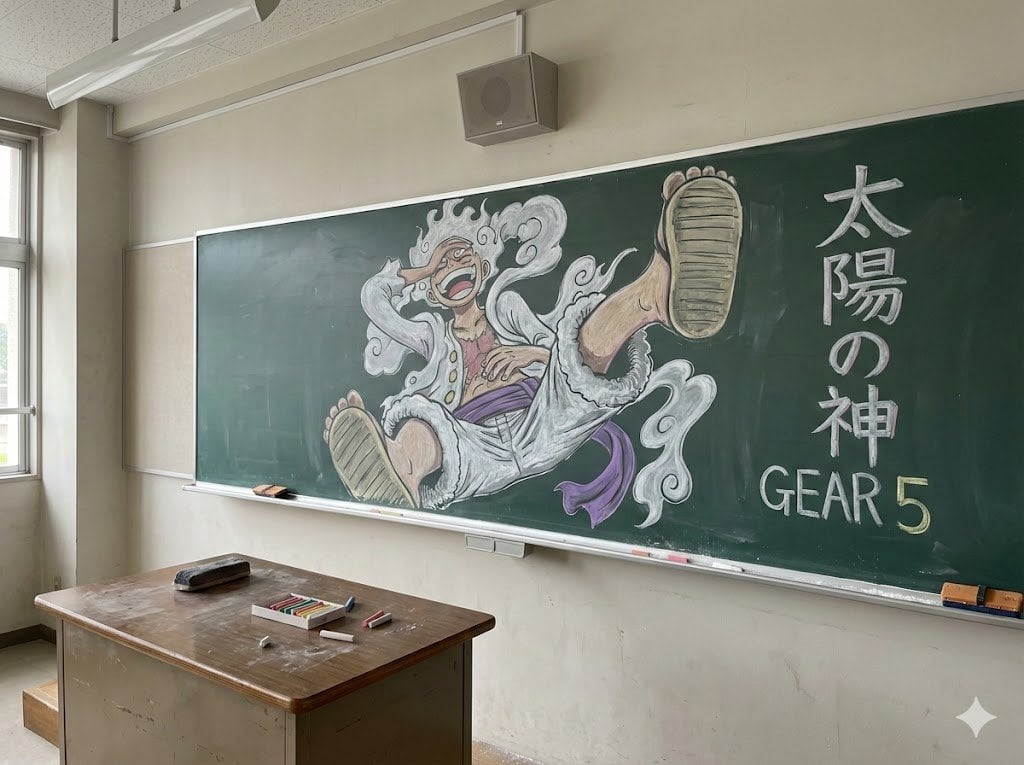
Japanese Classroom Gear 5 Chalk Art
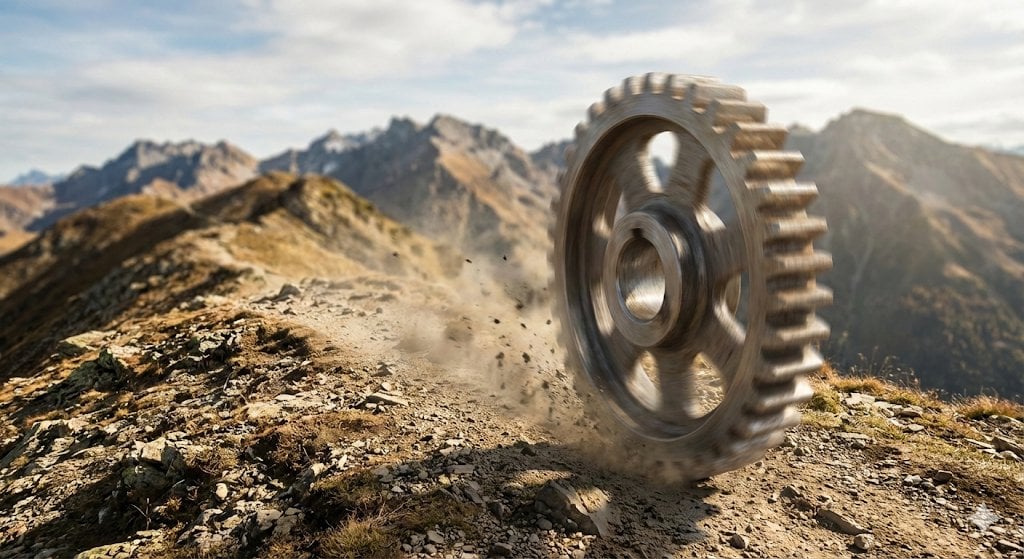
Rolling Steel Gear on Mountain Ridge
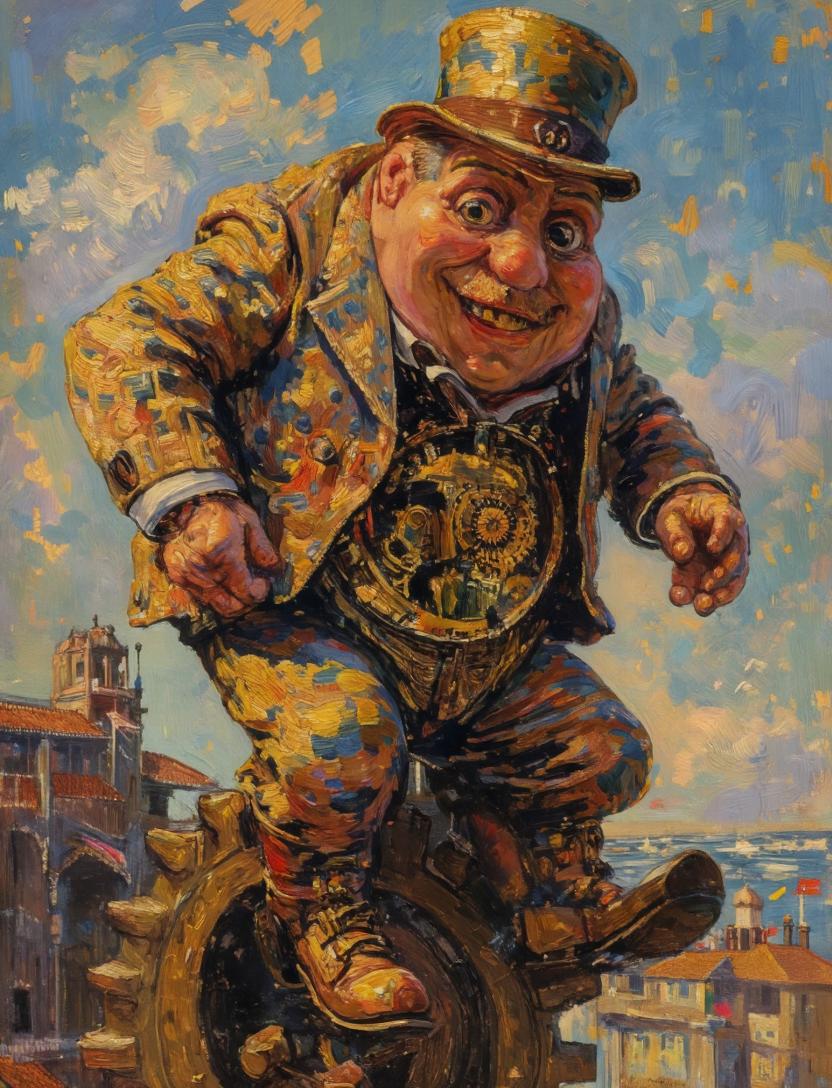
Surreal Clockwork Gentleman on a Gear
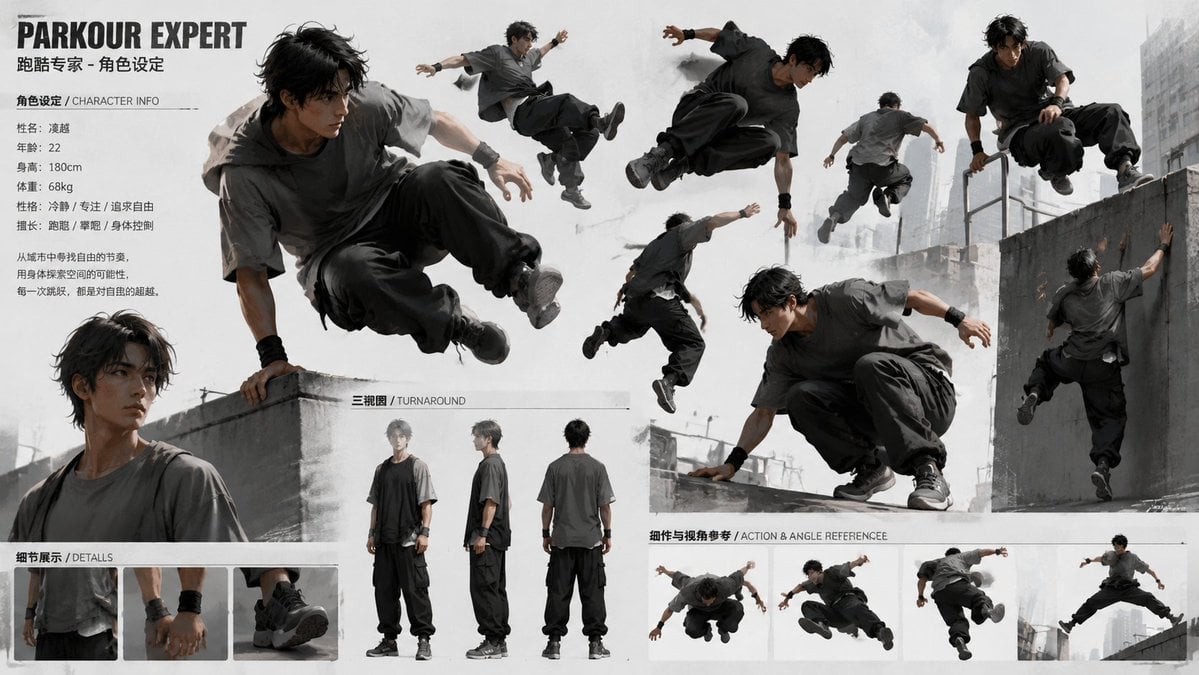
Parkour Character Montage Page
Make it yours
Tactical Operator Gear Montage works as-is. These are the safest ways to change it without losing the look.
Swap the light
One lighting change is enough to compare takes. Current light: “studio product-reference lighting, soft shadows on white floor, realistic propor”.
Change one field
Copy a single group, rewrite it, and generate again so you can see what that field is doing.
Keep the frame, change the subject
Hold the composition and light of Tactical Operator Gear Montage, then swap wardrobe, props or the person for a new take.
| If the result… | Why | Fix |
|---|---|---|
| The result drifts from the preview | Too many fields changed at once. | Reuse Tactical Operator Gear Montage as-is first, then change one group — subject, light, or setting. |
| GPT Image 2 ignores part of the JSON | Some models flatten or skip nested keys. | Keep the same values and paste them as a short paragraph instead. |
More GPT Image 2 templates
Other prompts made for GPT Image 2.

Six VTuber Japanese Logo Sheet

Realistic Portrait of Woman and Deer

The Vista Modular Condo Poster

AI Model Routing Comparison Infographic

2.5D Anime Art Board

Isometric Productivity Desk Scene

New York Double Exposure Poster

Four-Panel AI Landscape Comparison

Japanese Tatami Lifestyle Magazine Cover

NESCAFÉ Coffee Map Poster
More image prompts
Fresh picks from across the catalog.
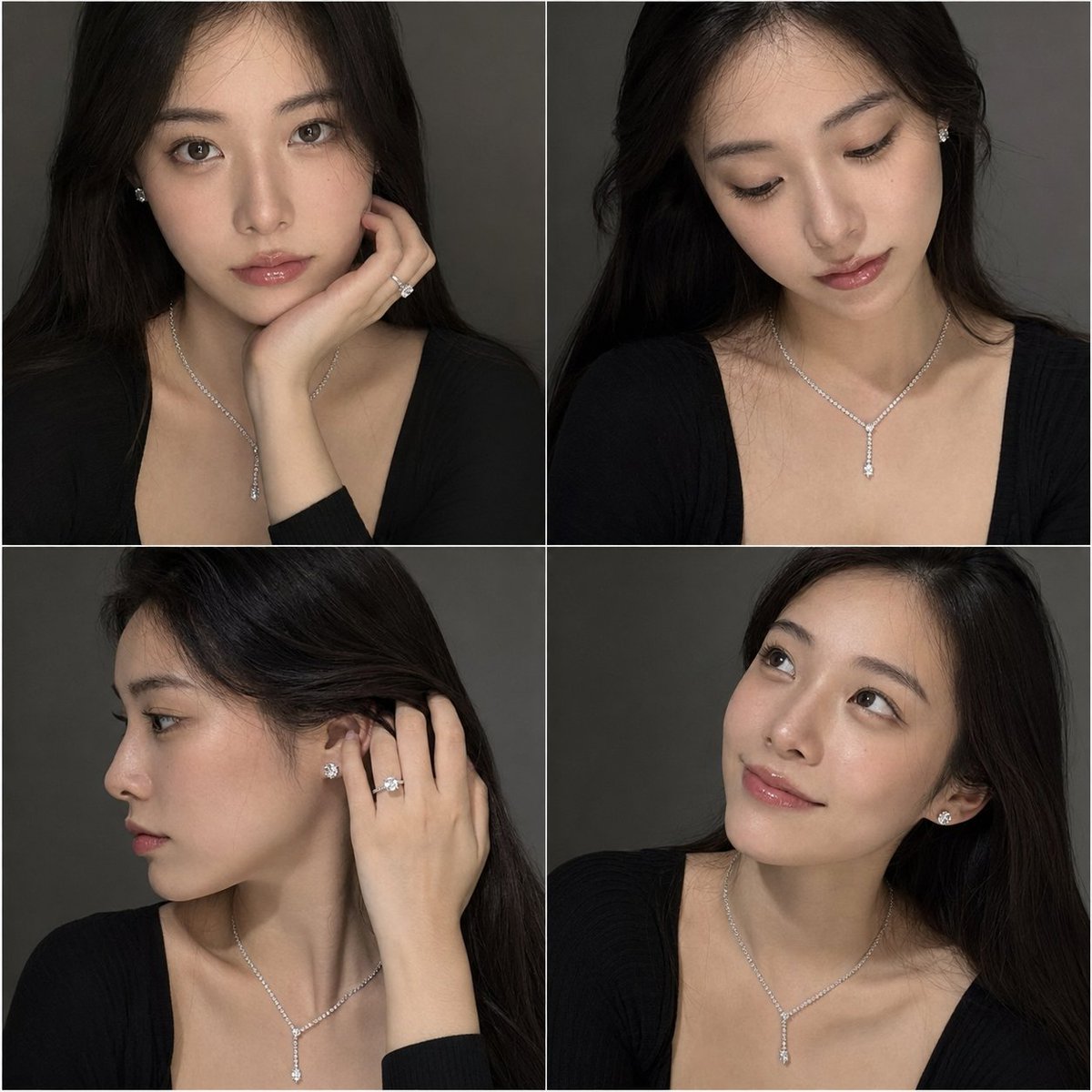
Luxury Jewelry Portrait Grid
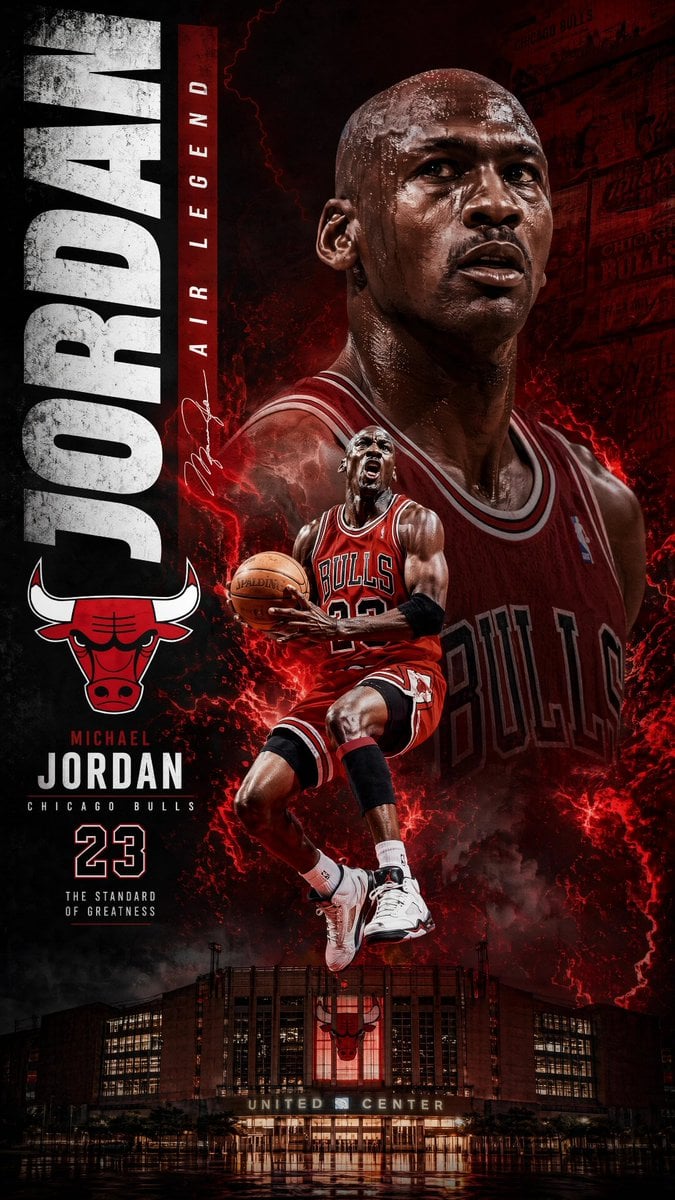
Michael Jordan Sports Graphic Wallpaper
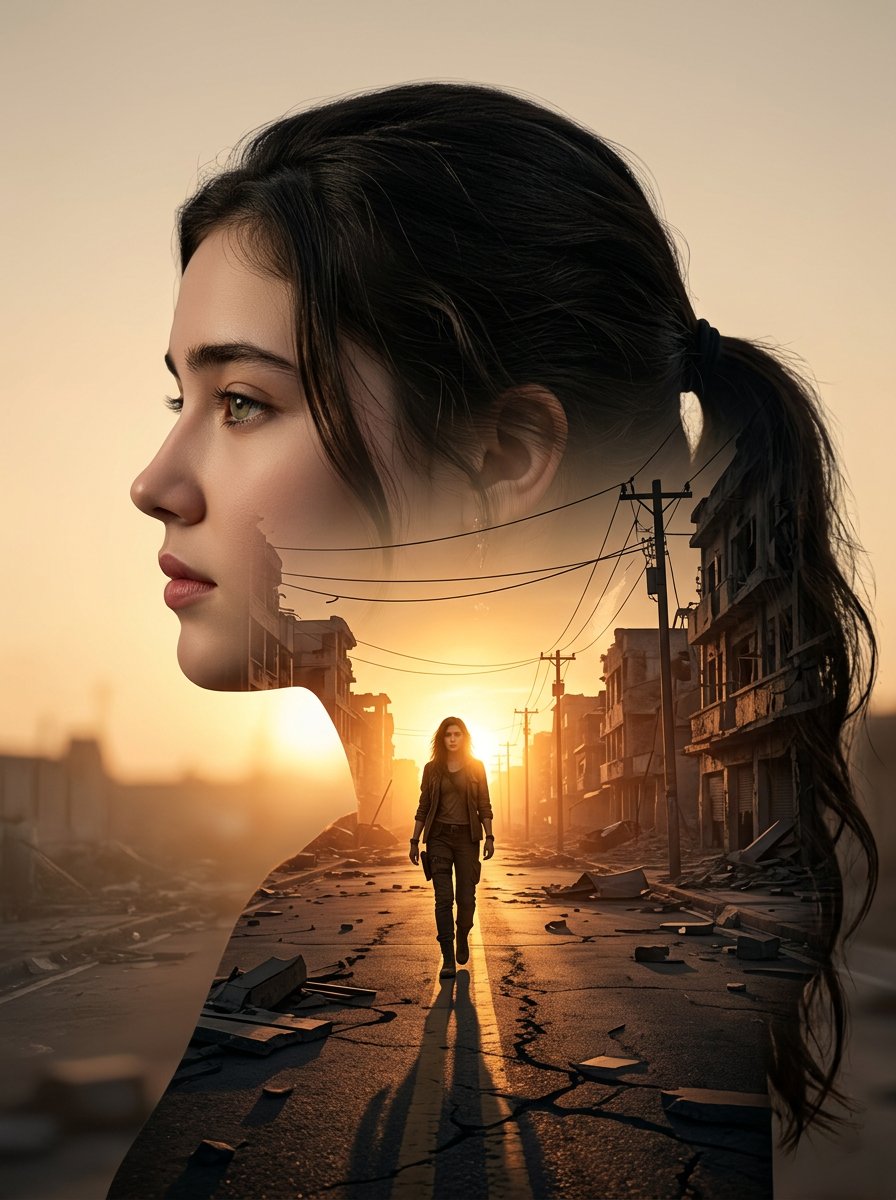
Cinematic Double Exposure Portrait
Abstract Art Inspired by Music Prompt
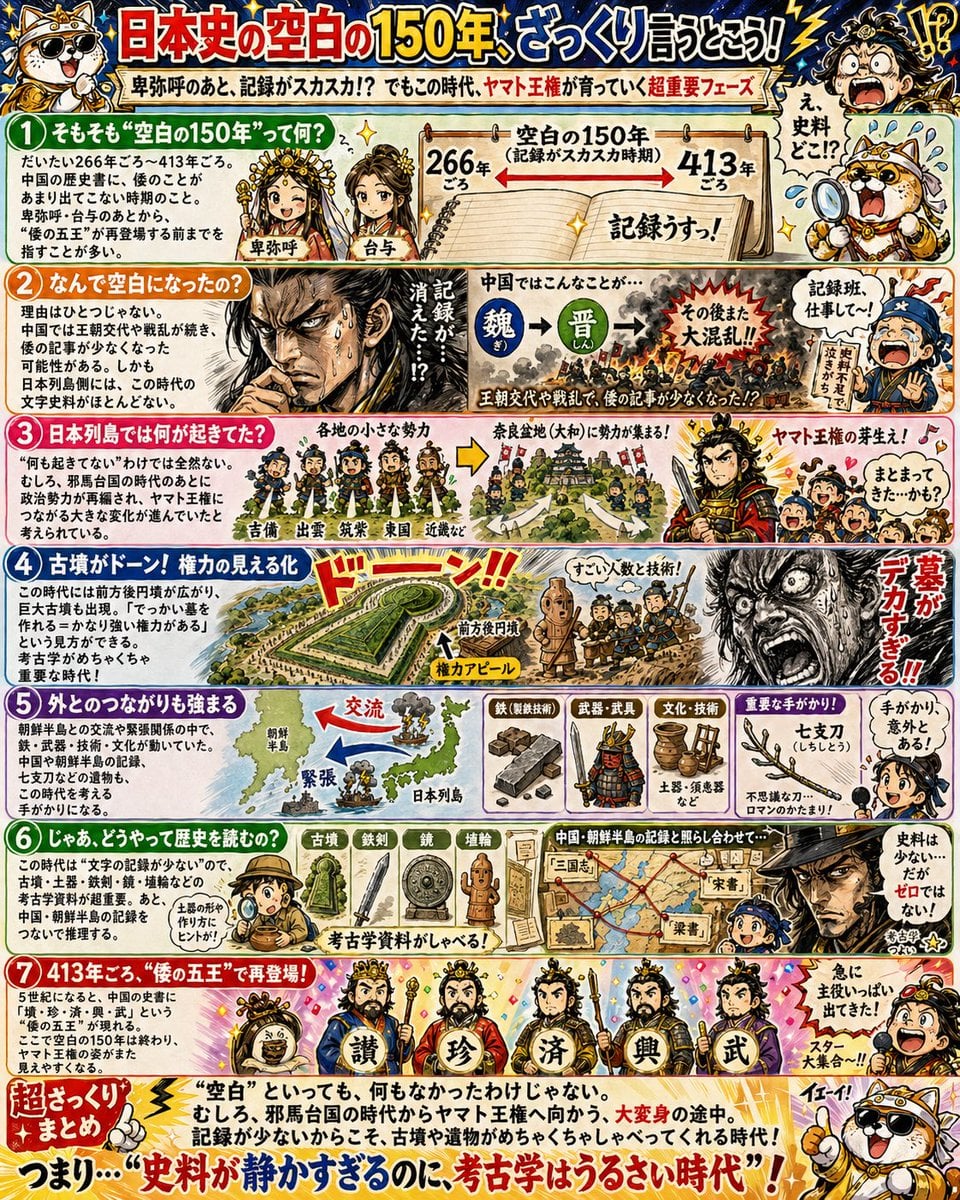
Manga History Poster on Japan's 150-Year Gap
Transforming Photo into Dramatic 4-Style Character Set
Gen Z Selfie Photo Collage
Cinematic Winter Forest Portrait Prompt
Chinese Garden Clay Render Prompt for Banana Prompt
Branded Fast Food Leather Bag
Browse template categories
Tactical Operator Gear Montage questions
How do I use the Tactical Operator Gear Montage template?
Add your photo if the template asks for one, edit the prompt if you like — the template's model and format are already selected — and press Generate. Your version opens in PicX Studio.
Can I customize the Tactical Operator Gear Montage template?
Yes. You can change the subject, setting, lighting, mood, format, and available model controls before creating your image.
Is the Tactical Operator Gear Montage template free?
Opening and editing this template is free. Generating uses credits, shown on the Generate button when you are signed in.
Which AI model should I use?
Start with GPT Image 2, which is the model associated with this template. You can compare another compatible model for a different finish.
Looking for something else? Browse all templates.

Your photo, any look
Thousands of ready templates for every top image and video model, from one credit balance.