
Surreal Clockwork Gentleman on a Gear
This prompt generates a whimsical post-impressionist oil painting of an anonymous steampunk gentleman balancing on a giant gear above a Venetian-style city, useful for surreal fine-art image creation.
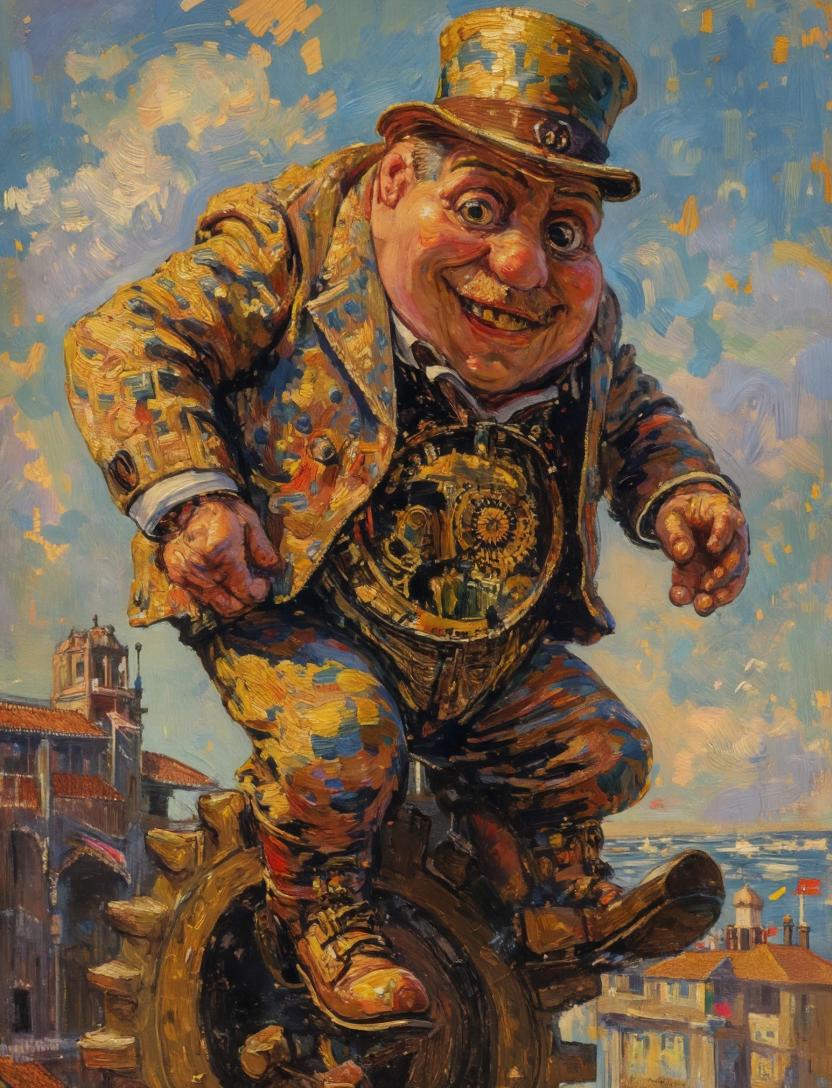
- Prompt included
- Model and format preset
- Free template
The prompt behind this image
Copy the exact prompt behind Surreal Clockwork Gentleman on a Gear, or open it in the studio and make it yours.
A surreal impasto oil painting in the spirit of a late-19th-century post-impressionist masterpiece, showing a stout gentleman in a patterned golden-blue suit and tall top hat balancing awkwardly on a giant bronze gear high above a sunlit canal city. His face is obscured by a centered vertical rectangular censor block in warm brown, creating an intentional anonymous focal interruption. He wears a richly textured jacket with mosaic-like patches of ochre, cobalt, rust, and cream, matching trousers, heavy leather boots, and a waist area that opens into an exposed clockwork mechanism full of gears and ornate brass details. His body leans forward with both hands extended as if trying to keep balance, one boot planted on the gear and the other lifted slightly outward. The background is an airy blue sky with swirling painterly clouds and scattered gold brushstrokes, while below and to the left appears a historic bell tower and arched waterfront architecture, and to the right distant terracotta rooftops beside shimmering water. Use thick visible brushstrokes, luminous warm highlights, bold blue-and-gold contrast, expressive texture, and a whimsical steampunk-meets-Venetian atmosphere. Compose the figure large and central, slightly cropped by the frame, with the giant gear visible beneath him and the city receding below.
How to use Surreal Clockwork Gentleman on a Gear in 3 steps
- 1Upload ImagePNG, JPG or paste
Add your photo
Upload the photo the template builds on. The prompt, model and format are already set.
- 2…a portrait of your subject in softgolden-hour light, 85mm…
Personalize
Edit the subject and creative details for your destination.
- 3Generate
Generate
Press Generate — your image is created in PicX Studio, so you can compare it with the original and refine one variable at a time.
More like this
Templates with the same subject, style or setup. Open one to see its prompt.

Surreal Cat Astronaut — Humanoid Face Freefall

Bold Red Contrast Fashion Editorial Newspaper Room

Stylized Fashion Portrait Bold Color Contrast Editorial

Azed Double Exposure

Firefly Pixar Spill — Nano Banana Pro

Steampunk Clockwork Princess
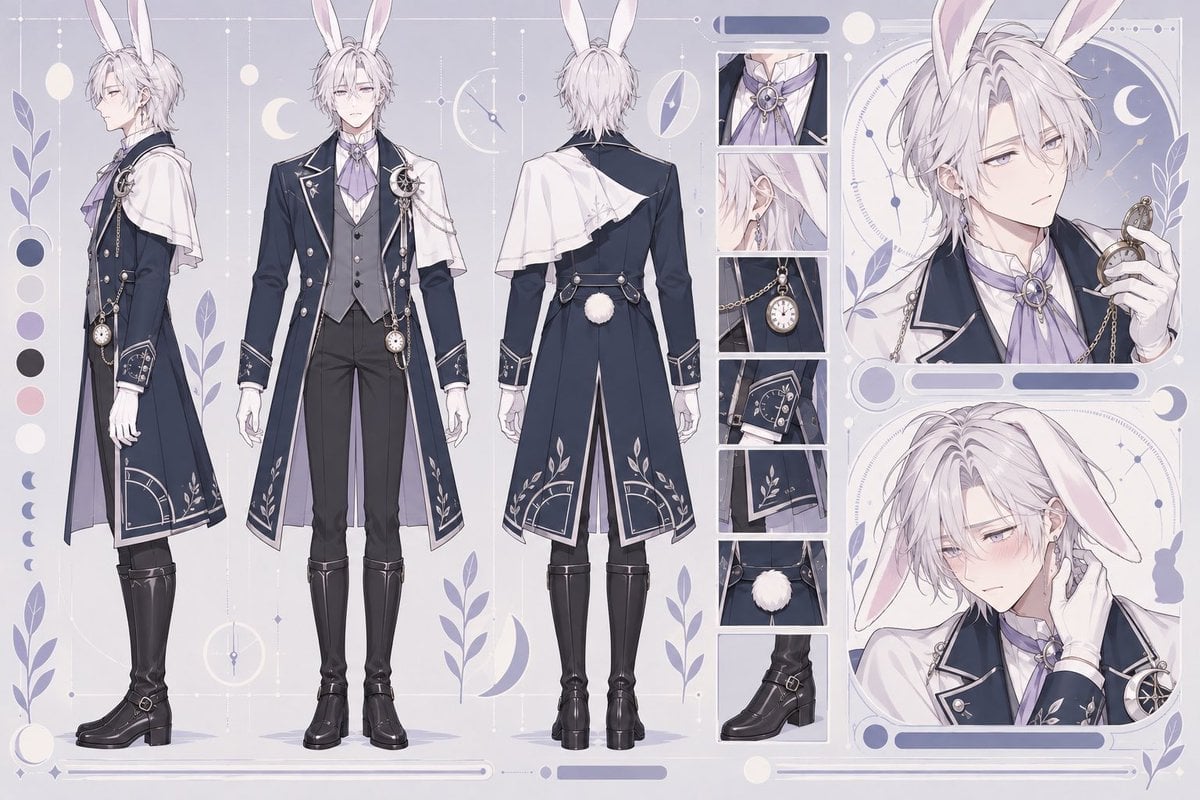
Rabbit Gentleman Character Sheet
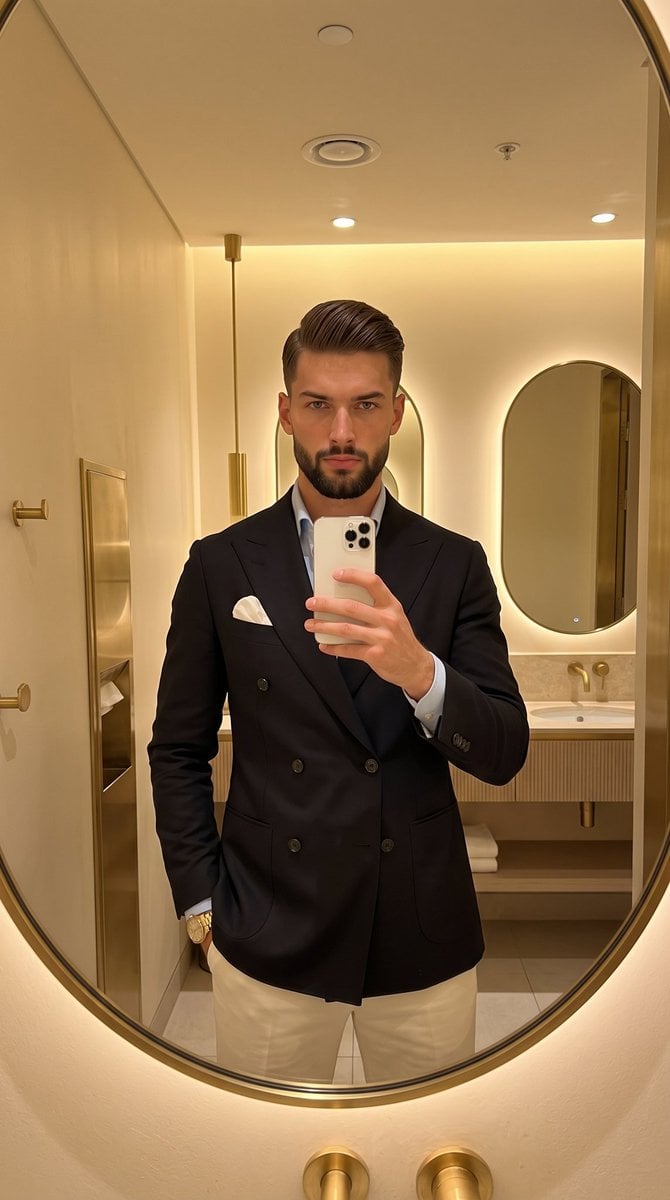
Gentleman's Editorial Mirror Selfie
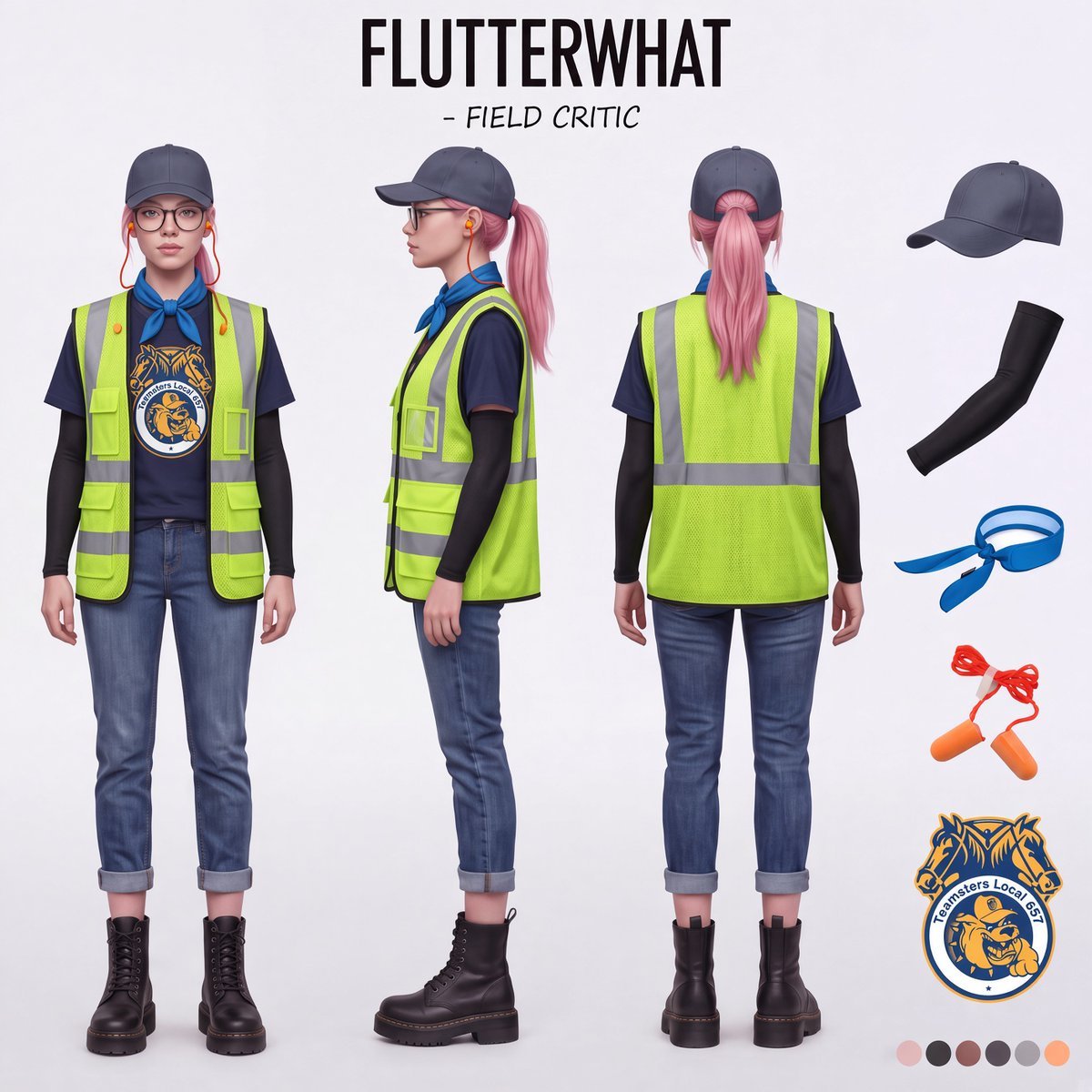
Airport Ready Cooling Gear Critic
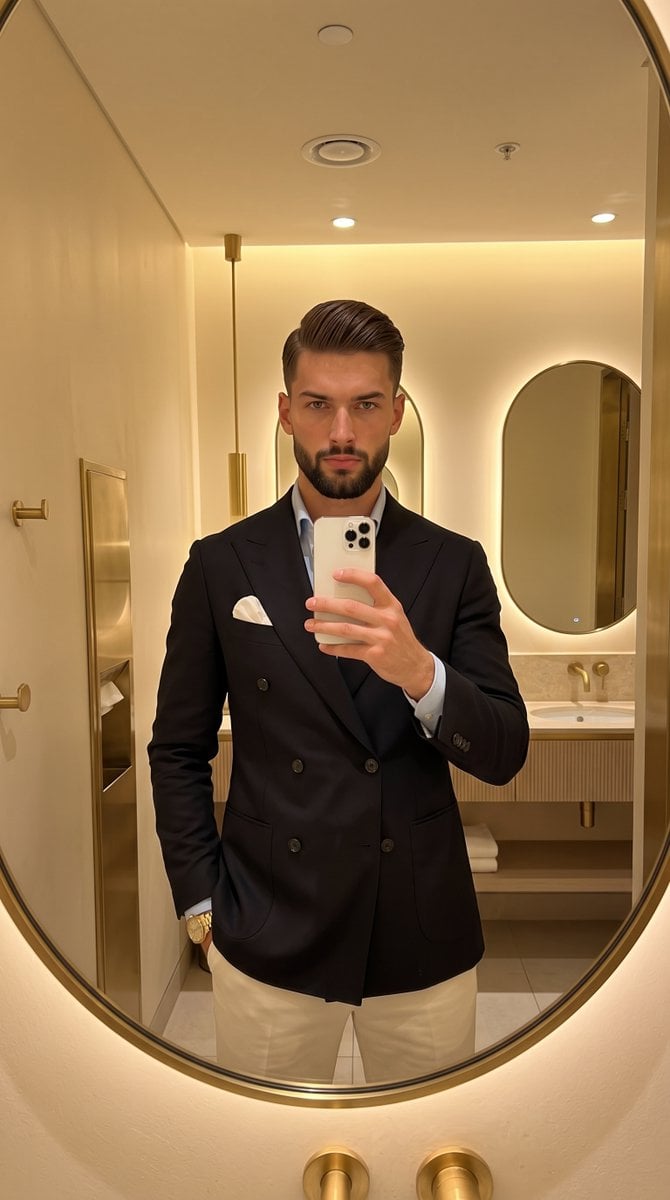
Classic Gentleman Mirror Selfie
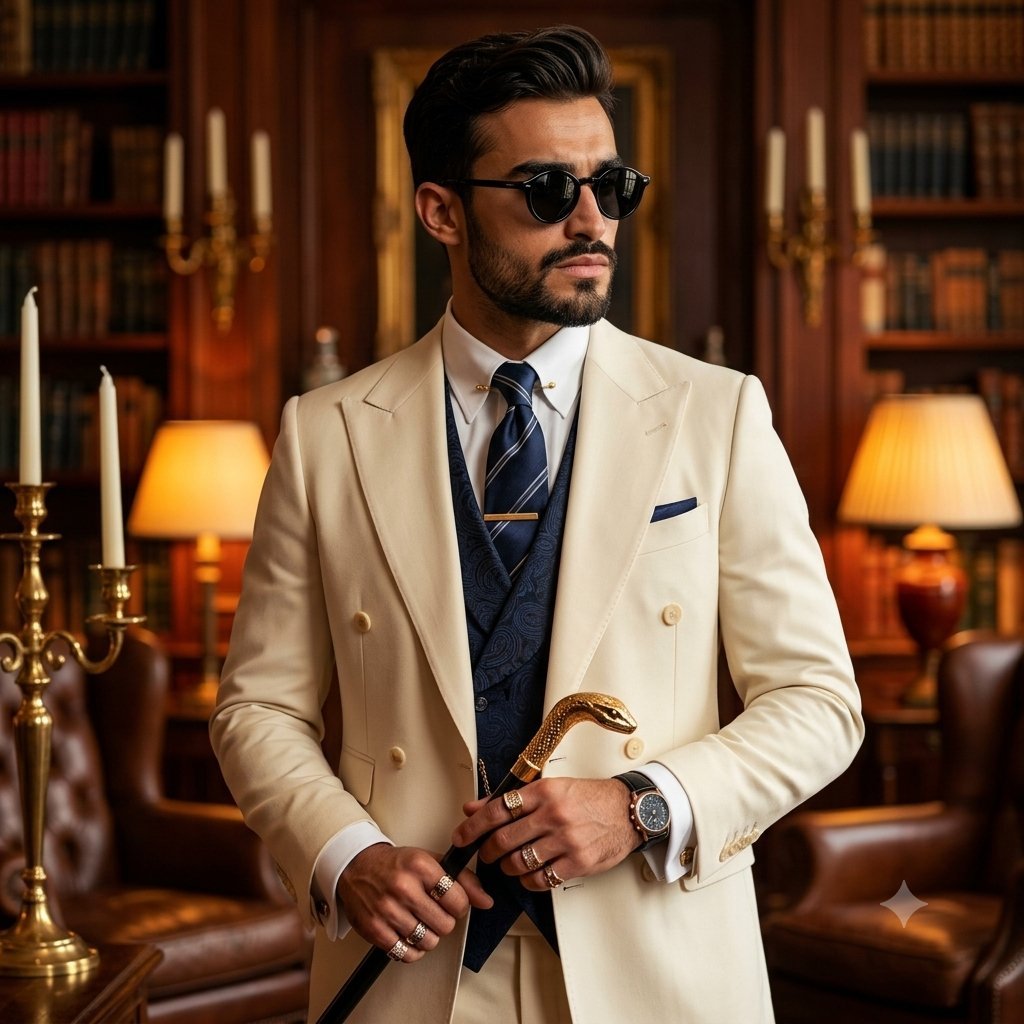
Mature Gentleman Luxury Suit Portrait

Cyan Clockwork Battle Maid
Make it yours
Surreal Clockwork Gentleman on a Gear works as-is. These are the safest ways to change it without losing the look.
Change one field
Copy a single group, rewrite it, and generate again so you can see what that field is doing.
Keep the frame, change the subject
Hold the composition and light of Surreal Clockwork Gentleman on a Gear, then swap wardrobe, props or the person for a new take.
| If the result… | Why | Fix |
|---|---|---|
| The result drifts from the preview | Too many fields changed at once. | Reuse Surreal Clockwork Gentleman on a Gear as-is first, then change one group — subject, light, or setting. |
| The model over-stylizes the scene | The prose prompt leaves finish and camera underspecified. | Add one camera or lighting sentence and stay on GPT Image 2. |
More GPT Image 2 templates
Other prompts made for GPT Image 2.

Six VTuber Japanese Logo Sheet

Realistic Portrait of Woman and Deer

The Vista Modular Condo Poster

AI Model Routing Comparison Infographic

2.5D Anime Art Board

Isometric Productivity Desk Scene

New York Double Exposure Poster

Four-Panel AI Landscape Comparison

Japanese Tatami Lifestyle Magazine Cover

NESCAFÉ Coffee Map Poster
More image prompts
Fresh picks from across the catalog.
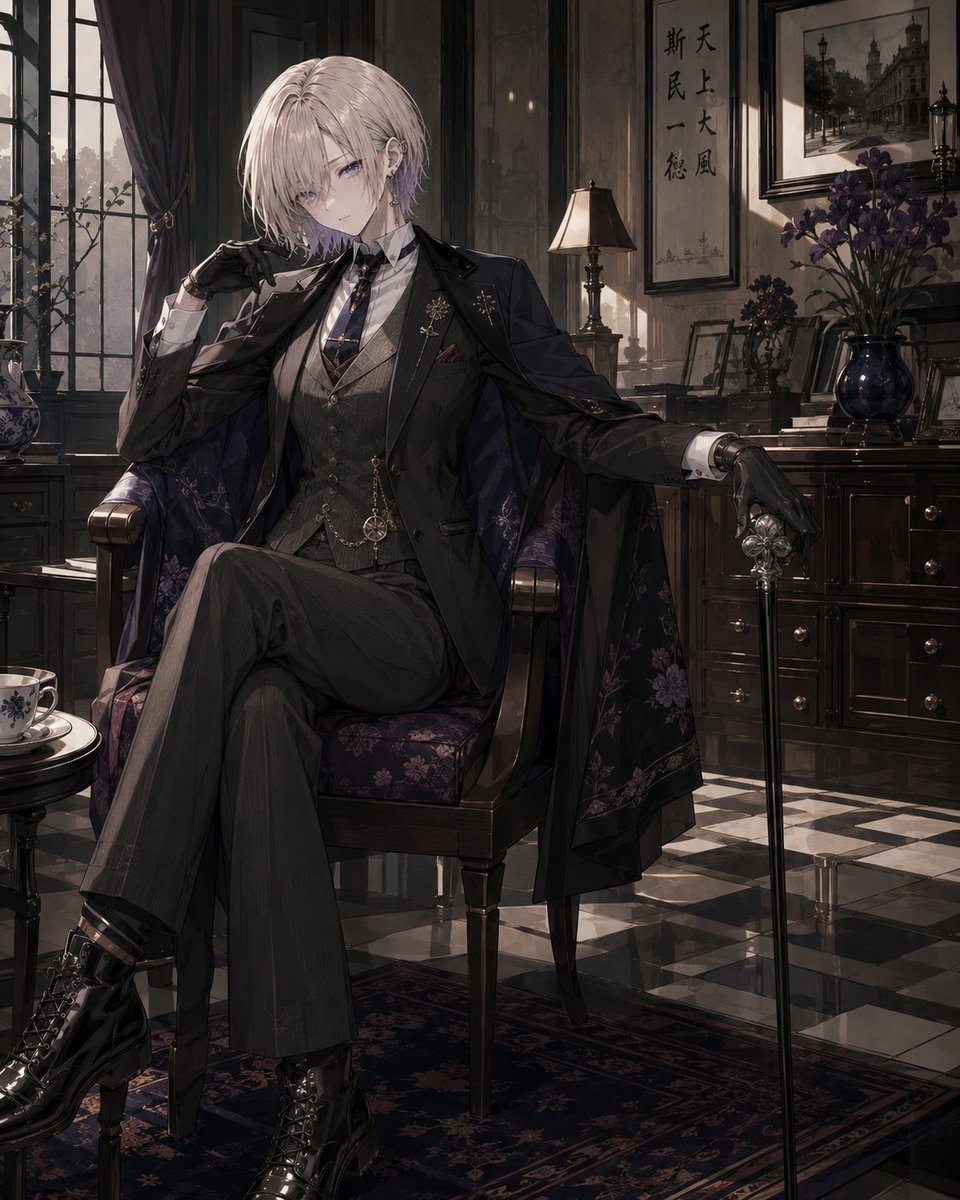
Vintage Showa Era Gentleman Outfit
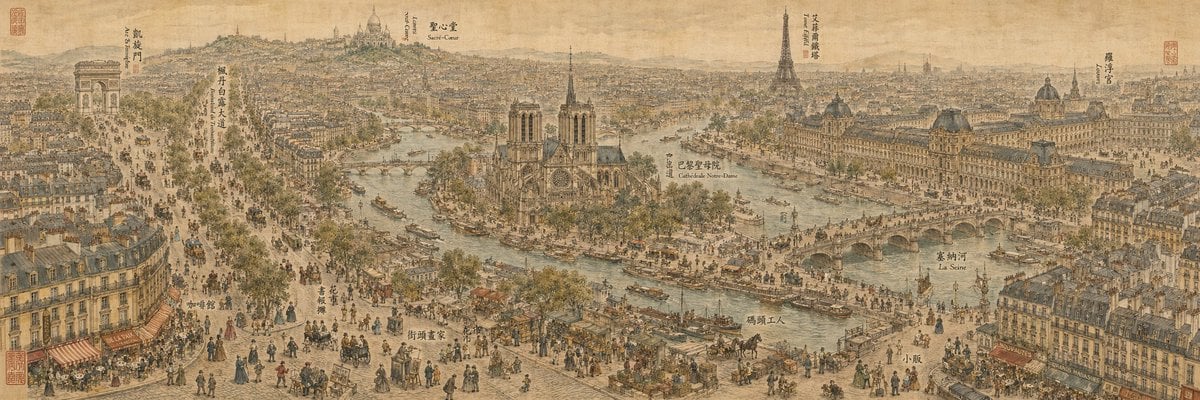
19th Century Paris in Chinese Ink Style
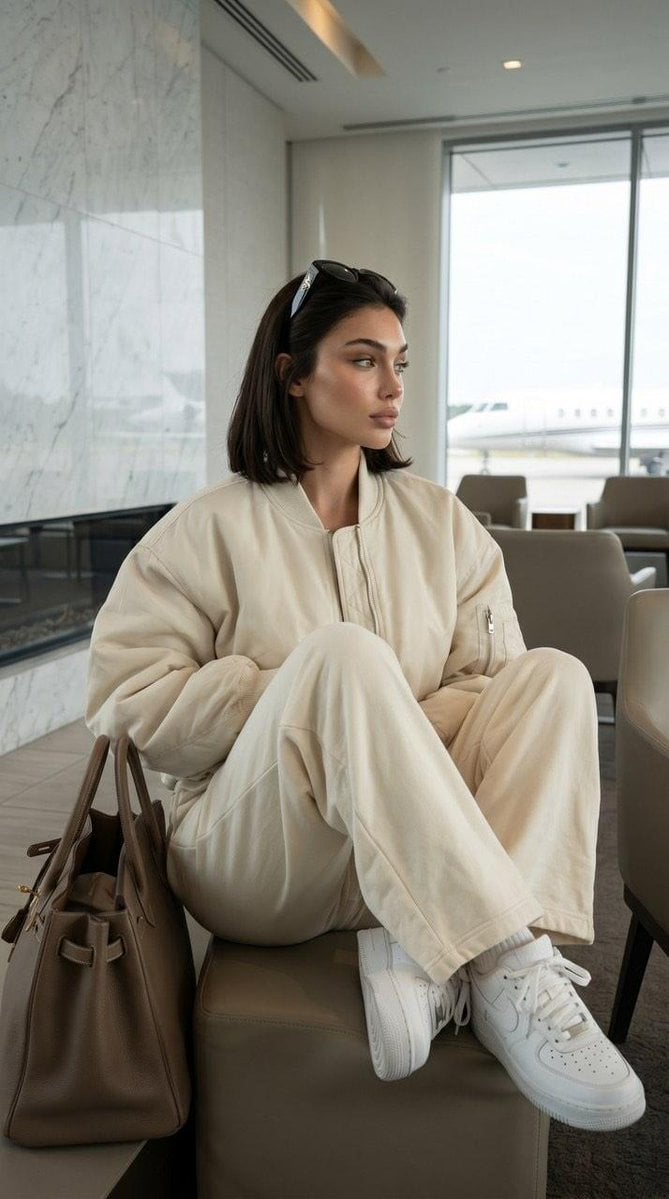
Private Terminal Lounge Elegance
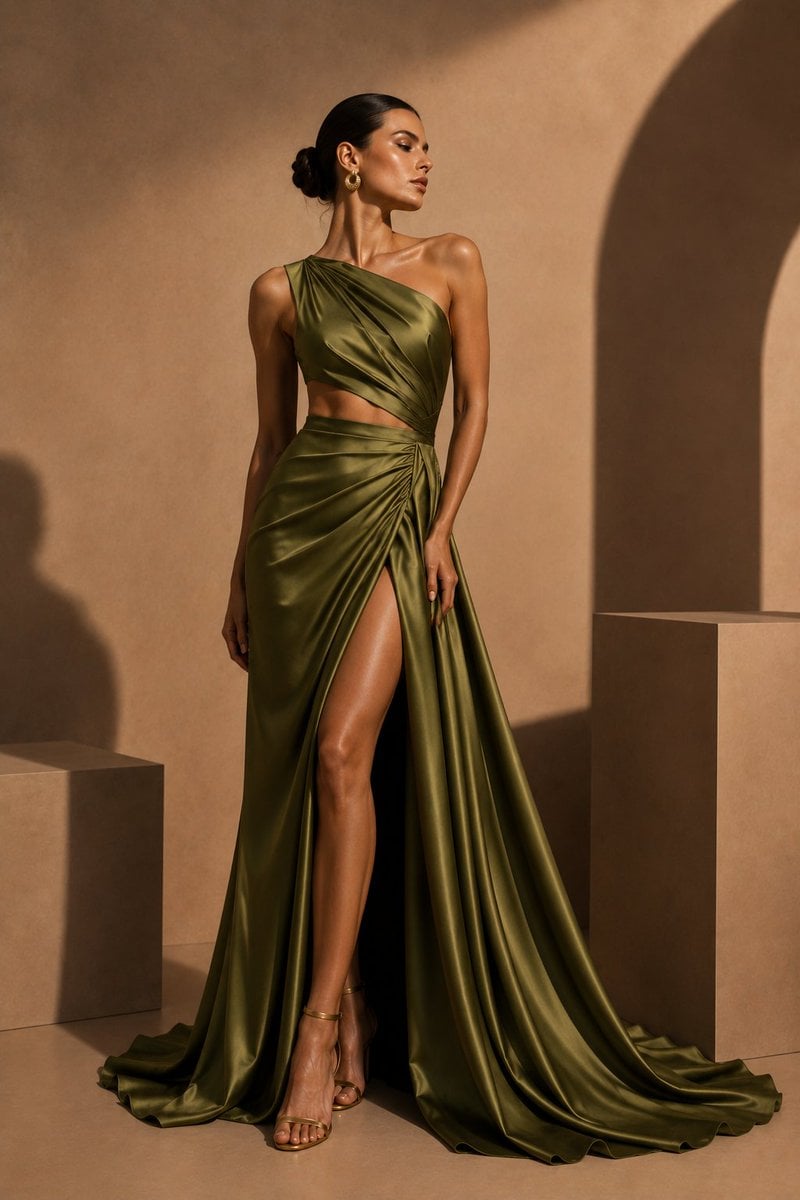
Olive Satin Couture Editorial
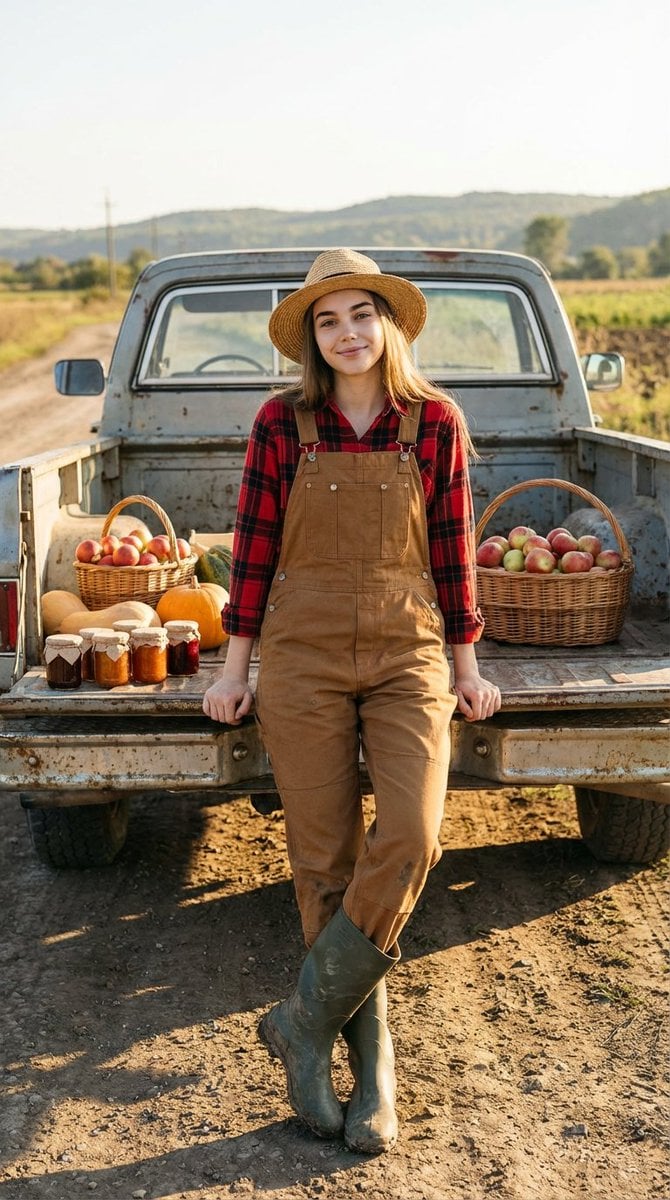
Ultra-Realistic Cinematic Rural Photography Prompt
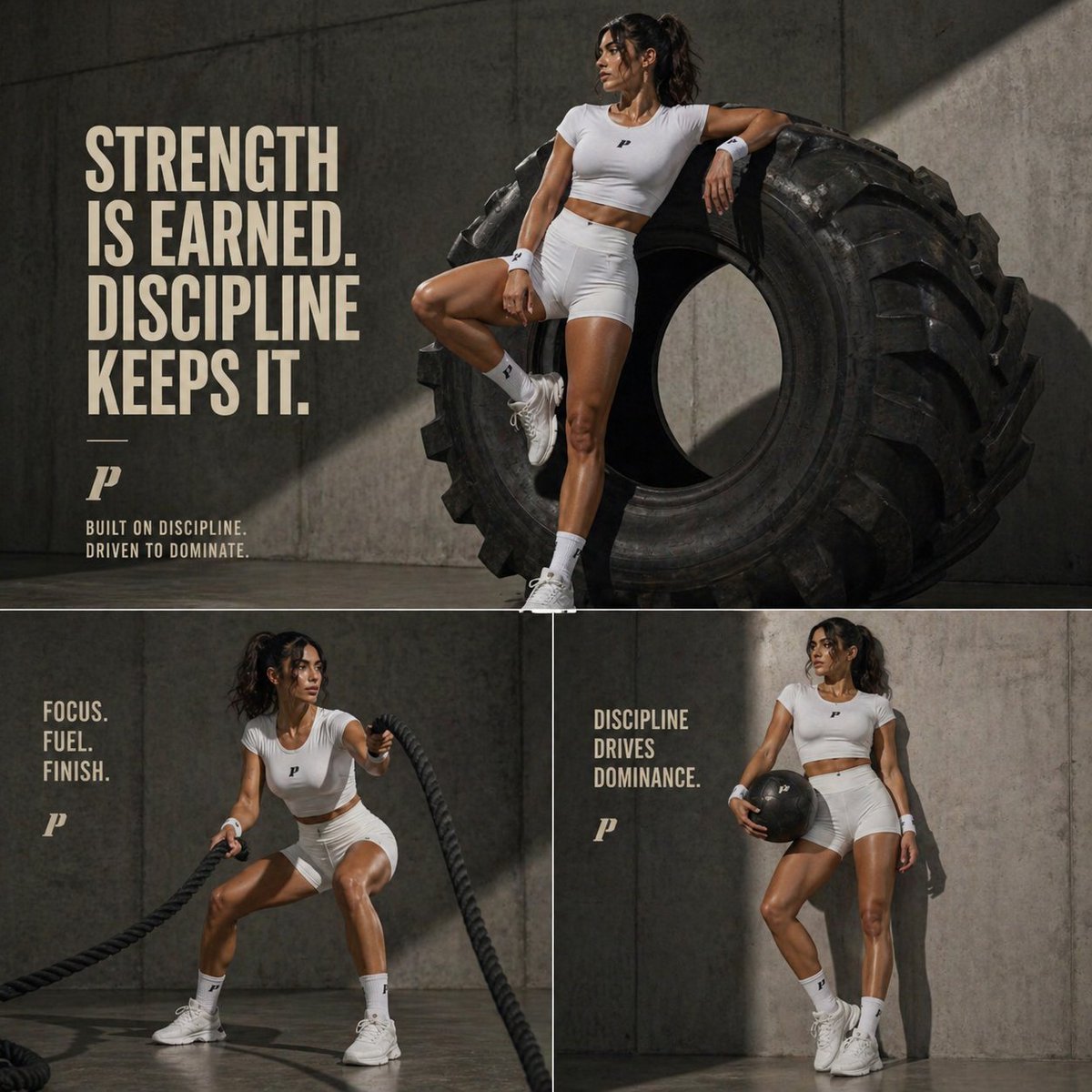
Luxury Fitness Editorial Layout
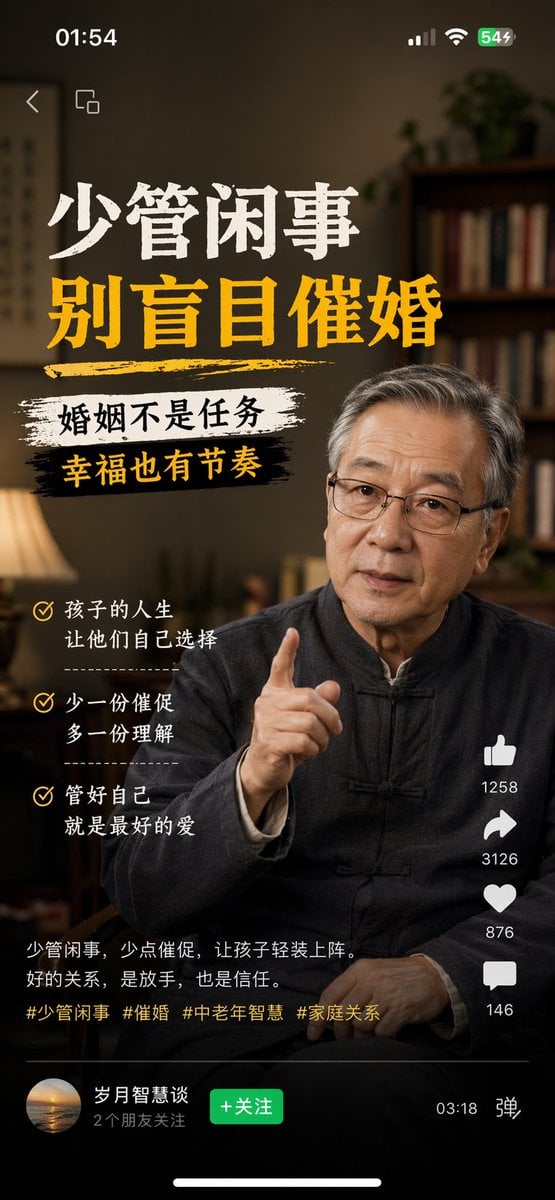
Mobile App UI Screenshots
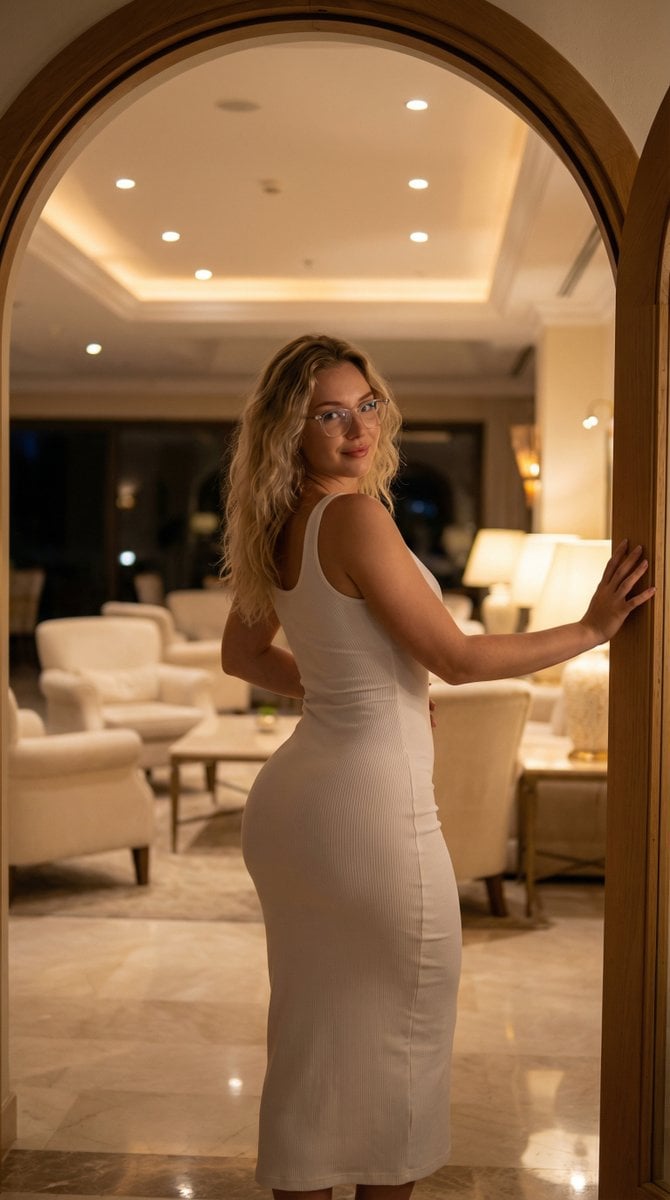
Elegant Curvy Woman Looking Back Over Shoulder
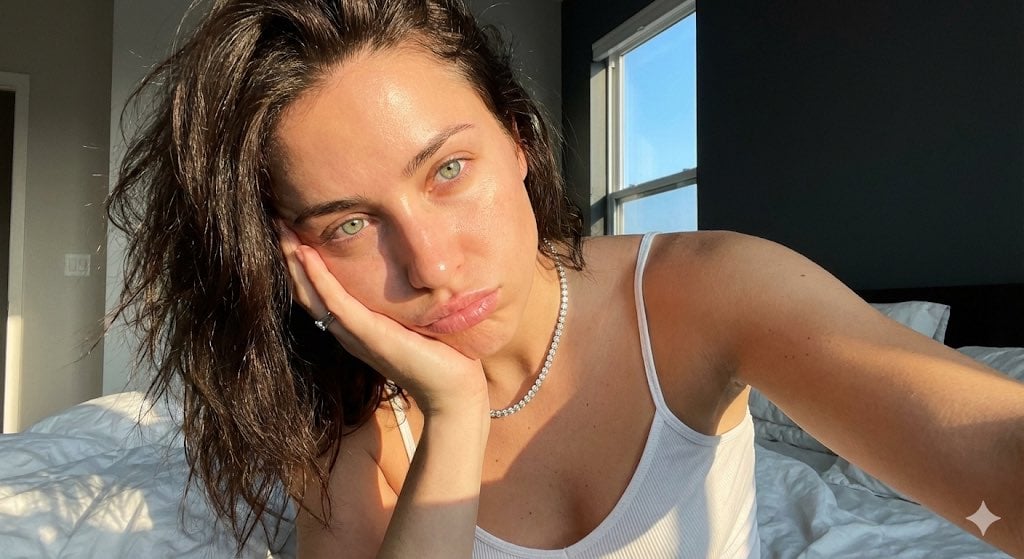
Detailed JSON Prompt for Viral Close-Up Selfie Image Generation
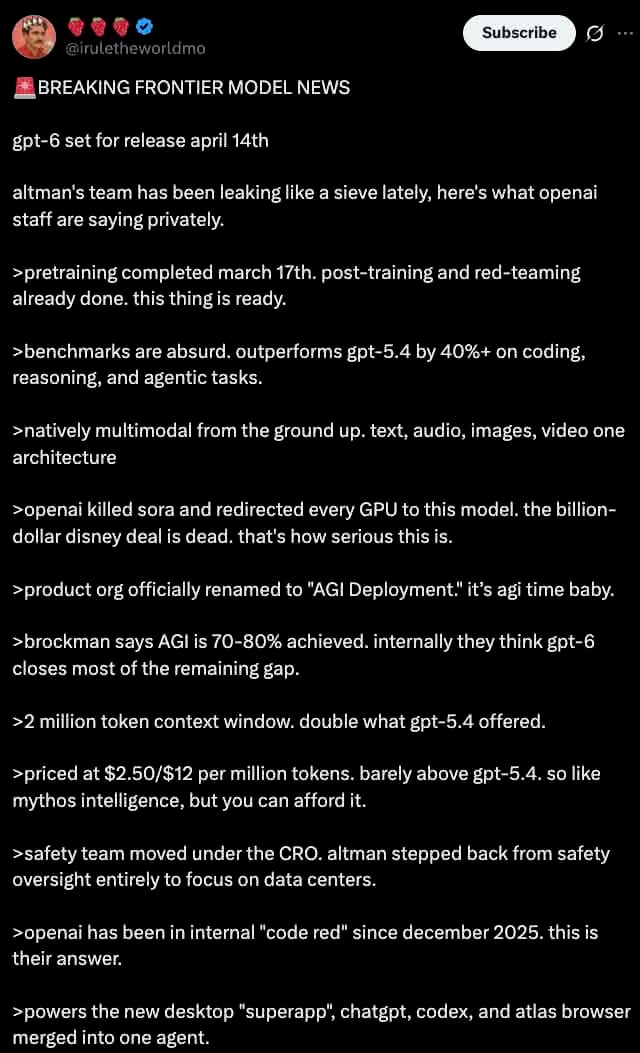
Dark Mode X Post Mockup
Browse template categories
Surreal Clockwork Gentleman on a Gear questions
How do I use the Surreal Clockwork Gentleman on a Gear template?
Add your photo if the template asks for one, edit the prompt if you like — the template's model and format are already selected — and press Generate. Your version opens in PicX Studio.
Can I customize the Surreal Clockwork Gentleman on a Gear template?
Yes. You can change the subject, setting, lighting, mood, format, and available model controls before creating your image.
Is the Surreal Clockwork Gentleman on a Gear template free?
Opening and editing this template is free. Generating uses credits, shown on the Generate button when you are signed in.
Which AI model should I use?
Start with GPT Image 2, which is the model associated with this template. You can compare another compatible model for a different finish.
Looking for something else? Browse all templates.

Your photo, any look
Thousands of ready templates for every top image and video model, from one credit balance.