
Cyan Clockwork Battle Maid
A cinematic dark anime prompt for generating a silver-haired armored maid charging through a ruined gothic cathedral with a glowing clockwork energy blade.

- Prompt included
- Model and format preset
- Free template
The prompt behind this image
Copy the exact prompt behind Cyan Clockwork Battle Maid, or open it in the studio and make it yours.
Create a dramatic dark fantasy anime illustration of {argument name="character name" default="a silver-haired battle maid"} lunging forward in a ruined gothic cathedral. The scene is a vertical 2:3 composition with an extreme low, dynamic camera angle, strong foreshortening, and motion blur: the character is mid-charge from left rear toward the lower-right foreground, one armored fist gripping a weapon handle near the viewer while her body and torn maid dress sweep backward. She has long flowing {argument name="hair color" default="silver-gray"} hair, pale skin, a small frilled maid headpiece, a ruffled black-and-white Victorian maid outfit, layered torn skirt, armored gauntlets and mechanical limb details, and a fierce shadowed expression with faint cyan glowing eyes. Behind and above her, show exactly 1 enormous translucent cyan energy blade or beam extending diagonally from the left edge toward the center, containing visible clockwork gears, circular mechanisms, and magical circuitry suspended inside the glasslike light. The environment is a devastated cathedral interior with exactly 1 large broken arched stained-glass window in the upper right, tall cracked columns, shattered stone walls, rubble, dust, and flying debris on the floor. Use a nearly monochrome charcoal, slate gray, and black palette with intense cyan accents from the weapon glow, rim lighting, small sparks, and magical trails. Style: highly detailed Japanese dark anime concept art, painterly brushwork, cinematic lighting, high contrast, intricate fabric folds, sharp armor edges, particles, speed lines, dramatic atmosphere, no text, no watermark, no border.
How to use Cyan Clockwork Battle Maid in 3 steps
- 1Upload ImagePNG, JPG or paste
Add your photo
Upload the photo the template builds on. The prompt, model and format are already set.
- 2…a portrait of your subject in softgolden-hour light, 85mm…
Personalize
Edit the subject and creative details for your destination.
- 3Generate
Generate
Press Generate — your image is created in PicX Studio, so you can compare it with the original and refine one variable at a time.
More like this
Templates with the same subject, style or setup. Open one to see its prompt.
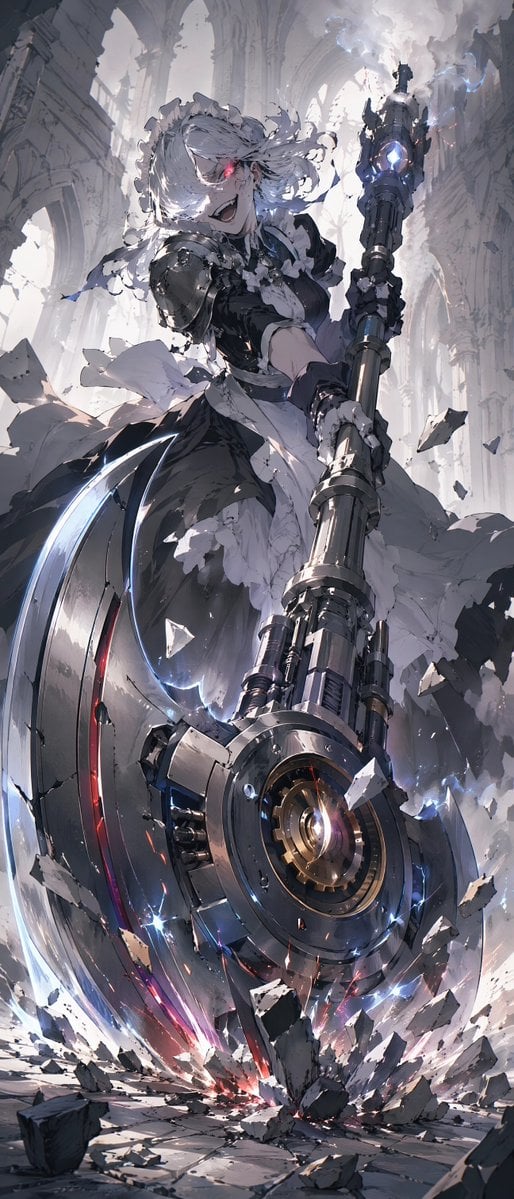
Battle Maid in Ruined Cathedral
Seedance - Dragon vs Python Battle
Seedance - Arrow Microscopic Battle

Steampunk Clockwork Princess

Dreamy Cyan Motion Blur Portrait

Anime Elf Maid Turnaround Sheet

Sci-Fi AI Battle Movie Poster
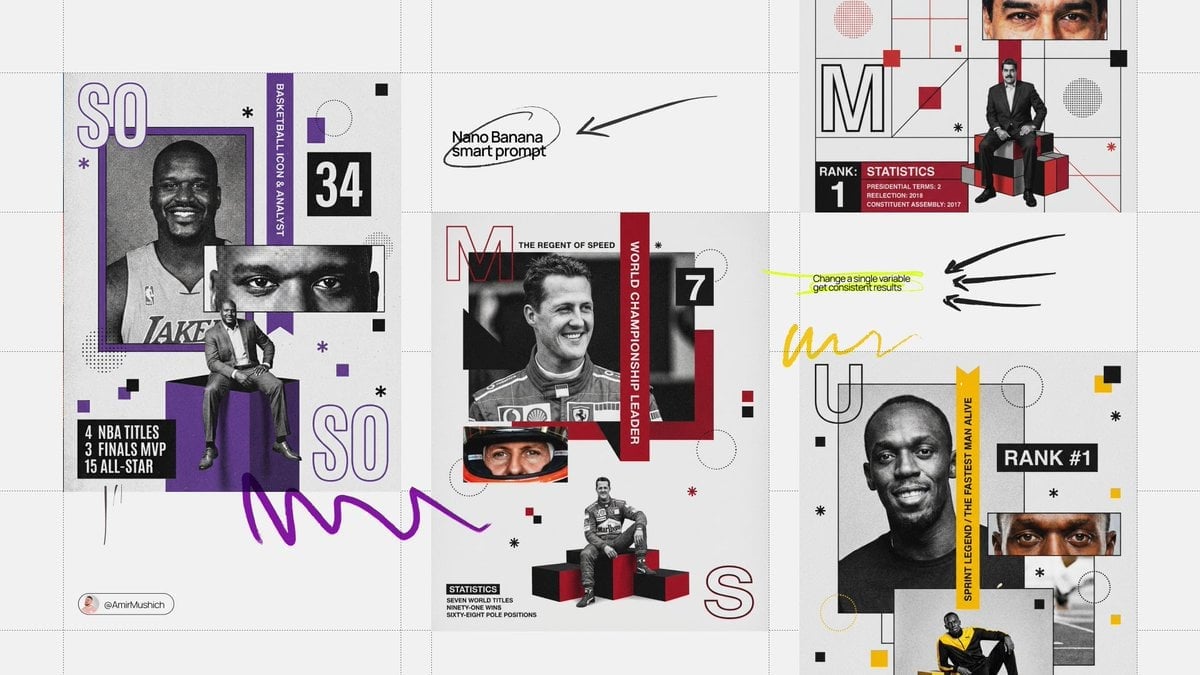
Based on their identity e g, Racing Orange for a driver, Neon Cyan
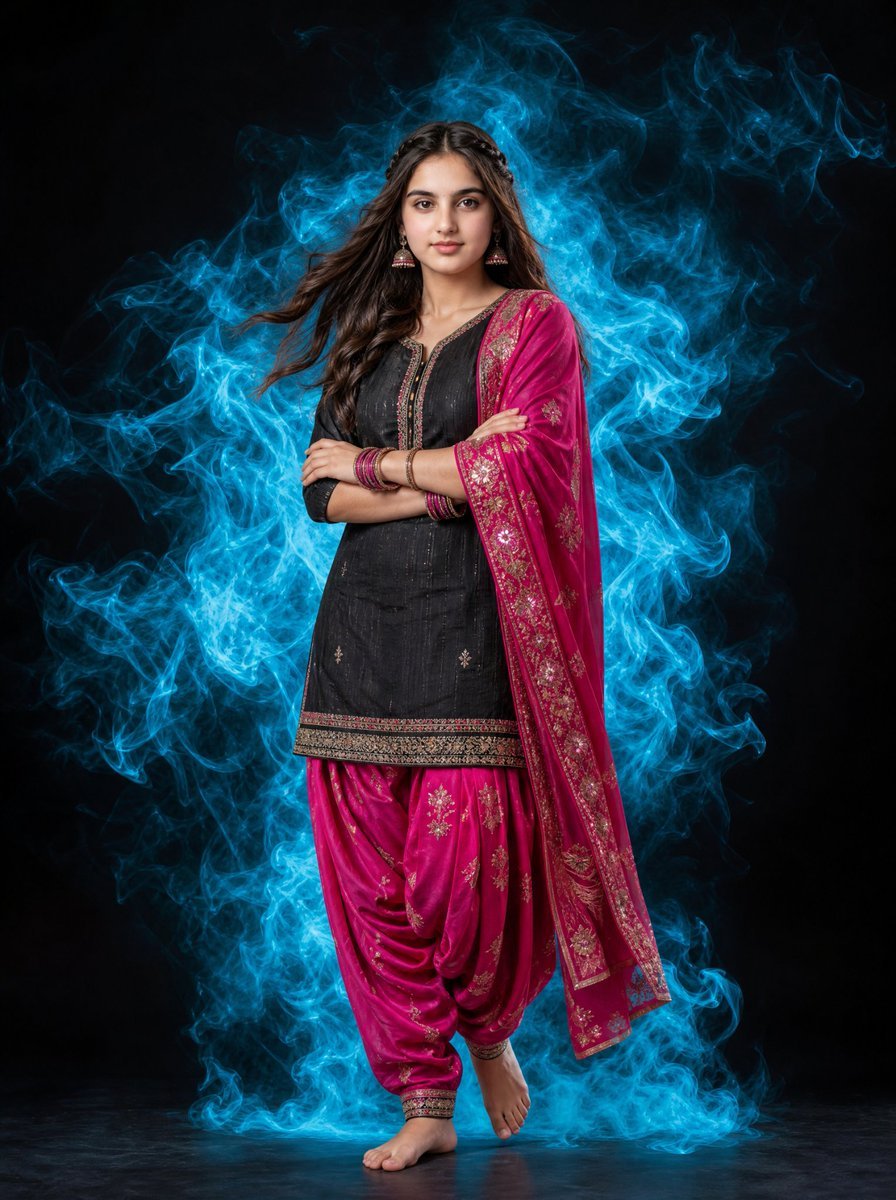
Indian Woman Portrait with Cyan Smoke

Magenta and Cyan Rim-Lit Studio Portrait

Sunlit Maid Sisters Hug
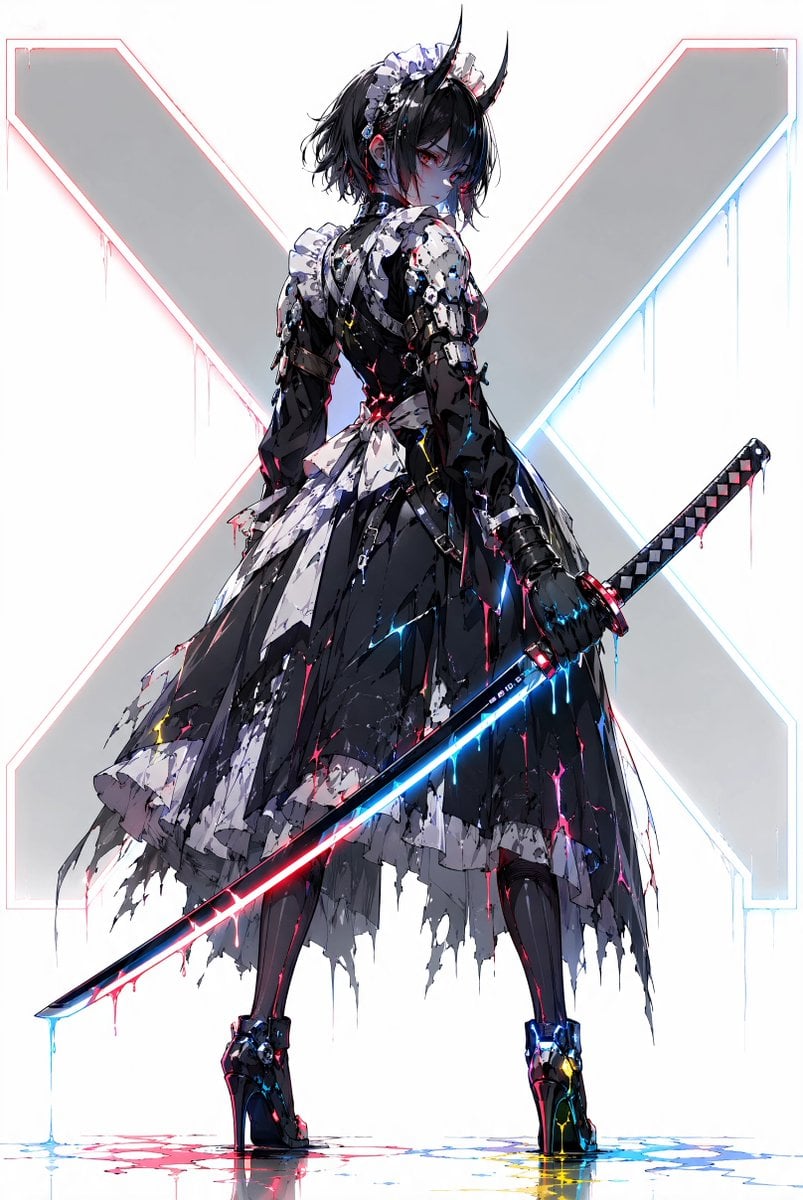
Cyber Demon Maid Katana
Make it yours
Cyan Clockwork Battle Maid works as-is. These are the safest ways to change it without losing the look.
Change one field
Copy a single group, rewrite it, and generate again so you can see what that field is doing.
Keep the frame, change the subject
Hold the composition and light of Cyan Clockwork Battle Maid, then swap wardrobe, props or the person for a new take.
| If the result… | Why | Fix |
|---|---|---|
| The result drifts from the preview | Too many fields changed at once. | Reuse Cyan Clockwork Battle Maid as-is first, then change one group — subject, light, or setting. |
| The model over-stylizes the scene | The prose prompt leaves finish and camera underspecified. | Add one camera or lighting sentence and stay on GPT Image 2. |
More GPT Image 2 templates
Other prompts made for GPT Image 2.

Six VTuber Japanese Logo Sheet

Realistic Portrait of Woman and Deer

The Vista Modular Condo Poster

AI Model Routing Comparison Infographic

2.5D Anime Art Board

Isometric Productivity Desk Scene

New York Double Exposure Poster

Four-Panel AI Landscape Comparison

Japanese Tatami Lifestyle Magazine Cover

NESCAFÉ Coffee Map Poster
More image prompts
Fresh picks from across the catalog.
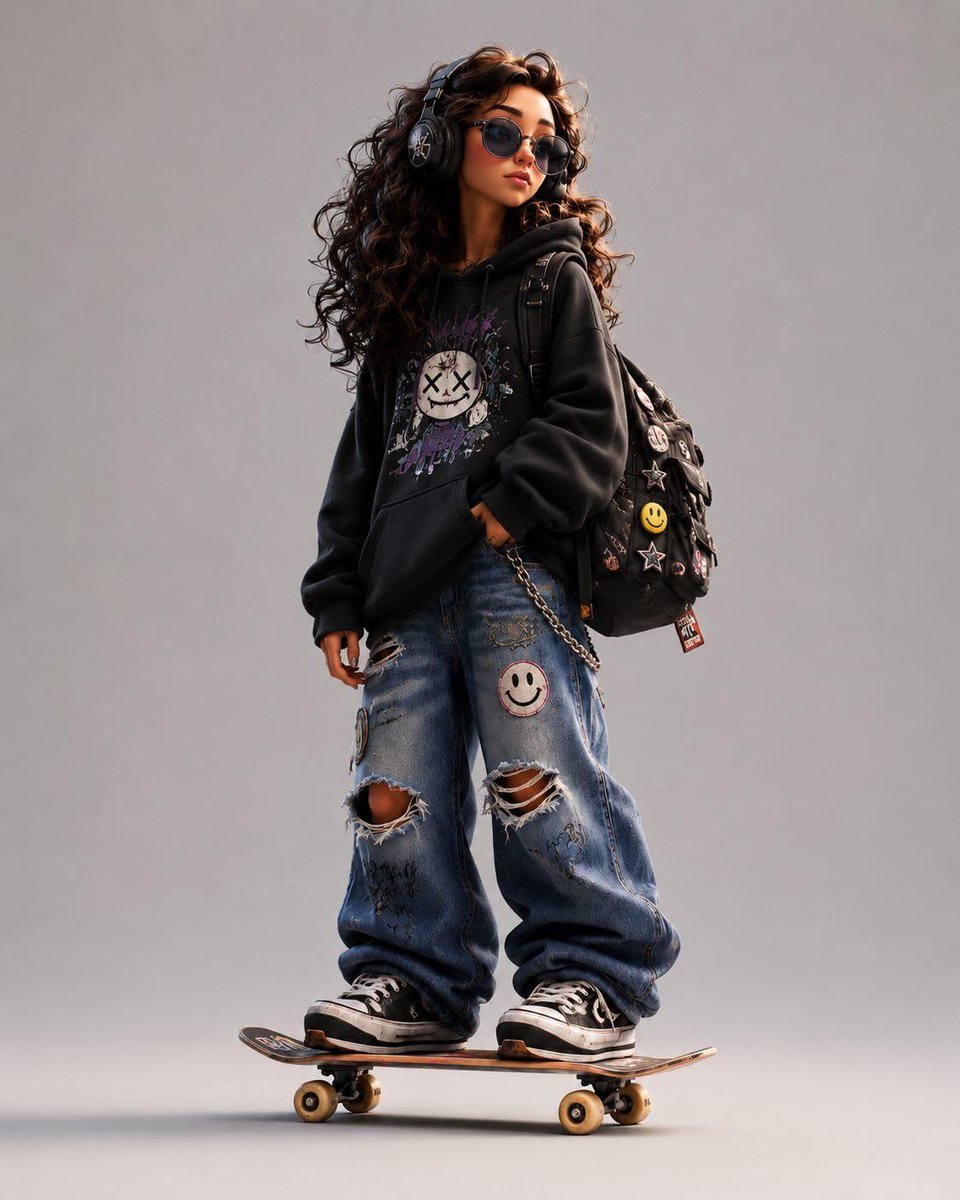
Stylized Urban 3D Skater Character

Nostalgic Japanese Seaside Sunset
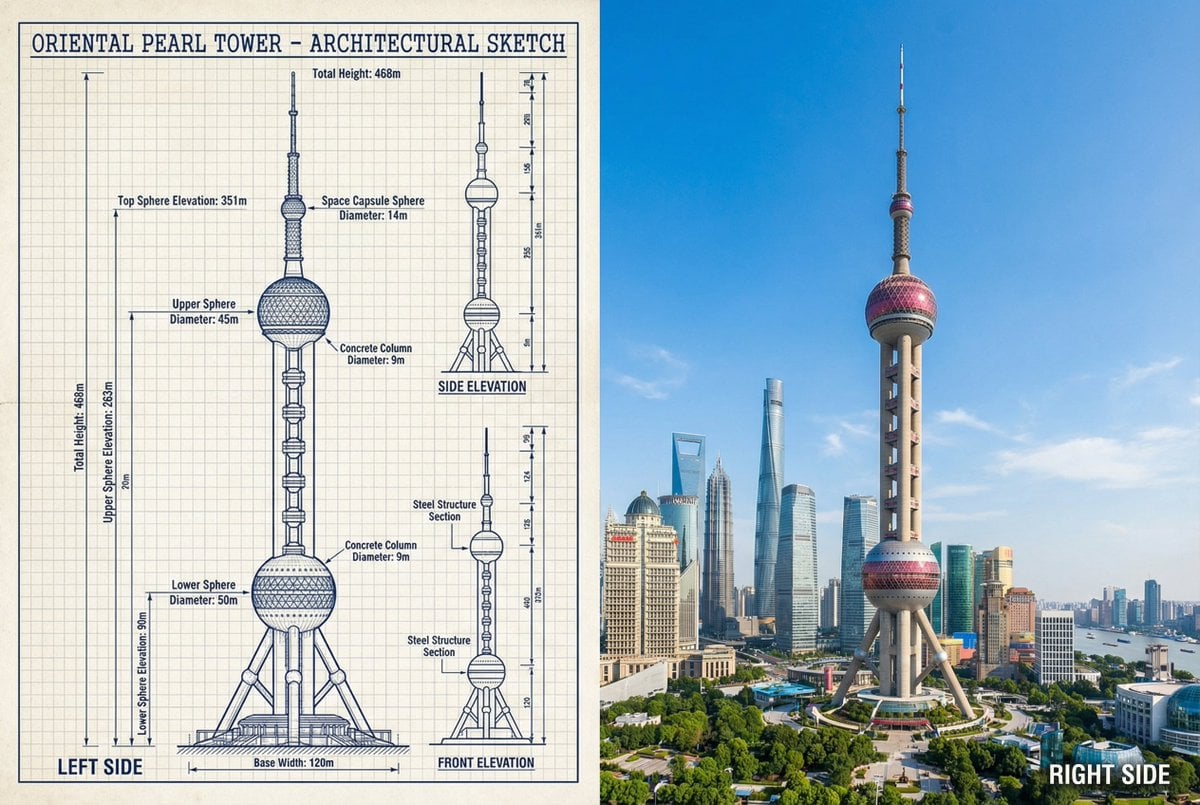
JSON Prompt for Side-by-Side Architectural Comparison of Oriental Pearl Tower

Structured Candid Indoor Portrait Prompt
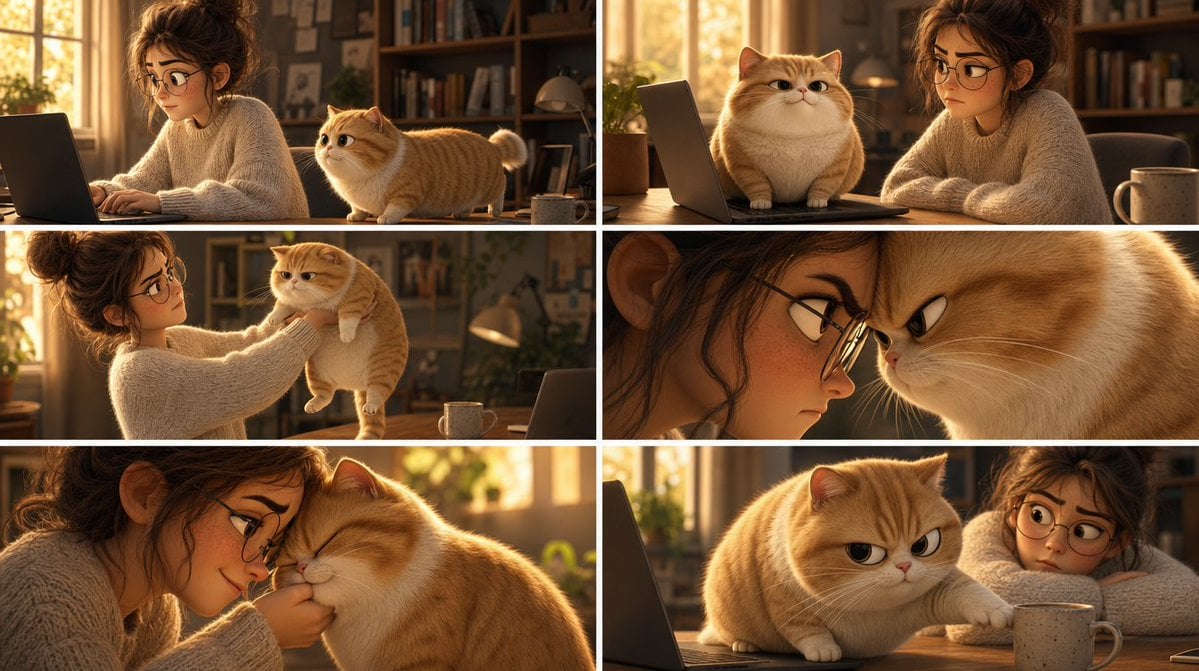
Pixar Cat Desk Storyboard

Cute Winter Anime Channel Poster
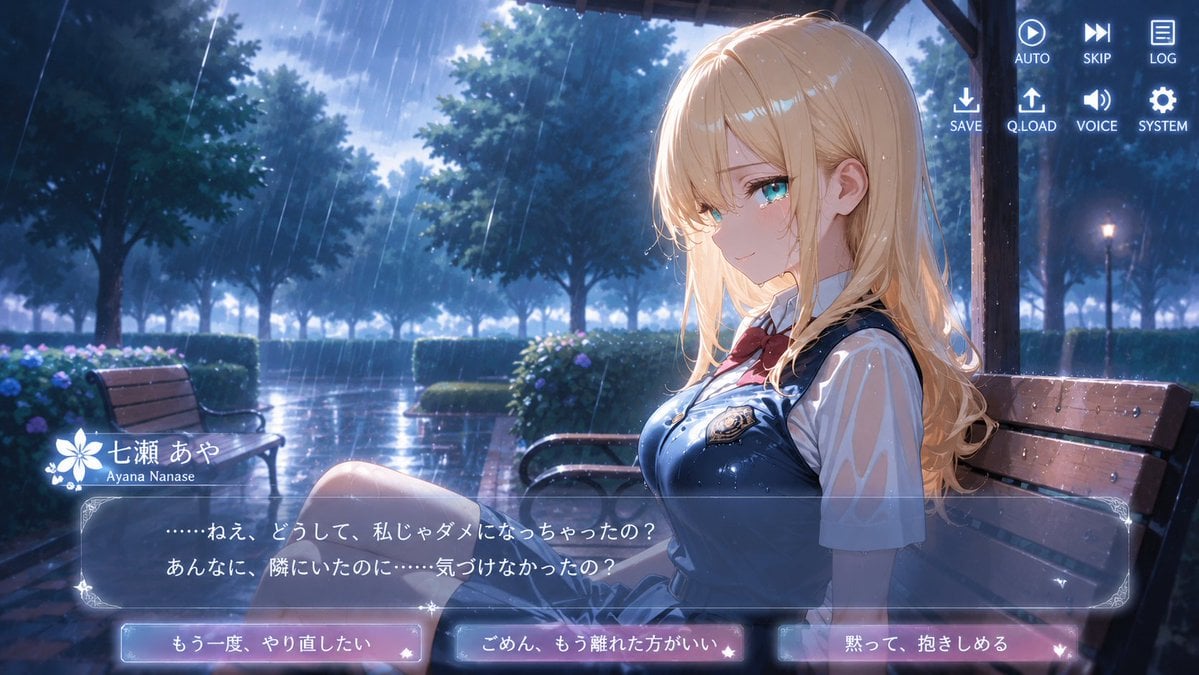
Rainy Park Visual Novel CG

Luxury Outdoor Breakfast Scene on a Golf Course
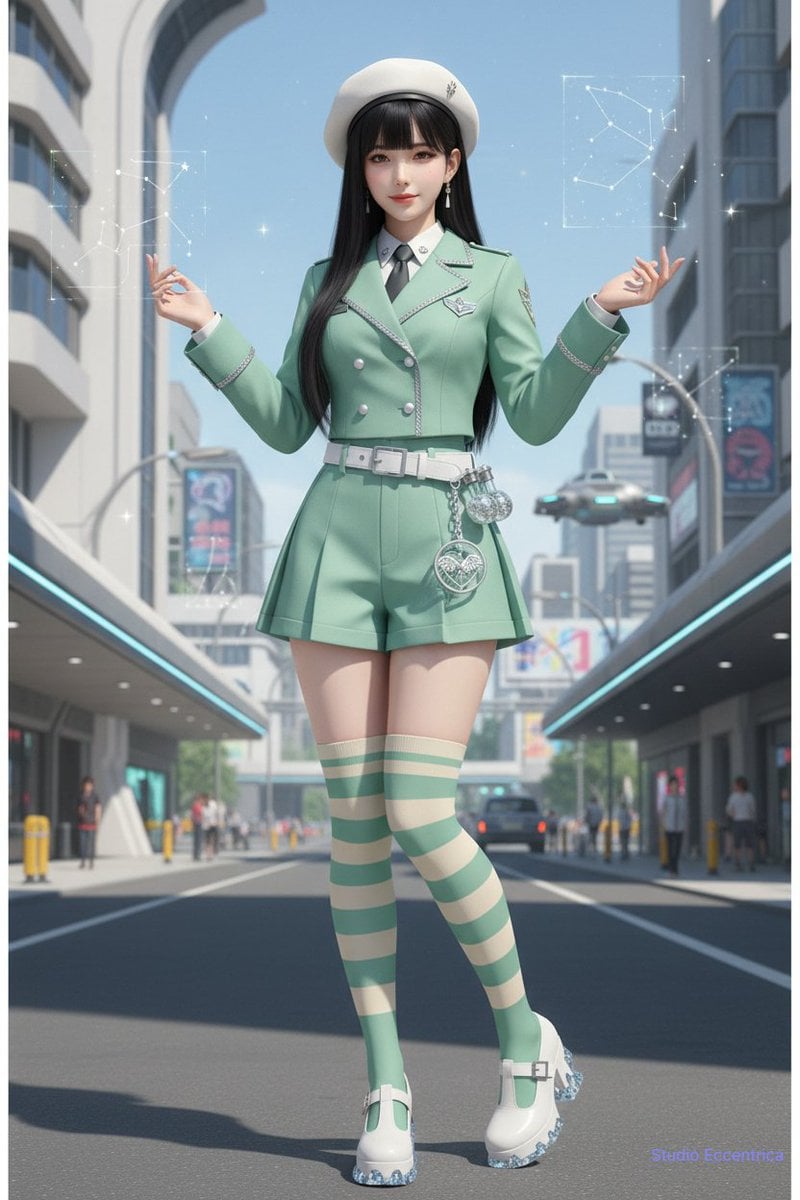
Nano Banana Character Sheet and Fashion Prompts
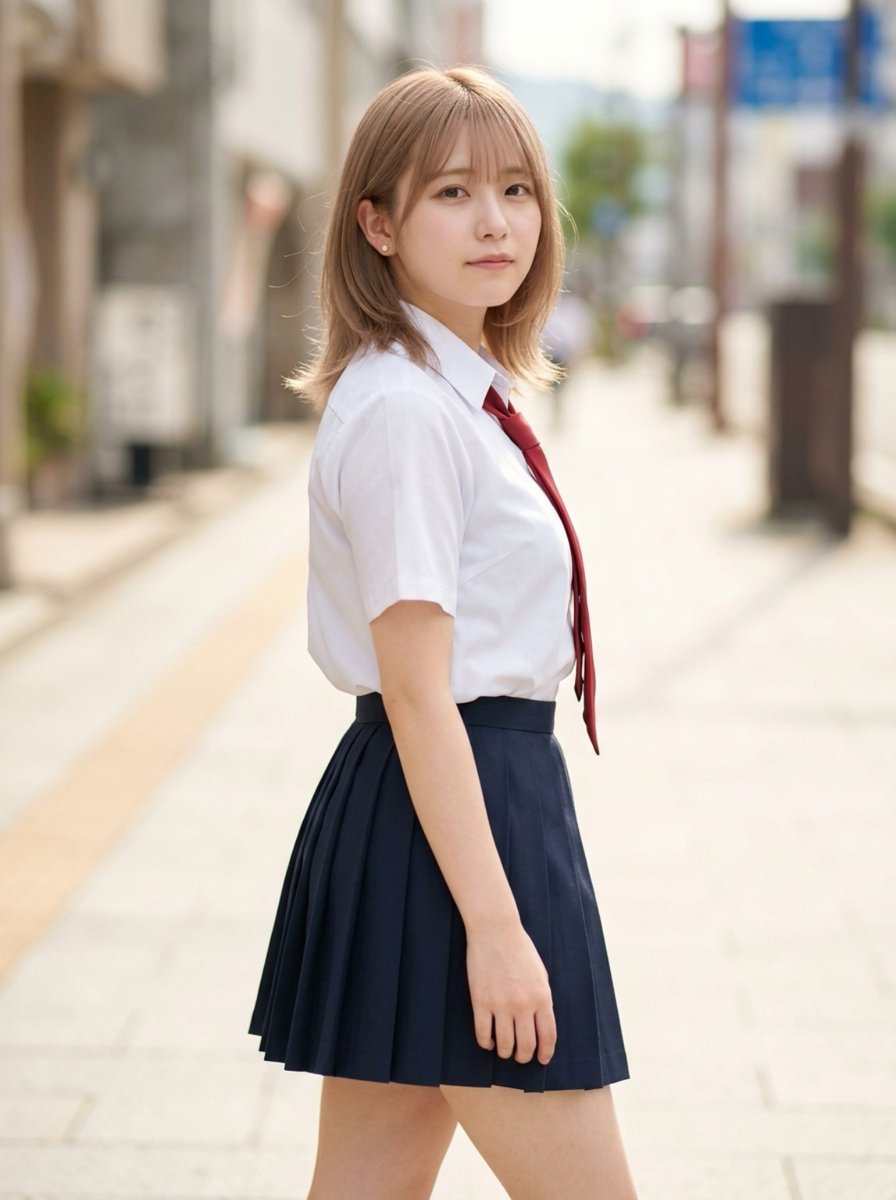
Censored School Uniform Street Portrait
Browse template categories
Cyan Clockwork Battle Maid questions
How do I use the Cyan Clockwork Battle Maid template?
Add your photo if the template asks for one, edit the prompt if you like — the template's model and format are already selected — and press Generate. Your version opens in PicX Studio.
Can I customize the Cyan Clockwork Battle Maid template?
Yes. You can change the subject, setting, lighting, mood, format, and available model controls before creating your image.
Is the Cyan Clockwork Battle Maid template free?
Opening and editing this template is free. Generating uses credits, shown on the Generate button when you are signed in.
Which AI model should I use?
Start with GPT Image 2, which is the model associated with this template. You can compare another compatible model for a different finish.
Looking for something else? Browse all templates.

Your photo, any look
Thousands of ready templates for every top image and video model, from one credit balance.