
Cute Winter Anime Channel Poster
This prompt generates a pastel Japanese-style anime promotional thumbnail with a single horse-girl character and layered text graphics, ideal for fictional stream, fanclub, or channel announcement art.
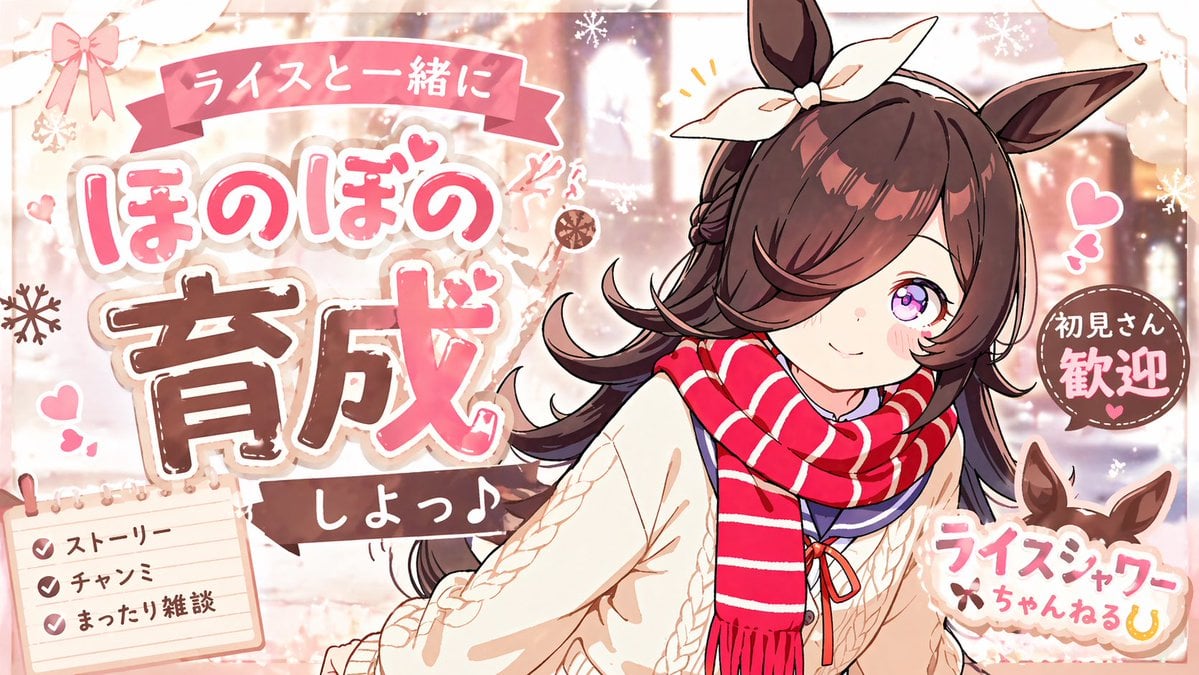
- Prompt included
- Model and format preset
- Free template
The prompt behind this image
Copy the exact prompt behind Cute Winter Anime Channel Poster, or open it in the studio and make it yours.
A cute pastel anime promotional poster in a dreamy idol-fanclub style, landscape orientation, featuring a single horse-girl character from the waist up on the right side of the composition. She has {argument name="hair color" default="dark chestnut brown"} long fluffy hair with side-swept bangs covering one eye, one large visible sparkling purple-pink eye, fair skin, soft blush, and upright horse ears with a large cream bow tied between them. Her expression is gentle, shy, and welcoming, with a small smile and a slight head tilt toward the viewer. She wears a thick red scarf with white horizontal stripes, a cream cable-knit sweater, and a navy sailor-style inner collar with a small red ribbon at the chest. The overall color palette is warm pink, cream, beige, and cocoa brown with soft winter lighting. Design the image as a Japanese fan-content announcement graphic with layered sticker-like typography, fluffy outlines, hearts, sparkles, and snowflake motifs. The background should be a softly blurred cozy winter café or warmly lit indoor scene with glowing bokeh and pale decorative textures. Add exactly 5 major text areas: a pink ribbon banner at the top with the Japanese text "ライスと一緒に"; a very large central-left headline in rounded pop lettering reading "ほのぼの 育成" with "ほのぼの" in pink and white and "育成" in bold brown with white stitched edging; a small dark ribbon under it reading "しよっ♪"; a circular brown badge on the right reading "初見さん歓迎"; and a logo-like label at bottom right reading "ライスシャワーちゃんねる" with a small horseshoe icon. Add exactly 1 memo pad in the bottom-left corner with 3 checklist lines, each with a pink checkmark: "ストーリー", "チャンミ", and "まったり雑談". Include small decorative pink hearts around the character, tiny accent lines near her head, white snowflakes, lace-like trim, paper-cut corner decorations, and a soft scrapbook aesthetic. Make the whole piece look like an adorable fictional stream or channel thumbnail welcoming new viewers, highly polished, clean anime line art, soft shading, glossy eyes, and charming commercial poster composition.
How to use Cute Winter Anime Channel Poster in 3 steps
- 1Upload ImagePNG, JPG or paste
Add your photo
Upload the photo the template builds on. The prompt, model and format are already set.
- 2…a portrait of your subject in softgolden-hour light, 85mm…
Personalize
Edit the subject and creative details for your destination.
- 3Generate
Generate
Press Generate — your image is created in PicX Studio, so you can compare it with the original and refine one variable at a time.
More like this
Templates with the same subject, style or setup. Open one to see its prompt.

Captain Tsubasa Anime World Cup Poster

Gpt2 Youtube Thumbnail Anime Music Bootcamp Promo Poster

Japan Travel Brochure Poster

Nice Day Anime Poster

Cel 2D Finale Fireworks

Cel 2D Garden Maze

Cel 2D Rooftop Concert

Cel 2D Bicycle Coast

Cel 2D Castle Gate

Cel 2D Kitchen Chaos

Cel 2D Carnival Ride

Cel 2D Rainy Bus Stop
Make it yours
Cute Winter Anime Channel Poster works as-is. These are the safest ways to change it without losing the look.
Change one field
Copy a single group, rewrite it, and generate again so you can see what that field is doing.
Keep the frame, change the subject
Hold the composition and light of Cute Winter Anime Channel Poster, then swap wardrobe, props or the person for a new take.
| If the result… | Why | Fix |
|---|---|---|
| The result drifts from the preview | Too many fields changed at once. | Reuse Cute Winter Anime Channel Poster as-is first, then change one group — subject, light, or setting. |
| The model over-stylizes the scene | The prose prompt leaves finish and camera underspecified. | Add one camera or lighting sentence and stay on GPT Image 2. |
More GPT Image 2 templates
Other prompts made for GPT Image 2.

Six VTuber Japanese Logo Sheet

Realistic Portrait of Woman and Deer

The Vista Modular Condo Poster

AI Model Routing Comparison Infographic

2.5D Anime Art Board

Isometric Productivity Desk Scene

New York Double Exposure Poster

Four-Panel AI Landscape Comparison

Japanese Tatami Lifestyle Magazine Cover

NESCAFÉ Coffee Map Poster
More image prompts
Fresh picks from across the catalog.
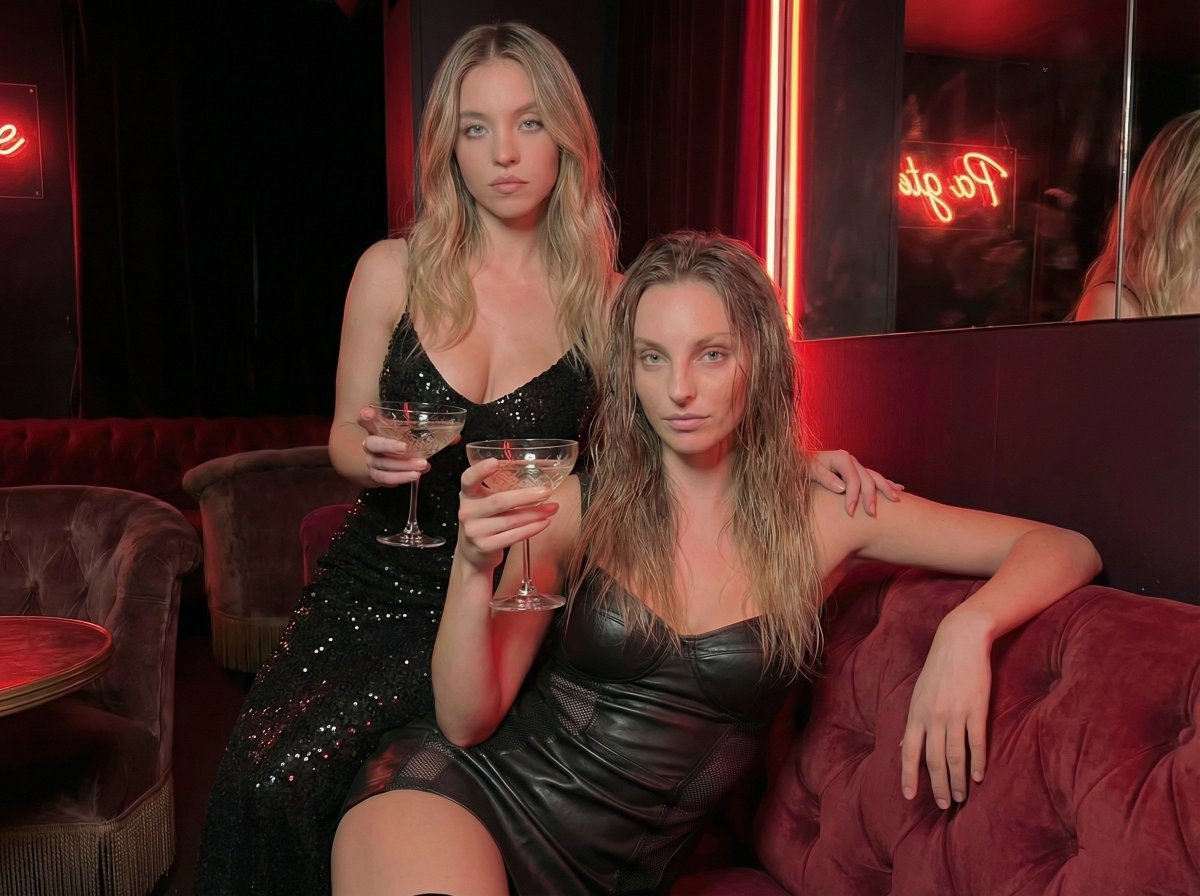
High-Fashion Noir Lounge Scene with Detailed Anatomy and Texture
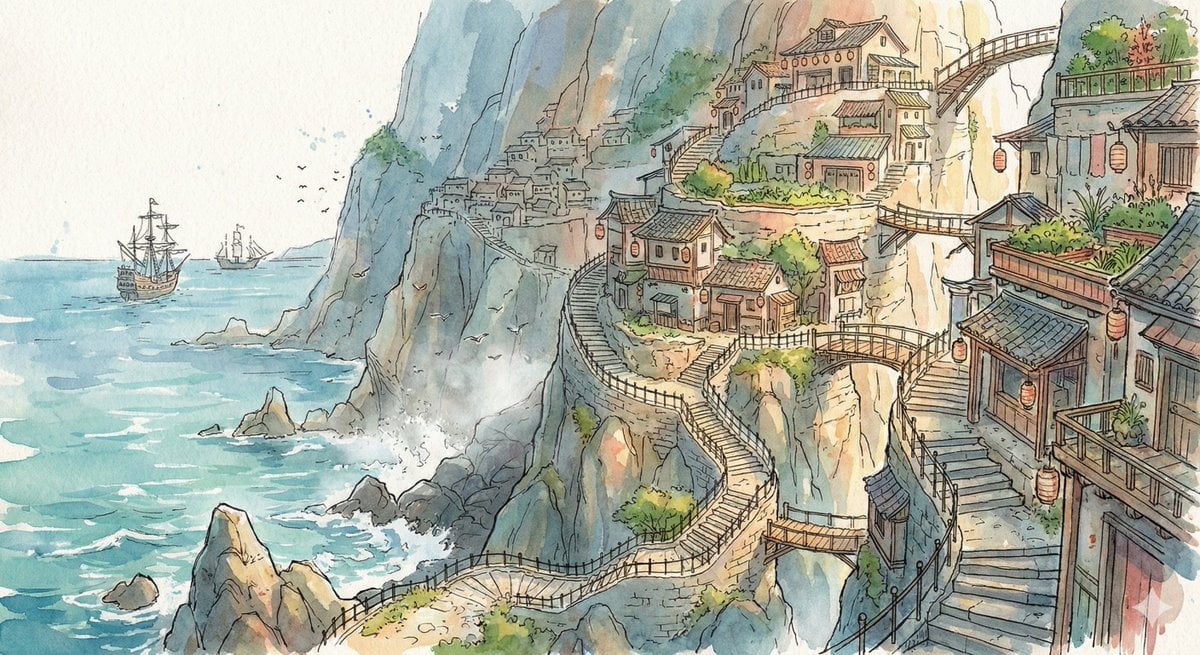
Watercolor Cliffside Village Illustration
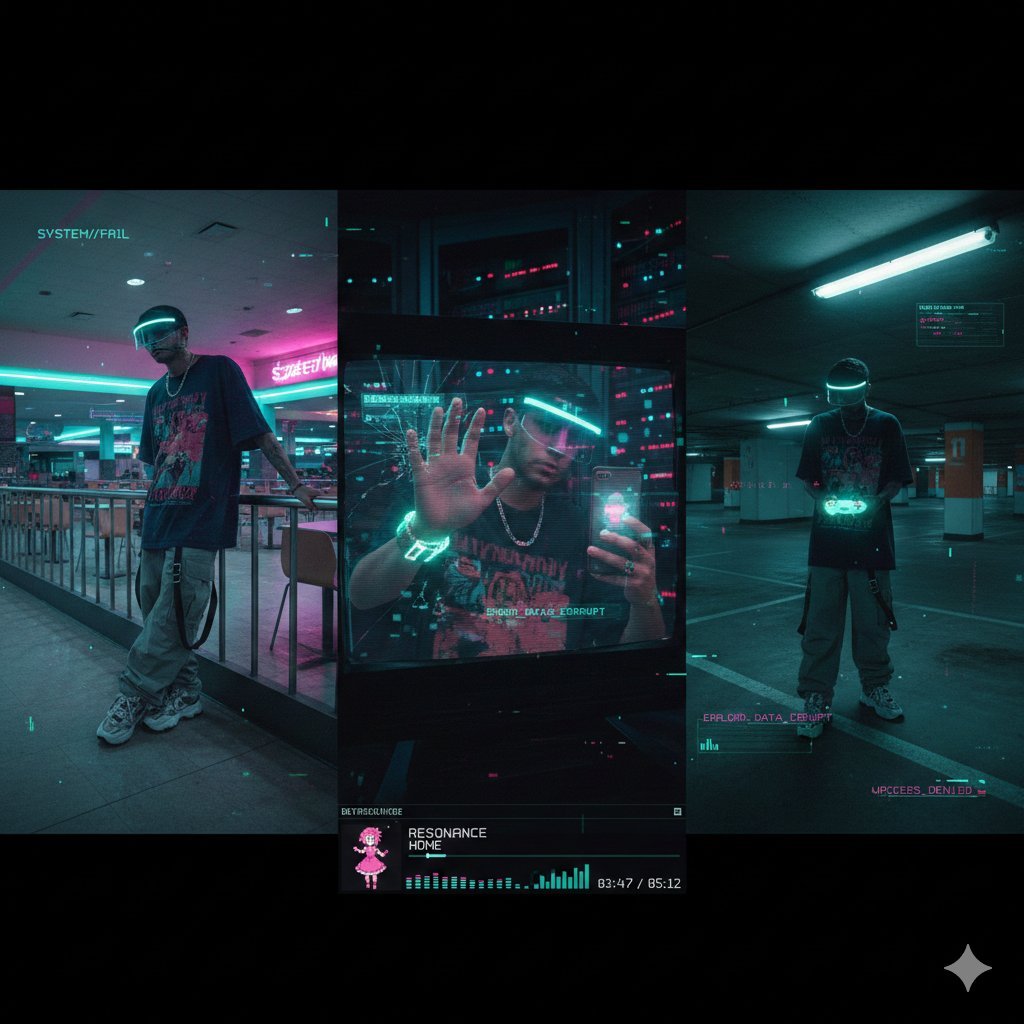
Cyber-Liminal Dream Sequence Triptych

Cinematic Portrait Prompt for Outdoor Expedition Vibe
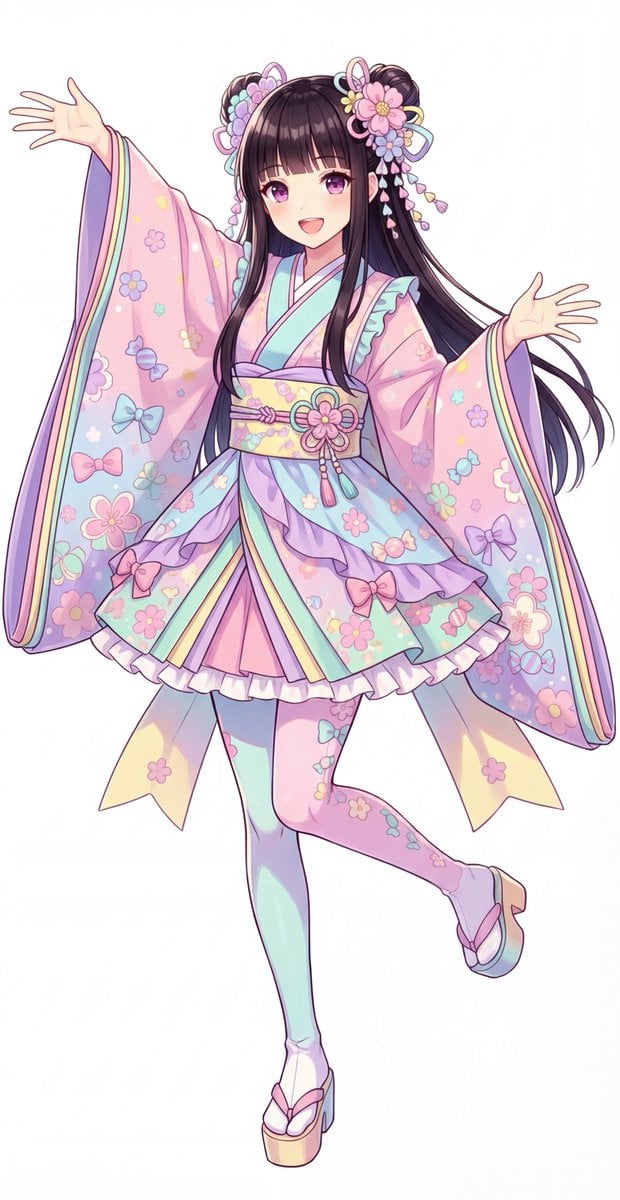
Kawaii Jūnihitoe Outfit Modification Prompt for NanoBananaPro
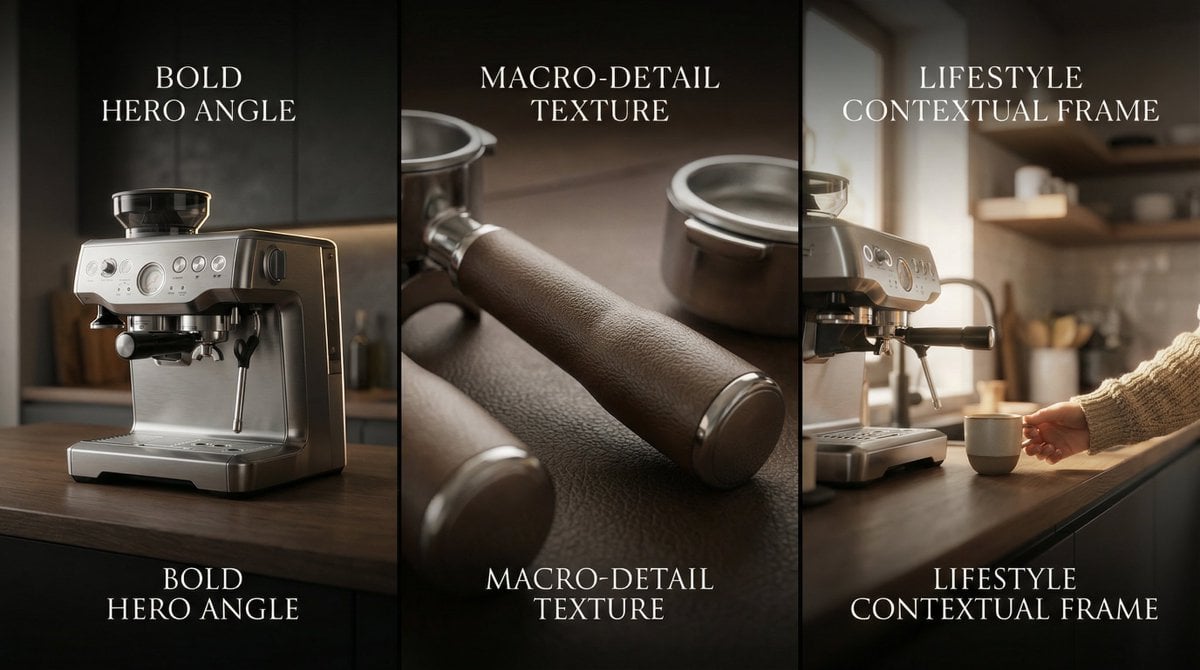
Composite Product Photography Prompt (Etsy Style)
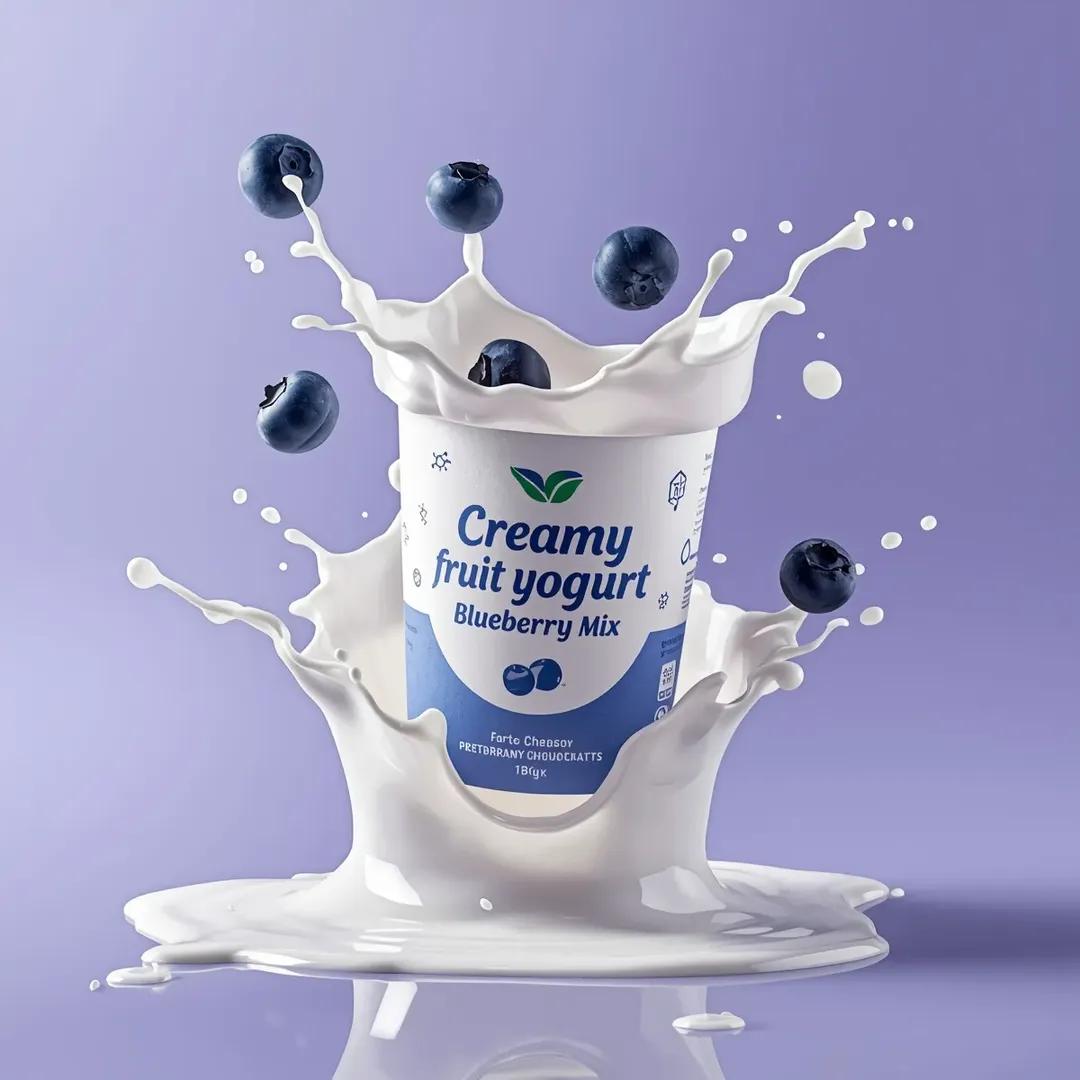
High-End Commercial Yogurt Product Photography Prompt
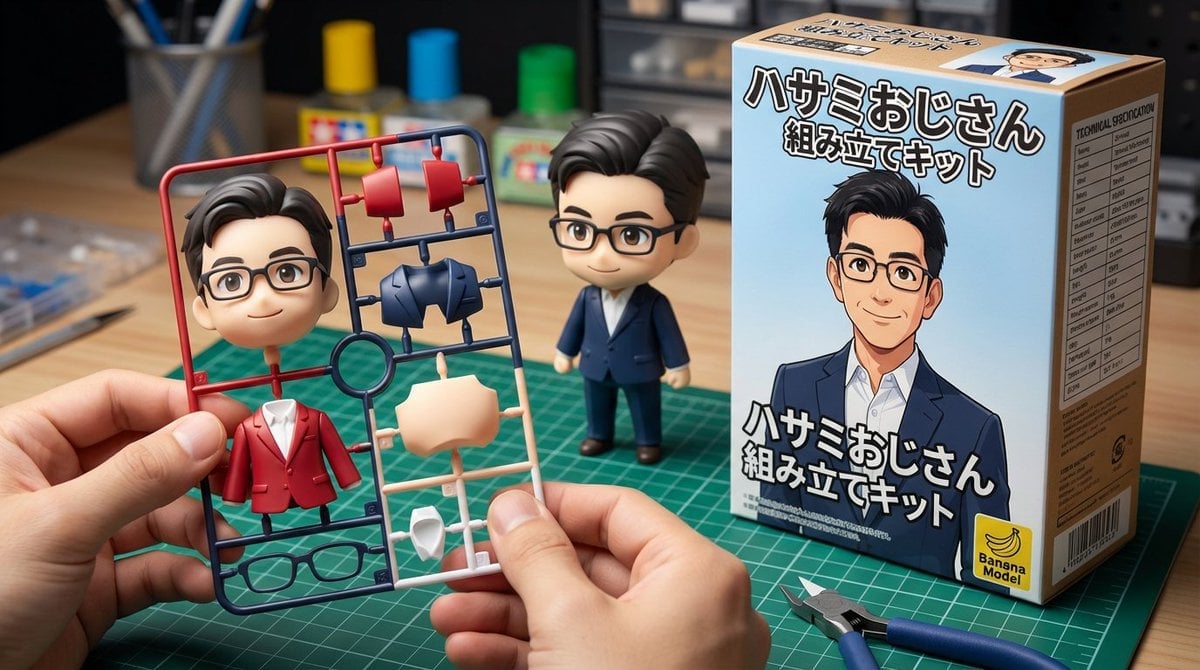
Scissor Man Figure Generation (Plastic Model and Flocked)
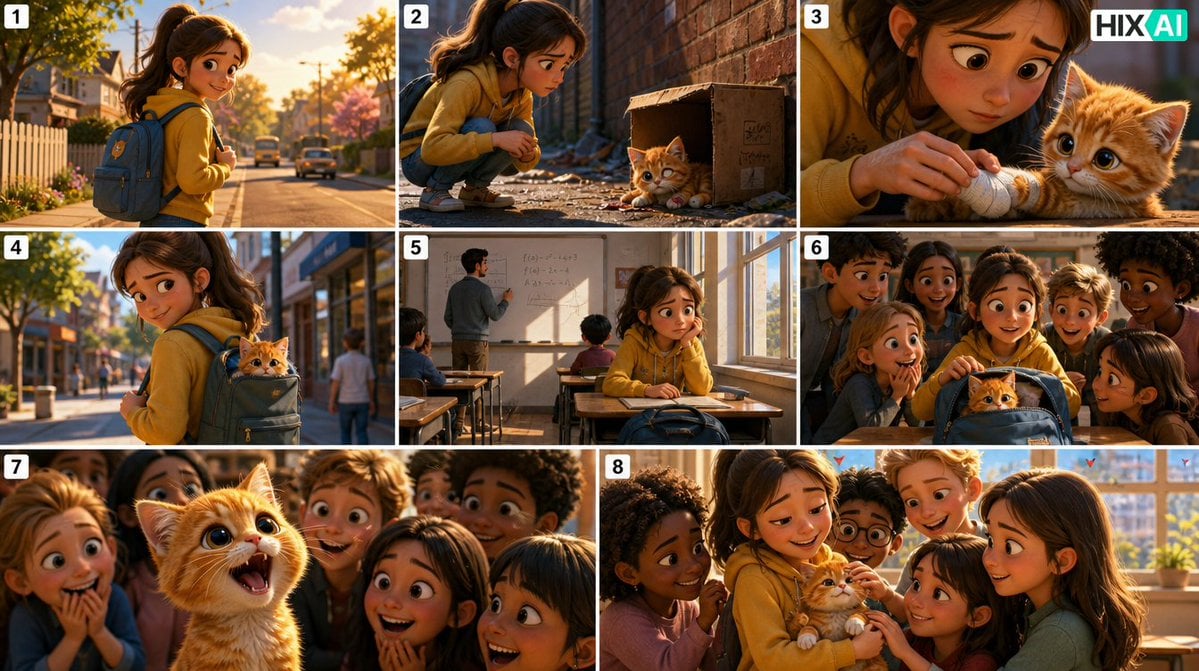
Eight-Panel Kitten Rescue Storyboard
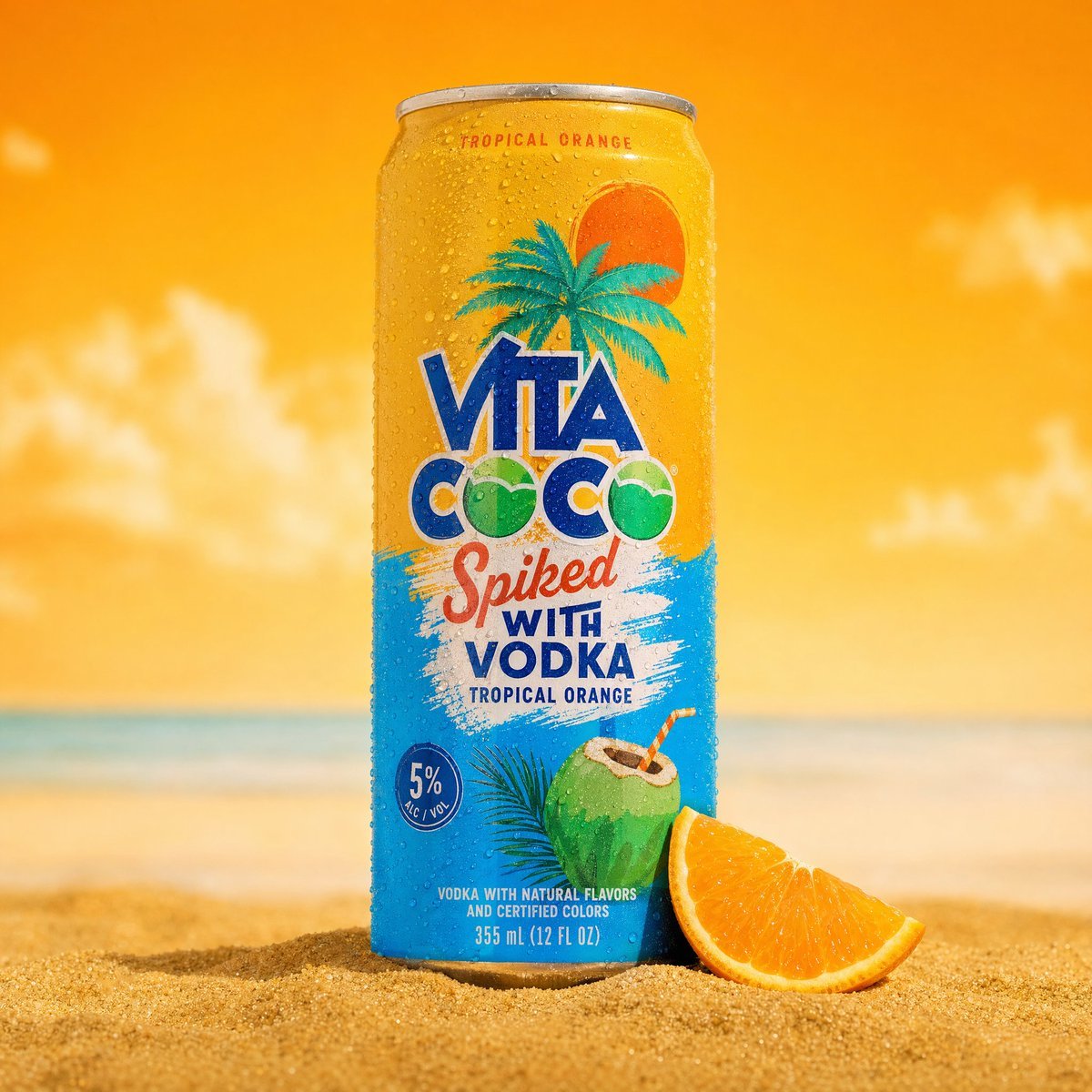
Tropical Product Photography
Browse template categories
Cute Winter Anime Channel Poster questions
How do I use the Cute Winter Anime Channel Poster template?
Add your photo if the template asks for one, edit the prompt if you like — the template's model and format are already selected — and press Generate. Your version opens in PicX Studio.
Can I customize the Cute Winter Anime Channel Poster template?
Yes. You can change the subject, setting, lighting, mood, format, and available model controls before creating your image.
Is the Cute Winter Anime Channel Poster template free?
Opening and editing this template is free. Generating uses credits, shown on the Generate button when you are signed in.
Which AI model should I use?
Start with GPT Image 2, which is the model associated with this template. You can compare another compatible model for a different finish.
Looking for something else? Browse all templates.

Your photo, any look
Thousands of ready templates for every top image and video model, from one credit balance.