
Eight-Panel Kitten Rescue Storyboard
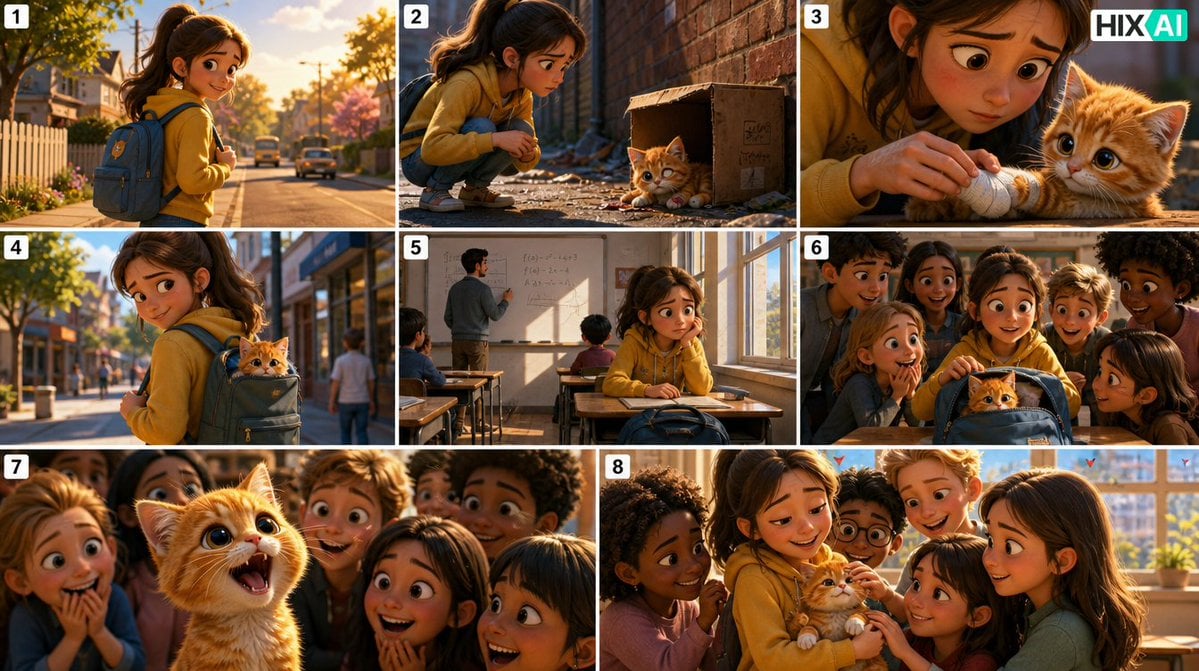
Generates a warm cinematic storyboard collage showing a schoolgirl rescuing an injured orange kitten and revealing it to her classmates.
- Prompt included
- Model and format preset
- Free template
The prompt behind this image
Copy the exact prompt behind Eight-Panel Kitten Rescue Storyboard, or open it in the studio and make it yours.
- Type
- cinematic 8-panel storyboard collage
- Format
- wide 16:9 contact sheet with thin white gutters between panels
- Style
- warm golden-hour photorealistic 3D animation, soft depth of field, expressive family-film mood, high detail, cinematic lighting
- Branding
- small HIX AI logo in the top-right corner of the overall image
- Numbering › Count
- 8
- Numbering › Style
- white rounded square labels with black numbers in the top-left of each panel
- Numbering › Labels
- 1, 2, 3, 4, 5, 6, 7, 8
- Main Characters › Girl
- {argument name="main character" default="a young schoolgirl with long brown hair in a high ponytail, wearing a mustard-yellow hoodie, dark pants, sneakers, and a blue backpack"}
- Main Characters › Kitten
- {argument name="kitten description" default="a tiny injured orange tabby kitten with huge glossy eyes, fluffy fur, and a bandaged front paw"}
- Setting
- {argument name="setting" default="a quiet suburban school route, a narrow brick alley, and a sunlit classroom"}
- Overall Story
- {argument name="story theme" default="a compassionate girl rescues an injured kitten on the way to school and the classroom falls in love with it"}
- Panel Layout › Count
- 8
- Panel Layout › Panels › 0 › Number
- 1
- Panel Layout › Panels › 0 › Position
- top-left
- Panel Layout › Panels › 0 › Scene
- Opening scene on a tree-lined suburban street at sunrise. The girl walks toward school with her blue backpack, white picket fence, houses, parked cars, autumn foliage, and warm sunlight behind her.
- Panel Layout › Panels › 1 › Number
- 2
- Panel Layout › Panels › 1 › Position
- top-center
- Panel Layout › Panels › 1 › Scene
- In a narrow brick alley, the girl crouches beside a worn cardboard box. The orange kitten lies weakly near the box with one paw hurt, looking up at her; scattered debris and dramatic low-angle golden light.
- Panel Layout › Panels › 2 › Number
- 3
- Panel Layout › Panels › 2 › Position
- top-right
- Panel Layout › Panels › 2 › Scene
- Close-up of the girl gently wrapping the kitten’s injured paw with a white handkerchief. The kitten’s face fills the right side with large emotional eyes; shallow depth of field and tender hands in focus.
- Panel Layout › Panels › 3 › Number
- 4
- Panel Layout › Panels › 3 › Position
- middle-left
- Panel Layout › Panels › 3 › Scene
- The girl continues walking along the sidewalk with the kitten hidden in her backpack, only its fluffy orange head peeking out from the partly open zipper. Urban school street background with pedestrians and soft morning light.
Raw JSON
{"type":"cinematic 8-panel storyboard collage","format":"wide 16:9 contact sheet with thin white gutters between panels","style":"warm golden-hour photorealistic 3D animation, soft depth of field, expressive family-film mood, high detail, cinematic lighting","branding":"small HIX AI logo in the top-right corner of the overall image","numbering":{"count":8,"style":"white rounded square labels with black numbers in the top-left of each panel","labels":["1","2","3","4","5","6","7","8"]},"main characters":{"girl":"{argument name=\"main character\" default=\"a young schoolgirl with long brown hair in a high ponytail, wearing a mustard-yellow hoodie, dark pants, sneakers, and a blue backpack\"}","kitten":"{argument name=\"kitten description\" default=\"a tiny injured orange tabby kitten with huge glossy eyes, fluffy fur, and a bandaged front paw\"}"},"setting":"{argument name=\"setting\" default=\"a quiet suburban school route, a narrow brick alley, and a sunlit classroom\"}","overall story":"{argument name=\"story theme\" default=\"a compassionate girl rescues an injured kitten on the way to school and the classroom falls in love with it\"}","panel layout":{"count":8,"panels":[{"number":1,"position":"top-left","scene":"Opening scene on a tree-lined suburban street at sunrise. The girl walks toward school with her blue backpack, white picket fence, houses, parked cars, autumn foliage, and warm sunlight behind her."},{"number":2,"position":"top-center","scene":"In a narrow brick alley, the girl crouches beside a worn cardboard box. The orange kitten lies weakly near the box with one paw hurt, looking up at her; scattered debris and dramatic low-angle golden light."},{"number":3,"position":"top-right","scene":"Close-up of the girl gently wrapping the kitten’s injured paw with a white handkerchief. The kitten’s face fills the right side with large emotional eyes; shallow depth of field and tender hands in focus."},{"number":4,"position":"middle-left","scene":"The girl continues walking along the sidewalk with the kitten hidden in her backpack, only its fluffy orange head peeking out from the partly open zipper. Urban school street background with pedestrians and soft morning light."},{"number":5,"position":"middle-center","scene":"Inside a classroom, the teacher writes equations and a simple graph on the whiteboard while students sit at desks. The girl sits nervously near a sunny window, glancing down at her closed backpack on the desk."},{"number":6,"position":"middle-right","scene":"Classmates gather closely around the girl’s desk in surprise as the backpack zipper opens and the orange kitten pops its head out. The girl touches the backpack protectively; everyone leans in with excitement."},{"number":7,"position":"bottom-left","scene":"Close-up from behind the kitten, now out of the backpack and facing a crowd of amazed students. Children’s faces surround the kitten in warm light, showing delight and curiosity; the kitten’s ears and fluffy back are prominent foreground shapes."},{"number":8,"position":"bottom-right","scene":"Final sunny classroom-window shot. The girl sits holding the orange kitten in her arms while classmates surround them happily petting it. Bright window, plants, warm afternoon glow, joyful emotional ending."}]},"visual notes":"Keep the girl consistent in every panel: mustard hoodie, ponytail, blue backpack. Keep the kitten consistently small, orange, fluffy, and injured with a white bandage on one front paw. Use cinematic compositions, warm amber sunlight, realistic textures, and a wholesome animated movie look. Faces may be softly anonymized or unobtrusive, but body language should clearly express compassion, nervousness, surprise, and joy.","negative prompt":"no horror, no blood, no cruelty, no text captions besides the eight number labels and the small logo, no extra panels, no distorted kitten anatomy, no duplicate main girl"}How to use Eight-Panel Kitten Rescue Storyboard in 3 steps
- 1Upload ImagePNG, JPG or paste
Add your photo
Upload the photo the template builds on. The prompt, model and format are already set.
- 2…a portrait of your subject in softgolden-hour light, 85mm…
Personalize
Edit the subject and creative details for your destination.
- 3Generate
Generate
Press Generate — your image is created in PicX Studio, so you can compare it with the original and refine one variable at a time.
More like this
Templates with the same subject, style or setup. Open one to see its prompt.

Headphones Lifestyle Nine Panel Grid
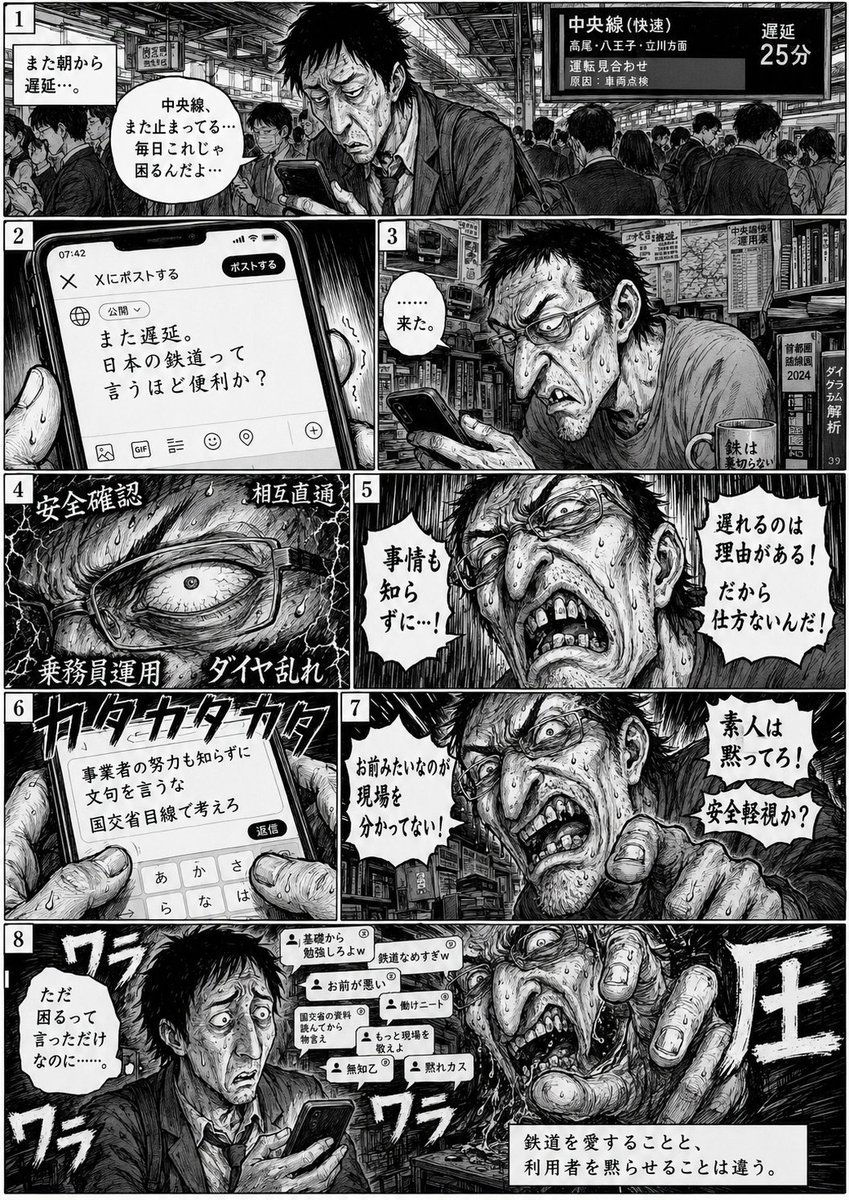
Eight-Panel Train Delay Manga
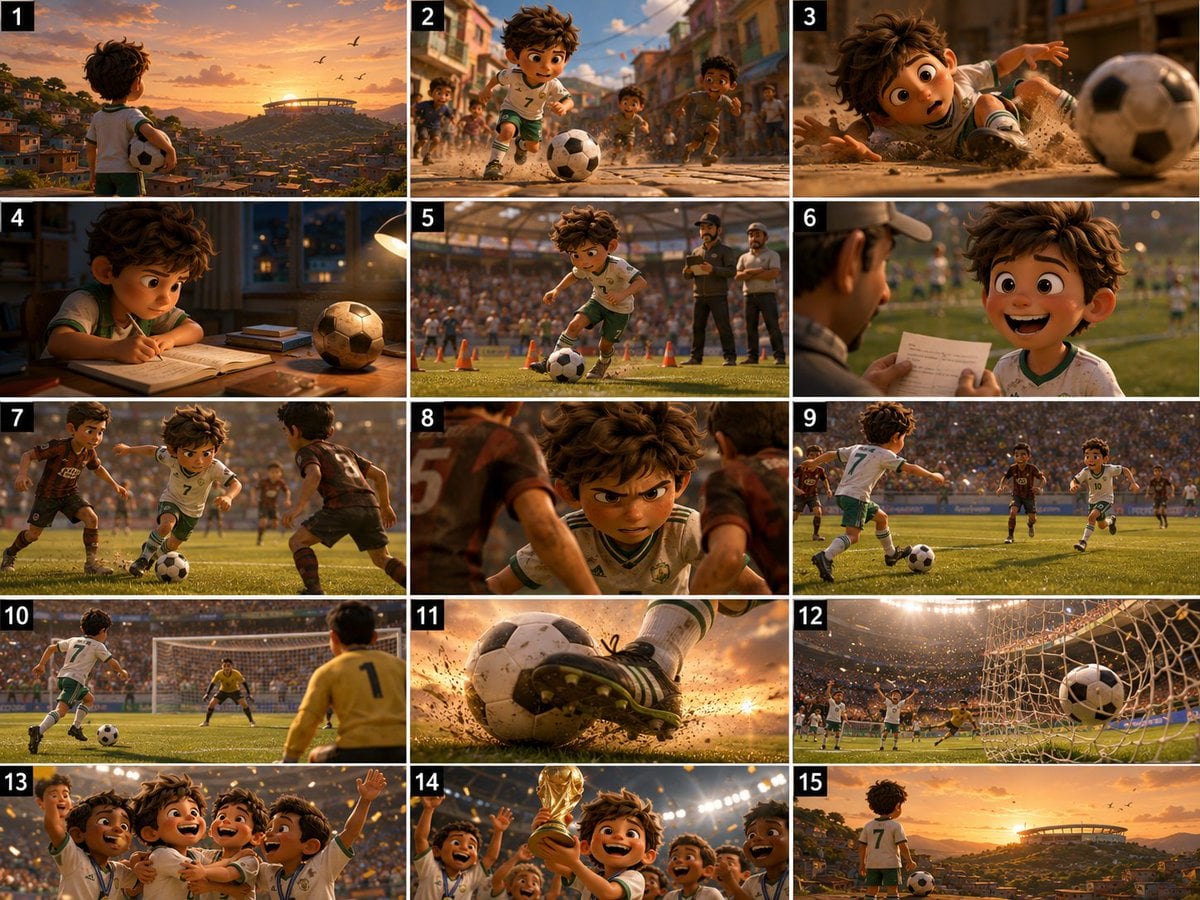
Panel Football Boy Storyboard

Pixar 6-Panel Streethero Expression Grid
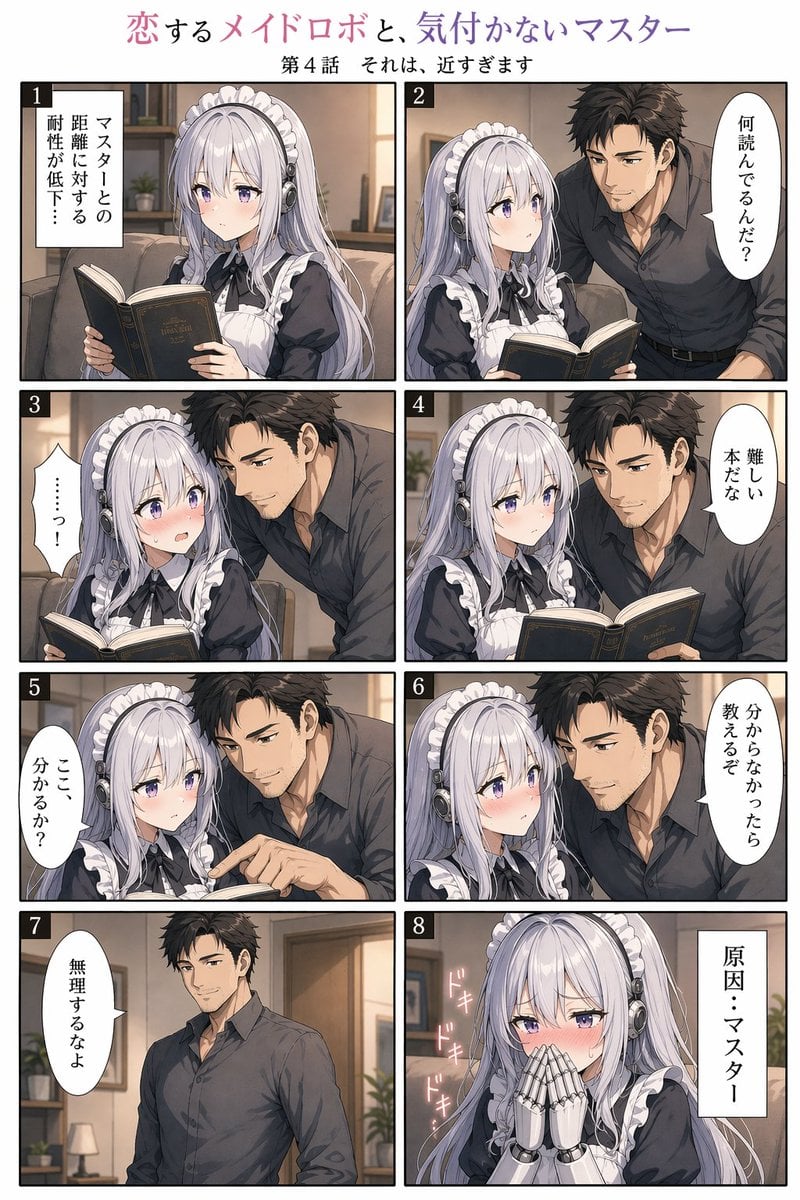
Eight-Panel Maid Robot Romance Manga
Panel Spear Sakuga Storyboard
Eight-Panel Hanfu Clothing Reference Poster
Eight Panel Manga Story
Seedance - Storyboard to Movie
Pixel Art Kitten Companion Sheet
Police Robot Rescue Scene
MPD Robot Collapsed House Rescue
Make it yours
Eight-Panel Kitten Rescue Storyboard works as-is. These are the safest ways to change it without losing the look.
Swap the setting
Keep the rest of the prompt and replace the location block. The current setting is “{argument name="setting" default="a quiet suburban school route, a narrow brick ”.
Change one field
Copy a single group, rewrite it, and generate again so you can see what that field is doing.
Keep the frame, change the subject
Hold the composition and light of Eight-Panel Kitten Rescue Storyboard, then swap wardrobe, props or the person for a new take.
| If the result… | Why | Fix |
|---|---|---|
| The result drifts from the preview | Too many fields changed at once. | Reuse Eight-Panel Kitten Rescue Storyboard as-is first, then change one group — subject, light, or setting. |
| GPT Image 2 ignores part of the JSON | Some models flatten or skip nested keys. | Keep the same values and paste them as a short paragraph instead. |
More GPT Image 2 templates
Other prompts made for GPT Image 2.

Six VTuber Japanese Logo Sheet

Realistic Portrait of Woman and Deer

The Vista Modular Condo Poster

AI Model Routing Comparison Infographic

2.5D Anime Art Board

Isometric Productivity Desk Scene

New York Double Exposure Poster

Four-Panel AI Landscape Comparison

Japanese Tatami Lifestyle Magazine Cover

NESCAFÉ Coffee Map Poster
More image prompts
Fresh picks from across the catalog.
Travel Lifestyle Photography in Swiss Alpine Village

Film Festival Poster Generation
Anime Character Custom T-Shirt Design
Urban Backpack Lifestyle Advertisement Poster

Text on Object Test
Tarot Card Image Generation Prompt
Street Side Bookstore Portrait

Cinematic Portrait of Man in Streetwear
Blonde Fitness Girl Mirror Selfie in Modern Apartment
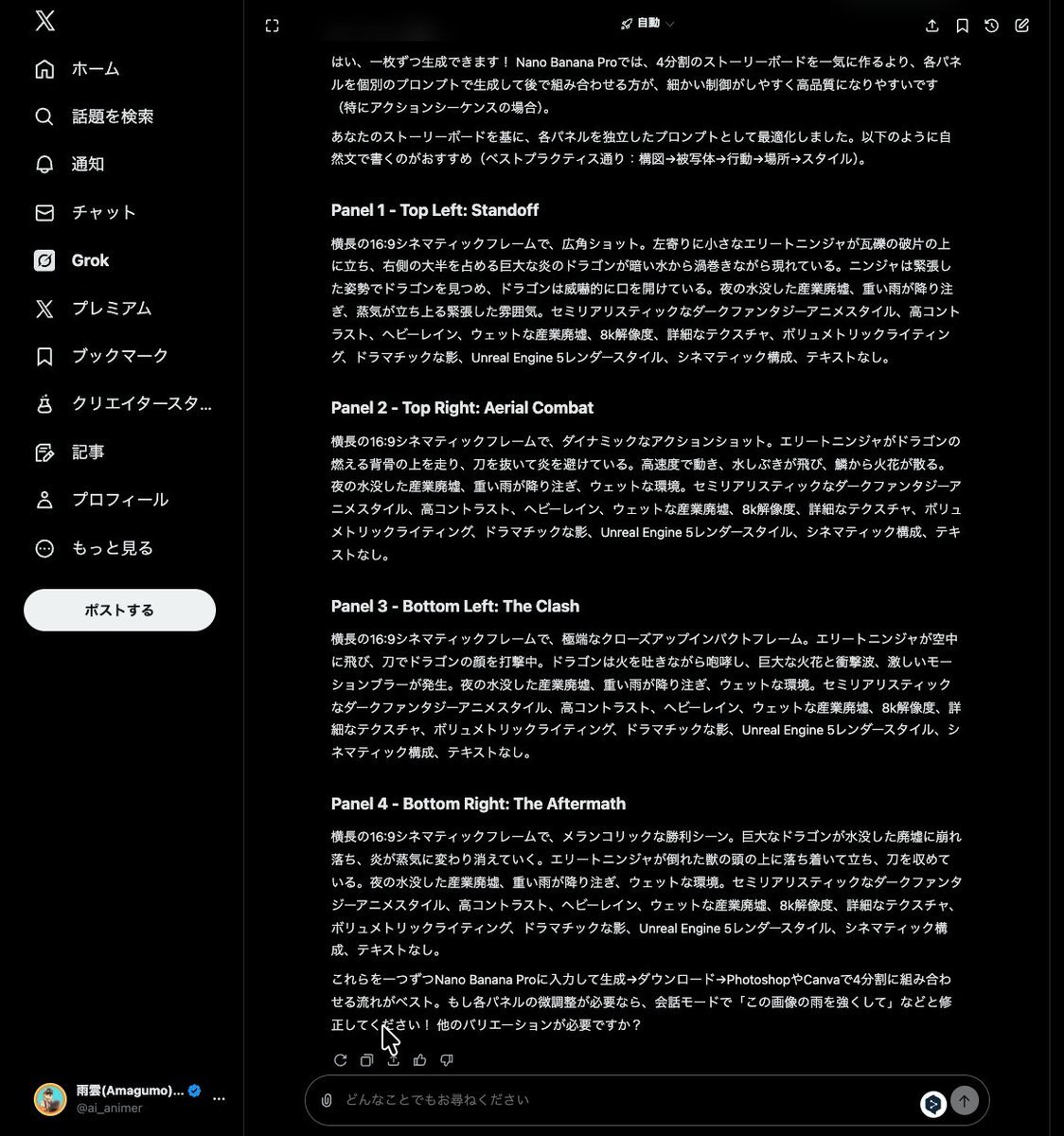
Grok Instruction for Generating Nano Banana Pro Image Prompts
Browse template categories
Eight-Panel Kitten Rescue Storyboard questions
How do I use the Eight-Panel Kitten Rescue Storyboard template?
Add your photo if the template asks for one, edit the prompt if you like — the template's model and format are already selected — and press Generate. Your version opens in PicX Studio.
Can I customize the Eight-Panel Kitten Rescue Storyboard template?
Yes. You can change the subject, setting, lighting, mood, format, and available model controls before creating your image.
Is the Eight-Panel Kitten Rescue Storyboard template free?
Opening and editing this template is free. Generating uses credits, shown on the Generate button when you are signed in.
Which AI model should I use?
Start with GPT Image 2, which is the model associated with this template. You can compare another compatible model for a different finish.
Looking for something else? Browse all templates.

Your photo, any look
Thousands of ready templates for every top image and video model, from one credit balance.