
Anime Character Custom T-Shirt Design
A detailed system prompt for GPT Image 2 that generates illustrations of characters wearing customized T-shirts with unique Japanese text and mascot graphics while maintaining identity.
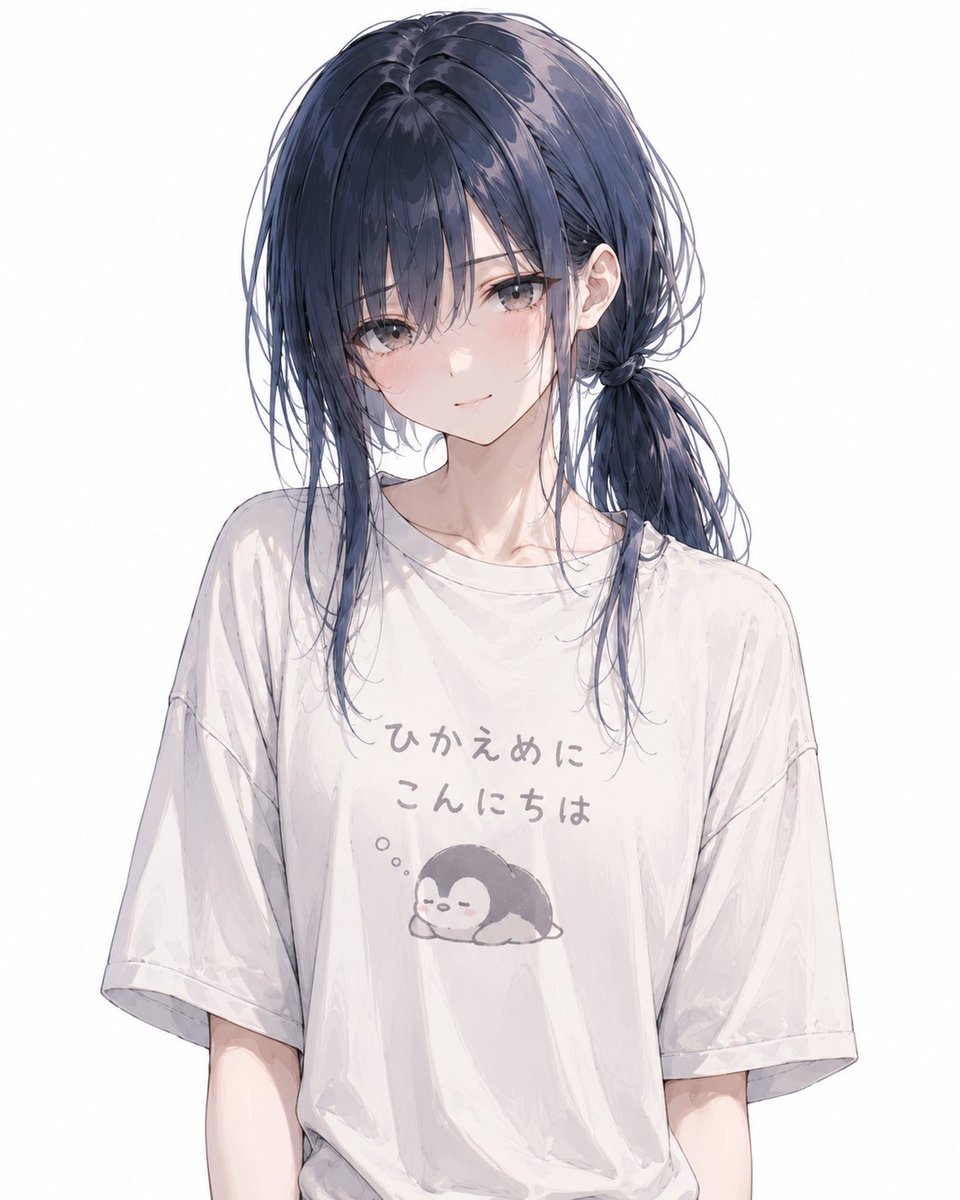
- Prompt included
- Model and format preset
- Free template
The prompt behind this image
Copy the exact prompt behind Anime Character Custom T-Shirt Design, or open it in the studio and make it yours.
While maintaining the identity of the attached character, draw an illustration of them wearing an original T-shirt that matches the character's vibe. The composition should mainly be a bust-up shot — not zoomed in too close on just the face, but including from the chest down to around the upper waist. So the T-shirt's front design is clearly visible, keep the upper body facing forward to slightly angled. The gaze, expression, neck angle, and pose may be naturally adjusted within a range that suits the character, but must not hide the T-shirt print. Do not let the hair, hands, accessories, outerwear, or small items cover the design on the chest. Avoid a full-body composition or one that's zoomed in too close on the face. On the T-shirt, put a laid-back, slightly nonsensical Japanese greeting, or a short phrase that embodies the character. Do not make it read like a self-introduction. Don't lean too hard into gag humor — go for a taste that this character would genuinely choose. Make the lettering feel like a natural T-shirt design — handwritten-style, loose rounded lettering, a slightly rough print look, etc. The text should be legible, not overly stylized, and should avoid typos or overly nonsensical wording. Include a small, laid-back illustration on the print that matches the text. Naturally choose the motif from an "animal" or a "mysterious creature" that fits the character's appearance, personality, and vibe. Place it at a small-to-medium size, naturally positioned near the center of the chest together with the text. Don't make the design so small that it becomes unreadable. Make the T-shirt print look like the main focus. Let the text and illustration naturally warp slightly to match the fabric's wrinkles and the direction the body is facing. Make the print look naturally printed into the fabric, not floating on top like a sticker. Give the T-shirt a slightly worn-in, soft fabric feel. For the expression, naturally choose something that suits the character, based on options like a smile, a shy/blushing face, or a beaming smile. Keep the facial features, hairstyle, hair color, eyes, sense of age, build, and overall vibe consistent. Make the whole thing high-quality, in a polished, commercial-grade anime illustration style. Lines should be sharp and the coloring smooth — while keeping a relaxed, laid-back feel in the T-shirt's design, finish the overall piece cleanly. Make the background white, or a simple, abstract background. Do not include any logos, unnecessary decoration, noise, grain, or roughness.
How to use Anime Character Custom T-Shirt Design in 3 steps
- 1Upload ImagePNG, JPG or paste
Add your photo
Upload the photo the template builds on. The prompt, model and format are already set.
- 2…a portrait of your subject in softgolden-hour light, 85mm…
Personalize
Edit the subject and creative details for your destination.
- 3Generate
Generate
Press Generate — your image is created in PicX Studio, so you can compare it with the original and refine one variable at a time.
More like this
Templates with the same subject, style or setup. Open one to see its prompt.












Make it yours
Anime Character Custom T-Shirt Design works as-is. These are the safest ways to change it without losing the look.
Change one field
Copy a single group, rewrite it, and generate again so you can see what that field is doing.
Keep the frame, change the subject
Hold the composition and light of Anime Character Custom T-Shirt Design, then swap wardrobe, props or the person for a new take.
| If the result… | Why | Fix |
|---|---|---|
| The result drifts from the preview | Too many fields changed at once. | Reuse Anime Character Custom T-Shirt Design as-is first, then change one group — subject, light, or setting. |
| The model over-stylizes the scene | The prose prompt leaves finish and camera underspecified. | Add one camera or lighting sentence and stay on GPT Image 2. |
More GPT Image 2 templates
Other prompts made for GPT Image 2.

Six VTuber Japanese Logo Sheet

Realistic Portrait of Woman and Deer

The Vista Modular Condo Poster

AI Model Routing Comparison Infographic

2.5D Anime Art Board

Isometric Productivity Desk Scene

New York Double Exposure Poster

Four-Panel AI Landscape Comparison

Japanese Tatami Lifestyle Magazine Cover

NESCAFÉ Coffee Map Poster
More image prompts
Fresh picks from across the catalog.
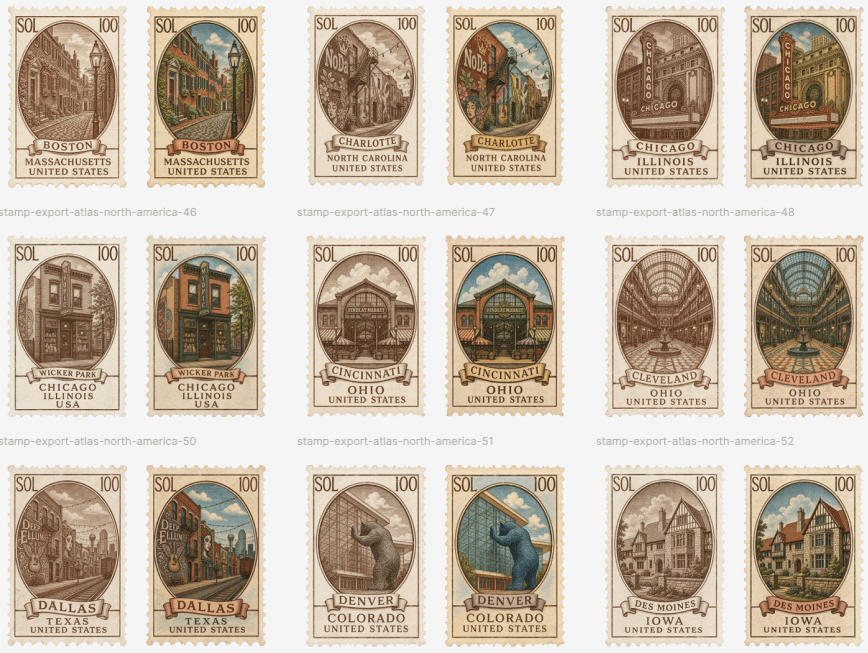
Vintage North America Stamp Grid
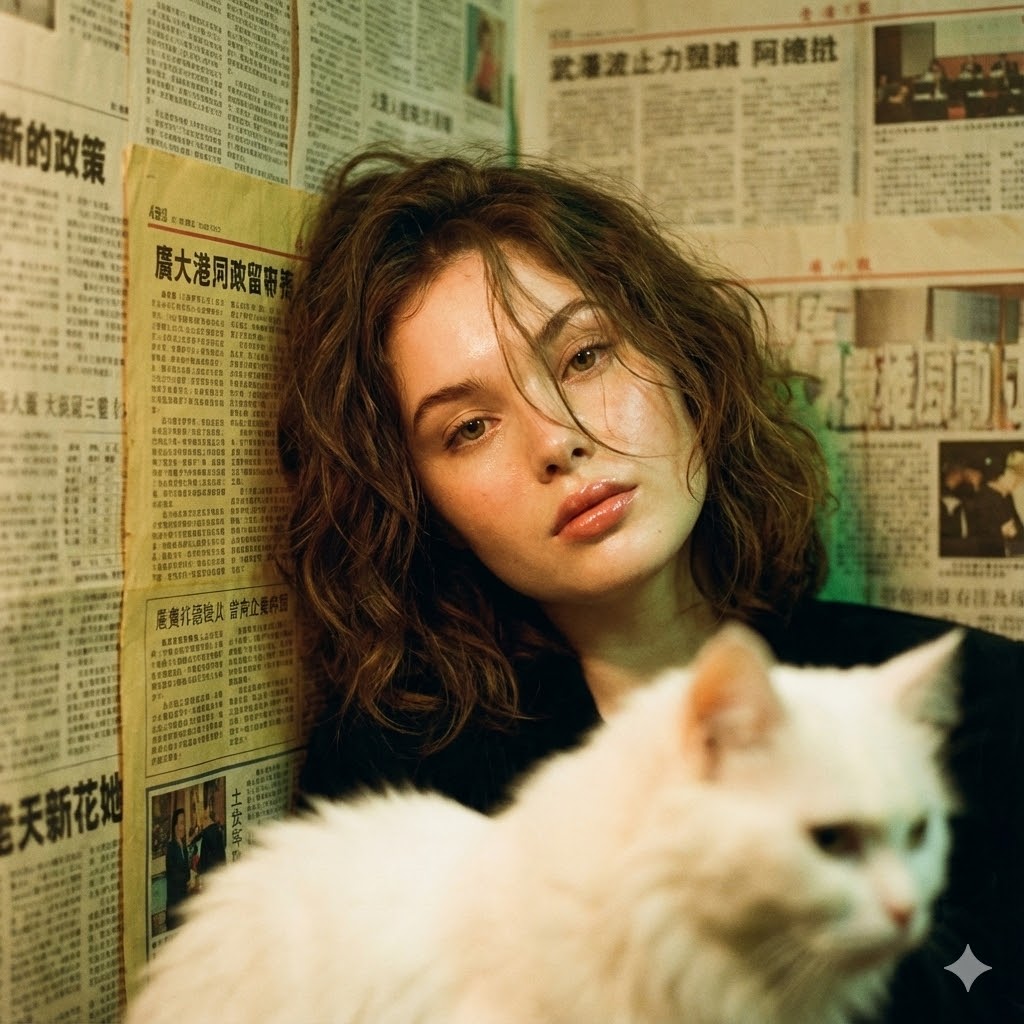
Photorealistic Hong Kong Retro Portrait Prompt
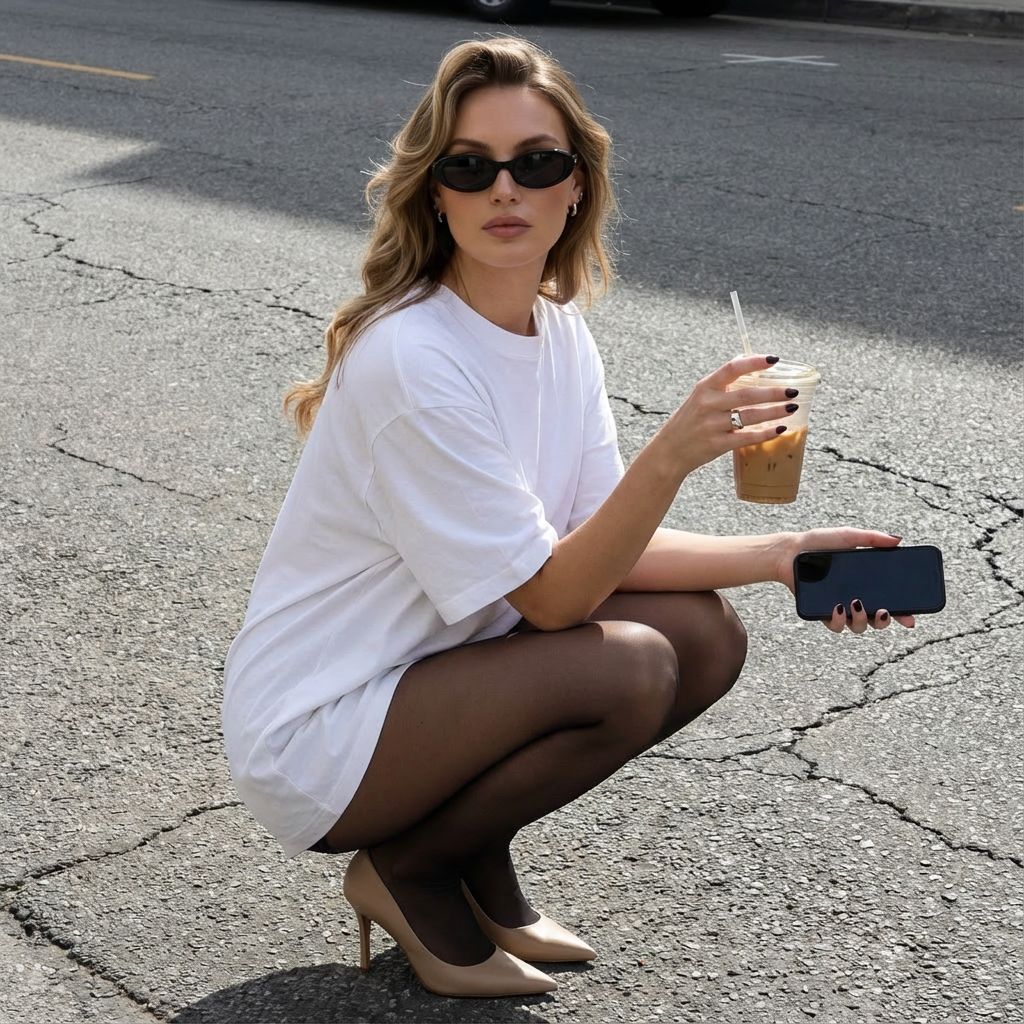
Street Style Squatting Pose with Iced Coffee
Jade Aesthetic Conceptual Architecture Still Life
Art Deco Portrait Prompt (Identity Preserve)
Rainy Sakura Schoolgirl Portrait
Indian Festival Look
Champions League Highlight Card Generator
Noir 90s Megacity Portrait (Identity Lock)
Urban Fashion Hijab Portrait
Browse template categories
Anime Character Custom T-Shirt Design questions
How do I use the Anime Character Custom T-Shirt Design template?
Add your photo if the template asks for one, edit the prompt if you like — the template's model and format are already selected — and press Generate. Your version opens in PicX Studio.
Can I customize the Anime Character Custom T-Shirt Design template?
Yes. You can change the subject, setting, lighting, mood, format, and available model controls before creating your image.
Is the Anime Character Custom T-Shirt Design template free?
Opening and editing this template is free. Generating uses credits, shown on the Generate button when you are signed in.
Which AI model should I use?
Start with GPT Image 2, which is the model associated with this template. You can compare another compatible model for a different finish.
Looking for something else? Browse all templates.

Your photo, any look
Thousands of ready templates for every top image and video model, from one credit balance.