
Indian Festival Look
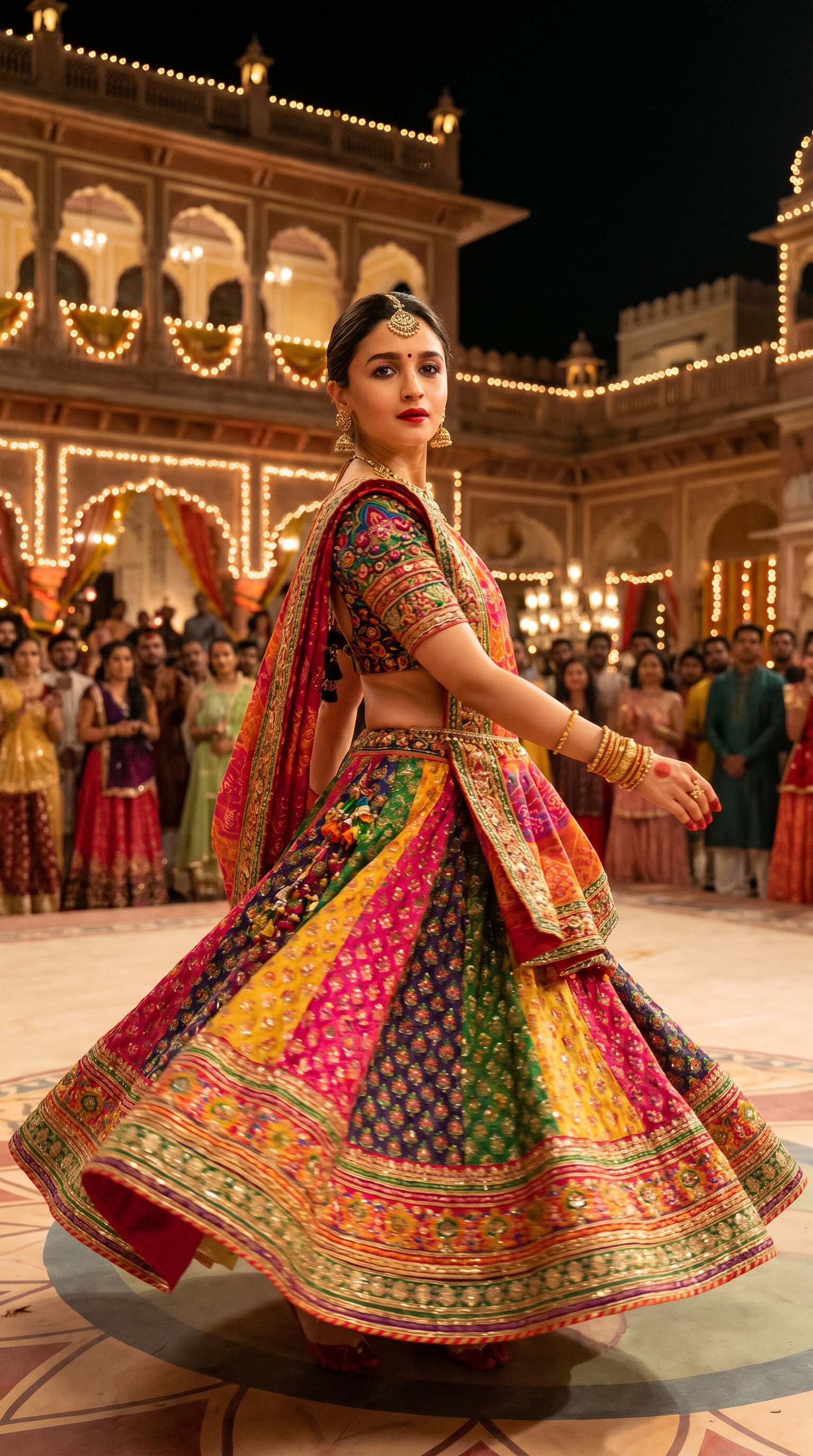
Indian Festival Look is a ready photo look.
- Prompt included
- Model and format preset
- Free template
The prompt behind this image
Copy the exact prompt behind Indian Festival Look, or open it in the studio and make it yours.
Transform Alia Bhatt into the 'Aaja Nachle' look. She should be dancing in a dynamic, iconic pose from the movie. She is wearing Madhuri Dixit's famous vibrant, colorful, and heavily embroidered traditional Indian lehenga choli with a flowing dupatta. She has traditional jewelry, including bangles and a headpiece, and festive Indian dance makeup. The background should be a grand, traditional Indian courtyard with festive lights, reflecting the cinematic atmosphere of the 'Aaja Nachle' song.
How to use Indian Festival Look in 3 steps
- 1
Open
The prompt is already in the box next to the preview, with the template's model and format selected.
- 2…a portrait of your subject in softgolden-hour light, 85mm…
Personalize
Edit the subject and creative details for your destination.
- 3Generate
Generate
Press Generate — your image is created in PicX Studio, so you can compare it with the original and refine one variable at a time.
More like this
Templates with the same subject, style or setup. Open one to see its prompt.
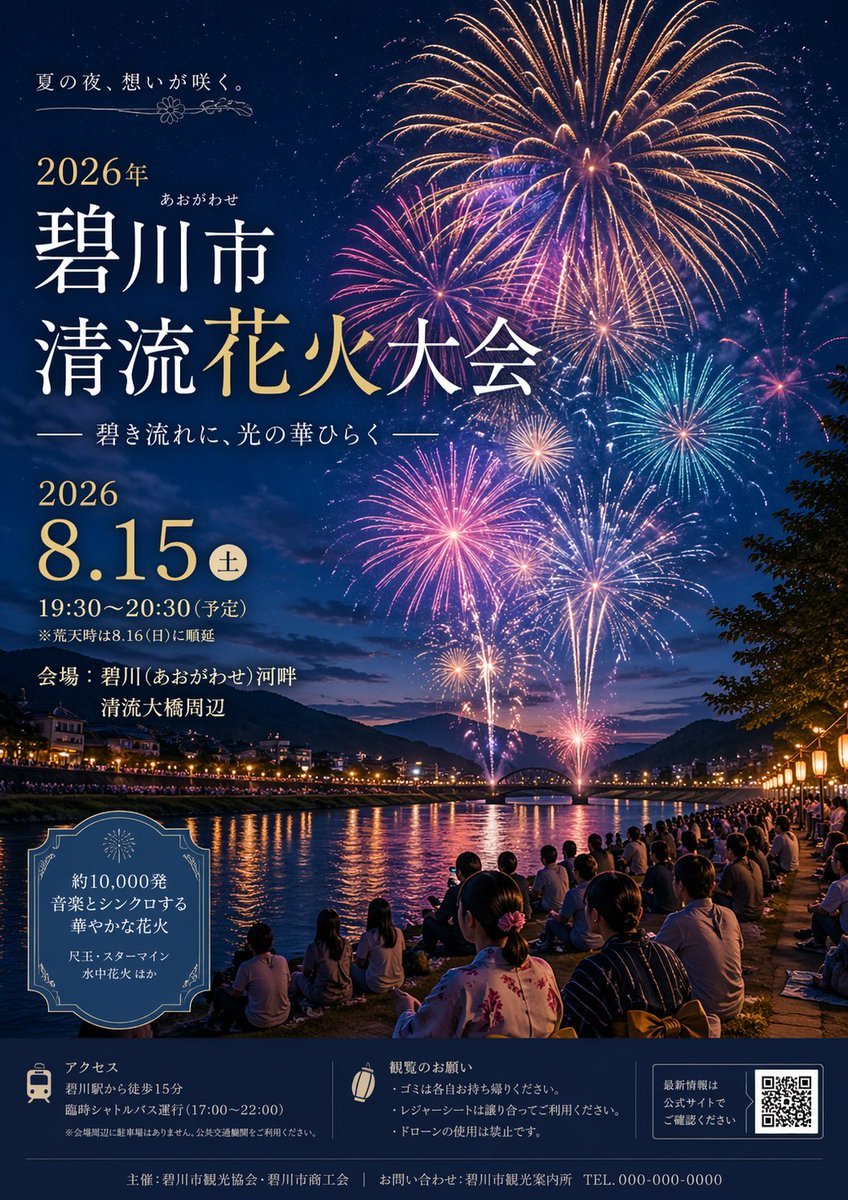
Japanese Fireworks Festival Poster
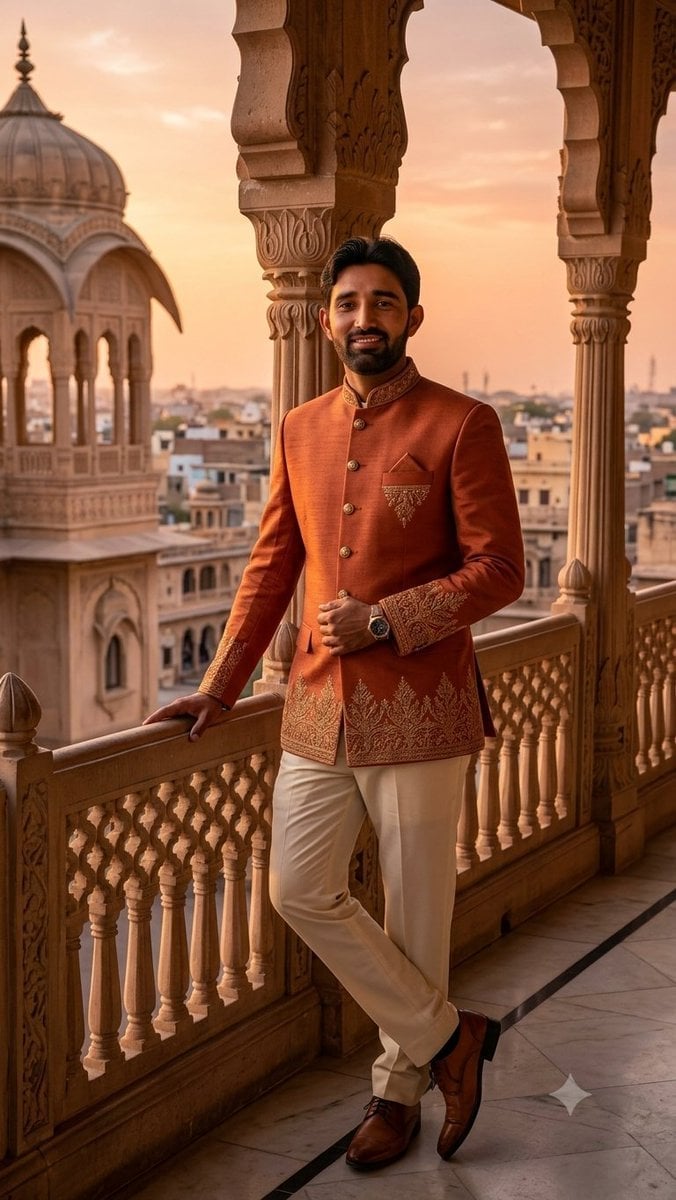
Indian Royal Bandhgala Portrait
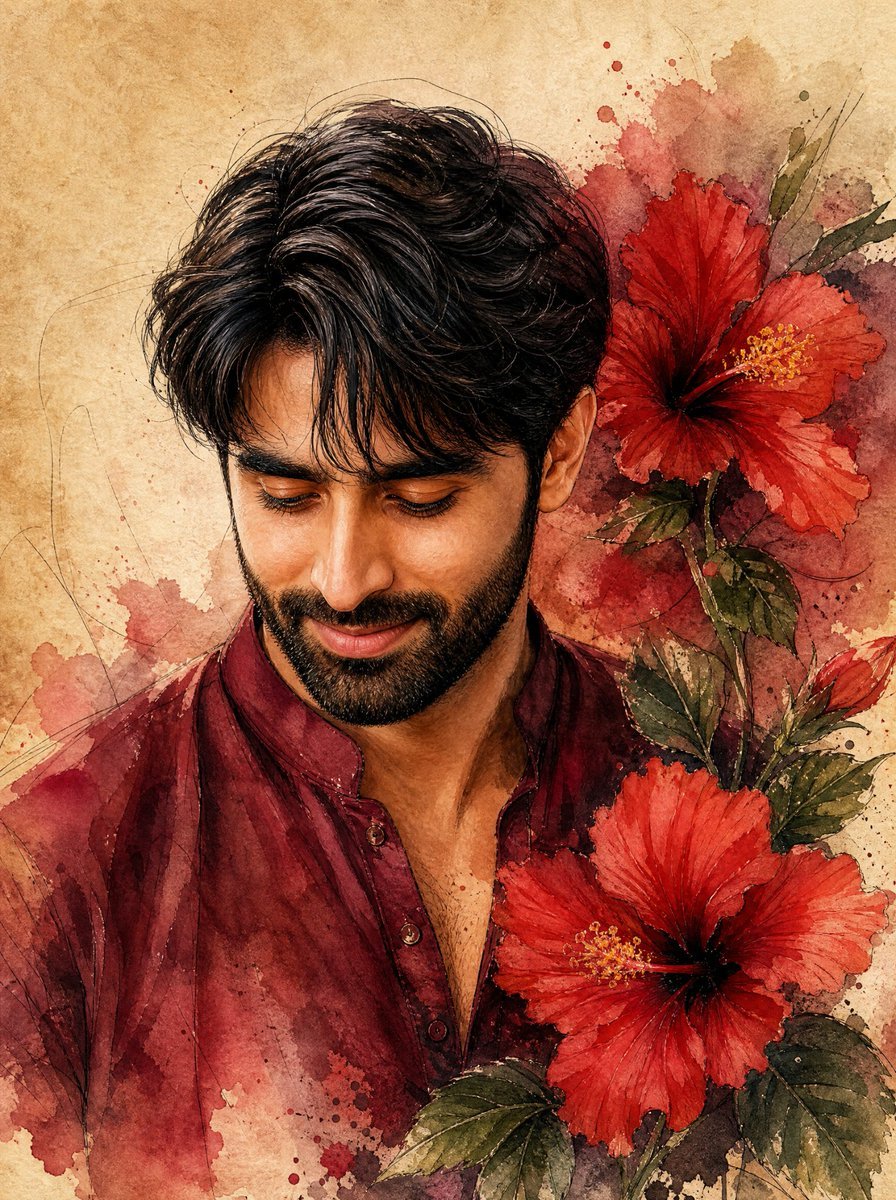
Watercolor Indian Man with Hibiscus
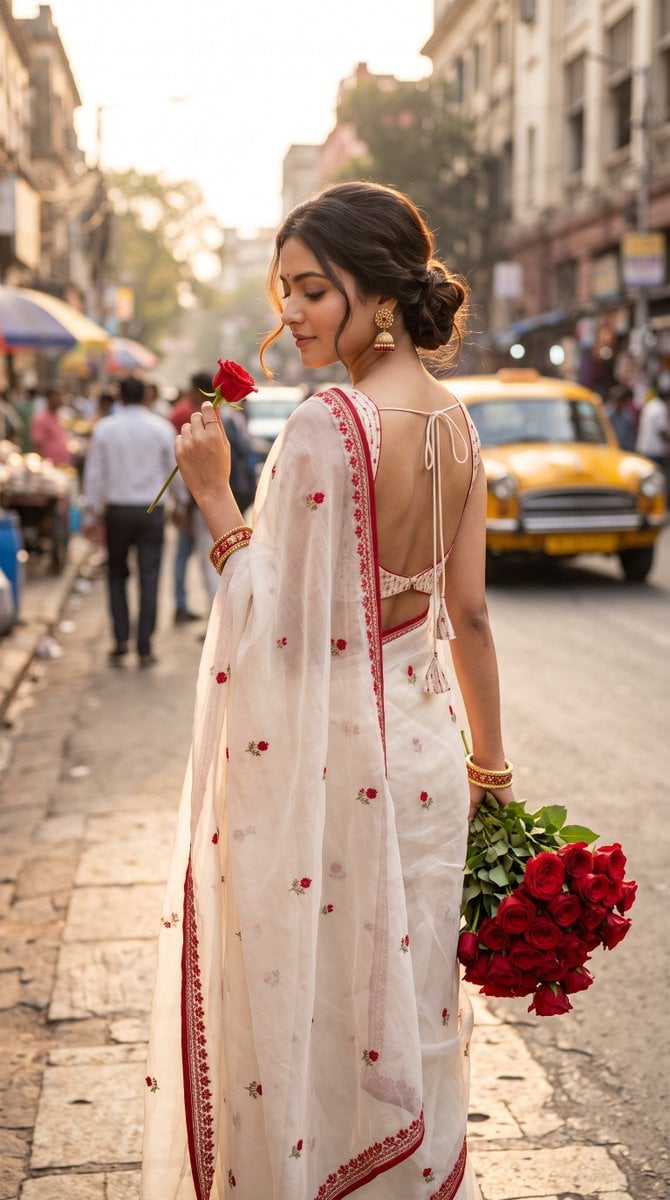
Ultra-Photorealistic Indian Woman with Roses
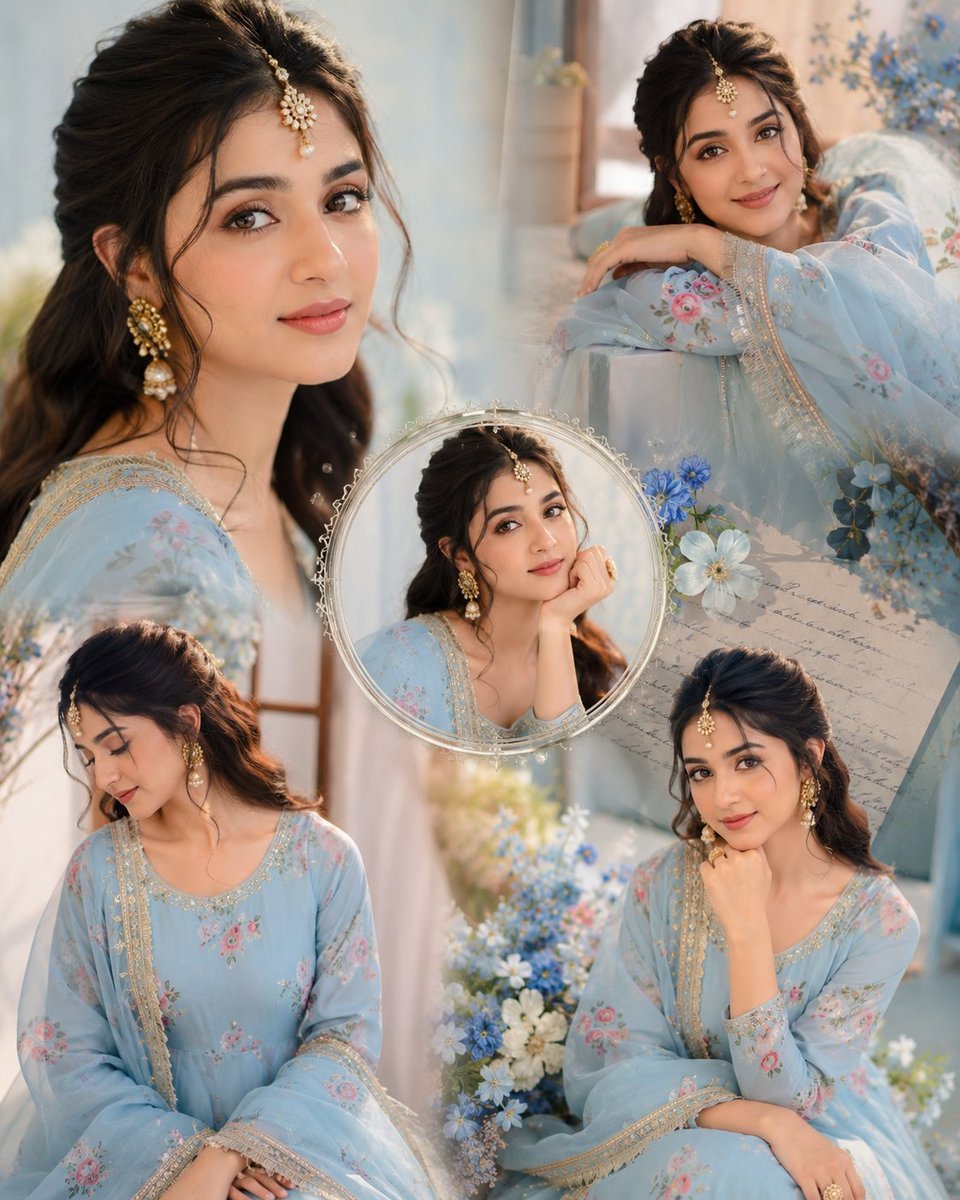
Indian Anarkali Fashion Collage
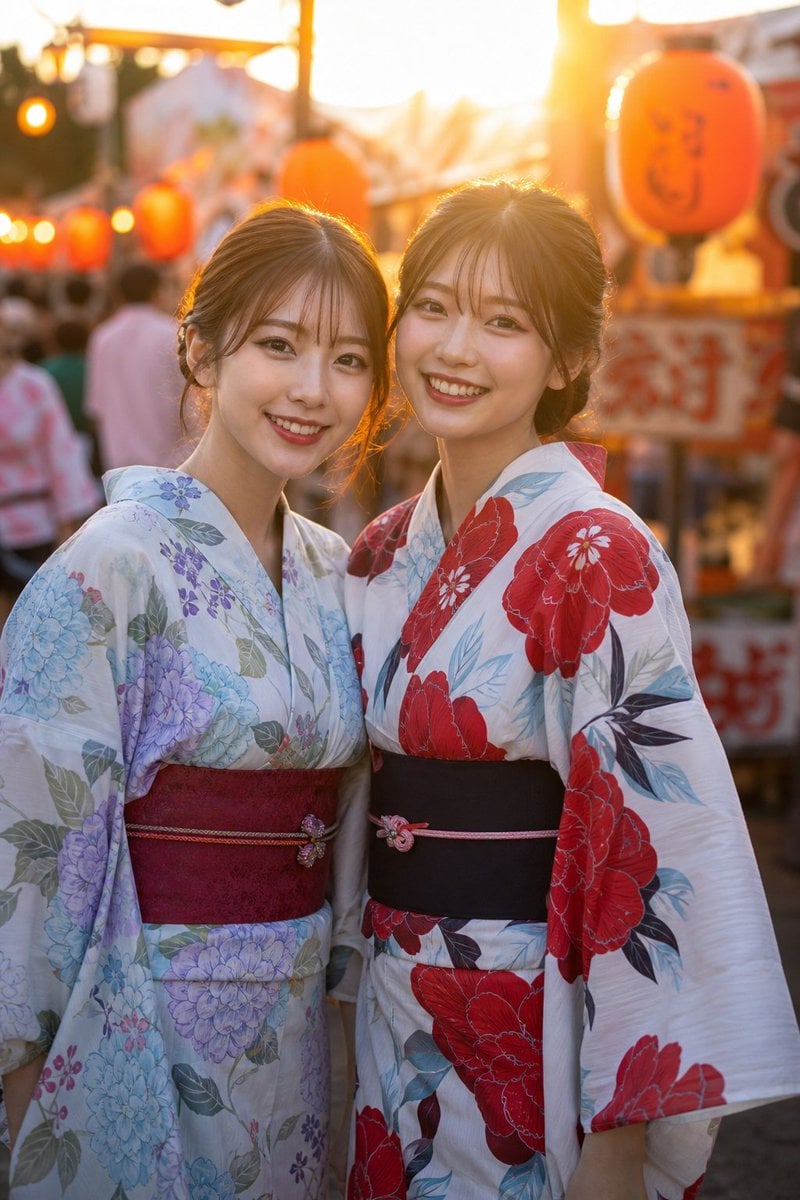
Two Friends in Yukata at Summer Festival
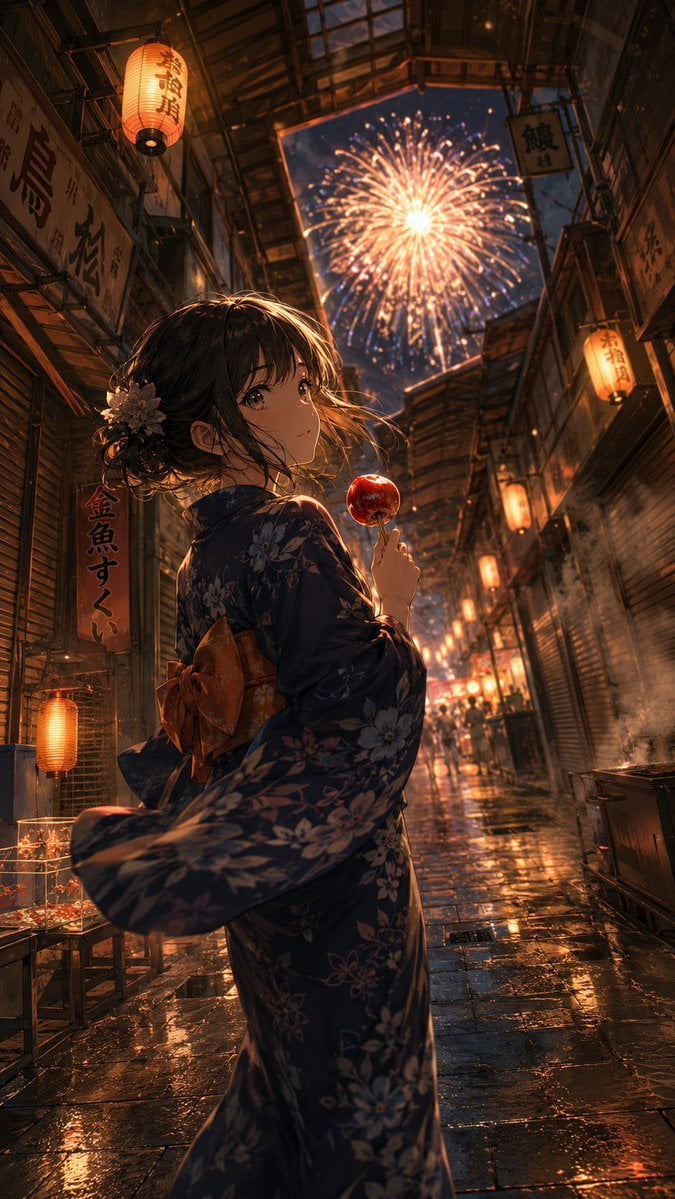
Anime Yukata Festival Alley
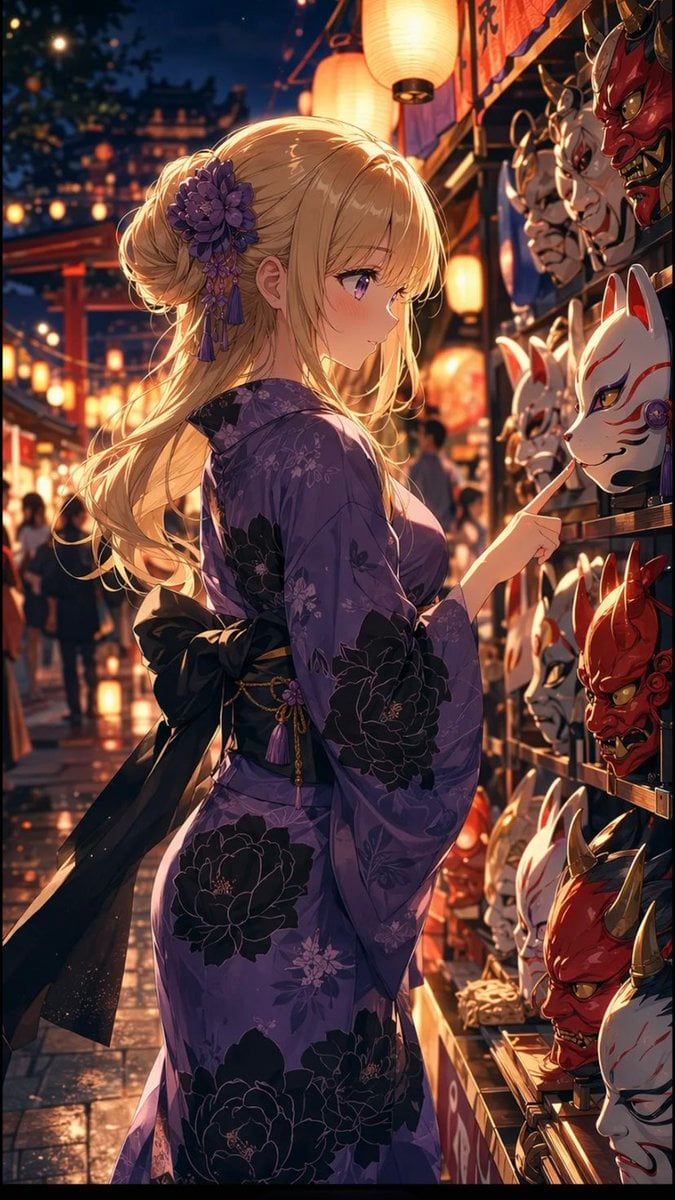
Anime Girl at Summer Festival Mask Stall
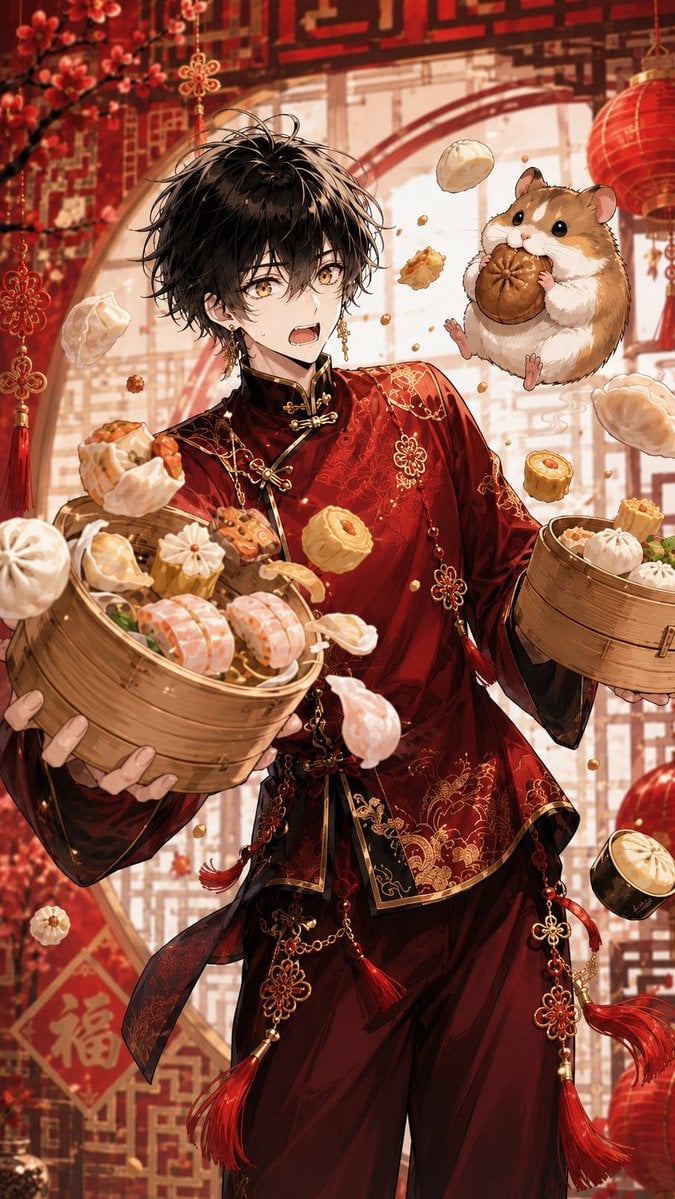
Anime Dim Sum Festival Boy
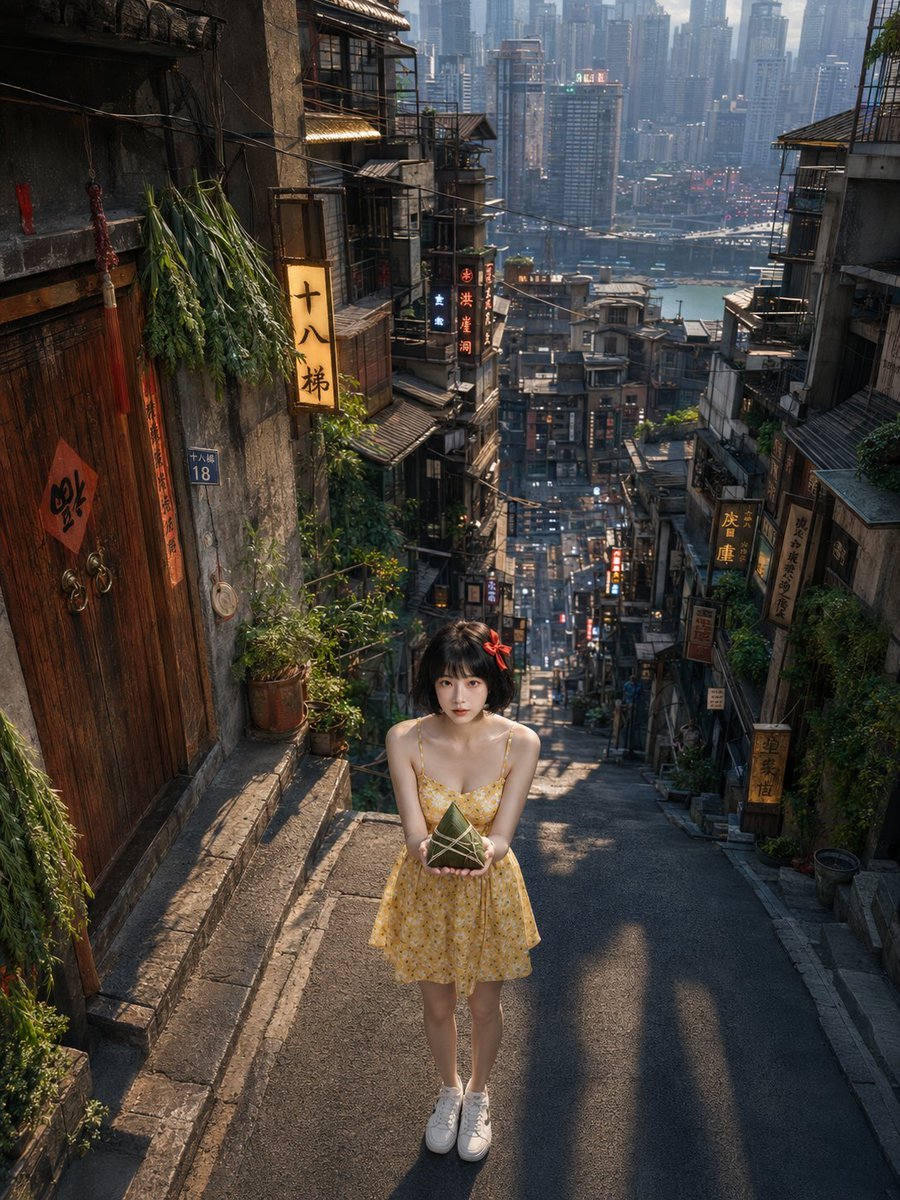
Dragon Boat Festival Chongqing Street Portrait
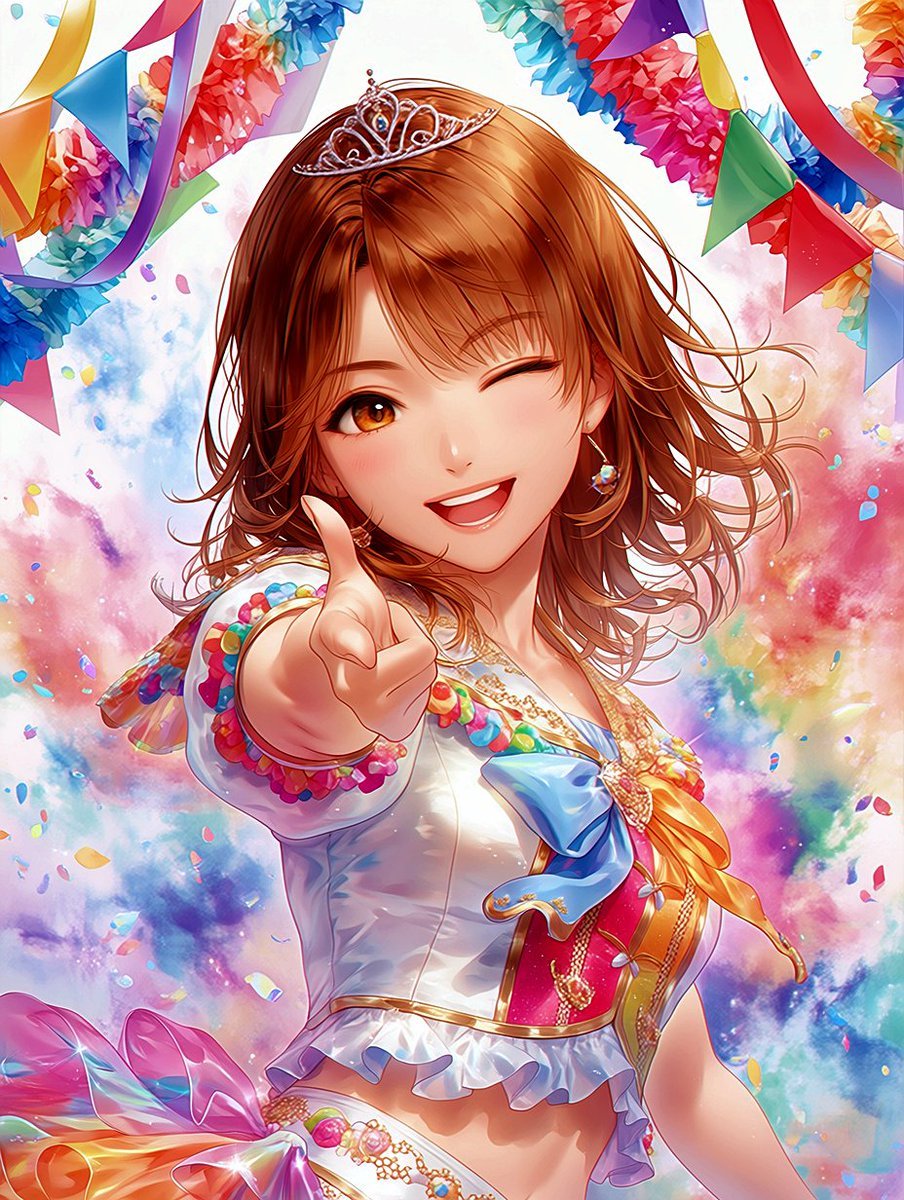
Winking Anime Idol Festival Portrait
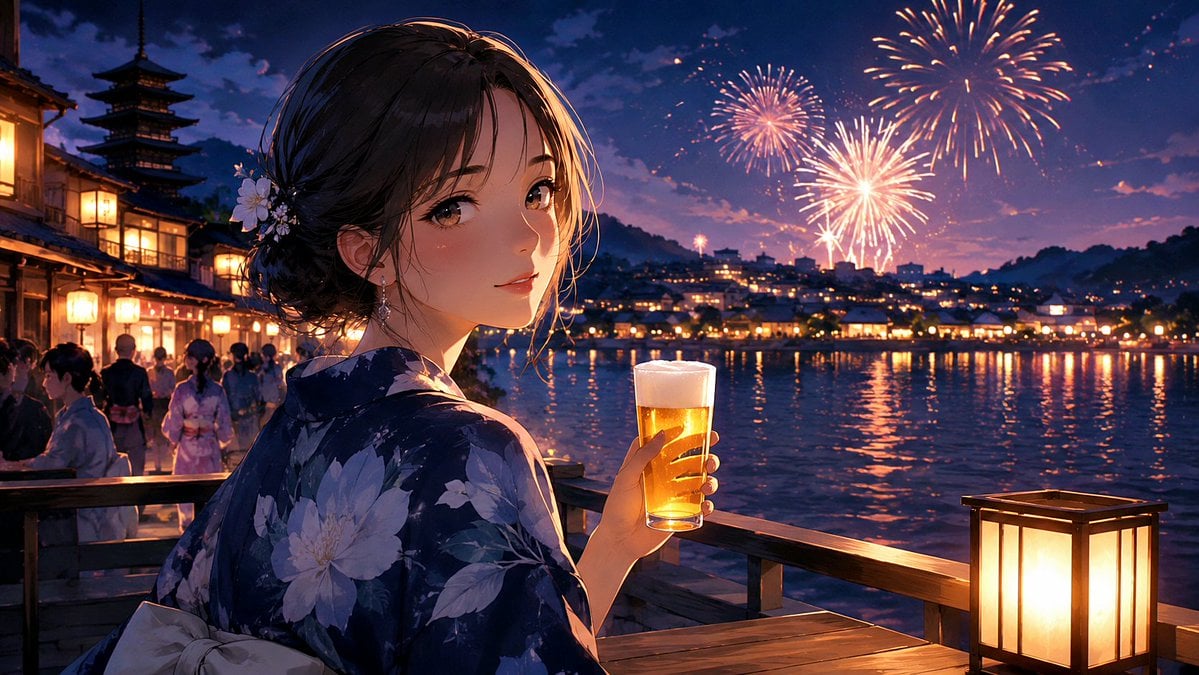
Kyoto Summer Festival Fireworks
Make it yours
Indian Festival Look works as-is. These are the safest ways to change it without losing the look.
Change one field
Copy a single group, rewrite it, and generate again so you can see what that field is doing.
Keep the frame, change the subject
Hold the composition and light of Indian Festival Look, then swap wardrobe, props or the person for a new take.
| If the result… | Why | Fix |
|---|---|---|
| The result drifts from the preview | Too many fields changed at once. | Reuse Indian Festival Look as-is first, then change one group — subject, light, or setting. |
| The model over-stylizes the scene | The prose prompt leaves finish and camera underspecified. | Add one camera or lighting sentence and stay on PicX Studio. |
More image prompts
Fresh picks from across the catalog.
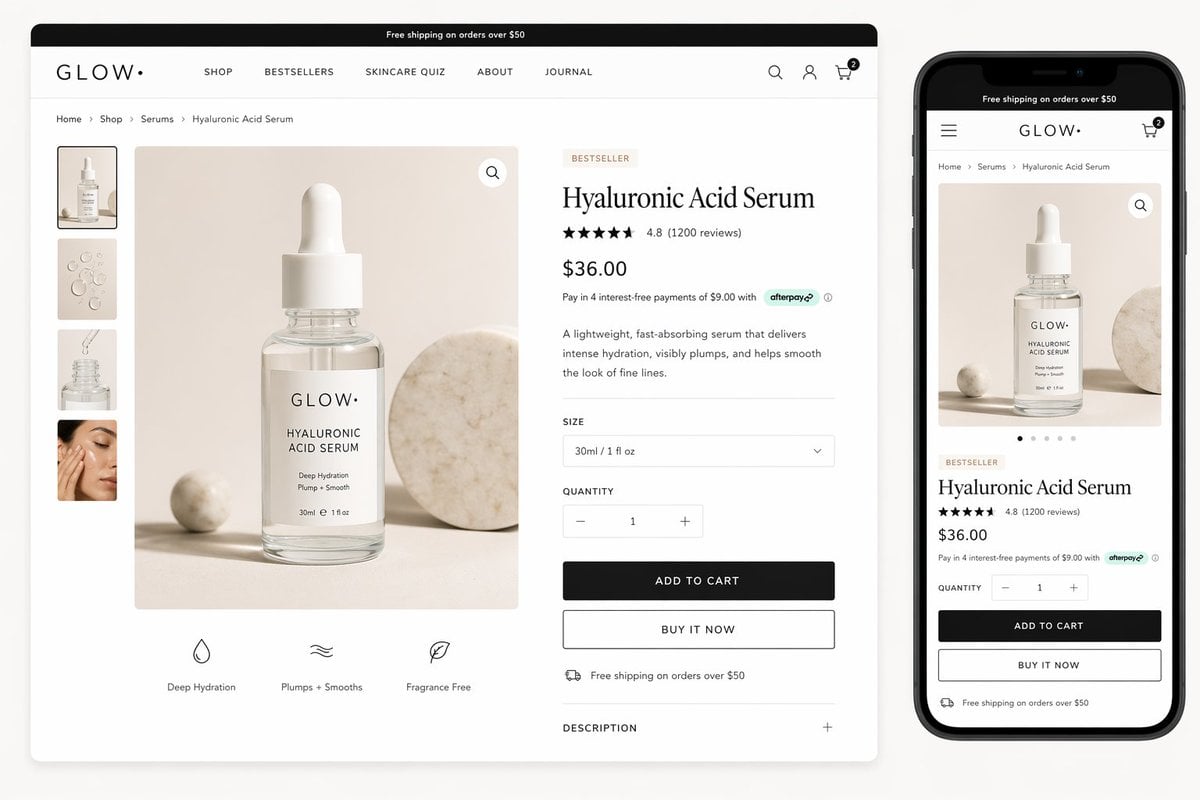
Luxury Skincare Product Page Mockup
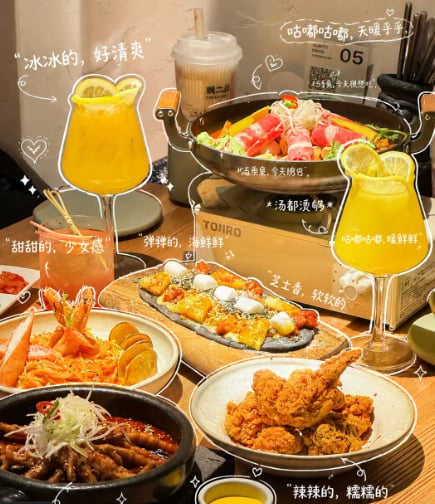
Annotated Chinese BBQ Food Poster
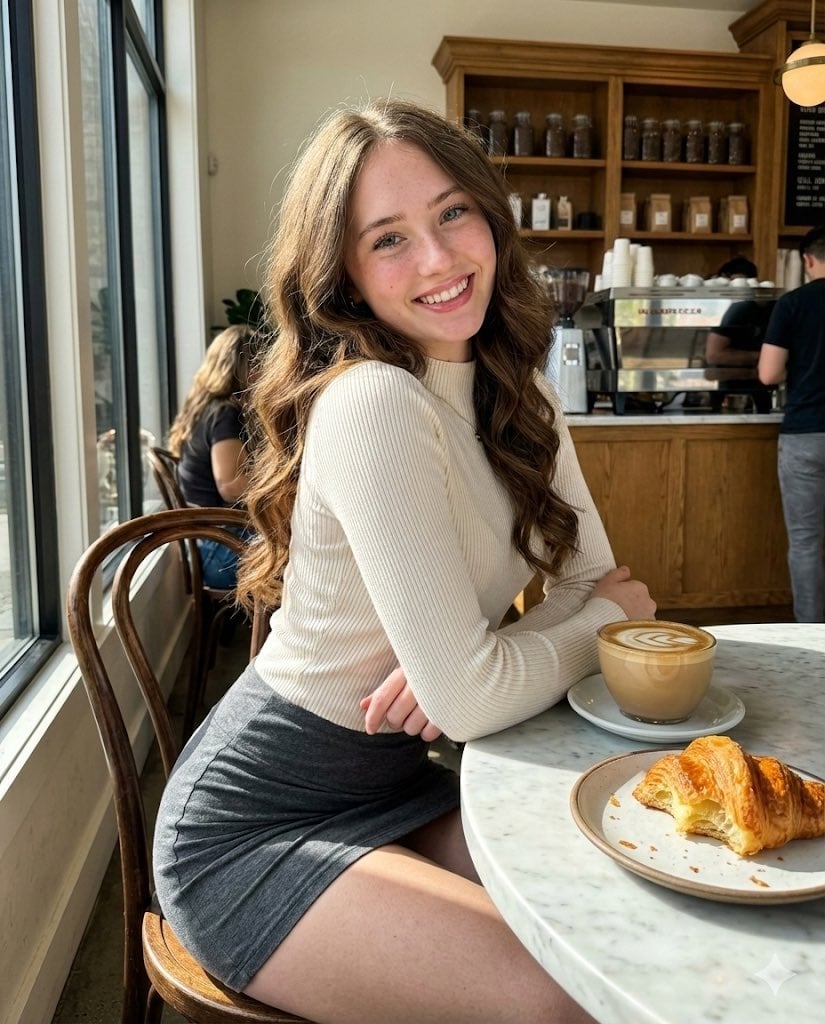
High-Fidelity Candid Café Portrait with Sharp Focus
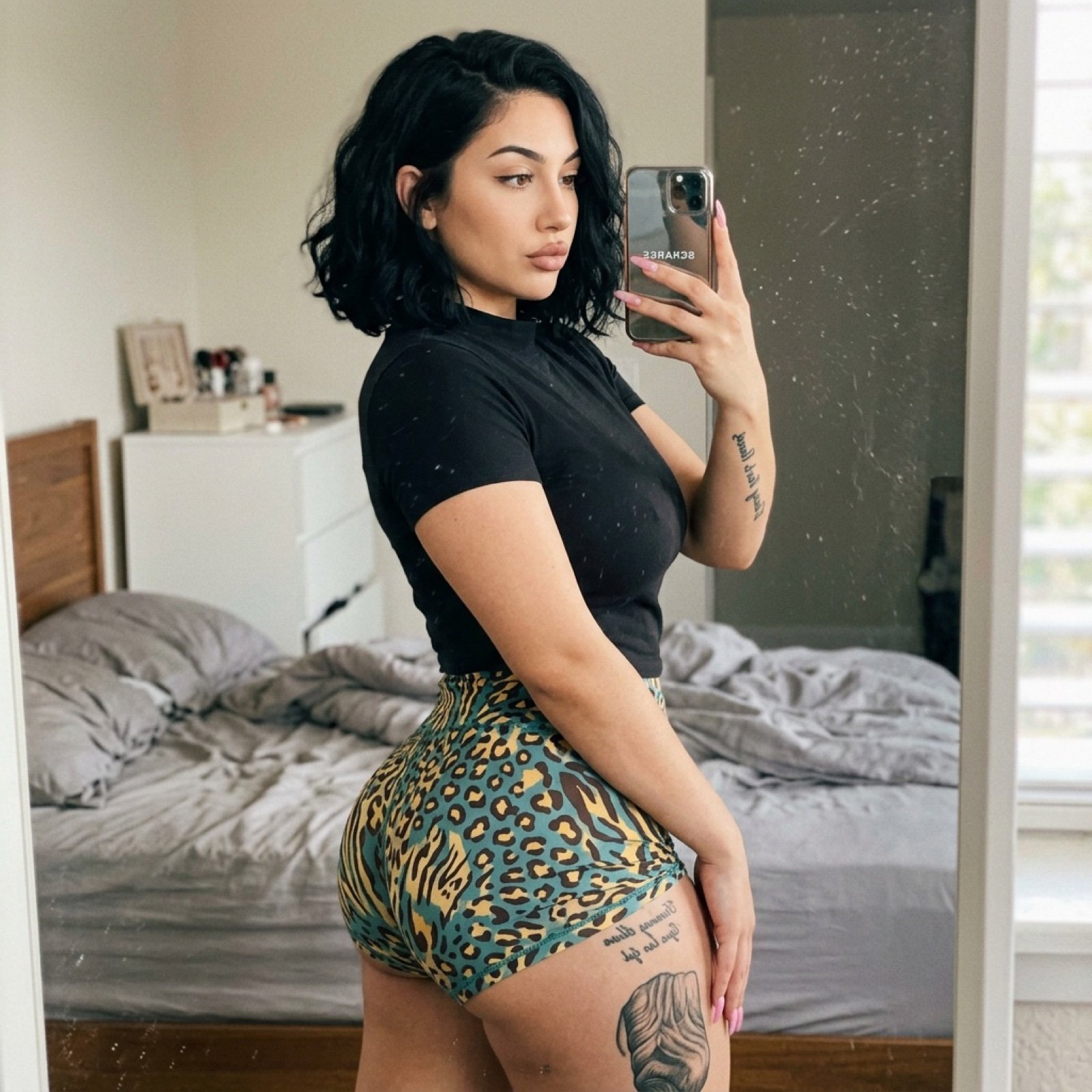
Bathroom Mirror Selfie Prompt (Image-to-Image)
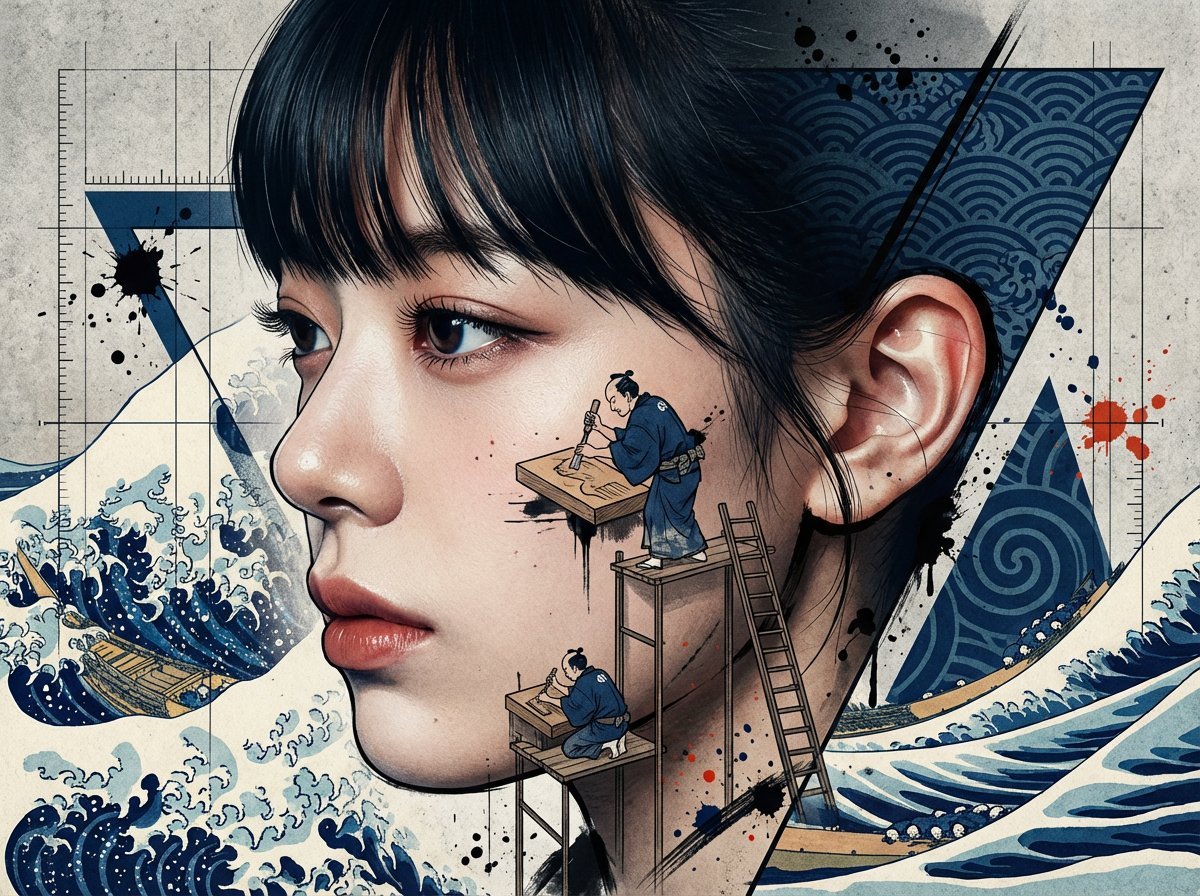
Photorealistic Portrait with Ukiyo-e and Industrial Fusion
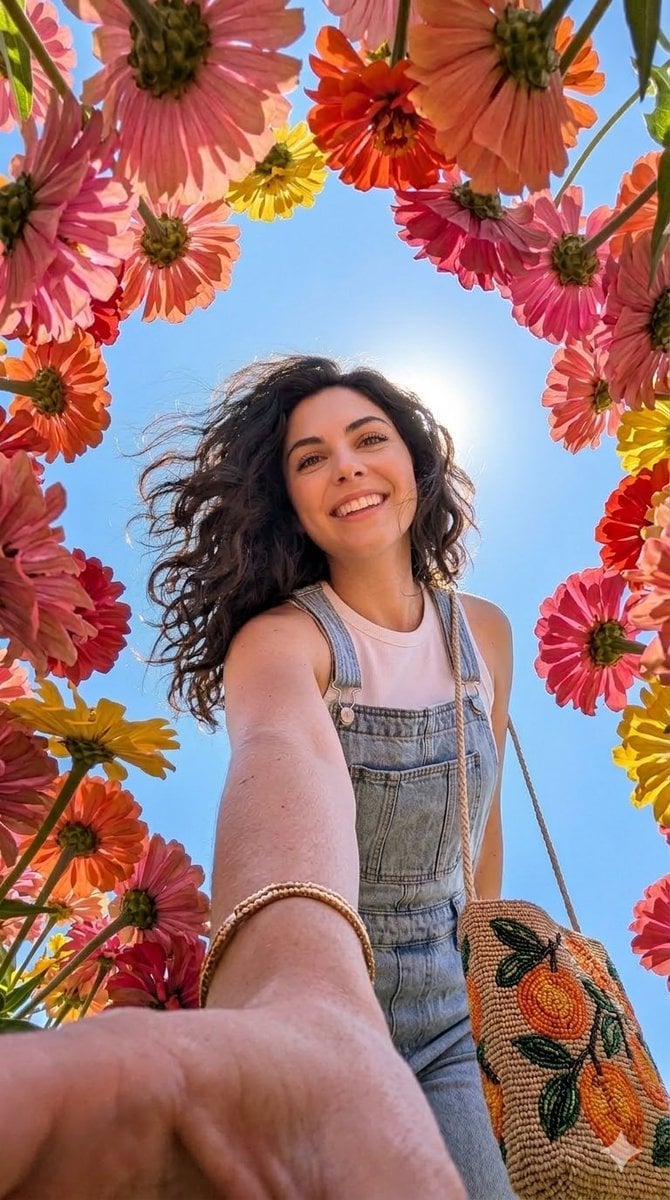
Smartphone Selfie with Flowers
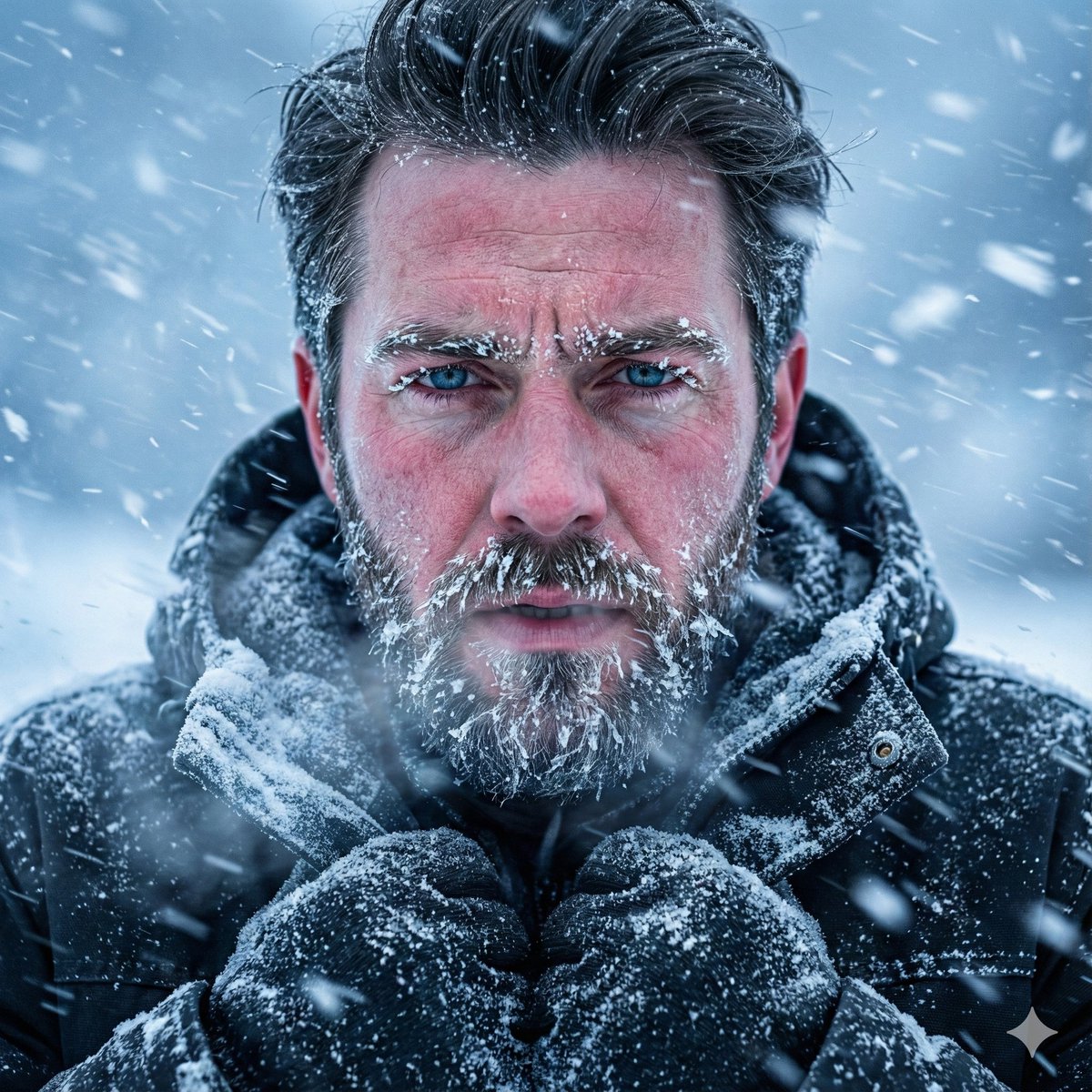
Structured Prompt for Ultra-Realistic Portrait of Man in Snowstorm
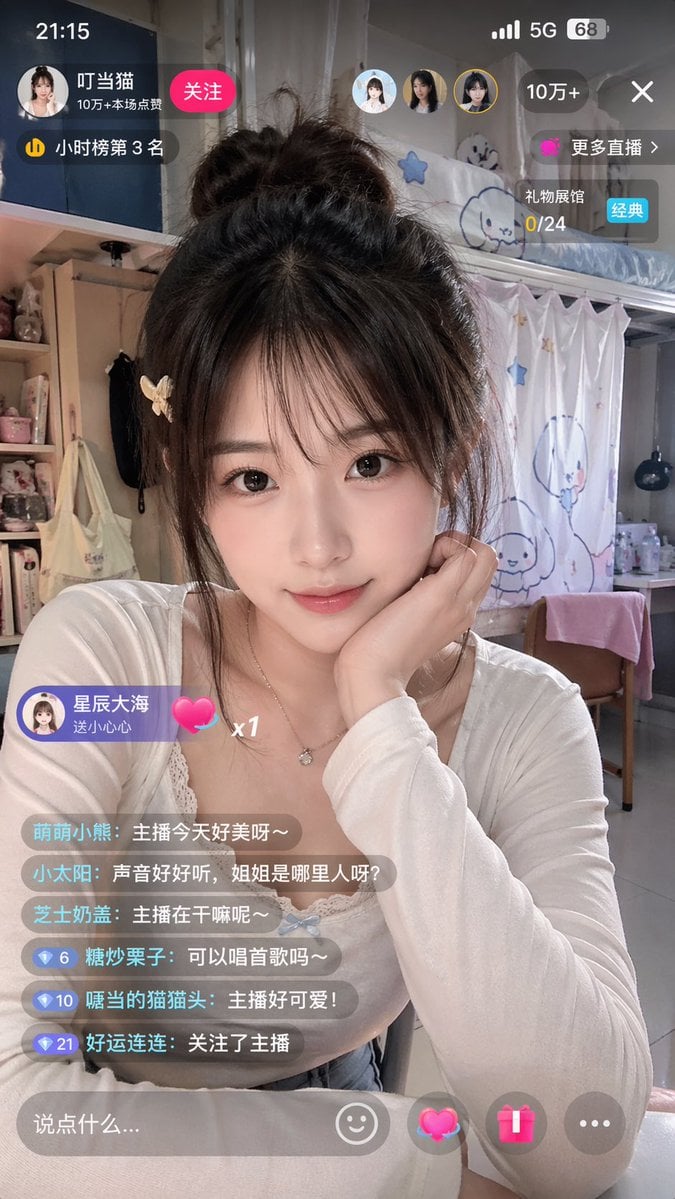
Chinese Livestream Dorm Selfie UI
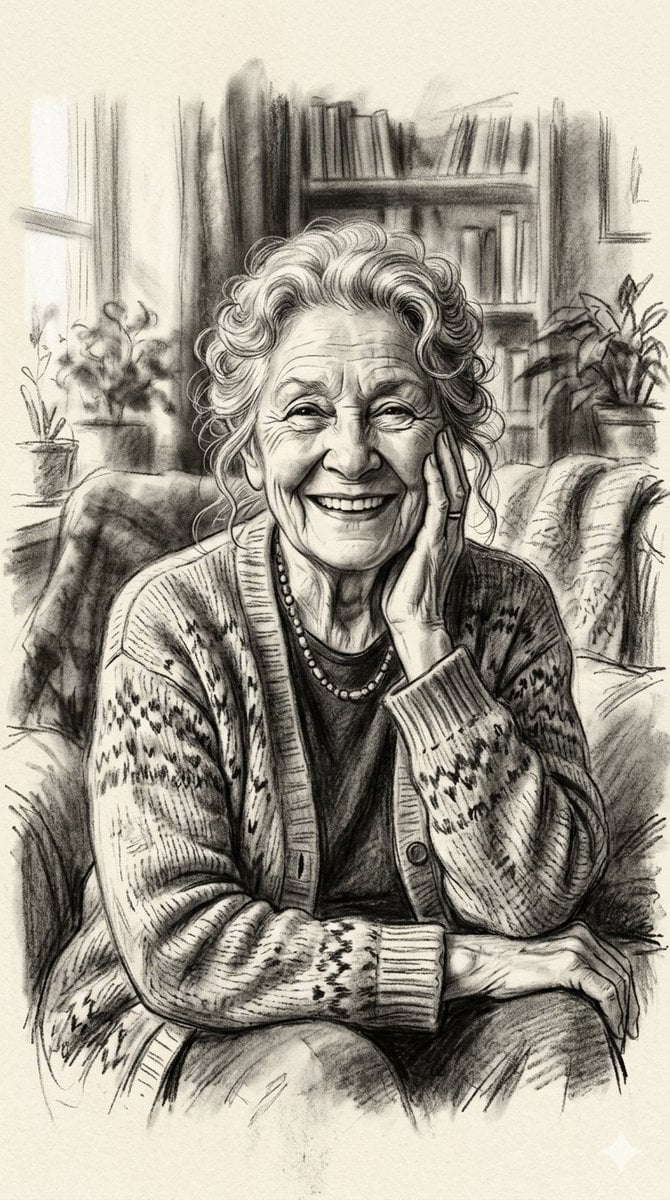
X Minahil42298354 Subject a Heartwarming Portrait
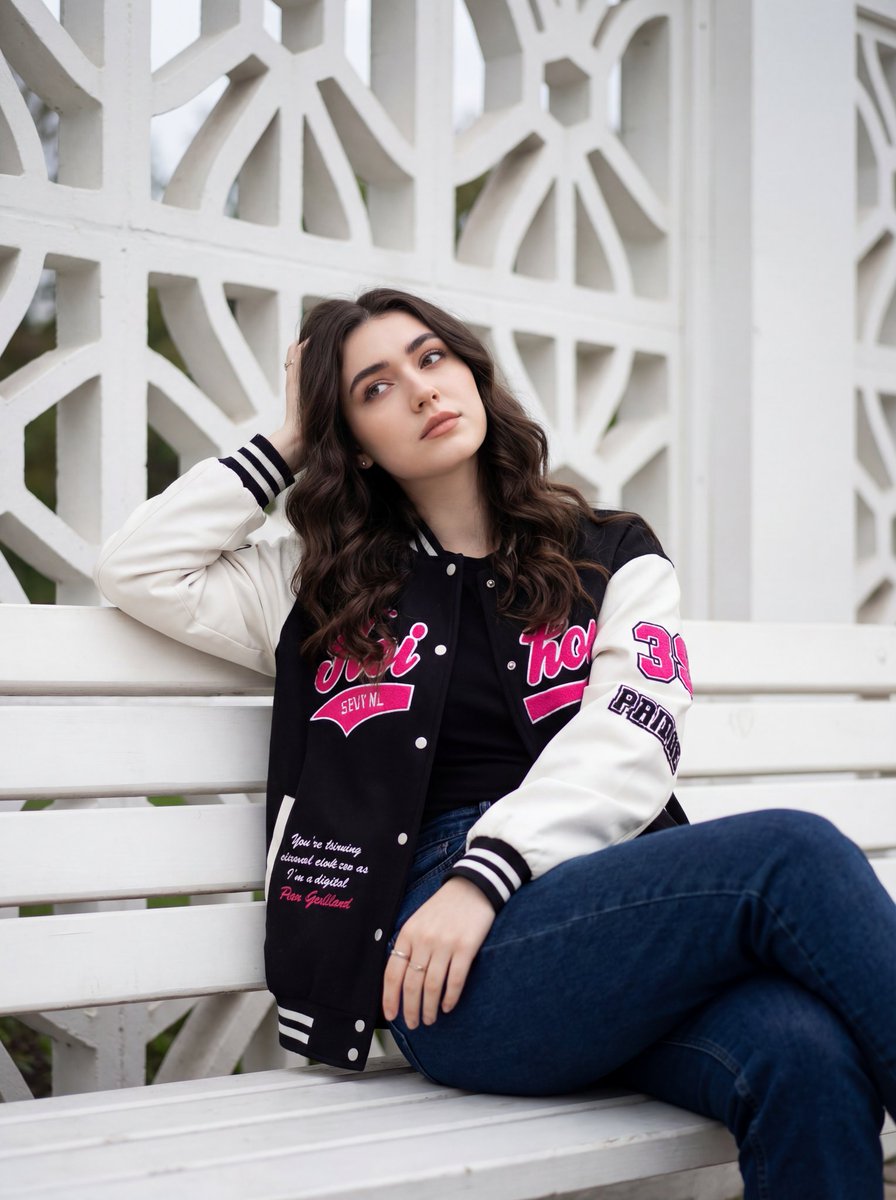
Candid Urban Portrait with Identity Preservation
Browse template categories
Indian Festival Look questions
How do I use the Indian Festival Look template?
Add your photo if the template asks for one, edit the prompt if you like — the template's model and format are already selected — and press Generate. Your version opens in PicX Studio.
Can I customize the Indian Festival Look template?
Yes. You can change the subject, setting, lighting, mood, format, and available model controls before creating your image.
Is the Indian Festival Look template free?
Opening and editing this template is free. Generating uses credits, shown on the Generate button when you are signed in.
Which AI model should I use?
Choose a compatible model in PicX Studio based on the style, speed, and output controls your project needs.
Looking for something else? Browse all templates.

Your photo, any look
Thousands of ready templates for every top image and video model, from one credit balance.