
Japanese Fireworks Festival Poster
Generates a realistic Japanese summer fireworks festival poster with customizable text, dates, and event details.
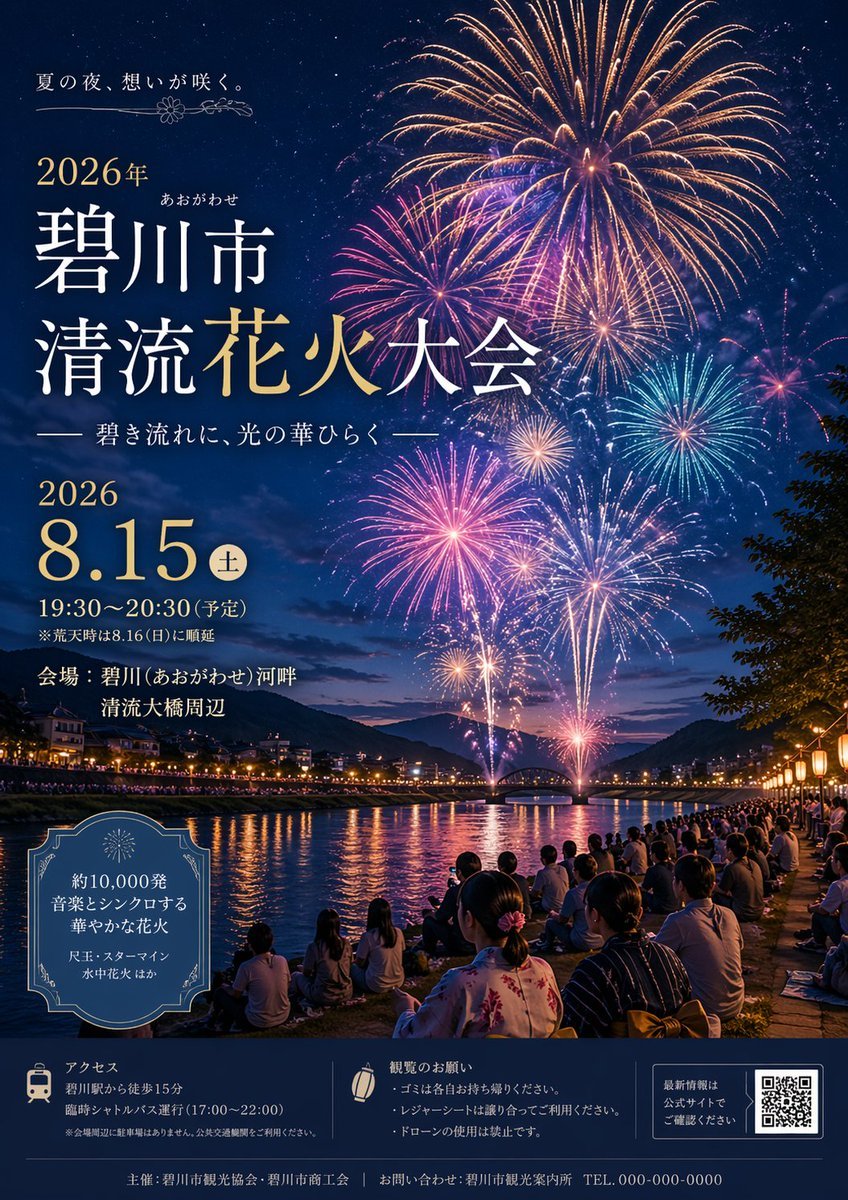
- Prompt included
- Model and format preset
- Free template
The prompt behind this image
Copy the exact prompt behind Japanese Fireworks Festival Poster, or open it in the studio and make it yours.
- Type
- event poster
- Theme
- Japanese summer fireworks festival
- Visuals › Background
- night sky filled with massive, colorful fireworks in gold, pink, blue, and purple
- Visuals › Midground
- river reflecting the fireworks, distant mountains, an arched bridge, and glowing city lights along the banks
- Visuals › Foreground
- crowd of spectators sitting on the grassy riverbank, some wearing traditional yukata, illuminated by warm lanterns on the right
- Typography And Layout › Top Left › Catchphrase
- {argument name="catchphrase" default="夏の夜、想いが咲く。"}
- Typography And Layout › Top Left › Title
- {argument name="festival name" default="碧川市 清流花火大会"}
- Typography And Layout › Top Left › Subtitle
- —— 碧き流れに、光の華ひらく ——
- Typography And Layout › Mid Left › Date Time
- {argument name="event date" default="2026 8.15"} (土) 19:30〜20:30 (予定)
- Typography And Layout › Mid Left › Venue
- 会場:{argument name="venue" default="碧川(あおがわせ)河畔 清流大橋周辺"}
- Typography And Layout › Bottom Left Box › Style
- decorative vintage border
- Typography And Layout › Bottom Left Box › Content
- {argument name="highlights" default="約10,000発 音楽とシンクロする 華やかな花火"} 尺玉・スターマイン 水中花火 ほか
- Typography And Layout › Footer › Style
- dark blue banner at the bottom
- Typography And Layout › Footer › Section Count
- 3
- Typography And Layout › Footer › Sections › 0 › Icon
- train
- Typography And Layout › Footer › Sections › 0 › Title
- アクセス
- Typography And Layout › Footer › Sections › 0 › Details
- walking distance and shuttle bus info
- Typography And Layout › Footer › Sections › 1 › Icon
- paper lantern
- Typography And Layout › Footer › Sections › 1 › Title
- 観覧のお願い
- Typography And Layout › Footer › Sections › 1 › Details
- 3 bullet points about trash, seating, and no drones
- Typography And Layout › Footer › Sections › 2 › Element
- QR code
- Typography And Layout › Footer › Sections › 2 › Text
- 最新情報は公式サイトでご確認ください
- Typography And Layout › Footer › Bottom Edge
- organizer and contact info with dummy phone number
Raw JSON
{ "type": "event poster", "theme": "Japanese summer fireworks festival", "visuals": { "background": "night sky filled with massive, colorful fireworks in gold, pink, blue, and purple", "midground": "river reflecting the fireworks, distant mountains, an arched bridge, and glowing city lights along the banks", "foreground": "crowd of spectators sitting on the grassy riverbank, some wearing traditional yukata, illuminated by warm lanterns on the right" }, "typography_and_layout": { "top_left": { "catchphrase": "{argument name=\"catchphrase\" default=\"夏の夜、想いが咲く。\"}", "title": "{argument name=\"festival name\" default=\"碧川市 清流花火大会\"}", "subtitle": "—— 碧き流れに、光の華ひらく ——" }, "mid_left": { "date_time": "{argument name=\"event date\" default=\"2026 8.15\"} (土) 19:30〜20:30 (予定)", "venue": "会場:{argument name=\"venue\" default=\"碧川(あおがわせ)河畔 清流大橋周辺\"}" }, "bottom_left_box": { "style": "decorative vintage border", "content": "{argument name=\"highlights\" default=\"約10,000発 音楽とシンクロする 華やかな花火\"} 尺玉・スターマイン 水中花火 ほか" }, "footer": { "style": "dark blue banner at the bottom", "section_count": 3, "sections": [ { "icon": "train", "title": "アクセス", "details": "walking distance and shuttle bus info" }, { "icon": "paper lantern", "title": "観覧のお願い", "details": "3 bullet points about trash, seating, and no drones" }, { "element": "QR code", "text": "最新情報は公式サイトでご確認ください" } ], "bottom_edge": "organizer and contact info with dummy phone number" } } }How to use Japanese Fireworks Festival Poster in 3 steps
- 1Upload ImagePNG, JPG or paste
Add your photo
Upload the photo the template builds on. The prompt, model and format are already set.
- 2…a portrait of your subject in softgolden-hour light, 85mm…
Personalize
Edit the subject and creative details for your destination.
- 3Generate
Generate
Press Generate — your image is created in PicX Studio, so you can compare it with the original and refine one variable at a time.
More like this
Templates with the same subject, style or setup. Open one to see its prompt.
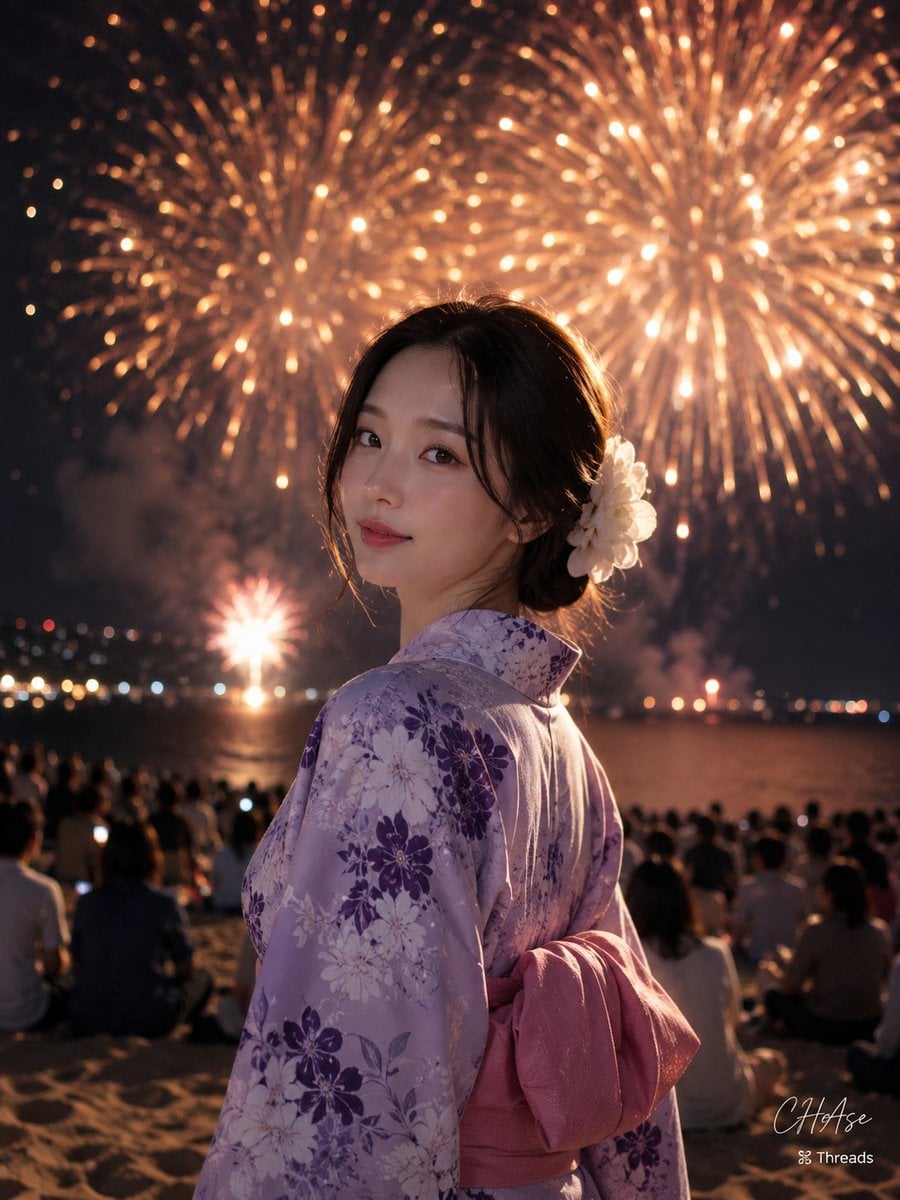
Elegant Japanese Yukata at Beach Fireworks Festival
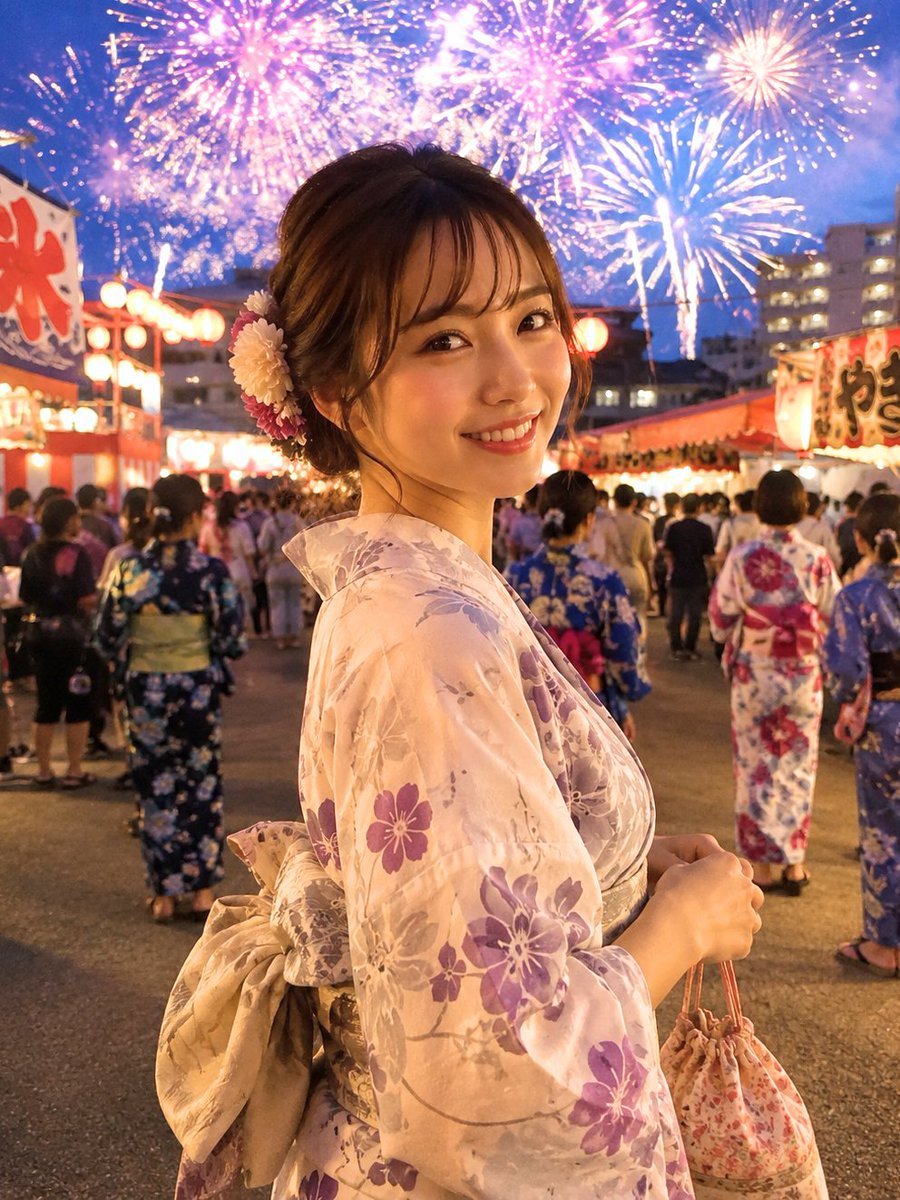
Japanese Fireworks Festival Yukata Portrait
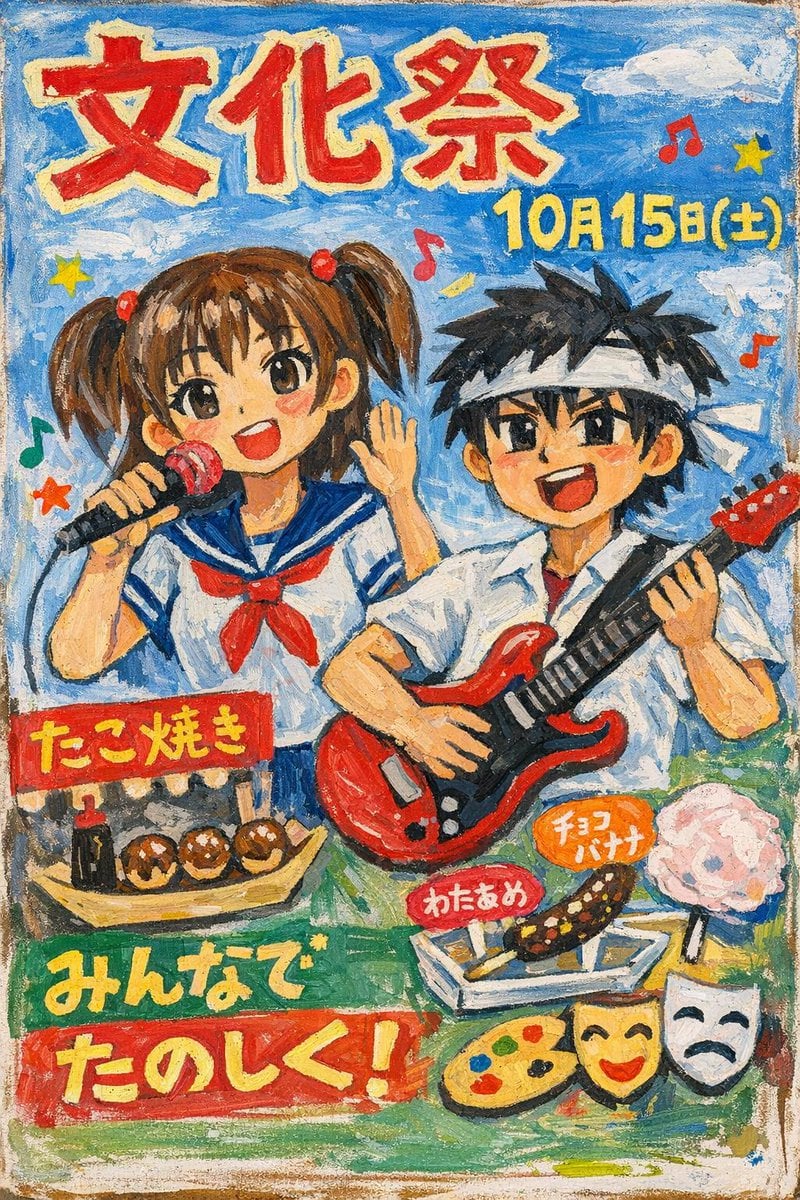
Hand-Painted Japanese Culture Festival Poster
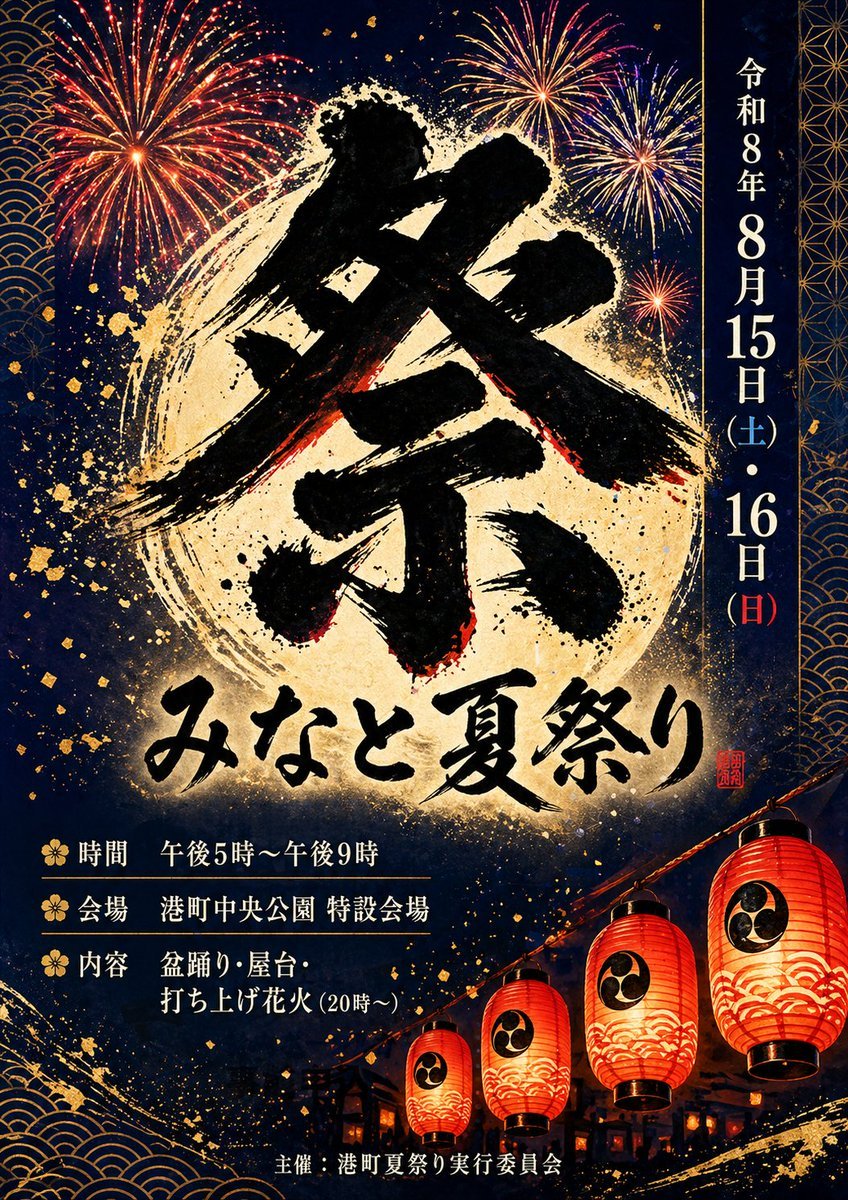
Japanese Summer Festival Poster

Minecraft Japanese Research Lab Exploration

Japan Travel Brochure Poster
Kyoto Summer Festival Fireworks
Fireworks at a Shrine Festival

Cartoon TV Show Poster Pack

Trendy Cafe Drink Promo Poster

Urban Fashion Editorial Collage Streetwear Poster

Japanese Architectural Concrete Studio Fashion Campaign
Make it yours
Japanese Fireworks Festival Poster works as-is. These are the safest ways to change it without losing the look.
Swap the setting
Keep the rest of the prompt and replace the location block. The current setting is “night sky filled with massive, colorful fireworks in gold, pink, blue, and purpl”.
Change one field
Copy a single group, rewrite it, and generate again so you can see what that field is doing.
Keep the frame, change the subject
Hold the composition and light of Japanese Fireworks Festival Poster, then swap wardrobe, props or the person for a new take.
| If the result… | Why | Fix |
|---|---|---|
| The result drifts from the preview | Too many fields changed at once. | Reuse Japanese Fireworks Festival Poster as-is first, then change one group — subject, light, or setting. |
| GPT Image 2 ignores part of the JSON | Some models flatten or skip nested keys. | Keep the same values and paste them as a short paragraph instead. |
More GPT Image 2 templates
Other prompts made for GPT Image 2.

Six VTuber Japanese Logo Sheet

Realistic Portrait of Woman and Deer

The Vista Modular Condo Poster

AI Model Routing Comparison Infographic

2.5D Anime Art Board

Isometric Productivity Desk Scene

New York Double Exposure Poster

Four-Panel AI Landscape Comparison

Japanese Tatami Lifestyle Magazine Cover

NESCAFÉ Coffee Map Poster
More image prompts
Fresh picks from across the catalog.
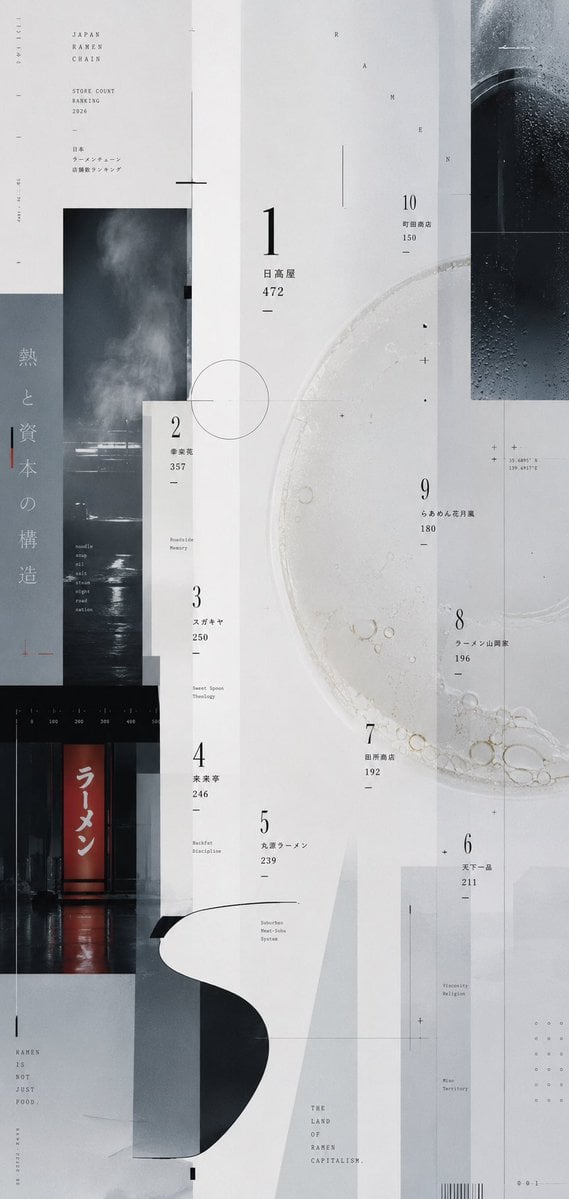
Experimental Ramen Ranking Poster
Pastel Idol Itasha at Sakura Shrine

Ultra-Realistic Product Advertisement Prompt

Epic LEGO Spider-Man movie poster scene
Nano Banana Prompt Recreation (ALT Text)
Cinematic Storyboard Contact Sheet Prompt for Nano Banana Pro
Chibi Staring Contest Manga Page

Emerald Dark Sorceress Ritual

Luxury Fashion Editorial Flat Lay
Anonymous Male Editorial Contact Sheet
Browse template categories
Japanese Fireworks Festival Poster questions
How do I use the Japanese Fireworks Festival Poster template?
Add your photo if the template asks for one, edit the prompt if you like — the template's model and format are already selected — and press Generate. Your version opens in PicX Studio.
Can I customize the Japanese Fireworks Festival Poster template?
Yes. You can change the subject, setting, lighting, mood, format, and available model controls before creating your image.
Is the Japanese Fireworks Festival Poster template free?
Opening and editing this template is free. Generating uses credits, shown on the Generate button when you are signed in.
Which AI model should I use?
Start with GPT Image 2, which is the model associated with this template. You can compare another compatible model for a different finish.
Looking for something else? Browse all templates.

Your photo, any look
Thousands of ready templates for every top image and video model, from one credit balance.