
Anonymous Male Editorial Contact Sheet
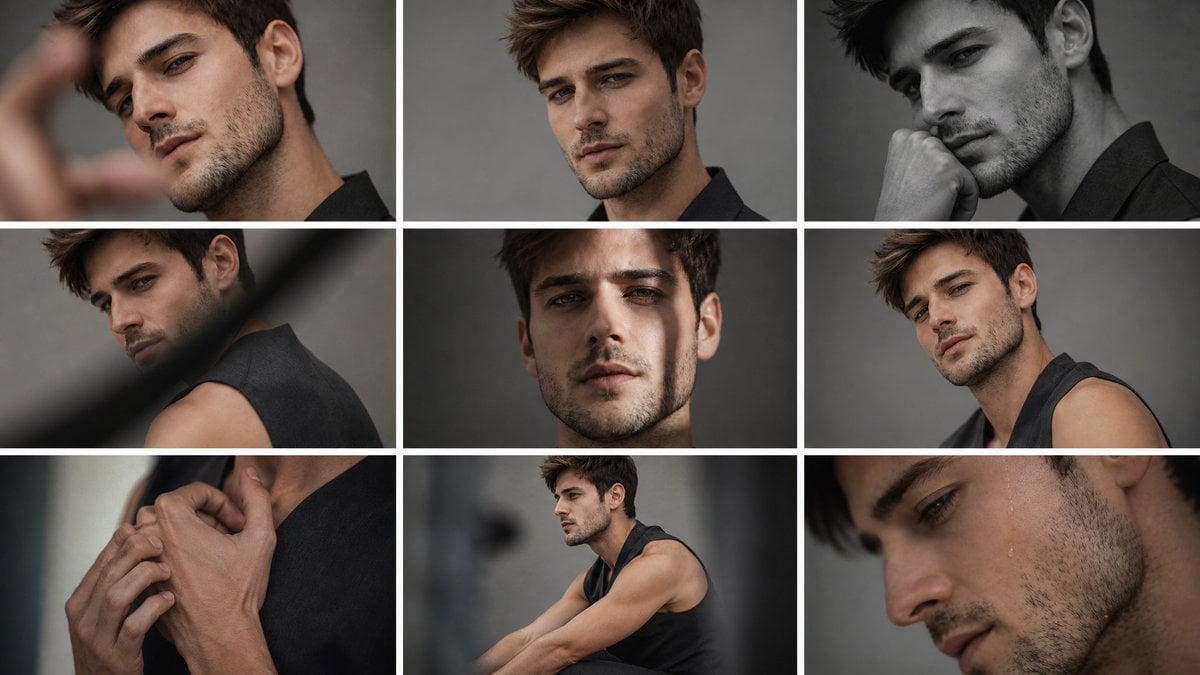
A photorealistic 3-by-3 fashion contact sheet of a male model with varied studio portrait crops and intentionally obscured face blocks.
- Prompt included
- Model and format preset
- Free template
The prompt behind this image
Copy the exact prompt behind Anonymous Male Editorial Contact Sheet, or open it in the studio and make it yours.
Goal: Create a moody editorial fashion photo contact sheet featuring {argument name="character name" default="an anonymous young male model"} in multiple cropped portraits, with the face deliberately obscured by flat censor-like blocks. Canvas: Wide 16:9 image, approximately 1200×675 px, arranged as a clean 3-by-3 grid with thick white gutters between panels. Use a muted studio-gray background throughout, cinematic low-key lighting, shallow depth of field, realistic skin texture, and a dark desaturated color grade. Layout: Use exactly 9 rectangular photo panels separated by white grid lines. The panels show the same model from different angles and distances: 1. Top-left panel: close portrait crop with a blurred hand in the foreground on the left, side of head and ear visible, face covered by a large warm brown rectangle. 2. Top-center panel: frontal upper portrait, messy short hair visible, ear and neck visible, face covered by a large dark brown rectangle. 3. Top-right panel: black-and-white side portrait, model touching his face, ear and jawline visible, face covered by a large charcoal-gray rectangle. 4. Middle-left panel: rear three-quarter shoulder view in a sleeveless black top, diagonal blurred foreground obstruction, face/upper head area covered by a vertical brown blur block. 5. Middle-center panel: centered close portrait against gray background, one ear and hair visible, face covered by a large medium-brown rectangle. 6. Middle-right panel: three-quarter seated/leaning view in a sleeveless black top, shoulder and upper arm visible, face covered by a smaller warm brown rectangle. 7. Bottom-left panel: close-up of hands clasped near the neck and collarbone, black sleeveless garment visible, no face shown. 8. Bottom-center panel: wider seated side view, model wearing a sleeveless black top with muscular arms extended forward, face covered by a small blurred beige-brown square. 9. Bottom-right panel: extreme close-up of lower face, cheek, jaw stubble, neck, and shoulder, with the upper face cropped out or blocked by a large warm brown rectangle extending across the top portion. Subject details: The model has {argument name="hair color" default="short tousled brown hair"}, light-to-medium skin, subtle facial hair/stubble where visible, an athletic build, and wears {argument name="outfit" default="a sleeveless black top"}. Keep the mood introspective and high-fashion rather than casual. Visual style: Photorealistic editorial magazine contact sheet, soft studio lighting, gray backdrop, slight film grain, natural skin tones, shallow focus, some foreground blur, premium fashion photography. Use flat opaque blocks in {argument name="censor block color" default="warm brown and charcoal gray"} over the face areas, with no text, logos, watermark, or decorative elements. Constraints: Preserve the exact 9-panel grid, thick white dividers, and varied crops. Do not add visible facial features inside the censor blocks. Keep all panels consistent as one photoshoot of the same person.
How to use Anonymous Male Editorial Contact Sheet in 3 steps
- 1Upload ImagePNG, JPG or paste
Add your photo
Upload the photo the template builds on. The prompt, model and format are already set.
- 2…a portrait of your subject in softgolden-hour light, 85mm…
Personalize
Edit the subject and creative details for your destination.
- 3Generate
Generate
Press Generate — your image is created in PicX Studio, so you can compare it with the original and refine one variable at a time.
More like this
Templates with the same subject, style or setup. Open one to see its prompt.

Luxury Black-and-White Fashion Contact Sheet

Anime Character Charm Analysis Sheet
High-Fidelity Editorial Contact Sheet Portrait Session
Family Dinner Cinematic Contact Sheet

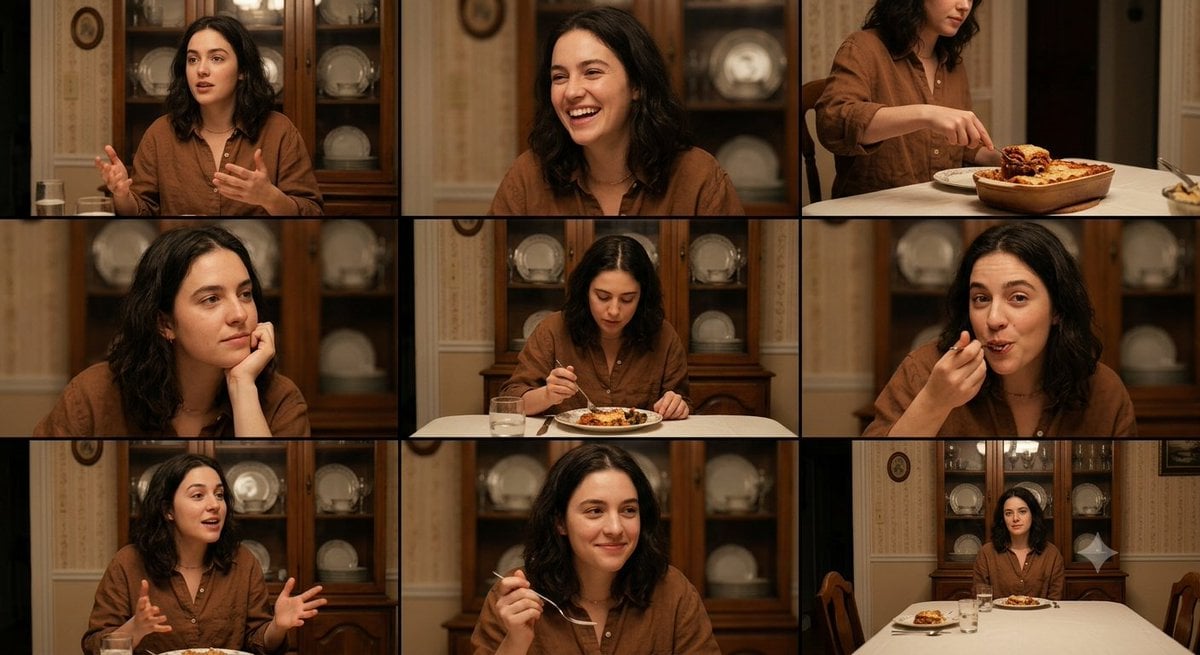
A 3x3 grid storyboard contact sheet comprised of nine candid, cinematic
Anonymous Fashion Editorial Triptych

Ancient Temple Interior Contact Sheet
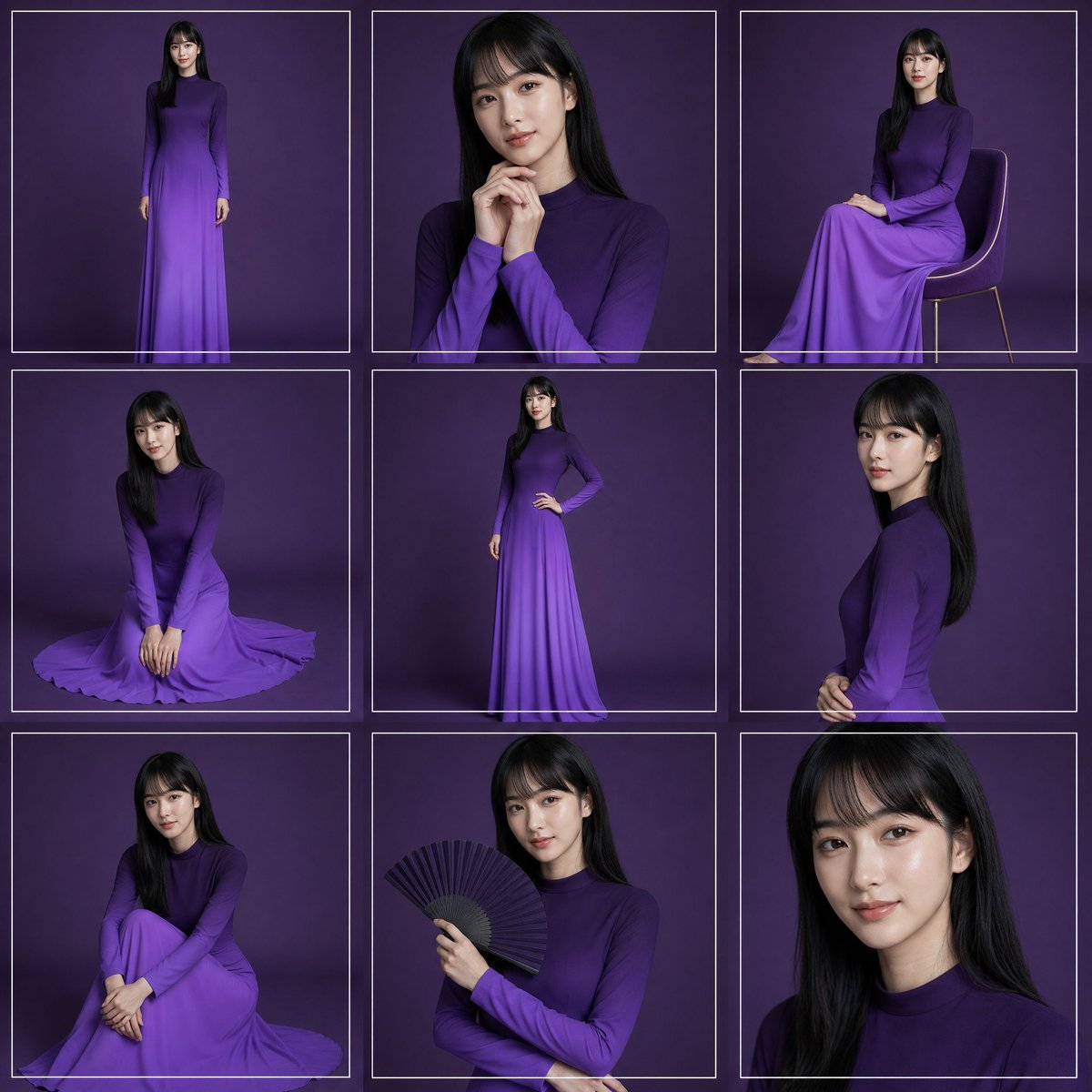
Purple Gown Fashion Contact Sheet
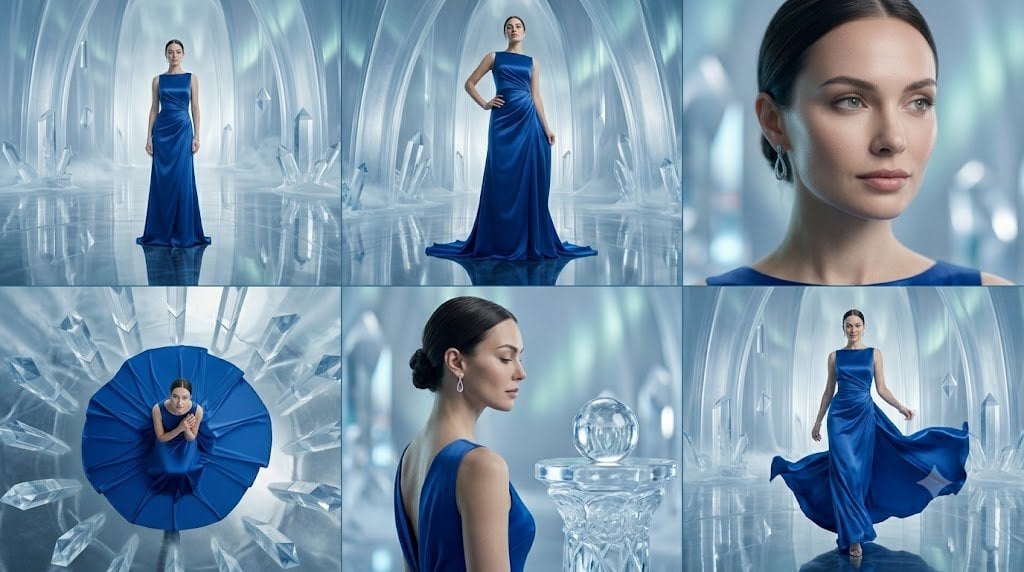
Crystal Palace Blue Gown Contact Sheet
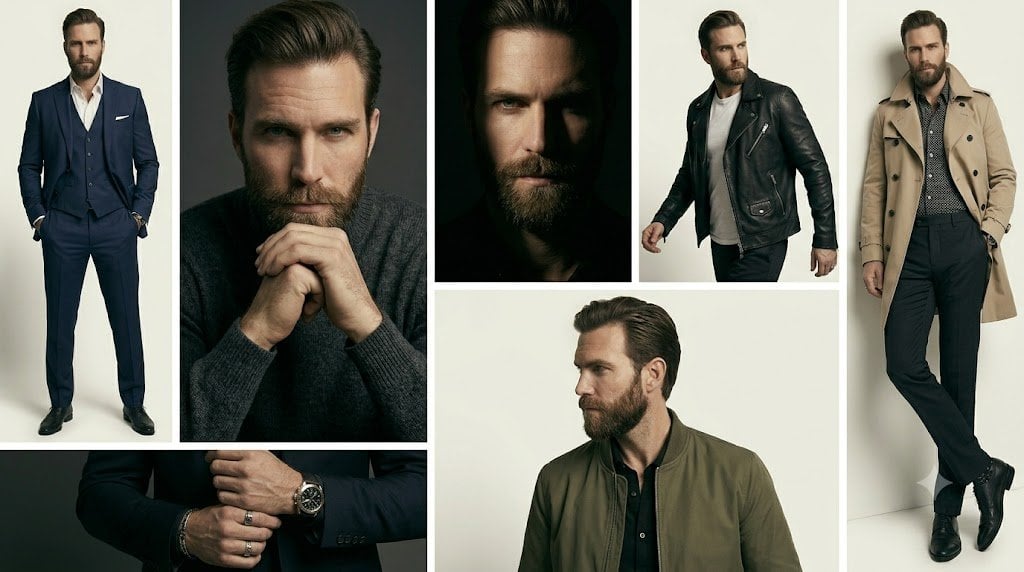
Anonymous Menswear Editorial Collage
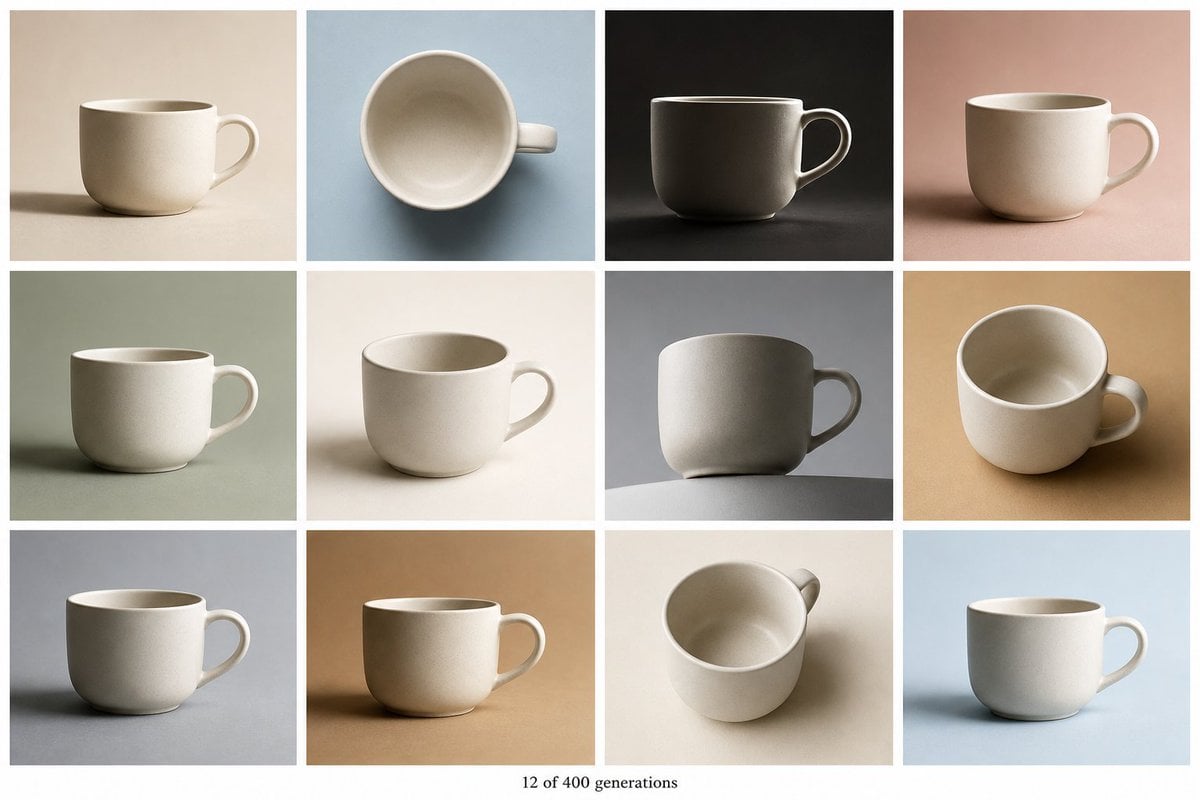
Tile Ceramic Mug Contact Sheet
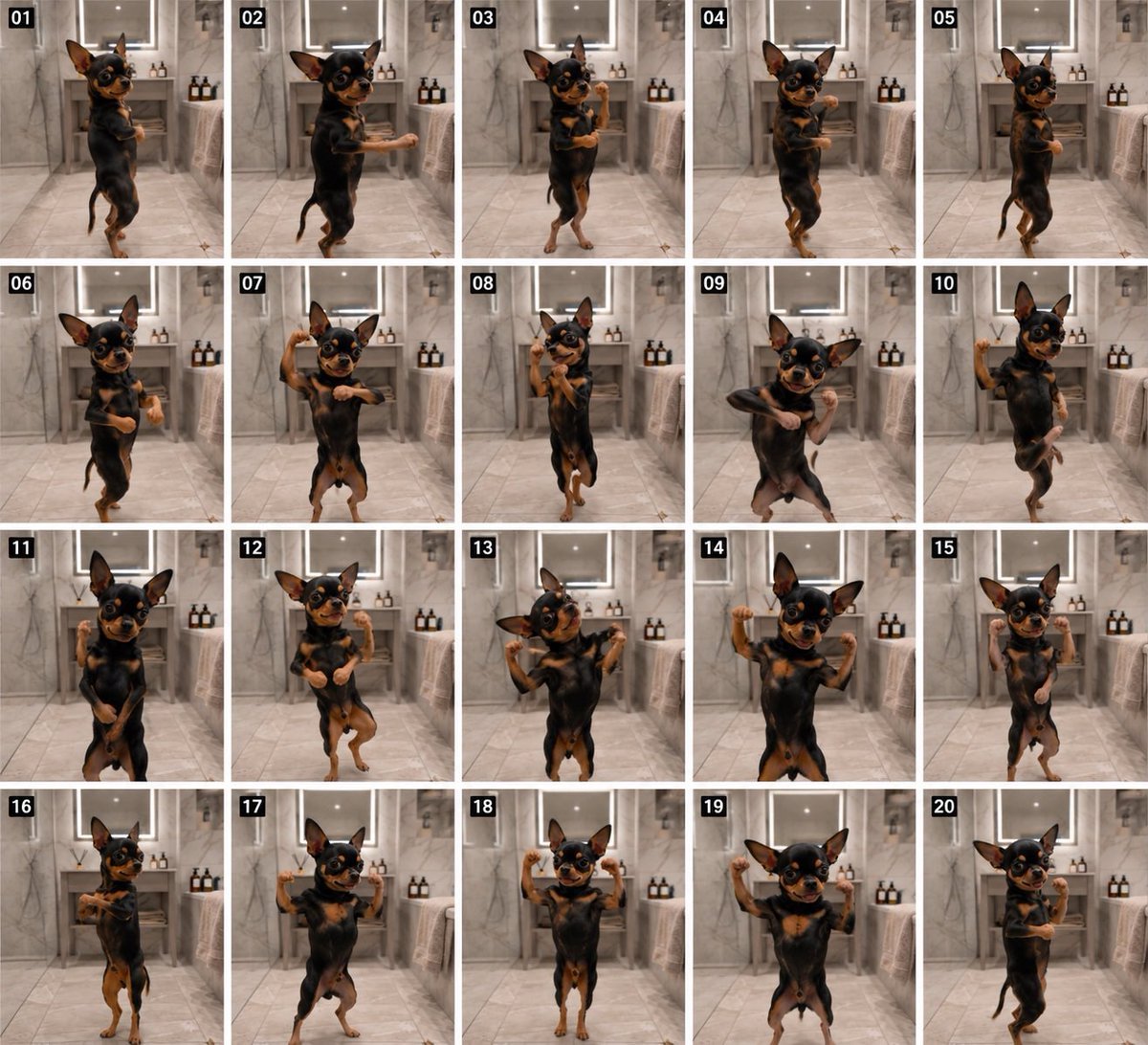
Dancing Chihuahua 20-Frame Contact Sheet
Make it yours
Anonymous Male Editorial Contact Sheet works as-is. These are the safest ways to change it without losing the look.
Change one field
Copy a single group, rewrite it, and generate again so you can see what that field is doing.
Keep the frame, change the subject
Hold the composition and light of Anonymous Male Editorial Contact Sheet, then swap wardrobe, props or the person for a new take.
| If the result… | Why | Fix |
|---|---|---|
| The result drifts from the preview | Too many fields changed at once. | Reuse Anonymous Male Editorial Contact Sheet as-is first, then change one group — subject, light, or setting. |
| The model over-stylizes the scene | The prose prompt leaves finish and camera underspecified. | Add one camera or lighting sentence and stay on GPT Image 2. |
More GPT Image 2 templates
Other prompts made for GPT Image 2.

Six VTuber Japanese Logo Sheet

Realistic Portrait of Woman and Deer

The Vista Modular Condo Poster

AI Model Routing Comparison Infographic

2.5D Anime Art Board

Isometric Productivity Desk Scene

New York Double Exposure Poster

Four-Panel AI Landscape Comparison

Japanese Tatami Lifestyle Magazine Cover

NESCAFÉ Coffee Map Poster
More image prompts
Fresh picks from across the catalog.
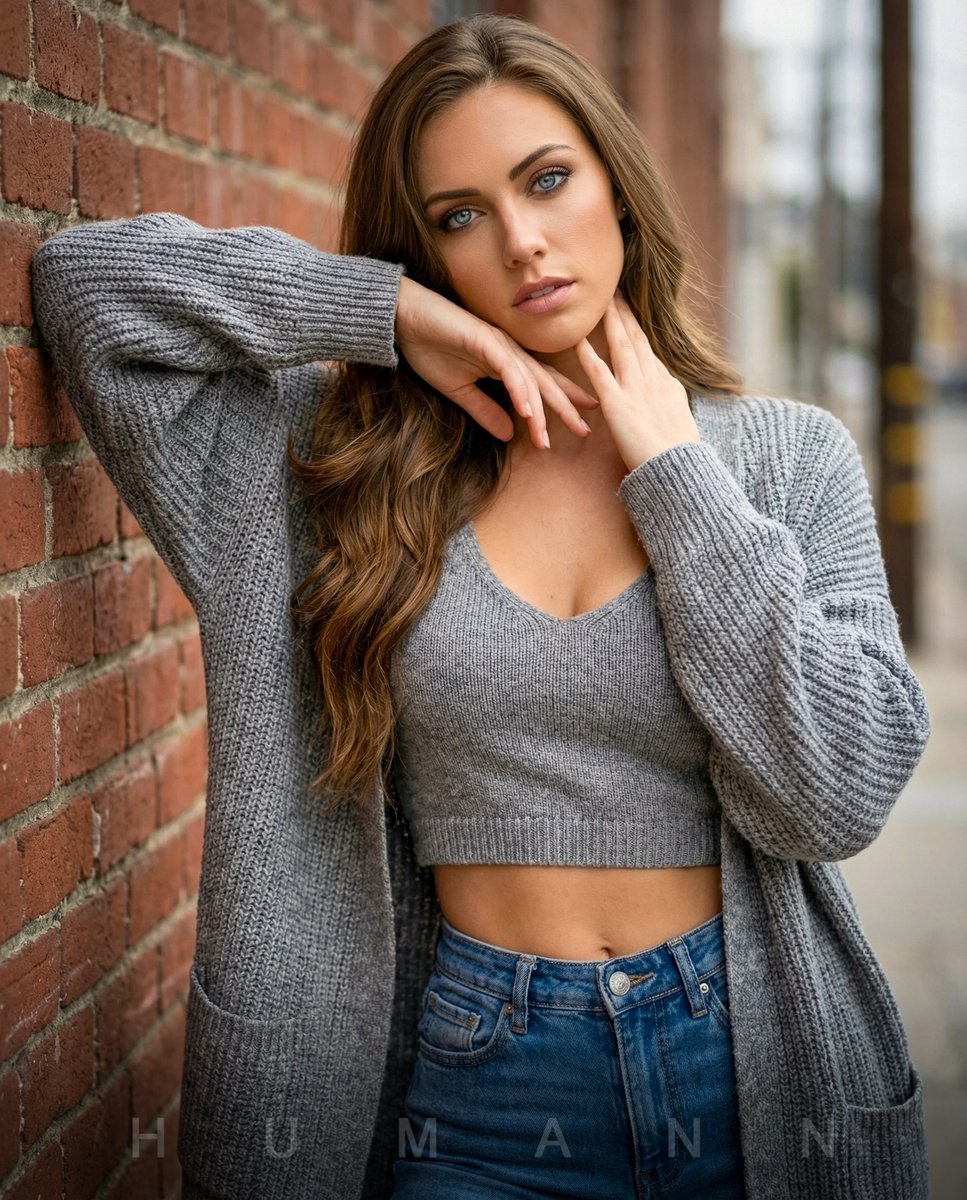
High-Fashion Editorial Portrait with Overcast Lighting
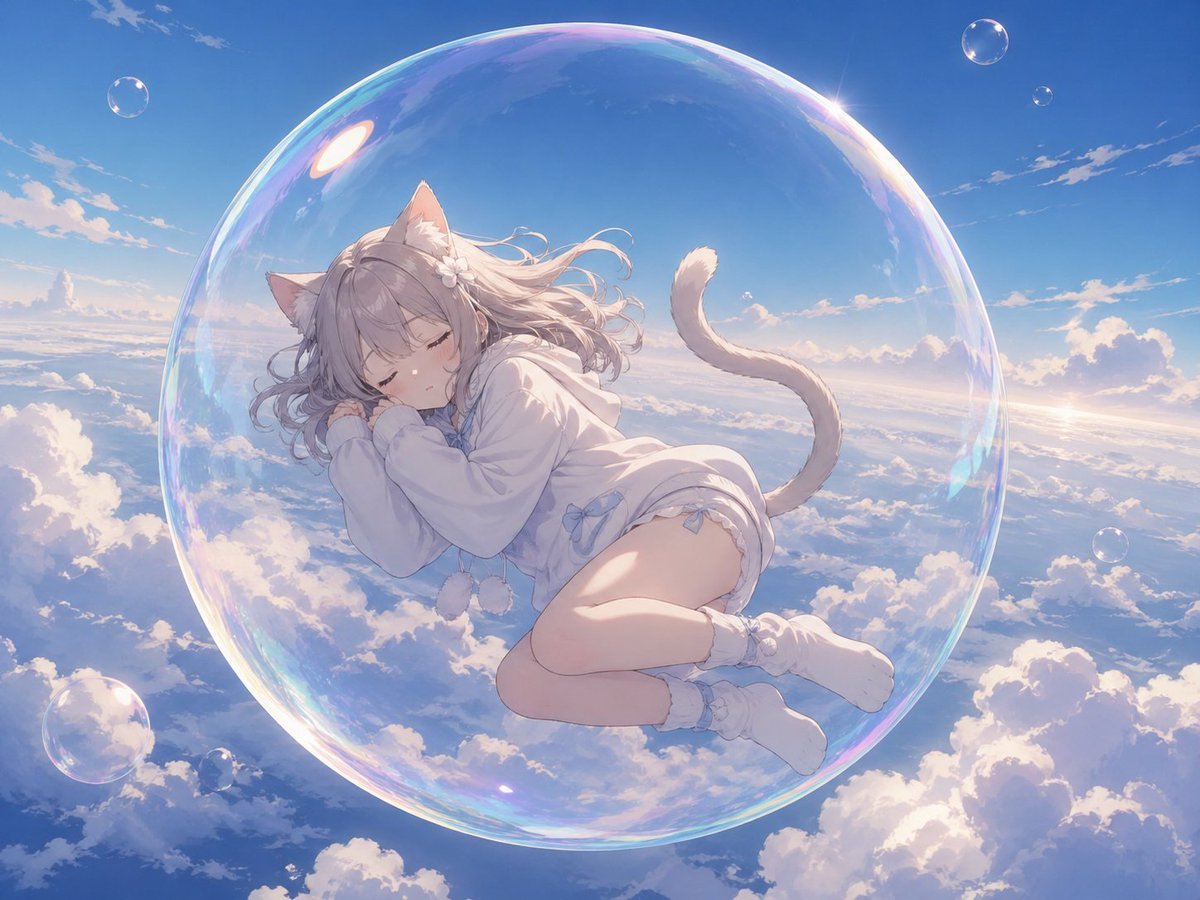
Bubble Cat Sleeping in the Sky
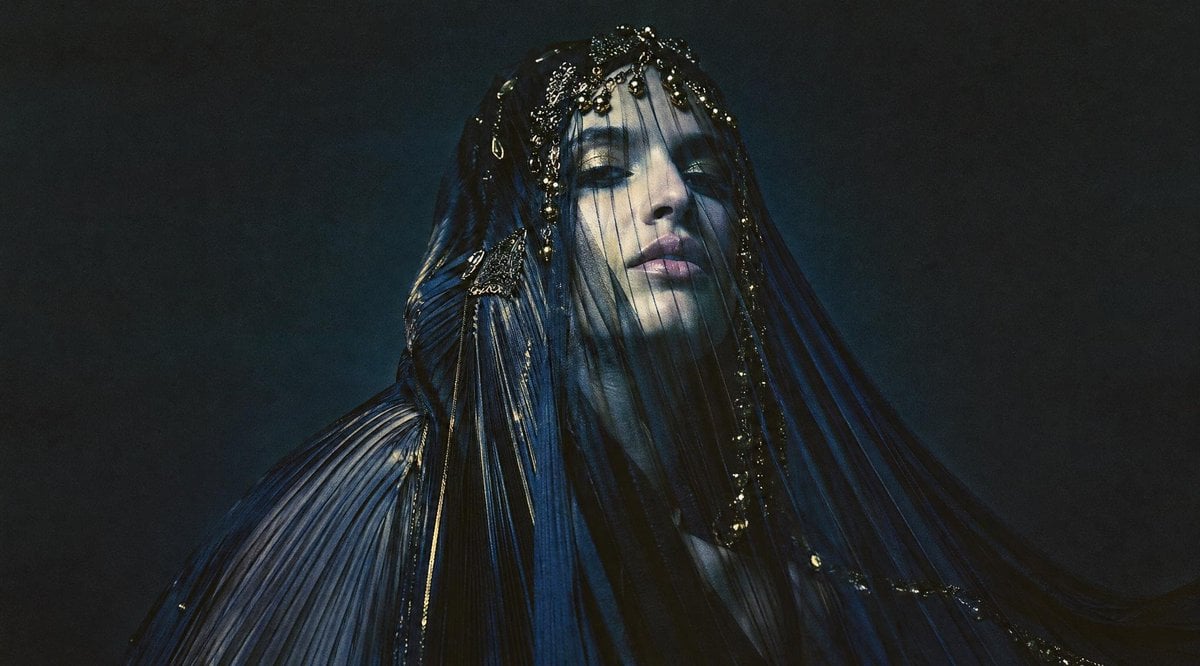
Dark Veiled Couture Portrait
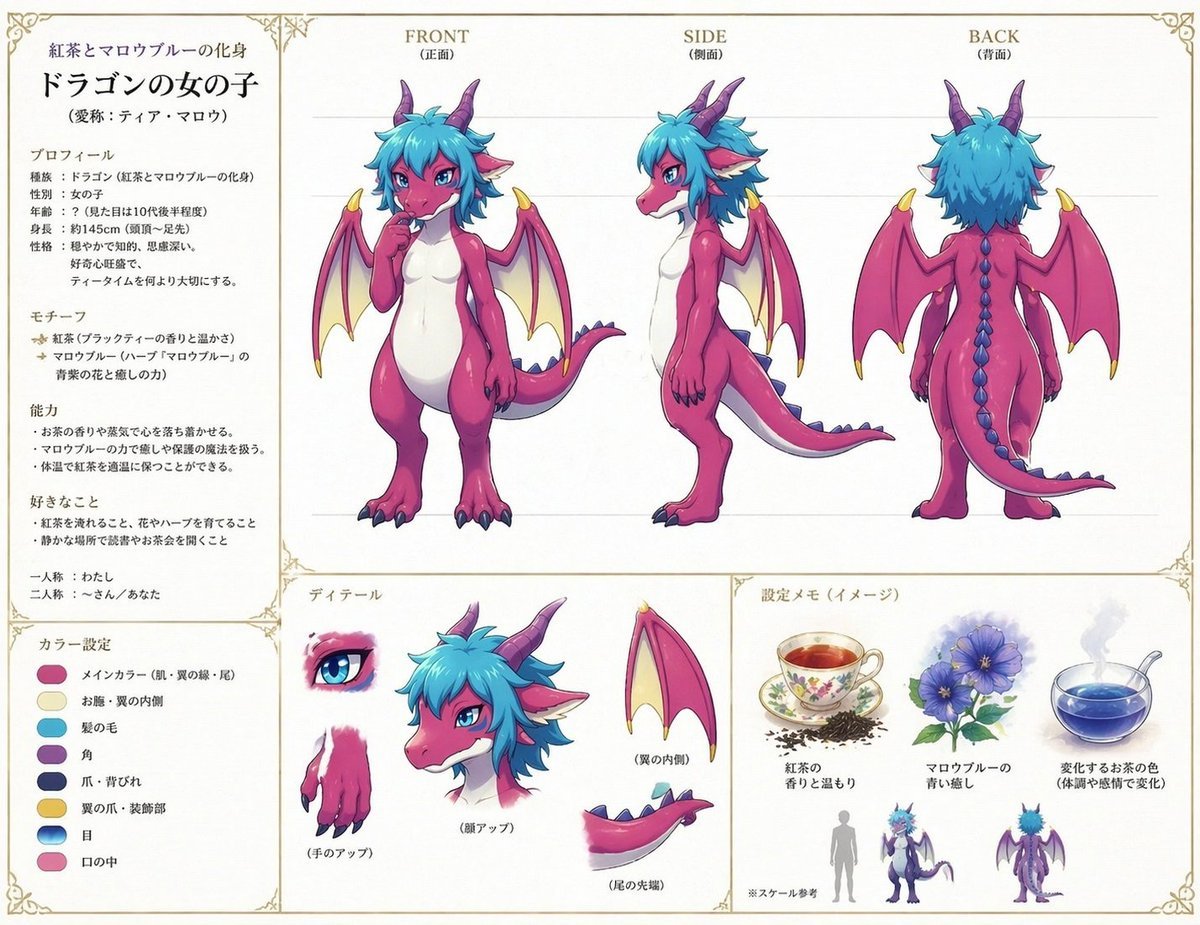
Anime Dragon Girl Reference Sheet
Dynamic Low-Angle Portrait with Orange-Red Background
Luxurious Winter Portrait in Red and White
Extreme Close-Up Cinematic Portrait with Tattoos and Red Eye
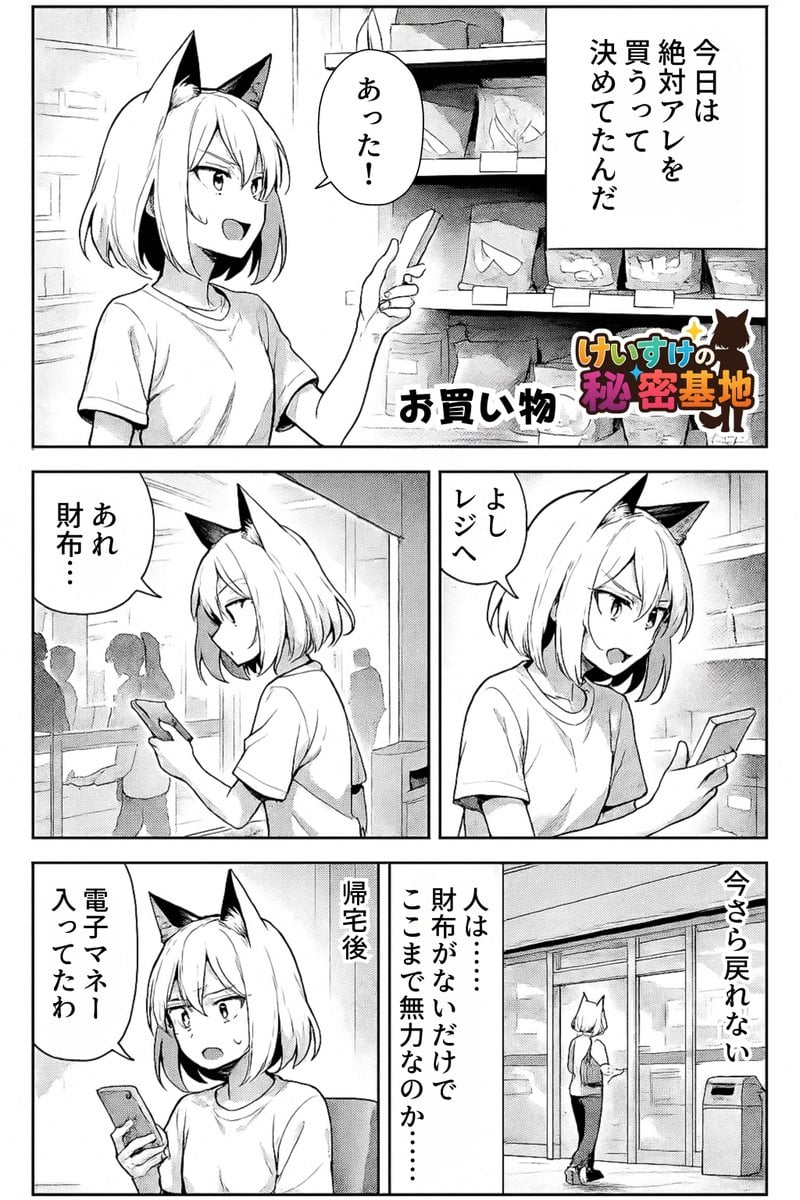
Keep art, translate manga speech to English in original balloons
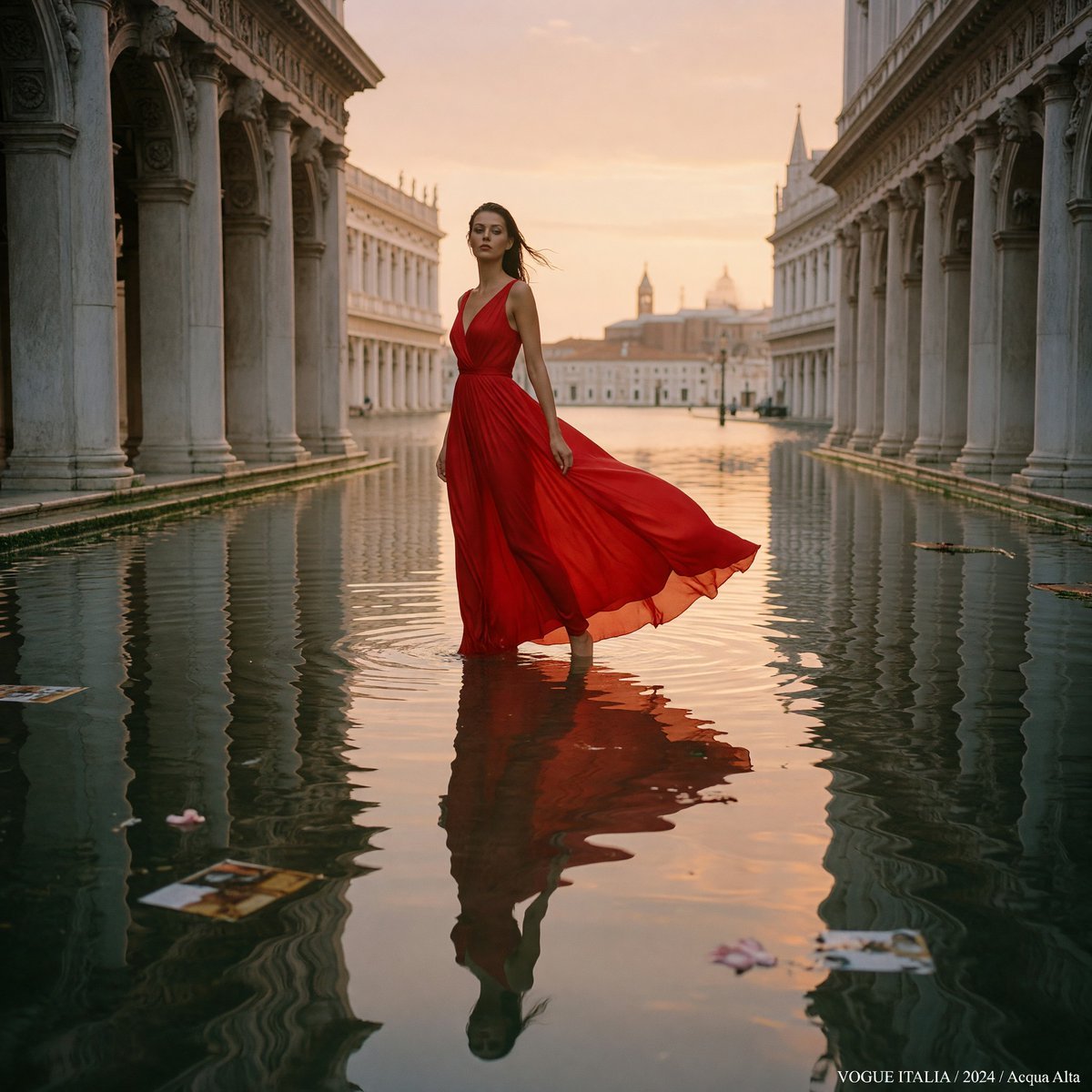
Crimson Gown in Flooded Venice
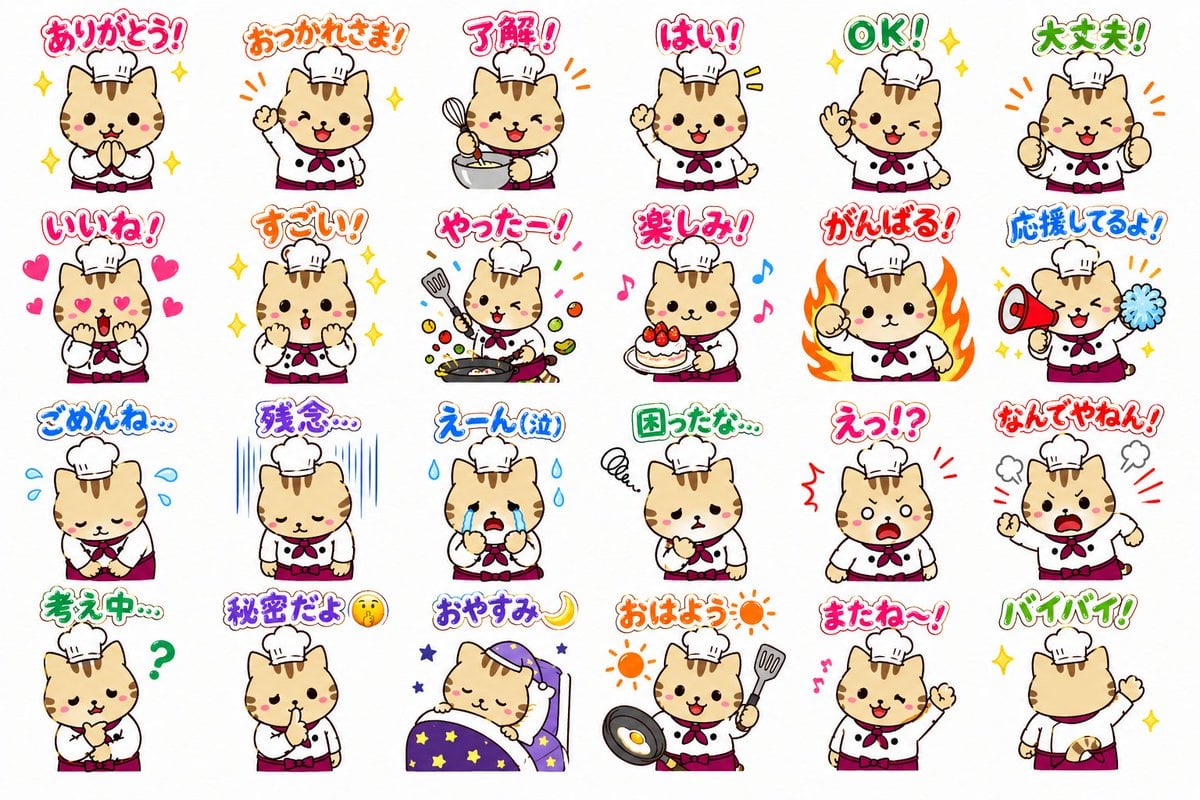
Chef Cat LINE Sticker Sheet
Browse template categories
Anonymous Male Editorial Contact Sheet questions
How do I use the Anonymous Male Editorial Contact Sheet template?
Add your photo if the template asks for one, edit the prompt if you like — the template's model and format are already selected — and press Generate. Your version opens in PicX Studio.
Can I customize the Anonymous Male Editorial Contact Sheet template?
Yes. You can change the subject, setting, lighting, mood, format, and available model controls before creating your image.
Is the Anonymous Male Editorial Contact Sheet template free?
Opening and editing this template is free. Generating uses credits, shown on the Generate button when you are signed in.
Which AI model should I use?
Start with GPT Image 2, which is the model associated with this template. You can compare another compatible model for a different finish.
Looking for something else? Browse all templates.

Your photo, any look
Thousands of ready templates for every top image and video model, from one credit balance.