
Anime Dragon Girl Reference Sheet
A polished Japanese-style character turnaround sheet for a cute dragon girl, useful for concept design, model reference, and character bible pages.
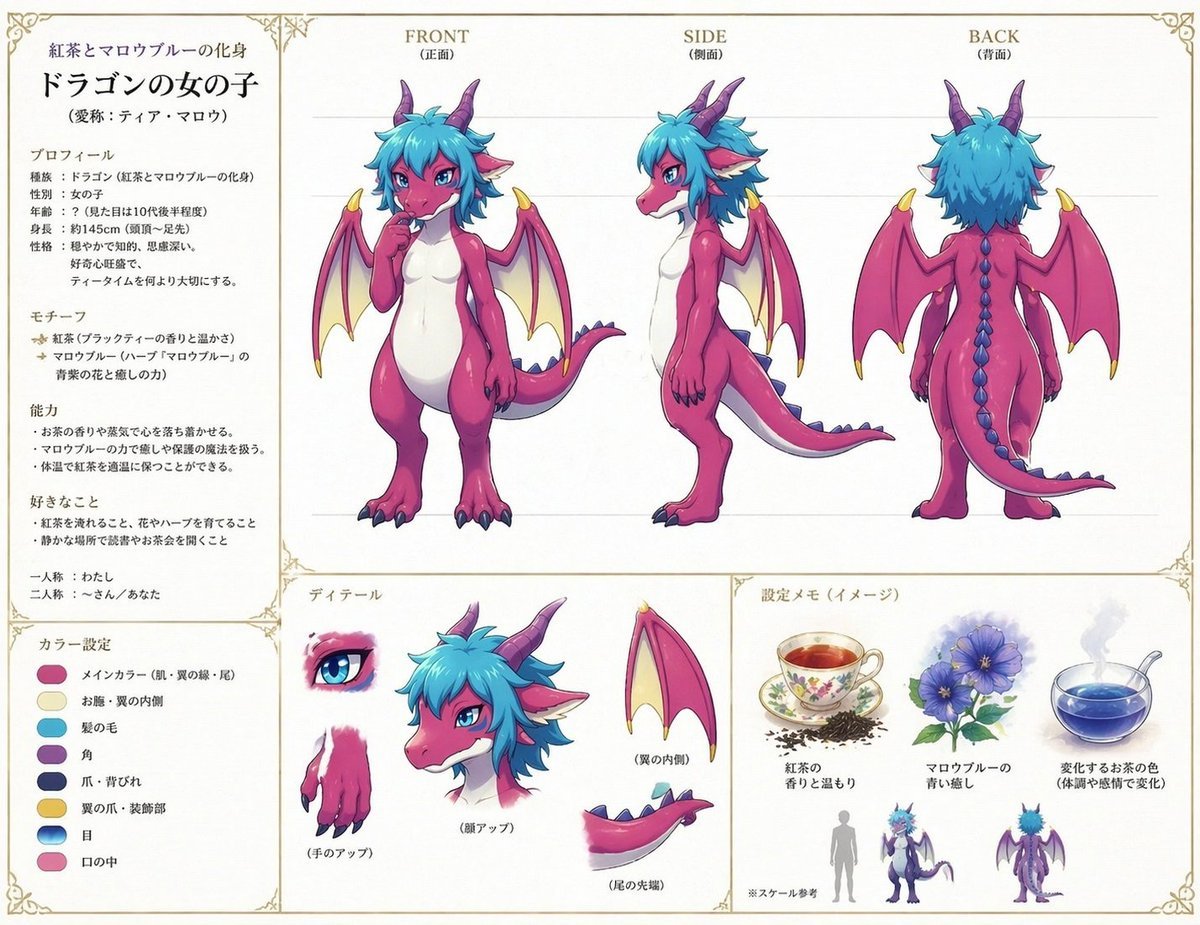
- Prompt included
- Model and format preset
- Free template
The prompt behind this image
Copy the exact prompt behind Anime Dragon Girl Reference Sheet, or open it in the studio and make it yours.
- Type
- fantasy character reference sheet
- Style
- clean anime model sheet on an off-white paper background with thin decorative gold border corners, neat editorial layout, soft shading, crisp line art
- Subject › Character
- cute humanoid dragon girl
- Subject › Title Text
- ドラゴンの女の子
- Subject › Subtitle Text
- 紅茶とマロウブルーの化身
- Subject › Alias Text
- 愛称:ティア・マロウ
- Subject › Design › Body Color
- vivid magenta-pink skin with a smooth white belly and chest
- Subject › Design › Hair
- messy layered short hair in bright turquoise-blue
- Subject › Design › Face
- large anime eyes, confident gentle expression, small muzzle, visible white fangs
- Subject › Design › Horns
- 2 curved purple horns
- Subject › Design › Ears
- 2 pointed elf-like ears with pale inner ear
- Subject › Design › Wings
- 2 bat-like wings, pink outer wing with pale cream inner membrane and yellow claw tips
- Subject › Design › Tail
- long dragon tail with blue dorsal spikes
- Subject › Design › Hands Feet
- clawed fingers and toes with dark blue claws
- Subject › Design › Proportions
- small, chibi-to-semi-chibi full body proportions, slightly curvy and cute
- Layout › Sections › 0 › Title
- main turnaround
- Layout › Sections › 0 › Position
- top center and right
- Layout › Sections › 0 › Count
- 3
- Layout › Sections › 0 › Labels
- FRONT (正面), SIDE (側面), BACK (背面)
- Layout › Sections › 0 › Content
- three full-body views of the same dragon girl aligned in columns
- Layout › Sections › 1 › Title
- profile text panel
- Layout › Sections › 1 › Position
- left column
- Layout › Sections › 1 › Count
- 5
- Layout › Sections › 1 › Labels
- プロフィール, モチーフ, 能力, 好きなこと, 一人称・二人称
Raw JSON
{
  "type": "fantasy character reference sheet",
  "style": "clean anime model sheet on an off-white paper background with thin decorative gold border corners, neat editorial layout, soft shading, crisp line art",
  "subject": {
    "character": "cute humanoid dragon girl",
    "title_text": "ドラゴンの女の子",
    "subtitle_text": "紅茶とマロウブルーの化身",
    "alias_text": "愛称:ティア・マロウ",
    "design": {
      "body_color": "vivid magenta-pink skin with a smooth white belly and chest",
      "hair": "messy layered short hair in bright turquoise-blue",
      "face": "large anime eyes, confident gentle expression, small muzzle, visible white fangs",
      "horns": "2 curved purple horns",
      "ears": "2 pointed elf-like ears with pale inner ear",
      "wings": "2 bat-like wings, pink outer wing with pale cream inner membrane and yellow claw tips",
      "tail": "long dragon tail with blue dorsal spikes",
      "hands_feet": "clawed fingers and toes with dark blue claws",
      "proportions": "small, chibi-to-semi-chibi full body proportions, slightly curvy and cute"
    }
  },
  "layout": {
    "sections": [
      {
        "title": "main turnaround",
        "position": "top center and right",
        "count": 3,
        "labels": ["FRONT (正面)", "SIDE (側面)", "BACK (背面)"],
        "content": "three full-body views of the same dragon girl aligned in columns"
      },
      {
        "title": "profile text panel",
        "position": "left column",
        "count": 5,
        "labels": ["プロフィール", "モチーフ", "能力", "好きなこと", "一人称・二人称"],
        "content": "Japanese character setting notes in a printed guidebook style"
      },
      {
        "title": "color settings",
        "position": "bottom left",
        "count": 8,
        "labels": ["メインカラー(肌・翼の縁・尾)", "お腹・翼の内側", "髪の毛", "角", "爪・背びれ", "翼の爪・装飾部", "目", "口の中"],
        "content": "8 oval color swatches with Japanese labels"
      },
      {
        "title": "ディテール",
        "position": "bottom center",
        "count": 5,
        "labels": ["目", "手のアップ", "顔アップ", "翼の内側", "尾の先端"],
        "content": "close-up studies of eye, hand, head, wing, and tail"
      },
      {
        "title": "設定メモ(イメージ)",
        "position": "bottom right",
        "count": 5,
        "labels": ["紅茶の香りと温もり", "マロウブルーの青い癒し", "変化するお茶の色(体調や感情で変化)", "※スケール参考", "small character silhouettes"],
        "content": "visual motif notes showing a floral teacup with tea leaves, blue mallow flowers, a steaming blue tea cup, and scale comparison figures"
      }
    ],
    "centerpiece": "the front view shows the dragon girl standing upright with one finger thoughtfully near her mouth, wings slightly open, tail curved to the side"
  },
  "text_blocks": {
    "language": "Japanese",
    "density": "moderately dense reference sheet notes",
    "appearance": "printed character encyclopedia formatting with bold headers and smaller body text"
  },
  "composition_notes": "front, side, and back views occupy the upper two-thirds; notes and detail studies fill the lower third; all content separated by fine gold divider lines; lots of white space for a polished artbook presentation",
  "rendering": {
    "lighting": "soft neutral studio lighting",
    "materials": "smooth glossy creature skin, matte hair, lightly translucent wing membranes",
    "quality": "high-resolution polished concept art sheet"
  }
}How to use Anime Dragon Girl Reference Sheet in 3 steps
- 1Upload ImagePNG, JPG or paste
Add your photo
Upload the photo the template builds on. The prompt, model and format are already set.
- 2…a portrait of your subject in softgolden-hour light, 85mm…
Personalize
Edit the subject and creative details for your destination.
- 3Generate
Generate
Press Generate — your image is created in PicX Studio, so you can compare it with the original and refine one variable at a time.
More like this
Templates with the same subject, style or setup. Open one to see its prompt.

Dancer Character - Four View Reference Sheet

Anime Lantern Girl Character Sheet

Anime Character Sheet Reference Prompt

Anime Character Charm Analysis Sheet
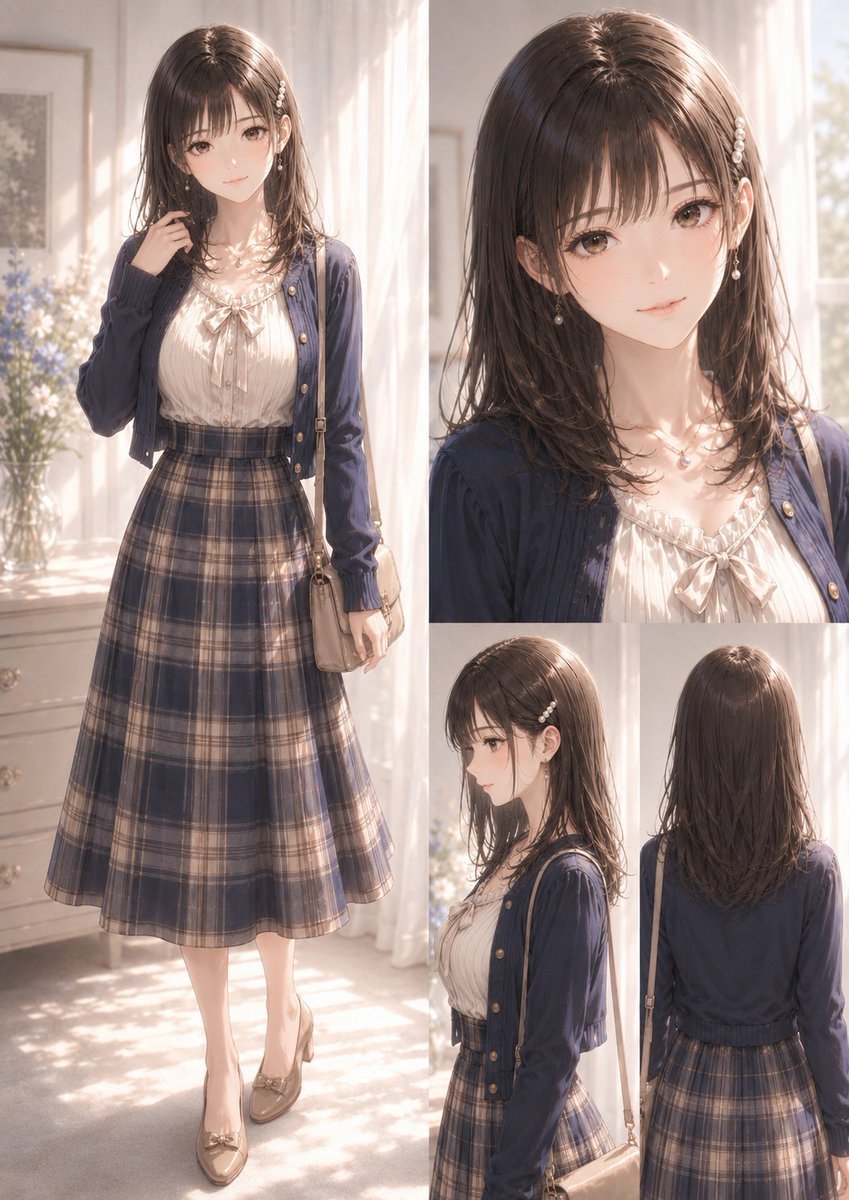
Elegant Anime Fashion Reference Sheet

Teen Girl Alpine Lake Mountain View

Framed Quilling Anime Girl

Gray Studio Character Reference Sheet

Gothic Girl Character Turnaround Sheet

Anime Girl Generation Grid
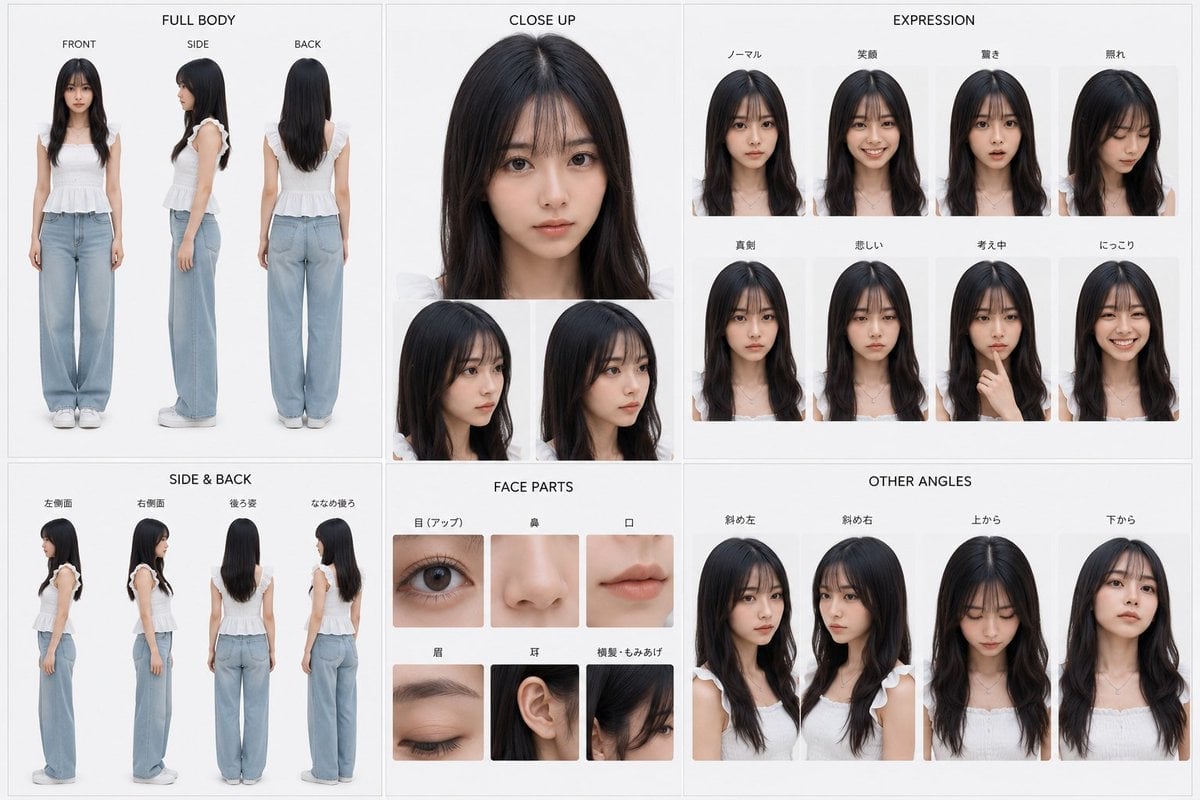
Photoreal Character Reference Sheet
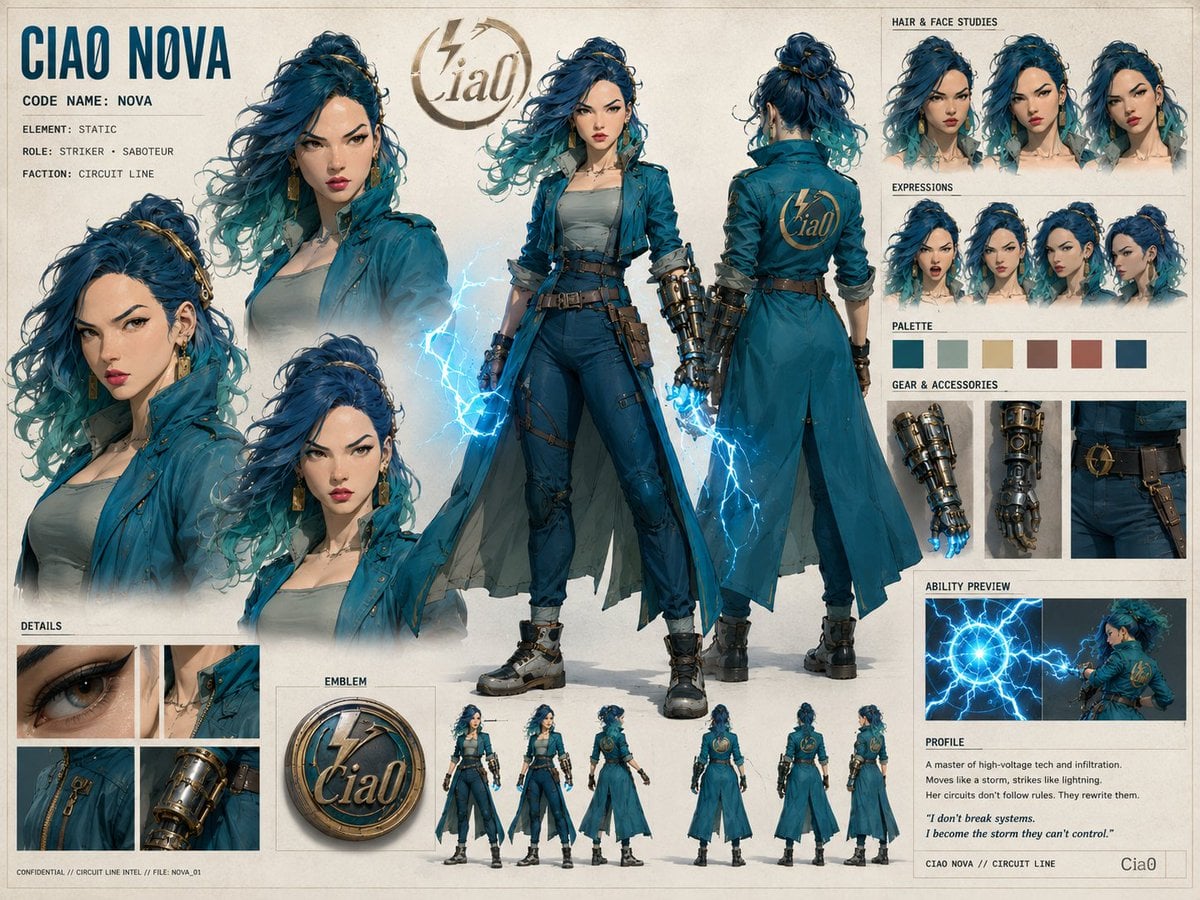
Ciao Nova Character Reference Sheet
Make it yours
Anime Dragon Girl Reference Sheet works as-is. These are the safest ways to change it without losing the look.
Swap the light
One lighting change is enough to compare takes. Current light: “soft neutral studio lighting”.
Change one field
Copy a single group, rewrite it, and generate again so you can see what that field is doing.
Keep the frame, change the subject
Hold the composition and light of Anime Dragon Girl Reference Sheet, then swap wardrobe, props or the person for a new take.
| If the result… | Why | Fix |
|---|---|---|
| The result drifts from the preview | Too many fields changed at once. | Reuse Anime Dragon Girl Reference Sheet as-is first, then change one group — subject, light, or setting. |
| GPT Image 2 ignores part of the JSON | Some models flatten or skip nested keys. | Keep the same values and paste them as a short paragraph instead. |
More GPT Image 2 templates
Other prompts made for GPT Image 2.

Six VTuber Japanese Logo Sheet

Realistic Portrait of Woman and Deer

The Vista Modular Condo Poster

AI Model Routing Comparison Infographic

2.5D Anime Art Board

Isometric Productivity Desk Scene

New York Double Exposure Poster

Four-Panel AI Landscape Comparison

Japanese Tatami Lifestyle Magazine Cover

NESCAFÉ Coffee Map Poster
More image prompts
Fresh picks from across the catalog.

Dinosaur Park Gift Shop Merchandise Display
Lavender Fantasy Mage Portrait
Anime Martial Arts Energy Clash
Luxury Red Lipstick Ad Poster
Paleolithic Haute Couture Fashion
Romantic 3D CG Yuri Illustration
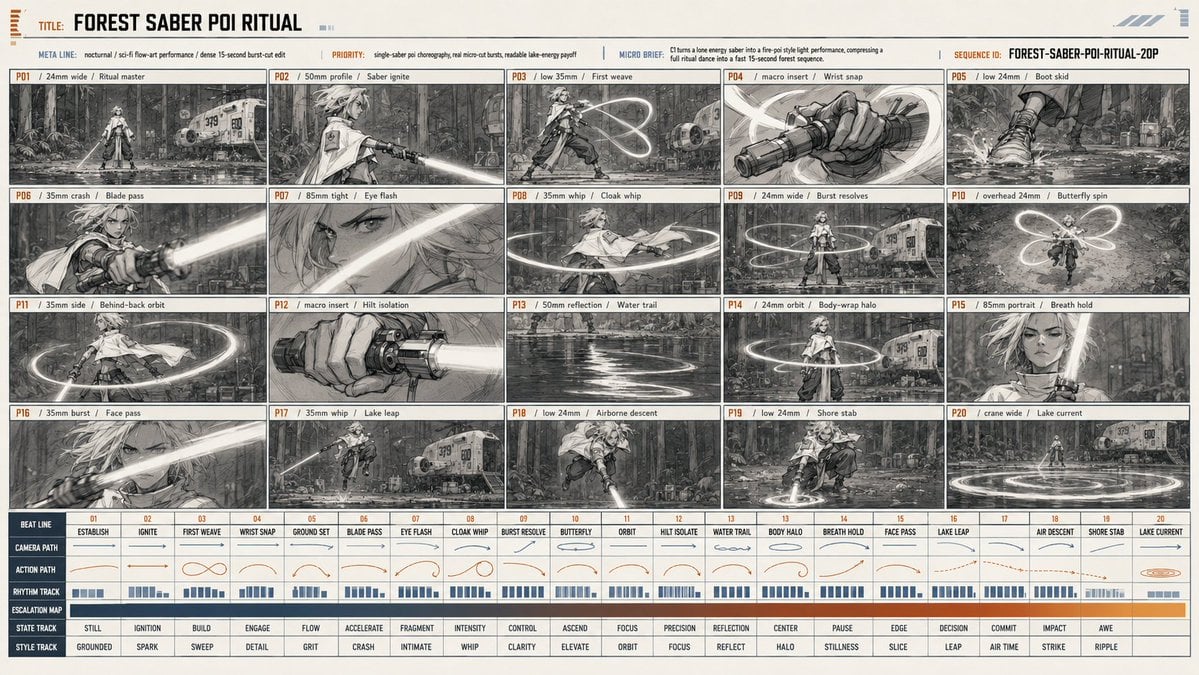
Forest Saber Ritual Storyboard Sheet
Winged Mecha Beam Cannon Battle

Eid Mubarak Stylized Composition
Ultra-Realistic Portrait with Saree and Face Reference
Browse template categories
Anime Dragon Girl Reference Sheet questions
How do I use the Anime Dragon Girl Reference Sheet template?
Add your photo if the template asks for one, edit the prompt if you like — the template's model and format are already selected — and press Generate. Your version opens in PicX Studio.
Can I customize the Anime Dragon Girl Reference Sheet template?
Yes. You can change the subject, setting, lighting, mood, format, and available model controls before creating your image.
Is the Anime Dragon Girl Reference Sheet template free?
Opening and editing this template is free. Generating uses credits, shown on the Generate button when you are signed in.
Which AI model should I use?
Start with GPT Image 2, which is the model associated with this template. You can compare another compatible model for a different finish.
Looking for something else? Browse all templates.

Your photo, any look
Thousands of ready templates for every top image and video model, from one credit balance.