
Framed Quilling Anime Girl
Generates a delicate framed paper-quilling anime portrait with floral hair ornaments, blue butterfly, and customizable plaque text.

- Prompt included
- Model and format preset
- Premium template
The prompt behind this image
Copy the exact prompt behind Framed Quilling Anime Girl, or open it in the studio and make it yours.
Create a vertical framed shadow-box artwork in an elegant paper quilling style, like a one-of-a-kind gallery piece made from narrow curled paper strips. The subject is an anime-style young woman named {argument name="character name" default="Nozomu"} shown in right-facing side profile from the waist up, with very long flowing {argument name="hair color" default="white and pale silver hair with subtle blue strands"}. Her hair must be built from many thin layered paper ribbons, spirals, loops, and curled strips, while her face and bare skin remain smooth, soft, premium layered paper rather than frightening or overly textured. She has delicate features, pale skin, a small nose and lips, and large luminous {argument name="eye color" default="violet-blue eyes"} with fine anime eyelashes. She wears a white sleeveless dress with soft pleated paper folds and small quilled floral lace details at the bust and shoulder strap, plus a dangling flower earring. Add a lush cluster of exactly 9 visible large hair ornaments on the left side of her head: 3 lavender rose-like quilled flowers, 3 blue five-petal quilled flowers, 2 small white floral blossoms, and 1 pale leaf-and-pearl spray; surround them with many tiny pearl beads and leaf curls. Place exactly 1 blue quilled butterfly hovering near her raised fingertip on the right, with translucent curled-paper wings and dark blue outlines. The background is a pale icy blue panel filled with symmetrical decorative quilling scrollwork: curling vines, spiral rosettes, pearl dots, and teardrop loops in white, sky blue, and light cyan, arranged around the character without covering her face. Enclose the entire artwork inside a deep white wooden frame with a recessed shadow-box mat, visible bevels, soft shadows, and a clean museum-display look. At the bottom center, include a small cream plaque held by exactly 4 gold screws, with the main text {argument name="plaque title" default="のぞむ"}, the subtitle "NOZOMU", and a tiny English quote reading {argument name="plaque quote" default="Whispers of Bloom, Dreams in Blue. In a world of petals and light, she blooms, and hope takes flight."}. Use pastel whites, powder blue, lavender, pearl, and silver tones; highly detailed macro paper craft texture; crisp curled paper edges; soft studio lighting; shallow physical depth; cute, refined, delicate, and luxurious. Avoid photorealistic human skin, avoid horror texture, avoid extra characters, and keep all visible text only on the plaque.
How to use Framed Quilling Anime Girl in 3 steps
- 1Upload ImagePNG, JPG or paste
Add your photo
Upload the photo the template builds on. The prompt, model and format are already set.
- 2…a portrait of your subject in softgolden-hour light, 85mm…
Personalize
Edit the subject and creative details for your destination.
- 3Generate
Generate
Press Generate — your image is created in PicX Studio, so you can compare it with the original and refine one variable at a time.
More like this
Templates with the same subject, style or setup. Open one to see its prompt.












Make it yours
Framed Quilling Anime Girl works as-is. These are the safest ways to change it without losing the look.
Change one field
Copy a single group, rewrite it, and generate again so you can see what that field is doing.
Keep the frame, change the subject
Hold the composition and light of Framed Quilling Anime Girl, then swap wardrobe, props or the person for a new take.
| If the result… | Why | Fix |
|---|---|---|
| The result drifts from the preview | Too many fields changed at once. | Reuse Framed Quilling Anime Girl as-is first, then change one group — subject, light, or setting. |
| The model over-stylizes the scene | The prose prompt leaves finish and camera underspecified. | Add one camera or lighting sentence and stay on GPT Image 2. |
More GPT Image 2 templates
Other prompts made for GPT Image 2.

Six VTuber Japanese Logo Sheet

Realistic Portrait of Woman and Deer

The Vista Modular Condo Poster

AI Model Routing Comparison Infographic

2.5D Anime Art Board

Isometric Productivity Desk Scene

New York Double Exposure Poster

Four-Panel AI Landscape Comparison

Japanese Tatami Lifestyle Magazine Cover

NESCAFÉ Coffee Map Poster
More image prompts
Fresh picks from across the catalog.
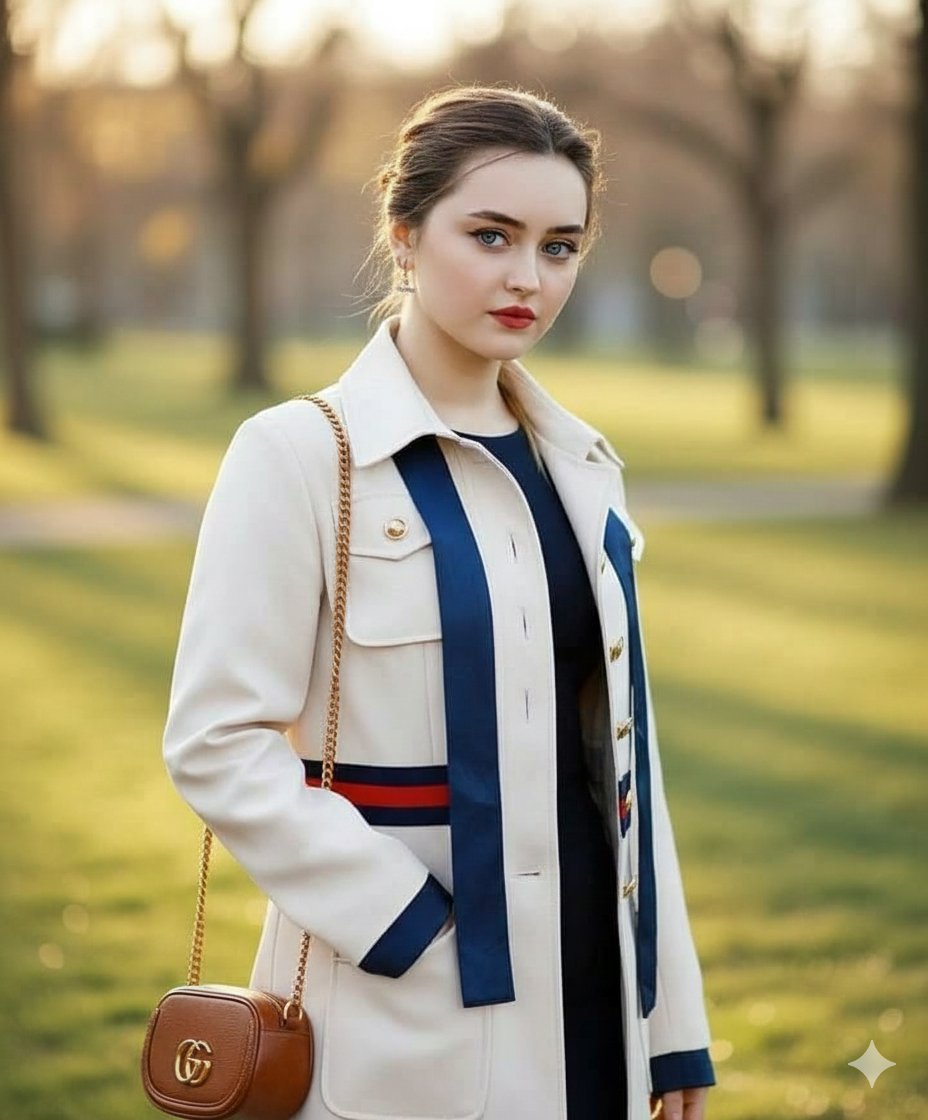
Vogue Style Luxury Trench Coat Fashion Portrait
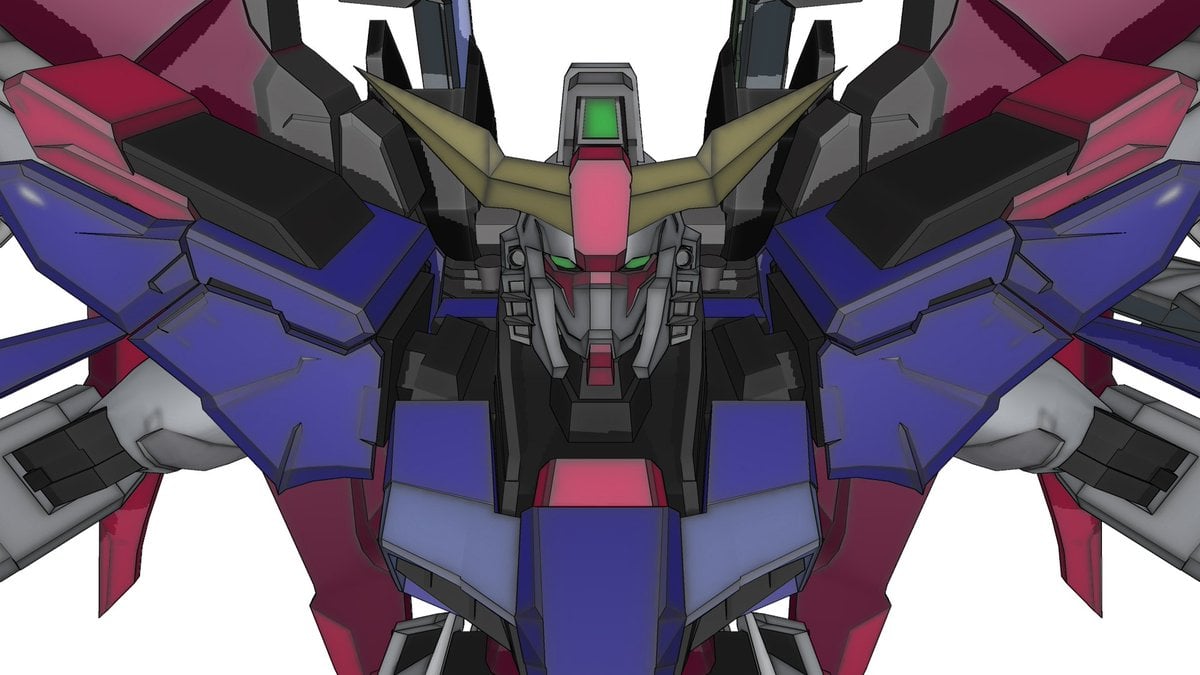
Using Nano Banana Pro as a Shading Tool for MMD Output
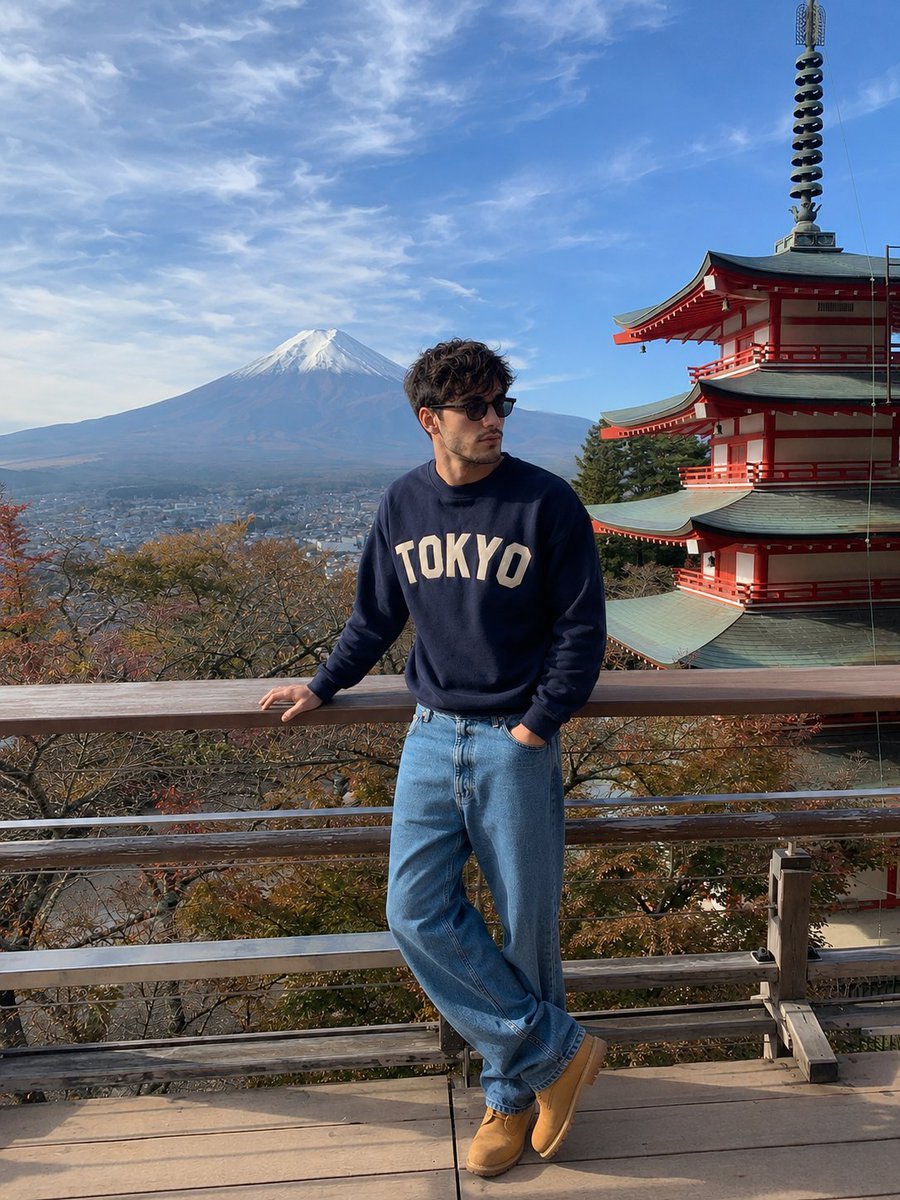
iPhone Travel Photo at Mt Fuji
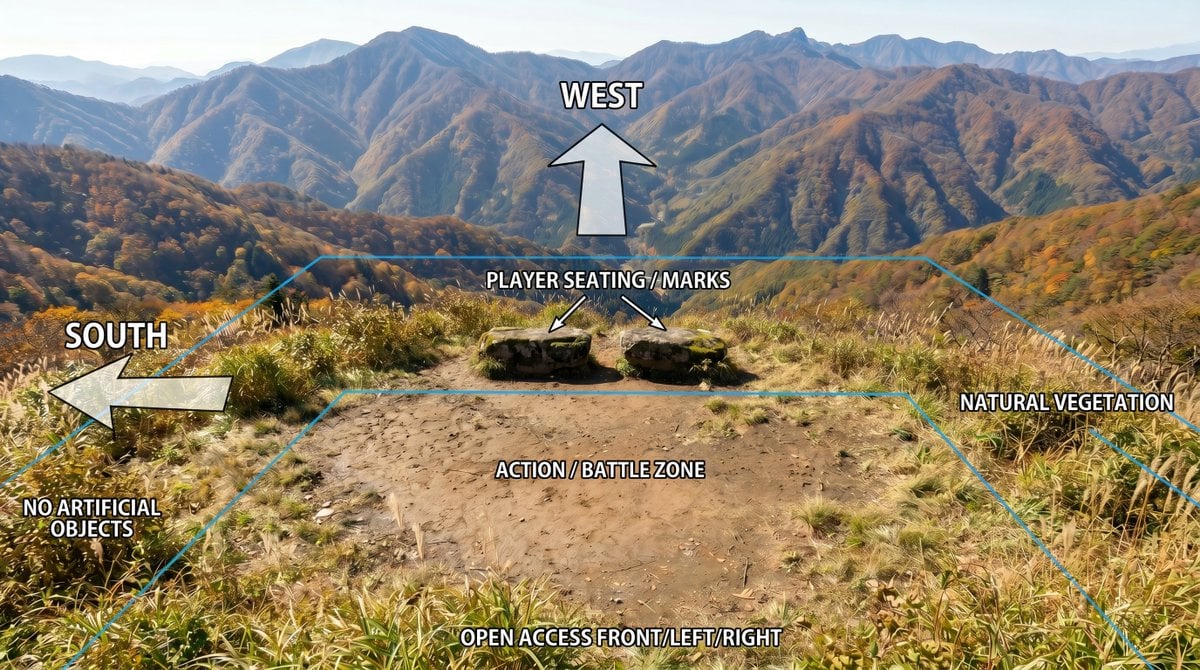
Annotated Mountain Location Diagram
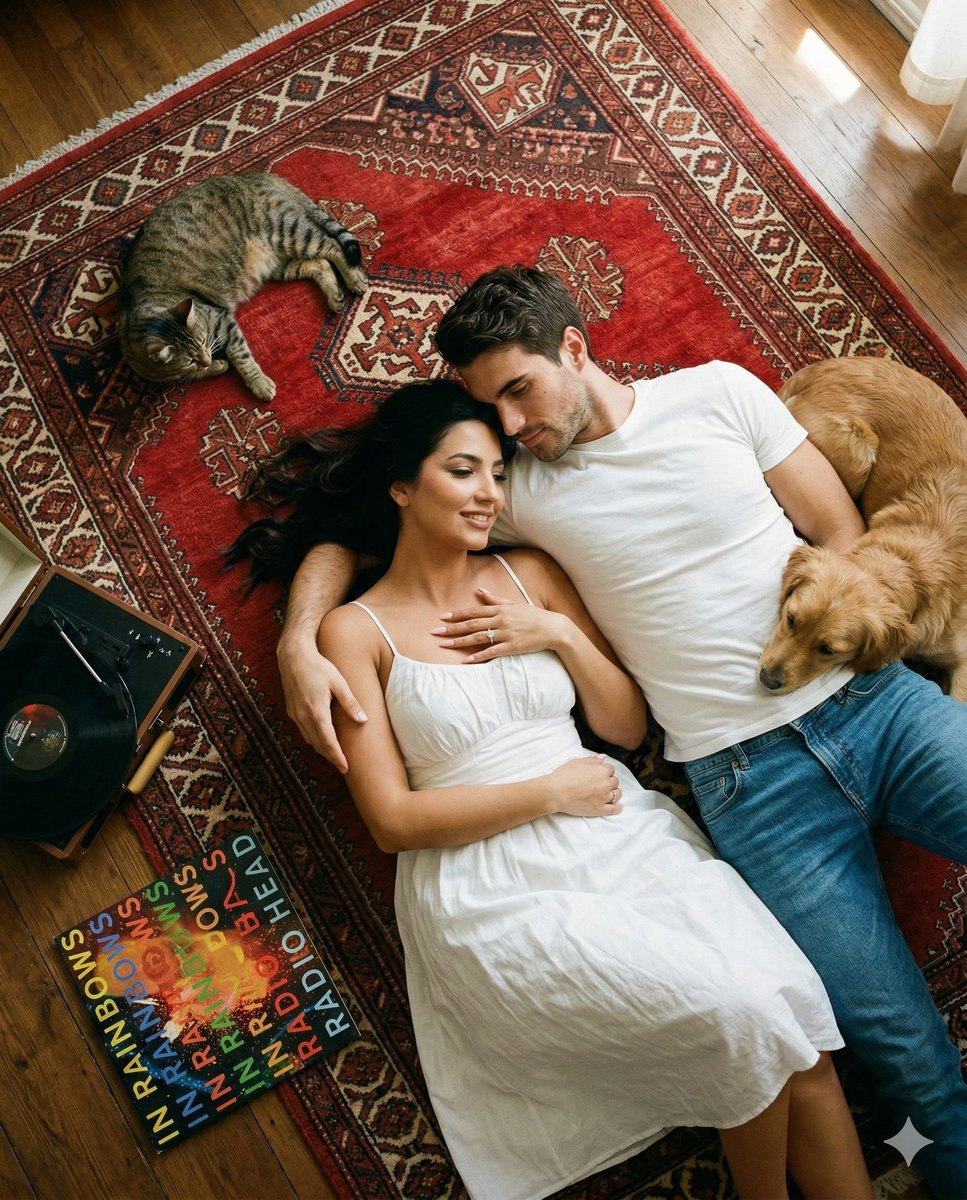
Top-Down Cinematic Couple Portrait on a Turkish Rug (Image-to-Image)
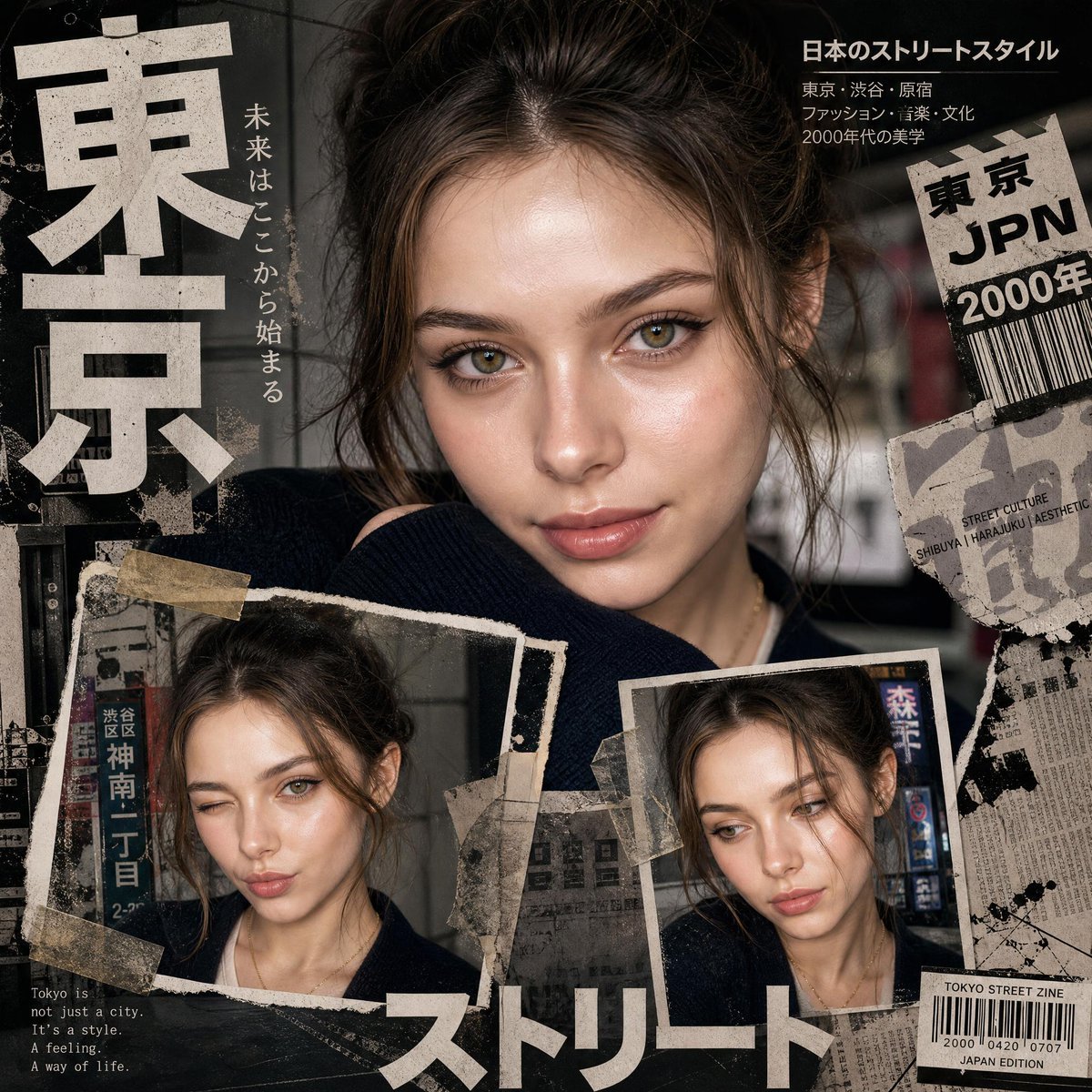
Y2K Japanese editorial collage poster
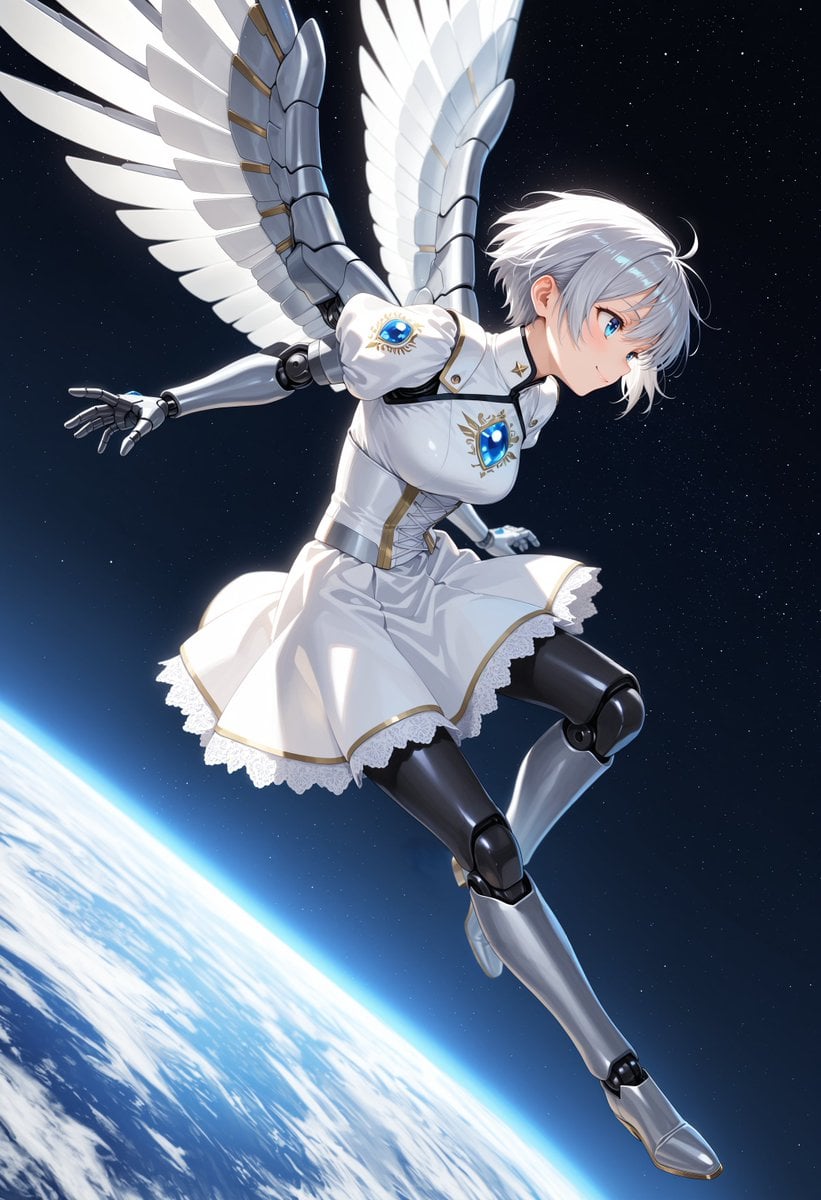
Angelic Android Girl Above Earth
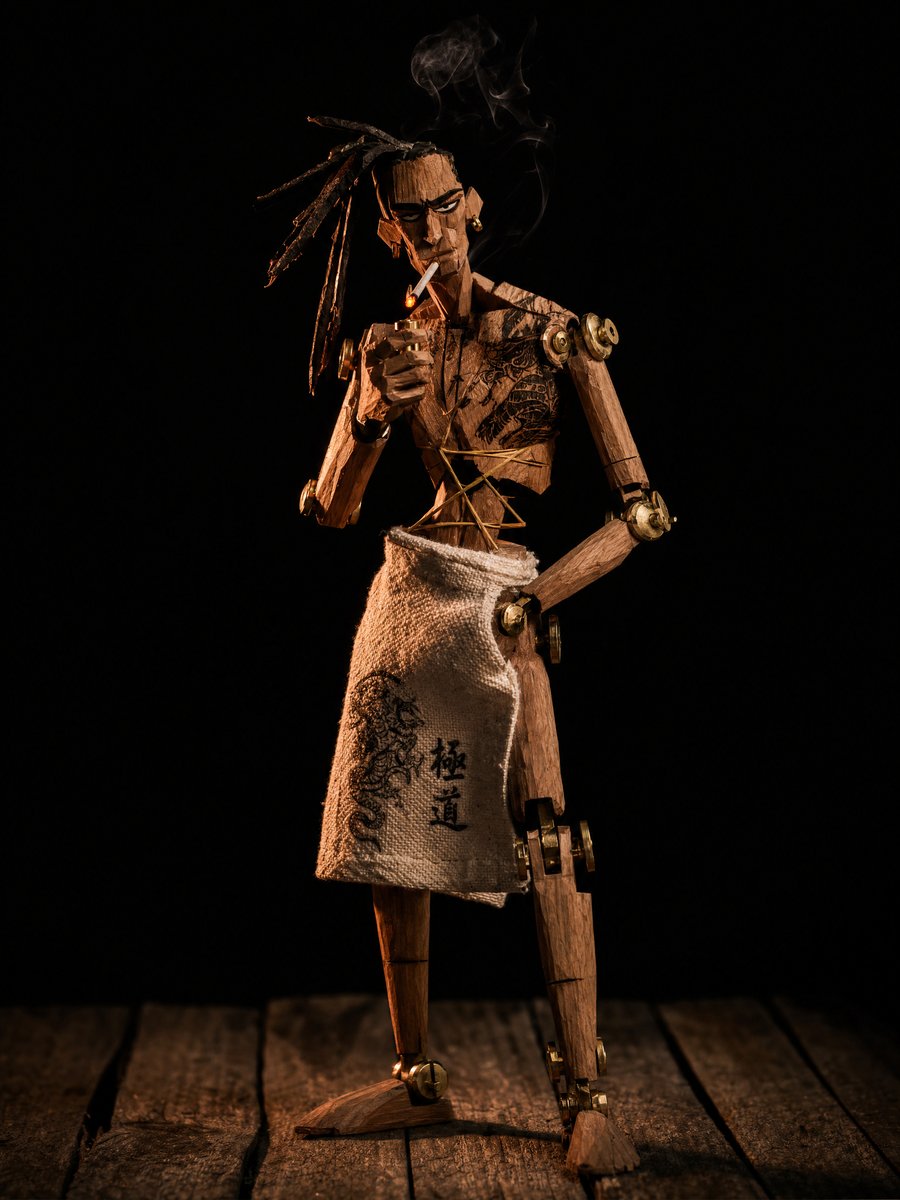
Concept to Stop-Motion Puppet
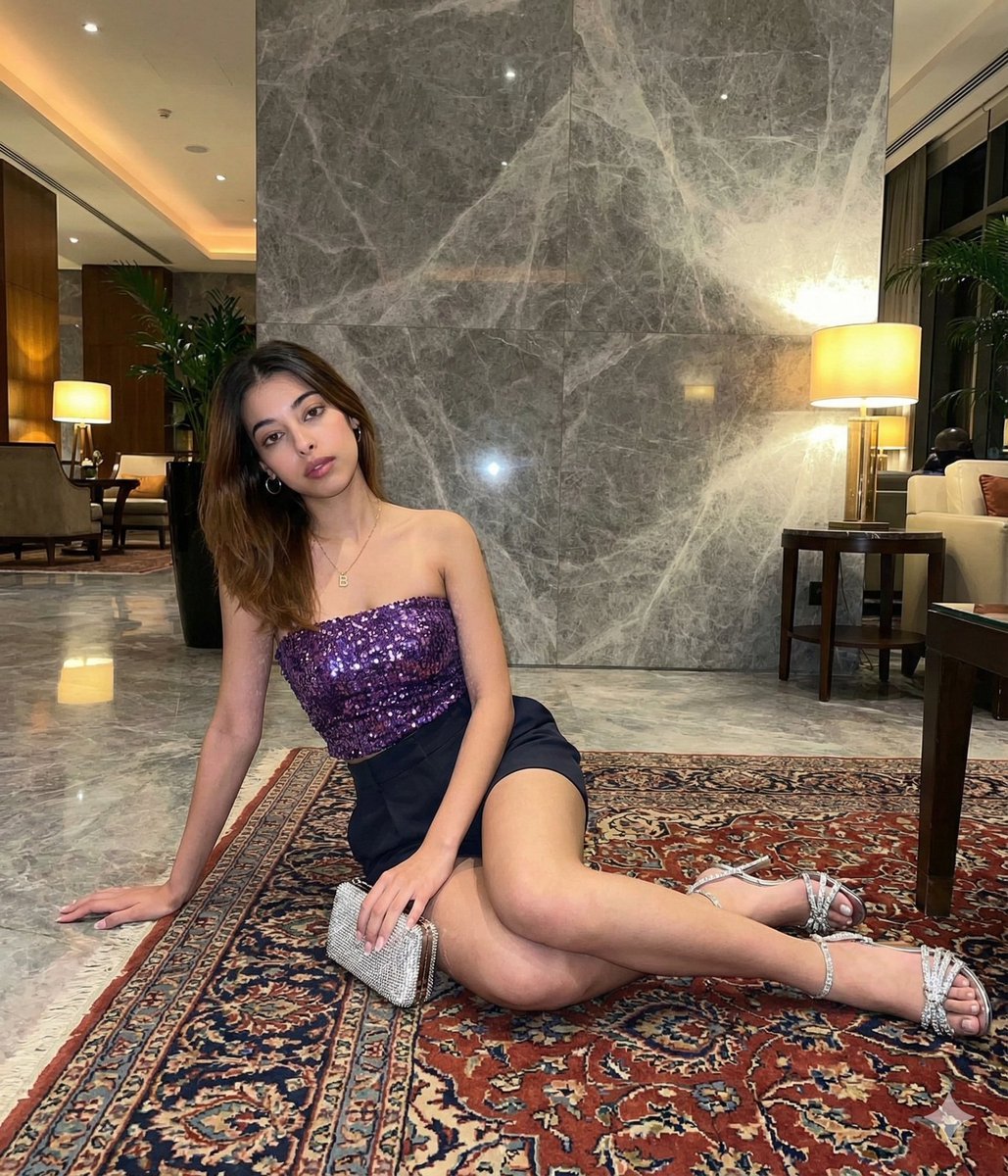
Luxury Hotel Lobby Portrait Prompt

Hyper-Realistic Portrait of a Pouting Oil Painting Artist
Browse template categories
Framed Quilling Anime Girl questions
How do I use the Framed Quilling Anime Girl template?
Add your photo if the template asks for one, edit the prompt if you like — the template's model and format are already selected — and press Generate. Your version opens in PicX Studio.
Can I customize the Framed Quilling Anime Girl template?
Yes. You can change the subject, setting, lighting, mood, format, and available model controls before creating your image.
Is the Framed Quilling Anime Girl template free?
Opening and editing this template is free. Generating uses credits, shown on the Generate button when you are signed in.
Which AI model should I use?
Start with GPT Image 2, which is the model associated with this template. You can compare another compatible model for a different finish.
Looking for something else? Browse all templates.

Your photo, any look
Thousands of ready templates for every top image and video model, from one credit balance.