
Forest Saber Ritual Storyboard Sheet
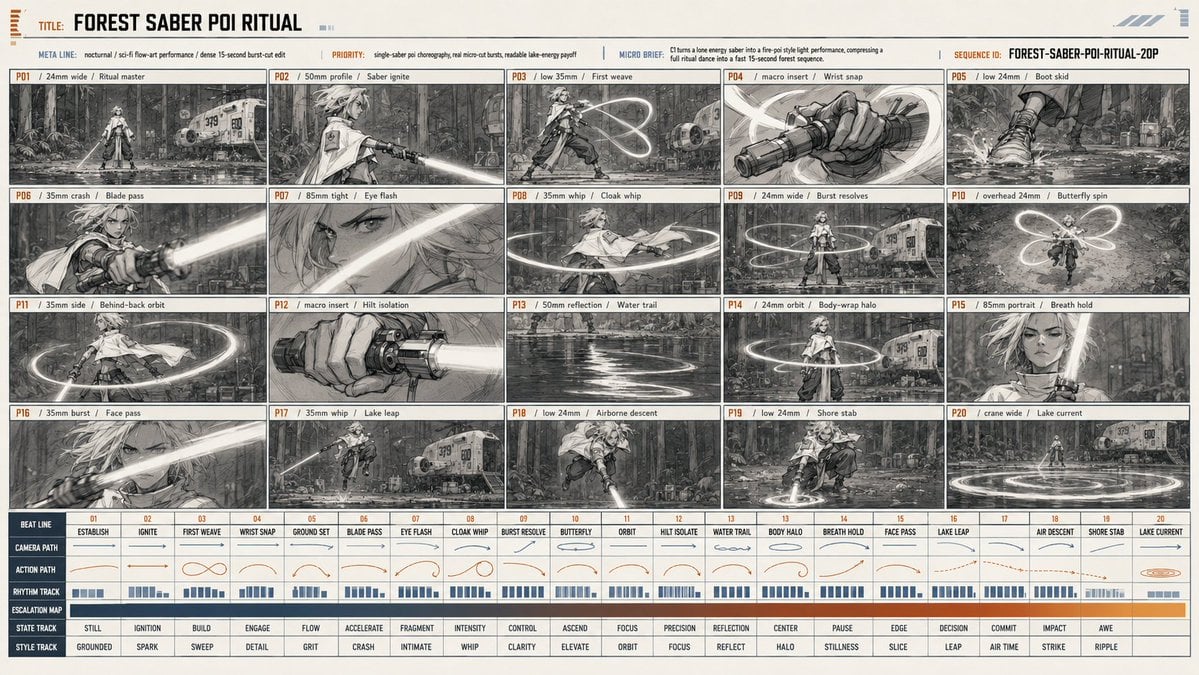
A structured prompt for generating a 20-panel cinematic sci-fi storyboard sheet of a female saber performer in a moonlit forest clearing.
- Prompt included
- Model and format preset
- Free template
The prompt behind this image
Copy the exact prompt behind Forest Saber Ritual Storyboard Sheet, or open it in the studio and make it yours.
Goal: Create a cinematic grayscale storyboard / production animatic sheet for a sci-fi forest lightsaber ritual titled {argument name="title text" default="FOREST SABER POI RITUAL"}, showing a lone female Jedi-like ritual master performing a glowing saber-poi choreography beside a small landed spaceship in a wet nighttime forest. Canvas: Wide horizontal 16:9 production board on warm off-white paper, thin black grid lines, tiny orange and blue technical accents, monochrome pencil-and-ink concept art with bright white saber glow. Use a dense professional previsualization layout, like a film pitch sheet or animation timing board. Header: At the top left include small stacked orange registration marks, then the label “TITLE:” followed by the large bold title. Under it, create a slim metadata row with these labels and values: “META LINE: nocturnal / sci-fi flow-art performance / dense 15-second burst-cut edit”, “PRIORITY: single-saber poi choreography, real micro-cut bursts, readable lake-energy payoff”, “MICRO BRIEF: C turns a lone energy saber into a fire-poi style light performance, compressing a full ritual dance into a fast 15-second forest sequence.” At the top right include “SEQUENCE ID: {argument name="sequence id" default="FOREST-SABER-POI-RITUAL-20P"}”. Main layout: Use exactly 20 storyboard panels arranged in a 5-column by 4-row grid. Each panel has a narrow caption strip along its top edge with an orange panel number from P01 to P20, lens/camera note, and action title. The panels should look hand-drawn, high-detail, cinematic, with consistent character design and environment continuity. Subject details: The performer is {argument name="character description" default="a young female Jedi-like warrior with pale layered hair, a short white cloak, fitted tunic, dark trousers, boots, wrist wraps, utility belt, and a single glowing white energy saber"}. She performs controlled saber-poi arcs, loops, spins, and strikes. The environment is {argument name="environment" default="a damp moonlit forest clearing with shallow reflective water, ferns, tall tree trunks, mist, scattered ritual objects, and a compact rounded spaceship landed in the background"}. Storyboard panels, exactly 20: 1. P01 / 24mm wide / Ritual master: full-body establishing shot, warrior standing in shallow water, saber tip touching the ground, spaceship visible behind her. 2. P02 / 50mm profile / Saber ignite: side profile as she ignites the saber horizontally, cloak trailing. 3. P03 / low 35mm / First weave: wide stance, first figure-eight light trail above and behind her. 4. P04 / macro insert / Wrist snap: close-up of wrapped hands gripping the saber hilt, motion streaks crossing the frame. 5. P05 / low 24mm / Boot skid: close-up of boots sliding through puddled mud and water. 6. P06 / 35mm crash / Blade pass: extreme foreground saber beam slashing across frame, face and forest behind. 7. P07 / 85mm tight / Eye flash: close-up of one intense eye partially hidden by hair, saber reflection crossing the face. 8. P08 / 35mm whip / Cloak whip: spinning body, cloak and saber trail making a horizontal circular arc. 9. P09 / 24mm wide / Burst resolves: centered full-body pose with multiple luminous rings around her, spaceship at right. 10. P10 / overhead 24mm / Butterfly spin: top-down view of figure-eight butterfly light loops around her. 11. P11 / 35mm side / Behind-back orbit: side shot, saber orbiting behind her back in a glowing halo trail. 12. P12 / macro insert / Hilt isolation: close-up of saber hilt and hand, blade blasting out of frame. 13. P13 / 50mm reflection / Water trail: reflective lake surface with serpentine glowing saber trail rippling across water. 14. P14 / 24mm orbit / Body-wrap halo: full-body frontal stance with a bright circular ring wrapping around the waist. 15. P15 / 85mm portrait / Breath hold: emotional portrait, hair floating, forest behind, one rectangular censored/blank gray patch over part of the torso area. 16. P16 / 35mm burst / Face pass: dynamic close-up of face and hair as saber beam streaks diagonally across foreground. 17. P17 / 35mm whip / Lake leap: airborne leap over shallow water with saber extended, ship and forest behind. 18. P18 / low 24mm / Airborne descent: low-angle descending attack, cloak flying, saber pointed downward. 19. P19 / low 24mm / Shore stab: crouched landing stab into wet ground, circular light ripple around blade. 20. P20 / crane wide / Lake current: wide final shot, performer small at center, huge luminous concentric ripples spreading over the lake, spaceship in background. Bottom timing chart: Beneath the panels, create a detailed timeline table spanning all 20 beats. Include left-side row labels: “BEAT LINE”, “CAMERA PATH”, “ACTION PATH”, “RHYTHM TRACK”, “ESCALATION MAP”, “STATE TRACK”, and “STYLE TRACK”. Across the top of the table, number beats 01 through 20 and add the matching action names: Establish, Ignite, First Weave, Wrist Snap, Ground Set, Blade Pass, Eye Flash, Cloak Whip, Burst Resolve, Butterfly, Orbit, Hilt Isolate, Water Trail, Body Halo, Breath Hold, Face Pass, Lake Leap, Air Descent, Shore Stab, Lake Current. Fill the rows with tiny arrows, loop diagrams, blue rhythm bars, and an orange escalation strip rising toward the final beats. Keep all bottom-table text very small but clean and technical. Visual style: high-end grayscale production storyboard, dense crosshatching, ink wash, cinematic manga concept art, realistic sci-fi costume design, glowing white saber trails, subtle sepia paper tone, precise grid composition, thin technical labels, orange panel numbers, blue-gray UI marks. Constraints: Do not add extra panels; the sheet must contain exactly 20 storyboard panels and one bottom timing chart. Keep the image text mostly legible, avoid colorful neon except the white saber glow and restrained orange/blue chart accents, no watermark, no modern Earth logos.
How to use Forest Saber Ritual Storyboard Sheet in 3 steps
- 1Upload ImagePNG, JPG or paste
Add your photo
Upload the photo the template builds on. The prompt, model and format are already set.
- 2…a portrait of your subject in softgolden-hour light, 85mm…
Personalize
Edit the subject and creative details for your destination.
- 3Generate
Generate
Press Generate — your image is created in PicX Studio, so you can compare it with the original and refine one variable at a time.
More like this
Templates with the same subject, style or setup. Open one to see its prompt.
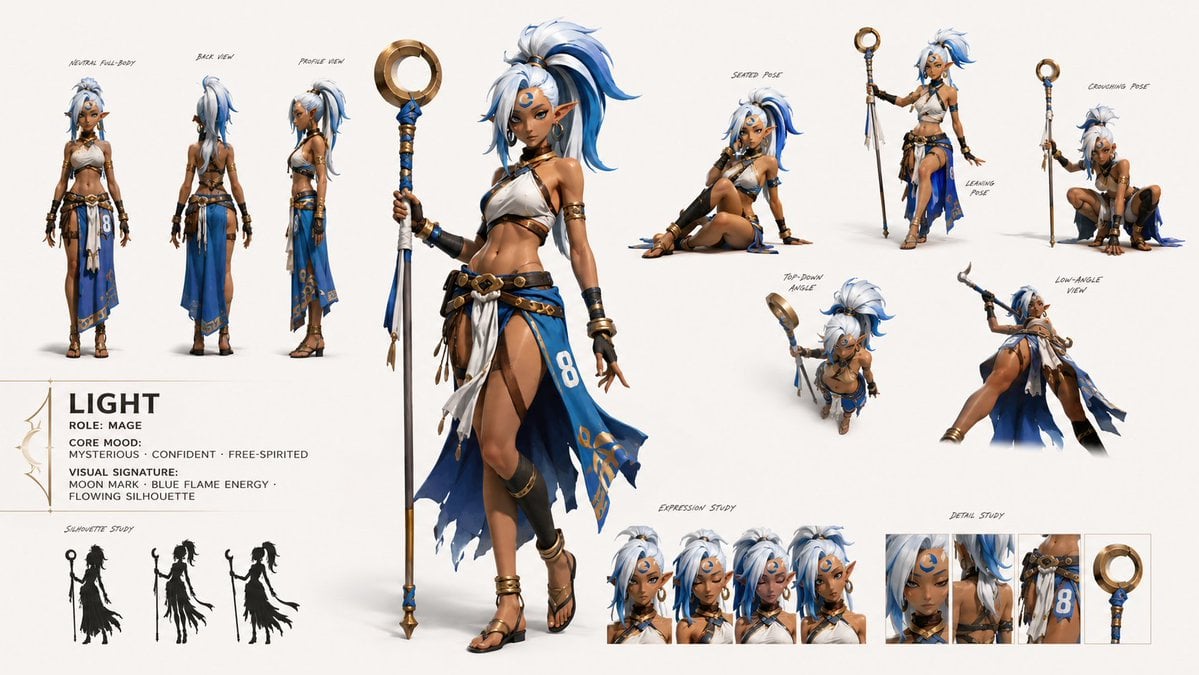
GPT Image 2 Fantasy Forest Ritual Storyboard
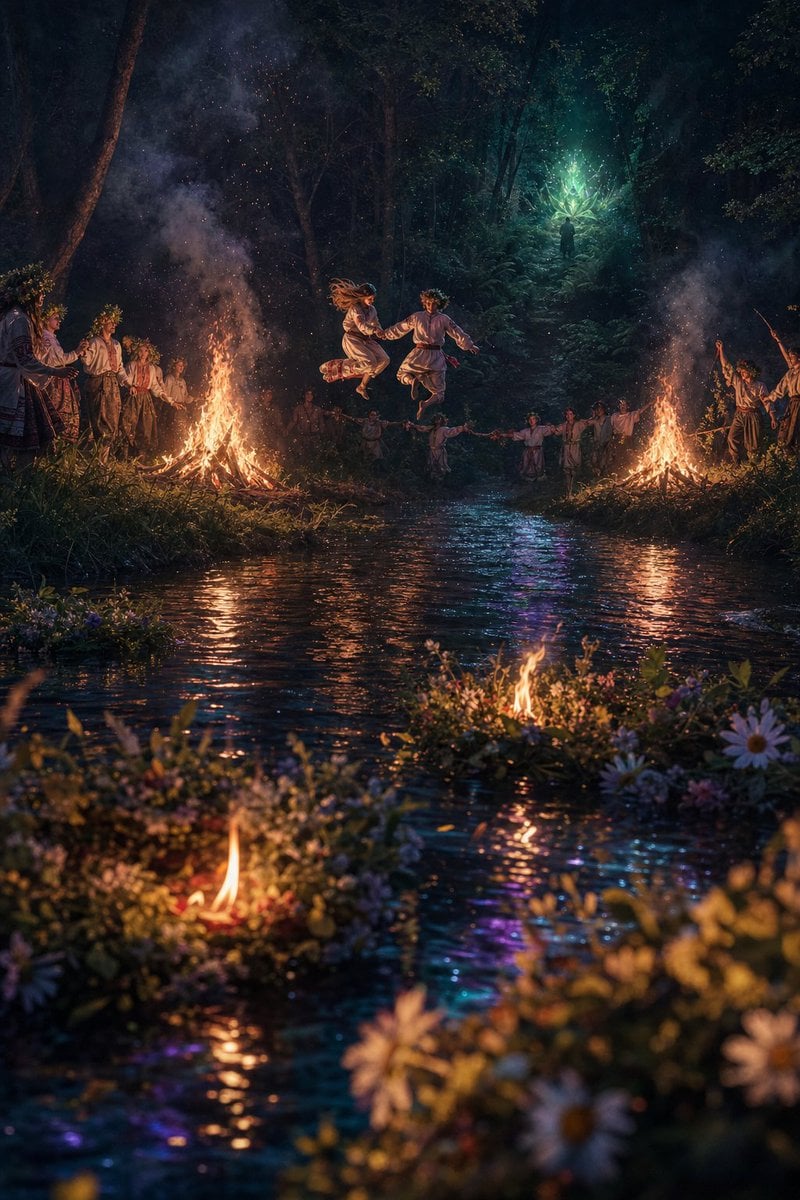
Midsummer Forest Ritual
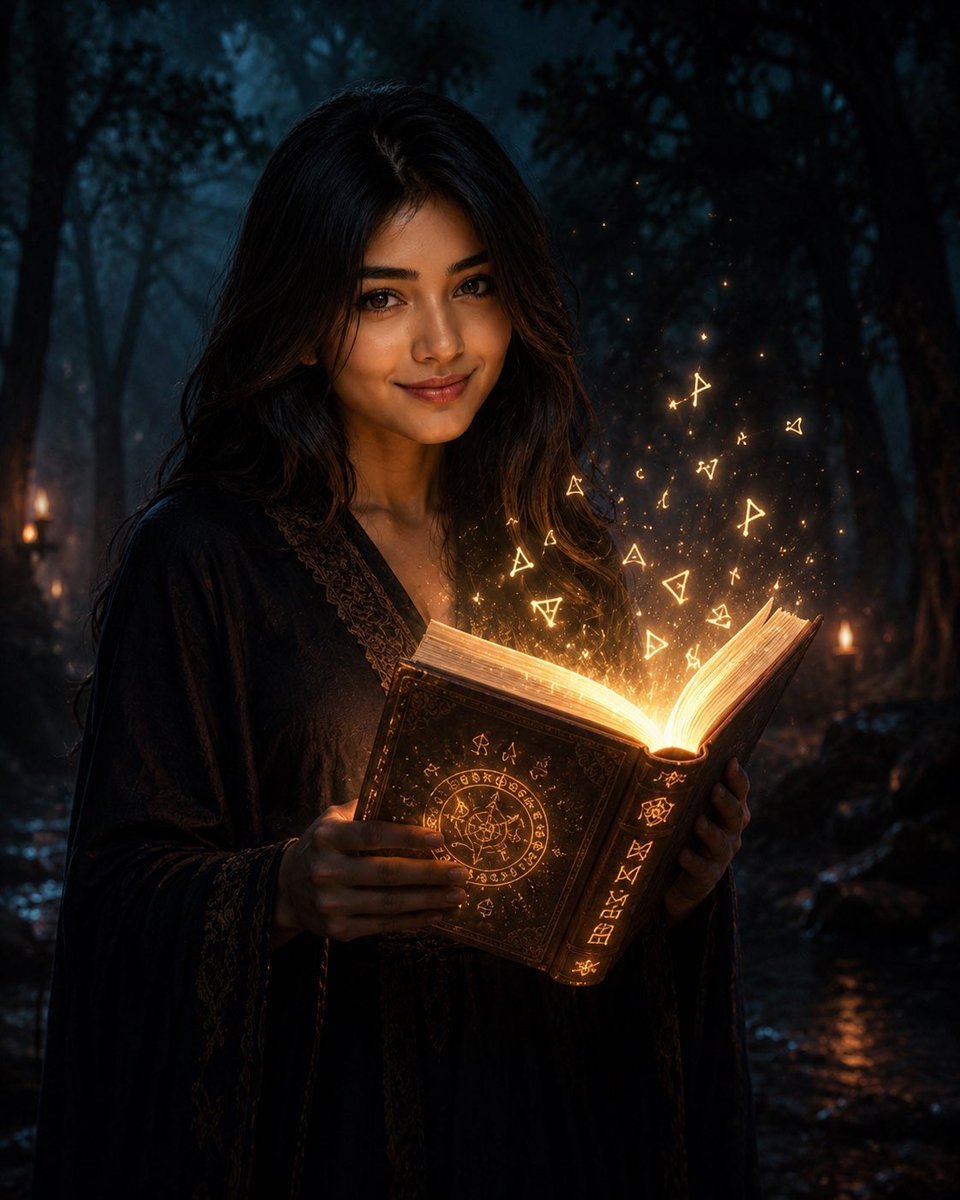
Mysterious Dark Forest Ritual Portrait
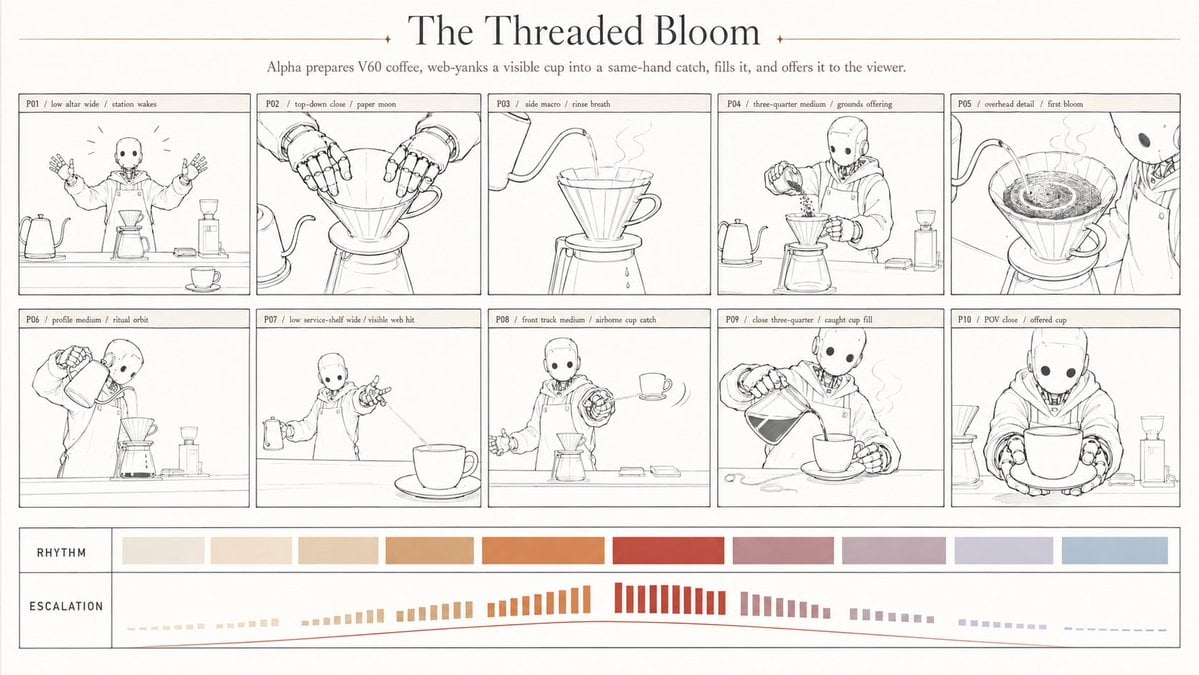
Robotic coffee ritual storyboard
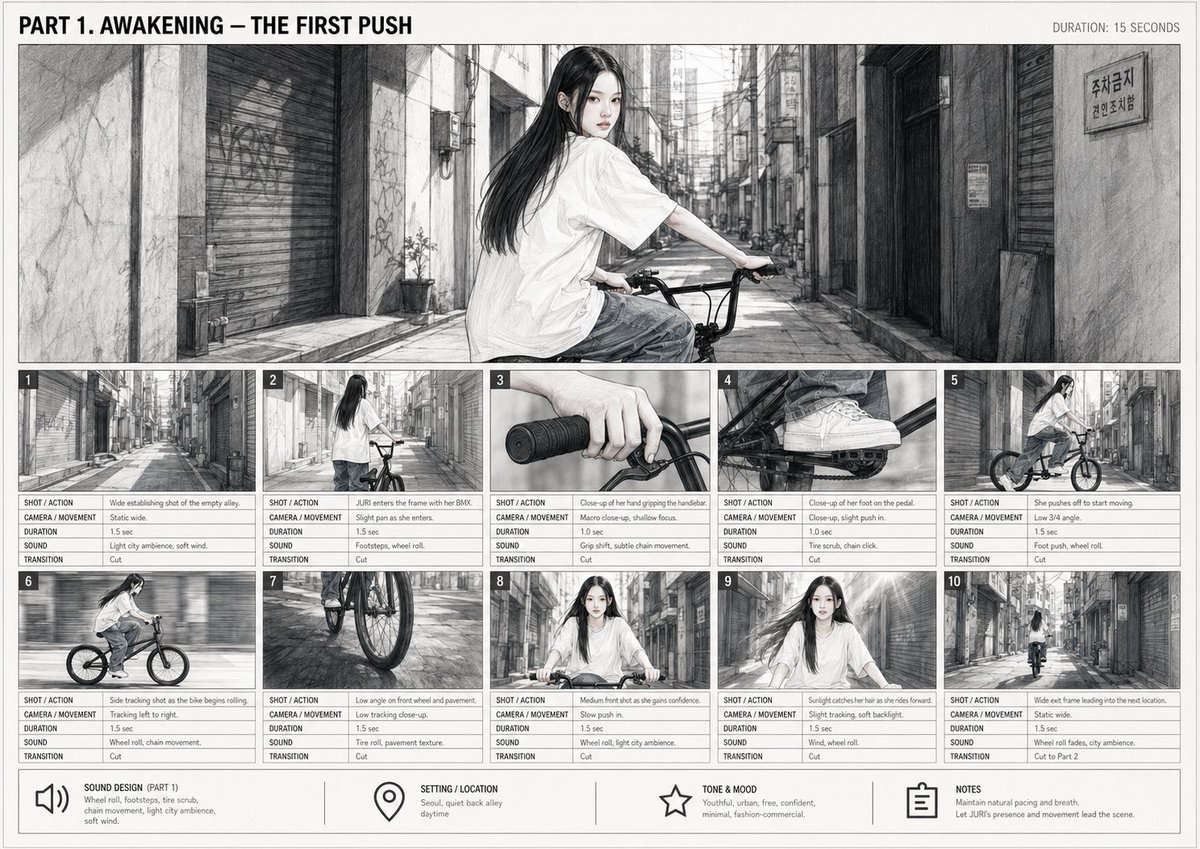
Cinematic BMX Storyboard Sheet
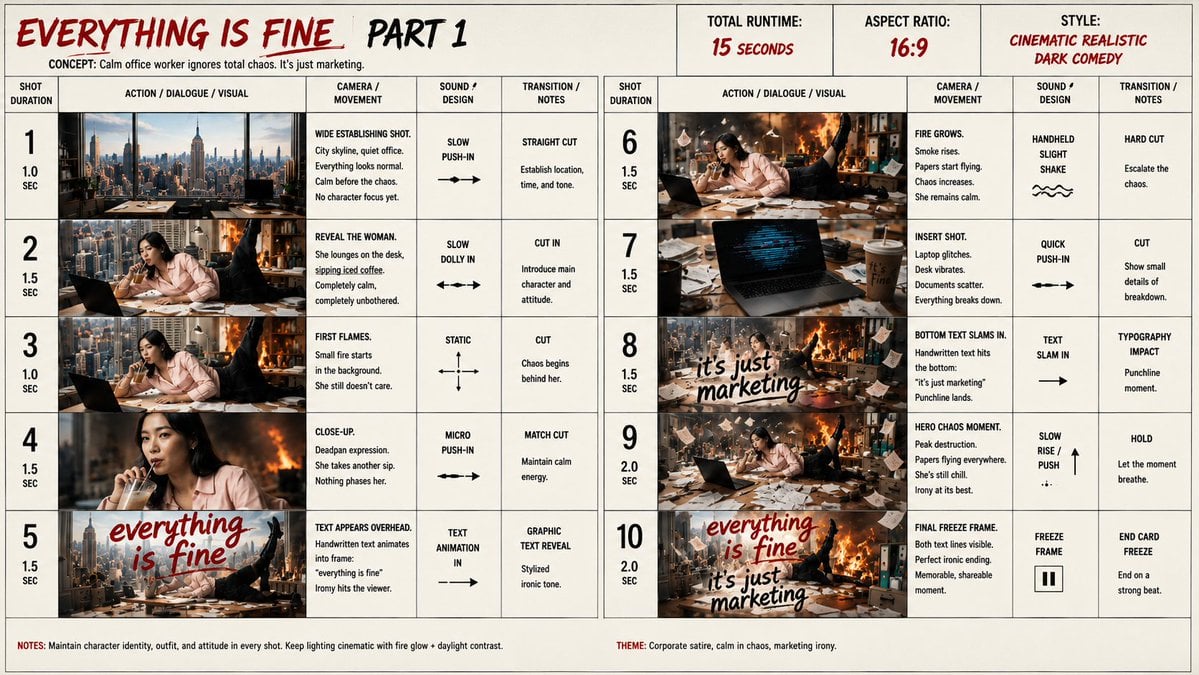
Everything Is Fine Storyboard Sheet

Layered Paper Cut Forest Diorama
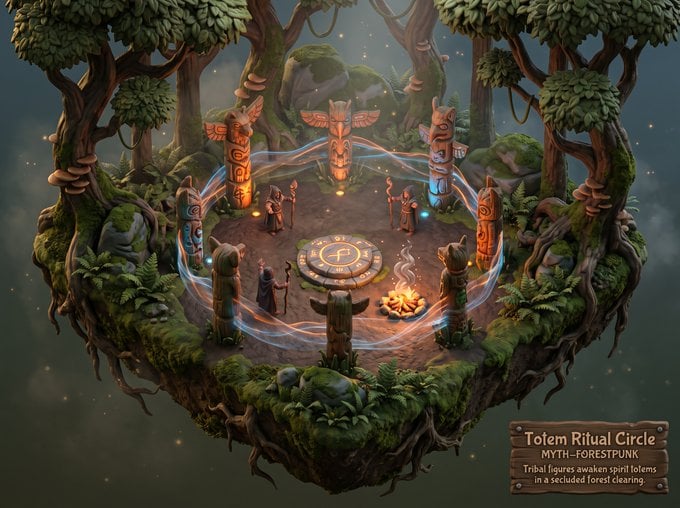
Whimsical Mythpunk Forest Ritual

Headphones Lifestyle Nine Panel Grid

Dancer Character - Four View Reference Sheet

Movement Sheet - Dance Reference (Seedance 2.0)
Seedance - Storyboard to Movie
Make it yours
Forest Saber Ritual Storyboard Sheet works as-is. These are the safest ways to change it without losing the look.
Change one field
Copy a single group, rewrite it, and generate again so you can see what that field is doing.
Keep the frame, change the subject
Hold the composition and light of Forest Saber Ritual Storyboard Sheet, then swap wardrobe, props or the person for a new take.
| If the result… | Why | Fix |
|---|---|---|
| The result drifts from the preview | Too many fields changed at once. | Reuse Forest Saber Ritual Storyboard Sheet as-is first, then change one group — subject, light, or setting. |
| The model over-stylizes the scene | The prose prompt leaves finish and camera underspecified. | Add one camera or lighting sentence and stay on GPT Image 2. |
More GPT Image 2 templates
Other prompts made for GPT Image 2.

Realistic Portrait of Woman and Deer

The Vista Modular Condo Poster

AI Model Routing Comparison Infographic

2.5D Anime Art Board

Isometric Productivity Desk Scene

New York Double Exposure Poster

Four-Panel AI Landscape Comparison

Japanese Tatami Lifestyle Magazine Cover

NESCAFÉ Coffee Map Poster

Brutalist Cogito Chinese Typography Poster
More image prompts
Fresh picks from across the catalog.
Cozy Meditation Scene with Chibi Doodles
Bus Window Film Aesthetic
Surreal Macro Selfie with Doodles
Cinematic Cafe Visual Novel UI

Universal Christmas Filter Prompt Template
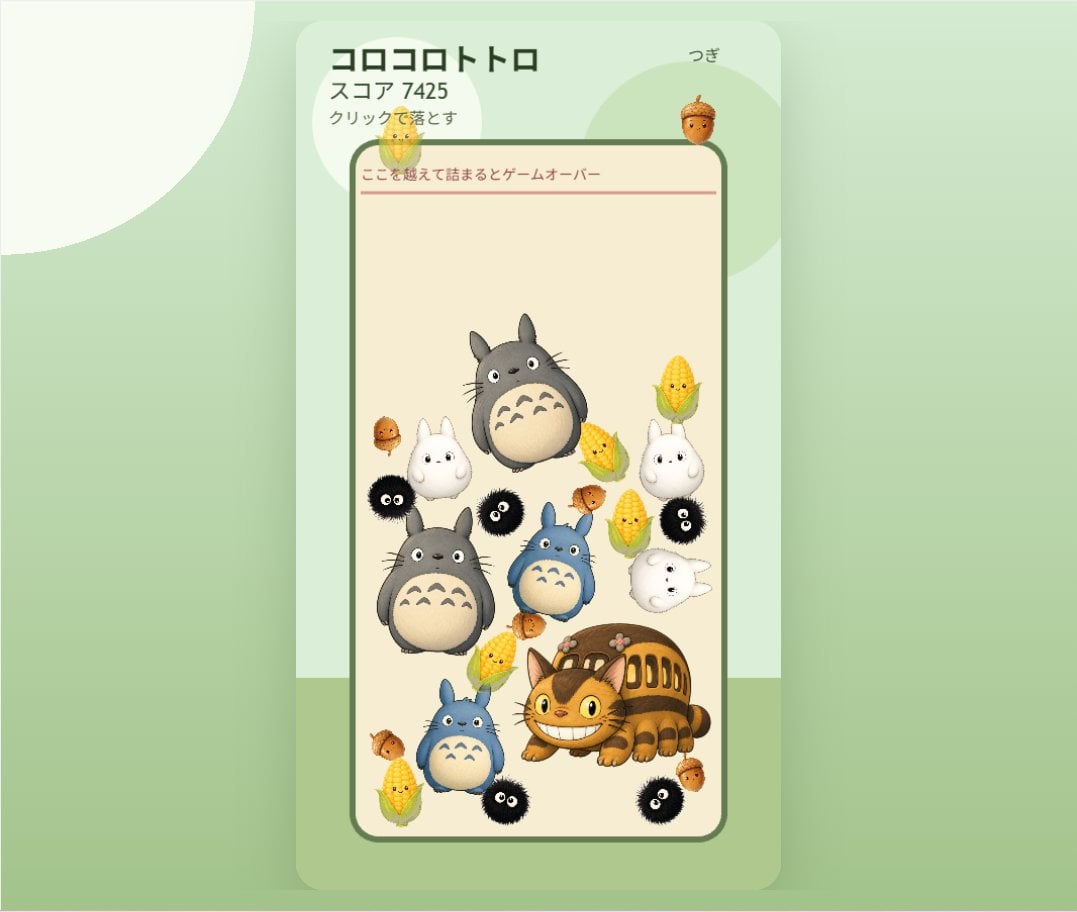
Cute Totoro Puzzle Game UI
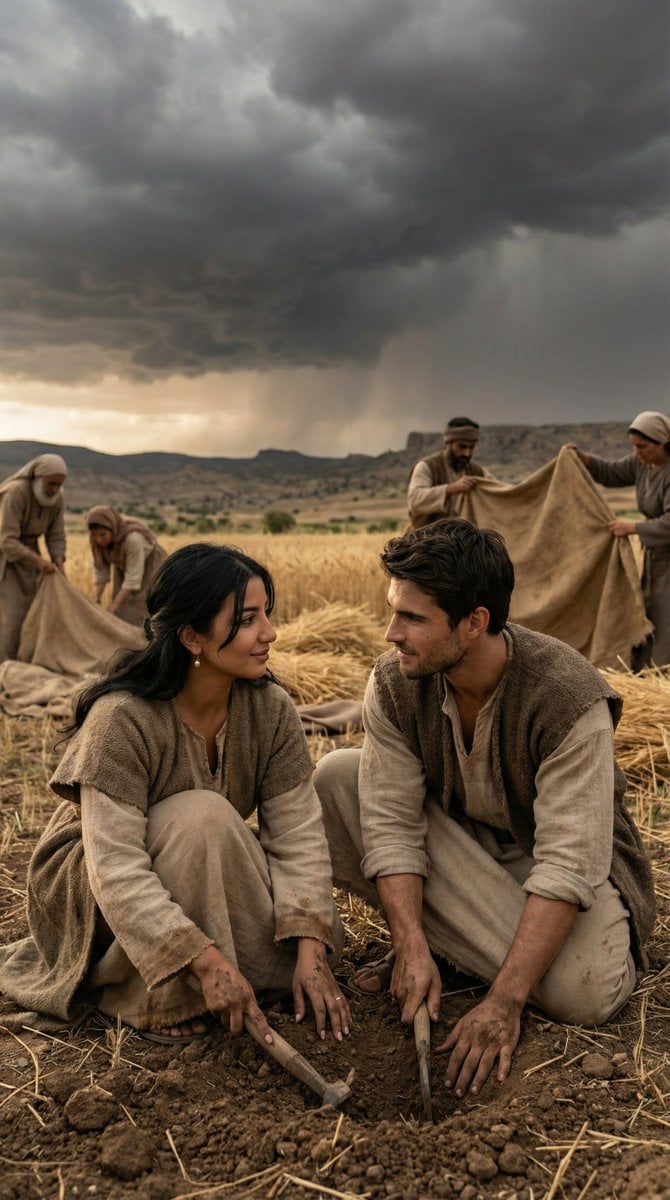
Historical Anatolian Field Editorial
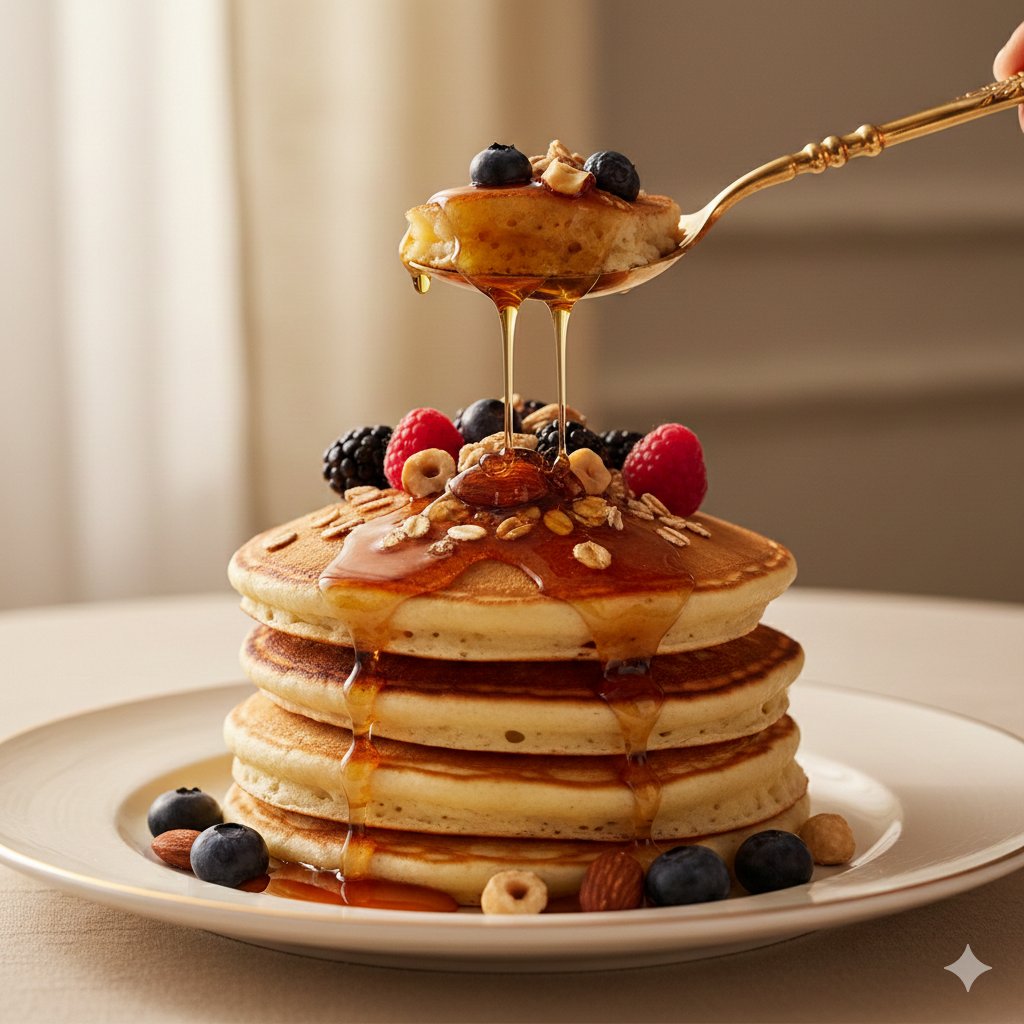
Ultra-Luxury Pancake Commercial Scene
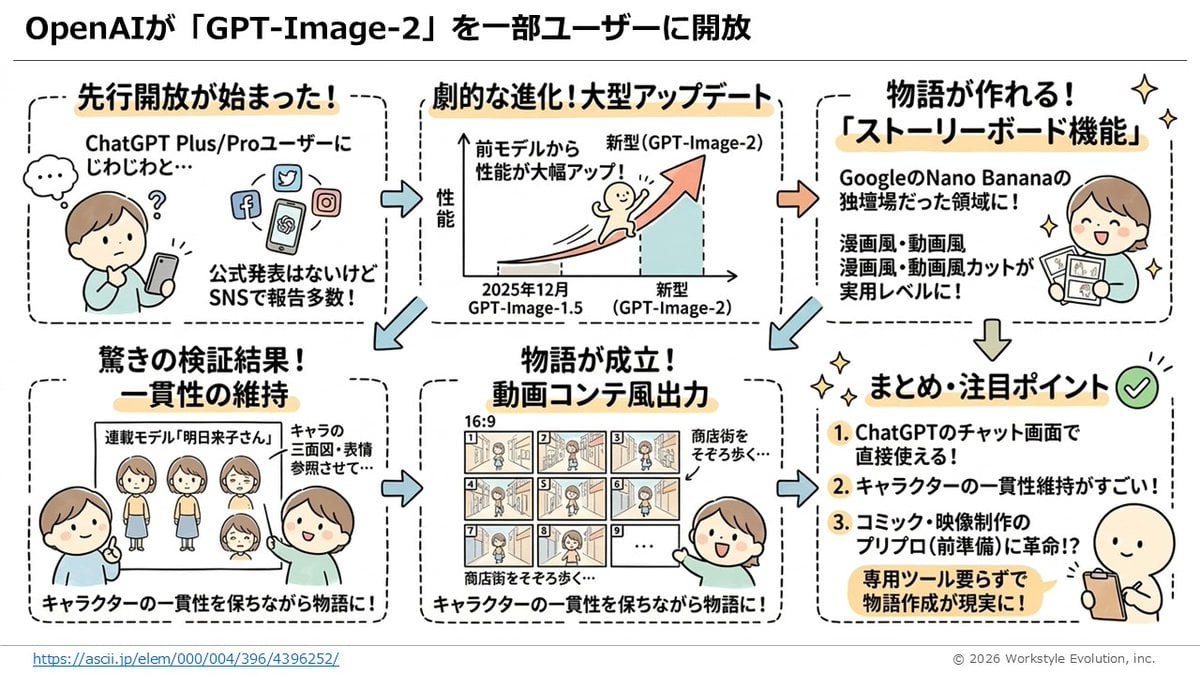
Storyboard Grid Generator
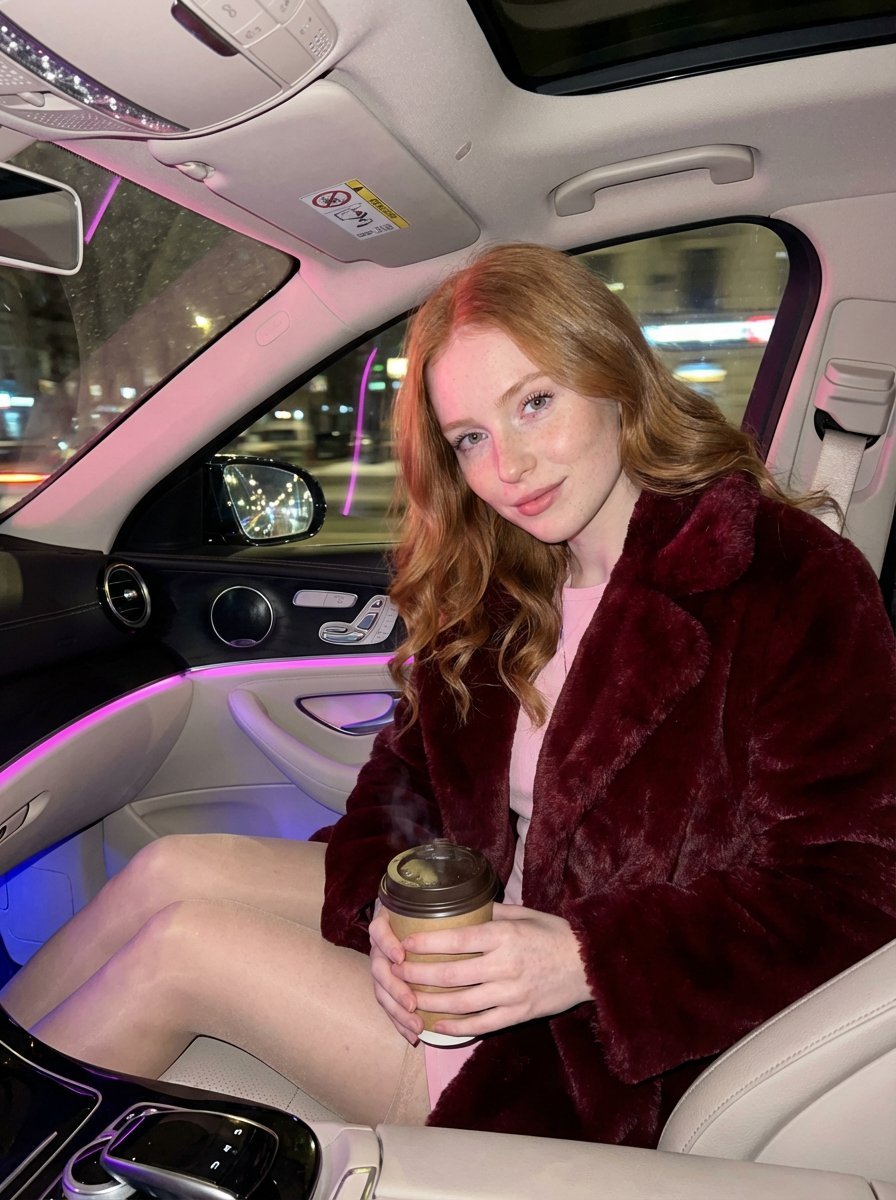
Intimate Luxury Car Interior Portrait
Browse template categories
Forest Saber Ritual Storyboard Sheet questions
How do I use the Forest Saber Ritual Storyboard Sheet template?
Add your photo if the template asks for one, edit the prompt if you like — the template's model and format are already selected — and press Generate. Your version opens in PicX Studio.
Can I customize the Forest Saber Ritual Storyboard Sheet template?
Yes. You can change the subject, setting, lighting, mood, format, and available model controls before creating your image.
Is the Forest Saber Ritual Storyboard Sheet template free?
Opening and editing this template is free. Generating uses credits, shown on the Generate button when you are signed in.
Which AI model should I use?
Start with GPT Image 2, which is the model associated with this template. You can compare another compatible model for a different finish.
Looking for something else? Browse all templates.

Your photo, any look
Thousands of ready templates for every top image and video model, from one credit balance.