
Midsummer Forest Ritual
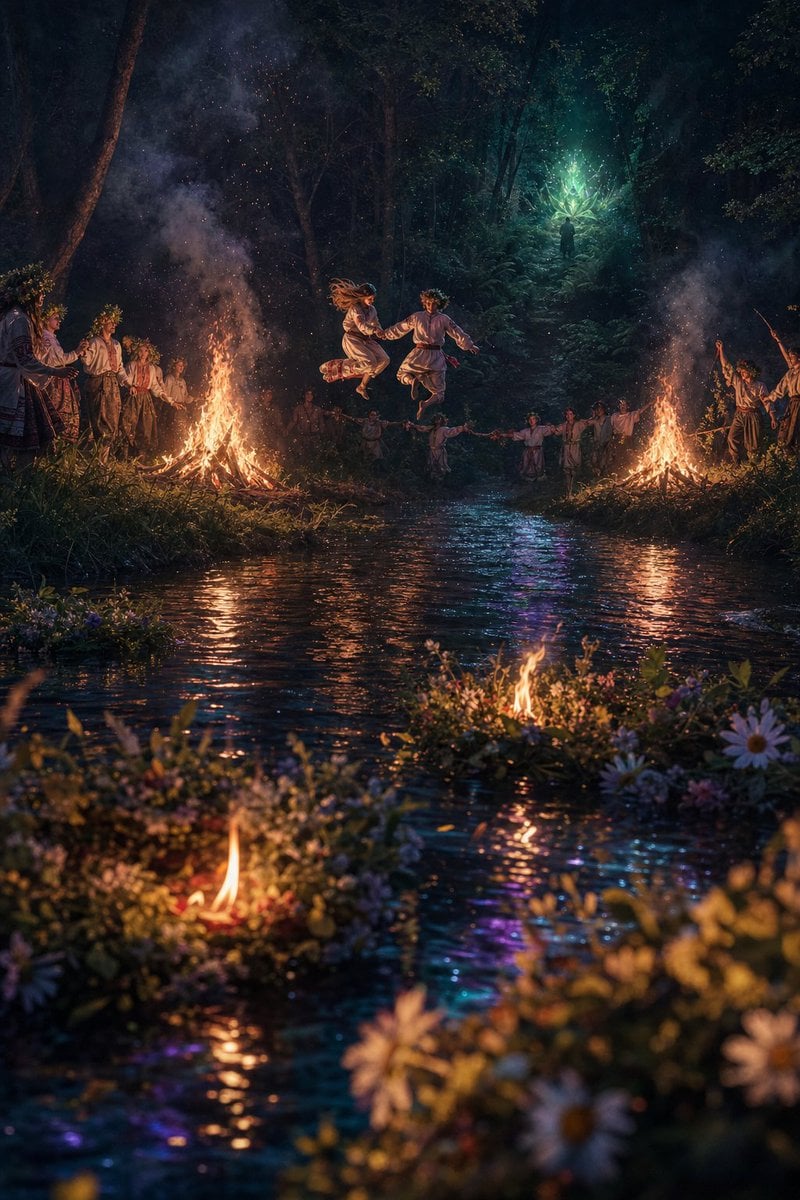
A cinematic fantasy folklore scene showing villagers dancing around bonfires by a reflective forest stream during a magical midsummer night ritual.
- Prompt included
- Model and format preset
- Free template
The prompt behind this image
Copy the exact prompt behind Midsummer Forest Ritual, or open it in the studio and make it yours.
Create a cinematic vertical fantasy-realism scene of an ancient midsummer forest ritual at night beside a dark stream. In the center, show exactly 2 young dancers in simple white folk clothing leaping hand-in-hand above the water between exactly 2 large bonfires, their bodies frozen midair, hair and fabric moving with the jump. Around them, show exactly 18 villagers in rustic Slavic-style linen tunics, skirts, belts, boots, and flower crowns, forming a loose circle on both banks: 5 villagers gathered on the left bank near the left bonfire, 10 villagers holding hands in the dim background across the stream, and 3 villagers on the right bank, one raising an arm or wand-like branch. The setting is a dense, deep green forest with tall dark trees, ferns, moss, and misty smoke rising from the fires. In the far background, place a single mysterious hooded figure standing in a glowing teal-green magical clearing, surrounded by radiant branching light like an enchanted tree or spell. The stream fills the lower half of the composition, reflecting orange firelight, teal magic, purple-blue highlights, and sparks. Add exactly 3 small floating flower-and-candle wreaths on the water in the foreground and midground, each with a tiny flame; surround them with wildflowers, daisies, leaves, and soft bokeh. Use dramatic low-key lighting, warm orange fire against cool blue-green moonlit forest shadows, volumetric smoke, glowing embers, wet reflective water, shallow depth of field in the foreground flowers, painterly photorealistic detail, magical folklore atmosphere, vertical 2:3 composition, no text, no modern objects, no buildings.
How to use Midsummer Forest Ritual in 3 steps
- 1Upload ImagePNG, JPG or paste
Add your photo
Upload the photo the template builds on. The prompt, model and format are already set.
- 2…a portrait of your subject in softgolden-hour light, 85mm…
Personalize
Edit the subject and creative details for your destination.
- 3Generate
Generate
Press Generate — your image is created in PicX Studio, so you can compare it with the original and refine one variable at a time.
More like this
Templates with the same subject, style or setup. Open one to see its prompt.

Layered Paper Cut Forest Diorama
Mysterious Dark Forest Ritual Portrait
Whimsical Mythpunk Forest Ritual
GPT Image 2 Fantasy Forest Ritual Storyboard
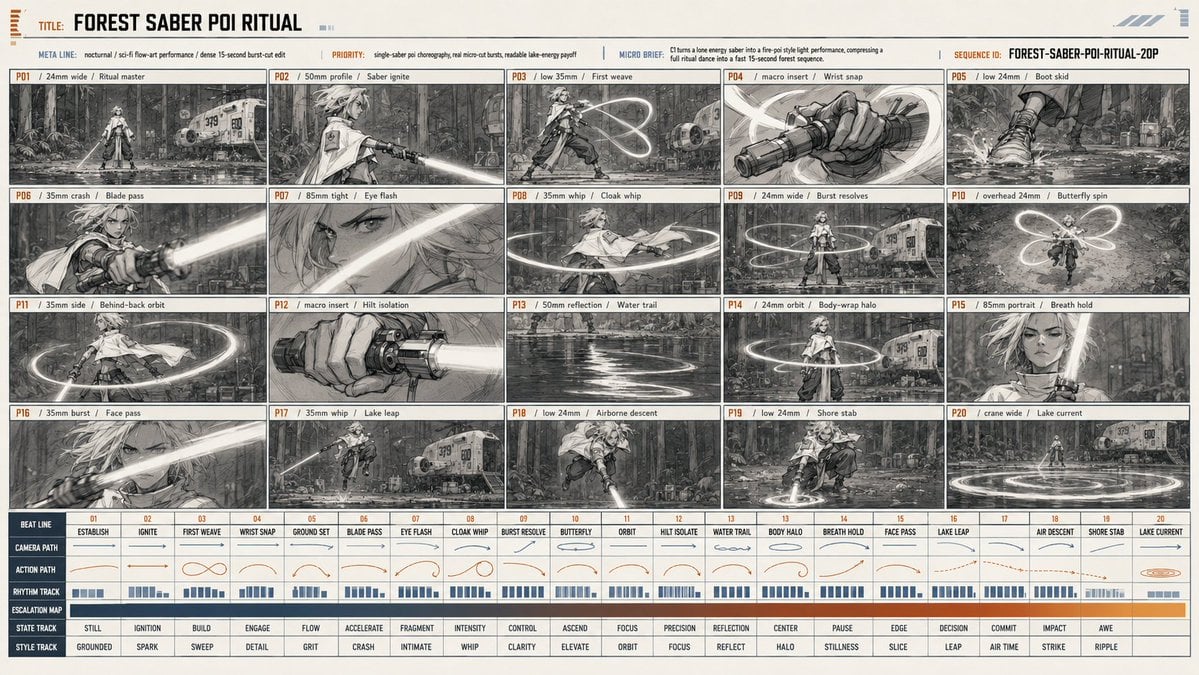
Forest Saber Ritual Storyboard Sheet
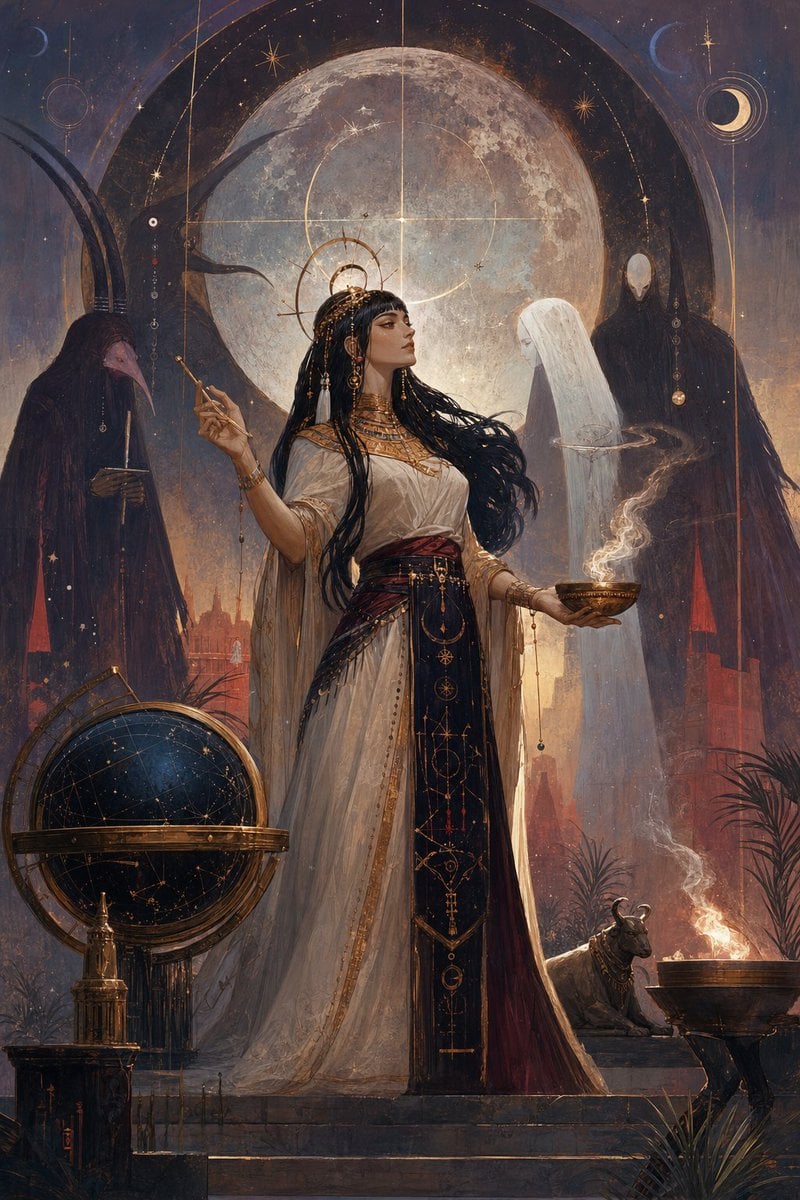
Egyptian Moon Priestess Ritual
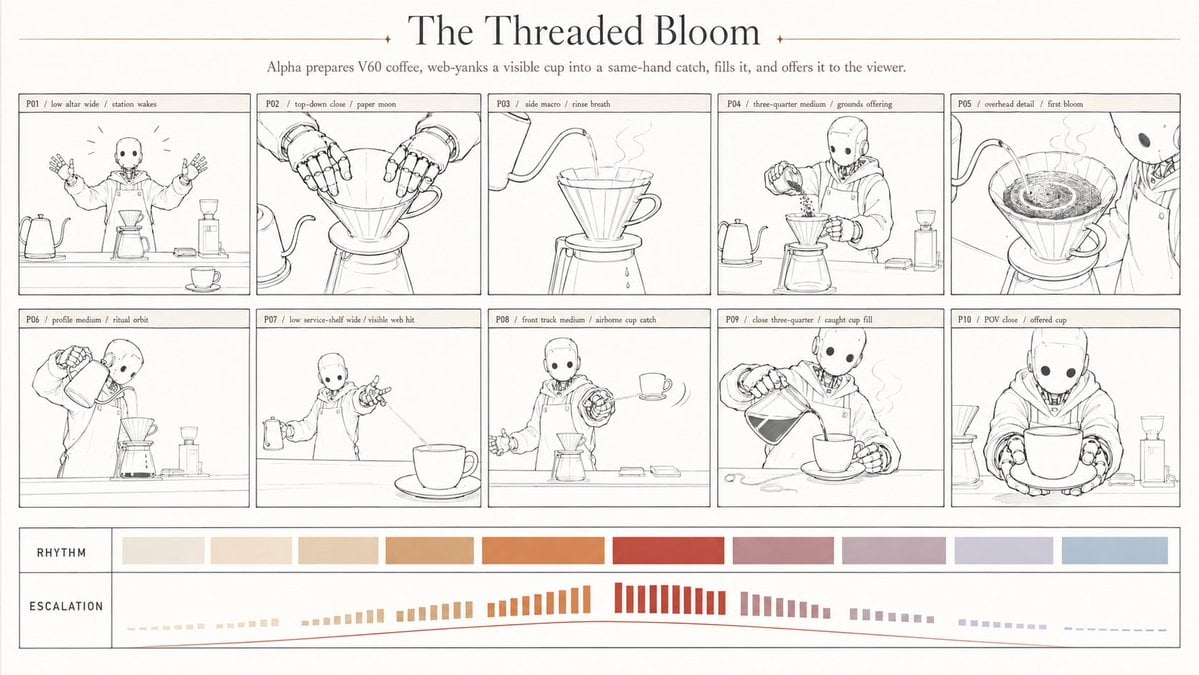
Robotic coffee ritual storyboard
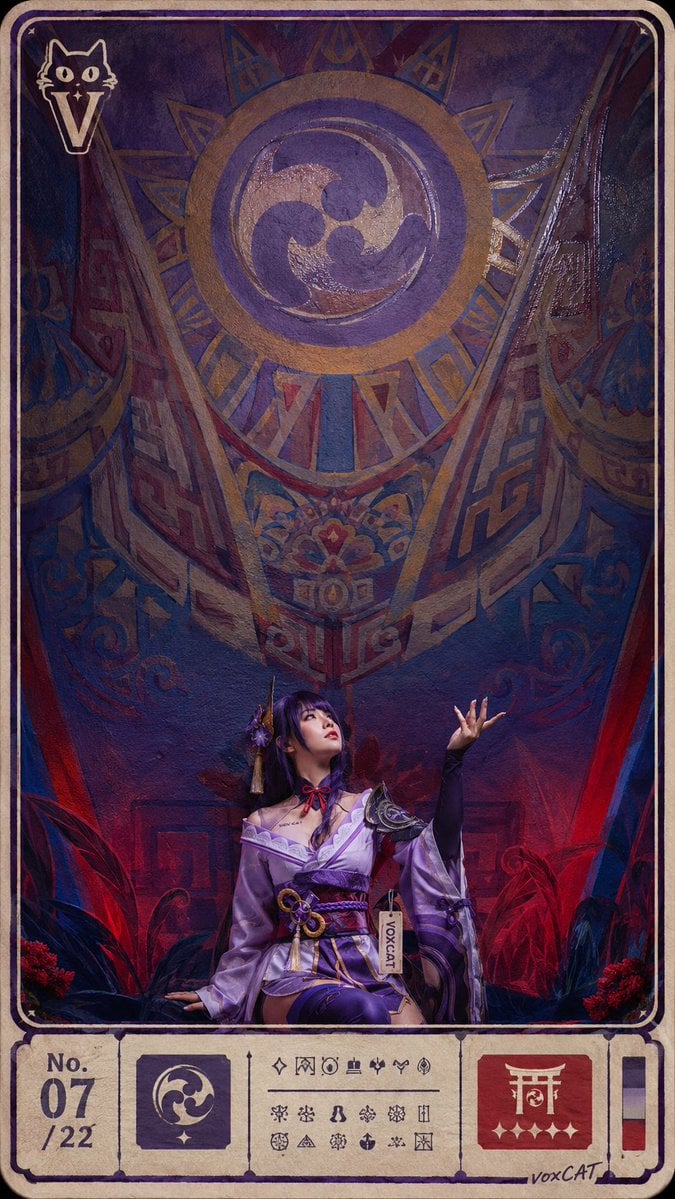
Ritual Postcard Portrait Composition
Crimson Dark Sorceress Ritual
Emerald Dark Sorceress Ritual
Dark Gothic Ritual in Cathedral
Dark Ritual Dancer Concept Board
Make it yours
Midsummer Forest Ritual works as-is. These are the safest ways to change it without losing the look.
Change one field
Copy a single group, rewrite it, and generate again so you can see what that field is doing.
Keep the frame, change the subject
Hold the composition and light of Midsummer Forest Ritual, then swap wardrobe, props or the person for a new take.
| If the result… | Why | Fix |
|---|---|---|
| The result drifts from the preview | Too many fields changed at once. | Reuse Midsummer Forest Ritual as-is first, then change one group — subject, light, or setting. |
| The model over-stylizes the scene | The prose prompt leaves finish and camera underspecified. | Add one camera or lighting sentence and stay on GPT Image 2. |
More GPT Image 2 templates
Other prompts made for GPT Image 2.

Six VTuber Japanese Logo Sheet

Realistic Portrait of Woman and Deer

The Vista Modular Condo Poster

AI Model Routing Comparison Infographic

2.5D Anime Art Board

Isometric Productivity Desk Scene

New York Double Exposure Poster

Four-Panel AI Landscape Comparison

Japanese Tatami Lifestyle Magazine Cover

NESCAFÉ Coffee Map Poster
More image prompts
Fresh picks from across the catalog.

2025 Aesthetic Photography
Cozy Lifestyle Photography Prompt for Nano Banana Pro
Gothic Girl at Rainy Window
Golden Fried Rice Storyboard Sheet
Aspect Ratio Change and Outpainting Prompt
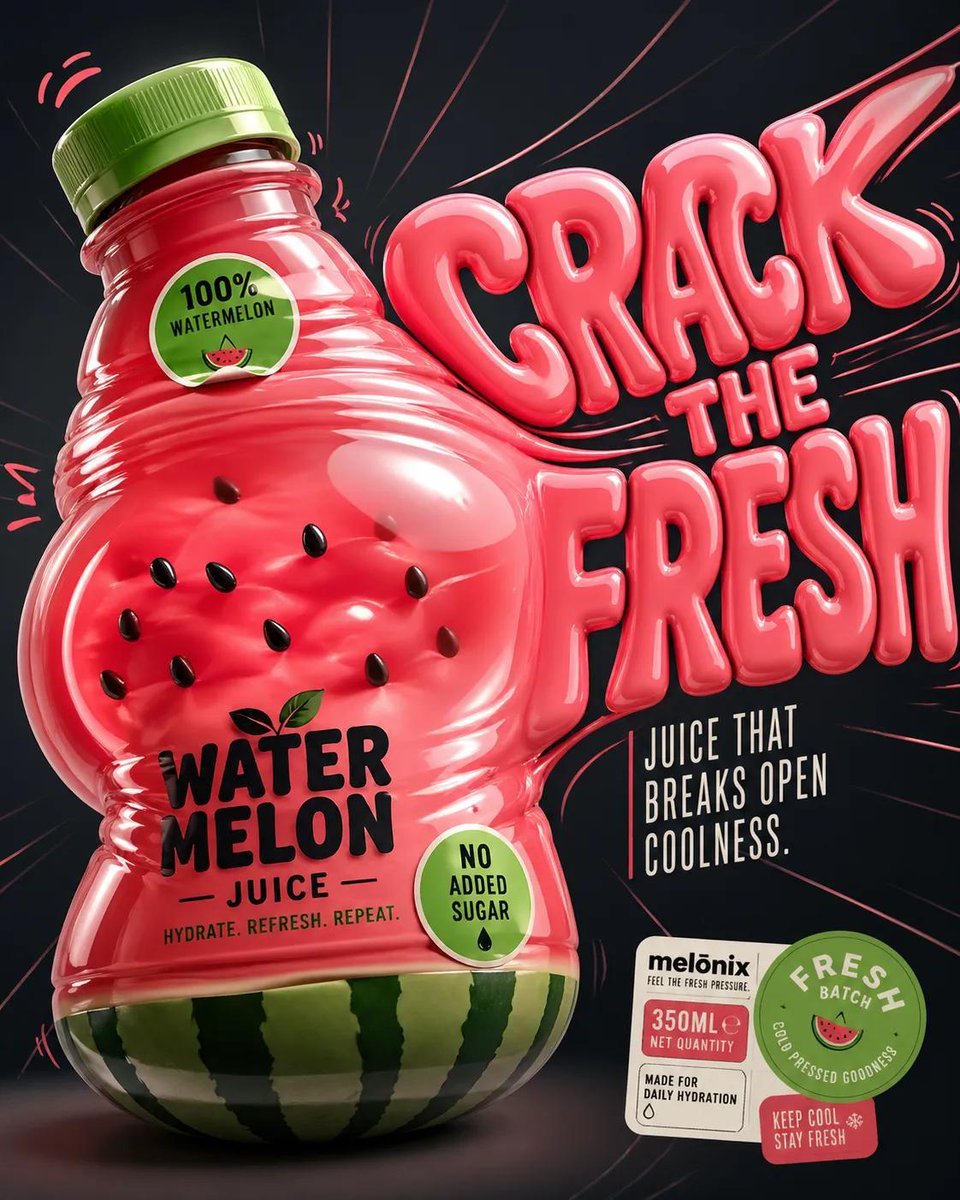
Inflatable Surreal Product Poster
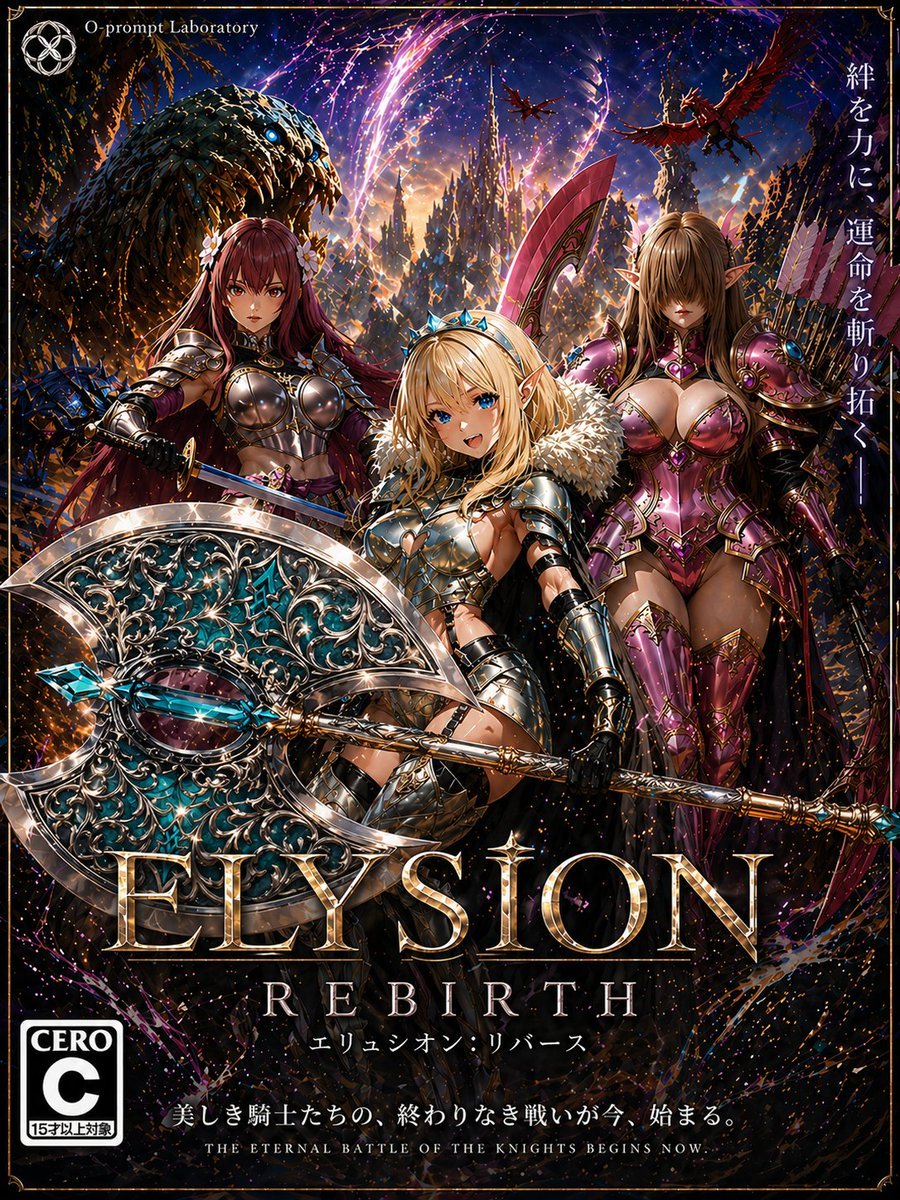
Fantasy RPG Game Cover with Three Knight Women
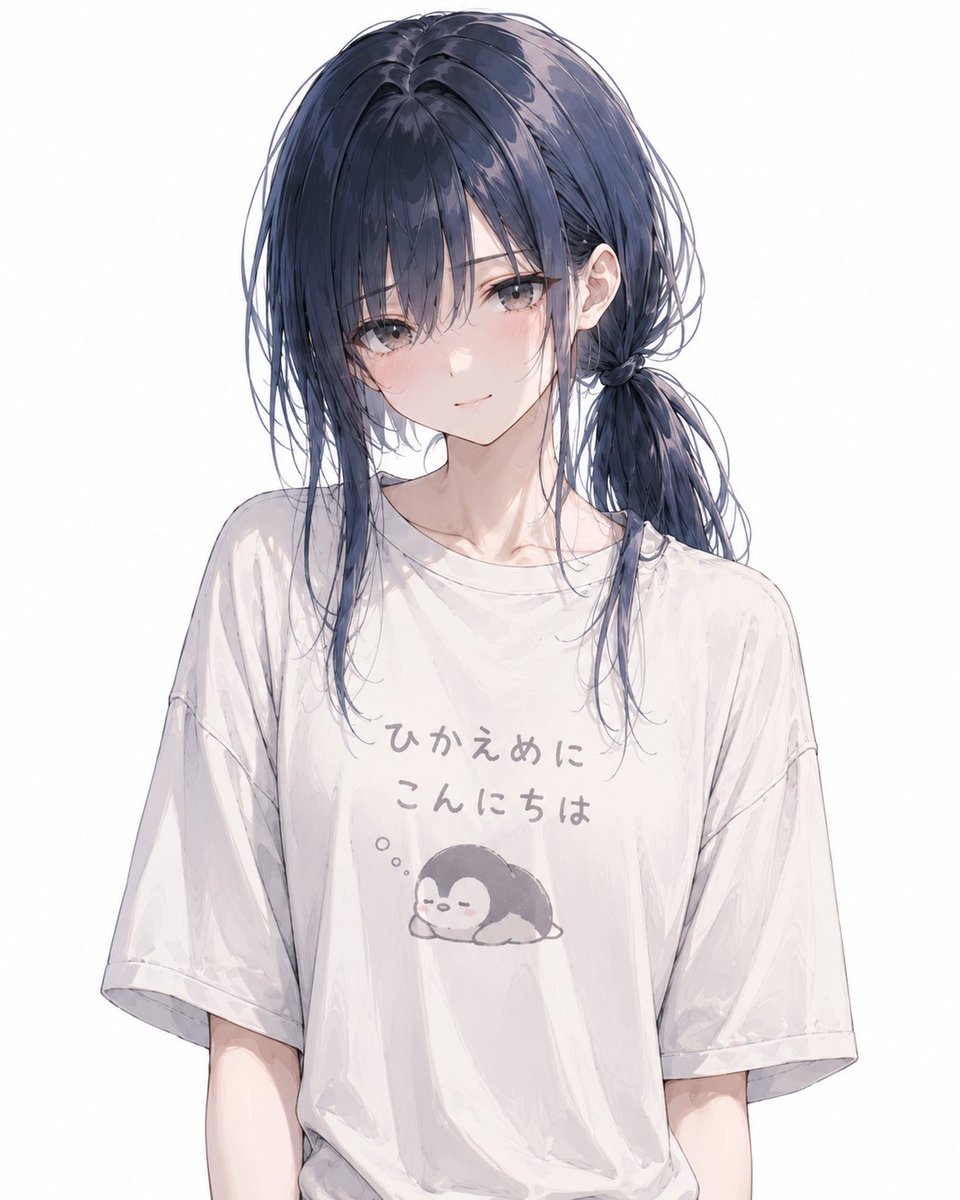
Anime Character Custom T-Shirt Design
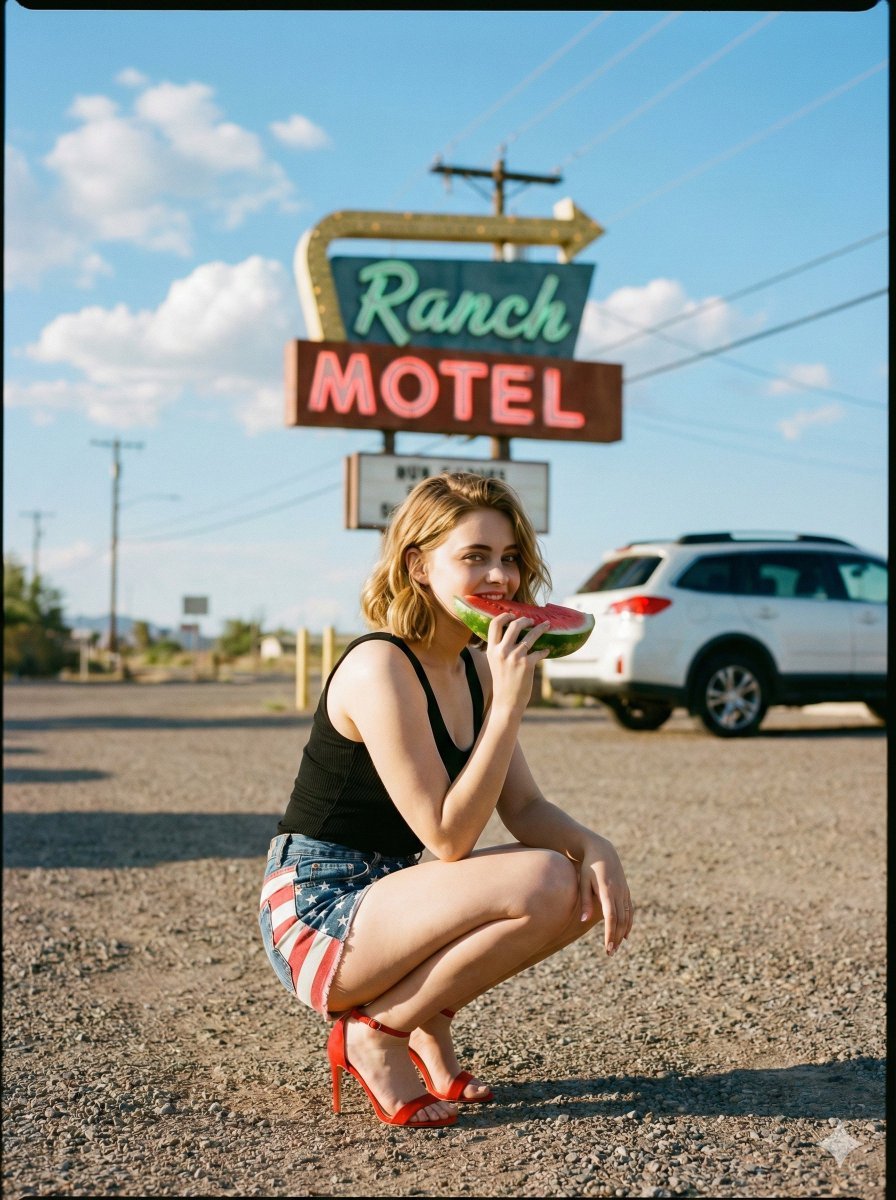
Americana Road Trip Editorial Fashion Prompt
Language Translation and Layout Modification
Browse template categories
Midsummer Forest Ritual questions
How do I use the Midsummer Forest Ritual template?
Add your photo if the template asks for one, edit the prompt if you like — the template's model and format are already selected — and press Generate. Your version opens in PicX Studio.
Can I customize the Midsummer Forest Ritual template?
Yes. You can change the subject, setting, lighting, mood, format, and available model controls before creating your image.
Is the Midsummer Forest Ritual template free?
Opening and editing this template is free. Generating uses credits, shown on the Generate button when you are signed in.
Which AI model should I use?
Start with GPT Image 2, which is the model associated with this template. You can compare another compatible model for a different finish.
Looking for something else? Browse all templates.

Your photo, any look
Thousands of ready templates for every top image and video model, from one credit balance.