
Ritual Postcard Portrait Composition
A stylized prompt for a postcard-like composition where a character gazes into a vast upper space filled with artistic textures and cultural mural patterns.
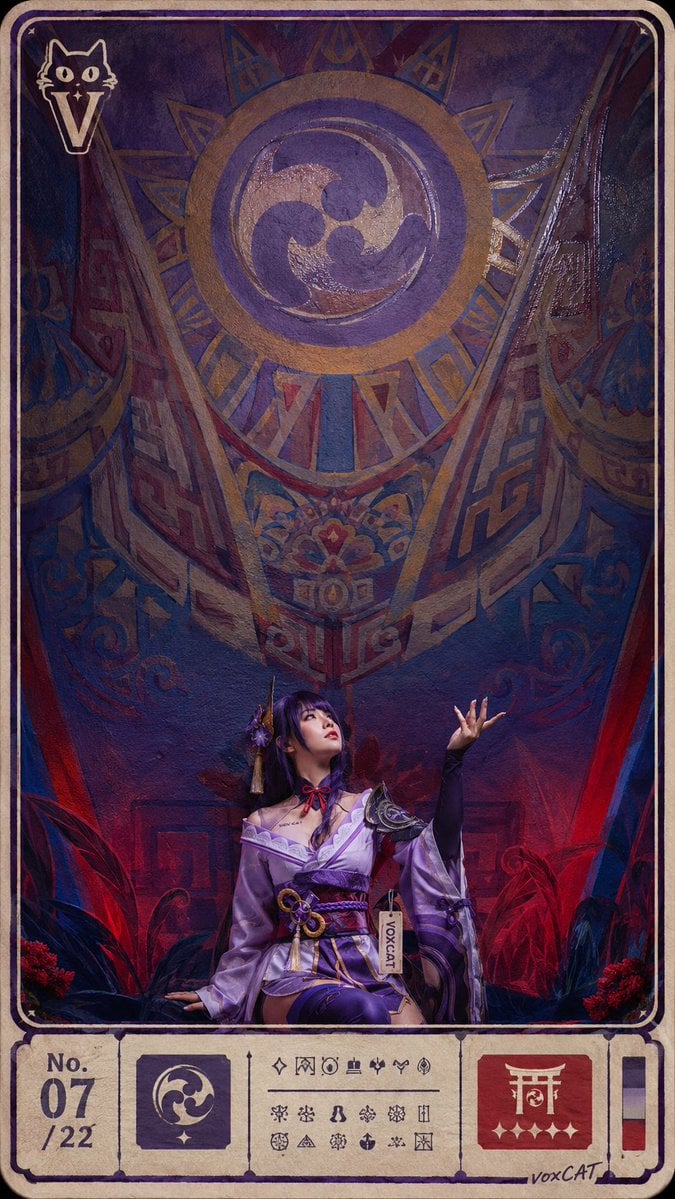
- Prompt included
- Model and format preset
- Free template
The prompt behind this image
Copy the exact prompt behind Ritual Postcard Portrait Composition, or open it in the studio and make it yours.
{argument name="角色类型" default="原创成年女性coser"}位于画面底部,仰望上方巨大留空,构图强调底部人物与高处空白之间的张力。画面吸收{argument name="艺术风格" default="墨西哥壁画人物肖像"}的公共墙面尺度、民俗符号、强色块、仪式性图案和手工绘制感,同时叠加{argument name="灯光氛围" default="夜店红蓝混合光"},红蓝边缘光和电子色偏只作为空间氛围。整体像一组可收藏明信片套组中的主卡,带固定尺寸边框、编号区、票据式信息块和不可读说明图标。局部有 UV 上光印刷质感,油墨厚度、套印误差和纸张纤维可见。人物脸部清楚,手部自然准确,手指数量正确,比例正常,画面干净清晰。左上角有小型 stylized V + 猫元素 logo,右下角有 voxCAT 签名,服装带 VOXCAT 吊牌,角色身上可有低调 VOX CAT 纹身;画面仅保留指定品牌文字,其余信息以不可读符号、票据块和伪说明图标呈现,比例 9:16。
How to use Ritual Postcard Portrait Composition in 3 steps
- 1
Open
The prompt is already in the box next to the preview, with the template's model and format selected.
- 2…a portrait of your subject in softgolden-hour light, 85mm…
Personalize
Edit the subject and creative details for your destination.
- 3Generate
Generate
Press Generate — your image is created in PicX Studio, so you can compare it with the original and refine one variable at a time.
More like this
Templates with the same subject, style or setup. Open one to see its prompt.

Found Photograph: Us, 1970

80s Couple Studio Portrait

80s Bollywood Star

80s Golden Hour Cinema

Me in 1985

1985 Studio Portrait
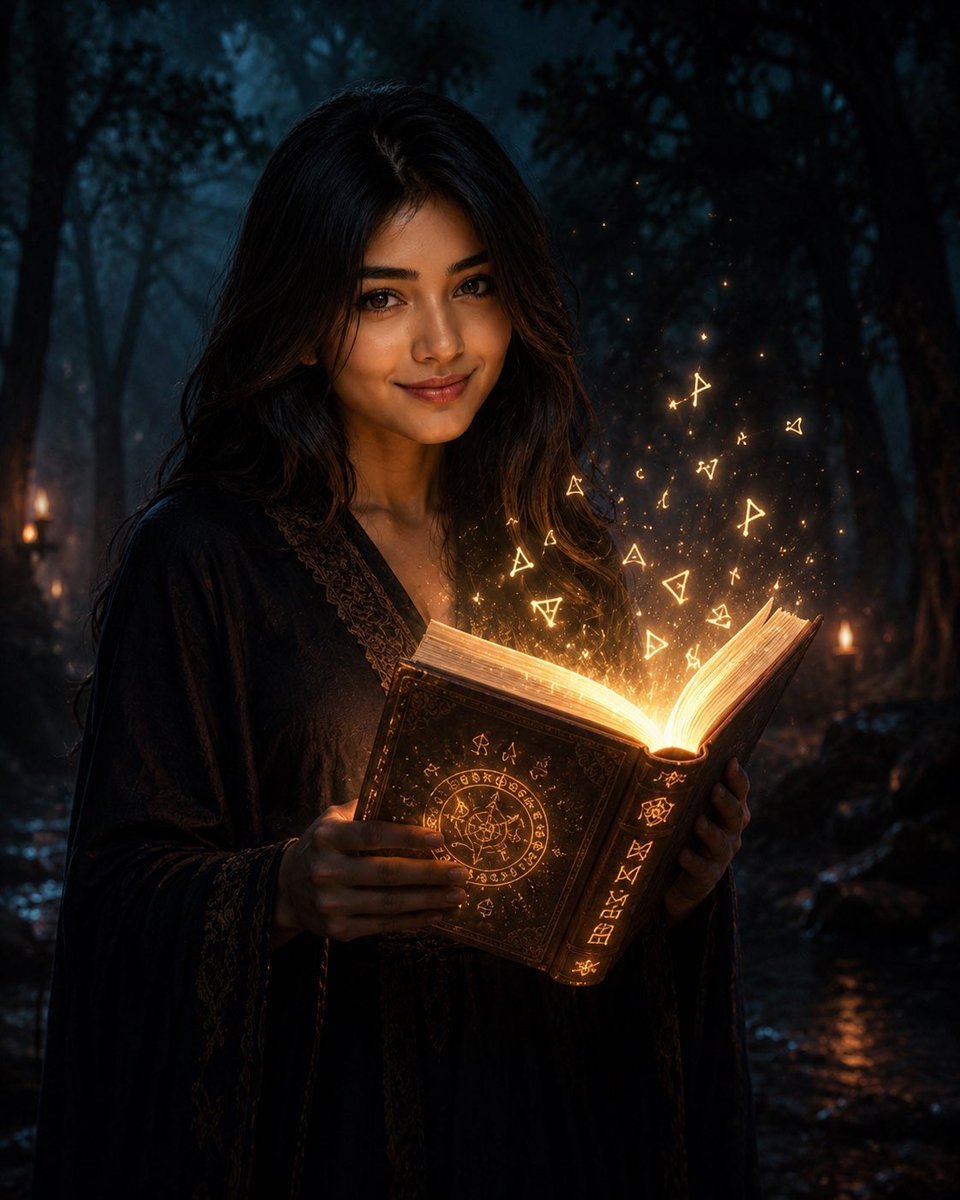
Mysterious Dark Forest Ritual Portrait

Hyper-Realistic Minecraft POV Portrait

Rooftop Fisheye — Cat-Ear Balaclava at Golden Hour

Rainy Café Window Moody Portrait
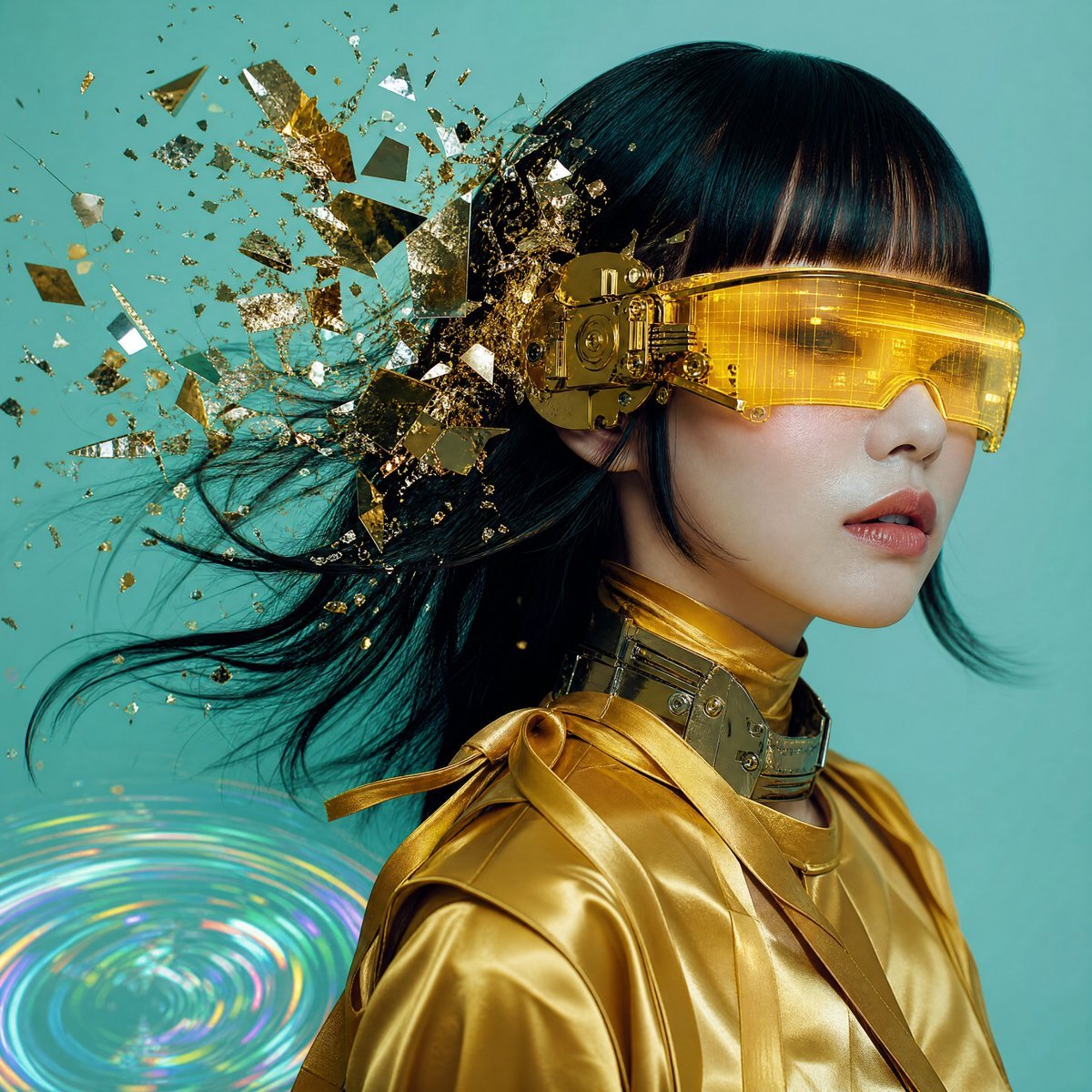
Editorial Portrait with Asymmetrical Composition
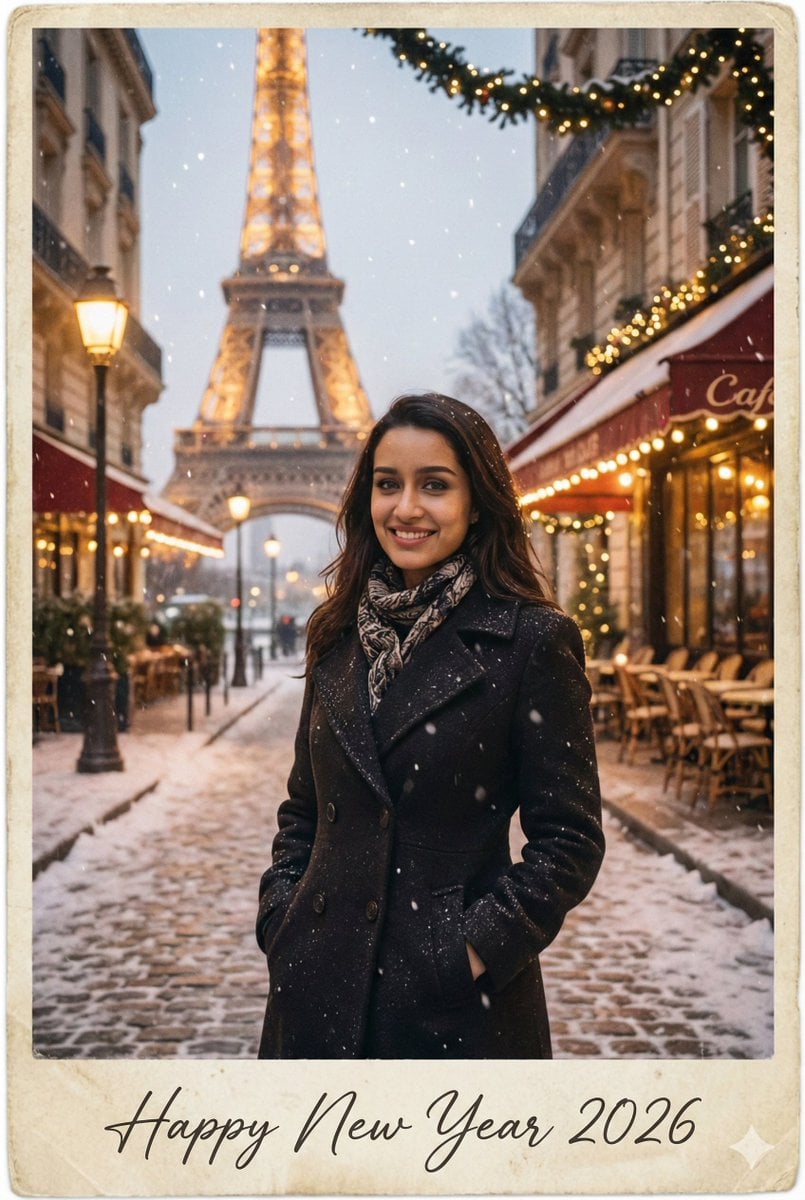
New Year 2026 Postcard and Studio Portrait Prompts
Make it yours
Ritual Postcard Portrait Composition works as-is. These are the safest ways to change it without losing the look.
Change one field
Copy a single group, rewrite it, and generate again so you can see what that field is doing.
Keep the frame, change the subject
Hold the composition and light of Ritual Postcard Portrait Composition, then swap wardrobe, props or the person for a new take.
| If the result… | Why | Fix |
|---|---|---|
| The result drifts from the preview | Too many fields changed at once. | Reuse Ritual Postcard Portrait Composition as-is first, then change one group — subject, light, or setting. |
| The model over-stylizes the scene | The prose prompt leaves finish and camera underspecified. | Add one camera or lighting sentence and stay on GPT Image 2. |
More GPT Image 2 templates
Other prompts made for GPT Image 2.

Six VTuber Japanese Logo Sheet

Realistic Portrait of Woman and Deer

The Vista Modular Condo Poster

AI Model Routing Comparison Infographic

2.5D Anime Art Board

Isometric Productivity Desk Scene

New York Double Exposure Poster

Four-Panel AI Landscape Comparison

Japanese Tatami Lifestyle Magazine Cover

NESCAFÉ Coffee Map Poster
More image prompts
Fresh picks from across the catalog.
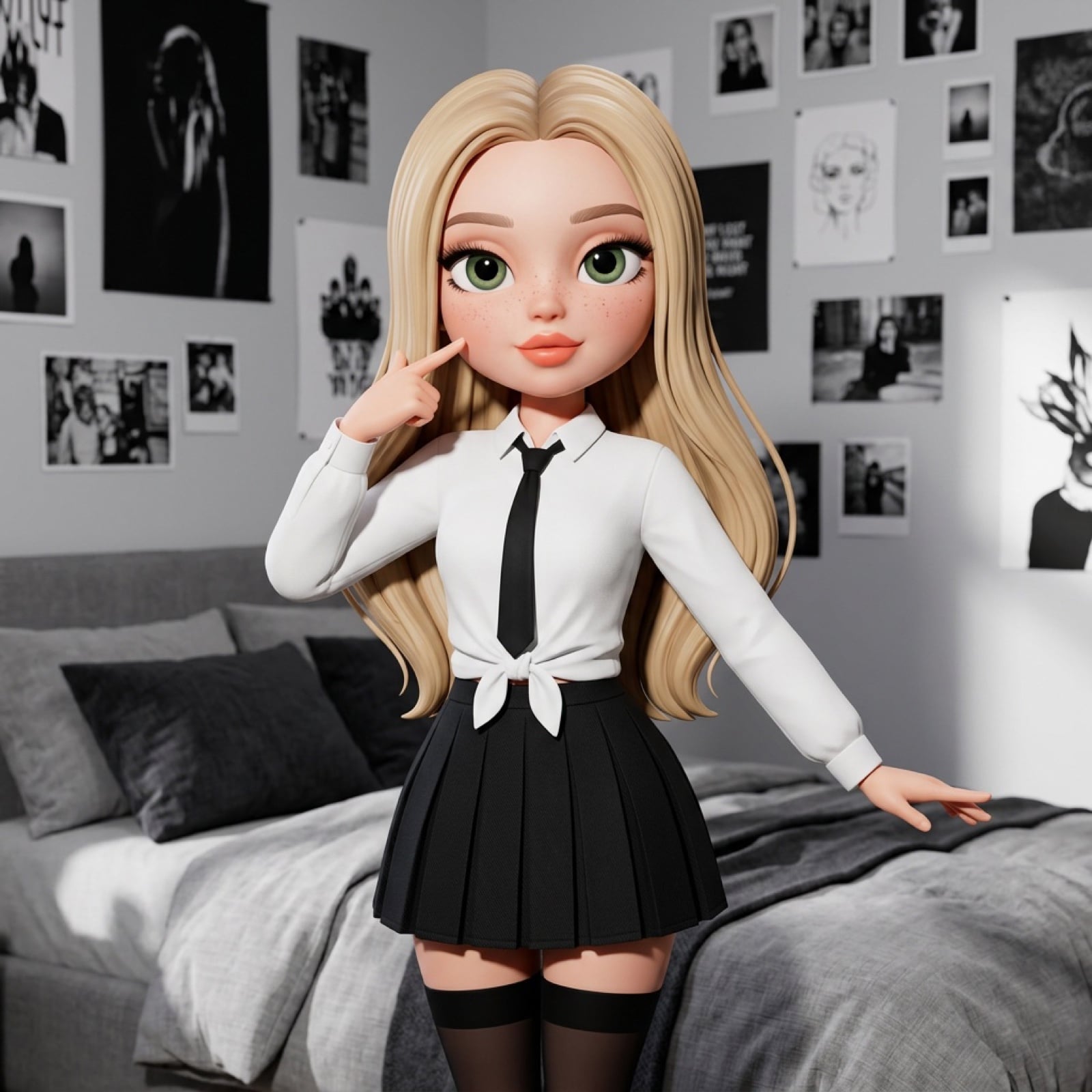
3D Stylized Doll Character Prompt
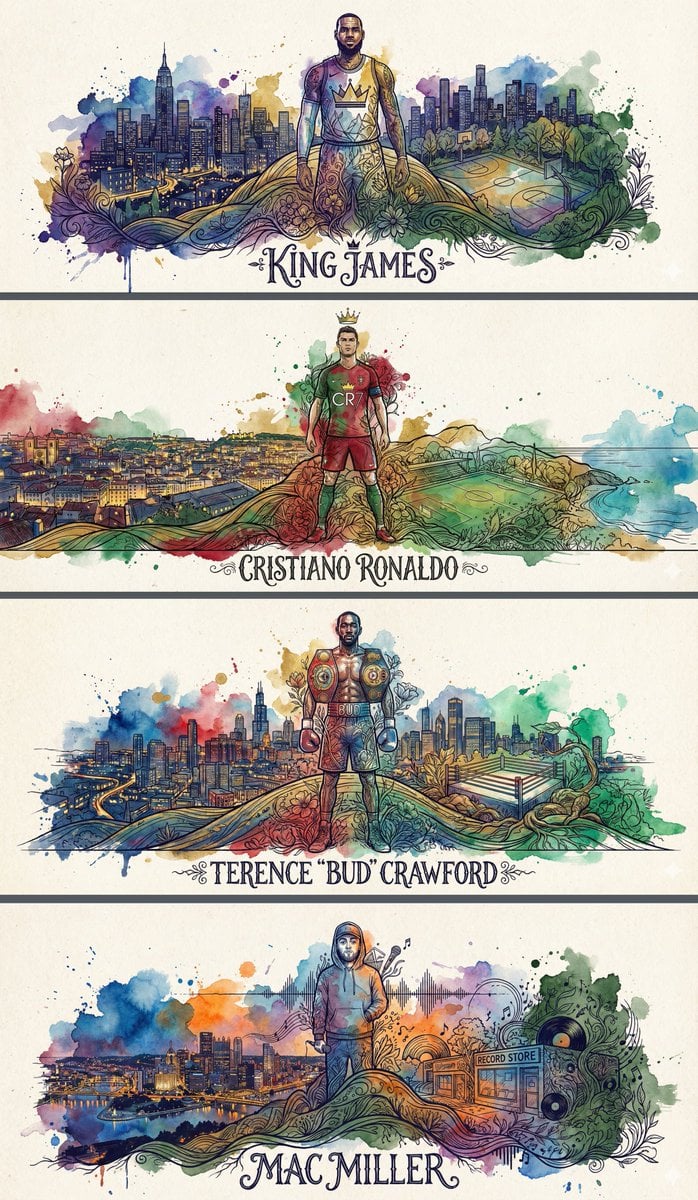
Idol Poster/Banner Generation Template
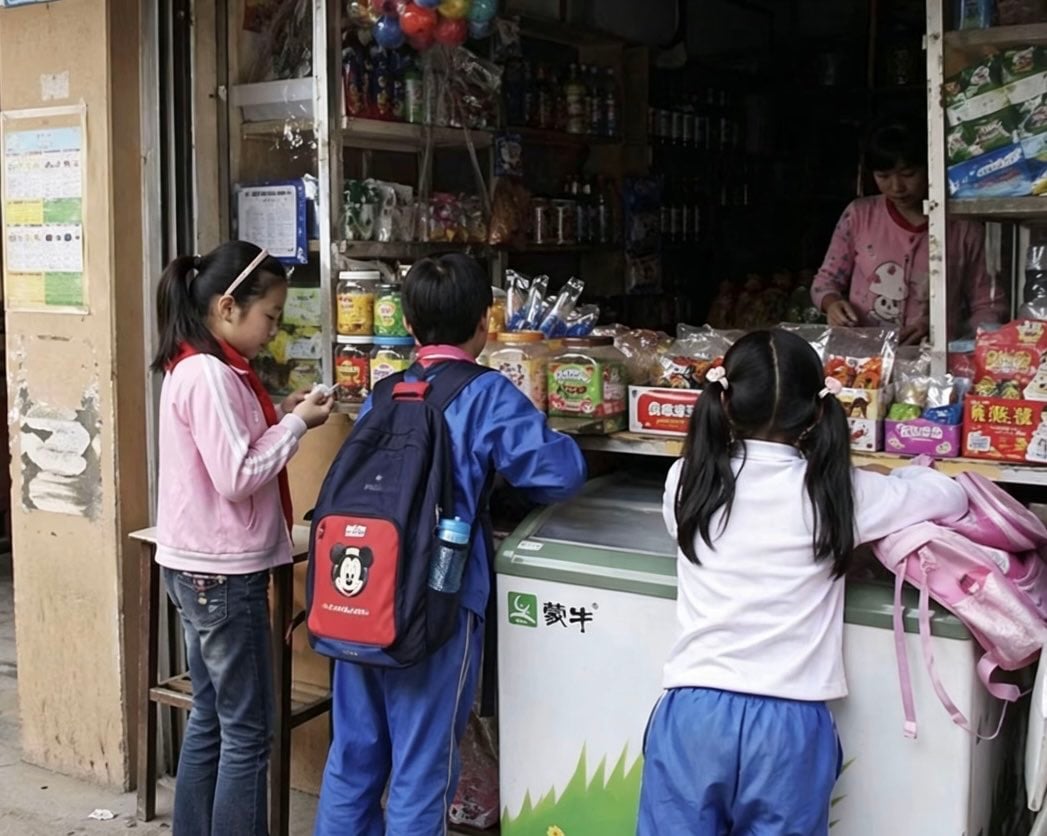
Chinese Schoolchildren at Corner Shop
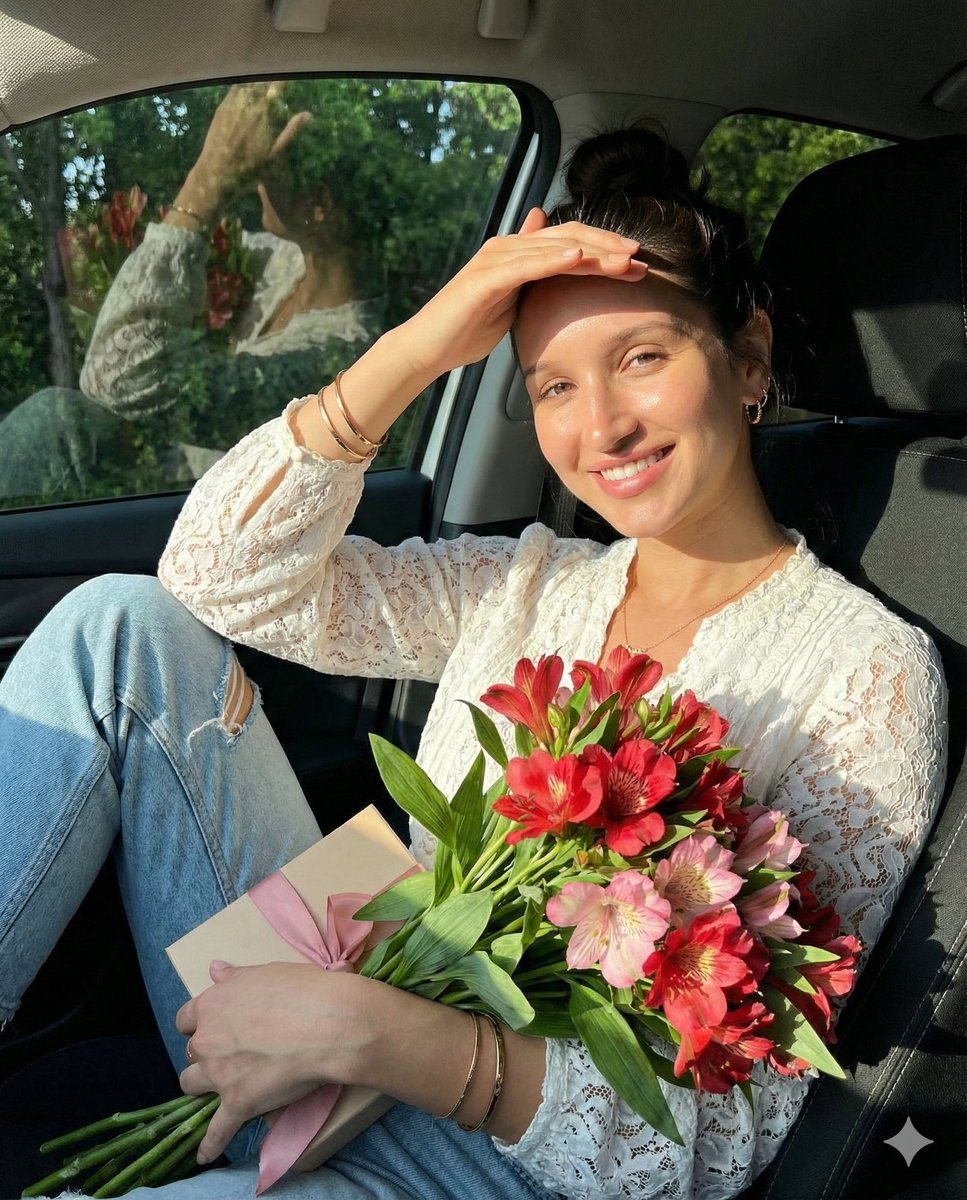
Lifestyle Portrait in Car During Golden Hour
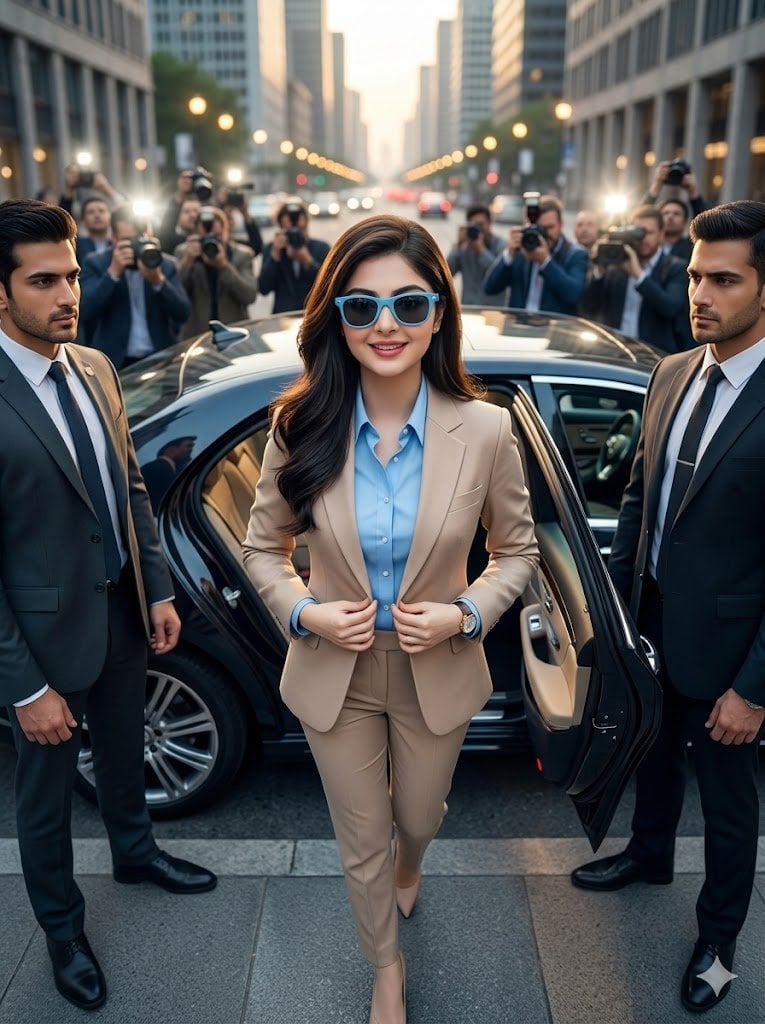
Cinematic Billionaire Lifestyle Portrait
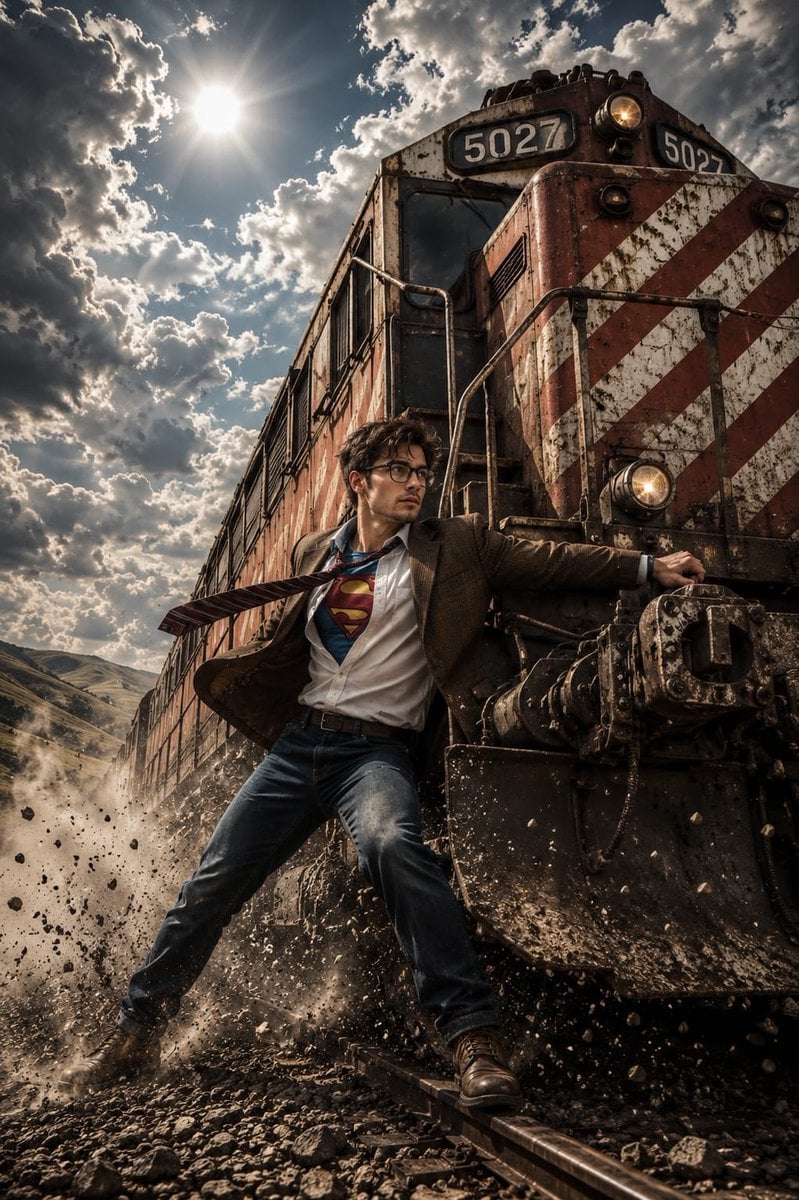
Heroic Action Train Stopping Portrait
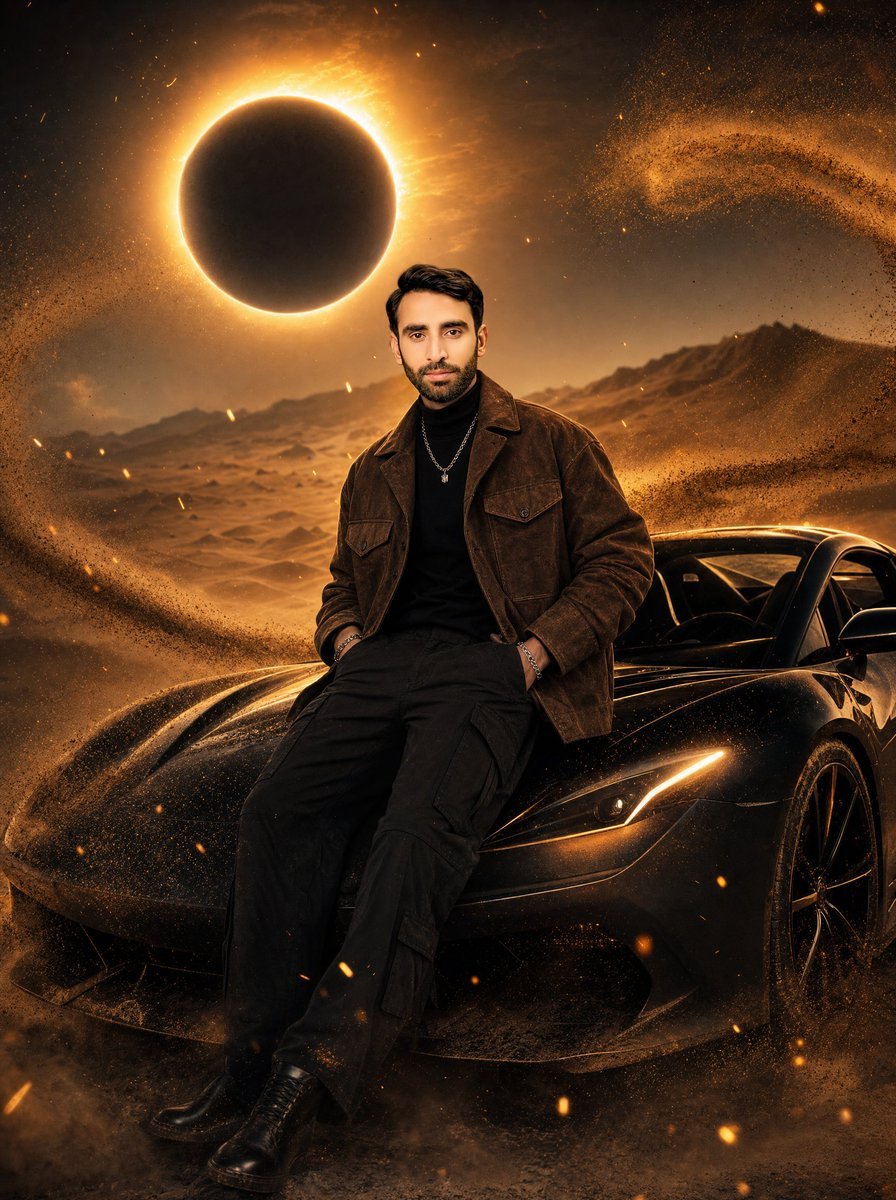
Eclipse Desert Sports Car Portrait
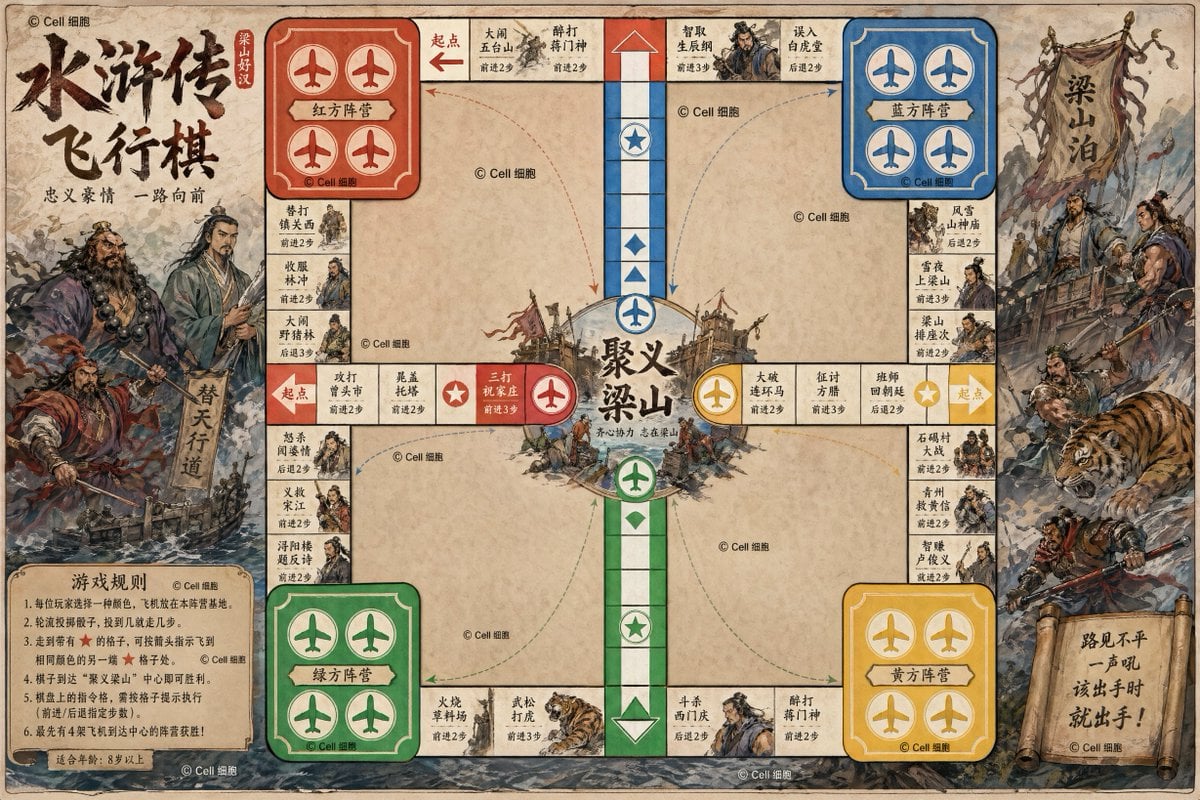
Water Margin Themed Flying Chess Board
Hyper-Realistic Commercial Food Photography
Minimalist Streetwear Typography Poster
Browse template categories
Ritual Postcard Portrait Composition questions
How do I use the Ritual Postcard Portrait Composition template?
Add your photo if the template asks for one, edit the prompt if you like — the template's model and format are already selected — and press Generate. Your version opens in PicX Studio.
Can I customize the Ritual Postcard Portrait Composition template?
Yes. You can change the subject, setting, lighting, mood, format, and available model controls before creating your image.
Is the Ritual Postcard Portrait Composition template free?
Opening and editing this template is free. Generating uses credits, shown on the Generate button when you are signed in.
Which AI model should I use?
Start with GPT Image 2, which is the model associated with this template. You can compare another compatible model for a different finish.
Looking for something else? Browse all templates.

Your photo, any look
Thousands of ready templates for every top image and video model, from one credit balance.