How do I use the Gothic Girl at Rainy Window template?
Edit the prompt in the box under the preview — the template's model and format are already selected — and press Generate. Your version appears right on this page.
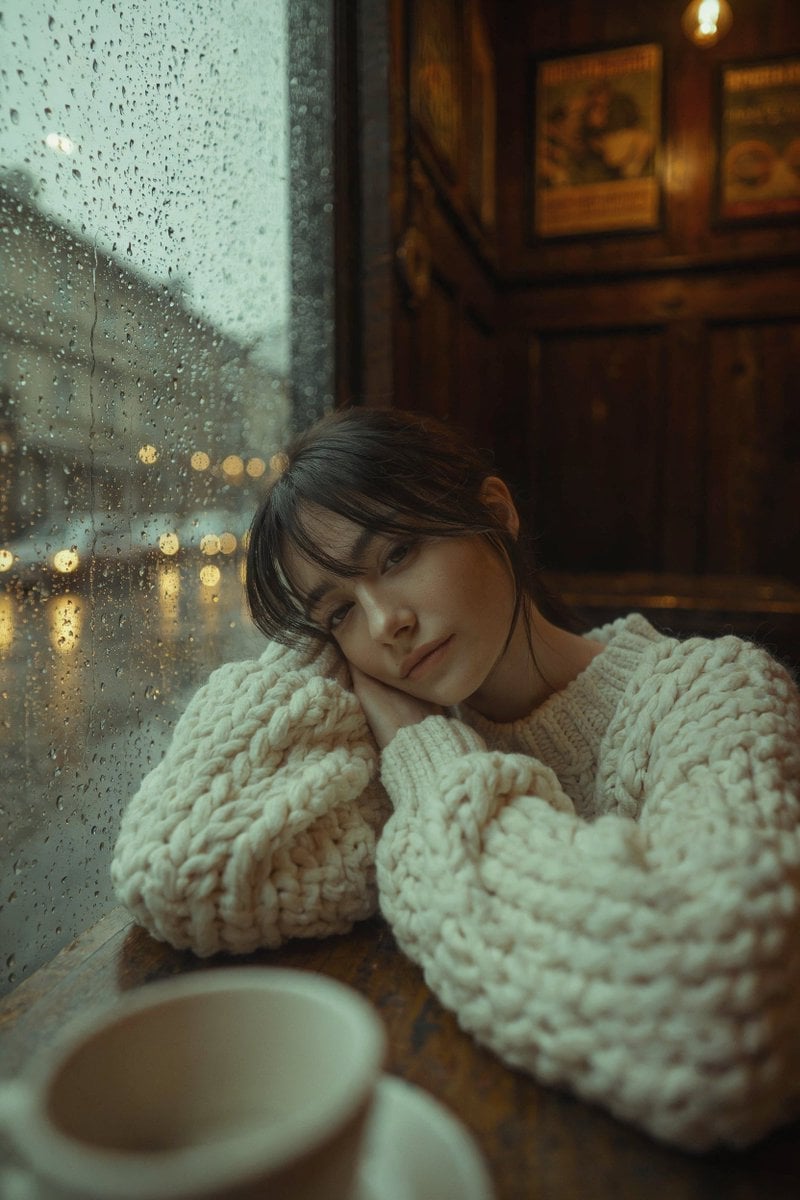
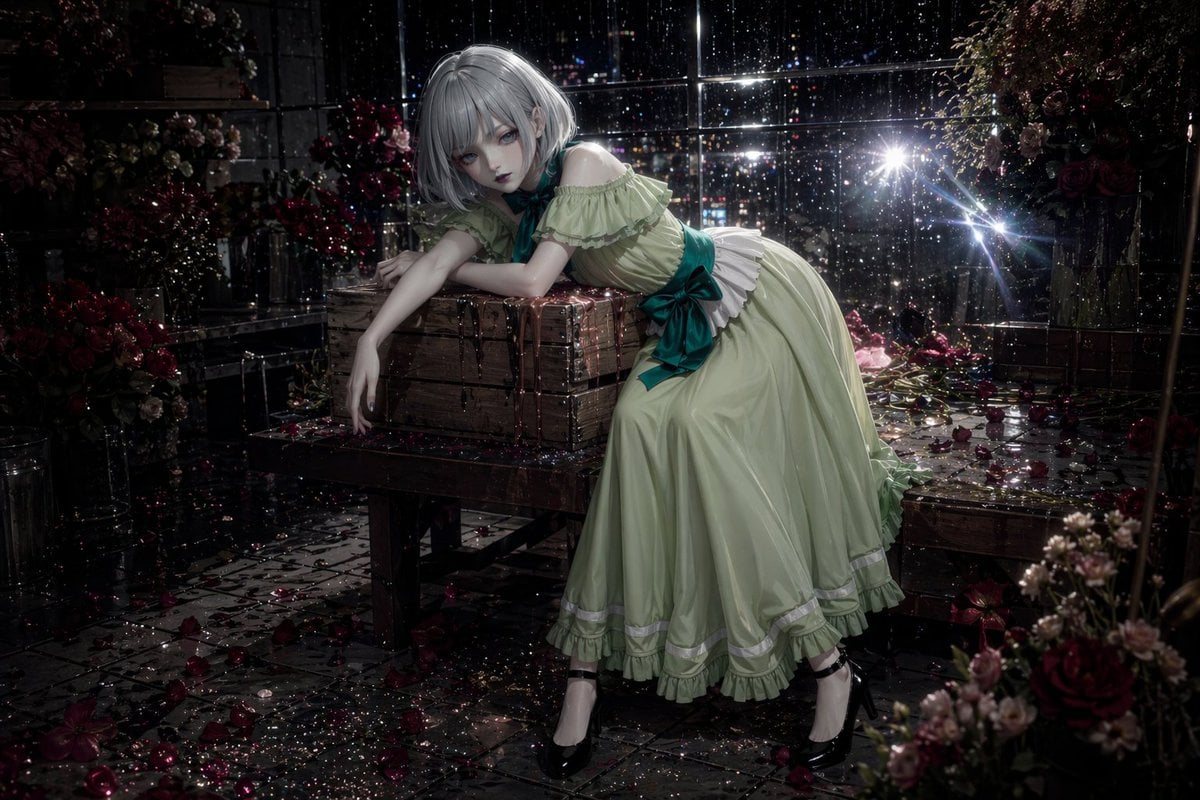
This prompt generates a melancholic dark-fantasy illustration of a child by a window overlooking a rainy gothic town, ideal for atmospheric concept art or storybook-style wall art.

This template uses your photo — add one with the + button.
A moody gothic storybook illustration in thick impasto oil-paint style, showing a solitary little girl sitting curled up on a cushioned window seat inside a dim old room during a rainy evening. She has {argument name="hair color" default="dark brown"} wild tangled hair, a large oversized knit sweater in {argument name="sweater color" default="rust red"}, black-and-cream striped stockings, and dark lace-up boots. Her pose is introspective and withdrawn, knees pulled to her chest, arms wrapped around her legs, gazing out through a tall multi-pane window. Outside the glass is a crooked, haunted-looking European village street with steep rooftops, spires, glowing windows, slick cobblestones, and a prominent clock tower, all under a gray stormy sky. Include exactly 1 small umbrella-carrying figure walking alone in the rain on the street. Inside the room, include exactly 1 hanging industrial lamp with warm yellow light in the upper left, exactly 1 red ceramic mug on the windowsill, exactly 1 open sketchbook on the bench with a dark cat drawing visible on one page, exactly 2 red pillows, and a few tiny framed wall pictures on the left. The palette is charcoal gray, sepia, black, and muted amber, with warm interior highlights contrasting against the cold wet exterior. The composition is slightly tilted and cinematic, with the girl placed left of center and the rain-soaked town filling the right side of the frame. Emphasize melancholy, loneliness, gothic whimsy, textured brushstrokes, scratched paint, dramatic window reflections, and a dark fairy-tale atmosphere in a square format.
A moody gothic storybook illustration in thick impasto oil-paint style, showing a solitary little girl sitting curled up on a cushioned window seat inside a dim old room during a rainy evening. She has {argument name="hair color" default="dark brown"} wild tangled hair, a large oversized knit sweater in {argument name="sweater color" default="rust red"}, black-and-cream striped stockings, and dark lace-up boots. Her pose is introspective and withdrawn, knees pulled to her chest, arms wrapped around her legs, gazing out through a tall multi-pane window. Outside the glass is a crooked, haunted-looking European village street with steep rooftops, spires, glowing windows, slick cobblestones, and a prominent clock tower, all under a gray stormy sky. Include exactly 1 small umbrella-carrying figure walking alone in the rain on the street. Inside the room, include exactly 1 hanging industrial lamp with warm yellow light in the upper left, exactly 1 red ceramic mug on the windowsill, exactly 1 open sketchbook on the bench with a dark cat drawing visible on one page, exactly 2 red pillows, and a few tiny framed wall pictures on the left. The palette is charcoal gray, sepia, black, and muted amber, with warm interior highlights contrasting against the cold wet exterior. The composition is slightly tilted and cinematic, with the girl placed left of center and the rain-soaked town filling the right side of the frame. Emphasize melancholy, loneliness, gothic whimsy, textured brushstrokes, scratched paint, dramatic window reflections, and a dark fairy-tale atmosphere in a square format.
Edit the prompt in the box under the preview — the template's model and format are already selected — and press Generate. Your version appears right on this page.
Yes. You can change the subject, setting, lighting, mood, format, and available model controls before creating your image.
Opening and editing this template is free. Generating uses credits, shown on the Generate button when you are signed in.
Start with GPT Image 2, which is the model associated with this template. You can compare another compatible model for a different finish.
Follow a topic to a crawlable collection of related PicX Studio templates.