
Abandoned Gothic Amusement Park
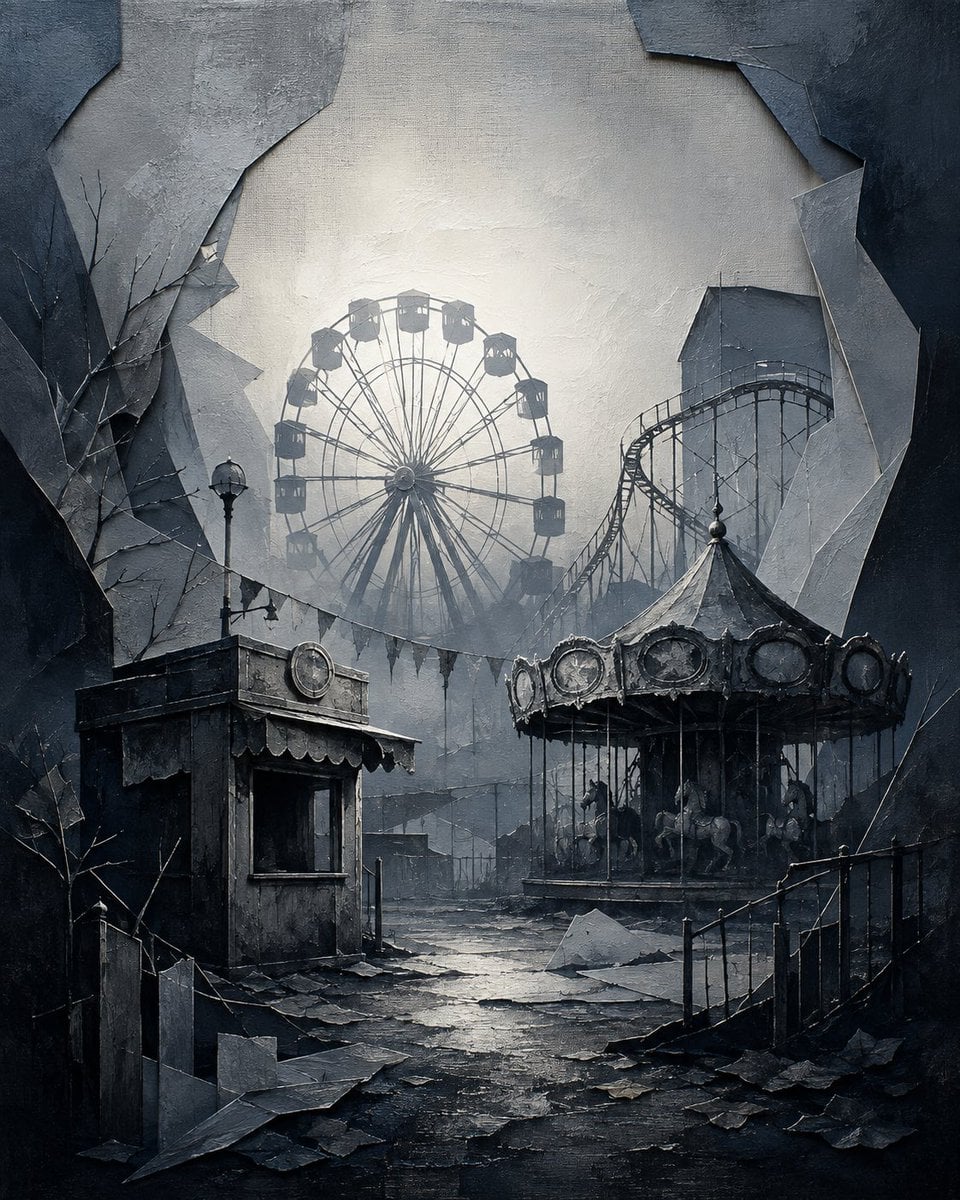
A detailed text prompt for generating a moody surreal illustration of a ruined amusement park framed by jagged torn textures.
- Prompt included
- Model and format preset
- Free template
The prompt behind this image
Copy the exact prompt behind Abandoned Gothic Amusement Park, or open it in the studio and make it yours.
Create a dark surreal gothic illustration of an abandoned amusement park seen through a huge jagged torn-paper or shattered-wall opening. The canvas is vertical, nearly square 4:5, with a centered composition and deep vignette shadows around the edges. In the midground, place exactly 3 major amusement rides: one large Ferris wheel slightly left of center with about 16 small enclosed gondolas, one tall roller coaster track on the right rising behind the scene, and one decaying carousel in the lower right foreground with a pointed canopy, ornate circular panels, thin poles, and several shadowy carousel horses. Add exactly 1 small ticket booth or kiosk in the lower left foreground, with a dark service window, scalloped awning trim, a round sign on top, and exactly 1 old streetlamp standing behind it. The foreground should show cracked wet pavement, scattered paper-like debris, broken slabs, railings on the right, bare leafless branches on the left and right, and tattered bunting hanging across the middle distance. Use a cold monochrome palette of charcoal, slate blue, ash gray, and misty white, with a pale foggy backlight glowing behind the Ferris wheel. Style it like a highly detailed matte painting mixed with textured oil paint and paper collage: visible brush strokes, rough plaster texture, layered torn edges, cinematic atmospheric perspective, eerie silence, no people, no animals beyond carousel horses, no readable text, no watermark. Overall mood: {argument name="mood" default="haunting, abandoned, melancholic"}; setting: {argument name="setting" default="ruined gothic amusement park"}; color palette: {argument name="color palette" default="charcoal gray, slate blue, ash white"}; central ride: {argument name="central ride" default="large Ferris wheel"}; lighting: {argument name="lighting" default="pale misty backlight through fog"}.
How to use Abandoned Gothic Amusement Park in 3 steps
- 1Upload ImagePNG, JPG or paste
Add your photo
Upload the photo the template builds on. The prompt, model and format are already set.
- 2…a portrait of your subject in softgolden-hour light, 85mm…
Personalize
Edit the subject and creative details for your destination.
- 3Generate
Generate
Press Generate — your image is created in PicX Studio, so you can compare it with the original and refine one variable at a time.
More like this
Templates with the same subject, style or setup. Open one to see its prompt.

Minecraft Japanese Research Lab Exploration

Ghibli Abandoned Amusement
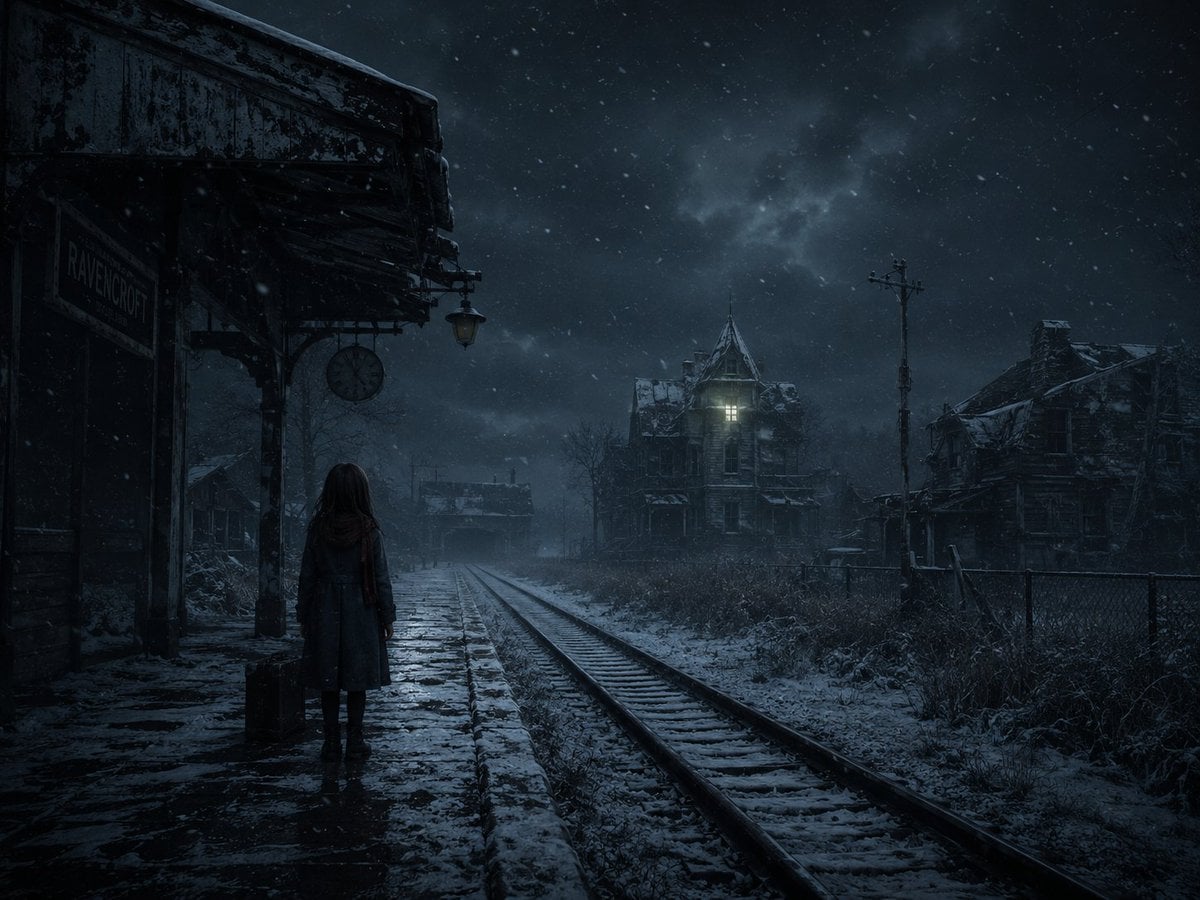
Snowy Gothic Abandoned Railway Station
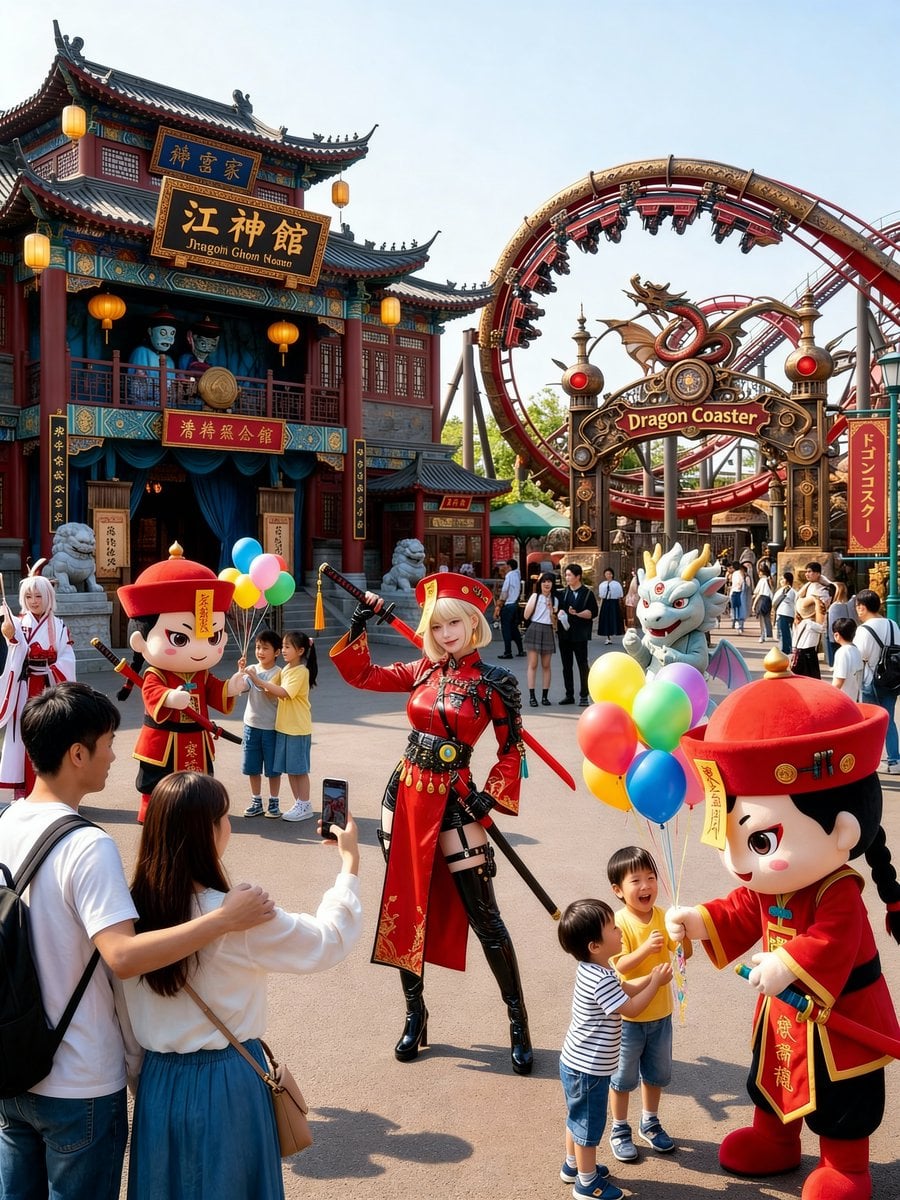
Amusement Park Prompt Template for Character Placement
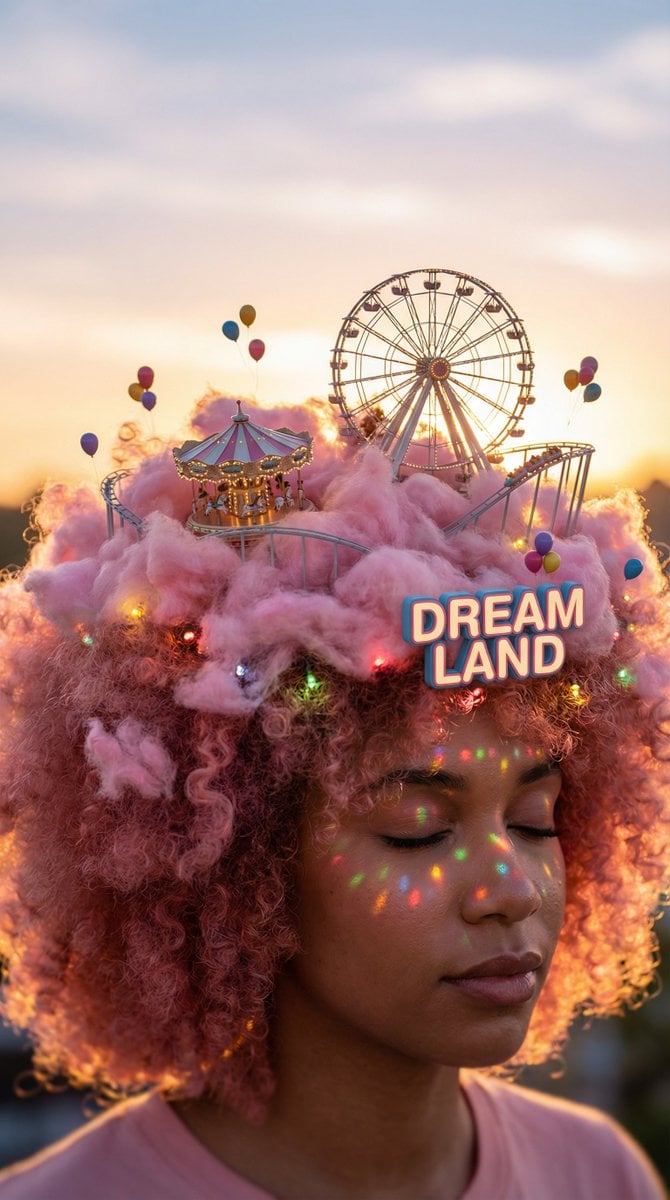
Head-top Diorama Prompt for Nano Banana Pro Agent V1.2 (Afro/Cloud Amusement Park)
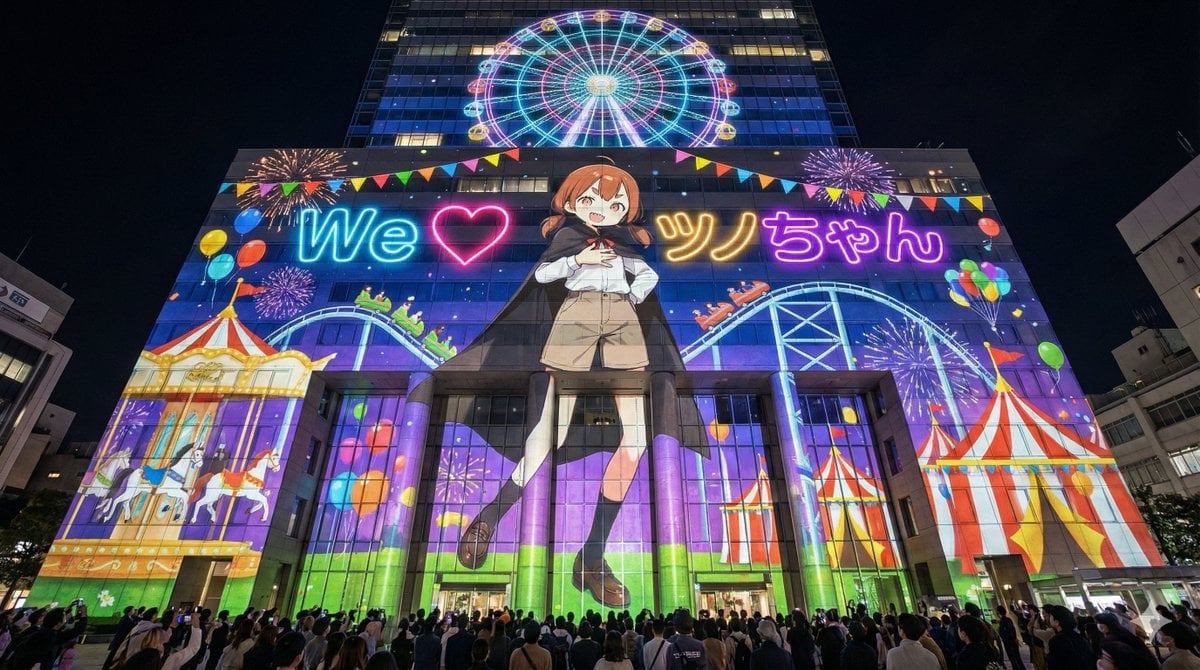
Projection Mapping Prompt for Nano Banana Pro (Amusement Park Theme)
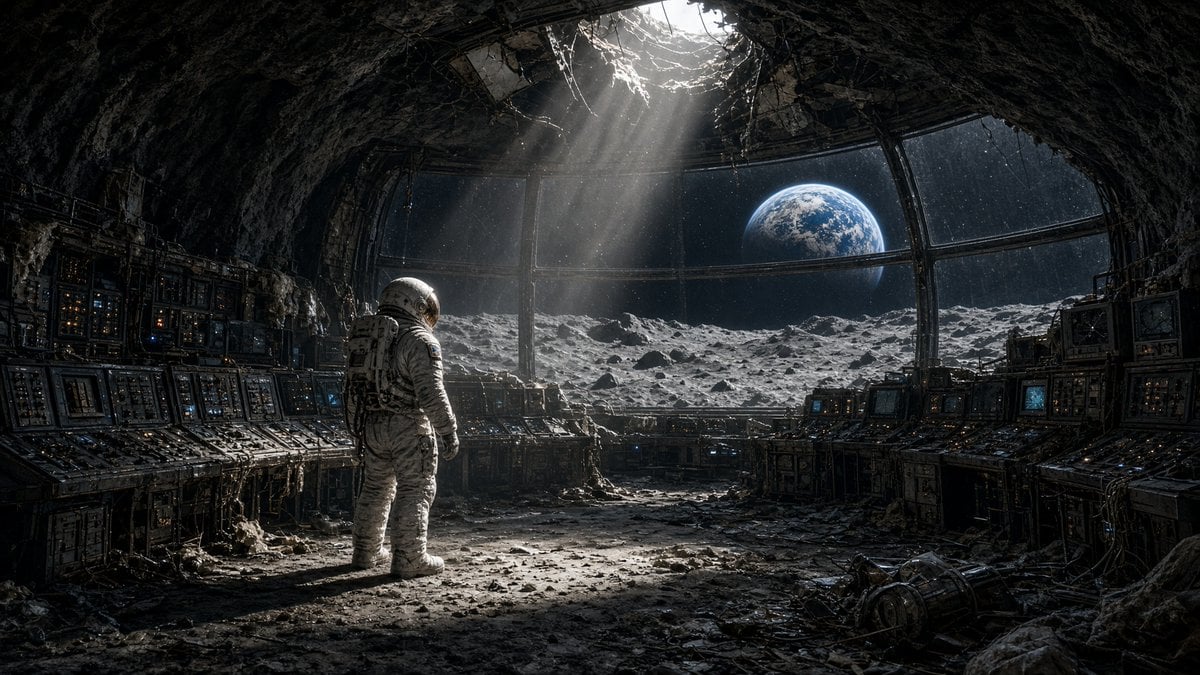
Astronaut in Abandoned Lunar Base
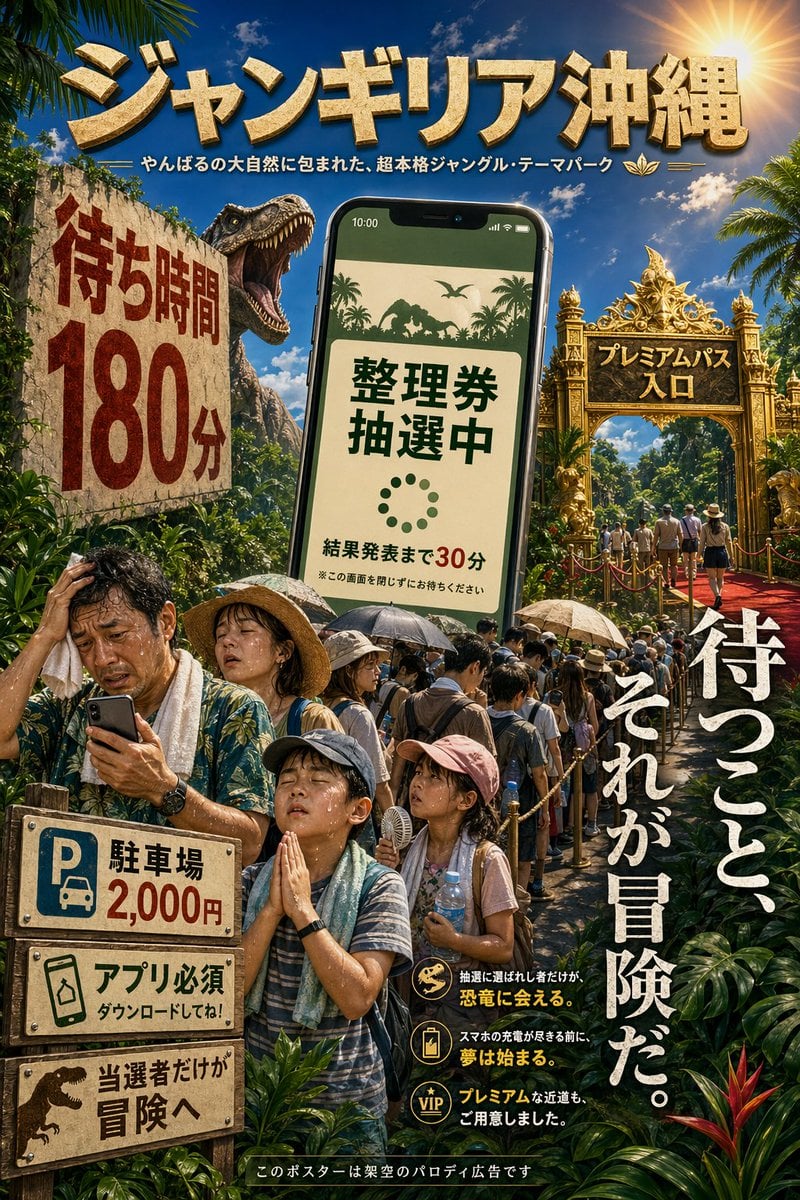
Japanese Jungle Theme Park Parody Poster

Gothic Japanese Mobile Homepage

Burning Gothic Flood Escape
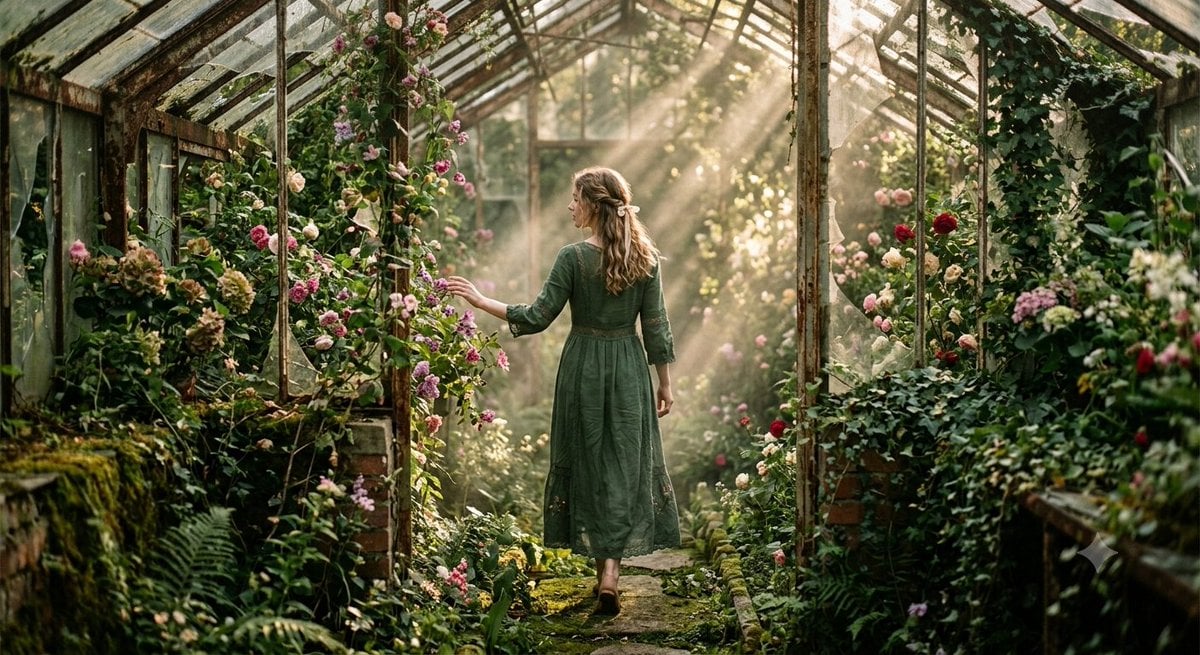
Abandoned Greenhouse Cinematic Portrait

Ancient Abandoned Library Fantasy Portrait
Make it yours
Abandoned Gothic Amusement Park works as-is. These are the safest ways to change it without losing the look.
Change one field
Copy a single group, rewrite it, and generate again so you can see what that field is doing.
Keep the frame, change the subject
Hold the composition and light of Abandoned Gothic Amusement Park, then swap wardrobe, props or the person for a new take.
| If the result… | Why | Fix |
|---|---|---|
| The result drifts from the preview | Too many fields changed at once. | Reuse Abandoned Gothic Amusement Park as-is first, then change one group — subject, light, or setting. |
| The model over-stylizes the scene | The prose prompt leaves finish and camera underspecified. | Add one camera or lighting sentence and stay on GPT Image 2. |
More GPT Image 2 templates
Other prompts made for GPT Image 2.

Six VTuber Japanese Logo Sheet

Realistic Portrait of Woman and Deer

The Vista Modular Condo Poster

AI Model Routing Comparison Infographic

2.5D Anime Art Board

Isometric Productivity Desk Scene

New York Double Exposure Poster

Four-Panel AI Landscape Comparison

Japanese Tatami Lifestyle Magazine Cover

NESCAFÉ Coffee Map Poster
More image prompts
Fresh picks from across the catalog.
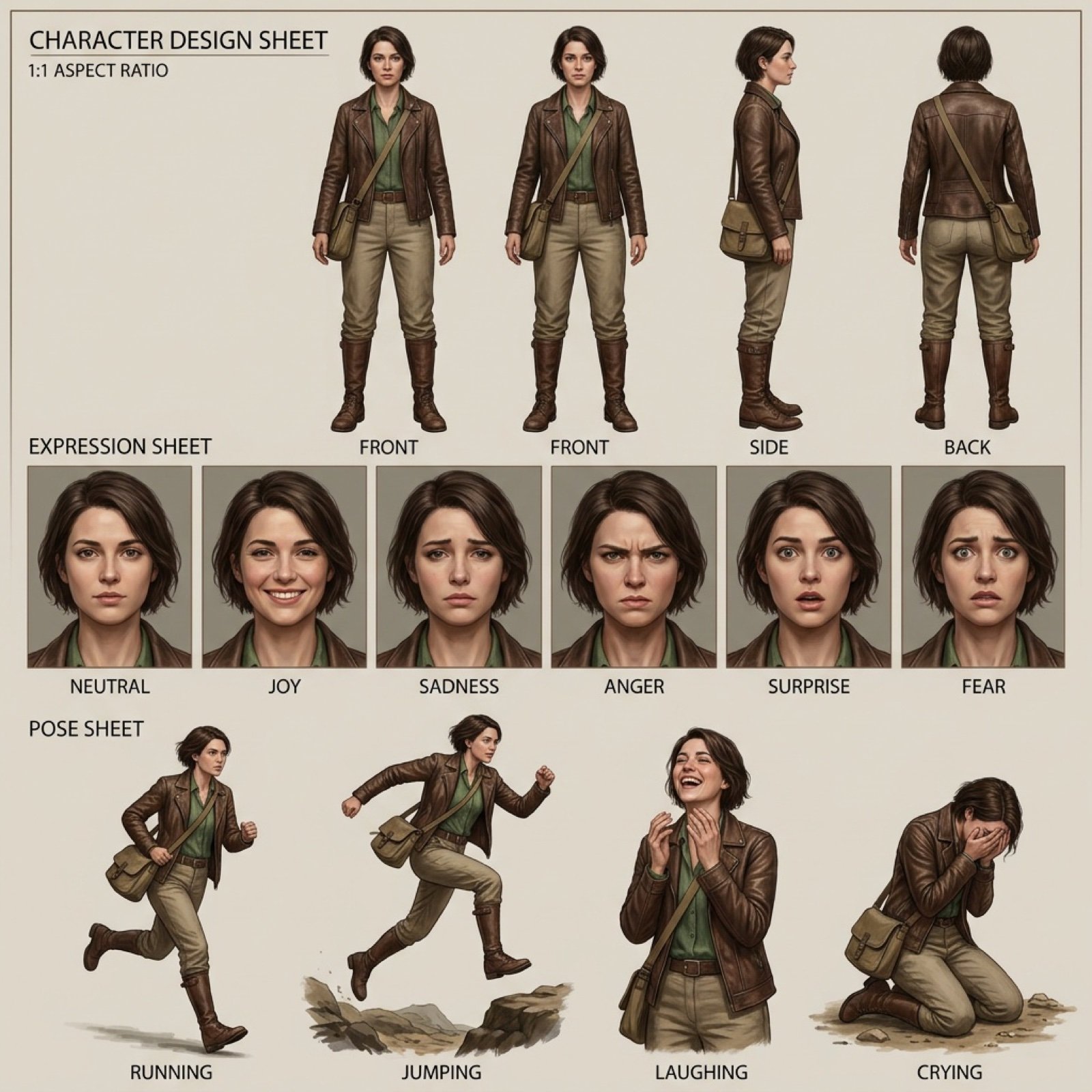
Realistic character design sheet from a photo
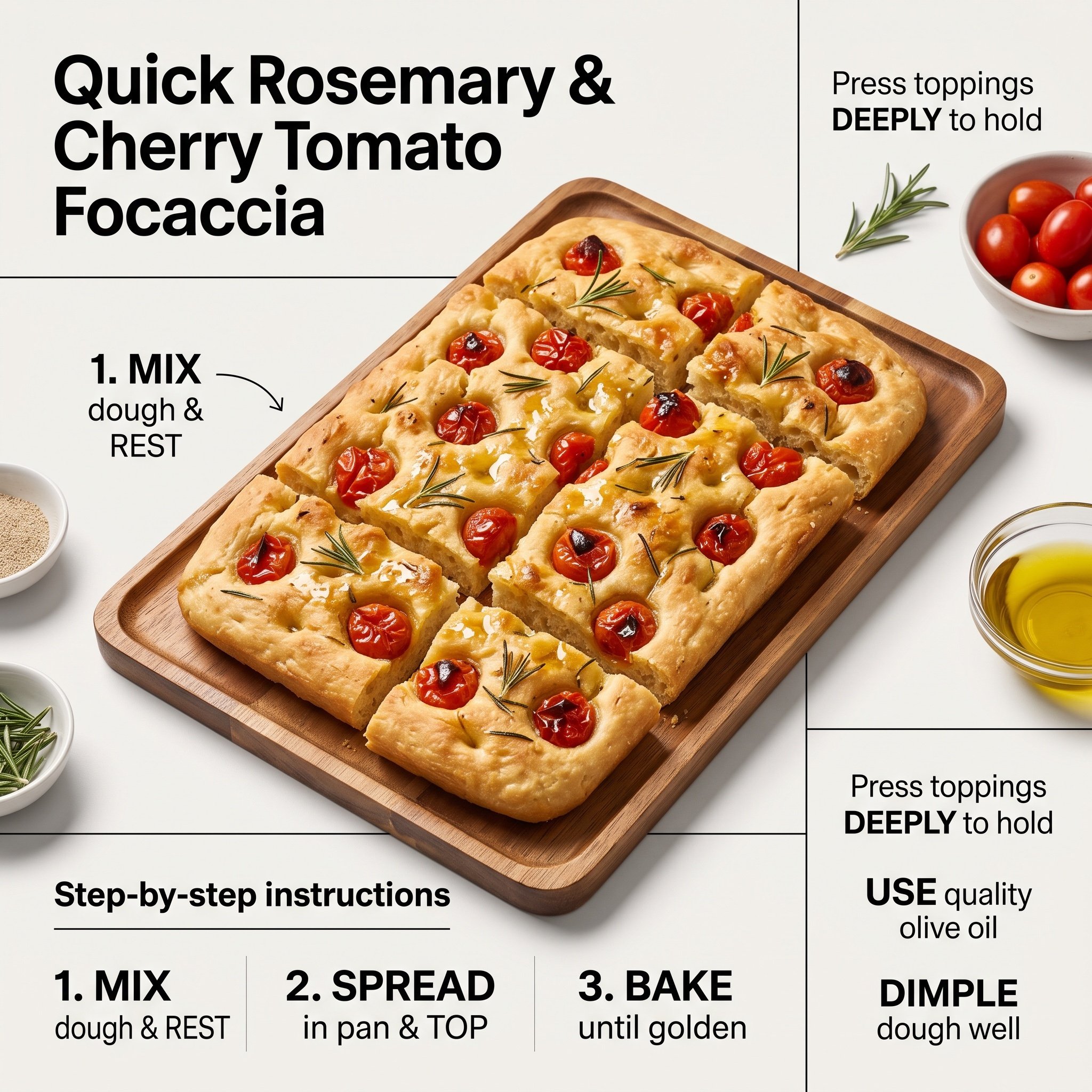
Ultra-Clean Modern Recipe Infographic for Focaccia
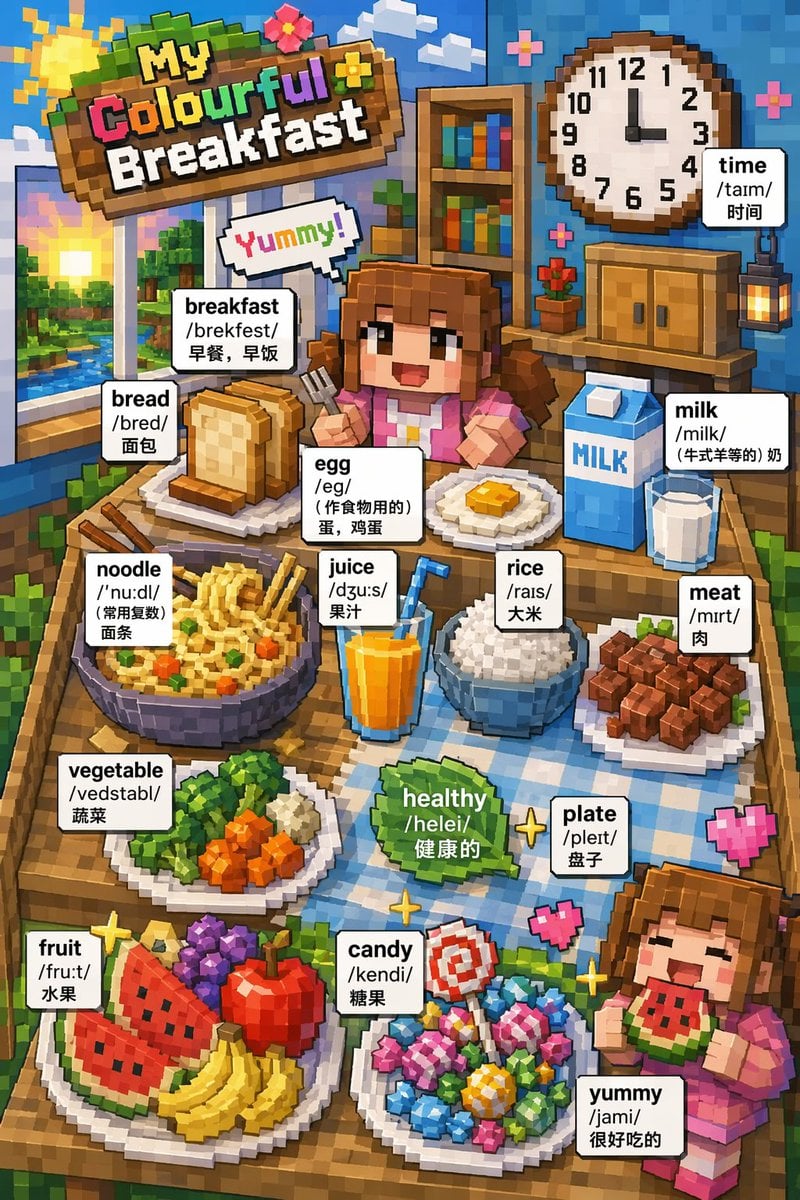
Voxel Art Bilingual Breakfast Vocabulary Poster

Arpeggio Bass Humanization Sheet
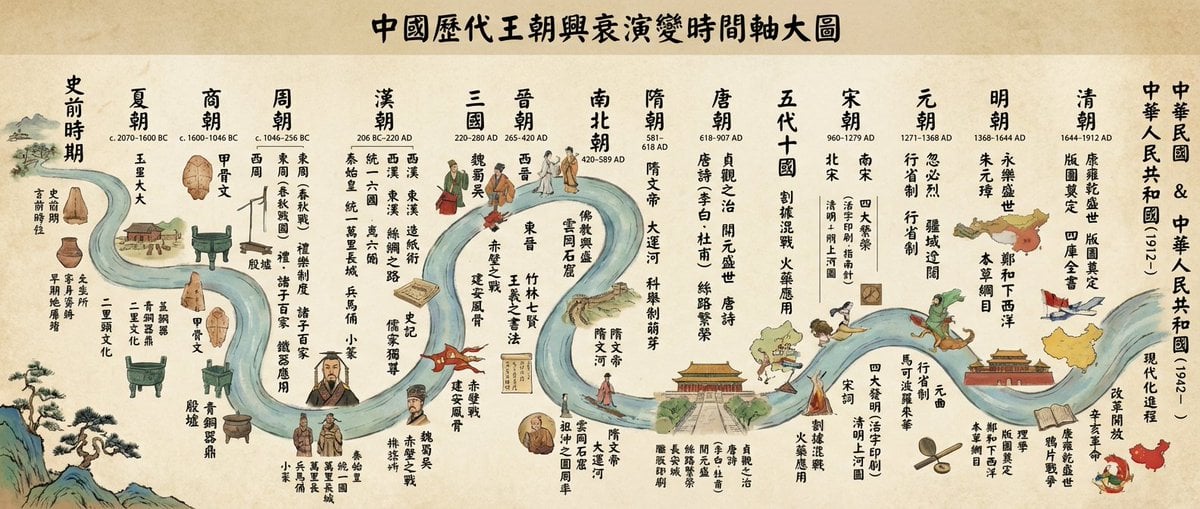
Chinese dynasties infographic timeline in traditional Chinese
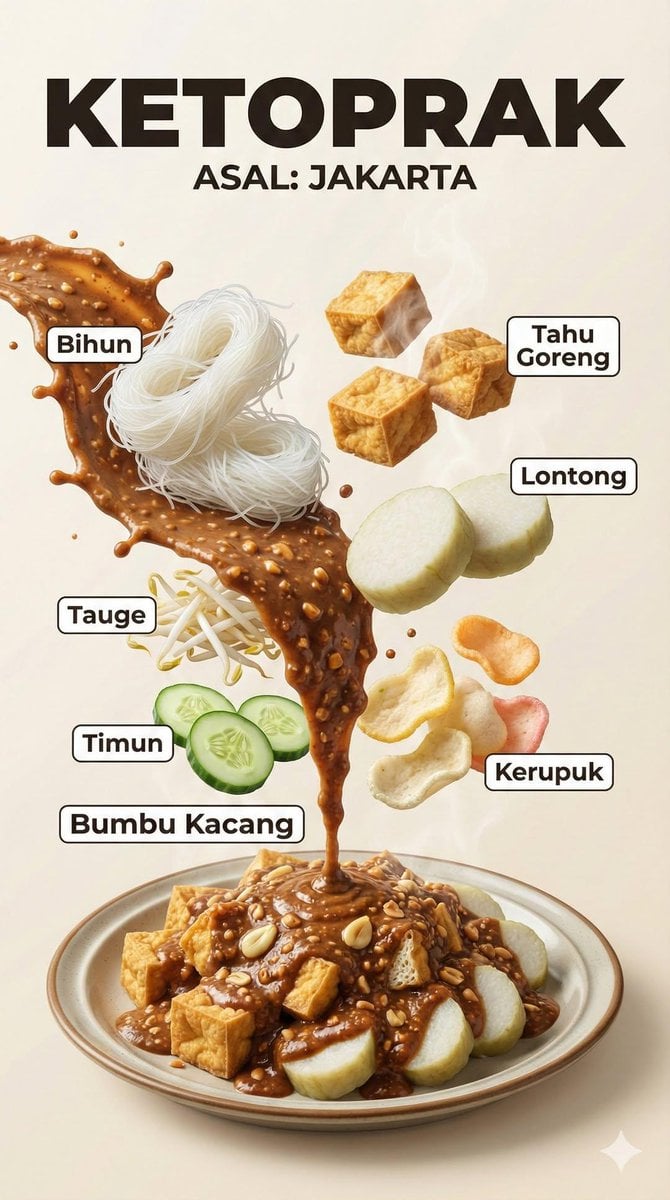
Hyper-Realistic Indonesian Food Infographic Poster
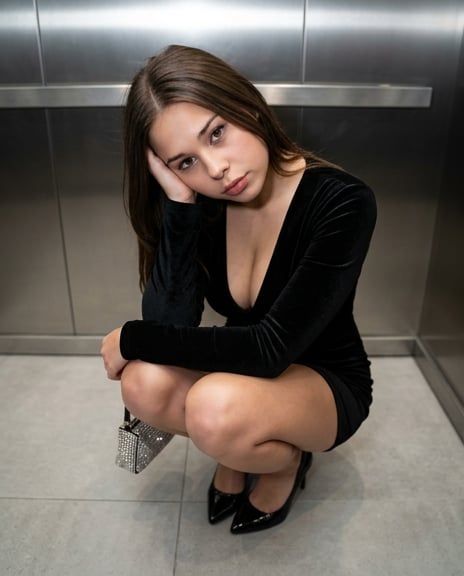
X Sumiturkude007 Image Description Subject
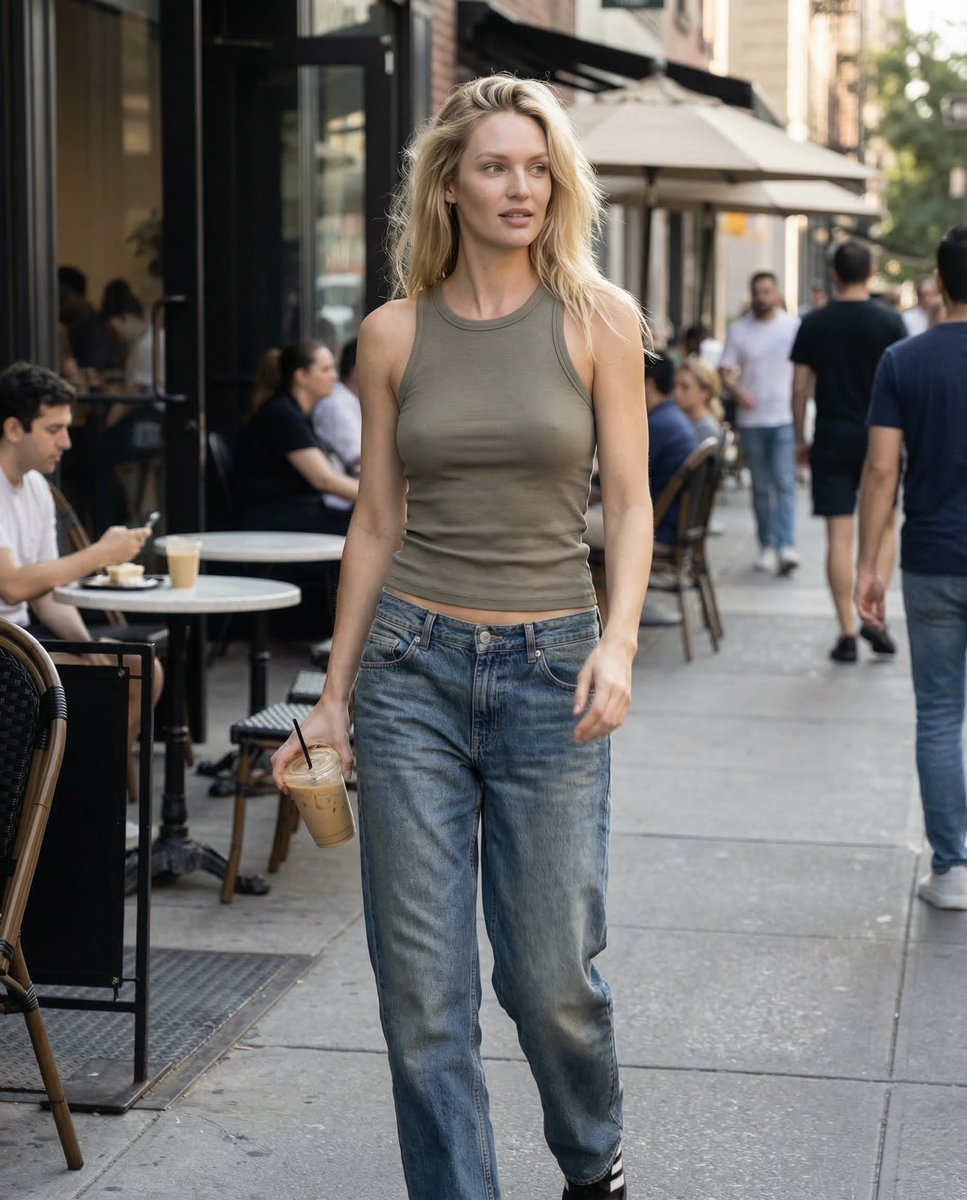
Candid iPhone Daylight Street Photo Prompt
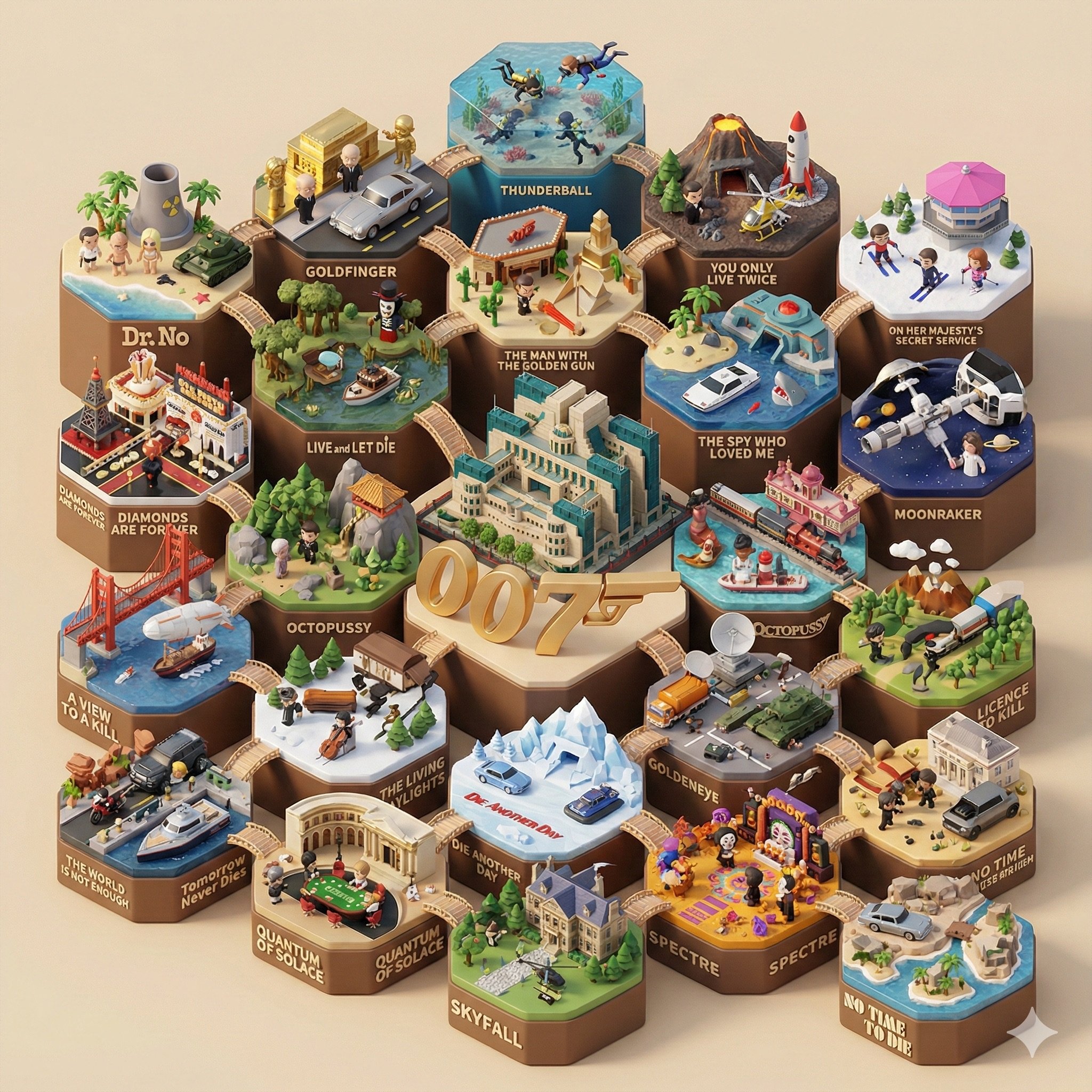
Create a 3D-styled cinematic scene
Backless Top Mirror Selfie Emphasizing Curves
Browse template categories
Abandoned Gothic Amusement Park questions
How do I use the Abandoned Gothic Amusement Park template?
Add your photo if the template asks for one, edit the prompt if you like — the template's model and format are already selected — and press Generate. Your version opens in PicX Studio.
Can I customize the Abandoned Gothic Amusement Park template?
Yes. You can change the subject, setting, lighting, mood, format, and available model controls before creating your image.
Is the Abandoned Gothic Amusement Park template free?
Opening and editing this template is free. Generating uses credits, shown on the Generate button when you are signed in.
Which AI model should I use?
Start with GPT Image 2, which is the model associated with this template. You can compare another compatible model for a different finish.
Looking for something else? Browse all templates.

Your photo, any look
Thousands of ready templates for every top image and video model, from one credit balance.