
X Sumiturkude007 Image Description Subject
Nano banana 2 via @higgsfield Sophie Rain, Sydney Sweeney, Jenna Ortega, Ana de Armas Prompt :- { "image_description": { "subject": { "use_reference_image": true, ...
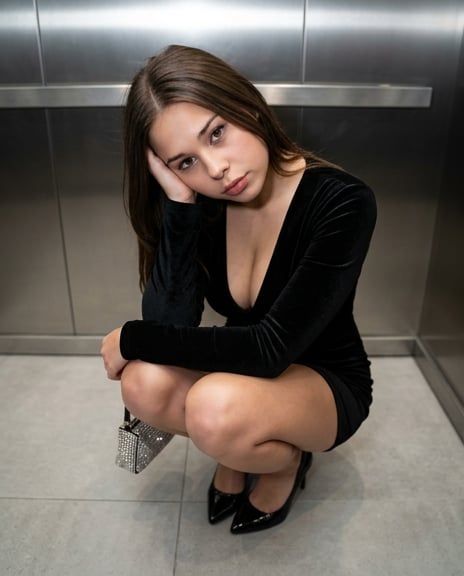
- Prompt included
- Model and format preset
- Free template
The prompt behind this image
Copy the exact prompt behind X Sumiturkude007 Image Description Subject, or open it in the studio and make it yours.
- { "image_description": { "subject": { "use_reference_image": true, "override": false, "physique": "slim, toned" }, "pose_and_composition": { "body_position": "tight deep squat", "lower_body": { "stance": "knees fully bent and drawn close to chest", "feet": { "position": "close together, pointed forward", "heels": "elevated due to high heels", "weight_distribution": "balanced on balls of feet" } }, "upper_body": { "posture": "leaning forward over knees", "arms": { "one_arm": "forearm resting across knees", "other_arm": "elbow resting on knee with hand supporting head" } }, "head": { "tilt": "slight tilt to side", "direction": "angled upward", "gaze": "direct eye contact with camera above", "facial_features": "fully derived from reference image", "expression": "fully derived from reference image" }, "camera_angle": { "position": "well above subject’s head", "angle": "top-down high angle (approximately 30–45 degrees downward)", "lens": "slight wide-angle smartphone perspective", "distance": "close framing, compact composition", "effect": "knees and feet appear slightly larger due to perspective" }, "aspect_ratio": "4:5 vertical" }, "attire": { "outfit": { "type": "long-sleeve fitted mini dress", "color": "black", "fabric": "velvet or soft matte", "fit": "tight, body-contouring", "neckline": "deep V-neck" }, "footwear": { "type": "high heels", "color": "black patent", "details": "pointed toe with ankle embellishments" }, "accessories": { "bag": "small metallic/rhinestone handbag held loosely", "necklace": "thin silver necklace" } }, "environment_and_lighting": { "setting": "modern indoor space (elevator or hallway)", "background": "metallic wall panels", "floor": "light gray tile floor", "lighting": { "type": "overhead indoor lighting", "quality": "soft but directional from above", "effect": "subtle highlights on face and reflective surfaces" } }, "technical_details": { "style": "fashion/editorial photography", "resolution": "high definition", "depth_of_field": "moderate, subject sharp" }, "rendering_notes": { "identity_consistency": "all facial features must match reference image exactly", "camera_priority": "strong top-down perspective must be preserved", "pose_accuracy": "tight squat with forward lean", "perspective_accuracy": "slight wide lens distortion (foreground emphasis)", "anatomy": "natural proportions, no distortion artifacts", "consistency": "alignment between camera height, gaze direction, and pose" } } }
How to use X Sumiturkude007 Image Description Subject in 3 steps
- 1Upload ImagePNG, JPG or paste
Add your photo
Upload the photo the template builds on. The prompt, model and format are already set.
- 2…a portrait of your subject in softgolden-hour light, 85mm…
Personalize
Edit the subject and creative details for your destination.
- 3Generate
Generate
Press Generate — your image is created in PicX Studio, so you can compare it with the original and refine one variable at a time.
More like this
Templates with the same subject, style or setup. Open one to see its prompt.
X Sumiturkude007 Image Description Subject
X Sumiturkude007 Image Description Subject
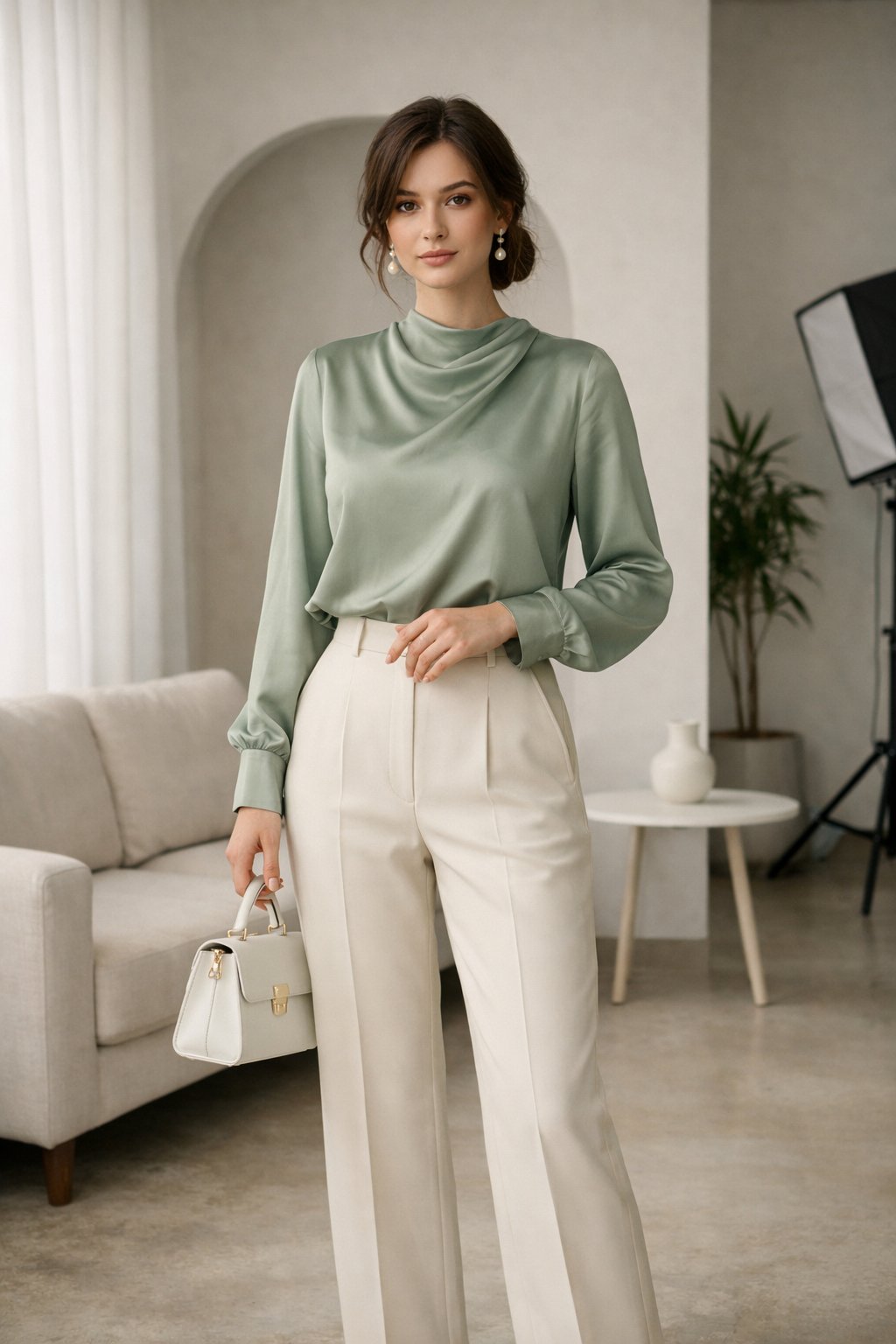
Fashion Editorial Description Using Goog
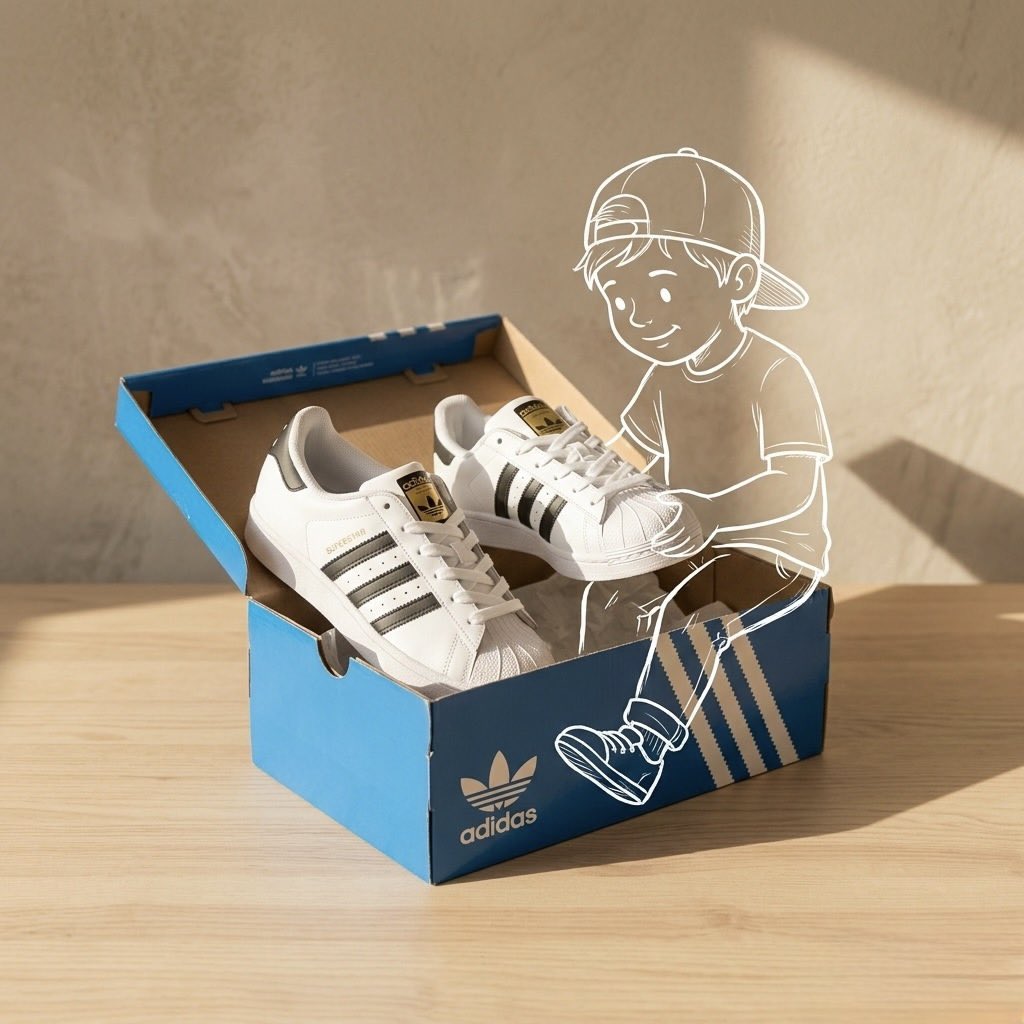
Product description and its placement, minimalist product photography
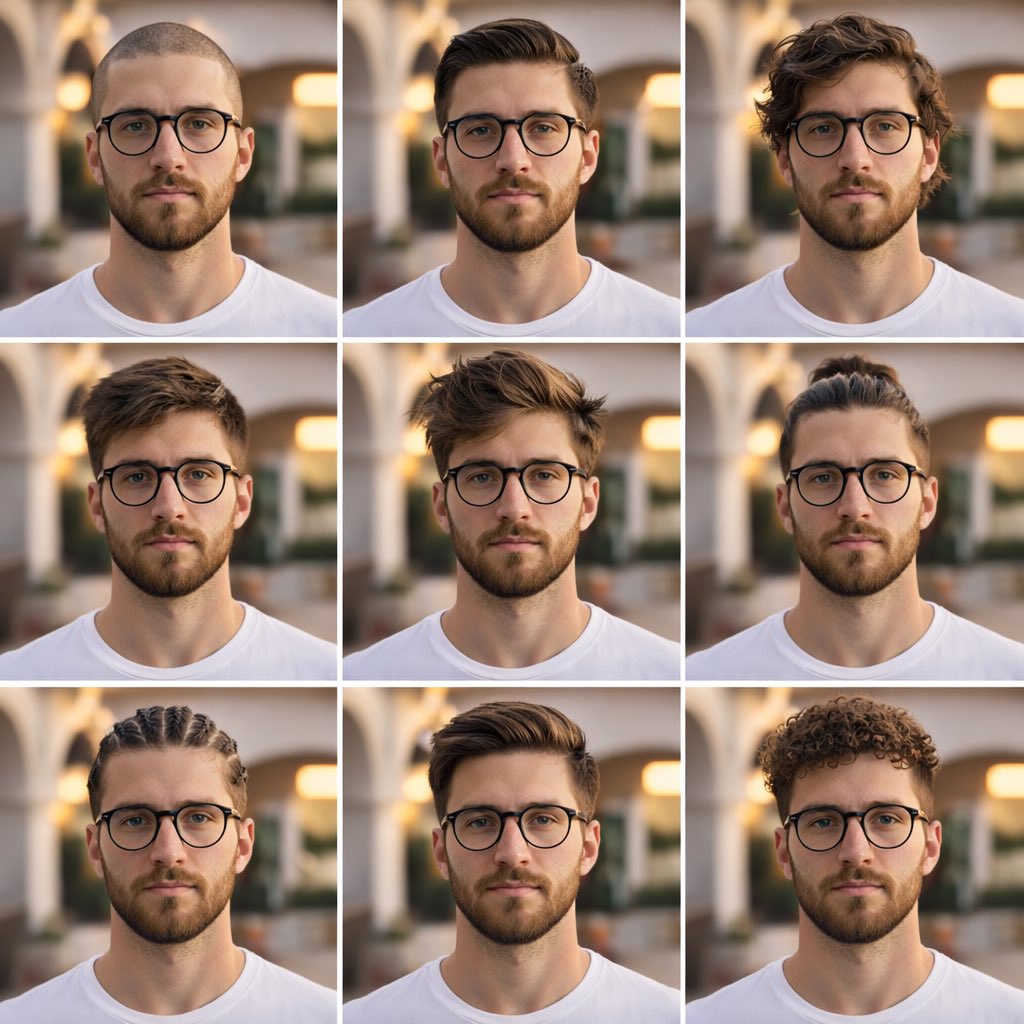
Description A clean, aesthetic 3x3 collage portrait showcasing different
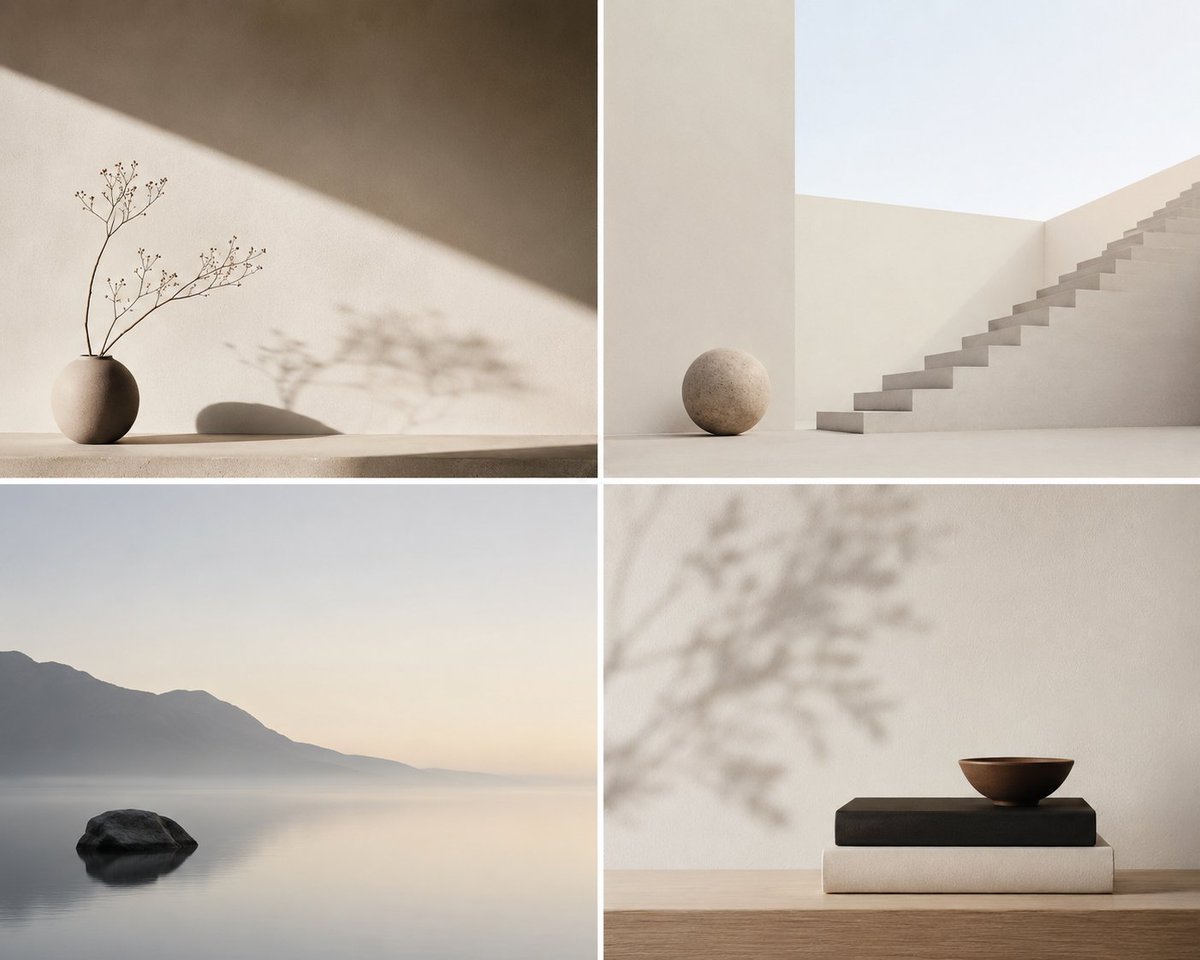
Minimalist Conceptual Scene Description
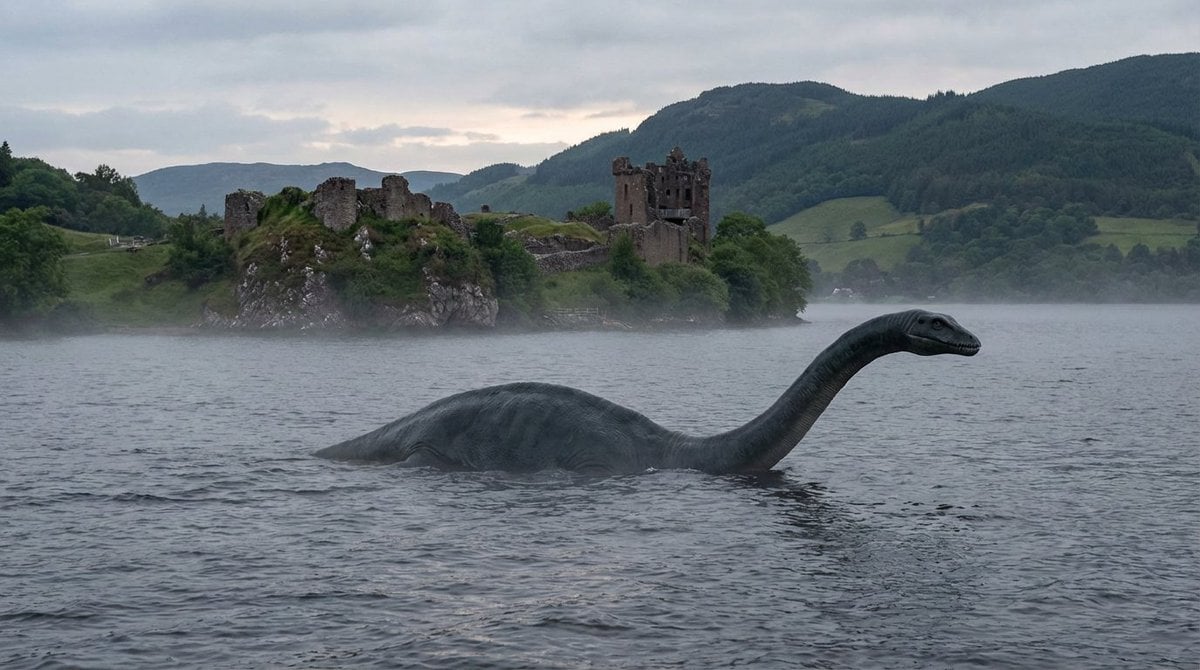
Loch Ness Monster Visual Description and Generation
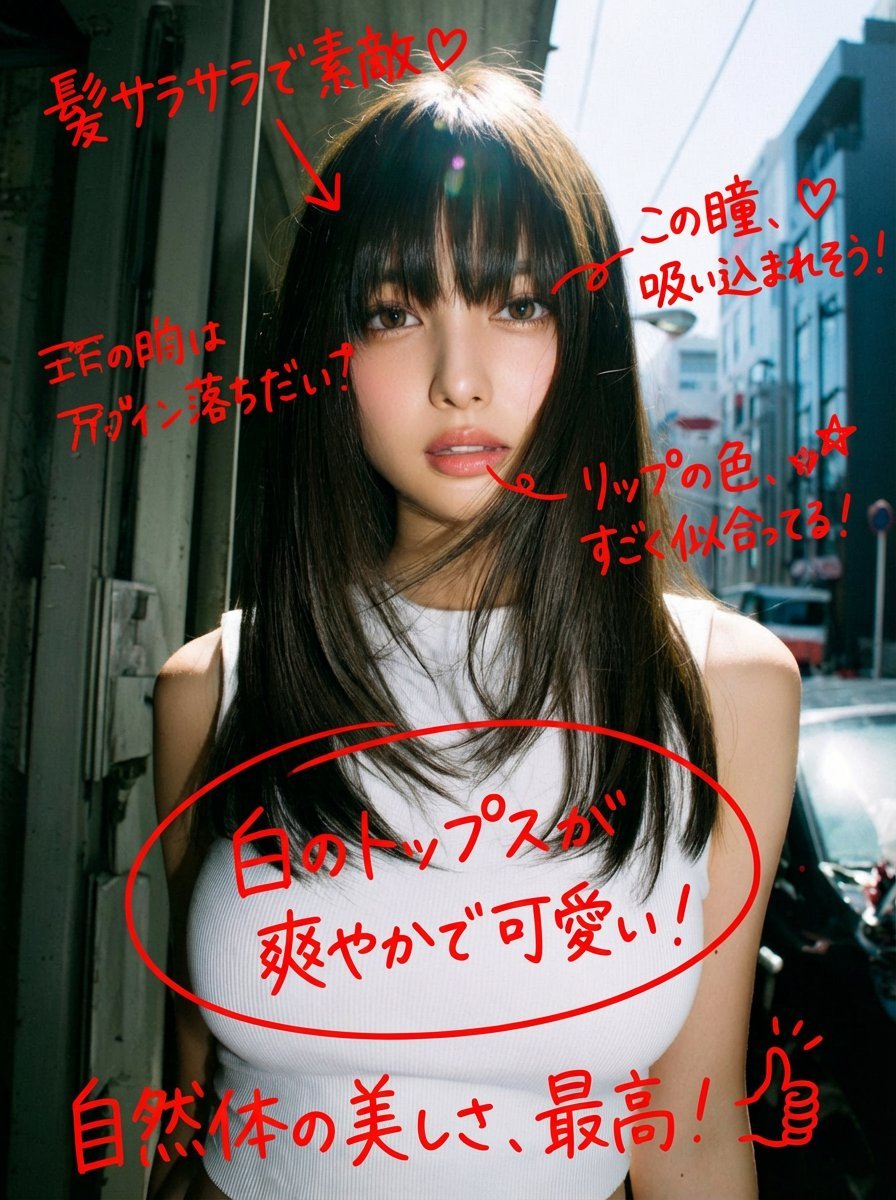
Image Analysis and Correction Tool Description
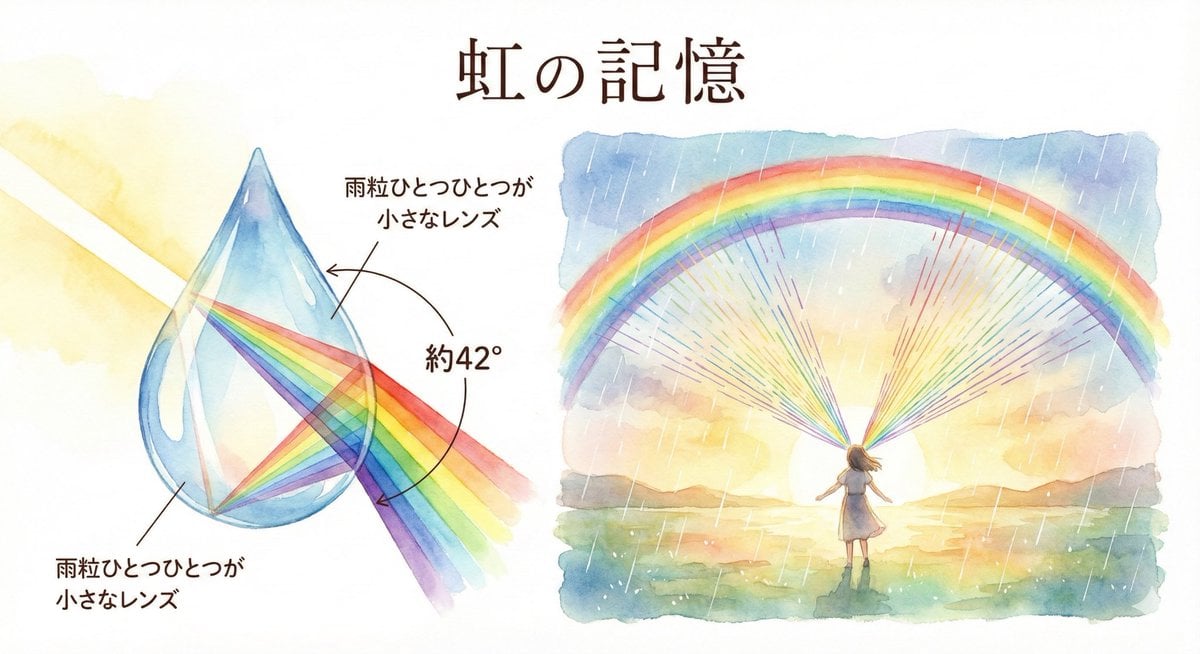
Rainbow Illustration Description
Abstract Scene Description Prompt
Character Generation Based on Literary Description
Detailed Character Description for Image Generation
Make it yours
X Sumiturkude007 Image Description Subject works as-is. These are the safest ways to change it without losing the look.
Change one field
Copy a single group, rewrite it, and generate again so you can see what that field is doing.
Keep the frame, change the subject
Hold the composition and light of x-sumiturkude007-image-description-subject, then swap wardrobe, props or the person for a new take.
| If the result… | Why | Fix |
|---|---|---|
| The result drifts from the preview | Too many fields changed at once. | Reuse x-sumiturkude007-image-description-subject as-is first, then change one group — subject, light, or setting. |
| The model over-stylizes the scene | The prose prompt leaves finish and camera underspecified. | Add one camera or lighting sentence and stay on GPT Image 2. |
More GPT Image 2 templates
Other prompts made for GPT Image 2.

Six VTuber Japanese Logo Sheet

Realistic Portrait of Woman and Deer

The Vista Modular Condo Poster

AI Model Routing Comparison Infographic

2.5D Anime Art Board

Isometric Productivity Desk Scene

New York Double Exposure Poster

Four-Panel AI Landscape Comparison

Japanese Tatami Lifestyle Magazine Cover

NESCAFÉ Coffee Map Poster
More image prompts
Fresh picks from across the catalog.
Hollywood-Style Cinematic Photo with Time Distortion
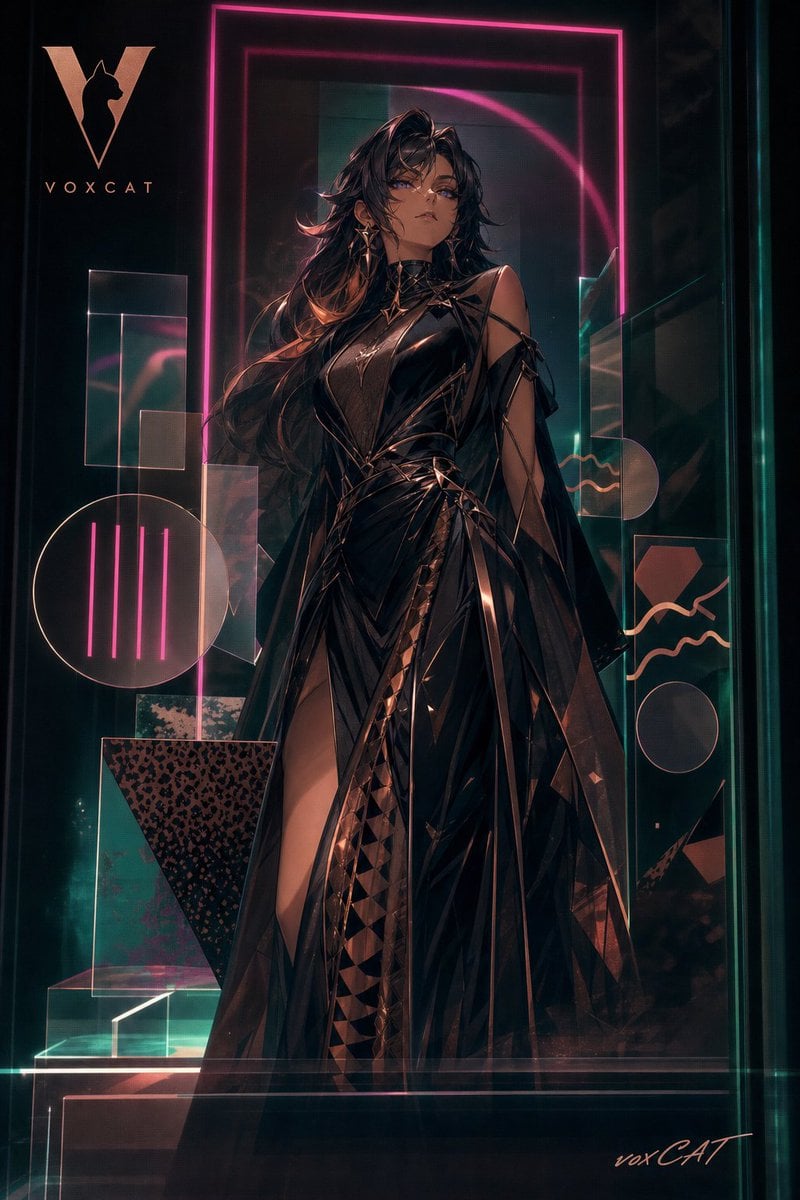
Acrylic VoxCat Fashion Window Poster
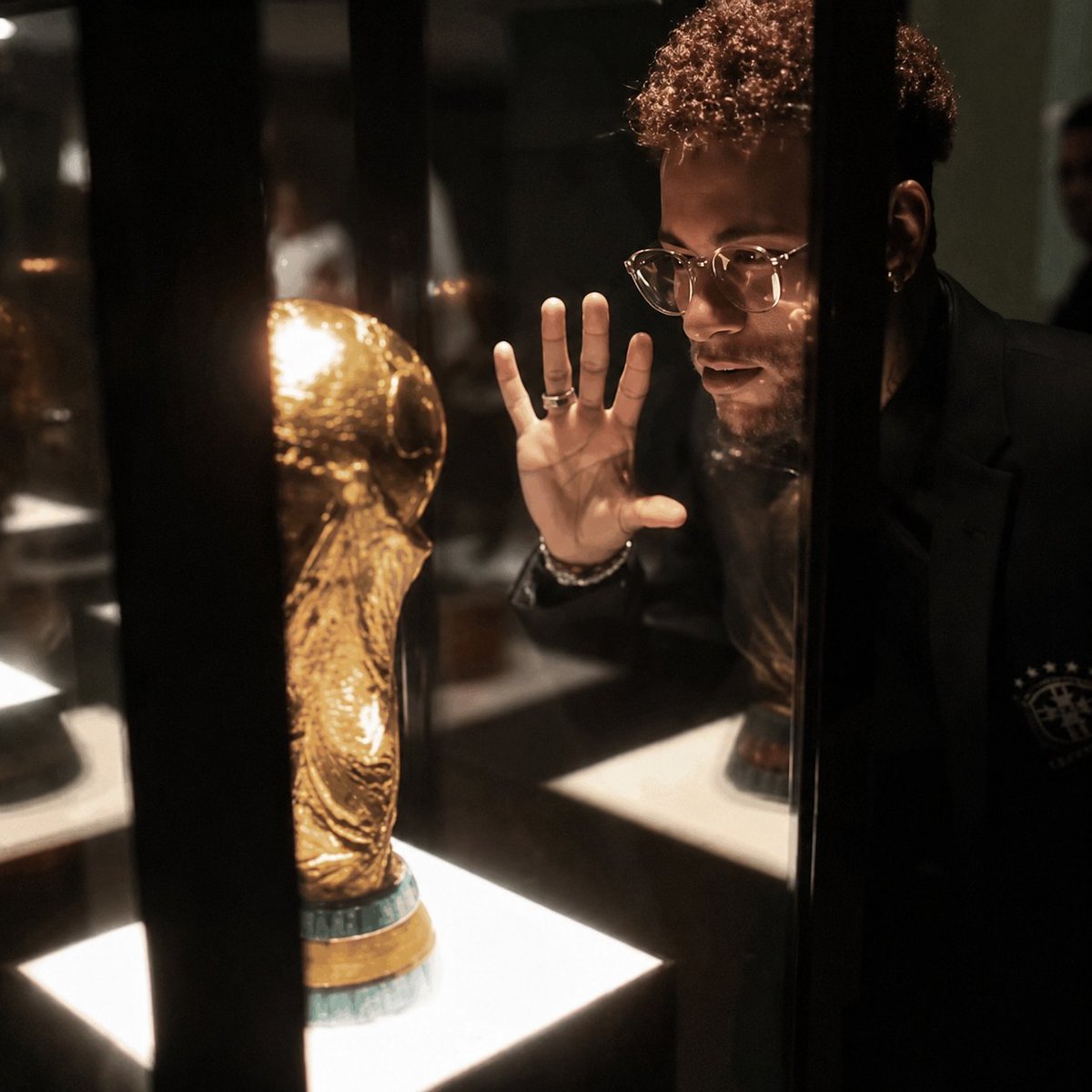
Cinematic 8K Photo Enhancer
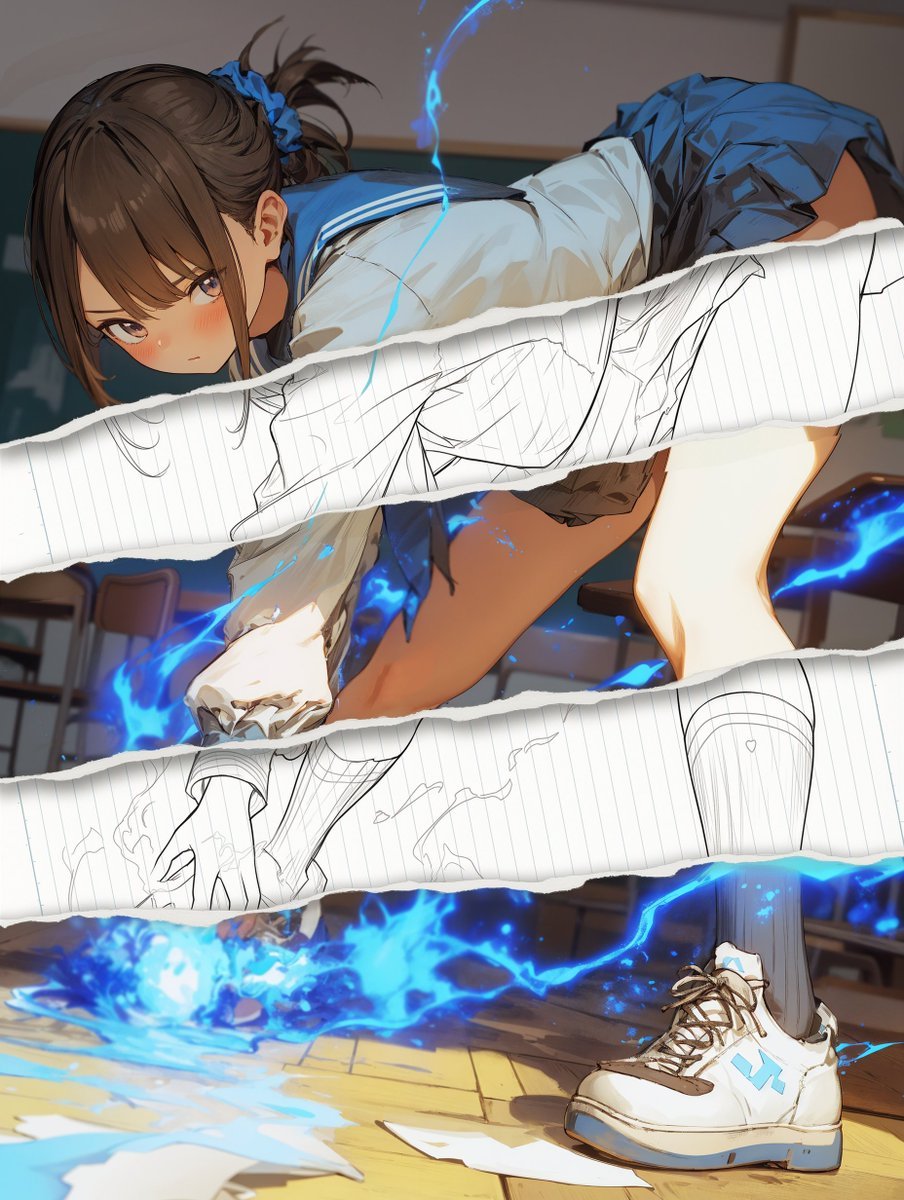
Style Change Prompt for Damaged Areas: Lost Love Girls
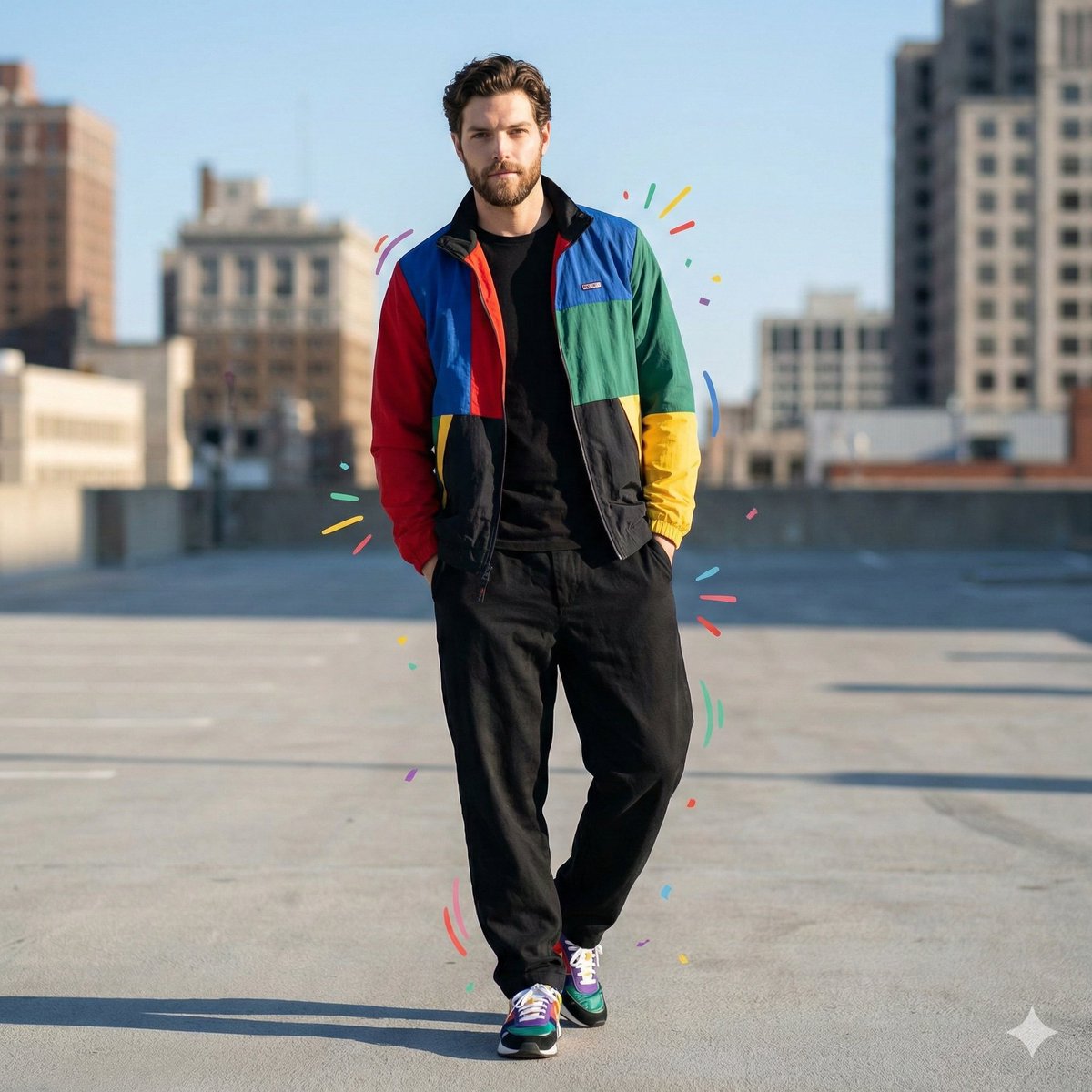
Color-Blocked Fashion Portrait with Graphic Accents
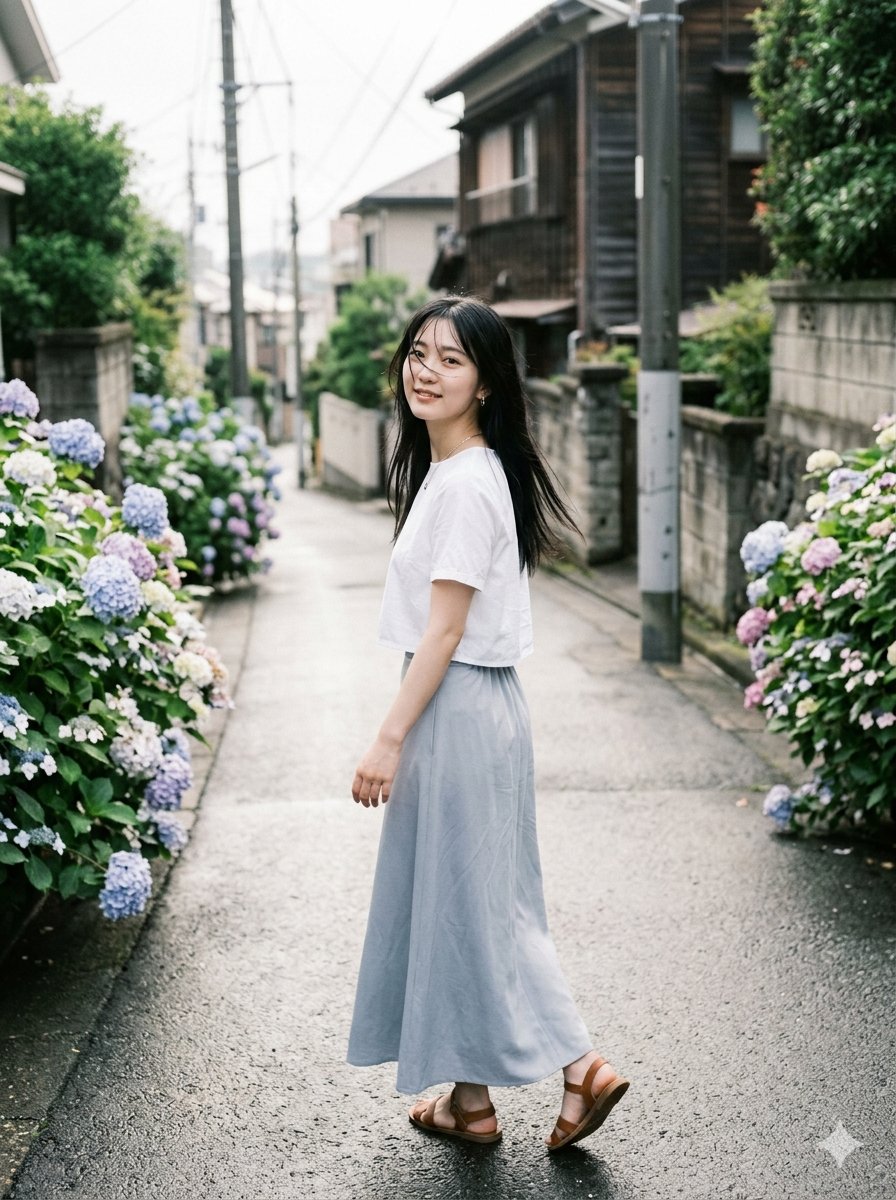
Rainy Hydrangea Street Portrait
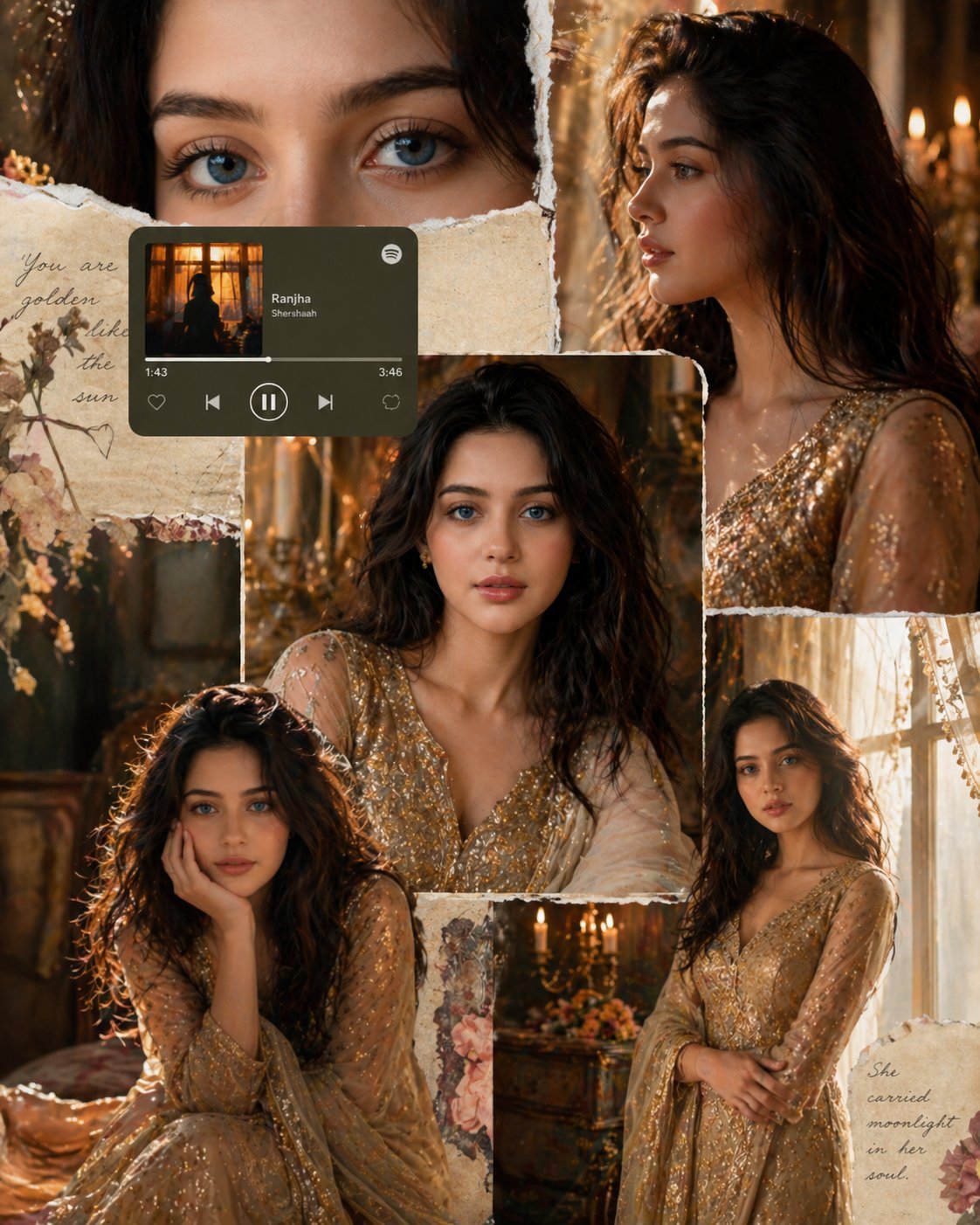
X Imgopaltiwari Golden Memories in Soft Light Chatgptapp
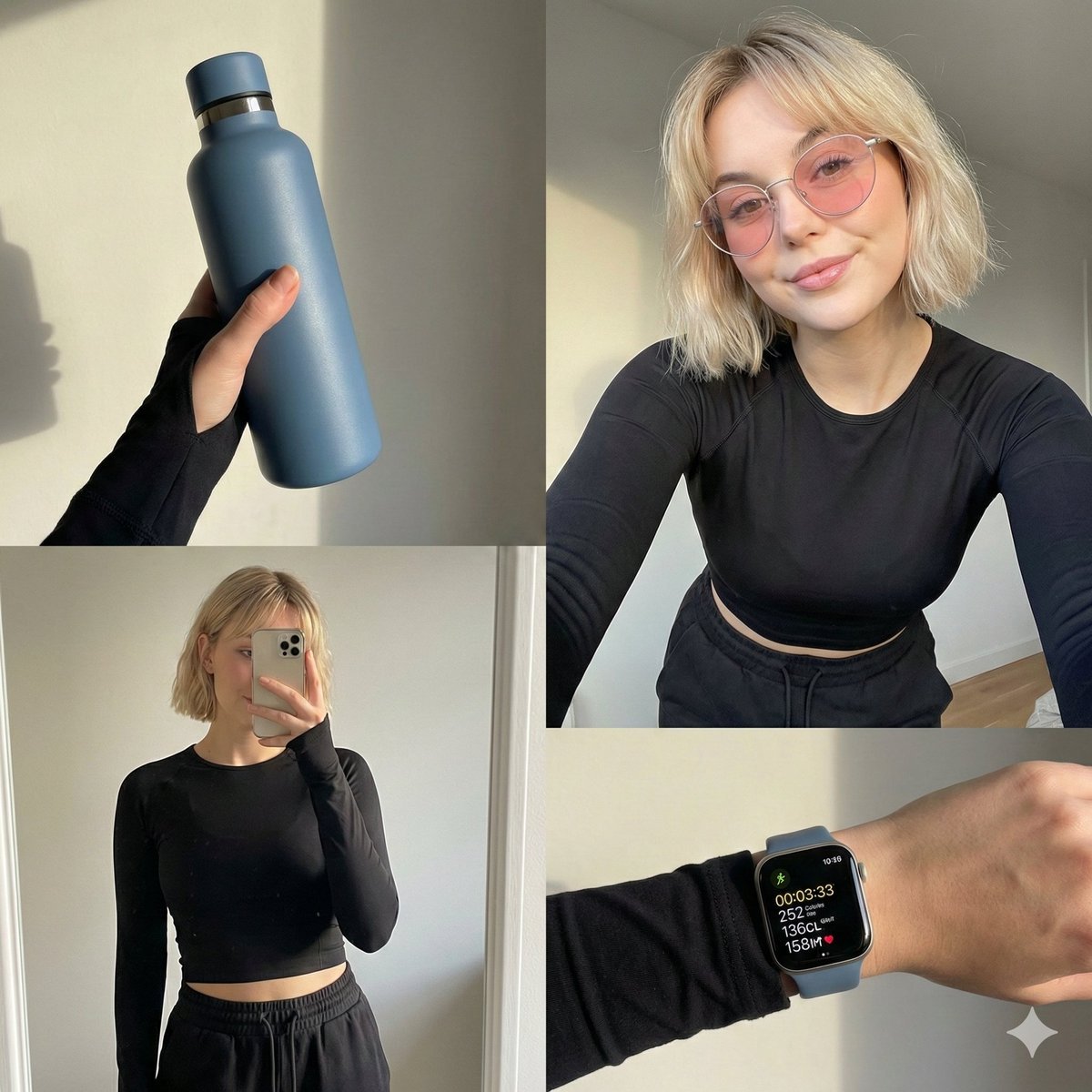
Four-grid lifestyle collage of an Asian woman in activewear, post-workout

SaaS AI Dashboard Landing Page
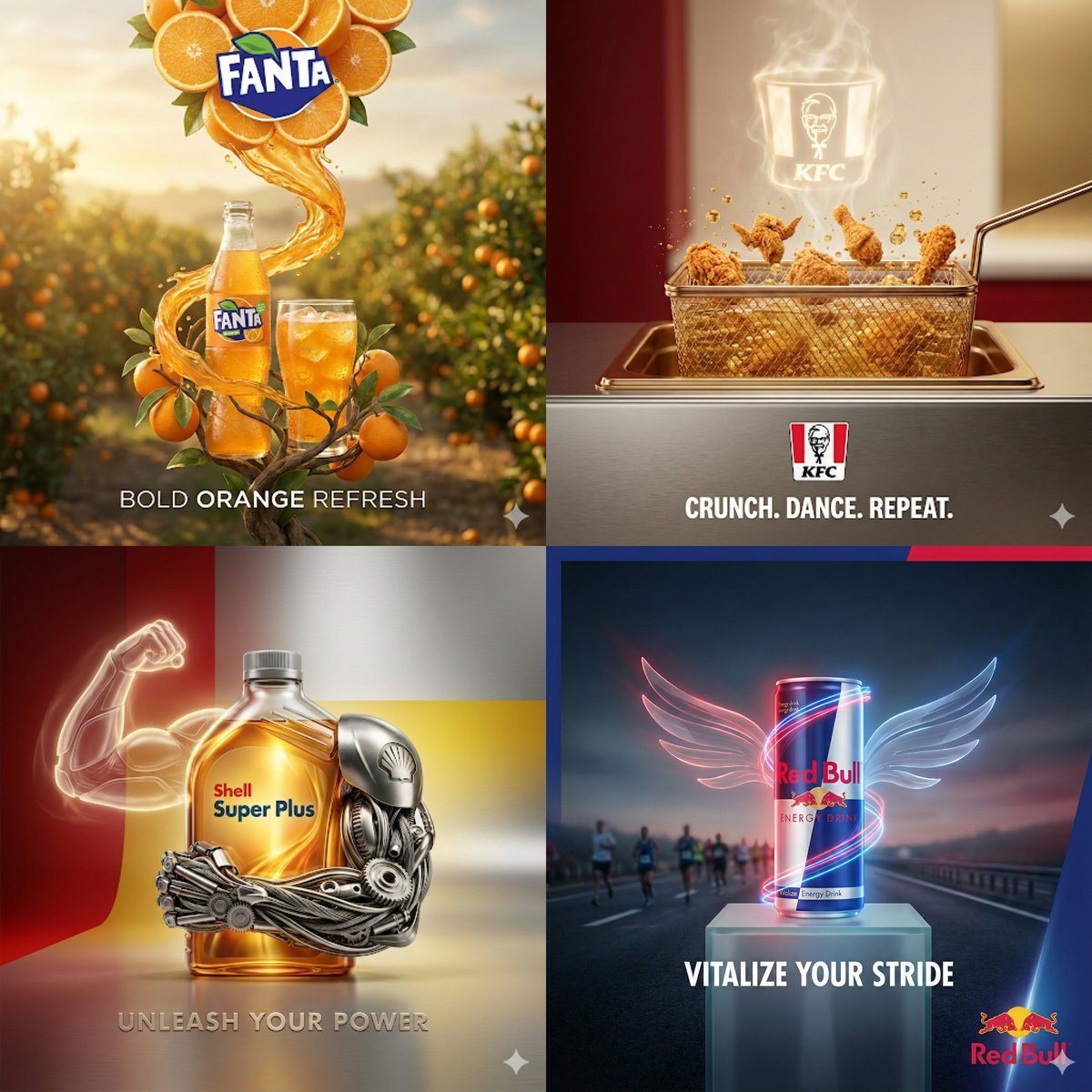
Surreal Advertising Concept Grid
Browse template categories
X Sumiturkude007 Image Description Subject questions
How do I use the x-sumiturkude007-image-description-subject template?
Add your photo if the template asks for one, edit the prompt if you like — the template's model and format are already selected — and press Generate. Your version opens in PicX Studio.
Can I customize the x-sumiturkude007-image-description-subject template?
Yes. You can change the subject, setting, lighting, mood, format, and available model controls before creating your image.
Is the x-sumiturkude007-image-description-subject template free?
Opening and editing this template is free. Generating uses credits, shown on the Generate button when you are signed in.
Which AI model should I use?
Start with GPT Image 2, which is the model associated with this template. You can compare another compatible model for a different finish.
Looking for something else? Browse all templates.

Your photo, any look
Thousands of ready templates for every top image and video model, from one credit balance.