
Surreal Advertising Concept Grid
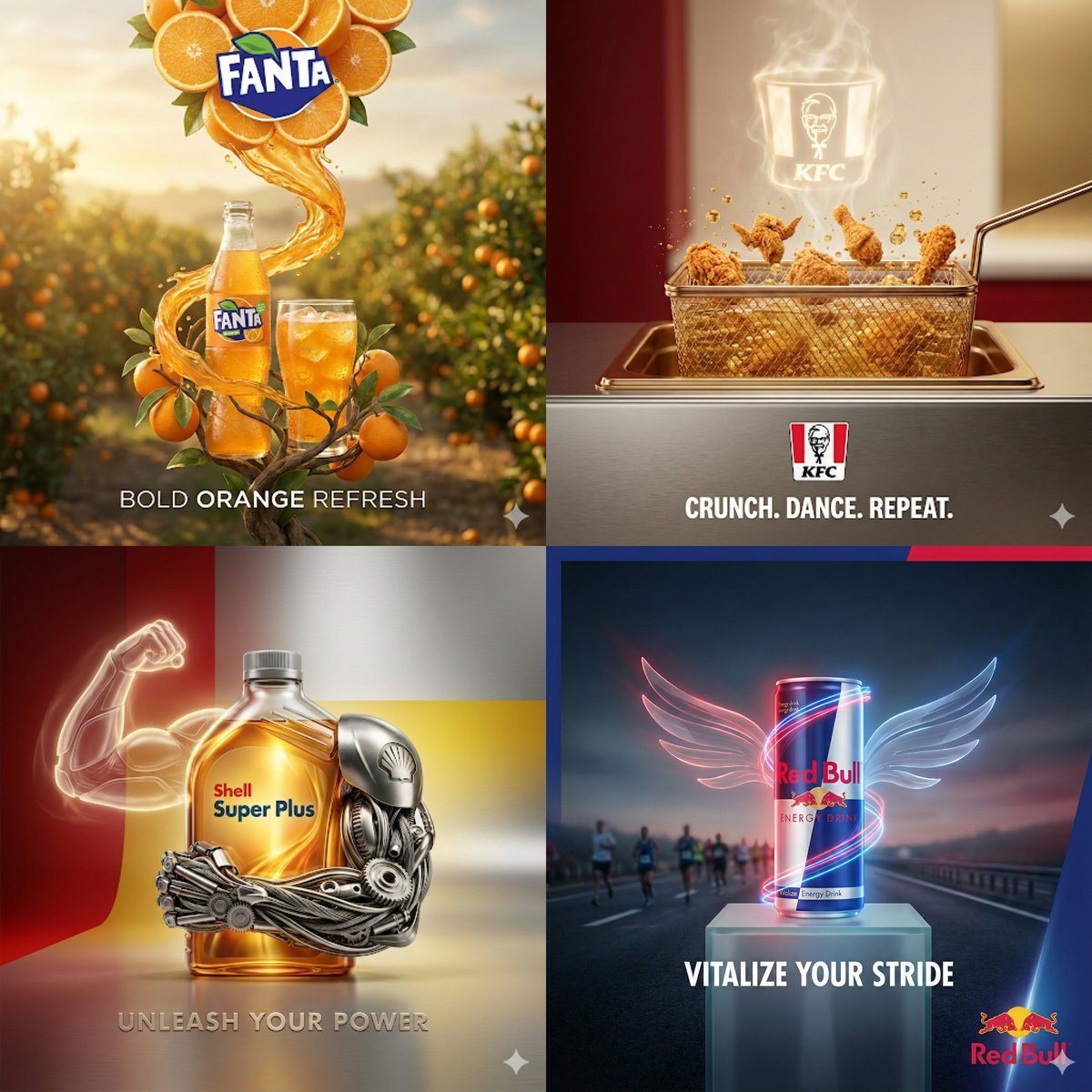
A detailed layout for a 2x2 grid of high-end advertising posters, featuring surreal product integrations for food, drinks, and automotive brands.
- Prompt included
- Model and format preset
- Free template
The prompt behind this image
Copy the exact prompt behind Surreal Advertising Concept Grid, or open it in the studio and make it yours.
Create a square 2x2 premium advertising concept board with four distinct realistic yet surreal product ads, each product centered as the hero and visually formed from materials that express the brand identity. Top left: a {argument name="top left brand" default="Fanta orange soda"} bottle and glass in a sunlit orange grove. Build the logo area from sliced oranges and leaves above the product, with an orange soda splash spiraling down around the bottle. Use warm golden-hour lighting, juicy citrus texture, precise shadows, and the slogan "{argument name="top left slogan" default="BOLD ORANGE REFRESH"}" at the bottom. Top right: a {argument name="top right brand" default="KFC fried chicken"} ad inside a polished fryer basket on a clean counter. Show crispy chicken pieces popping upward with oil droplets, while a glowing steam outline forms a KFC bucket and logo above. Use red, cream, and stainless-steel tones, cinematic restaurant lighting, and the slogan "{argument name="top right slogan" default="CRUNCH. DANCE. REPEAT."}" at the bottom. Bottom left: a Shell Super Plus motor oil bottle as a powerful mechanical hero object. Wrap the bottle with a futuristic chrome robotic arm and engine components, plus a glowing outline of a flexing arm behind it. Use red and yellow brand colors, glossy oil material, high-end studio reflections, and the slogan "UNLEASH YOUR POWER" at the bottom. Bottom right: a Red Bull energy drink can on a pedestal at dusk with runners blurred in the background. Add luminous red and blue energy trails and transparent neon wings extending from the can. Use cool cinematic sports lighting, a premium night-road atmosphere, and the slogan "VITALIZE YOUR STRIDE" at the bottom. Keep every quadrant ultra-realistic, editorial, luxury commercial style, perfectly balanced framing, clean typography, official-looking logo placement, cohesive lighting, strong realism, no extra text beyond each logo and its short slogan.
How to use Surreal Advertising Concept Grid in 3 steps
- 1
Open
The prompt is already in the box next to the preview, with the template's model and format selected.
- 2…a portrait of your subject in softgolden-hour light, 85mm…
Personalize
Edit the subject and creative details for your destination.
- 3Generate
Generate
Press Generate — your image is created in PicX Studio, so you can compare it with the original and refine one variable at a time.
More like this
Templates with the same subject, style or setup. Open one to see its prompt.
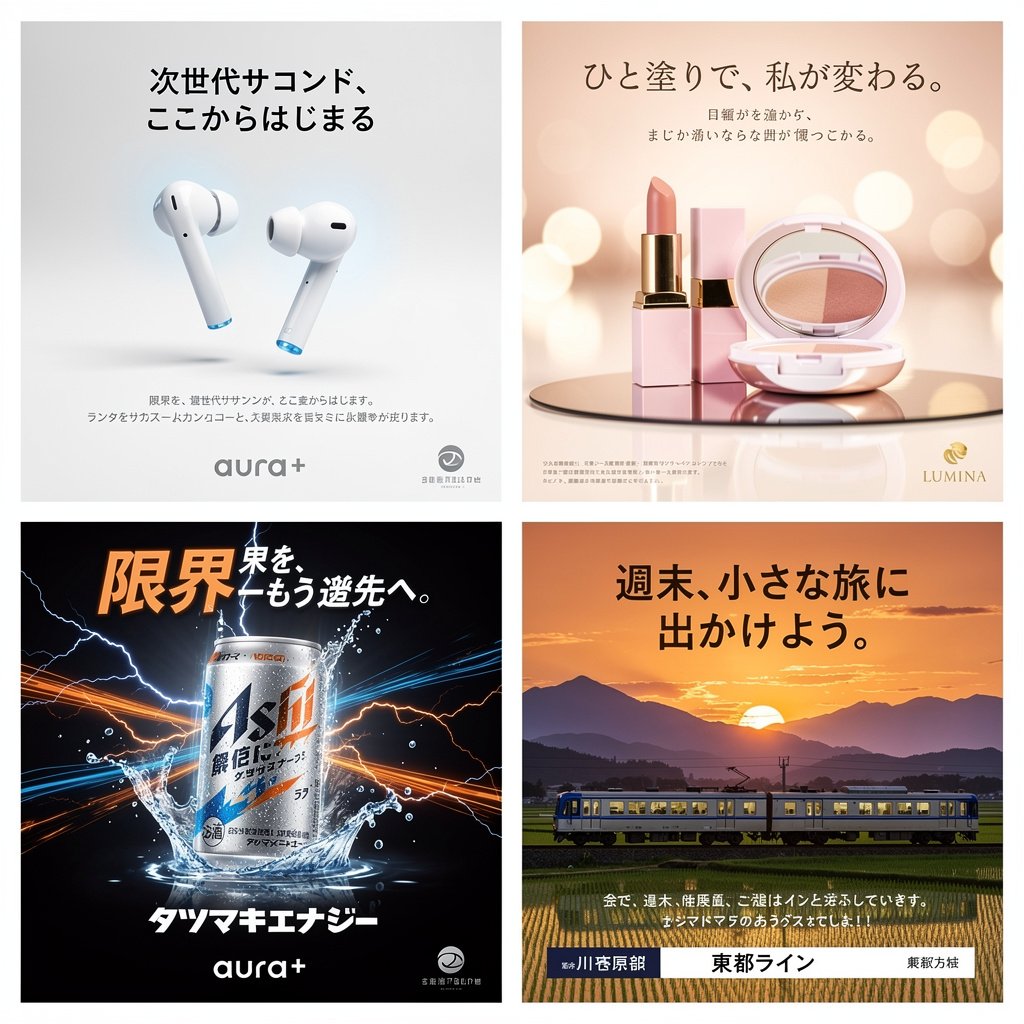
Panel Japanese Advertising Concept Grid
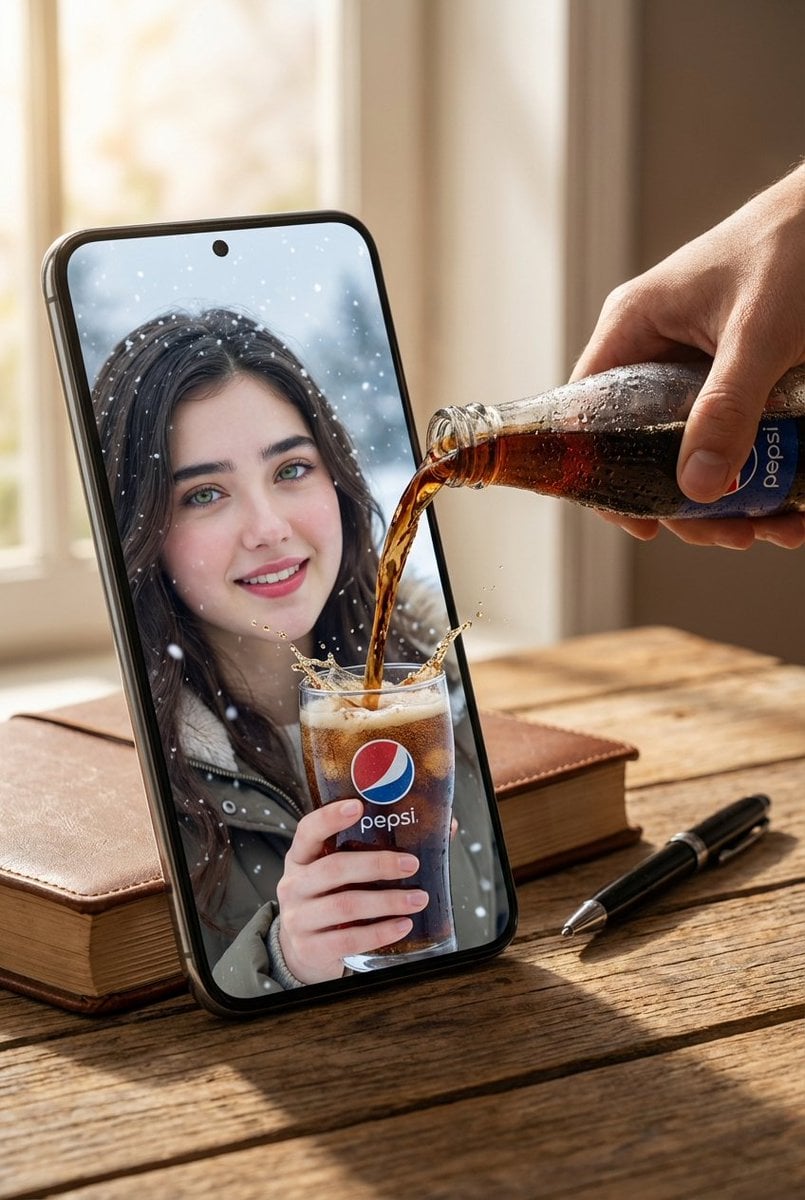
Surreal Pepsi Advertising Concept

Surreal Cat Astronaut — Humanoid Face Freefall

Bold Red Contrast Fashion Editorial Newspaper Room

Korean Luxury Fashion Editorial 2x2 Grid Series

Minimalist Fashion Editorial Split Layout

Ultra-Realistic Vogue-Style Editorial Fashion Grid

Stylized Fashion Portrait Bold Color Contrast Editorial

Glass Brand Logo Volcanic Landscape

Blueprint Split Reality Archetype Prompt

Botanical Skincare Minimal Product Advertising

Real Illustration Split Portrait Transition
Make it yours
Surreal Advertising Concept Grid works as-is. These are the safest ways to change it without losing the look.
Change one field
Copy a single group, rewrite it, and generate again so you can see what that field is doing.
Keep the frame, change the subject
Hold the composition and light of Surreal Advertising Concept Grid, then swap wardrobe, props or the person for a new take.
| If the result… | Why | Fix |
|---|---|---|
| The result drifts from the preview | Too many fields changed at once. | Reuse Surreal Advertising Concept Grid as-is first, then change one group — subject, light, or setting. |
| The model over-stylizes the scene | The prose prompt leaves finish and camera underspecified. | Add one camera or lighting sentence and stay on GPT Image 2. |
More GPT Image 2 templates
Other prompts made for GPT Image 2.

Six VTuber Japanese Logo Sheet

Realistic Portrait of Woman and Deer

The Vista Modular Condo Poster

AI Model Routing Comparison Infographic

2.5D Anime Art Board

Isometric Productivity Desk Scene

New York Double Exposure Poster

Four-Panel AI Landscape Comparison

Japanese Tatami Lifestyle Magazine Cover

NESCAFÉ Coffee Map Poster
More image prompts
Fresh picks from across the catalog.
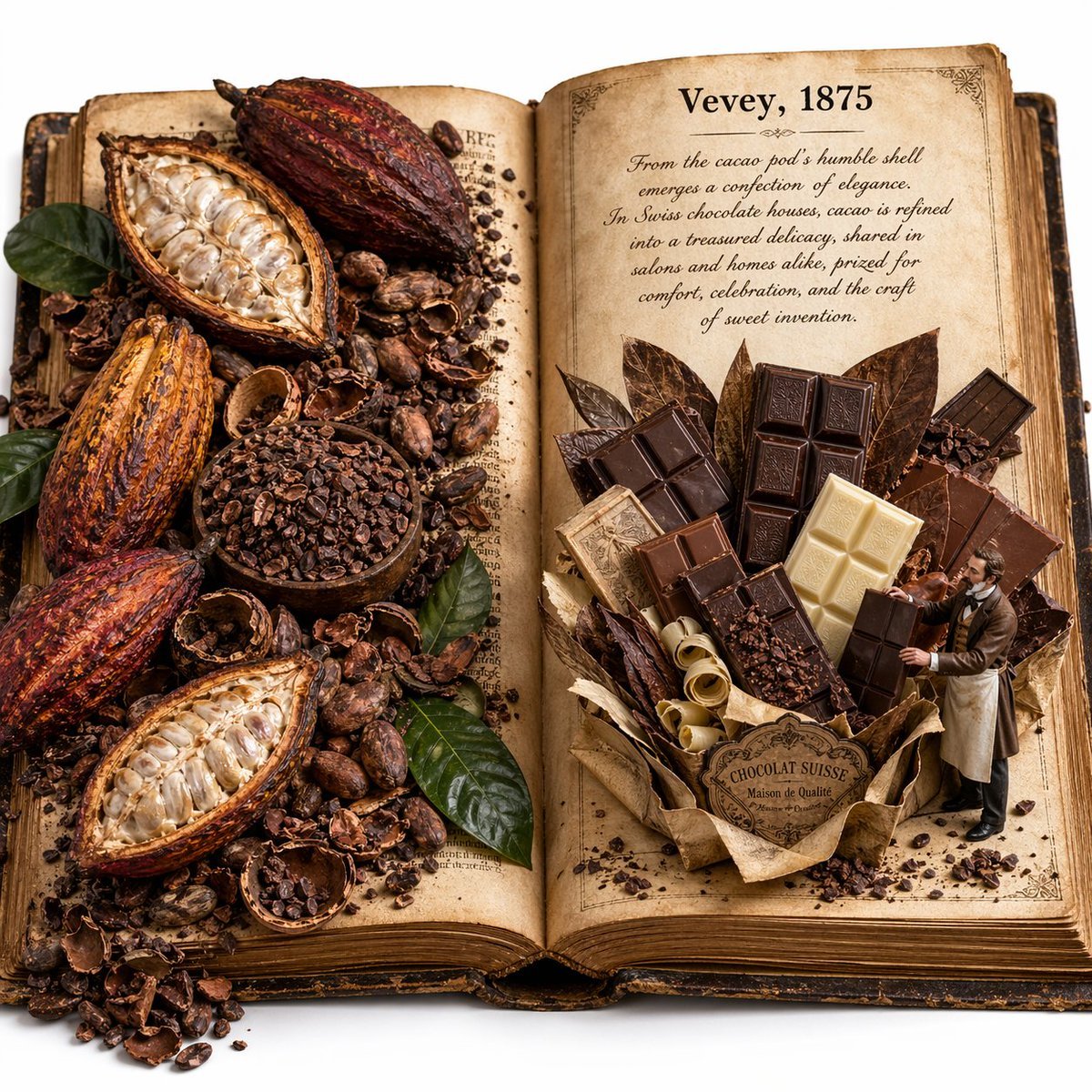
Edible History Pop-Up Chocolate Book
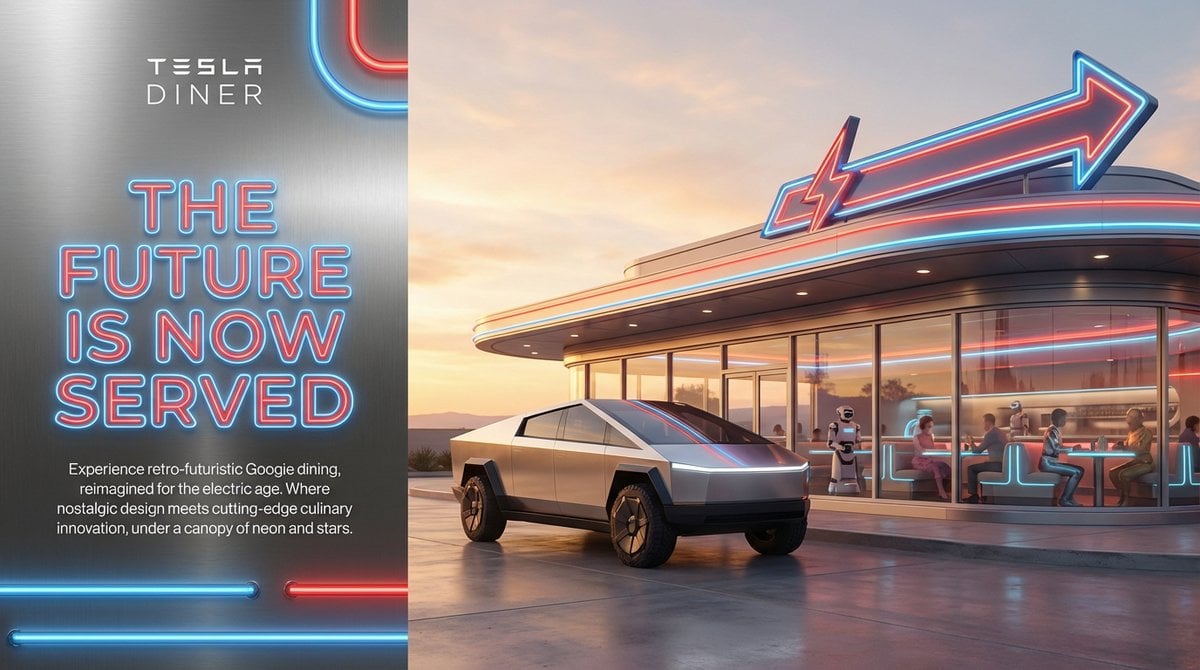
Editorial-Style Marketing Banner for Premium Tech
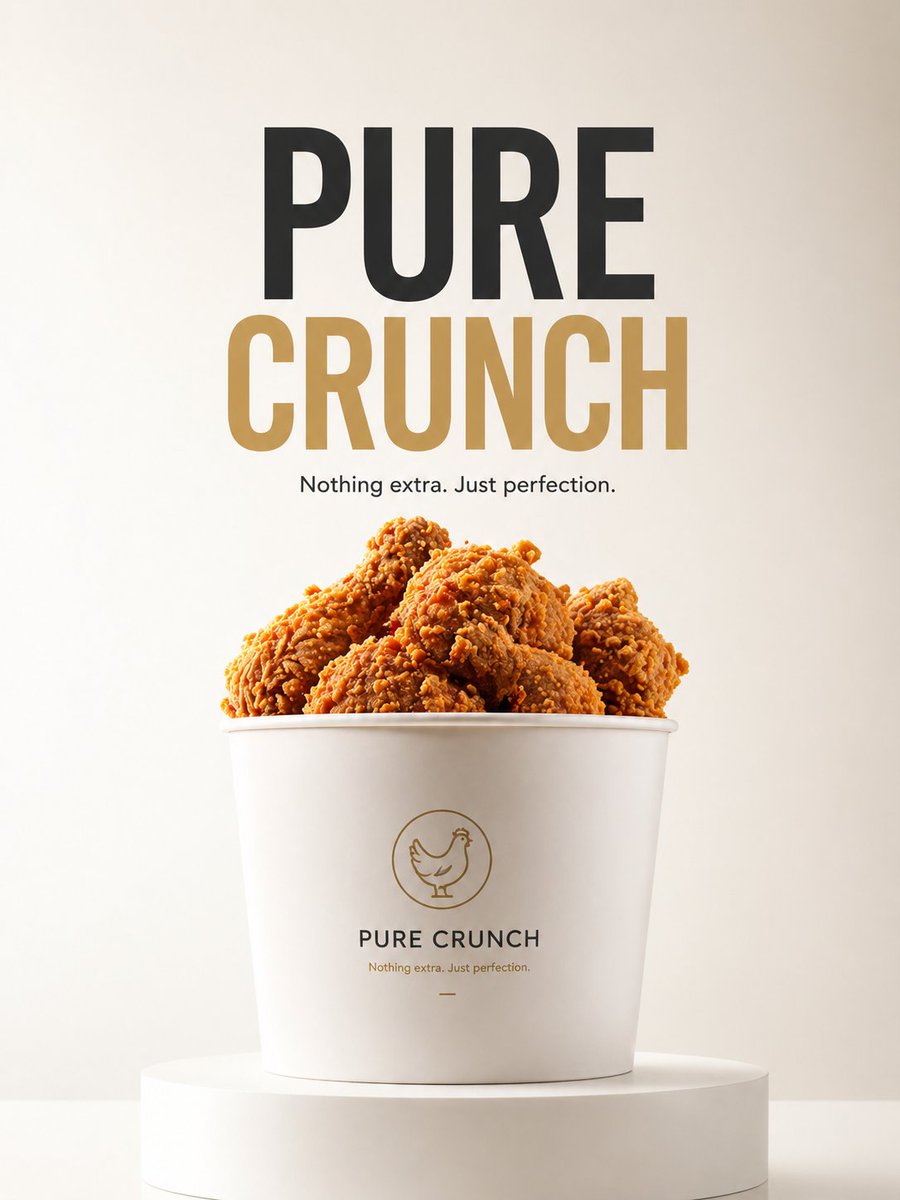
Gpt2 E Commerce Main Image Minimalist Product Ad Pure Crunch
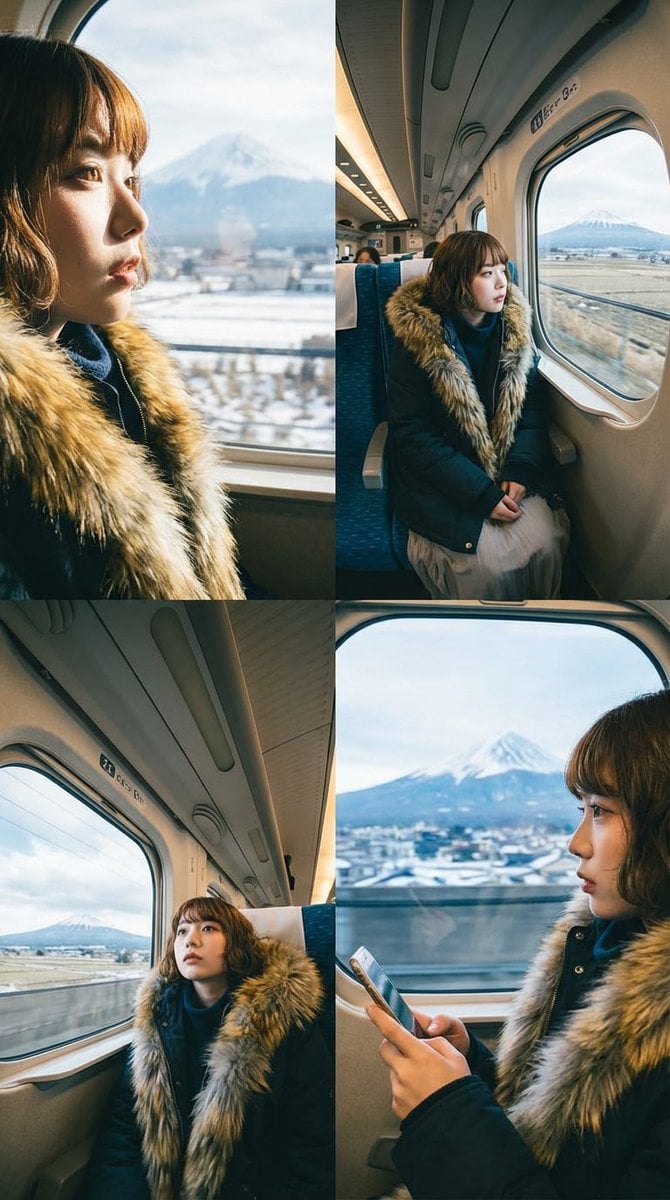
Four-Panel Image Generation with Specific Location and Perspective Prompt
lza 1
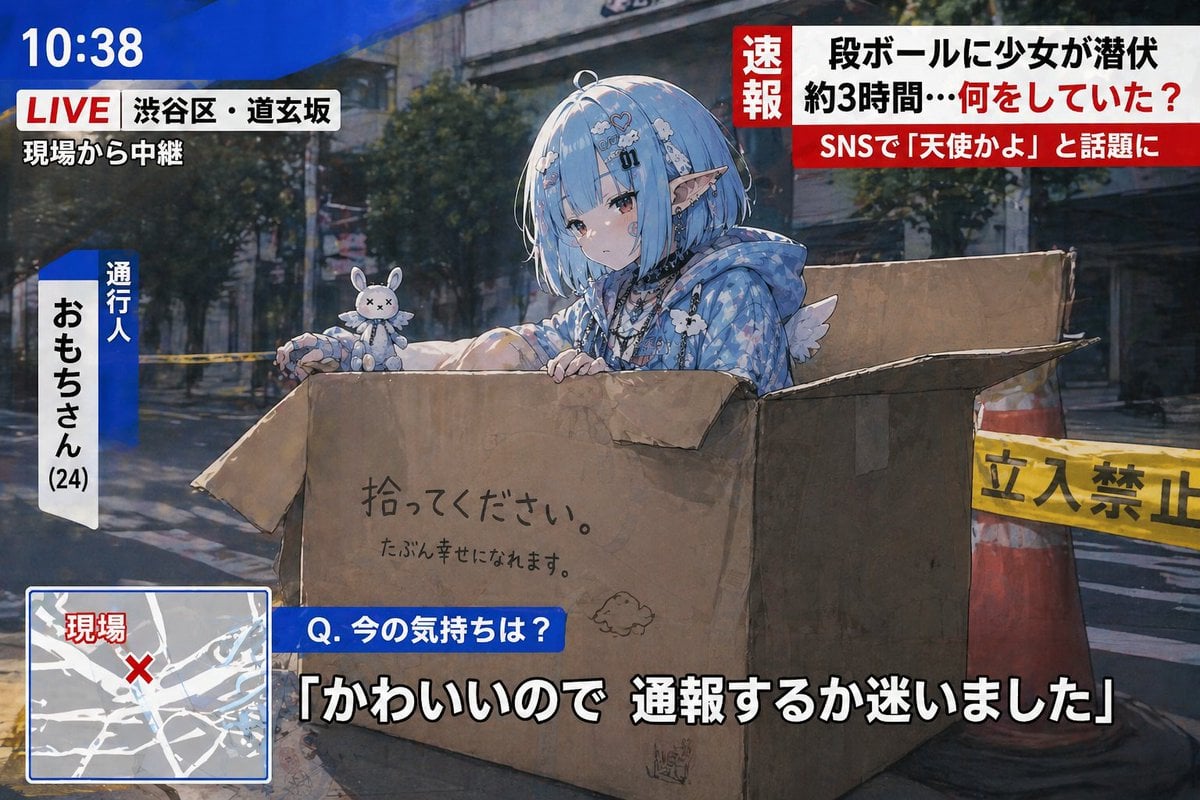
Breaking News Style Character Art
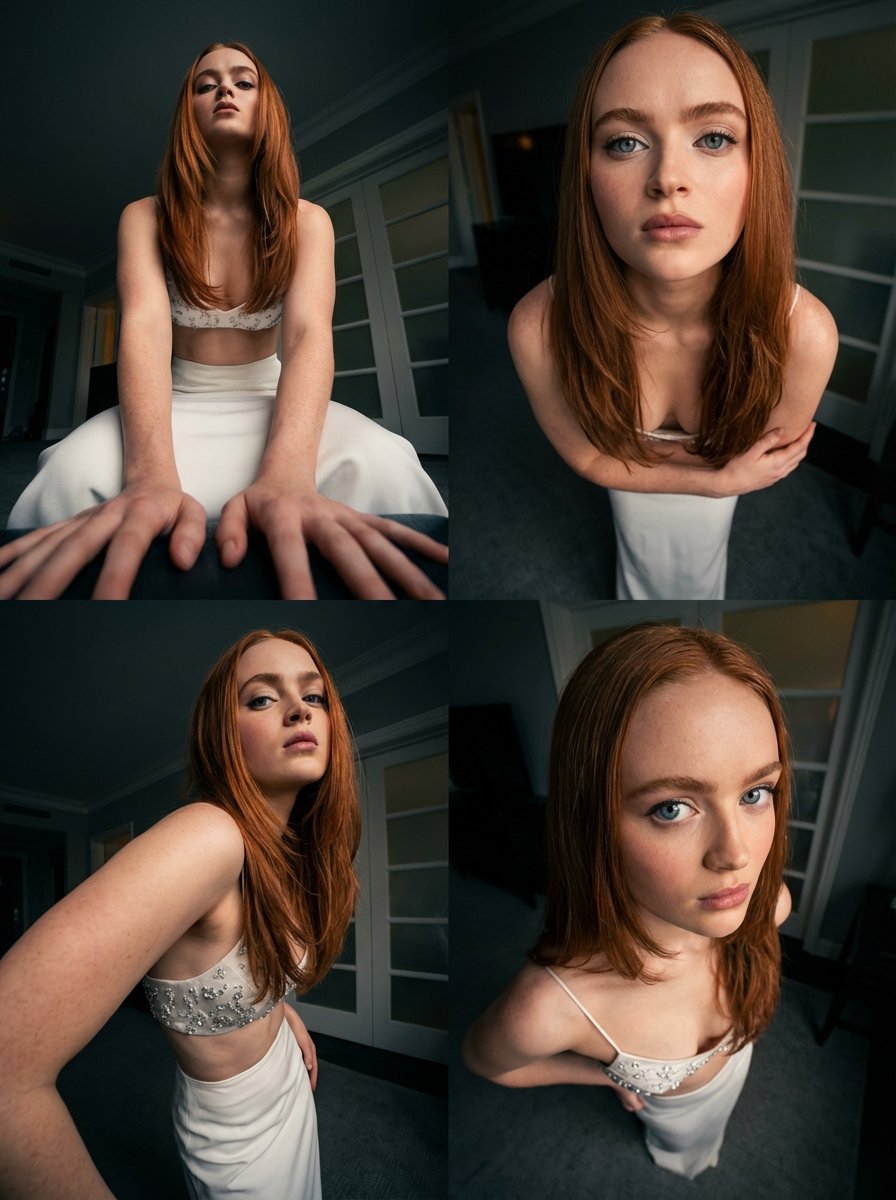
Dynamic Multi-Angle Portrait Grid Generation
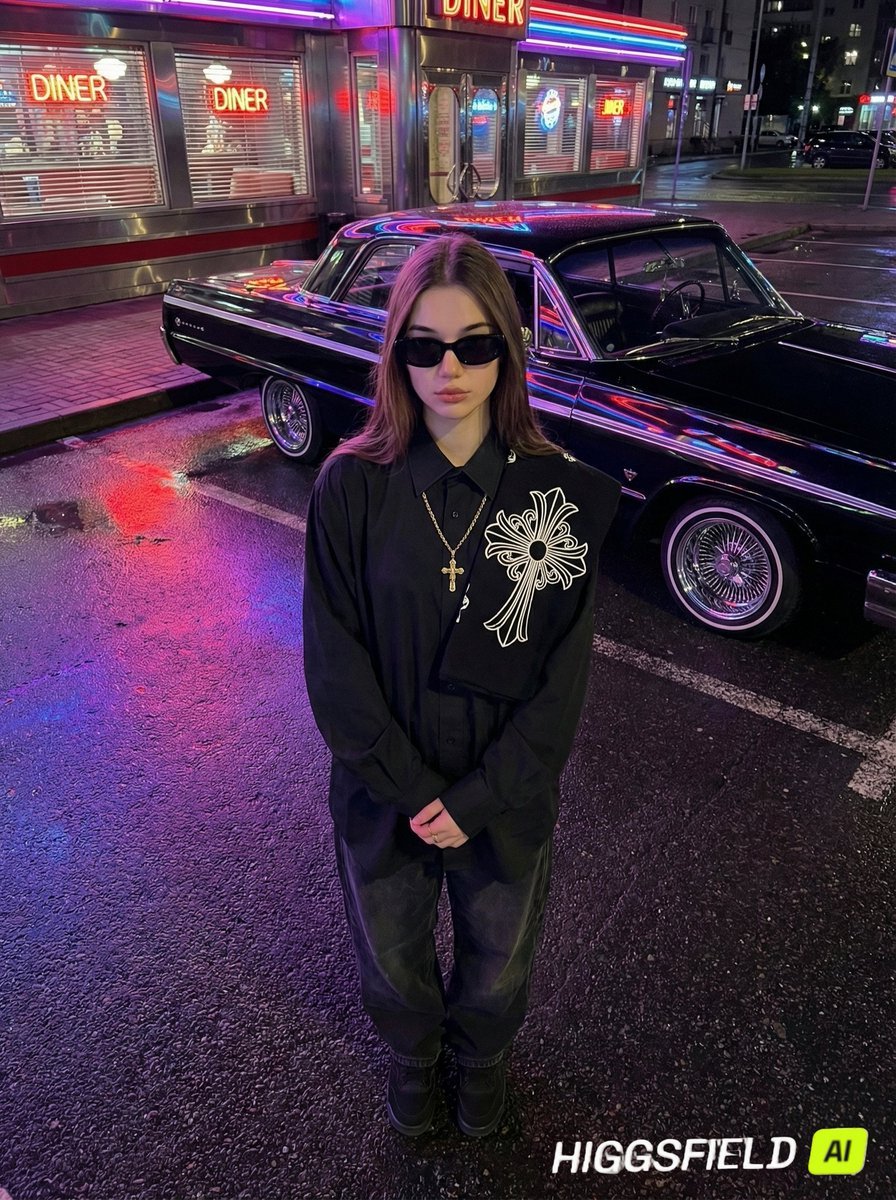
Urban Noir Identity Preservation Prompt
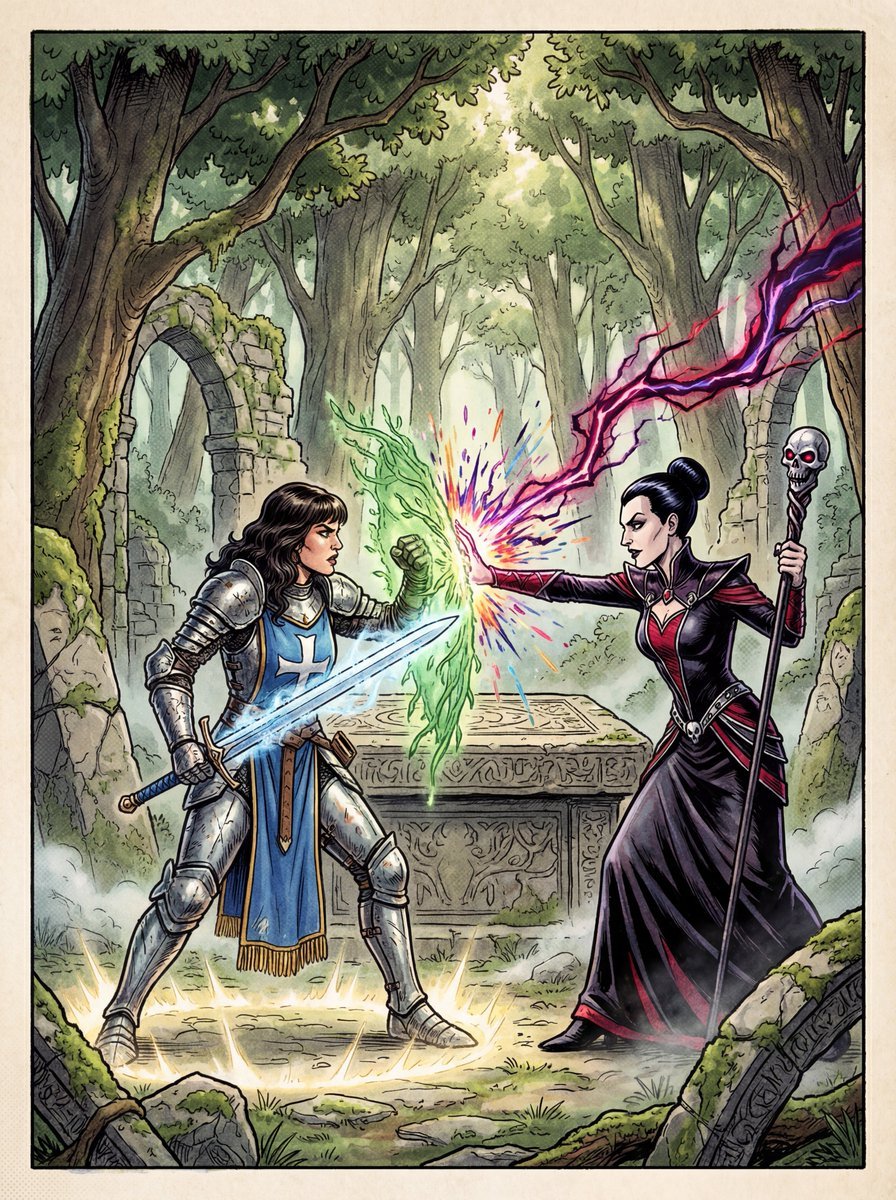
1980s RPG manual cover in 4K
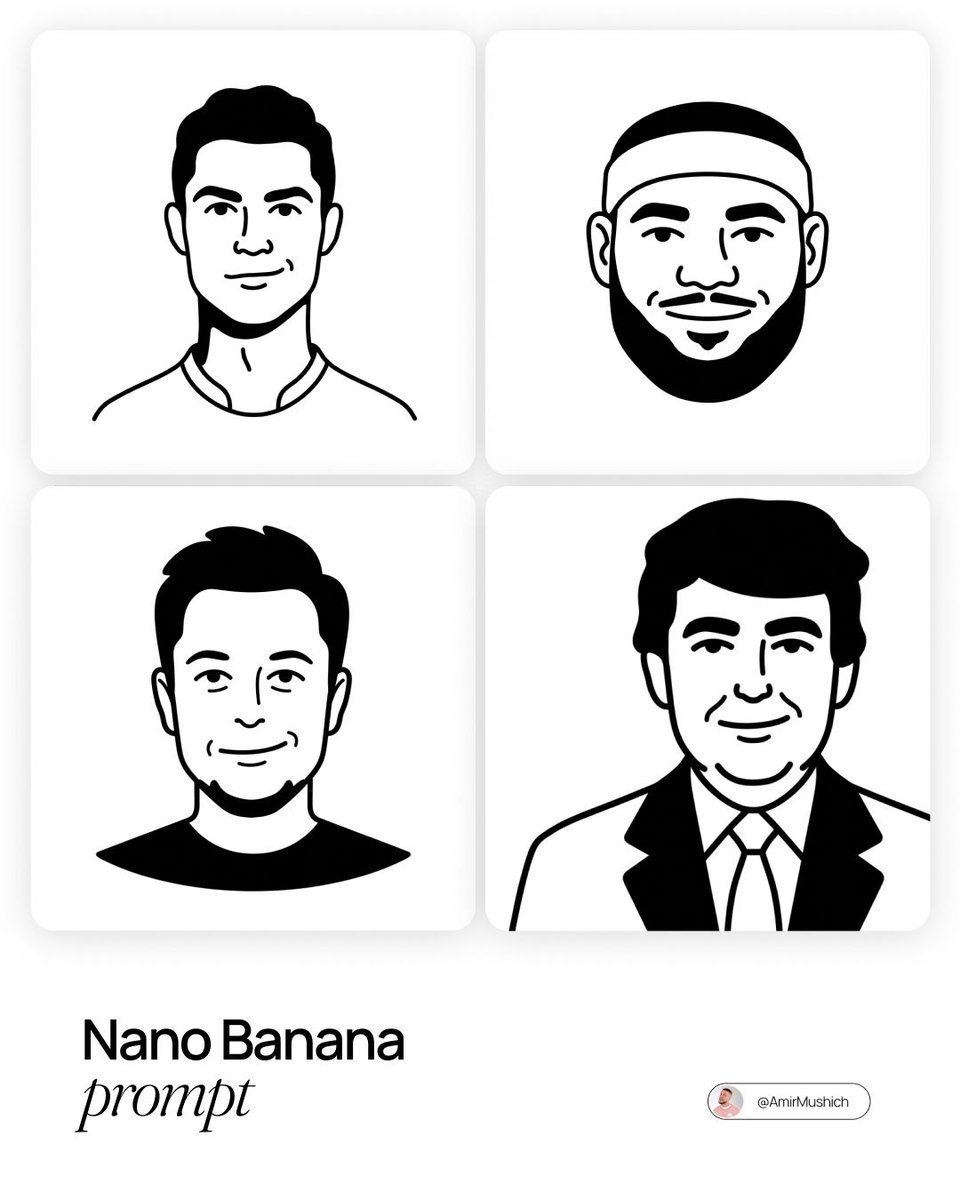
Notion-Styled Minimalist Illustrations Prompt
Browse template categories
Surreal Advertising Concept Grid questions
How do I use the Surreal Advertising Concept Grid template?
Add your photo if the template asks for one, edit the prompt if you like — the template's model and format are already selected — and press Generate. Your version opens in PicX Studio.
Can I customize the Surreal Advertising Concept Grid template?
Yes. You can change the subject, setting, lighting, mood, format, and available model controls before creating your image.
Is the Surreal Advertising Concept Grid template free?
Opening and editing this template is free. Generating uses credits, shown on the Generate button when you are signed in.
Which AI model should I use?
Start with GPT Image 2, which is the model associated with this template. You can compare another compatible model for a different finish.
Looking for something else? Browse all templates.

Your photo, any look
Thousands of ready templates for every top image and video model, from one credit balance.