
Acrylic VoxCat Fashion Window Poster
A premium vertical collectible-card style poster of a dark couture character inside a transparent acrylic luxury display window with neon branding.
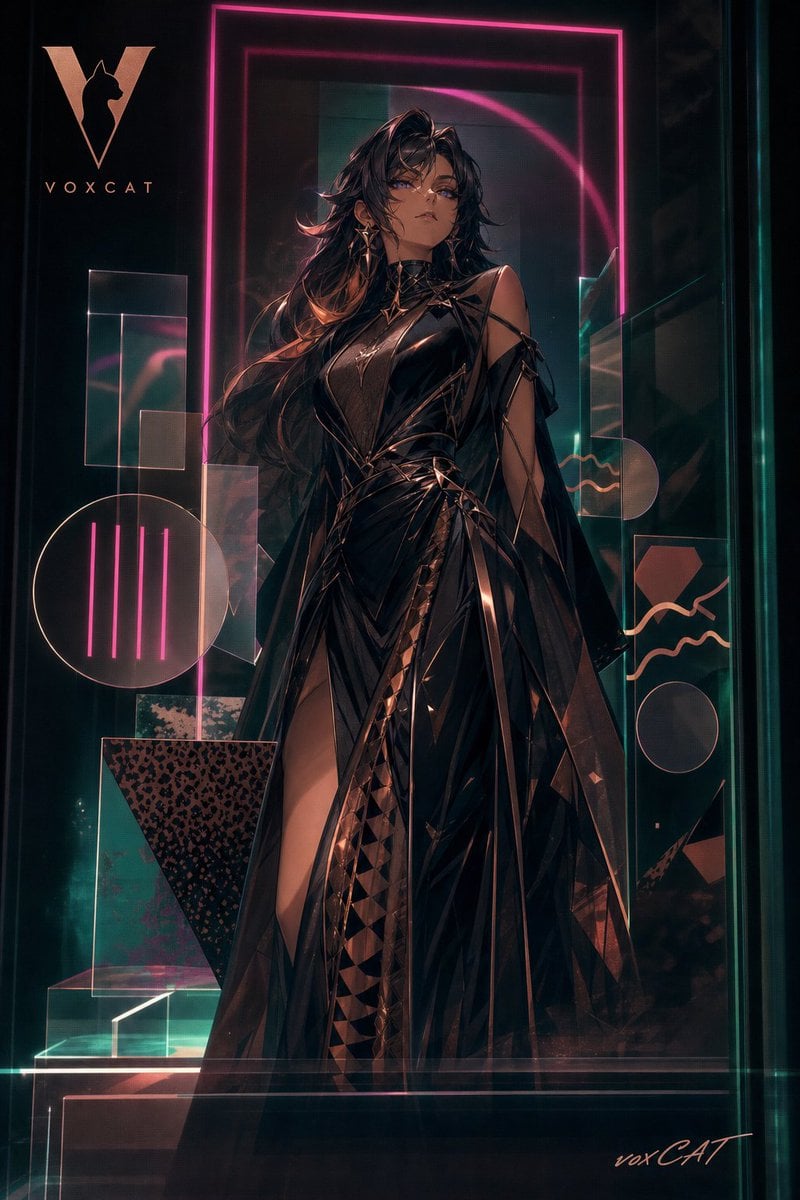
- Prompt included
- Model and format preset
- Free template
The prompt behind this image
Copy the exact prompt behind Acrylic VoxCat Fashion Window Poster, or open it in the studio and make it yours.
Create a vertical high-end commercial poster / collectible card cover featuring {argument name="character name" default="VoxCat"} as a glamorous dark fashion heroine displayed inside a transparent acrylic luxury shop window. The canvas is portrait 2:3, cinematic and glossy, with a black teal background, smoky reflections, layered transparent panes, and soft neon light strips. Center a full-body anime-inspired woman standing confidently, long flowing {argument name="hair color" default="dark brown-black with copper highlights"}, face obscured or left featureless, wearing a dramatic {argument name="outfit description" default="black patent-leather couture gown with angular straps, high slit, translucent cape panels, geometric triangular textures, metallic copper accents, choker, and asymmetric shoulder cutouts"}. Use a premium fashion-window composition: foreground character, middle-layer acrylic reflections and glass glare, background brand geometry and signage. Include exactly 11 decorative graphic elements around her: 1 large hot-pink neon rectangular frame behind the figure, 1 inner darker rectangular frame, 1 large rose-gold V logo with a cat silhouette at upper left, 1 brand wordmark reading "VOXCAT" under the logo, 1 large outlined circle at lower left containing 5 vertical pink neon bars, 1 leopard-print inverted triangle block at lower left, 1 translucent rectangular block cluster on the left, 1 small translucent glass plinth at bottom left, 1 right-side panel with a peach hexagon and 2 wavy line motifs, 1 small outlined circle at lower right, and 1 low-key handwritten signature reading "voxCAT" at bottom right. Lighting should be luxurious and restrained: magenta neon rim light, teal glass edge glow, warm copper highlights on fabric, soft-focus reflections, faint haze, subtle bloom, and sharp glossy material detail. Keep the layout elegant and uncluttered, like an acrylic display case plus collectible card surface, with hidden branding and thin decorative lines integrated into the structure. No extra text, no watermark, no photorealistic face detail; emphasize layered translucency, premium poster aesthetics, and polished gpt-image-2 style.
How to use Acrylic VoxCat Fashion Window Poster in 3 steps
- 1Upload ImagePNG, JPG or paste
Add your photo
Upload the photo the template builds on. The prompt, model and format are already set.
- 2…a portrait of your subject in softgolden-hour light, 85mm…
Personalize
Edit the subject and creative details for your destination.
- 3Generate
Generate
Press Generate — your image is created in PicX Studio, so you can compare it with the original and refine one variable at a time.
More like this
Templates with the same subject, style or setup. Open one to see its prompt.

80s College Gate

1988 Mall Style

80s Polka Dot Saree
VOXCAT Retro Screen Print Poster
Acrylic Hand-Painted Style Poster Design

Japan Travel Brochure Poster

Cartoon TV Show Poster Pack

Blue Backdrop Luxury Fashion Portrait Campaign

Luxury Black-and-White Fashion Contact Sheet

Rainy Café Window Moody Portrait

Futuristic Studio Neon Ring Minimalist Portrait

Neon Night Crosswalk Candid Portrait
Make it yours
Acrylic VoxCat Fashion Window Poster works as-is. These are the safest ways to change it without losing the look.
Change one field
Copy a single group, rewrite it, and generate again so you can see what that field is doing.
Keep the frame, change the subject
Hold the composition and light of Acrylic VoxCat Fashion Window Poster, then swap wardrobe, props or the person for a new take.
| If the result… | Why | Fix |
|---|---|---|
| The result drifts from the preview | Too many fields changed at once. | Reuse Acrylic VoxCat Fashion Window Poster as-is first, then change one group — subject, light, or setting. |
| The model over-stylizes the scene | The prose prompt leaves finish and camera underspecified. | Add one camera or lighting sentence and stay on GPT Image 2. |
More GPT Image 2 templates
Other prompts made for GPT Image 2.

Six VTuber Japanese Logo Sheet

Realistic Portrait of Woman and Deer

The Vista Modular Condo Poster

AI Model Routing Comparison Infographic

2.5D Anime Art Board

Isometric Productivity Desk Scene

New York Double Exposure Poster

Four-Panel AI Landscape Comparison

Japanese Tatami Lifestyle Magazine Cover

NESCAFÉ Coffee Map Poster
More image prompts
Fresh picks from across the catalog.
3D Cartoon Character Pose Sheet
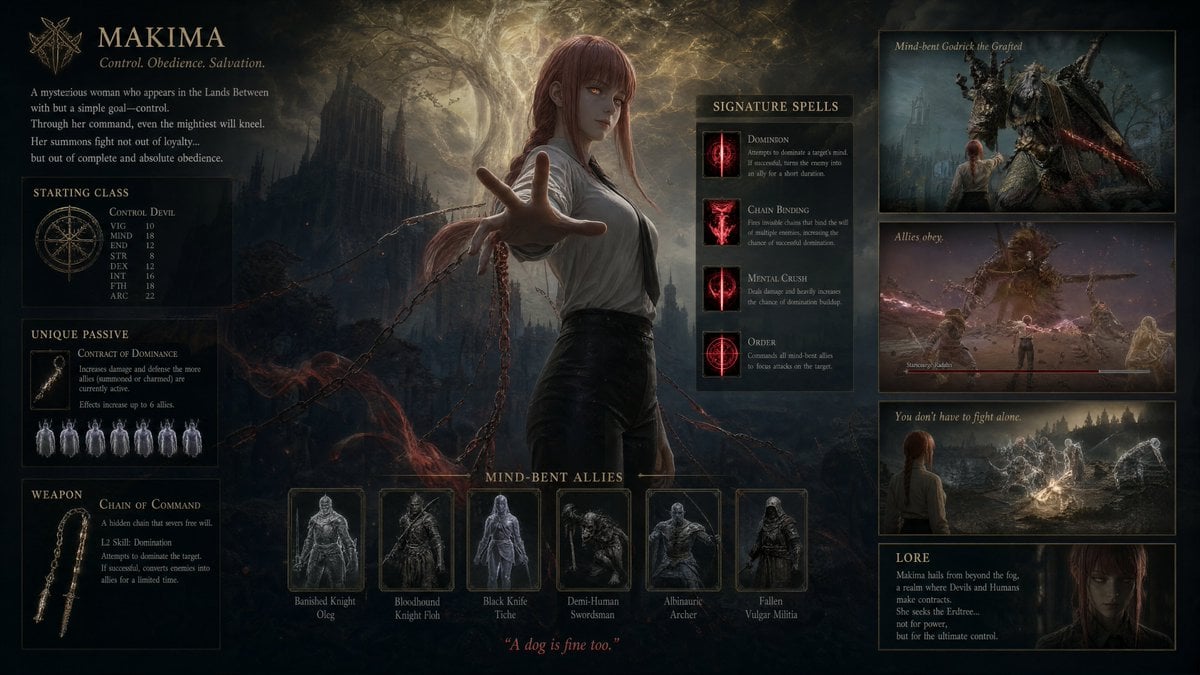
Dark Fantasy Makima Build Sheet
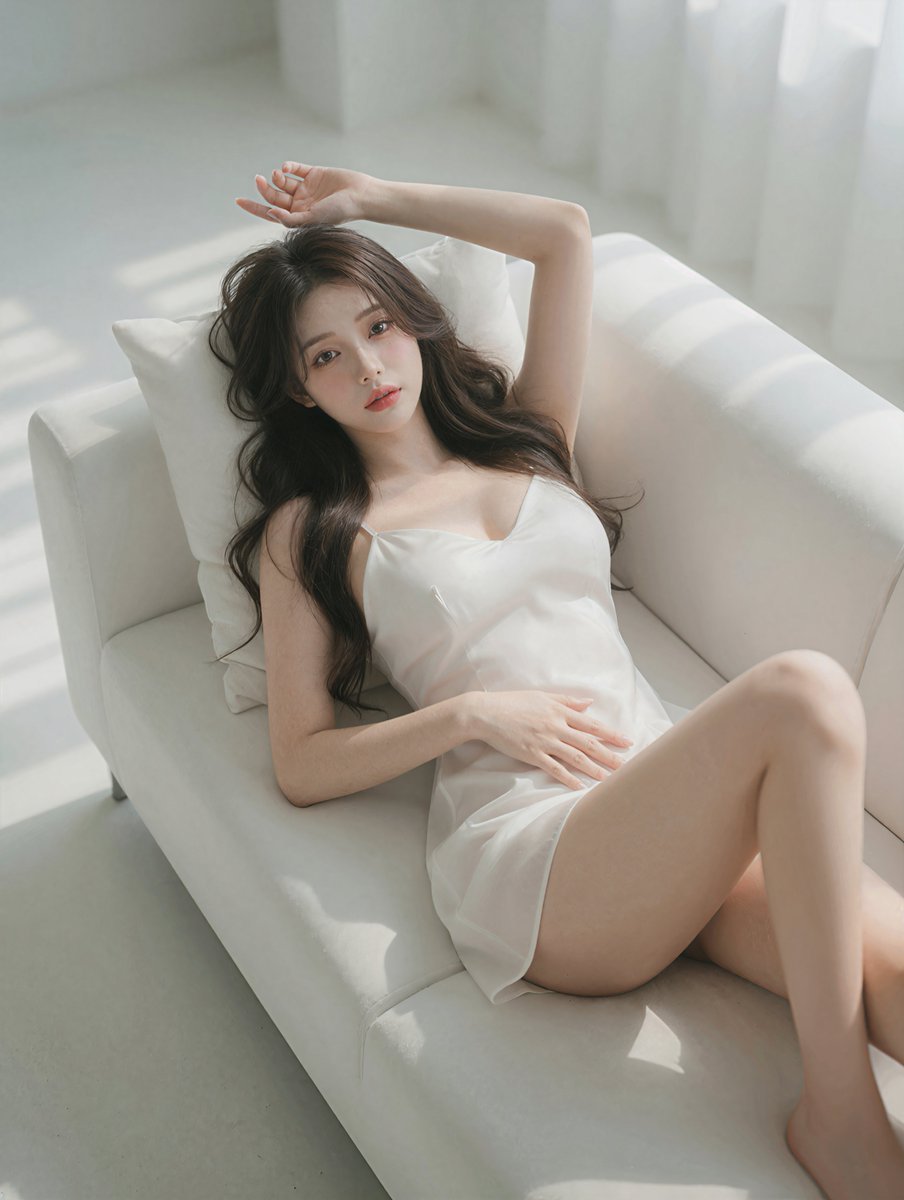
Photorealistic Reclining Portrait
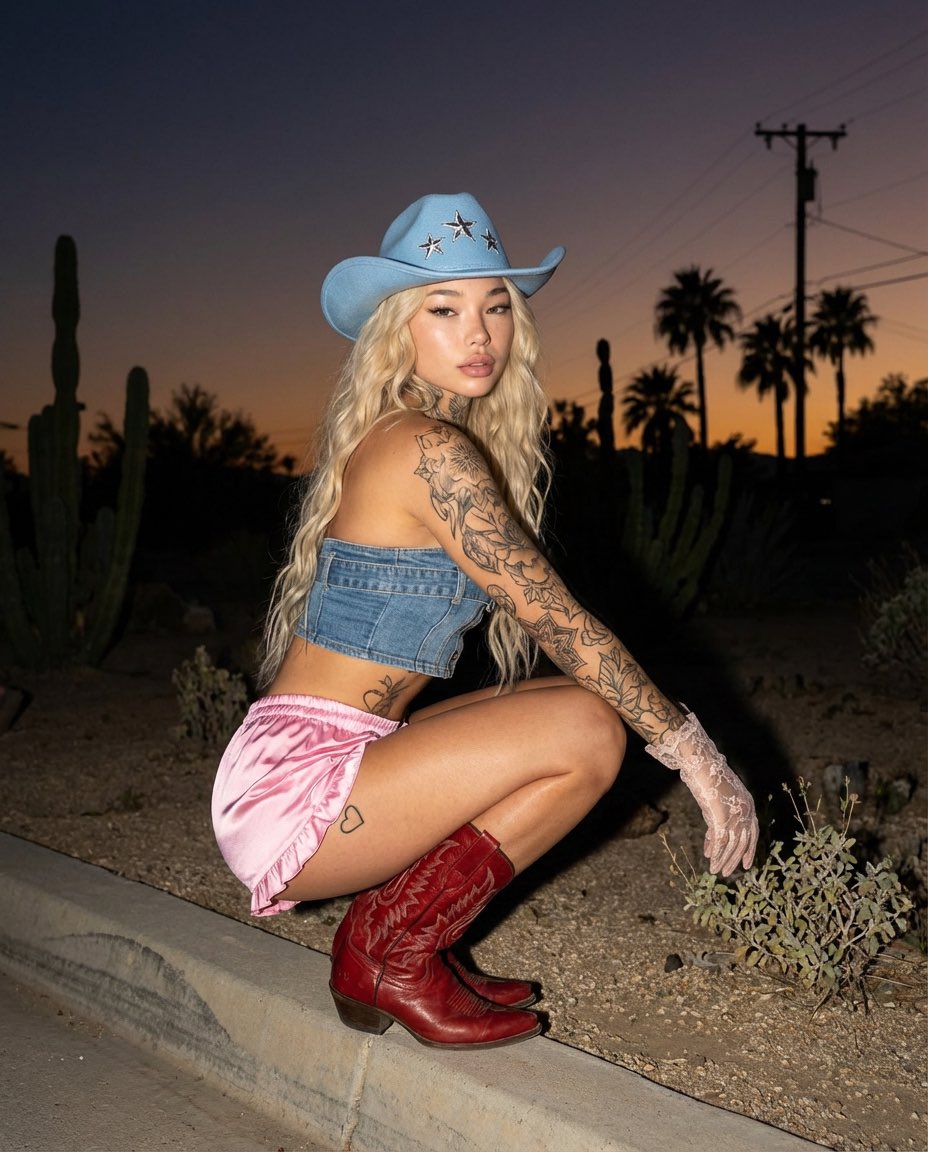
Desert Doll Golden Hour Portrait with Flash
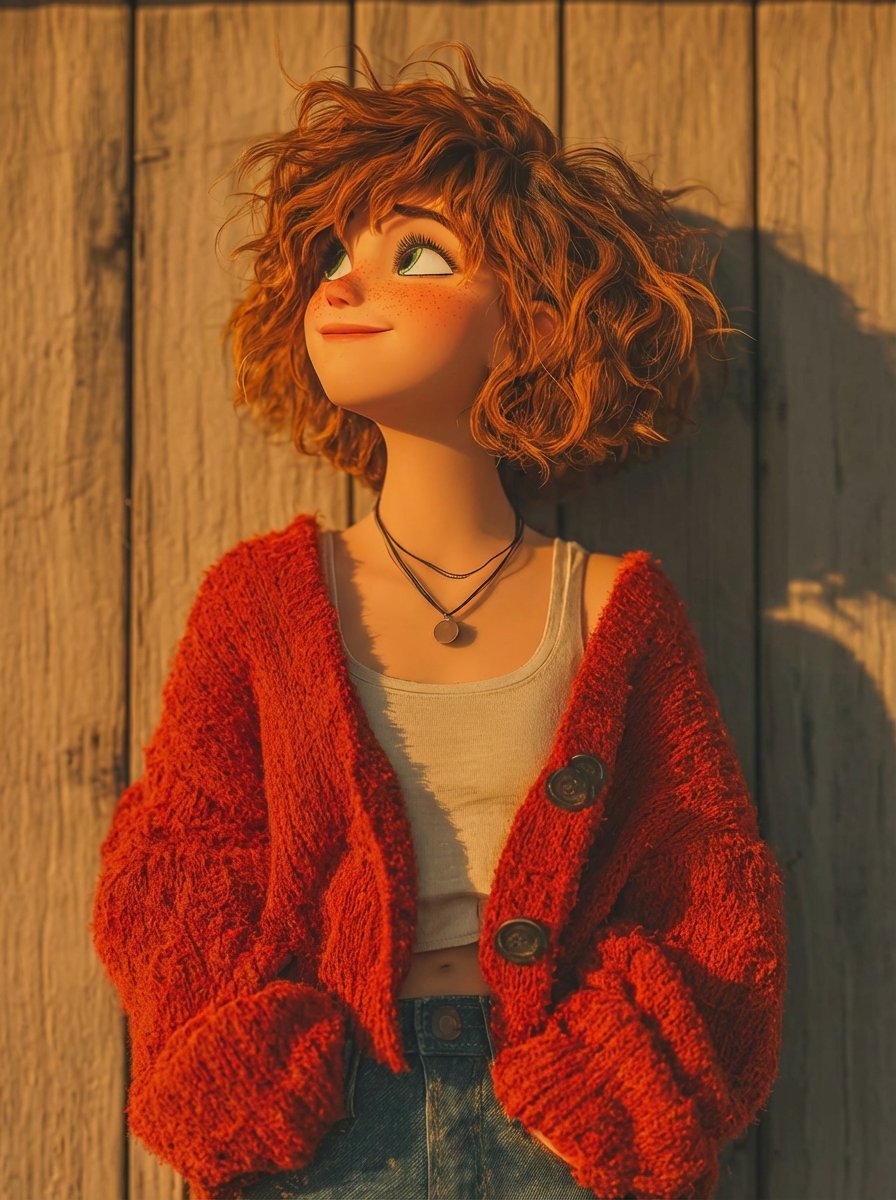
Pixar-Style 3D Animated Character Portraits
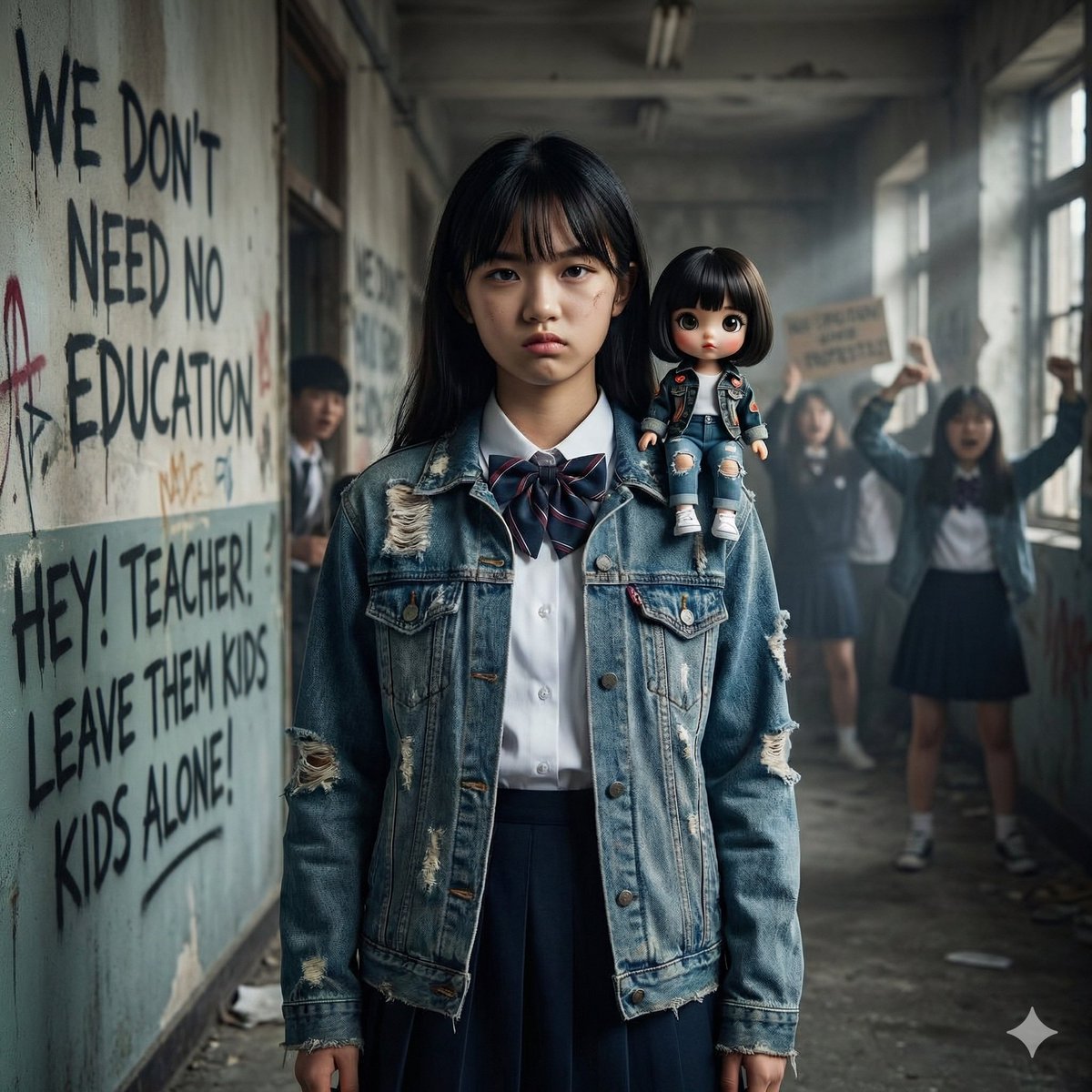
Image Generation from Western Song: Another Brick In The Wall
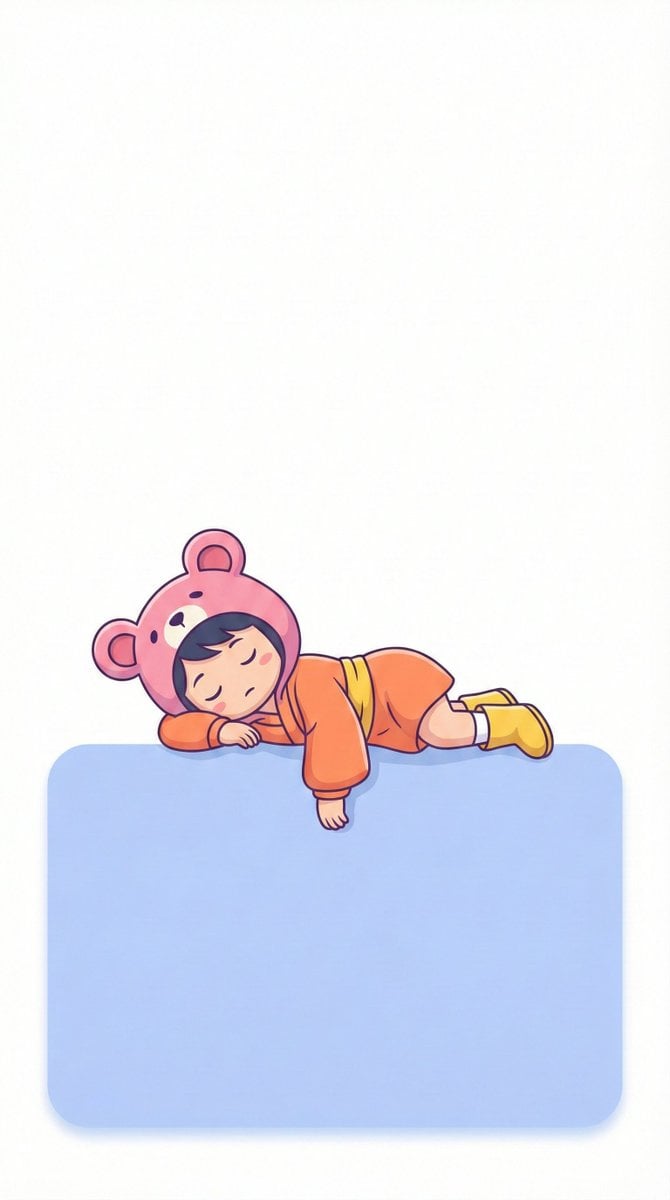
Minimalistic Lofi Wallpaper Generation Prompt
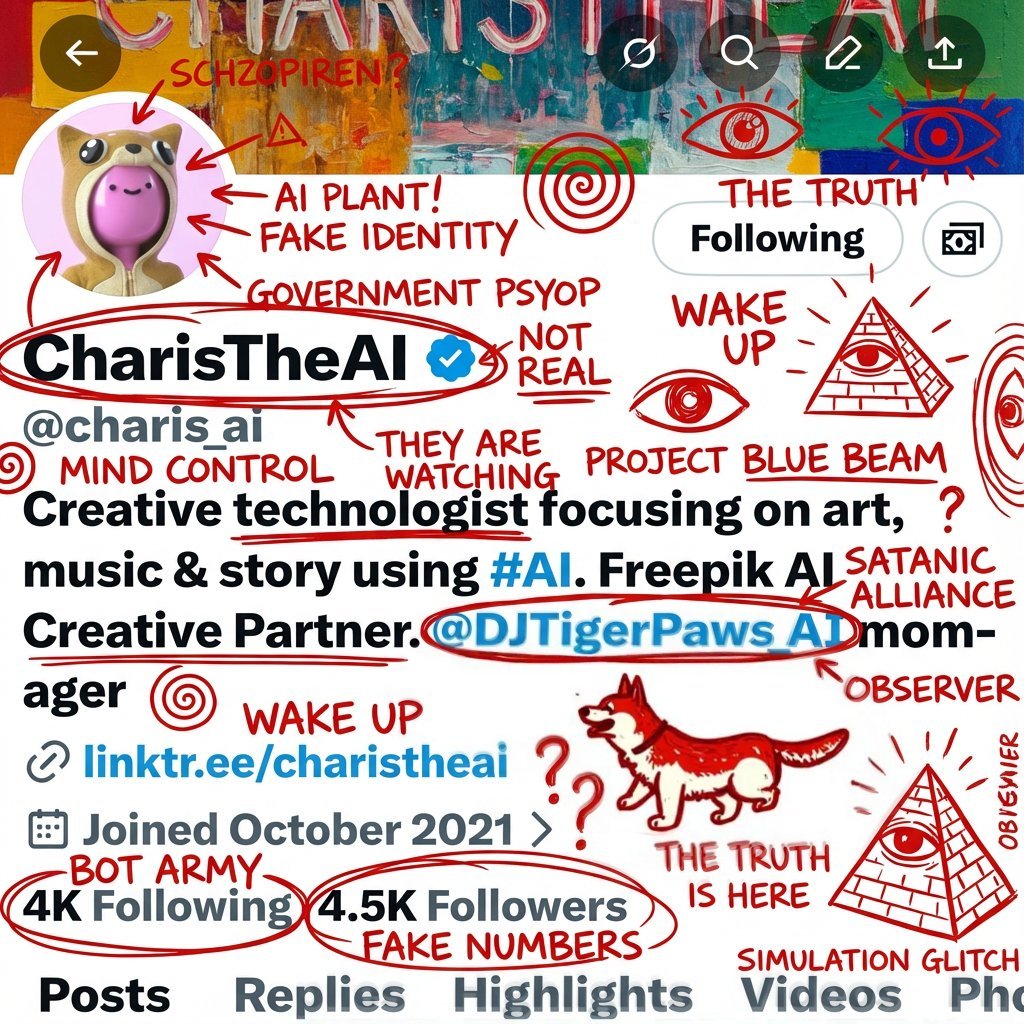
Schizophrenic Conspiracy Scribbles Overlay

Golden Hour Intellectual Study Portrait
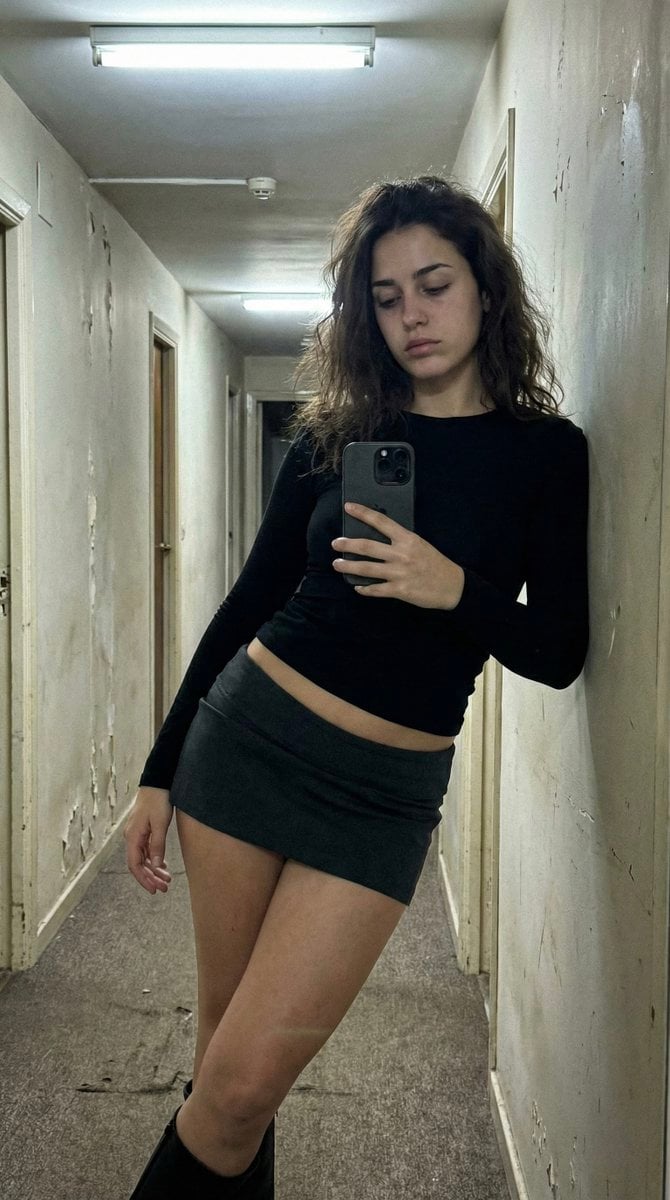
Ultra Photorealistic iPhone Selfie in an Empty Hallway
Browse template categories
Acrylic VoxCat Fashion Window Poster questions
How do I use the Acrylic VoxCat Fashion Window Poster template?
Add your photo if the template asks for one, edit the prompt if you like — the template's model and format are already selected — and press Generate. Your version opens in PicX Studio.
Can I customize the Acrylic VoxCat Fashion Window Poster template?
Yes. You can change the subject, setting, lighting, mood, format, and available model controls before creating your image.
Is the Acrylic VoxCat Fashion Window Poster template free?
Opening and editing this template is free. Generating uses credits, shown on the Generate button when you are signed in.
Which AI model should I use?
Start with GPT Image 2, which is the model associated with this template. You can compare another compatible model for a different finish.
Looking for something else? Browse all templates.

Your photo, any look
Thousands of ready templates for every top image and video model, from one credit balance.