
VOXCAT Retro Screen Print Poster
An artistic and detailed prompt for generating retro screen-printed fashion illustrations with a geometric 1960s-1970s aesthetic.
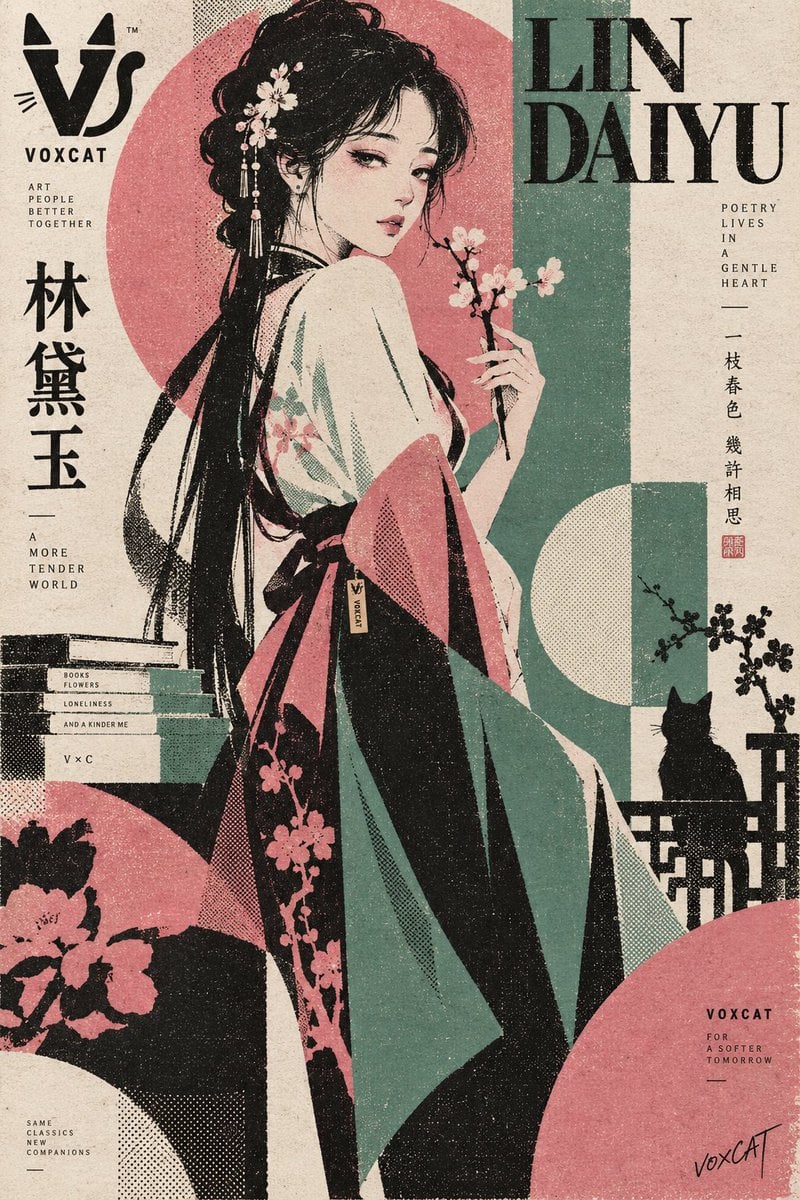
- Prompt included
- Model and format preset
- Free template
The prompt behind this image
Copy the exact prompt behind VOXCAT Retro Screen Print Poster, or open it in the studio and make it yours.
{argument name="角色" default="人物"},复古丝网印刷时装插画 × 独立出版海报 × 几何人物设计 × VOXCAT 品牌视觉。 保留角色最具辨识度的发型轮廓、主色调、服装特征与代表性配件,但重新设计为简洁现代的时装造型。人物比例自然偏修长,采用侧身站立、倚靠、转身、回望、抱臂或手持角色道具等静态 Editorial 姿态,根据角色气质自动适配动作。 画面使用 3~4 种高识别专色,以角色代表色建立主色体系,采用硬边平涂、粗颗粒半调网点、丝网印刷墨层、轻微套印错位、局部油墨堆积与纸张纤维纹理。人物轮廓粗而几何,细节高度概括,以大色块和剪影塑造身体与服装,不使用柔和数字水粉效果。 背景采用非对称几何构成,以大面积圆形、矩形、弧线、裁切色块和留白组织版面,让人物与几何图形产生遮挡、穿插与越界关系,形成 1960s–1970s 复古商业印刷 × 当代独立艺术海报气质。 融入 VOXCAT 品牌元素:左上角加入简洁的 stylized “V” × 猫耳/猫尾几何图形 Logo;右下角加入小型手写艺术家签名 “voxCAT”;人物服装根据造型自然加入一处低调 VOXCAT 织标、刺绣暗纹或微型金属铭牌;版面可加入极少量 “VOXCAT / VC / V×C” 微型印刷编号作为设计元素,与丝网印刷系统统一,不喧宾夺主。 竖版人物主视觉,大面积留白,3~4色专色印刷,粗网点,套印偏移,纸张颗粒,几何色块,强剪影,简洁而具有收藏级独立艺术印刷品质感。
How to use VOXCAT Retro Screen Print Poster in 3 steps
- 1
Open
The prompt is already in the box next to the preview, with the template's model and format selected.
- 2…a portrait of your subject in softgolden-hour light, 85mm…
Personalize
Edit the subject and creative details for your destination.
- 3Generate
Generate
Press Generate — your image is created in PicX Studio, so you can compare it with the original and refine one variable at a time.
More like this
Templates with the same subject, style or setup. Open one to see its prompt.












Make it yours
VOXCAT Retro Screen Print Poster works as-is. These are the safest ways to change it without losing the look.
Change one field
Copy a single group, rewrite it, and generate again so you can see what that field is doing.
Keep the frame, change the subject
Hold the composition and light of VOXCAT Retro Screen Print Poster, then swap wardrobe, props or the person for a new take.
| If the result… | Why | Fix |
|---|---|---|
| The result drifts from the preview | Too many fields changed at once. | Reuse VOXCAT Retro Screen Print Poster as-is first, then change one group — subject, light, or setting. |
| The model over-stylizes the scene | The prose prompt leaves finish and camera underspecified. | Add one camera or lighting sentence and stay on GPT Image 2. |
More GPT Image 2 templates
Other prompts made for GPT Image 2.

Six VTuber Japanese Logo Sheet

Realistic Portrait of Woman and Deer

The Vista Modular Condo Poster

AI Model Routing Comparison Infographic

2.5D Anime Art Board

Isometric Productivity Desk Scene

New York Double Exposure Poster

Four-Panel AI Landscape Comparison

Japanese Tatami Lifestyle Magazine Cover

NESCAFÉ Coffee Map Poster
More image prompts
Fresh picks from across the catalog.
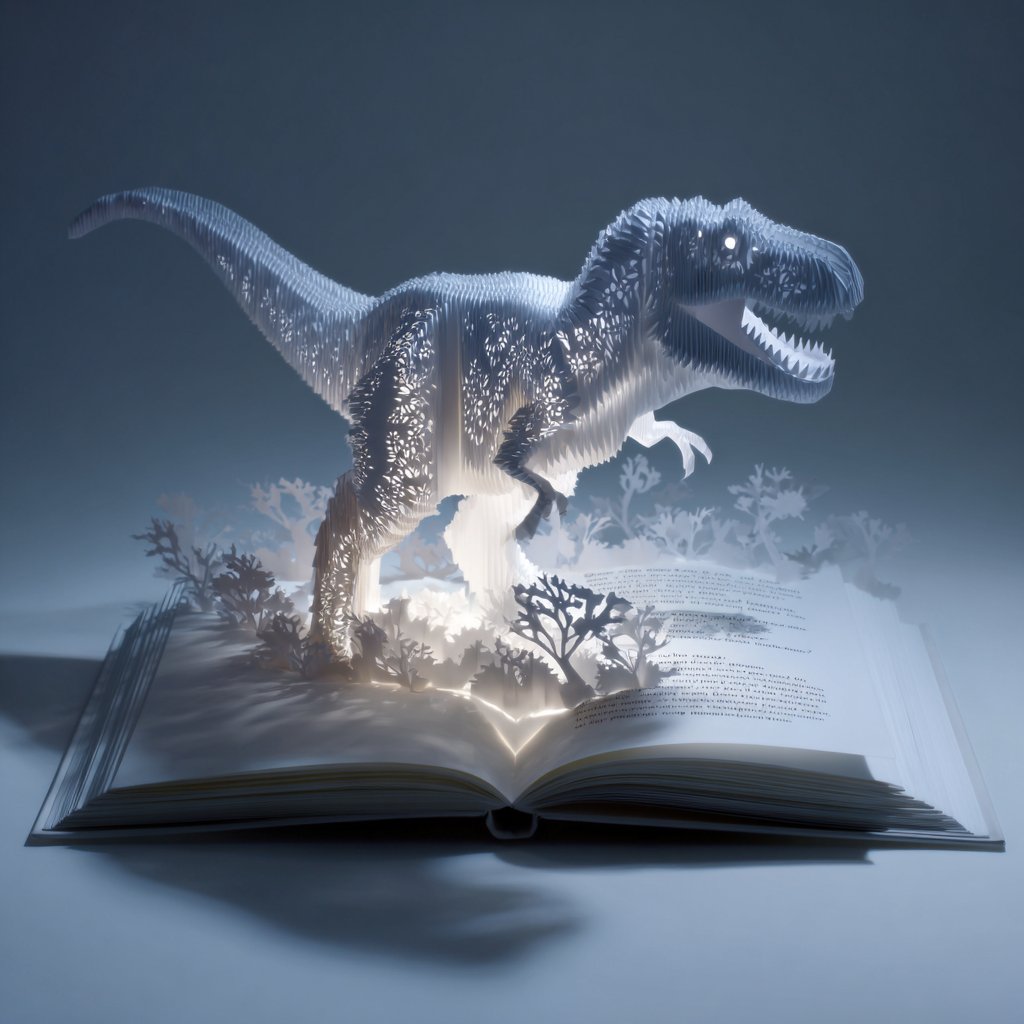
Origami Pop-Up T-Rex Book Ad
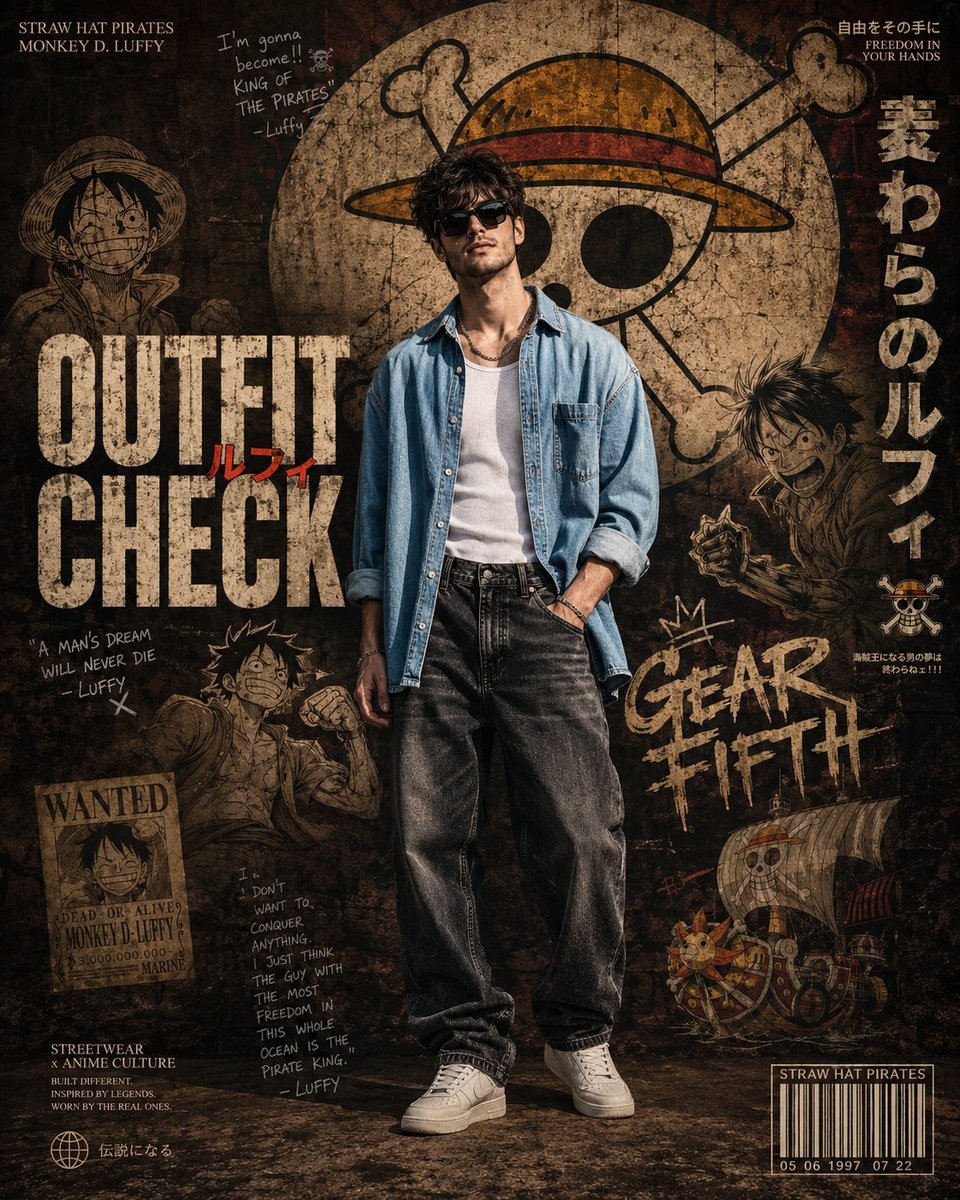
Anime Streetwear Poster Design
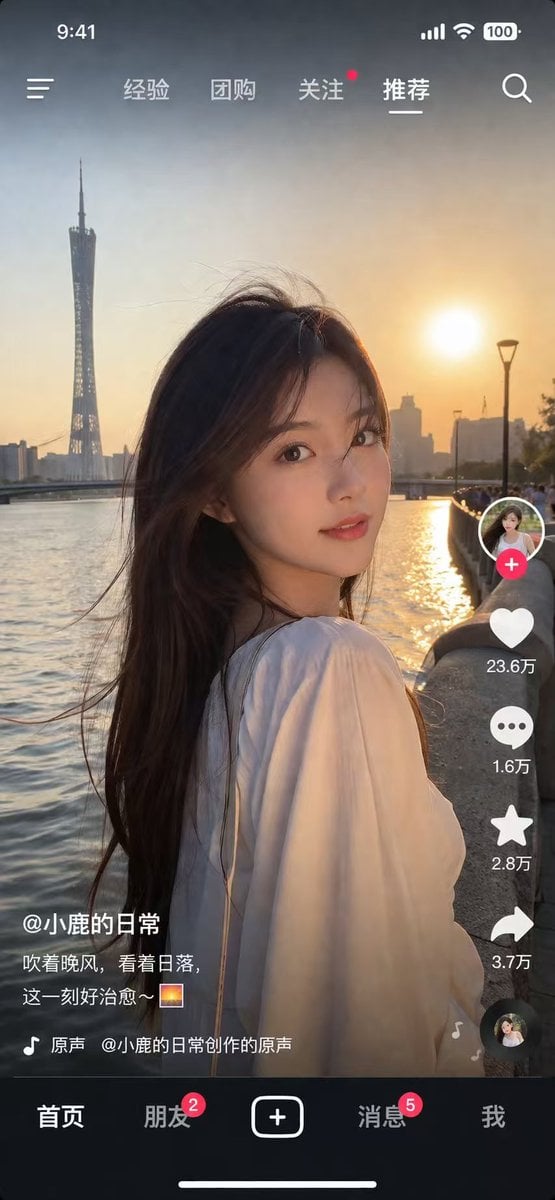
Social Media Video App UI Mockup
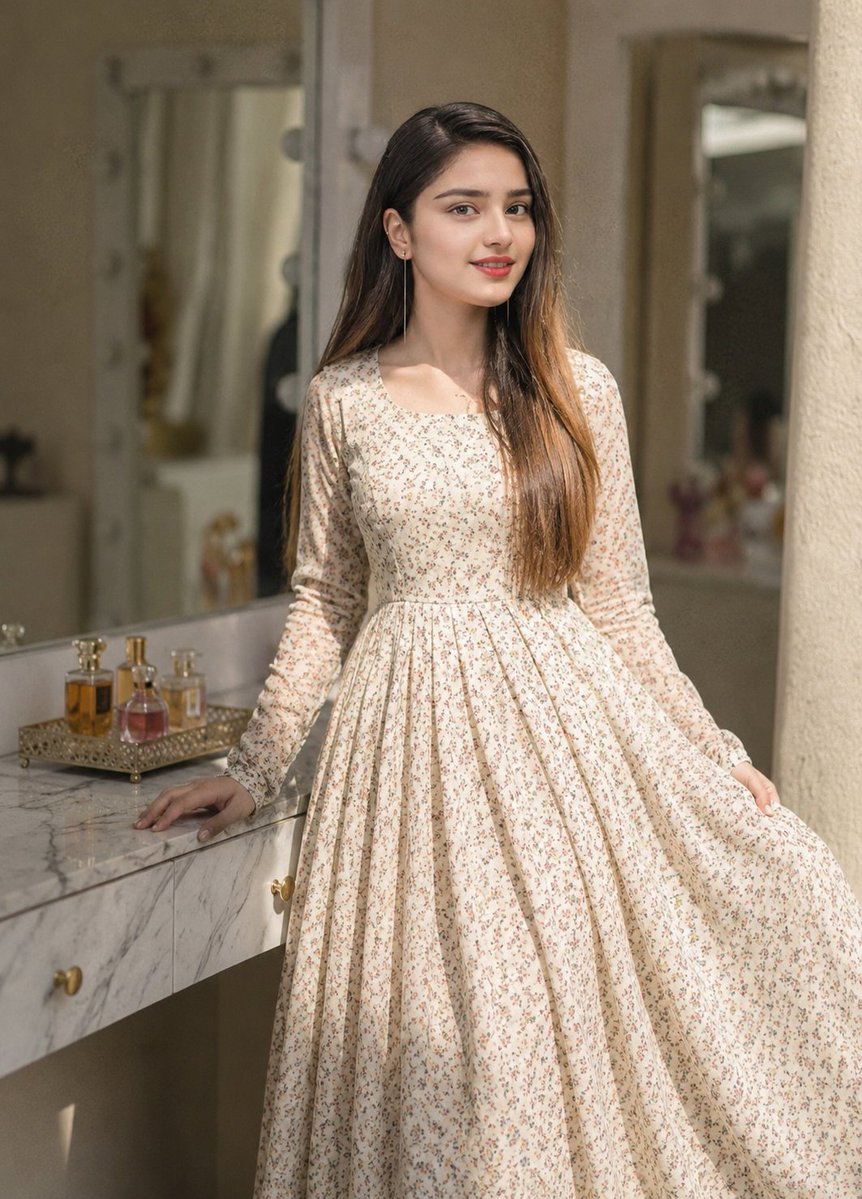
Floral Dress Vanity Portrait
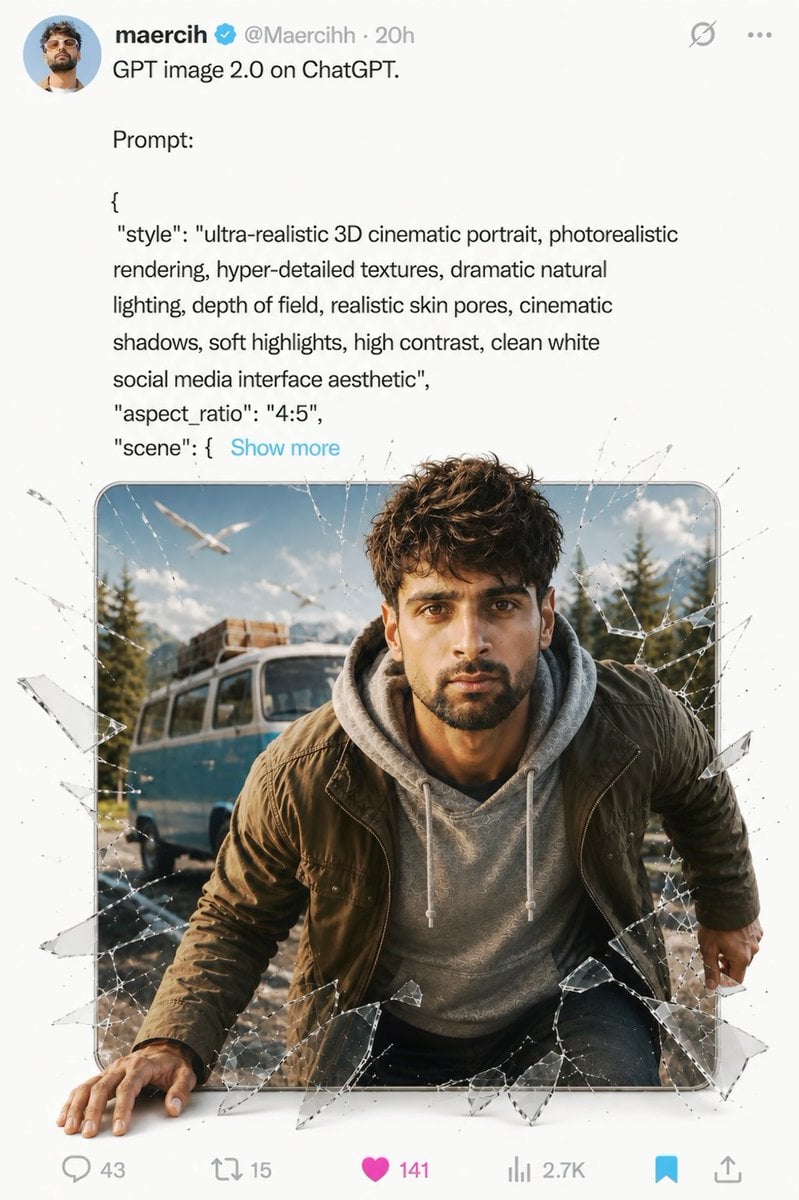
Social Media Glass Break Mockup
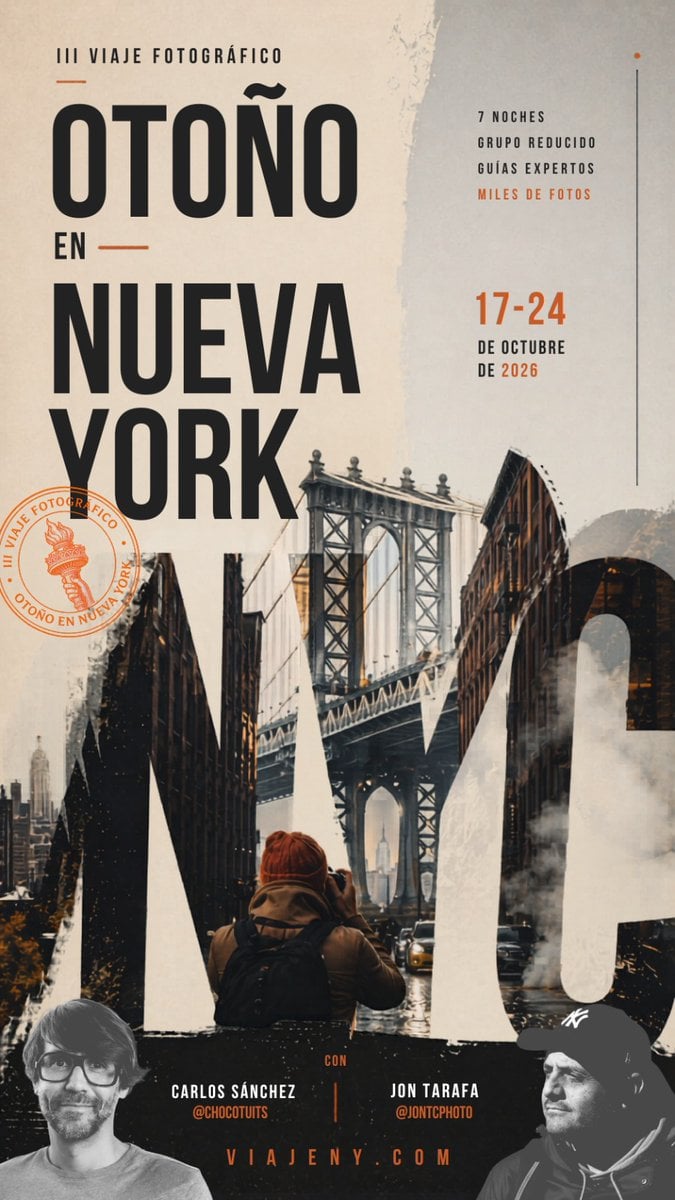
Autumn in New York Travel Poster
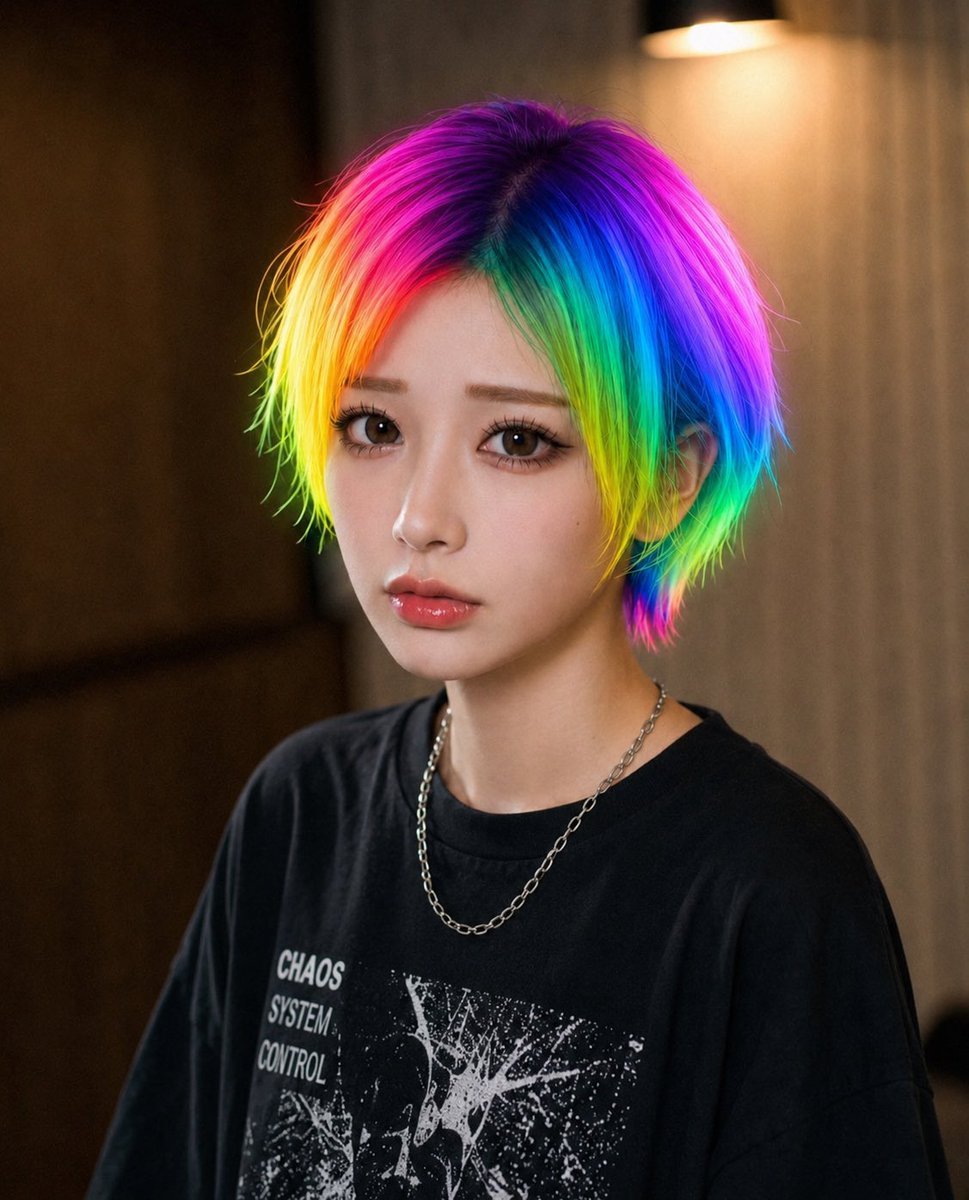
Rainbow Hair Censored Portrait
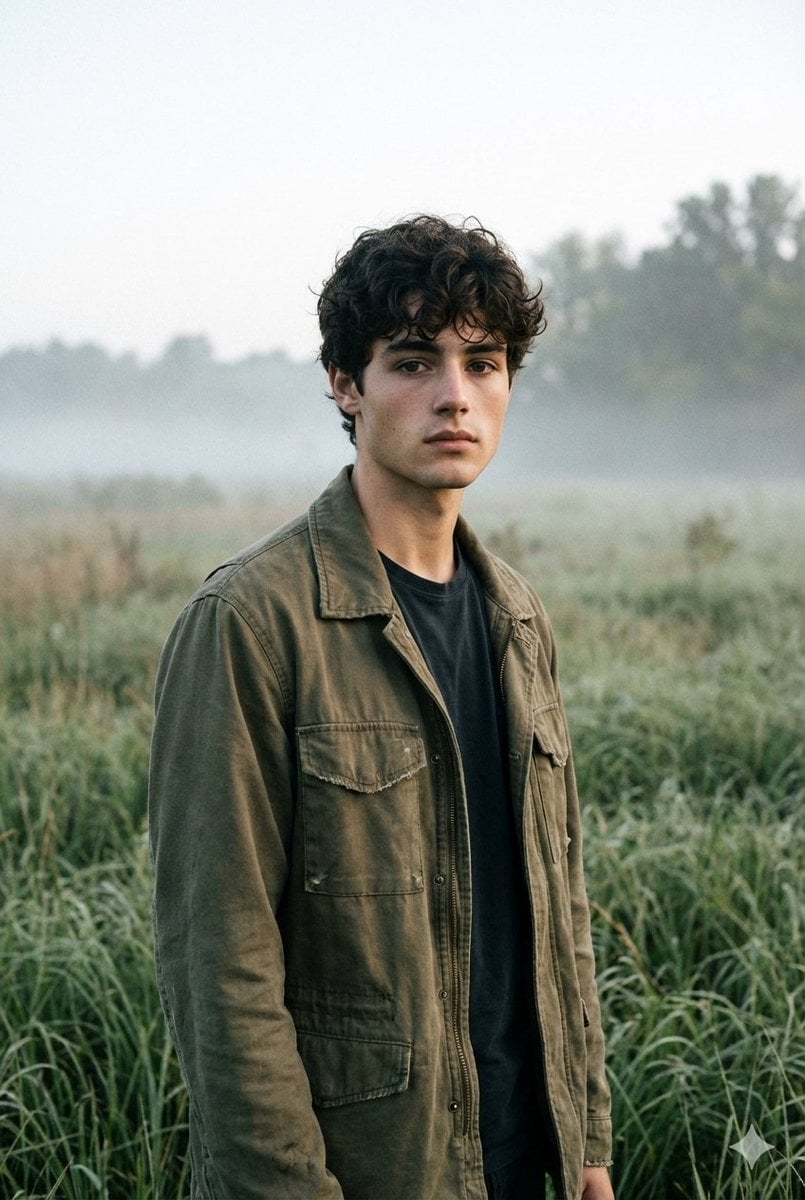
Contemplative Meadow Portrait Prompt (Identity Preservation)
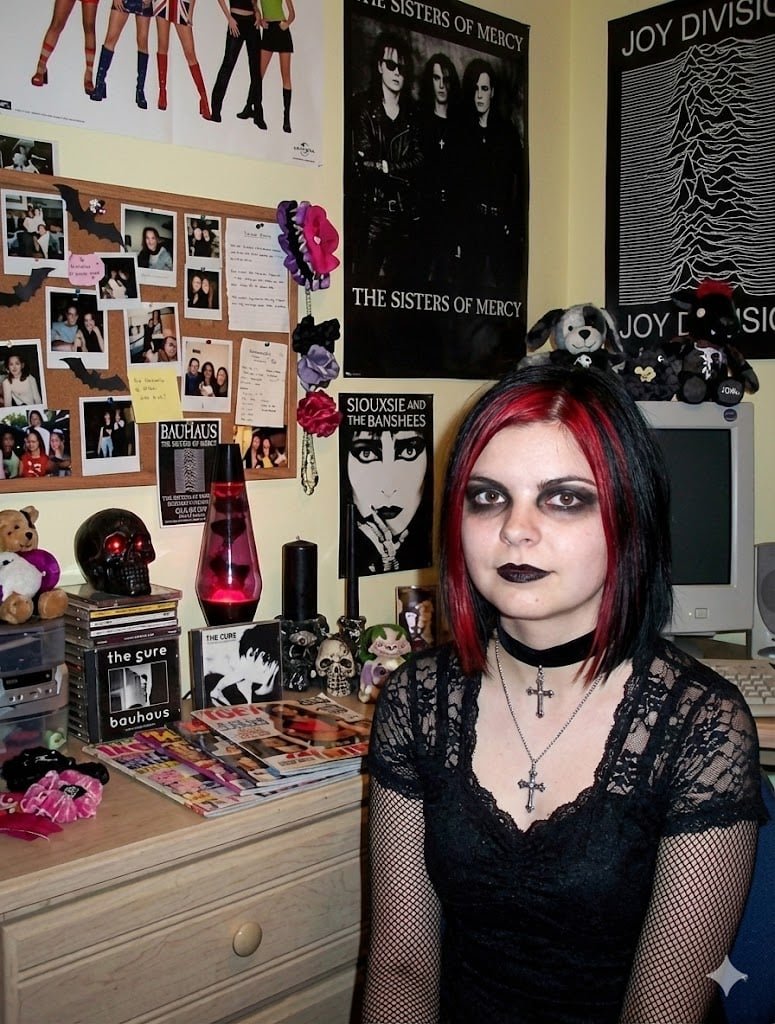
Goth makeover variant of existing photo
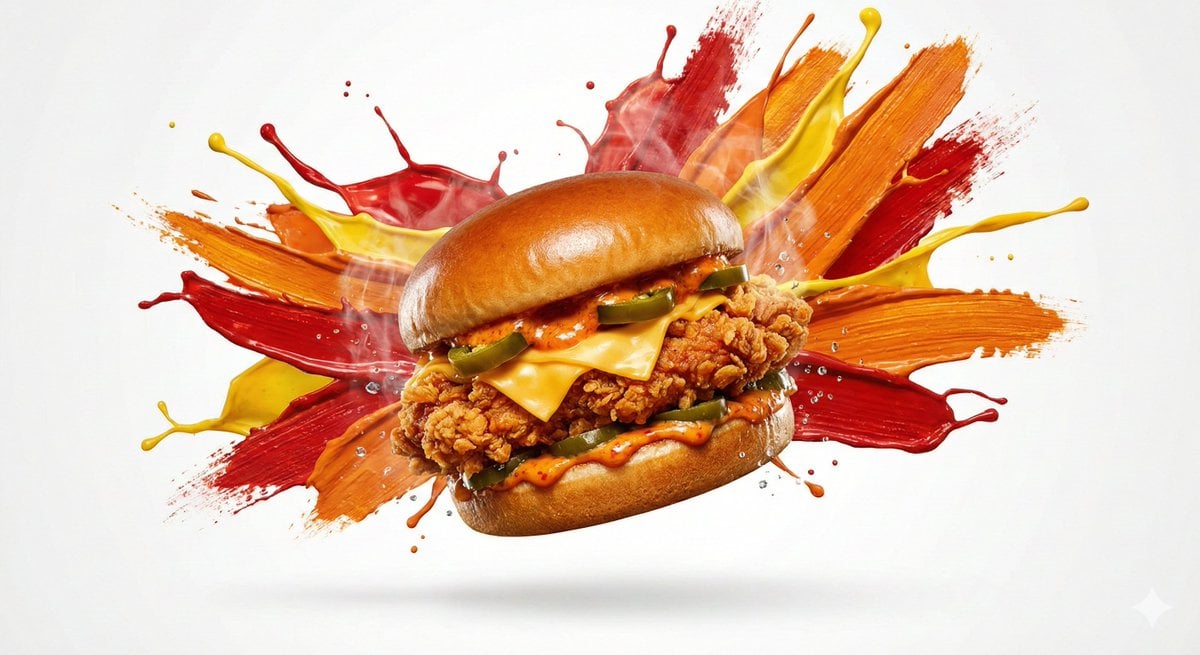
Color Splash Food Advertisement
Browse template categories
VOXCAT Retro Screen Print Poster questions
How do I use the VOXCAT Retro Screen Print Poster template?
Add your photo if the template asks for one, edit the prompt if you like — the template's model and format are already selected — and press Generate. Your version opens in PicX Studio.
Can I customize the VOXCAT Retro Screen Print Poster template?
Yes. You can change the subject, setting, lighting, mood, format, and available model controls before creating your image.
Is the VOXCAT Retro Screen Print Poster template free?
Opening and editing this template is free. Generating uses credits, shown on the Generate button when you are signed in.
Which AI model should I use?
Start with GPT Image 2, which is the model associated with this template. You can compare another compatible model for a different finish.
Looking for something else? Browse all templates.

Your photo, any look
Thousands of ready templates for every top image and video model, from one credit balance.