
Golden Hour Intellectual Study Portrait
A cozy and intellectual photography prompt set during golden hour, featuring side-lit lighting, a vintage armchair, and detailed desk elements.

- Prompt included
- Model and format preset
- Free template
The prompt behind this image
Copy the exact prompt behind Golden Hour Intellectual Study Portrait, or open it in the studio and make it yours.
A mid-shot of a man sitting relaxed in a vintage armchair, captured at eye-level with a cinematic, moody, and warm aesthetic during golden hour. The man is looking in profile toward a bright window on the right, which streams soft, diffused, warm golden sunlight into the room, creating a strong side-lit contrast. He is wearing an {argument name="outfit" default="oversized heather grey hoodie"} with loose folds, a black denim pair of jeans.He has a dark messy voluminous hair with well groomed beard and is wearing glasses. He holds a {argument name="prop" default="dark ceramic coffee mug"} in his hand near his torso. In the immediate foreground, a rustic, dark-grained wooden table holds a sleek closed matte-black laptop and a black leatherette notebook with a pen resting vertically on top. The background consists of a smooth, warm-toned plastered wall.Hanging on the wall is a minimalist black-framed typography print with serif text that reads "{argument name="quote" default="discipline / the bridge between / goals and accomplishment"}". To the left, a dark wooden bookshelf holds several volumes, including a prominent book spine with bold white lettering that reads karlos art . To the right, leafy green houseplant branches partially obscure the bright window frame, casting intricate organic shadows across the room.The composition features a shallow depth of field, with the foreground elements and background textures softly blurred, emphasizing the cozy, intellectual atmosphere. Give image use face as in refrence image
How to use Golden Hour Intellectual Study Portrait in 3 steps
- 1Upload ImagePNG, JPG or paste
Add your photo
Upload the photo the template builds on. The prompt, model and format are already set.
- 2…a portrait of your subject in softgolden-hour light, 85mm…
Personalize
Edit the subject and creative details for your destination.
- 3Generate
Generate
Press Generate — your image is created in PicX Studio, so you can compare it with the original and refine one variable at a time.
More like this
Templates with the same subject, style or setup. Open one to see its prompt.

80s Golden Hour Cinema

Rooftop Fisheye — Cat-Ear Balaclava at Golden Hour
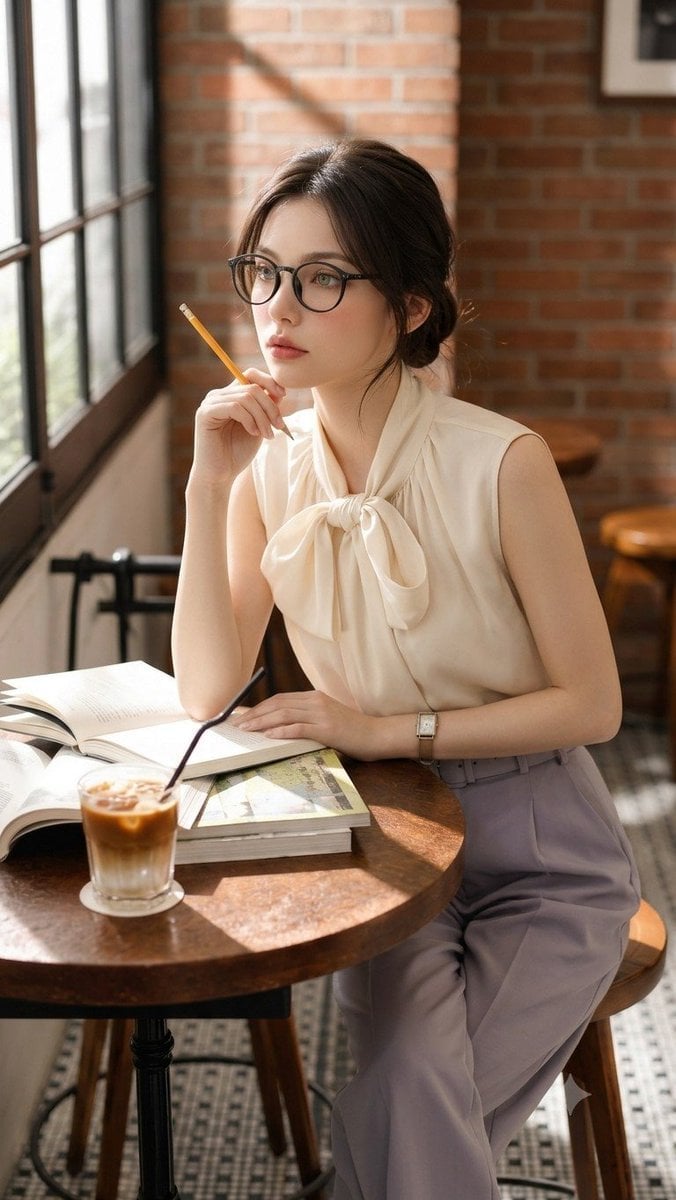
Douyin Aesthetic Café Study Portrait

Cinematic Golden Hour Garden Portrait

Cinematic Golden Hour Urban Portrait

Golden Hour Redhead Portrait

Golden Hour Cinematic Boss Energy Portrait

Golden Hour Cinematic Portrait
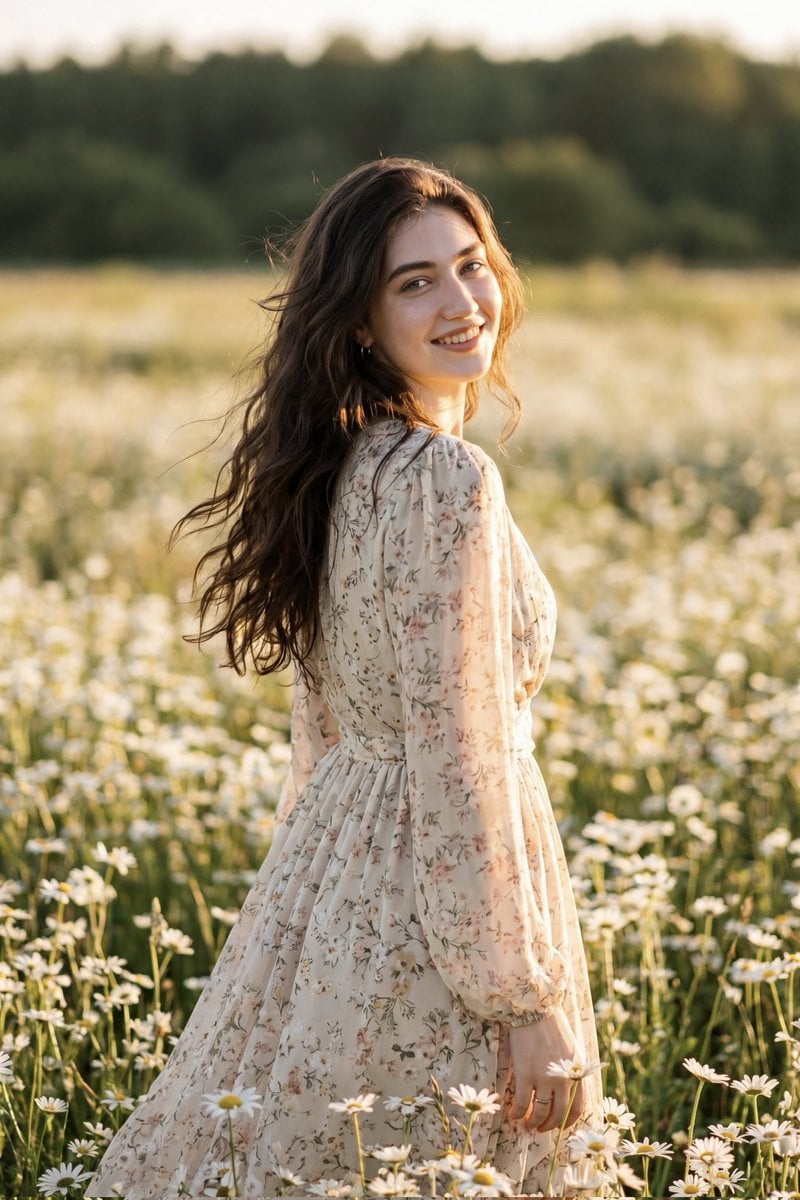
Golden Hour Daisy Field Portrait
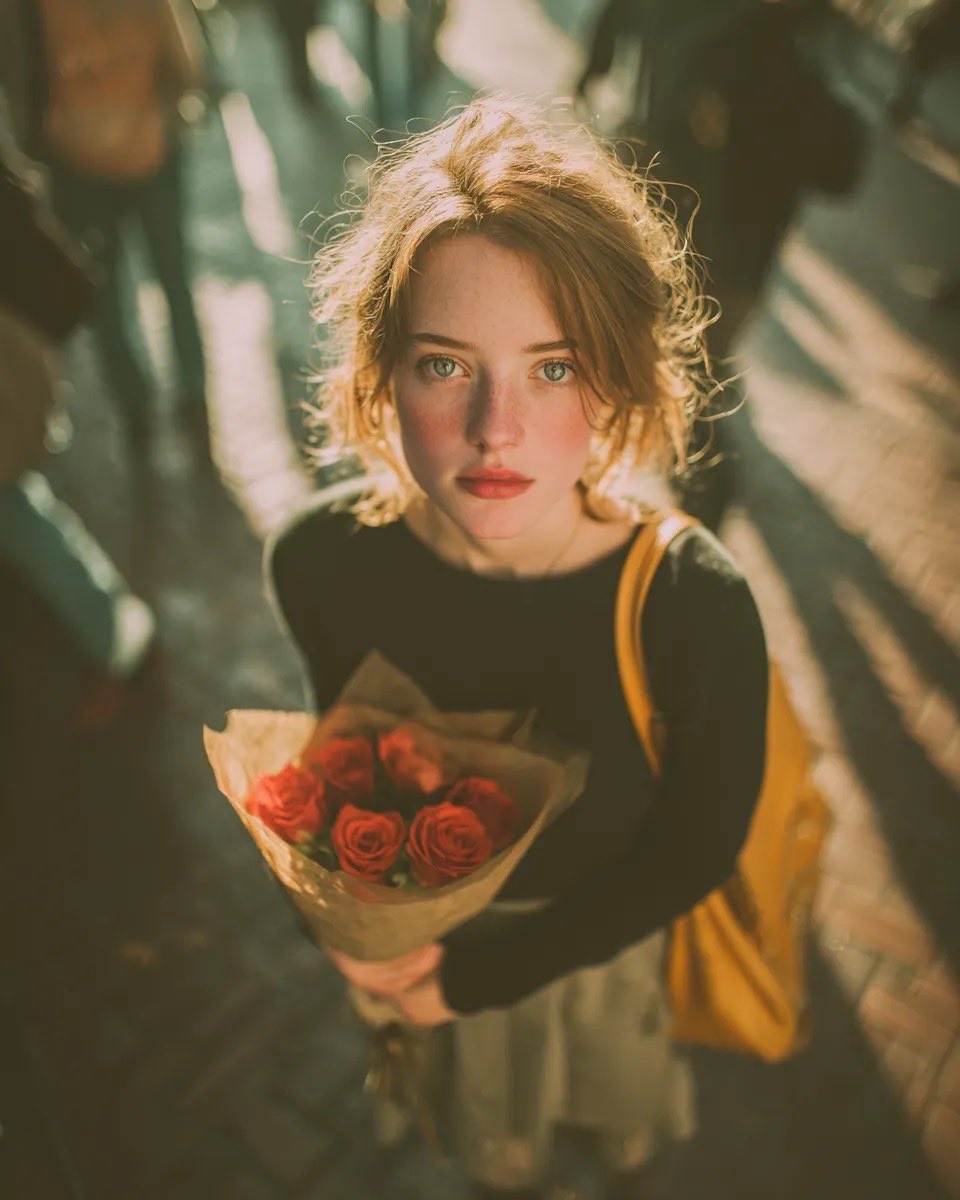
Golden Hour Rose Portrait

Golden Hour Korean Classroom Portrait
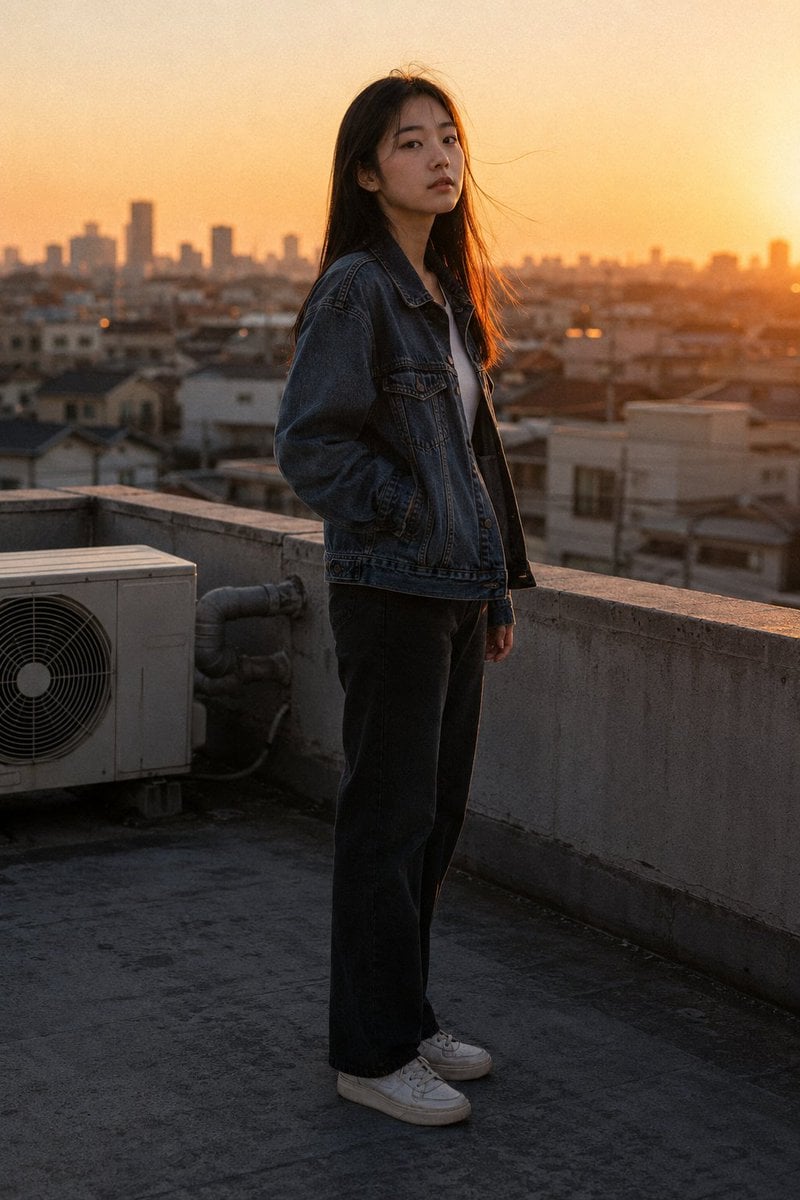
Golden Hour Rooftop Portrait
Make it yours
Golden Hour Intellectual Study Portrait works as-is. These are the safest ways to change it without losing the look.
Change one field
Copy a single group, rewrite it, and generate again so you can see what that field is doing.
Keep the frame, change the subject
Hold the composition and light of Golden Hour Intellectual Study Portrait, then swap wardrobe, props or the person for a new take.
| If the result… | Why | Fix |
|---|---|---|
| The result drifts from the preview | Too many fields changed at once. | Reuse Golden Hour Intellectual Study Portrait as-is first, then change one group — subject, light, or setting. |
| The model over-stylizes the scene | The prose prompt leaves finish and camera underspecified. | Add one camera or lighting sentence and stay on GPT Image 2. |
More GPT Image 2 templates
Other prompts made for GPT Image 2.

Six VTuber Japanese Logo Sheet

Realistic Portrait of Woman and Deer

The Vista Modular Condo Poster

AI Model Routing Comparison Infographic

2.5D Anime Art Board

Isometric Productivity Desk Scene

New York Double Exposure Poster

Four-Panel AI Landscape Comparison

Japanese Tatami Lifestyle Magazine Cover

NESCAFÉ Coffee Map Poster
More image prompts
Fresh picks from across the catalog.
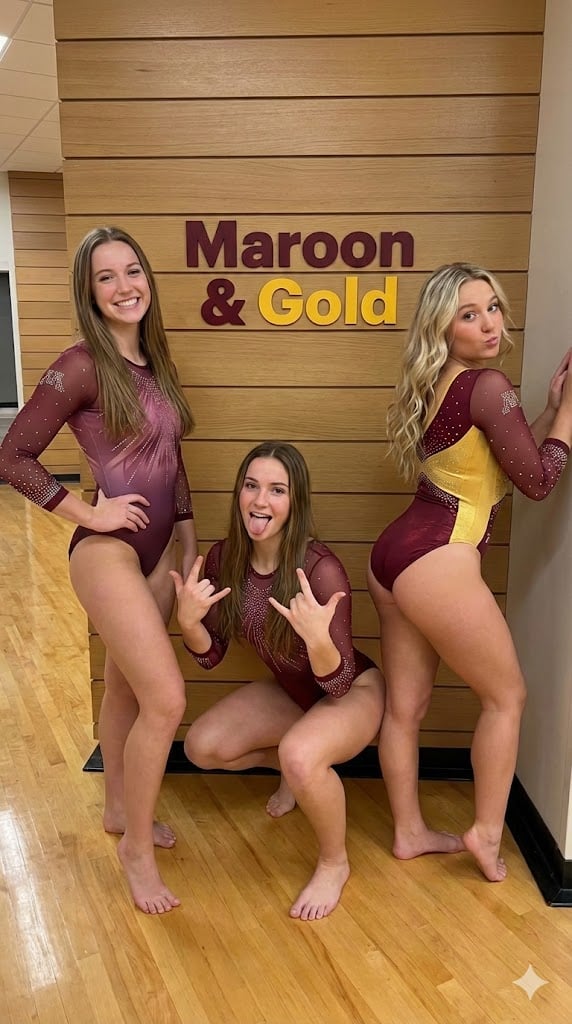
Gymnastics Team Photo Snapshot Prompt
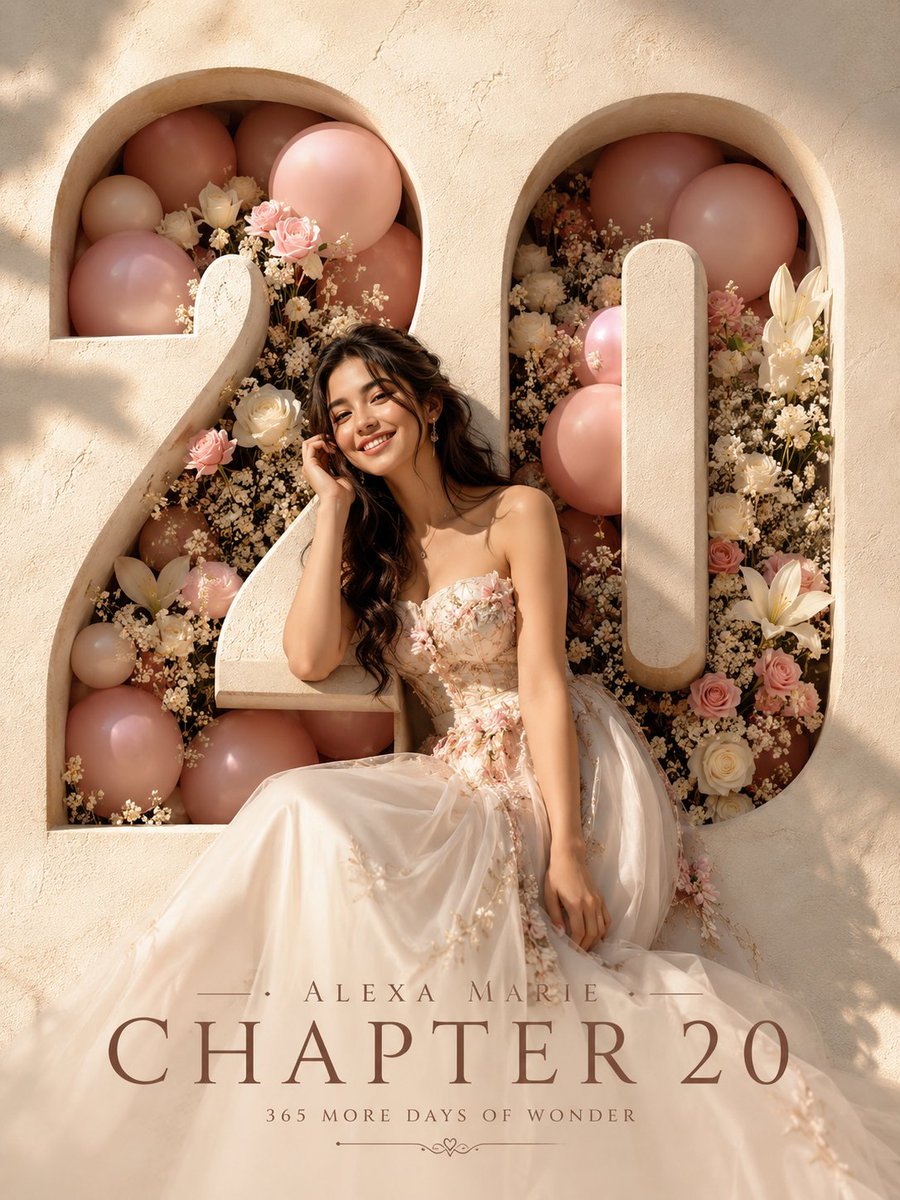
Editorial Studio Birthday Poster
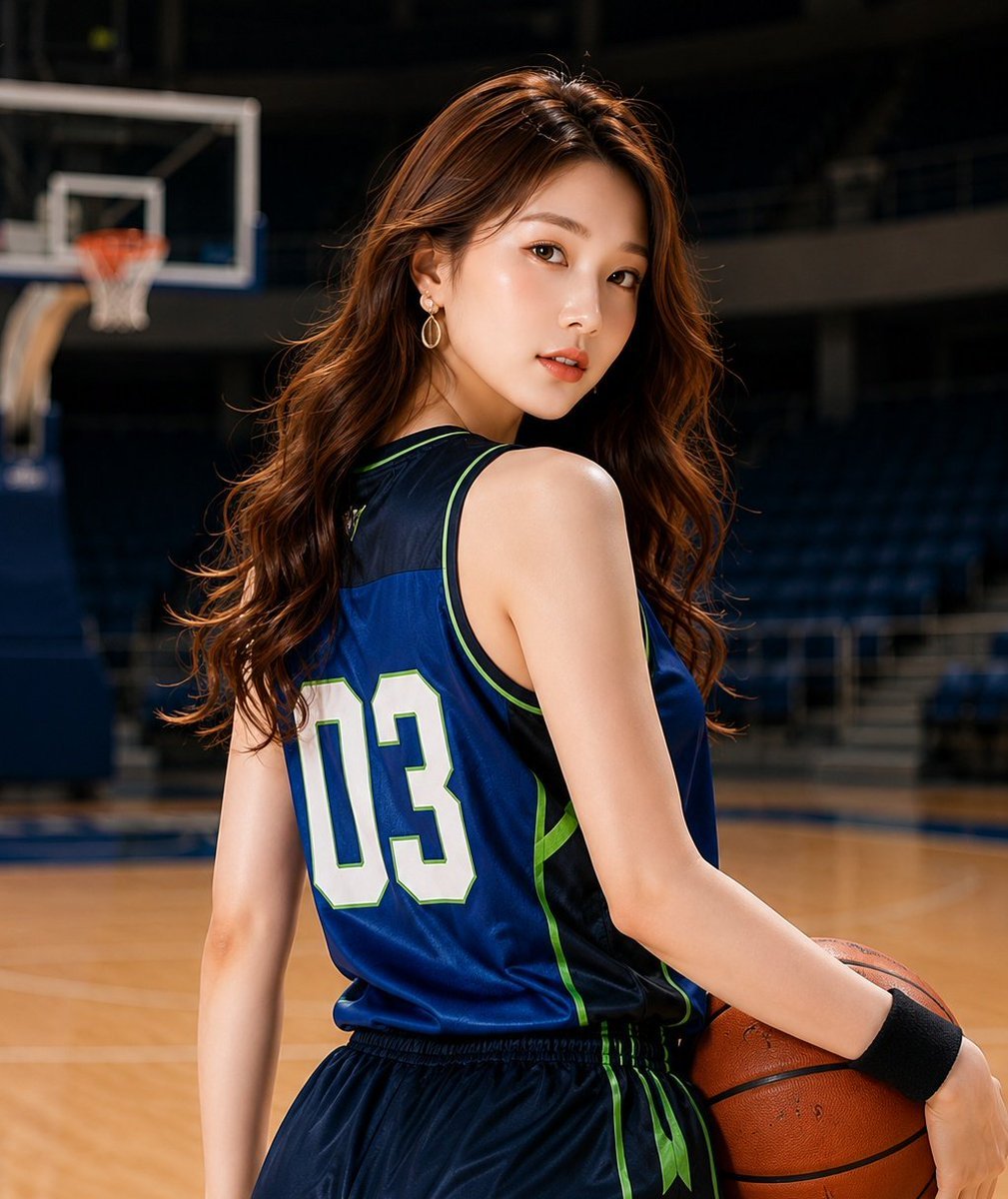
Realistic Basketball Player Sports Portrait
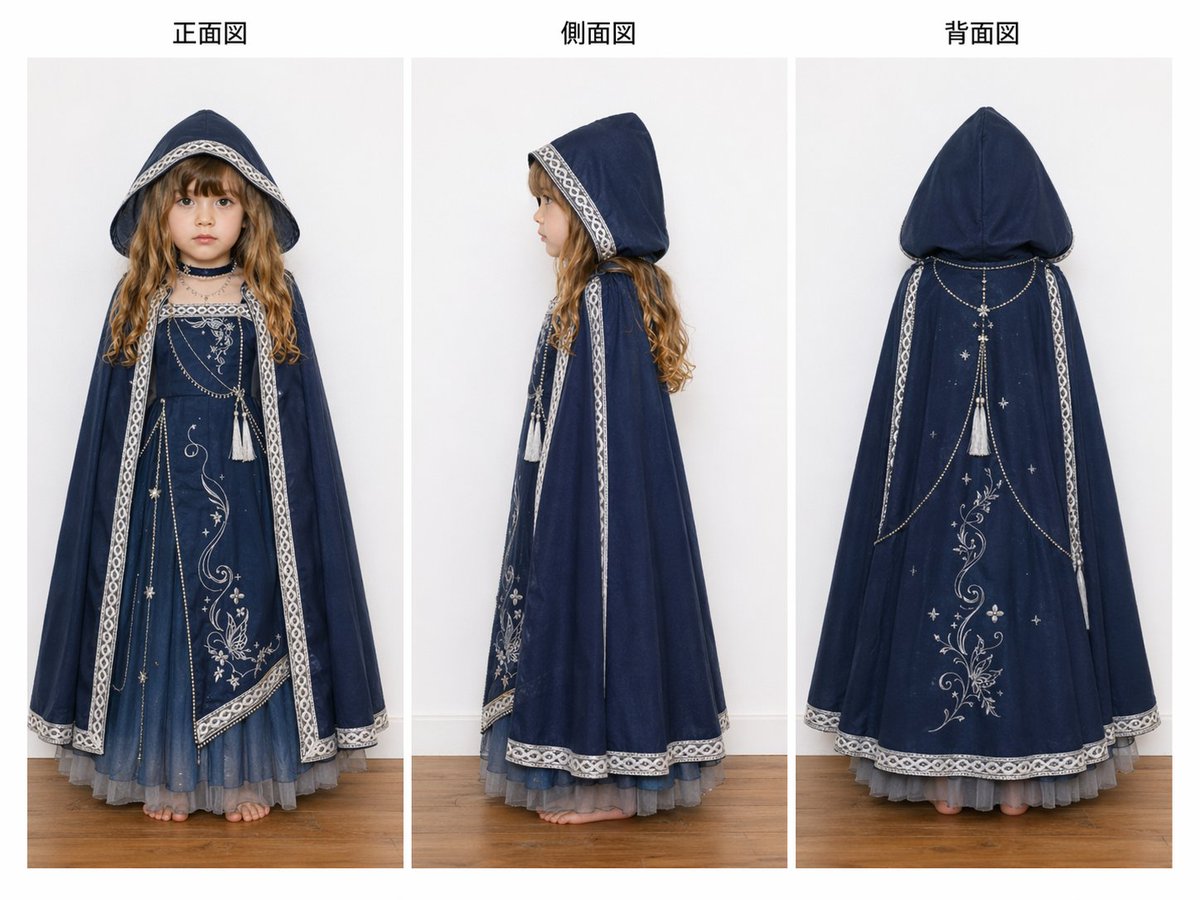
Three-View Hooded Fantasy Dress Sheet
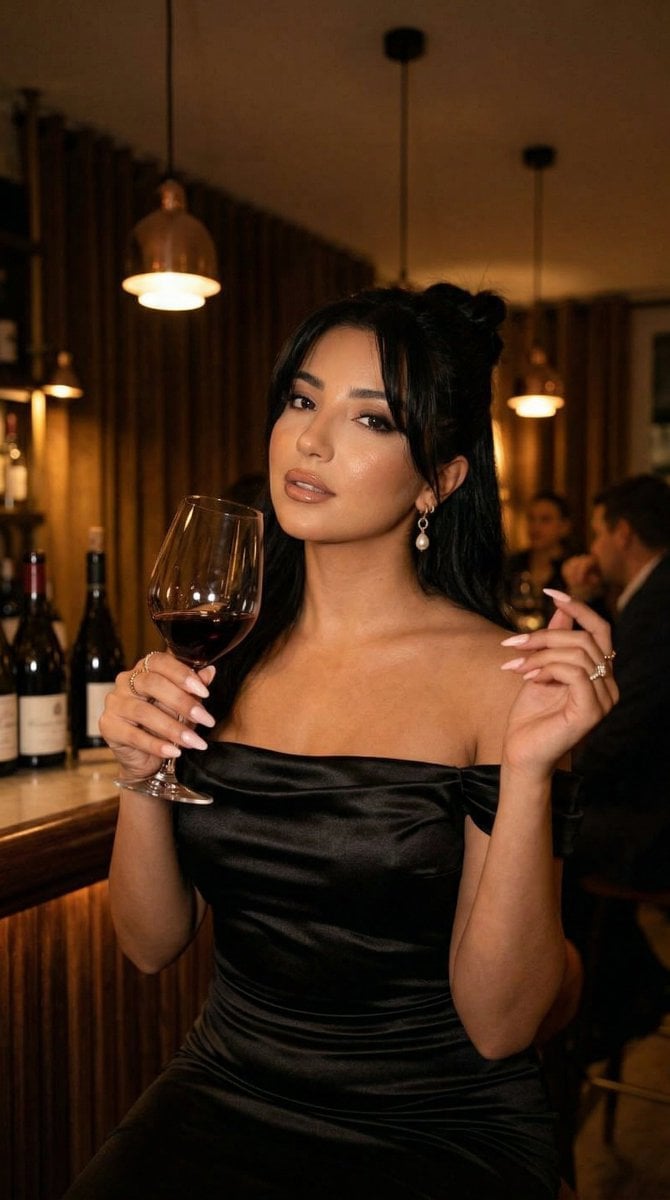
Nano Banana - Pont Alexandre III Kiss
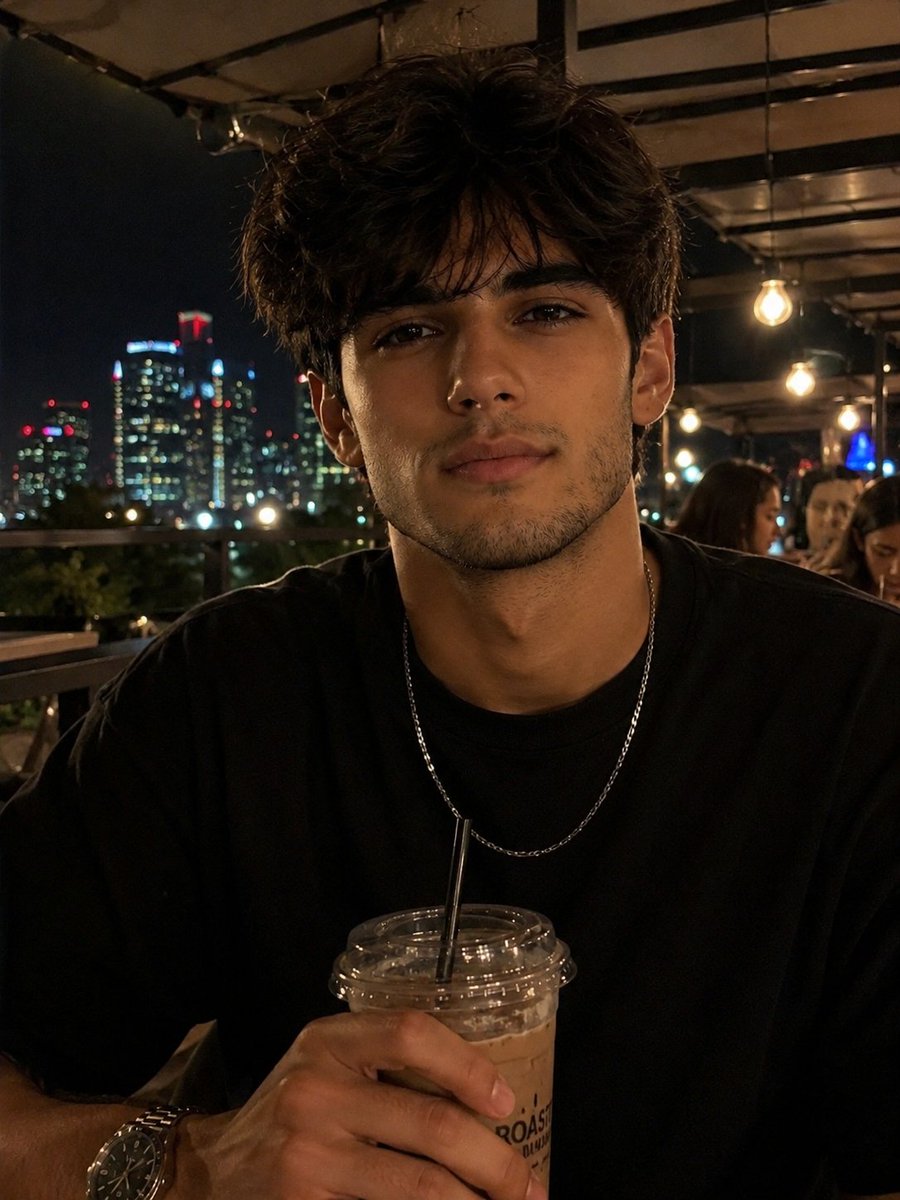
Night Rooftop iPhone Portrait
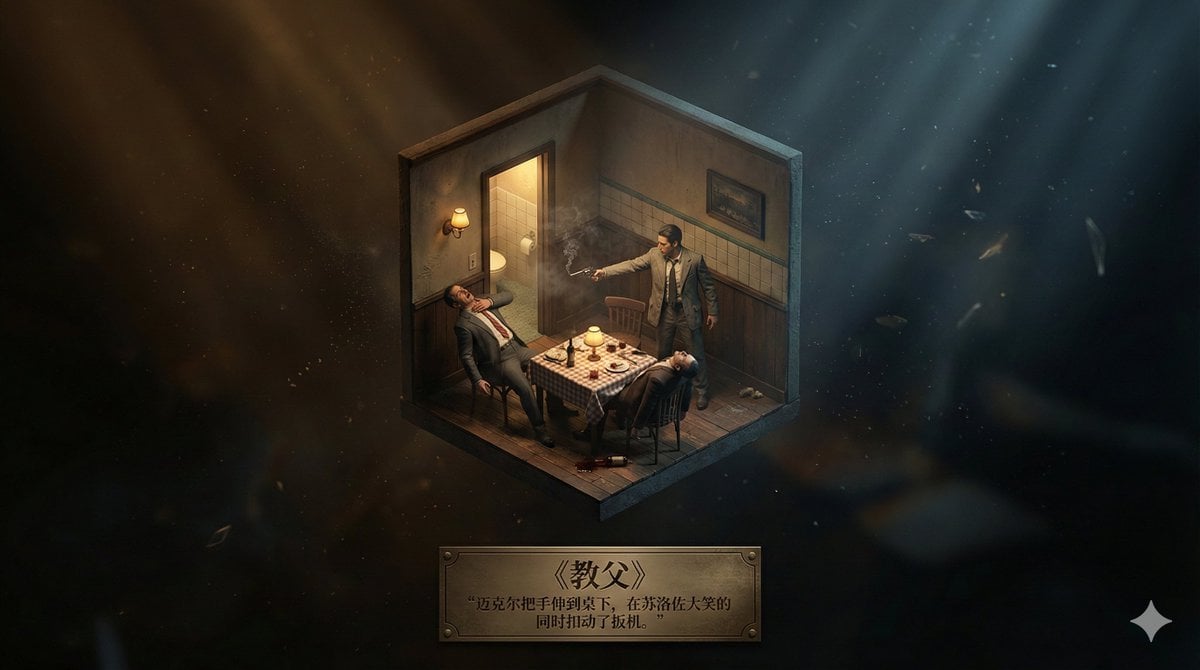
Realistic Axonometric Miniature Model with Narrative Abstract Background
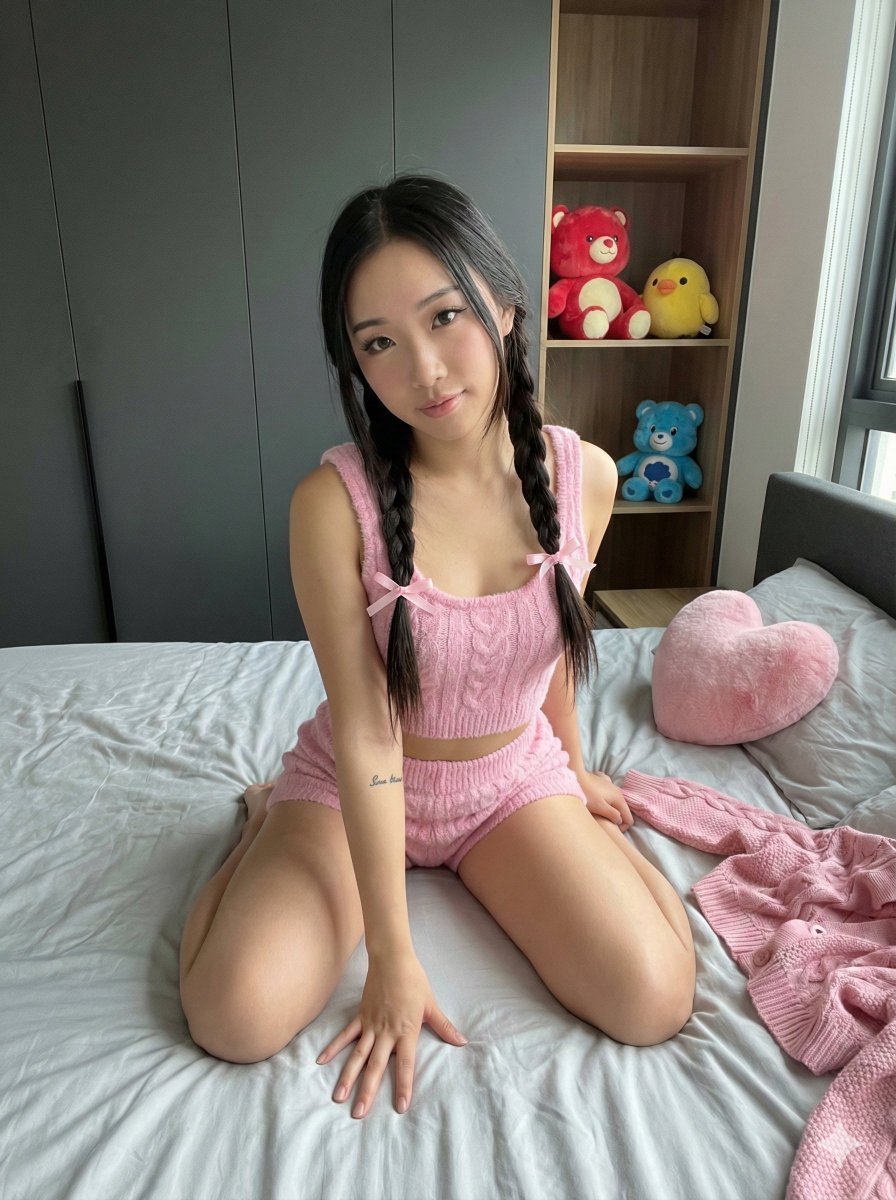
Wide-Angle Bedroom Portrait of Woman in Pink Knitwear
System JSON prompt template for ultra-realistic iPhone-style AI influencers

Pop Swan Lake Birthday Poster
Browse template categories
Golden Hour Intellectual Study Portrait questions
How do I use the Golden Hour Intellectual Study Portrait template?
Add your photo if the template asks for one, edit the prompt if you like — the template's model and format are already selected — and press Generate. Your version opens in PicX Studio.
Can I customize the Golden Hour Intellectual Study Portrait template?
Yes. You can change the subject, setting, lighting, mood, format, and available model controls before creating your image.
Is the Golden Hour Intellectual Study Portrait template free?
Opening and editing this template is free. Generating uses credits, shown on the Generate button when you are signed in.
Which AI model should I use?
Start with GPT Image 2, which is the model associated with this template. You can compare another compatible model for a different finish.
Looking for something else? Browse all templates.

Your photo, any look
Thousands of ready templates for every top image and video model, from one credit balance.