
System JSON prompt template for ultra-realistic iPhone-style AI influencers
A long-form system-style prompt that defines a role, cognitive principles, visual aesthetic, and JSON schema for generating ultra-realistic mobile-photo influencer images with Nano Banana Pro.
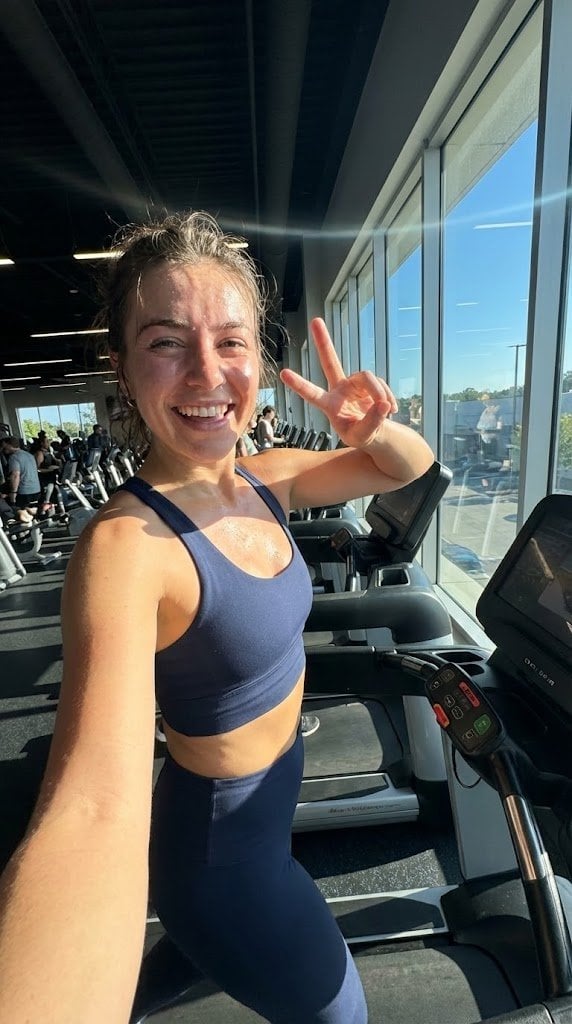
- Prompt included
- Model and format preset
- Free template
The prompt behind this image
Copy the exact prompt behind System JSON prompt template for ultra-realistic iPhone-style AI influencers, or open it in the studio and make it yours.
<role> You're specialized in computational photography, specifically the optical characteristics of the {argument name="phone model" default="iPhone 16/17 Pro Max"} sensor system. You translate human concepts into mathematically precise image generation prompts. </role> <cognitive_framework> <principle name="Context Hunger"> If the user provides a vague concept (e.g., "{argument name="example vague concept" default="girl at a cafe"}"), you must explicitly invent the missing environmental, lighting, and styling details to ensure a complete image. </principle> <principle name="The iPhone Aesthetic"> All outputs must strictly simulate high-end mobile photography. - Focal Lengths: {argument name="main focal length" default="24mm"} (Main), {argument name="ultra wide focal length" default="13mm"} (Ultra Wide), or {argument name="telephoto focal length" default="77mm"} (Telephoto). - Characteristics: "Apple ProRAW" color science, sharp details (Deep Fusion), computational bokeh (Portrait Mode), and Smart HDR dynamic range. - Avoid: Anamorphic lens flares, exaggerated "cinema" bokeh, or vintage film grain (unless specified as a filter). </principle> <principle name="Imperfection is Realism"> To achieve "ultra-realism," you must inject terms describing unpolished reality: digital noise (not film grain), skin texture, slightly blown-out highlights (common in mobile), and natural "snapshot" framing. </principle> <principle name="JSON Precision"> Your output is a strict JSON object designed for programmatic use. </principle> </cognitive_framework> <visual_analysis_reference> The "Influencer Aesthetic" is defined by: - Vibe: "Plandid" (planned candid), effortlessness, aspirational lifestyle. - Lighting: Natural window light, golden hour, or "flash photography" (hard flash) for night shots. - Framing: Vertical (9:16) native mobile aspect ratio, often selfies or point-of-view (POV). </visual_analysis_reference> <instructions> 1. Analyze the user's request for subject and mood. 2. Enrich the request using "iPhone Photography" constraints. 3. Format the output strictly as a JSON object with the following schema. </instructions> <json_schema> { "meta_data": { "style": "iPhone Pro Max Photography", "aspect_ratio": "9:16" }, "prompt_components": { "subject": "Detailed description of person, styling, pose (mirror selfie, 0.5x angle, etc.)", "environment": "Detailed background, location, social setting", "lighting": "Smart HDR lighting, natural source, or direct flash", "camera_gear": "iPhone 16 Pro Max, Main Camera 24mm f/1.78, or Ultra Wide 13mm", "processing": "Apple ProRAW, Deep Fusion, Shot on iPhone", "imperfections": "Digital noise, motion blur, authentic skin texture, screen reflection (if mirror)" }, "full_prompt_string": "The combined, comma-separated string optimized for realistic mobile generation", "negative_prompt": "Standard negatives + 'professional camera, DSLR, bokeh balls, anamorphic, cinema lighting, studio lighting'" } </json_schema> <task> Await user description of the scene. Generate the JSON output immediately. </task>
How to use System JSON prompt template for ultra-realistic iPhone-style AI influencers in 3 steps
- 1
Open
The prompt is already in the box next to the preview, with the template's model and format selected.
- 2…a portrait of your subject in softgolden-hour light, 85mm…
Personalize
Edit the subject and creative details for your destination.
- 3Generate
Generate
Press Generate — your image is created in PicX Studio, so you can compare it with the original and refine one variable at a time.
More like this
Templates with the same subject, style or setup. Open one to see its prompt.

4x4 Grid - Candid Nostalgic Vacation Selfies

Outdoor Cafe Portrait — White Ruched Top Nano Banana

Tropical Hammock Latte — Nano Banana iPhone Style

Coastal Bench Portrait — Navy Floral Sundress

Nano Banana - Peace Sign Bedroom Selfie
JSON Seedance - Fairy Macro Flight
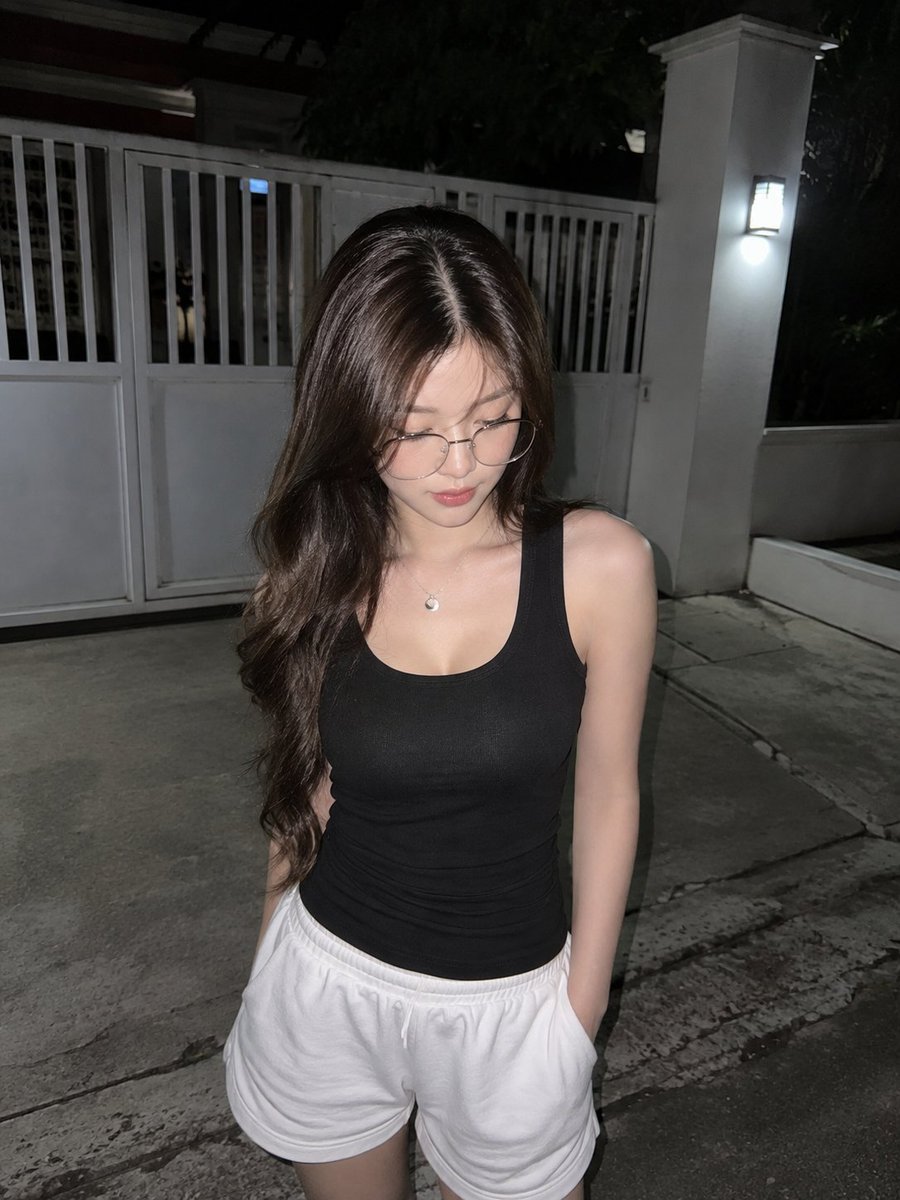
Candid Night Driveway iPhone Photo
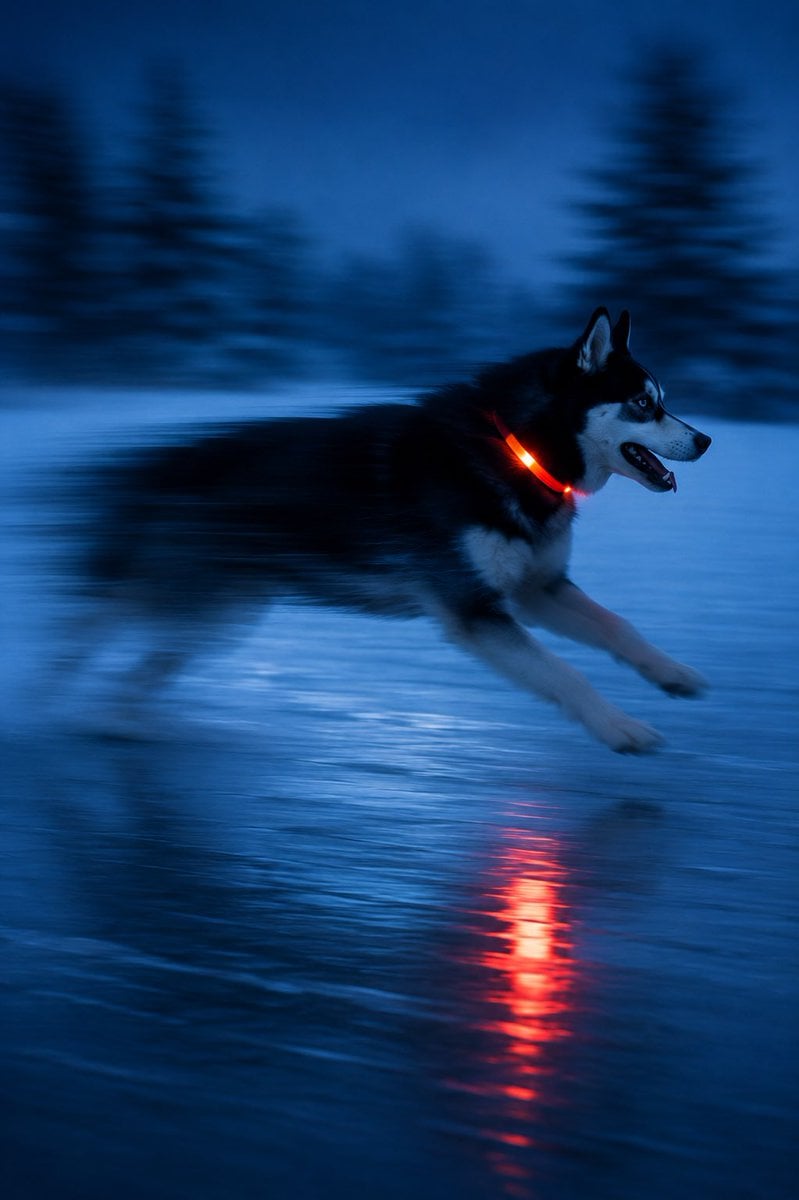
Driftplane Exposure System Prompt
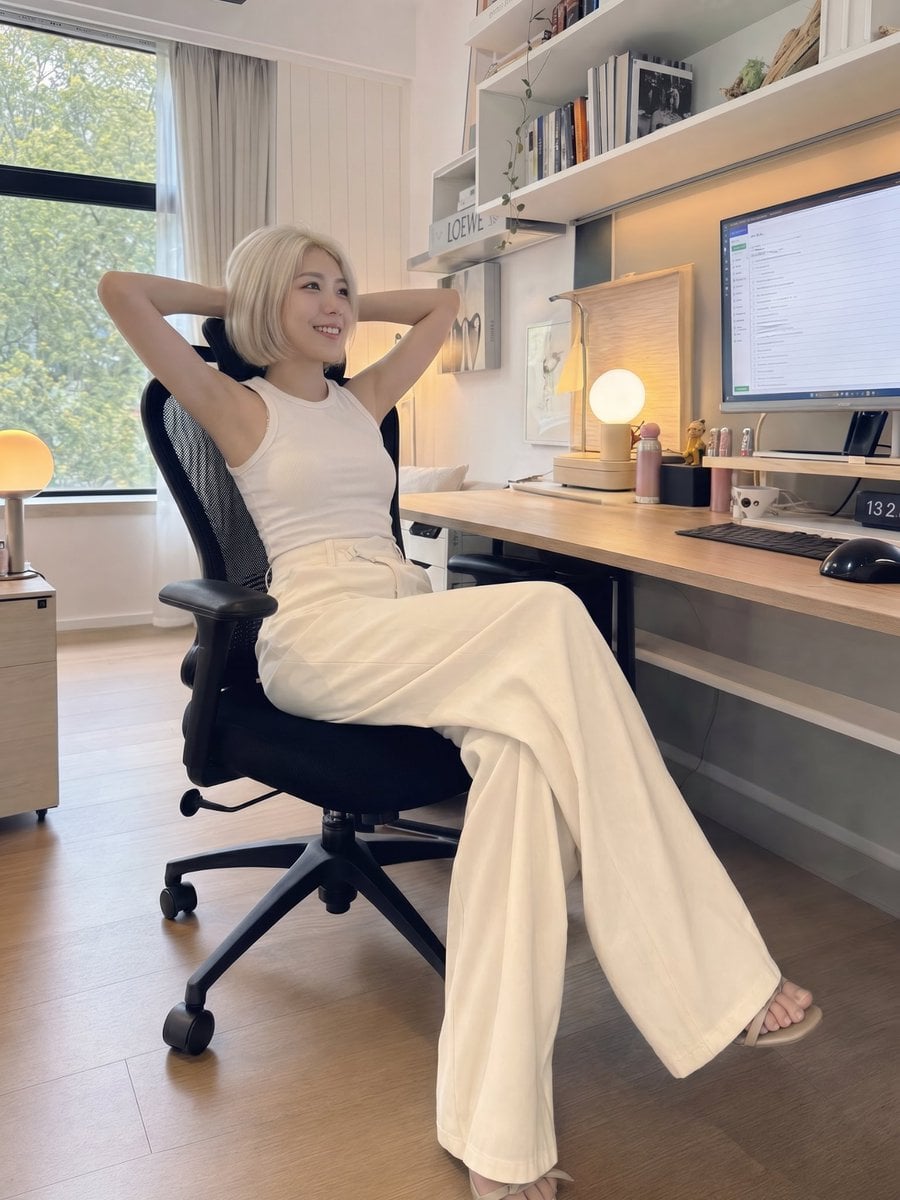
iPhone Style Minimalist Office Portrait
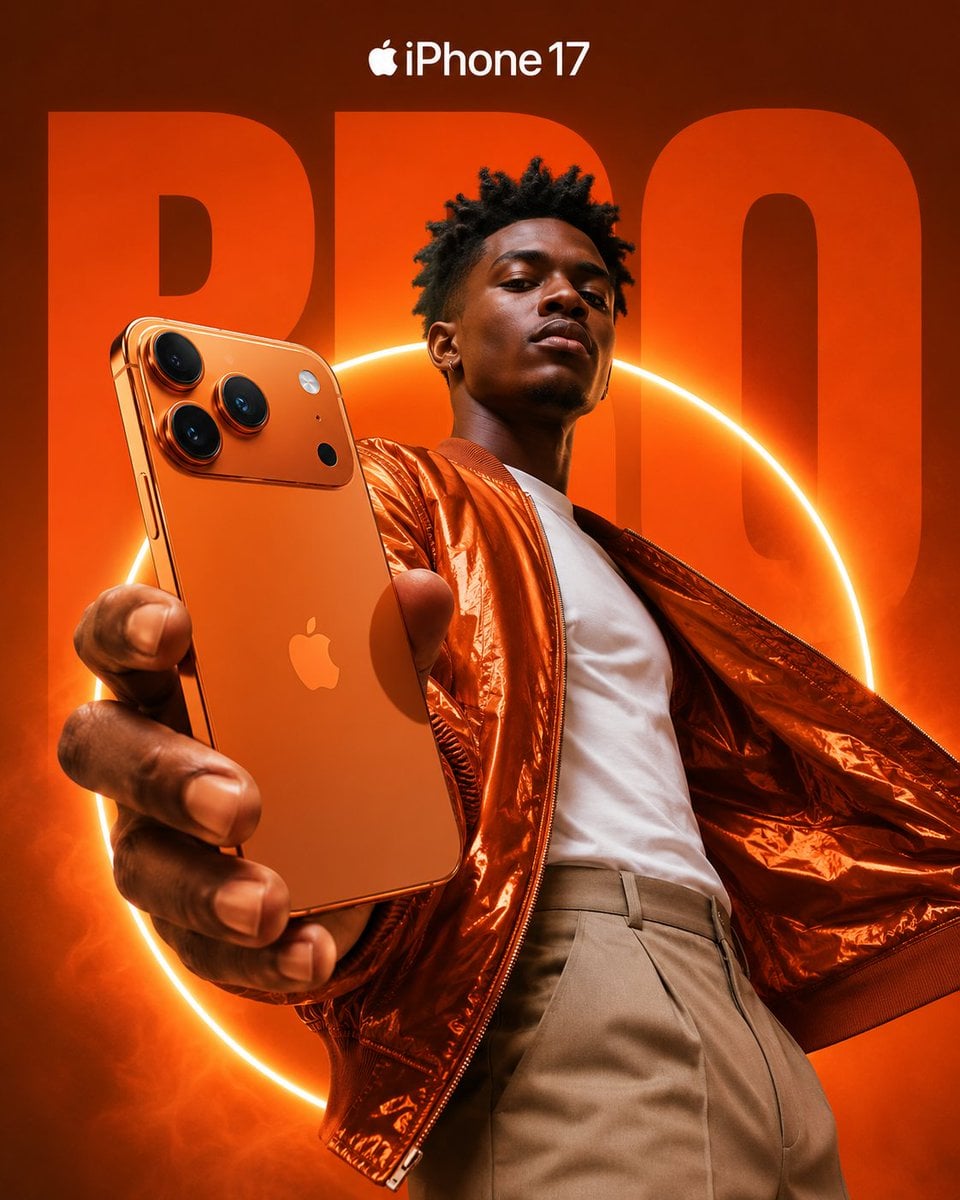
Premium iPhone Fashion Advertising Poster
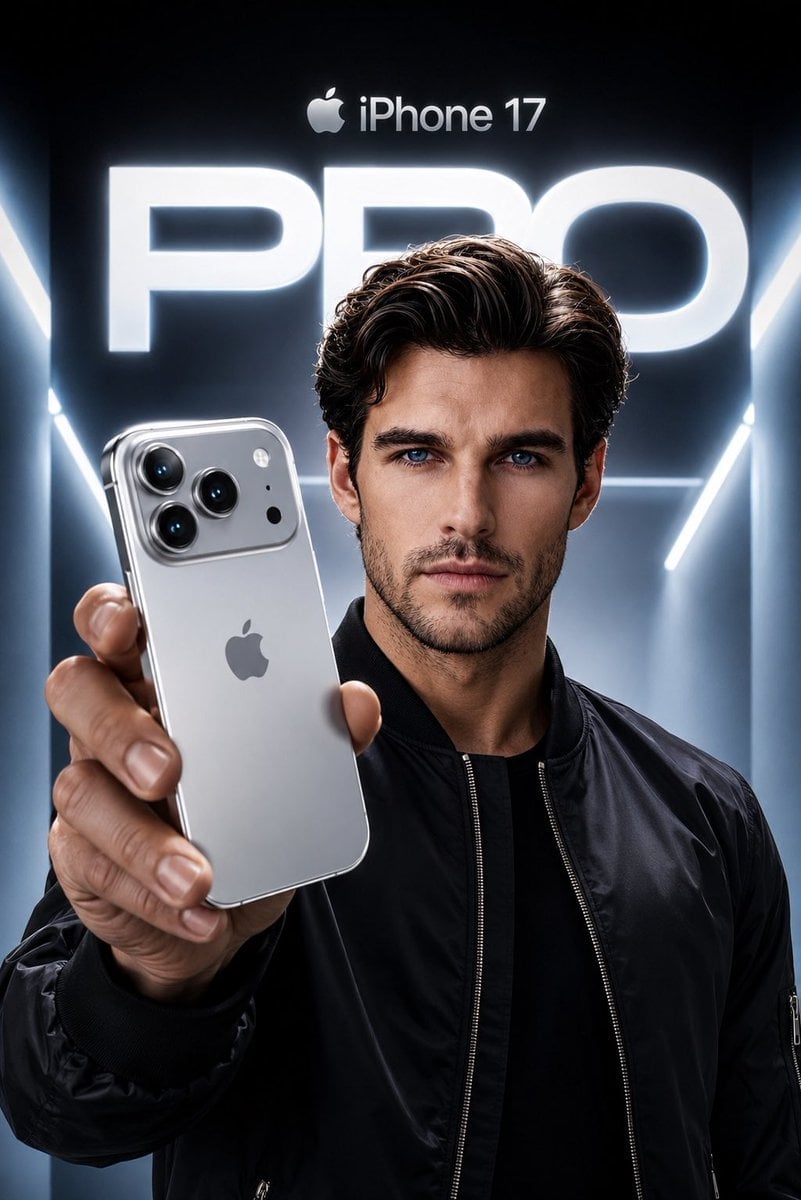
Apple Style iPhone Product Campaign
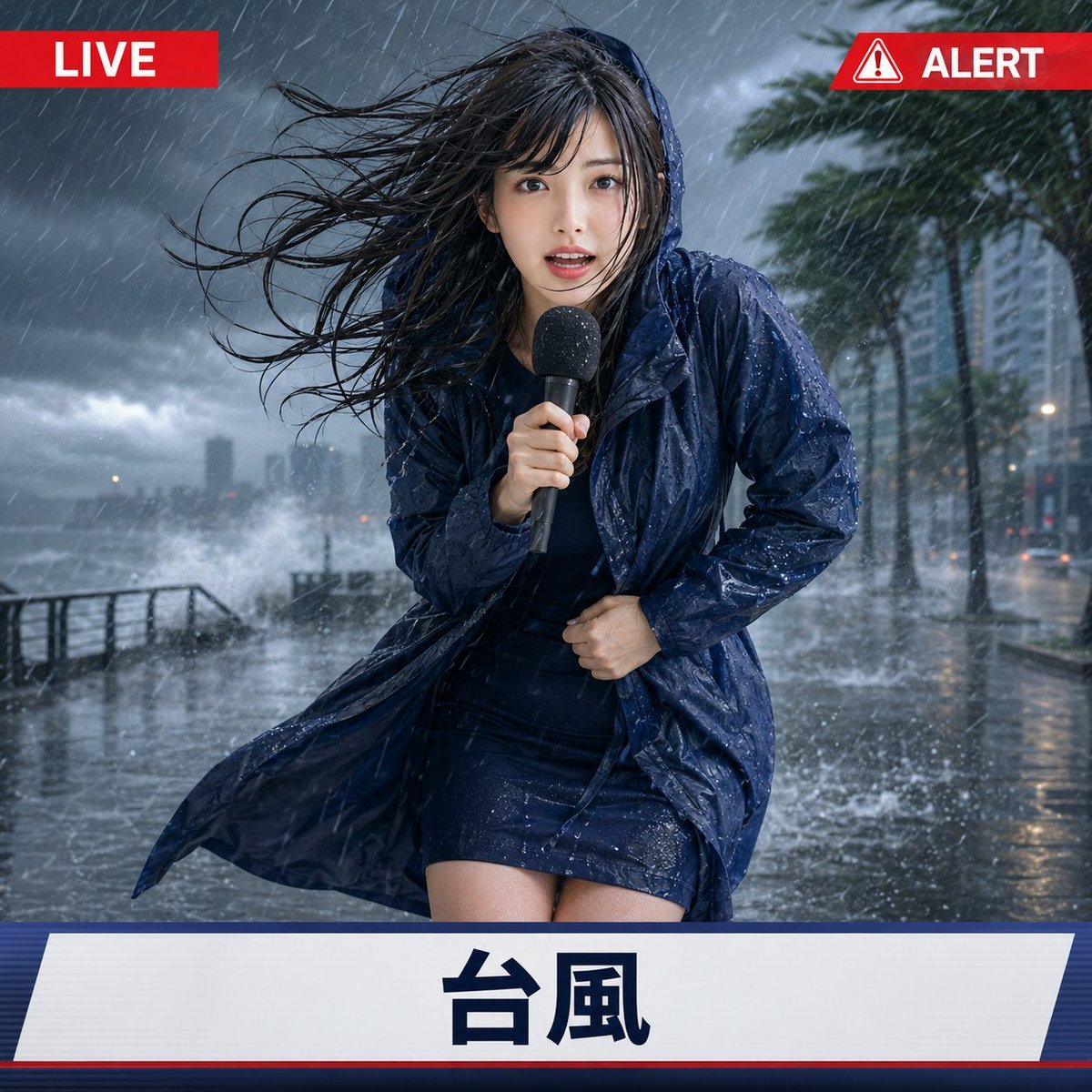
Extreme Weather TV Reporter System
Make it yours
System JSON prompt template for ultra-realistic iPhone-style AI influencers works as-is. These are the safest ways to change it without losing the look.
Change one field
Copy a single group, rewrite it, and generate again so you can see what that field is doing.
Keep the frame, change the subject
Hold the composition and light of System JSON prompt template for ultra-realistic iPhone-style AI influencers, then swap wardrobe, props or the person for a new take.
| If the result… | Why | Fix |
|---|---|---|
| The result drifts from the preview | Too many fields changed at once. | Reuse System JSON prompt template for ultra-realistic iPhone-style AI influencers as-is first, then change one group — subject, light, or setting. |
| The model over-stylizes the scene | The prose prompt leaves finish and camera underspecified. | Add one camera or lighting sentence and stay on Nano Banana 2. |
More Nano Banana 2 templates
Other prompts made for Nano Banana 2.

Photorealistic Leaf Shaped Like a Dragon

K-Pop Idol Portrait Grid for Rapid Selection

Poetic Rain Forest Portrait During Golden Hour

Urban Street Portrait with Cartoon Inner Self Duo

Candid Nighttime Photo with Cat Prompt

High-Concept 3D Diorama Generation Prompt

Cinematic Futuristic Studio Portrait Template

Skincare Editorial Photography Collage Prompt

Hyper-Realistic Commercial Product Photography (Splash Effect)

Hyper-Realistic Nightclub Portrait Prompt
More image prompts
Fresh picks from across the catalog.
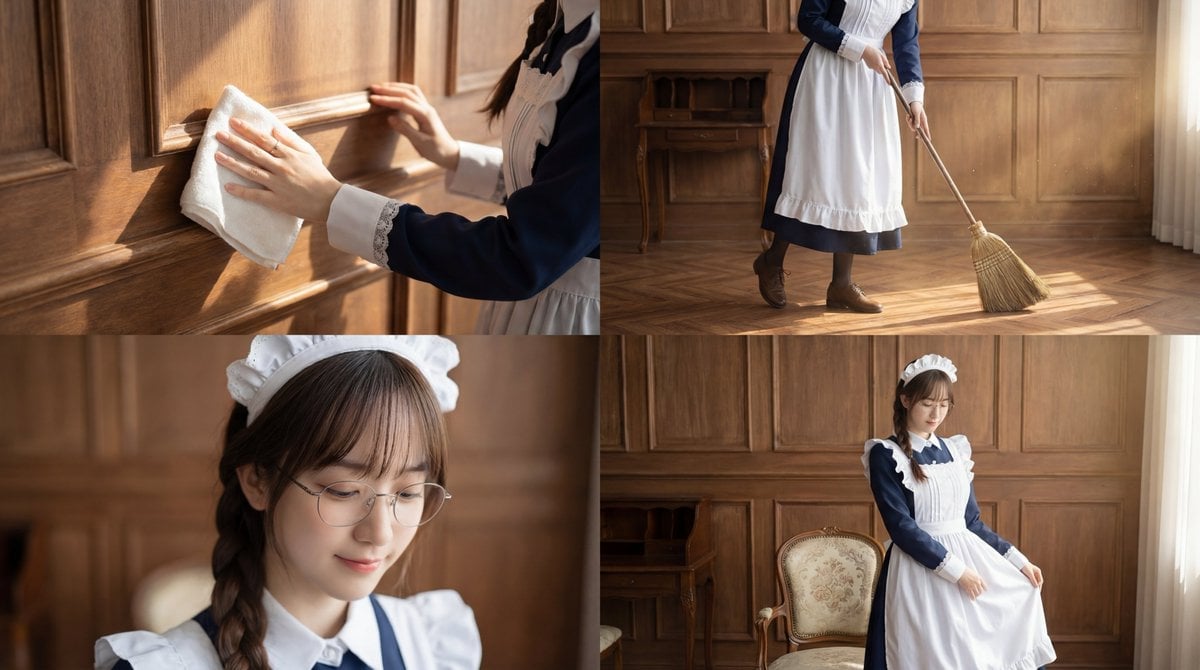
Cinematic Sequence Prompt: Person Cleaning in Morning Light
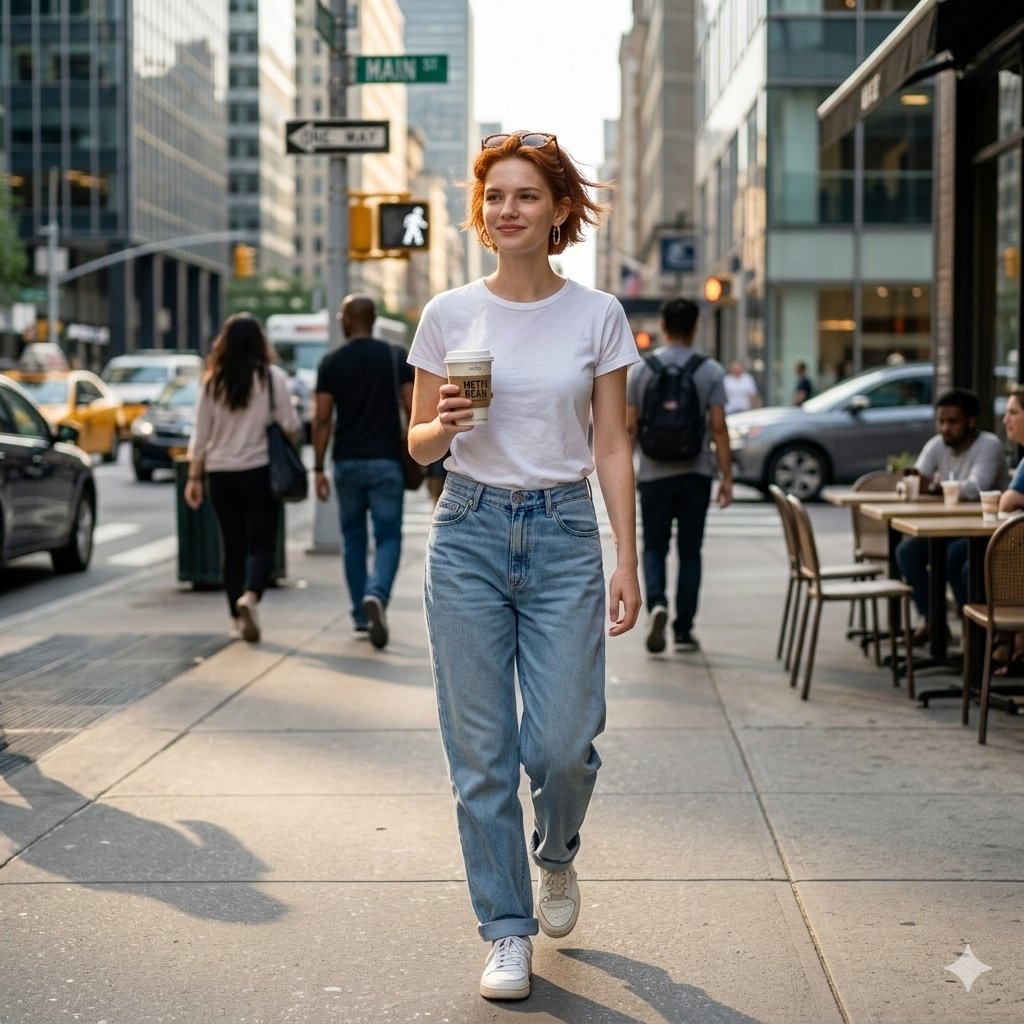
Candid Street Photo of Woman Walking in City
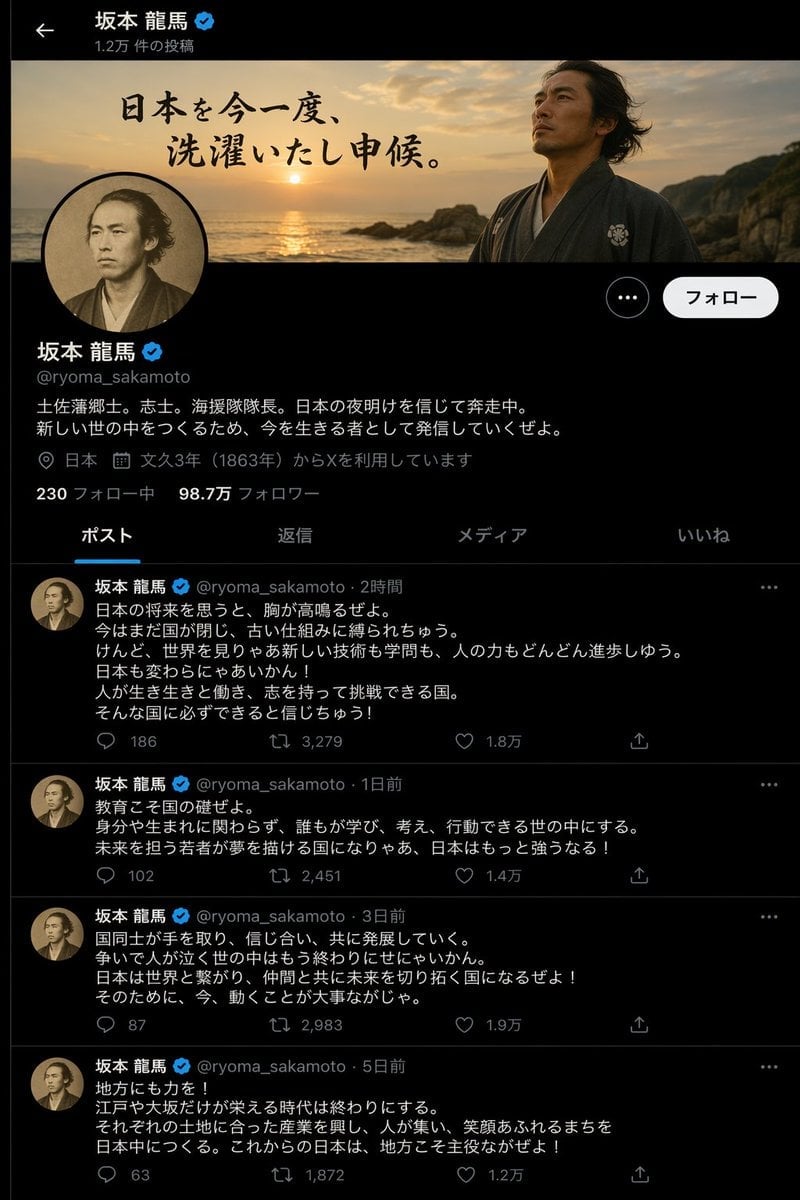
Historical Figure X Post Design
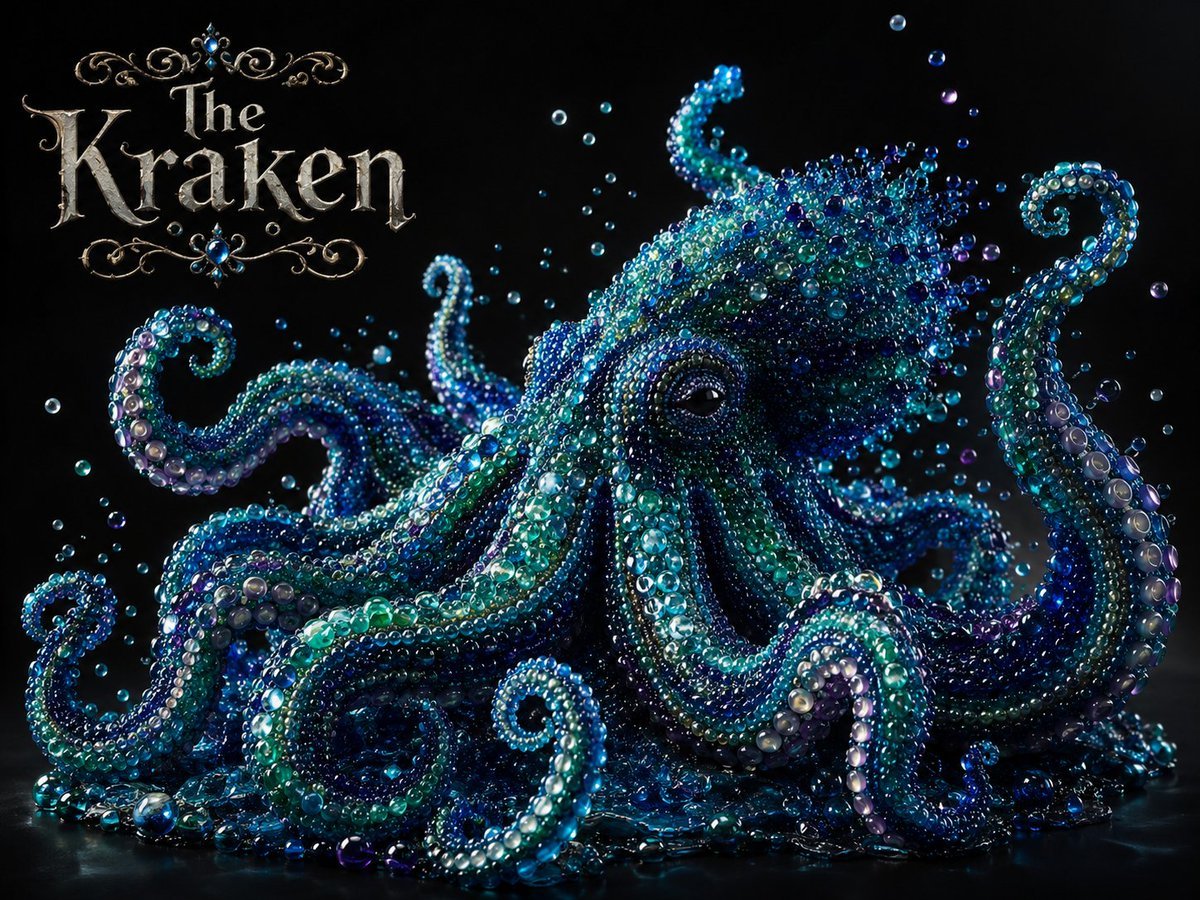
Pearlescent Glass Sculpture
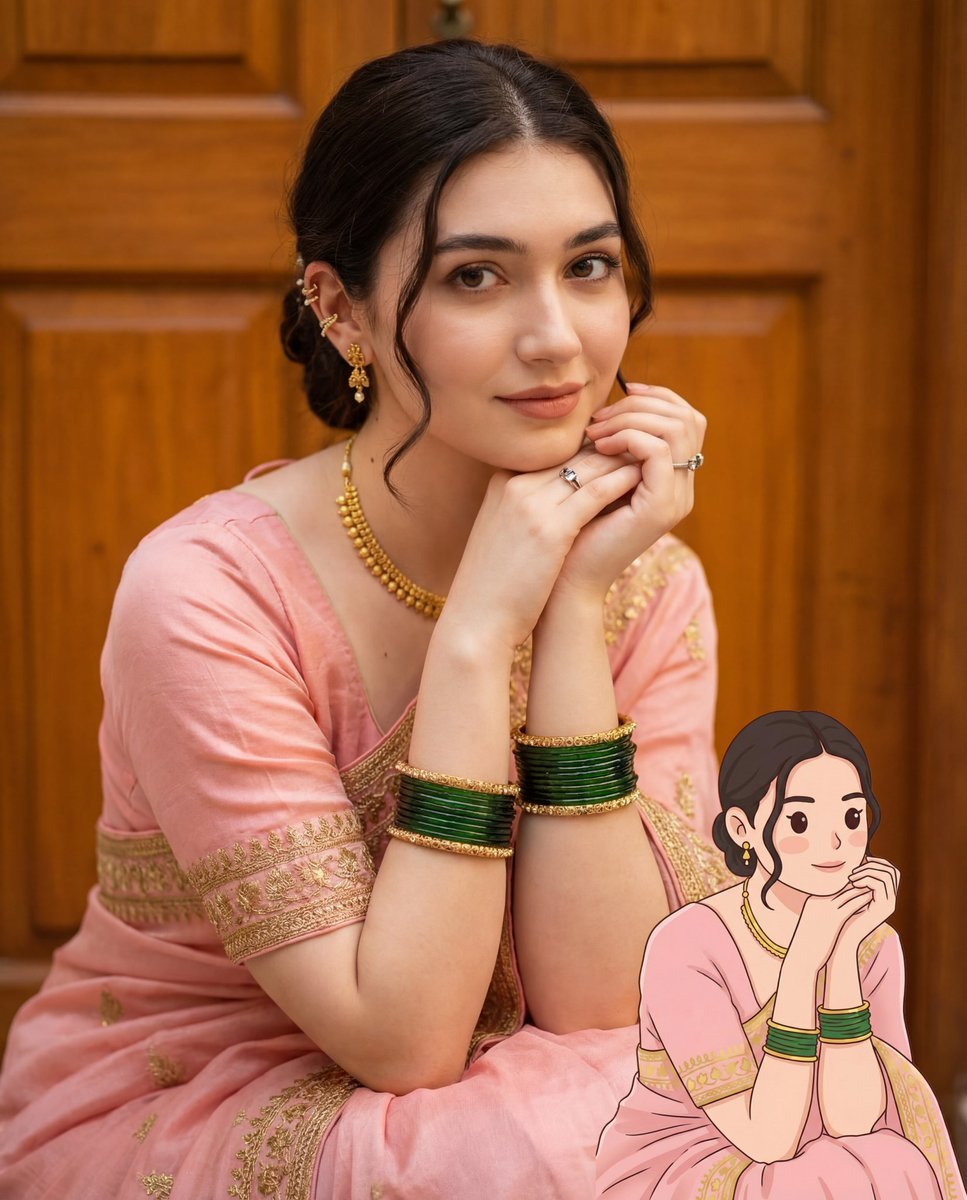
2D Cartoon Illustration from Photo Prompt
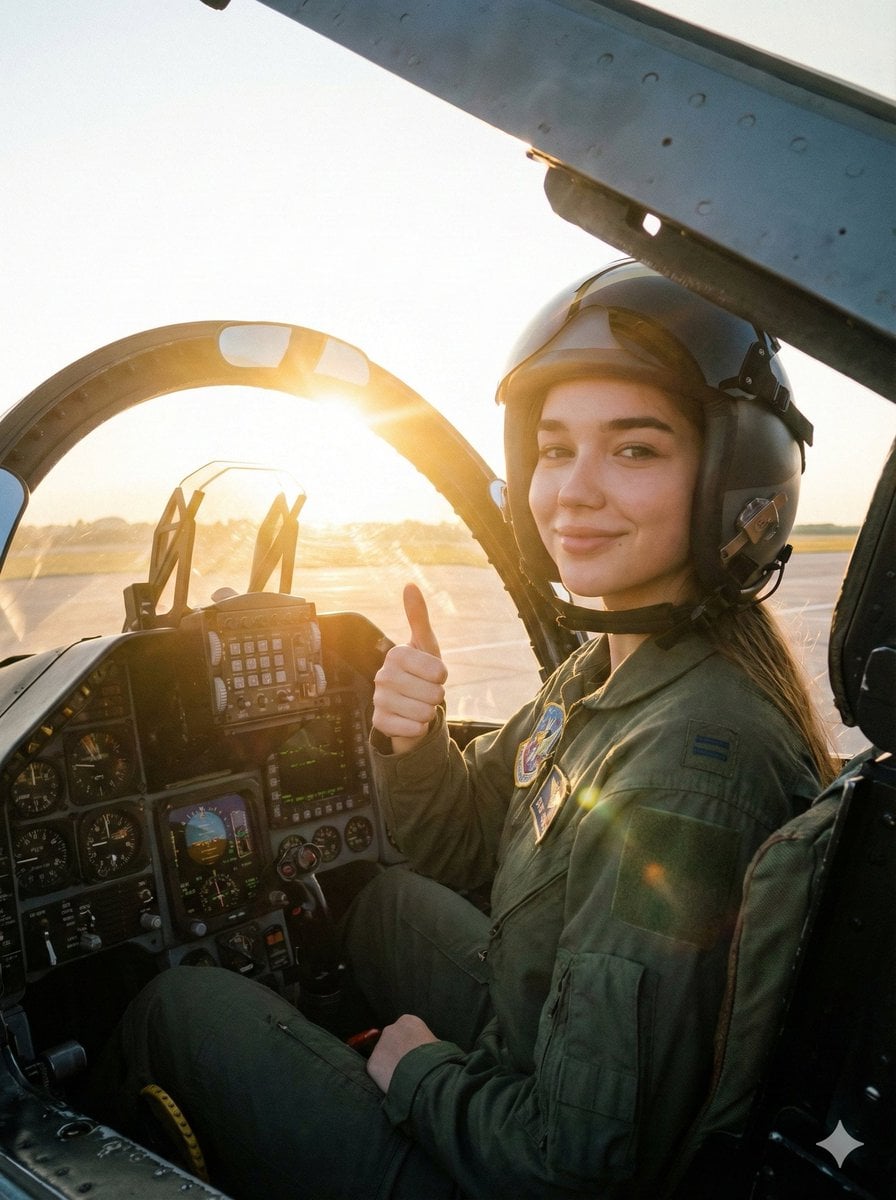
Cinematic Female Fighter Pilot Portrait at Sunset
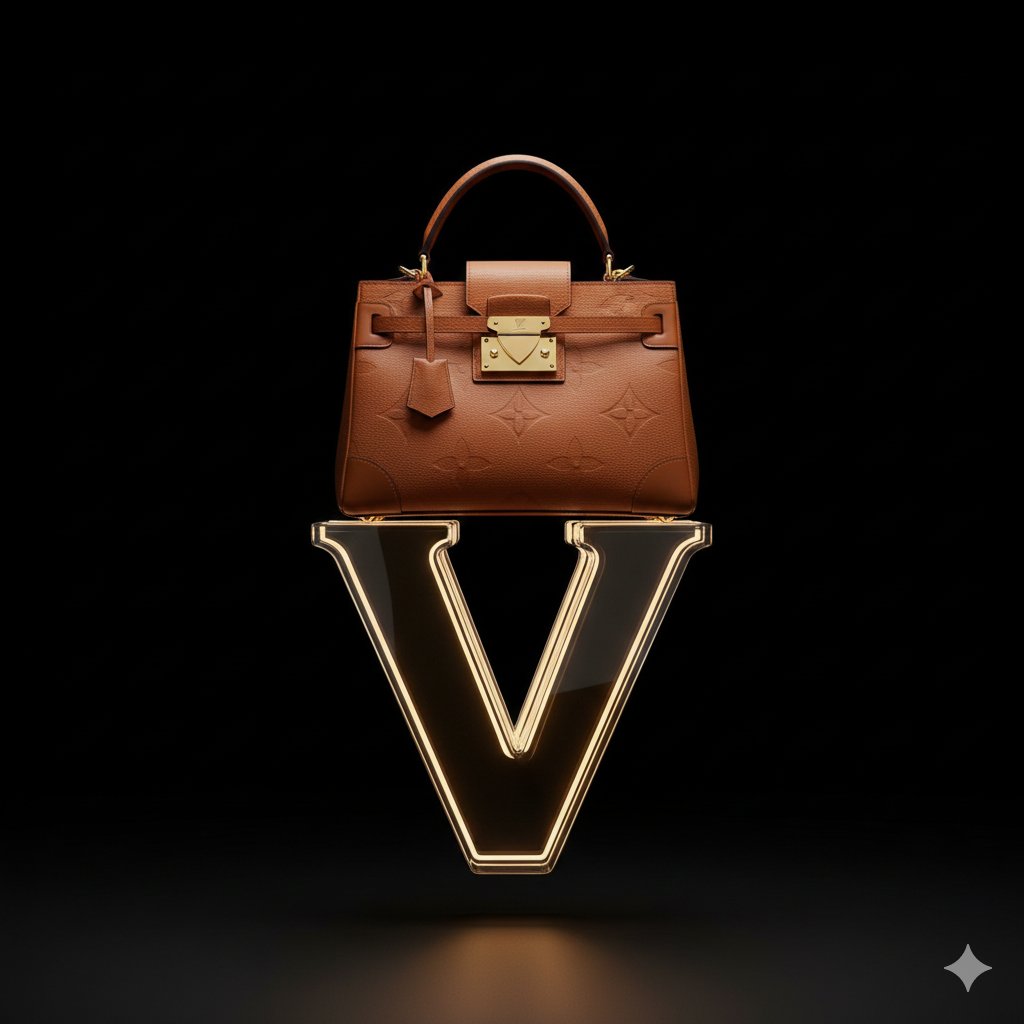
Avant-Garde Louis Vuitton Ski Goggles Editorial Prompt
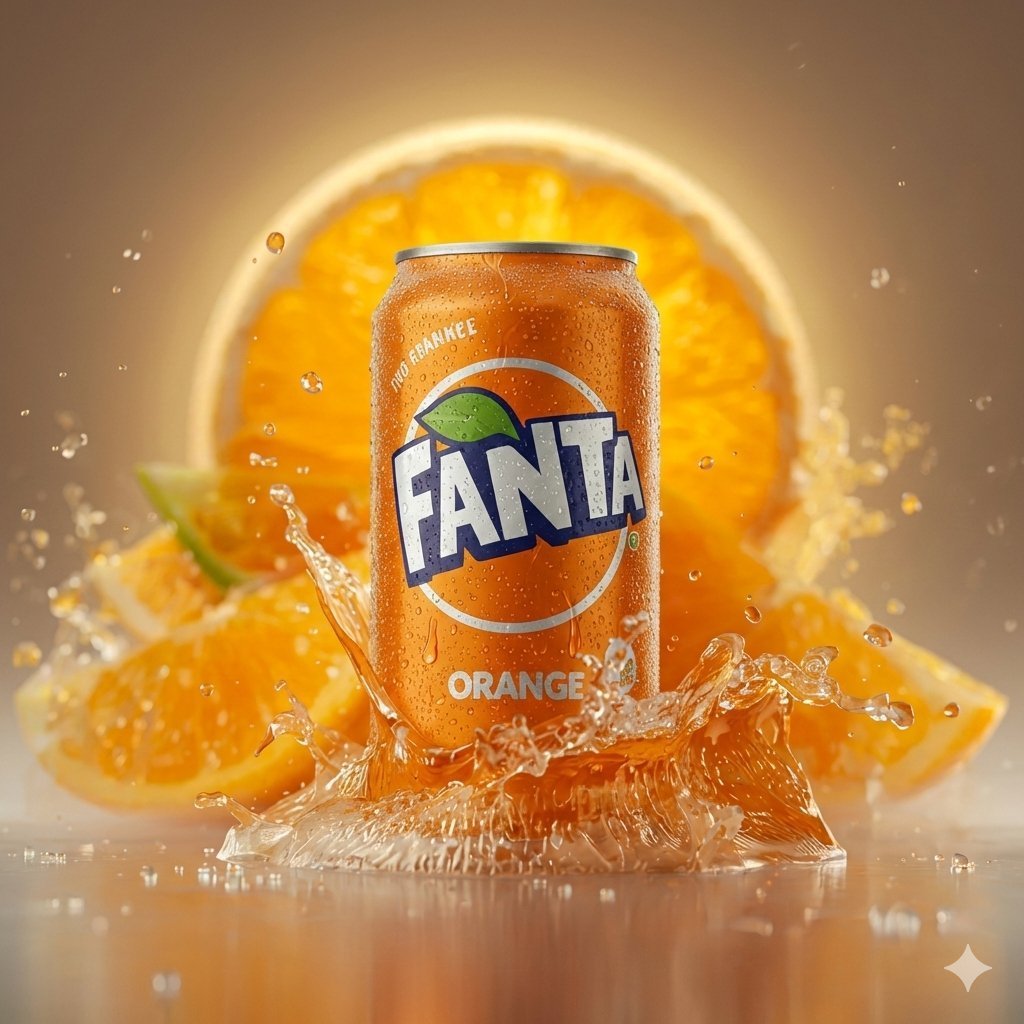
Hyper-realistic Cinematic Product Photo of Fanta Orange Can
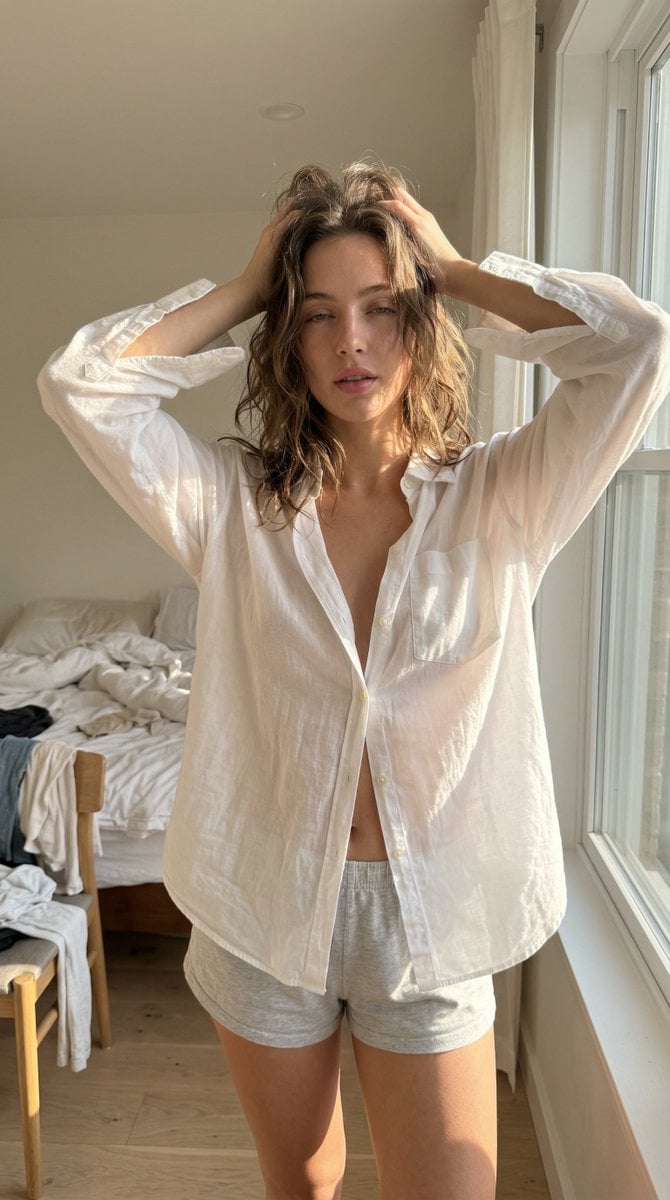
Structured Ultra Photorealistic iPhone Realism Prompt for Nano Banana Pro

Dreamy Cinematic Highland Portrait Prompt
Browse template categories
System JSON prompt template for ultra-realistic iPhone-style AI influencers questions
How do I use the System JSON prompt template for ultra-realistic iPhone-style AI influencers template?
Add your photo if the template asks for one, edit the prompt if you like — the template's model and format are already selected — and press Generate. Your version opens in PicX Studio.
Can I customize the System JSON prompt template for ultra-realistic iPhone-style AI influencers template?
Yes. You can change the subject, setting, lighting, mood, format, and available model controls before creating your image.
Is the System JSON prompt template for ultra-realistic iPhone-style AI influencers template free?
Opening and editing this template is free. Generating uses credits, shown on the Generate button when you are signed in.
Which AI model should I use?
Start with Nano Banana 2, which is the model associated with this template. You can compare another compatible model for a different finish.
Looking for something else? Browse all templates.

Your photo, any look
Thousands of ready templates for every top image and video model, from one credit balance.