
Extreme Weather TV Reporter System
A comprehensive instruction set for GPT Image 2 to generate fictional weather reporters during extreme events like typhoons or heatwaves while maintaining character consistency from a reference image.
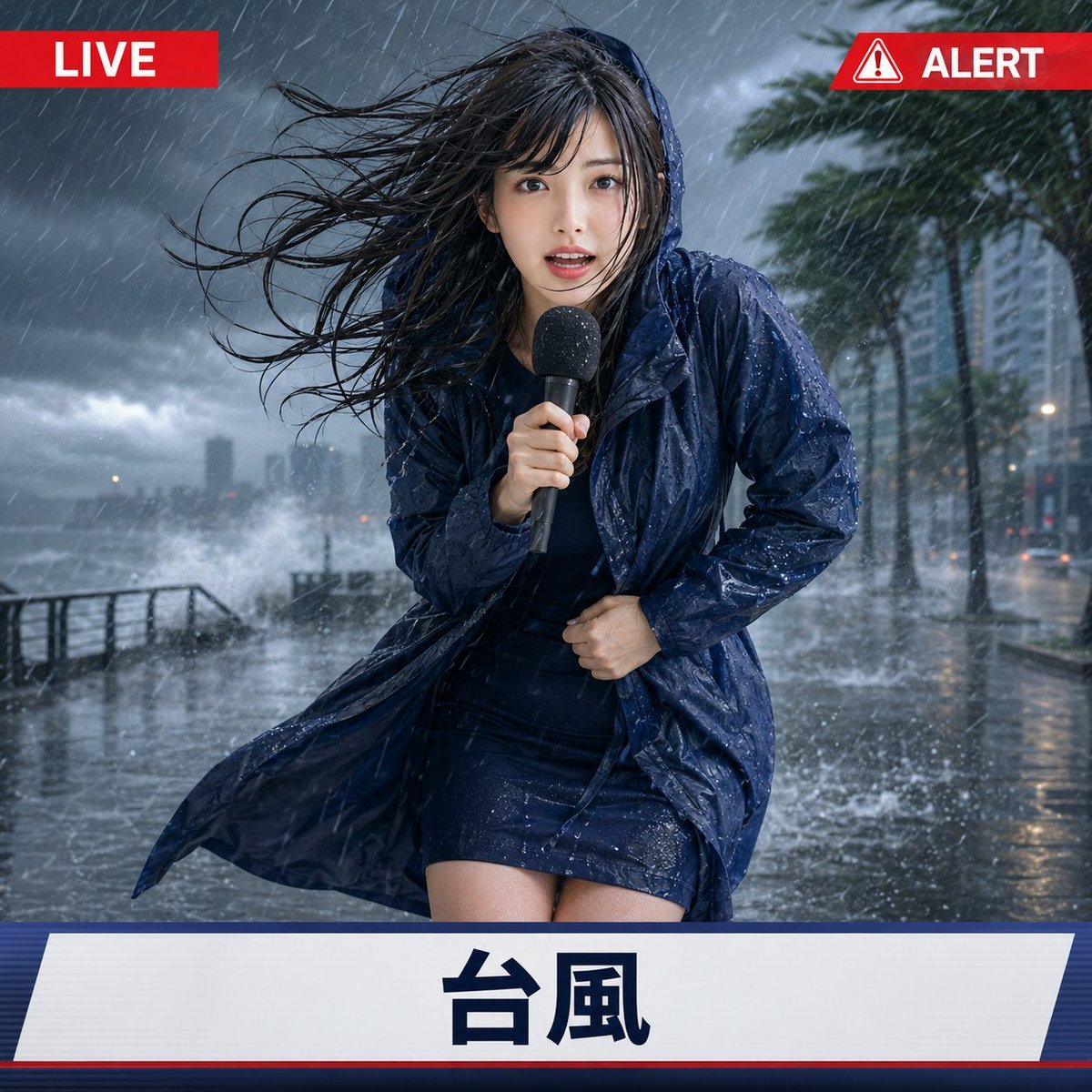
- Prompt included
- Model and format preset
- Premium template
The prompt behind this image
Copy the exact prompt behind Extreme Weather TV Reporter System, or open it in the studio and make it yours.
【入力項目】 参照画像:1枚 天候タイプ:猛暑 / 台風 / 猛吹雪 アスペクト比:必須(例1:1) 【推奨参照画像】 人物1人の顔立ち、髪型、髪色、年齢感、体型、衣装の雰囲気が分かる画像を使用してください。顔から上半身、または全身が写っている画像を推奨します。背景はシンプルなものが適しています。 【本文指示書】 添付した参照画像の人物を、架空のテレビ放送で極端な天候の現場から中継している屋外リポーターとして描写してください。 参照画像からは、顔立ち、髪型、髪色、目の印象、年齢感、体型、人物の雰囲気、表現形式を忠実に維持し、別人化させないでください。実写画像は高品質な実写として、アニメやイラストは元の絵柄、線、彩色、質感を保ったまま再構成してください。 参照画像の背景、照明、構図、元のポーズは継承しません。衣装は元の色や雰囲気を可能な範囲で残しながら、入力された天候に適した状態や装備へ自然に調整してください。 人物は放送用のハンドマイクを持ち、カメラに向かって状況を伝えている現地リポーターです。冷静に立っているだけではなく、極端な天候に翻弄され、慌てふためきながらも必死に中継を続けている瞬間を描写してください。 髪、衣服、表情、姿勢、身体の傾き、手の動き、持ち物を天候に自然に反応させ、人物が本当にその現場にいるように表現してください。表情は状況の厳しさが伝わる程度に大きくしますが、恐怖や苦痛だけの深刻な表現にはしないでください。SNSで映える印象的な現地中継にしてください。ただし、その映えはUIの装飾ではなく、人物のリアクションと異常気象の迫力で表現してください。 画面には、シンプルな架空のテレビ中継UIを重ねてください。UIは全天候で同じ形と配置に固定し、賑やかな装飾、天気図、複雑な数値、長い文章は入れません。 画面上部には、左右に対になる小さな固定UIを配置してください。 左上には、赤い横長の小型バナーの中に白文字で「LIVE」と表示してください。 右上には、左上と同じ上端位置、同じ高さ、同じデザイン系統の小型バナーUIとして、赤白の警告三角アイコンと白文字の「ALERT」を表示してください。左右のUIは、上端からの距離と左右端からの距離を揃え、横幅は内容に応じて自然に調整してください。 画面下部には横長のシンプルな放送帯を配置してください。下段の帯には、入力された天候タイプと完全に同じ文字だけを、大きく明確に表示してください。 入力が「猛暑」の場合は「猛暑」 入力が「台風」の場合は「台風」 入力が「猛吹雪」の場合は「猛吹雪」 文字は、上部UIの「LIVE」「ALERT」と、下段帯の天候タイプ表示だけに限定してください。指定された天候名以外の文章、地域名、放送局名、番組名、実在ロゴ、企業ロゴ、追加テロップは表示しないでください。背景内にも、読める看板、広告、案内板、道路標識の文字、説明文、英字、日本語、数字を表示しないでください。 【天候別表現】 ■ 猛暑 強烈な真夏の日差しに照らされた都市の街頭を背景にしてください。通常の晴天ではなく、危険な猛暑であることを一目で分かるようにしてください。 路面は、白っぽく日焼けした、乾いた、マットで光沢のないアスファルトにしてください。細かなひび割れ、乾いた砂ぼこり、輪郭の明確な強い影、遠景の路面上にわずかに見える陽炎によって、乾燥した極端な暑さを表現してください。濡れた路面、水たまり、冠水、鏡面反射、雨上がりのような質感、水しぶき、霧、水蒸気のような見え方は入れないでください。 人物は額や首元に大量の汗をかき、顔が少し火照り、暑さとまぶしさに耐えながら中継してください。片手にマイクを持ち、もう片方の手に持ったハンカチまたは小さなタオルで汗を拭ってください。暑さで少し髪が乱れ、焦りながらも報告を続けている様子にしてください。汗は主に肌に表現し、髪や衣服は雨に濡れたような状態にしないでください。衣服は基本的に乾いた状態を保ってください。 ■ 台風 暗い空、横殴りの豪雨、暴風、水しぶき、濡れた路面、強く揺れる木々が見える屋外現場を背景にしてください。風と雨が画面を横切り、台風の激しさが一目で分かるようにしてください。 人物は身体を斜めに傾け、足元を踏ん張りながら中継してください。髪は強風で激しく乱れ、衣服も大きくあおられ、雨で濡れています。片手でマイクを強く握り、もう片方の手で身体や衣服を支えるような仕草を入れてください。必要に応じて、元衣装の雰囲気を残した簡易レインウェアやフードを自然に追加してください。傘は使用しないでください。ポーズは大きくしすぎず、報道画面として顔、両手、マイクが見やすい範囲に収めてください。 ■ 猛吹雪 大量の雪と強風に包まれた冬の街路を背景にしてください。雪は横方向へ激しく吹きつけ、視界は白くかすみ、道路や周辺には厚い積雪があります。通常の降雪ではなく、立っていることも難しい猛吹雪であることを明確にしてください。 人物は厚手の防寒コート、マフラー、手袋、必要に応じてフードを着用し、寒さで身体を縮めながら前傾姿勢で踏ん張ってください。髪、肩、防寒具には雪が付着し、目を細めながら必死に中継を続けている様子にしてください。防寒具の色や印象は、参照画像の衣装と人物の雰囲気に自然に合わせてください。 【構図と仕上げ】 人物を画面の主役として、頭頂から膝上までが明確に見える中距離のテレビ中継構図にしてください。人物は画面中央に配置し、顔、両手、マイク、天候に反応する姿勢、背景の異常気象、上部UI、下段UIがすべて読み取りやすい構成にしてください。 人物の大きさは、上部UIと下部UIの間に無理なく収まり、テレビ中継画面として安定して見える範囲にしてください。極端な広角、極端なポスター風構図、人物が画面を占めすぎる構図は避けてください。 天候は強く大げさに表現しますが、人物の顔や身体を完全に隠さないでください。流血、負傷、倒壊、避難者、深刻な災害被害は描写せず、SNSで映える、コミカルさと臨場感のある誇張された現地中継として仕上げてください。 UIの帯や文字を人物、マイク、手、顔に重ねないでください。人物の身体、指、マイクを正しく描写し、人物の重複、別人化、余分な手足、余分なマイク、文字化け、意味不明な文字、実在ロゴを生成しないでください。
How to use Extreme Weather TV Reporter System in 3 steps
- 1Upload ImagePNG, JPG or paste
Add your photo
Upload the photo the template builds on. The prompt, model and format are already set.
- 2…a portrait of your subject in softgolden-hour light, 85mm…
Personalize
Edit the subject and creative details for your destination.
- 3Generate
Generate
Press Generate — your image is created in PicX Studio, so you can compare it with the original and refine one variable at a time.
More like this
Templates with the same subject, style or setup. Open one to see its prompt.
Weathered Folk Poster Collage
Surreal Weather Armchair in Hotel Lobby
Weathered JP Morgan Bank Check
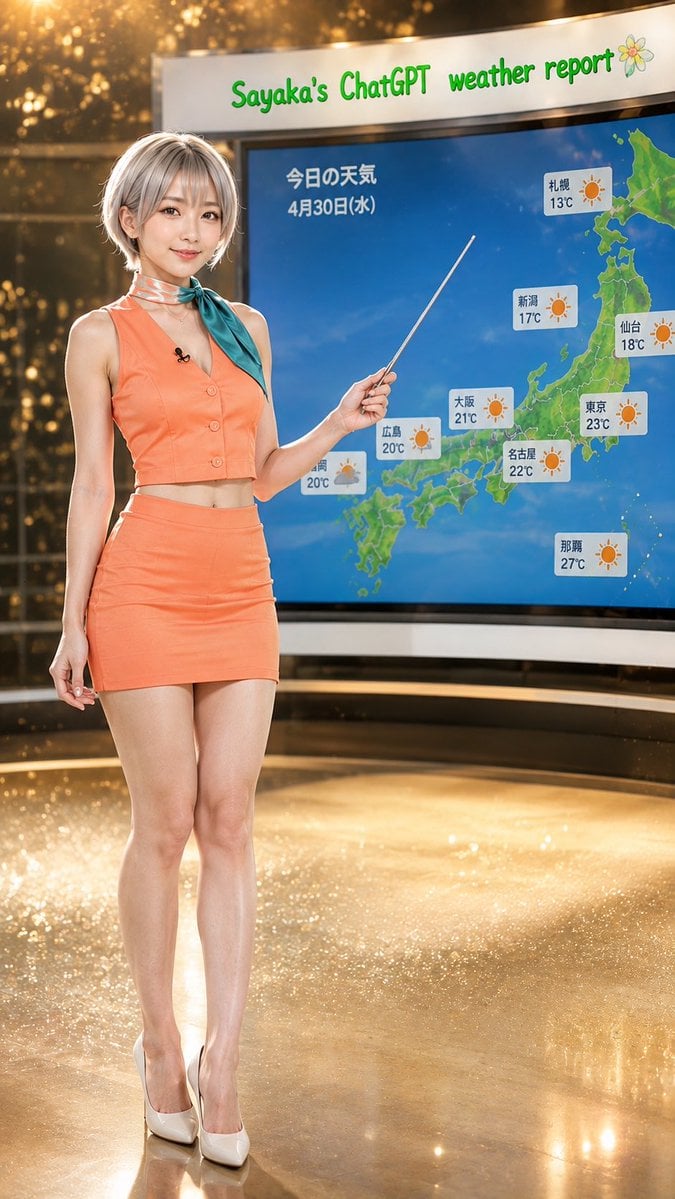
Sayaka Weather Presenter Studio
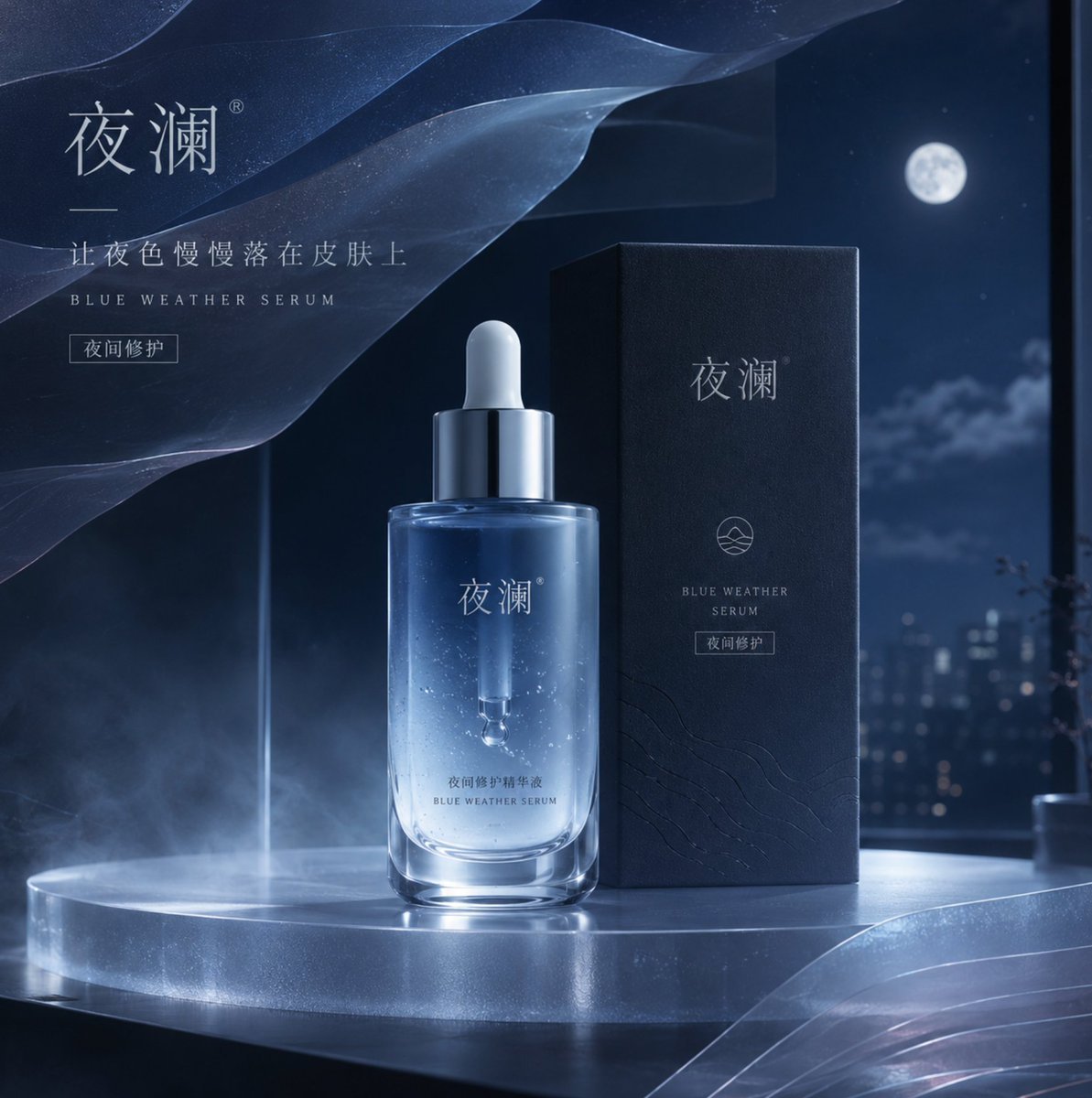
Blue Weather Skincare Visual Proposal
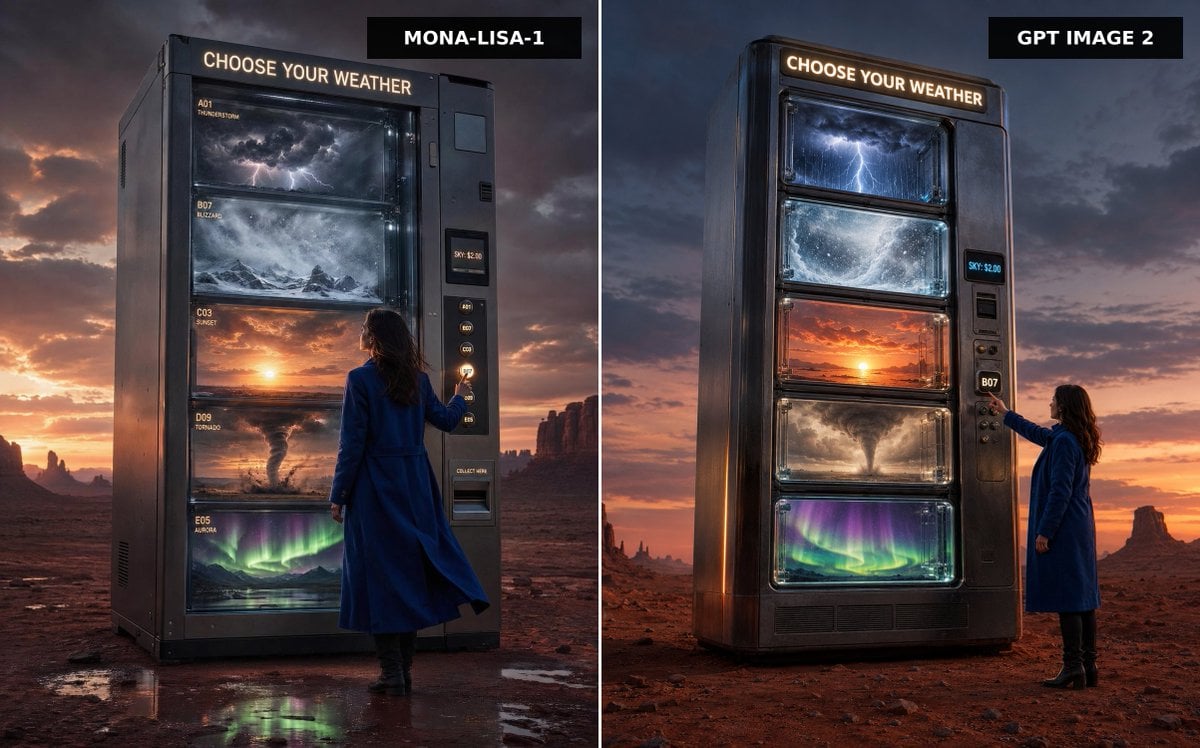
Weather Vending Machine Comparison
Driftplane Exposure System Prompt
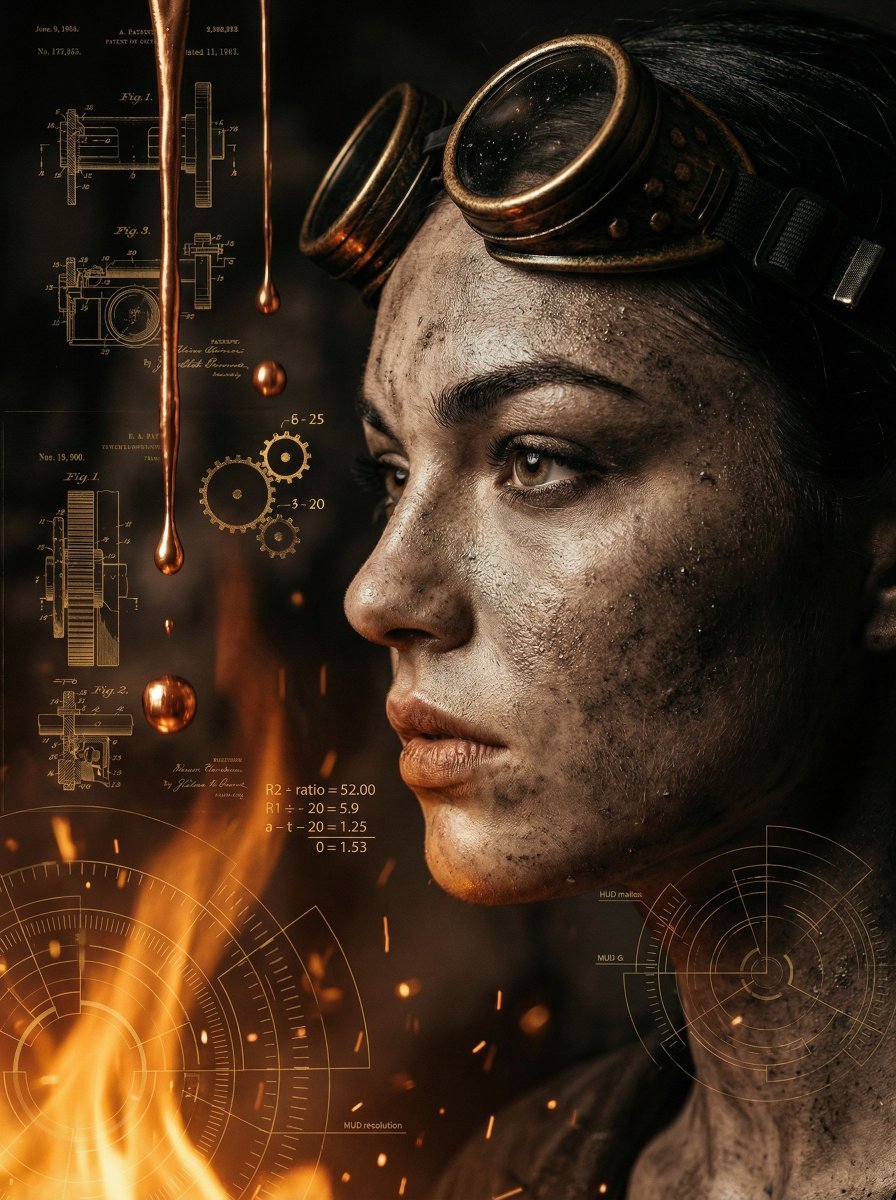
A cinematic close-up profile of a weathered women with a salt-and-pepper
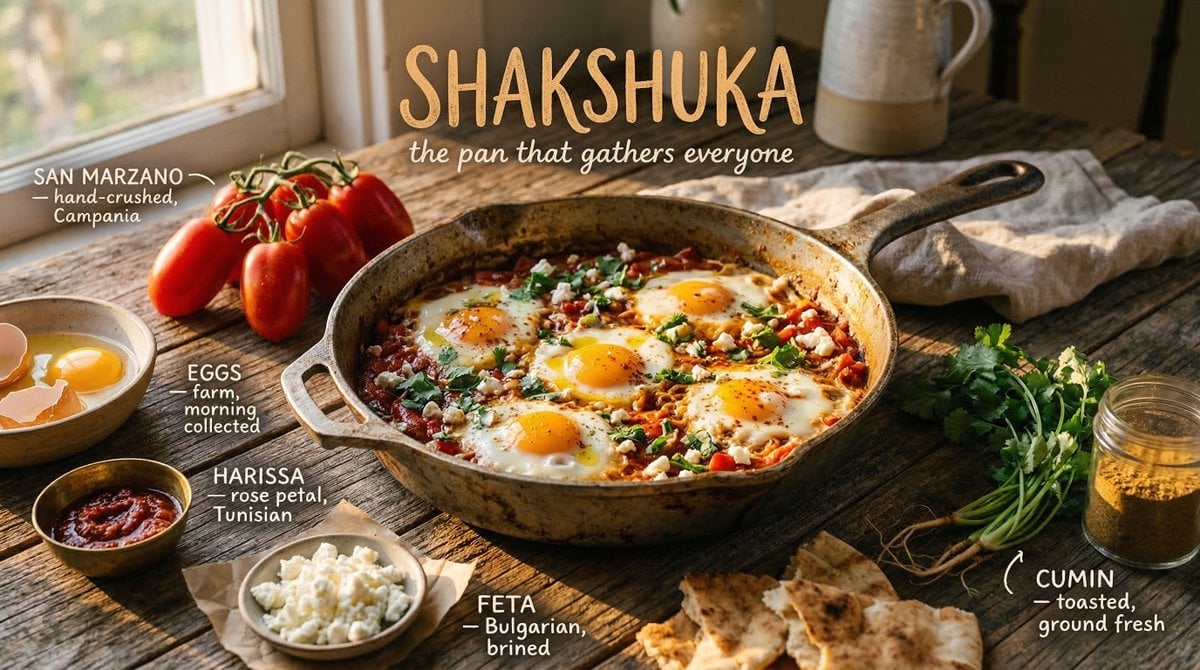
Styled on a weathered surface, shot in pure golden hour light streaming
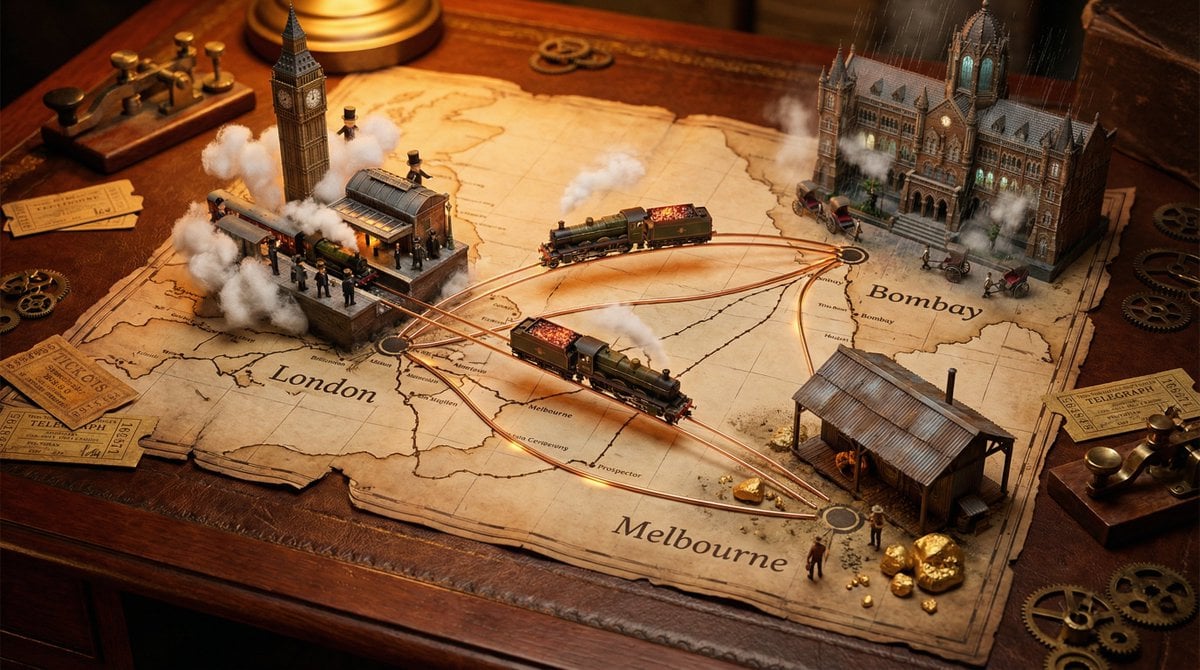
A weathered map spread across, bursting with photorealistic miniature
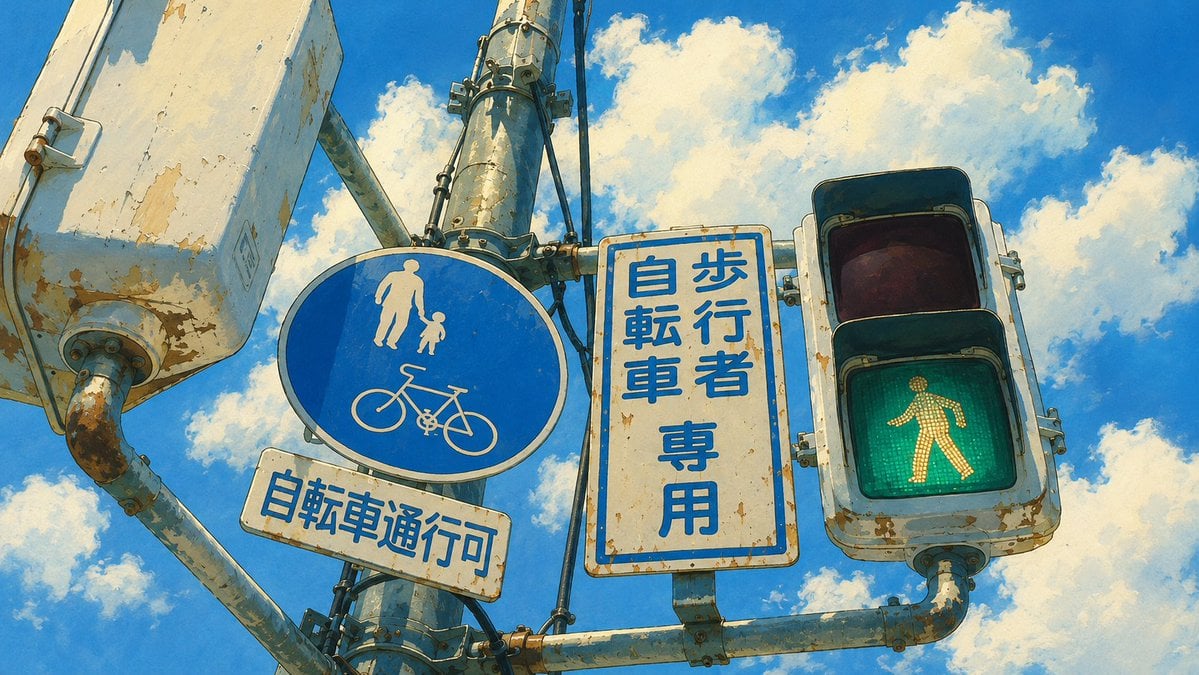
Weathered Japanese Crossing Signs
Tiny Weather Companion Figurines
Make it yours
Extreme Weather TV Reporter System works as-is. These are the safest ways to change it without losing the look.
Change one field
Copy a single group, rewrite it, and generate again so you can see what that field is doing.
Keep the frame, change the subject
Hold the composition and light of Extreme Weather TV Reporter System, then swap wardrobe, props or the person for a new take.
| If the result… | Why | Fix |
|---|---|---|
| The result drifts from the preview | Too many fields changed at once. | Reuse Extreme Weather TV Reporter System as-is first, then change one group — subject, light, or setting. |
| The model over-stylizes the scene | The prose prompt leaves finish and camera underspecified. | Add one camera or lighting sentence and stay on GPT Image 2. |
More GPT Image 2 templates
Other prompts made for GPT Image 2.

Six VTuber Japanese Logo Sheet

Realistic Portrait of Woman and Deer

The Vista Modular Condo Poster

AI Model Routing Comparison Infographic

2.5D Anime Art Board

Isometric Productivity Desk Scene

New York Double Exposure Poster

Four-Panel AI Landscape Comparison

Japanese Tatami Lifestyle Magazine Cover

NESCAFÉ Coffee Map Poster
More image prompts
Fresh picks from across the catalog.
Desert Patrol Sheriff Portrait
New Chinese Aesthetics Style Chart
Luxury Editorial Character Spread
Cinematic Vector Fashion Portrait
Character Memory Photo Album
Mysterious Portrait with Butterflies

Premium Brand Visual Poster Template
Dramatic Cinematic Portrait with Bokeh Background
untitled
Schizophrenic Conspiracy Scribbles Overlay
Browse template categories
Extreme Weather TV Reporter System questions
How do I use the Extreme Weather TV Reporter System template?
Add your photo if the template asks for one, edit the prompt if you like — the template's model and format are already selected — and press Generate. Your version opens in PicX Studio.
Can I customize the Extreme Weather TV Reporter System template?
Yes. You can change the subject, setting, lighting, mood, format, and available model controls before creating your image.
Is the Extreme Weather TV Reporter System template free?
Opening and editing this template is free. Generating uses credits, shown on the Generate button when you are signed in.
Which AI model should I use?
Start with GPT Image 2, which is the model associated with this template. You can compare another compatible model for a different finish.
Looking for something else? Browse all templates.

Your photo, any look
Thousands of ready templates for every top image and video model, from one credit balance.