
Tiny Weather Companion Figurines
A prompt for generating three kawaii weather-themed collectible cloud companions as soft 3D toy concept art.
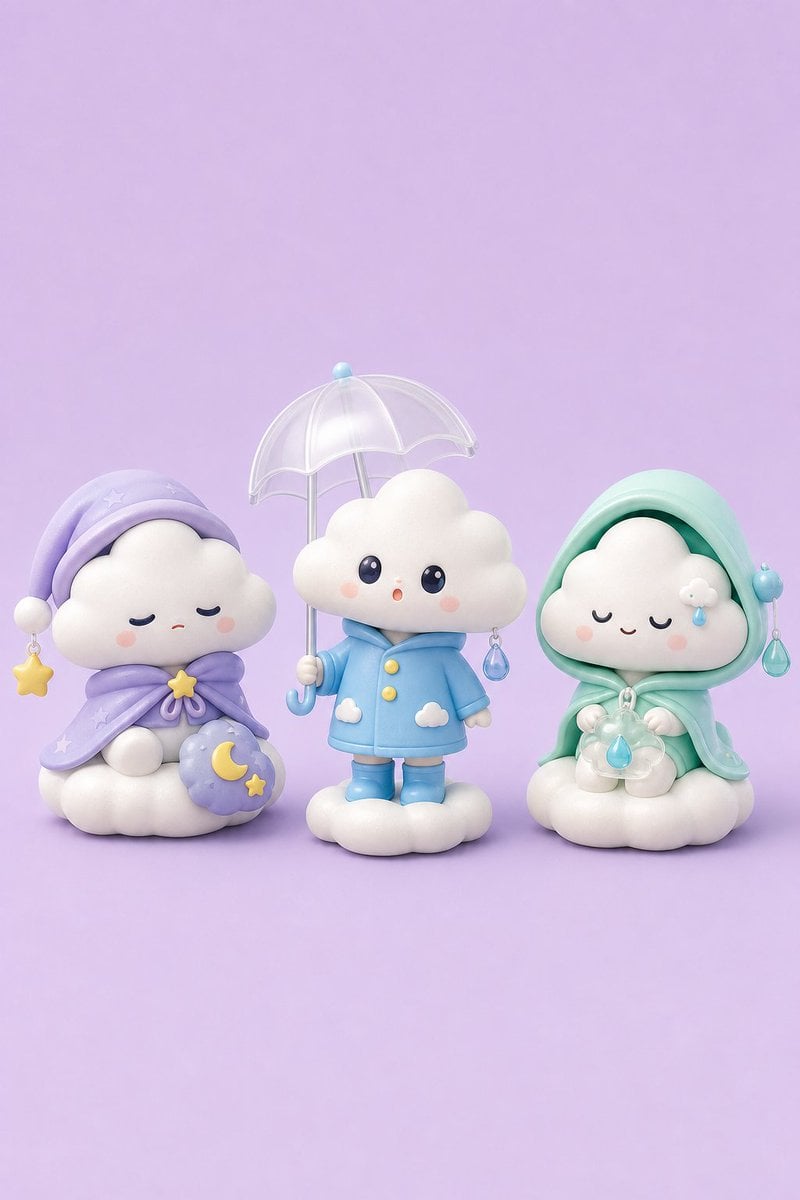
- Prompt included
- Model and format preset
- Free template
The prompt behind this image
Copy the exact prompt behind Tiny Weather Companion Figurines, or open it in the studio and make it yours.
Create a cute collectible toy concept art image of exactly three tiny weather companions arranged side by side on a seamless pastel lavender studio background, rendered as soft 3D vinyl figurines with rounded shapes, glossy bead eyes, gentle blush, pearly plastic translucency, and soft diffused lighting. The left companion is a sleepy night cloud character sitting on a puffy cloud base, with closed eyes and a tiny sad mouth, wearing a lavender sleeping cap with a white pom-pom and a dangling yellow star charm, plus a matching lavender cape tied in a bow with a small yellow star at the knot; it holds or rests beside a purple crescent-moon pillow decorated with one yellow crescent moon and one yellow star. The center companion is a rainy cloud child standing on a small cloud base, with wide shiny dark eyes and a small surprised O-shaped mouth, wearing a {argument name="coat color" default="sky blue"} raincoat with exactly two yellow buttons, matching rain boots, and two small white cloud patches near the hem; it holds a clear translucent umbrella with scalloped edges, a pale blue top knob, a silver shaft, and a curved blue handle, and has one dangling blue raindrop charm on its right side. The right companion is a calm misty rain cloud sitting on a puffy cloud base, with closed smiling eyes and pink cheeks, wearing a {argument name="hood color" default="mint green"} hooded rain cape with a deeper green inner hood, a small blue pom-pom charm on one side, and one dangling blue raindrop charm on the other side; it holds a translucent flower-shaped object with a single blue raindrop hanging in the center and has a tiny white cloud with blue droplets on its cheek. Keep the composition centered with the three figures occupying the lower half of a vertical {argument name="aspect ratio" default="2:3"} canvas, leaving generous empty lavender space above. Use a whimsical kawaii indie game concept-art style, high detail, clean sculptural forms, subtle shadows under the toys, no text, no watermark, no extra characters.
How to use Tiny Weather Companion Figurines in 3 steps
- 1Upload ImagePNG, JPG or paste
Add your photo
Upload the photo the template builds on. The prompt, model and format are already set.
- 2…a portrait of your subject in softgolden-hour light, 85mm…
Personalize
Edit the subject and creative details for your destination.
- 3Generate
Generate
Press Generate — your image is created in PicX Studio, so you can compare it with the original and refine one variable at a time.
More like this
Templates with the same subject, style or setup. Open one to see its prompt.
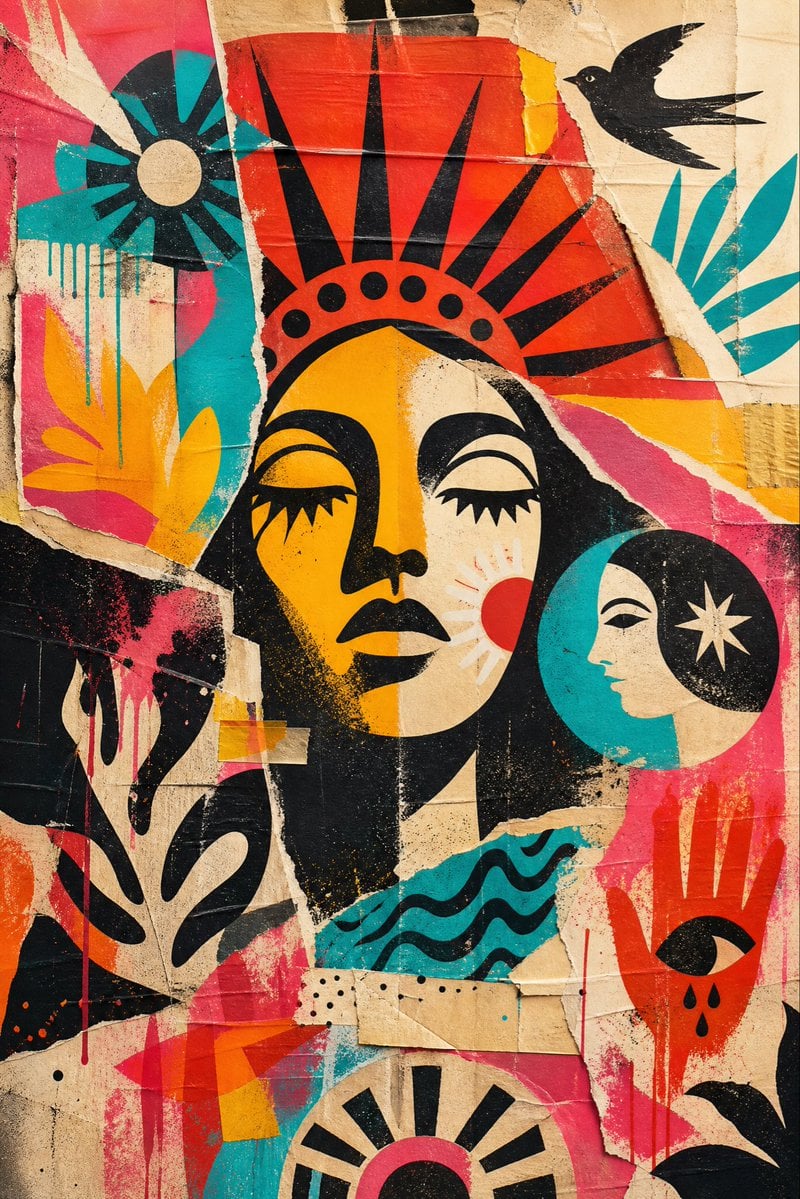
Weathered Folk Poster Collage
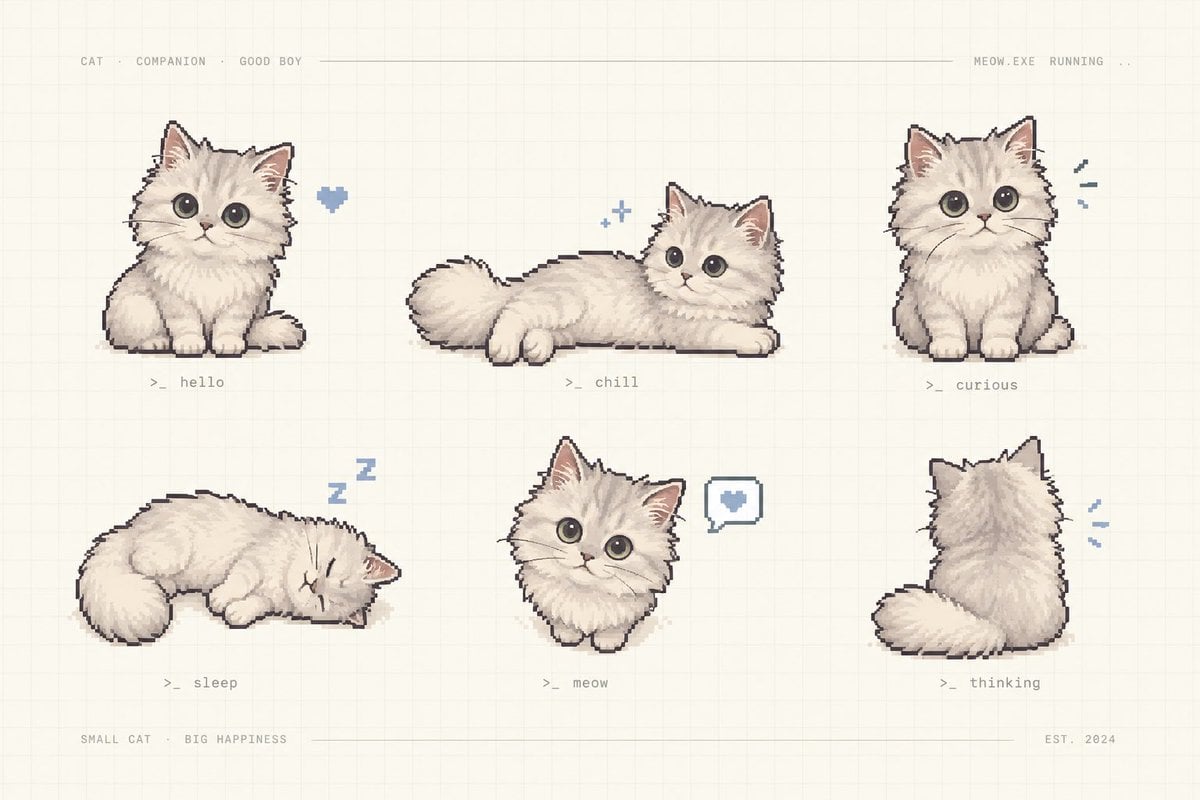
Pixel Art Kitten Companion Sheet
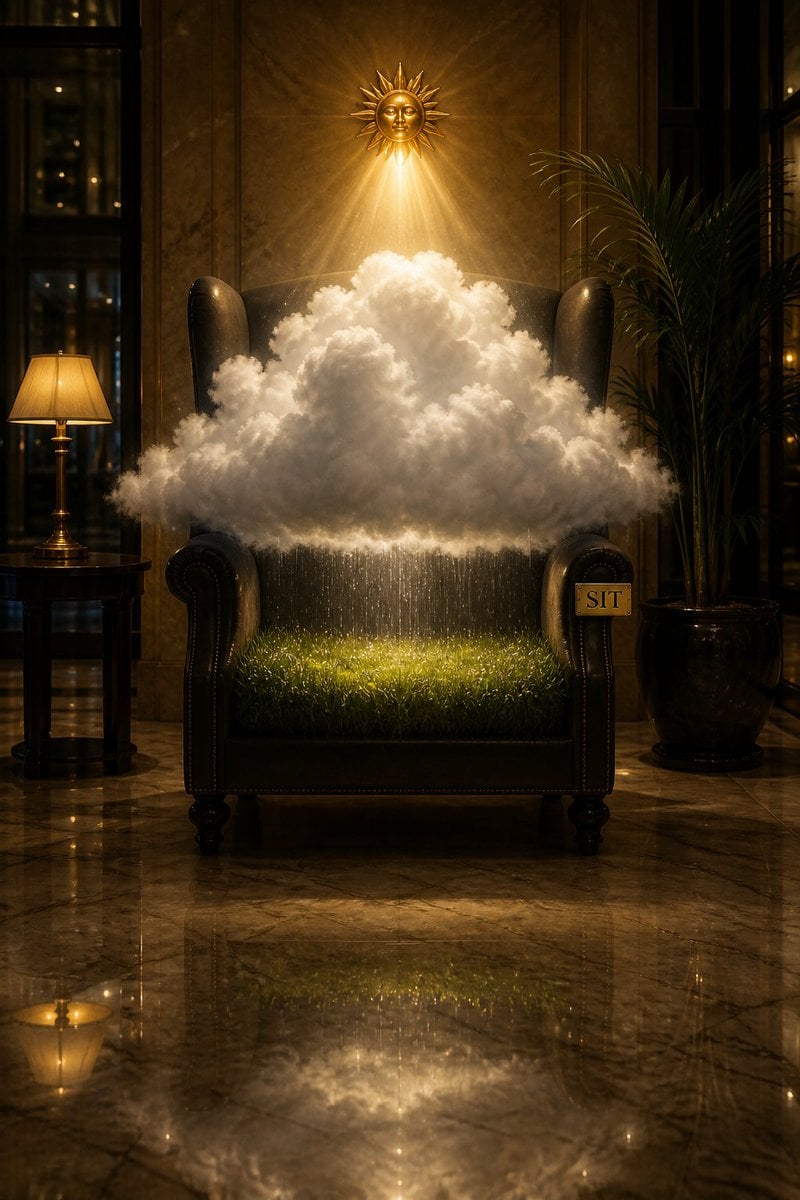
Surreal Weather Armchair in Hotel Lobby
Weathered JP Morgan Bank Check
Sayaka Weather Presenter Studio
Blue Weather Skincare Visual Proposal

Toronto Tiny Planet Travel Poster
Anime Companion Portrait
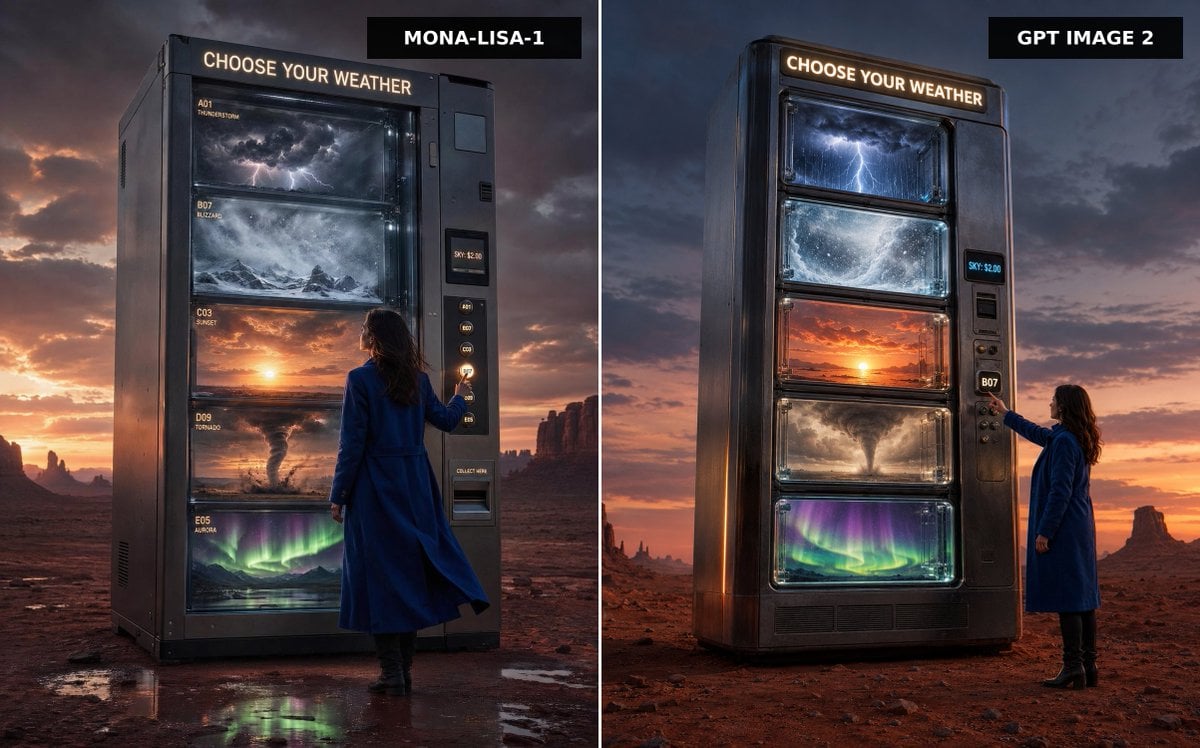
Weather Vending Machine Comparison

City Spherical Panorama Tiny Planet

A cinematic close-up profile of a weathered women with a salt-and-pepper

Styled on a weathered surface, shot in pure golden hour light streaming
Make it yours
Tiny Weather Companion Figurines works as-is. These are the safest ways to change it without losing the look.
Change one field
Copy a single group, rewrite it, and generate again so you can see what that field is doing.
Keep the frame, change the subject
Hold the composition and light of Tiny Weather Companion Figurines, then swap wardrobe, props or the person for a new take.
| If the result… | Why | Fix |
|---|---|---|
| The result drifts from the preview | Too many fields changed at once. | Reuse Tiny Weather Companion Figurines as-is first, then change one group — subject, light, or setting. |
| The model over-stylizes the scene | The prose prompt leaves finish and camera underspecified. | Add one camera or lighting sentence and stay on GPT Image 2. |
More GPT Image 2 templates
Other prompts made for GPT Image 2.

Six VTuber Japanese Logo Sheet

Realistic Portrait of Woman and Deer

The Vista Modular Condo Poster

AI Model Routing Comparison Infographic

2.5D Anime Art Board

Isometric Productivity Desk Scene

New York Double Exposure Poster

Four-Panel AI Landscape Comparison

Japanese Tatami Lifestyle Magazine Cover

NESCAFÉ Coffee Map Poster
More image prompts
Fresh picks from across the catalog.
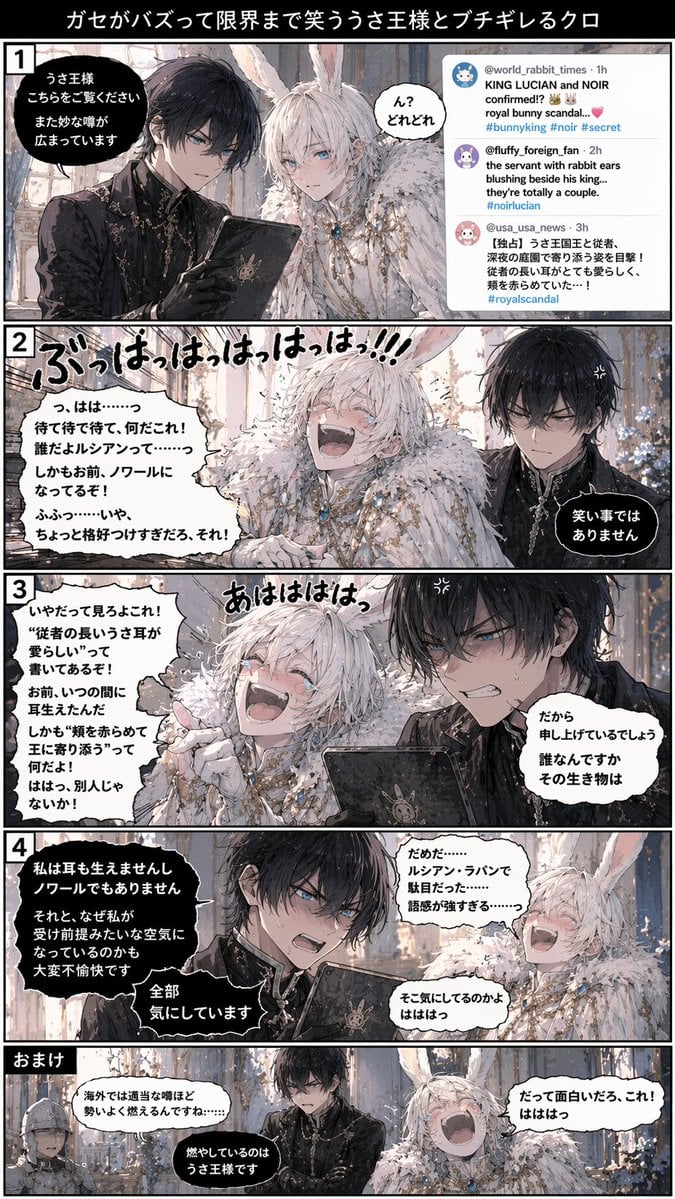
Vertical 5-Panel Anime Comic Strip
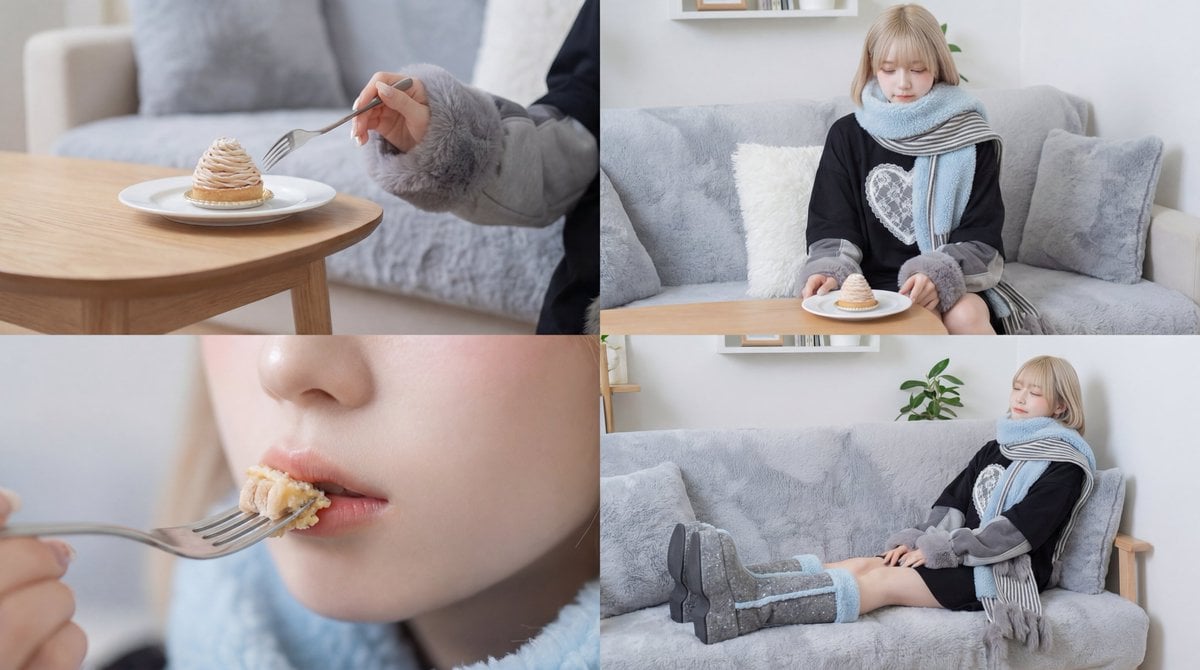
Cinematic Video of a Woman Enjoying Sweets
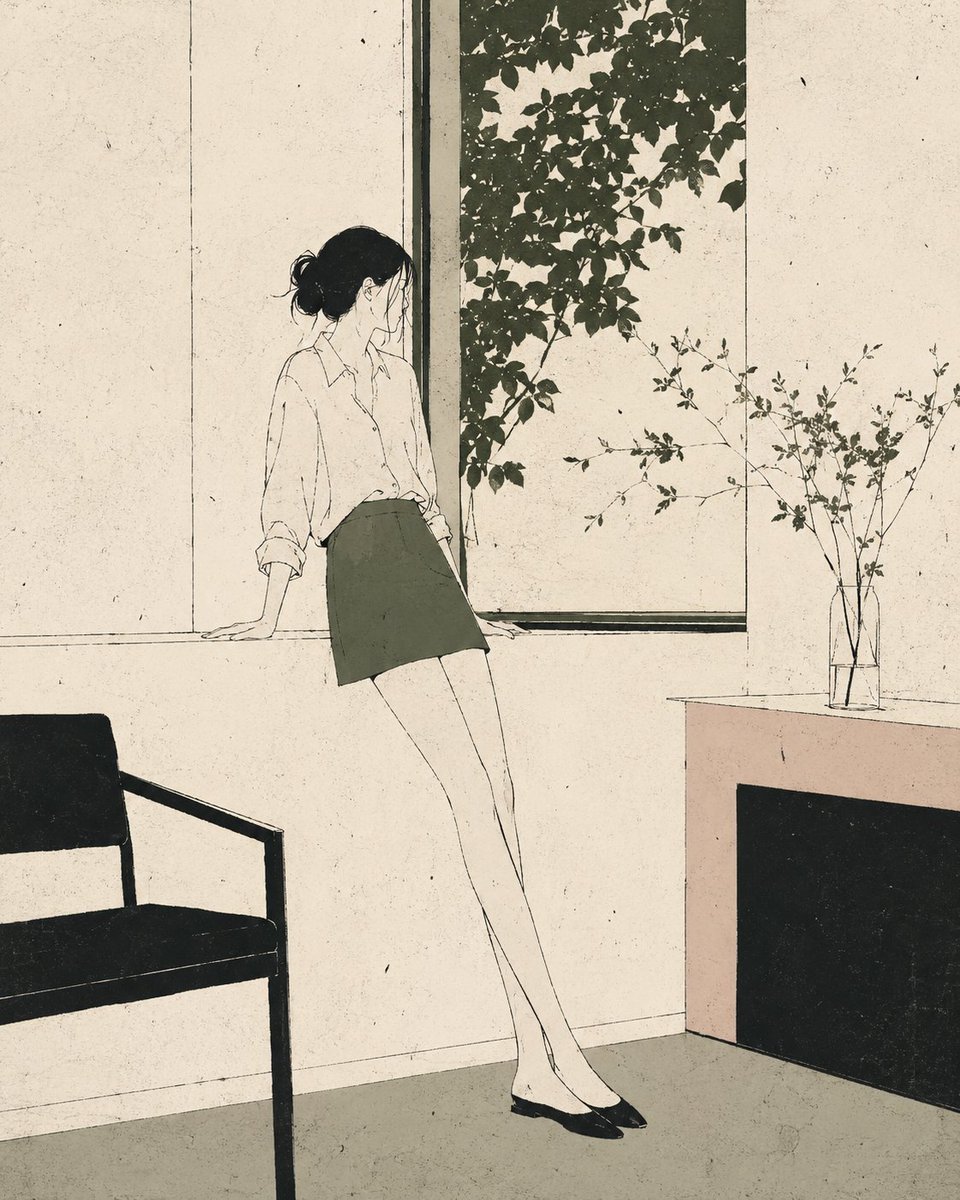
Nordic Minimalist Editorial Illustration
Hyper-Realistic Portrait with Reference Image
Ultra-Realistic Mirror Selfie with Akatsuki Phone Case
Censored Film Portrait on Stairs
108 Chibi Fantasy Mandala
Dual Portrait Prompts for Nano Banana Pro: Airport and Cafe Scenes
Realistic Bird with Artistic Traces
Technical drawing of a speaker from reference
Browse template categories
Tiny Weather Companion Figurines questions
How do I use the Tiny Weather Companion Figurines template?
Add your photo if the template asks for one, edit the prompt if you like — the template's model and format are already selected — and press Generate. Your version opens in PicX Studio.
Can I customize the Tiny Weather Companion Figurines template?
Yes. You can change the subject, setting, lighting, mood, format, and available model controls before creating your image.
Is the Tiny Weather Companion Figurines template free?
Opening and editing this template is free. Generating uses credits, shown on the Generate button when you are signed in.
Which AI model should I use?
Start with GPT Image 2, which is the model associated with this template. You can compare another compatible model for a different finish.
Looking for something else? Browse all templates.

Your photo, any look
Thousands of ready templates for every top image and video model, from one credit balance.