
Sayaka Weather Presenter Studio
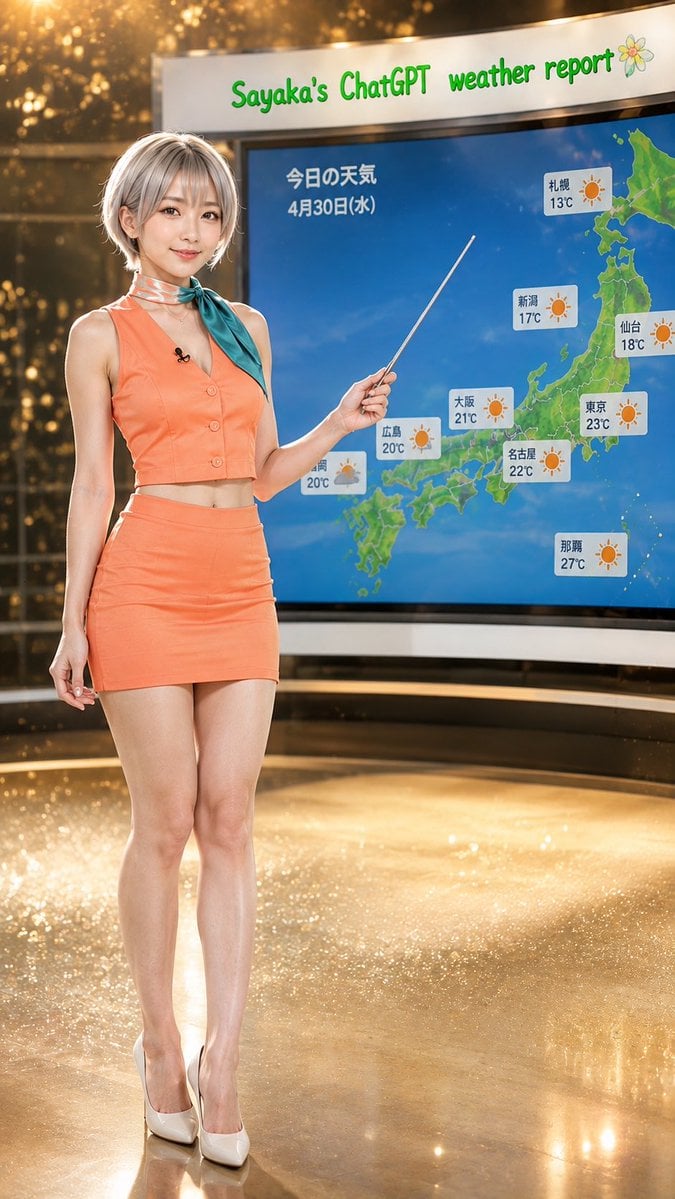
A photorealistic vertical weather broadcast scene featuring a stylish Japanese presenter pointing at a sunny Japan forecast map.
- Prompt included
- Model and format preset
- Free template
The prompt behind this image
Copy the exact prompt behind Sayaka Weather Presenter Studio, or open it in the studio and make it yours.
Create a vertical 9:16 photorealistic glamour weather-broadcast studio image. A young Japanese female weather presenter, {argument name="character name" default="Sayaka"}, stands full-body on the left side, smiling gently at the camera, with short silver-gray bob hair, natural makeup, slim build, and white high heels. She wears a bright {argument name="outfit color" default="coral orange"} sleeveless cropped vest with matching high-waisted mini skirt, plus a teal scarf tied at the neck and a small black lavalier microphone on her chest. Her right hand holds a thin silver pointer angled toward the weather map behind her; her left arm rests naturally by her side. The studio is glossy and luxurious, with warm golden bokeh lights, reflective gold floor, soft spotlights, and a curved modern TV set. On the right side, place a large curved digital screen showing a blue ocean map of Japan with green land and sunny weather markers. At the top of the screen, display the headline “Sayaka’s ChatGPT weather report” in playful green lettering with a small flower icon at the far right. On the map, include Japanese text for the date and title: {argument name="date text" default="今日の天気 4月30日(水)"}. Include exactly 9 visible sunny forecast cards, each a small white rounded rectangle with an orange sun icon and city/temperature label: Sapporo 13°C, Niigata 17°C, Sendai 18°C, Tokyo 23°C, Nagoya 22°C, Osaka 21°C, Hiroshima 20°C, Fukuoka 20°C, and Naha 27°C. Use realistic photography, high detail skin and fabric texture, shallow depth of field, studio lighting, clean composition, no watermark, no extra people, no additional forecast cards, and keep all visible text legible.
How to use Sayaka Weather Presenter Studio in 3 steps
- 1Upload ImagePNG, JPG or paste
Add your photo
Upload the photo the template builds on. The prompt, model and format are already set.
- 2…a portrait of your subject in softgolden-hour light, 85mm…
Personalize
Edit the subject and creative details for your destination.
- 3Generate
Generate
Press Generate — your image is created in PicX Studio, so you can compare it with the original and refine one variable at a time.
More like this
Templates with the same subject, style or setup. Open one to see its prompt.

80s Couple Studio Portrait

1985 Studio Portrait

Cinematic Low-Angle Fashion Portrait Smoke Editorial

Japanese Architectural Concrete Studio Fashion Campaign

Japanese Minimalist Concrete Studio Fashion Editorial
Cinematic Low-Angle Fashion Portrait Smoke Editorial
High-Fashion Bauhaus Geometric Cutout Editorial
High-Fashion Bauhaus Geometric Cutout Editorial

Luxury Black-and-White Fashion Contact Sheet

Ultra-Realistic Vogue-Style Editorial Fashion Grid

Stylized Fashion Portrait Bold Color Contrast Editorial

Minimalist Scandinavian Editorial Fashion Portrait Series
Make it yours
Sayaka Weather Presenter Studio works as-is. These are the safest ways to change it without losing the look.
Change one field
Copy a single group, rewrite it, and generate again so you can see what that field is doing.
Keep the frame, change the subject
Hold the composition and light of Sayaka Weather Presenter Studio, then swap wardrobe, props or the person for a new take.
| If the result… | Why | Fix |
|---|---|---|
| The result drifts from the preview | Too many fields changed at once. | Reuse Sayaka Weather Presenter Studio as-is first, then change one group — subject, light, or setting. |
| The model over-stylizes the scene | The prose prompt leaves finish and camera underspecified. | Add one camera or lighting sentence and stay on GPT Image 2. |
More GPT Image 2 templates
Other prompts made for GPT Image 2.

Six VTuber Japanese Logo Sheet

Realistic Portrait of Woman and Deer

The Vista Modular Condo Poster

AI Model Routing Comparison Infographic

2.5D Anime Art Board

Isometric Productivity Desk Scene

New York Double Exposure Poster

Four-Panel AI Landscape Comparison

Japanese Tatami Lifestyle Magazine Cover

NESCAFÉ Coffee Map Poster
More image prompts
Fresh picks from across the catalog.
Dramatic Stone Corridor With Arched Windows
AI UGC Prompt for Upscale Lifestyle Portrait
Lego Set Design Prompt Template
Seedance 2.0 - Zombie Girl Escapes
Anime Characters in Real Izakaya Photo
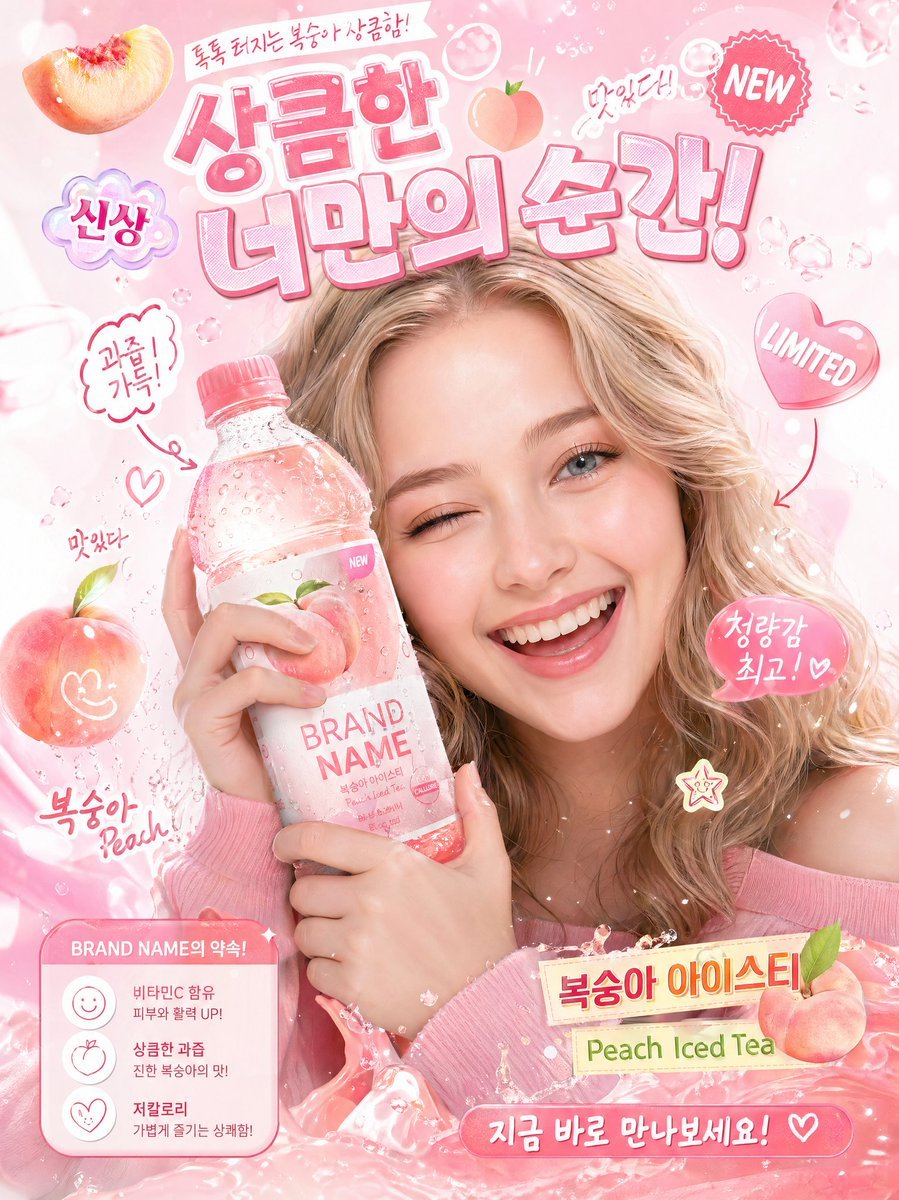
Korean-Style Interactive Beverage Poster
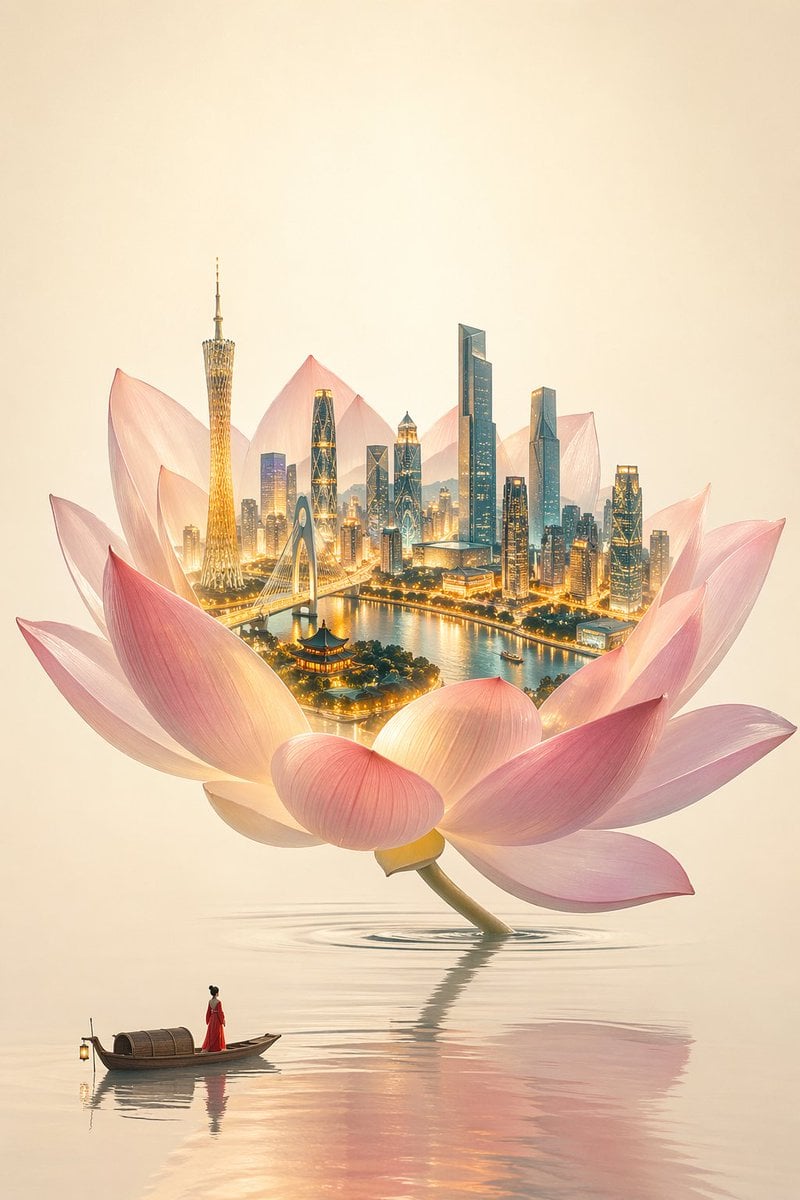
One Flower, One World City Illustration
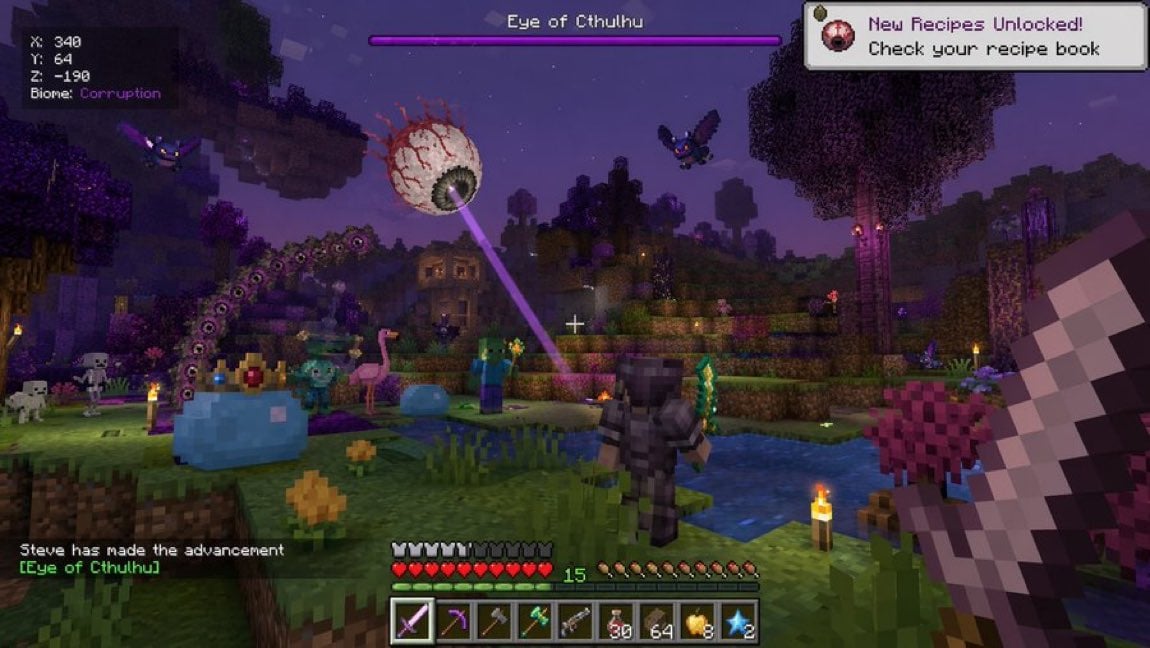
Voxel Survival Game Crossover UI

Candid Night Bloom Portrait

Cozy Monochromatic Studio Portrait
Browse template categories
Sayaka Weather Presenter Studio questions
How do I use the Sayaka Weather Presenter Studio template?
Add your photo if the template asks for one, edit the prompt if you like — the template's model and format are already selected — and press Generate. Your version opens in PicX Studio.
Can I customize the Sayaka Weather Presenter Studio template?
Yes. You can change the subject, setting, lighting, mood, format, and available model controls before creating your image.
Is the Sayaka Weather Presenter Studio template free?
Opening and editing this template is free. Generating uses credits, shown on the Generate button when you are signed in.
Which AI model should I use?
Start with GPT Image 2, which is the model associated with this template. You can compare another compatible model for a different finish.
Looking for something else? Browse all templates.

Your photo, any look
Thousands of ready templates for every top image and video model, from one credit balance.