
Dramatic Stone Corridor With Arched Windows
This prompt generates a cinematic photorealistic architectural scene of a dark stone hallway with repeating arched windows and strong sunlight, ideal for mood-heavy environment art or concept visuals.
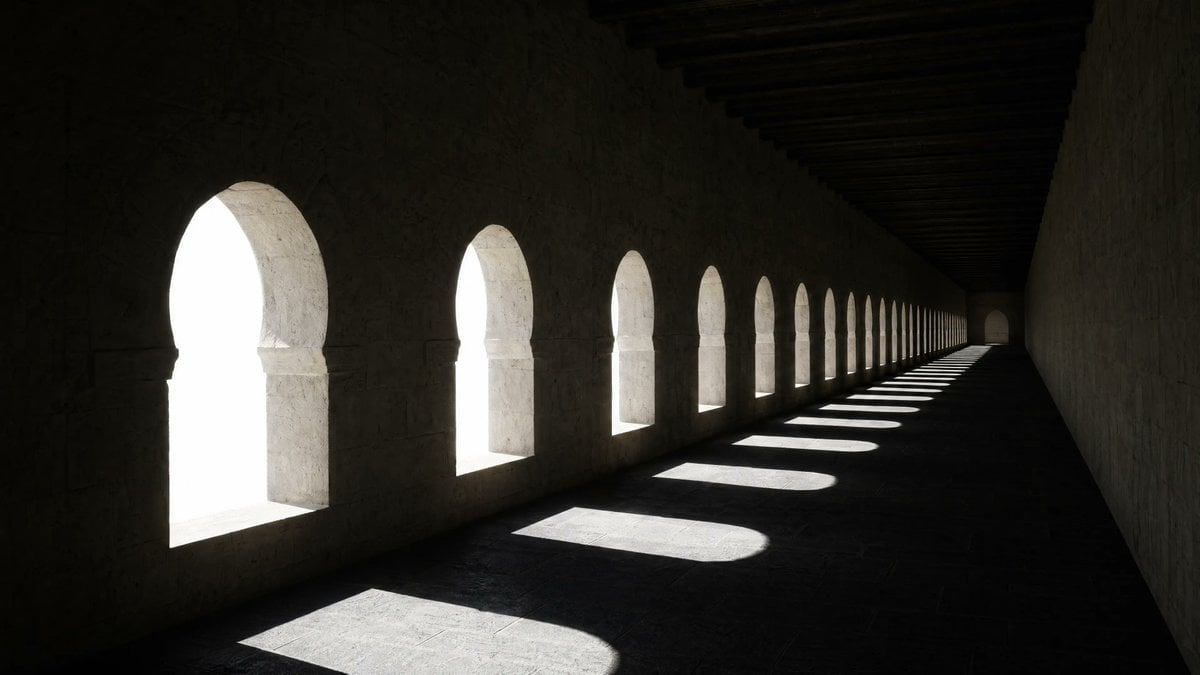
- Prompt included
- Model and format preset
- Free template
The prompt behind this image
Copy the exact prompt behind Dramatic Stone Corridor With Arched Windows, or open it in the studio and make it yours.
A moody photorealistic architectural interior of a long medieval stone corridor with a row of exactly 14 evenly spaced Moorish-style arched window openings along the left wall, viewed from a low eye-level angle looking toward a distant vanishing point. The space is very dark and minimalist, with rough pale limestone walls, a flat stone floor, and heavy dark wooden ceiling beams running across the top. Intense overexposed white daylight pours through the arches, making the exterior completely blown out and invisible, while each window casts a crisp elongated pool of light and shadow across the floor in a repeating rhythm. Strong contrast, dramatic chiaroscuro, quiet empty atmosphere, geometric repetition, deep perspective, cinematic composition, ultra-detailed textures, realistic global illumination, sharp focus, wide horizontal framing.
How to use Dramatic Stone Corridor With Arched Windows in 3 steps
- 1Upload ImagePNG, JPG or paste
Add your photo
Upload the photo the template builds on. The prompt, model and format are already set.
- 2…a portrait of your subject in softgolden-hour light, 85mm…
Personalize
Edit the subject and creative details for your destination.
- 3Generate
Generate
Press Generate — your image is created in PicX Studio, so you can compare it with the original and refine one variable at a time.
More like this
Templates with the same subject, style or setup. Open one to see its prompt.

Minimalist Skincare Product Water Stone Still

Botanical Skincare Minimal Product Advertising

Cinematic Eye Light Portraits — 3 Nano Banana Prompts
PixVerse v6 - Cinematic Fire Scene
Seedance - 83 Year Old Rave (maxescu)

Cinematic Fire Portrait - Boy

SD Spawn Sci-Fi Corridor Action Scene

Resort Fashion Stone Steps Portrait
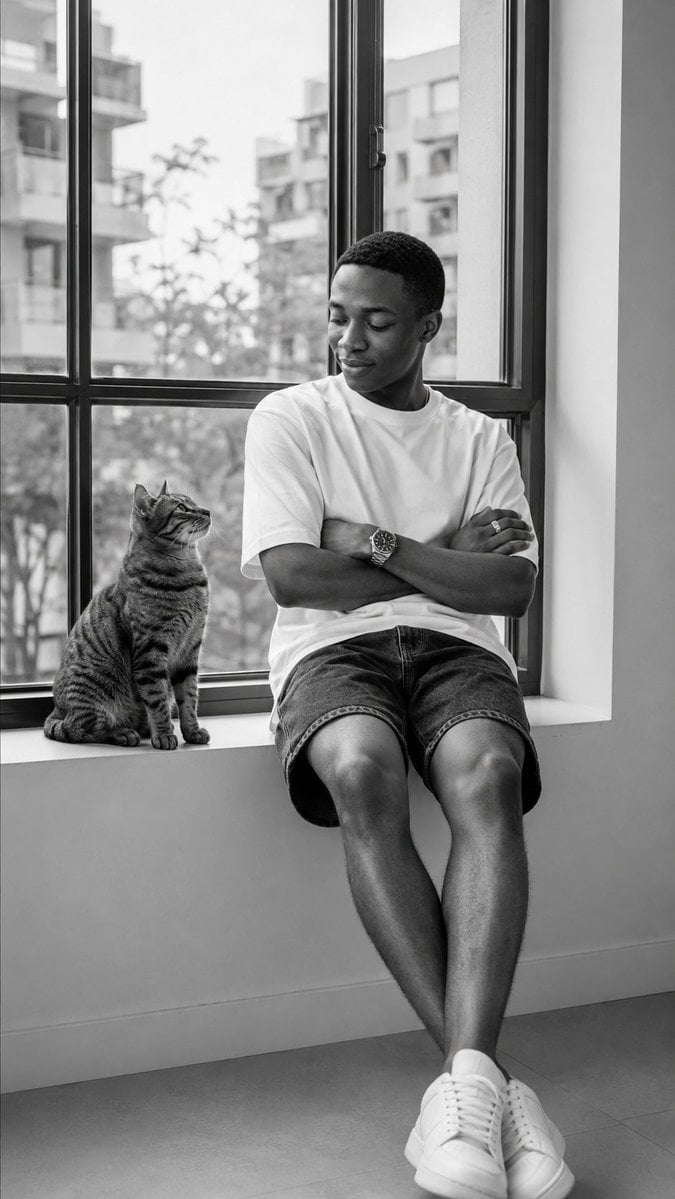
Black-and-White Windowsill Portrait
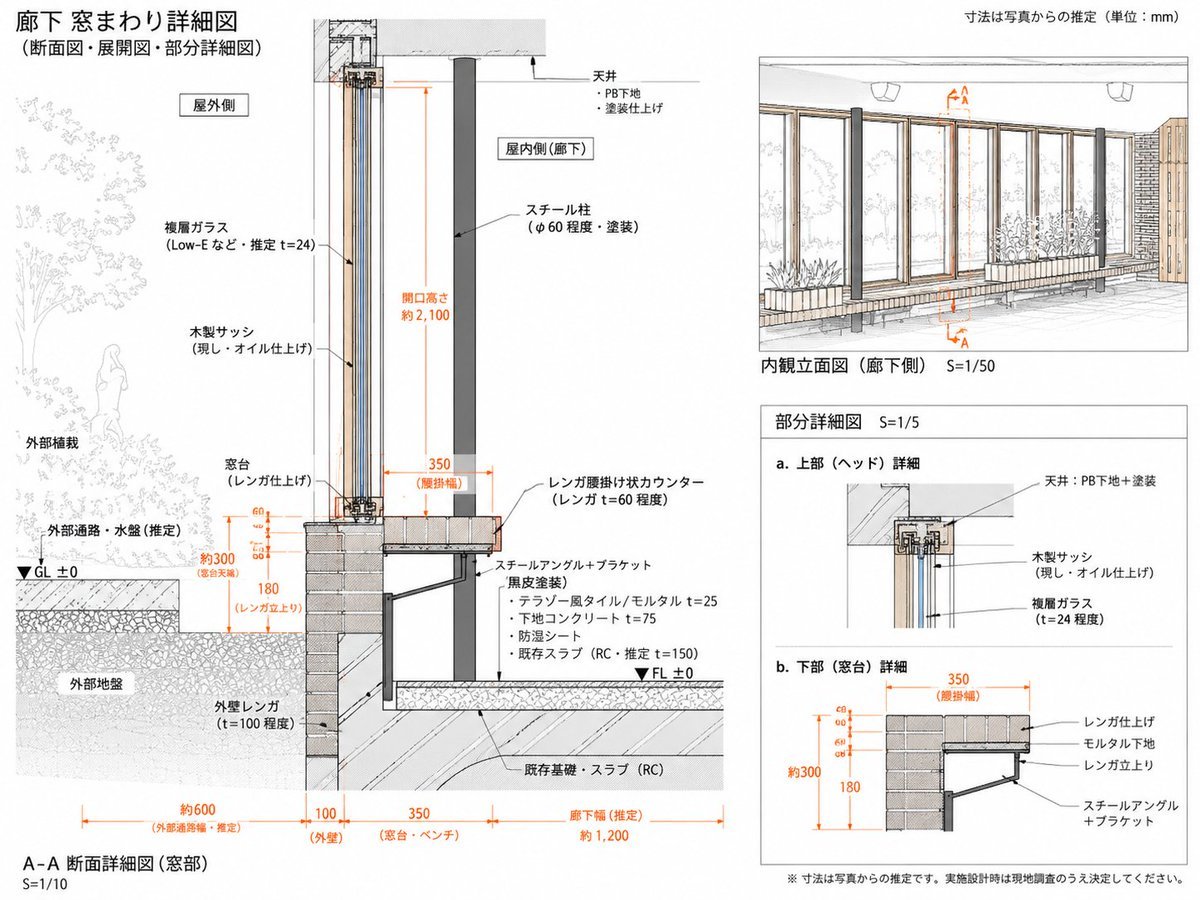
Japanese Corridor Window Detail Sheet
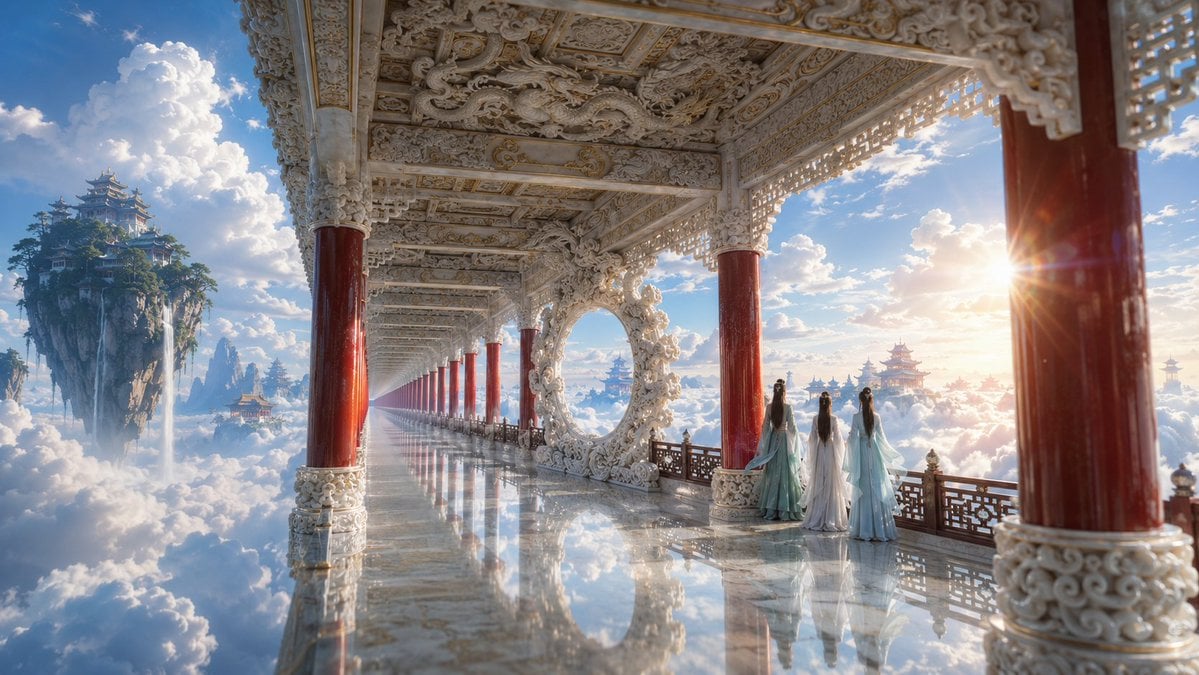
Ethereal White Jade Sky Corridor

LIGHTING each element still lit by its original source, windows casting
Make it yours
Dramatic Stone Corridor With Arched Windows works as-is. These are the safest ways to change it without losing the look.
Change one field
Copy a single group, rewrite it, and generate again so you can see what that field is doing.
Keep the frame, change the subject
Hold the composition and light of Dramatic Stone Corridor With Arched Windows, then swap wardrobe, props or the person for a new take.
| If the result… | Why | Fix |
|---|---|---|
| The result drifts from the preview | Too many fields changed at once. | Reuse Dramatic Stone Corridor With Arched Windows as-is first, then change one group — subject, light, or setting. |
| The model over-stylizes the scene | The prose prompt leaves finish and camera underspecified. | Add one camera or lighting sentence and stay on GPT Image 2. |
More GPT Image 2 templates
Other prompts made for GPT Image 2.

Six VTuber Japanese Logo Sheet

Realistic Portrait of Woman and Deer

The Vista Modular Condo Poster

AI Model Routing Comparison Infographic

2.5D Anime Art Board

Isometric Productivity Desk Scene

New York Double Exposure Poster

Four-Panel AI Landscape Comparison

Japanese Tatami Lifestyle Magazine Cover

NESCAFÉ Coffee Map Poster
More image prompts
Fresh picks from across the catalog.

Miniature Man in Giant AirPods Ad
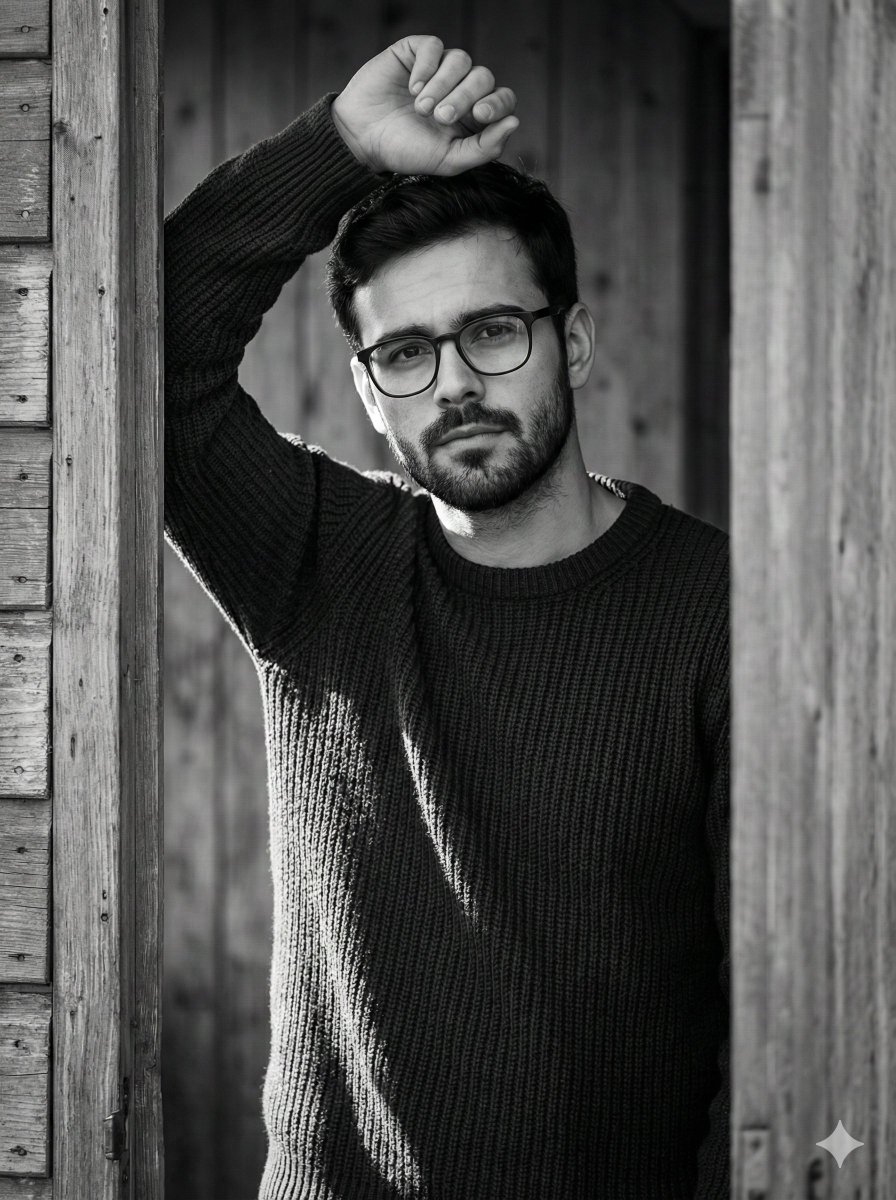
Structured Prompt for Black and White Fine-Art Portrait

untitled
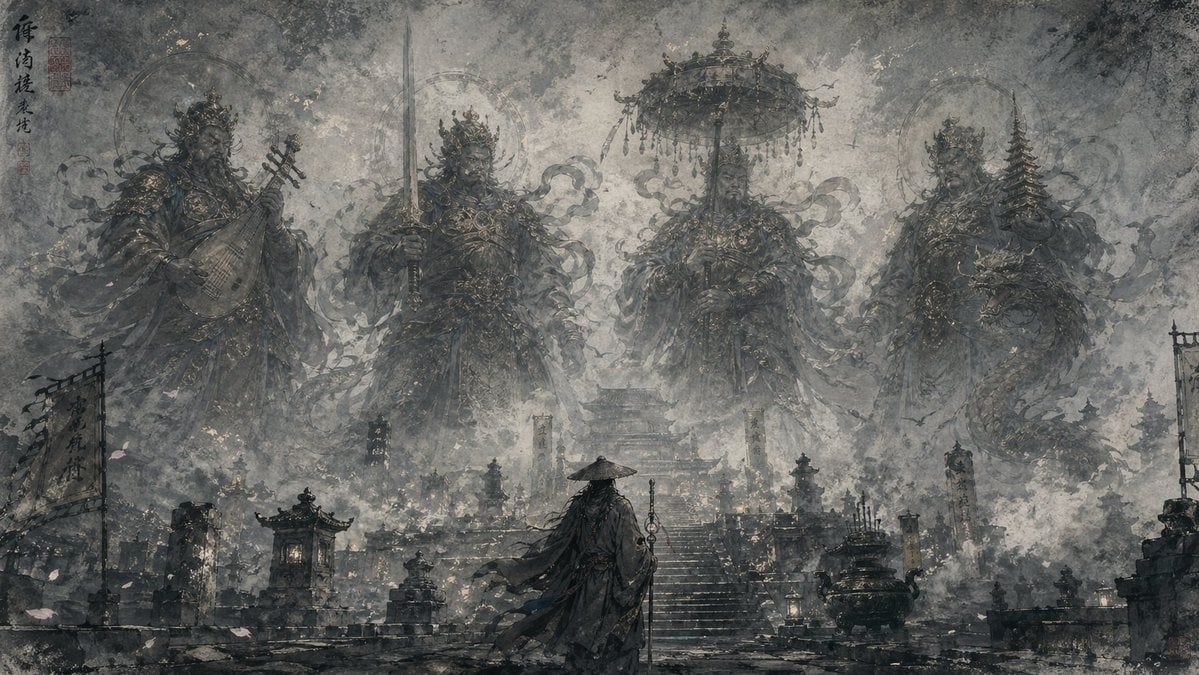
Eastern Ink Fantasy Illustration
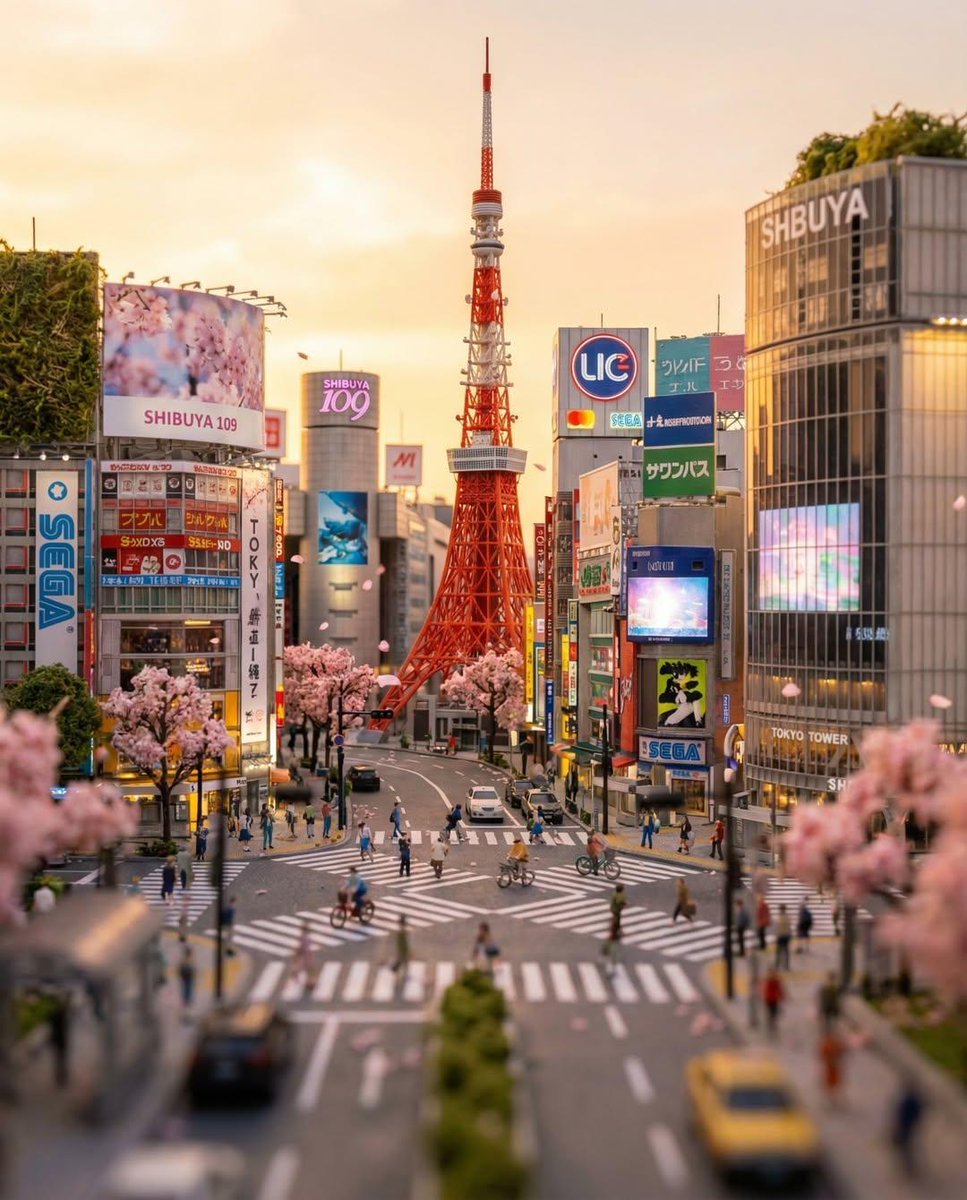
Tilt-Shift Tokyo Diorama at Sunset
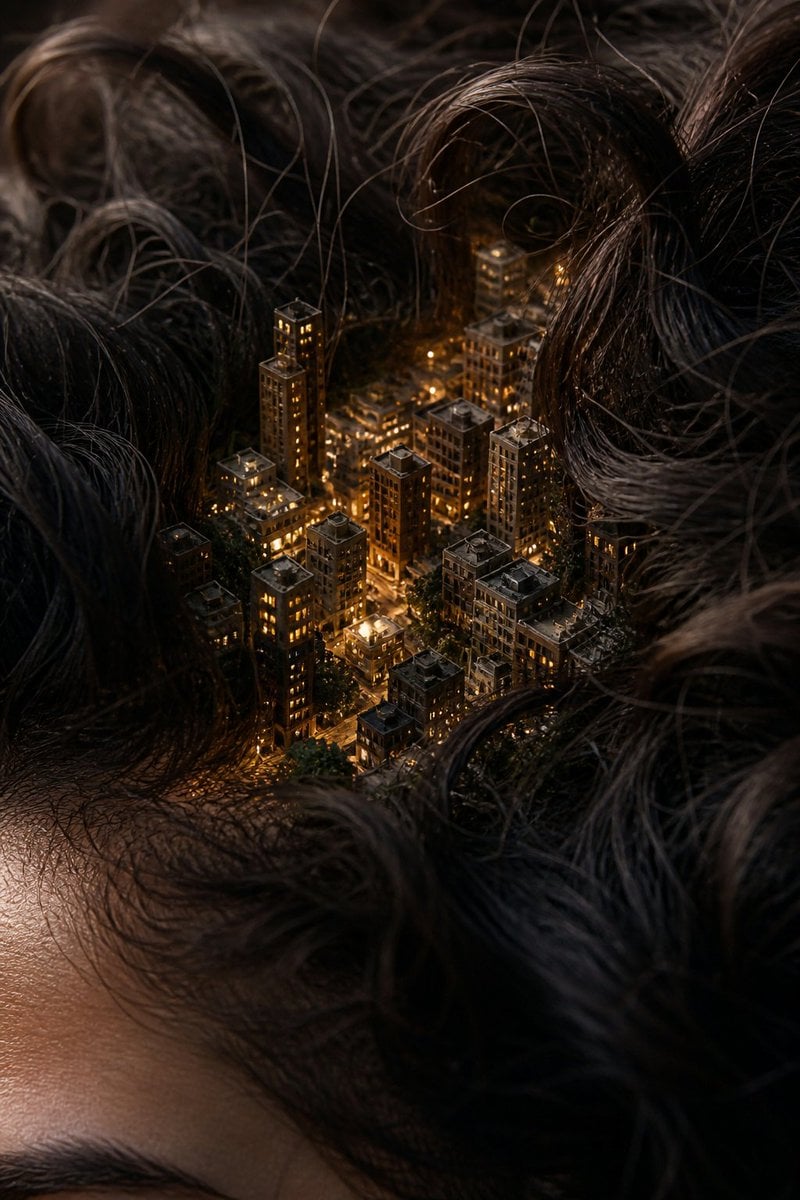
Miniature City Tiny Worlds

Stylized Character Illustration Template

Dynamic Sportswear Product Photography

Nano Banana Pro-themed hero image (Chinese)
Double Exposure High-Fashion Portrait
Browse template categories
Dramatic Stone Corridor With Arched Windows questions
How do I use the Dramatic Stone Corridor With Arched Windows template?
Add your photo if the template asks for one, edit the prompt if you like — the template's model and format are already selected — and press Generate. Your version opens in PicX Studio.
Can I customize the Dramatic Stone Corridor With Arched Windows template?
Yes. You can change the subject, setting, lighting, mood, format, and available model controls before creating your image.
Is the Dramatic Stone Corridor With Arched Windows template free?
Opening and editing this template is free. Generating uses credits, shown on the Generate button when you are signed in.
Which AI model should I use?
Start with GPT Image 2, which is the model associated with this template. You can compare another compatible model for a different finish.
Looking for something else? Browse all templates.

Your photo, any look
Thousands of ready templates for every top image and video model, from one credit balance.