
SD Spawn Sci-Fi Corridor Action Scene
A cinematic prompt for generating a super-deformed Spawn-inspired armored antihero toy figure amid sparks, smoke, and debris in a damaged futuristic corridor.
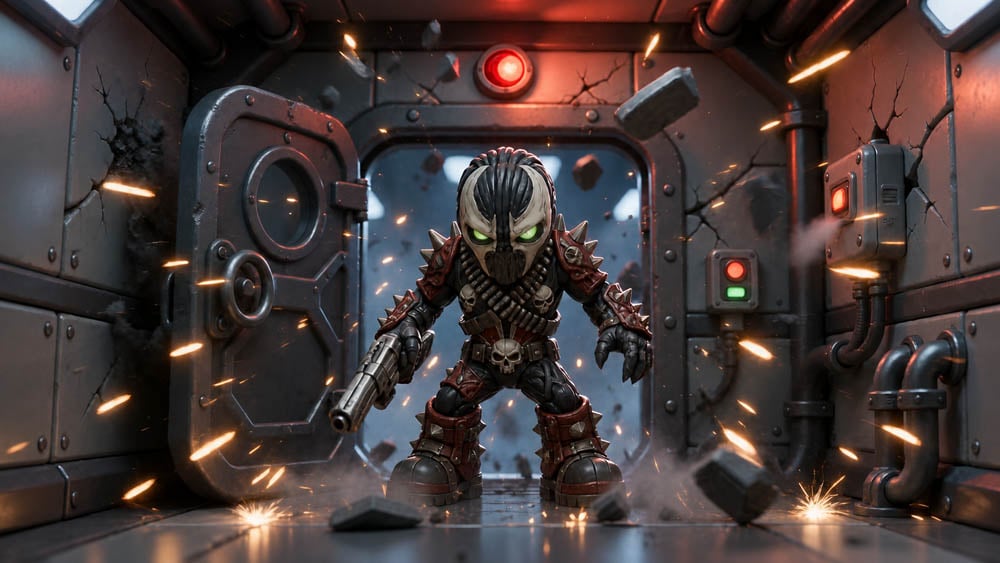
- Prompt included
- Model and format preset
- Free template
The prompt behind this image
Copy the exact prompt behind SD Spawn Sci-Fi Corridor Action Scene, or open it in the studio and make it yours.
Create a cinematic super-deformed collectible figure scene of {argument name="character name" default="Spawn"} reimagined as a small big-headed dark antihero standing in a damaged sci-fi corridor. The character is centered in a wide horizontal 16:9 frame, crouched in an aggressive battle-ready pose with oversized boots, compact muscular body, clawed left hand, and a large pistol held downward in the right hand. Design the figure with a skull-like black mask, glowing green eyes, pale white striped hair or head markings, spiked red-and-black armor, shoulder spikes, ribbed bandolier details, skull belt buckle, glossy black undersuit, and weathered dark red plating. The environment is a metallic spaceship or industrial bunker hallway with riveted wall panels, exposed pipes, cracked metal, a heavy round-window hatch door on the left, a large sealed bulkhead behind the character, red alarm light above, and small red/green control panels on the right. Show debris and chunks of concrete or metal floating and flying through the air, smoke near the floor, sparks bursting from both walls and the ground, and orange tracer-like streaks crossing the scene to imply gunfire or an explosion. Use dramatic cinematic lighting with cool blue-gray metal tones, strong red alarm glow, warm orange sparks, shallow depth of field, high-detail 3D toy-render look, realistic materials, glossy reflections on the floor, volumetric smoke, and dynamic action composition. No visible text, no logo, no watermark.
How to use SD Spawn Sci-Fi Corridor Action Scene in 3 steps
- 1Upload ImagePNG, JPG or paste
Add your photo
Upload the photo the template builds on. The prompt, model and format are already set.
- 2…a portrait of your subject in softgolden-hour light, 85mm…
Personalize
Edit the subject and creative details for your destination.
- 3Generate
Generate
Press Generate — your image is created in PicX Studio, so you can compare it with the original and refine one variable at a time.
More like this
Templates with the same subject, style or setup. Open one to see its prompt.
Desert Sci-Fi Action Storyboard

Venom SpongeBob Hyperreal Cinematic Mix

Hero Portrait Comic Multi-Panel Poster

Panning Motion Soccer Kick Poster

Dual Composition Hero Action Football Poster
Sci-Fi Corridor Stealth Ambush
High Fashion Action Nike Nano Banana
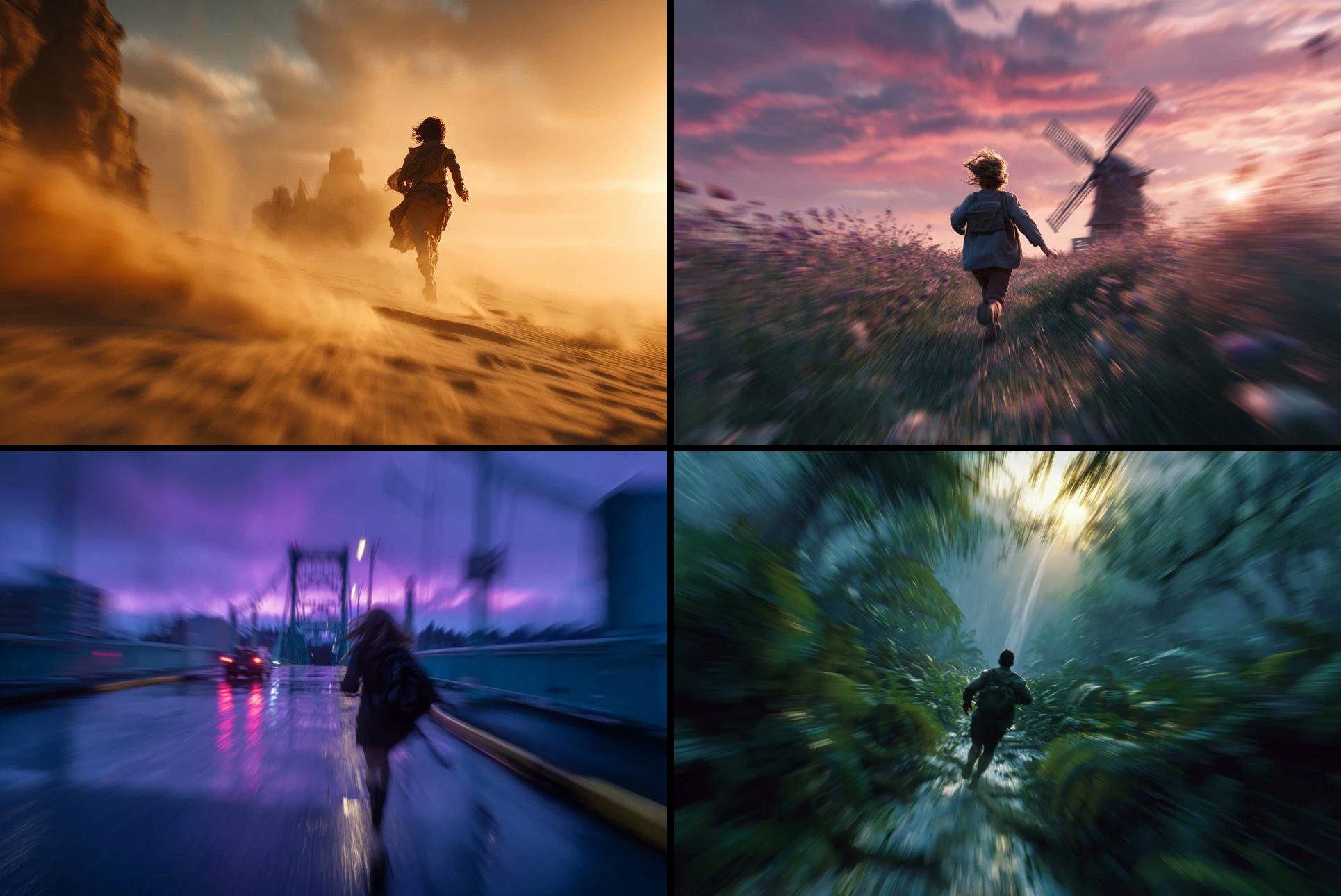
Freedom in Motion — Cinematic Sprint
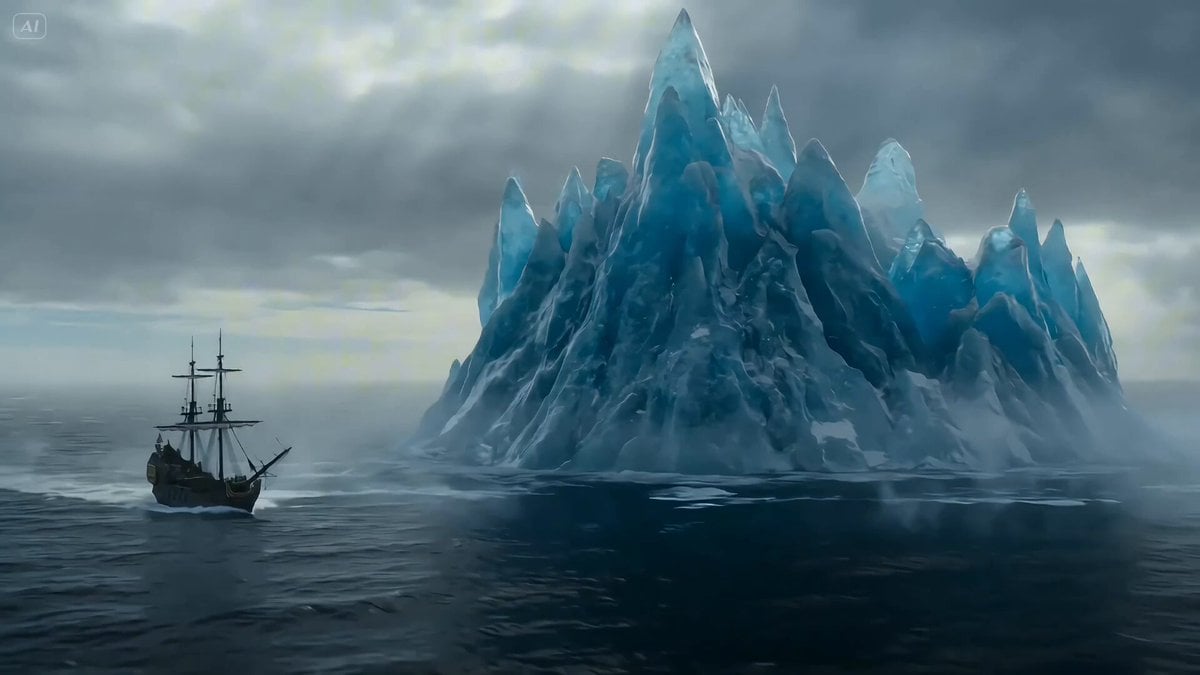
Ice Dragon and the Sailers - Seedance 2.0

Seedance 2.0 - Anime Girl Fight
PixVerse v6 - Cinematic Fire Scene
Seedance - Anime Fighting Game Finisher
Make it yours
SD Spawn Sci-Fi Corridor Action Scene works as-is. These are the safest ways to change it without losing the look.
Change one field
Copy a single group, rewrite it, and generate again so you can see what that field is doing.
Keep the frame, change the subject
Hold the composition and light of SD Spawn Sci-Fi Corridor Action Scene, then swap wardrobe, props or the person for a new take.
| If the result… | Why | Fix |
|---|---|---|
| The result drifts from the preview | Too many fields changed at once. | Reuse SD Spawn Sci-Fi Corridor Action Scene as-is first, then change one group — subject, light, or setting. |
| The model over-stylizes the scene | The prose prompt leaves finish and camera underspecified. | Add one camera or lighting sentence and stay on GPT Image 2. |
More GPT Image 2 templates
Other prompts made for GPT Image 2.

Six VTuber Japanese Logo Sheet

Realistic Portrait of Woman and Deer

The Vista Modular Condo Poster

AI Model Routing Comparison Infographic

2.5D Anime Art Board

Isometric Productivity Desk Scene

New York Double Exposure Poster

Four-Panel AI Landscape Comparison

Japanese Tatami Lifestyle Magazine Cover

NESCAFÉ Coffee Map Poster
More image prompts
Fresh picks from across the catalog.

Livestreaming Character Prompt
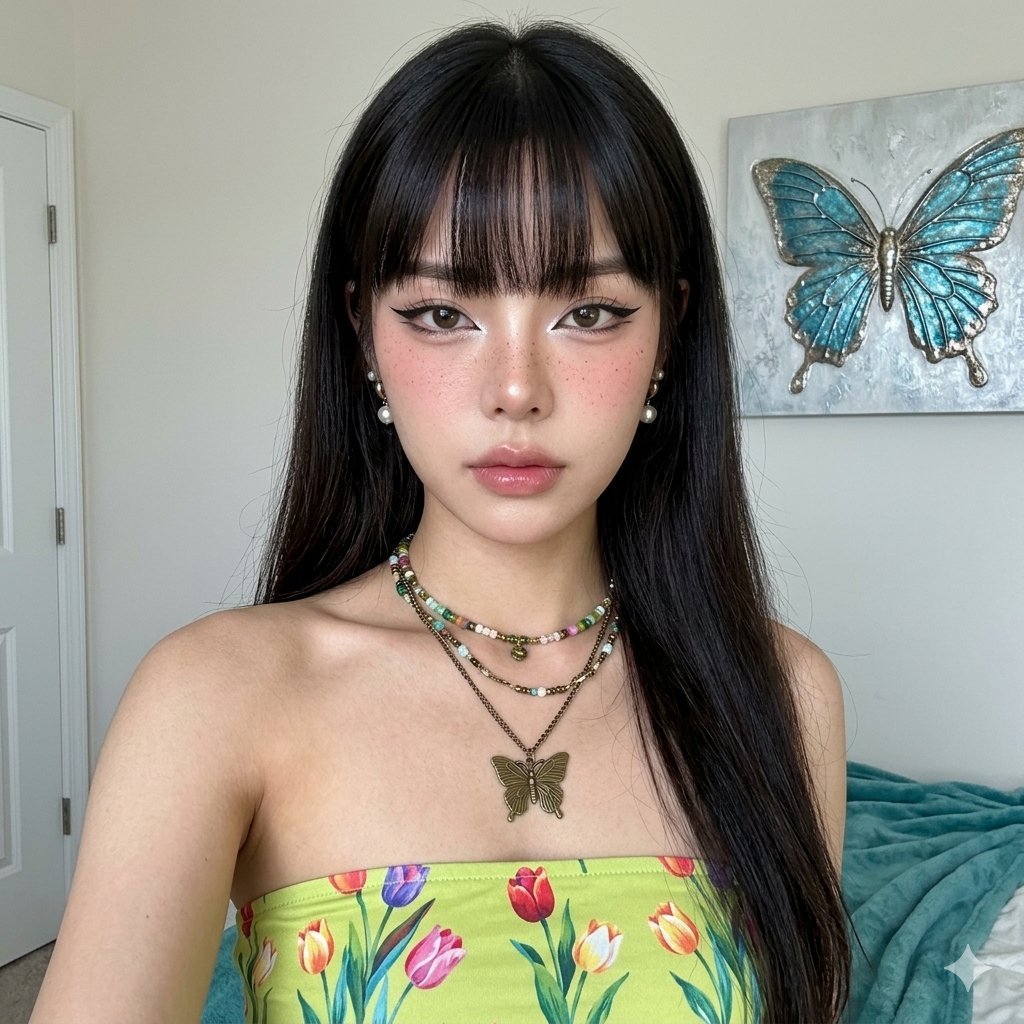
Hyper-Realistic Portrait with Reference Image

Gpt2 Infographic Edu Visual Vintage Claude Shannon Infographic Poster
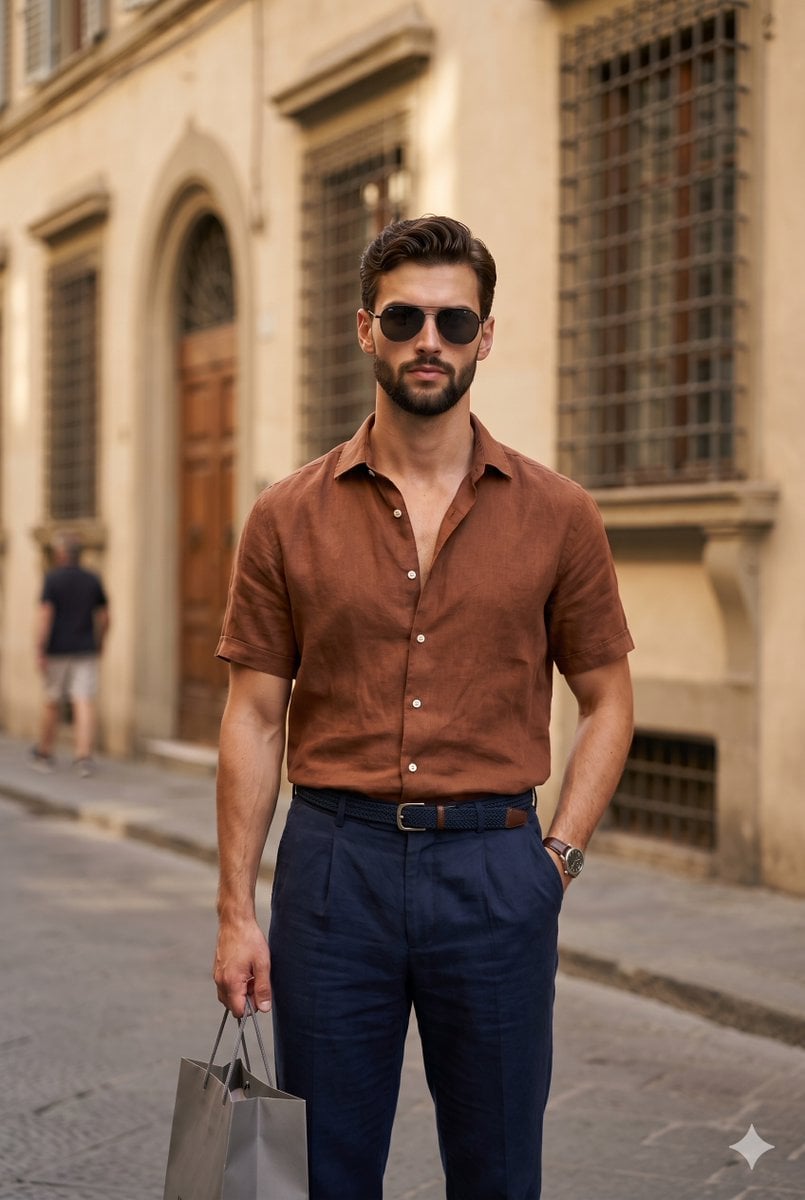
European Urban Menswear Style Portrait
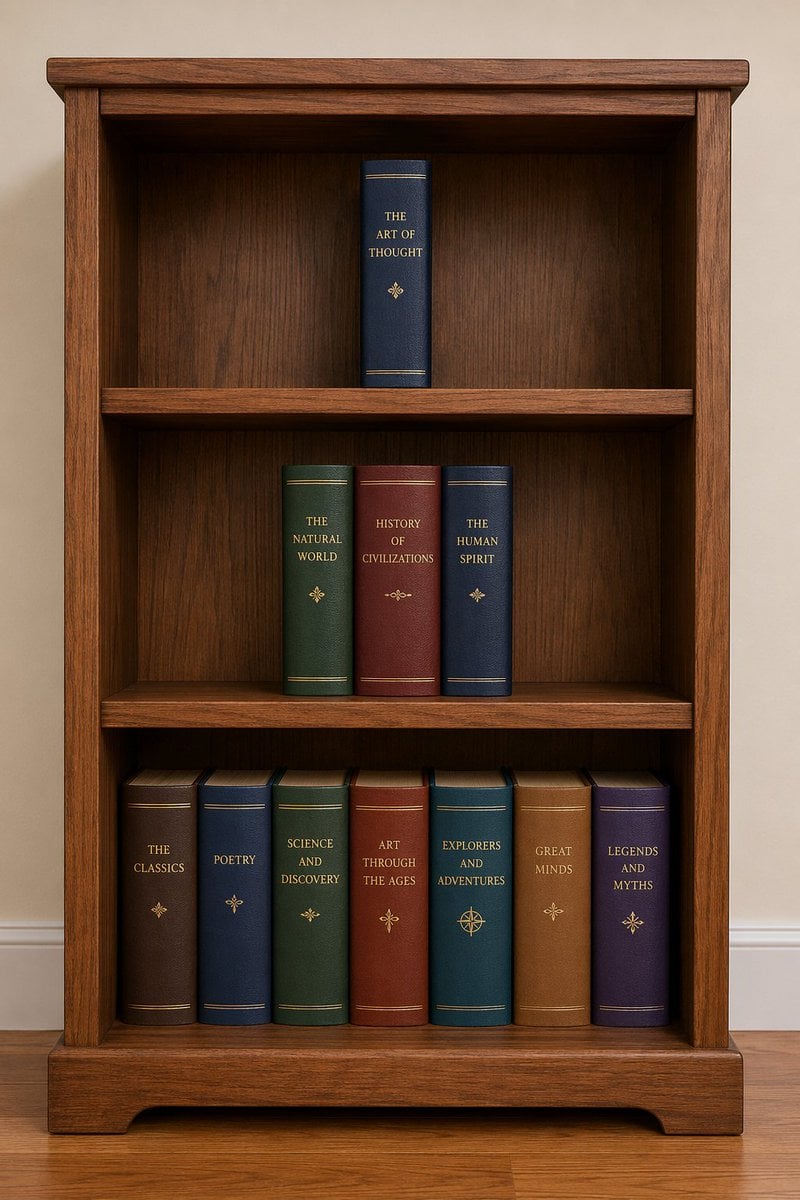
Bookshelf Logic and Spatial Reasoning Prompt
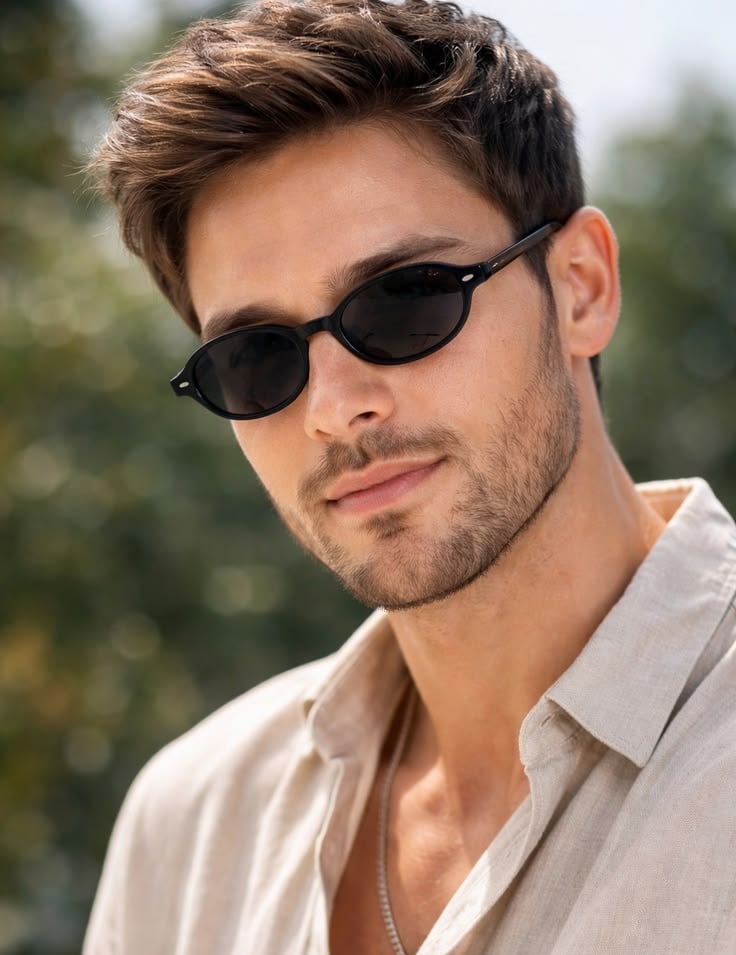
Golden Hour Male Fashion Portrait
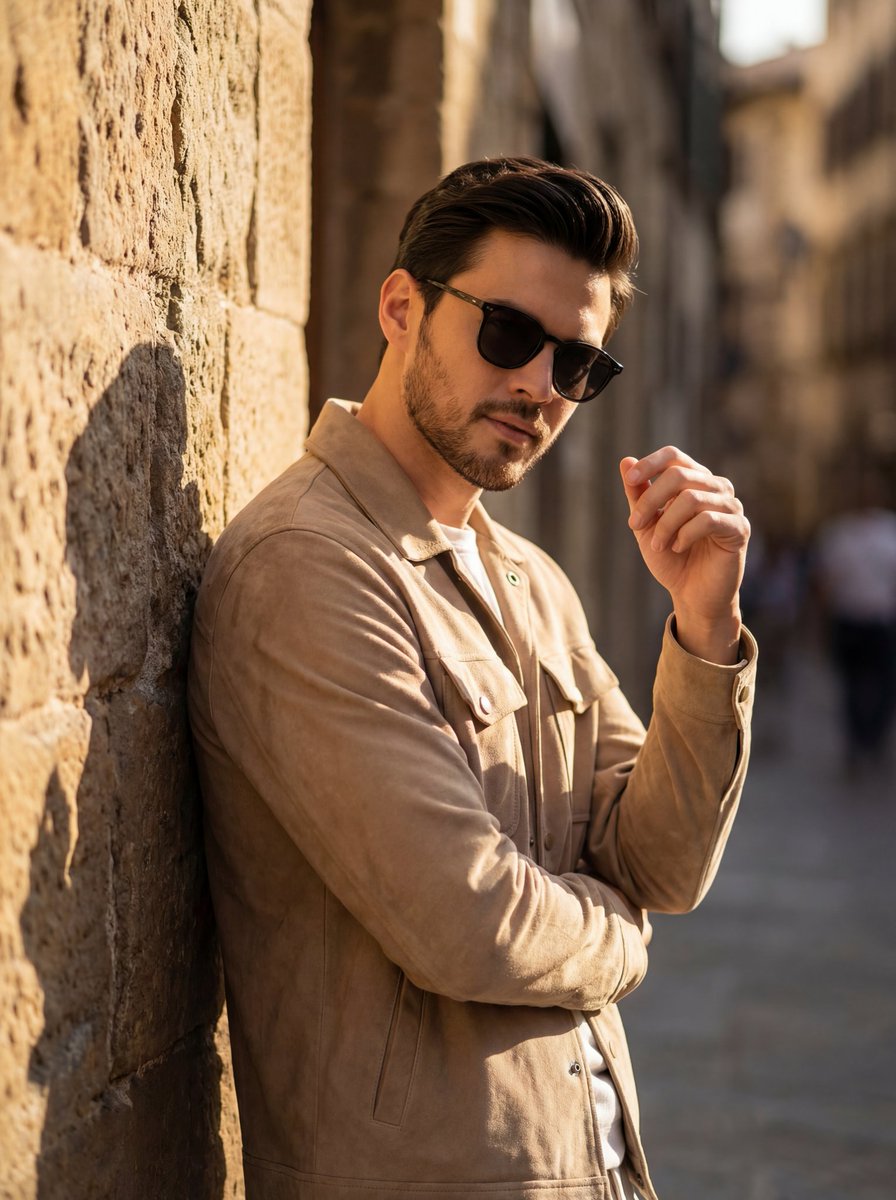
Cinematic Golden Hour Portrait of Stylish Man
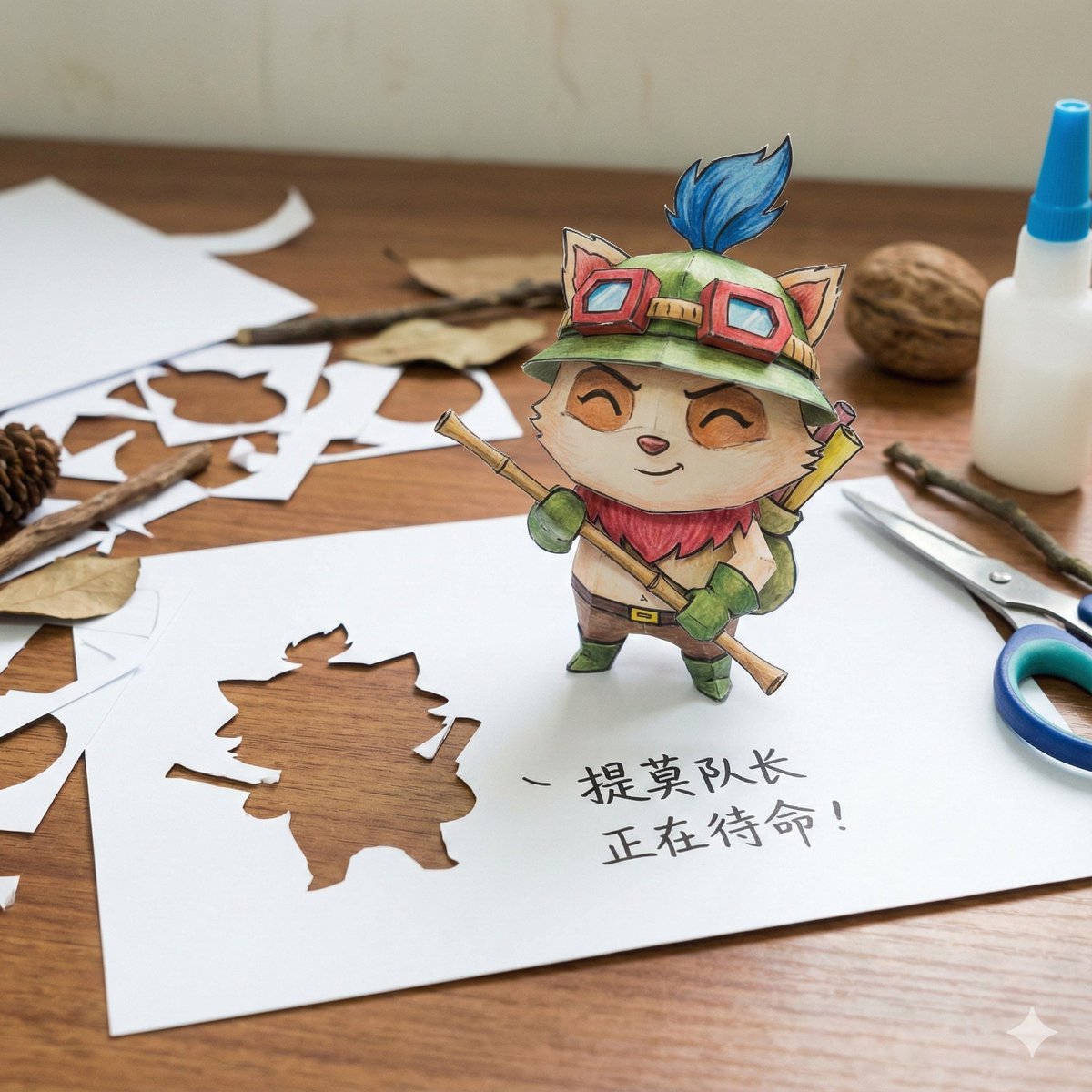
Paper Art Cutout Effect Prompt
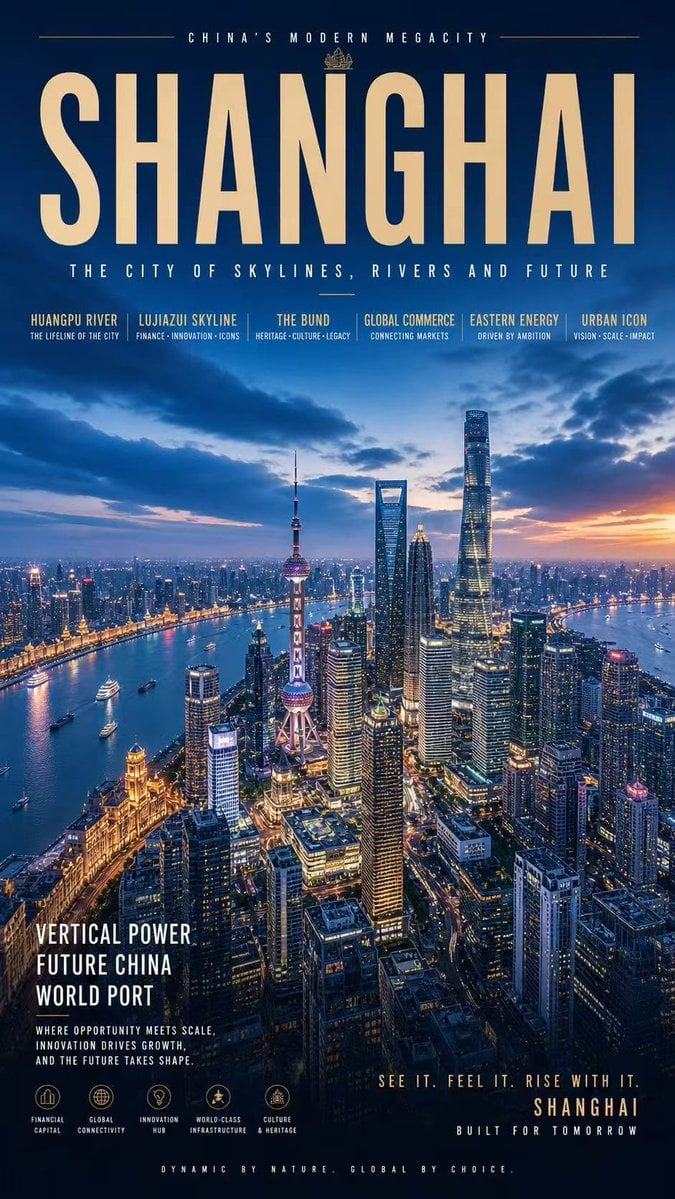
Shanghai Megacity Night Poster
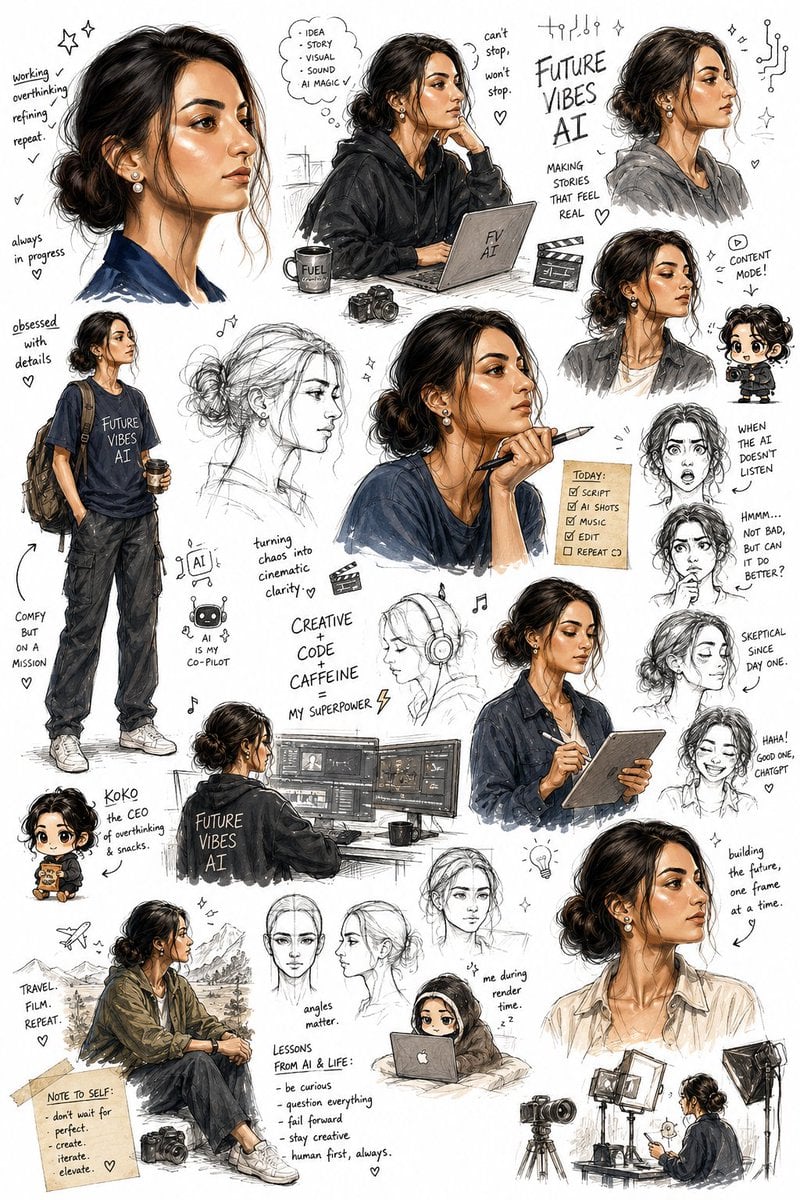
Sketchbook Character Exploration Sheet
Browse template categories
SD Spawn Sci-Fi Corridor Action Scene questions
How do I use the SD Spawn Sci-Fi Corridor Action Scene template?
Add your photo if the template asks for one, edit the prompt if you like — the template's model and format are already selected — and press Generate. Your version opens in PicX Studio.
Can I customize the SD Spawn Sci-Fi Corridor Action Scene template?
Yes. You can change the subject, setting, lighting, mood, format, and available model controls before creating your image.
Is the SD Spawn Sci-Fi Corridor Action Scene template free?
Opening and editing this template is free. Generating uses credits, shown on the Generate button when you are signed in.
Which AI model should I use?
Start with GPT Image 2, which is the model associated with this template. You can compare another compatible model for a different finish.
Looking for something else? Browse all templates.

Your photo, any look
Thousands of ready templates for every top image and video model, from one credit balance.