
Ice Dragon and the Sailers - Seedance 2.0
Ice Dragon and the Sailers - Seedance 2.0 is a ready photo look.
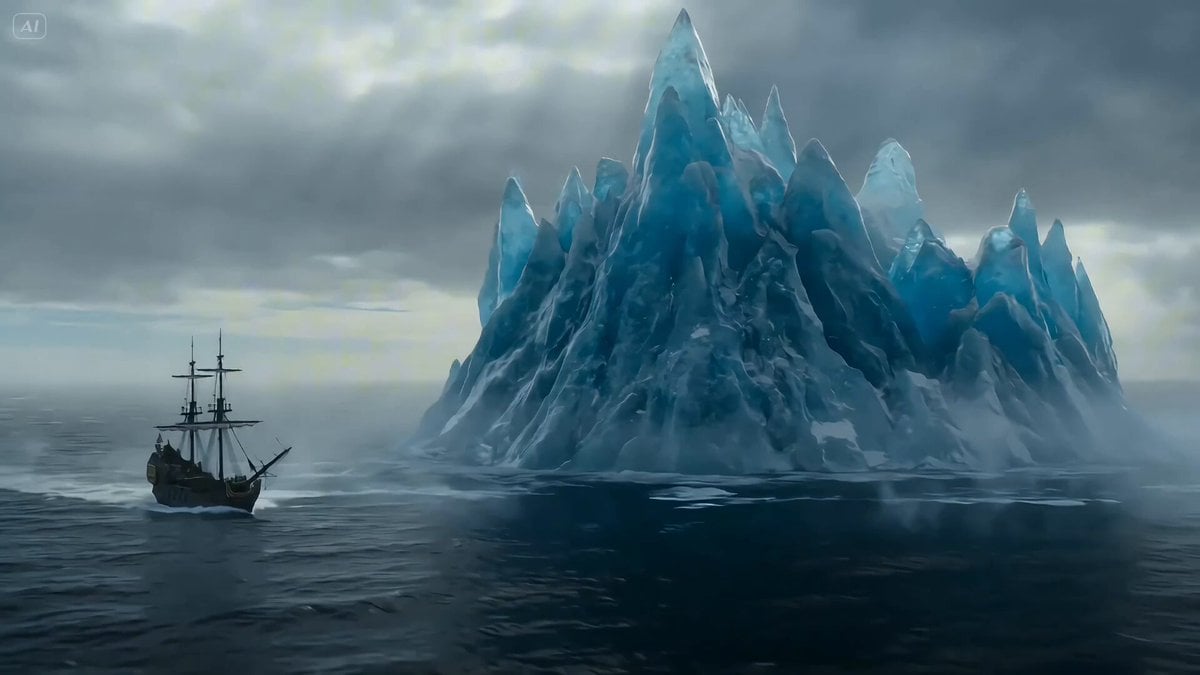
- Prompt included
- Model and format preset
- Free template
The prompt behind this image
Copy the exact prompt behind Ice Dragon and the Sailers - Seedance 2.0, or open it in the studio and make it yours.
Ice dragon and the sailers 🔥\n\nTime Freeze camera movements\nWide cinematic tracking shot\nRapid, handheld camera push-in\nbullet-time continuous pan\n\nSeedance 2.0 Handles all well
How to use Ice Dragon and the Sailers - Seedance 2.0 in 3 steps
- 1
Open
The prompt is already in the box next to the preview, with the template's model and format selected.
- 2…a portrait of your subject in softgolden-hour light, 85mm…
Personalize
Edit the subject and creative details for your destination.
- 3Generate
Generate
Press Generate — your image is created in PicX Studio, so you can compare it with the original and refine one variable at a time.
More like this
Templates with the same subject, style or setup. Open one to see its prompt.
Seedance - Dragon vs Python Battle

untitled
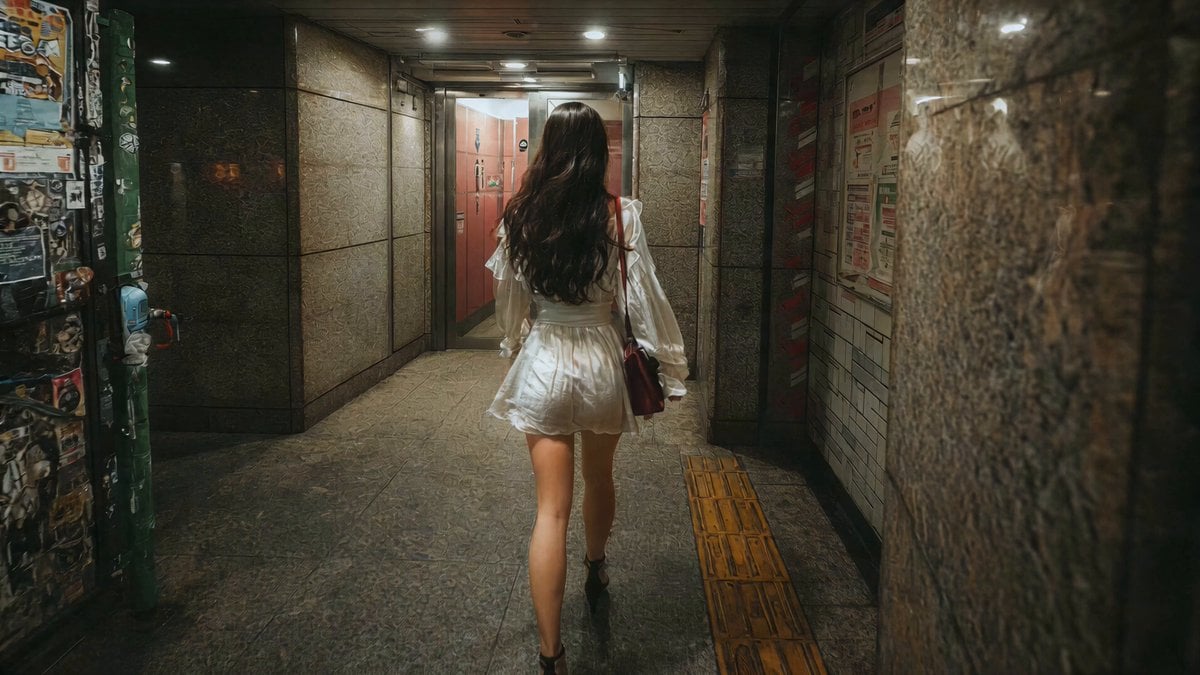
J-Horror Shibuya Station - Seedance 2.0
Seedance - Street Bull Incident
Seedance - Epic Fight Scene
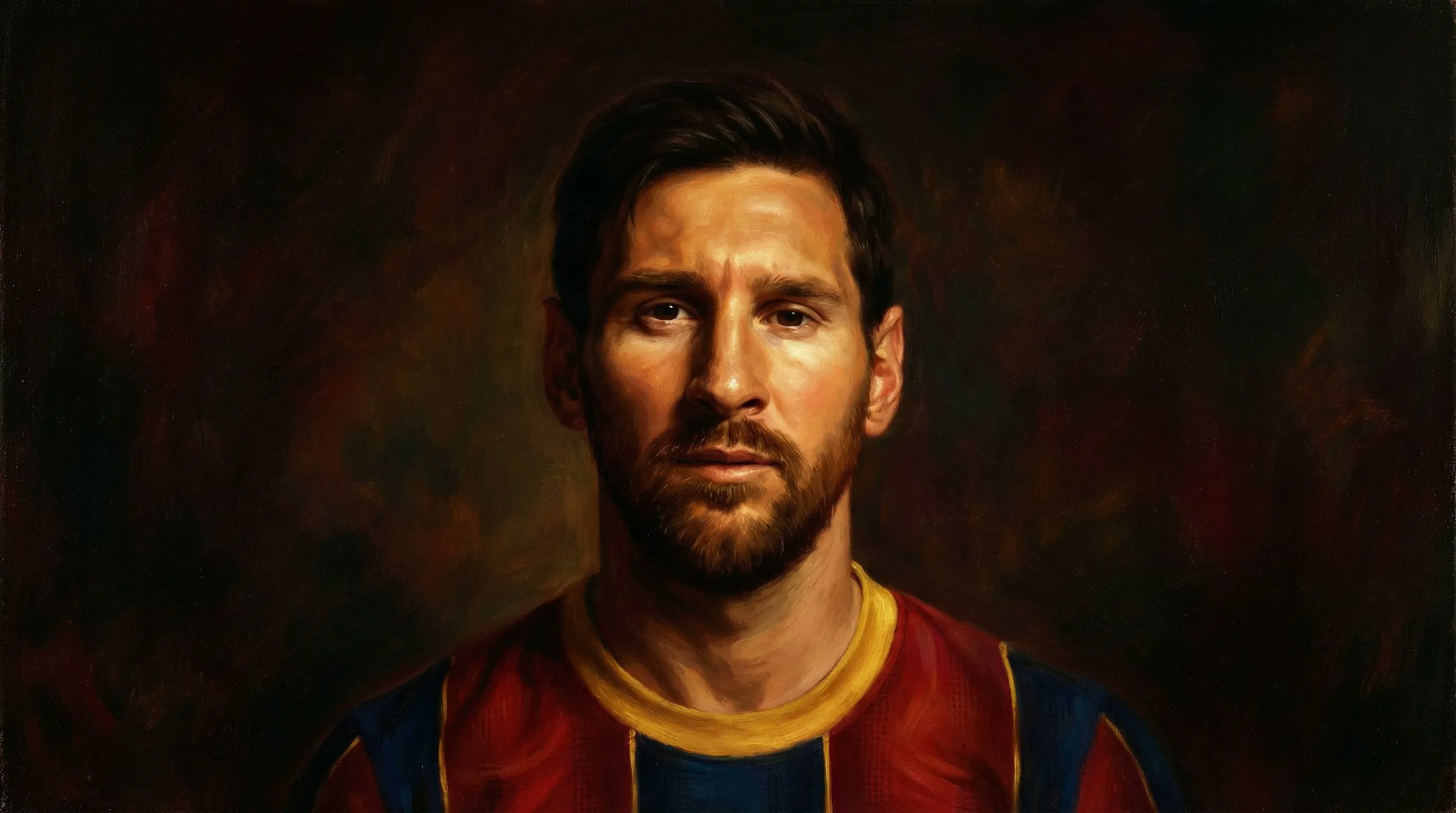
Bullet Time Businessman Seedance 2 0
Bullet Time Businessman Seedance 2 0
Videogame Cinematic Trailer - Seedance 2.0

Bullet Time Frozen Street Action Portrait

Japanese Romance Short Film Seedance 2 0

Transformation the Bus Seedance 2 0 Robo

Transformation the Burger Seedance 2 0 a
Make it yours
Ice Dragon and the Sailers - Seedance 2.0 works as-is. These are the safest ways to change it without losing the look.
Change one field
Copy a single group, rewrite it, and generate again so you can see what that field is doing.
Keep the frame, change the subject
Hold the composition and light of Ice Dragon and the Sailers - Seedance 2.0, then swap wardrobe, props or the person for a new take.
| If the result… | Why | Fix |
|---|---|---|
| The result drifts from the preview | Too many fields changed at once. | Reuse Ice Dragon and the Sailers - Seedance 2.0 as-is first, then change one group — subject, light, or setting. |
| The model over-stylizes the scene | The prose prompt leaves finish and camera underspecified. | Add one camera or lighting sentence and stay on PicX Studio. |
More image prompts
Fresh picks from across the catalog.

Minimalist Urban Fashion Editorial Side Profile
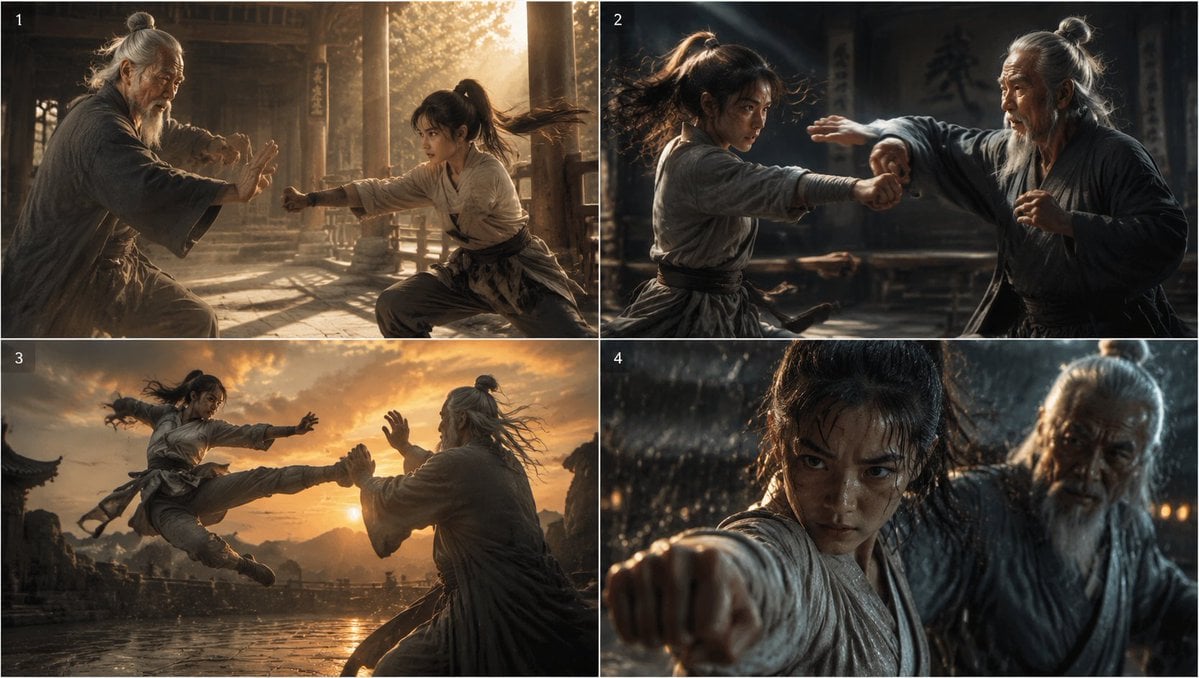
Cinematic Kung Fu Sparring Grid
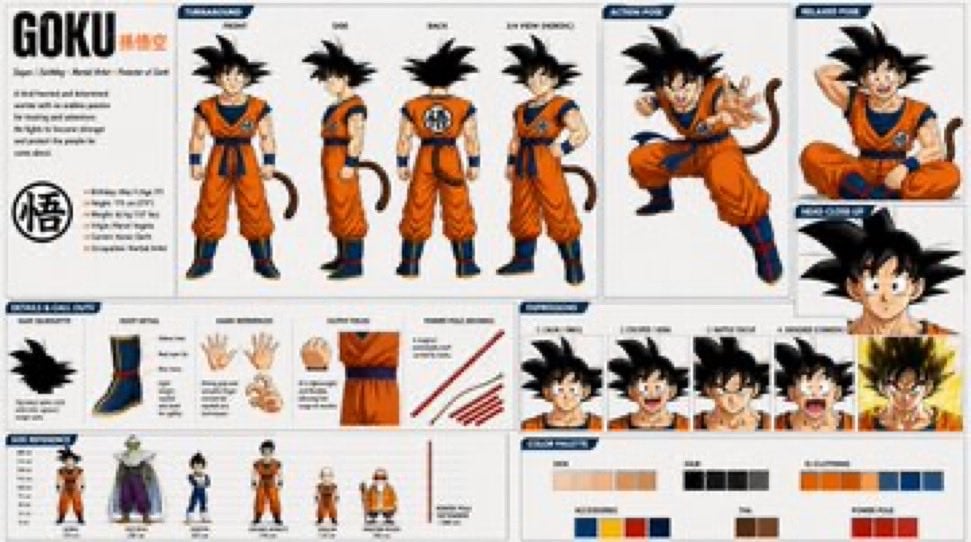
Goku Anime Character Sheet
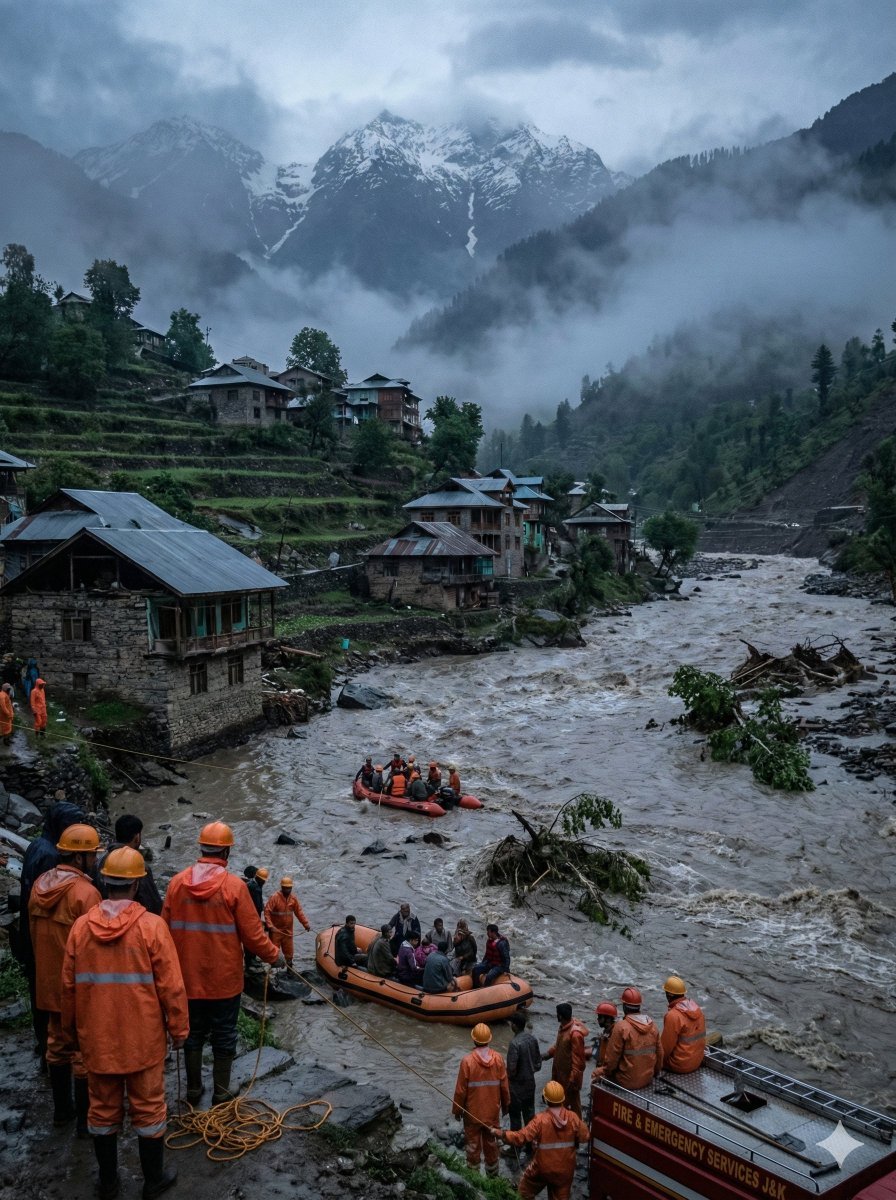
Dramatic Cinematic Kashmir Mountain Flood Rescue Scene
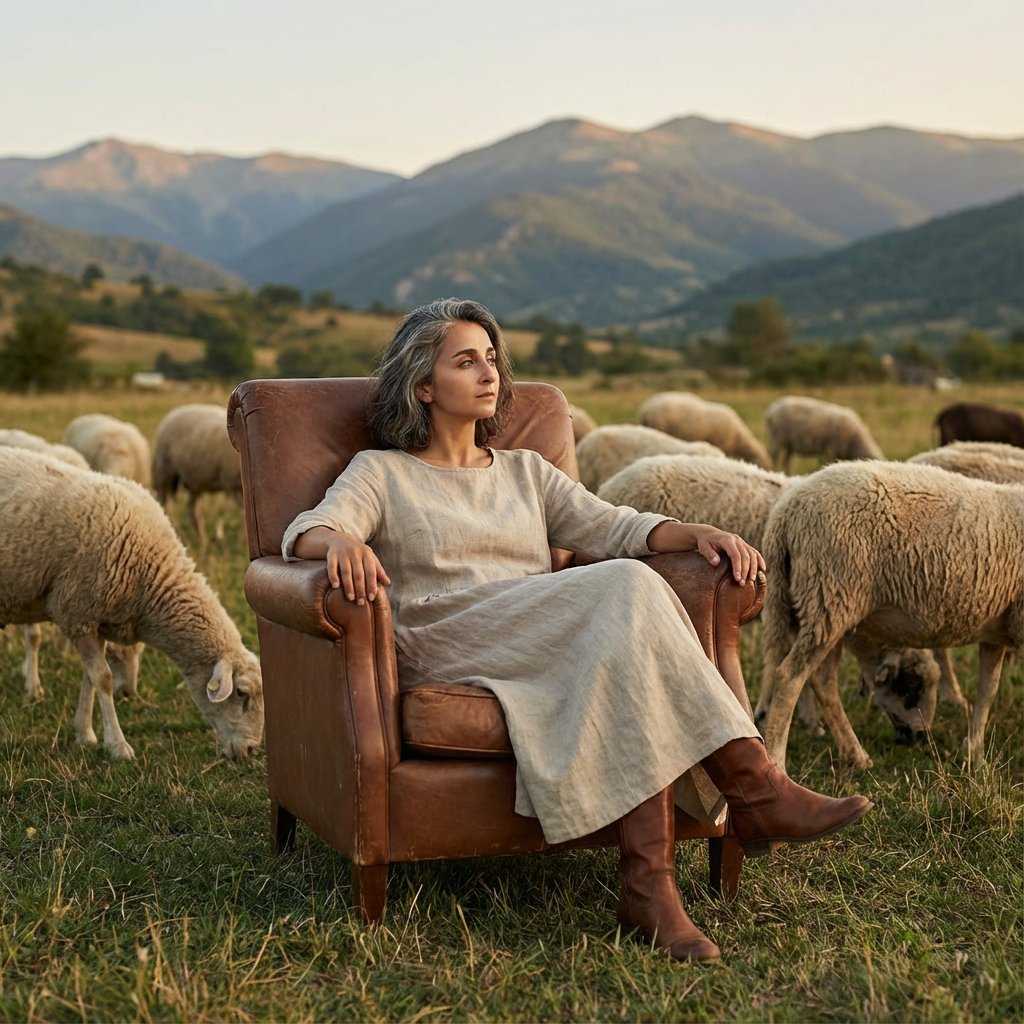
Editorial Photography of Woman in Armchair with Sheep

Travel Influencer Photo Prompt for Nano Banana Pro
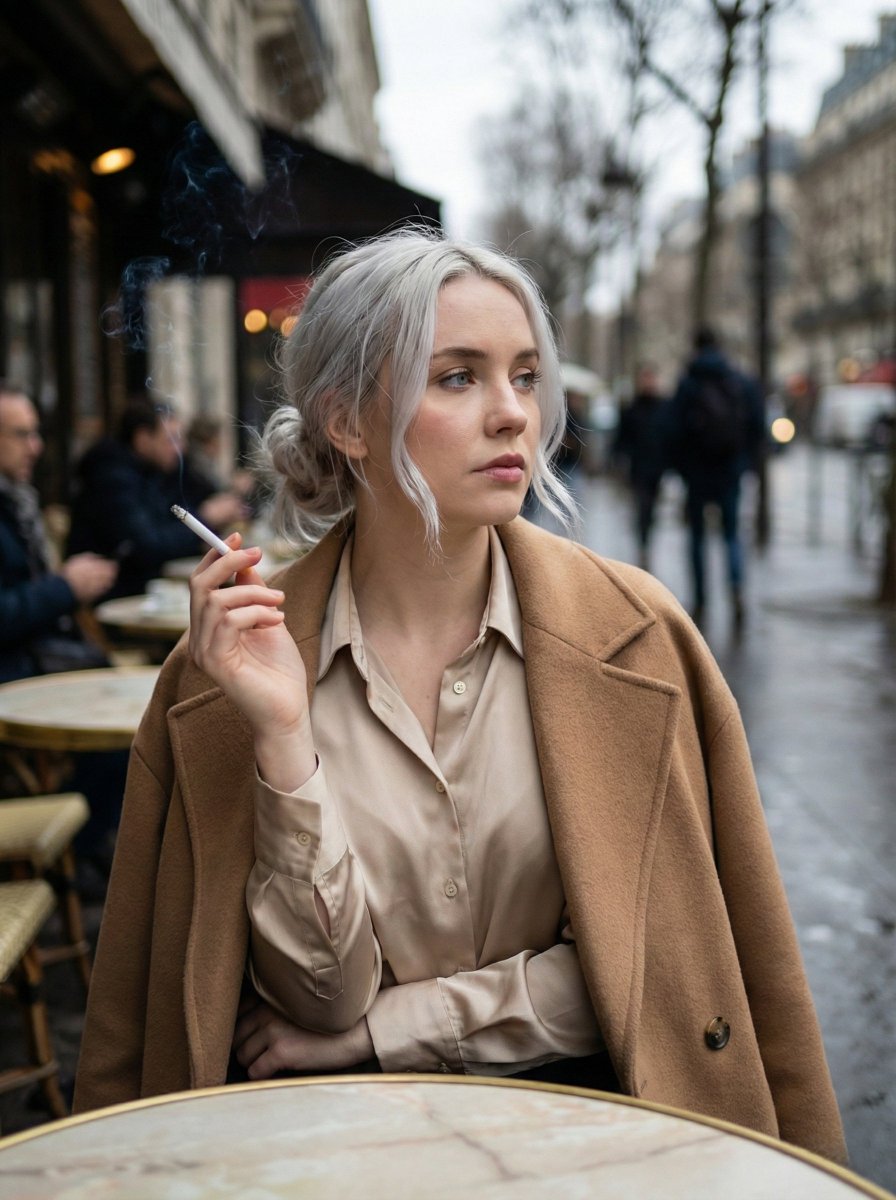
Moody Parisian Cafe Portrait Prompt
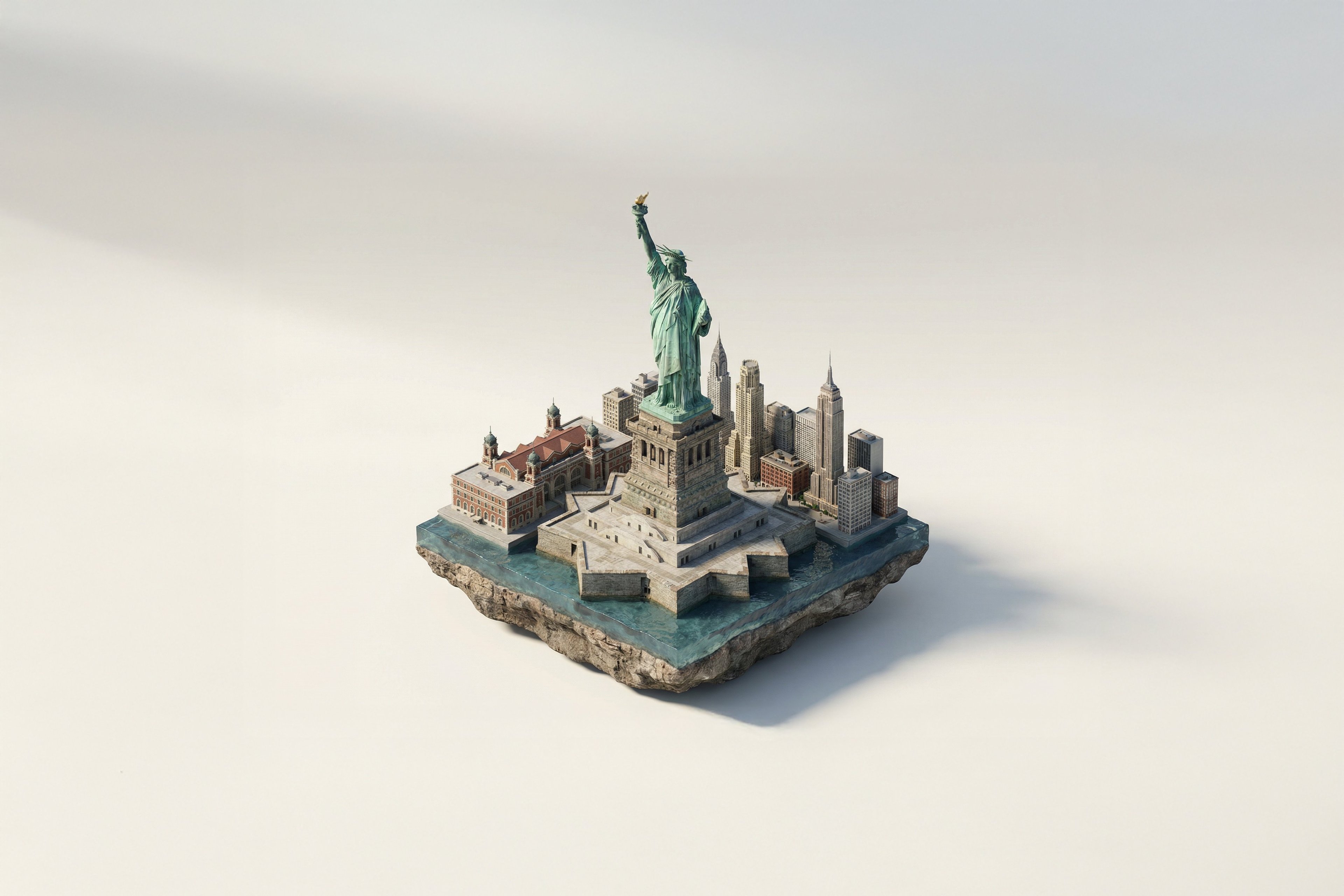
Turn Iconic Landmarks Into Tiny Worlds W

untitled

Neon AI Side Hustle YouTube Thumbnail
Browse template categories
Ice Dragon and the Sailers - Seedance 2.0 questions
How do I use the Ice Dragon and the Sailers - Seedance 2.0 template?
Add your photo if the template asks for one, edit the prompt if you like — the template's model and format are already selected — and press Generate. Your version opens in PicX Studio.
Can I customize the Ice Dragon and the Sailers - Seedance 2.0 template?
Yes. You can change the subject, setting, lighting, mood, format, and available model controls before creating your image.
Is the Ice Dragon and the Sailers - Seedance 2.0 template free?
Opening and editing this template is free. Generating uses credits, shown on the Generate button when you are signed in.
Which AI model should I use?
Choose a compatible model in PicX Studio based on the style, speed, and output controls your project needs.
Looking for something else? Browse all templates.

Your photo, any look
Thousands of ready templates for every top image and video model, from one credit balance.