
Cinematic Kung Fu Sparring Grid
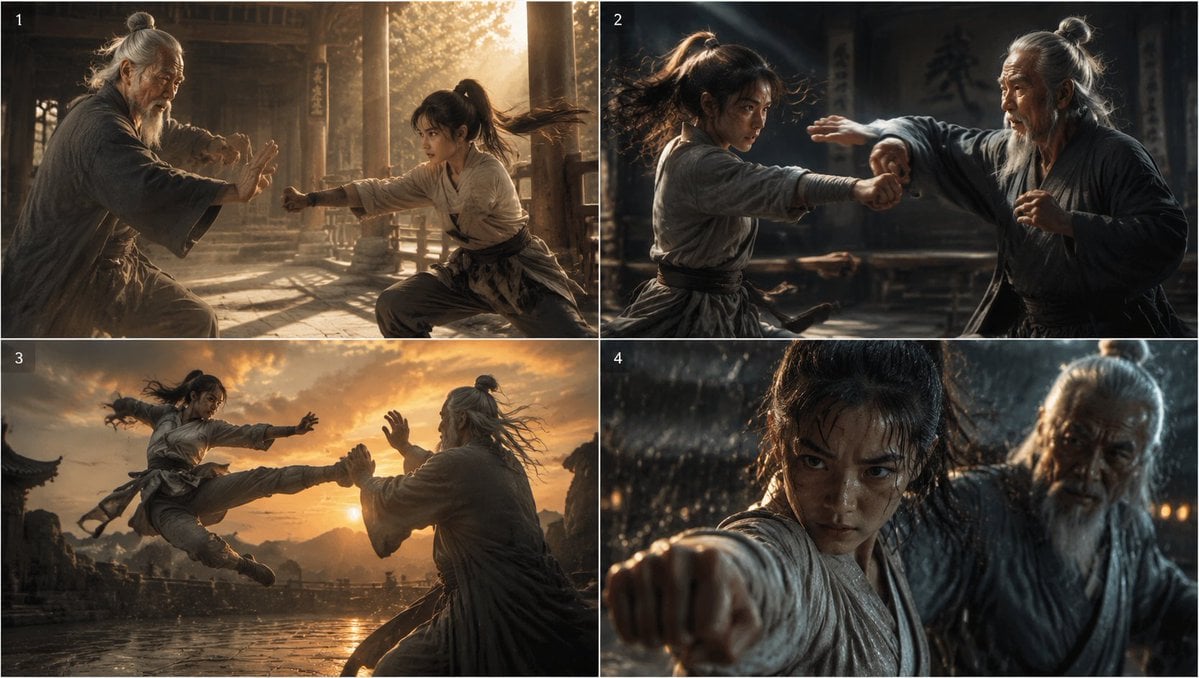
A four-panel photorealistic storyboard grid showing an elder martial arts master and young fighter sparring across dramatic temple and courtyard scenes.
- Prompt included
- Model and format preset
- Free template
The prompt behind this image
Copy the exact prompt behind Cinematic Kung Fu Sparring Grid, or open it in the studio and make it yours.
- Type
- photorealistic cinematic action grid
- Format
- 2x2 storyboard contact sheet
- Overall Style
- ultra realistic live-action film stills, ancient East Asian martial arts drama, anamorphic widescreen framing, dramatic rim light, volumetric dust and rain particles, shallow depth of field, high dynamic range, warm golden highlights mixed with cool shadows, motion blur on fast strikes, weathered temple architecture and stone courtyard environments
- Subjects › Younger Fighter
- {argument name="younger fighter" default="a young female martial artist with a high ponytail, athletic build, wearing a worn off-white training robe, dark waist sash, loose gray trousers, leather wrist wraps"}
- Subjects › Elder Master
- {argument name="elder master" default="an elderly martial arts master with long gray hair tied in a topknot, long gray beard, weathered face, wearing a dark charcoal robe with layered linen textures"}
- Subjects › Action Theme
- {argument name="action theme" default="intense kung fu sparring between master and student"}
- Subjects › Setting
- {argument name="setting" default="an old wooden temple and open stone courtyard in the mountains"}
- Subjects › Cinematic Mood
- {argument name="cinematic mood" default="epic, gritty, emotional, high-speed martial arts cinema"}
- Layout › Grid
- four equal rectangular panels separated by thin white borders, arranged two columns by two rows
- Layout › Panel Count
- 4
- Layout › Visible Panel Labels
- 1, 2, 3, 4
- Layout › Label Style
- small white numerals in the upper-left corner of each panel
- Panels › 0 › Label
- 1
- Panels › 0 › Position
- top-left
- Panels › 0 › Scene
- Inside a sunlit wooden temple hall, the elder master crouches defensively on the left while the younger fighter kneels or lunges from the right, throwing a straight punch toward him. Golden afternoon light streams through pillars and lattice windows, dust floats in the air, the floor is worn stone or wood, both figures are captured mid-sparring with focused body language.
- Panels › 1 › Label
- 2
- Panels › 1 › Position
- top-right
- Panels › 1 › Scene
- A darker indoor dojo-like temple room, close medium action shot. The younger fighter on the left whips forward with hair flying and an extended punch, while the elder master on the right twists aside with one arm raised to parry. Strong side lighting carves their silhouettes, background benches and hanging calligraphy are dimly visible, motion blur emphasizes speed.
- Panels › 2 › Label
- 3
- Panels › 2 › Position
- bottom-left
- Panels › 2 › Scene
- Wide outdoor courtyard at sunset, most epic panel. The younger fighter leaps through the air from left to right performing a flying kick toward the elder master, who faces her from the right with arms lifted in defense. The sky is orange and dramatic, distant mountains and traditional rooflines frame the horizon, wet stone reflects the sunset, fabric and hair trail dynamically.
- Panels › 3 › Label
- 4
- Panels › 3 › Position
- bottom-right
- Panels › 3 › Scene
- Extreme close-up in heavy rain at night or dusk. The younger fighter fills the foreground, thrusting a fist directly toward the camera, face intense and partially shadowed by wet hair. The elder master stands just behind to the right, also soaked, watching or guarding. Raindrops, water streaks, bokeh lights, and shallow focus create a tense climactic film-still look.
Raw JSON
{"type":"photorealistic cinematic action grid","format":"2x2 storyboard contact sheet","overall_style":"ultra realistic live-action film stills, ancient East Asian martial arts drama, anamorphic widescreen framing, dramatic rim light, volumetric dust and rain particles, shallow depth of field, high dynamic range, warm golden highlights mixed with cool shadows, motion blur on fast strikes, weathered temple architecture and stone courtyard environments","subjects":{"younger fighter":"{argument name=\"younger fighter\" default=\"a young female martial artist with a high ponytail, athletic build, wearing a worn off-white training robe, dark waist sash, loose gray trousers, leather wrist wraps\"}","elder master":"{argument name=\"elder master\" default=\"an elderly martial arts master with long gray hair tied in a topknot, long gray beard, weathered face, wearing a dark charcoal robe with layered linen textures\"}","action theme":"{argument name=\"action theme\" default=\"intense kung fu sparring between master and student\"}","setting":"{argument name=\"setting\" default=\"an old wooden temple and open stone courtyard in the mountains\"}","cinematic mood":"{argument name=\"cinematic mood\" default=\"epic, gritty, emotional, high-speed martial arts cinema\"}"},"layout":{"grid":"four equal rectangular panels separated by thin white borders, arranged two columns by two rows","panel count":4,"visible panel labels":["1","2","3","4"],"label style":"small white numerals in the upper-left corner of each panel"},"panels":[{"label":"1","position":"top-left","scene":"Inside a sunlit wooden temple hall, the elder master crouches defensively on the left while the younger fighter kneels or lunges from the right, throwing a straight punch toward him. Golden afternoon light streams through pillars and lattice windows, dust floats in the air, the floor is worn stone or wood, both figures are captured mid-sparring with focused body language."},{"label":"2","position":"top-right","scene":"A darker indoor dojo-like temple room, close medium action shot. The younger fighter on the left whips forward with hair flying and an extended punch, while the elder master on the right twists aside with one arm raised to parry. Strong side lighting carves their silhouettes, background benches and hanging calligraphy are dimly visible, motion blur emphasizes speed."},{"label":"3","position":"bottom-left","scene":"Wide outdoor courtyard at sunset, most epic panel. The younger fighter leaps through the air from left to right performing a flying kick toward the elder master, who faces her from the right with arms lifted in defense. The sky is orange and dramatic, distant mountains and traditional rooflines frame the horizon, wet stone reflects the sunset, fabric and hair trail dynamically."},{"label":"4","position":"bottom-right","scene":"Extreme close-up in heavy rain at night or dusk. The younger fighter fills the foreground, thrusting a fist directly toward the camera, face intense and partially shadowed by wet hair. The elder master stands just behind to the right, also soaked, watching or guarding. Raindrops, water streaks, bokeh lights, and shallow focus create a tense climactic film-still look."}],"camera_and_rendering":"top-view comparison grid composition as a single image, realistic faces and anatomy, natural fabric wrinkles, cinematic color grading, no cartoon styling, no extra text besides the four panel numbers, no logos, no watermarks"}How to use Cinematic Kung Fu Sparring Grid in 3 steps
- 1Upload ImagePNG, JPG or paste
Add your photo
Upload the photo the template builds on. The prompt, model and format are already set.
- 2…a portrait of your subject in softgolden-hour light, 85mm…
Personalize
Edit the subject and creative details for your destination.
- 3Generate
Generate
Press Generate — your image is created in PicX Studio, so you can compare it with the original and refine one variable at a time.
More like this
Templates with the same subject, style or setup. Open one to see its prompt.

Korean Luxury Fashion Editorial 2x2 Grid Series

Minimalist Fashion Editorial Split Layout

Ultra-Realistic Vogue-Style Editorial Fashion Grid

Headphones Lifestyle Nine Panel Grid

4x4 Grid - Candid Nostalgic Vacation Selfies

Movement Sheet - Dance Reference (Seedance 2.0)

Paris Travel Collage Grid - Face Reference

Instagram Feed Grid
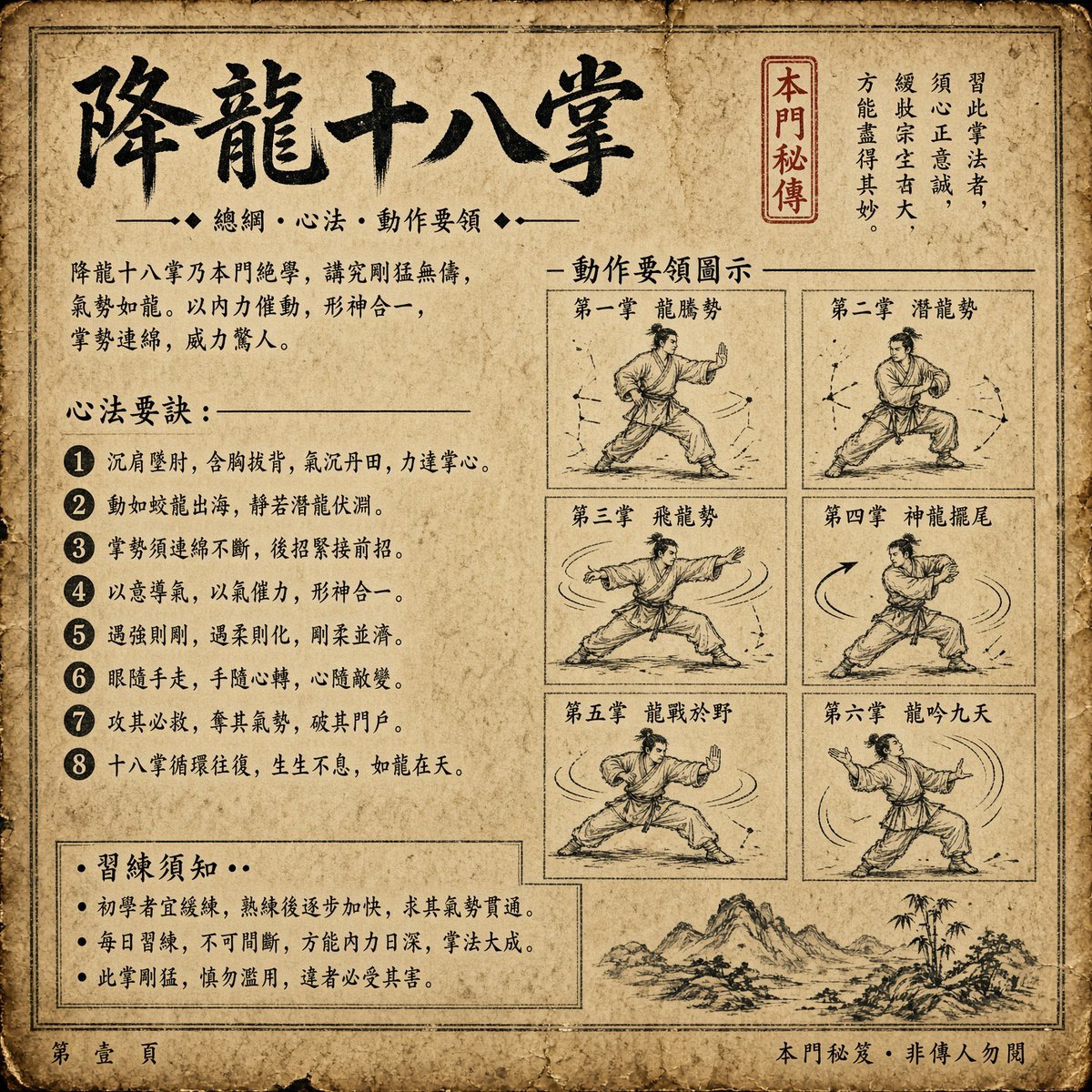
Ancient Dragon Palm Kung Fu Manual
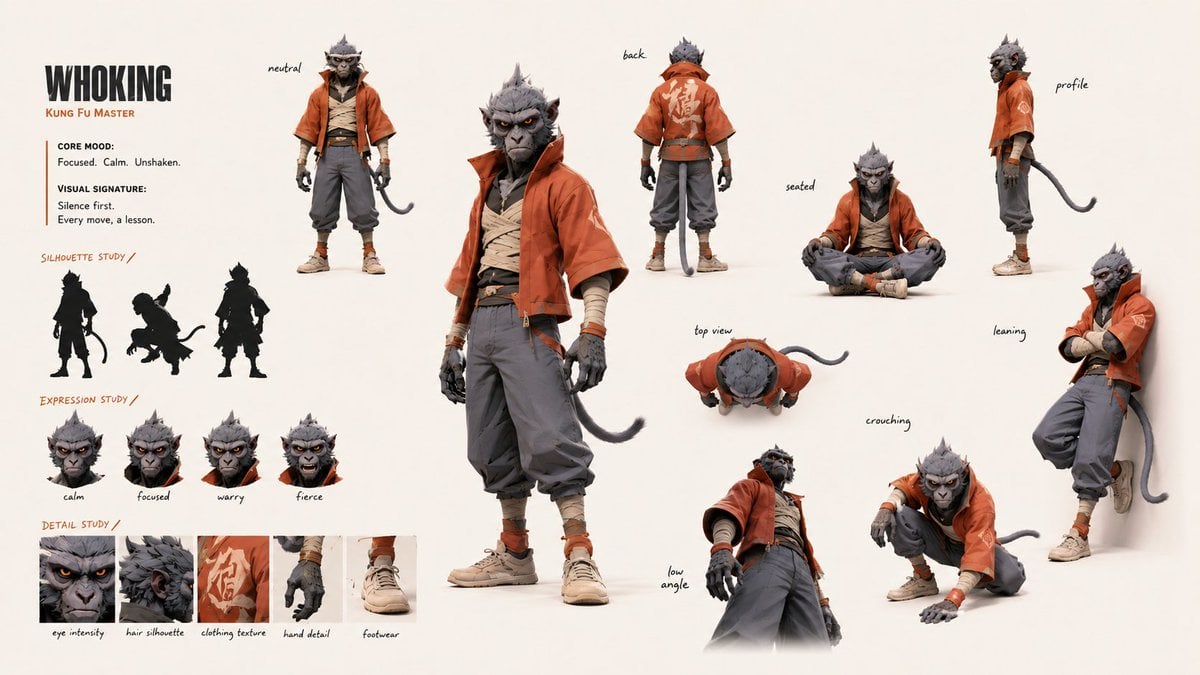
Kung Fu Character Storyboard Sheet
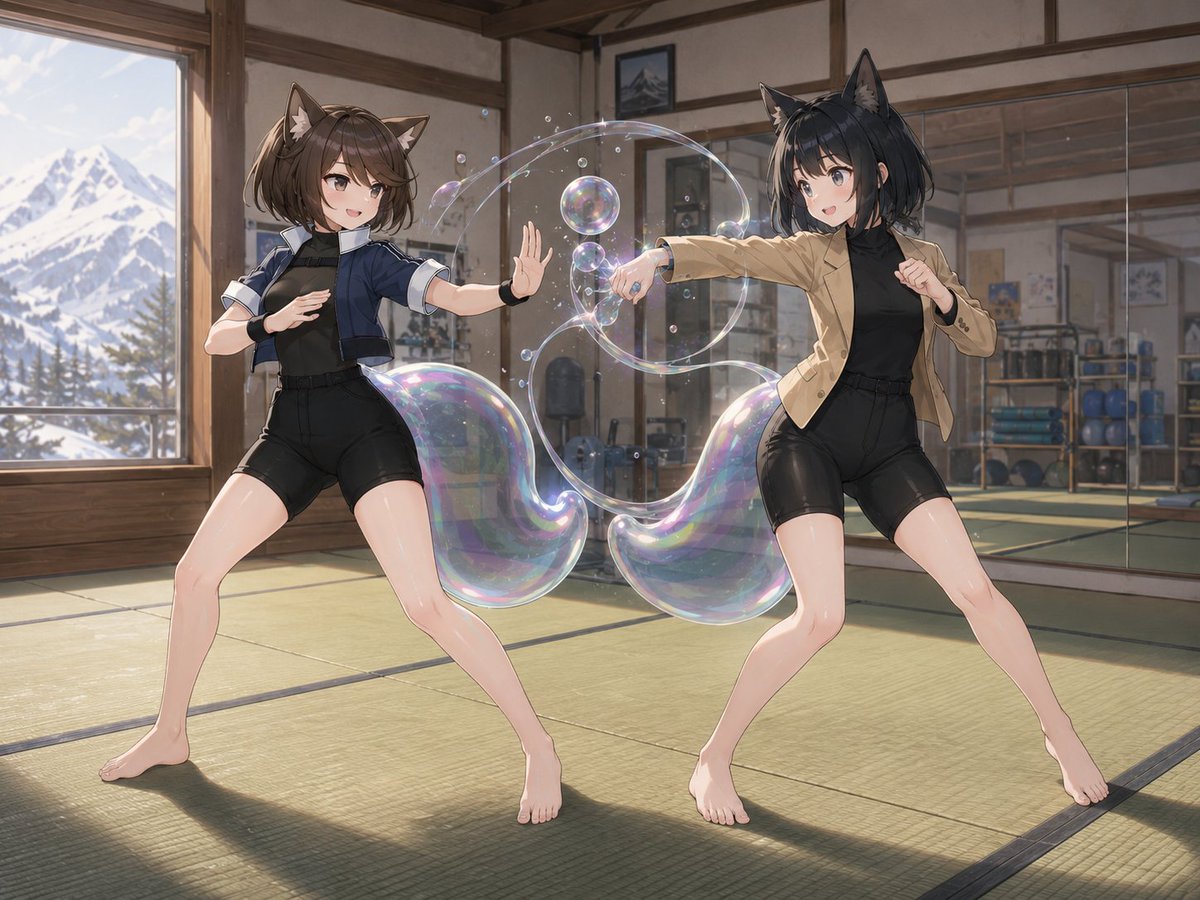
Fox-Eared Dojo Sparring Scene
Catgirl Dojo Bubble Sparring
Make it yours
Cinematic Kung Fu Sparring Grid works as-is. These are the safest ways to change it without losing the look.
Swap the setting
Keep the rest of the prompt and replace the location block. The current setting is “{argument name="setting" default="an old wooden temple and open stone courtyard ”.
Change one field
Copy a single group, rewrite it, and generate again so you can see what that field is doing.
Keep the frame, change the subject
Hold the composition and light of Cinematic Kung Fu Sparring Grid, then swap wardrobe, props or the person for a new take.
| If the result… | Why | Fix |
|---|---|---|
| The result drifts from the preview | Too many fields changed at once. | Reuse Cinematic Kung Fu Sparring Grid as-is first, then change one group — subject, light, or setting. |
| GPT Image 2 ignores part of the JSON | Some models flatten or skip nested keys. | Keep the same values and paste them as a short paragraph instead. |
More GPT Image 2 templates
Other prompts made for GPT Image 2.

Six VTuber Japanese Logo Sheet

Realistic Portrait of Woman and Deer

The Vista Modular Condo Poster

AI Model Routing Comparison Infographic

2.5D Anime Art Board

Isometric Productivity Desk Scene

New York Double Exposure Poster

Four-Panel AI Landscape Comparison

Japanese Tatami Lifestyle Magazine Cover

NESCAFÉ Coffee Map Poster
More image prompts
Fresh picks from across the catalog.

Minimal 3D Isometric Urban Retail Kiosk Diorama
Daily Nano: Playing with Shadows 4-Panel Comic
Fictional World Map Attempts Collage
Japanese Hair Diagnosis Salon Poster
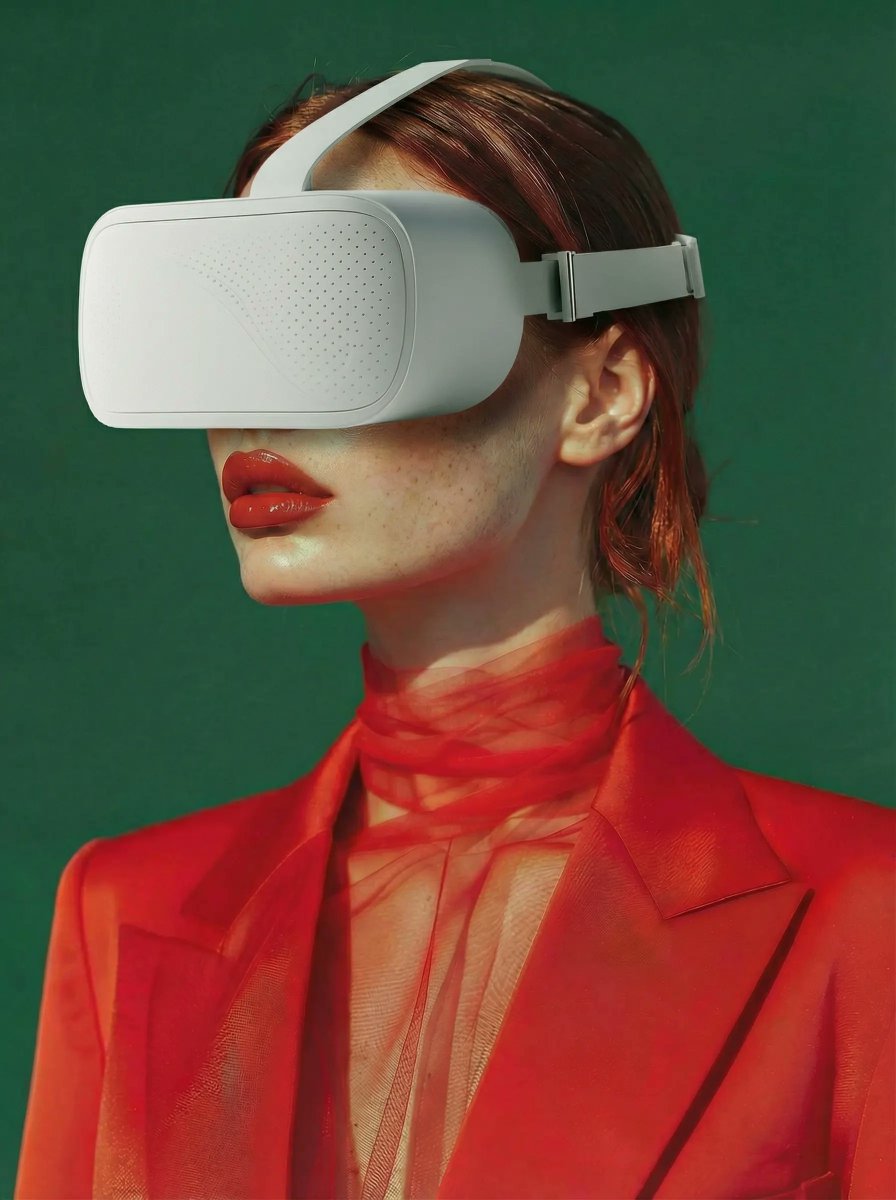
Integrate VR Headset onto Model
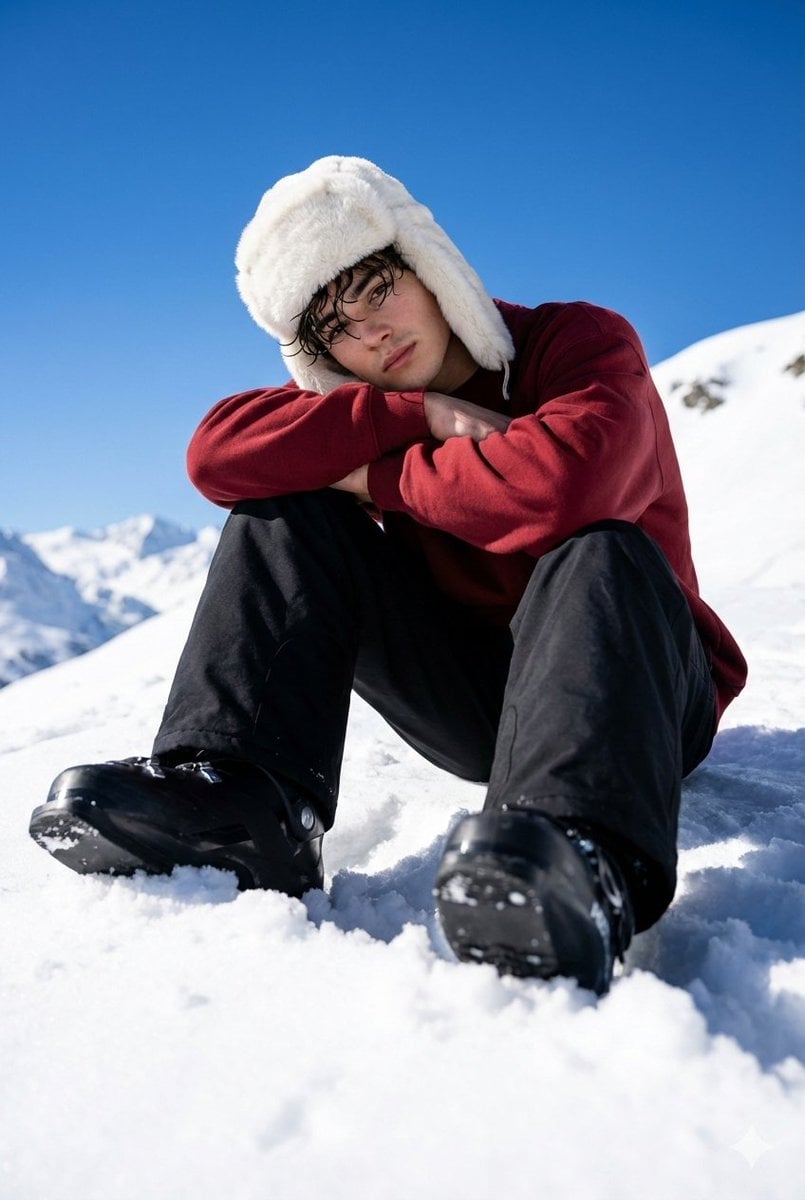
Alpine Snow Portrait with Trapper Hat

Celestial Fantasy Gown Portrait

3D Caricature Avatar With Privacy Block
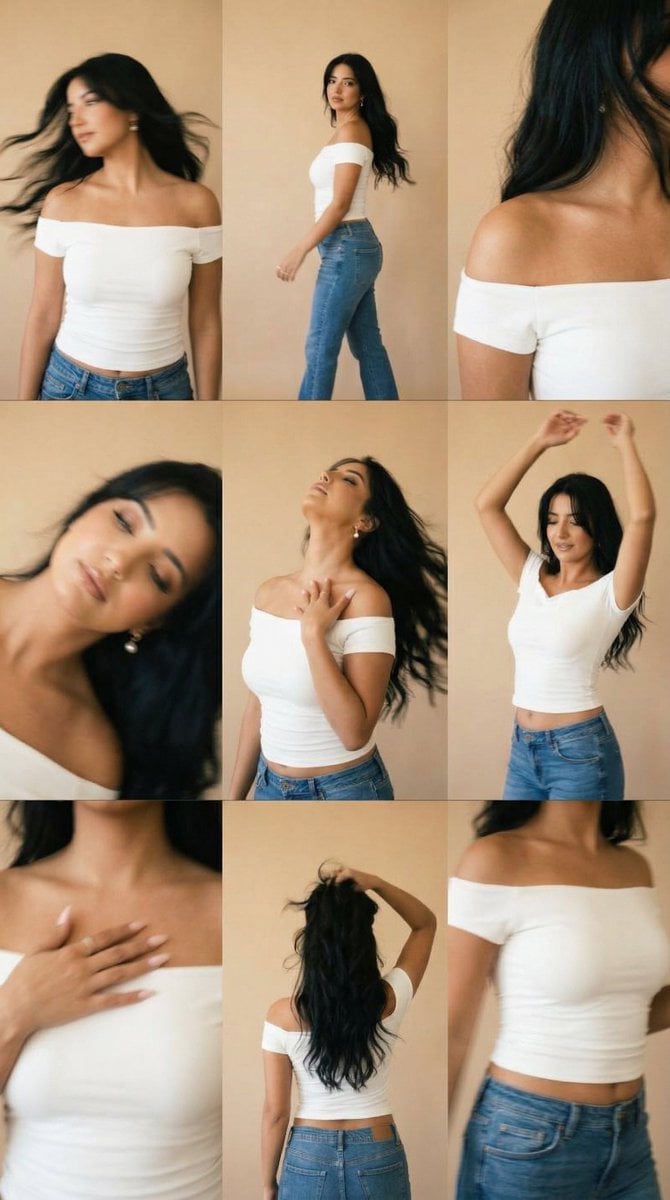
Lo-Fi Warm Studio Motion Contact Sheet 3x3 Grid
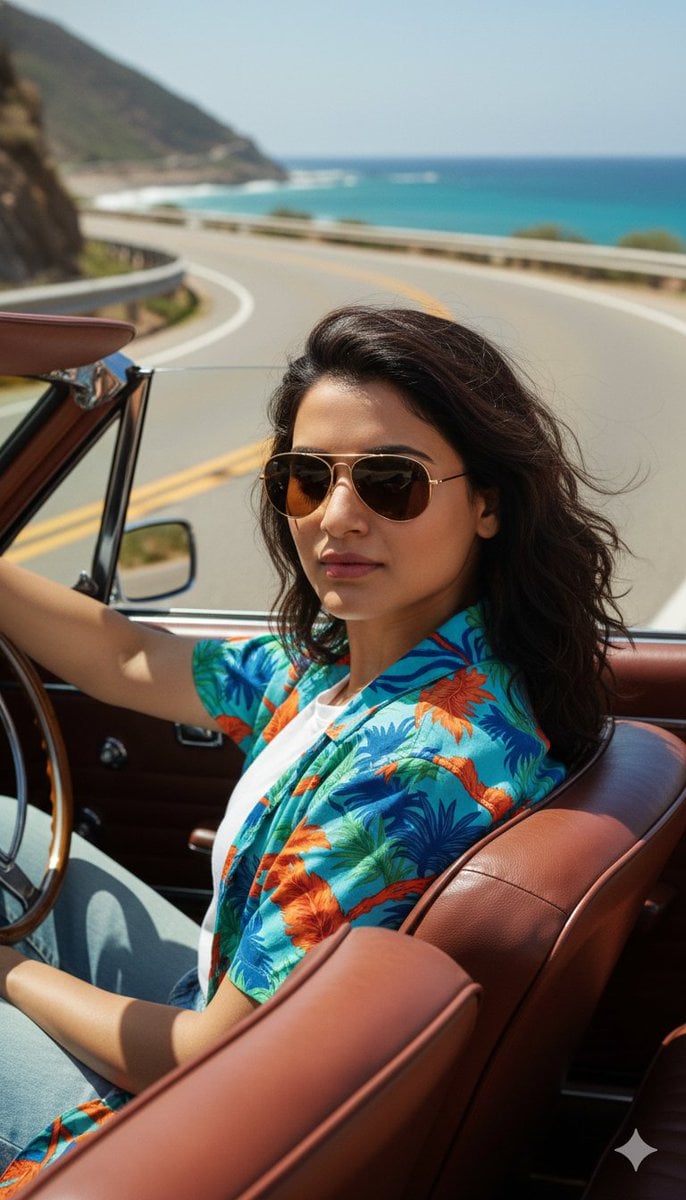
Cinematic Portrait of Man Driving Vintage Convertible
Browse template categories
Cinematic Kung Fu Sparring Grid questions
How do I use the Cinematic Kung Fu Sparring Grid template?
Add your photo if the template asks for one, edit the prompt if you like — the template's model and format are already selected — and press Generate. Your version opens in PicX Studio.
Can I customize the Cinematic Kung Fu Sparring Grid template?
Yes. You can change the subject, setting, lighting, mood, format, and available model controls before creating your image.
Is the Cinematic Kung Fu Sparring Grid template free?
Opening and editing this template is free. Generating uses credits, shown on the Generate button when you are signed in.
Which AI model should I use?
Start with GPT Image 2, which is the model associated with this template. You can compare another compatible model for a different finish.
Looking for something else? Browse all templates.

Your photo, any look
Thousands of ready templates for every top image and video model, from one credit balance.