How do I use the 3D Caricature Avatar With Privacy Block template?
Choose the primary action to open PicX Studio with the available template settings. Review the model and format, personalize the creative direction, and generate when ready.
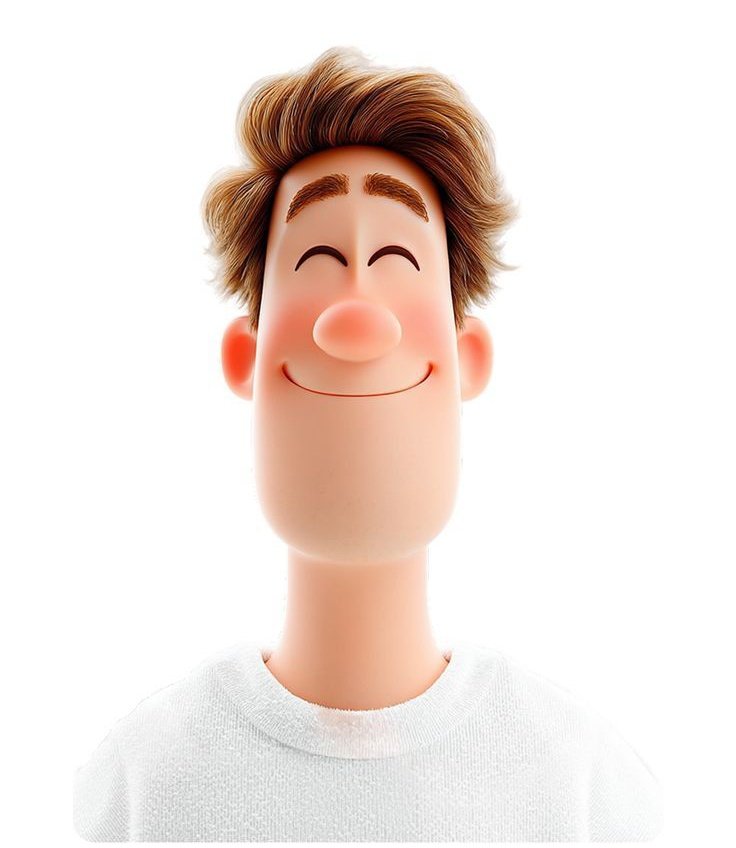
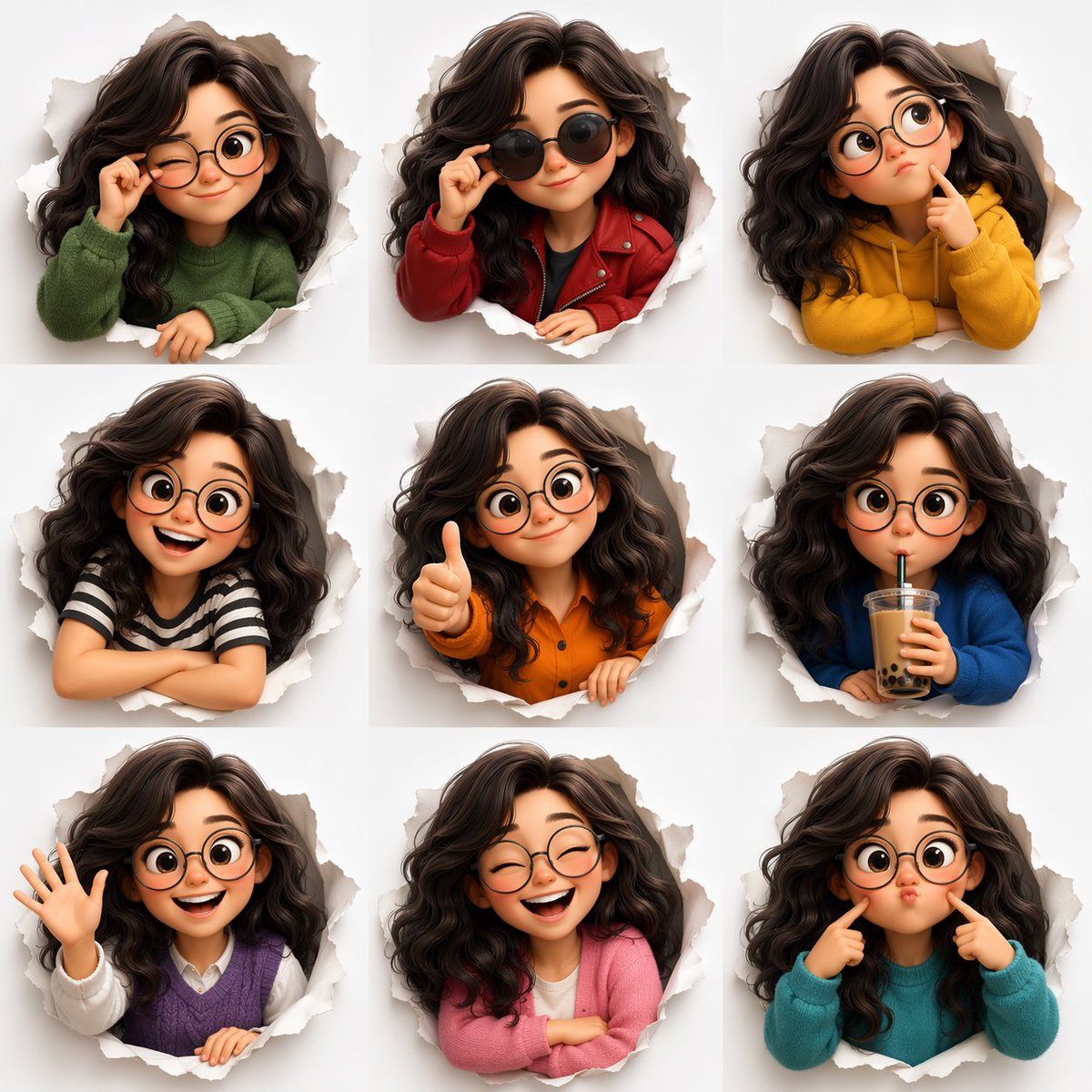
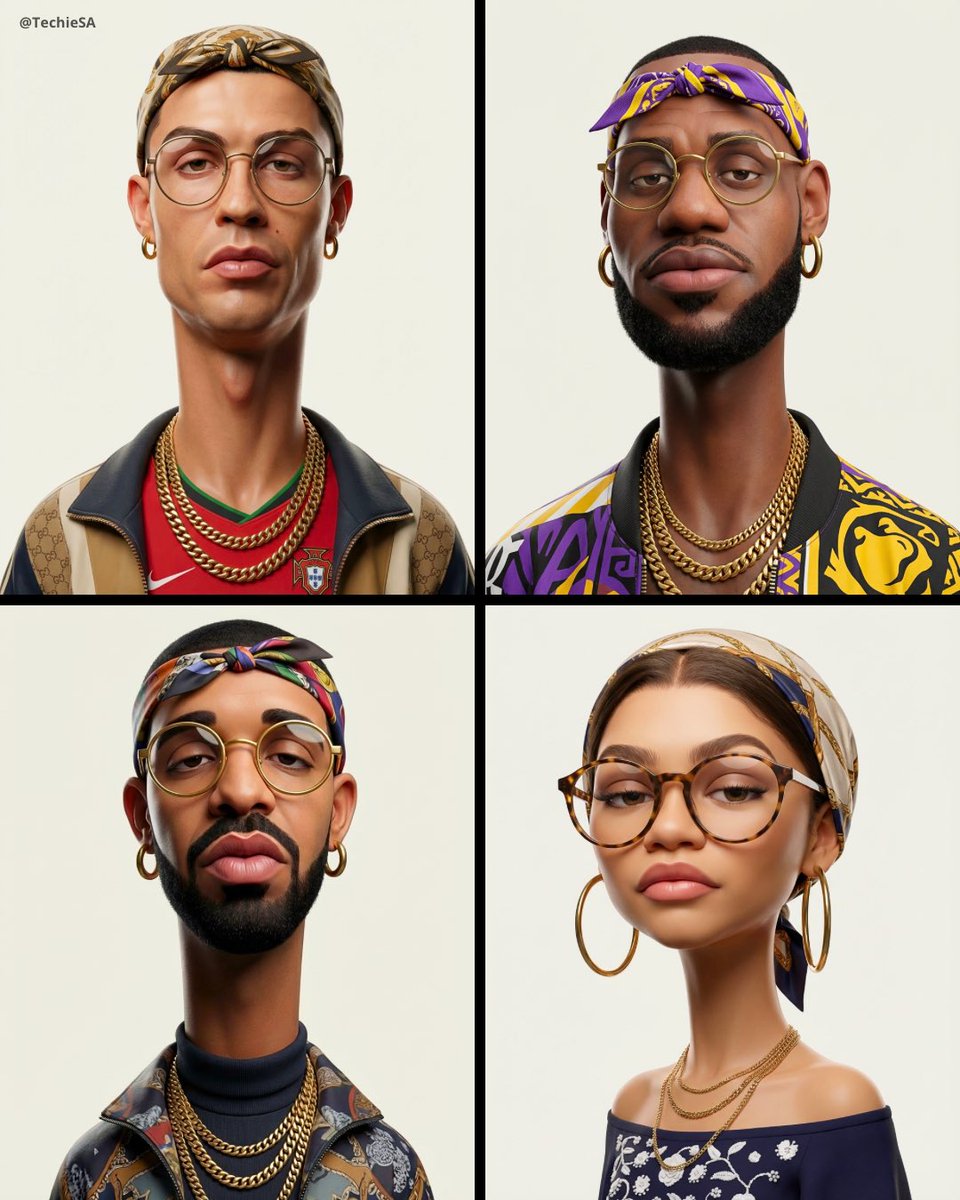
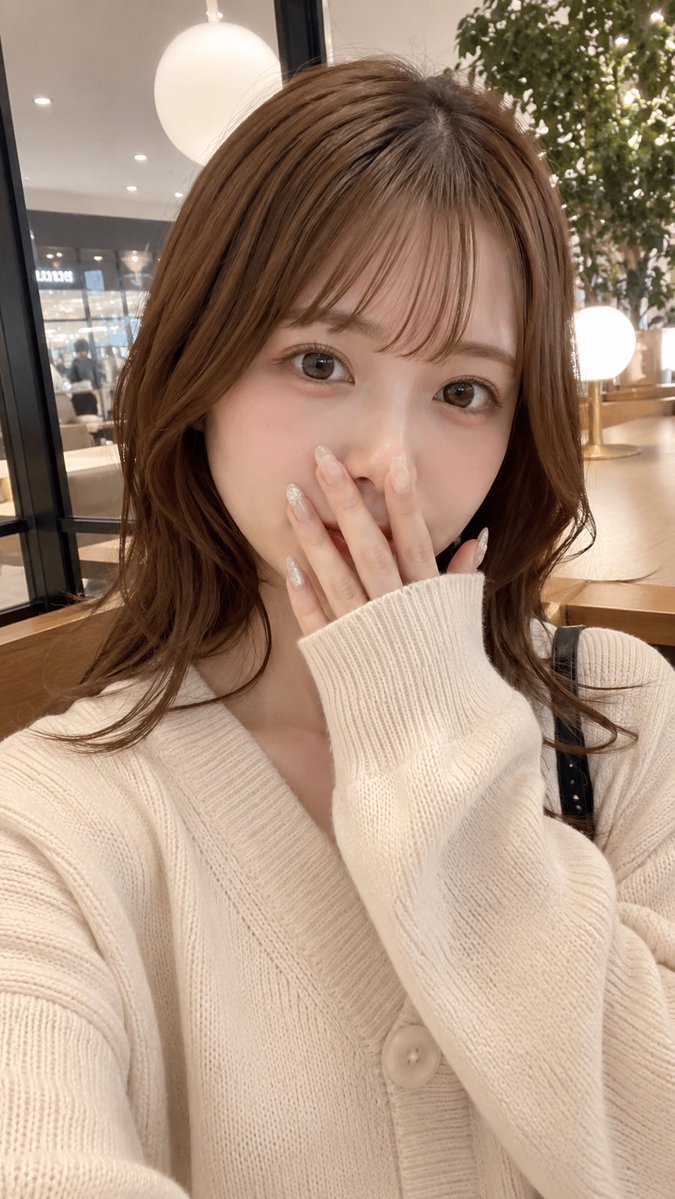
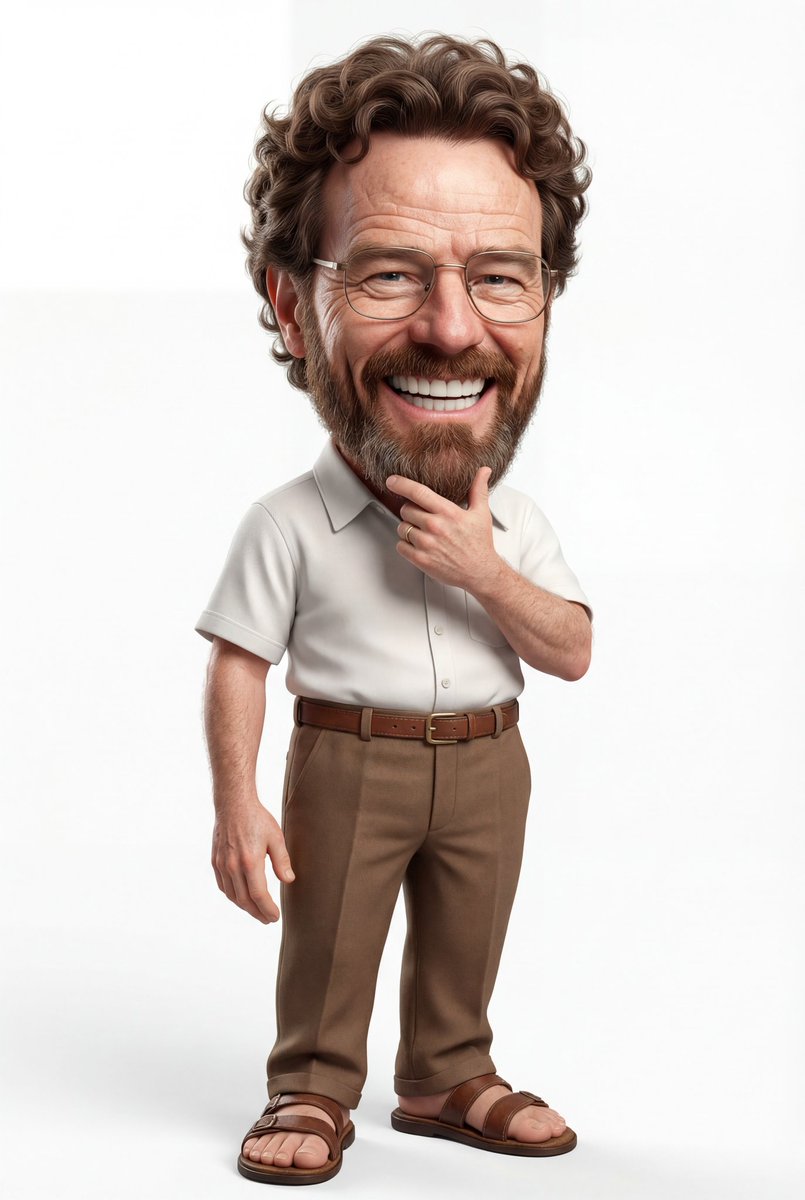
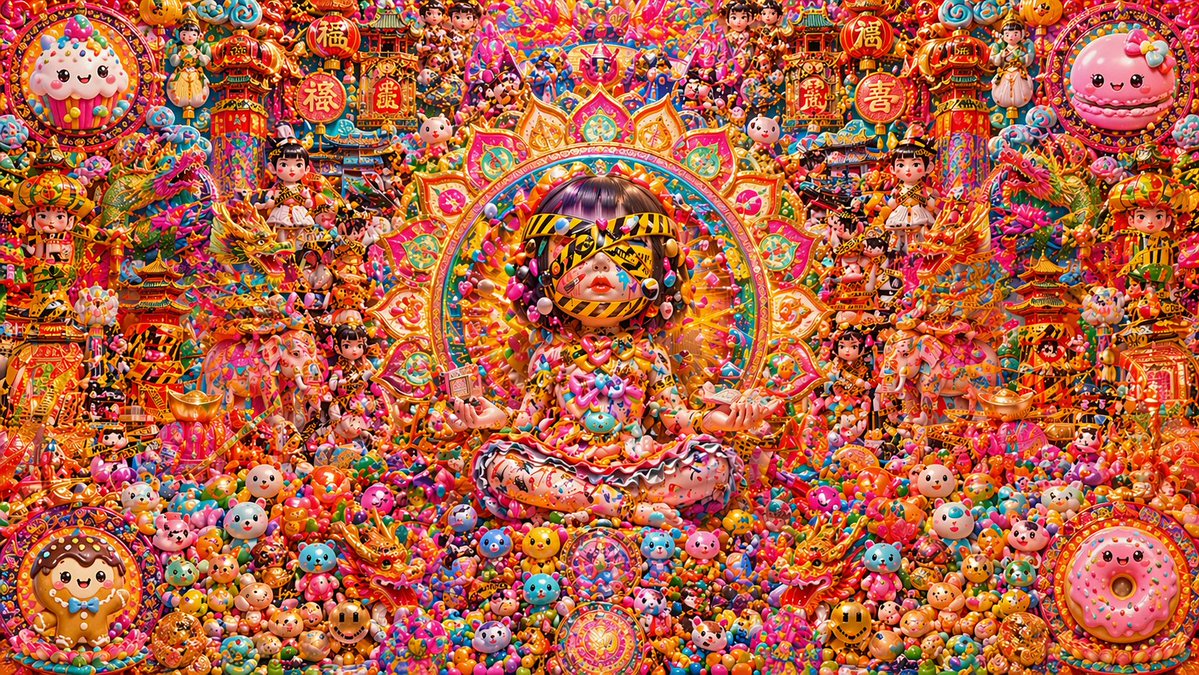
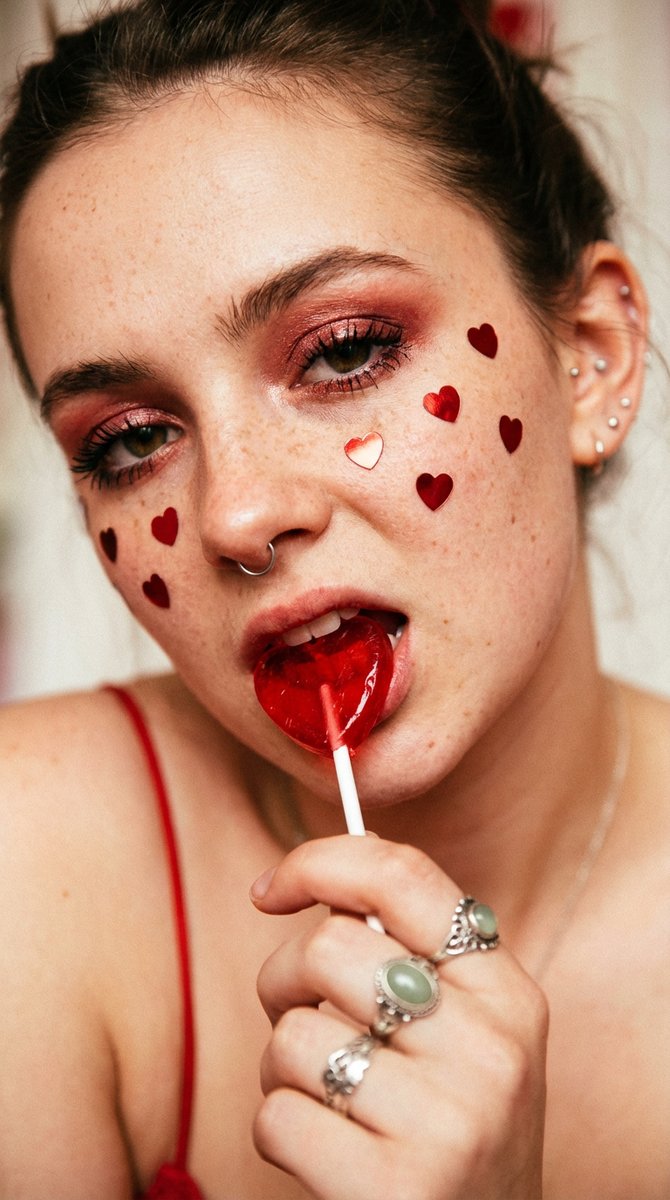
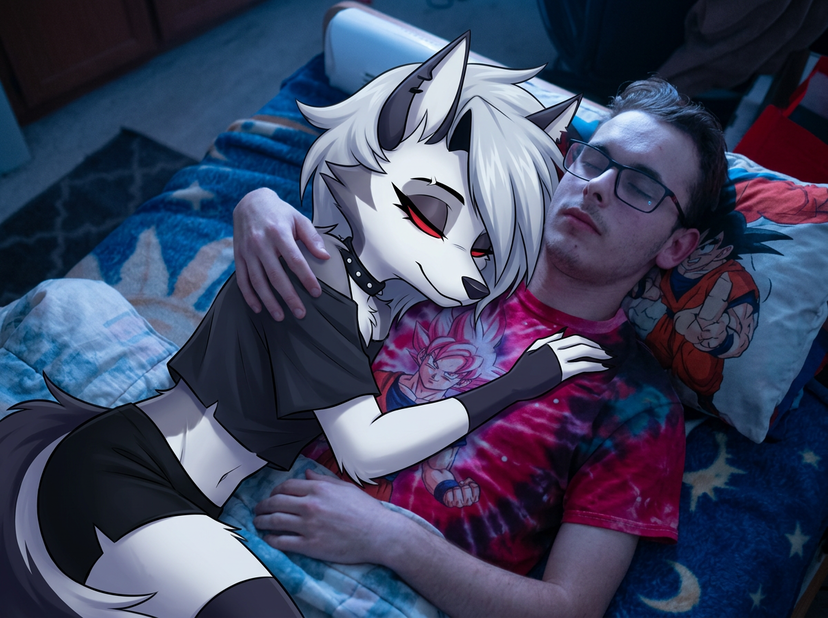
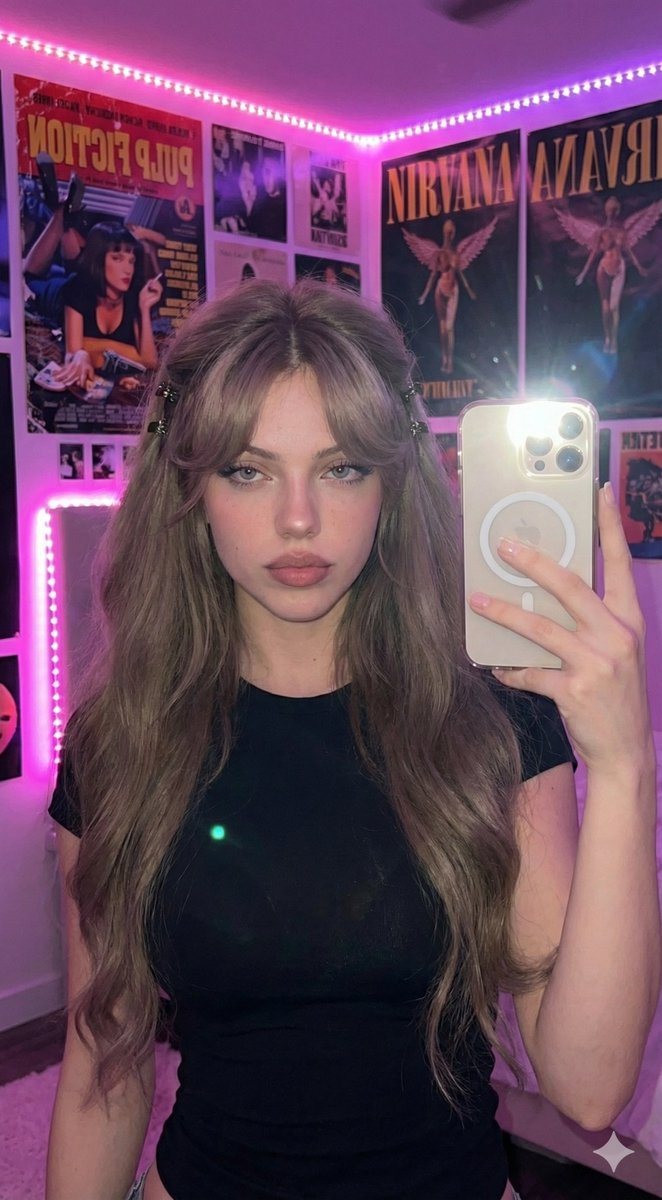
Generates a polished Pixar-style 3D male caricature avatar with crossed arms and a face-covering privacy square for profile or promotional use.

Create a high-quality 3D caricature portrait of a young adult man shown from the waist up, centered on a clean warm off-white studio background. Give him an oversized cartoon head and compact stylized body, with smooth glossy Pixar-like figurine materials, soft ambient lighting, subtle shadows, and polished clay-toy texture. The man has {argument name="hair color" default="dark brown"} thick sculpted hair, swept upward and back in dramatic layered waves with short faded sides, and visible rounded ears. His face is intentionally hidden by one large square privacy block centered over the entire face, filled with a smooth vertical skin-tone gradient from darker tan at the top to pale beige at the bottom, with sharp square edges. He wears a {argument name="shirt color" default="deep navy blue"} long-sleeve collared button-up shirt with visible seams, cuffs, collar, and two dark buttons; his arms are crossed confidently across his chest, hands visible with simplified rounded fingers. Use a front-facing slightly three-quarter pose, friendly promotional avatar composition, crisp details, rounded proportions, no text, no logo, no extra objects, and no background scenery.
Choose the primary action to open PicX Studio with the available template settings. Review the model and format, personalize the creative direction, and generate when ready.
Yes. You can change the subject, setting, lighting, mood, format, and available model controls before creating your image.
This template is free to open and customize. Generation usage is shown in PicX Studio before you create.
Start with GPT Image 2, which is the model associated with this template. You can compare another compatible model for a different finish.
© 2026 PicX Studio. All rights reserved.

Follow a topic to a crawlable collection of related PicX Studio templates.