
The Naturalist Dissection Prompt
A detailed Nano Banana 2 prompt for generating an image of a natural object (like a flower or insect) dissected and pinned open like a specimen, rendered with the lighting style of Caravaggio and the detail of National…
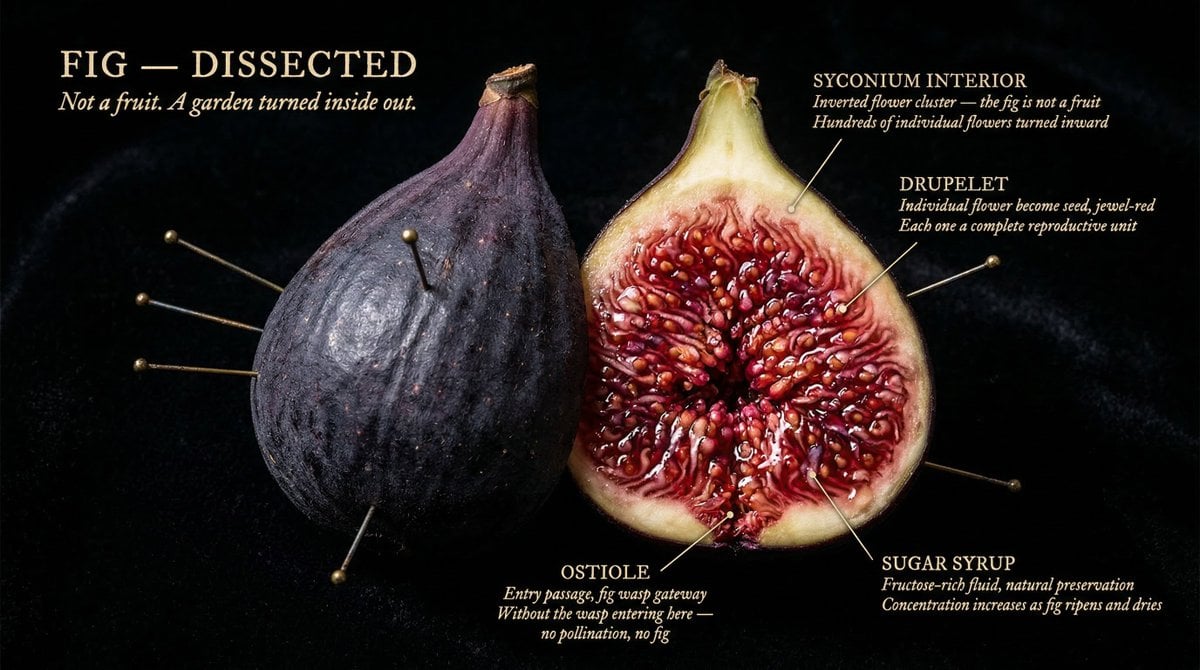
- Prompt included
- Model and format preset
- Premium template
The prompt behind this image
Copy the exact prompt behind The Naturalist Dissection Prompt, or open it in the studio and make it yours.
[NATURAL OBJECT] dissected as if by a master naturalist who found it in the wild. Split and pinned open like a specimen, but lit as if Caravaggio worked for National Geographic. Every internal structure glowing with its own material truth. Cross-section so sharp it feels violent. Interior so beautiful it feels sacred. The full object present, one half intact, one half opened to its core, every layer at the resolution of obsession. Background: pure black velvet. The object floats in it like something precious and dangerous. Labels pressed close, handwritten-weight serif, never floating: "[STRUCTURE]" / "[MATERIAL TRUTH]" / "[AGE OR SCALE]" "{argument name="object" default="[OBJECT]"} DISSECTED" title in warm ivory caps, upper left. "{argument name="line" default="[One line that makes you lean closer]"}" italic beneath. Mood: Audubon illustration meets Caravaggio meets the most beautiful science photograph ever taken. 4K, specimen lighting, extraordinary interior detail, nothing clinical, everything alive.
How to use The Naturalist Dissection Prompt in 3 steps
- 1
Open
The prompt is already in the box next to the preview, with the template's model and format selected.
- 2…a portrait of your subject in softgolden-hour light, 85mm…
Personalize
Edit the subject and creative details for your destination.
- 3Generate
Generate
Press Generate — your image is created in PicX Studio, so you can compare it with the original and refine one variable at a time.
More like this
Templates with the same subject, style or setup. Open one to see its prompt.
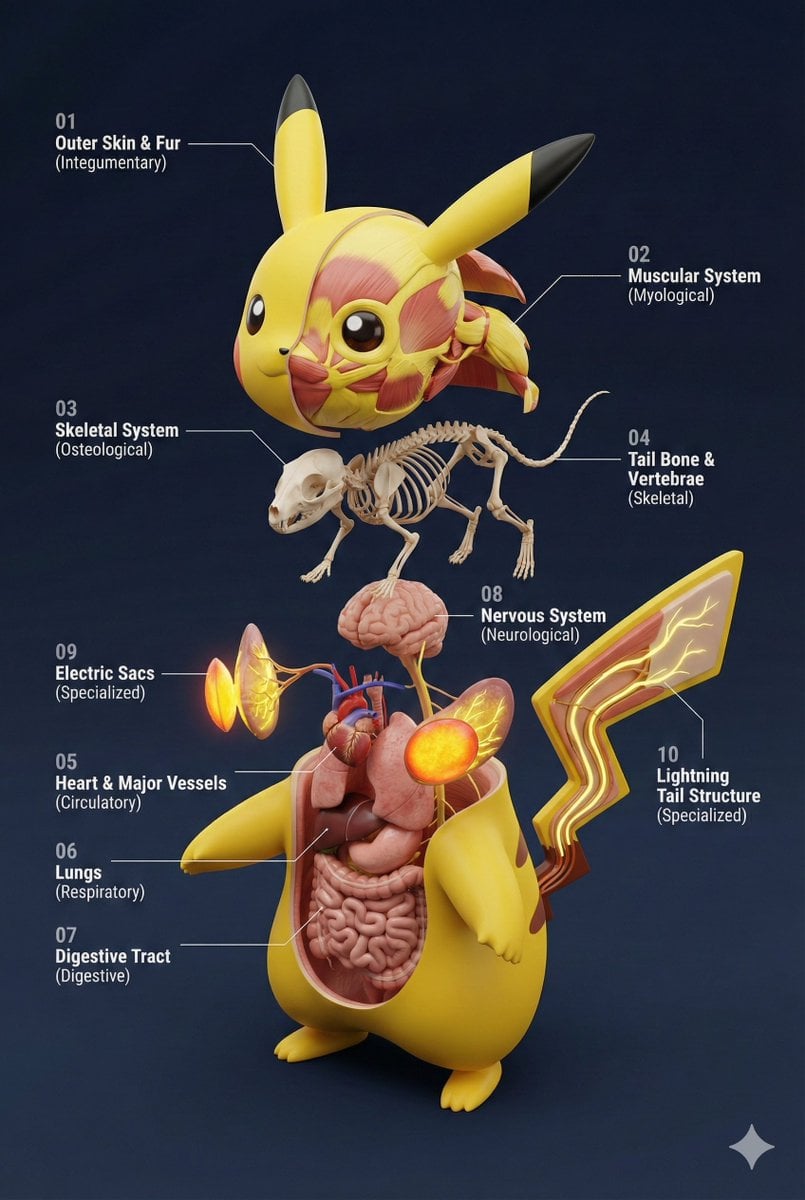
Universal 3D Anatomy Dissection Prompt
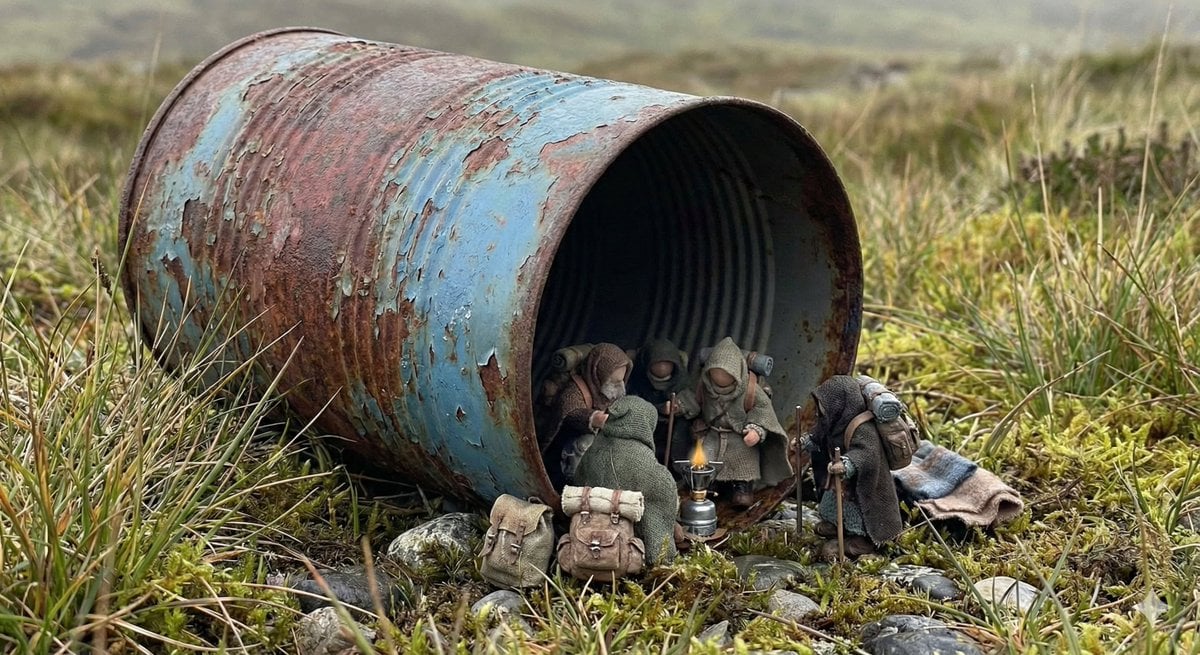
Object as Shelter: Naturalistic Storytelling
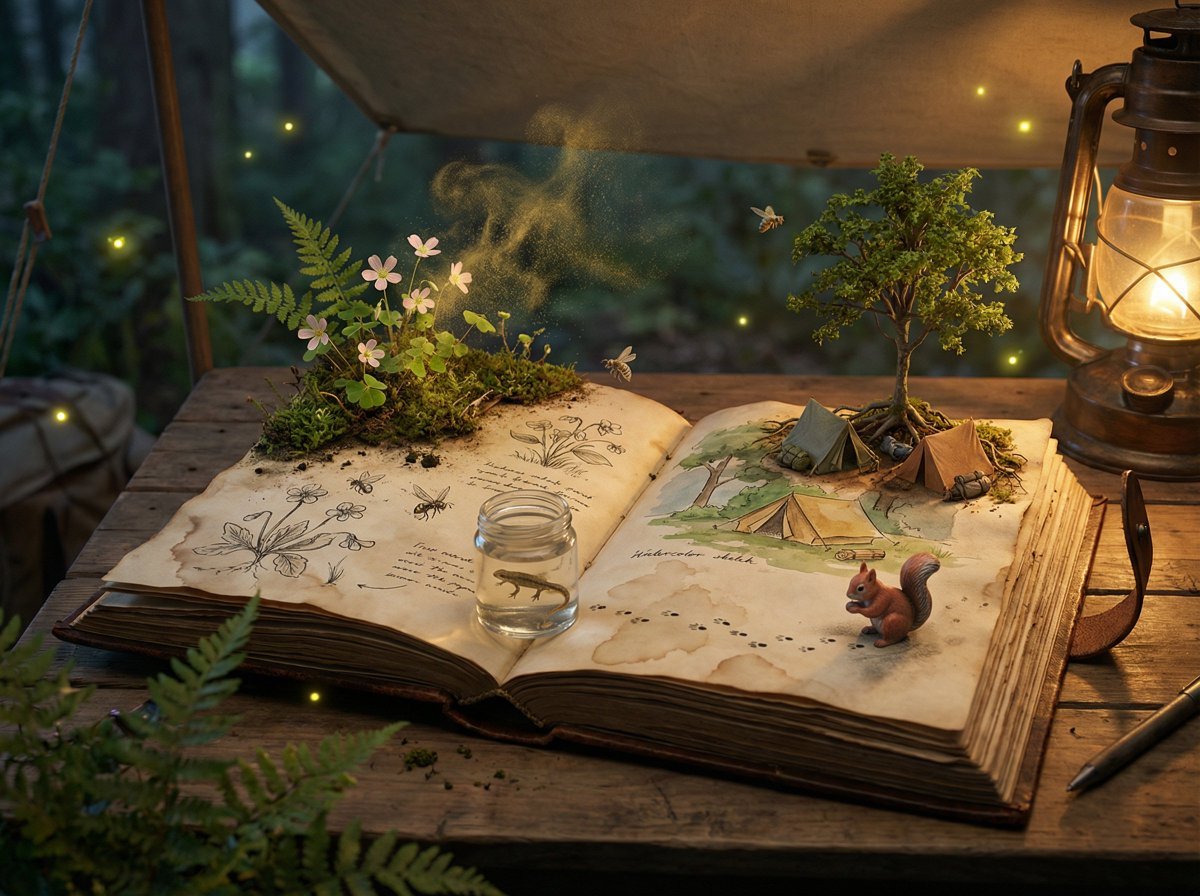
Naturalist Field Journal Ecosystem Scene
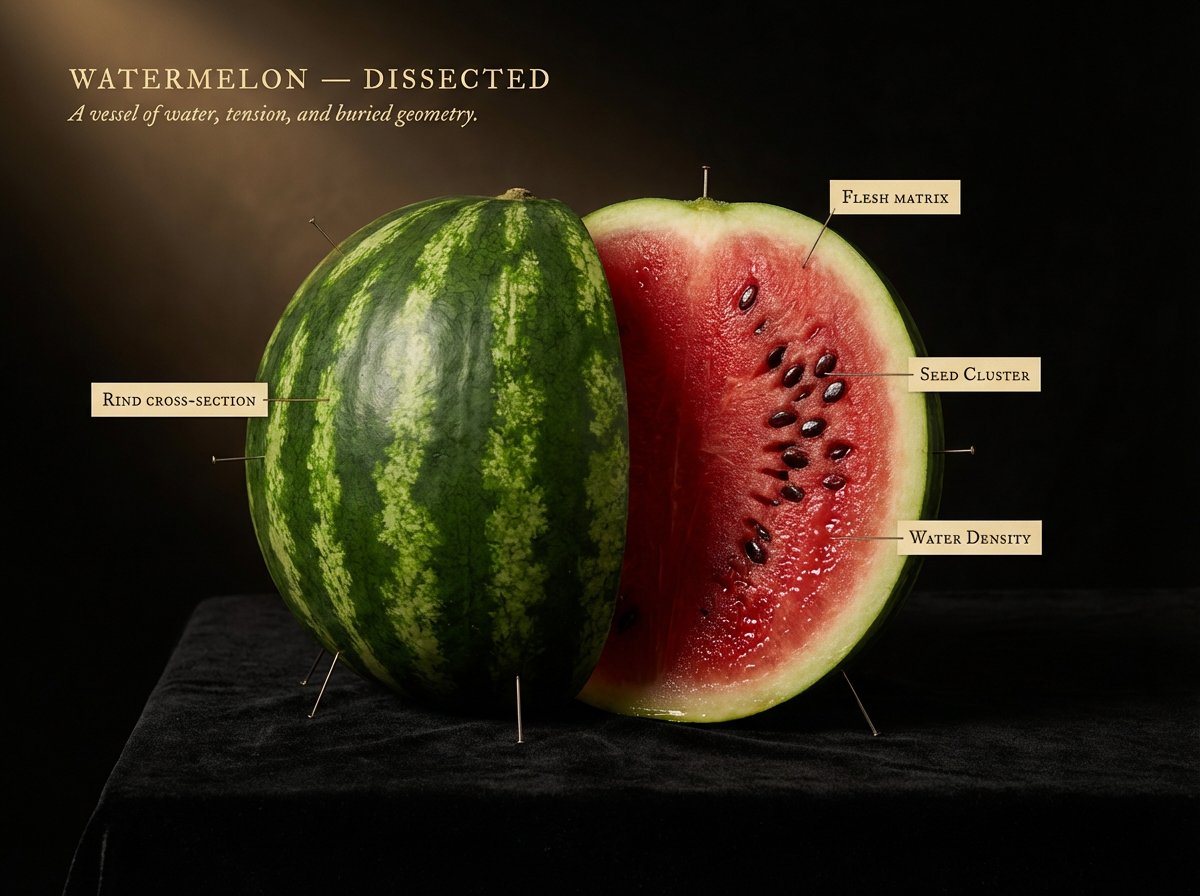
Caravaggio Meets National Geographic Dissection
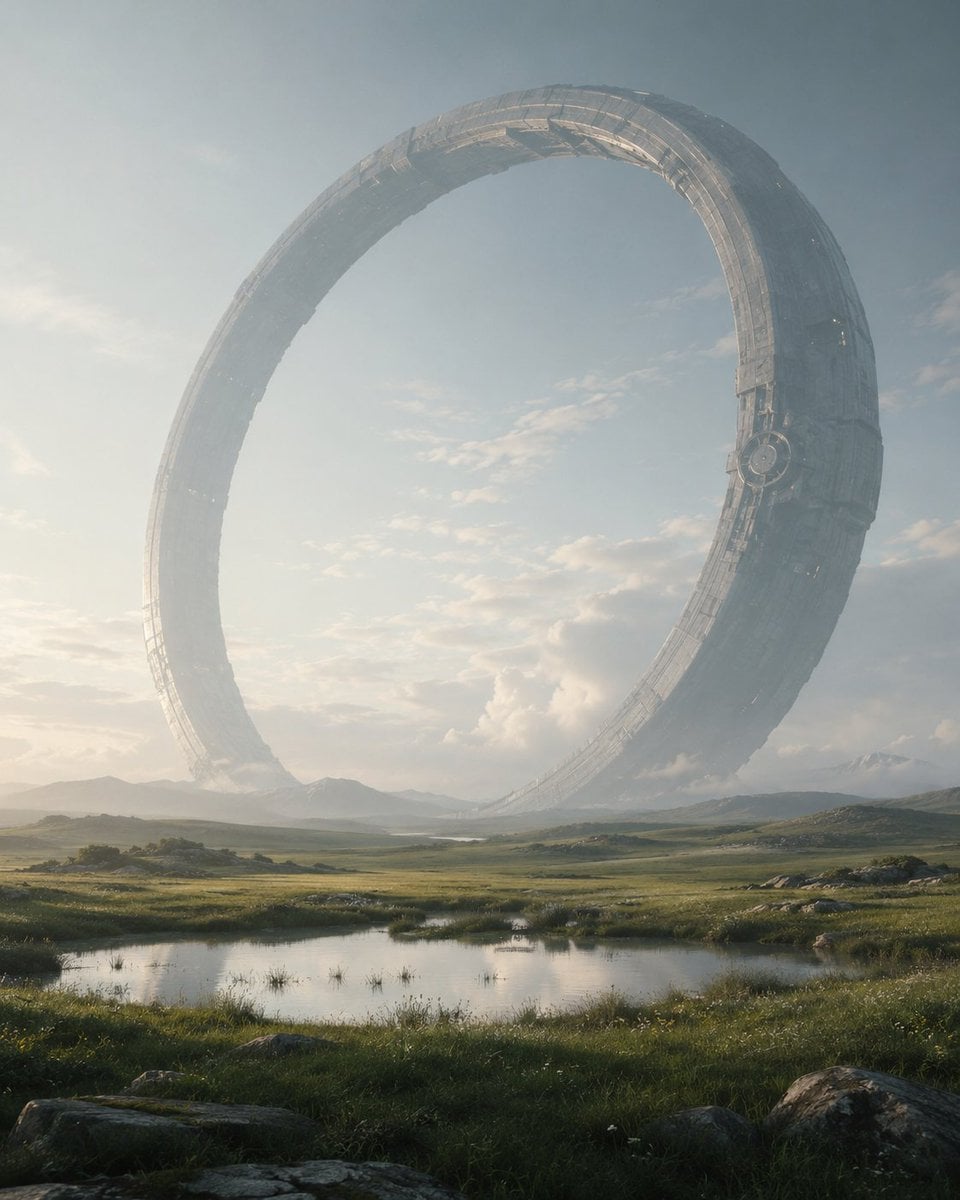
Colossal Ring on Earth
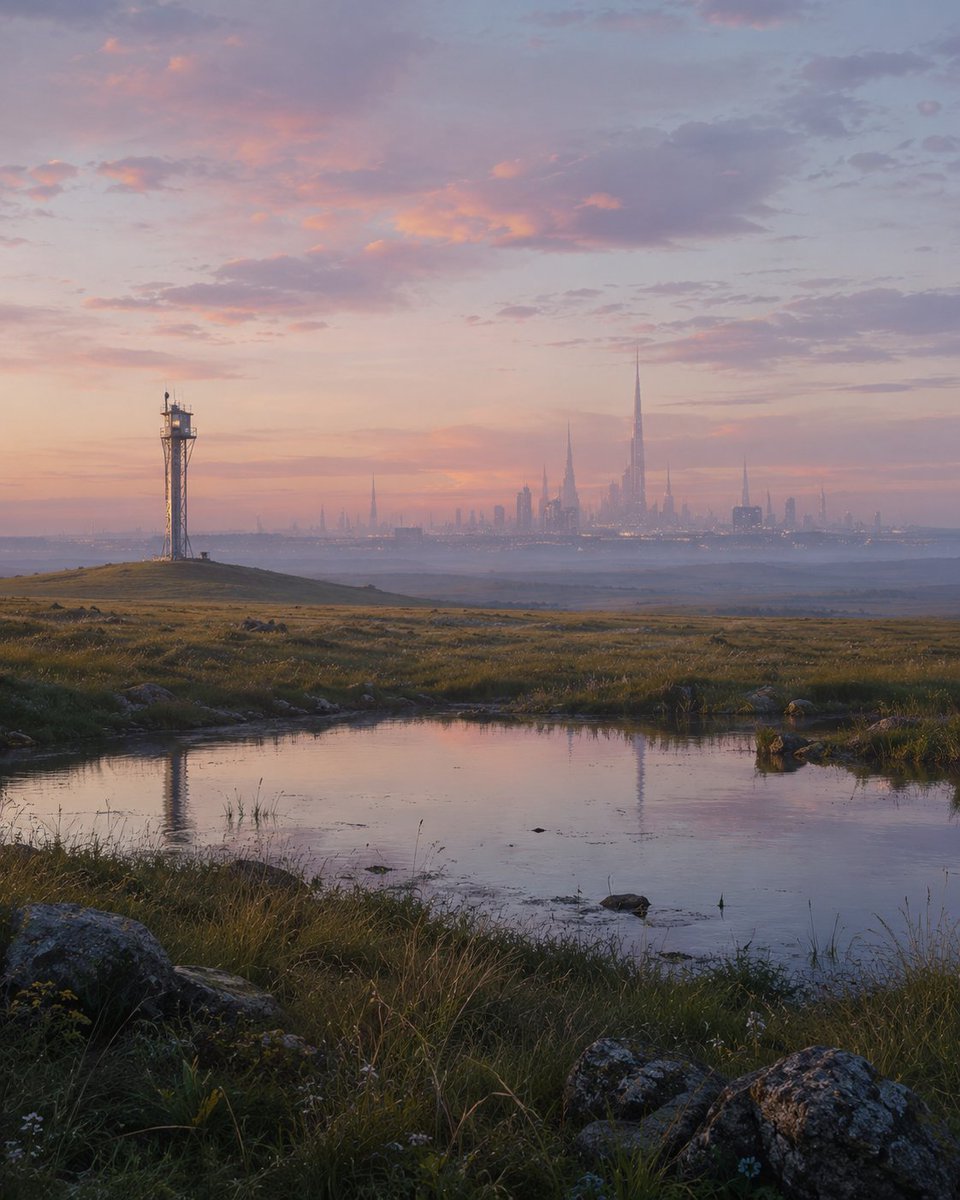
Pre-Dawn Futuristic Meadow
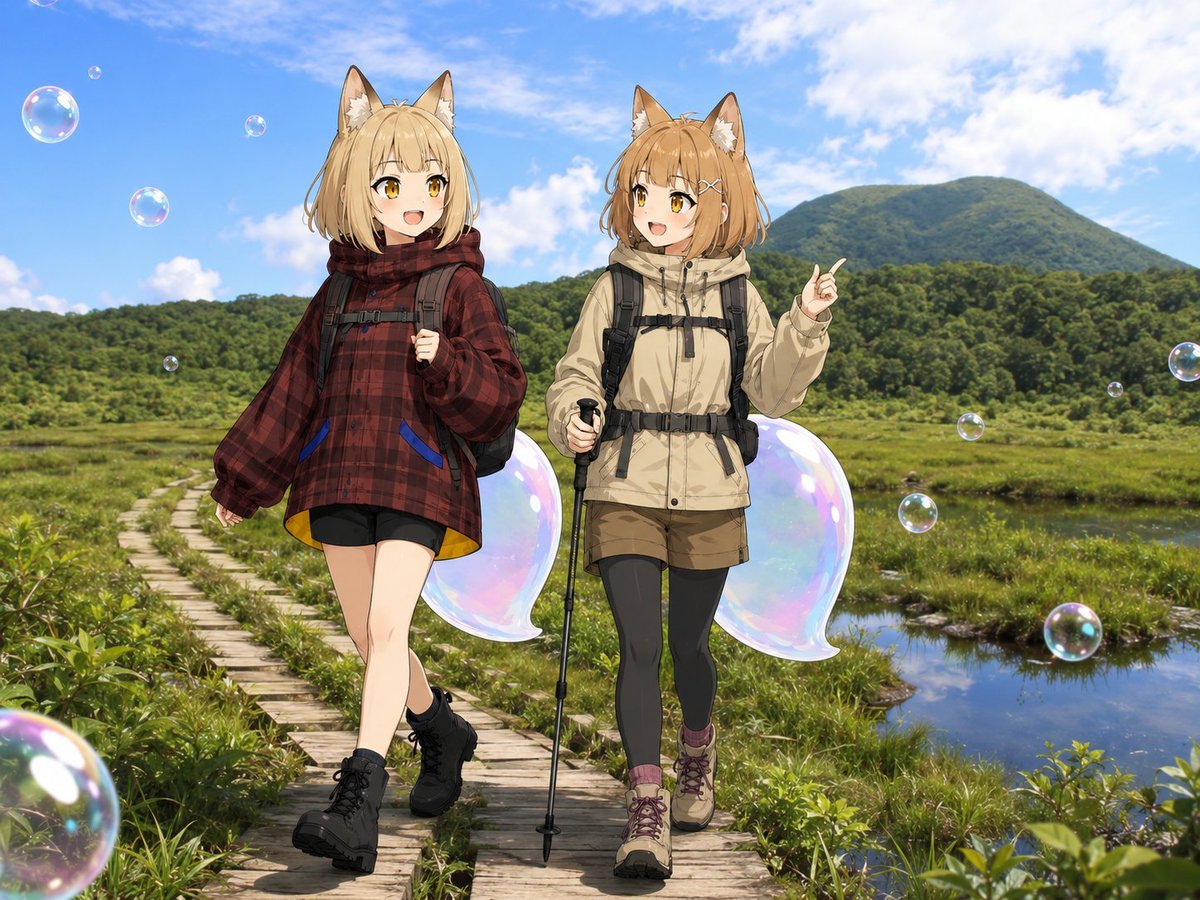
Fox Girls Hiking With Bubble Tails
Summer Sailor Uniform Fountain Portrait
Avant-Garde Faun Fashion Portrait
A preservation architect s survey board
Otter Family Lily Pond Illustration
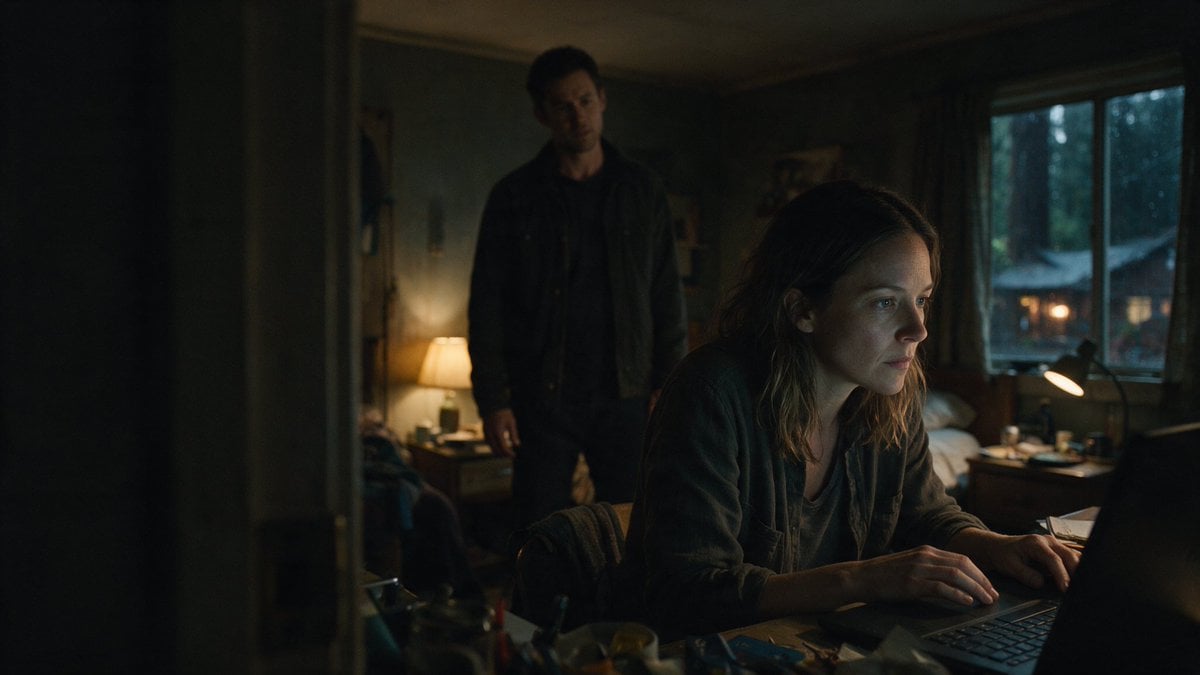
Moody Thriller Bedroom Laptop Scene
Make it yours
The Naturalist Dissection Prompt works as-is. These are the safest ways to change it without losing the look.
Change one field
Copy a single group, rewrite it, and generate again so you can see what that field is doing.
Keep the frame, change the subject
Hold the composition and light of The Naturalist Dissection Prompt, then swap wardrobe, props or the person for a new take.
| If the result… | Why | Fix |
|---|---|---|
| The result drifts from the preview | Too many fields changed at once. | Reuse The Naturalist Dissection Prompt as-is first, then change one group — subject, light, or setting. |
| The model over-stylizes the scene | The prose prompt leaves finish and camera underspecified. | Add one camera or lighting sentence and stay on Nano Banana 2. |
More Nano Banana 2 templates
Other prompts made for Nano Banana 2.

Photorealistic Leaf Shaped Like a Dragon

K-Pop Idol Portrait Grid for Rapid Selection

Poetic Rain Forest Portrait During Golden Hour

Urban Street Portrait with Cartoon Inner Self Duo

Candid Nighttime Photo with Cat Prompt

High-Concept 3D Diorama Generation Prompt

Cinematic Futuristic Studio Portrait Template

Skincare Editorial Photography Collage Prompt

Hyper-Realistic Commercial Product Photography (Splash Effect)

Hyper-Realistic Nightclub Portrait Prompt
More image prompts
Fresh picks from across the catalog.
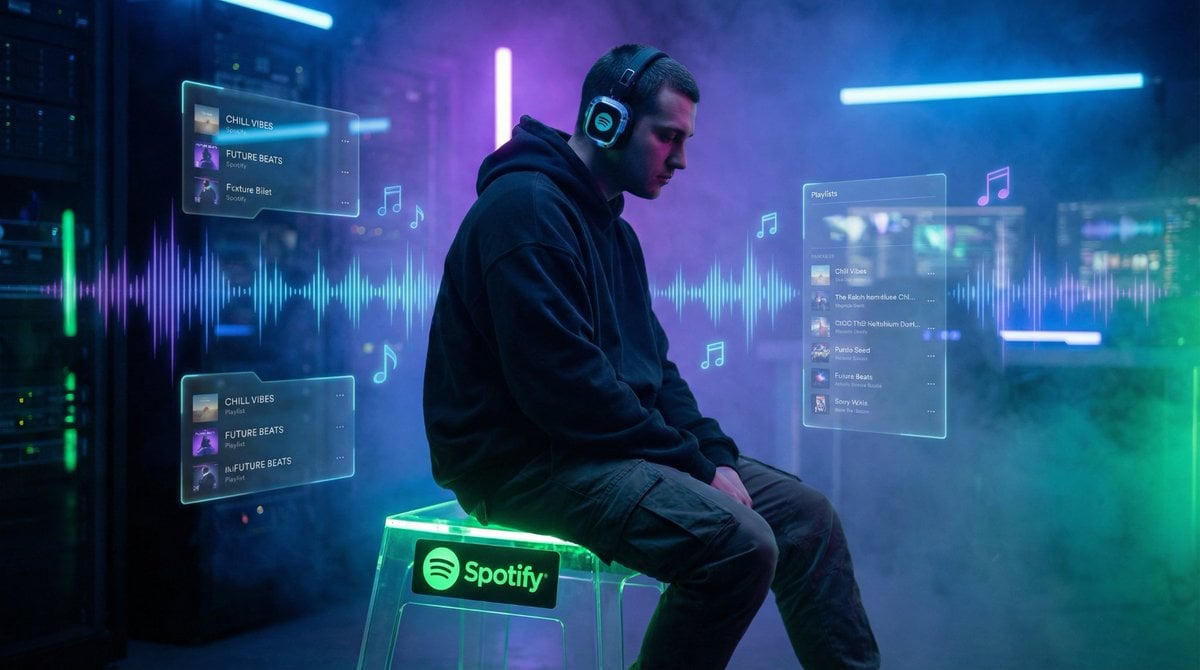
Cinematic Futuristic Portrait Prompt
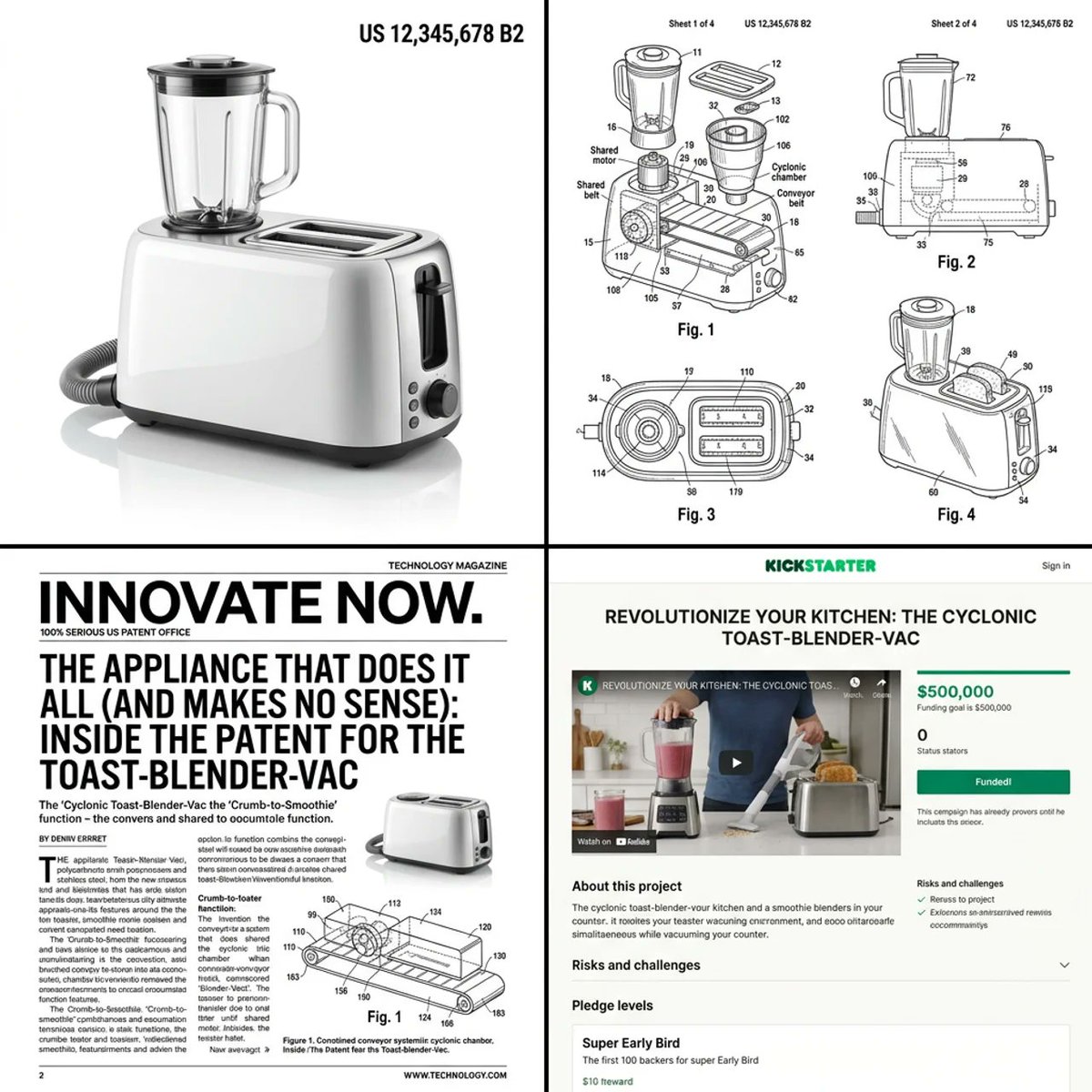
Multi-step prompt for generating absurd patent documents and product renders
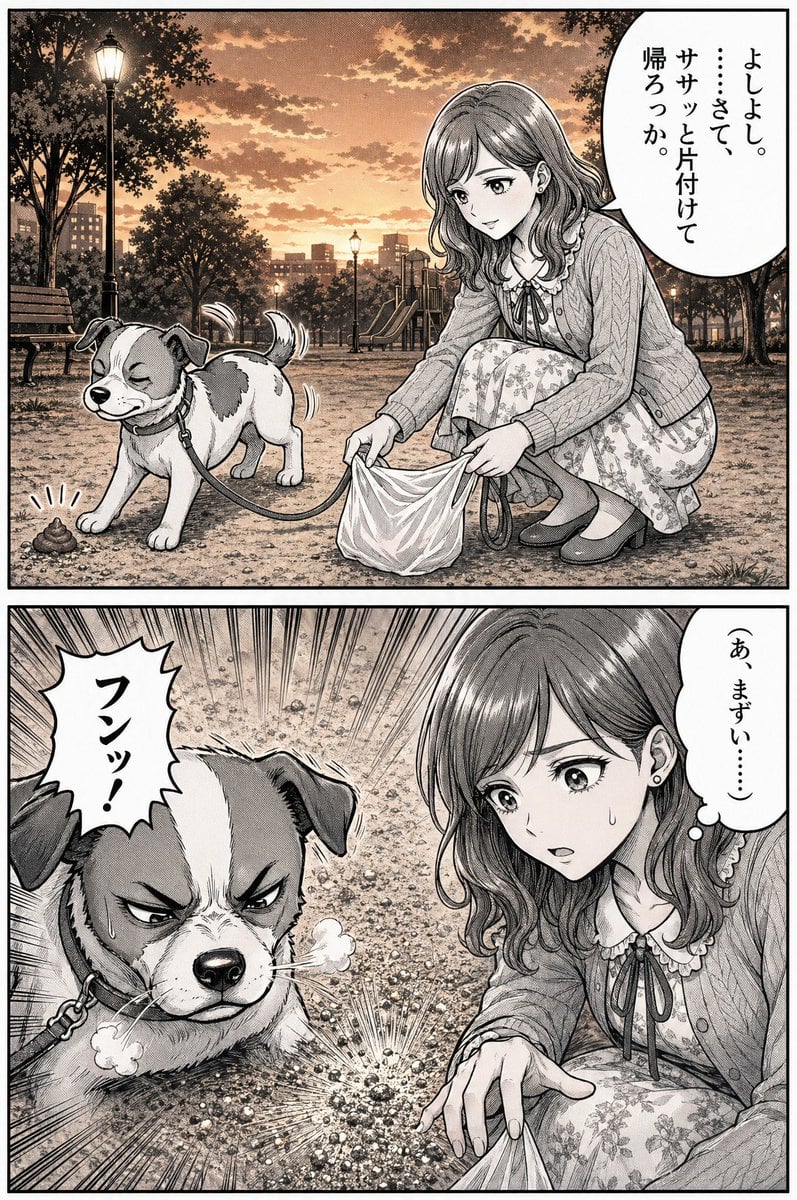
Manga Dog Kick at Sunset Park
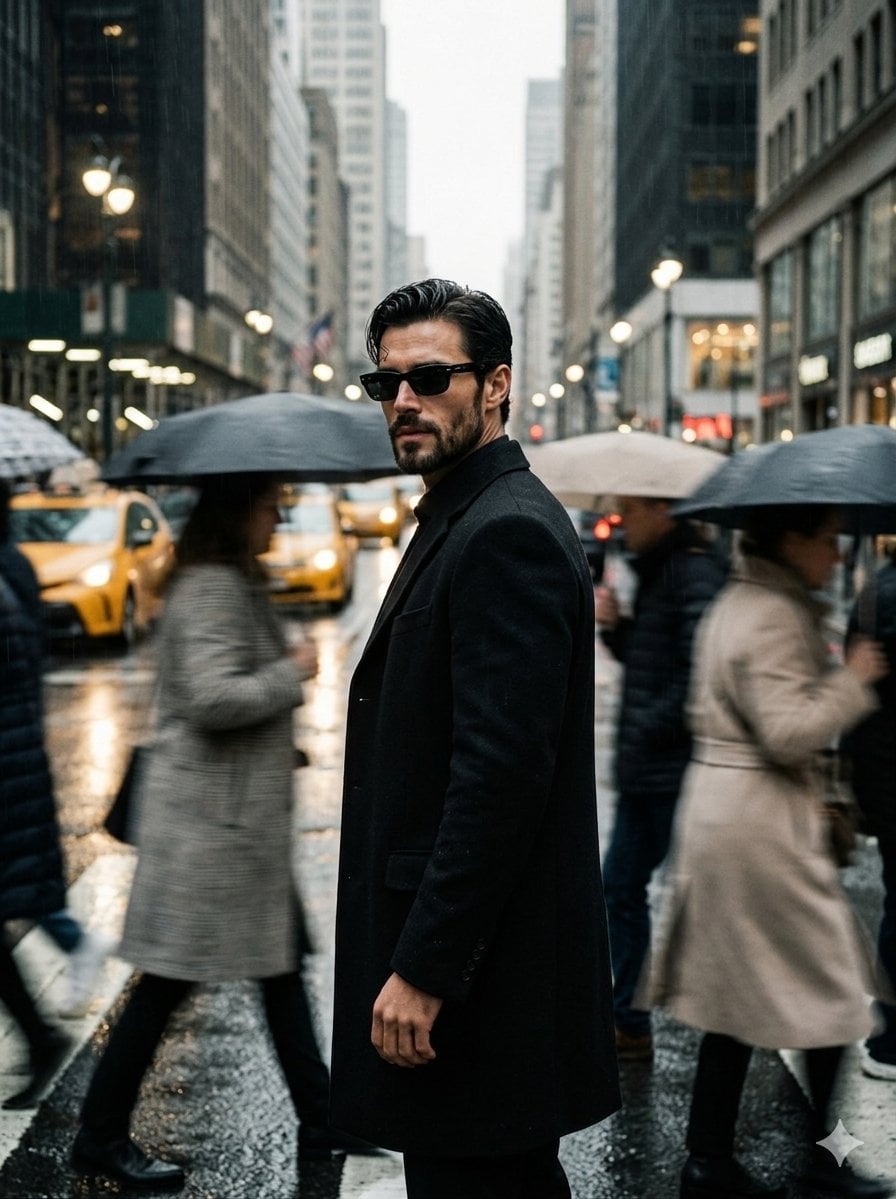
Urban Isolation Portrait
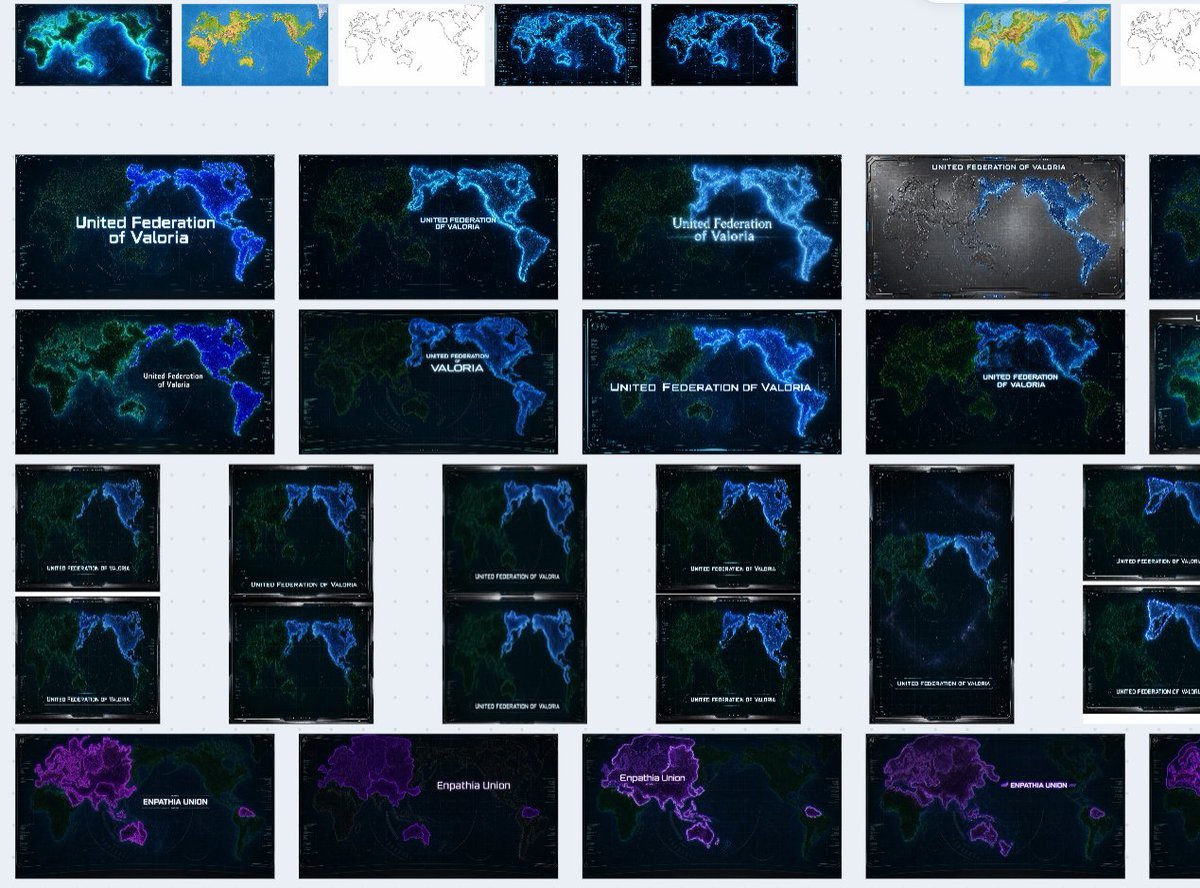
Fictional World Map Attempts Collage
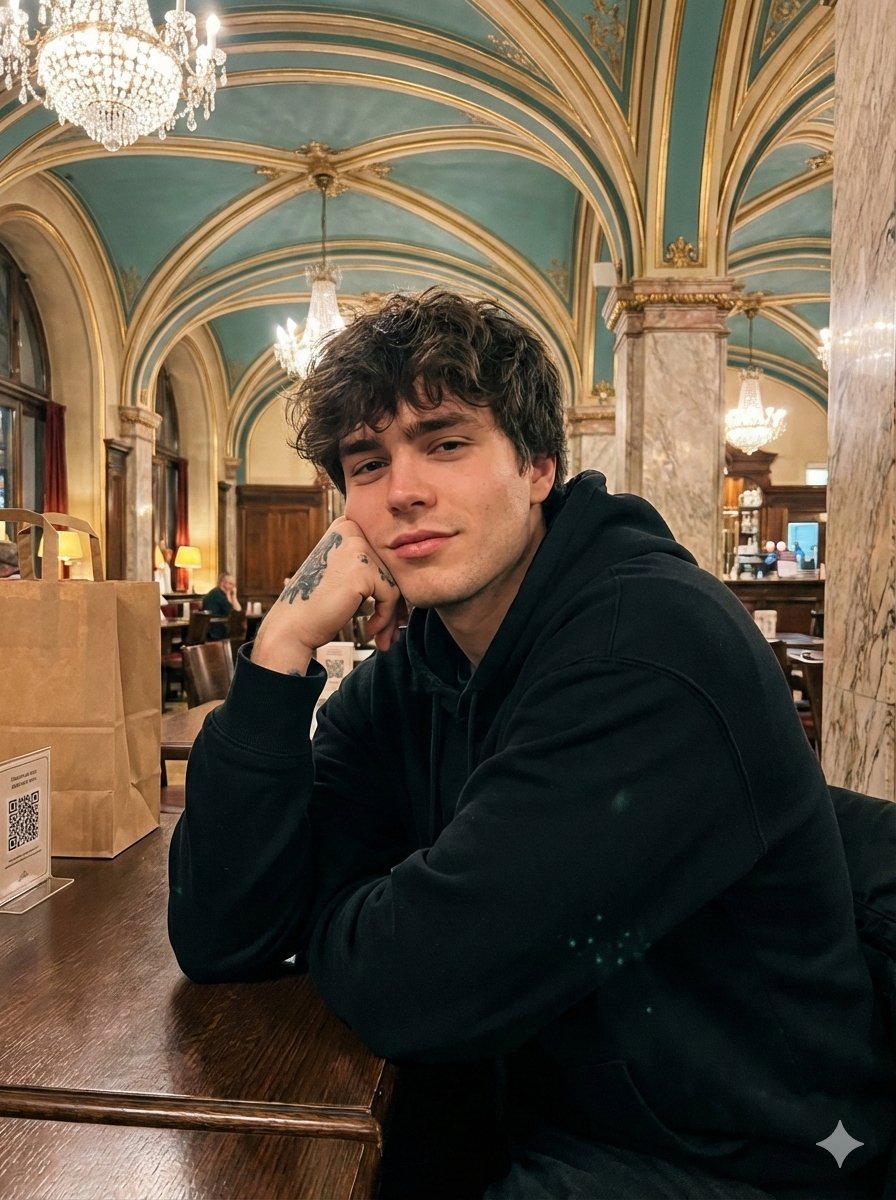
Opulent Café Portrait with Voluminous Hair

Nano Banana 2
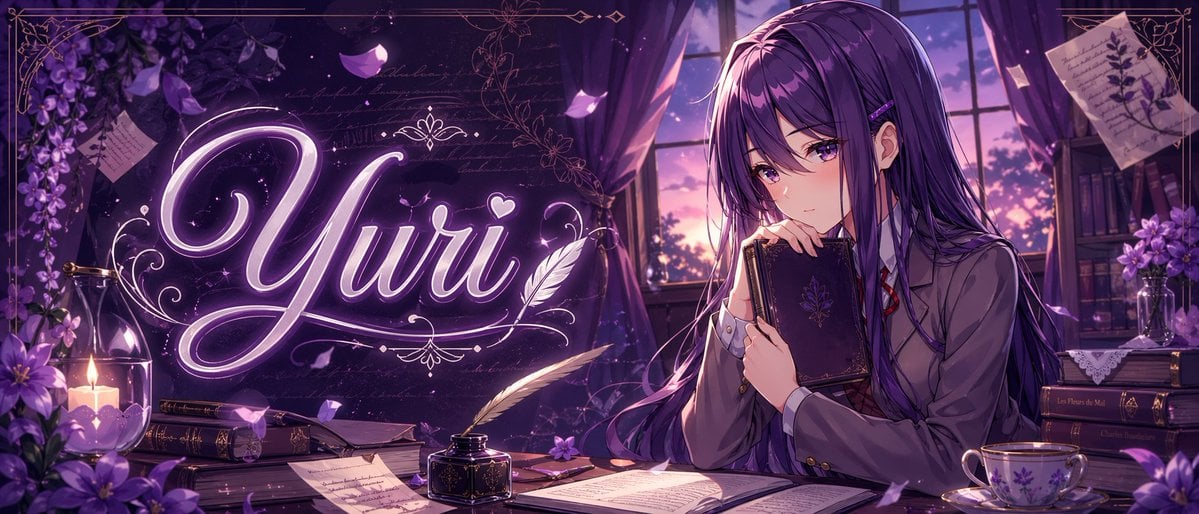
Gpt2 Youtube Thumbnail Purple Anime Yuri Banner
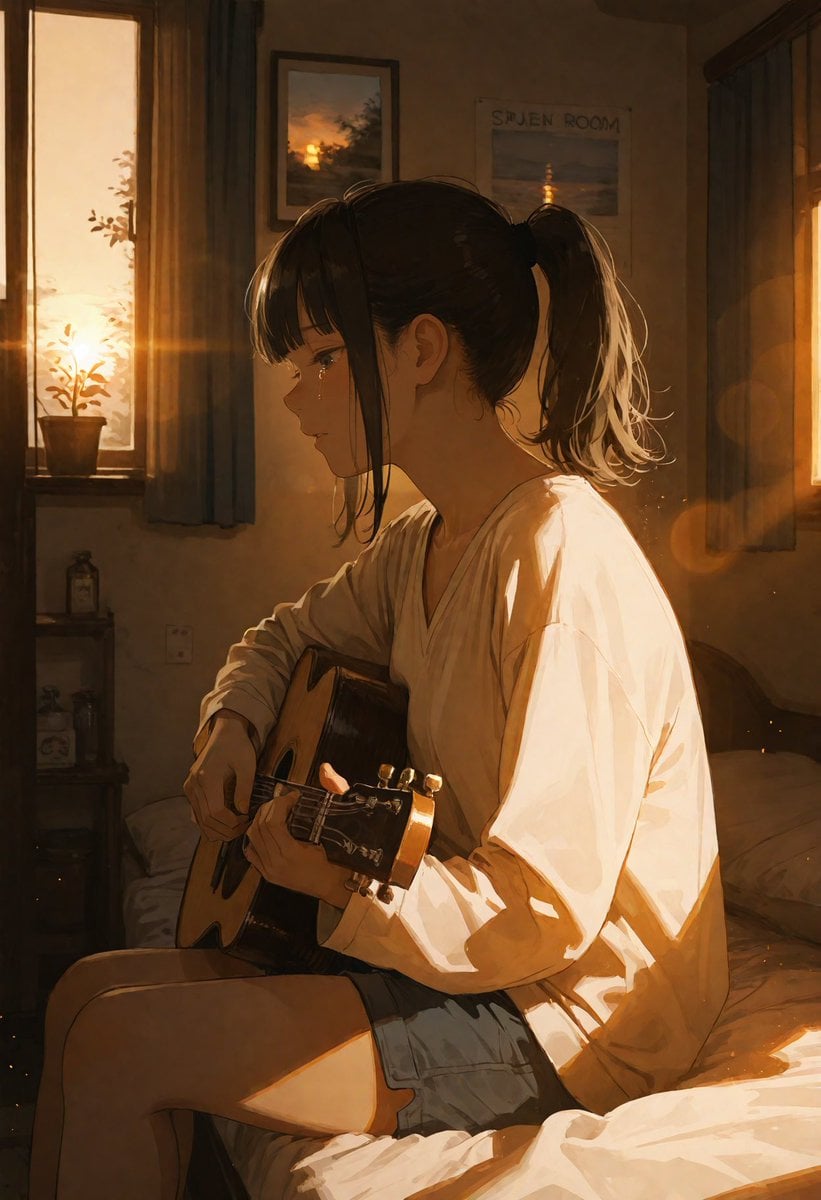
Golden Hour Guitar Bedroom Scene
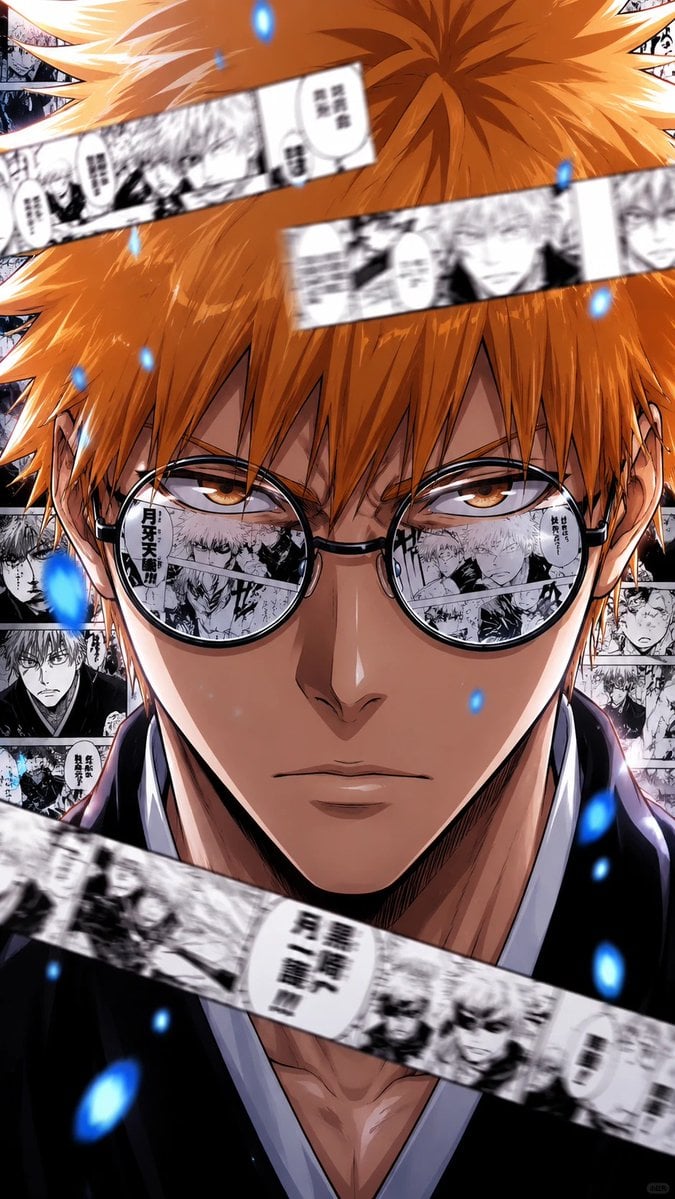
Bleach Style High-Impact Manga Poster
Browse template categories
The Naturalist Dissection Prompt questions
How do I use the The Naturalist Dissection Prompt template?
Add your photo if the template asks for one, edit the prompt if you like — the template's model and format are already selected — and press Generate. Your version opens in PicX Studio.
Can I customize the The Naturalist Dissection Prompt template?
Yes. You can change the subject, setting, lighting, mood, format, and available model controls before creating your image.
Is the The Naturalist Dissection Prompt template free?
Opening and editing this template is free. Generating uses credits, shown on the Generate button when you are signed in.
Which AI model should I use?
Start with Nano Banana 2, which is the model associated with this template. You can compare another compatible model for a different finish.
Looking for something else? Browse all templates.

Your photo, any look
Thousands of ready templates for every top image and video model, from one credit balance.