
Fox Girls Hiking With Bubble Tails
A whimsical anime-style hiking scene featuring two fox-eared girls with translucent bubble tails on a mountain wetland boardwalk.
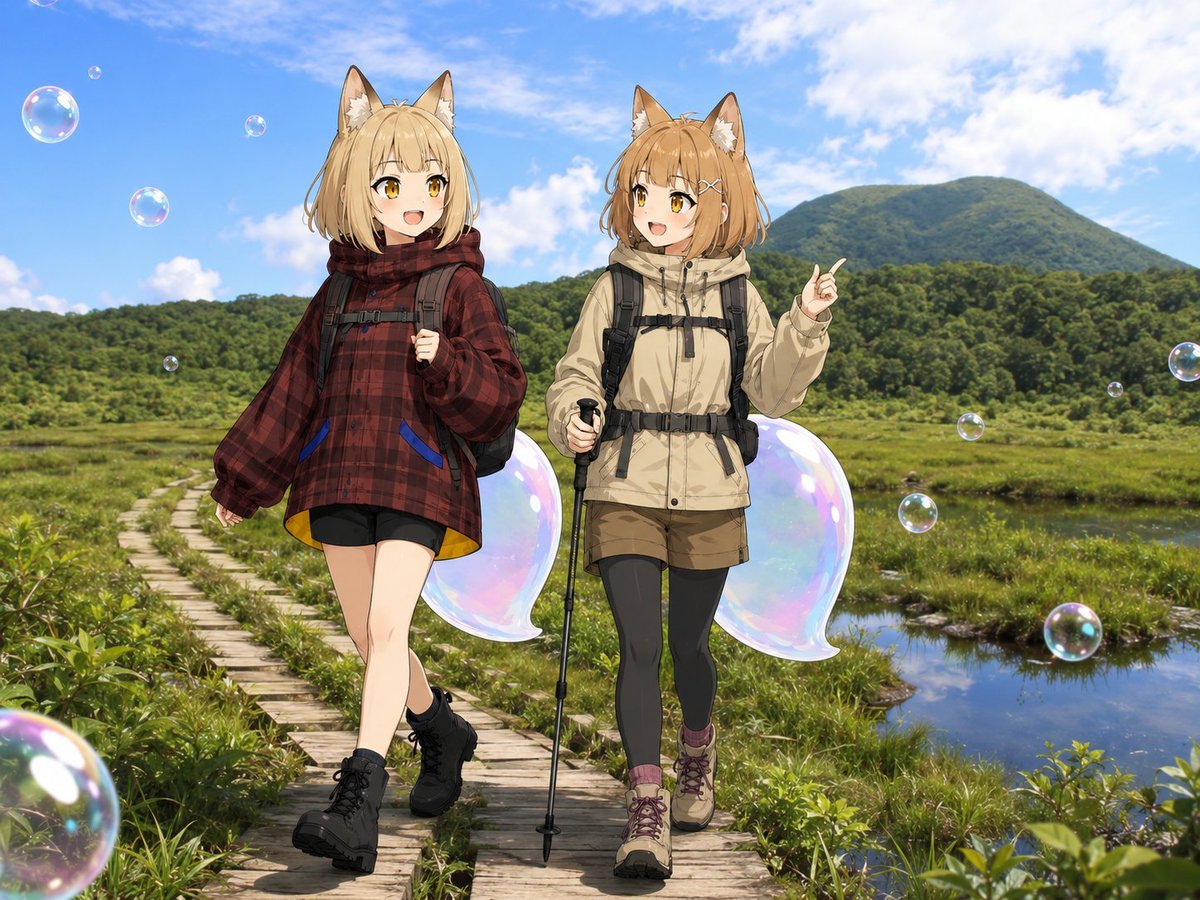
- Prompt included
- Model and format preset
- Free template
The prompt behind this image
Copy the exact prompt behind Fox Girls Hiking With Bubble Tails, or open it in the studio and make it yours.
Create a bright mixed-media anime illustration of two cheerful fox-eared hiking girls, {argument name="character name" default="Alma"}, walking side by side on a wooden boardwalk through a lush alpine wetland at {argument name="location" default="Chisenupuri mountain"}. Use a realistic outdoor landscape background with green marsh grasses, reflective water channels, dense forest, a rounded mountain in the distance, and a vivid blue sky with soft white clouds. The girls should be full-body anime characters composited naturally into the scene: both have golden-brown fox ears, short fluffy light-brown/blonde hair, amber eyes, happy open-mouth expressions, backpacks, hiking boots, and outdoor trekking clothes. The left girl wears an oversized dark {argument name="left jacket color" default="red plaid"} hooded jacket, black shorts, black hiking boots, and a backpack, walking casually with one hand near her backpack strap. The right girl wears a {argument name="right jacket color" default="beige"} hiking jacket, brown shorts over black leggings, purple socks, tan hiking boots, a backpack harness, and holds one black trekking pole while pointing upward with her other hand. Behind each girl is one large translucent iridescent bubble-shaped fox tail, for a total of exactly 2 bubble tails, shaped like soft rounded fox tails with pastel rainbow highlights and transparent glassy edges. Add exactly 12 floating soap bubbles of varied sizes around the scene: 6 on the left side of the image including one large cropped foreground bubble at the bottom-left, and 6 on the right side including one large bubble near the lower-right. Style the characters with clean high-quality anime line art, soft cel shading, detailed hair and clothing folds, while the scenery remains naturalistic and sunlit. Composition should be horizontal 4:3, eye-level, lively and whimsical, no text, no watermark, no extra characters.
How to use Fox Girls Hiking With Bubble Tails in 3 steps
- 1Upload ImagePNG, JPG or paste
Add your photo
Upload the photo the template builds on. The prompt, model and format are already set.
- 2…a portrait of your subject in softgolden-hour light, 85mm…
Personalize
Edit the subject and creative details for your destination.
- 3Generate
Generate
Press Generate — your image is created in PicX Studio, so you can compare it with the original and refine one variable at a time.
More like this
Templates with the same subject, style or setup. Open one to see its prompt.
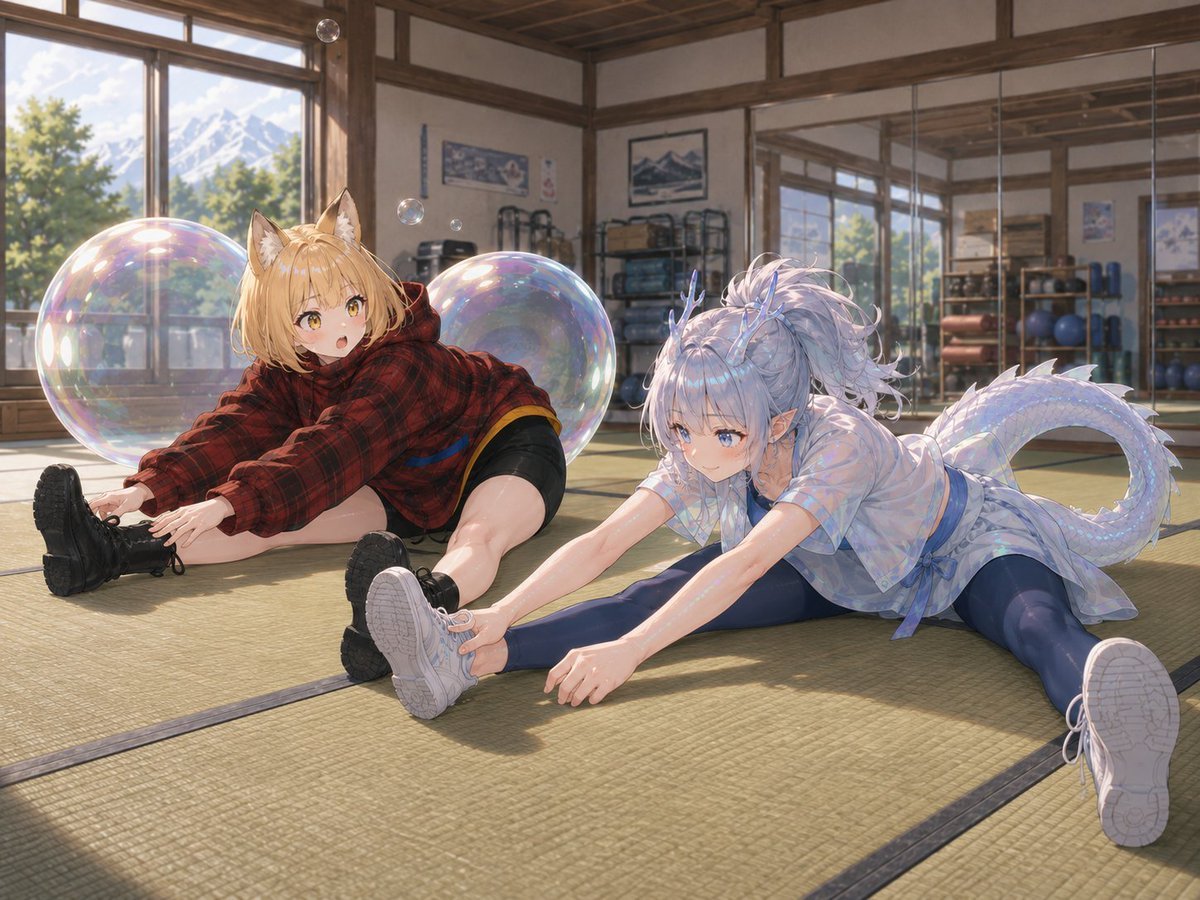
Bubble Dragon and Fox Stretching
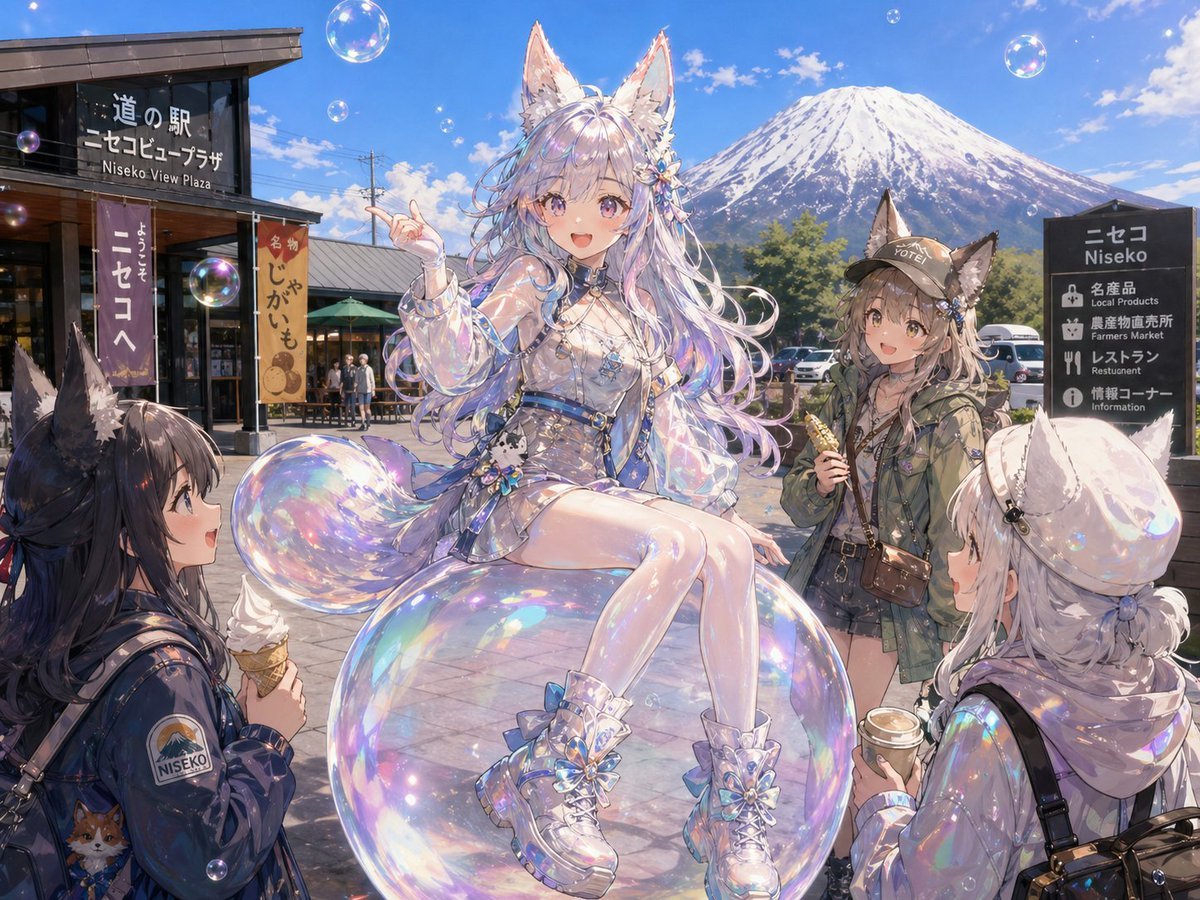
Bubble Fox Friends Meet in Niseko
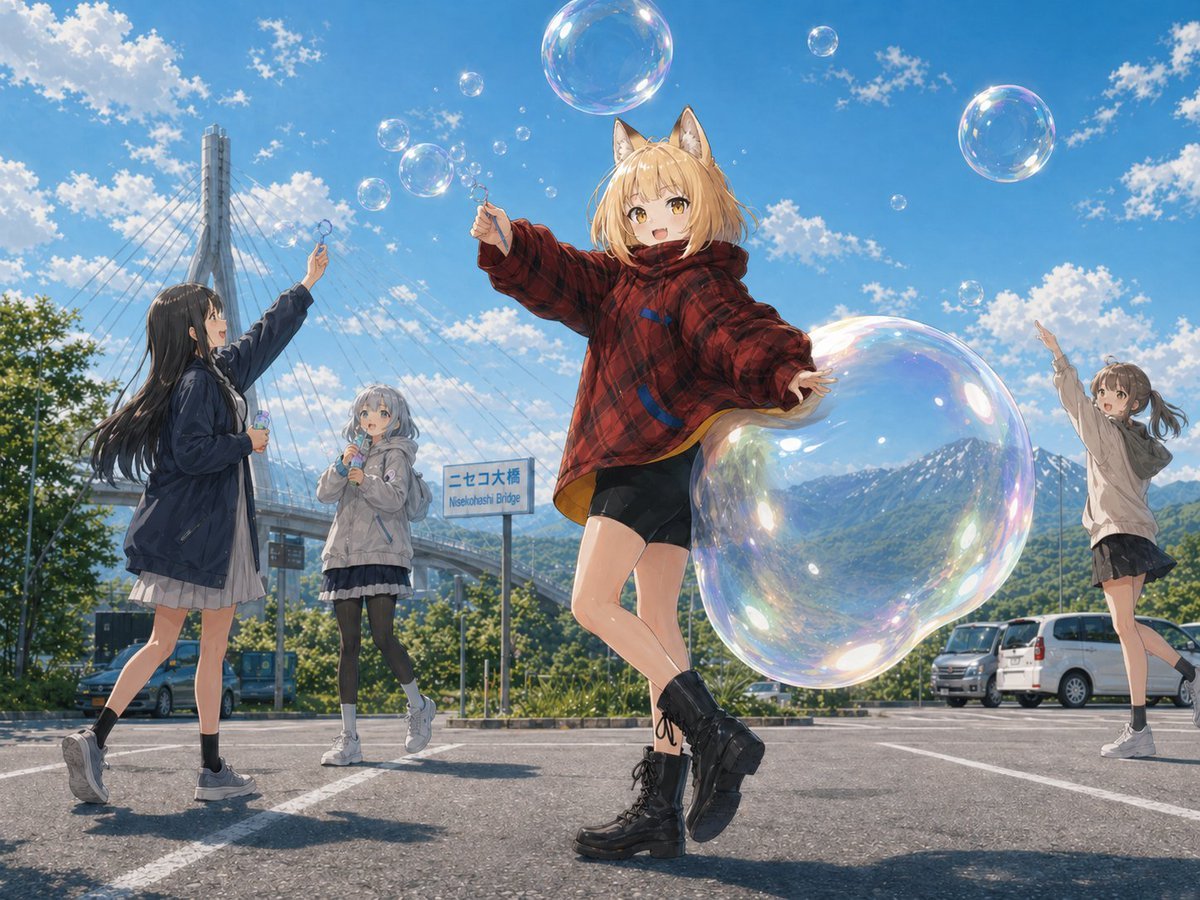
Fox Girl Bubble Dream

Seedance 2.0 - Anime Girl Fight

Moonlit Fox Mask Night Market
Halloween Fox-Eared Fantasy Girl
Schoolgirls Riding Bicycles

Two Maid Cafe Girls Making a Heart
Foxy App Icon Exploration Board
Misty Mountain Hiking Portrait

Blonde Twin Tails Girl Drinking Tea
Minimalist Tibet Hiking Cover
Make it yours
Fox Girls Hiking With Bubble Tails works as-is. These are the safest ways to change it without losing the look.
Change one field
Copy a single group, rewrite it, and generate again so you can see what that field is doing.
Keep the frame, change the subject
Hold the composition and light of Fox Girls Hiking With Bubble Tails, then swap wardrobe, props or the person for a new take.
| If the result… | Why | Fix |
|---|---|---|
| The result drifts from the preview | Too many fields changed at once. | Reuse Fox Girls Hiking With Bubble Tails as-is first, then change one group — subject, light, or setting. |
| The model over-stylizes the scene | The prose prompt leaves finish and camera underspecified. | Add one camera or lighting sentence and stay on GPT Image 2. |
More GPT Image 2 templates
Other prompts made for GPT Image 2.

Six VTuber Japanese Logo Sheet

Realistic Portrait of Woman and Deer

The Vista Modular Condo Poster

AI Model Routing Comparison Infographic

2.5D Anime Art Board

Isometric Productivity Desk Scene

New York Double Exposure Poster

Four-Panel AI Landscape Comparison

Japanese Tatami Lifestyle Magazine Cover

NESCAFÉ Coffee Map Poster
More image prompts
Fresh picks from across the catalog.
Amateur Style Couple Memories Prompt
Elegant Office Lady at Beauty Counter
Giant Product Art Installation Prompt for Nano Banana Pro
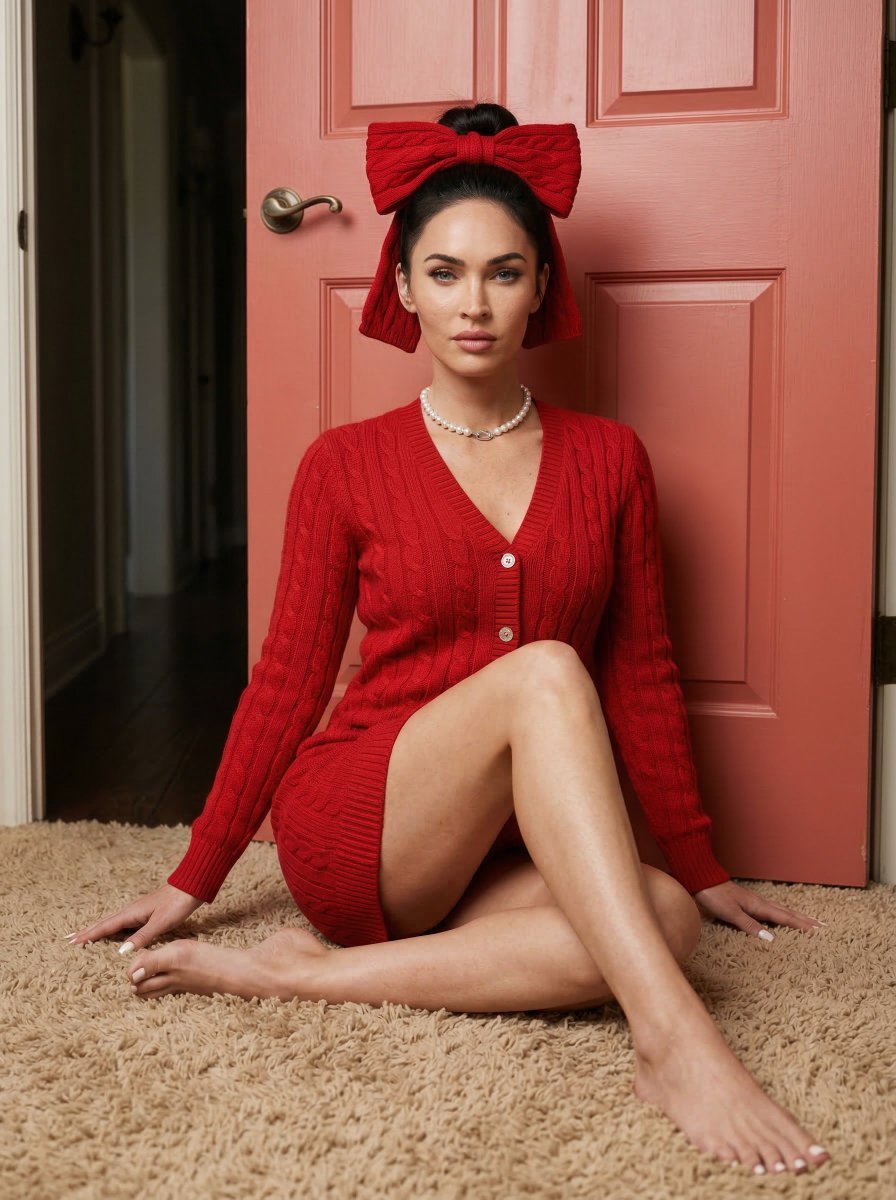
Aesthetic Seated Portrait with Cable-Knit Dress and Ribbon Bow
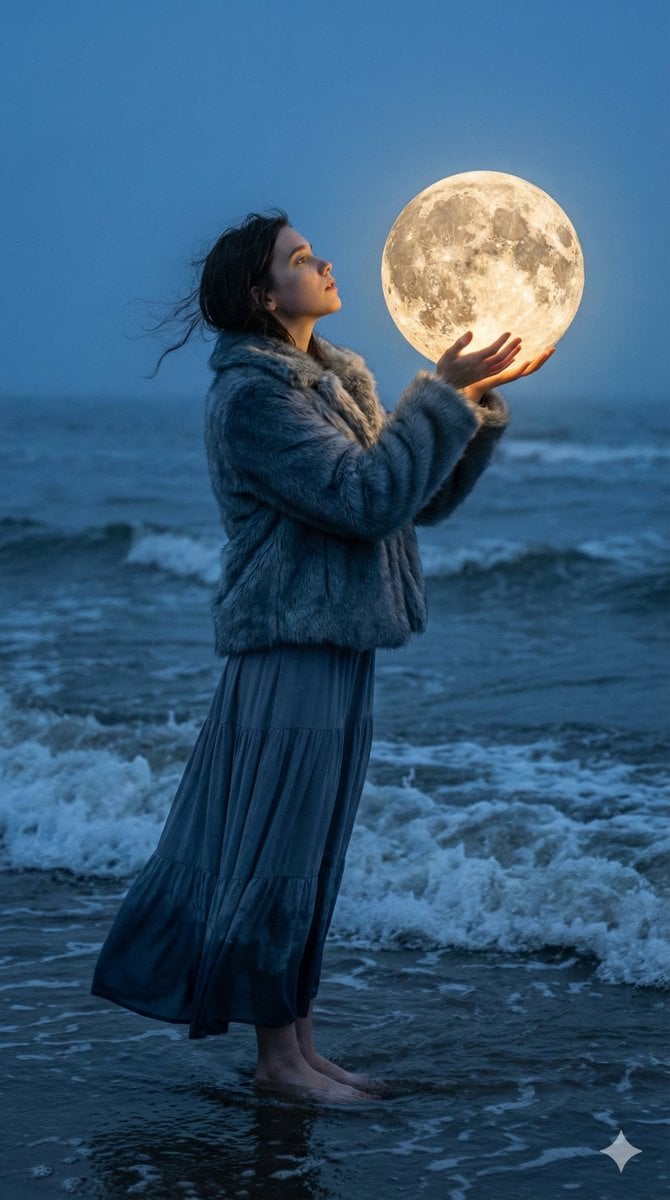
Magical Realism Portrait: Woman Holding a Glowing Moon Orb at Twilight
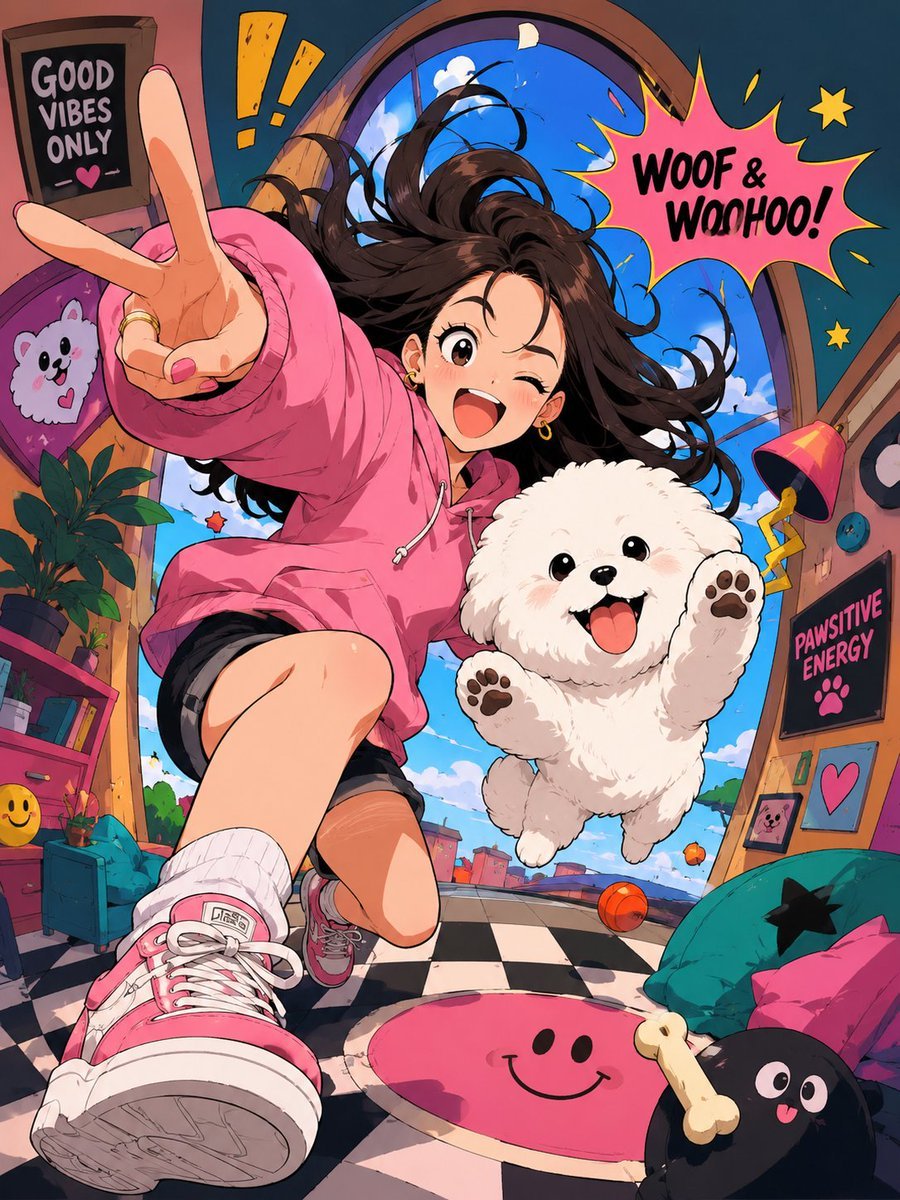
Expressive Cartoon Anime Style
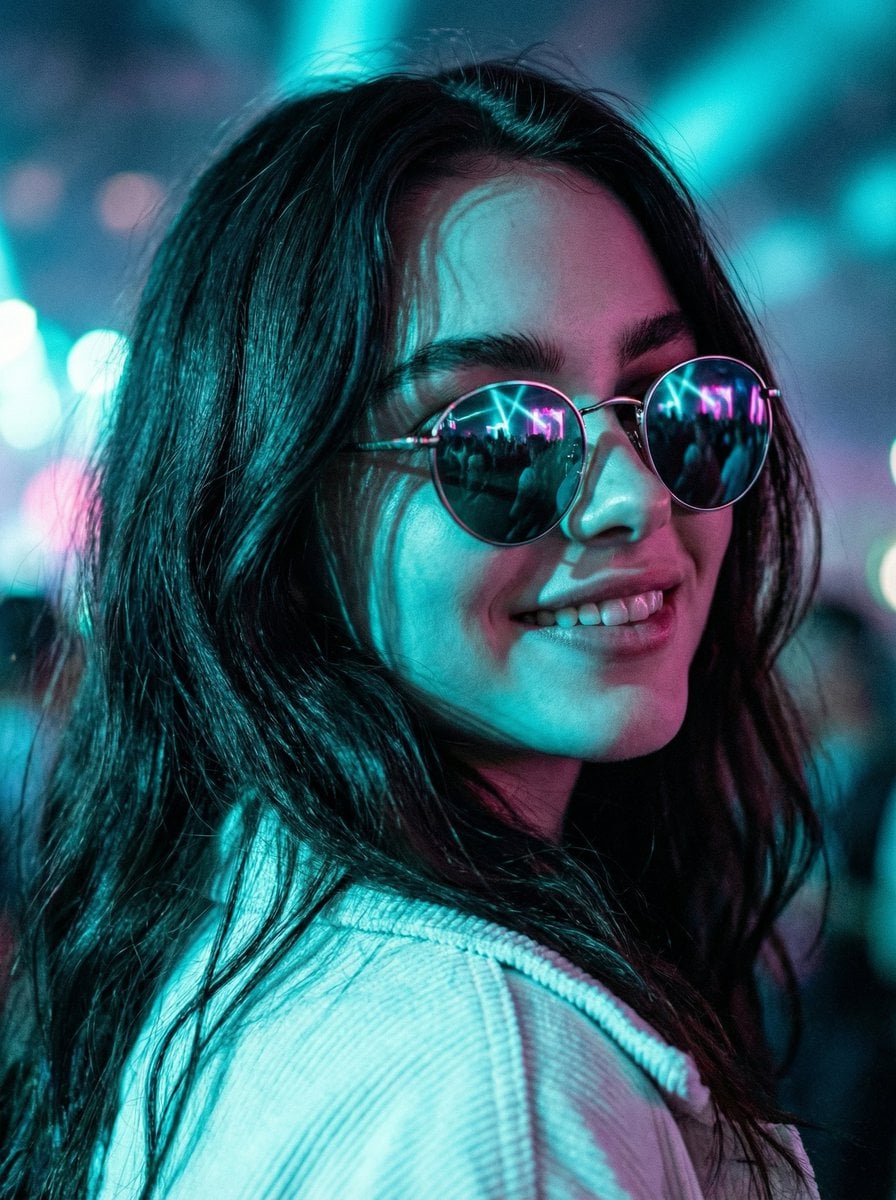
Cinematic Close-Up at an Electronic Music Festival
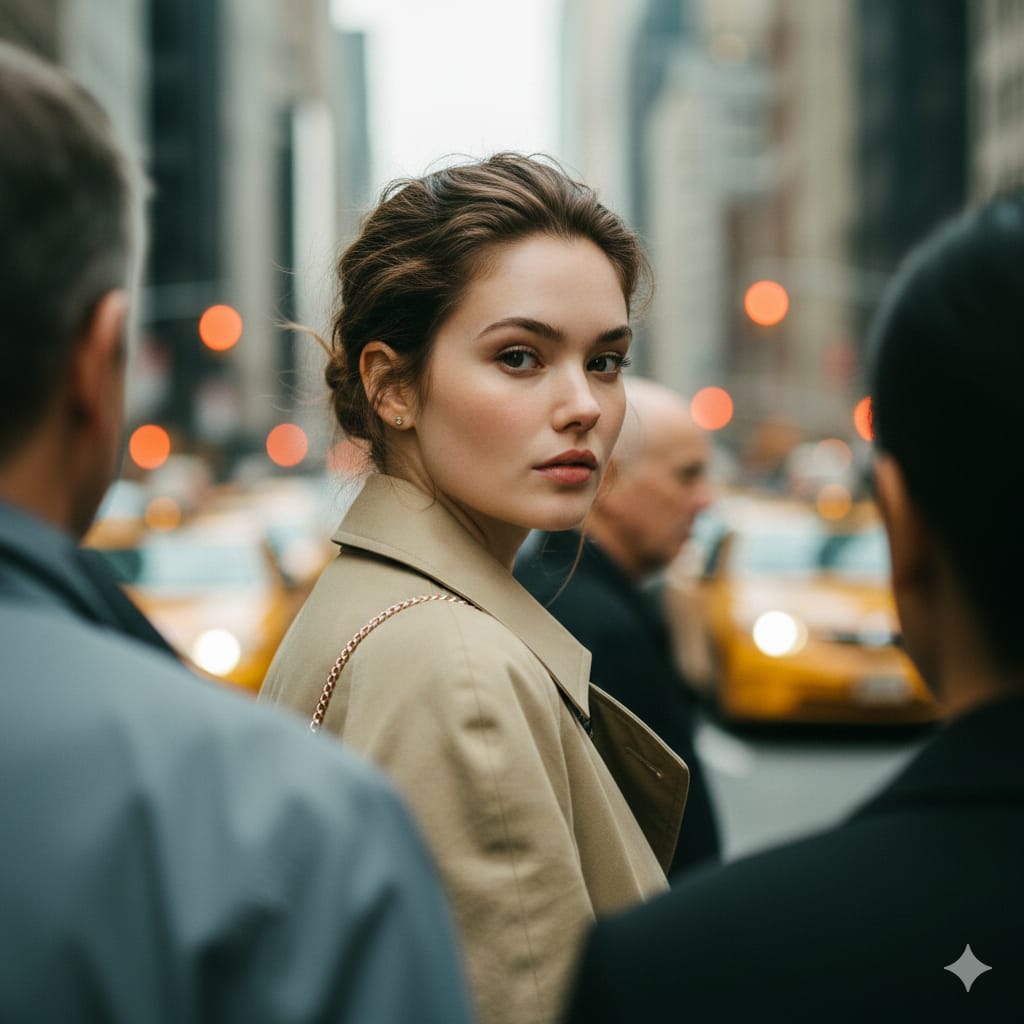
Photorealistic Candid Street Portrait with Extreme Shallow DOF
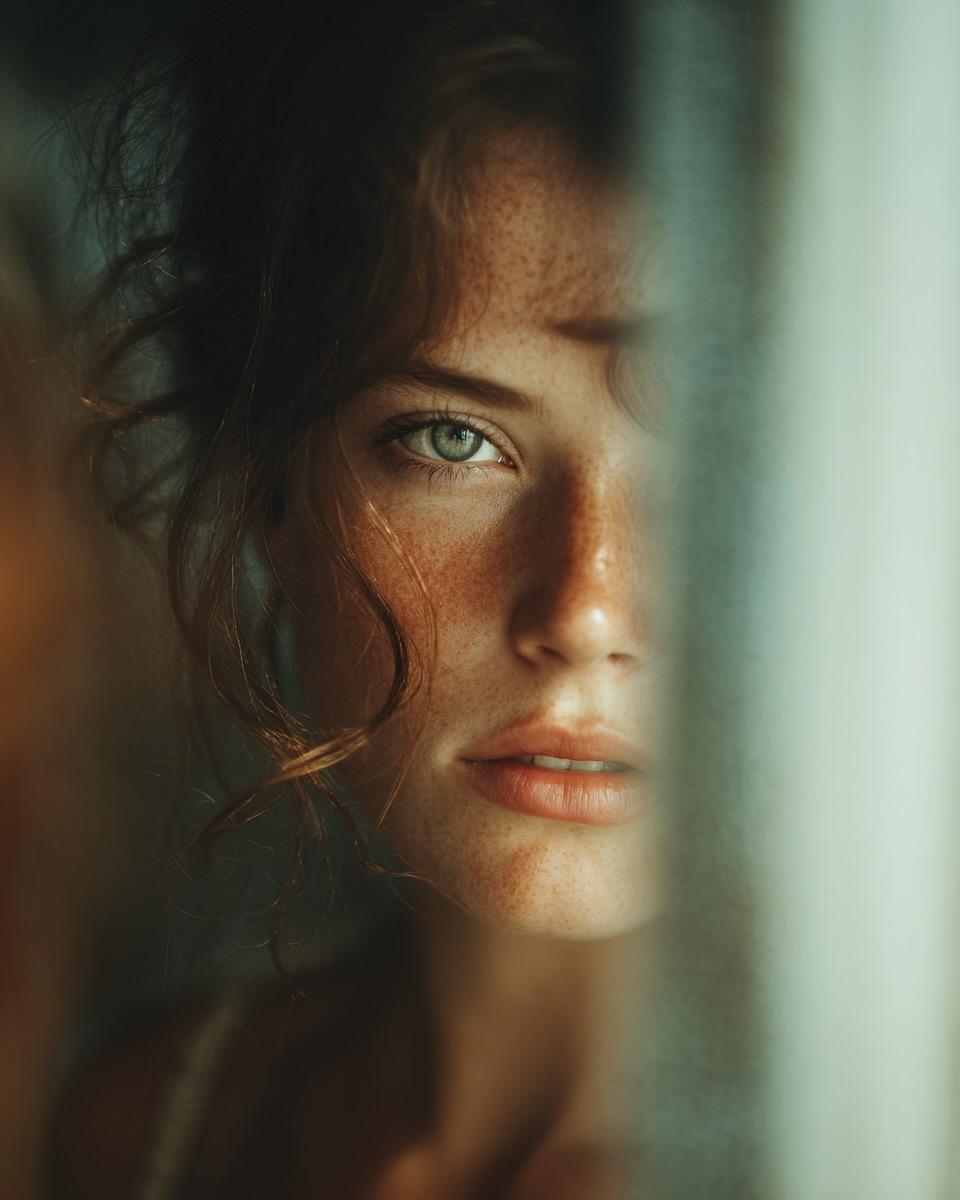
Woman's Reflection Only in Mirror
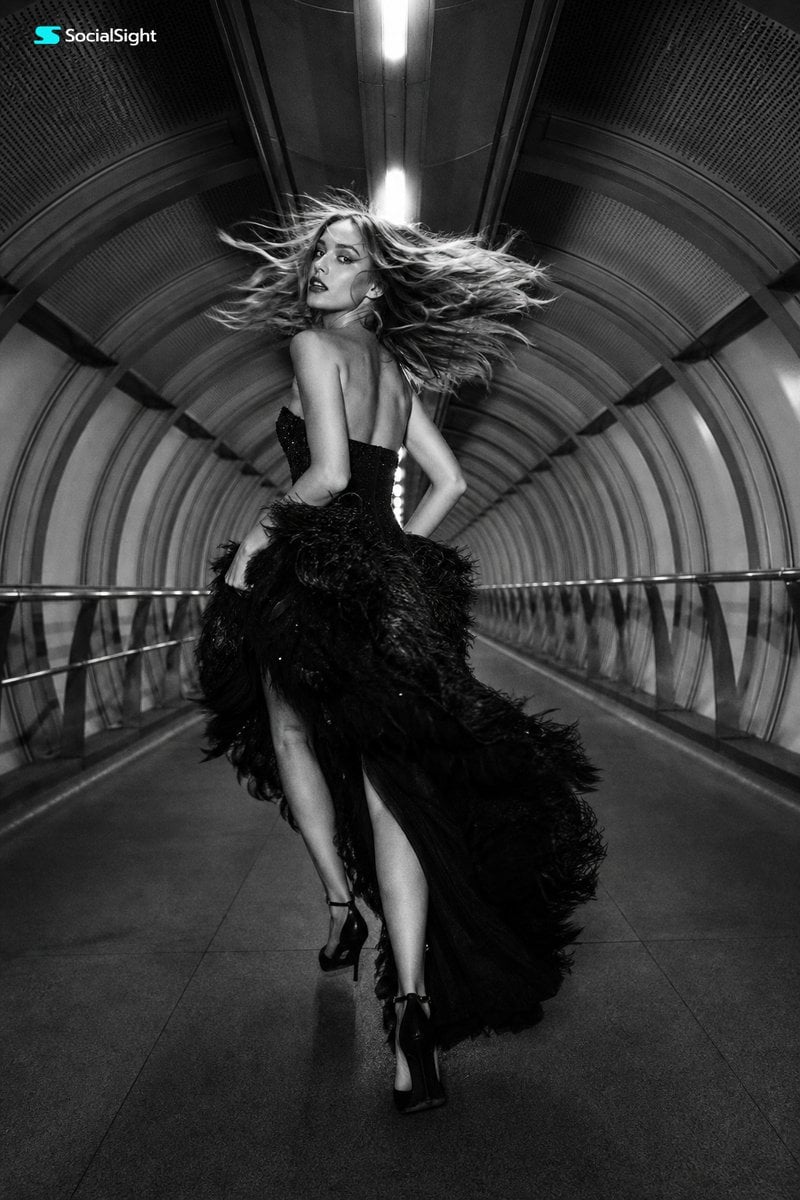
Futuristic Tunnel Fashion Editorial
Browse template categories
Fox Girls Hiking With Bubble Tails questions
How do I use the Fox Girls Hiking With Bubble Tails template?
Add your photo if the template asks for one, edit the prompt if you like — the template's model and format are already selected — and press Generate. Your version opens in PicX Studio.
Can I customize the Fox Girls Hiking With Bubble Tails template?
Yes. You can change the subject, setting, lighting, mood, format, and available model controls before creating your image.
Is the Fox Girls Hiking With Bubble Tails template free?
Opening and editing this template is free. Generating uses credits, shown on the Generate button when you are signed in.
Which AI model should I use?
Start with GPT Image 2, which is the model associated with this template. You can compare another compatible model for a different finish.
Looking for something else? Browse all templates.

Your photo, any look
Thousands of ready templates for every top image and video model, from one credit balance.