
Elegant Office Lady at Beauty Counter
This prompt generates a polished anime-style portrait of a fashionable office lady applying lipstick at a luxury cosmetics counter, ideal for beauty, lifestyle, or mature character illustration.
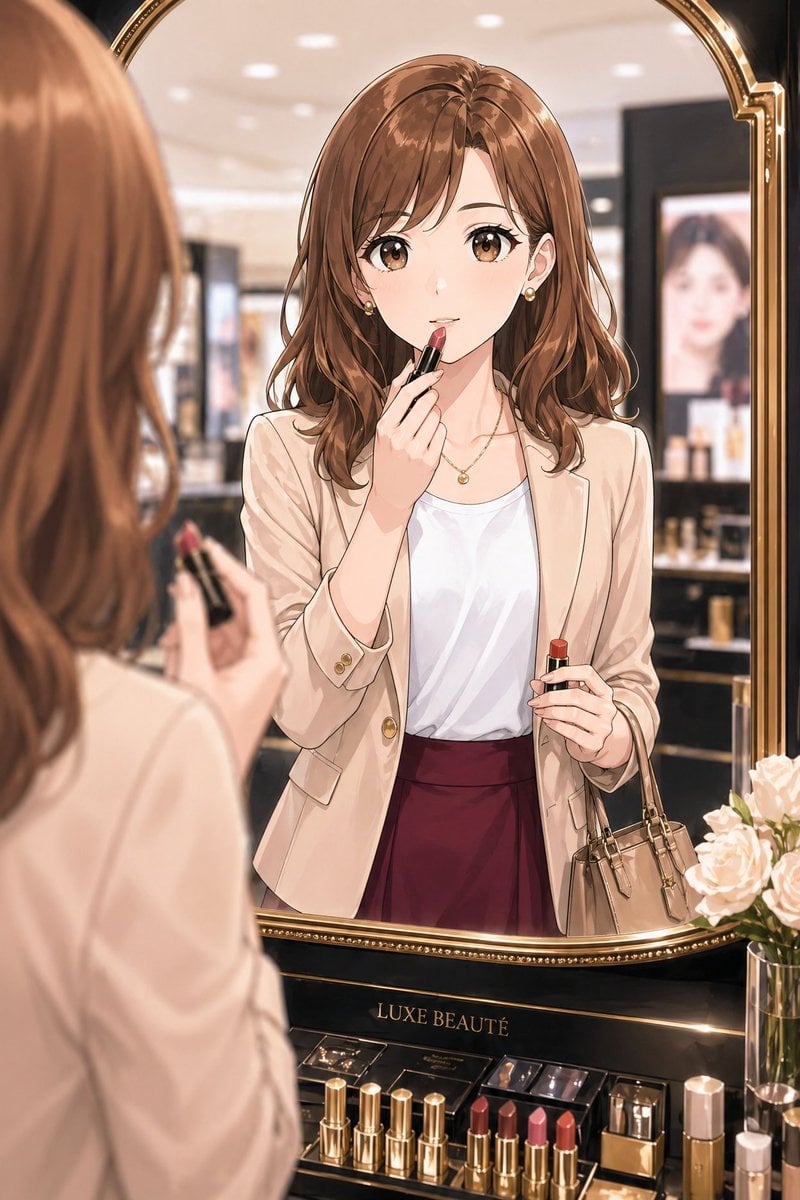
- Prompt included
- Model and format preset
- Free template
The prompt behind this image
Copy the exact prompt behind Elegant Office Lady at Beauty Counter, or open it in the studio and make it yours.
A refined anime-style illustration of a stylish Japanese office lady in her late 20s to early 30s trying on lipstick in front of a luxury cosmetics mirror inside an elegant department store beauty counter. Medium shot framed through the mirror, with her reflected figure centered and the back of her head and hand softly visible in the left foreground holding a lipstick tube. She has {argument name="hair color" default="warm chestnut brown"} shoulder-length softly wavy hair with a side part, small gold earrings, and a delicate gold necklace. Her outfit is polished and feminine: a light beige tailored blazer with gold buttons, a white satin-like blouse, and a deep burgundy high-waisted skirt. She carries a small taupe handbag on one arm. In the reflection, she is applying lipstick to her lips with one hand while holding the lipstick case in the other, giving the impression of checking her makeup before or after work. The setting is upscale and softly lit, with a large ornate gold-framed mirror, blurred cosmetic displays in the background, and a glamorous premium beauty-counter atmosphere. At the bottom of the mirror is a black and gold display stand labeled {argument name="brand text" default="LUXE BEAUTÉ"}. On the counter, show exactly 8 visible cosmetic items in a neat arrangement: 4 gold lipstick tubes standing on the left, 3 open lipsticks in shades of mauve, pink, and coral near the center-right, and 1 rectangular perfume or cosmetic bottle on the far right. Also include a glass vase with pale blush roses at the lower right. Use soft bokeh lighting, glossy luxury materials, delicate linework, smooth anime rendering, elegant mature OL fashion, warm neutral tones with burgundy accents, and a sophisticated feminine mood.
How to use Elegant Office Lady at Beauty Counter in 3 steps
- 1Upload ImagePNG, JPG or paste
Add your photo
Upload the photo the template builds on. The prompt, model and format are already set.
- 2…a portrait of your subject in softgolden-hour light, 85mm…
Personalize
Edit the subject and creative details for your destination.
- 3Generate
Generate
Press Generate — your image is created in PicX Studio, so you can compare it with the original and refine one variable at a time.
More like this
Templates with the same subject, style or setup. Open one to see its prompt.
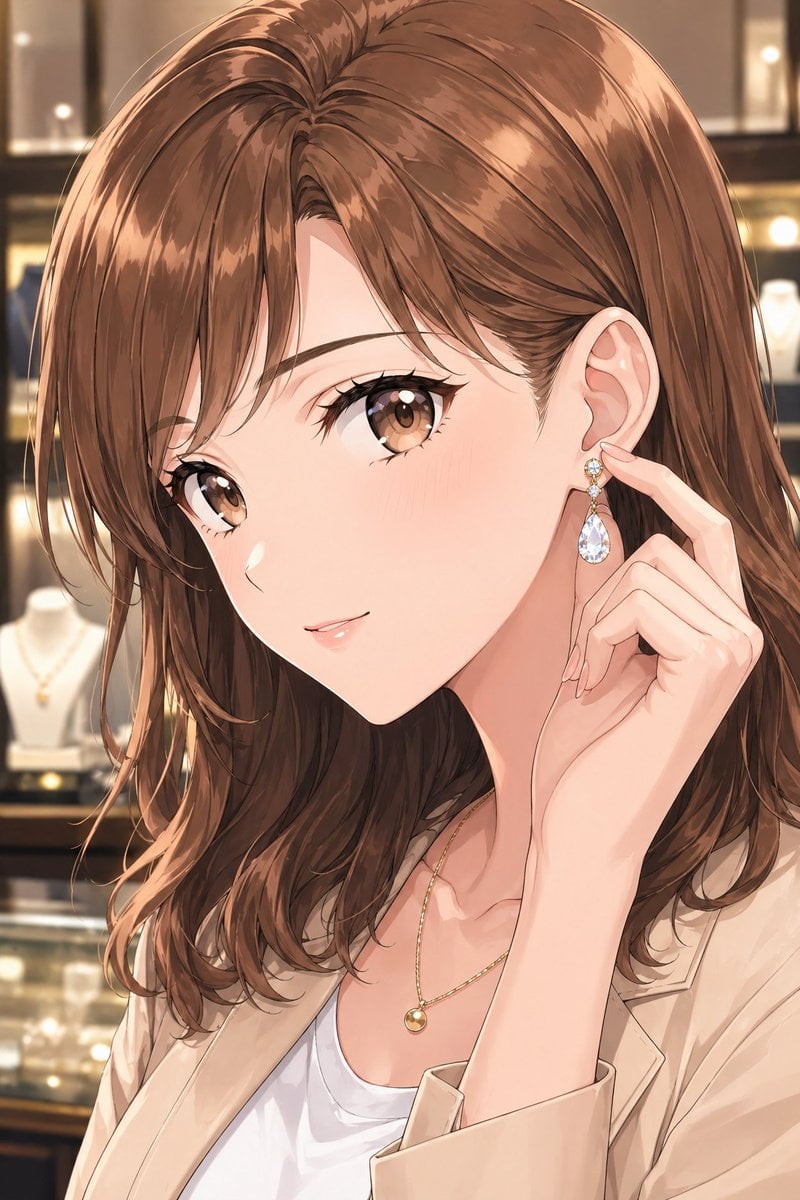
Elegant Office Lady in Jewelry Store
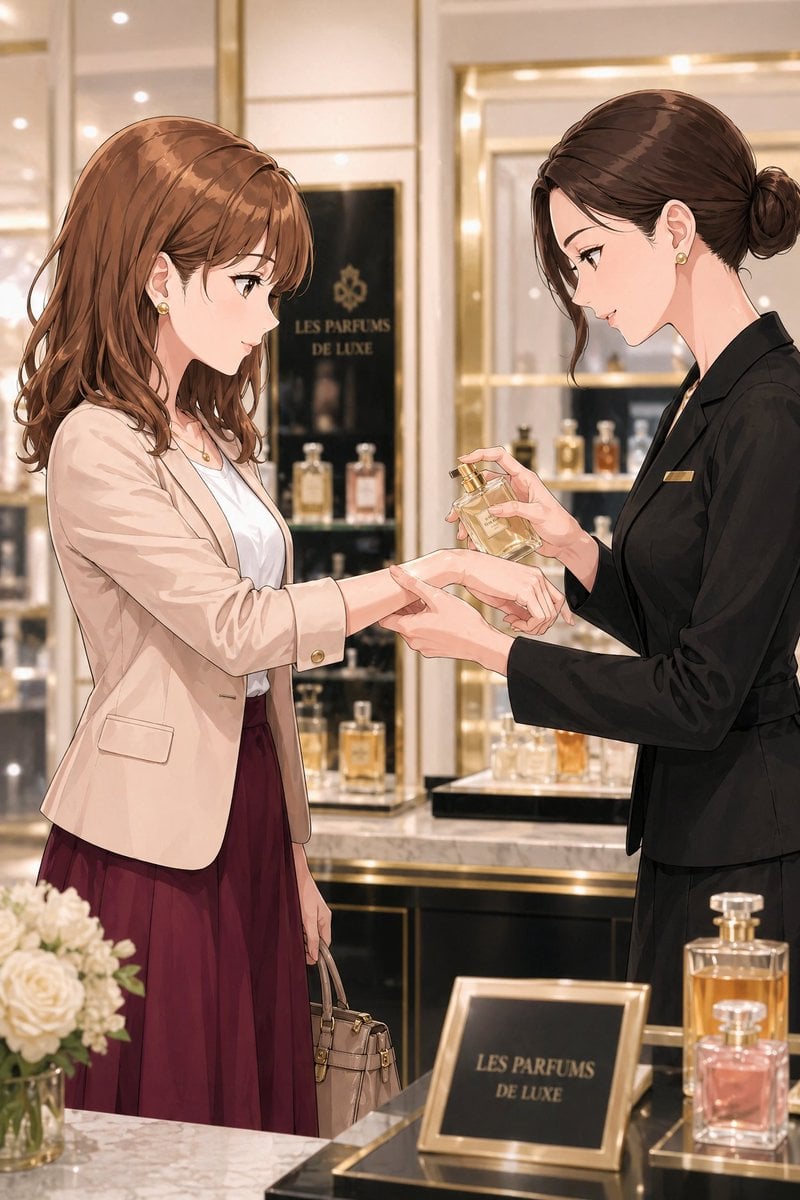
Luxury Perfume Counter Office Lady Scene
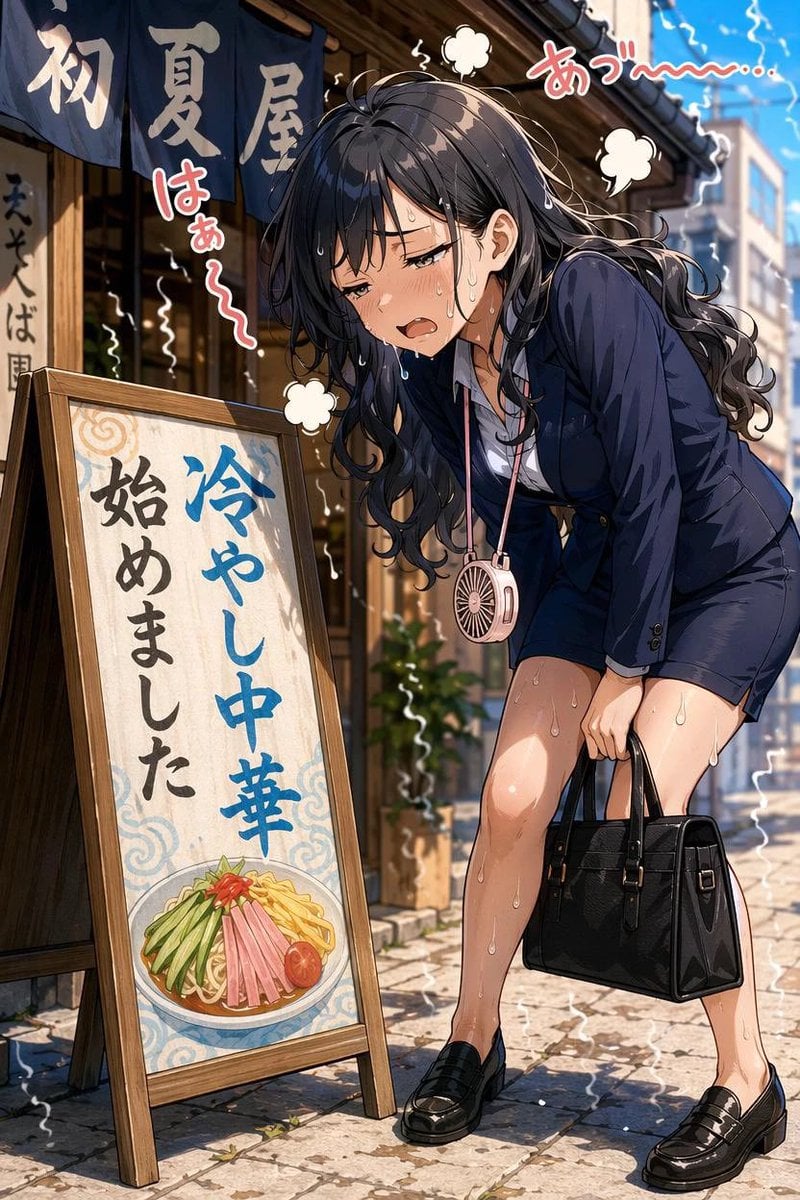
Overheated Office Lady at Noodle Shop

Sealing Wax Letter Desk

Ballroom Floor Reflections

Vintage Camera Leather Case

Hedge Maze Aerial Dawn

Tuxedo Cuff Adjust

Cathedral Choir Loft

Pearl Necklace Vanity

Carriage House Courtyard

Leather Bound Law Books
Make it yours
Elegant Office Lady at Beauty Counter works as-is. These are the safest ways to change it without losing the look.
Change one field
Copy a single group, rewrite it, and generate again so you can see what that field is doing.
Keep the frame, change the subject
Hold the composition and light of Elegant Office Lady at Beauty Counter, then swap wardrobe, props or the person for a new take.
| If the result… | Why | Fix |
|---|---|---|
| The result drifts from the preview | Too many fields changed at once. | Reuse Elegant Office Lady at Beauty Counter as-is first, then change one group — subject, light, or setting. |
| The model over-stylizes the scene | The prose prompt leaves finish and camera underspecified. | Add one camera or lighting sentence and stay on GPT Image 2. |
More GPT Image 2 templates
Other prompts made for GPT Image 2.

Six VTuber Japanese Logo Sheet

Realistic Portrait of Woman and Deer

The Vista Modular Condo Poster

AI Model Routing Comparison Infographic

2.5D Anime Art Board

Isometric Productivity Desk Scene

New York Double Exposure Poster

Four-Panel AI Landscape Comparison

Japanese Tatami Lifestyle Magazine Cover

NESCAFÉ Coffee Map Poster
More image prompts
Fresh picks from across the catalog.
Surreal Man in Black Rain Room

Handcrafted Felt Miniature Scene with Tech Character
Summarize Fukuoka’s good points in one image
Neon Instagram AI Creator Poster
Street Market Portrait with Urban Bokeh
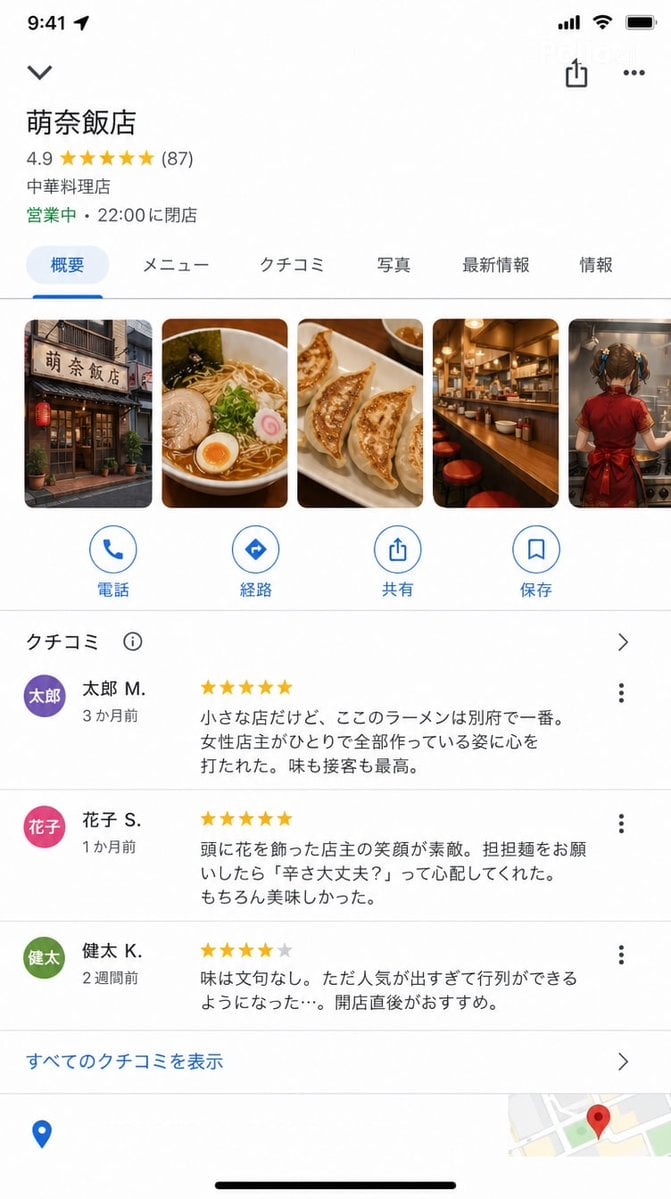
Google Maps UI Mockup

Candid Couch Dinner Flash Photo
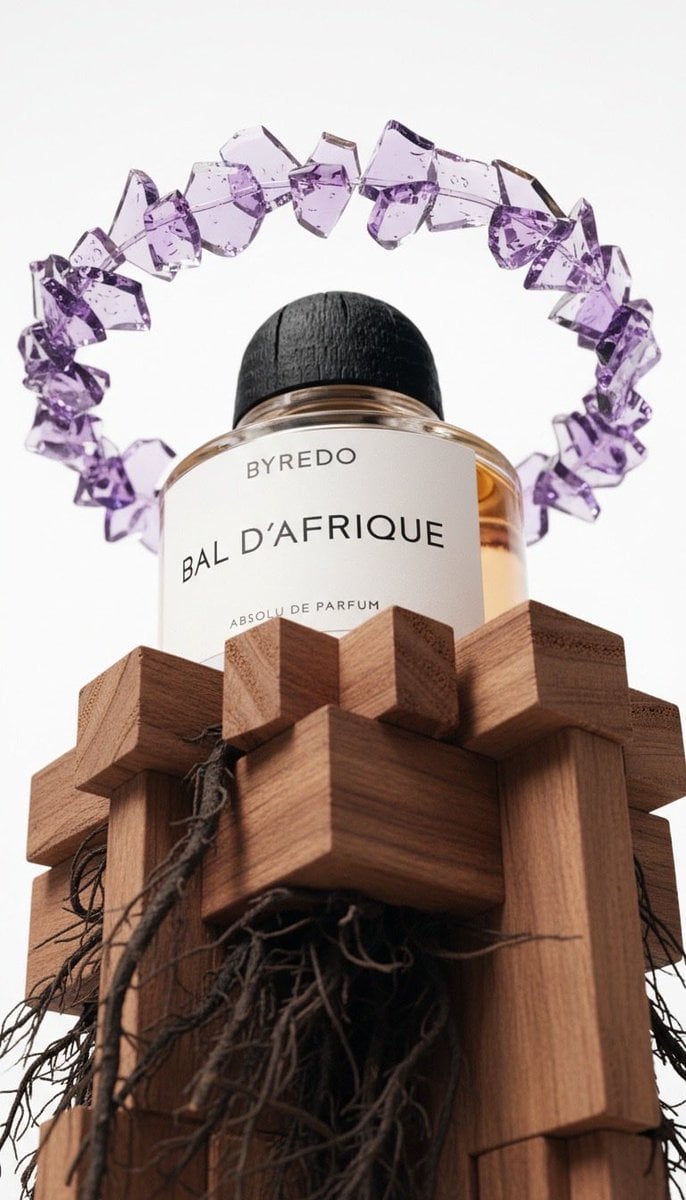
Luxury Product Photography of Byredo Perfume
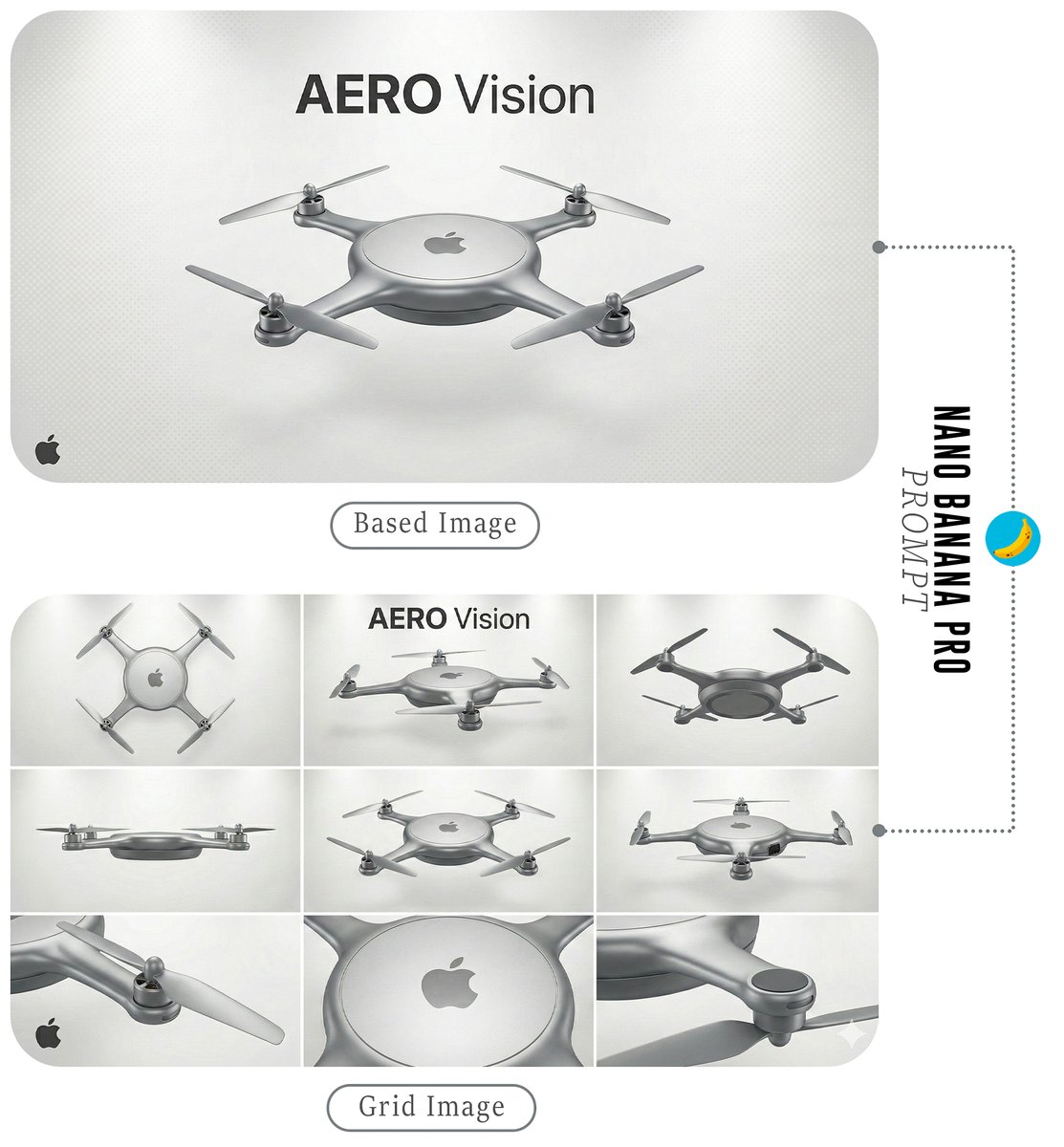
Futuristic Branded Drone Product Poster
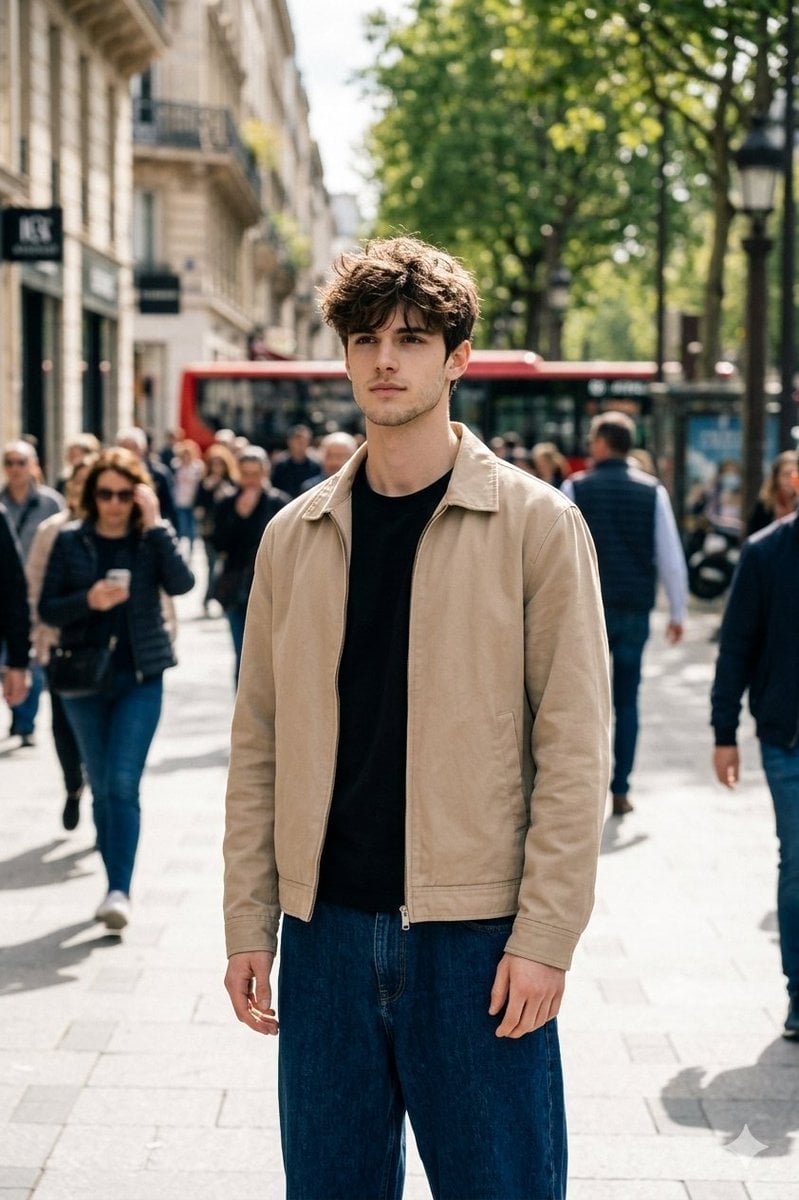
Cinematic Street Portrait in Natural Daylight
Browse template categories
Elegant Office Lady at Beauty Counter questions
How do I use the Elegant Office Lady at Beauty Counter template?
Add your photo if the template asks for one, edit the prompt if you like — the template's model and format are already selected — and press Generate. Your version opens in PicX Studio.
Can I customize the Elegant Office Lady at Beauty Counter template?
Yes. You can change the subject, setting, lighting, mood, format, and available model controls before creating your image.
Is the Elegant Office Lady at Beauty Counter template free?
Opening and editing this template is free. Generating uses credits, shown on the Generate button when you are signed in.
Which AI model should I use?
Start with GPT Image 2, which is the model associated with this template. You can compare another compatible model for a different finish.
Looking for something else? Browse all templates.

Your photo, any look
Thousands of ready templates for every top image and video model, from one credit balance.