
Google Maps UI Mockup
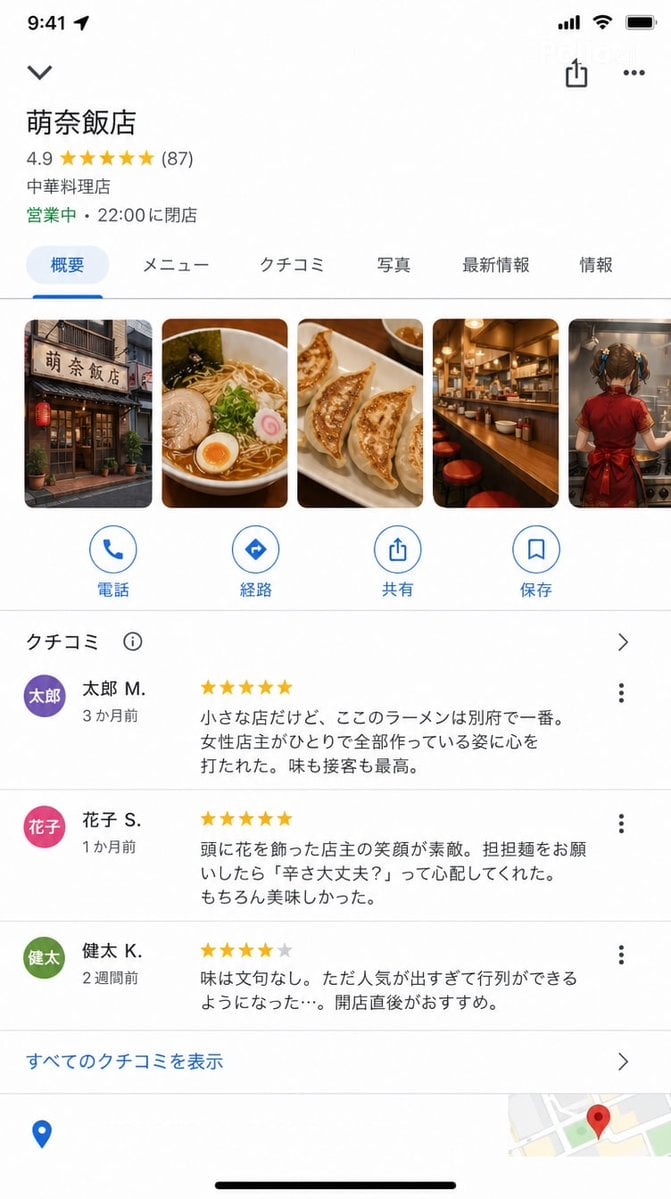
A complex prompt that recreates the Google Maps iOS app interface for a fictional restaurant with high UI accuracy.
- Prompt included
- Model and format preset
- Free template
The prompt behind this image
Copy the exact prompt behind Google Maps UI Mockup, or open it in the studio and make it yours.
GoogleマップのiOS版アプリの店舗詳細画面スクリーンショット(9:16)。 Googleマップの正確なUIで: 店舗名:「{argument name="店名" default="萌奈飯店"}」 評価:★★★★★ 4.9(87件のクチコミ) カテゴリ:「中華料理店」 ステータス:「営業中 · 22:00に閉店」 写真セクション(横スクロール): 店の外観 / ラーメンの写真 / 餃子 / カウンター / {argument name="写真内容" default="少女が調理する背中"} クチコミセクション(数件が読める): ★★★★★「小さな店だけど、ここのラーメンは別府で一番。女性店主がひとりで全部作っている姿に心を打たれた。味も接客も最高。」——{argument name="レビュアー" default="太郎 M."}(3か月前) ★★★★★「頭に花を飾った店主の笑顔が素敵。担担麺をお願いしたら『辛さ大丈夫?』って心配してくれた。もちろん美味しかった。」——花子 S.(1か月前) ★★★★☆「味は文句なし。ただ人気が出すぎて行列ができるようになった…。開店直後がおすすめ。」——健太 K.(2週間前) 下部にGoogleマップのUI要素(経路・電話・保存ボタン)。 本物のGoogleマップのスクリーンショットと見紛うUI精度。
How to use Google Maps UI Mockup in 3 steps
- 1
Open
The prompt is already in the box next to the preview, with the template's model and format selected.
- 2…a portrait of your subject in softgolden-hour light, 85mm…
Personalize
Edit the subject and creative details for your destination.
- 3Generate
Generate
Press Generate — your image is created in PicX Studio, so you can compare it with the original and refine one variable at a time.
More like this
Templates with the same subject, style or setup. Open one to see its prompt.
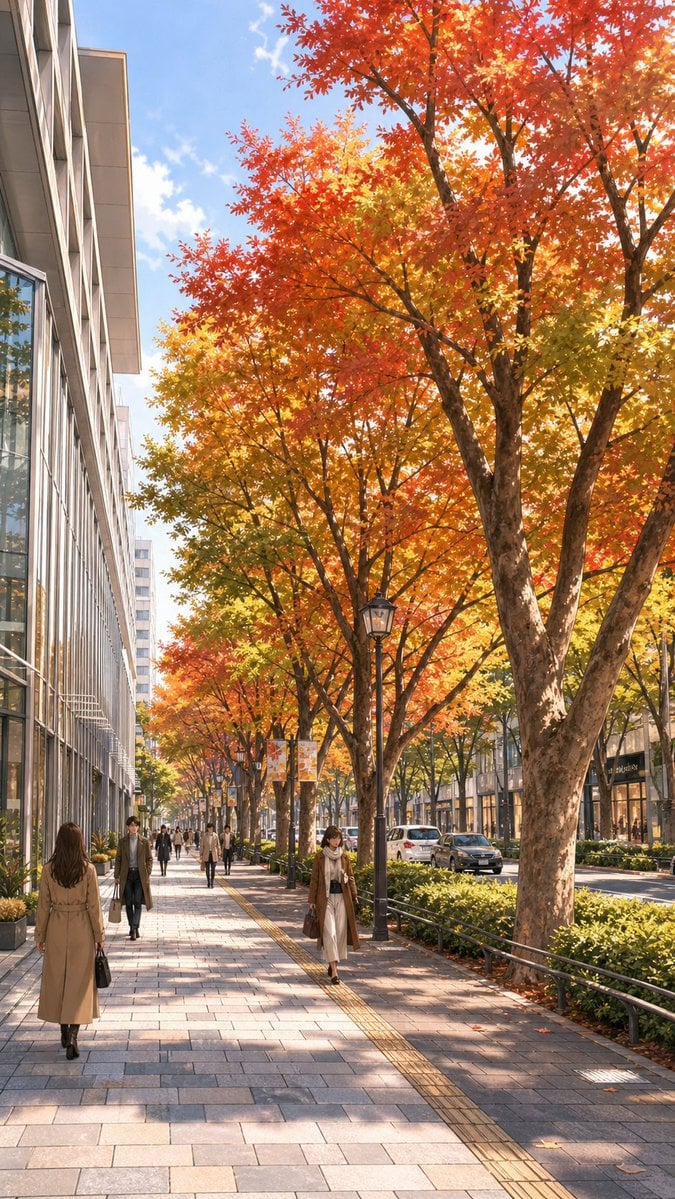
Google Maps Street to Autumn Illustration
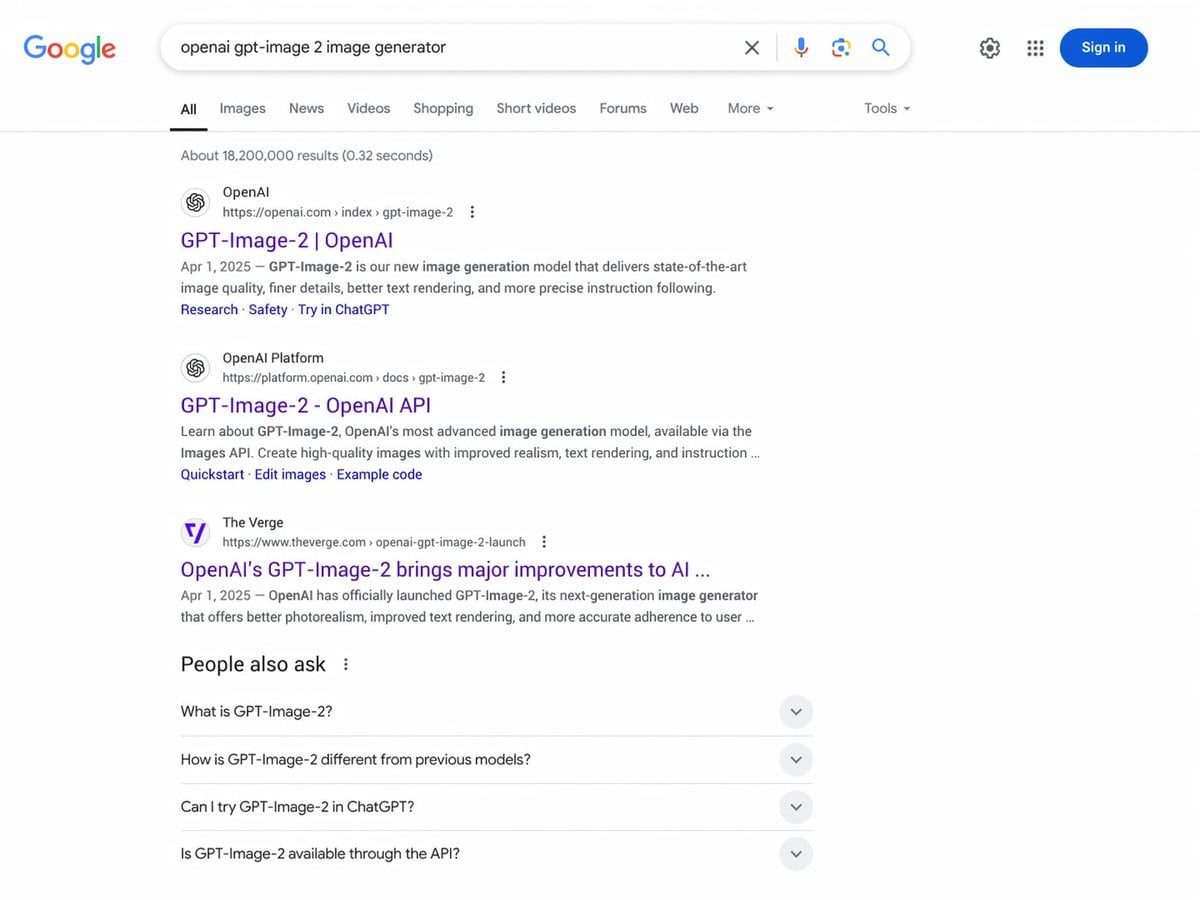
Google Search Results Mockup
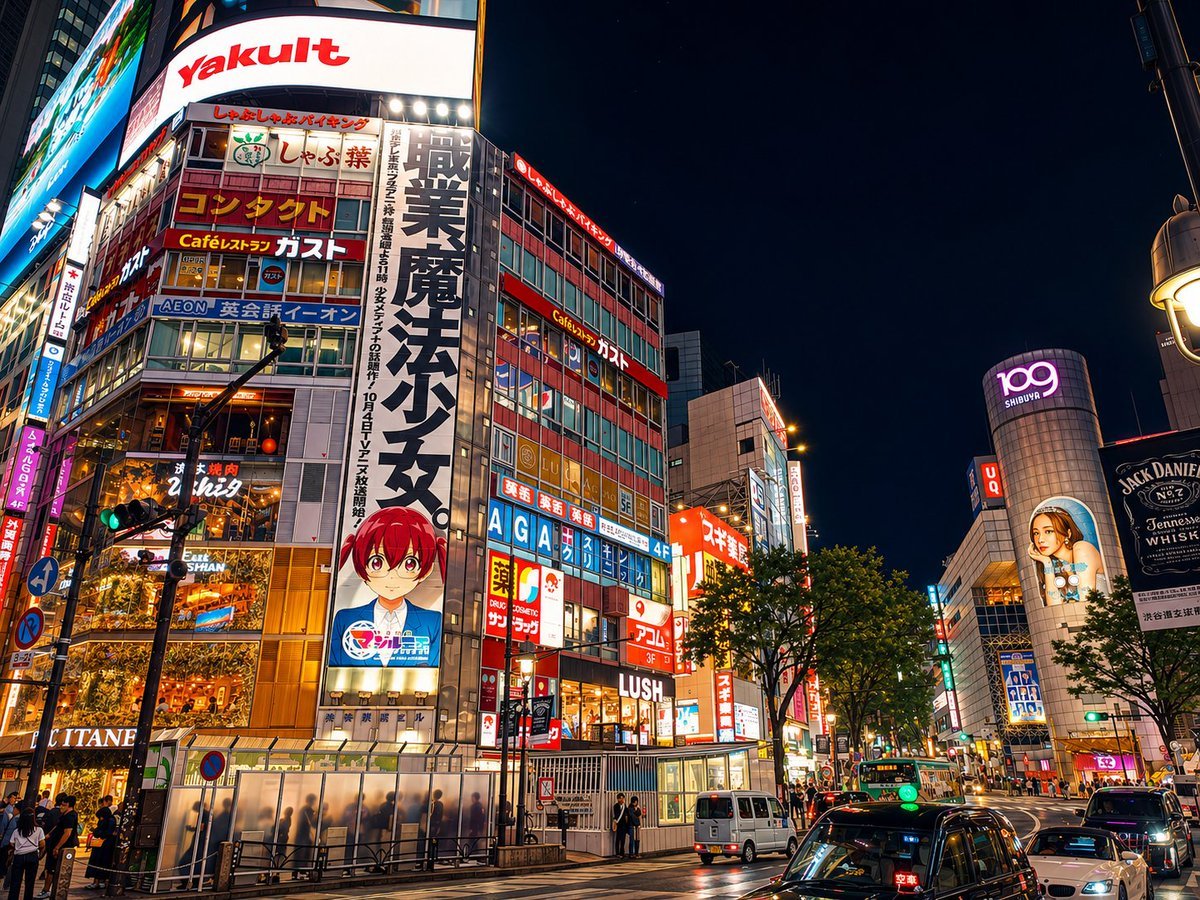
Google Maps to Illustration Transformation
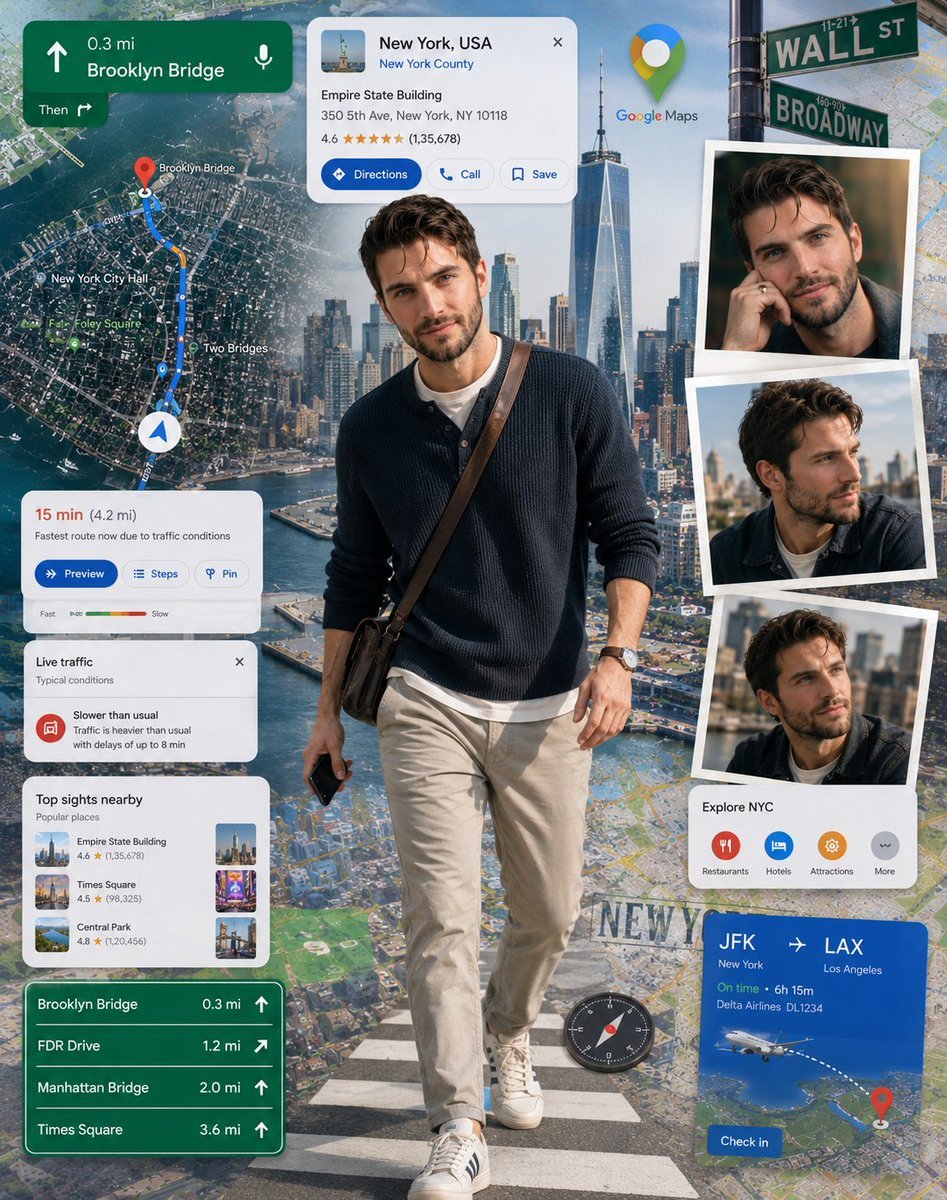
Google Maps Inspired Digital Collage Poster
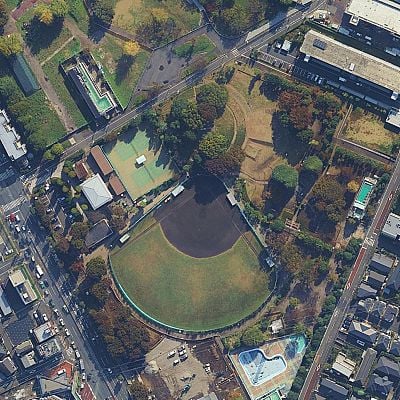
Cartoon drone-style Google Maps aerial illustration prompt
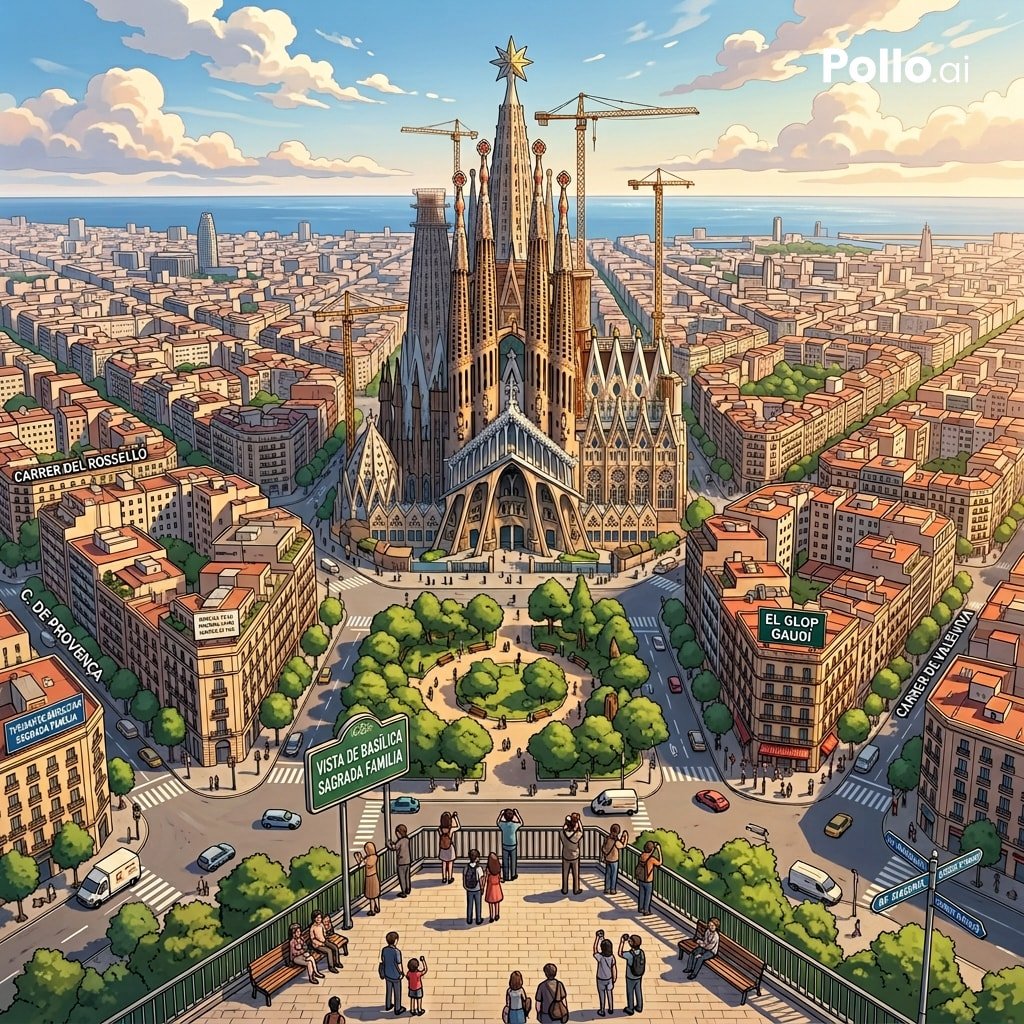
Google Maps to Anime Panorama Conversion
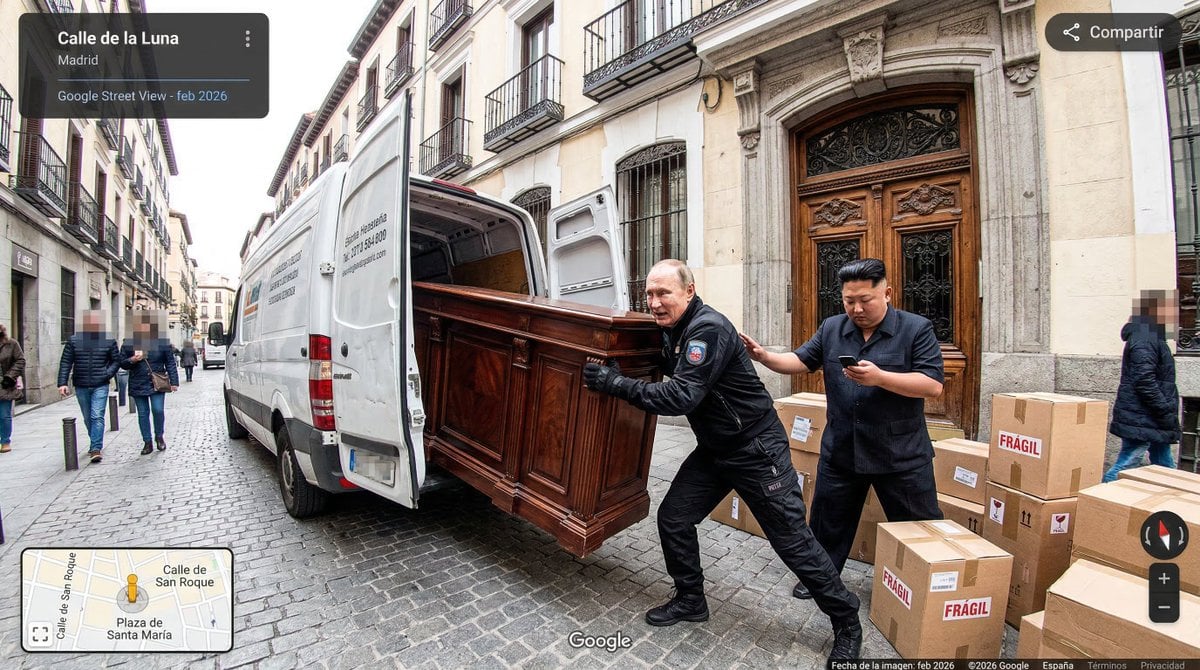
Nano Banana as Google Maps Car Prompt

Product Shot - T-Shirt Mockup

Cinematic Anime Shinobi Poster Mockup

ChatGPT Image 1 5 Google Veo 3 1

Lumen iOS Wellness App Mockup
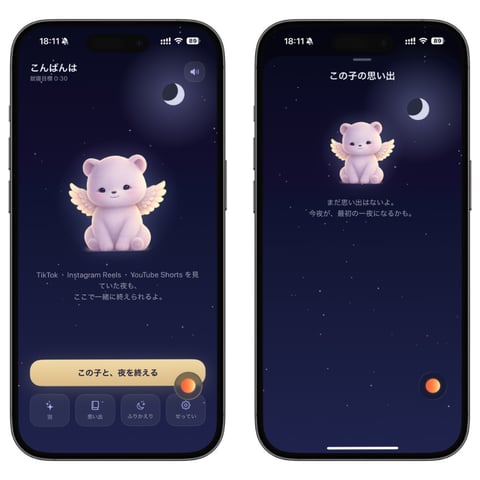
Bedtime Companion App Mockup
Make it yours
Google Maps UI Mockup works as-is. These are the safest ways to change it without losing the look.
Change one field
Copy a single group, rewrite it, and generate again so you can see what that field is doing.
Keep the frame, change the subject
Hold the composition and light of Google Maps UI Mockup, then swap wardrobe, props or the person for a new take.
| If the result… | Why | Fix |
|---|---|---|
| The result drifts from the preview | Too many fields changed at once. | Reuse Google Maps UI Mockup as-is first, then change one group — subject, light, or setting. |
| The model over-stylizes the scene | The prose prompt leaves finish and camera underspecified. | Add one camera or lighting sentence and stay on GPT Image 2. |
More GPT Image 2 templates
Other prompts made for GPT Image 2.

Six VTuber Japanese Logo Sheet

Realistic Portrait of Woman and Deer

The Vista Modular Condo Poster

AI Model Routing Comparison Infographic

2.5D Anime Art Board

Isometric Productivity Desk Scene

New York Double Exposure Poster

Four-Panel AI Landscape Comparison

Japanese Tatami Lifestyle Magazine Cover

NESCAFÉ Coffee Map Poster
More image prompts
Fresh picks from across the catalog.
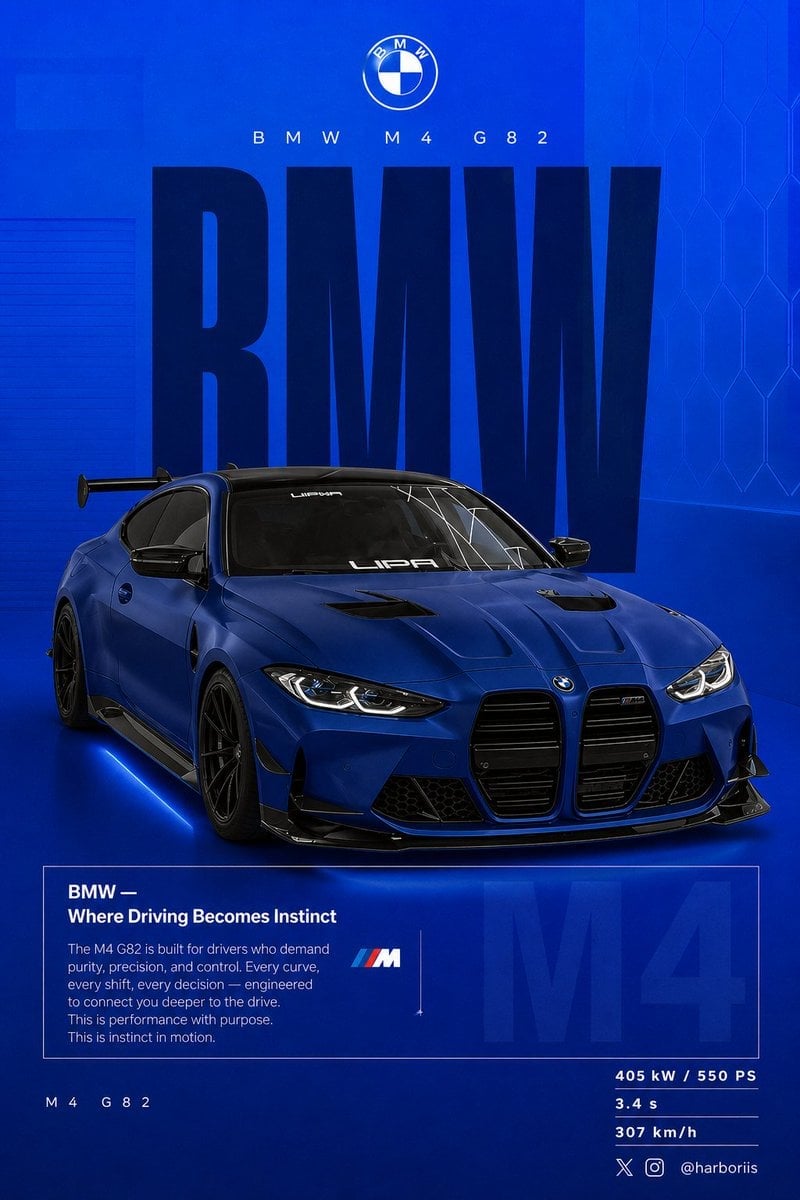
BMW Performance Social Poster

JSON Prompt for Lifestyle Portrait in Coffee Shop
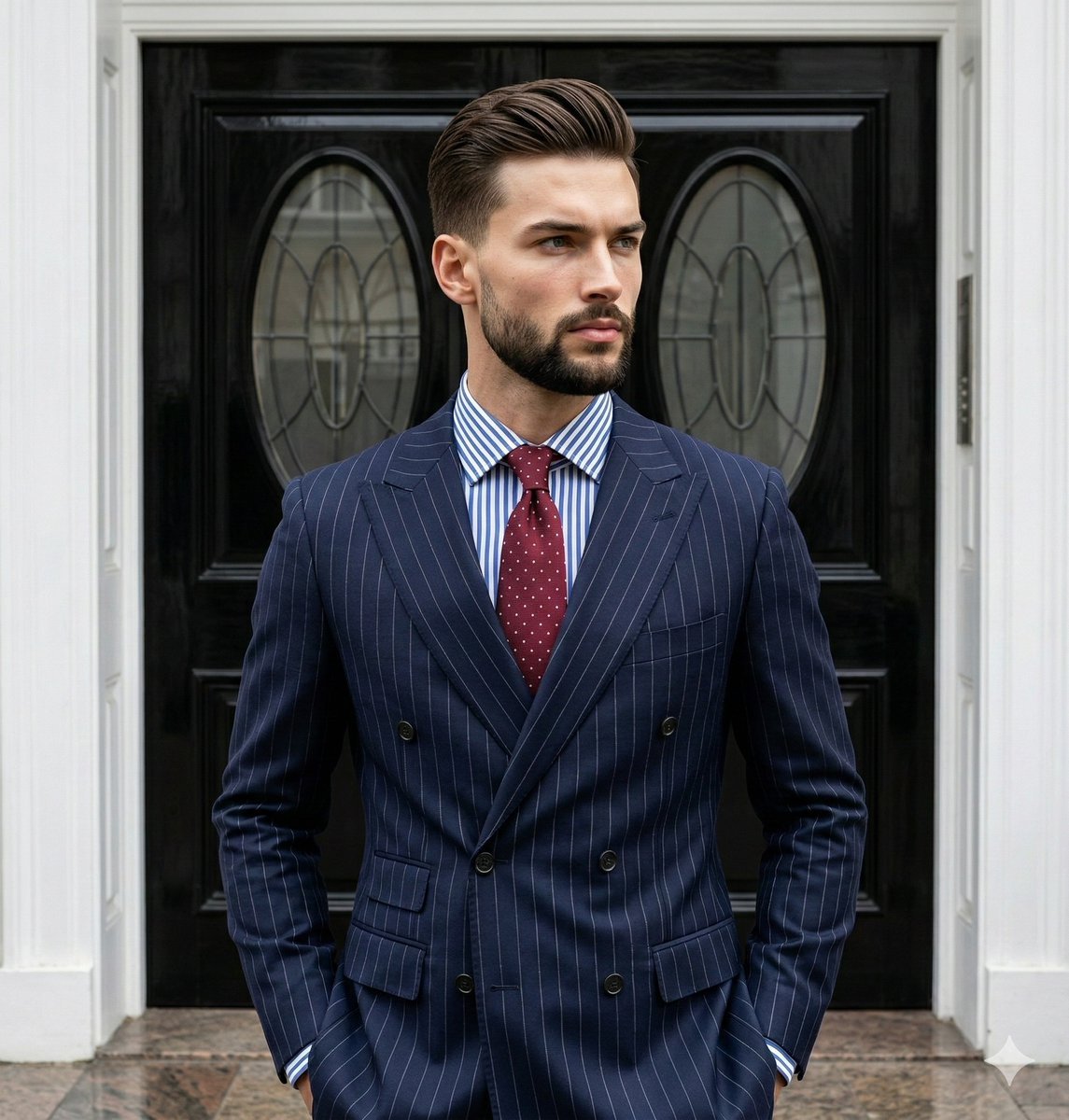
Editorial Menswear Portrait Analysis Prompt
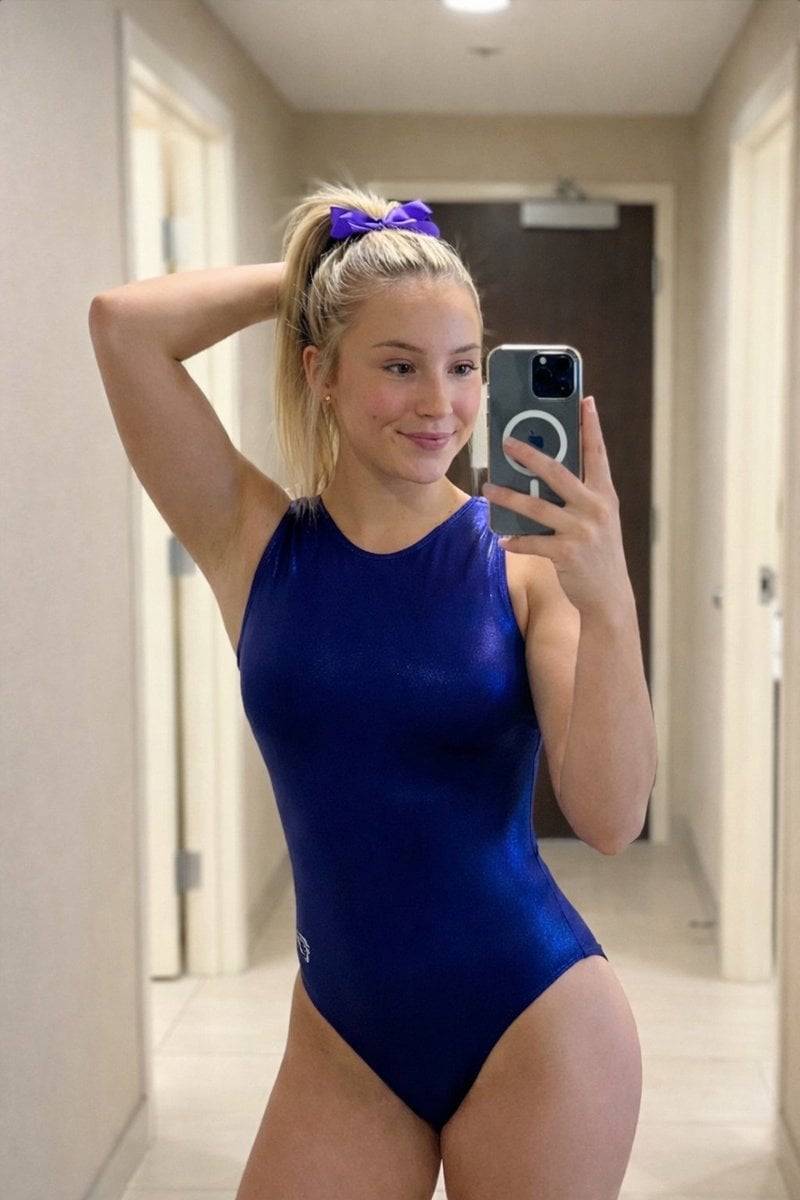
Photorealistic Mirror Selfie Portrait Prompt (Gymnastics Leotard)
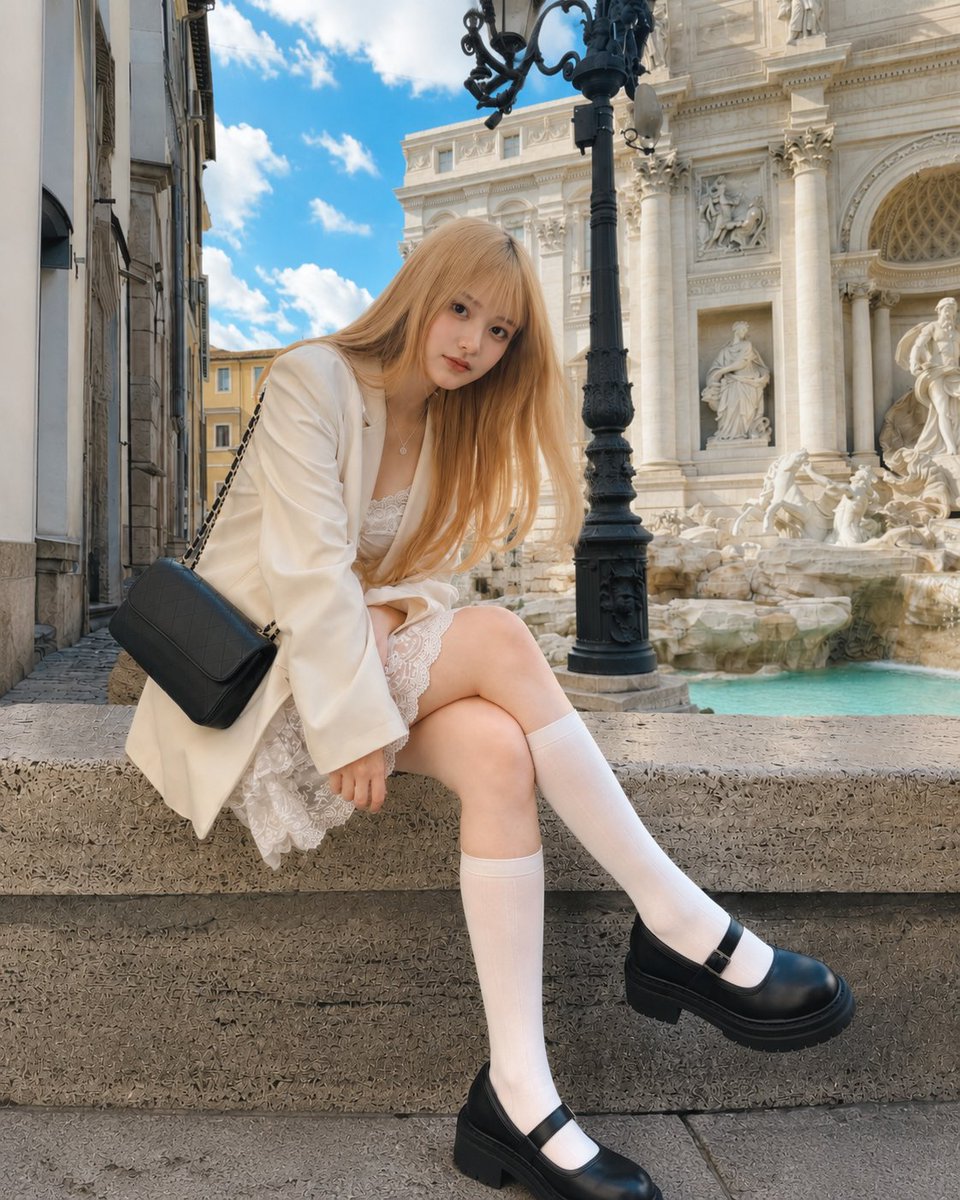
Rome Fountain Fashion Snapshot
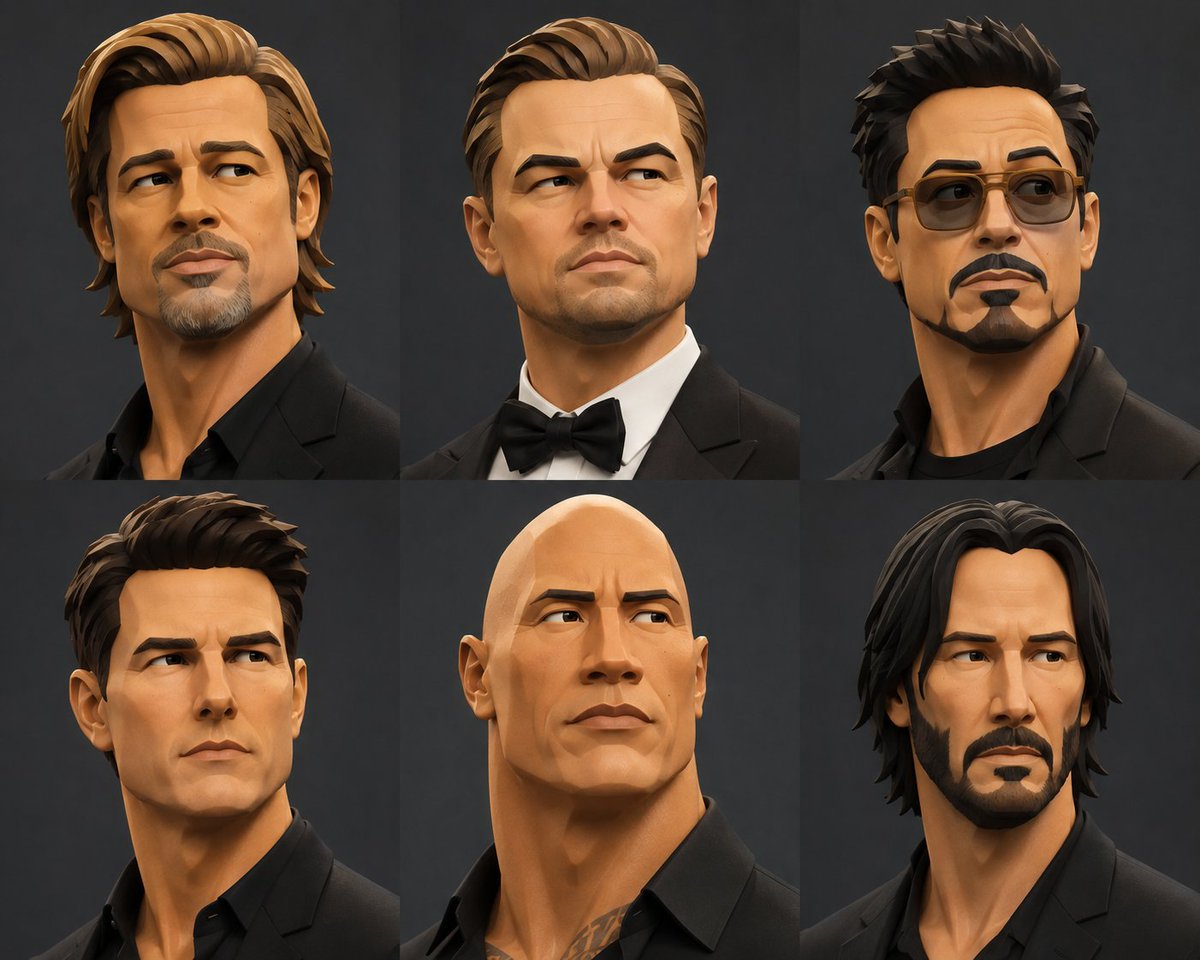
Stylized 3D Fashion Portrait
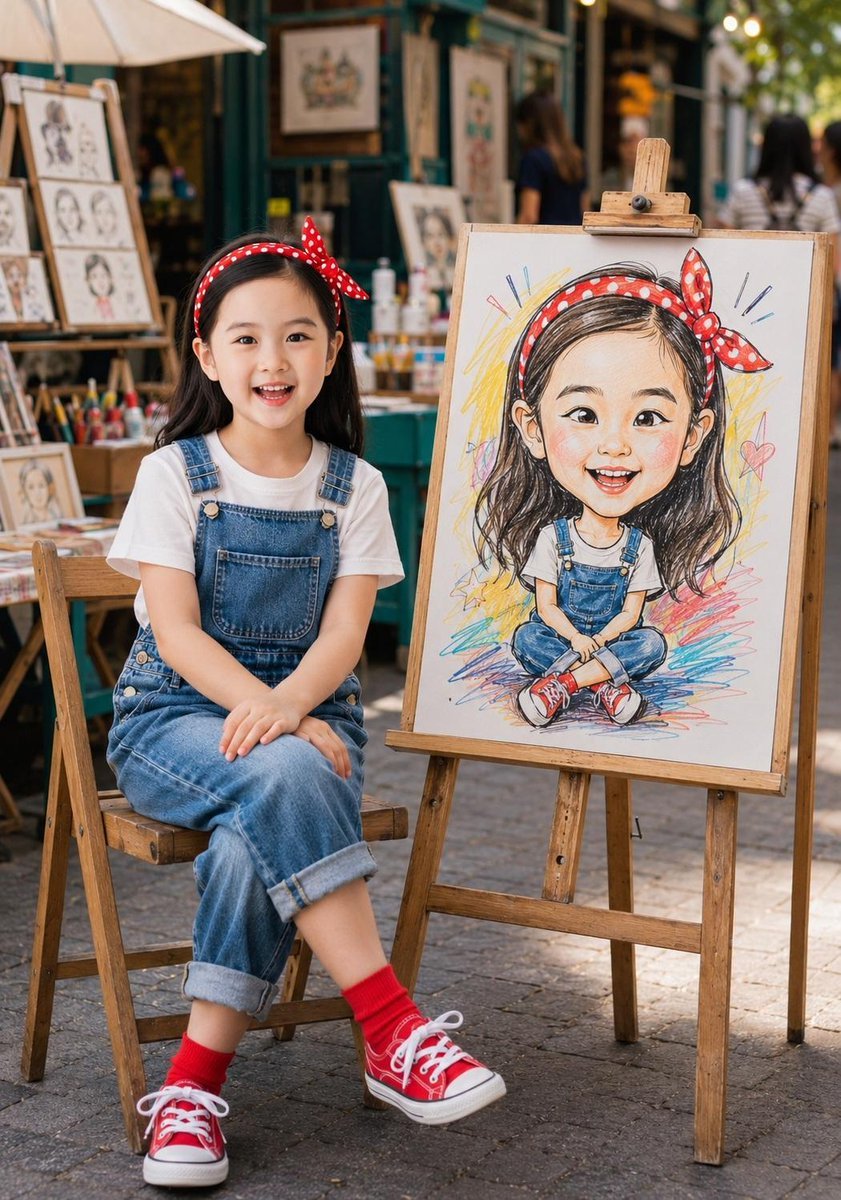
Identity-Consistent Caricature Portrait
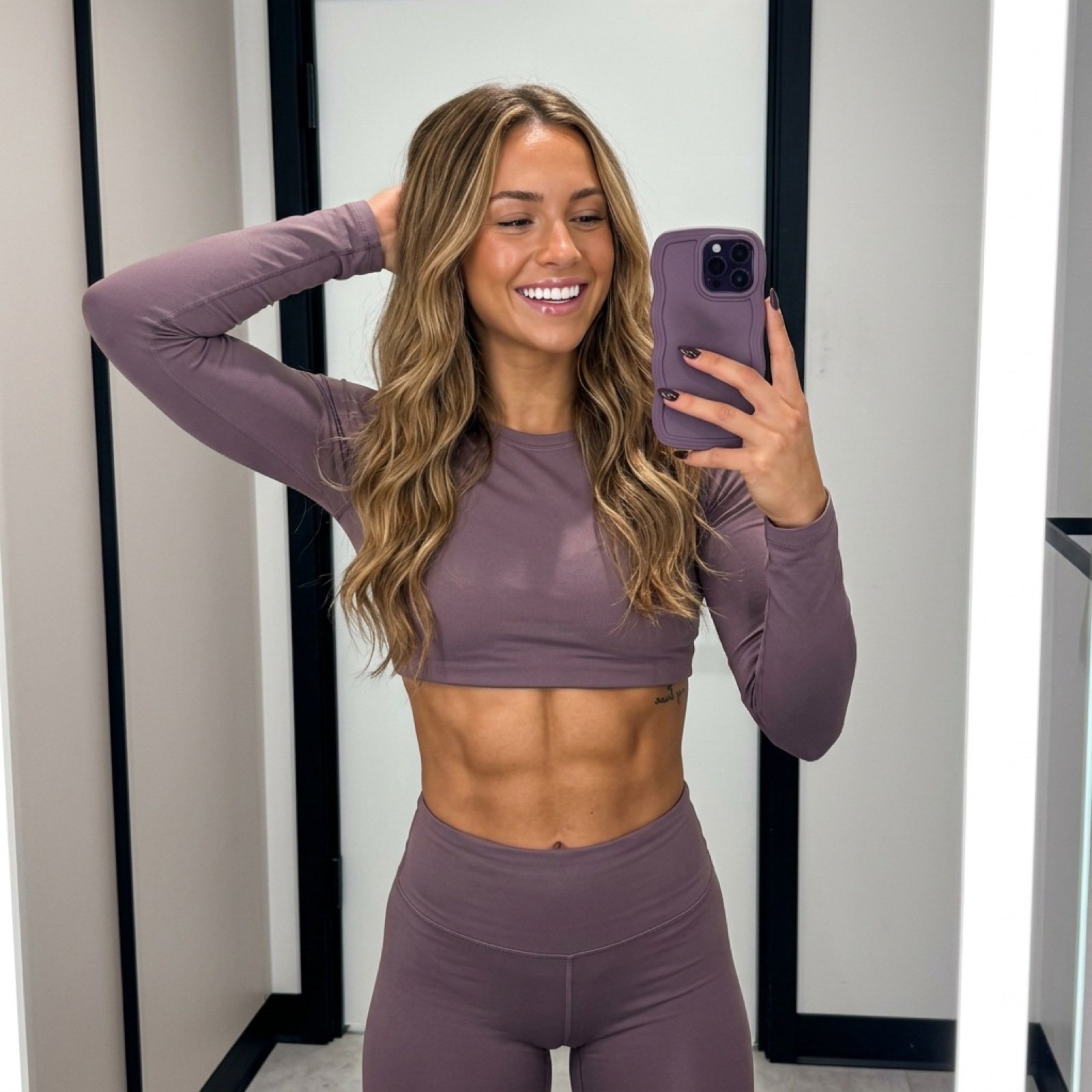
Athletic Mirror Selfie with Defined Physique
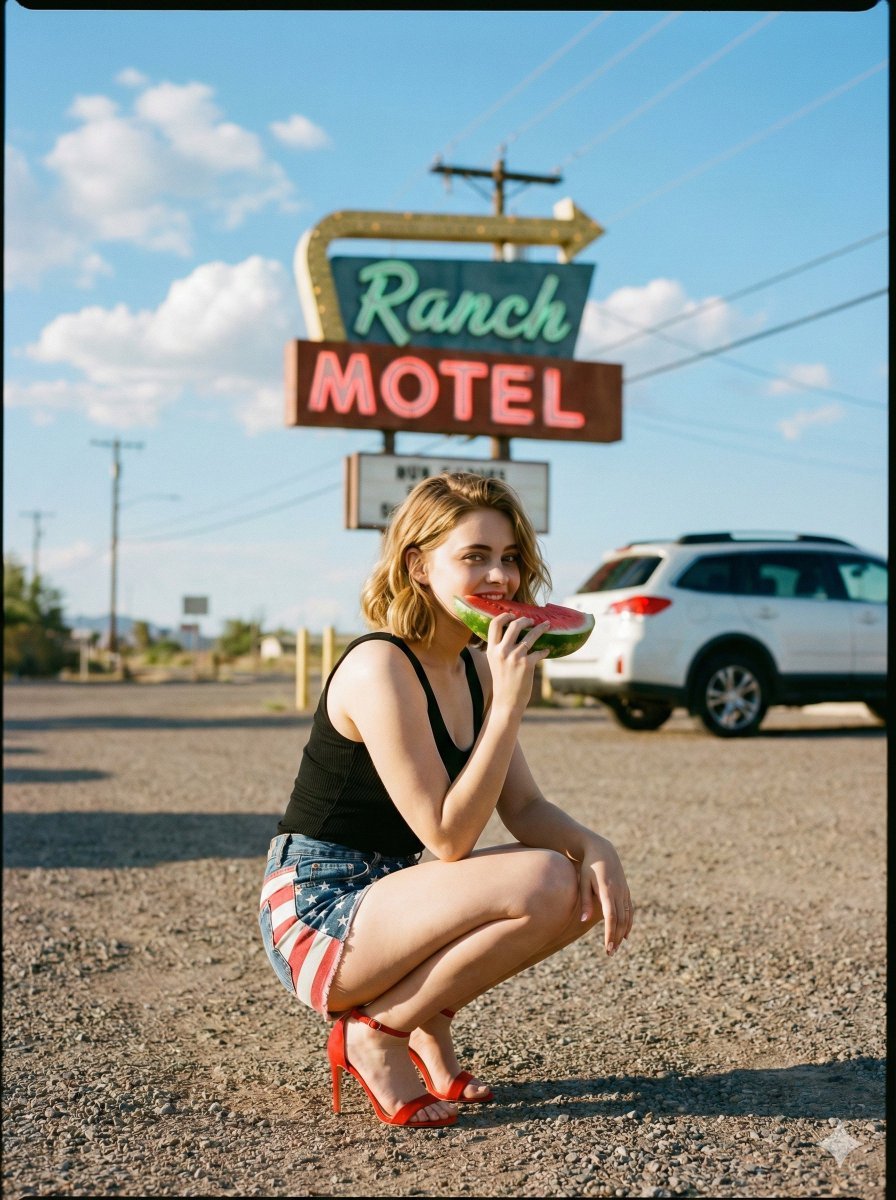
Americana Road Trip Editorial Fashion Prompt
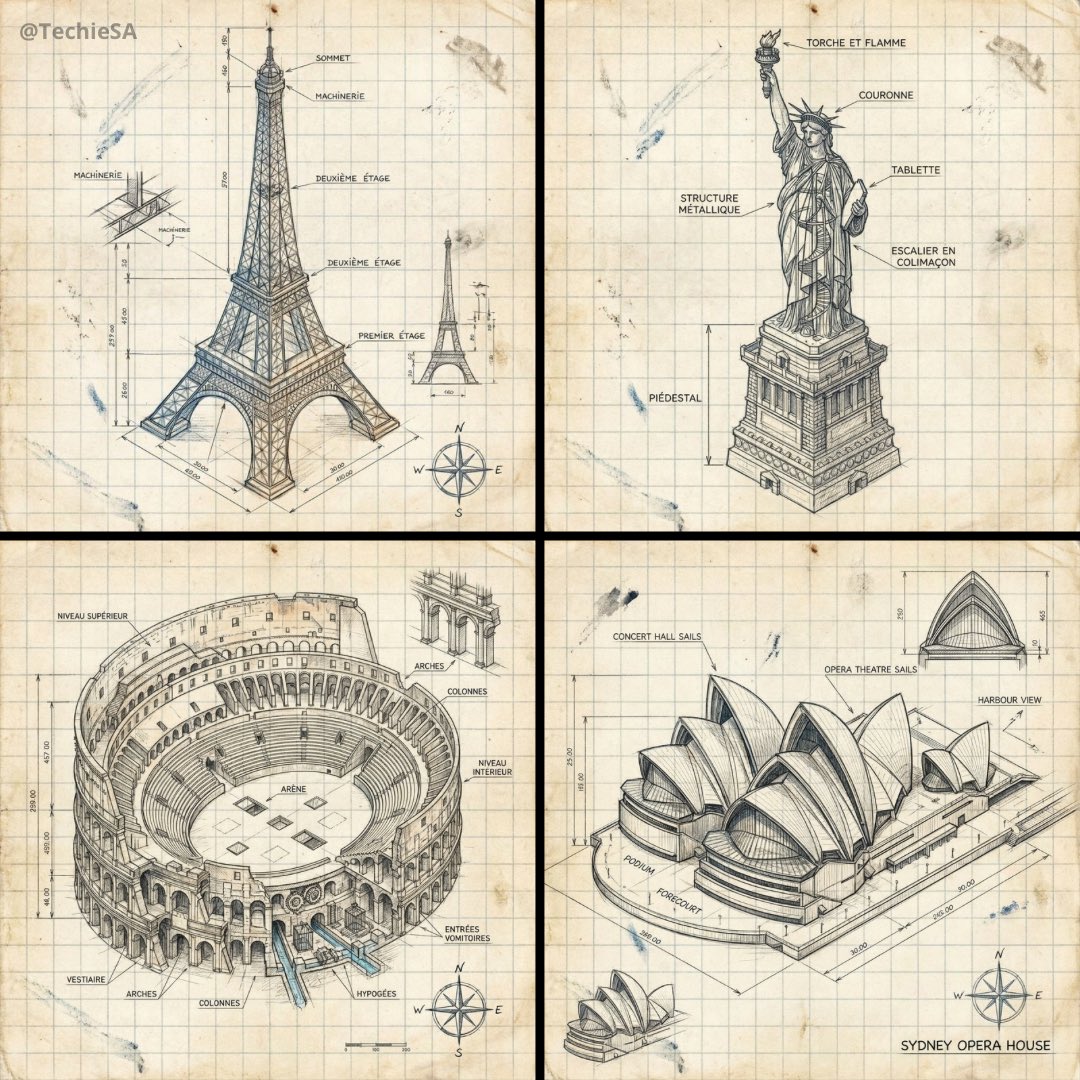
Hand-drawn isometric landmark schematic
Browse template categories
Google Maps UI Mockup questions
How do I use the Google Maps UI Mockup template?
Add your photo if the template asks for one, edit the prompt if you like — the template's model and format are already selected — and press Generate. Your version opens in PicX Studio.
Can I customize the Google Maps UI Mockup template?
Yes. You can change the subject, setting, lighting, mood, format, and available model controls before creating your image.
Is the Google Maps UI Mockup template free?
Opening and editing this template is free. Generating uses credits, shown on the Generate button when you are signed in.
Which AI model should I use?
Start with GPT Image 2, which is the model associated with this template. You can compare another compatible model for a different finish.
Looking for something else? Browse all templates.

Your photo, any look
Thousands of ready templates for every top image and video model, from one credit balance.