
Rome Fountain Fashion Snapshot
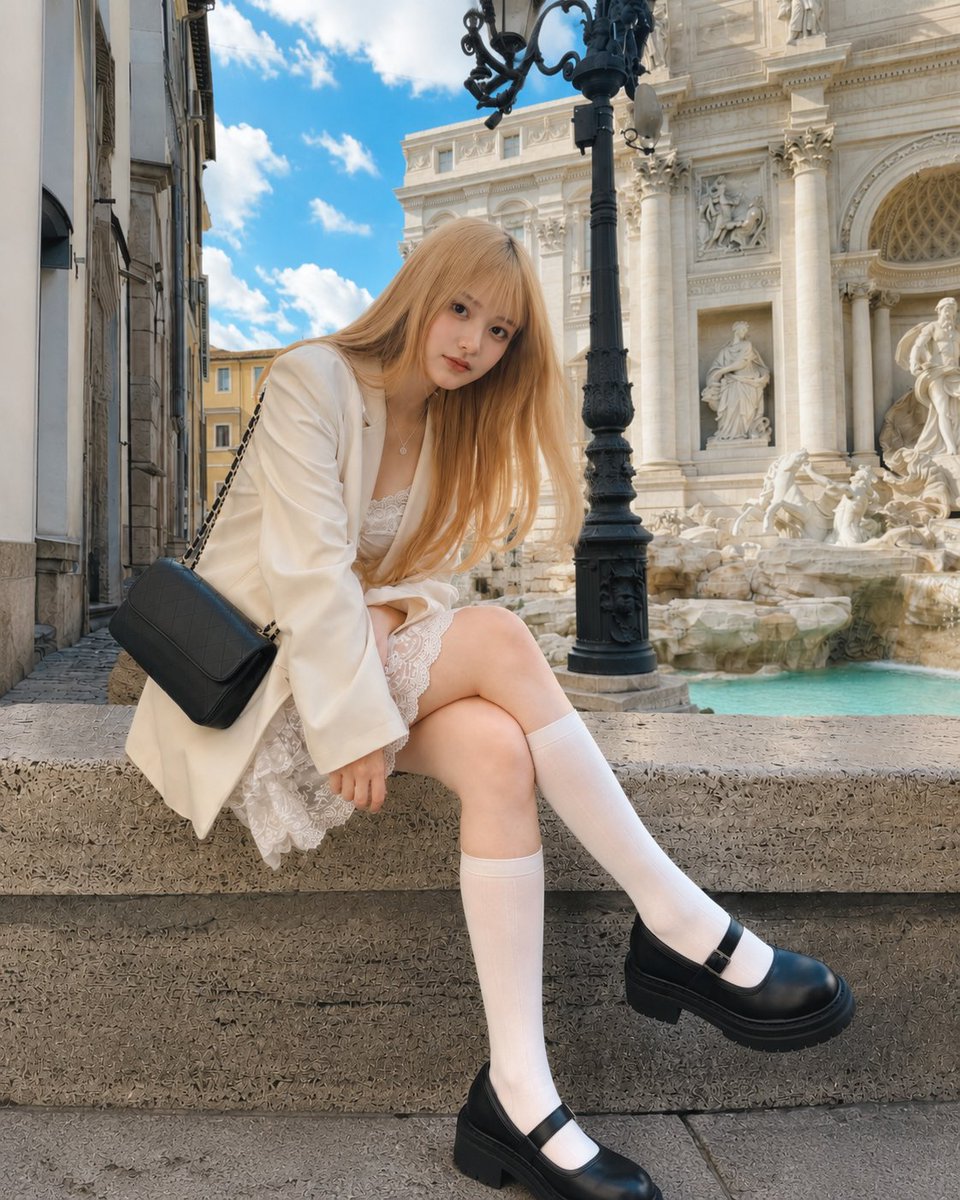
A realistic vertical travel fashion photo prompt featuring a seated blonde woman in a cream outfit at the Trevi Fountain in Rome.
- Prompt included
- Model and format preset
- Free template
The prompt behind this image
Copy the exact prompt behind Rome Fountain Fashion Snapshot, or open it in the studio and make it yours.
Create a realistic travel-fashion street photo of {argument name="subject" default="a young blonde woman"} sitting on the rough stone ledge of the Trevi Fountain in Rome on a bright sunny day. She is posed leaning forward slightly with one knee bent up and one leg extended, long straight strawberry-blonde hair falling over her shoulders, and her face intentionally covered by a flat tan square privacy blur. She wears exactly 6 visible outfit/accessory elements: {argument name="outerwear" default="an oversized cream blazer"}, a white lace mini dress with scalloped lace hem and lace bodice, white knee-high socks, chunky black Mary Jane platform shoes, a small silver pendant necklace, and a black quilted shoulder bag with a chain strap hanging at her left side. The background shows the ornate white marble architecture and statues of the Trevi Fountain, pale turquoise fountain water, carved rock formations, a tall black decorative streetlamp rising near the center-right, narrow old stone buildings on the left, and a vivid blue sky with scattered white clouds. Use a casual tourist snapshot composition in vertical 4:5 aspect ratio, wide-angle phone-camera perspective, natural daylight, crisp architectural detail, soft shadows, realistic skin and fabric texture, and no text or watermark. Keep the subject centered-left in the foreground, with the fountain filling the right background and the black streetlamp visually separating the subject from the fountain.
How to use Rome Fountain Fashion Snapshot in 3 steps
- 1Upload ImagePNG, JPG or paste
Add your photo
Upload the photo the template builds on. The prompt, model and format are already set.
- 2…a portrait of your subject in softgolden-hour light, 85mm…
Personalize
Edit the subject and creative details for your destination.
- 3Generate
Generate
Press Generate — your image is created in PicX Studio, so you can compare it with the original and refine one variable at a time.
More like this
Templates with the same subject, style or setup. Open one to see its prompt.

Fine Art Monochrome Fashion Portrait

80s College Gate

1988 Mall Style

80s Polka Dot Saree
Soda Fountain Chrome Stools

Urban Fashion Editorial Collage Streetwear Poster

Polo Ralph Lauren Luxury American Heritage Fashion Campaign

Cinematic Street Fashion Photographer Portrait

High-Fashion Editorial Magazine Cover ICON

Korean Streetwear Minimalist Campaign Portrait

Cinematic Korean Streetwear Street Portrait

Korean Model Floating Magazine Pages Campaign
Make it yours
Rome Fountain Fashion Snapshot works as-is. These are the safest ways to change it without losing the look.
Change one field
Copy a single group, rewrite it, and generate again so you can see what that field is doing.
Keep the frame, change the subject
Hold the composition and light of Rome Fountain Fashion Snapshot, then swap wardrobe, props or the person for a new take.
| If the result… | Why | Fix |
|---|---|---|
| The result drifts from the preview | Too many fields changed at once. | Reuse Rome Fountain Fashion Snapshot as-is first, then change one group — subject, light, or setting. |
| The model over-stylizes the scene | The prose prompt leaves finish and camera underspecified. | Add one camera or lighting sentence and stay on GPT Image 2. |
More GPT Image 2 templates
Other prompts made for GPT Image 2.

Six VTuber Japanese Logo Sheet

Realistic Portrait of Woman and Deer

The Vista Modular Condo Poster

AI Model Routing Comparison Infographic

2.5D Anime Art Board

Isometric Productivity Desk Scene

New York Double Exposure Poster

Four-Panel AI Landscape Comparison

Japanese Tatami Lifestyle Magazine Cover

NESCAFÉ Coffee Map Poster
More image prompts
Fresh picks from across the catalog.
Hyper-Realistic Miniature Turtle Tank Diorama
Creative Fashion Photography with Distorted Perspective
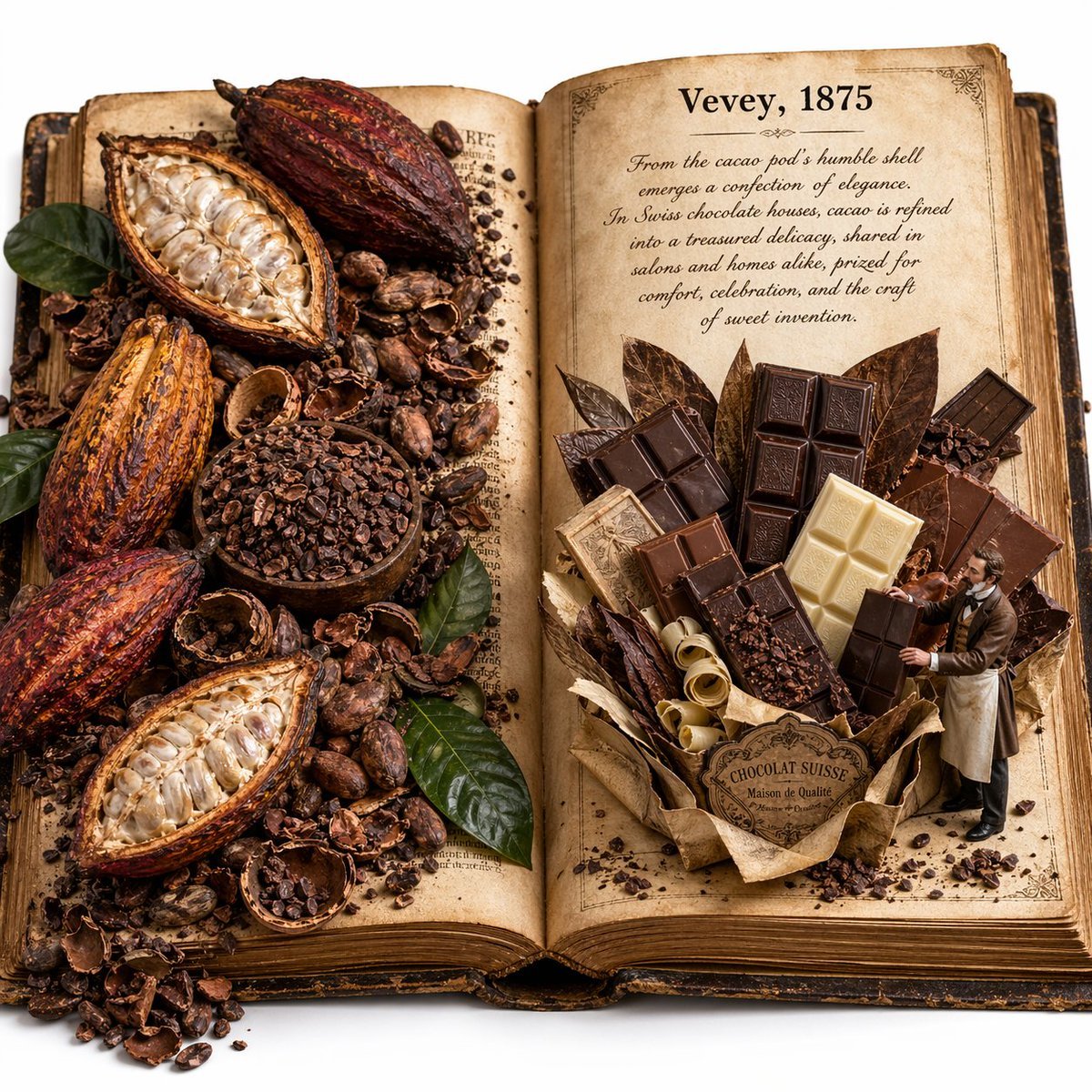
Edible History Pop-Up Chocolate Book
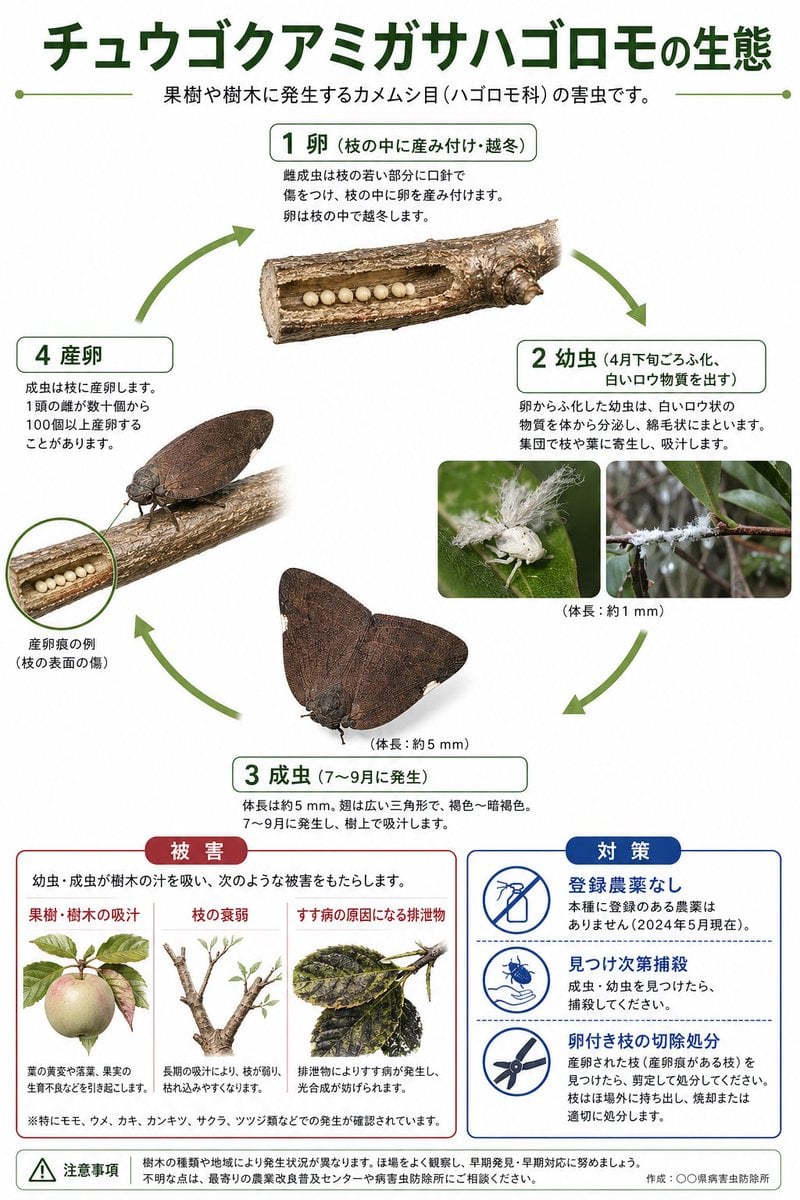
Japanese Pest Lifecycle Infographic
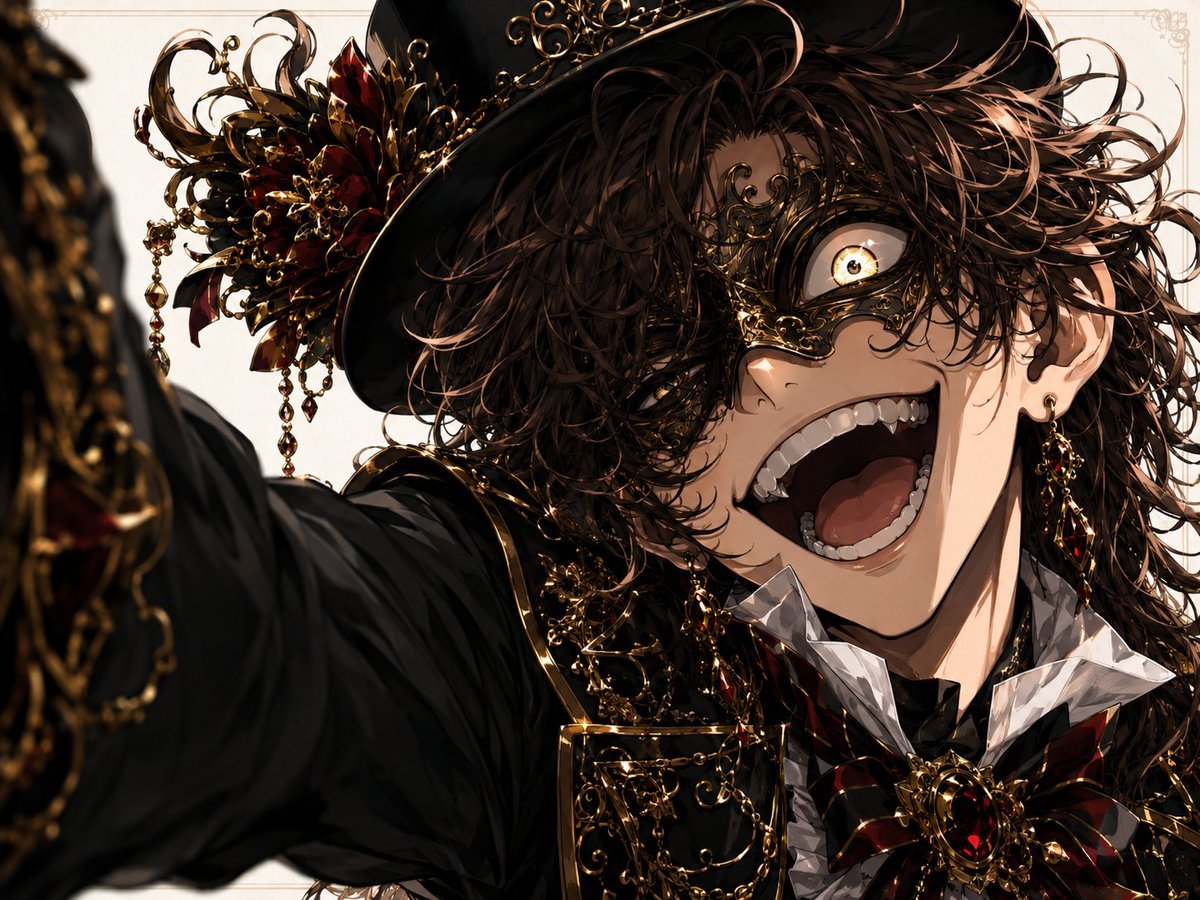
Wide-Angle Dramatic Facial Close-up
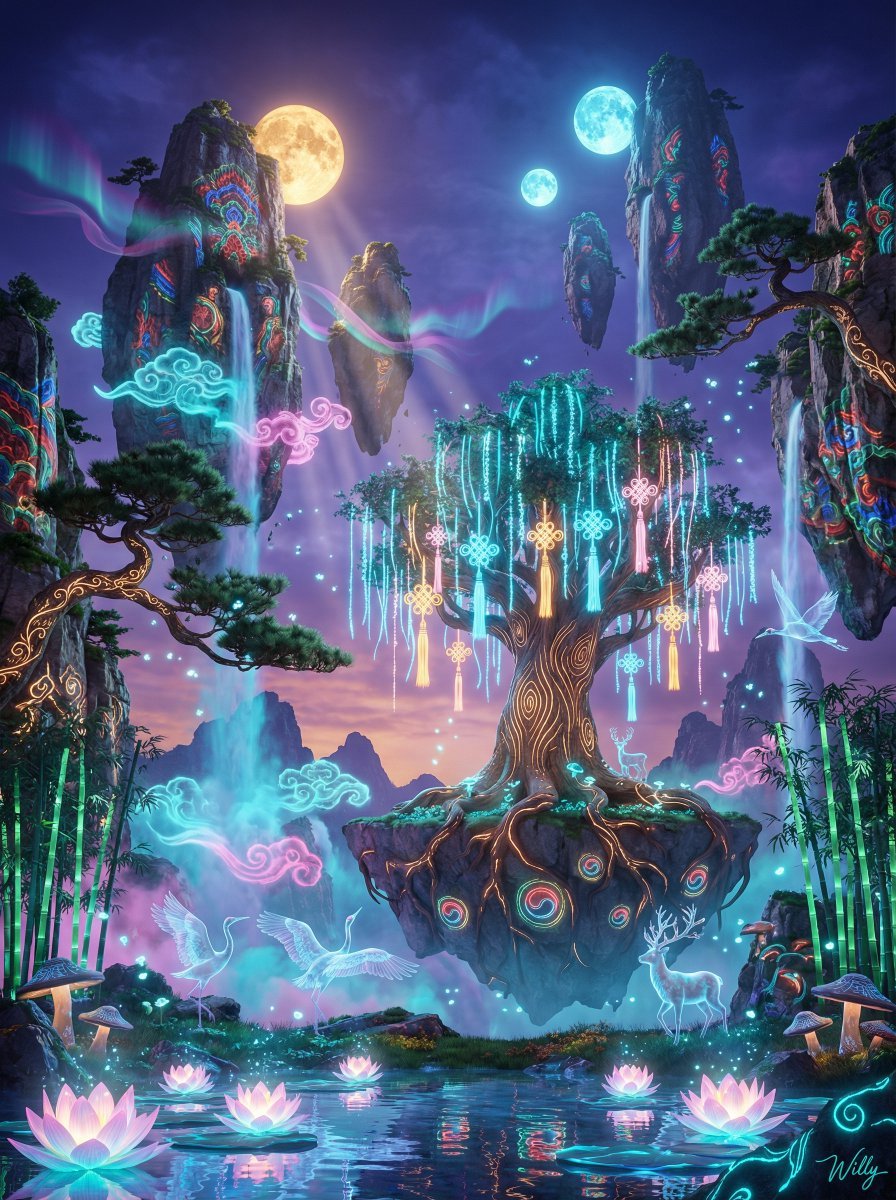
Korean-Inspired Avatar Pandora Floating Mountain Landscape

World Cup Champion Tunnel Poster
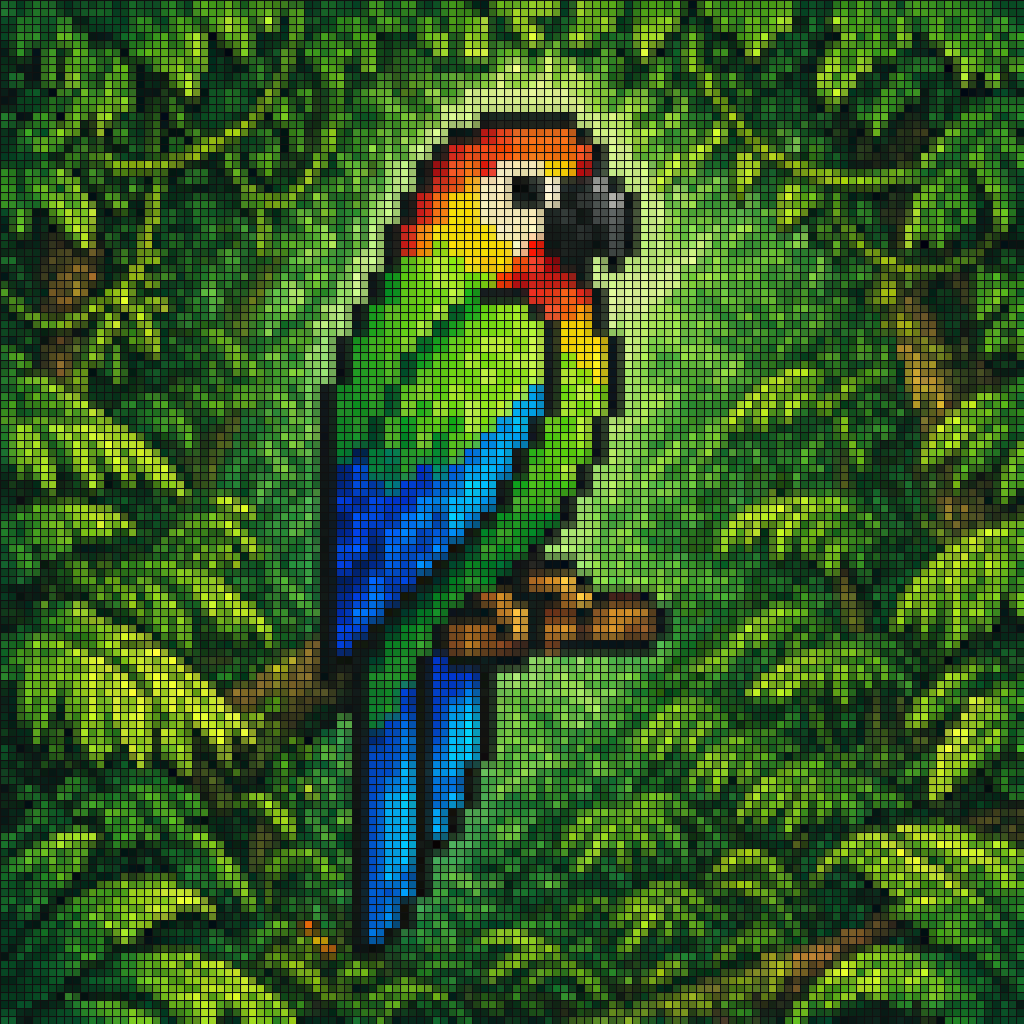
Gpt2 Social Media Post Tropical Parrot Pixel Mosaic
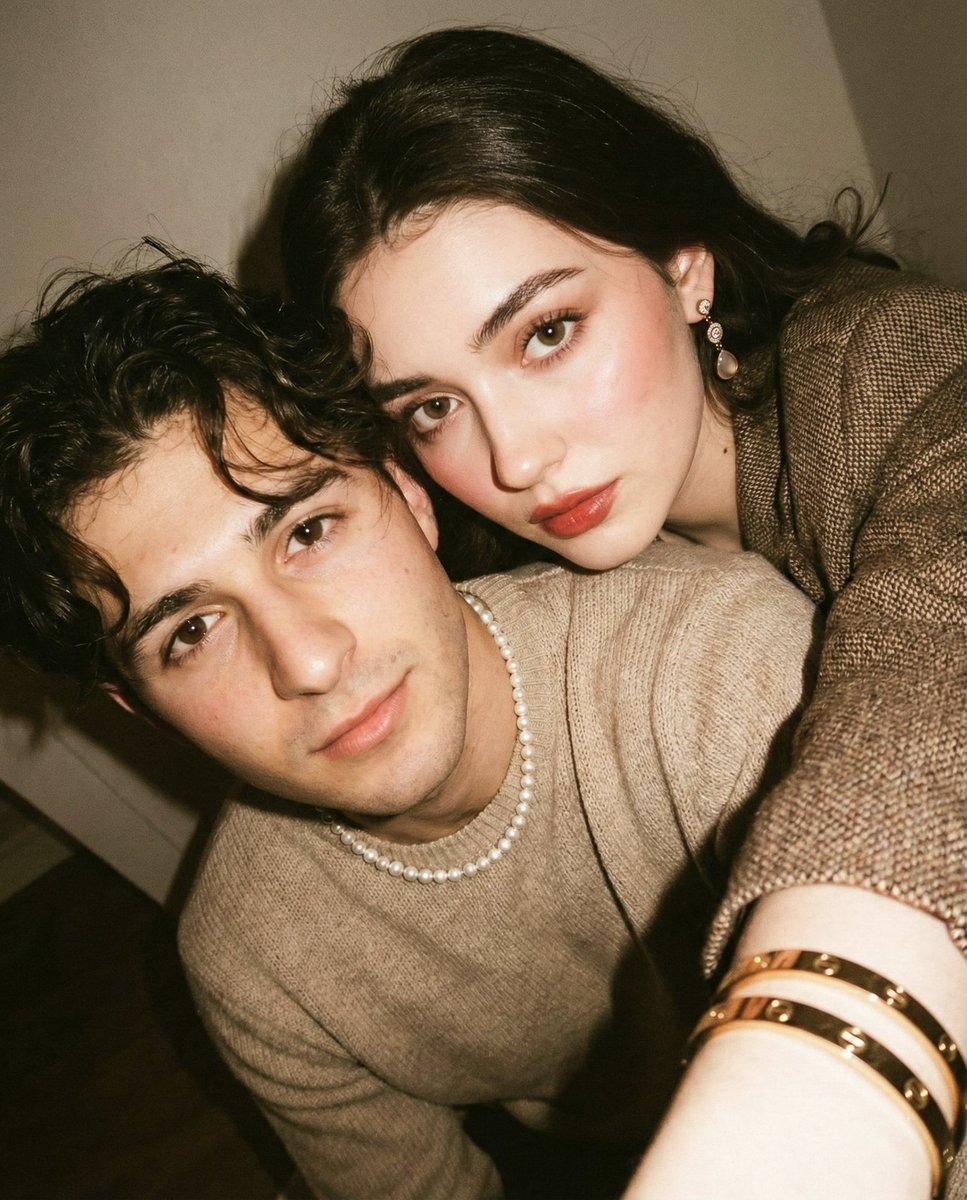
Vintage Film Selfie with Direct Flash
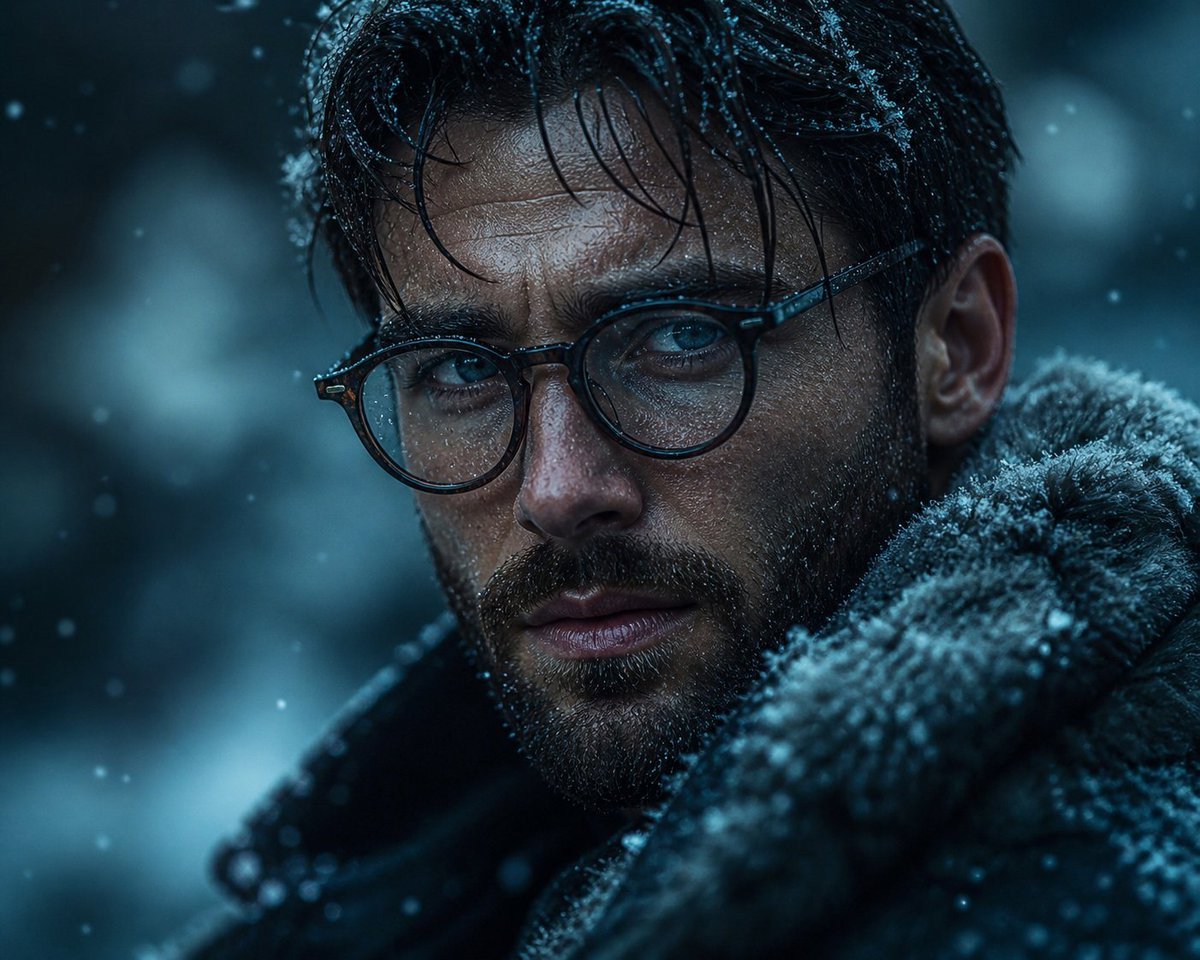
Cinematic Winter Portrait
Browse template categories
Rome Fountain Fashion Snapshot questions
How do I use the Rome Fountain Fashion Snapshot template?
Add your photo if the template asks for one, edit the prompt if you like — the template's model and format are already selected — and press Generate. Your version opens in PicX Studio.
Can I customize the Rome Fountain Fashion Snapshot template?
Yes. You can change the subject, setting, lighting, mood, format, and available model controls before creating your image.
Is the Rome Fountain Fashion Snapshot template free?
Opening and editing this template is free. Generating uses credits, shown on the Generate button when you are signed in.
Which AI model should I use?
Start with GPT Image 2, which is the model associated with this template. You can compare another compatible model for a different finish.
Looking for something else? Browse all templates.

Your photo, any look
Thousands of ready templates for every top image and video model, from one credit balance.