
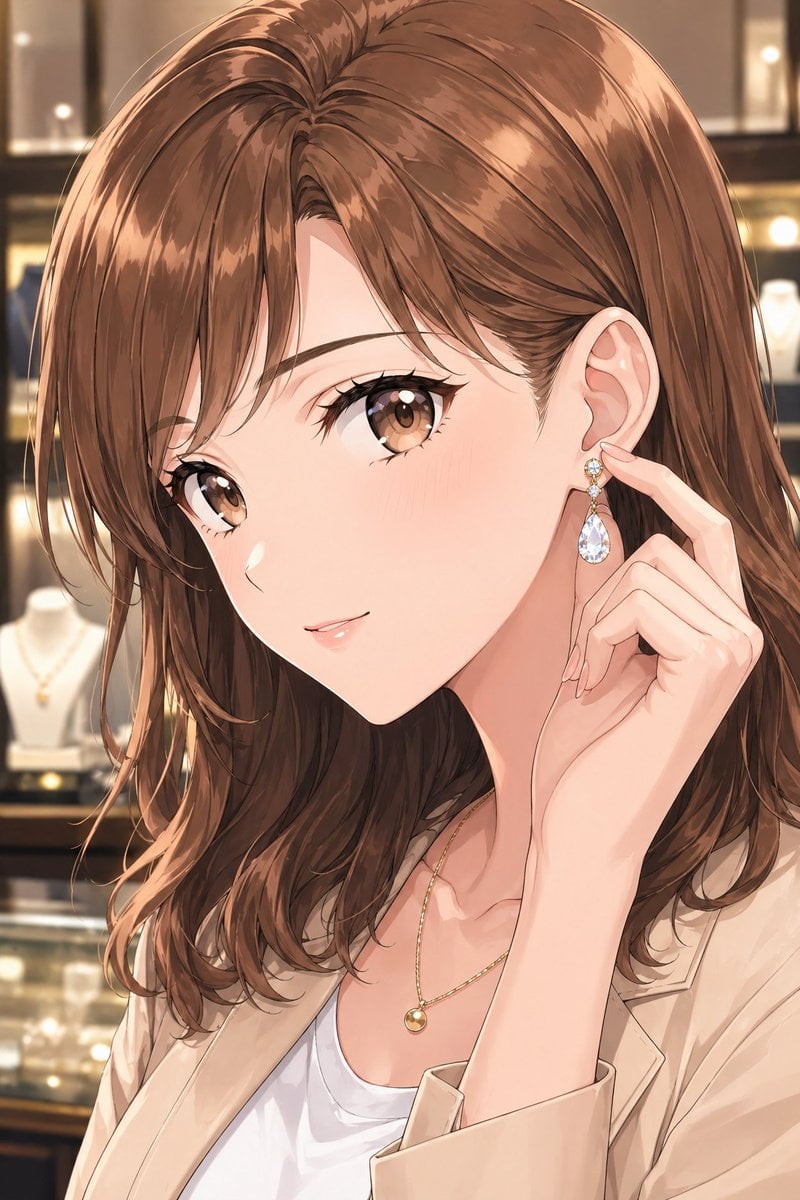
Elegant Office Lady in Jewelry Store
This prompt generates a polished anime-style close-up of a fashionable adult woman trying on jewelry in a luxurious boutique, ideal for chic portrait and fashion illustration use.
- Prompt included
- Model and format preset
- Free template
The prompt behind this image
Copy the exact prompt behind Elegant Office Lady in Jewelry Store, or open it in the studio and make it yours.
A refined anime-style close-up portrait of a stylish Japanese office lady in an elegant jewelry store, framed from the chest up. She has {argument name="hair color" default="soft chestnut brown"} medium-length layered hair with a smooth side part, glossy highlights, and slightly tousled ends brushing her shoulders. Her face is mostly turned and partially obscured by her hair and hand, creating a coy, sophisticated composition that emphasizes her ear and accessories rather than direct eye contact. She gently touches 1 dangling earring with two fingers, as if trying it on or admiring it; the earring has 3 visible parts: a small round gemstone stud, a tiny connecting ornament, and a large transparent teardrop crystal pendant. She wears 1 delicate gold necklace with a small spherical pendant, 1 light beige blazer, and 1 soft white scoop-neck inner top. Her hand is slender with neatly manicured natural pink nails. The background is an upscale boutique jewelry display with warm golden bokeh lighting, softly blurred glass cases, and 2 visible necklace bust stands in the background. Use a polished modern anime illustration style with clean linework, subtle realism in the hair and hands, luminous skin, luxurious reflections on the jewelry, and a calm mature atmosphere. Vertical composition, intimate crop, premium fashion editorial feel, warm indoor lighting, soft depth of field, high detail.
How to use Elegant Office Lady in Jewelry Store in 3 steps
- 1Upload ImagePNG, JPG or paste
Add your photo
Upload the photo the template builds on. The prompt, model and format are already set.
- 2…a portrait of your subject in softgolden-hour light, 85mm…
Personalize
Edit the subject and creative details for your destination.
- 3Generate
Generate
Press Generate — your image is created in PicX Studio, so you can compare it with the original and refine one variable at a time.
More like this
Templates with the same subject, style or setup. Open one to see its prompt.










Make it yours
Elegant Office Lady in Jewelry Store works as-is. These are the safest ways to change it without losing the look.
Change one field
Copy a single group, rewrite it, and generate again so you can see what that field is doing.
Keep the frame, change the subject
Hold the composition and light of Elegant Office Lady in Jewelry Store, then swap wardrobe, props or the person for a new take.
| If the result… | Why | Fix |
|---|---|---|
| The result drifts from the preview | Too many fields changed at once. | Reuse Elegant Office Lady in Jewelry Store as-is first, then change one group — subject, light, or setting. |
| The model over-stylizes the scene | The prose prompt leaves finish and camera underspecified. | Add one camera or lighting sentence and stay on GPT Image 2. |
More GPT Image 2 templates
Other prompts made for GPT Image 2.

Six VTuber Japanese Logo Sheet

Realistic Portrait of Woman and Deer

The Vista Modular Condo Poster

AI Model Routing Comparison Infographic

2.5D Anime Art Board

Isometric Productivity Desk Scene

New York Double Exposure Poster

Four-Panel AI Landscape Comparison

Japanese Tatami Lifestyle Magazine Cover

NESCAFÉ Coffee Map Poster
More image prompts
Fresh picks from across the catalog.
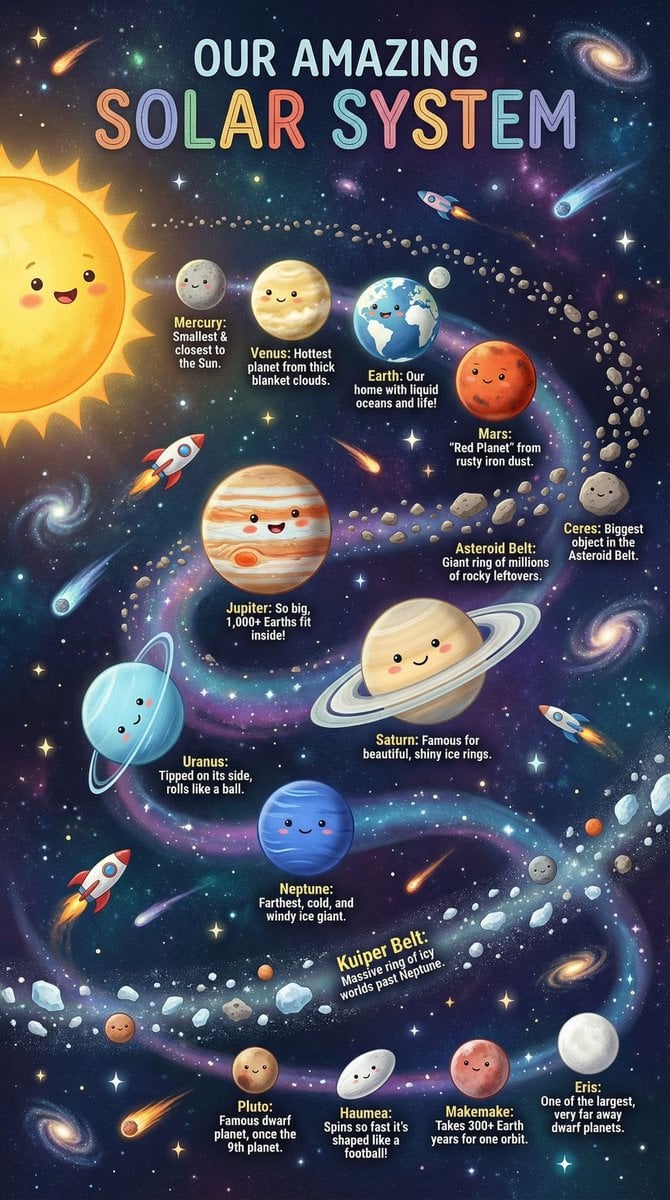
Educational Chart Generation Prompt (Solar System)

Cinematic Venom Symbiote Action Scene
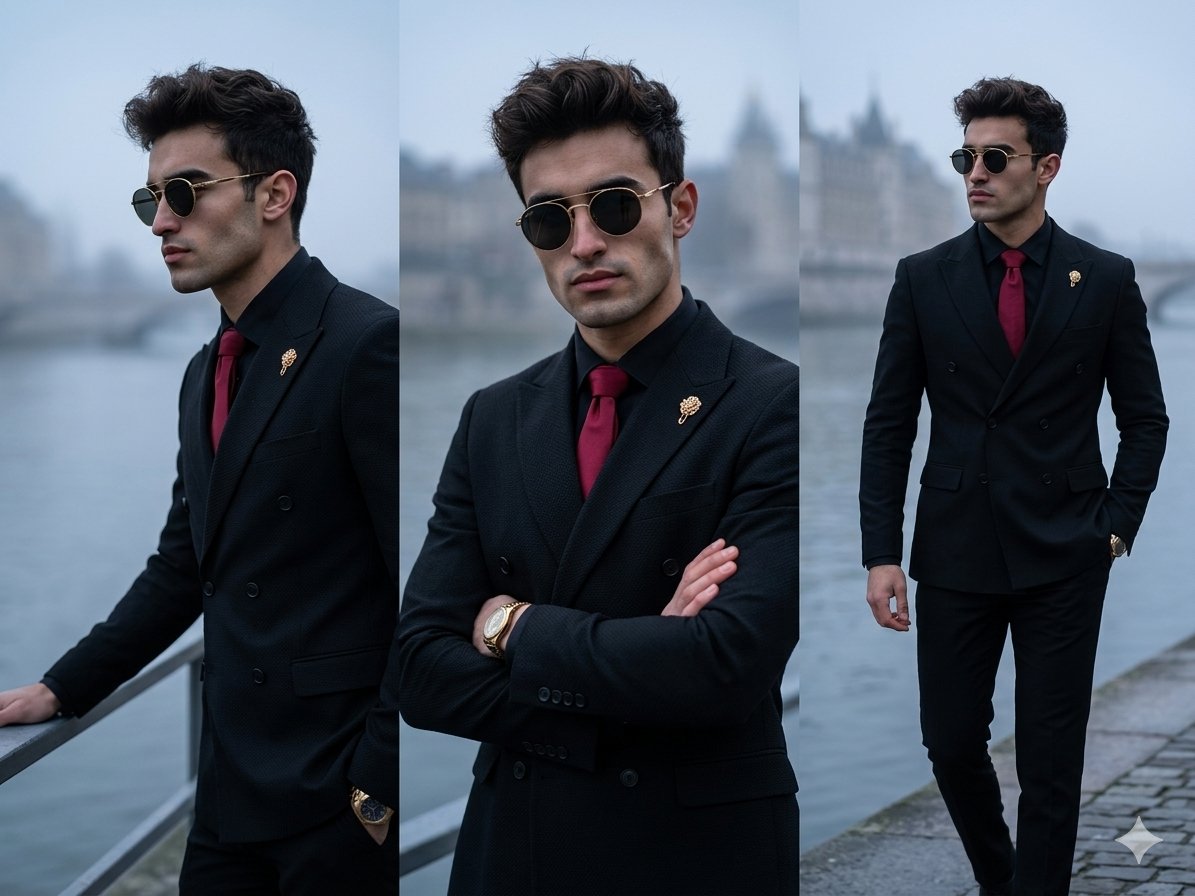
Vertical Panel Menswear Editorial
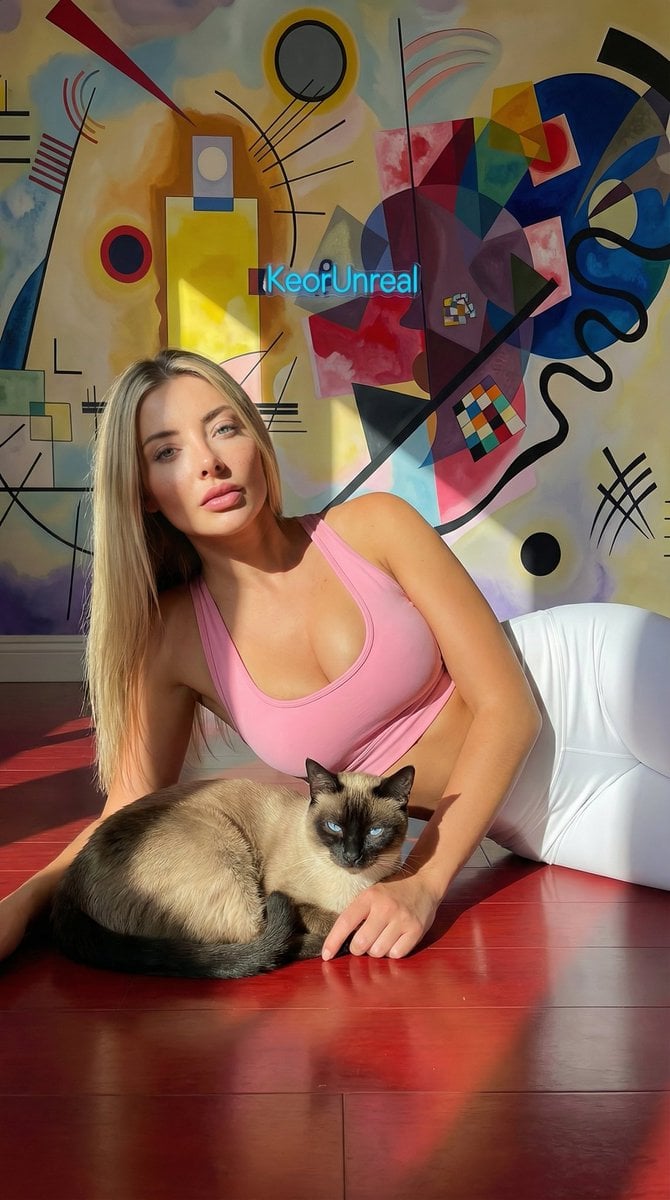
Photorealistic Portrait with Kandinsky Wall and Cat Prompt
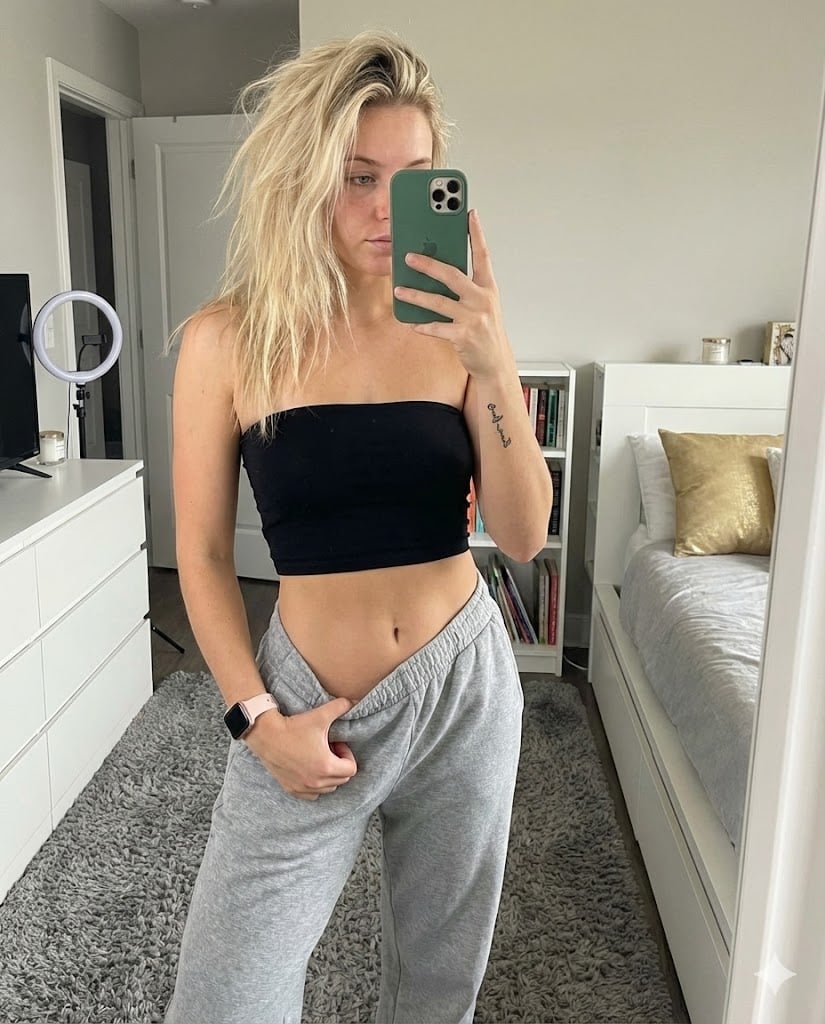
Realistic Mirror Selfie in Bandeau Top and Sweatpants
Product-Inspired Aristocratic Fashion
POV from a light gray rabbit
Minimal Studio Portrait in Neutral Tones
Anime Maid CD Album Cover

Food Art Diorama of the Great Wall of China Prompt
Browse template categories
Elegant Office Lady in Jewelry Store questions
How do I use the Elegant Office Lady in Jewelry Store template?
Add your photo if the template asks for one, edit the prompt if you like — the template's model and format are already selected — and press Generate. Your version opens in PicX Studio.
Can I customize the Elegant Office Lady in Jewelry Store template?
Yes. You can change the subject, setting, lighting, mood, format, and available model controls before creating your image.
Is the Elegant Office Lady in Jewelry Store template free?
Opening and editing this template is free. Generating uses credits, shown on the Generate button when you are signed in.
Which AI model should I use?
Start with GPT Image 2, which is the model associated with this template. You can compare another compatible model for a different finish.
Looking for something else? Browse all templates.

Your photo, any look
Thousands of ready templates for every top image and video model, from one credit balance.