
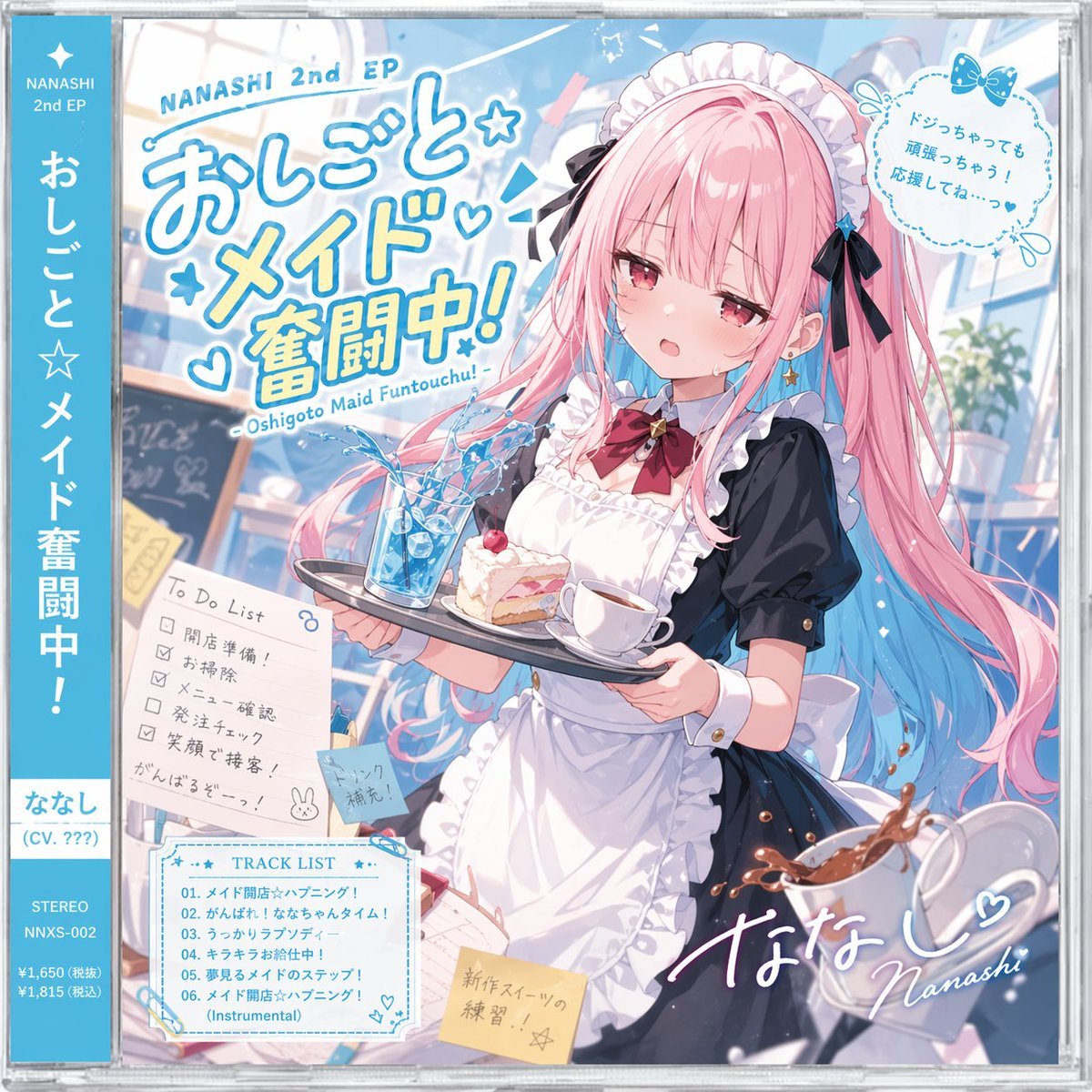
Anime Maid CD Album Cover
Generates a highly detailed anime-style CD jewel case cover featuring a character, tracklist, to-do list, and obi strip.
- Prompt included
- Model and format preset
- Free template
The prompt behind this image
Copy the exact prompt behind Anime Maid CD Album Cover, or open it in the studio and make it yours.
- Type
- anime CD jewel case cover with obi strip
- Character › Name
- {argument name="character name" default="ななし"}
- Character › Appearance
- flustered anime girl, {argument name="hair color" default="pink with blue gradient tips"}, twin tails, red eyes, sweat drop
- Character › Outfit
- black and white maid uniform, frilly apron, red bow tie, black hair bows
- Character › Action
- holding a serving tray with a spilling blue iced drink, strawberry cake, and a teacup; a spilling coffee cup is in the foreground
- Layout › Obi Strip › Position
- left edge
- Layout › Obi Strip › Color
- blue
- Layout › Obi Strip › Text
- NANASHI 2nd EP, {argument name="album title" default="おしごと☆メイド奮闘中!"}, {argument name="character name" default="ななし"} (CV. ???), STEREO, NNXS-002
- Layout › Main Title › Position
- top left
- Layout › Main Title › Text
- NANASHI 2nd EP, {argument name="album title" default="おしごと☆メイド奮闘中!"}, - Oshigoto Maid Funtouchu! -
- Layout › Quote Bubble › Position
- top right
- Layout › Quote Bubble › Text
- {argument name="character quote" default="ドジっちゃっても頑張っちゃう!応援してね…っ♡"}
- Layout › To Do List › Position
- mid left
- Layout › To Do List › Count
- 5
- Layout › To Do List › Items
- 開店準備!, お掃除, メニュー確認, 発注チェック, 笑顔で接客!
- Layout › To Do List › Footer
- がんばるぞーっ! with a bunny doodle
- Layout › Track List › Position
- bottom left
- Layout › Track List › Count
- 6
- Layout › Track List › Tracks
- 01. {argument name="lead track name" default="メイド開店☆ハプニング!"}, 02. がんばれ!ななちゃんタイム!, 03. うっかりラプソディー, 04. キラキラお給仕中!, 05. 夢見るメイドのステップ!, 06. {argument name="lead track name" default="メイド開店☆ハプニング!"} (Instrumental)
- Layout › Sticky Notes › Count
- 2
- Layout › Sticky Notes › Text
- ドリンク補充!, 新作スイーツの練習!!☆
- Layout › Signature › Position
- bottom right
- Layout › Signature › Text
- {argument name="character name" default="ななし"}♡ Nanashi
Raw JSON
{
  "type": "anime CD jewel case cover with obi strip",
  "character": {
    "name": "{argument name=\"character name\" default=\"ななし\"}",
    "appearance": "flustered anime girl, {argument name=\"hair color\" default=\"pink with blue gradient tips\"}, twin tails, red eyes, sweat drop",
    "outfit": "black and white maid uniform, frilly apron, red bow tie, black hair bows",
    "action": "holding a serving tray with a spilling blue iced drink, strawberry cake, and a teacup; a spilling coffee cup is in the foreground"
  },
  "layout": {
    "obi_strip": {
      "position": "left edge",
      "color": "blue",
      "text": ["NANASHI 2nd EP", "{argument name=\"album title\" default=\"おしごと☆メイド奮闘中!\"}", "{argument name=\"character name\" default=\"ななし\"} (CV. ???)", "STEREO", "NNXS-002"]
    },
    "main_title": {
      "position": "top left",
      "text": ["NANASHI 2nd EP", "{argument name=\"album title\" default=\"おしごと☆メイド奮闘中!\"}", "- Oshigoto Maid Funtouchu! -"]
    },
    "quote_bubble": {
      "position": "top right",
      "text": "{argument name=\"character quote\" default=\"ドジっちゃっても頑張っちゃう!応援してね…っ♡\"}"
    },
    "to_do_list": {
      "position": "mid left",
      "count": 5,
      "items": ["開店準備!", "お掃除", "メニュー確認", "発注チェック", "笑顔で接客!"],
      "footer": "がんばるぞーっ! with a bunny doodle"
    },
    "track_list": {
      "position": "bottom left",
      "count": 6,
      "tracks": ["01. {argument name=\"lead track name\" default=\"メイド開店☆ハプニング!\"}", "02. がんばれ!ななちゃんタイム!", "03. うっかりラプソディー", "04. キラキラお給仕中!", "05. 夢見るメイドのステップ!", "06. {argument name=\"lead track name\" default=\"メイド開店☆ハプニング!\"} (Instrumental)"]
    },
    "sticky_notes": {
      "count": 2,
      "text": ["ドリンク補充!", "新作スイーツの練習!!☆"]
    },
    "signature": {
      "position": "bottom right",
      "text": "{argument name=\"character name\" default=\"ななし\"}♡ Nanashi"
    }
  }
}How to use Anime Maid CD Album Cover in 3 steps
- 1Upload ImagePNG, JPG or paste
Add your photo
Upload the photo the template builds on. The prompt, model and format are already set.
- 2…a portrait of your subject in softgolden-hour light, 85mm…
Personalize
Edit the subject and creative details for your destination.
- 3Generate
Generate
Press Generate — your image is created in PicX Studio, so you can compare it with the original and refine one variable at a time.
More like this
Templates with the same subject, style or setup. Open one to see its prompt.

Sparkling Seaside Anime Album Cover
Anime Bedroom Guitar Album Cover
Anime Cherry Blossom Rock Album Cover
Midnight Anime Album Cover
Two A.M. Coastline Album Cover

Music Album Cover Abstract Liquid Mercury
Japanese Musician Album Cover
Ornate A-Un Kimono Album Cover
Dark Forest Undine Album Cover
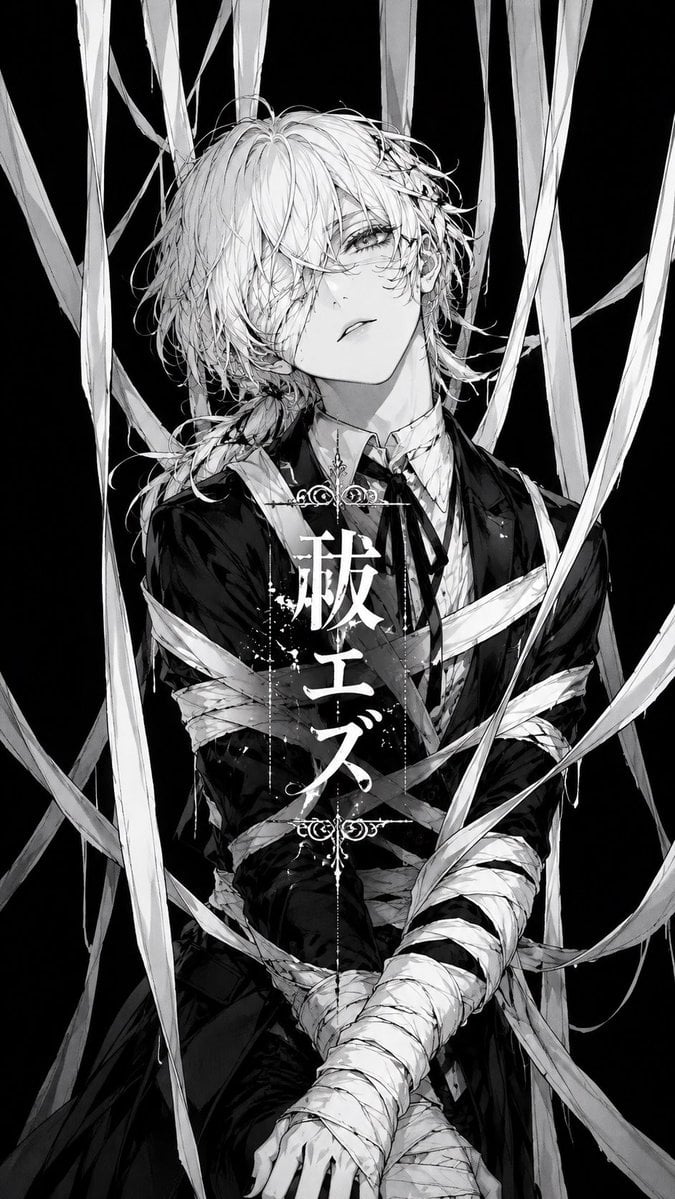
Monochrome Visual-Kei Album Cover

Cel 2D Finale Fireworks

Cel 2D Garden Maze
Make it yours
Anime Maid CD Album Cover works as-is. These are the safest ways to change it without losing the look.
Change one field
Copy a single group, rewrite it, and generate again so you can see what that field is doing.
Keep the frame, change the subject
Hold the composition and light of Anime Maid CD Album Cover, then swap wardrobe, props or the person for a new take.
| If the result… | Why | Fix |
|---|---|---|
| The result drifts from the preview | Too many fields changed at once. | Reuse Anime Maid CD Album Cover as-is first, then change one group — subject, light, or setting. |
| GPT Image 2 ignores part of the JSON | Some models flatten or skip nested keys. | Keep the same values and paste them as a short paragraph instead. |
More GPT Image 2 templates
Other prompts made for GPT Image 2.

Six VTuber Japanese Logo Sheet

Realistic Portrait of Woman and Deer

The Vista Modular Condo Poster

AI Model Routing Comparison Infographic

2.5D Anime Art Board

Isometric Productivity Desk Scene

New York Double Exposure Poster

Four-Panel AI Landscape Comparison

Japanese Tatami Lifestyle Magazine Cover

NESCAFÉ Coffee Map Poster
More image prompts
Fresh picks from across the catalog.
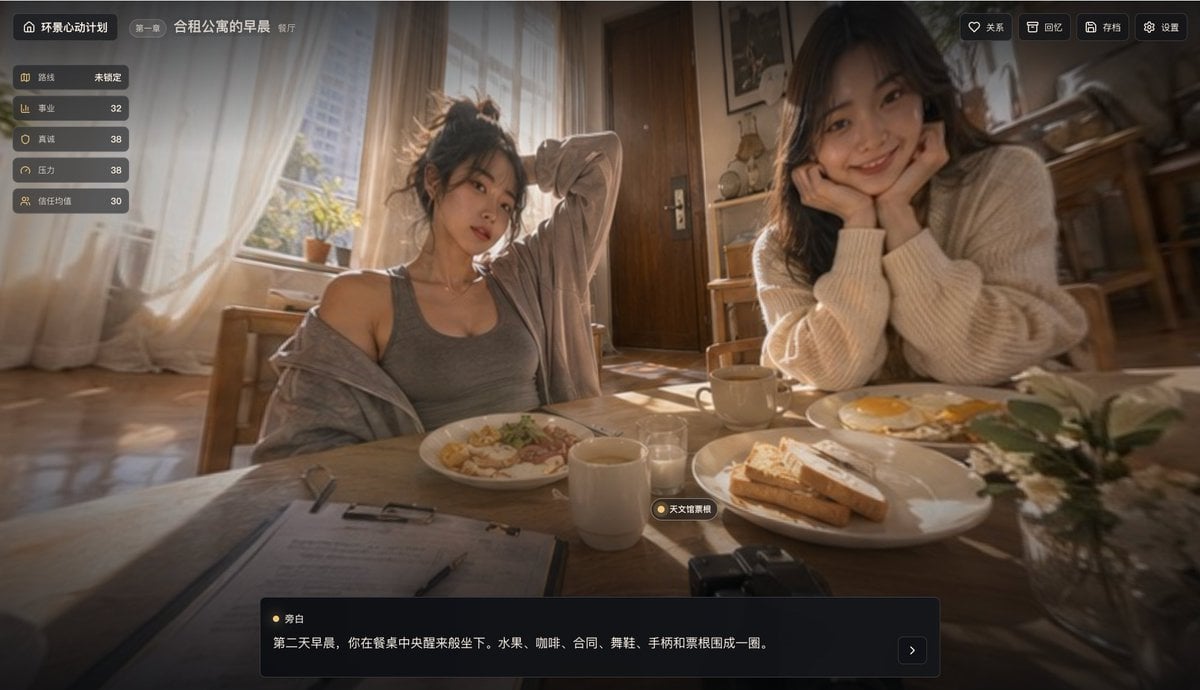
Cinematic Breakfast Dating Sim UI
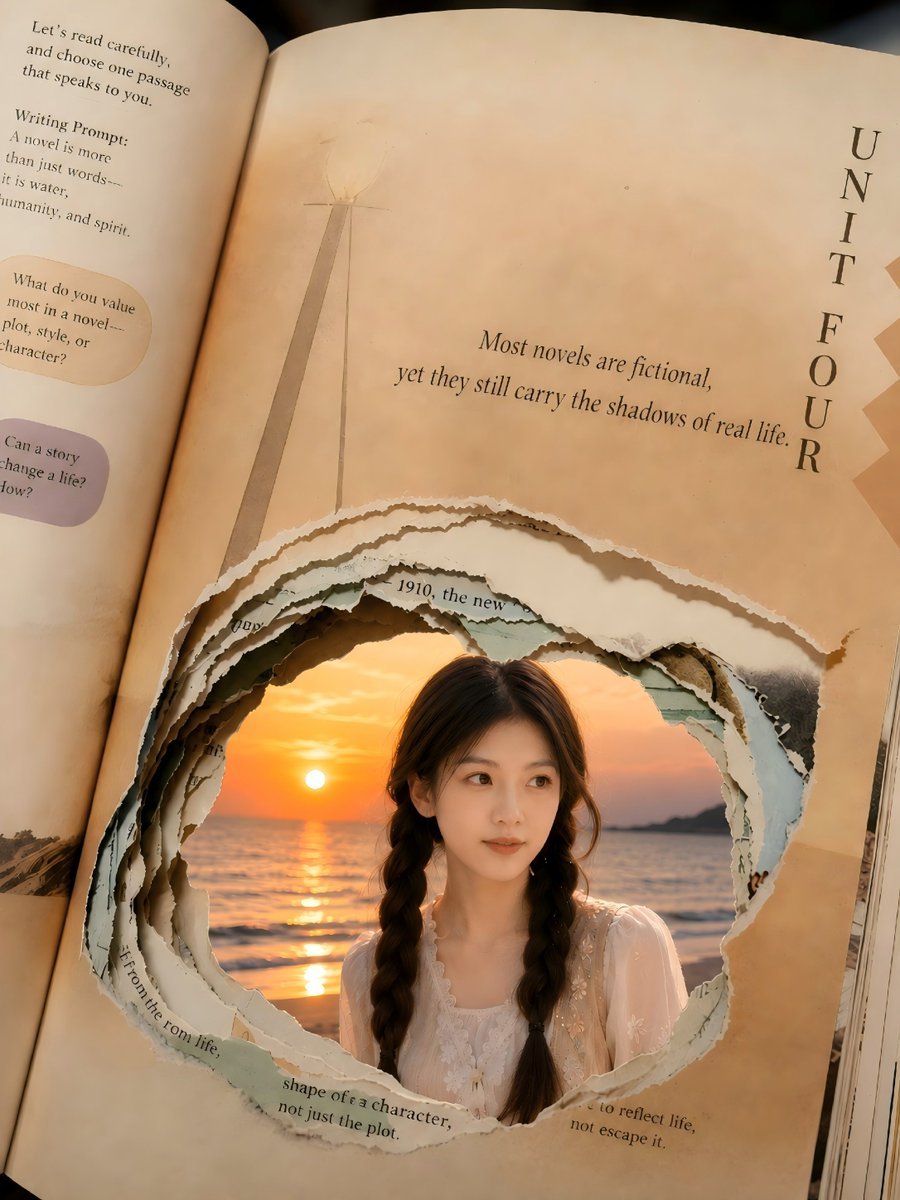
Torn Book Portal Portrait

Centered Autumn Portrait Recreation

Japanese Fashion Golden Hour Collage

Ultra-detailed high fashion ethnic portrait prompt

Gpt2 Youtube Thumbnail Monika Anime Banner Illustration

AI image prompt for a girl joining university

Photorealistic Skincare Product Photography in Snow
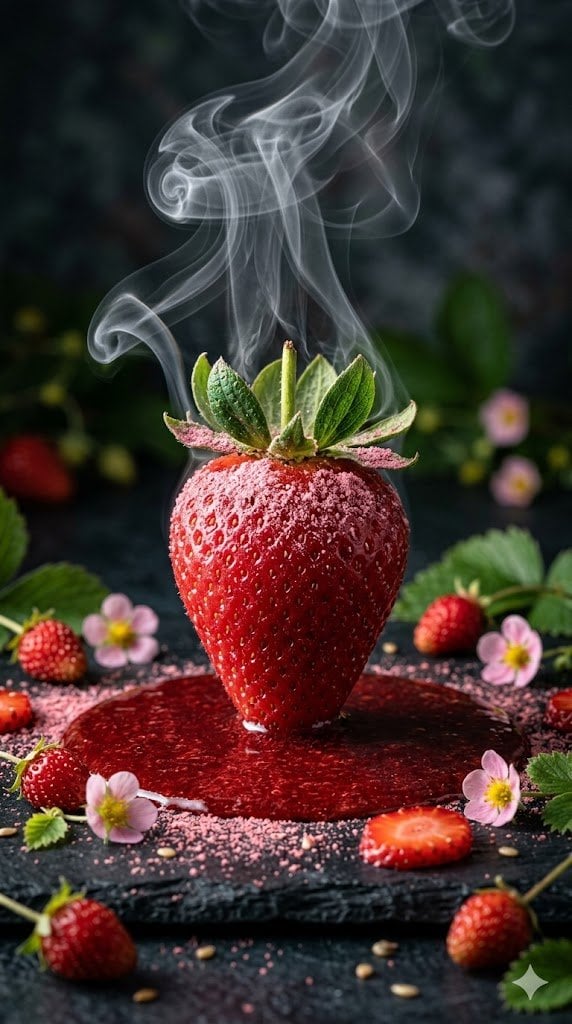
Cinematic Macro Photograph of a Strawberry in Syrup
Censored Garden Portrait
Browse template categories
Anime Maid CD Album Cover questions
How do I use the Anime Maid CD Album Cover template?
Add your photo if the template asks for one, edit the prompt if you like — the template's model and format are already selected — and press Generate. Your version opens in PicX Studio.
Can I customize the Anime Maid CD Album Cover template?
Yes. You can change the subject, setting, lighting, mood, format, and available model controls before creating your image.
Is the Anime Maid CD Album Cover template free?
Opening and editing this template is free. Generating uses credits, shown on the Generate button when you are signed in.
Which AI model should I use?
Start with GPT Image 2, which is the model associated with this template. You can compare another compatible model for a different finish.
Looking for something else? Browse all templates.

Your photo, any look
Thousands of ready templates for every top image and video model, from one credit balance.