
Anime Cherry Blossom Rock Album Cover
Generates a nostalgic anime-style Japanese CD cover featuring a schoolgirl with an electric guitar under sunset cherry blossoms.
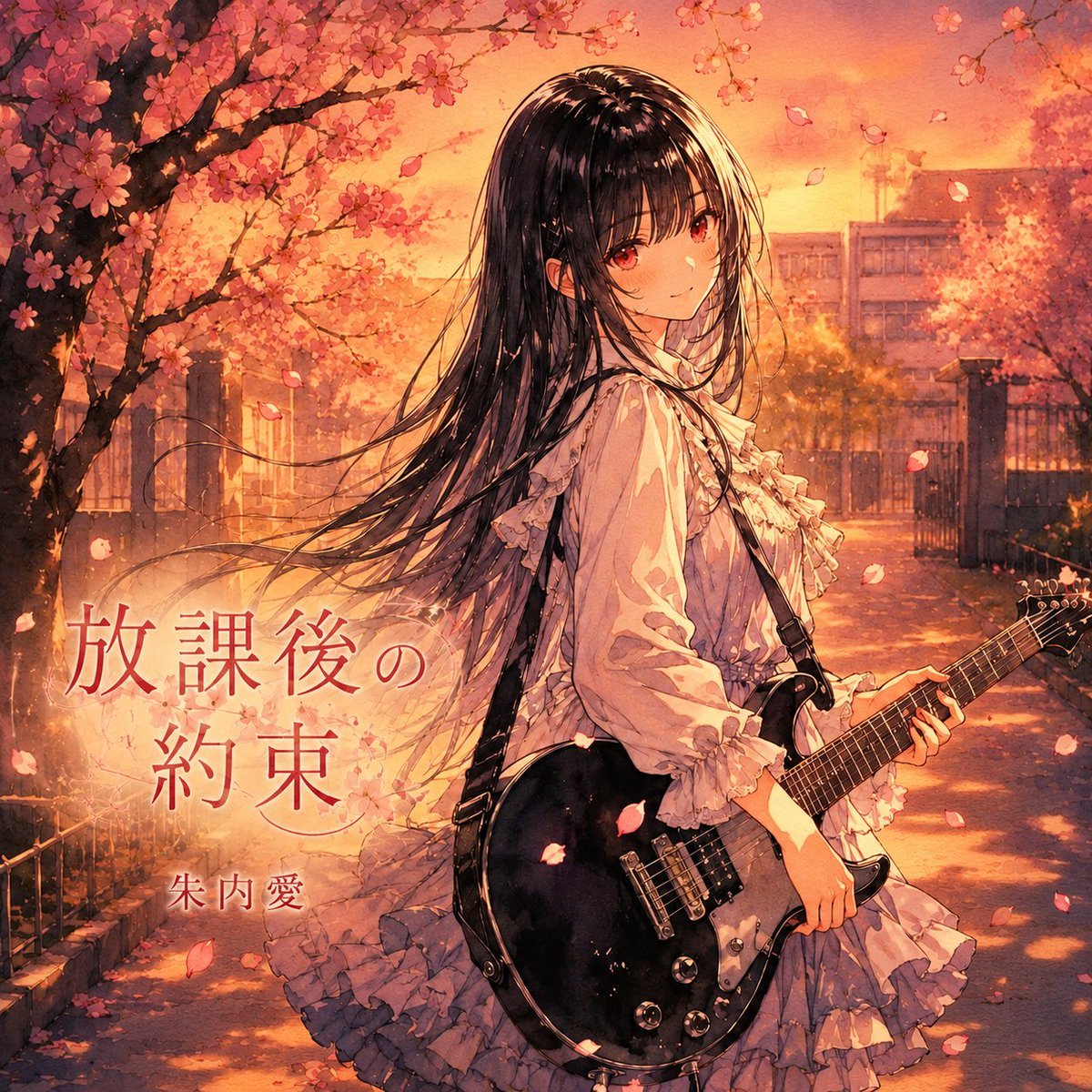
- Prompt included
- Model and format preset
- Free template
The prompt behind this image
Copy the exact prompt behind Anime Cherry Blossom Rock Album Cover, or open it in the studio and make it yours.
Create a square anime-style CD jacket cover illustration for a sentimental Japanese school rock ballad. The scene shows a beautiful teenage girl standing on a cherry-blossom-lined path outside a school campus at golden-hour sunset, turned slightly back toward the viewer with a calm, wistful expression. She has very long flowing black hair, soft red-brown eyes, pale skin, and wears a frilly ivory blouse with ruffled sleeves and a layered pale lavender-gray skirt, giving a romantic gothic-lolita school-uniform feeling. She holds a glossy black electric guitar with chrome hardware and a shoulder strap across her body, the guitar angled diagonally in the lower right foreground. Cherry blossom branches fill the upper left and top edge, with pink petals drifting through the warm orange air; the background includes a school gate, fence, trees, and softly blurred school buildings bathed in sunset light. Use highly detailed painterly anime rendering, warm cinematic lighting, delicate linework, emotional album-cover composition, rich peach, coral, amber, and rose tones, soft depth of field, nostalgic atmosphere, and subtle film-grain texture. Add exactly two visible text elements in elegant Japanese typography: the large title {argument name="album title" default="放課後の約束"} placed on the left side in translucent deep red, and the smaller artist name {argument name="artist name" default="朱内 愛"} below it. Keep the text integrated like professional music cover art, with no extra logos, borders, track lists, or watermarks.
How to use Anime Cherry Blossom Rock Album Cover in 3 steps
- 1Upload ImagePNG, JPG or paste
Add your photo
Upload the photo the template builds on. The prompt, model and format are already set.
- 2…a portrait of your subject in softgolden-hour light, 85mm…
Personalize
Edit the subject and creative details for your destination.
- 3Generate
Generate
Press Generate — your image is created in PicX Studio, so you can compare it with the original and refine one variable at a time.
More like this
Templates with the same subject, style or setup. Open one to see its prompt.

Sparkling Seaside Anime Album Cover
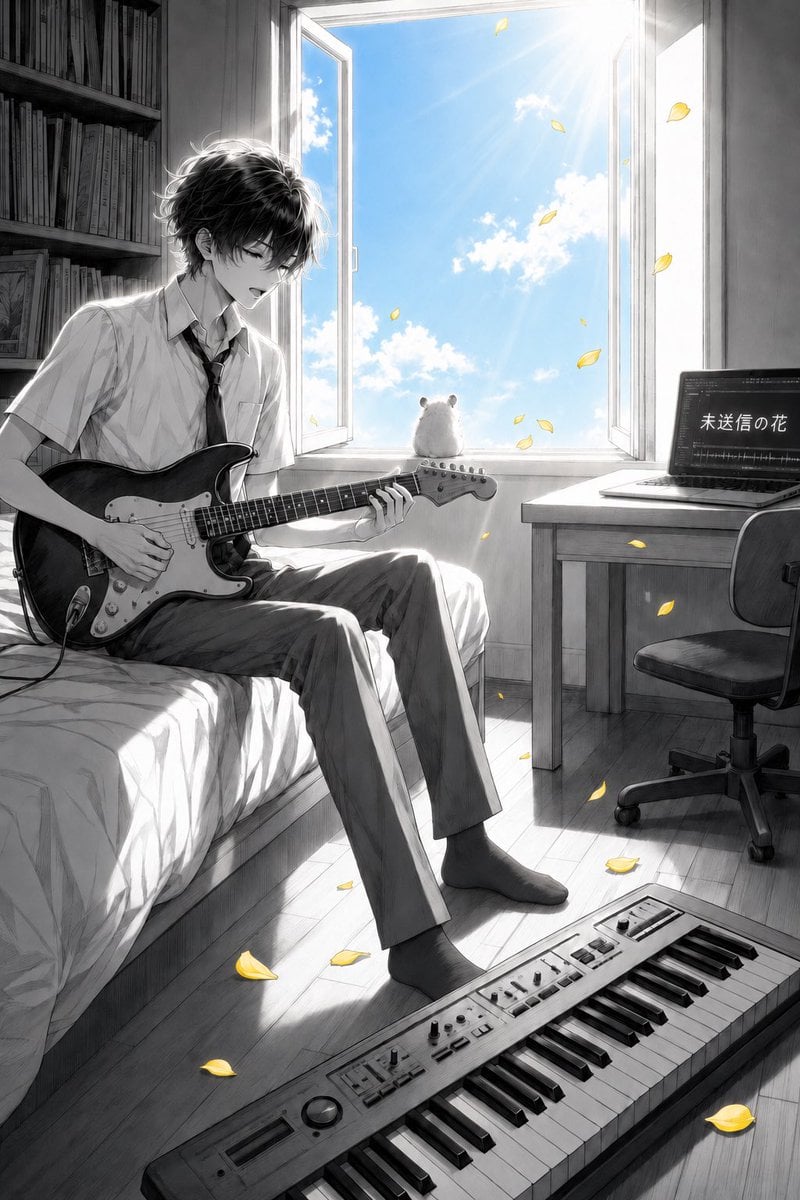
Anime Bedroom Guitar Album Cover
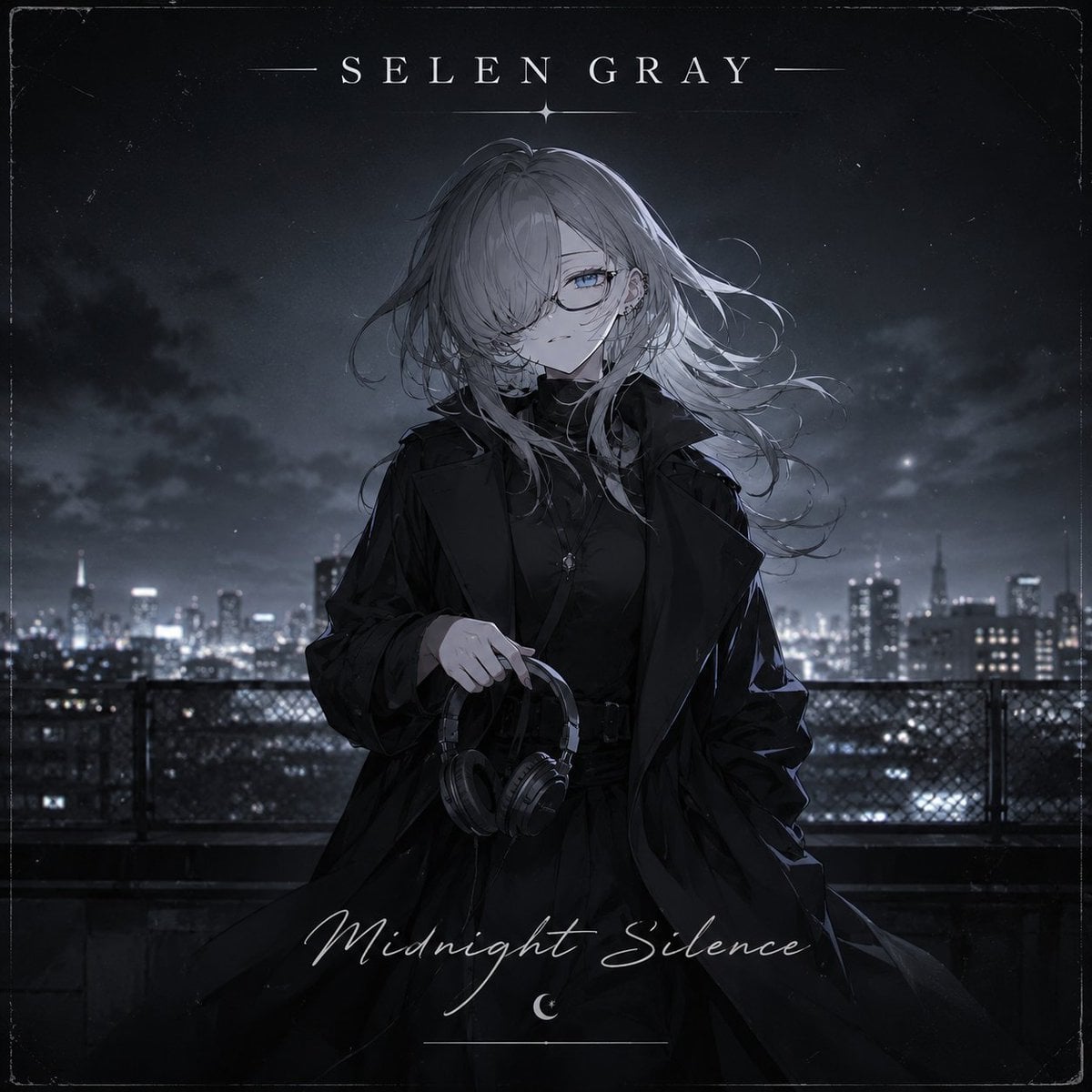
Midnight Anime Album Cover
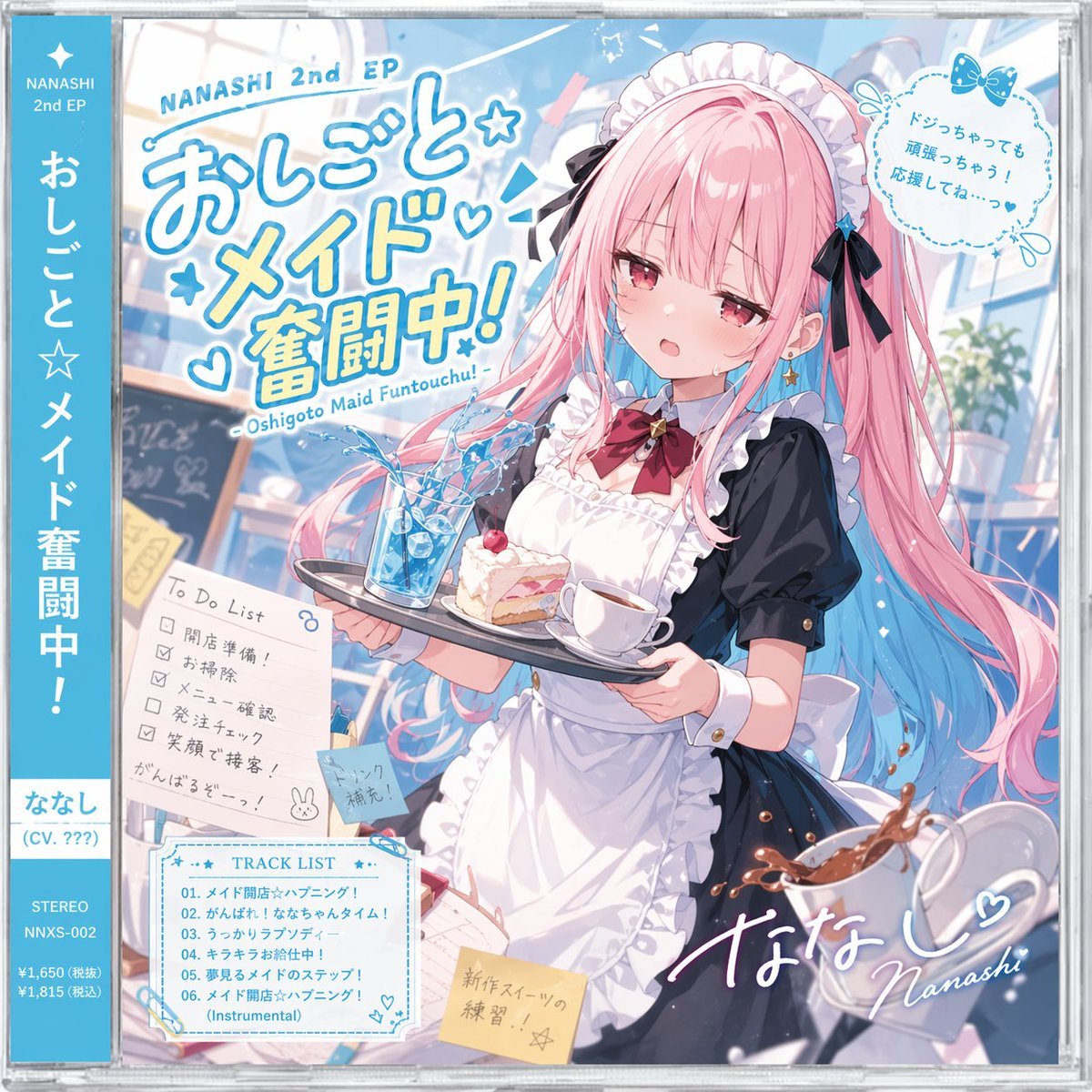
Anime Maid CD Album Cover

Abstract Rock Guitarist Album Art
Two A.M. Coastline Album Cover
Cherry Blossom Cosplay Romance

Music Album Cover Abstract Liquid Mercury
3D Guoman Cherry Blossom Schoolgirl Portrait
Anime Rock Duo with Guitar and Sheet Music
Japanese Musician Album Cover
Ornate A-Un Kimono Album Cover
Make it yours
Anime Cherry Blossom Rock Album Cover works as-is. These are the safest ways to change it without losing the look.
Change one field
Copy a single group, rewrite it, and generate again so you can see what that field is doing.
Keep the frame, change the subject
Hold the composition and light of Anime Cherry Blossom Rock Album Cover, then swap wardrobe, props or the person for a new take.
| If the result… | Why | Fix |
|---|---|---|
| The result drifts from the preview | Too many fields changed at once. | Reuse Anime Cherry Blossom Rock Album Cover as-is first, then change one group — subject, light, or setting. |
| The model over-stylizes the scene | The prose prompt leaves finish and camera underspecified. | Add one camera or lighting sentence and stay on GPT Image 2. |
More GPT Image 2 templates
Other prompts made for GPT Image 2.

Six VTuber Japanese Logo Sheet

Realistic Portrait of Woman and Deer

The Vista Modular Condo Poster

AI Model Routing Comparison Infographic

2.5D Anime Art Board

Isometric Productivity Desk Scene

New York Double Exposure Poster

Four-Panel AI Landscape Comparison

Japanese Tatami Lifestyle Magazine Cover

NESCAFÉ Coffee Map Poster
More image prompts
Fresh picks from across the catalog.
Atmospheric cold glamor mirror portrait
Macro Hero Shot of Optical Cast Glass Object with Caustics

Realistic Phone Photo with Horror Twist
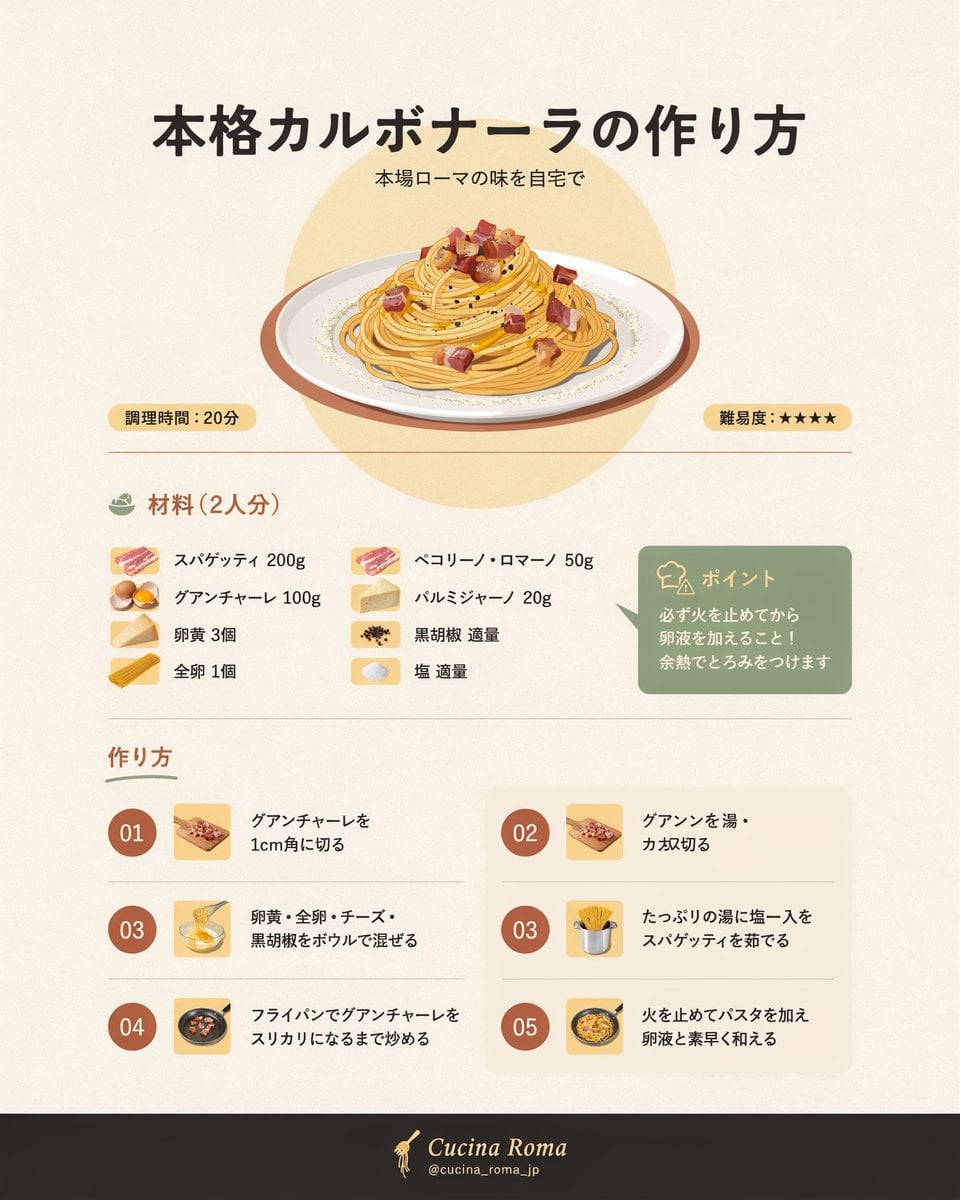
Japanese Carbonara Recipe Infographic

Sticker Art Style - Rainbow Girl v2
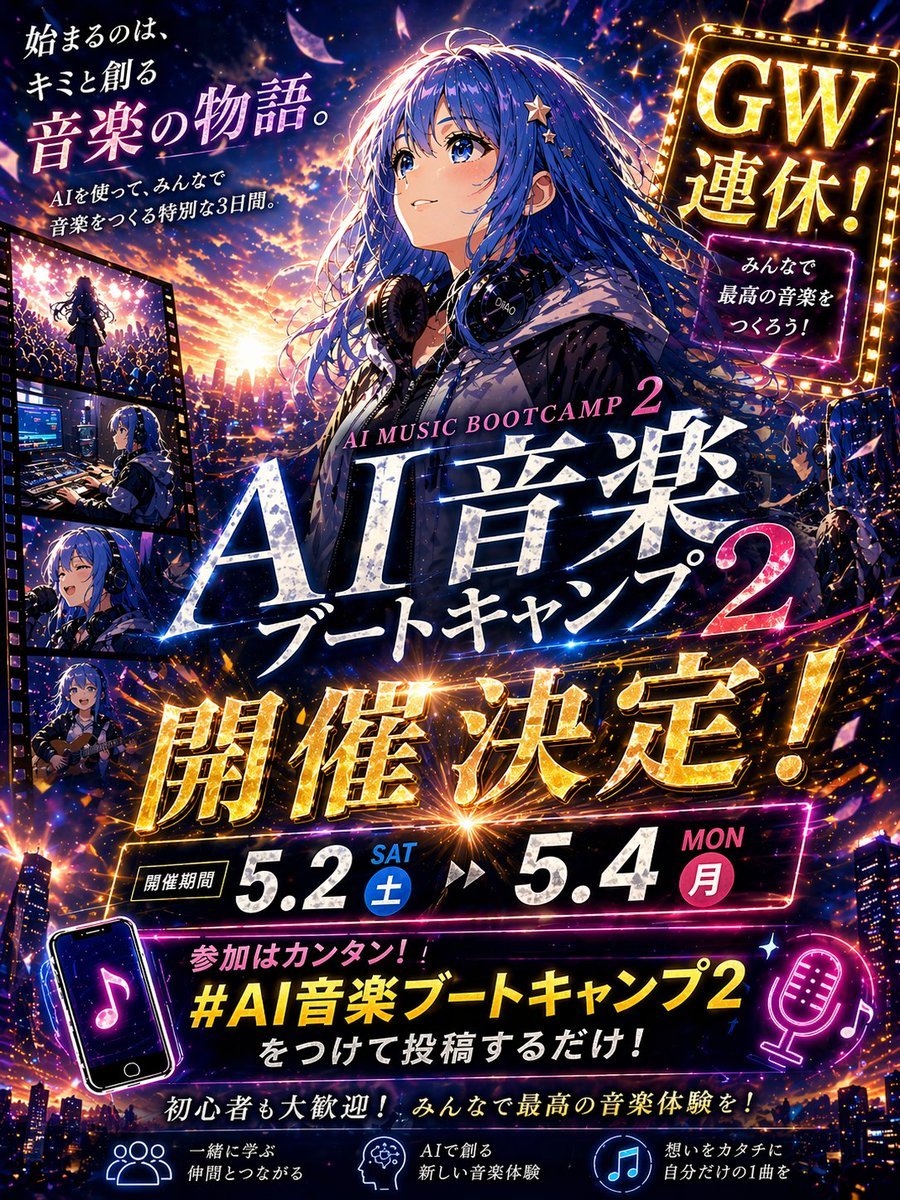
Anime Music Bootcamp Promo Poster

Cinematic Sport Logo Render in Midjourne

MIXUE Dimo Candy Kingdom Poster
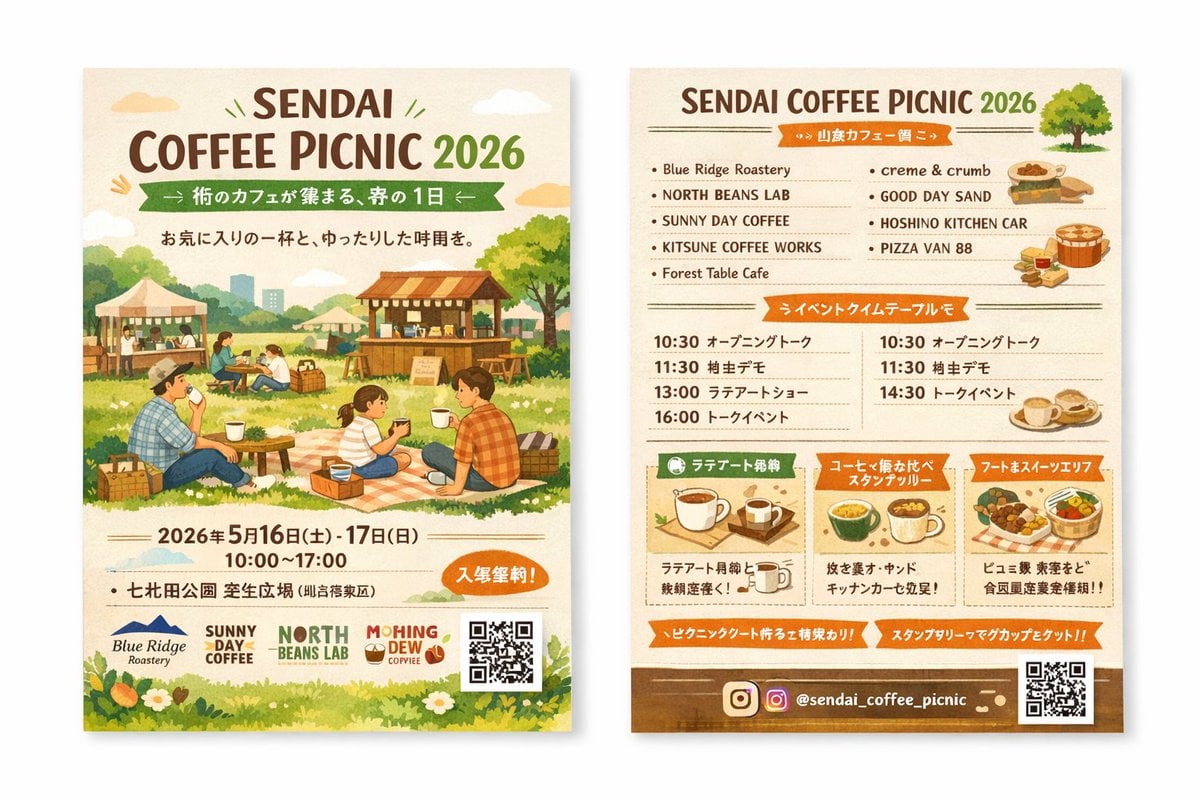
Two-Sided Watercolor Event Flyer Mockup
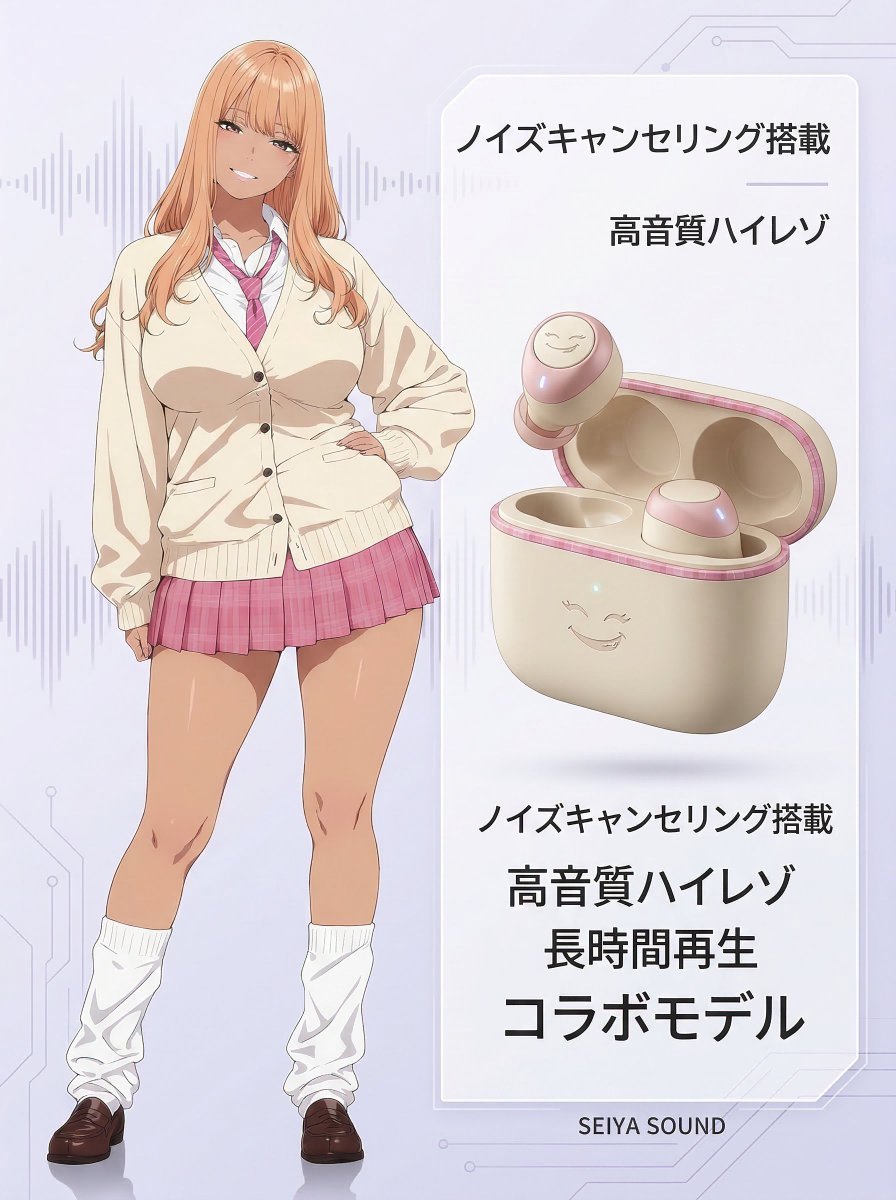
Character-Themed Wireless Earbuds Product Shot
Browse template categories
Anime Cherry Blossom Rock Album Cover questions
How do I use the Anime Cherry Blossom Rock Album Cover template?
Add your photo if the template asks for one, edit the prompt if you like — the template's model and format are already selected — and press Generate. Your version opens in PicX Studio.
Can I customize the Anime Cherry Blossom Rock Album Cover template?
Yes. You can change the subject, setting, lighting, mood, format, and available model controls before creating your image.
Is the Anime Cherry Blossom Rock Album Cover template free?
Opening and editing this template is free. Generating uses credits, shown on the Generate button when you are signed in.
Which AI model should I use?
Start with GPT Image 2, which is the model associated with this template. You can compare another compatible model for a different finish.
Looking for something else? Browse all templates.

Your photo, any look
Thousands of ready templates for every top image and video model, from one credit balance.