
Macro Hero Shot of Optical Cast Glass Object with Caustics
A highly technical prompt for generating an ultra-close macro hero shot of a specified subject rendered as premium optical cast glass, focusing on controlled internal highlights, strong rainbow caustics cast onto the…
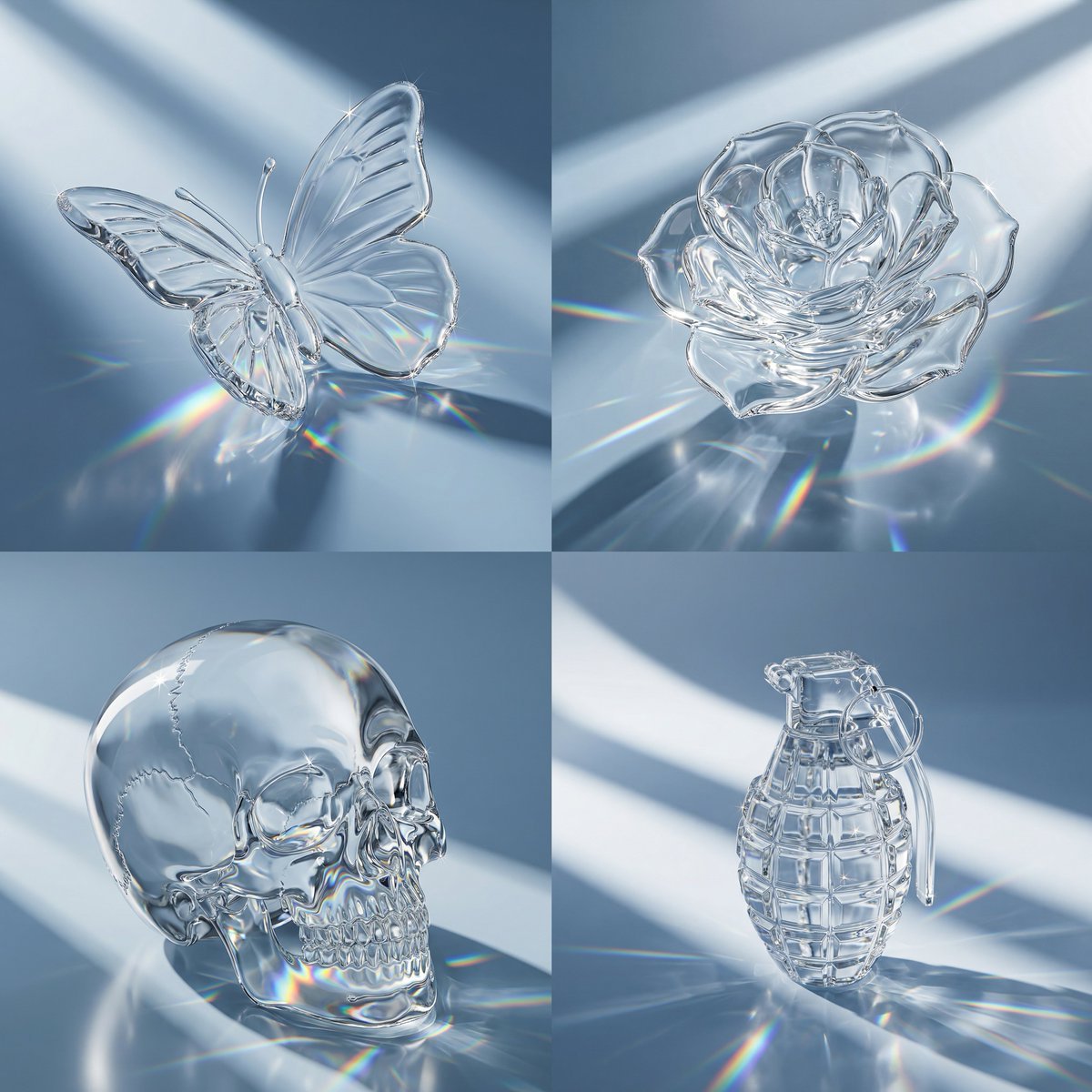
- Prompt included
- Model and format preset
- Premium template
The prompt behind this image
Copy the exact prompt behind Macro Hero Shot of Optical Cast Glass Object with Caustics, or open it in the studio and make it yours.
Task: Ultra-close macro hero shot of a {argument name="subject" default="SUBJECT"} as premium optical cast glass with diagonal light-band shadows, stronger rainbow caustics, and clean readable high-detail areas (no refraction “mush”). Subject is FULLY visible and NOT cropped. The subject is placed on the surface or floating in the air at a low altitude above the surface. Style: Photoreal luxury product; seamless blue-gray gradient background #9FAFBC (cool, slightly blue, low saturation); glossy reflective plane; smooth clear optical glass with crisp edges, controlled internal highlights, subtle star glints; pronounced caustic streaks + vivid prismatic rainbow arcs cast onto the surface from the subject. Framing: extreme close-up, subject fills ~90–95% of the frame, fully visible and not cropped. Readability (fix mush): preserve crisp facial/edge details—minimize internal warping, lensing, and overlapping caustic patterns on fine features; keep the interior visually “quiet” so the surface sculpt reads clean. Optical control: low-distortion, low-aberration glass look (reduced dispersion inside the object) with strong external caustics on the surface. Lighting: broad diagonal soft light bands; long soft cast shadow with smooth penumbra; rainbow caustics should be stronger and more numerous around the base and across the floor. Clean white color. Environment control: seamless studio only; gray/black flags controlling reflections; no window/room elements. Negative prompt: excessive refraction, heavy distortion, lens effect, warped facial features, chaotic highlights, milky/foggy glass, random reflections, window, interior, wall corner, faceted, polygonal, low poly, text, watermark, clutter
How to use Macro Hero Shot of Optical Cast Glass Object with Caustics in 3 steps
- 1
Open
The prompt is already in the box next to the preview, with the template's model and format selected.
- 2…a portrait of your subject in softgolden-hour light, 85mm…
Personalize
Edit the subject and creative details for your destination.
- 3Generate
Generate
Press Generate — your image is created in PicX Studio, so you can compare it with the original and refine one variable at a time.
More like this
Templates with the same subject, style or setup. Open one to see its prompt.
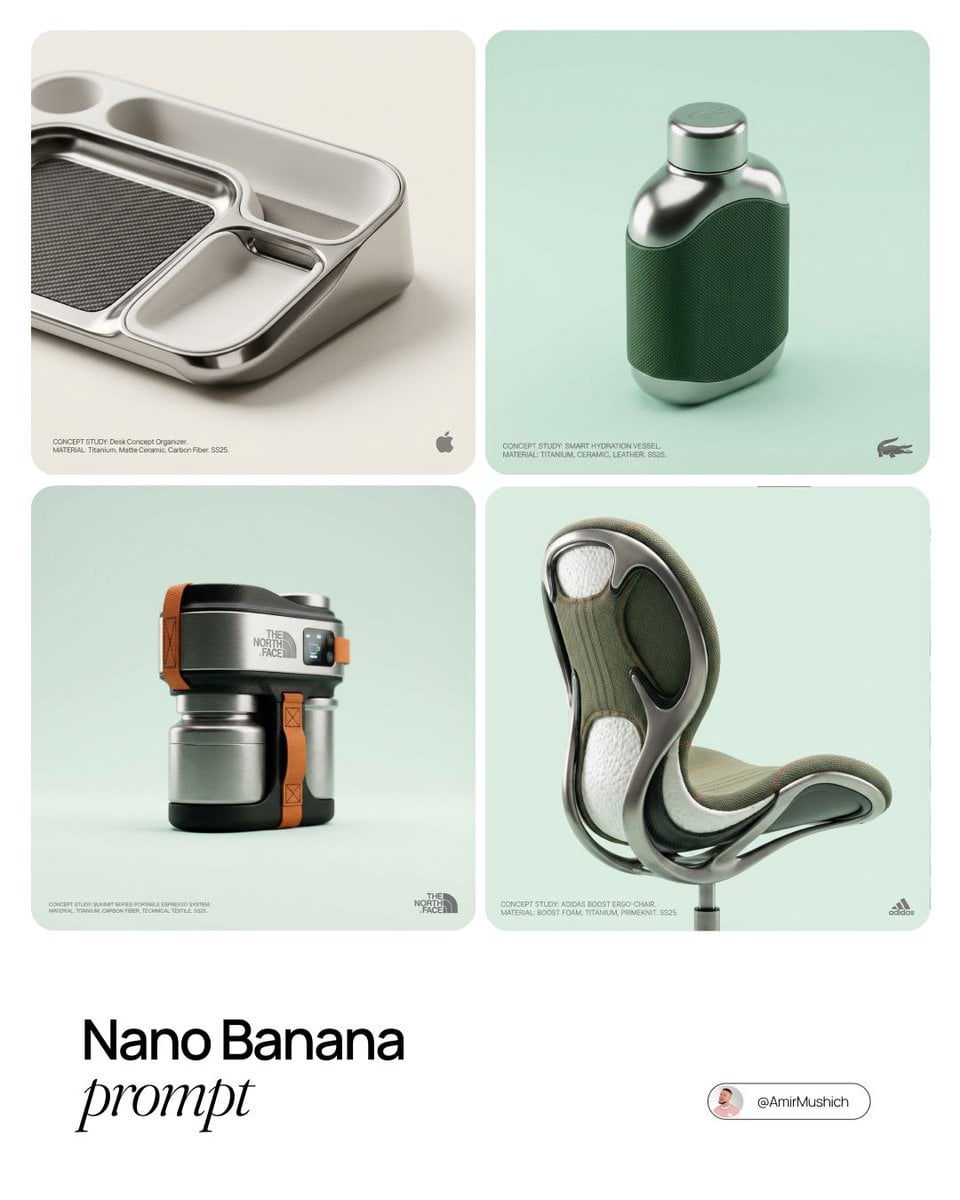
Editorial Concept Study Product Design

Cinematic Glass Brand Logo Volcanic Landscape
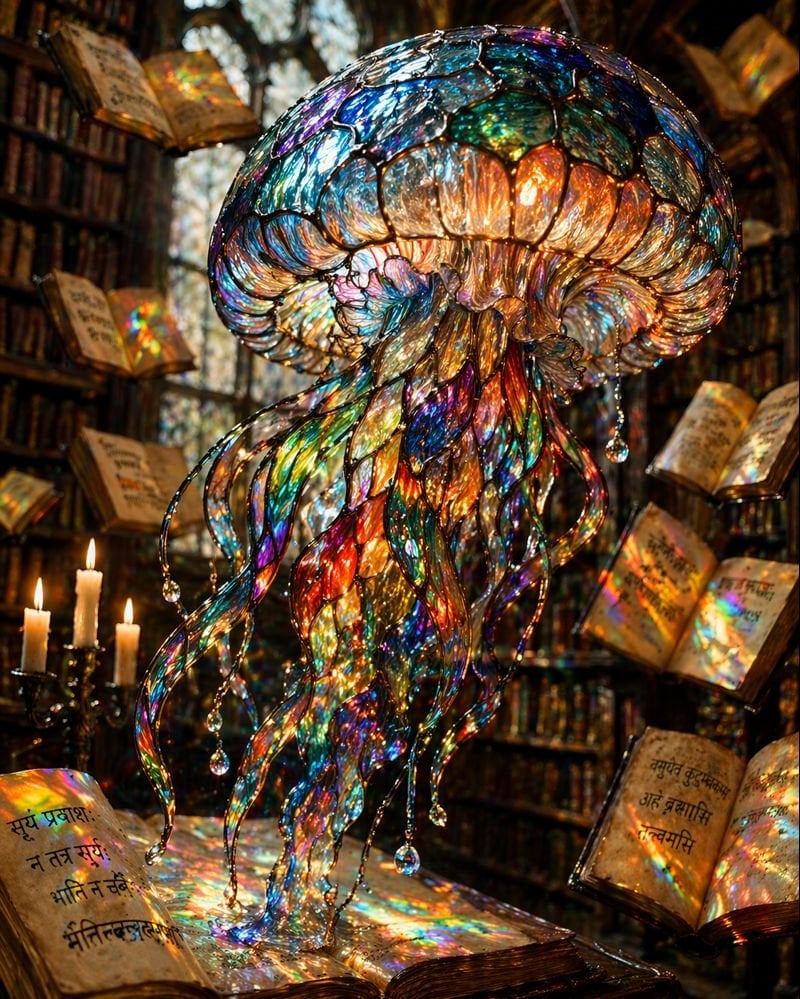
Macro Stained Glass Jellyfish
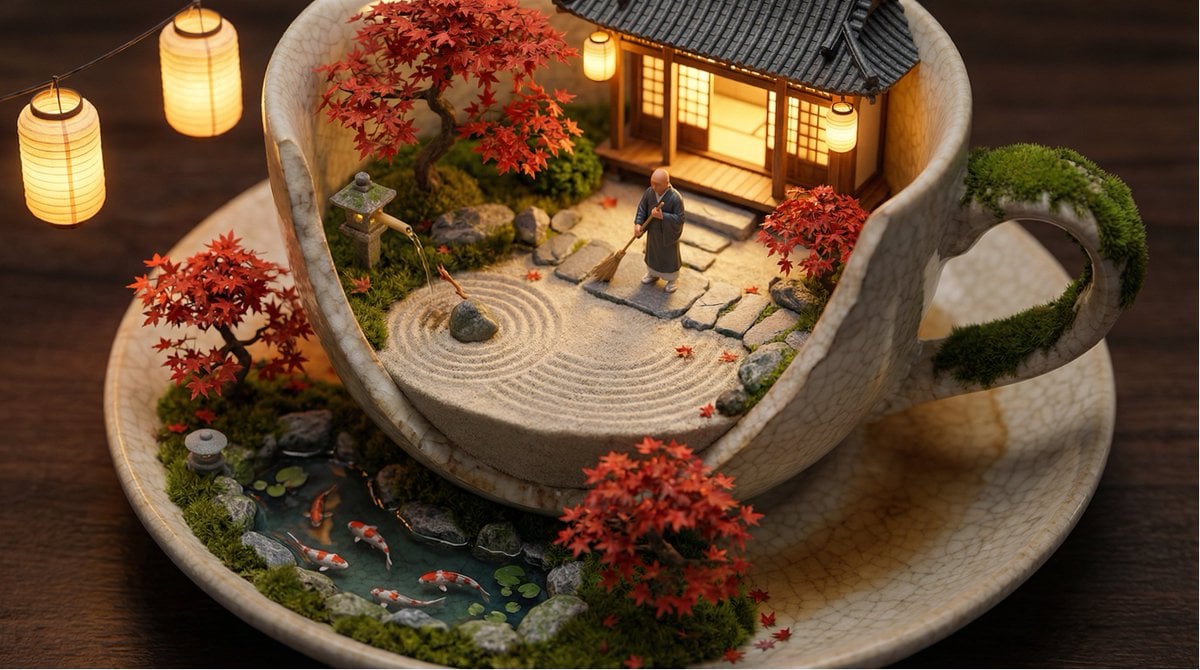
Tiny World in Object Macro Photography

Christmas Ornament Portrait Glossy Glass Resin Finish with Hand Painted Details Holiday Lighting

Firefly Pixar Spill — Nano Banana Pro
Seedance - Arrow Microscopic Battle
Seedance - Brand Commercial
JSON Seedance - Fairy Macro Flight
Anime Witch Casting Fire Spell
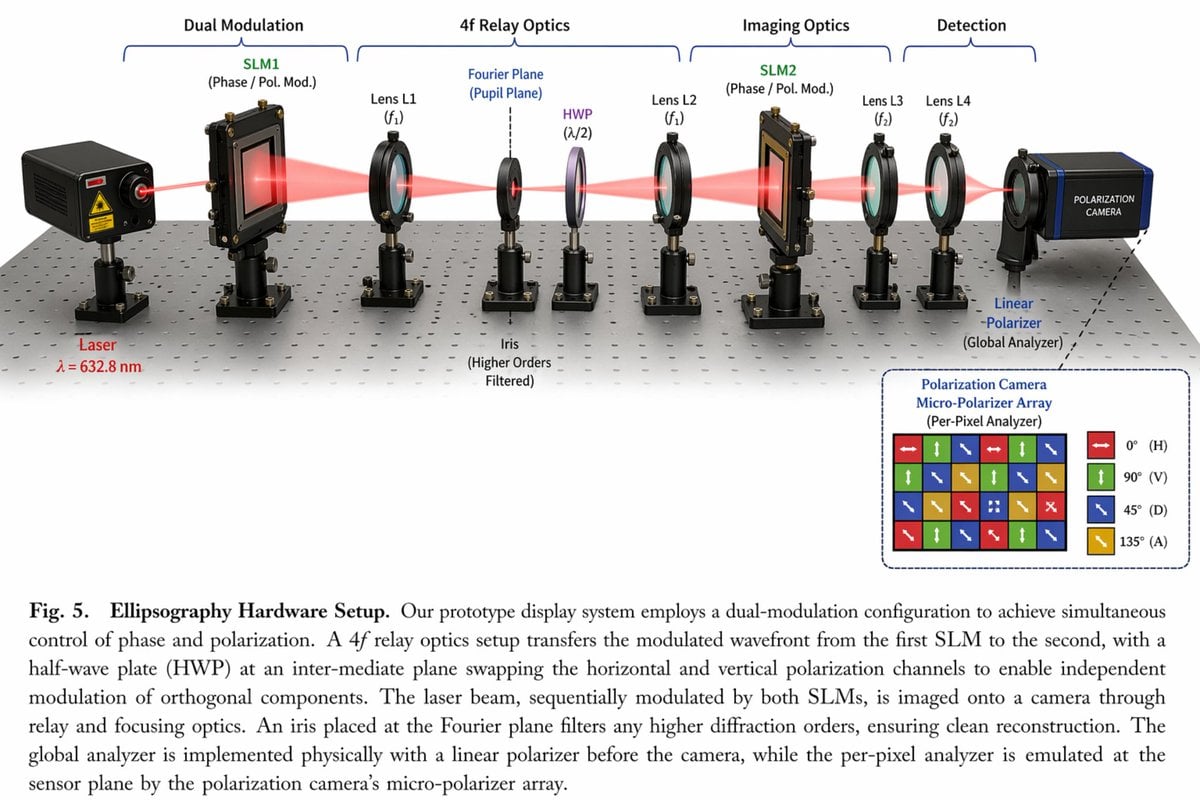
Scientific Optical Hardware Diagram
Mini Sick Woman in Water Glass
Make it yours
Macro Hero Shot of Optical Cast Glass Object with Caustics works as-is. These are the safest ways to change it without losing the look.
Change one field
Copy a single group, rewrite it, and generate again so you can see what that field is doing.
Keep the frame, change the subject
Hold the composition and light of Macro Hero Shot of Optical Cast Glass Object with Caustics, then swap wardrobe, props or the person for a new take.
| If the result… | Why | Fix |
|---|---|---|
| The result drifts from the preview | Too many fields changed at once. | Reuse Macro Hero Shot of Optical Cast Glass Object with Caustics as-is first, then change one group — subject, light, or setting. |
| The model over-stylizes the scene | The prose prompt leaves finish and camera underspecified. | Add one camera or lighting sentence and stay on Nano Banana 2. |
More Nano Banana 2 templates
Other prompts made for Nano Banana 2.

Photorealistic Leaf Shaped Like a Dragon

K-Pop Idol Portrait Grid for Rapid Selection

Poetic Rain Forest Portrait During Golden Hour

Urban Street Portrait with Cartoon Inner Self Duo

Candid Nighttime Photo with Cat Prompt

High-Concept 3D Diorama Generation Prompt

Cinematic Futuristic Studio Portrait Template

Skincare Editorial Photography Collage Prompt

Hyper-Realistic Commercial Product Photography (Splash Effect)

Hyper-Realistic Nightclub Portrait Prompt
More image prompts
Fresh picks from across the catalog.
Moody Cinematic Jazz Club Portrait

Snow Duck Image Generation Prompt
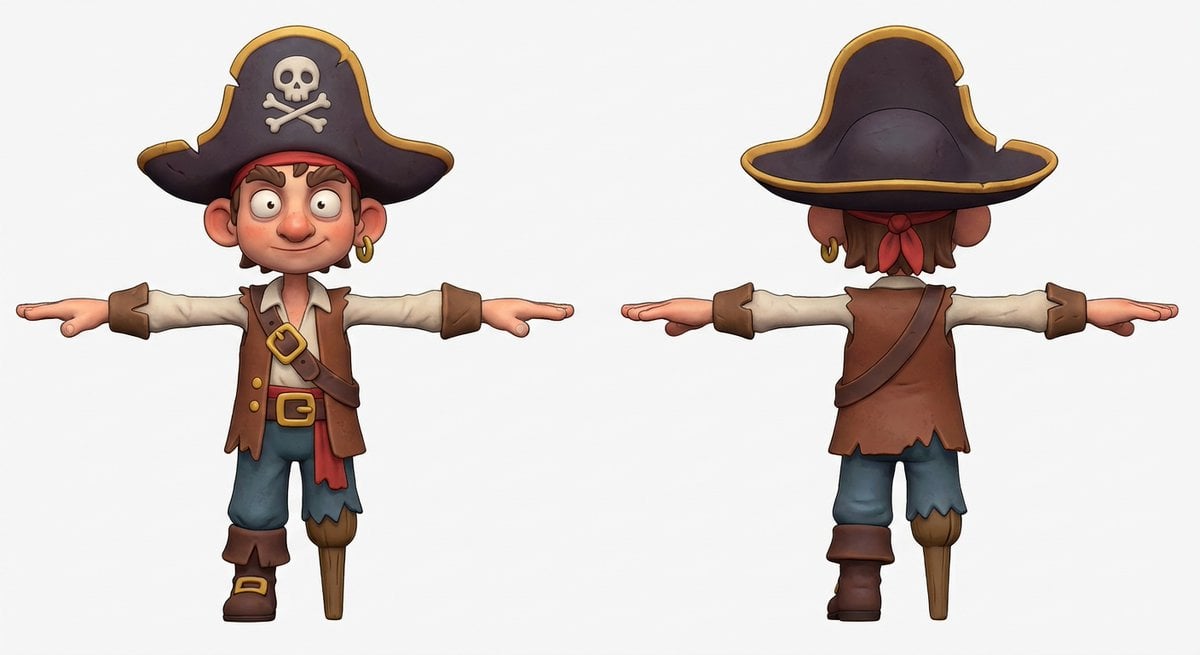
3D Pirate Character in T-Pose for Modeling
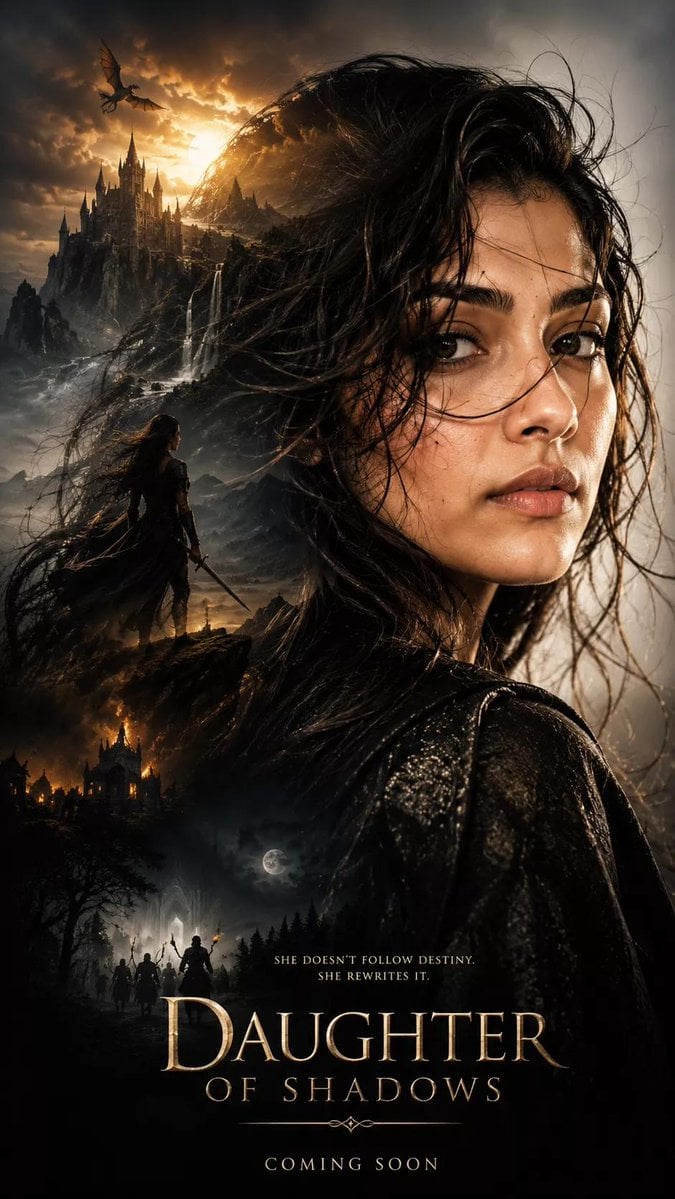
Dark Fantasy Movie Poster

Robotic Engineering Product Concept

Emotional Mother's Day Comparison Prompt
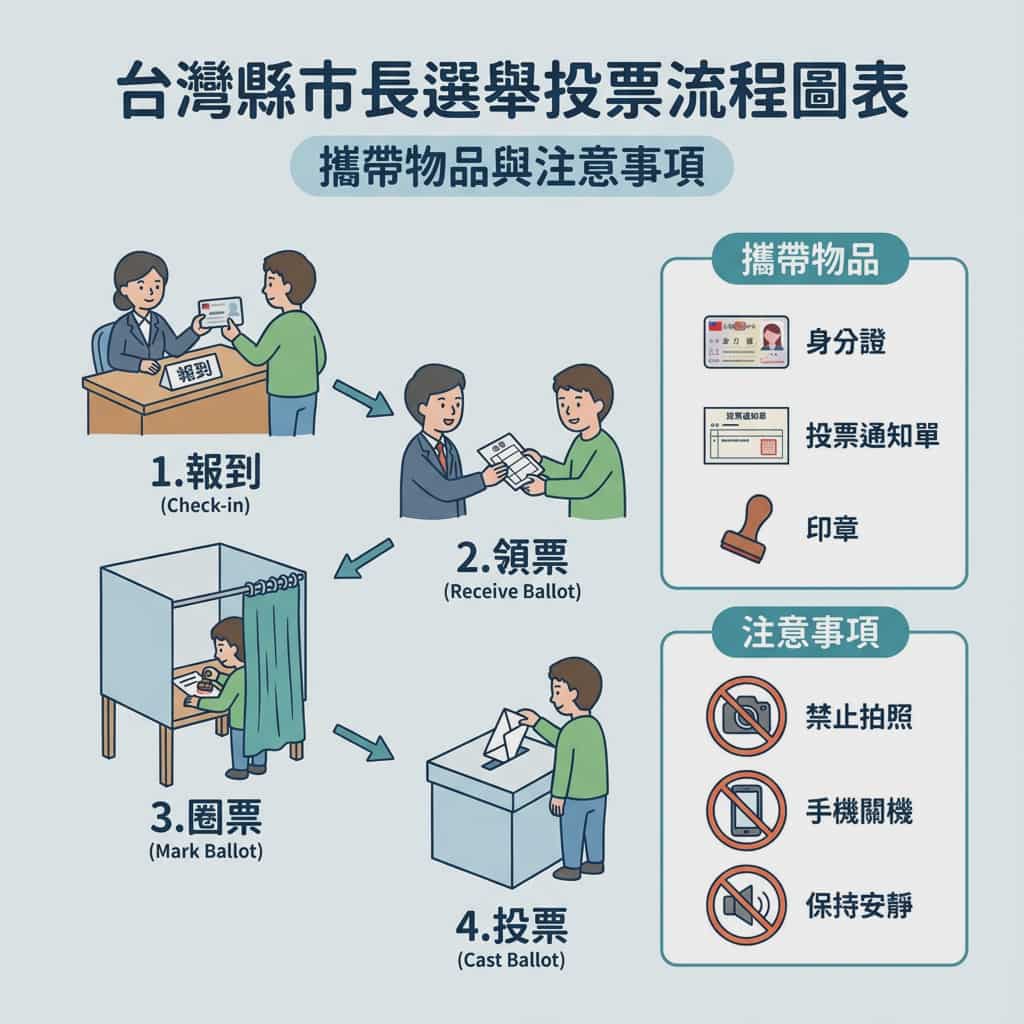
Taiwan election voting flowchart in Traditional Chinese

Image DM for a project using fetched info
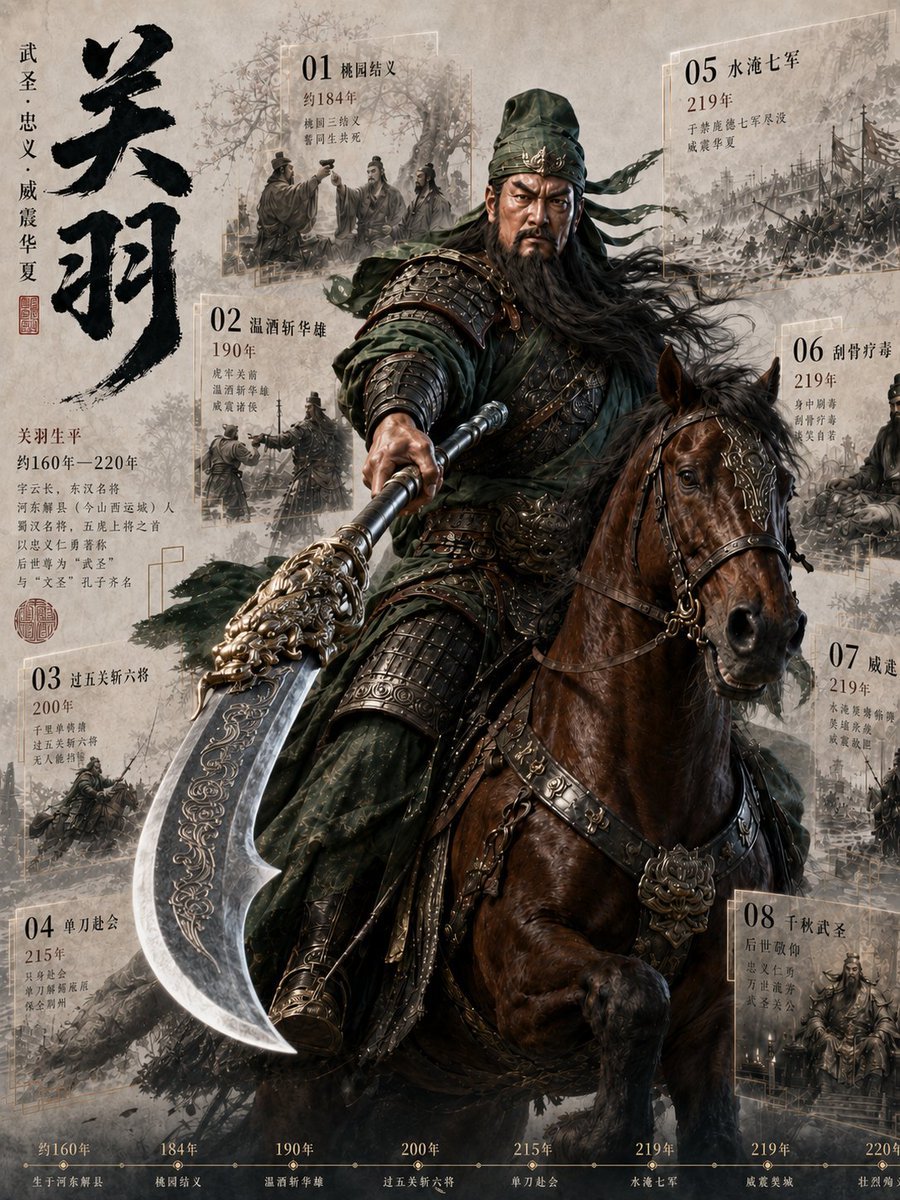
Guan Yu Historical Infographic Poster
Tuxedo European Street Portrait
Browse template categories
Macro Hero Shot of Optical Cast Glass Object with Caustics questions
How do I use the Macro Hero Shot of Optical Cast Glass Object with Caustics template?
Add your photo if the template asks for one, edit the prompt if you like — the template's model and format are already selected — and press Generate. Your version opens in PicX Studio.
Can I customize the Macro Hero Shot of Optical Cast Glass Object with Caustics template?
Yes. You can change the subject, setting, lighting, mood, format, and available model controls before creating your image.
Is the Macro Hero Shot of Optical Cast Glass Object with Caustics template free?
Opening and editing this template is free. Generating uses credits, shown on the Generate button when you are signed in.
Which AI model should I use?
Start with Nano Banana 2, which is the model associated with this template. You can compare another compatible model for a different finish.
Looking for something else? Browse all templates.

Your photo, any look
Thousands of ready templates for every top image and video model, from one credit balance.