
Anime Witch Casting Fire Spell
A cinematic square anime fantasy artwork of a black-robed witch conjuring a blazing magical fireball in ancient ruins at sunset.
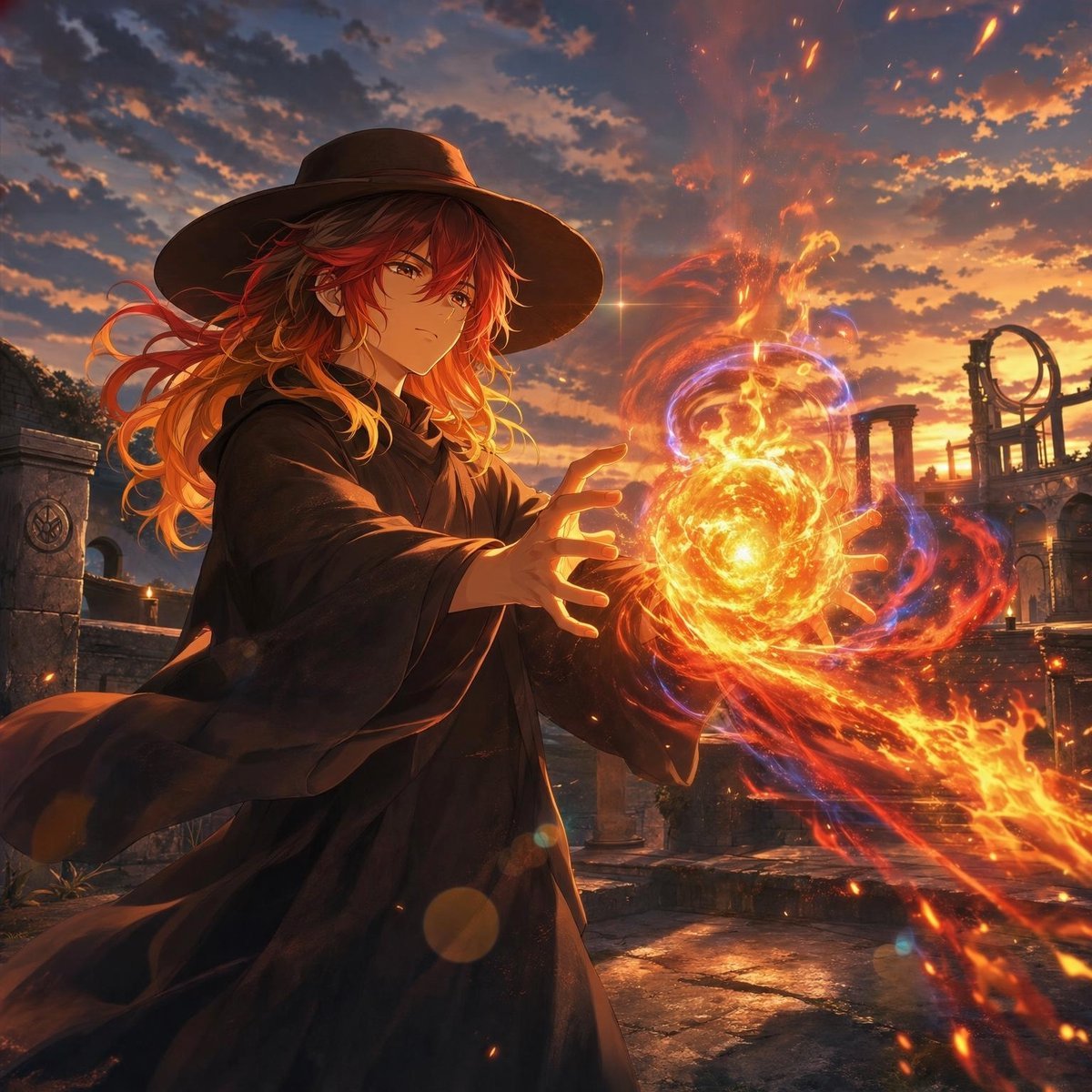
- Prompt included
- Model and format preset
- Free template
The prompt behind this image
Copy the exact prompt behind Anime Witch Casting Fire Spell, or open it in the studio and make it yours.
Create a cinematic anime fantasy illustration of a young witch mage casting a powerful fire spell at sunset. The subject is a single androgynous young adult with {argument name="hair color" default="long wavy crimson-to-orange gradient hair"}, amber eyes, a calm serious expression, and delicate anime facial features, shown from the thighs up in a dramatic three-quarter view. They wear {argument name="outfit" default="a wide-brimmed black witch hat and flowing black robe"}; the robe and hair stream leftward as if pushed by magical wind. Both hands are extended forward, framing one large blazing spell orb between them: exactly 1 central fireball made of dense golden-orange flames, exactly 2 visible hands around it, and multiple red-orange flame ribbons spiraling outward to the lower right, with thin blue-violet magical rings orbiting the fire. Add glowing embers, sparks, lens flares, and intense warm rim light from the spell on the face, fingers, hair, and sleeves. The setting is {argument name="setting" default="ancient stone ruins with broken columns, arches, cracked paving stones, and a circular astrolabe-like structure in the distance"}. The sky is {argument name="sky mood" default="a dramatic orange-purple sunset sky with scattered dark clouds"}, backlighting the scene with epic golden light. Use highly detailed modern anime art, painterly rendering, sharp linework, dynamic composition, volumetric lighting, high contrast, rich warm colors, subtle depth of field, no text, no watermark, square 1:1 aspect ratio.
How to use Anime Witch Casting Fire Spell in 3 steps
- 1Upload ImagePNG, JPG or paste
Add your photo
Upload the photo the template builds on. The prompt, model and format are already set.
- 2…a portrait of your subject in softgolden-hour light, 85mm…
Personalize
Edit the subject and creative details for your destination.
- 3Generate
Generate
Press Generate — your image is created in PicX Studio, so you can compare it with the original and refine one variable at a time.
More like this
Templates with the same subject, style or setup. Open one to see its prompt.












Make it yours
Anime Witch Casting Fire Spell works as-is. These are the safest ways to change it without losing the look.
Change one field
Copy a single group, rewrite it, and generate again so you can see what that field is doing.
Keep the frame, change the subject
Hold the composition and light of Anime Witch Casting Fire Spell, then swap wardrobe, props or the person for a new take.
| If the result… | Why | Fix |
|---|---|---|
| The result drifts from the preview | Too many fields changed at once. | Reuse Anime Witch Casting Fire Spell as-is first, then change one group — subject, light, or setting. |
| The model over-stylizes the scene | The prose prompt leaves finish and camera underspecified. | Add one camera or lighting sentence and stay on GPT Image 2. |
More GPT Image 2 templates
Other prompts made for GPT Image 2.

Six VTuber Japanese Logo Sheet

Realistic Portrait of Woman and Deer

The Vista Modular Condo Poster

AI Model Routing Comparison Infographic

2.5D Anime Art Board

Isometric Productivity Desk Scene

New York Double Exposure Poster

Four-Panel AI Landscape Comparison

Japanese Tatami Lifestyle Magazine Cover

NESCAFÉ Coffee Map Poster
More image prompts
Fresh picks from across the catalog.
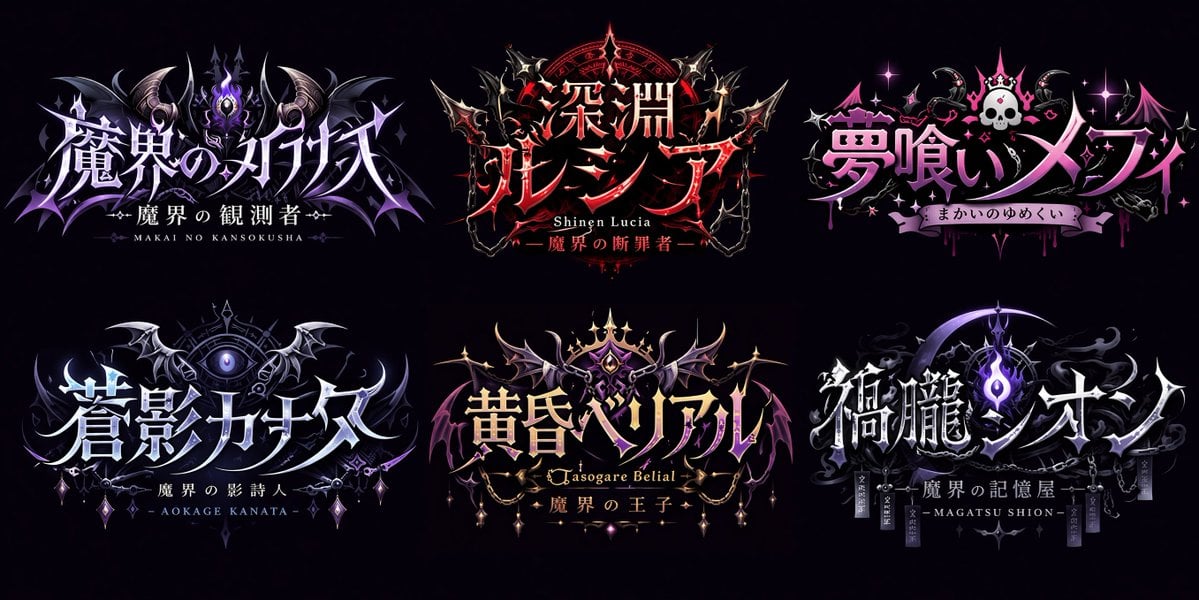
Gothic VTuber Logo Grid
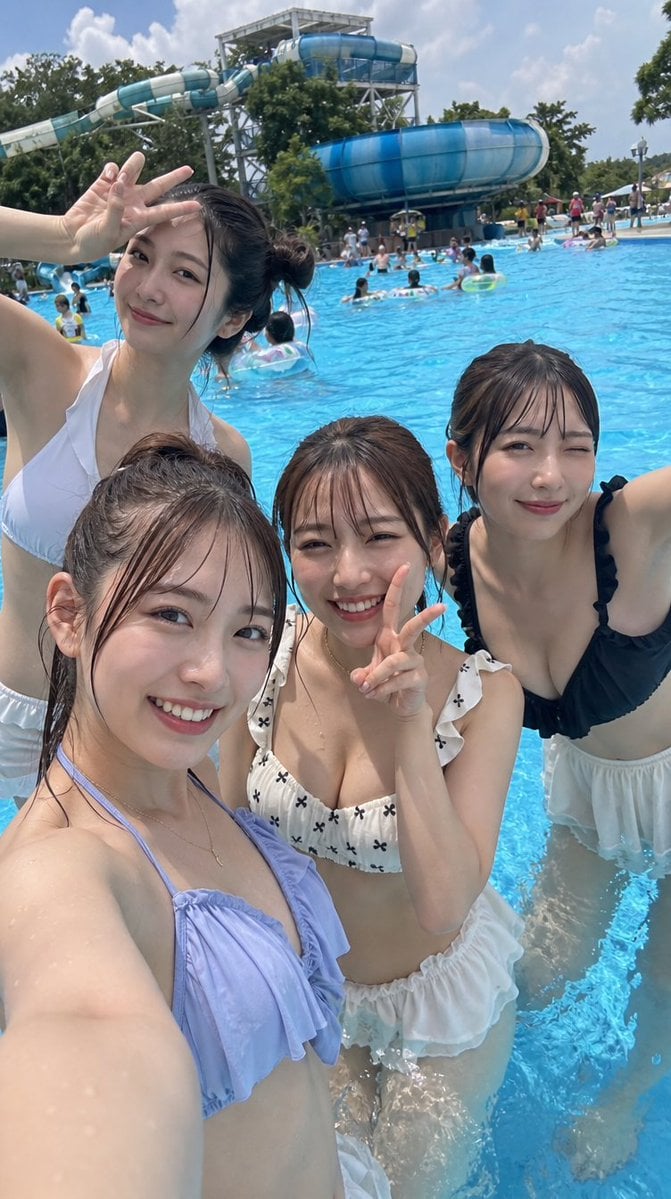
Japanese Youth at Water Park
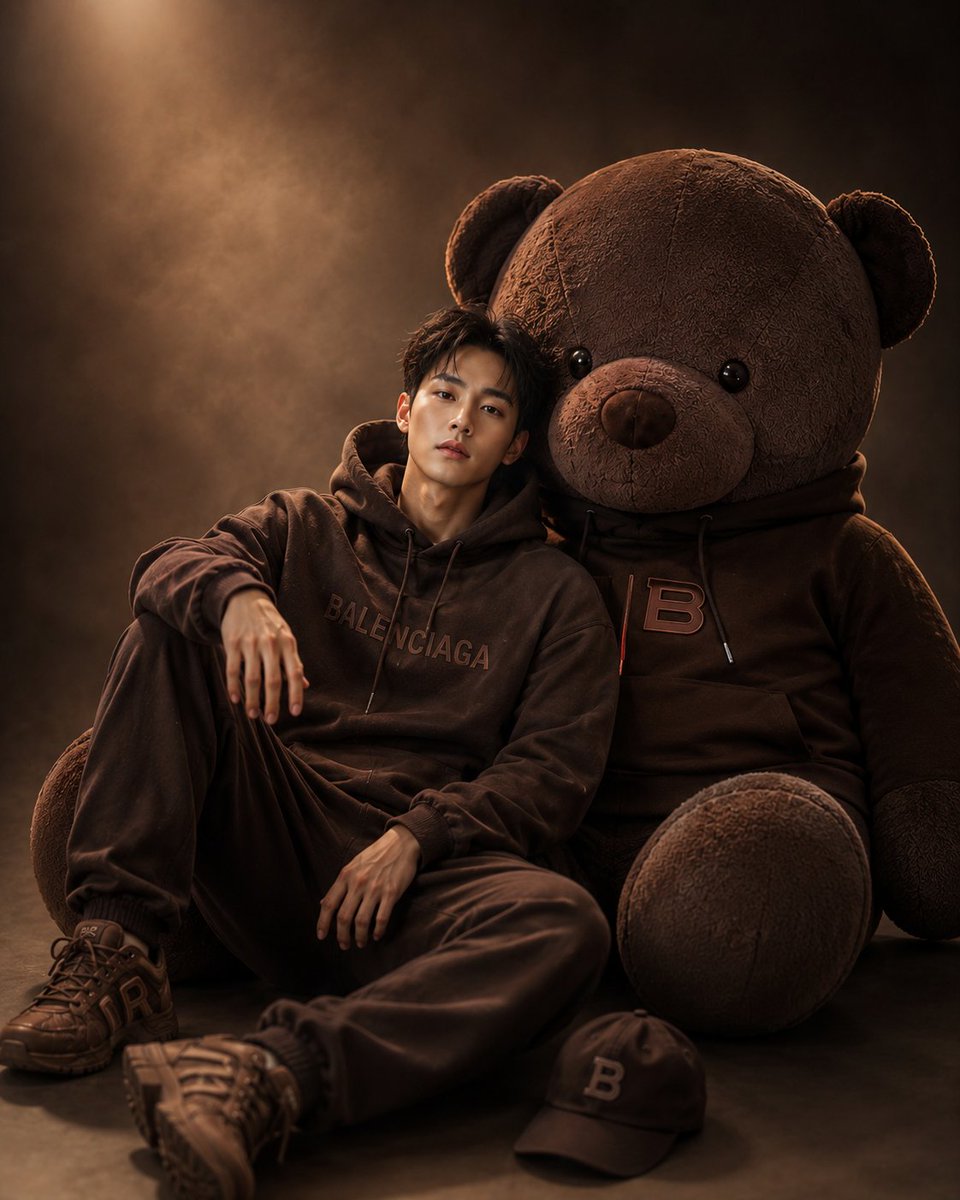
Cinematic Studio Portrait with Giant Teddy Bear
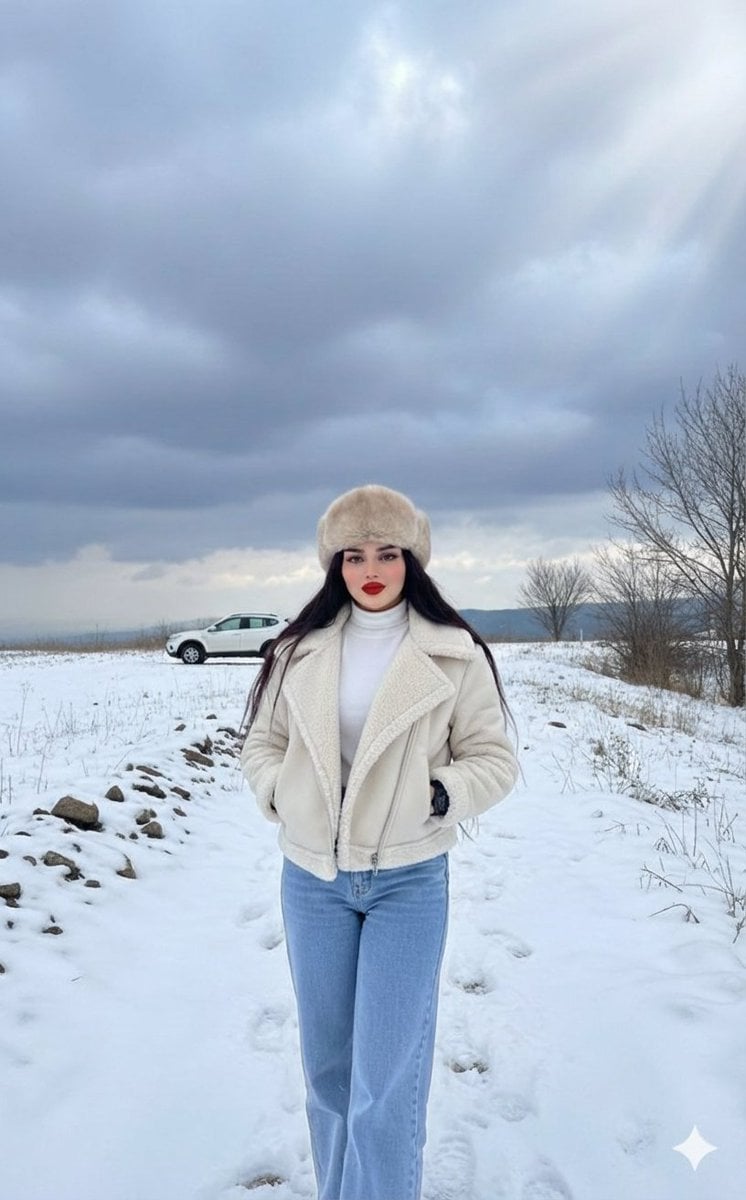
Winter Fashion Editorial in Snowy Field

Origami Pop-Up T-Rex Book Ad
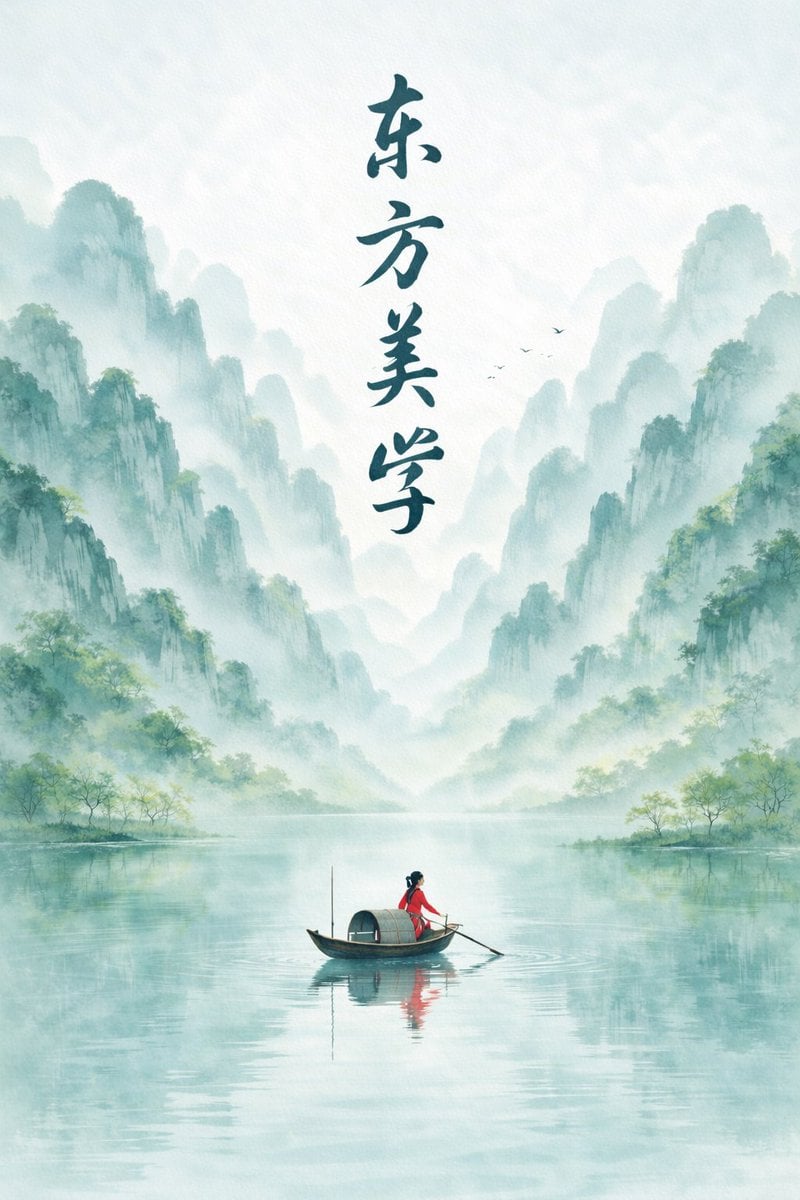
Minimalist Chinese Ink Wash Mist Painting
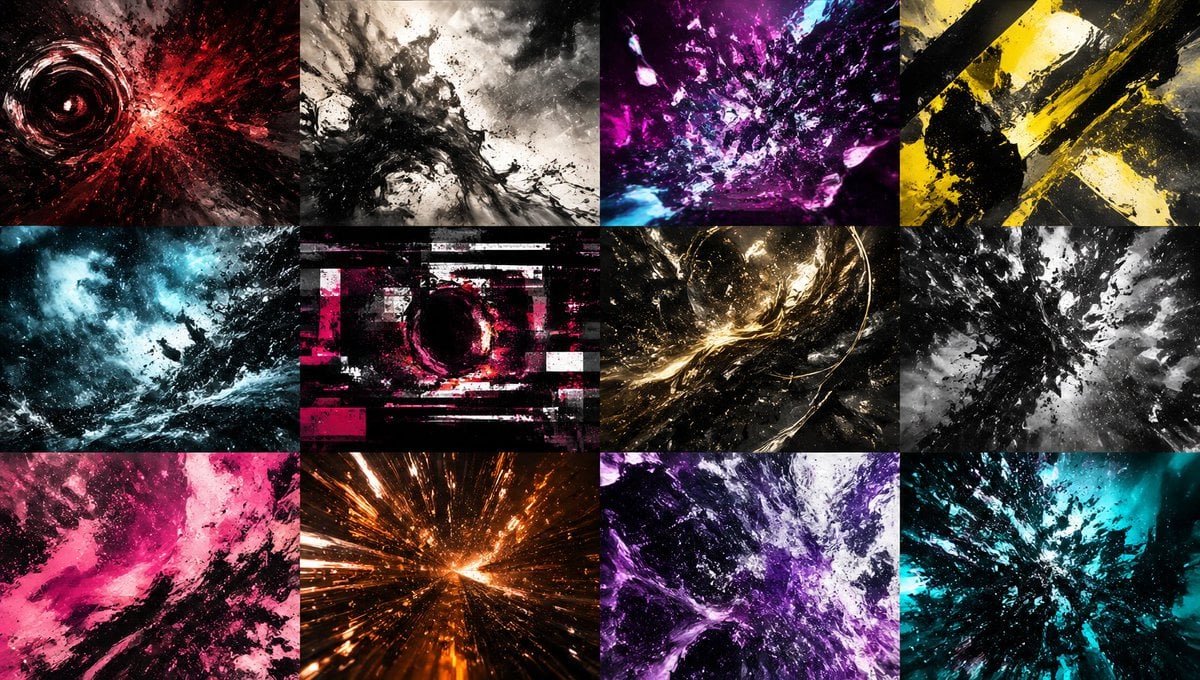
Abstract Energy Burst Grid
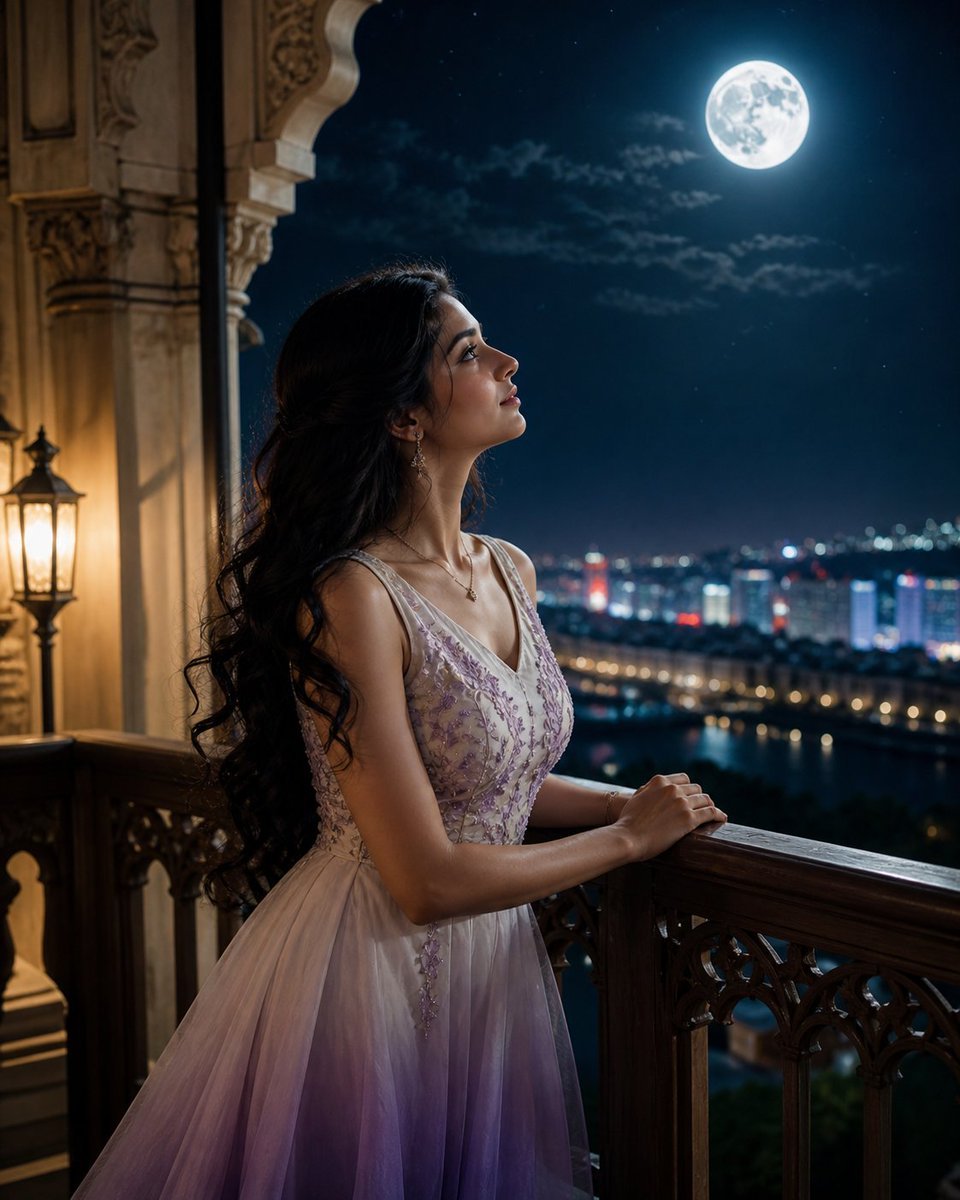
Moonlit Indian Woman Balcony Portrait

Japanese Educational Promo Banner
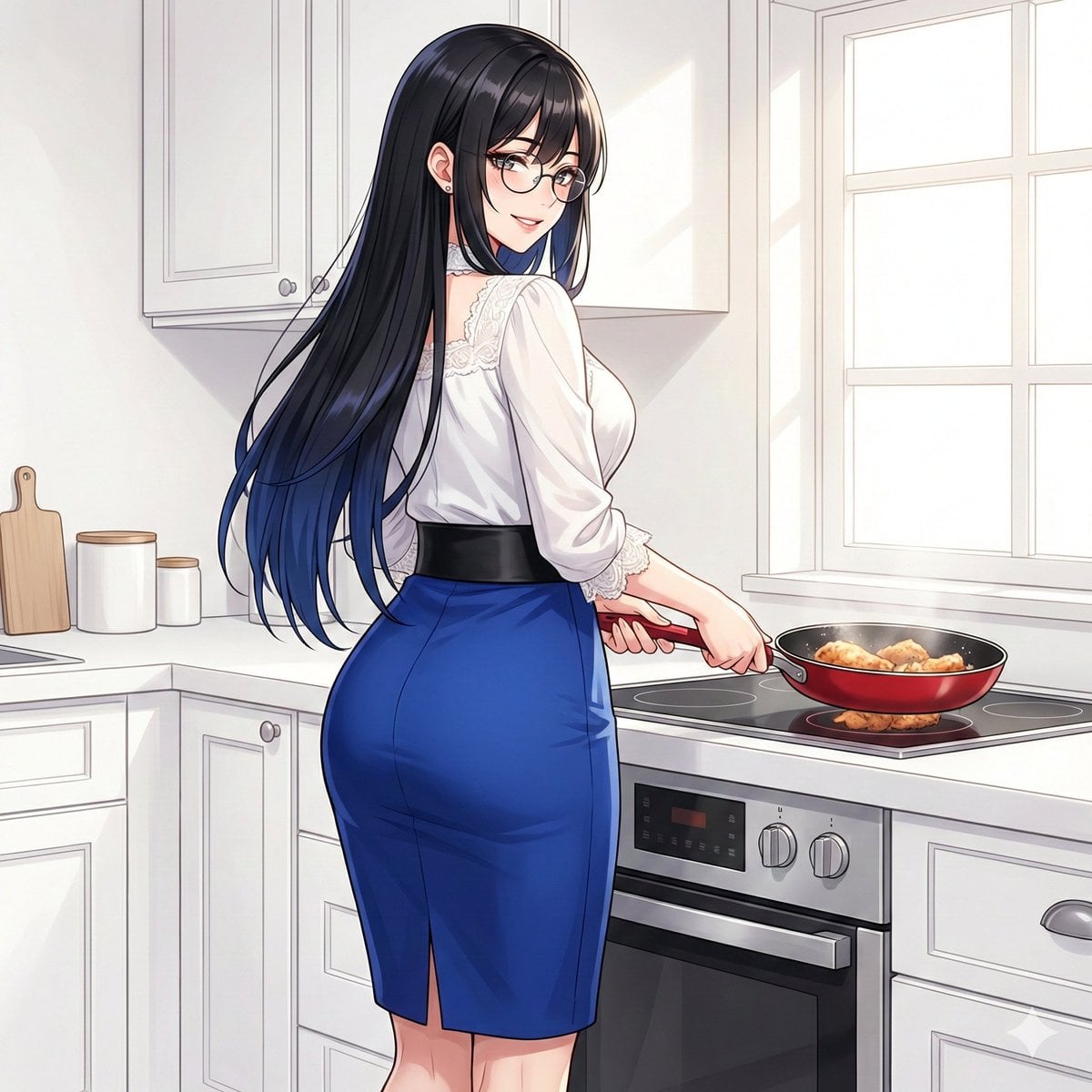
Larin: Dinner is almost ready
Browse template categories
Anime Witch Casting Fire Spell questions
How do I use the Anime Witch Casting Fire Spell template?
Add your photo if the template asks for one, edit the prompt if you like — the template's model and format are already selected — and press Generate. Your version opens in PicX Studio.
Can I customize the Anime Witch Casting Fire Spell template?
Yes. You can change the subject, setting, lighting, mood, format, and available model controls before creating your image.
Is the Anime Witch Casting Fire Spell template free?
Opening and editing this template is free. Generating uses credits, shown on the Generate button when you are signed in.
Which AI model should I use?
Start with GPT Image 2, which is the model associated with this template. You can compare another compatible model for a different finish.
Looking for something else? Browse all templates.

Your photo, any look
Thousands of ready templates for every top image and video model, from one credit balance.