
Gothic VTuber Logo Grid
Generates a 2x3 grid of 6 distinct gothic fantasy VTuber logos with intricate typography and dark magic motifs.
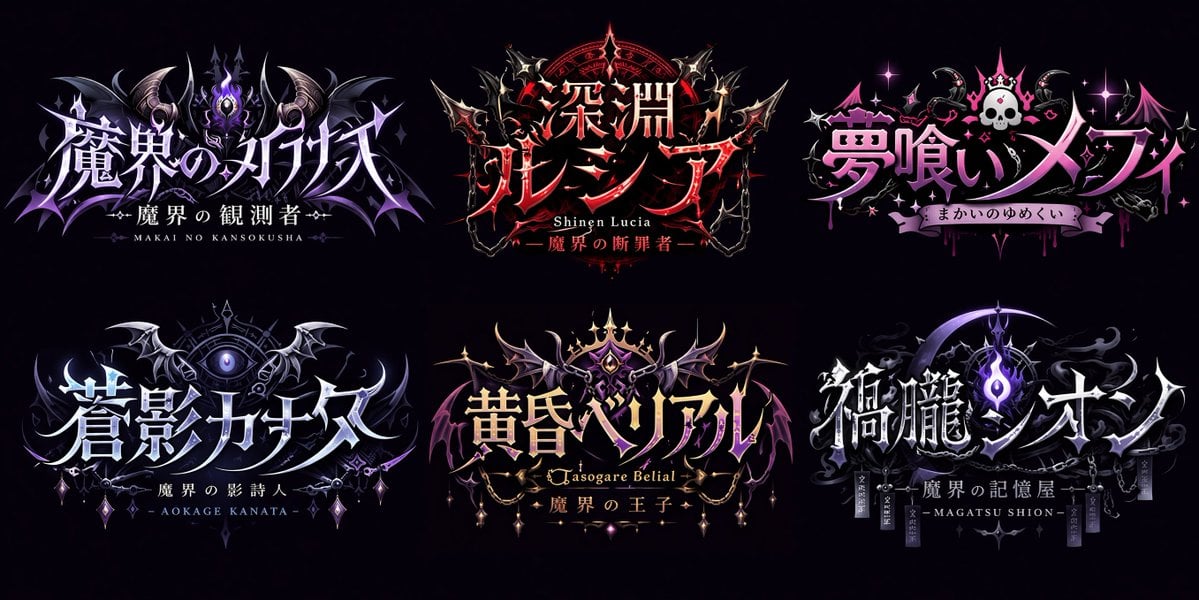
- Prompt included
- Model and format preset
- Premium template
The prompt behind this image
Copy the exact prompt behind Gothic VTuber Logo Grid, or open it in the studio and make it yours.
- Type
- VTuber logo design concepts
- Theme
- {argument name="main theme" default="gothic dark fantasy"}
- Background
- {argument name="background color" default="pitch black"}
- Layout
- 2x3 grid containing 6 distinct logo designs
- Logos › 0 › Position
- top-left
- Logos › 0 › Main Text
- {argument name="logo 1 main text" default="魔界のメシア"}
- Logos › 0 › Sub Text
- 魔界の観測者, MAKAI NO KANSOKUSHA
- Logos › 0 › Colors
- purple, silver
- Logos › 0 › Motifs
- horns, glowing purple eye, bat wings
- Logos › 1 › Position
- top-center
- Logos › 1 › Main Text
- {argument name="logo 2 main text" default="深淵プレシア"}
- Logos › 1 › Sub Text
- Shinen Lucia, 魔界の断罪者
- Logos › 1 › Colors
- red, black, gold
- Logos › 1 › Motifs
- chains, demonic spikes, glowing red runes
- Logos › 2 › Position
- top-right
- Logos › 2 › Main Text
- {argument name="logo 3 main text" default="夢喰いメフィ"}
- Logos › 2 › Sub Text
- まかいのゆめくい
- Logos › 2 › Colors
- pink, purple
- Logos › 2 › Motifs
- skull with crown, bat wings, sparkles
- Logos › 3 › Position
- bottom-left
- Logos › 3 › Main Text
- 蒼影カナタ
- Logos › 3 › Sub Text
- 魔界の影詩人, - AOKAGE KANATA -
- Logos › 3 › Colors
- blue, silver
- Logos › 3 › Motifs
- large central eye, silver bat wings, gothic architecture
Raw JSON
{
  "type": "VTuber logo design concepts",
  "theme": "{argument name=\"main theme\" default=\"gothic dark fantasy\"}",
  "background": "{argument name=\"background color\" default=\"pitch black\"}",
  "layout": "2x3 grid containing 6 distinct logo designs",
  "logos": [
    {
      "position": "top-left",
      "main_text": "{argument name=\"logo 1 main text\" default=\"魔界のメシア\"}",
      "sub_text": ["魔界の観測者", "MAKAI NO KANSOKUSHA"],
      "colors": ["purple", "silver"],
      "motifs": ["horns", "glowing purple eye", "bat wings"]
    },
    {
      "position": "top-center",
      "main_text": "{argument name=\"logo 2 main text\" default=\"深淵プレシア\"}",
      "sub_text": ["Shinen Lucia", "魔界の断罪者"],
      "colors": ["red", "black", "gold"],
      "motifs": ["chains", "demonic spikes", "glowing red runes"]
    },
    {
      "position": "top-right",
      "main_text": "{argument name=\"logo 3 main text\" default=\"夢喰いメフィ\"}",
      "sub_text": ["まかいのゆめくい"],
      "colors": ["pink", "purple"],
      "motifs": ["skull with crown", "bat wings", "sparkles"]
    },
    {
      "position": "bottom-left",
      "main_text": "蒼影カナタ",
      "sub_text": ["魔界の影詩人", "- AOKAGE KANATA -"],
      "colors": ["blue", "silver"],
      "motifs": ["large central eye", "silver bat wings", "gothic architecture"]
    },
    {
      "position": "bottom-center",
      "main_text": "黄昏ベリアル",
      "sub_text": ["Tasogare Belial", "魔界の王子"],
      "colors": ["gold", "purple"],
      "motifs": ["crown", "bat wings", "hanging gems"]
    },
    {
      "position": "bottom-right",
      "main_text": "禍朧シオン",
      "sub_text": ["魔界の記憶屋", "- MAGATSU SHION -"],
      "colors": ["silver", "purple", "black"],
      "motifs": ["crescent moon", "glowing purple flame", "chains", "dark smoke"]
    }
  ]
}How to use Gothic VTuber Logo Grid in 3 steps
- 1Upload ImagePNG, JPG or paste
Add your photo
Upload the photo the template builds on. The prompt, model and format are already set.
- 2…a portrait of your subject in softgolden-hour light, 85mm…
Personalize
Edit the subject and creative details for your destination.
- 3Generate
Generate
Press Generate — your image is created in PicX Studio, so you can compare it with the original and refine one variable at a time.
More like this
Templates with the same subject, style or setup. Open one to see its prompt.
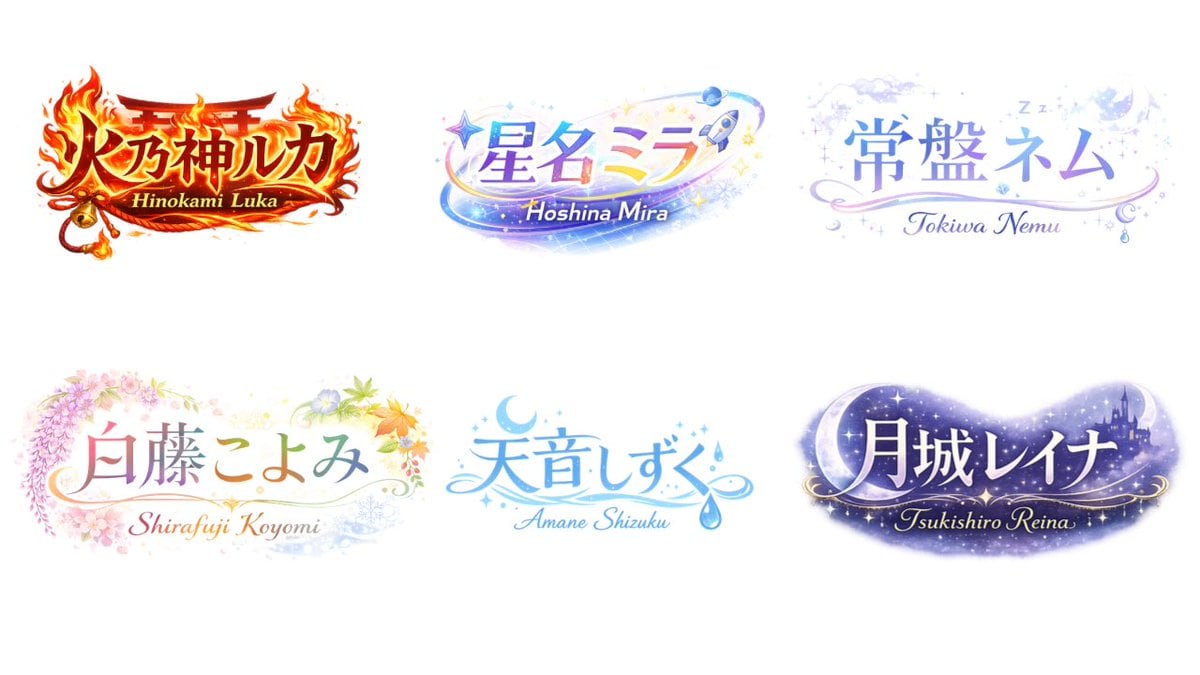
VTuber Logo Concept Grid

Six VTuber Japanese Logo Sheet

Korean Luxury Fashion Editorial 2x2 Grid Series

Minimalist Fashion Editorial Split Layout

Ultra-Realistic Vogue-Style Editorial Fashion Grid

Headphones Lifestyle Nine Panel Grid

Moss Logo Minimalist Brand Flat Lay

Kawaii Anime VTuber Emblem Logo
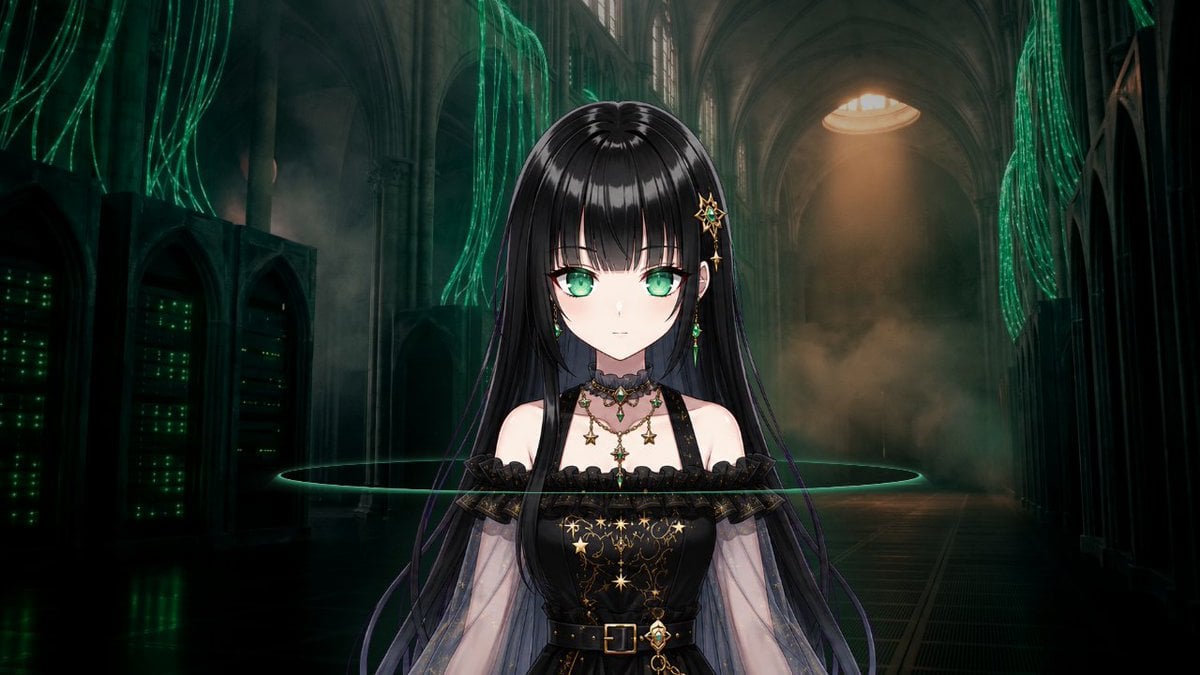
Gothic Cyber VTuber Cathedral Portrait

4x4 Grid - Candid Nostalgic Vacation Selfies

Movement Sheet - Dance Reference (Seedance 2.0)

VTuber and Street Style Logo Prompt for Gemini (Nano Banana)
Make it yours
Gothic VTuber Logo Grid works as-is. These are the safest ways to change it without losing the look.
Swap the setting
Keep the rest of the prompt and replace the location block. The current setting is “{argument name="background color" default="pitch black"}”.
Change one field
Copy a single group, rewrite it, and generate again so you can see what that field is doing.
Keep the frame, change the subject
Hold the composition and light of Gothic VTuber Logo Grid, then swap wardrobe, props or the person for a new take.
| If the result… | Why | Fix |
|---|---|---|
| The result drifts from the preview | Too many fields changed at once. | Reuse Gothic VTuber Logo Grid as-is first, then change one group — subject, light, or setting. |
| GPT Image 2 ignores part of the JSON | Some models flatten or skip nested keys. | Keep the same values and paste them as a short paragraph instead. |
More GPT Image 2 templates
Other prompts made for GPT Image 2.

Realistic Portrait of Woman and Deer

The Vista Modular Condo Poster

AI Model Routing Comparison Infographic

2.5D Anime Art Board

Isometric Productivity Desk Scene

New York Double Exposure Poster

Four-Panel AI Landscape Comparison

Japanese Tatami Lifestyle Magazine Cover

NESCAFÉ Coffee Map Poster

Brutalist Cogito Chinese Typography Poster
More image prompts
Fresh picks from across the catalog.

Image-to-Image Portrait with Cartoon Doodles
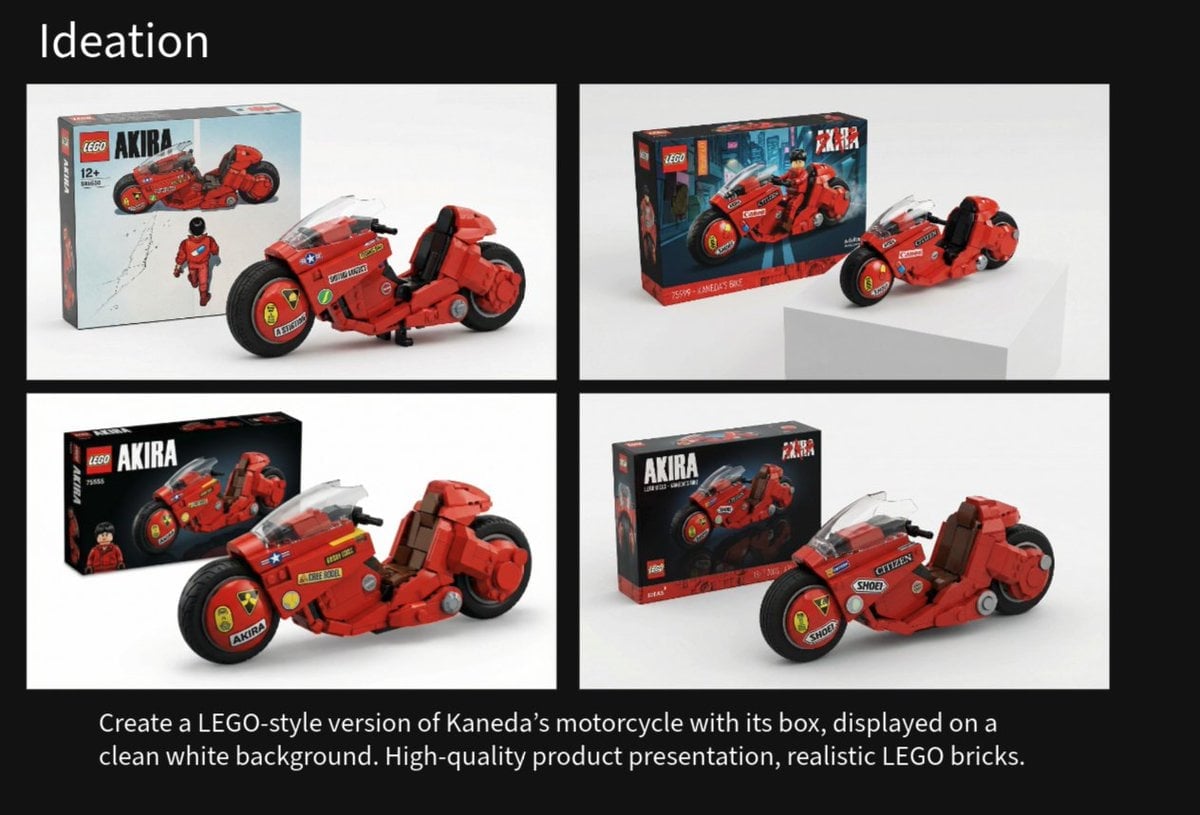
LEGO Kaneda's Motorcycle Product Shot Prompt
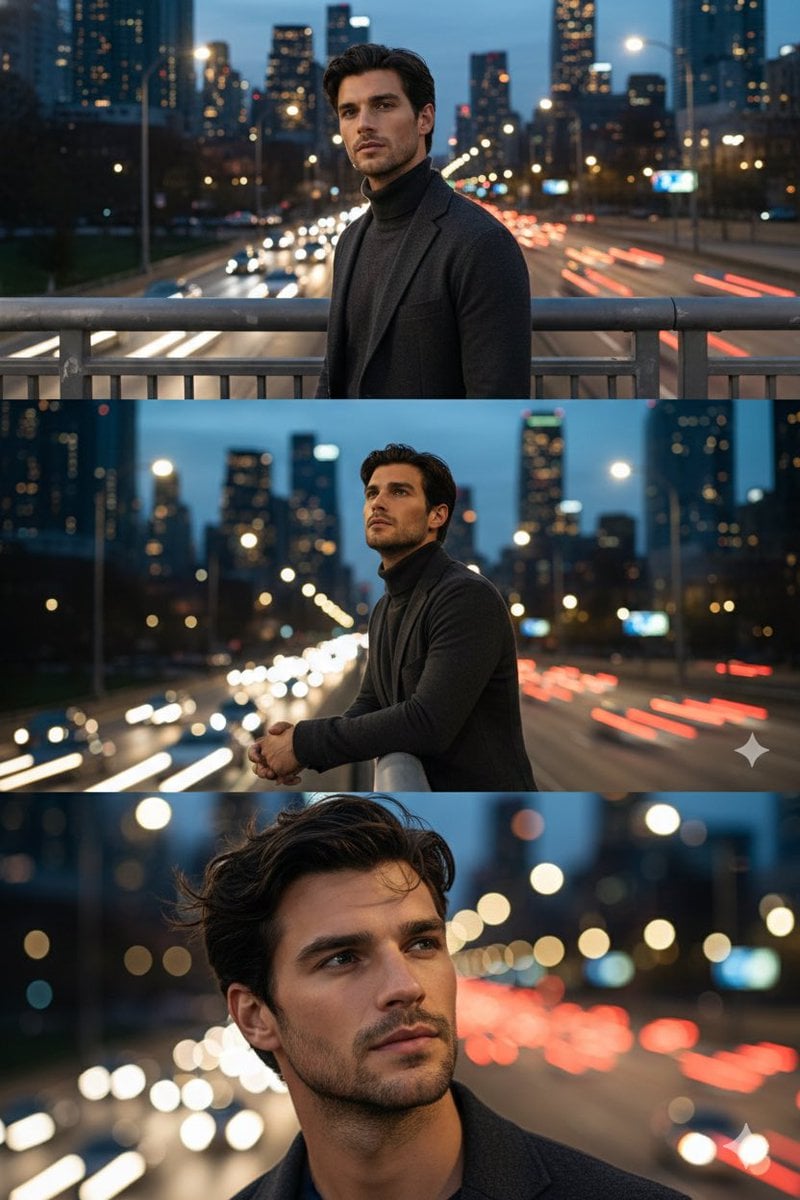
Cinematic Triptych Portrait on a Night Bridge

Luxury Sunglasses Summer Sale Ad
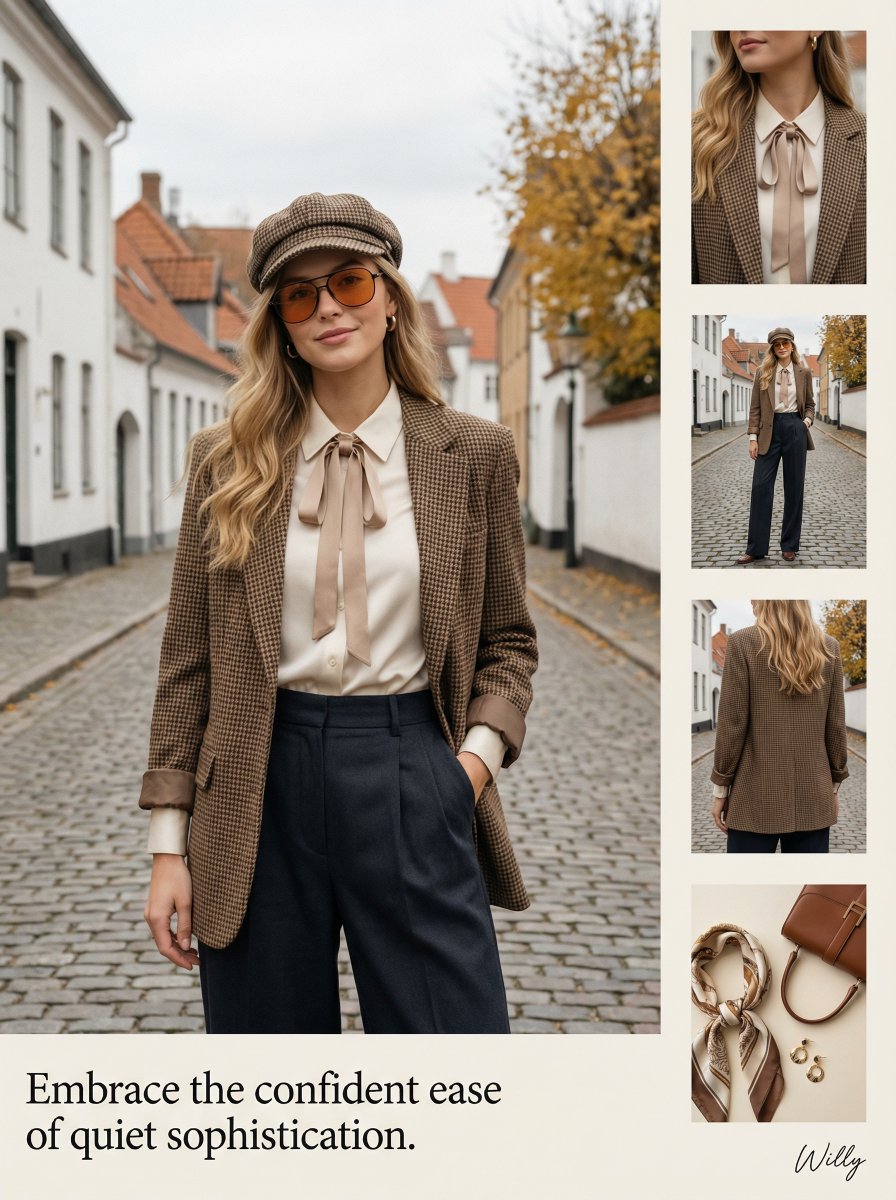
1970s Inspired Quiet Luxury Fashion Lookbook
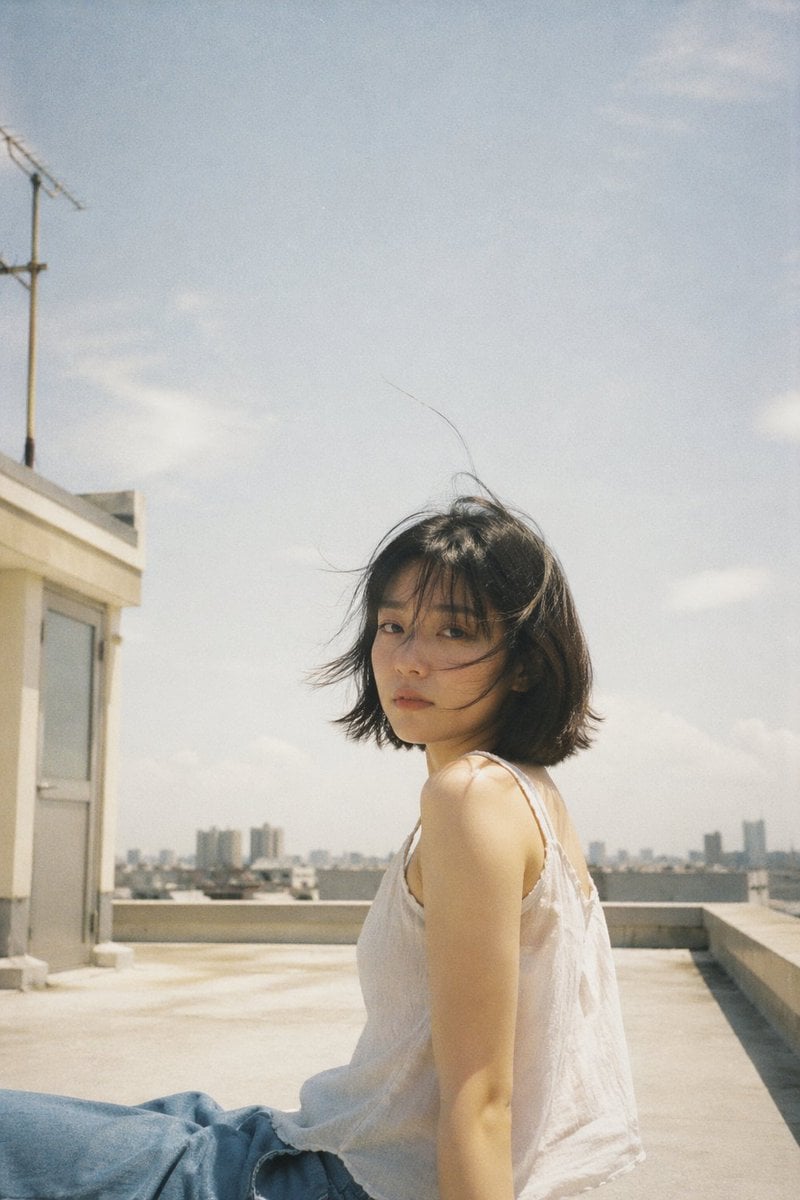
Japanese Film Aesthetic Rooftop

Ai Evolution Timeline Infographic
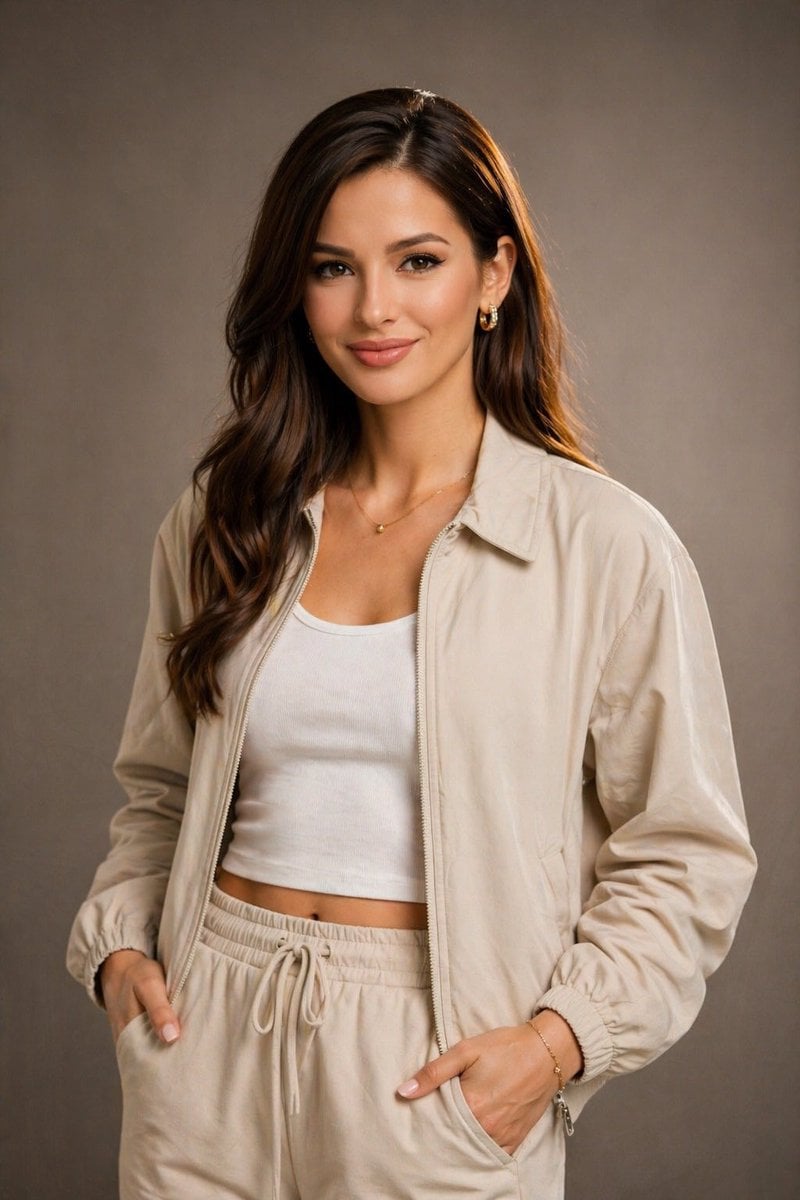
Editorial Studio Portrait in Neutral Streetwear

MrBeast-style YouTube channel redesign
Elegant Outdoor Portrait in Gold Evening Gown
Browse template categories
Gothic VTuber Logo Grid questions
How do I use the Gothic VTuber Logo Grid template?
Add your photo if the template asks for one, edit the prompt if you like — the template's model and format are already selected — and press Generate. Your version opens in PicX Studio.
Can I customize the Gothic VTuber Logo Grid template?
Yes. You can change the subject, setting, lighting, mood, format, and available model controls before creating your image.
Is the Gothic VTuber Logo Grid template free?
Opening and editing this template is free. Generating uses credits, shown on the Generate button when you are signed in.
Which AI model should I use?
Start with GPT Image 2, which is the model associated with this template. You can compare another compatible model for a different finish.
Looking for something else? Browse all templates.

Your photo, any look
Thousands of ready templates for every top image and video model, from one credit balance.