
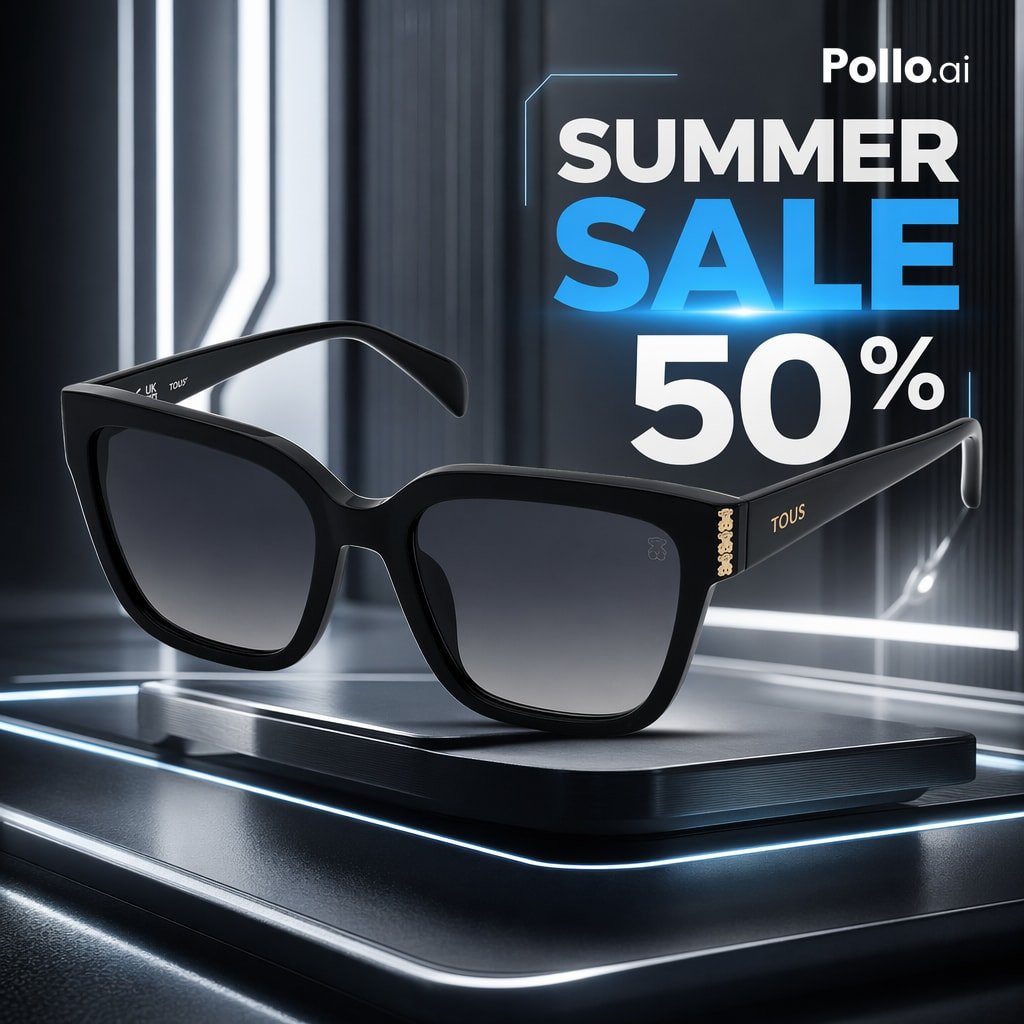
Luxury Sunglasses Summer Sale Ad
A futuristic ecommerce promo image for designer sunglasses, ideal for retail ads, storefront banners, and seasonal online campaigns.
- Prompt included
- Model and format preset
- Free template
The prompt behind this image
Copy the exact prompt behind Luxury Sunglasses Summer Sale Ad, or open it in the studio and make it yours.
A sleek high-end ecommerce product advertisement featuring a pair of glossy black designer sunglasses centered on a futuristic metallic pedestal with rounded corners and glowing blue-white edge lighting. The sunglasses are shown in a three-quarter front view, slightly angled, with thick oversized square-cat-eye frames, dark gray gradient lenses, and subtle gold branding on the temples reading TOUS, plus a small gold bear-shaped logo near the hinge. The setting is a dark sci-fi studio with reflective black and gunmetal surfaces, vertical architectural light strips, soft volumetric glow, and cool neon accents. In the upper right, add a bold promotional text layout with the brand mark {argument name="brand name" default="Pollo.ai"} above a large stacked headline reading {argument name="headline text" default="SUMMER SALE"}, with SUMMER in white and SALE in bright electric blue, followed by a huge white discount figure {argument name="discount" default="50%"}. Include a thin futuristic blue frame line around part of the headline area. Use dramatic commercial lighting, sharp reflections, luxury product photography styling, shallow depth of field, ultra-clean composition, premium online store ad aesthetic, photorealistic rendering, high contrast, and crisp detail.
How to use Luxury Sunglasses Summer Sale Ad in 3 steps
- 1Upload ImagePNG, JPG or paste
Add your photo
Upload the photo the template builds on. The prompt, model and format are already set.
- 2…a portrait of your subject in softgolden-hour light, 85mm…
Personalize
Edit the subject and creative details for your destination.
- 3Generate
Generate
Press Generate — your image is created in PicX Studio, so you can compare it with the original and refine one variable at a time.
More like this
Templates with the same subject, style or setup. Open one to see its prompt.










Make it yours
Luxury Sunglasses Summer Sale Ad works as-is. These are the safest ways to change it without losing the look.
Change one field
Copy a single group, rewrite it, and generate again so you can see what that field is doing.
Keep the frame, change the subject
Hold the composition and light of Luxury Sunglasses Summer Sale Ad, then swap wardrobe, props or the person for a new take.
| If the result… | Why | Fix |
|---|---|---|
| The result drifts from the preview | Too many fields changed at once. | Reuse Luxury Sunglasses Summer Sale Ad as-is first, then change one group — subject, light, or setting. |
| The model over-stylizes the scene | The prose prompt leaves finish and camera underspecified. | Add one camera or lighting sentence and stay on GPT Image 2. |
More GPT Image 2 templates
Other prompts made for GPT Image 2.

Six VTuber Japanese Logo Sheet

Realistic Portrait of Woman and Deer

The Vista Modular Condo Poster

AI Model Routing Comparison Infographic

2.5D Anime Art Board

Isometric Productivity Desk Scene

New York Double Exposure Poster

Four-Panel AI Landscape Comparison

Japanese Tatami Lifestyle Magazine Cover

NESCAFÉ Coffee Map Poster
More image prompts
Fresh picks from across the catalog.
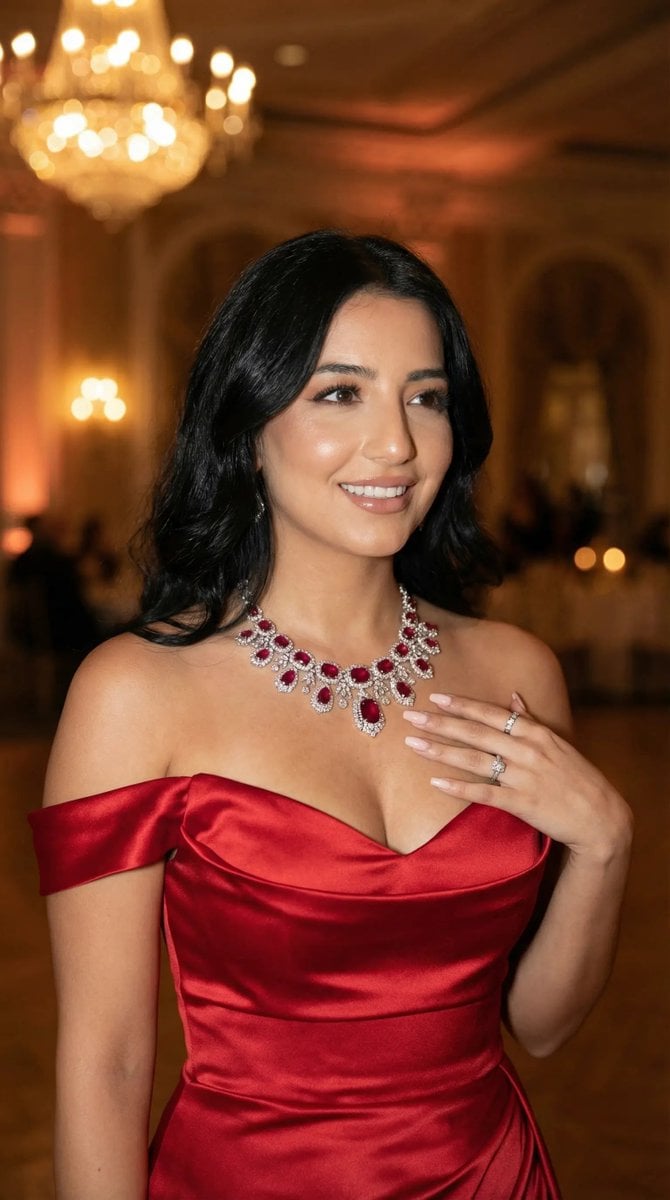
Luxury Gala Fashion Editorial Prompt (JSON)
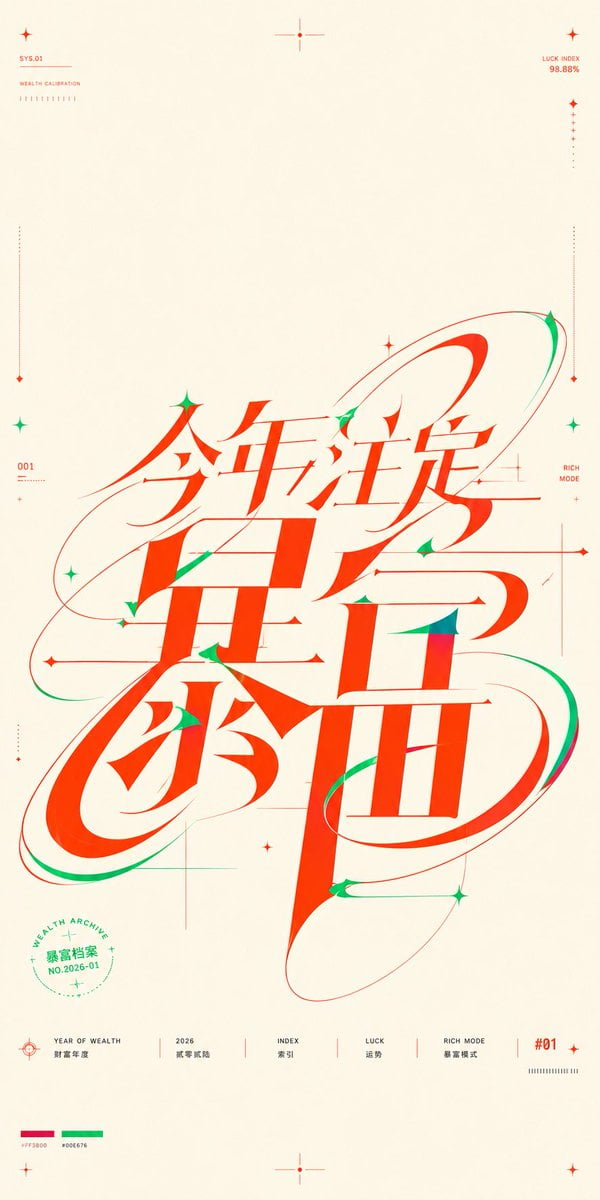
Chinese Wealth Typography Poster
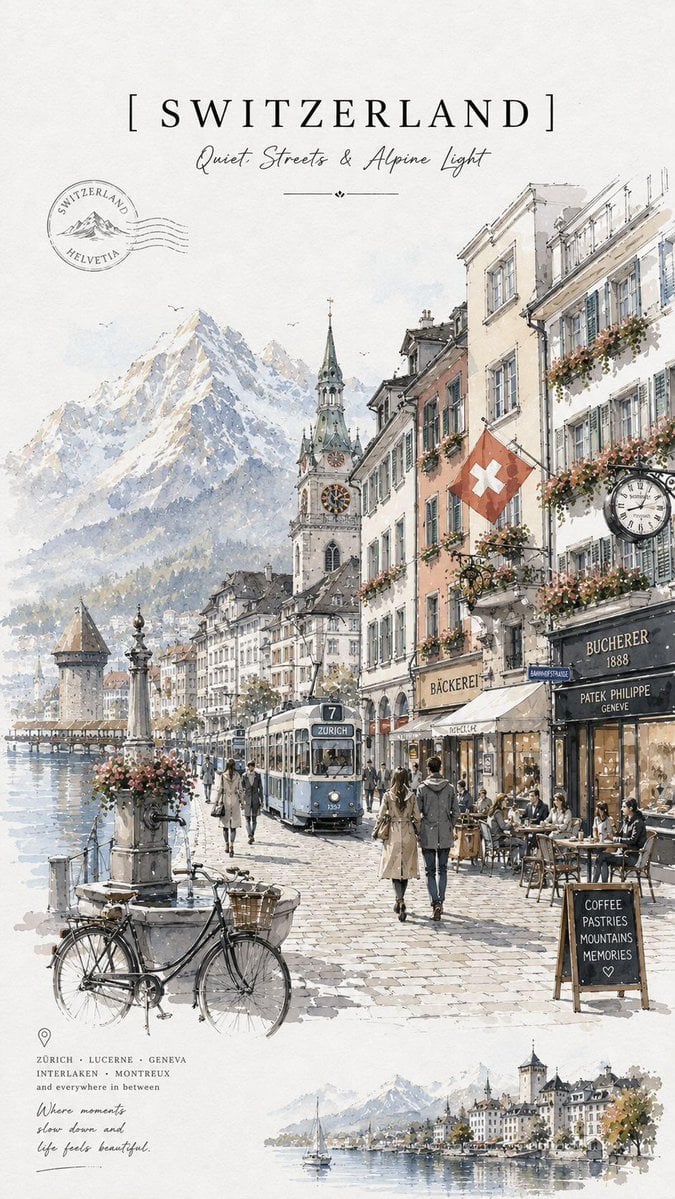
Vintage Watercolor Travel Posters
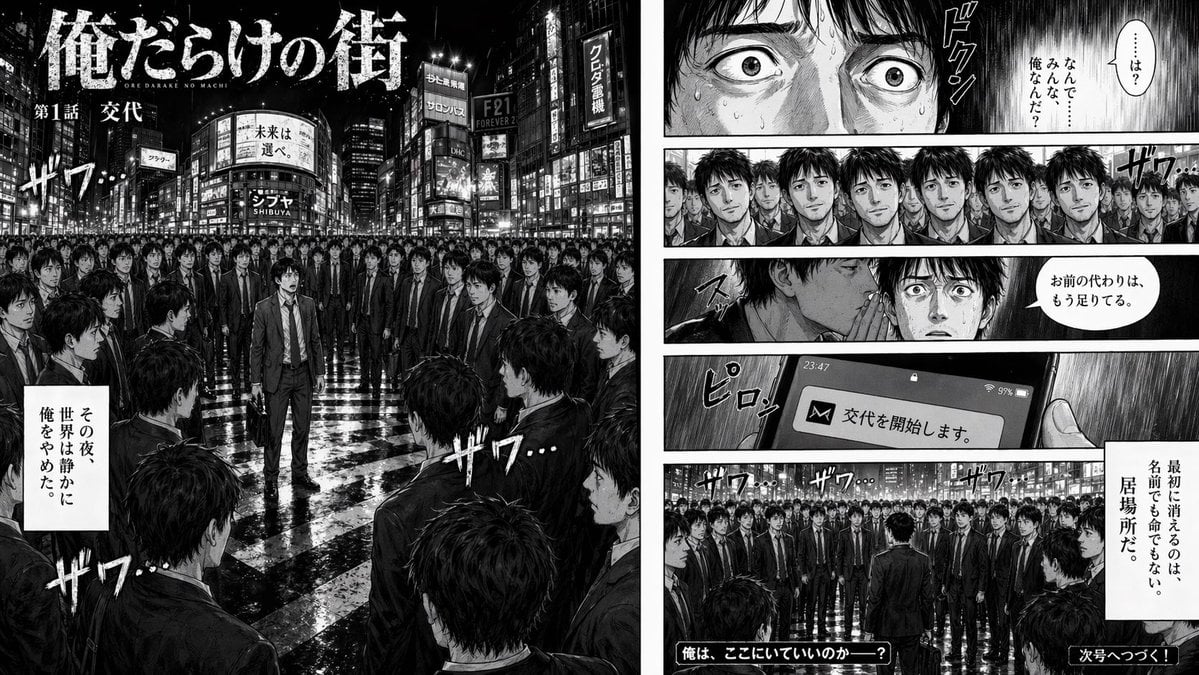
Two-Page Psychological Thriller Manga Spread
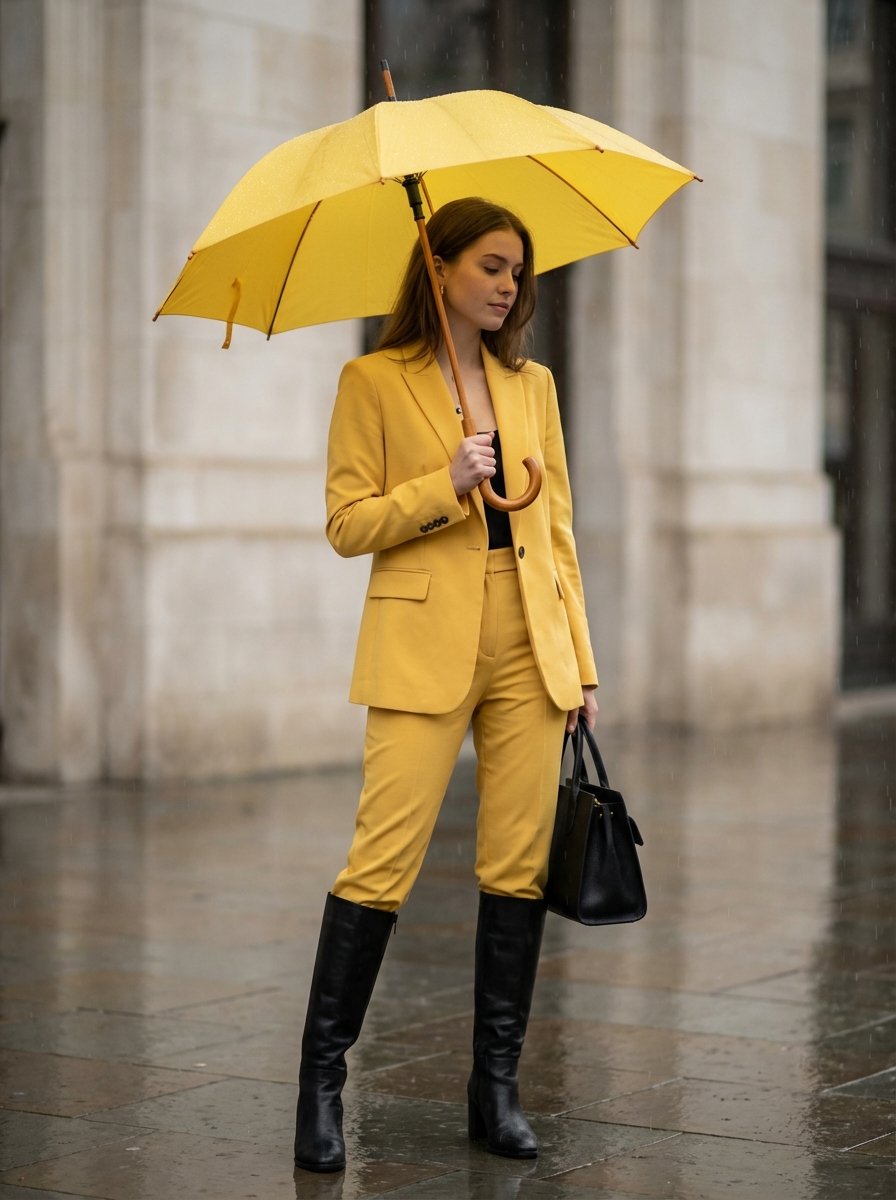
Rainy Day Yellow Power Suit Editorial Prompt
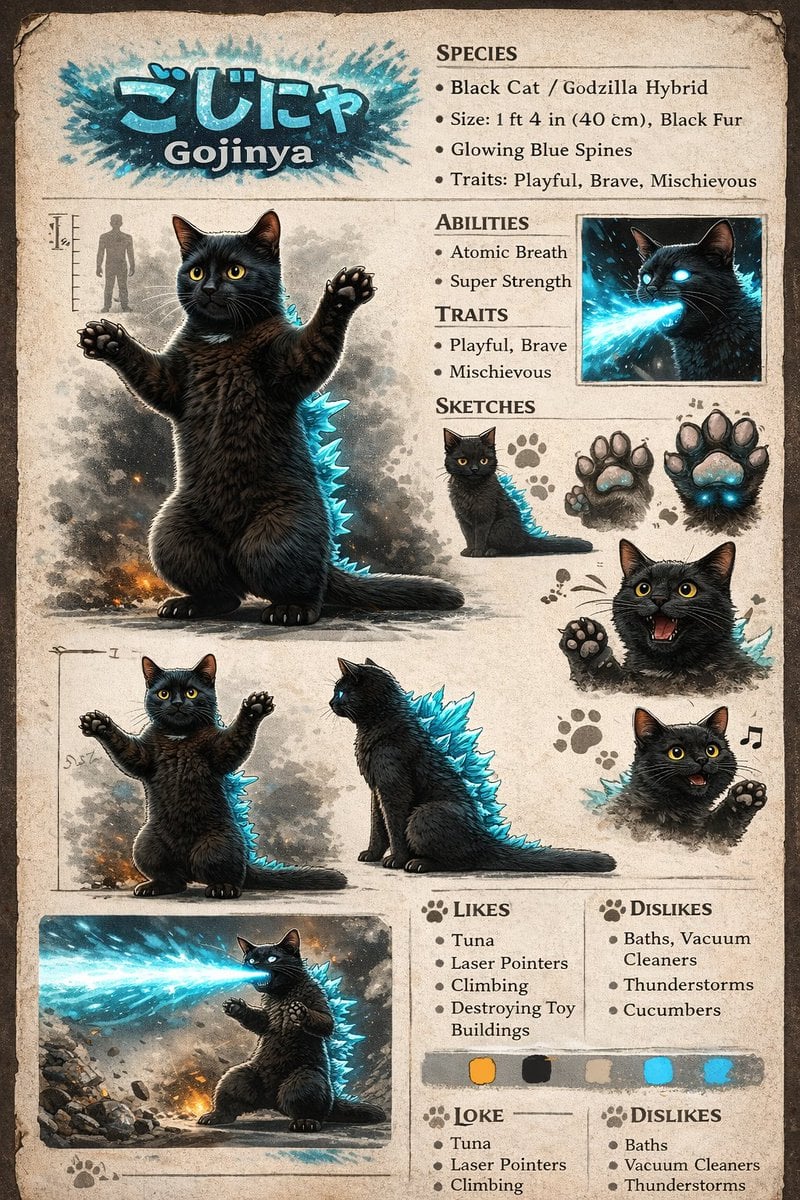
Creature Concept Reference Sheet
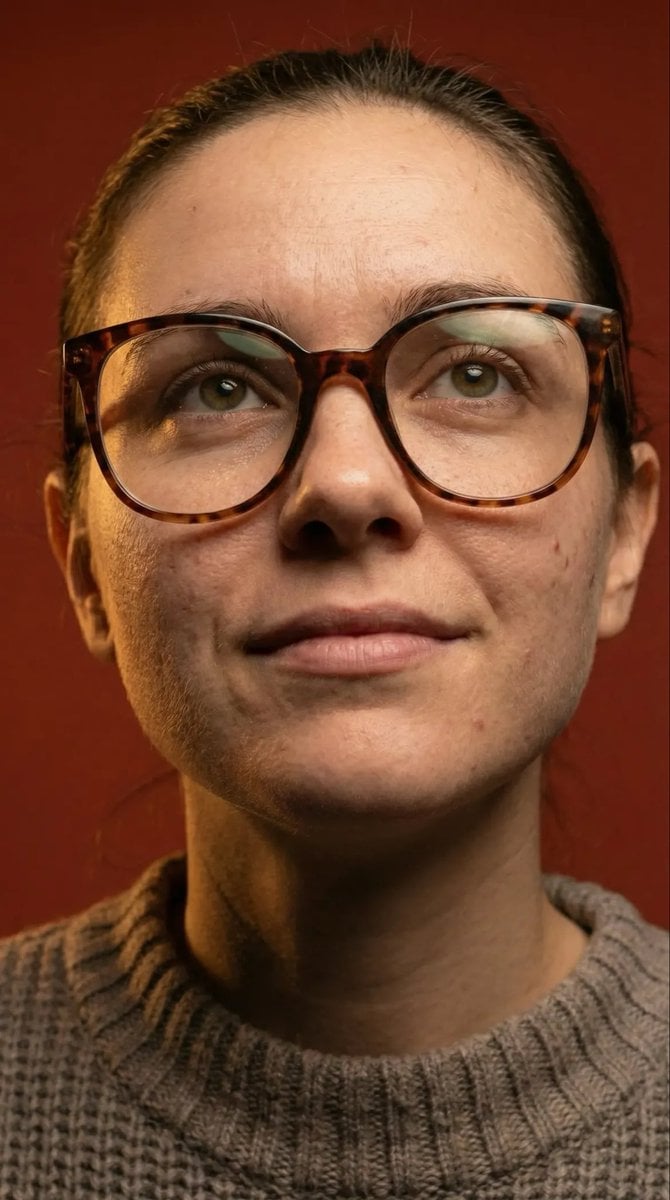
Macro Detail Portrait with Glasses and Skin Texture Prompt
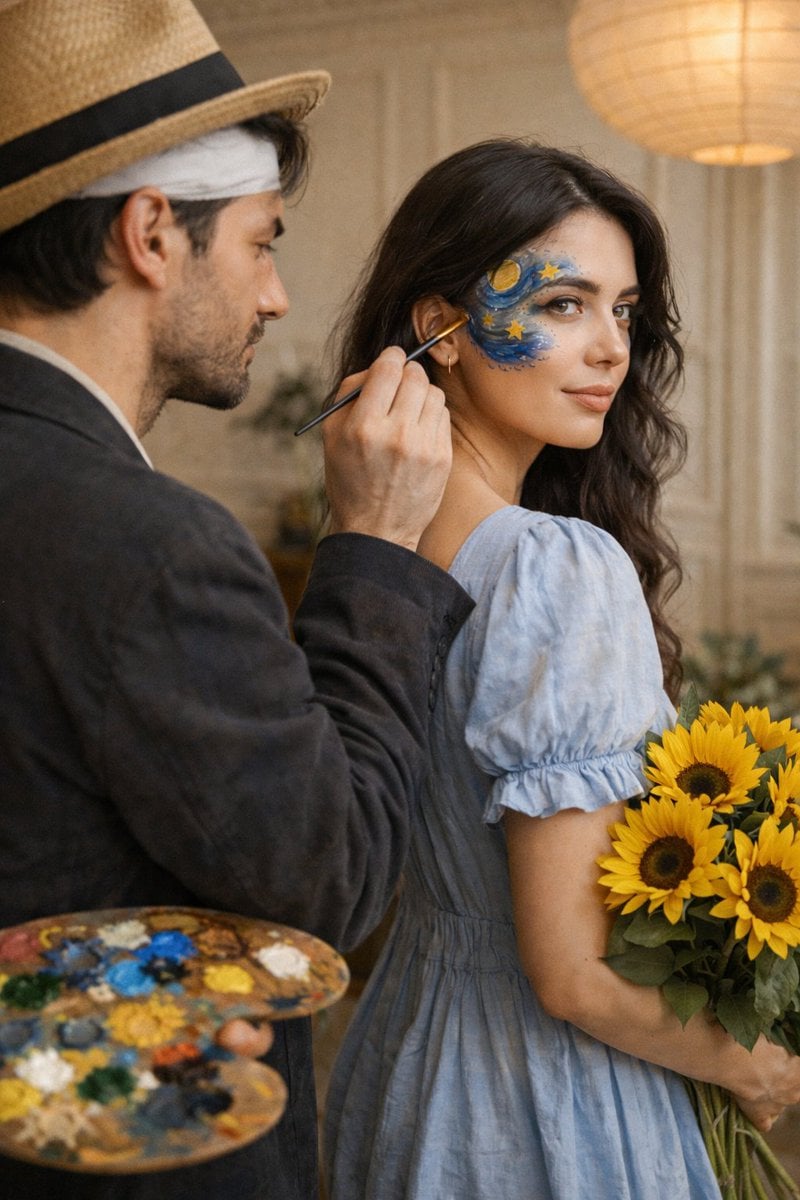
Cinematic Editorial Couple Portrait with Starry Night Face Paint
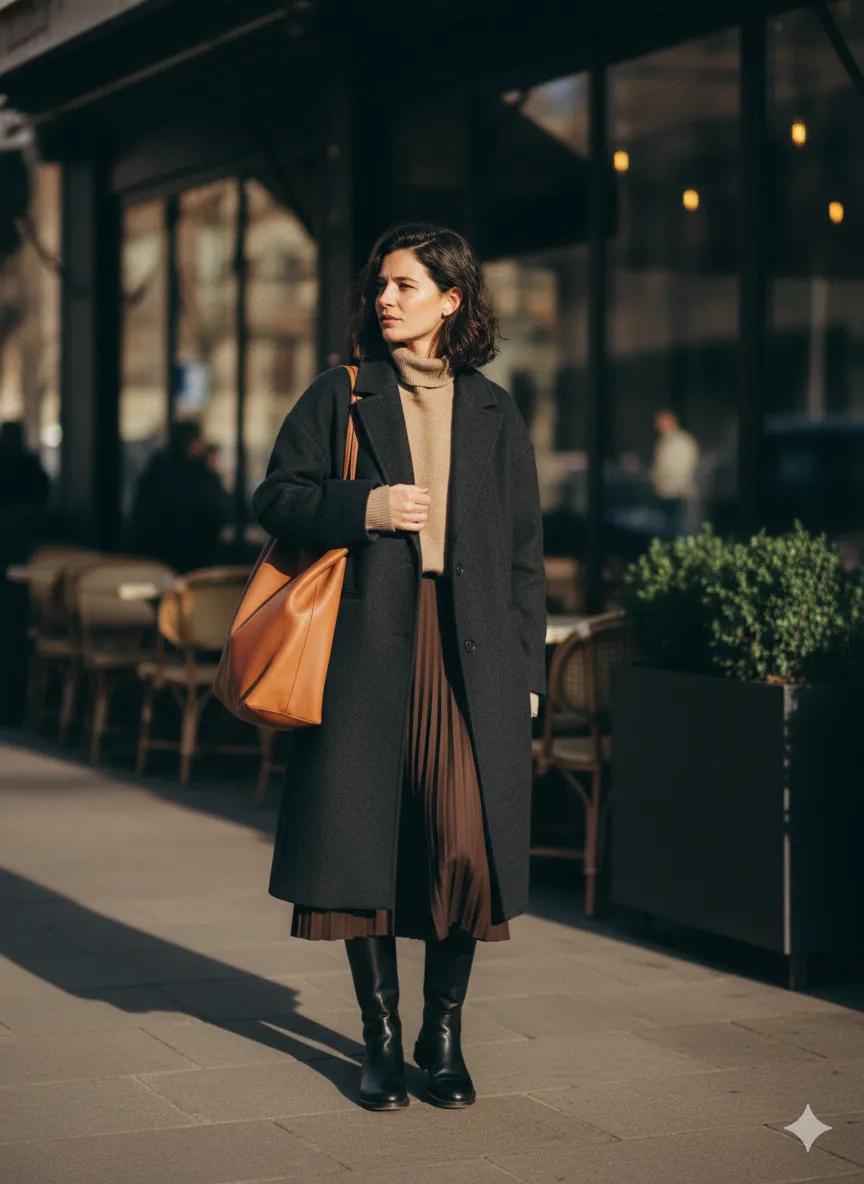
Scott Schuman Style Street Photography Portrait

Cinematic Portrait with Bioluminescent Butterfly Interaction
Browse template categories
Luxury Sunglasses Summer Sale Ad questions
How do I use the Luxury Sunglasses Summer Sale Ad template?
Add your photo if the template asks for one, edit the prompt if you like — the template's model and format are already selected — and press Generate. Your version opens in PicX Studio.
Can I customize the Luxury Sunglasses Summer Sale Ad template?
Yes. You can change the subject, setting, lighting, mood, format, and available model controls before creating your image.
Is the Luxury Sunglasses Summer Sale Ad template free?
Opening and editing this template is free. Generating uses credits, shown on the Generate button when you are signed in.
Which AI model should I use?
Start with GPT Image 2, which is the model associated with this template. You can compare another compatible model for a different finish.
Looking for something else? Browse all templates.

Your photo, any look
Thousands of ready templates for every top image and video model, from one credit balance.