
Vintage Watercolor Travel Posters
A poetic prompt for generating minimalist vintage travel posters in a delicate watercolor and ink sketch style with architectural details.
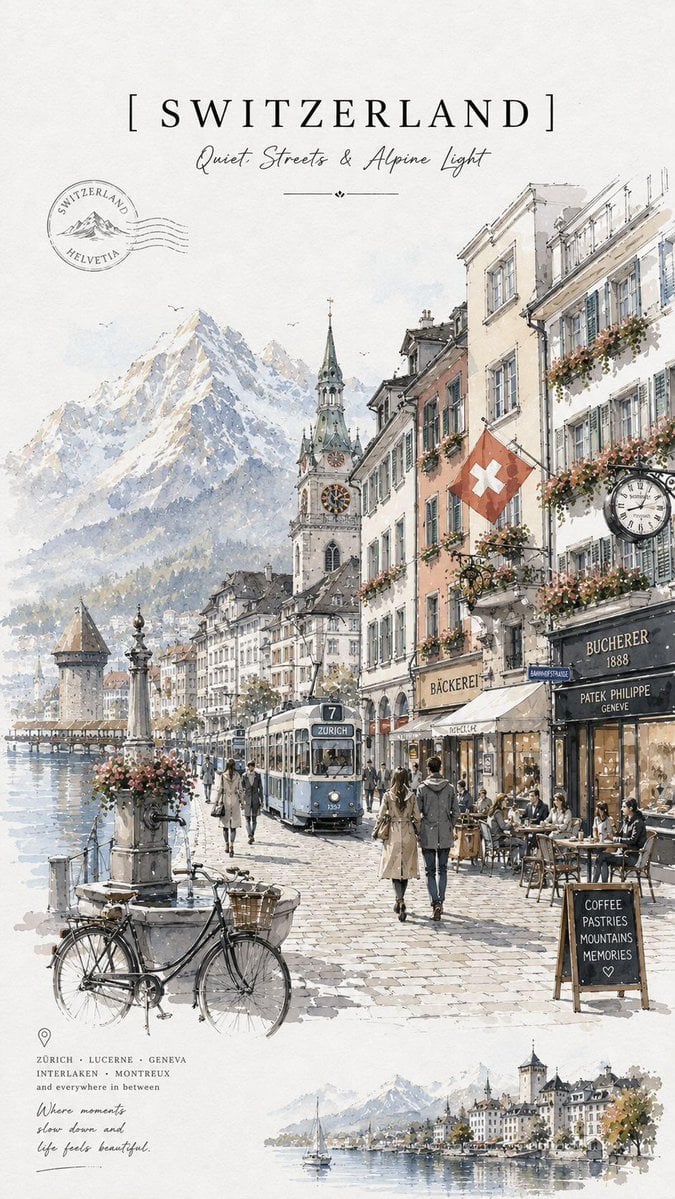
- Prompt included
- Model and format preset
- Free template
The prompt behind this image
Copy the exact prompt behind Vintage Watercolor Travel Posters, or open it in the studio and make it yours.
Minimalist vintage travel poster in delicate watercolor and ink sketch style, elegant European travel illustration, soft neutral tones on textured ivory paper background, hand-painted cityscape with loose watercolor washes, fine architectural pen linework, cozy café storefronts, bicycles, cobblestone streets, flower-filled balconies, classic street lamps, soft atmospheric perspective, cinematic morning light, dreamy travel journal aesthetic, sophisticated typography layout with large serif country/city title at the top, handwritten subtitle and poetic tagline, small passport-style stamps, elegant editorial composition, airy negative space, timeless travel magazine design. Scene variations: • {argument name="city" default="London"} rainy streets, red double-decker bus, black taxi, {argument name="landmark" default="Big Ben"} in the background, cozy bookstore café, Portobello Road signage, {argument name="palette" default="muted gray-beige palette with soft red accents"}. • Greece whitewashed Santorini alleyways, blue domes, bougainvillea flowers, seaside café, Mediterranean sunlight, bright white and soft ocean blue palette. • Switzerland alpine lakeside town, snowy mountains, vintage tram, Swiss flags, luxury café terraces, peaceful European old-town atmosphere. • Australia Melbourne-style tram street, jacaranda trees with purple blossoms, sunny café culture, modern-meets-vintage urban scenery.
How to use Vintage Watercolor Travel Posters in 3 steps
- 1
Open
The prompt is already in the box next to the preview, with the template's model and format selected.
- 2…a portrait of your subject in softgolden-hour light, 85mm…
Personalize
Edit the subject and creative details for your destination.
- 3Generate
Generate
Press Generate — your image is created in PicX Studio, so you can compare it with the original and refine one variable at a time.
More like this
Templates with the same subject, style or setup. Open one to see its prompt.

Japan Travel Brochure Poster
Vintage Watercolor Travel Posters
Vintage Travel Posters by Nano Banana 2

Premium Vintage Travel Poster Landscape

City Posters by Nano Banana Pro

Sunday Afternoon, 1988

Two Tickets, One Night

If We Met in 1985

Found Photograph: Us, 1970

One Dance Before Midnight

Before We said Goodbye

Our Song was on a Cassette
Make it yours
Vintage Watercolor Travel Posters works as-is. These are the safest ways to change it without losing the look.
Change one field
Copy a single group, rewrite it, and generate again so you can see what that field is doing.
Keep the frame, change the subject
Hold the composition and light of Vintage Watercolor Travel Posters, then swap wardrobe, props or the person for a new take.
| If the result… | Why | Fix |
|---|---|---|
| The result drifts from the preview | Too many fields changed at once. | Reuse Vintage Watercolor Travel Posters as-is first, then change one group — subject, light, or setting. |
| The model over-stylizes the scene | The prose prompt leaves finish and camera underspecified. | Add one camera or lighting sentence and stay on GPT Image 2. |
More GPT Image 2 templates
Other prompts made for GPT Image 2.

Six VTuber Japanese Logo Sheet

Realistic Portrait of Woman and Deer

The Vista Modular Condo Poster

AI Model Routing Comparison Infographic

2.5D Anime Art Board

Isometric Productivity Desk Scene

New York Double Exposure Poster

Four-Panel AI Landscape Comparison

Japanese Tatami Lifestyle Magazine Cover

NESCAFÉ Coffee Map Poster
More image prompts
Fresh picks from across the catalog.
Centaur handstand prompt for GPT Image 2
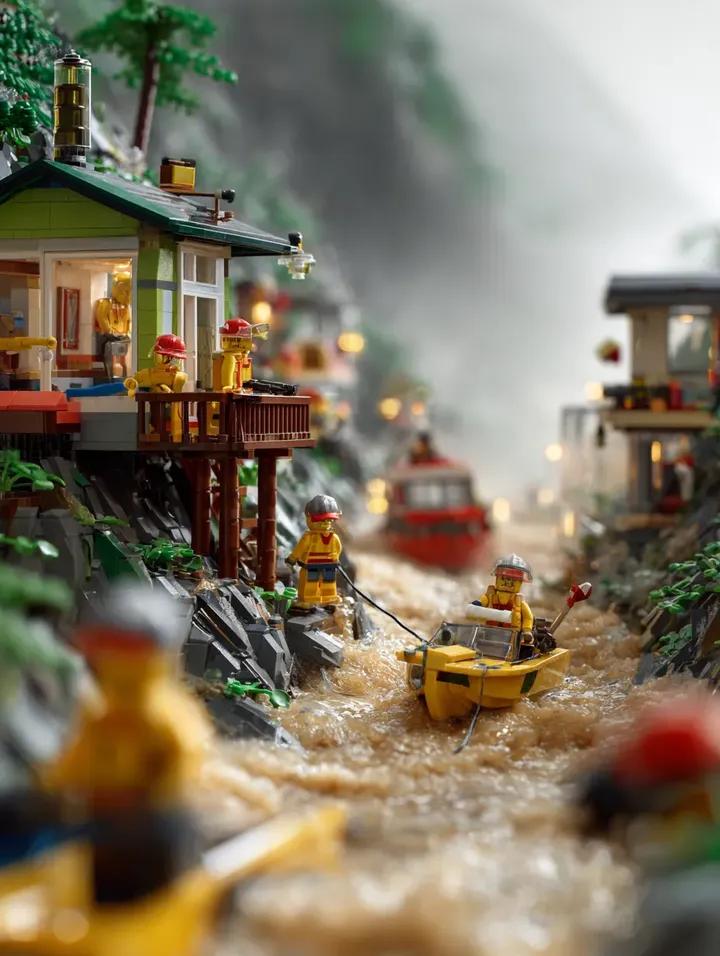
LEGO Mountain Flood Rescue Scene Prompt
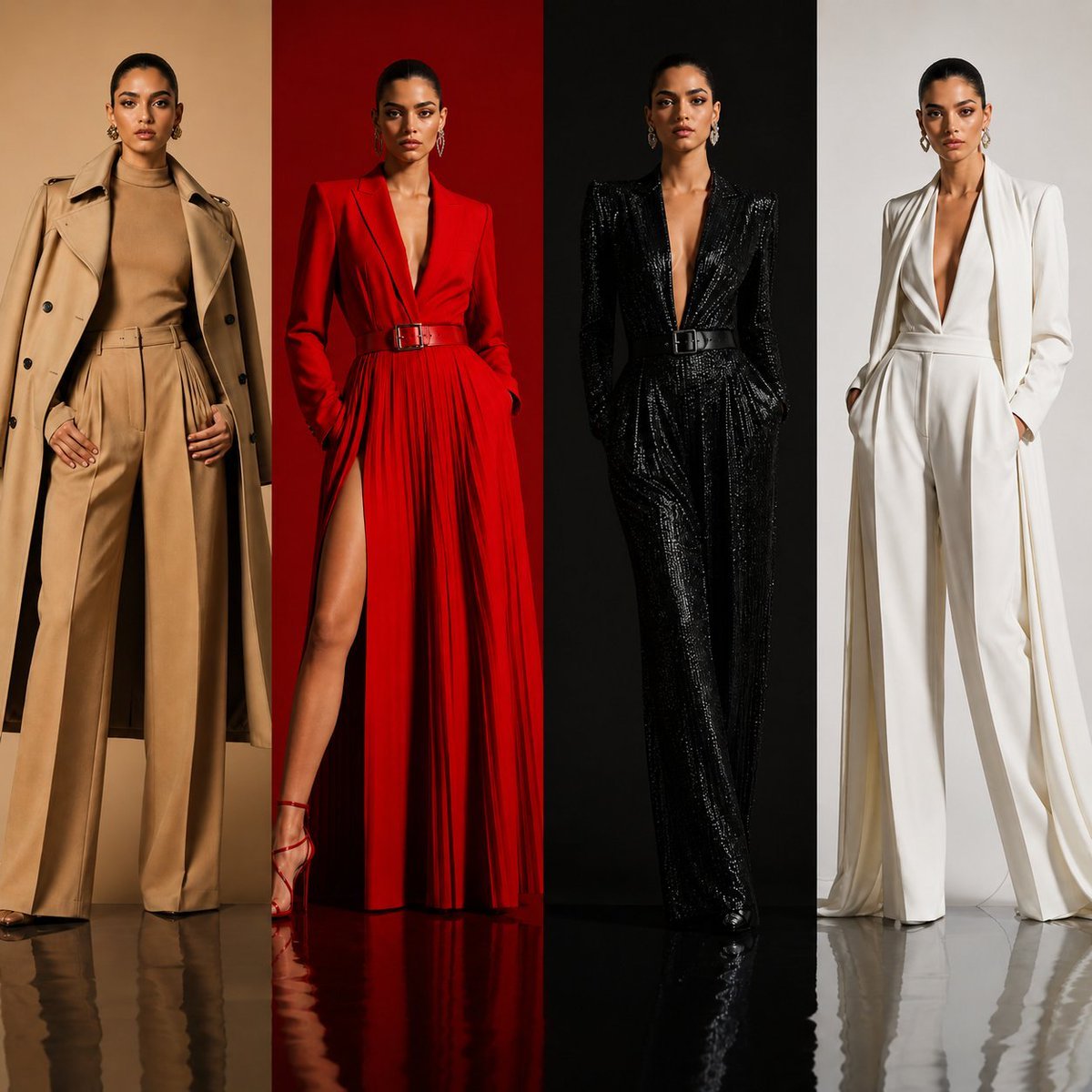
Luxury Fashion Color Block Campaign
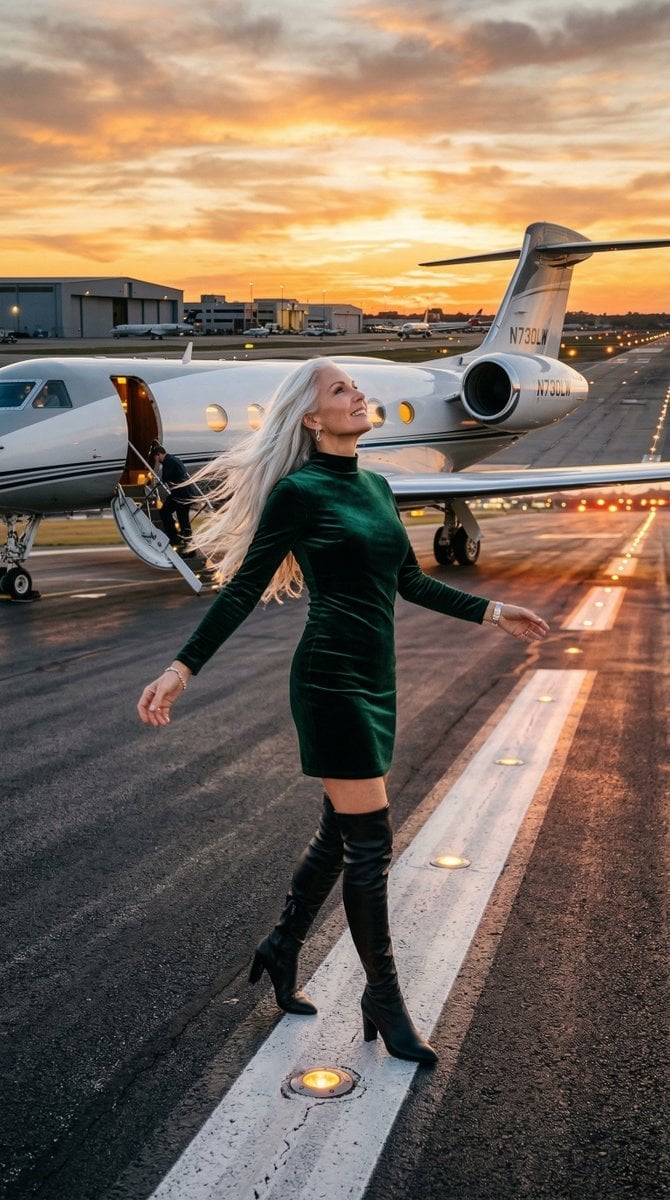
Cinematic Photo of Woman on Airport Runway

Couple Goals from the Google Gemini Nano

Exaggerated Hourglass Mirror Selfie Prompt

Dark Samurai Ink Wash Poster
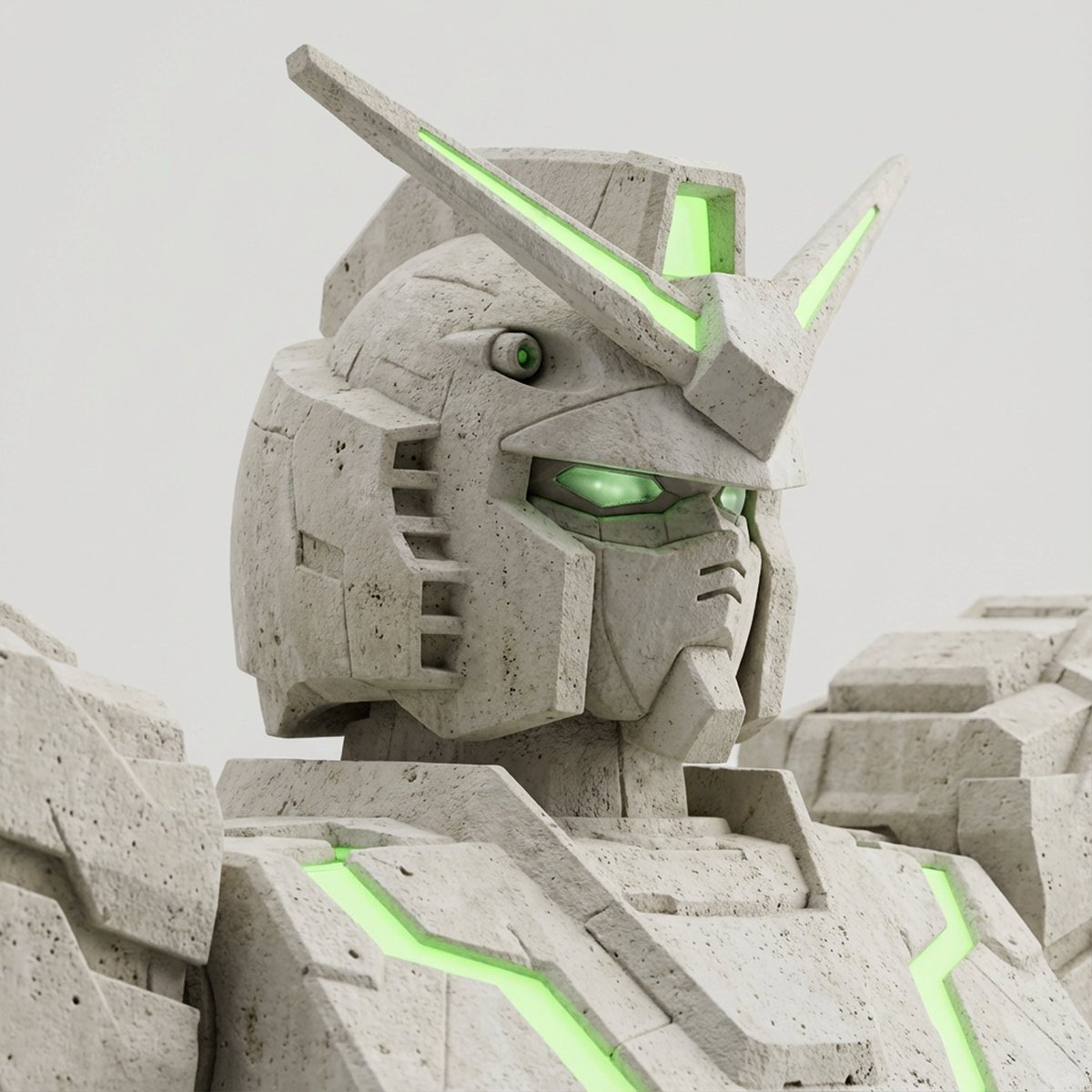
Limestone Sculpture with Neon Glow Prompt

Structured Prompt for Natural Soft Portrait in Bedroom
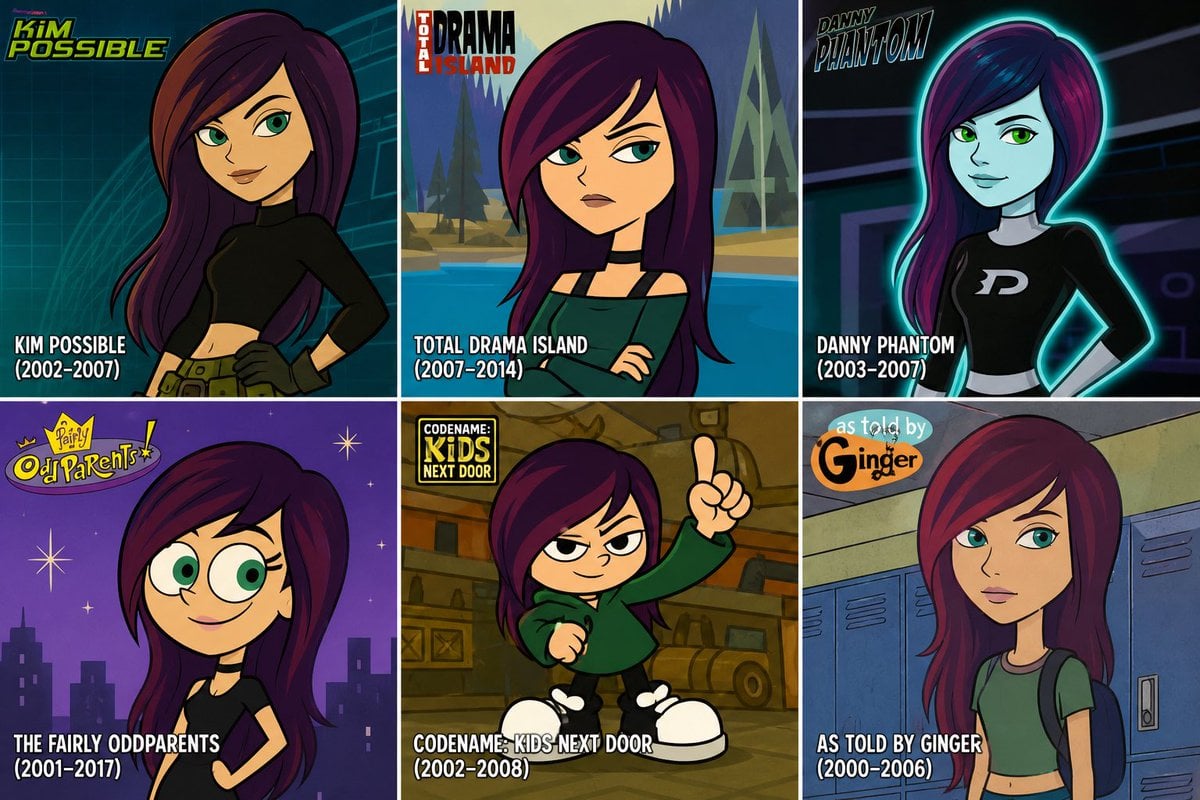
2000s Cartoon Character Transformation
Browse template categories
Vintage Watercolor Travel Posters questions
How do I use the Vintage Watercolor Travel Posters template?
Add your photo if the template asks for one, edit the prompt if you like — the template's model and format are already selected — and press Generate. Your version opens in PicX Studio.
Can I customize the Vintage Watercolor Travel Posters template?
Yes. You can change the subject, setting, lighting, mood, format, and available model controls before creating your image.
Is the Vintage Watercolor Travel Posters template free?
Opening and editing this template is free. Generating uses credits, shown on the Generate button when you are signed in.
Which AI model should I use?
Start with GPT Image 2, which is the model associated with this template. You can compare another compatible model for a different finish.
Looking for something else? Browse all templates.

Your photo, any look
Thousands of ready templates for every top image and video model, from one credit balance.