
Limestone Sculpture with Neon Glow Prompt
A highly detailed prompt for generating an ultra-detailed, photorealistic 3D render of a character bust sculpture carved from grey-white travertine limestone.
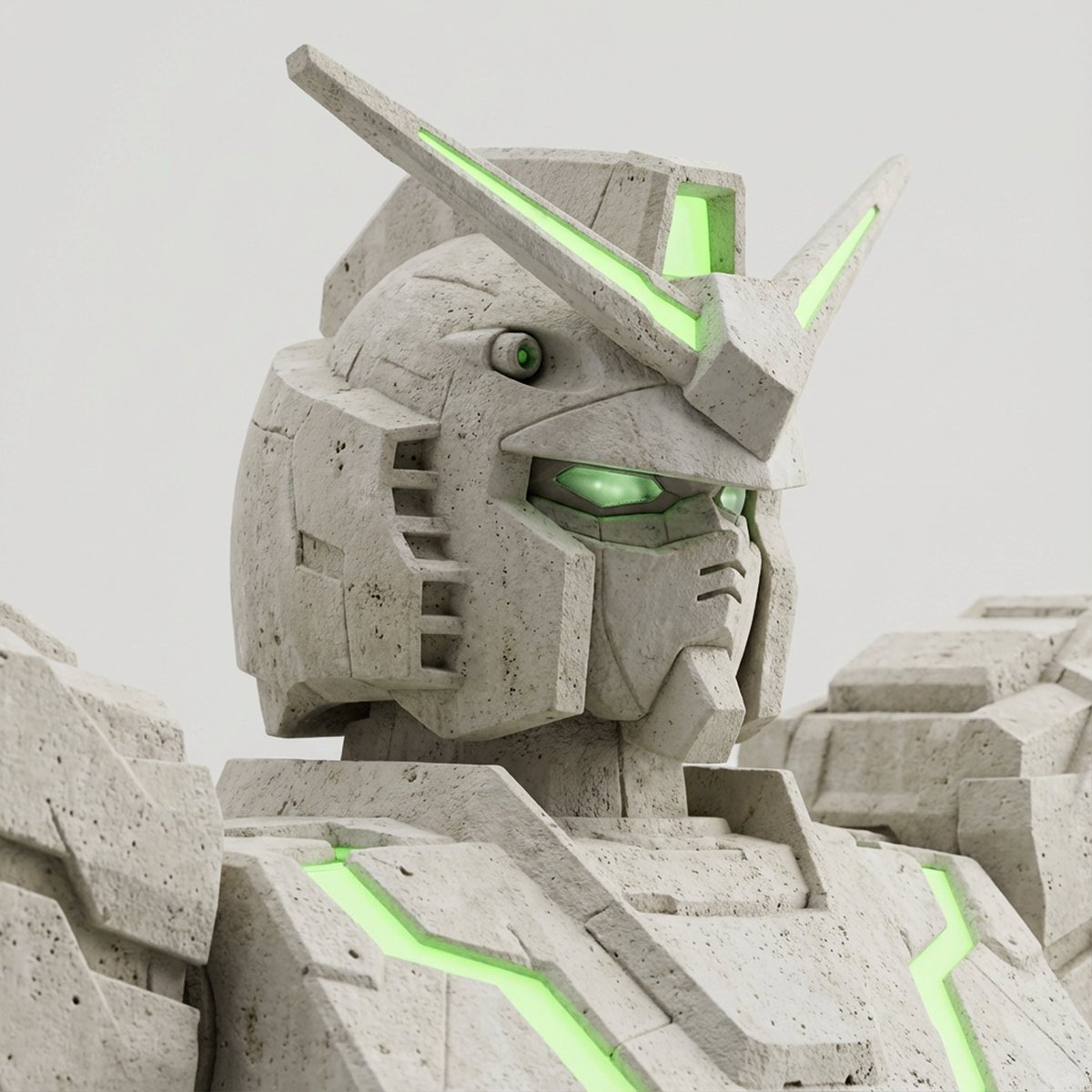
- Prompt included
- Model and format preset
- Free template
The prompt behind this image
Copy the exact prompt behind Limestone Sculpture with Neon Glow Prompt, or open it in the studio and make it yours.
Close-up three-quarter bust sculpture of {argument name="character name" default="[Character Name]"} carved from grey-white travertine limestone. Head fully visible, no part of the head cropped. Hair and top of head completely inside the frame. Cropped at upper chest level. Shoulders clearly visible. Head and shoulders fill the frame without cutting the top. Tight framing but full head preserved. Three-quarter angle, slight 30-degree head turn. Natural sculptural posture. Material: grey-white travertine limestone. Chalky matte surface, dry stone texture. Fine porous micro-holes, natural pitting, subtle mineral speckles. Soft micro-roughness, powdery stone feel. Uniform light grey tone. No marble veins. No ceramic look. No resin look. No plaster look. No glossy surface. No waxy finish. No polished stone. Eyes include sculpted eyeball structure. Visible iris and pupil carved in stone. Not hollow eye sockets. Not empty eyes. Soft stone-carved iris detail. Natural stone eye depth without being realistic flesh. Eyes remain sculptural but not scary. High-key studio lighting. Bright but soft exposure. Clean luminous atmosphere. Lifted overall shadows. Soft recessed shadows in carved areas. Gentle cavity shading around eyes and under chin. Subtle ambient occlusion. No dark dramatic contrast. No deep black shadows. Background: neutral light grey seamless studio backdrop. Clean, minimal. No gradient. No vignette. No texture. Neon green glow appears only on 1–3 authentic character features. Glow follows original character traits only. No decorative lines. No circuit patterns. No extra glowing elements. Glow can appear as soft luminous surface areas. Controlled intensity. Pure clean neon green. Glow does not overpower the stone texture. Only grey-white stone and neon green. No additional colors. Ultra-detailed 3D sculpt render. Photorealistic limestone texture. Museum presentation style. Minimal aesthetic. Sharp focus. No depth of field blur. No text. No watermark. No logo.
How to use Limestone Sculpture with Neon Glow Prompt in 3 steps
- 1
Open
The prompt is already in the box next to the preview, with the template's model and format selected.
- 2…a portrait of your subject in softgolden-hour light, 85mm…
Personalize
Edit the subject and creative details for your destination.
- 3Generate
Generate
Press Generate — your image is created in PicX Studio, so you can compare it with the original and refine one variable at a time.
More like this
Templates with the same subject, style or setup. Open one to see its prompt.

80s Neon Disco Night

Cartoon TV Show Poster Pack

Rainy Night Android Cyberpunk Portrait

Korean Idol Partial Shadow Editorial Portrait

Cyberpunk Neon Profile Fashion Portrait

Neon Night Crosswalk Candid Portrait

Subway Platform Quiet Introspective Portrait
Rainy Night Android Cyberpunk Portrait

Cinematic Sci-Fi Commander Side Profile Portrait
Low-Angle Cyberpunk Neon Profile Portrait

Cinematic Neon Light Strip Studio Portrait

Neon Violet Streetwear Fashion Portrait
Make it yours
Limestone Sculpture with Neon Glow Prompt works as-is. These are the safest ways to change it without losing the look.
Change one field
Copy a single group, rewrite it, and generate again so you can see what that field is doing.
Keep the frame, change the subject
Hold the composition and light of Limestone Sculpture with Neon Glow Prompt, then swap wardrobe, props or the person for a new take.
| If the result… | Why | Fix |
|---|---|---|
| The result drifts from the preview | Too many fields changed at once. | Reuse Limestone Sculpture with Neon Glow Prompt as-is first, then change one group — subject, light, or setting. |
| The model over-stylizes the scene | The prose prompt leaves finish and camera underspecified. | Add one camera or lighting sentence and stay on Nano Banana 2. |
More Nano Banana 2 templates
Other prompts made for Nano Banana 2.

Photorealistic Leaf Shaped Like a Dragon

K-Pop Idol Portrait Grid for Rapid Selection

Poetic Rain Forest Portrait During Golden Hour

Urban Street Portrait with Cartoon Inner Self Duo

Candid Nighttime Photo with Cat Prompt

High-Concept 3D Diorama Generation Prompt

Cinematic Futuristic Studio Portrait Template

Skincare Editorial Photography Collage Prompt

Hyper-Realistic Commercial Product Photography (Splash Effect)

Hyper-Realistic Nightclub Portrait Prompt
More image prompts
Fresh picks from across the catalog.
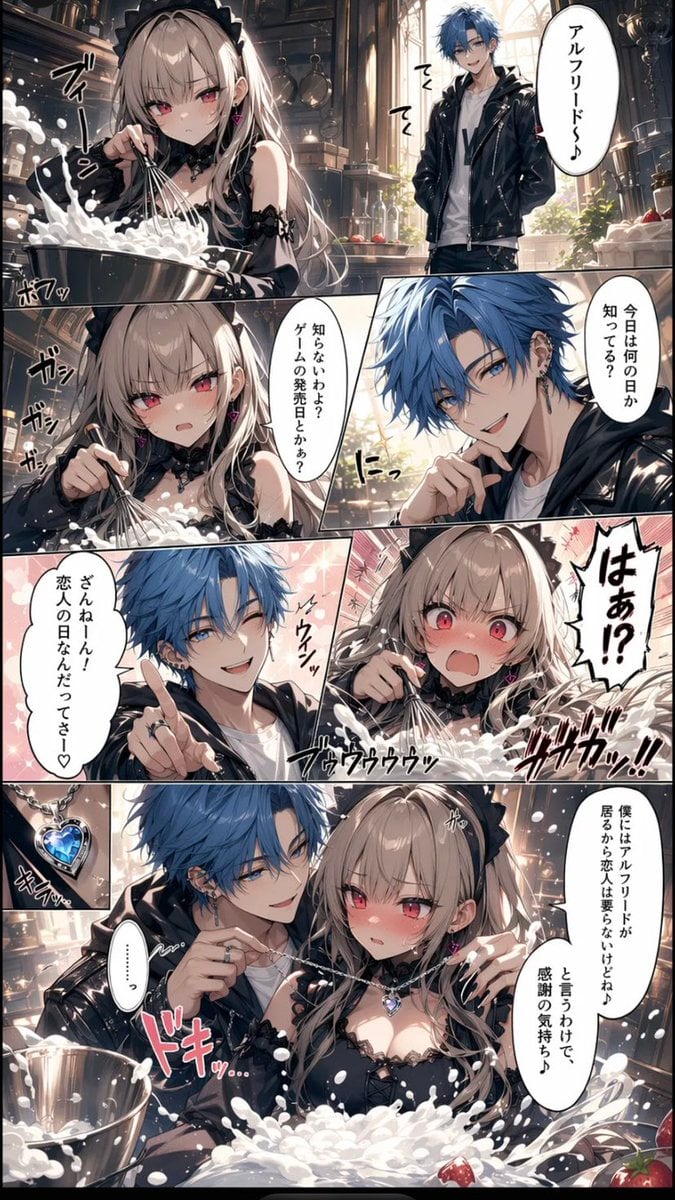
Romance Manga Kitchen Pendant Scene
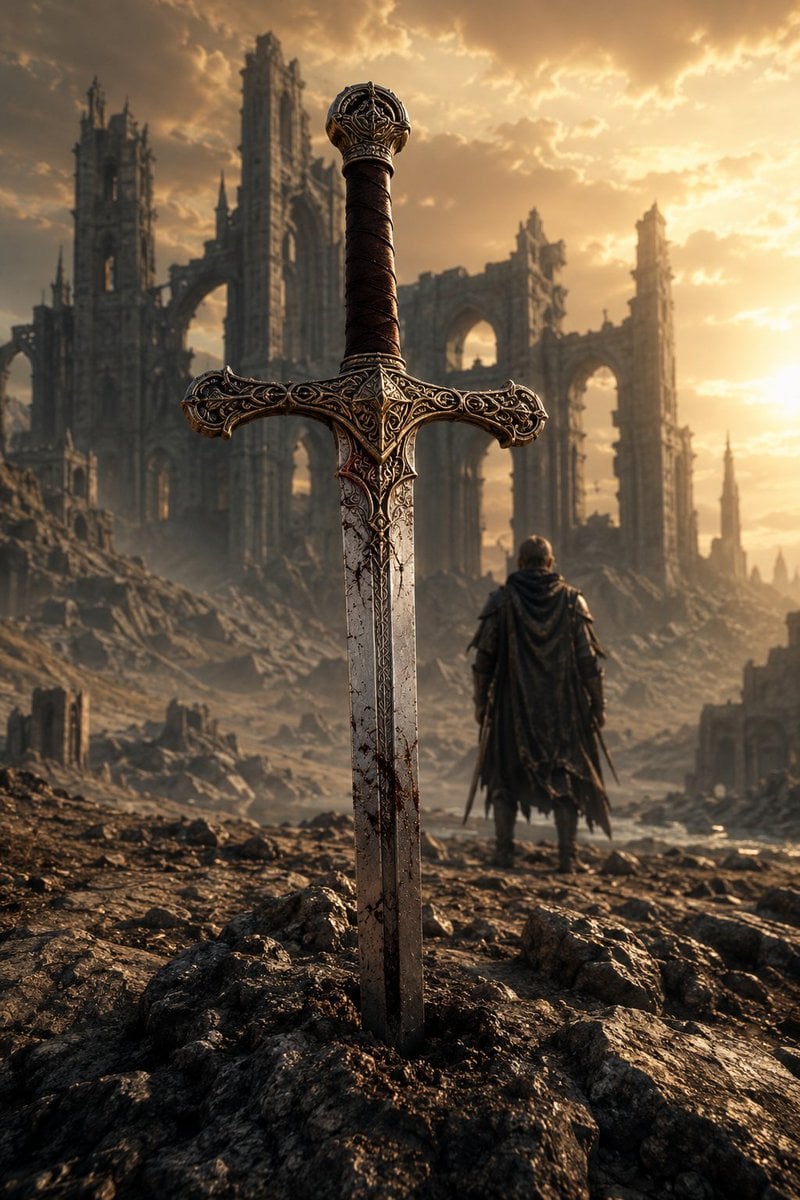
Medieval Fantasy Sword in Apocalyptic Landscape
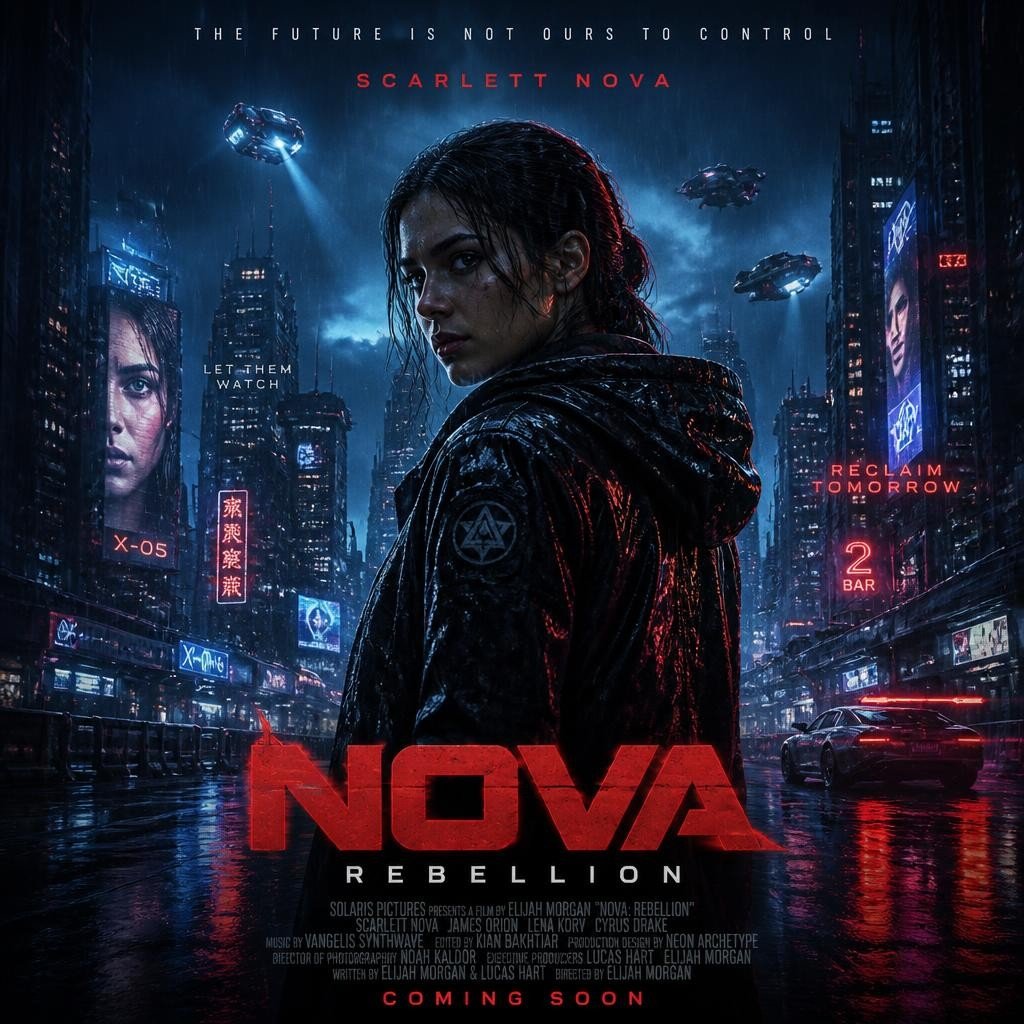
Cyberpunk Nova Rebellion Poster
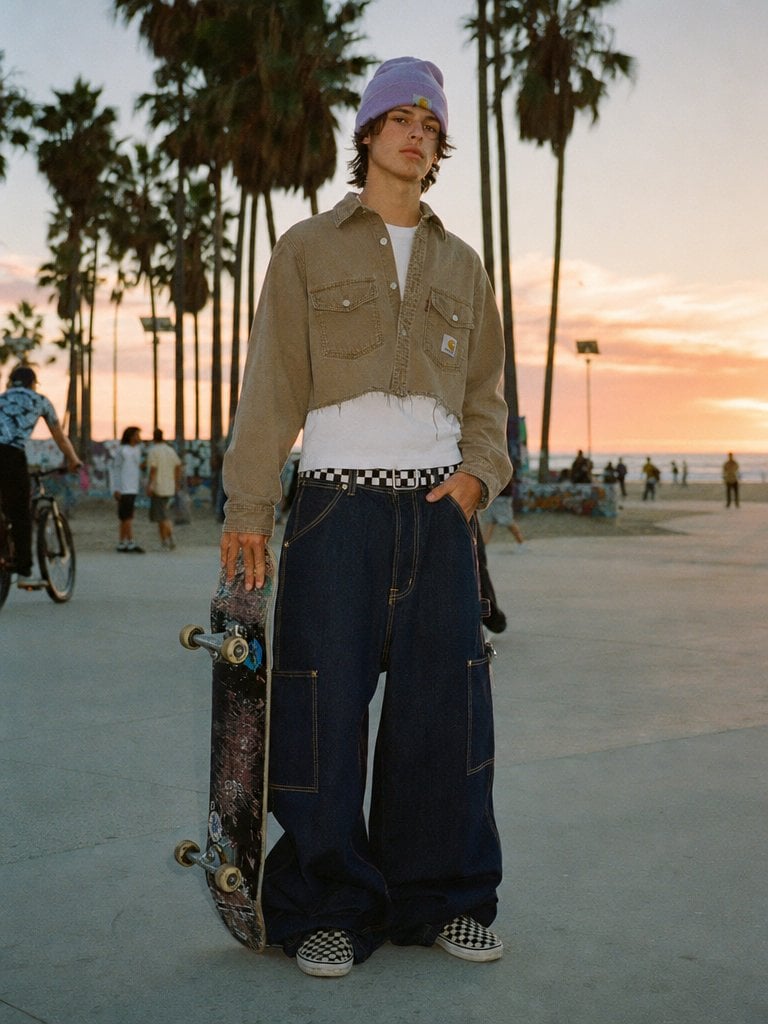
Sunset Skater in Baggy Jeans
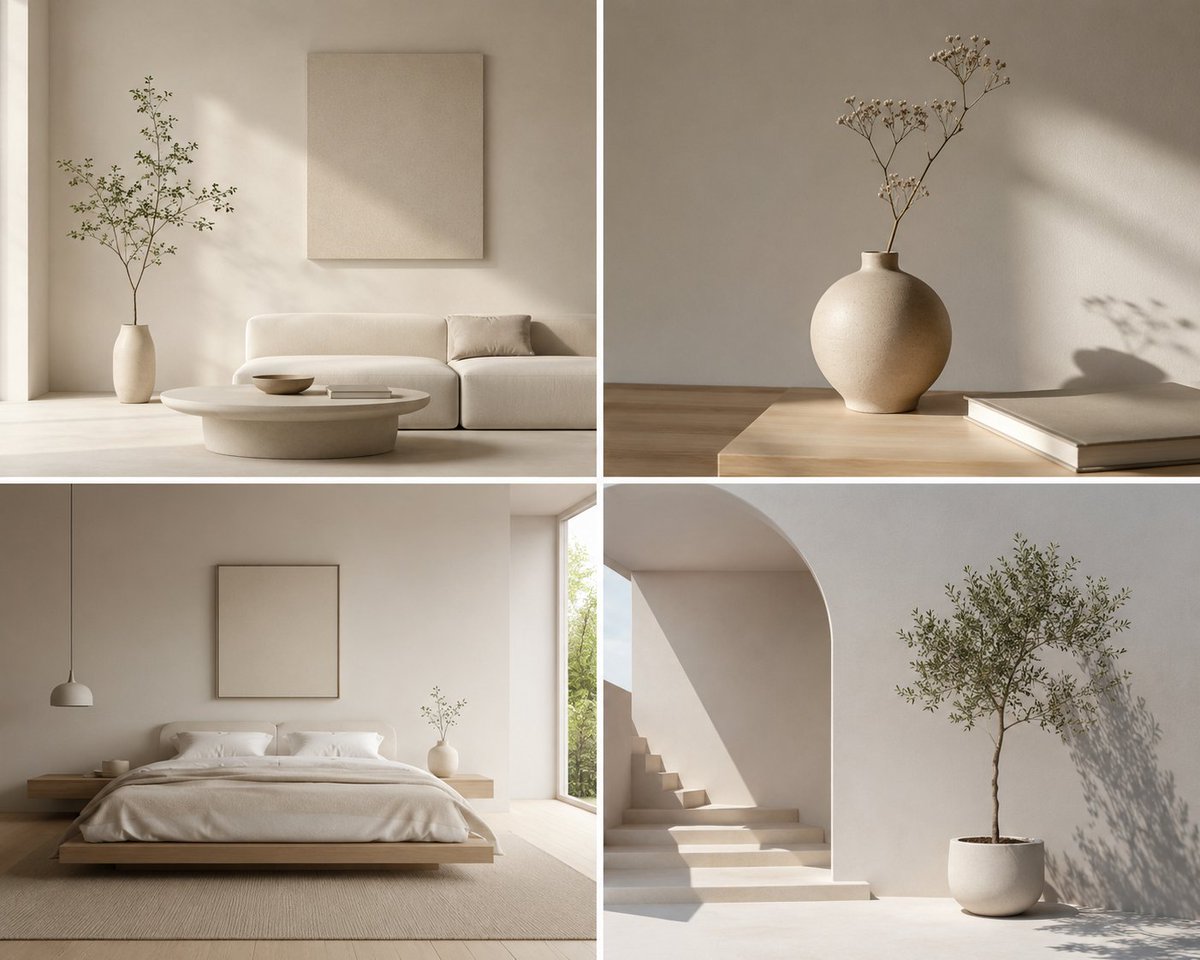
Minimalist Design Scene
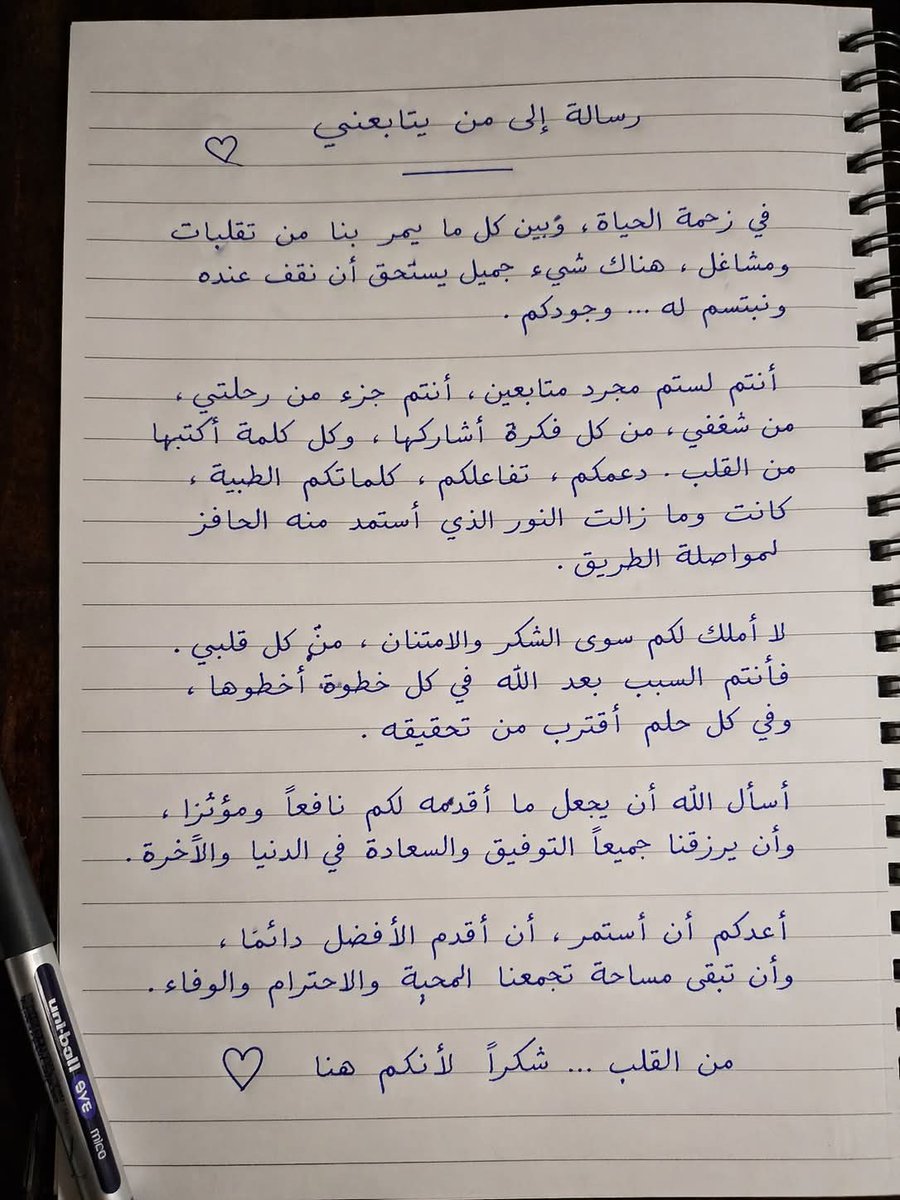
Gpt2 Social Media Post Handwritten Realistic Letter
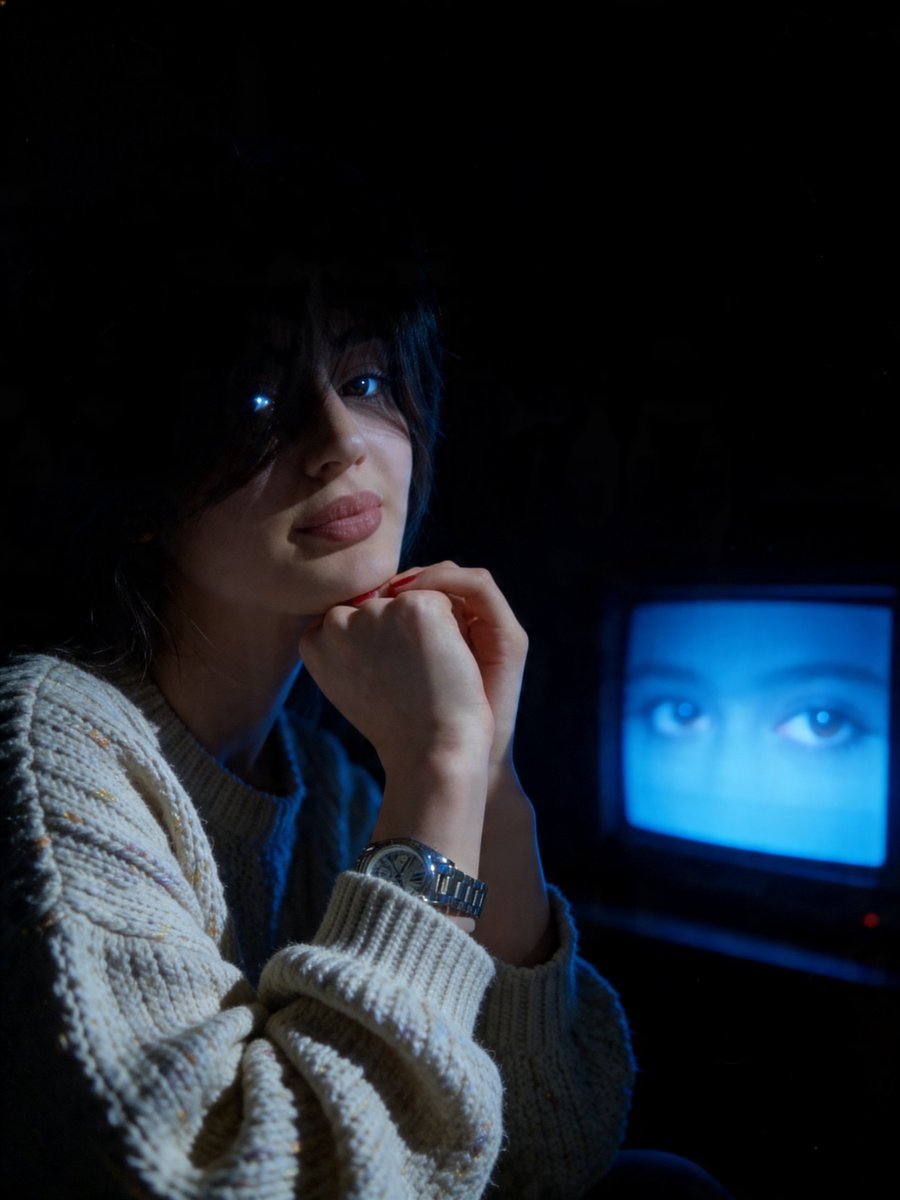
Cinematic Late-Night Portrait
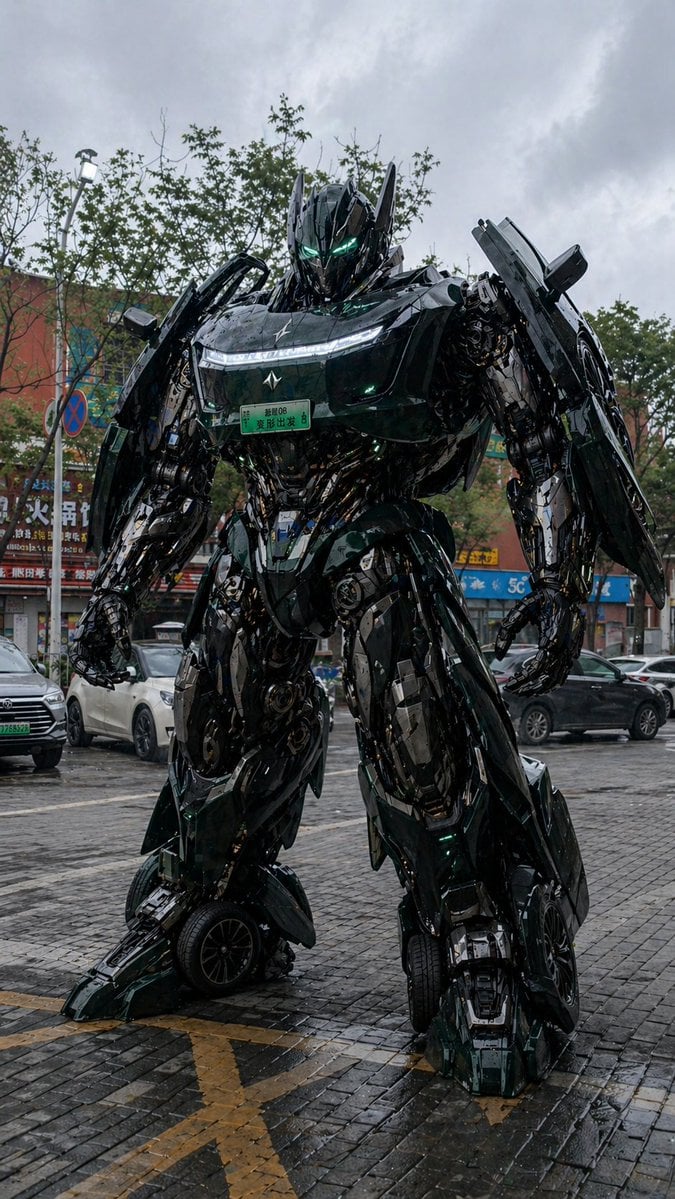
Car Transformation Prompt
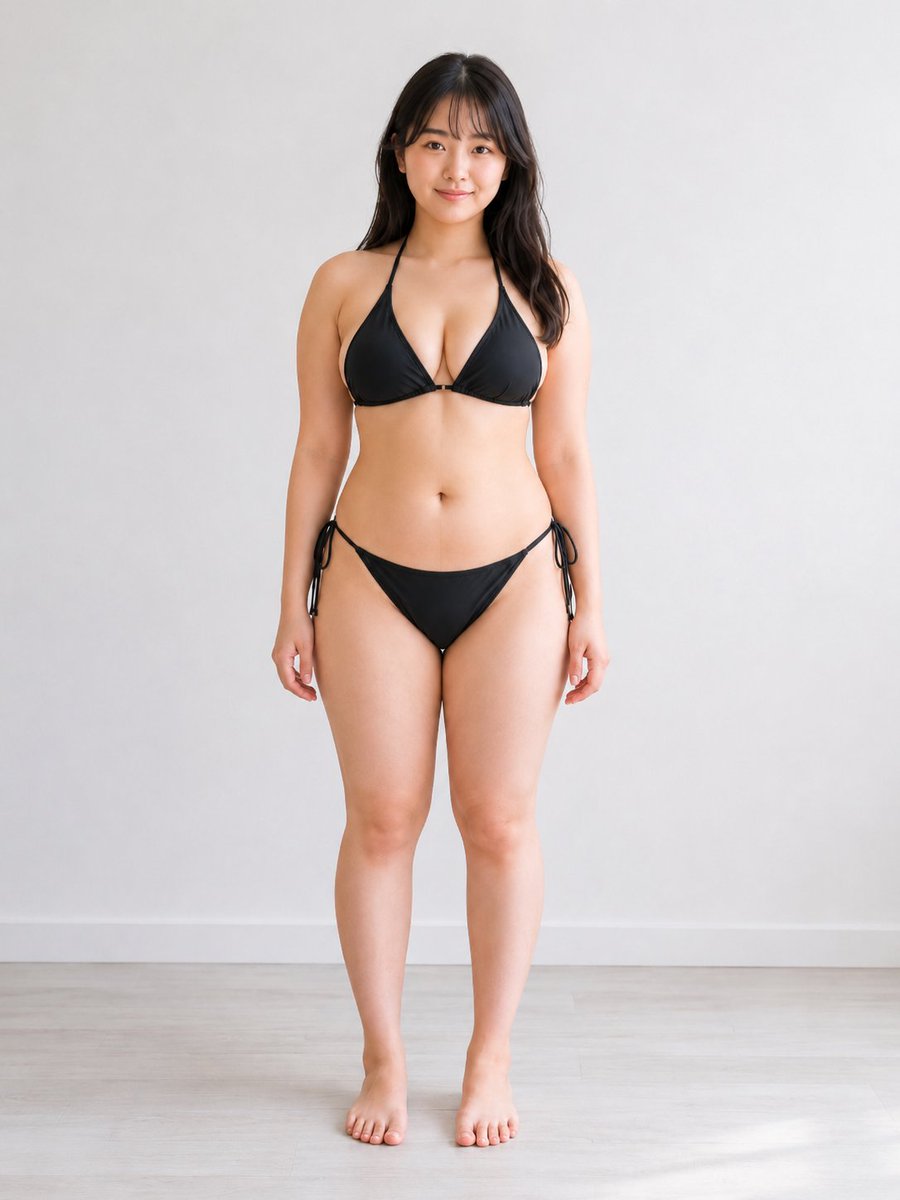
Consistent Character Multi-Angle Studio Shot
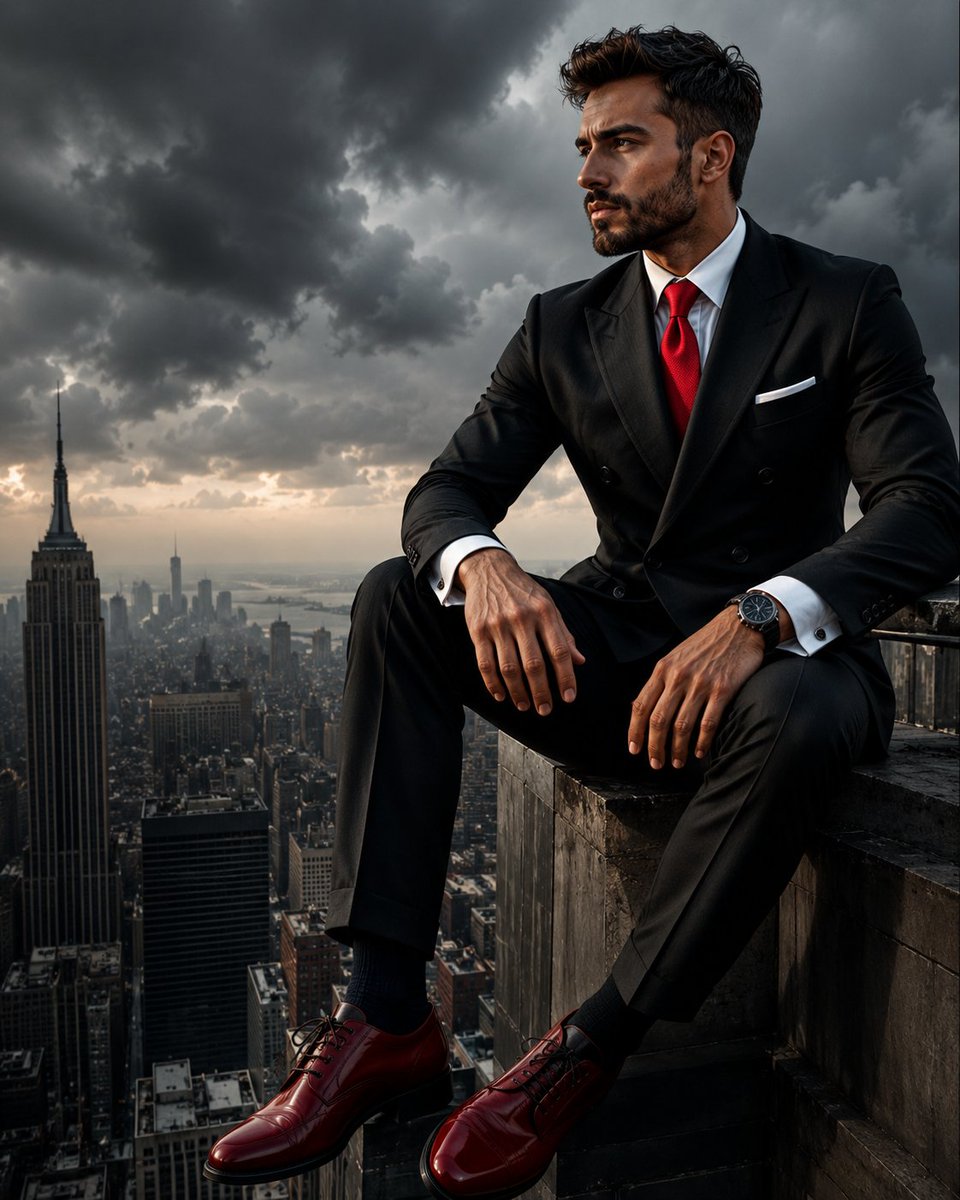
Colossal Male Model Skyscraper Artwork
Browse template categories
Limestone Sculpture with Neon Glow Prompt questions
How do I use the Limestone Sculpture with Neon Glow Prompt template?
Add your photo if the template asks for one, edit the prompt if you like — the template's model and format are already selected — and press Generate. Your version opens in PicX Studio.
Can I customize the Limestone Sculpture with Neon Glow Prompt template?
Yes. You can change the subject, setting, lighting, mood, format, and available model controls before creating your image.
Is the Limestone Sculpture with Neon Glow Prompt template free?
Opening and editing this template is free. Generating uses credits, shown on the Generate button when you are signed in.
Which AI model should I use?
Start with Nano Banana 2, which is the model associated with this template. You can compare another compatible model for a different finish.
Looking for something else? Browse all templates.

Your photo, any look
Thousands of ready templates for every top image and video model, from one credit balance.