
Romance Manga Kitchen Pendant Scene
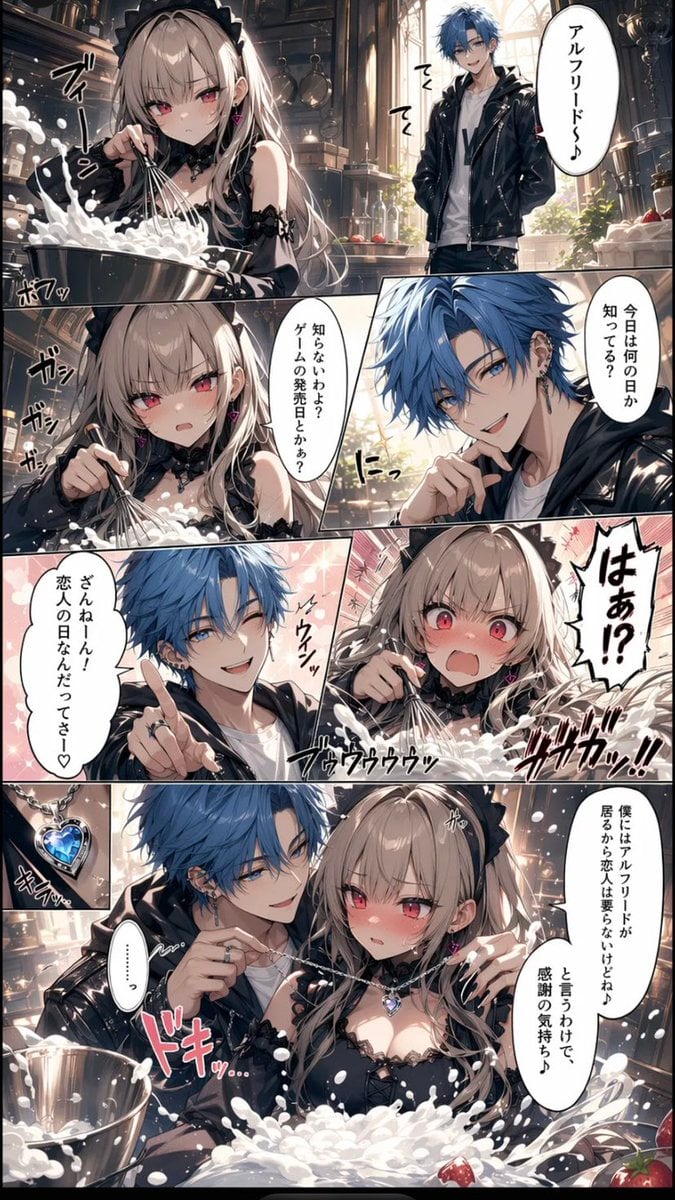
Generates a vertical Japanese romantic comedy manga page with seven panels, expressive anime characters, kitchen baking chaos, and a blue heart pendant gift scene.
- Prompt included
- Model and format preset
- Free template
The prompt behind this image
Copy the exact prompt behind Romance Manga Kitchen Pendant Scene, or open it in the studio and make it yours.
Goal: Create a vertical Japanese romance manga page in glossy AI-anime style about a goth-lolita girl making whipped cream in a luxurious kitchen while her blue-haired boyfriend reminds her it is Lovers' Day and gives her a heart pendant. Canvas: Tall smartphone manga page, 9:16 aspect ratio, full-bleed art with thin black panel gutters. Use high-detail lighting, cinematic depth, ornate European kitchen background with copper pots, shelves, tall arched sunlit windows, strawberries, metal mixing bowls, and splashes of white whipped cream. Characters: Female lead is {argument name="female character name" default="a pale goth-lolita girl"}: long ash-blonde hair, black frilled maid/lolita headband, red-pink eyes, black lace choker, black off-shoulder frilly dress, small pink heart earrings, expressive blush. Male lead is {argument name="male character name" default="Alfreed"}: messy vivid blue hair, cool boyfriend vibe, white T-shirt, black leather jacket, dark pants, wearing or holding a silver necklace with a blue heart pendant. Keep faces attractive anime style. Layout: Use exactly 7 distinct comic panels. Panel 1 is a wide top panel showing the girl vigorously whisking whipped cream in a metal bowl on the left while the boyfriend stands in the sunlit kitchen on the right. Panel 2 is a left middle panel close-up of the girl whisking with intense focus. Panel 3 is a right middle close-up of the boyfriend speaking with his hand near his mouth. Panel 4 is a lower-left romantic close-up of the boyfriend pointing upward with sparkling pink background. Panel 5 is a lower-right close-up of the shocked girl with wide red eyes, flushed cheeks, open mouth, and whipped cream splashing. Panel 6 is a small bottom-left inset showing a blue heart pendant necklace sparkling in close-up. Panel 7 is a large bottom panel showing the boyfriend standing close behind the girl and putting the blue heart pendant necklace around her neck while she blushes shyly in front of the whipped cream bowl. Text content: Include exactly 7 speech bubbles with Japanese text: 1) top panel, boyfriend bubble: {argument name="calling text" default="アルフリード〜♪"}; 2) middle-right panel: {argument name="question text" default="今日は何の日か知ってる?"}; 3) middle-left panel, girl bubble: "知らないわよ?ゲームの発売日とかぁ?"; 4) lower-left panel, boyfriend bubble: {argument name="lovers day line" default="ざんねーん!恋人の日なんだってさー♡"}; 5) lower-right panel, large jagged reaction bubble: "はぁ!?"; 6) bottom panel, boyfriend bubble: "僕にはアルフリードが居るから恋人は要らないけどね♪と言うわけで、感謝の気持ち♪"; 7) bottom-left/bottom panel small bubble: "………". Sound effects: Add energetic Japanese manga SFX around the action: whisking sounds near the bowl such as "ブィーン", "ポワッ", "ガシガシガシ", cream splash sounds like "ブゥウウウッ" and "ブッガッ!!", sparkle around the pendant "キラッ", heartbeat text near the bottom "ドキッ…". Use hand-drawn black or pink manga lettering integrated into the panels. Visual style: Highly polished modern Japanese web manga, dramatic lighting, sharp linework, saturated eyes, soft bloom, reflective metal, detailed whipped cream foam and splashes. Romantic comedy tone with exaggerated expressions and sparkly shoujo effects. Preserve clean panel readability despite dynamic action. Constraints: Do not add extra panels, extra characters, watermarks, logos, or English dialogue. Keep the necklace pendant visibly blue and heart-shaped. Keep the kitchen background consistent across panels.
How to use Romance Manga Kitchen Pendant Scene in 3 steps
- 1Upload ImagePNG, JPG or paste
Add your photo
Upload the photo the template builds on. The prompt, model and format are already set.
- 2…a portrait of your subject in softgolden-hour light, 85mm…
Personalize
Edit the subject and creative details for your destination.
- 3Generate
Generate
Press Generate — your image is created in PicX Studio, so you can compare it with the original and refine one variable at a time.
More like this
Templates with the same subject, style or setup. Open one to see its prompt.









Make it yours
Romance Manga Kitchen Pendant Scene works as-is. These are the safest ways to change it without losing the look.
Change one field
Copy a single group, rewrite it, and generate again so you can see what that field is doing.
Keep the frame, change the subject
Hold the composition and light of Romance Manga Kitchen Pendant Scene, then swap wardrobe, props or the person for a new take.
| If the result… | Why | Fix |
|---|---|---|
| The result drifts from the preview | Too many fields changed at once. | Reuse Romance Manga Kitchen Pendant Scene as-is first, then change one group — subject, light, or setting. |
| The model over-stylizes the scene | The prose prompt leaves finish and camera underspecified. | Add one camera or lighting sentence and stay on GPT Image 2. |
More GPT Image 2 templates
Other prompts made for GPT Image 2.

Six VTuber Japanese Logo Sheet

Realistic Portrait of Woman and Deer

The Vista Modular Condo Poster

AI Model Routing Comparison Infographic

2.5D Anime Art Board

Isometric Productivity Desk Scene

New York Double Exposure Poster

Four-Panel AI Landscape Comparison

Japanese Tatami Lifestyle Magazine Cover

NESCAFÉ Coffee Map Poster
More image prompts
Fresh picks from across the catalog.

Dynamic Perspective Flat Vector Illustration
Wafuku Modern Fashion Poster
Carbon Fiber Typography
Anime Style Infographic Catalog
Anime Character Creation Prompt
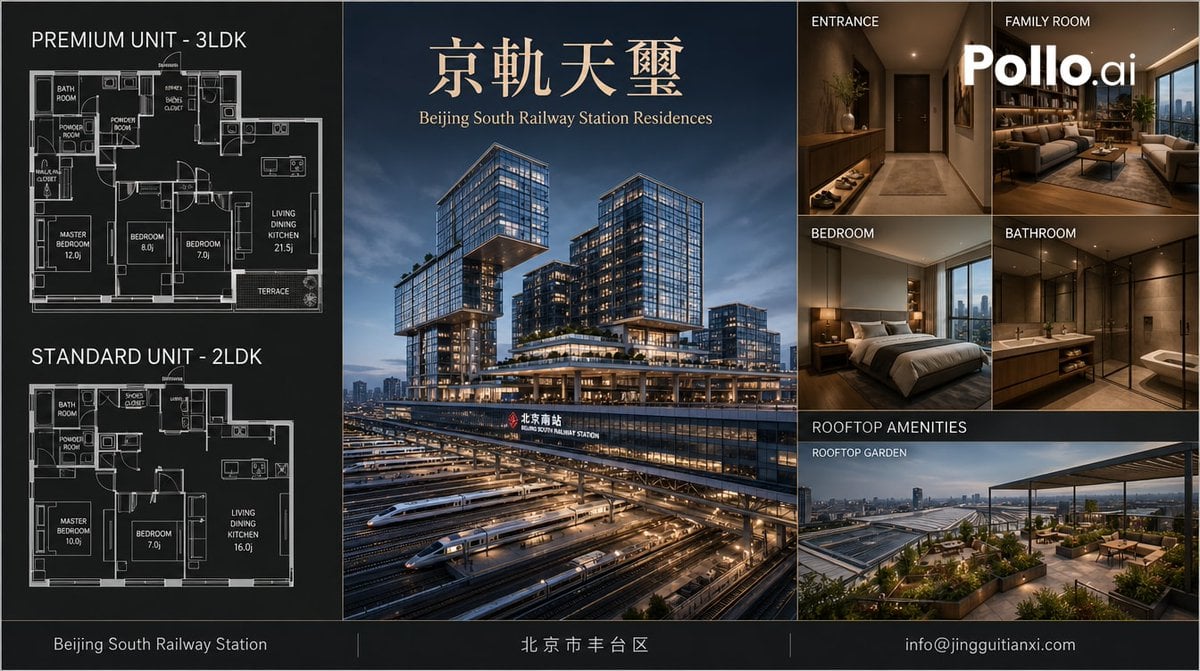
Luxury Beijing Apartment Brochure
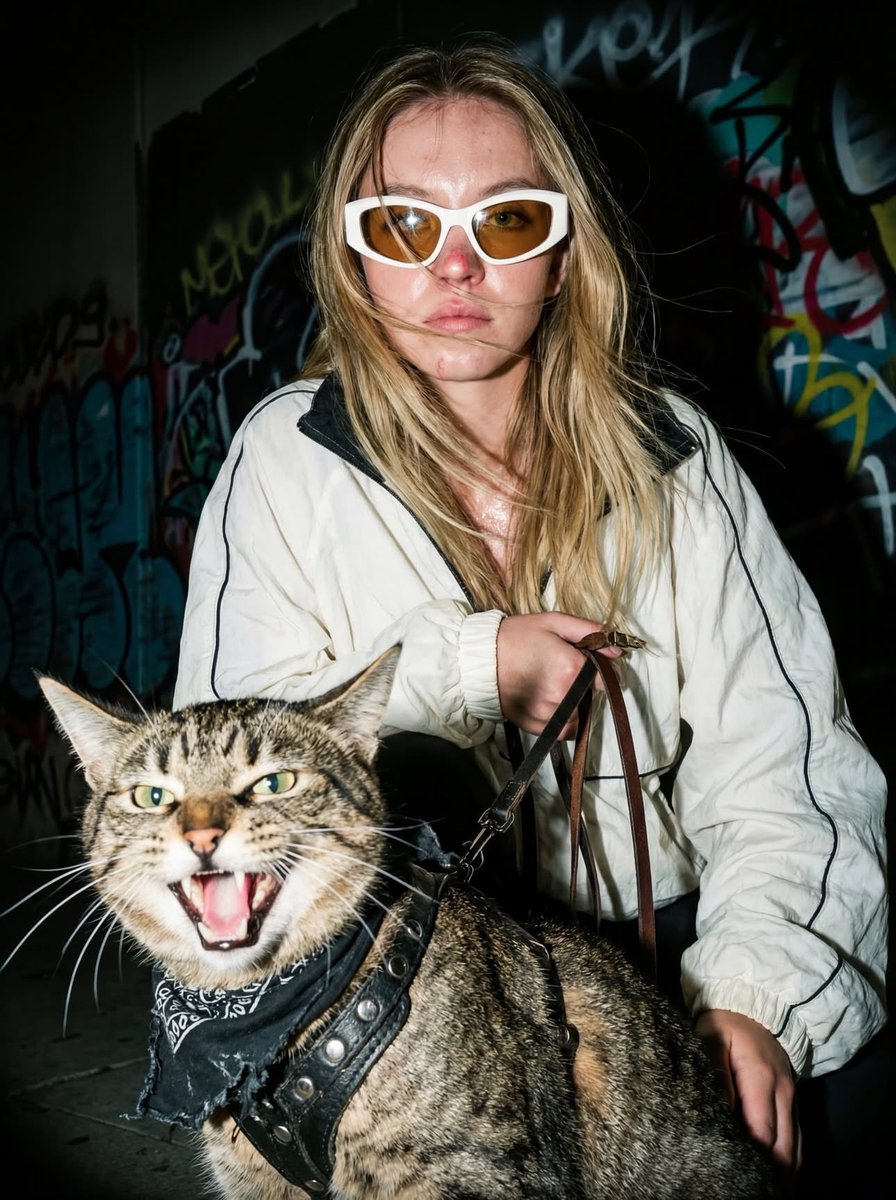
Edgy Flash Photography Portrait with Cat
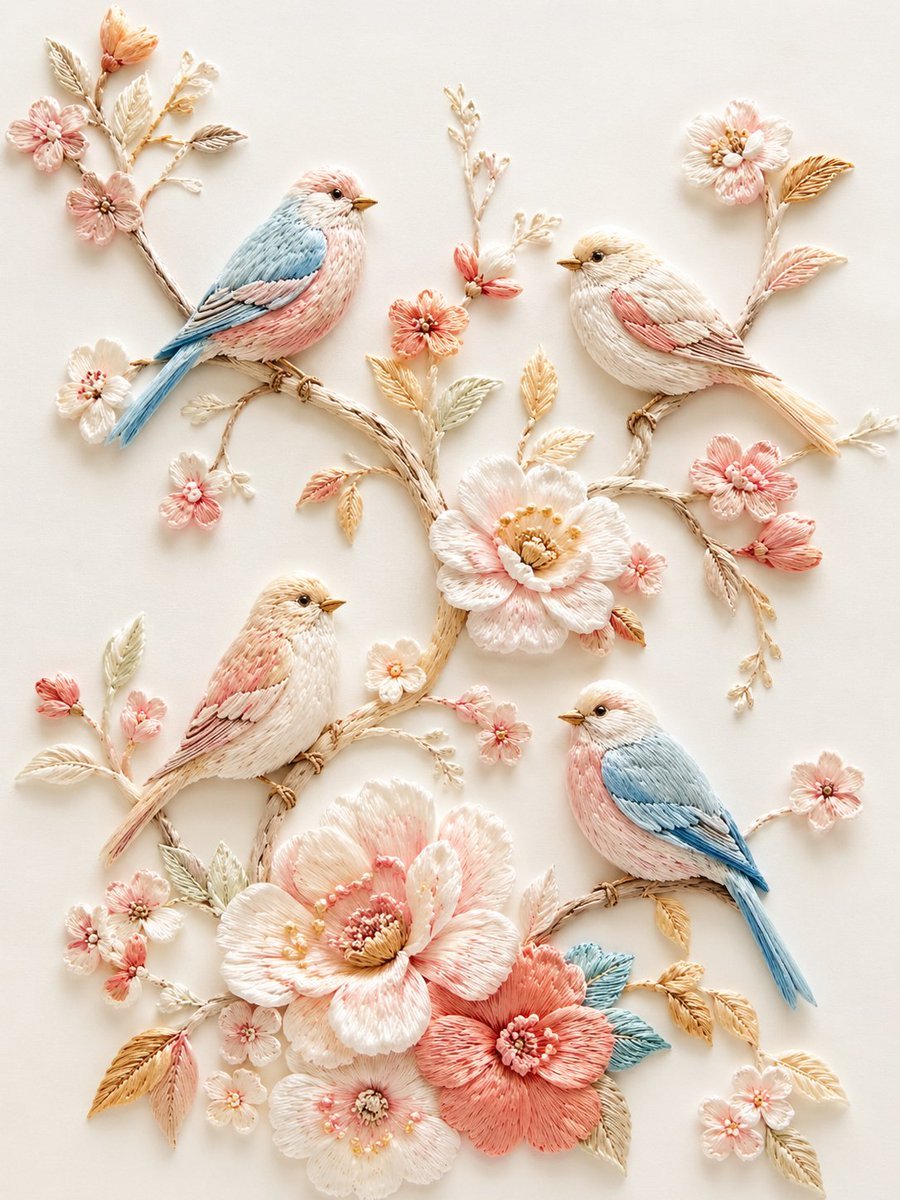
Exquisite Relief Embroidery Illustration
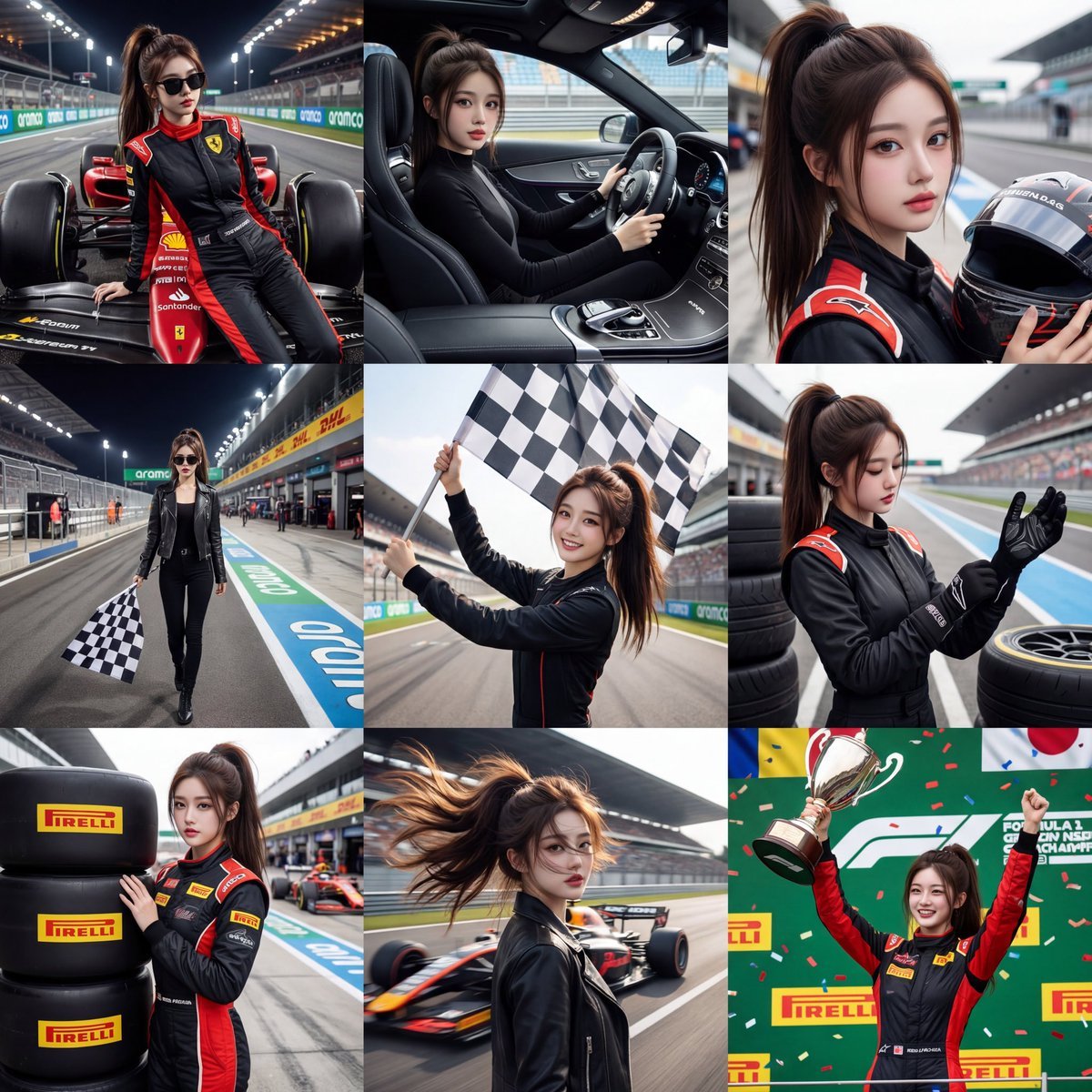
3x3 Motorsport Glamour Photo Collage
Zen Mode Editorial Magazine Cover
Browse template categories
Romance Manga Kitchen Pendant Scene questions
How do I use the Romance Manga Kitchen Pendant Scene template?
Add your photo if the template asks for one, edit the prompt if you like — the template's model and format are already selected — and press Generate. Your version opens in PicX Studio.
Can I customize the Romance Manga Kitchen Pendant Scene template?
Yes. You can change the subject, setting, lighting, mood, format, and available model controls before creating your image.
Is the Romance Manga Kitchen Pendant Scene template free?
Opening and editing this template is free. Generating uses credits, shown on the Generate button when you are signed in.
Which AI model should I use?
Start with GPT Image 2, which is the model associated with this template. You can compare another compatible model for a different finish.
Looking for something else? Browse all templates.

Your photo, any look
Thousands of ready templates for every top image and video model, from one credit balance.